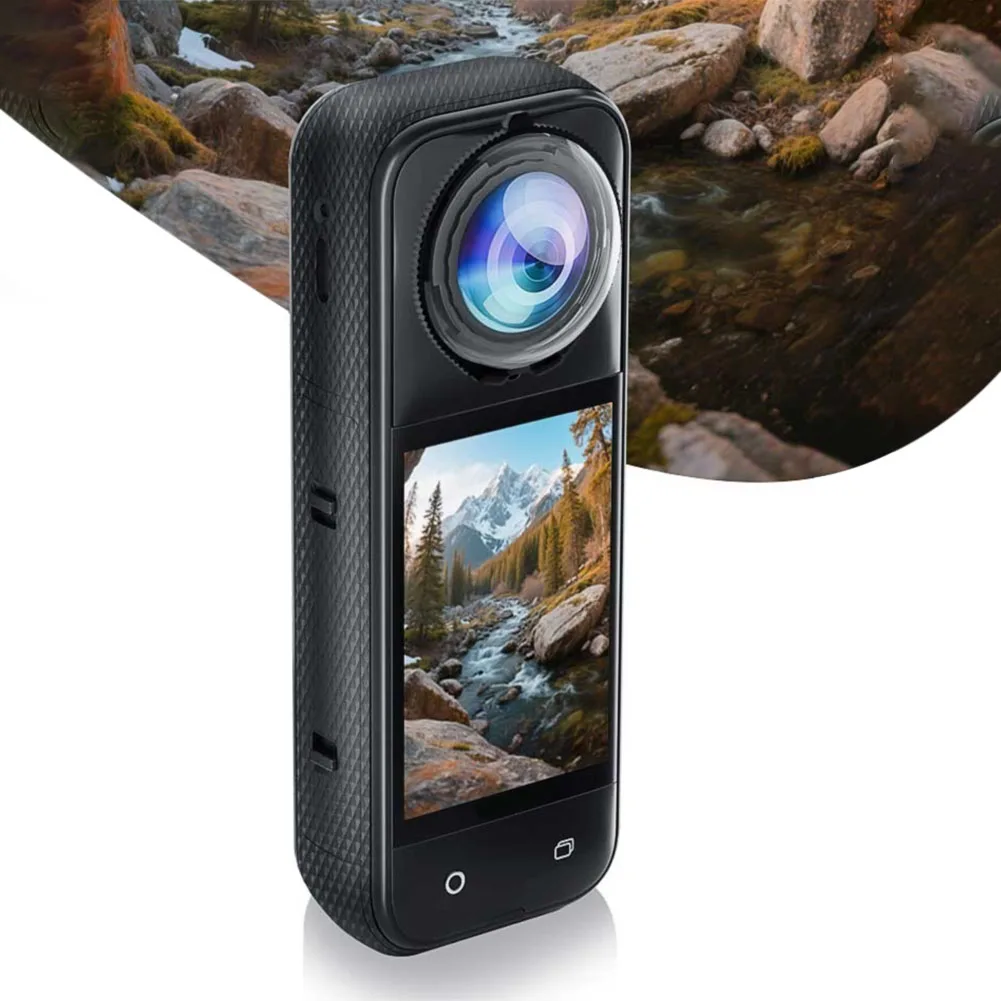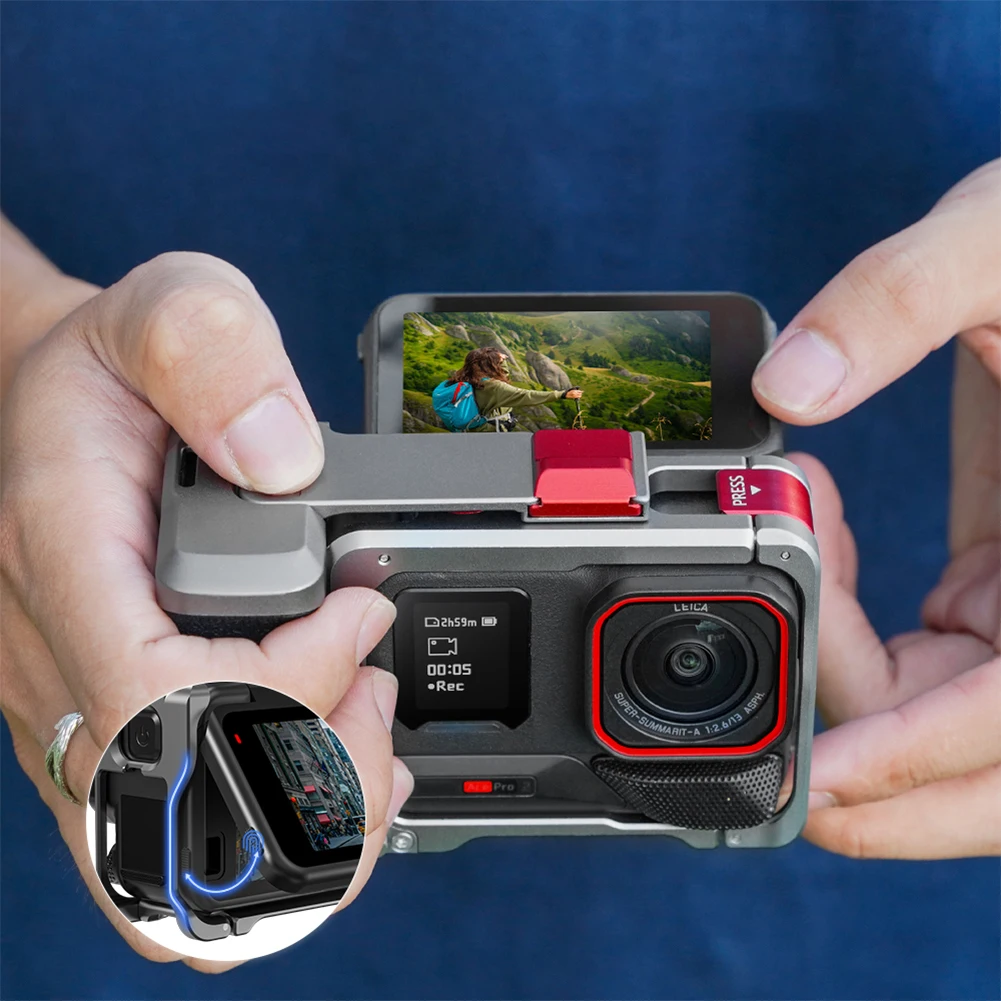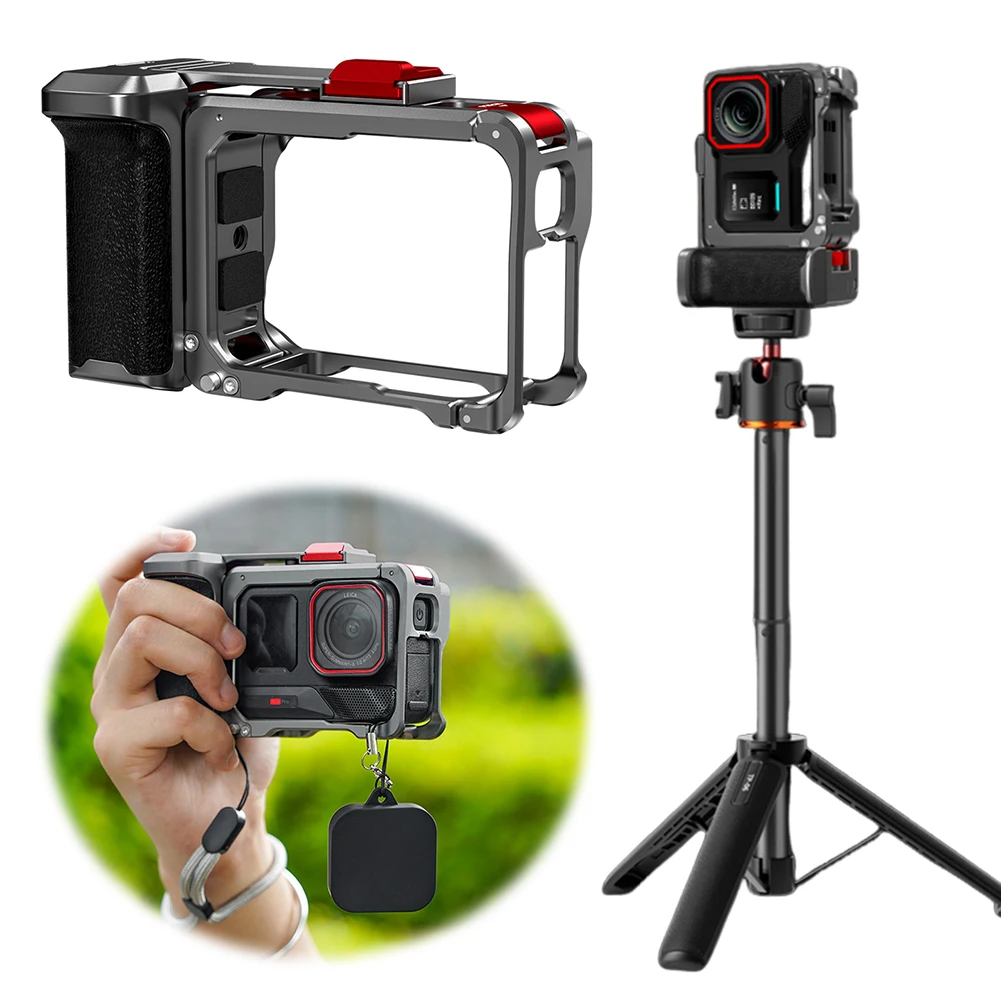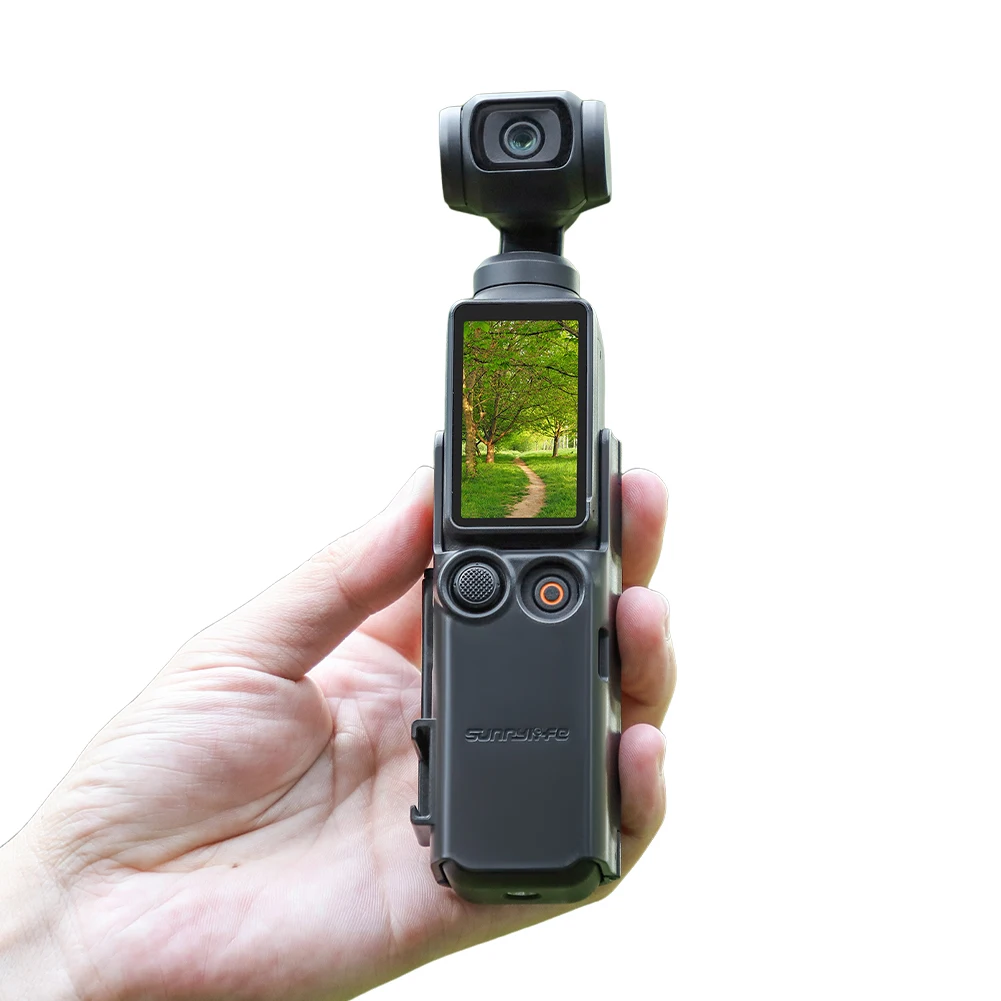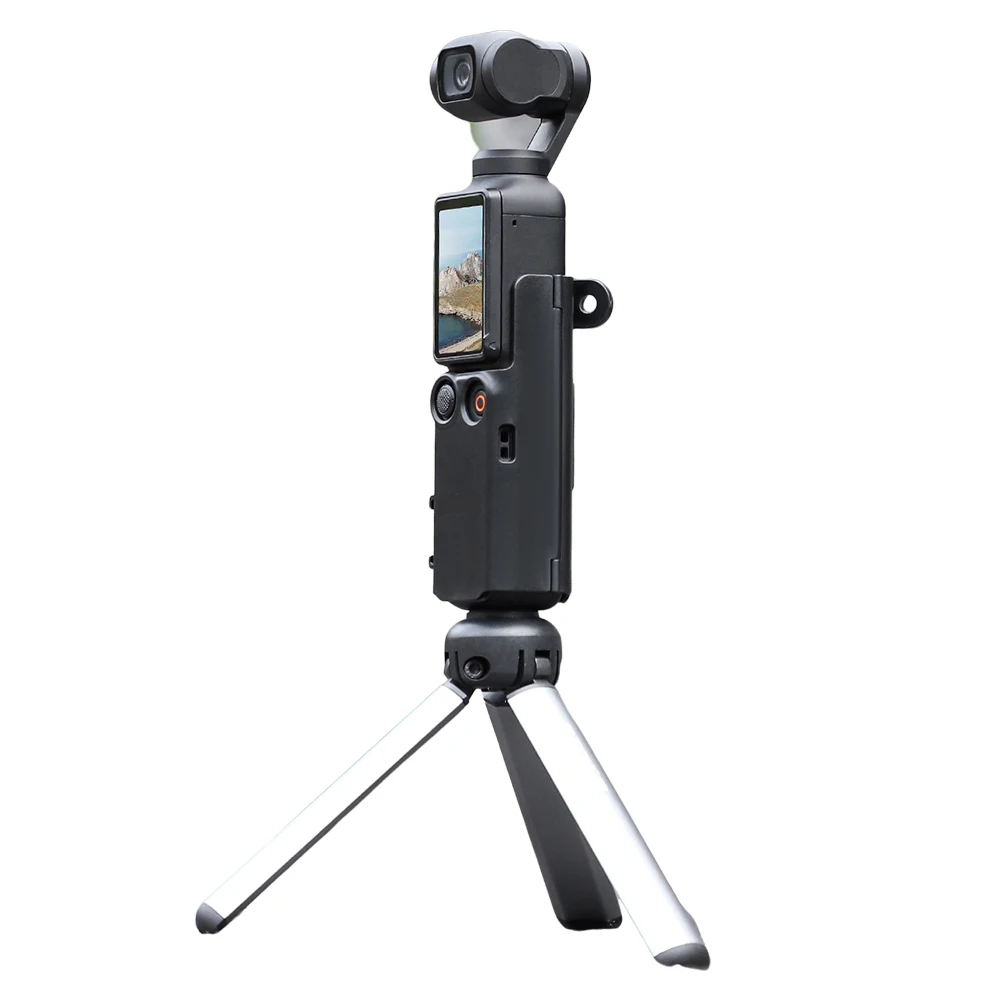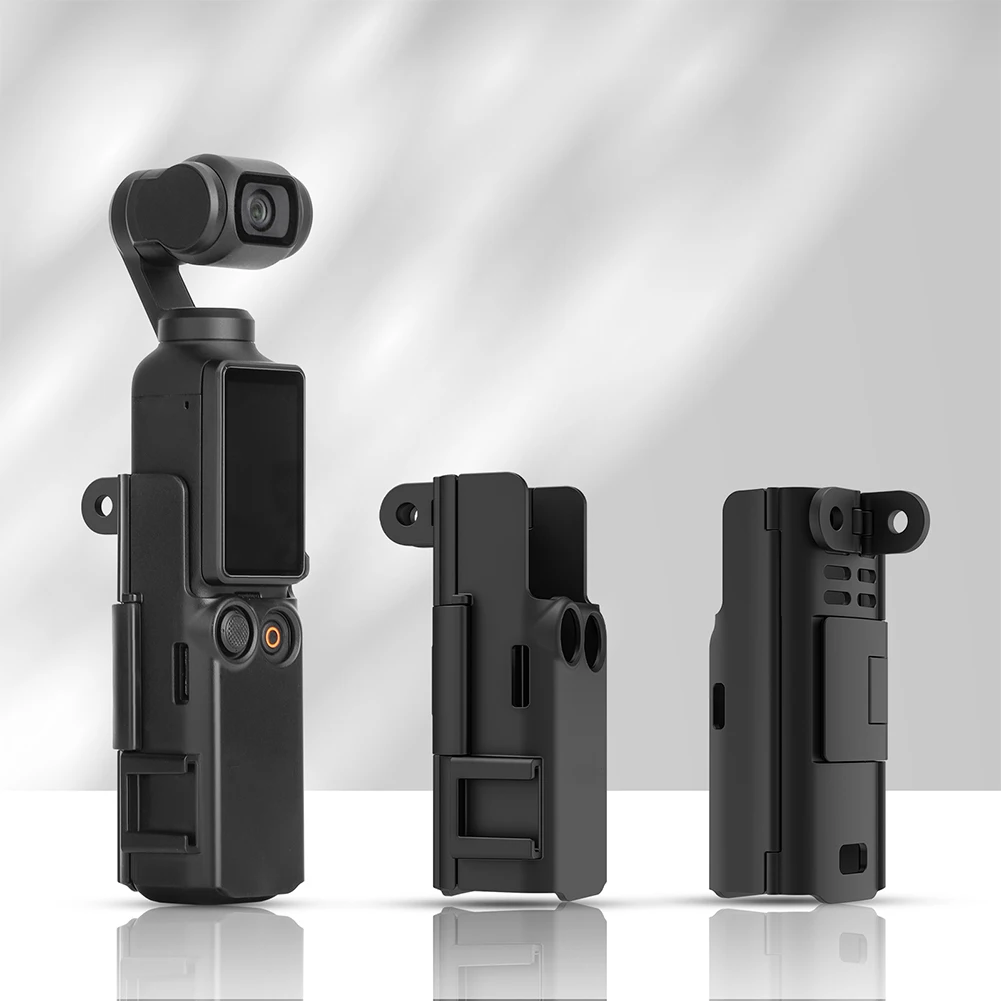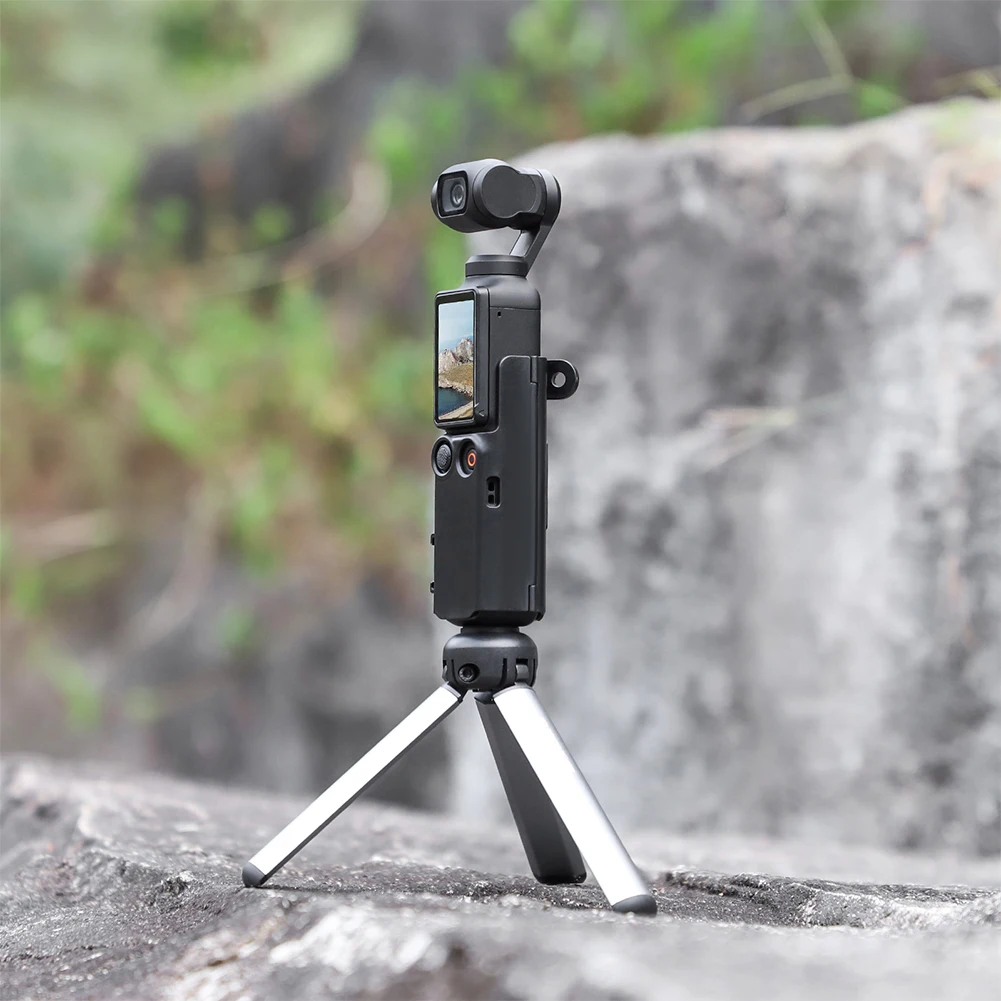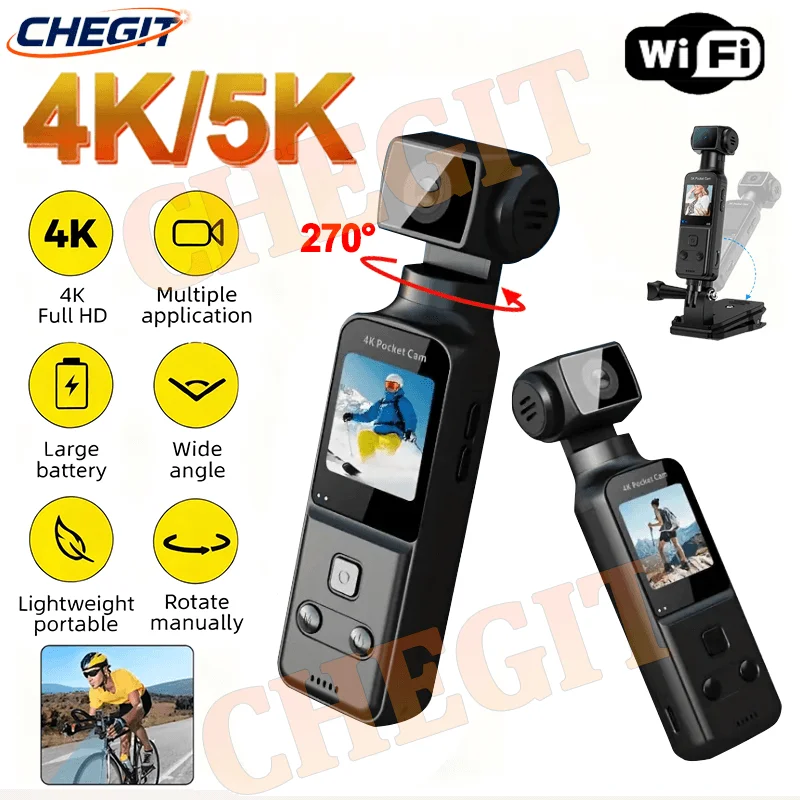
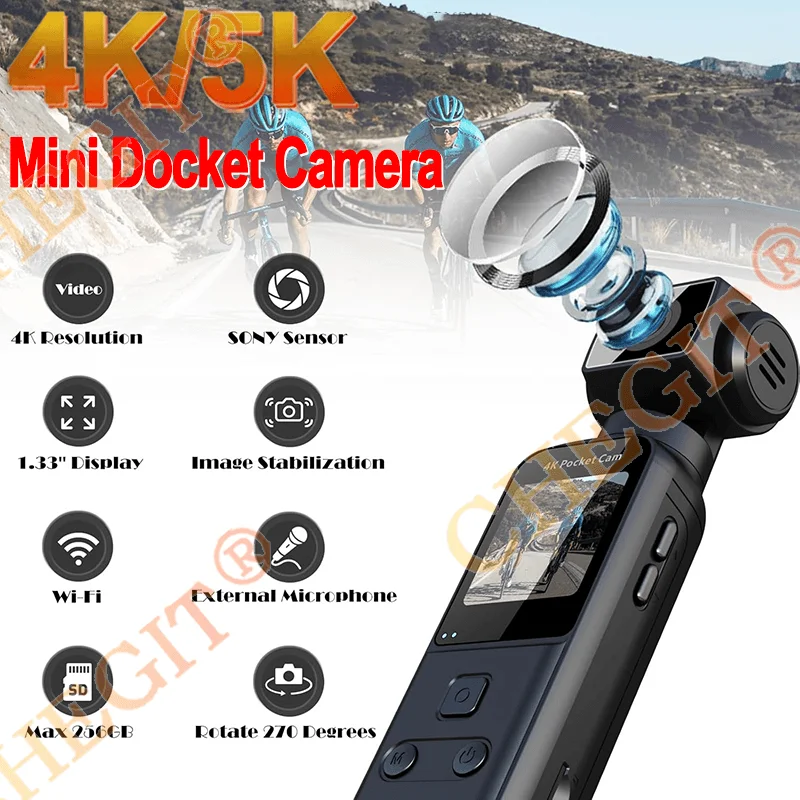
1.33" Screen 270° Rotatable 5K WiFi UHD Camera Anti shake Portable pocke Outdoor Sports DV 4K Video Recorder Camcorder Cam
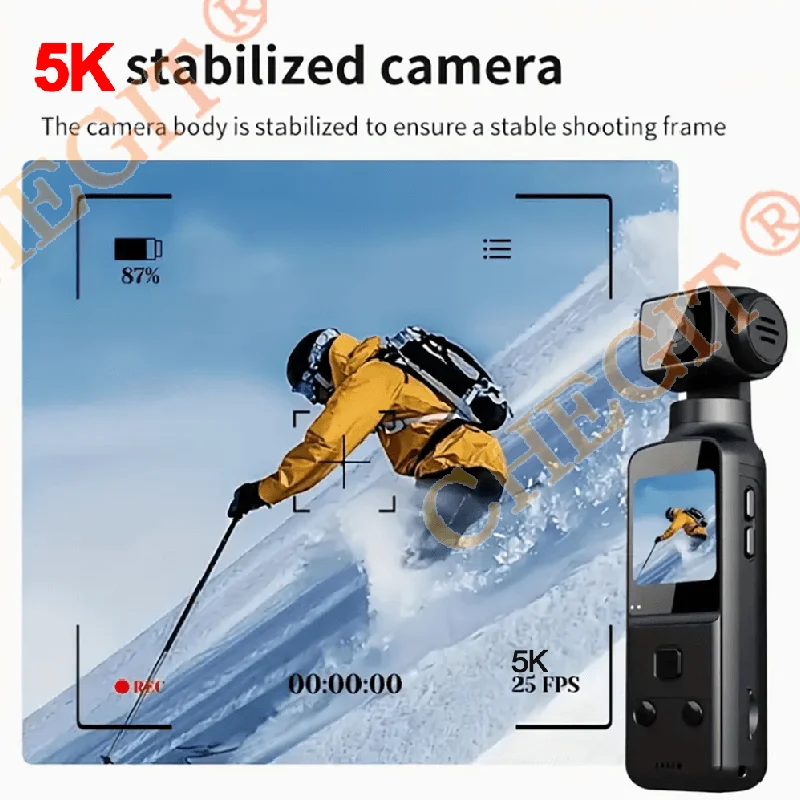
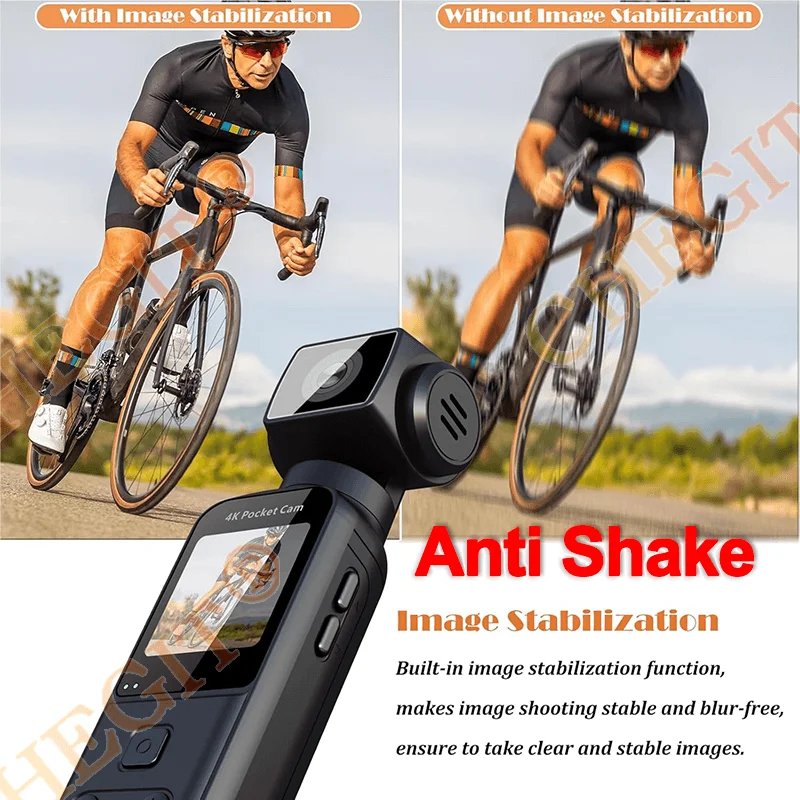
<p><br/><br/></p><br/><p><div class="detailmodule_media"><div class="video-container-5000312546071"><div class="detail-video" id="5000312546071" data-previewurl="https://ae01.alicdn.com/kf/S3727ad379812476d9548a92a1c6a86b3z.jpg"></div></div></div></p><br/><p><br/></p><div class="detailmodule_text"><p style="font-size:24px;font-weight:bold;color:rgb(0, 0, 0)">This product has a true 4K/5K lens,This product can be selected from 4K/5K,5K Upgrade Six Axis Anti Shake, and the pocket camera's small screen does not affect the size of the captured image. It can read real videos on mobile phones or computers.</p></div><div class="detailmodule_text"><p style="font-size:24px;font-weight:normal;color:rgb(255, 0, 0)">Q: Why does my 5K display show 4K resolution? How do I enable 5K?<br/><br/>A: 5K includes an additional EIS feature (6-axis stabilization). With stabilization enabled by default, the device defaults to 4K resolution. To switch to 5K mode, disable EIS in settings, then select 5K under resolution options.</p></div><div class="detailmodule_image"></div><div class="detailmodule_image"></div><div class="detailmodule_image"></div><div class="detailmodule_text"><p style="font-size:24px;font-weight:normal;color:rgb(255, 0, 0)">*The 5K model defaults to anti-shake mode, indicated by the anti-shake icon in the bottom-left corner of the screen. When anti-shake is enabled, the display defaults to 4K resolution. Disabling anti-shake allows adjustment to 5K resolution.</p></div><p><br/></p><p><br/></p><br/>
$144.17
$73.085
- Category : Consumer Electronics
- Brand : global_car_accessories_factory_store Global Car Accessories Factory Store
Colors
Sizes
-
+

<p><br/><br/></p><br/><p><div class="detailmodule_media"><div class="video-container-5000312546071"><div class="detail-video" id="5000312546071" data-previewurl="https://ae01.alicdn.com/kf/S3727ad379812476d9548a92a1c6a86b3z.jpg"></div></div></div></p><br/><p><br/></p><div class="detailmodule_text"><p style="font-size:24px;font-weight:bold;color:rgb(0, 0, 0)">This product has a true 4K/5K lens,This product can be selected from 4K/5K,5K Upgrade Six Axis Anti Shake, and the pocket camera's small screen does not affect the size of the captured image. It can read real videos on mobile phones or computers.</p></div><div class="detailmodule_text"><p style="font-size:24px;font-weight:normal;color:rgb(255, 0, 0)">Q: Why does my 5K display show 4K resolution? How do I enable 5K?<br/><br/>A: 5K includes an additional EIS feature (6-axis stabilization). With stabilization enabled by default, the device defaults to 4K resolution. To switch to 5K mode, disable EIS in settings, then select 5K under resolution options.</p></div><div class="detailmodule_image"></div><div class="detailmodule_image"></div><div class="detailmodule_image"></div><div class="detailmodule_text"><p style="font-size:24px;font-weight:normal;color:rgb(255, 0, 0)">*The 5K model defaults to anti-shake mode, indicated by the anti-shake icon in the bottom-left corner of the screen. When anti-shake is enabled, the display defaults to 4K resolution. Disabling anti-shake allows adjustment to 5K resolution.</p></div><p><br/></p><p><br/></p><br/>
Related Product
Browse The Collection of Top Products.