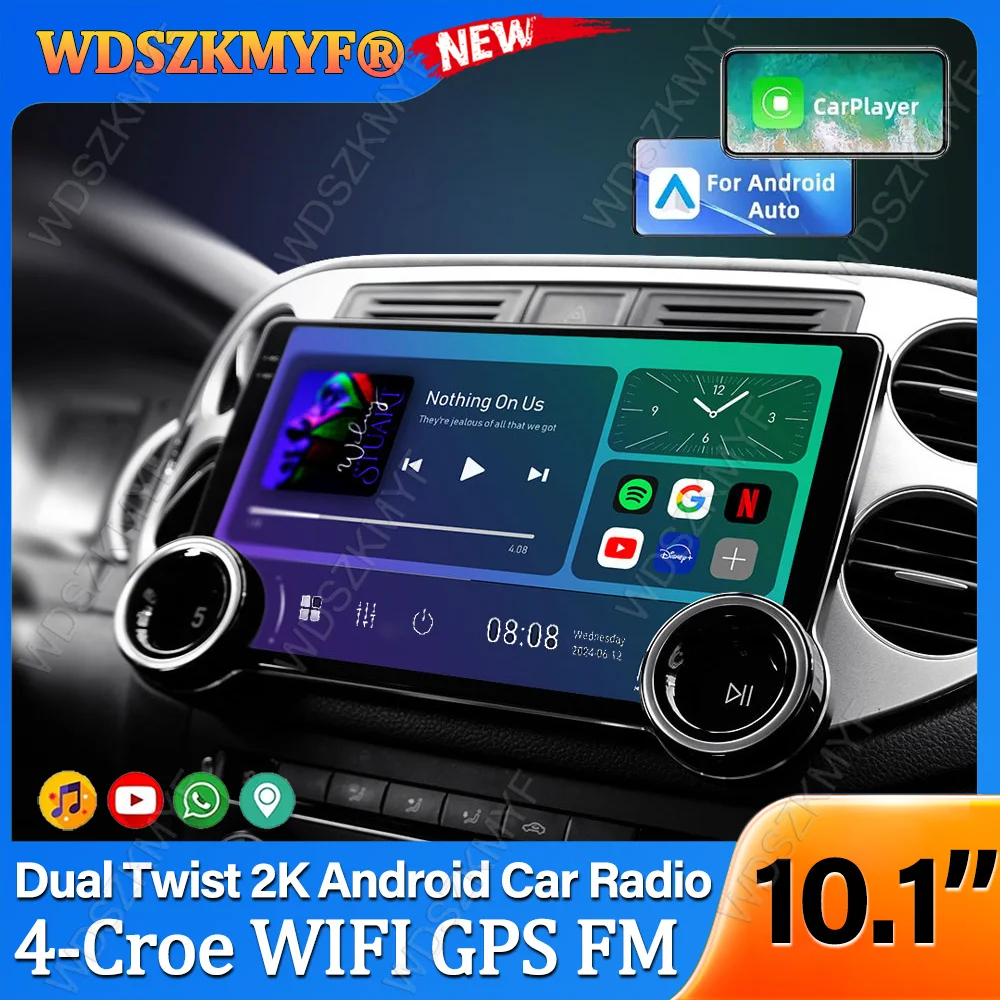
10.1inch Multimedia Player Universal Intelligent Systems 4Core Android13 GPS Car Radio Android Auto Wireless CarPlay Head Unit
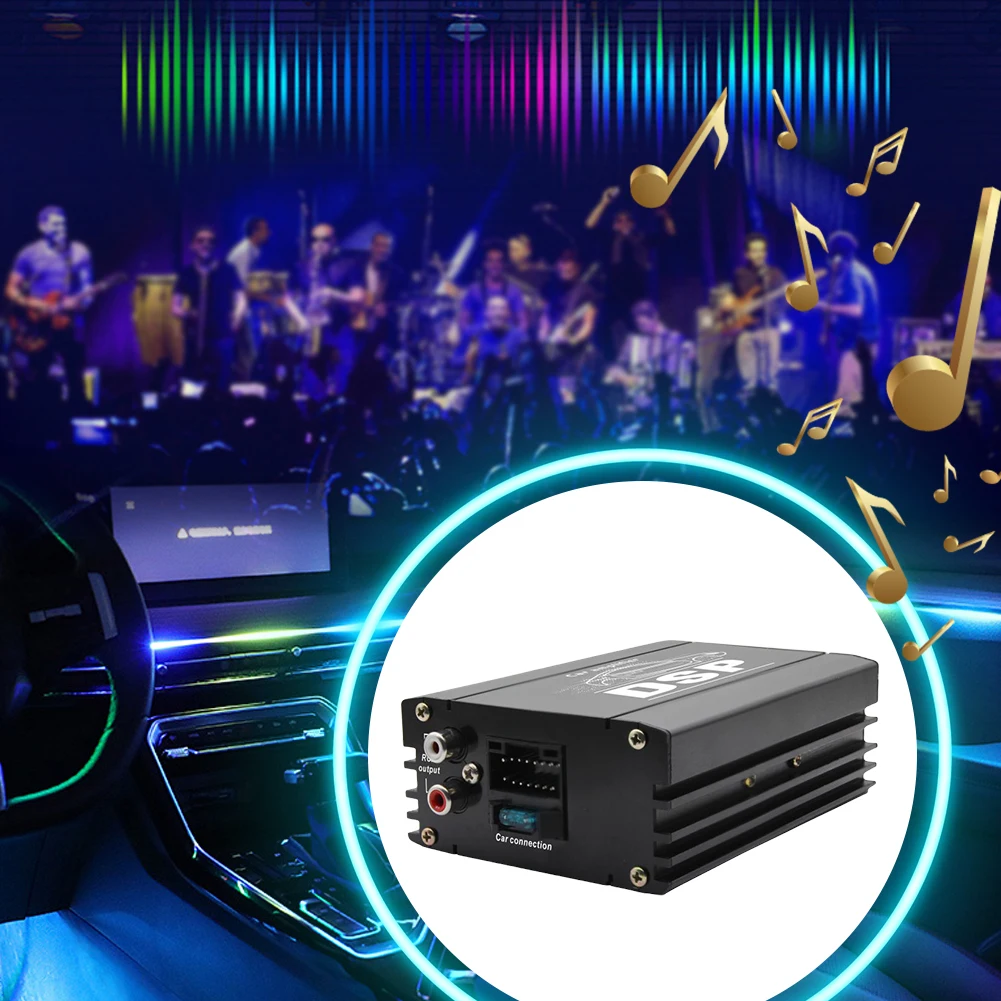
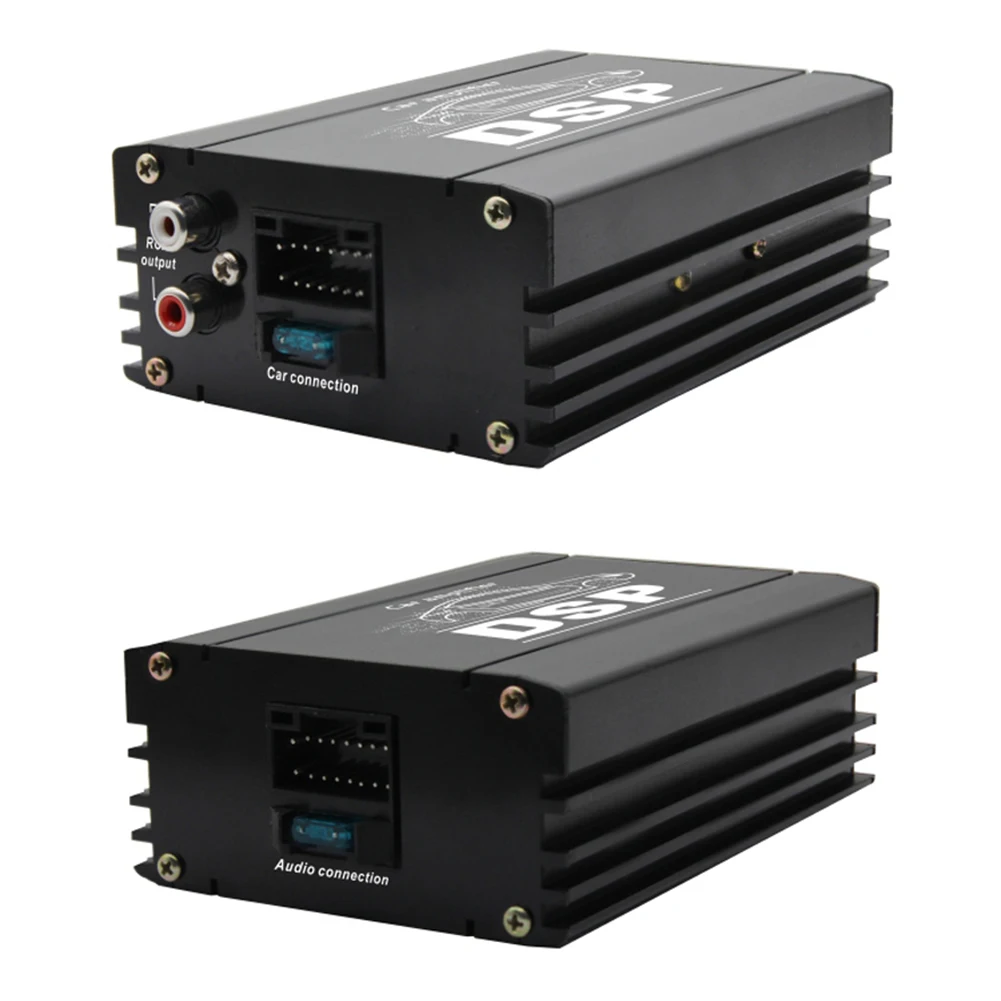
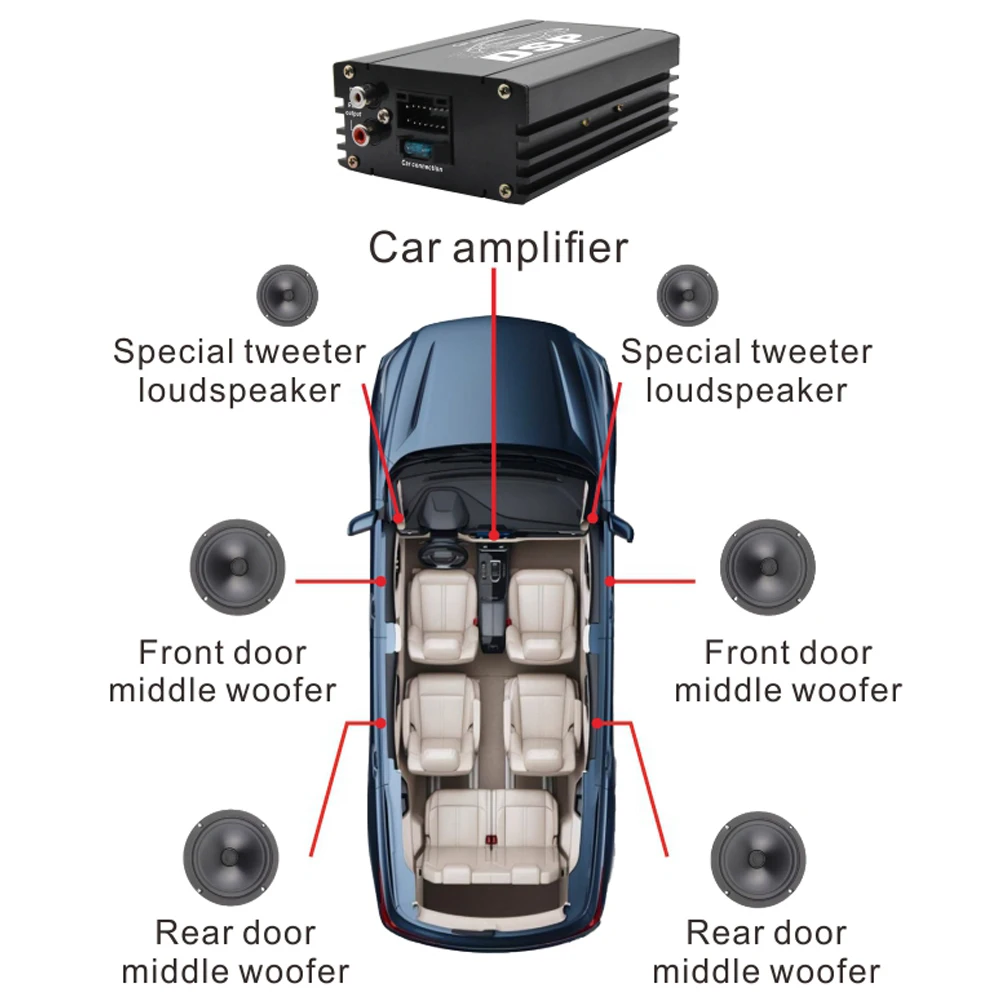
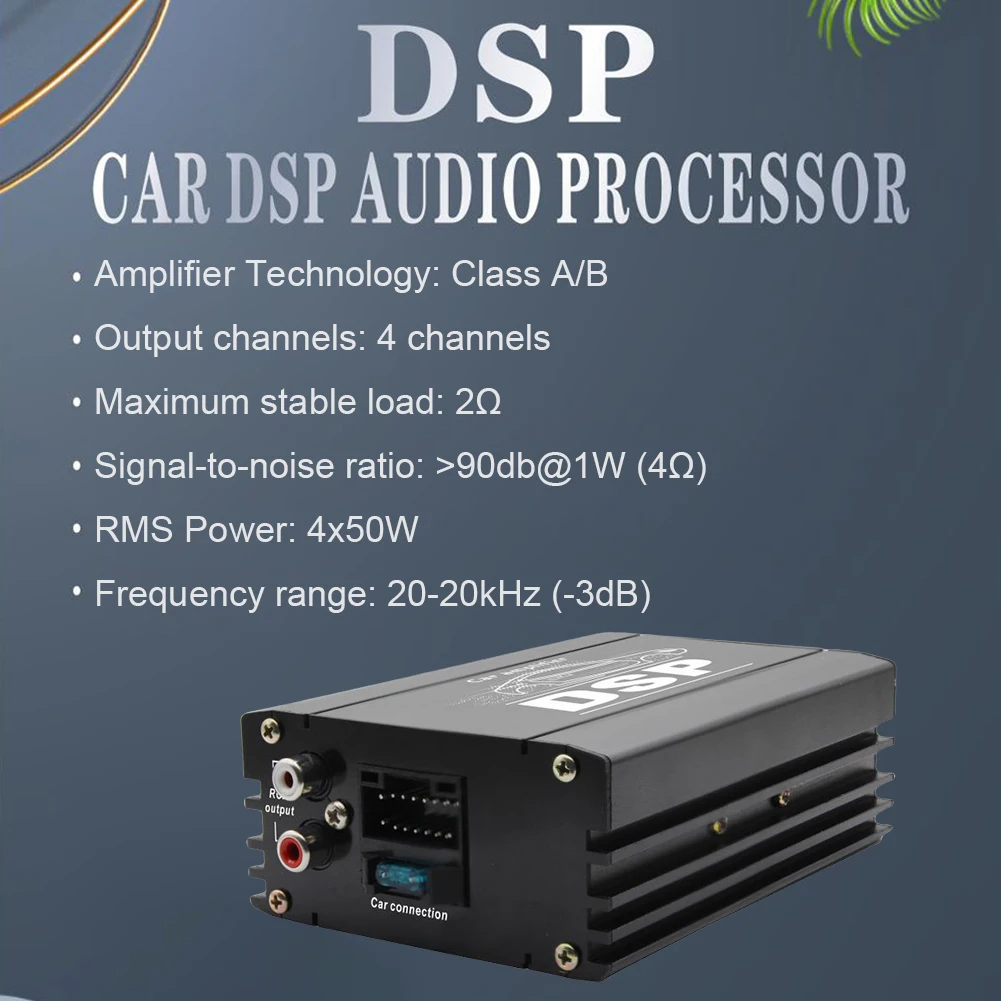
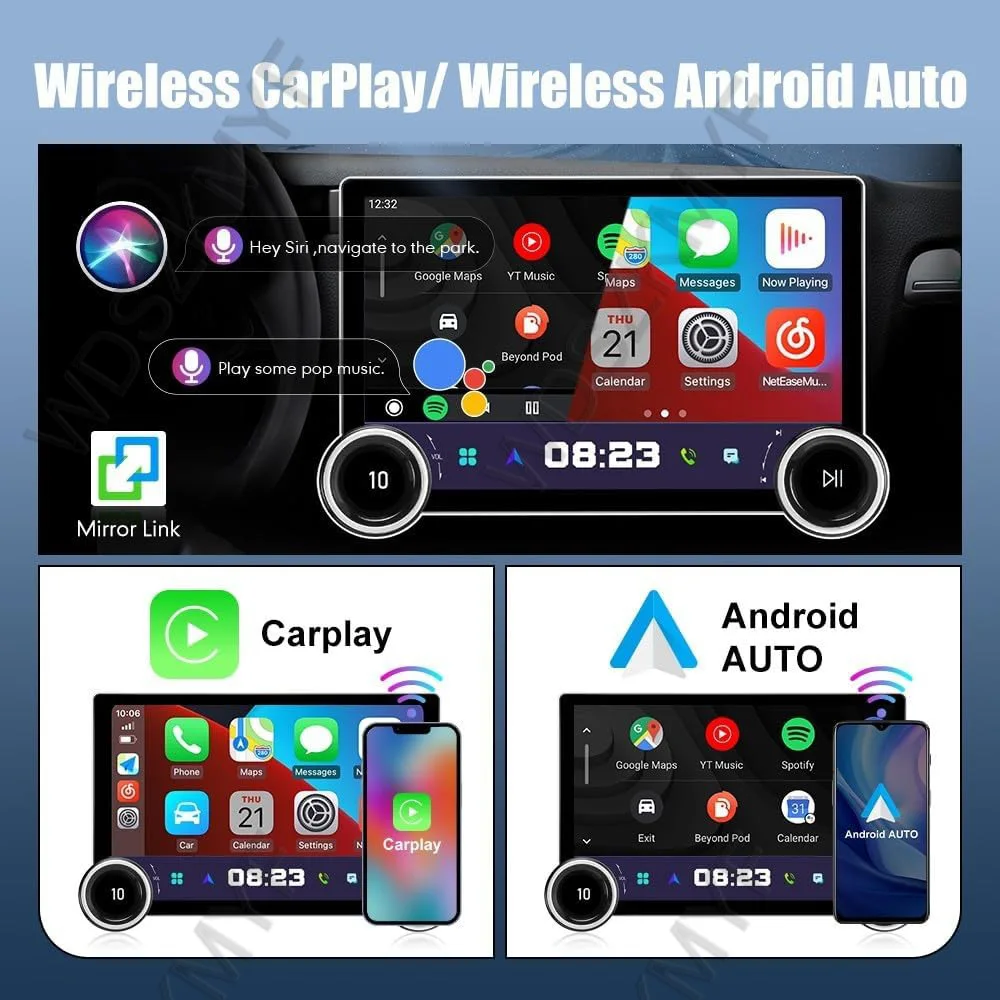
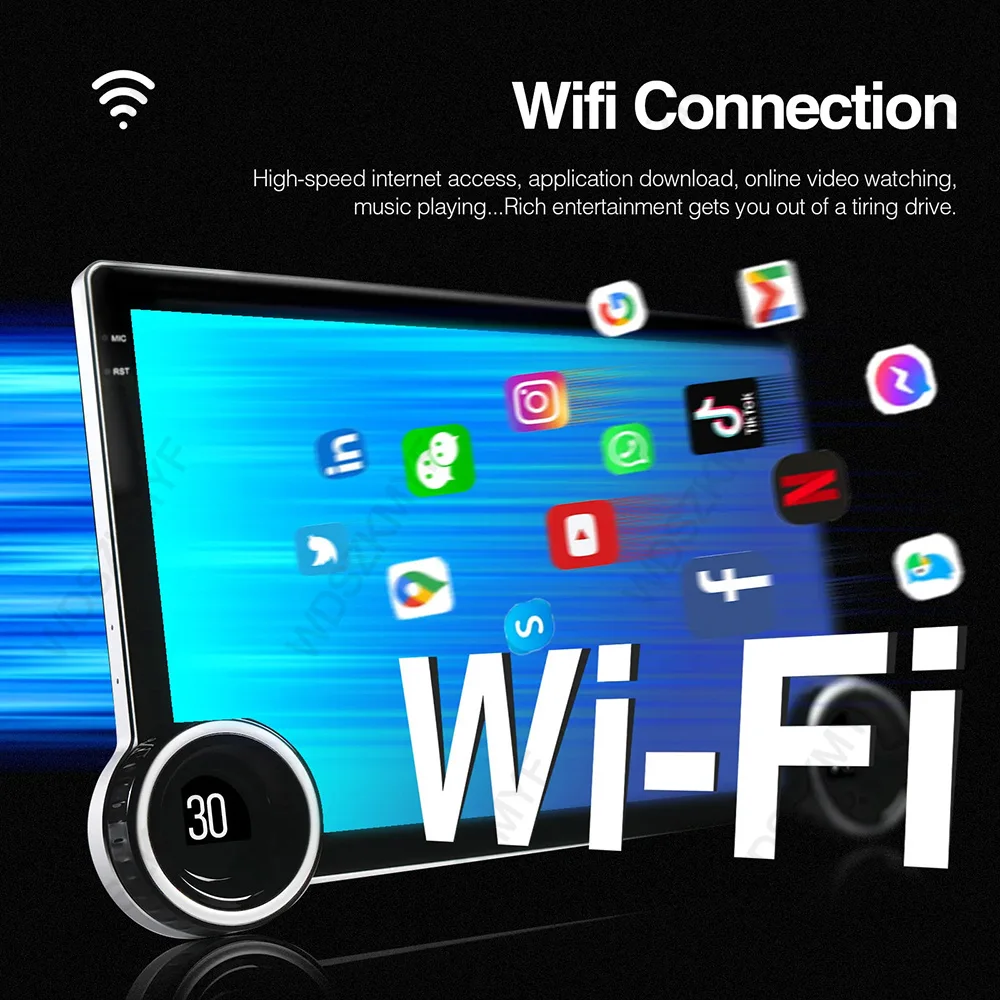
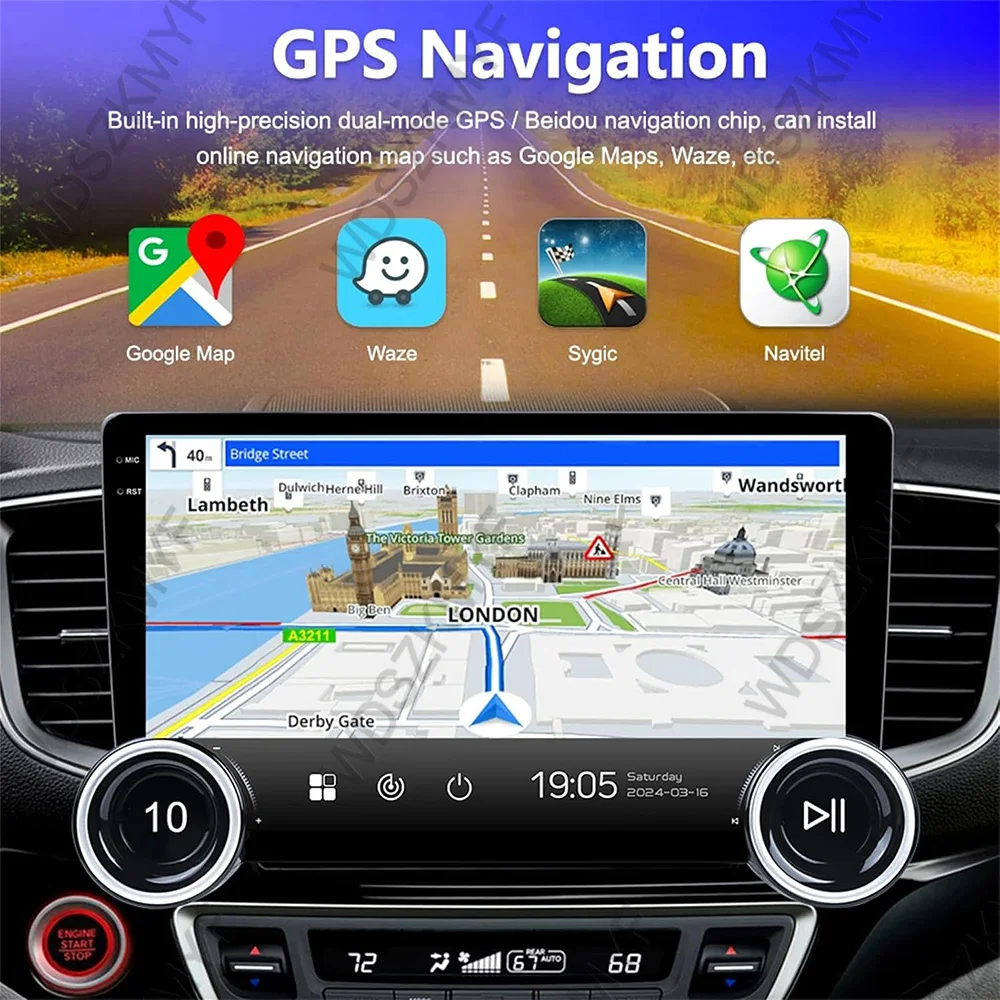
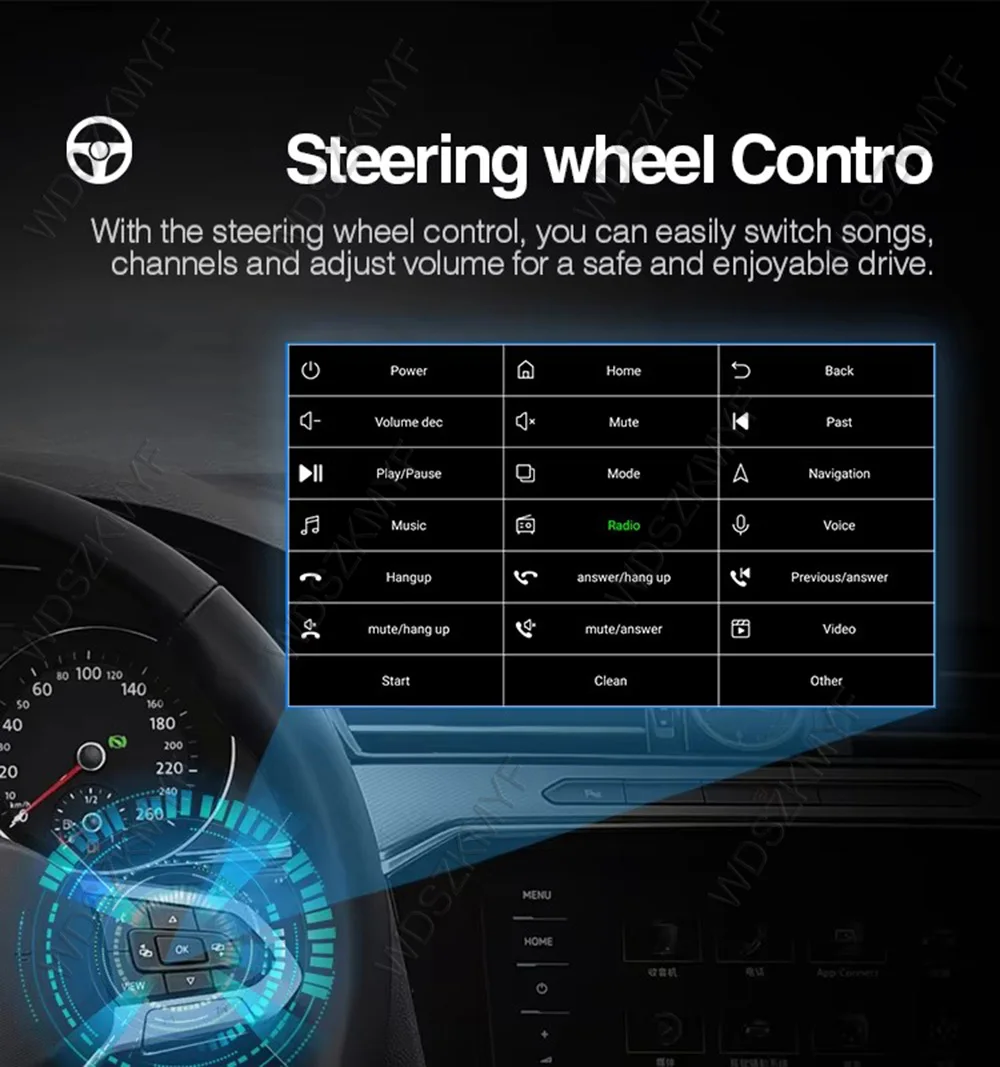
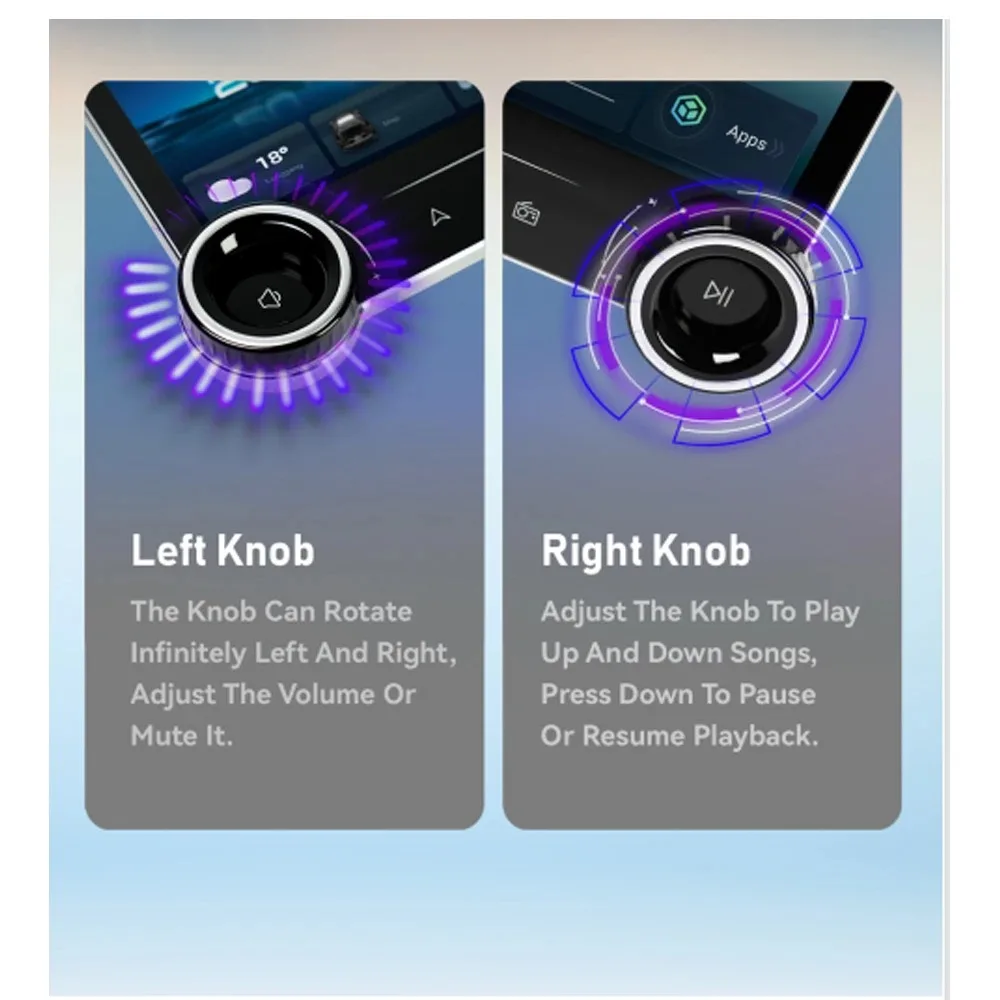
<p><br/></p><div class="detailmodule_text"><p style="font-size:24px">Please note that we have two configurations available:</p><p style="font-size:28px">⭐X165 without carplay and Android Auto function.<br/>⭐ X166 with wireless carplay and Android Auto.<br/><br/>We recommend shopping for the X166 to get a better configuration!</p></div><div class="detailmodule_image"></div><div class="detailmodule_text"><p style="font-size:24px;color:rgb(255, 0, 0)">The back of this product is suitable for 9-inch frame universal, complimentary 10-inch frame, other models are not 9/10-inch frame buyers can buy the corresponding model of the 9-inch frame DIY installation!</p></div><br/><p><div class="detailmodule_media"><div class="video-container-5000225356733"><div class="detail-video" id="5000225356733" data-previewurl="https://ae01.alicdn.com/kf/S70acac3a06f049e3b88c721b9ad311b81.jpg"></div></div></div></p><br/><div class="detailmodule_text"><p style="font-size:24px">𝟐𝟎𝟐5 𝐍𝐞𝐰𝐞𝐬𝐭 𝐃𝐮𝐚𝐥 𝐊𝐧𝐨𝐛 𝐃𝐞𝐬𝐢𝐠𝐧: Enjoy a safer and more intuitive driving experience with physical knobs that provide excellent tactile feedback for quick volume adjustments and menu navigation, complemented by a high-end 10.1-inch display that enhances the interior and offers customizable access to your favorite apps.<br/><br/><br/>𝐖𝐢𝐝𝐞 𝐂𝐨𝐦𝐩𝐚𝐭𝐢𝐛𝐢𝐥𝐢𝐭𝐲: Suitable for cars, trucks, and other vehicles with a 2 din stereo radio. It also fits most aftermarket dash kits. With 2+32GB /4+64GB of memory and a 4-core configuration, it delivers high performance, outperforming most factory units.<br/><br/><br/>𝐒𝐭𝐲𝐥𝐢𝐬𝐡 𝟏𝟎.𝟏-𝐢𝐧𝐜𝐡 𝐓𝐨𝐮𝐜𝐡 𝐒𝐜𝐫𝐞𝐞𝐧 & 𝟐𝐊 𝐇𝐃 𝐃𝐢𝐬𝐩𝐥𝐚𝐲: The system features a 10.1-inch QLED display with a 2000*1200 resolution for sharp, vibrant images. The anti-reflective coating reduces glare, enhancing picture detail. The customizable main page allows quick access to frequently used apps and shortcuts based on your driving preferences.<br/><br/><br/>𝐖𝐢𝐫𝐞𝐥𝐞𝐬𝐬 𝐂𝐚𝐫𝐏𝐥𝐚𝐲 & 𝐀𝐧𝐝𝐫𝐨𝐢𝐝 𝐀𝐮𝐭𝐨: Seamlessly integrate the user's experience on IOS or Android devices. Using a voice assistant can avoid distracting the driver, allowing the driver to do multiple things with his voice without taking his eyes off the road. more convenient and safe; Navigation, Video, Music, BT, Wifi, Steering wheel control(SWC).<br/><br/><br/>𝐏𝐨𝐰𝐞𝐫𝐟𝐮𝐥 𝐀𝐧𝐝𝐫𝐨𝐢𝐝 𝟏𝟑 𝐒𝐲𝐬𝐭𝐞𝐦 & 𝐅𝐌/𝐀𝐒𝐏/𝐃𝐒𝐏: Eunavi car stereo radio Powered by Android 13, the system connects your car to the internet, allowing for hands-free GPS navigation with apps like Waze and smart voice assistance. Enjoy superior audio with ASP&DSP for advanced sound tuning. Additionally, FM and ASP/DSP provide high-quality radio features and useful data updates.</p></div><div class="detailmodule_image"></div><div class="detailmodule_text"><p style="font-size:24px;font-weight:bold">Car Stereo Radio WiFi & GPS Navigation Function:</p></div><div class="detailmodule_text"><p style="font-size:24px">Support WiFi function, you can connect to WiFi hotspots to surf the Internet. Browsing the websites, forums and downloading more of your favorite apps from Google Play Store. Such as Google Map, YouTube, Facebook, Tik Tok etc., let you enjoy your driving trip!</p></div><div class="detailmodule_text"><p style="font-size:24px">You can download your favorite navigation software, online navigation are required to connect the phone to use, support offline navigation function, PS: offline navigation please download in advance.</p></div><div class="detailmodule_image"></div><div class="detailmodule_image"></div><div class="detailmodule_text"><p style="font-size:24px">How to use Wireless CarPlay/Android Auto?<br/>Steps1: Turn on the Bluetooth function on iPhone and Car Stereo, and then search to connect them to each other.<br/><br/>Steps2: Use Bluetooth to connect the mobile phone and car radio, and enter the password “0000”<br/><br/>Steps3: Enter the car Stereo application "T-Link" and select CarPlay on iPhone<br/><br/><br/>How to use Wired Android auto?<br/>Steps1: Please use the 6-pin USB adapter. after that, please installing "android auto" Apk into your android phone (some Android phones support built in Android Auto ).<br/><br/>Steps2: Connect to your mobile phone and radio through the original Android USB cable.<br/><br/>Steps3: Enter the Application "T-Link" and wait for it to automatically connect.How to operate the Split Screen?Click the page to enter the running application interface .Long press and Drag the APPlication to both sides of the ScreenHow to use the Wireless/wired Airplay Mirroring?Click on the T-Link app, a blue function switch button will be displayed on the bottom right corner, which allows you to select wired or wireless Mirroring for iPhone or Android.</p></div><p><br/></p><br/>
$245.945
$121.535
- Category : Automobiles, Parts & Accessories
- Brand : global_car_accessories_factory_store Global Car Accessories Factory Store
Colors
Sizes
-
+

<p><br/></p><div class="detailmodule_text"><p style="font-size:24px">Please note that we have two configurations available:</p><p style="font-size:28px">⭐X165 without carplay and Android Auto function.<br/>⭐ X166 with wireless carplay and Android Auto.<br/><br/>We recommend shopping for the X166 to get a better configuration!</p></div><div class="detailmodule_image"></div><div class="detailmodule_text"><p style="font-size:24px;color:rgb(255, 0, 0)">The back of this product is suitable for 9-inch frame universal, complimentary 10-inch frame, other models are not 9/10-inch frame buyers can buy the corresponding model of the 9-inch frame DIY installation!</p></div><br/><p><div class="detailmodule_media"><div class="video-container-5000225356733"><div class="detail-video" id="5000225356733" data-previewurl="https://ae01.alicdn.com/kf/S70acac3a06f049e3b88c721b9ad311b81.jpg"></div></div></div></p><br/><div class="detailmodule_text"><p style="font-size:24px">𝟐𝟎𝟐5 𝐍𝐞𝐰𝐞𝐬𝐭 𝐃𝐮𝐚𝐥 𝐊𝐧𝐨𝐛 𝐃𝐞𝐬𝐢𝐠𝐧: Enjoy a safer and more intuitive driving experience with physical knobs that provide excellent tactile feedback for quick volume adjustments and menu navigation, complemented by a high-end 10.1-inch display that enhances the interior and offers customizable access to your favorite apps.<br/><br/><br/>𝐖𝐢𝐝𝐞 𝐂𝐨𝐦𝐩𝐚𝐭𝐢𝐛𝐢𝐥𝐢𝐭𝐲: Suitable for cars, trucks, and other vehicles with a 2 din stereo radio. It also fits most aftermarket dash kits. With 2+32GB /4+64GB of memory and a 4-core configuration, it delivers high performance, outperforming most factory units.<br/><br/><br/>𝐒𝐭𝐲𝐥𝐢𝐬𝐡 𝟏𝟎.𝟏-𝐢𝐧𝐜𝐡 𝐓𝐨𝐮𝐜𝐡 𝐒𝐜𝐫𝐞𝐞𝐧 & 𝟐𝐊 𝐇𝐃 𝐃𝐢𝐬𝐩𝐥𝐚𝐲: The system features a 10.1-inch QLED display with a 2000*1200 resolution for sharp, vibrant images. The anti-reflective coating reduces glare, enhancing picture detail. The customizable main page allows quick access to frequently used apps and shortcuts based on your driving preferences.<br/><br/><br/>𝐖𝐢𝐫𝐞𝐥𝐞𝐬𝐬 𝐂𝐚𝐫𝐏𝐥𝐚𝐲 & 𝐀𝐧𝐝𝐫𝐨𝐢𝐝 𝐀𝐮𝐭𝐨: Seamlessly integrate the user's experience on IOS or Android devices. Using a voice assistant can avoid distracting the driver, allowing the driver to do multiple things with his voice without taking his eyes off the road. more convenient and safe; Navigation, Video, Music, BT, Wifi, Steering wheel control(SWC).<br/><br/><br/>𝐏𝐨𝐰𝐞𝐫𝐟𝐮𝐥 𝐀𝐧𝐝𝐫𝐨𝐢𝐝 𝟏𝟑 𝐒𝐲𝐬𝐭𝐞𝐦 & 𝐅𝐌/𝐀𝐒𝐏/𝐃𝐒𝐏: Eunavi car stereo radio Powered by Android 13, the system connects your car to the internet, allowing for hands-free GPS navigation with apps like Waze and smart voice assistance. Enjoy superior audio with ASP&DSP for advanced sound tuning. Additionally, FM and ASP/DSP provide high-quality radio features and useful data updates.</p></div><div class="detailmodule_image"></div><div class="detailmodule_text"><p style="font-size:24px;font-weight:bold">Car Stereo Radio WiFi & GPS Navigation Function:</p></div><div class="detailmodule_text"><p style="font-size:24px">Support WiFi function, you can connect to WiFi hotspots to surf the Internet. Browsing the websites, forums and downloading more of your favorite apps from Google Play Store. Such as Google Map, YouTube, Facebook, Tik Tok etc., let you enjoy your driving trip!</p></div><div class="detailmodule_text"><p style="font-size:24px">You can download your favorite navigation software, online navigation are required to connect the phone to use, support offline navigation function, PS: offline navigation please download in advance.</p></div><div class="detailmodule_image"></div><div class="detailmodule_image"></div><div class="detailmodule_text"><p style="font-size:24px">How to use Wireless CarPlay/Android Auto?<br/>Steps1: Turn on the Bluetooth function on iPhone and Car Stereo, and then search to connect them to each other.<br/><br/>Steps2: Use Bluetooth to connect the mobile phone and car radio, and enter the password “0000”<br/><br/>Steps3: Enter the car Stereo application "T-Link" and select CarPlay on iPhone<br/><br/><br/>How to use Wired Android auto?<br/>Steps1: Please use the 6-pin USB adapter. after that, please installing "android auto" Apk into your android phone (some Android phones support built in Android Auto ).<br/><br/>Steps2: Connect to your mobile phone and radio through the original Android USB cable.<br/><br/>Steps3: Enter the Application "T-Link" and wait for it to automatically connect.How to operate the Split Screen?Click the page to enter the running application interface .Long press and Drag the APPlication to both sides of the ScreenHow to use the Wireless/wired Airplay Mirroring?Click on the T-Link app, a blue function switch button will be displayed on the bottom right corner, which allows you to select wired or wireless Mirroring for iPhone or Android.</p></div><p><br/></p><br/>
Related Product
Browse The Collection of Top Products.