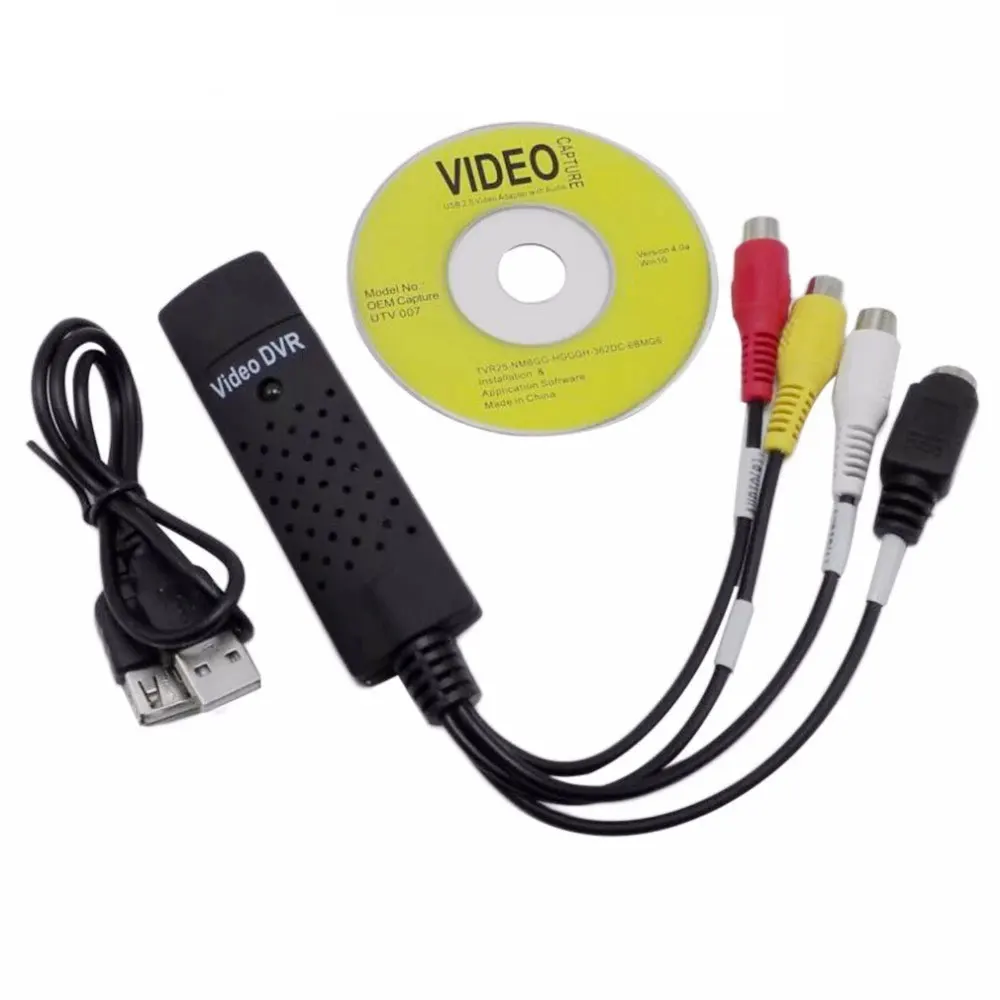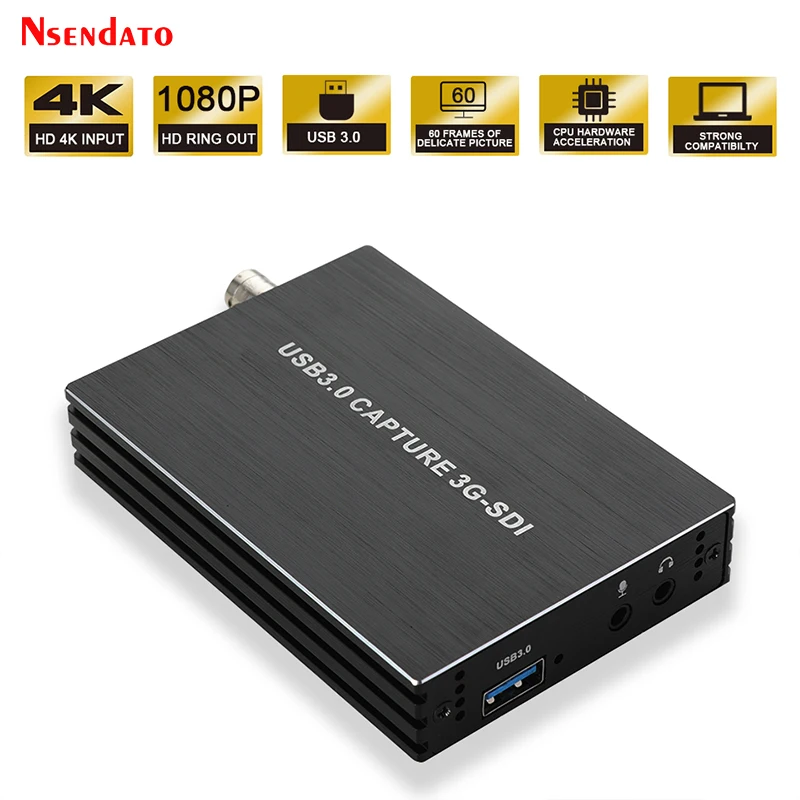
1080P 60FPS 3G SDI to USB3.0 USB 3.0 Video Capture Grabber card Record Live Streaming for SDI Dome Camera HD Medical Endoscope
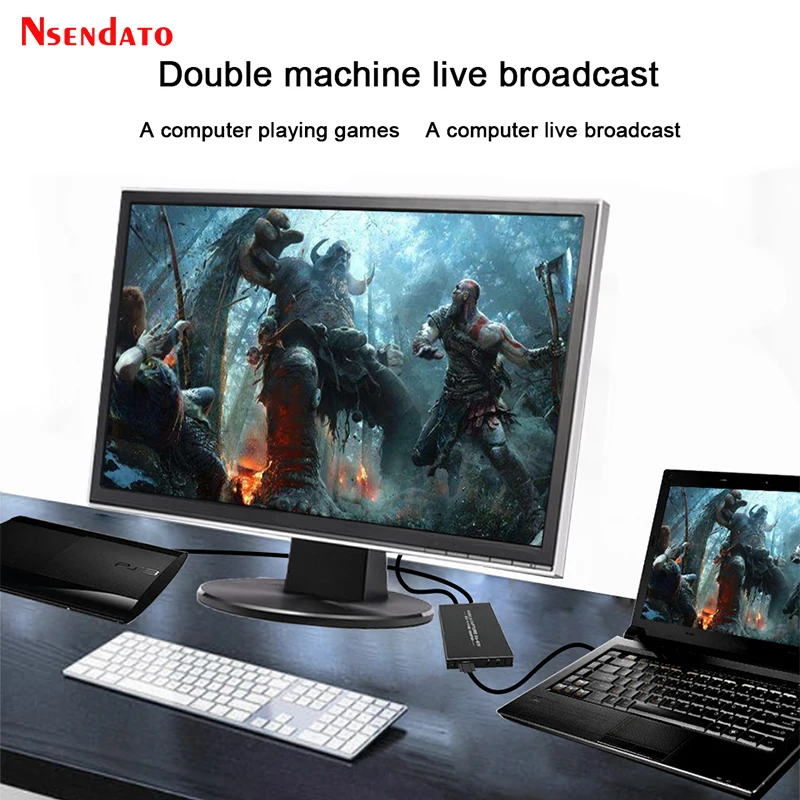
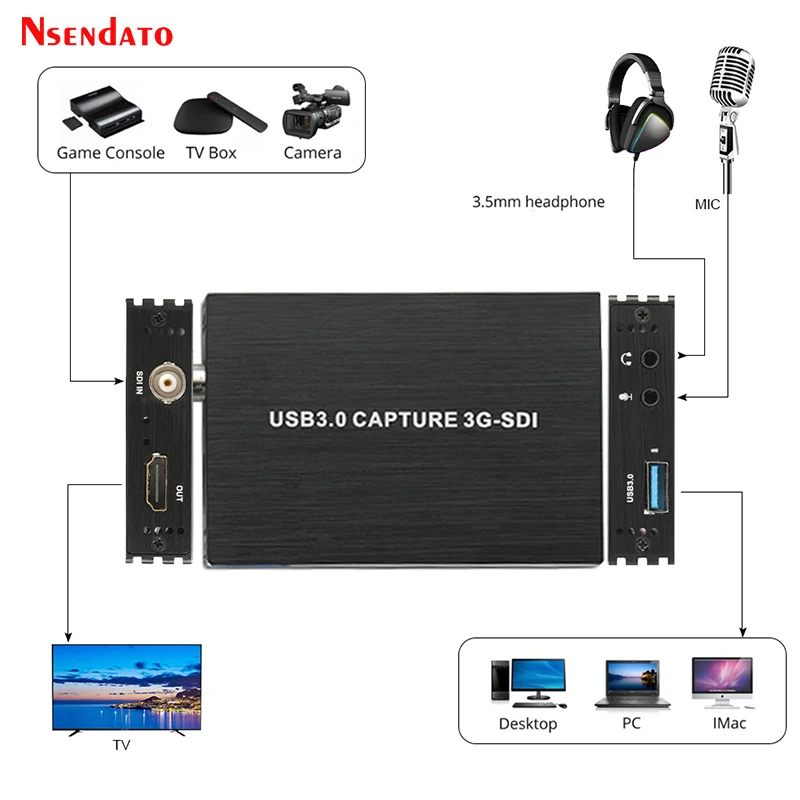
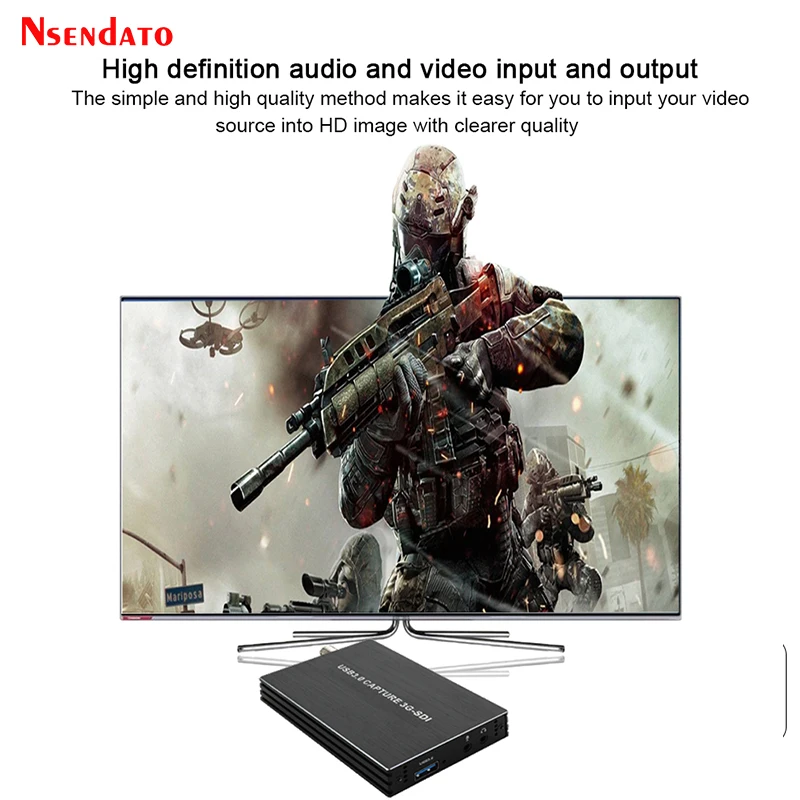
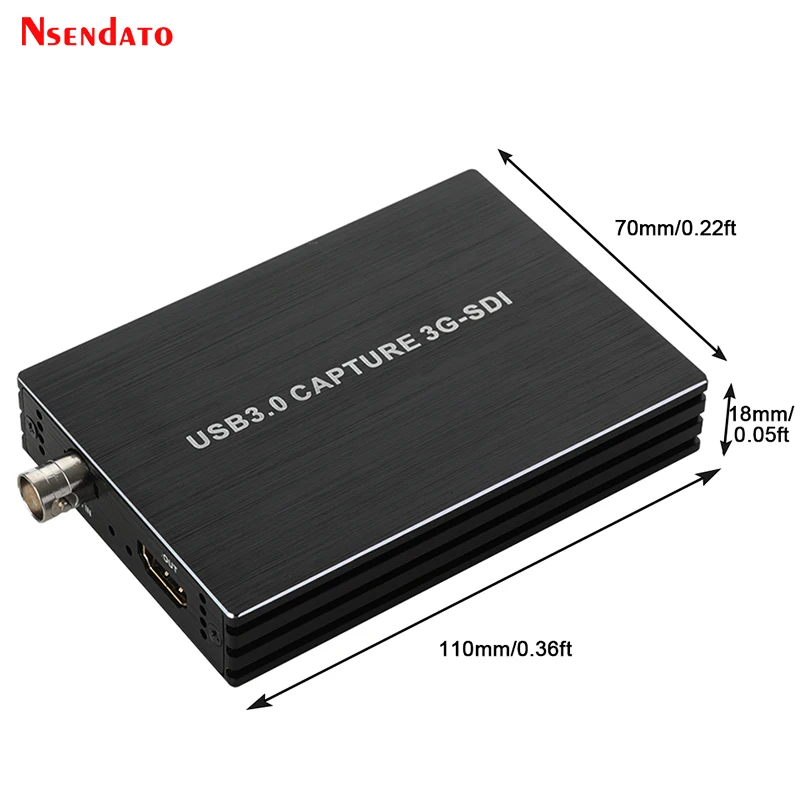
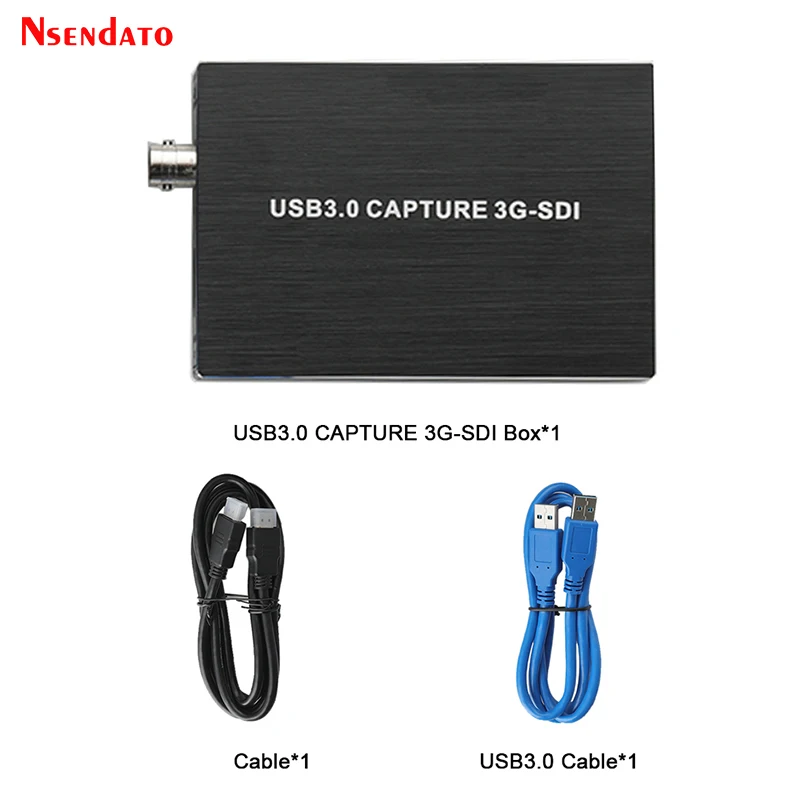
<br/><br/><p><div class="detailmodule_media"><div class="video-container-342834374435"><div class="detail-video" id="342834374435" data-previewurl="https://img.alicdn.com/imgextra/i4/6000000000621/O1CN01neE4jP1GSSgkODoK2_!!6000000000621-0-tbvideo.jpg"></div></div></div></p><br/><div class="detailmodule_dynamic"><kse:widget data-widget-type="customText" id="22569421" type="custom"></kse:widget></div><div class="detailmodule_html"><div class="detail-desc-decorate-richtext"><p><span style="font-size:16px;font-family:arial, helvetica, sans-serif">1080P 60FPS 3G SDI to USB3.0 USB 3.0 Video Capture Grabber card Record Live Streaming for SDI Dome Camera HD Medical Endoscope</span></p></div></div><div class="detailmodule_html"><div class="detail-desc-decorate-richtext"><p style="font-size:13.3333px"></p><div><span style="font-size:16px;font-family:arial, helvetica, sans-serif">It can capture one 3G-SDI input ,output 1080p and USB 1080p60 signals. The SDI video capture meets UVC and UAC standard, without having to install drivers and settings, the real PnP, easy to use.</span></div><div> </div><div><span style="font-size:16px;font-family:arial, helvetica, sans-serif">Feature</span></div><div><span style="font-size:16px;font-family:arial, helvetica, sans-serif">1. It doesn't need to install a driver, and it is truly PnP.</span></div><div><span style="font-size:16px;font-family:arial, helvetica, sans-serif">2.It is compatible with Windows, Linux, OS X operating systems</span></div><div><span style="font-size:16px;font-family:arial, helvetica, sans-serif">3.USB3.0, 300-350MB/s throughput and it is compatible with USB 2.0</span></div><div><span style="font-size:16px;font-family:arial, helvetica, sans-serif">4.The process of video and audio is done by the dongle and will not occupy the CPU.</span></div><div><span style="font-size:16px;font-family:arial, helvetica, sans-serif">5.It can capture one single channel SDI video signals.</span></div><div><span style="font-size:16px;font-family:arial, helvetica, sans-serif">6.It can automatically detect the input video formats and it will adjust to the set output size and frame rate automatically.</span></div><div><span style="font-size:16px;font-family:arial, helvetica, sans-serif">7.Support SD-SDI/HD-SDI/3G-SDI input.</span></div><div><span style="font-size:16px;font-family:arial, helvetica, sans-serif">8.Support SDI TO HD 1080p60(HD loop output 1080p60).</span></div><div><span style="font-size:16px;font-family:arial, helvetica, sans-serif">9.Support MIC input and audio output.</span></div><div><span style="font-size:16px;font-family:arial, helvetica, sans-serif">10.Suitable for devices with SDI output such as SDI Dome Camera,HD Medical endoscope, Medical imaging,SDI Optical Transceiver,SDI DVR,Radio Station solution</span></div><div><span style="font-size:16px;font-family:arial, helvetica, sans-serif">Specification</span></div><div><span style="font-size:16px;font-family:arial, helvetica, sans-serif">Host Interface:USB3.0, *300-350MB/s,USB2.0, *40MB/s</span></div><div><span style="font-size:16px;font-family:arial, helvetica, sans-serif">Input Interface:SDI interface</span></div><div><span style="font-size:16px;font-family:arial, helvetica, sans-serif">SDI Input Formats:SD-SDI,HD-SDI,3G-SDI</span></div><div><span style="font-size:16px;font-family:arial, helvetica, sans-serif">Output Formats:480i,480p,576i,576p,720p,1080i,1080P</span></div><div><span style="font-size:16px;font-family:arial, helvetica, sans-serif">USB3.0 Output Formats Resolutions:640x360/800x450/1280x720/960x540/1920x1080</span></div><div><span style="font-size:16px;font-family:arial, helvetica, sans-serif">Frame Rate:30/40/48/50/59.94/60 fps</span></div><div><span style="font-size:16px;font-family:arial, helvetica, sans-serif">How to use OBS to record video?</span></div><div><span style="font-size:16px;font-family:arial, helvetica, sans-serif">Step1:Clik:+Choose:Video Capture Device</span></div><div><span style="font-size:16px;font-family:arial, helvetica, sans-serif">Step2:Device:Choose “USB3.0 HD Video Capture”</span></div><div><span style="font-size:16px;font-family:arial, helvetica, sans-serif">Step3:Resolution/FPS Type:Choose “Custom”Choose “1920x1080</span></div><div><span style="font-size:16px;font-family:arial, helvetica, sans-serif">Step4:Audio Output Mode:Choose “Output desktop audio(DirectSound)” √ Usb custom audio device</span></div><div><span style="font-size:16px;font-family:arial, helvetica, sans-serif">Step5:Audio Device :Choose “USB3.0 HD Audio Capture</span></div><div> </div><div><span style="font-size:16px;font-family:arial, helvetica, sans-serif">Package:</span></div><div><span style="font-size:16px;font-family:arial, helvetica, sans-serif">1X SDI to USB Capture</span></div><div><span style="font-size:16px;font-family:arial, helvetica, sans-serif">1XUSB3.0 Cable</span></div><div><span style="font-size:16px;font-family:arial, helvetica, sans-serif">1XHD Cable</span></div><div><span style="font-size:16px;font-family:arial, helvetica, sans-serif">1XEnglish User manual</span></div><div><div></div></div><div style="font-size:13.3333px;margin:0px;margin-bottom:0px;margin-top:0px;margin-left:0px;margin-right:0px;padding:0px 0px 0px 0em;padding-bottom:0px;padding-top:0px;padding-right:0px"><div></div><div></div><div></div><div></div><div></div><div></div><div></div><div></div><div></div><div></div><div></div><div></div><div></div><div></div></div></div></div><p><br/></p><p><br/></p><p><br/></p><br/>
$137.585
$106.4
- Category : Security & Protection
- Brand : nsendato_office_store_store Nsendato Office Store Store
Colors
Sizes
-
+

<br/><br/><p><div class="detailmodule_media"><div class="video-container-342834374435"><div class="detail-video" id="342834374435" data-previewurl="https://img.alicdn.com/imgextra/i4/6000000000621/O1CN01neE4jP1GSSgkODoK2_!!6000000000621-0-tbvideo.jpg"></div></div></div></p><br/><div class="detailmodule_dynamic"><kse:widget data-widget-type="customText" id="22569421" type="custom"></kse:widget></div><div class="detailmodule_html"><div class="detail-desc-decorate-richtext"><p><span style="font-size:16px;font-family:arial, helvetica, sans-serif">1080P 60FPS 3G SDI to USB3.0 USB 3.0 Video Capture Grabber card Record Live Streaming for SDI Dome Camera HD Medical Endoscope</span></p></div></div><div class="detailmodule_html"><div class="detail-desc-decorate-richtext"><p style="font-size:13.3333px"></p><div><span style="font-size:16px;font-family:arial, helvetica, sans-serif">It can capture one 3G-SDI input ,output 1080p and USB 1080p60 signals. The SDI video capture meets UVC and UAC standard, without having to install drivers and settings, the real PnP, easy to use.</span></div><div> </div><div><span style="font-size:16px;font-family:arial, helvetica, sans-serif">Feature</span></div><div><span style="font-size:16px;font-family:arial, helvetica, sans-serif">1. It doesn't need to install a driver, and it is truly PnP.</span></div><div><span style="font-size:16px;font-family:arial, helvetica, sans-serif">2.It is compatible with Windows, Linux, OS X operating systems</span></div><div><span style="font-size:16px;font-family:arial, helvetica, sans-serif">3.USB3.0, 300-350MB/s throughput and it is compatible with USB 2.0</span></div><div><span style="font-size:16px;font-family:arial, helvetica, sans-serif">4.The process of video and audio is done by the dongle and will not occupy the CPU.</span></div><div><span style="font-size:16px;font-family:arial, helvetica, sans-serif">5.It can capture one single channel SDI video signals.</span></div><div><span style="font-size:16px;font-family:arial, helvetica, sans-serif">6.It can automatically detect the input video formats and it will adjust to the set output size and frame rate automatically.</span></div><div><span style="font-size:16px;font-family:arial, helvetica, sans-serif">7.Support SD-SDI/HD-SDI/3G-SDI input.</span></div><div><span style="font-size:16px;font-family:arial, helvetica, sans-serif">8.Support SDI TO HD 1080p60(HD loop output 1080p60).</span></div><div><span style="font-size:16px;font-family:arial, helvetica, sans-serif">9.Support MIC input and audio output.</span></div><div><span style="font-size:16px;font-family:arial, helvetica, sans-serif">10.Suitable for devices with SDI output such as SDI Dome Camera,HD Medical endoscope, Medical imaging,SDI Optical Transceiver,SDI DVR,Radio Station solution</span></div><div><span style="font-size:16px;font-family:arial, helvetica, sans-serif">Specification</span></div><div><span style="font-size:16px;font-family:arial, helvetica, sans-serif">Host Interface:USB3.0, *300-350MB/s,USB2.0, *40MB/s</span></div><div><span style="font-size:16px;font-family:arial, helvetica, sans-serif">Input Interface:SDI interface</span></div><div><span style="font-size:16px;font-family:arial, helvetica, sans-serif">SDI Input Formats:SD-SDI,HD-SDI,3G-SDI</span></div><div><span style="font-size:16px;font-family:arial, helvetica, sans-serif">Output Formats:480i,480p,576i,576p,720p,1080i,1080P</span></div><div><span style="font-size:16px;font-family:arial, helvetica, sans-serif">USB3.0 Output Formats Resolutions:640x360/800x450/1280x720/960x540/1920x1080</span></div><div><span style="font-size:16px;font-family:arial, helvetica, sans-serif">Frame Rate:30/40/48/50/59.94/60 fps</span></div><div><span style="font-size:16px;font-family:arial, helvetica, sans-serif">How to use OBS to record video?</span></div><div><span style="font-size:16px;font-family:arial, helvetica, sans-serif">Step1:Clik:+Choose:Video Capture Device</span></div><div><span style="font-size:16px;font-family:arial, helvetica, sans-serif">Step2:Device:Choose “USB3.0 HD Video Capture”</span></div><div><span style="font-size:16px;font-family:arial, helvetica, sans-serif">Step3:Resolution/FPS Type:Choose “Custom”Choose “1920x1080</span></div><div><span style="font-size:16px;font-family:arial, helvetica, sans-serif">Step4:Audio Output Mode:Choose “Output desktop audio(DirectSound)” √ Usb custom audio device</span></div><div><span style="font-size:16px;font-family:arial, helvetica, sans-serif">Step5:Audio Device :Choose “USB3.0 HD Audio Capture</span></div><div> </div><div><span style="font-size:16px;font-family:arial, helvetica, sans-serif">Package:</span></div><div><span style="font-size:16px;font-family:arial, helvetica, sans-serif">1X SDI to USB Capture</span></div><div><span style="font-size:16px;font-family:arial, helvetica, sans-serif">1XUSB3.0 Cable</span></div><div><span style="font-size:16px;font-family:arial, helvetica, sans-serif">1XHD Cable</span></div><div><span style="font-size:16px;font-family:arial, helvetica, sans-serif">1XEnglish User manual</span></div><div><div></div></div><div style="font-size:13.3333px;margin:0px;margin-bottom:0px;margin-top:0px;margin-left:0px;margin-right:0px;padding:0px 0px 0px 0em;padding-bottom:0px;padding-top:0px;padding-right:0px"><div></div><div></div><div></div><div></div><div></div><div></div><div></div><div></div><div></div><div></div><div></div><div></div><div></div><div></div></div></div></div><p><br/></p><p><br/></p><p><br/></p><br/>
Related Product
Browse The Collection of Top Products.