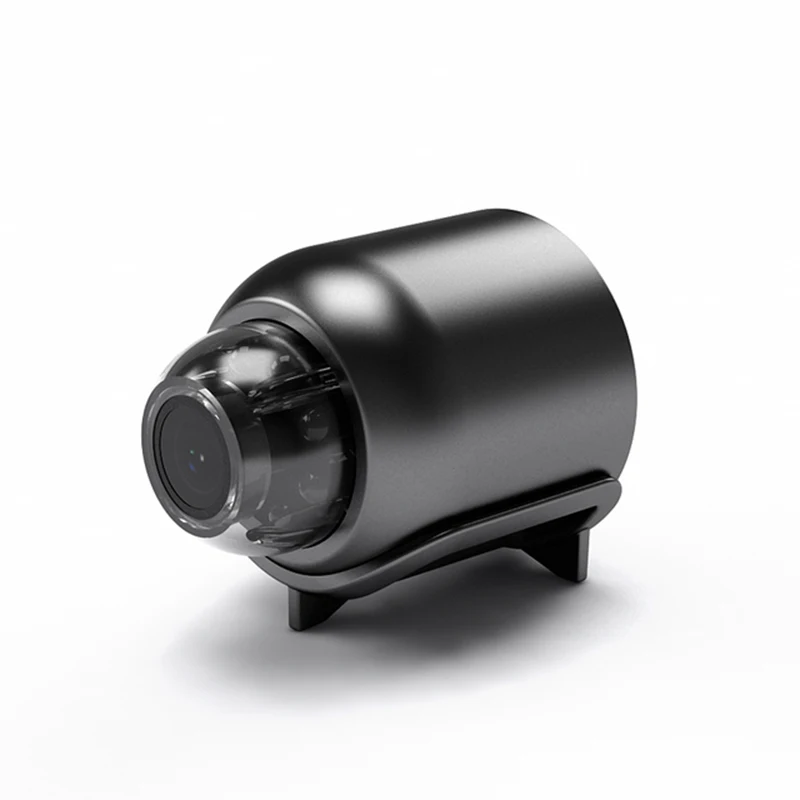
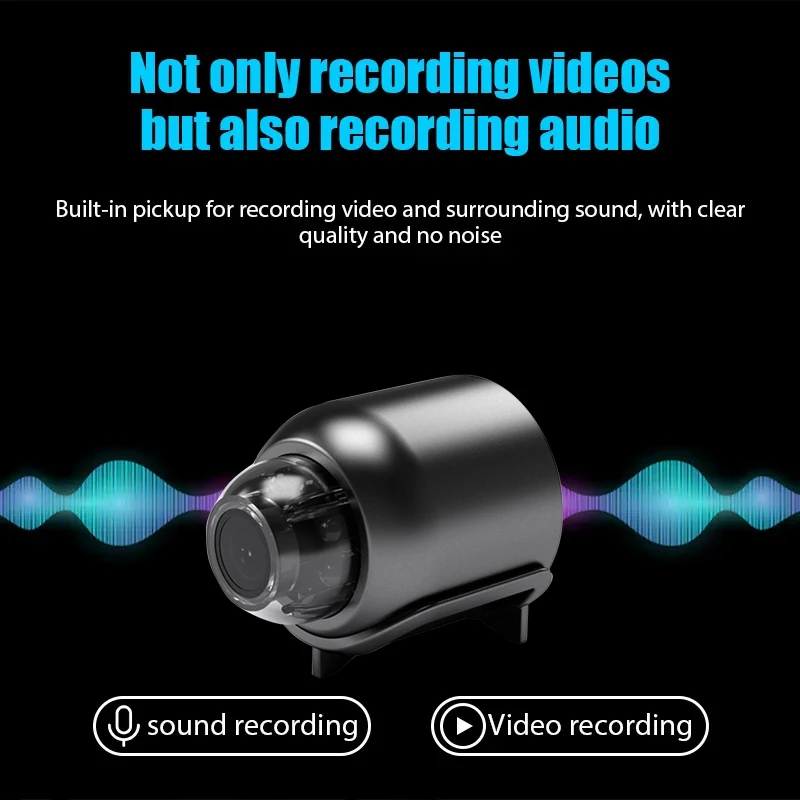


1080P HD Indoor Security IP Camera with WiFi and Two-way Voice
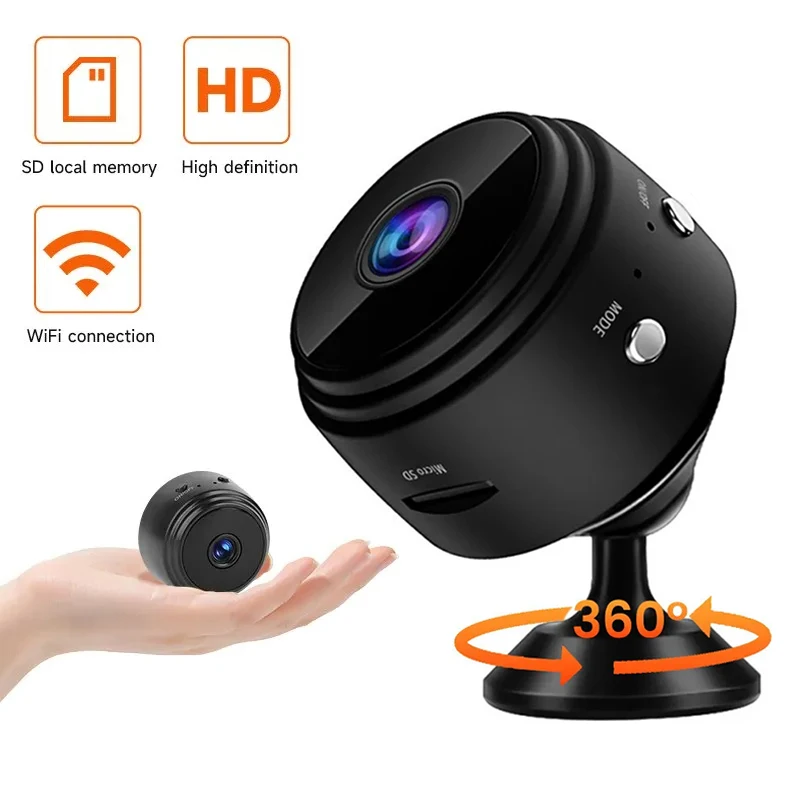
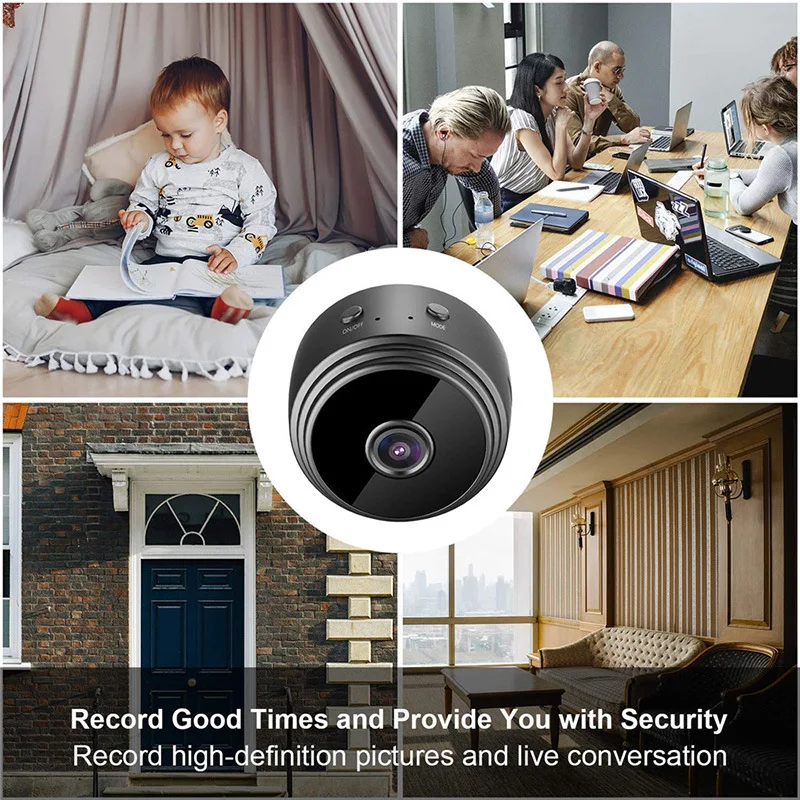
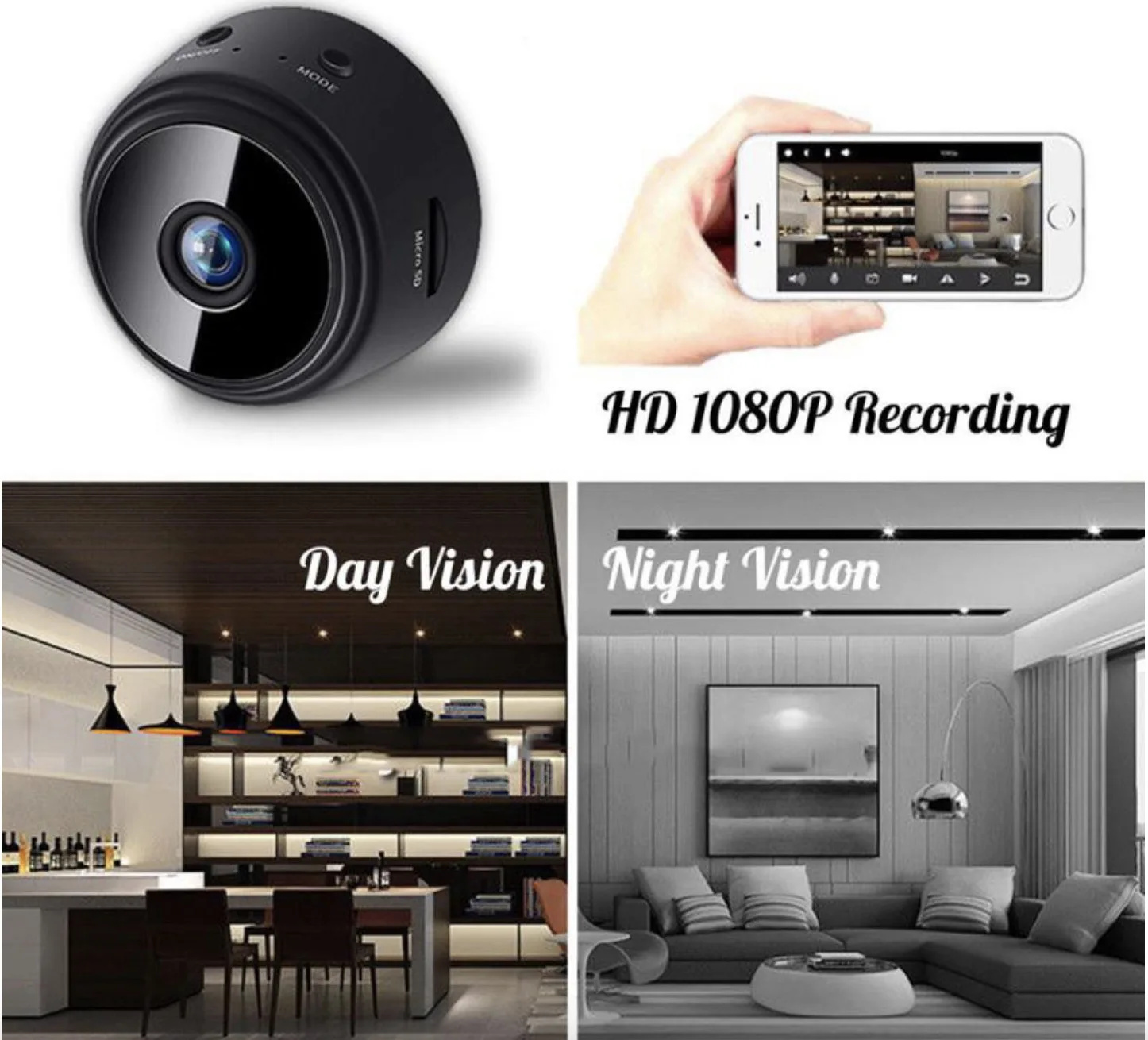
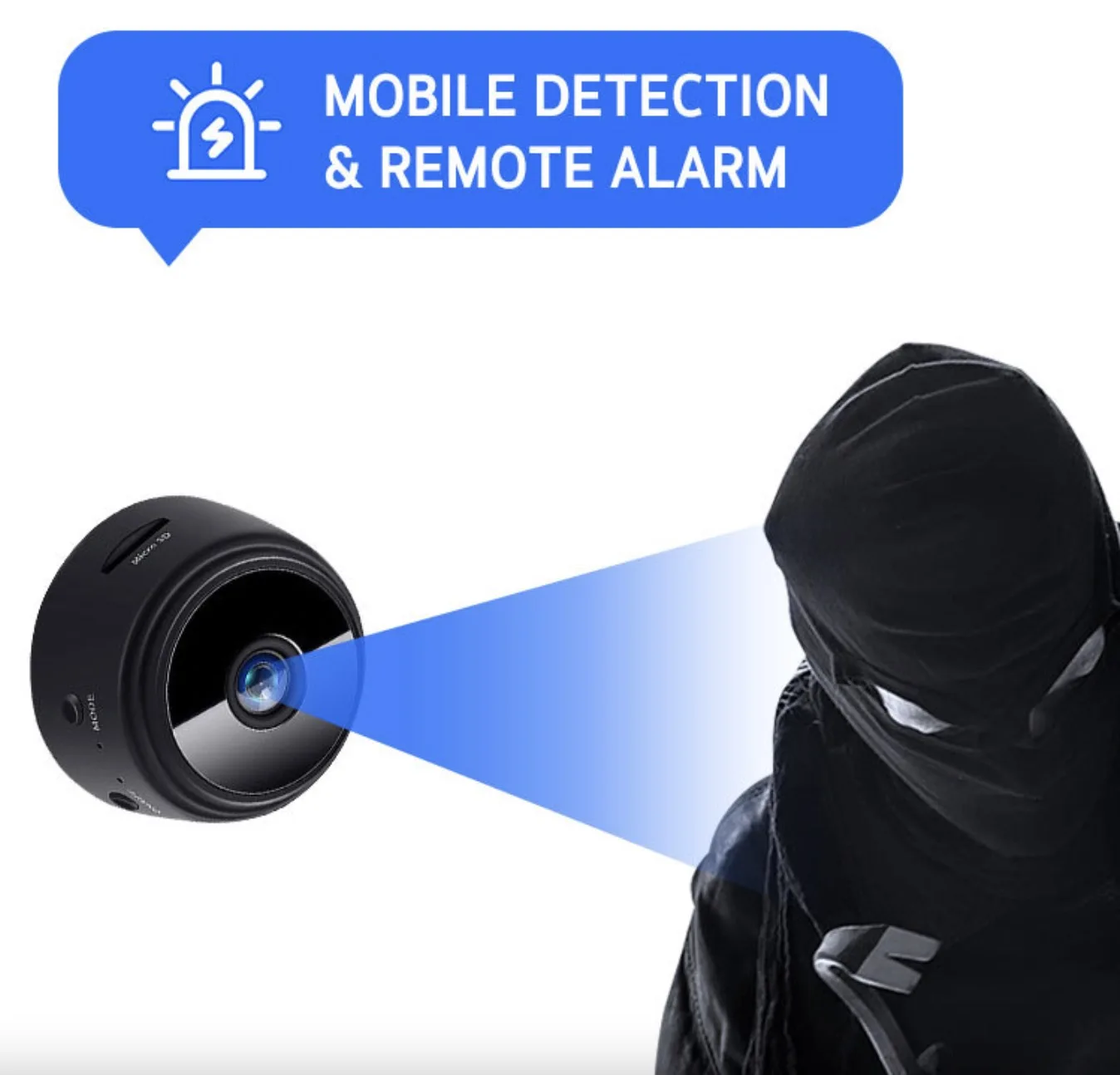
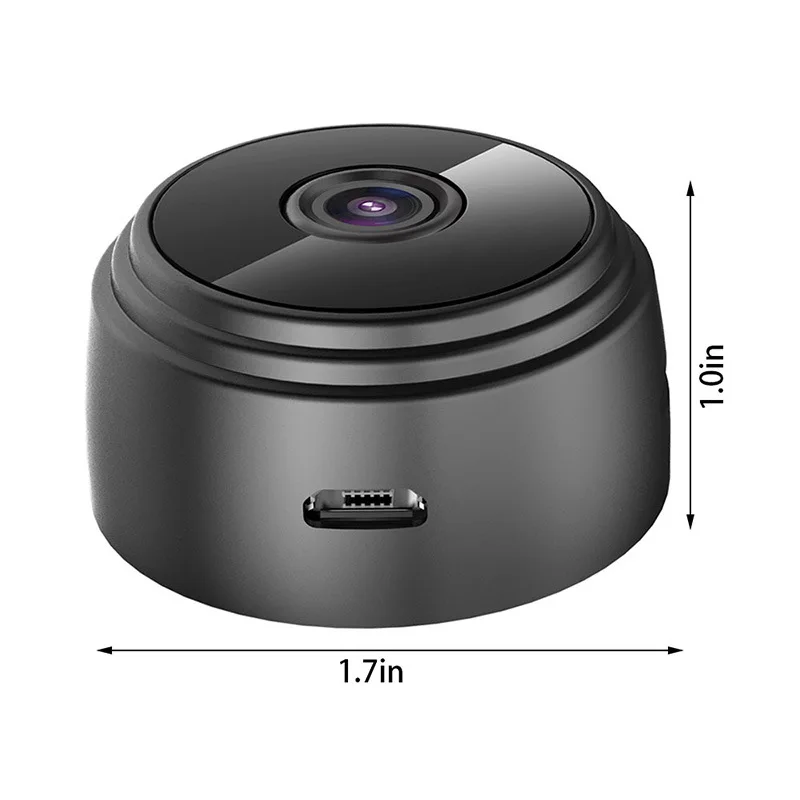
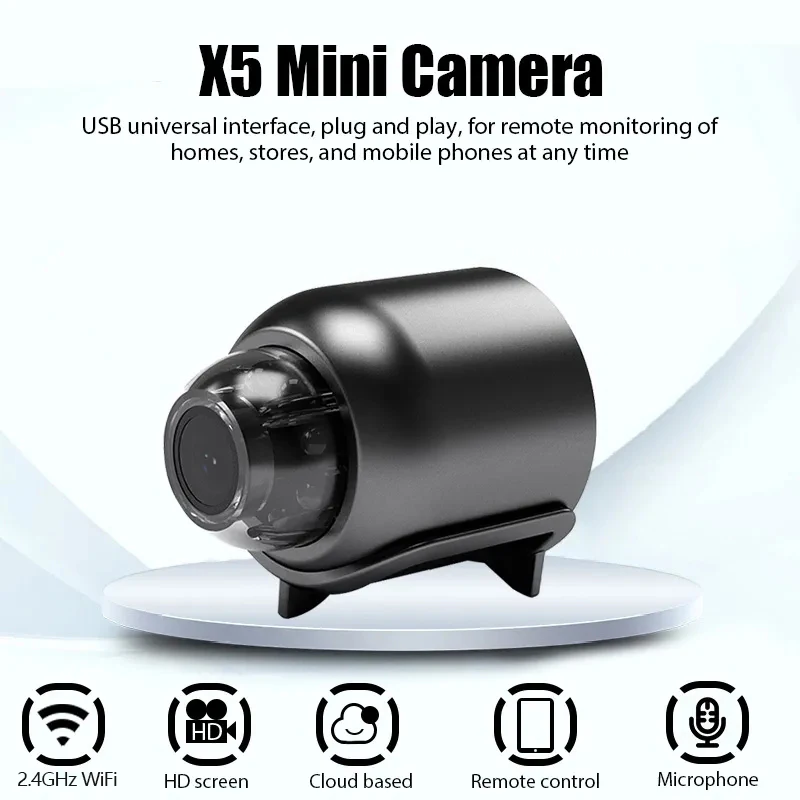
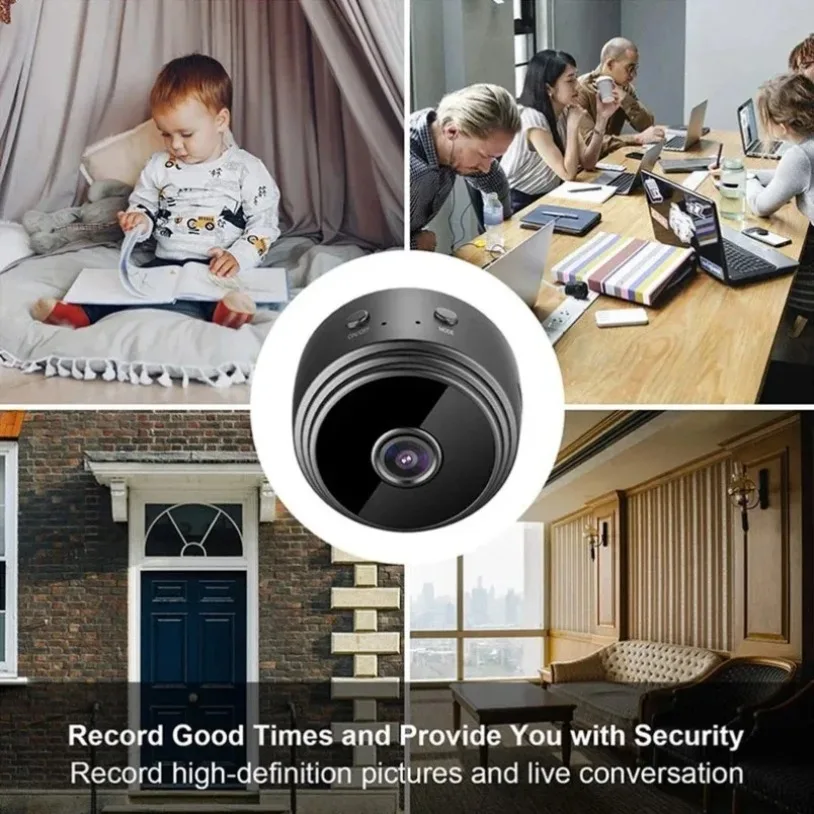
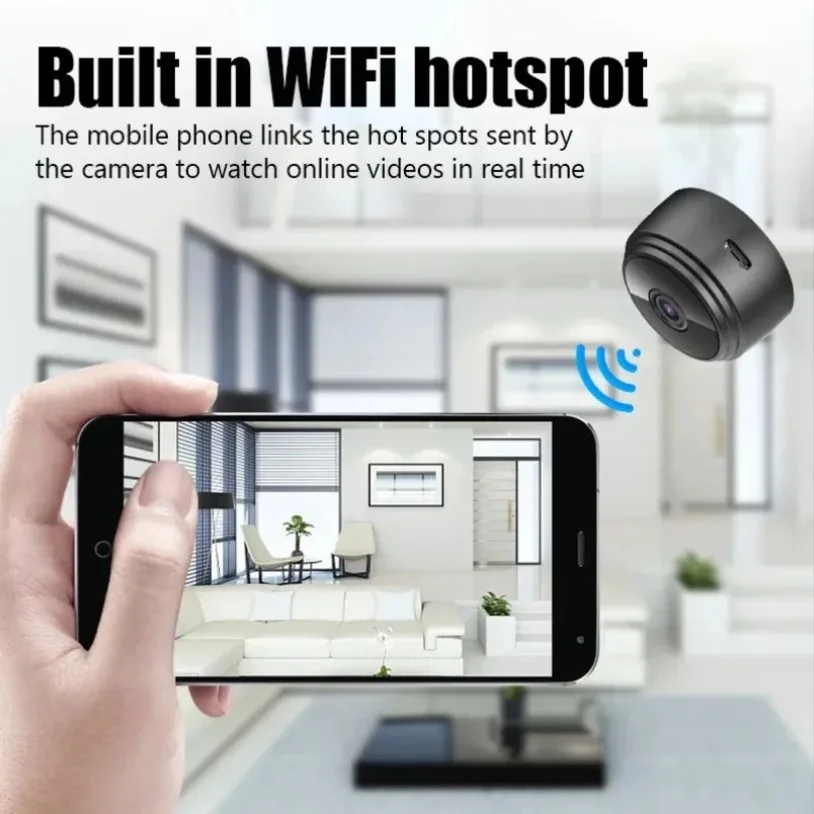
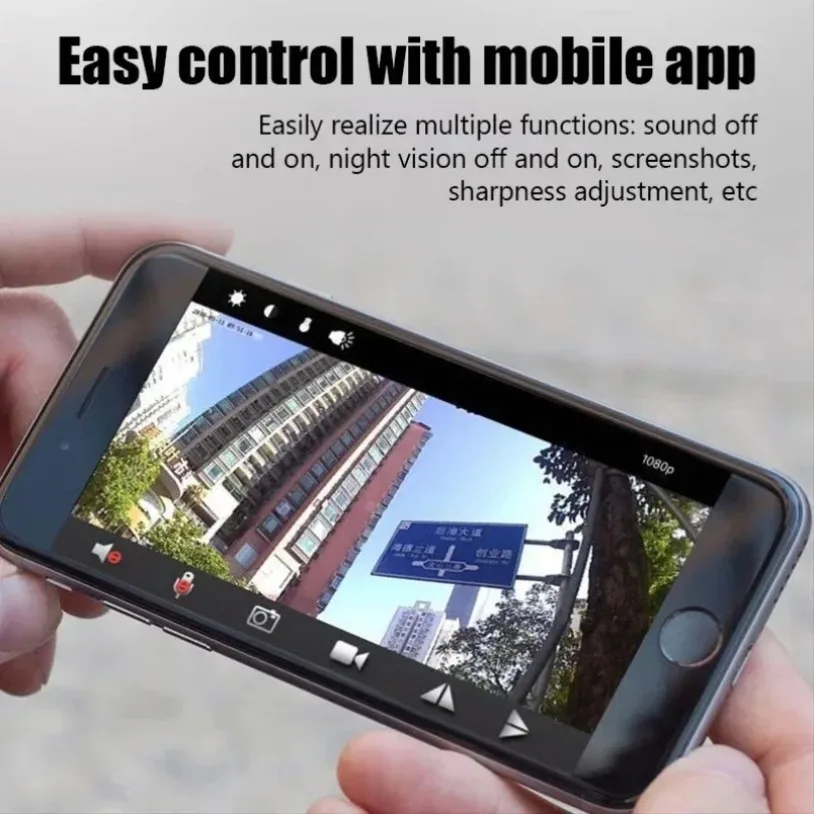
<h2><strong><span>Tips:</span></strong><span><strong>Can not be charged</strong></span><strong>, you need to plug in the cable to use</strong><br/></h2><h3><strong>◆ </strong><strong>1080P</strong></h3><h3><strong>◆ Wireless network WiFi </strong><strong>2.4Ghz</strong></h3><h3><strong>◆ Support TF card record maximum up to 128GB (</strong><strong>not included</strong></h3><h3><strong>◆ Support APP system: </strong><strong>iOS / Android</strong></h3><h3><strong>◆ Support Remote / Local (local connection: you can watch it in the APP within 4m).</strong><br/></h3><h3><strong>◆ Two-way voice (open this function in the APP) </strong></h3><h3><strong>◆ Video real-time monitoring (in the APP)</strong></h3><p><strong>◆ </strong><strong>No</strong><strong> night vision, </strong><strong>No</strong><strong> motion detection</strong><br/></p><h2><strong><span>Note:</span></strong></h2><h5><strong>▶The QR code in the manual is the download link of the APP.</strong></h5><h5><strong>▶The camera has no QR code, no barcode. After the camera is turned on, the mobile phone WiFi is connected to the camera hotspot.</strong></h5><h5><strong>▶If the camera hotspot is not found in the mobile phone WiFi, reset the camera and refresh the mobile phone WiFi.</strong></h5><h5><strong>▶Camera Hotspots: Instructions (when the APP is operated, there are prompts). Check the initial letters/numbers of camera Hotspots.</strong></h5>
$17.92
$9.32
- Category : Security & Protection
- Brand : total_nice_store Total NICE Store
Colors
-
+

<h2><strong><span>Tips:</span></strong><span><strong>Can not be charged</strong></span><strong>, you need to plug in the cable to use</strong><br/></h2><h3><strong>◆ </strong><strong>1080P</strong></h3><h3><strong>◆ Wireless network WiFi </strong><strong>2.4Ghz</strong></h3><h3><strong>◆ Support TF card record maximum up to 128GB (</strong><strong>not included</strong></h3><h3><strong>◆ Support APP system: </strong><strong>iOS / Android</strong></h3><h3><strong>◆ Support Remote / Local (local connection: you can watch it in the APP within 4m).</strong><br/></h3><h3><strong>◆ Two-way voice (open this function in the APP) </strong></h3><h3><strong>◆ Video real-time monitoring (in the APP)</strong></h3><p><strong>◆ </strong><strong>No</strong><strong> night vision, </strong><strong>No</strong><strong> motion detection</strong><br/></p><h2><strong><span>Note:</span></strong></h2><h5><strong>▶The QR code in the manual is the download link of the APP.</strong></h5><h5><strong>▶The camera has no QR code, no barcode. After the camera is turned on, the mobile phone WiFi is connected to the camera hotspot.</strong></h5><h5><strong>▶If the camera hotspot is not found in the mobile phone WiFi, reset the camera and refresh the mobile phone WiFi.</strong></h5><h5><strong>▶Camera Hotspots: Instructions (when the APP is operated, there are prompts). Check the initial letters/numbers of camera Hotspots.</strong></h5>
Related Product
Browse The Collection of Top Products.


Outdoor Solar Security Camera with 12X Zoom and Night Vision
$247.685
$601.22


Waterproof Pipe Inspection Camera with 4.3 Inch Screen
$352.7
$732.64


DC Power Extension Cord Cable for CCTV Security Cameras
$19.33
$37.36



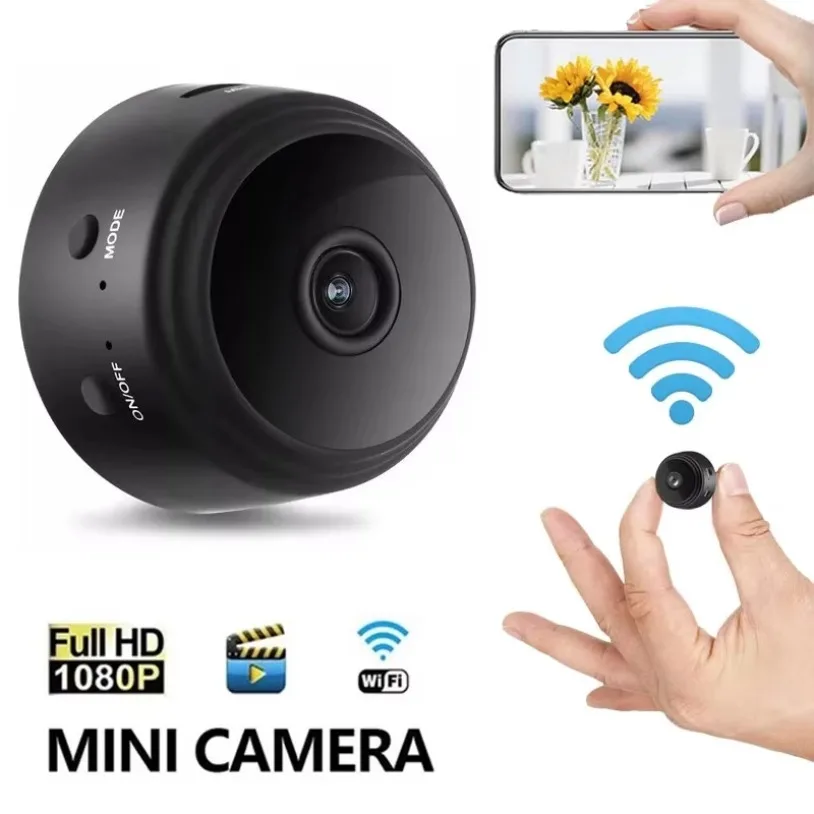
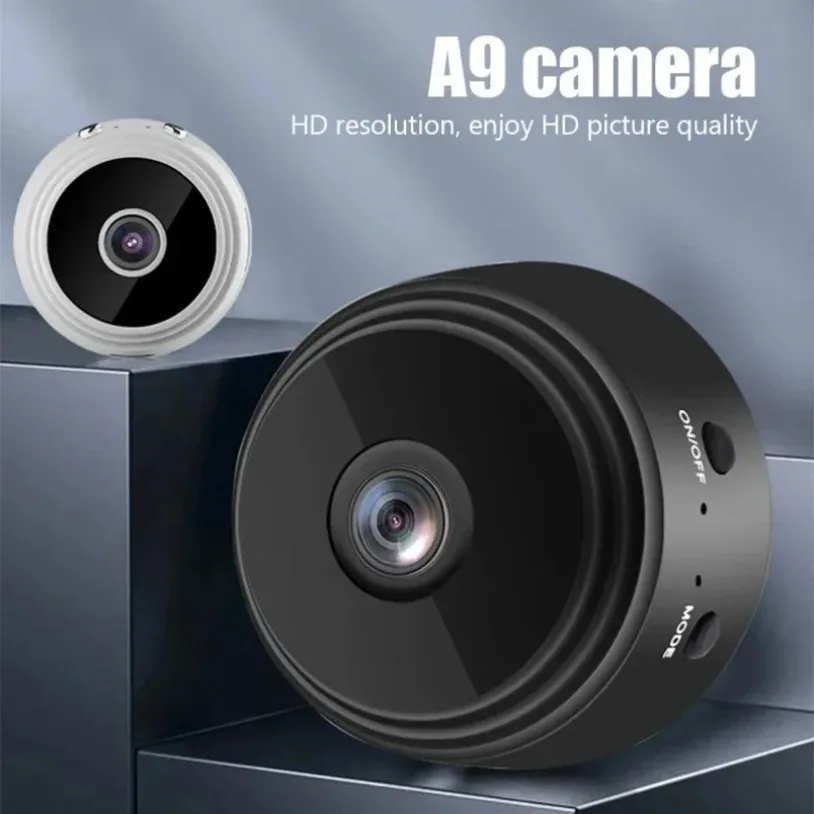
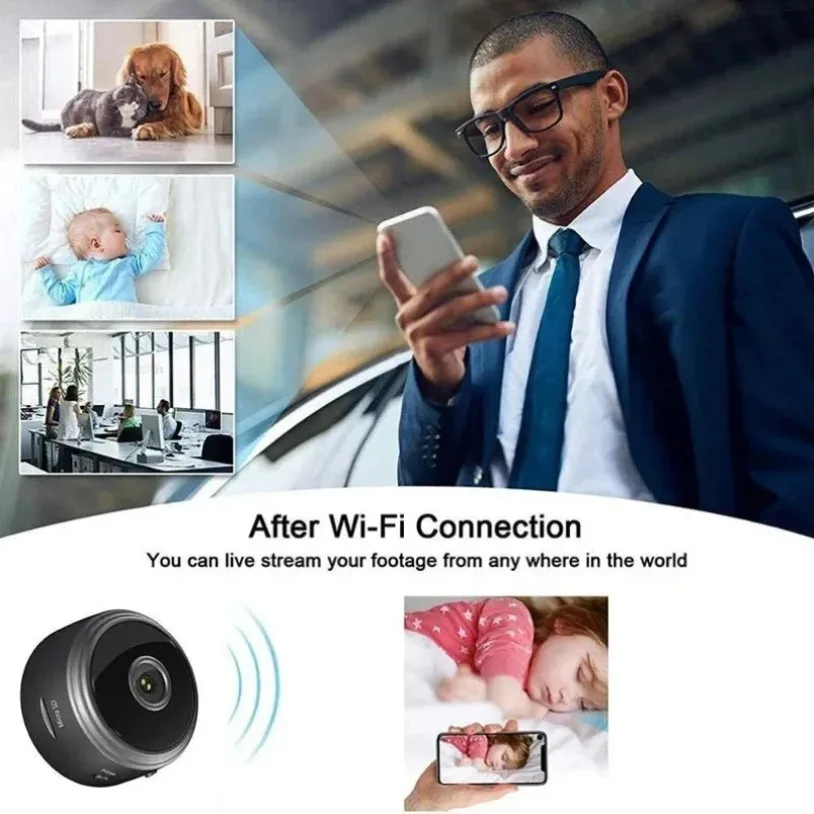
Mini Wifi Surveillance Camera 1080P HD Night Vision
$9.77
$18.17



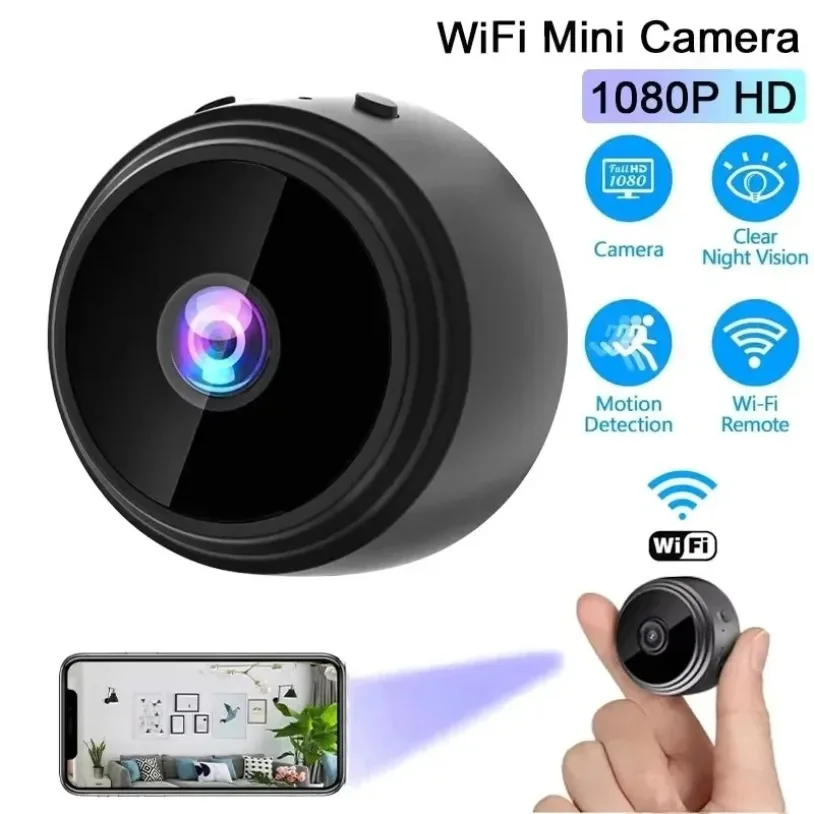
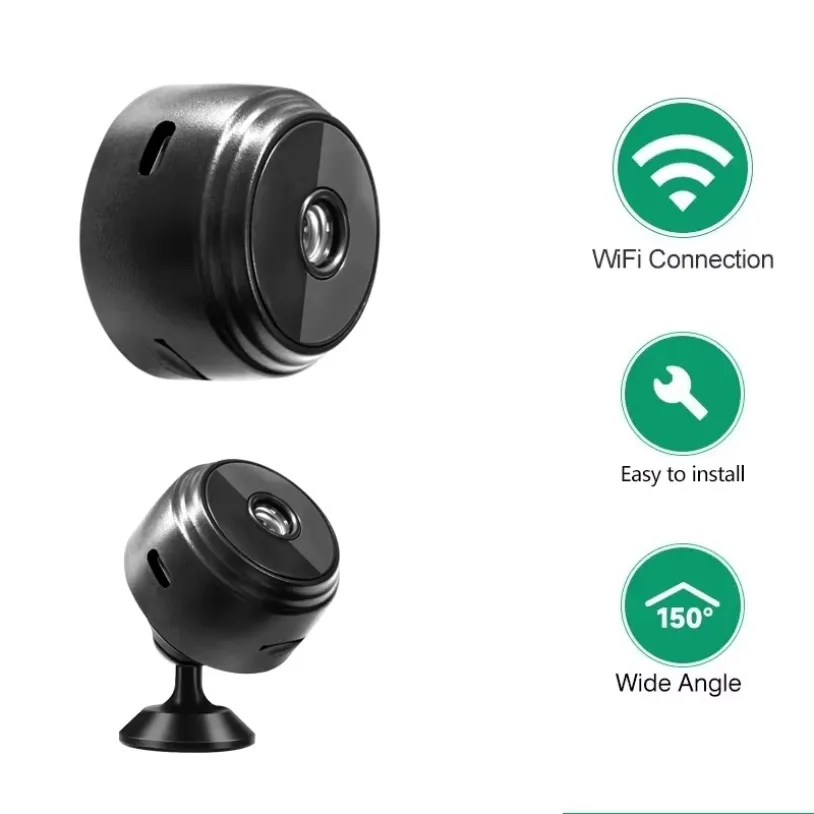
Wireless Mini Camera Recorder Security Monitoring
$9.71
$18.07


4K HDMI Video Capture Card for Live Streaming
$25.25
$56.08




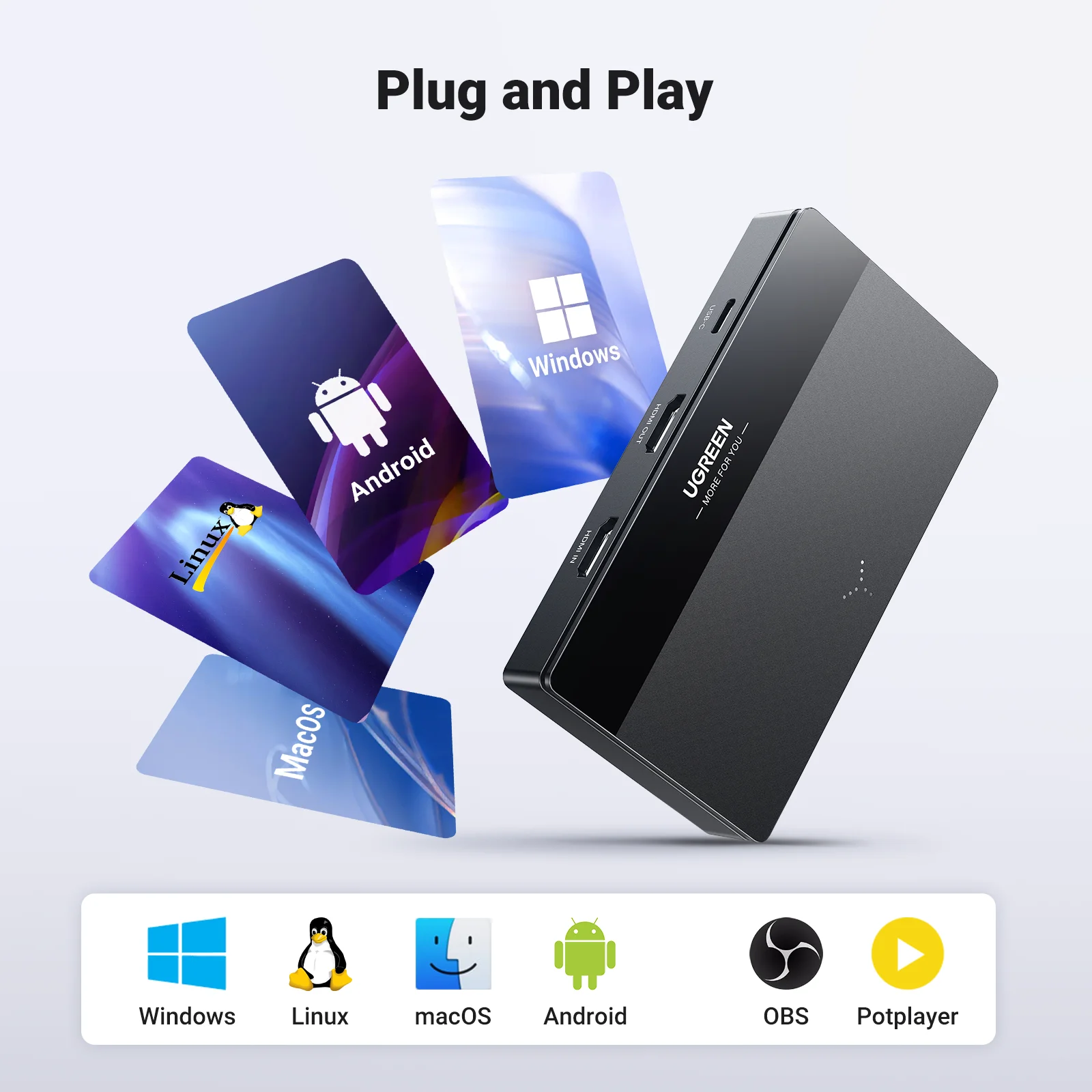
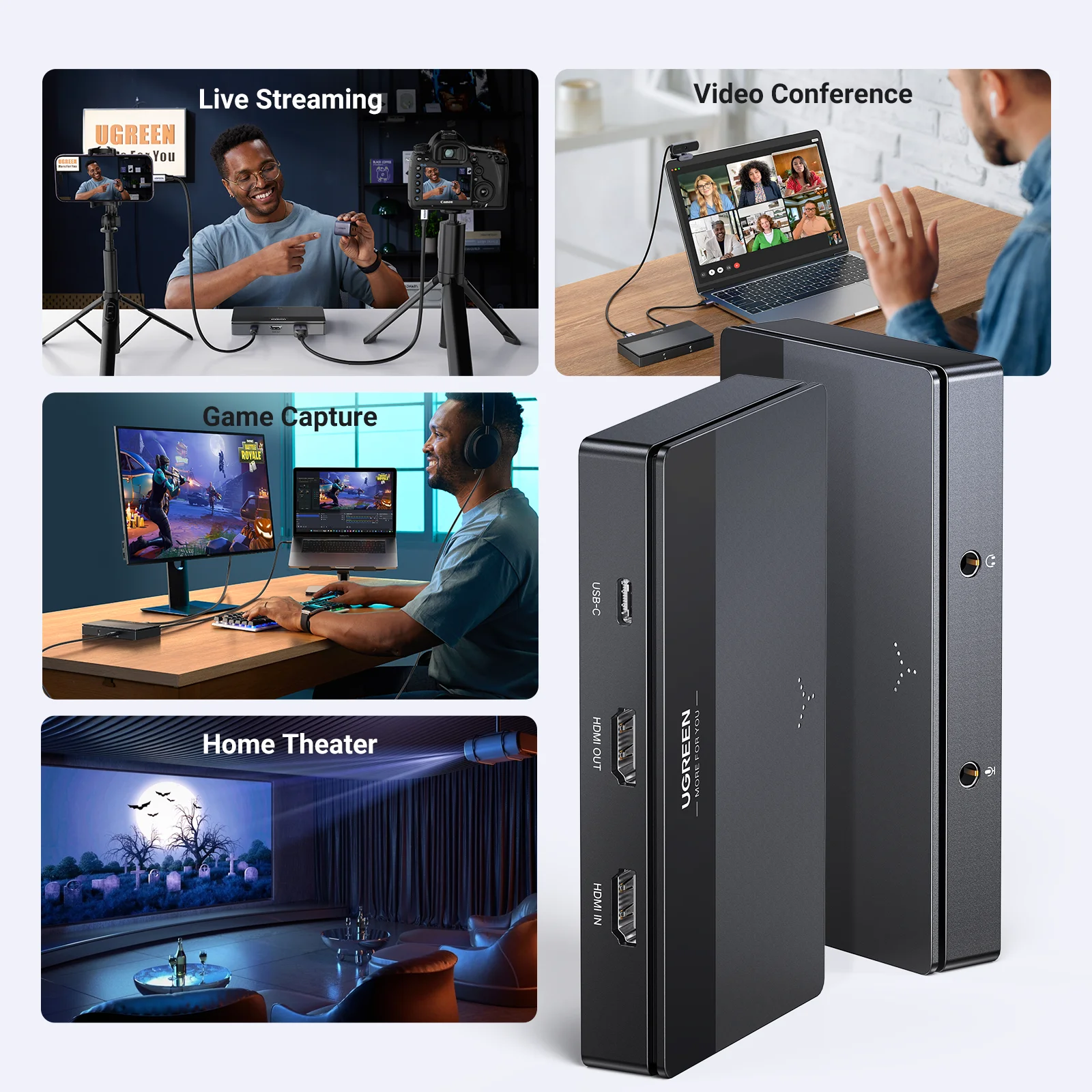
HDMI Video Capture Card 4K60Hz for Live Stream Record
$45.17
$100.1