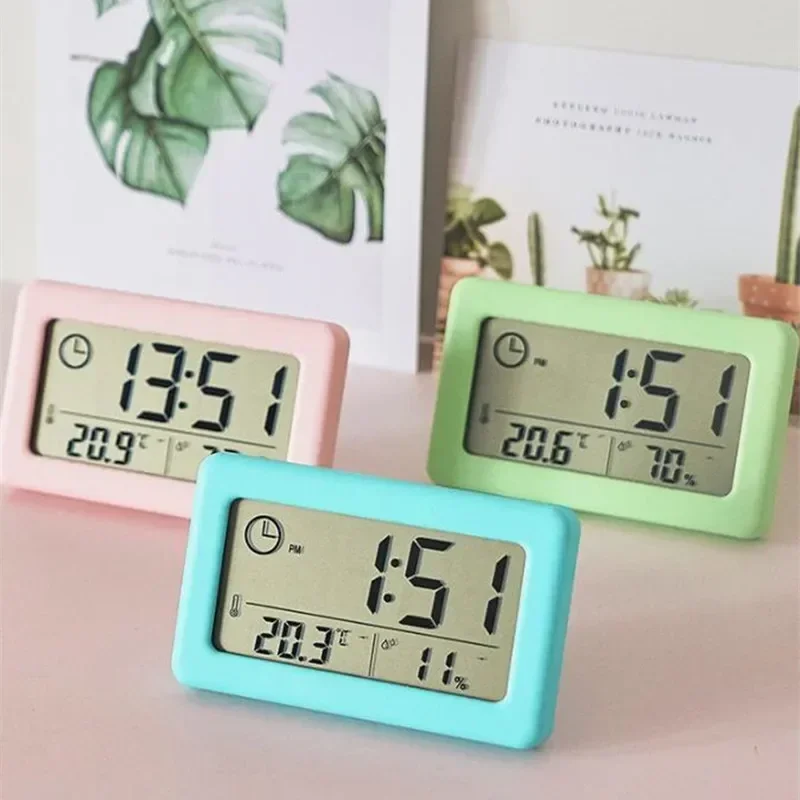
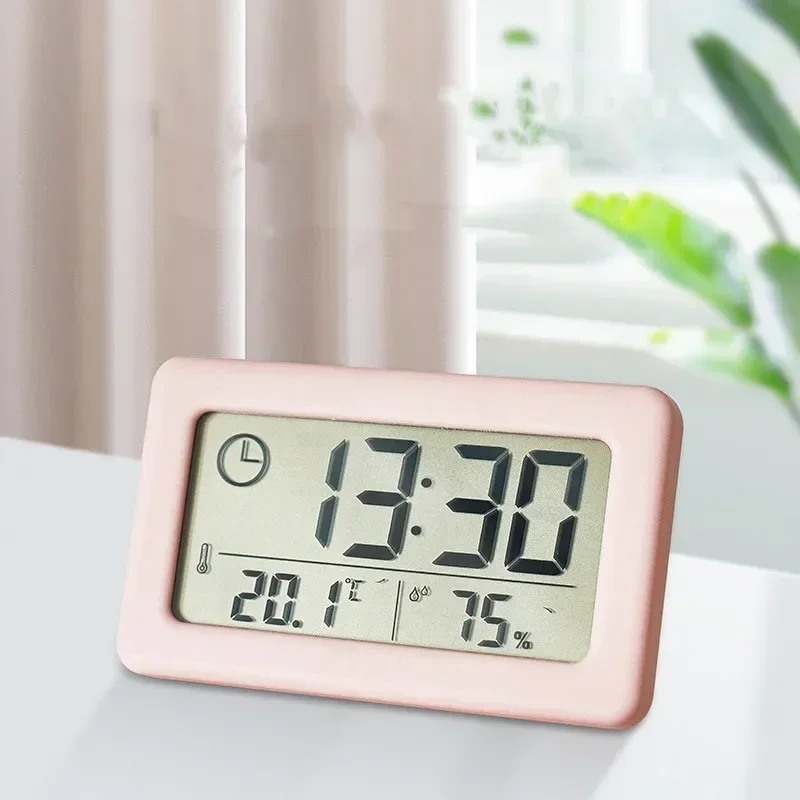
12/24 Hours Wall Clock Thermometer Digital Table Clock Hygrometer Electronic Product Desk Watches Decorate Mini Electronics Home
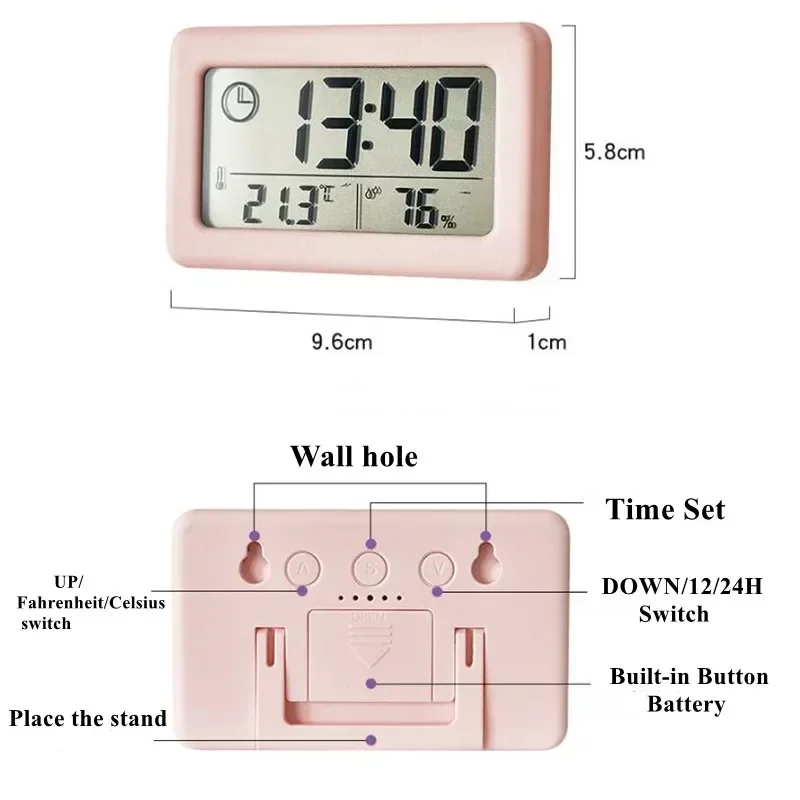
<div class="detailmodule_html"><div class="detail-desc-decorate-richtext"><div><div><div><div>Button Setting:<br/>S: Long press to enter the time setting, then short press to switch to set the hour and minute<br/>UP: Normal time display status, short press to switch between Fahrenheit/Celsius. In the setting state, to increase the adjustment object, long press for rapid increase.<br/>DOWN: Normal time display status, short press is 12/24 hours switch. In the setting state, to reduce the adjustment object, long press to reduce quickly.<br/>Time setting: In the normal display state, long press S to enter the time setting. At this time, the hour number is displayed. Use the UP or DOWN button to adjust to the required hour, and then short press the S button to switch the setting minutes, the hour and minute numbers are flashing , Use the UP or DOWN key to adjust to the required minute. Then short press the S key to exit the setting interface.<br/> </div></div></div></div></div></div><br/>
$22.625
$9.005
- Category : Home & Garden
- Brand : neat_life_store_store Neat Life Store Store
Colors
Sizes
-
+

<div class="detailmodule_html"><div class="detail-desc-decorate-richtext"><div><div><div><div>Button Setting:<br/>S: Long press to enter the time setting, then short press to switch to set the hour and minute<br/>UP: Normal time display status, short press to switch between Fahrenheit/Celsius. In the setting state, to increase the adjustment object, long press for rapid increase.<br/>DOWN: Normal time display status, short press is 12/24 hours switch. In the setting state, to reduce the adjustment object, long press to reduce quickly.<br/>Time setting: In the normal display state, long press S to enter the time setting. At this time, the hour number is displayed. Use the UP or DOWN button to adjust to the required hour, and then short press the S button to switch the setting minutes, the hour and minute numbers are flashing , Use the UP or DOWN key to adjust to the required minute. Then short press the S key to exit the setting interface.<br/> </div></div></div></div></div></div><br/>
Related Product
Browse The Collection of Top Products.