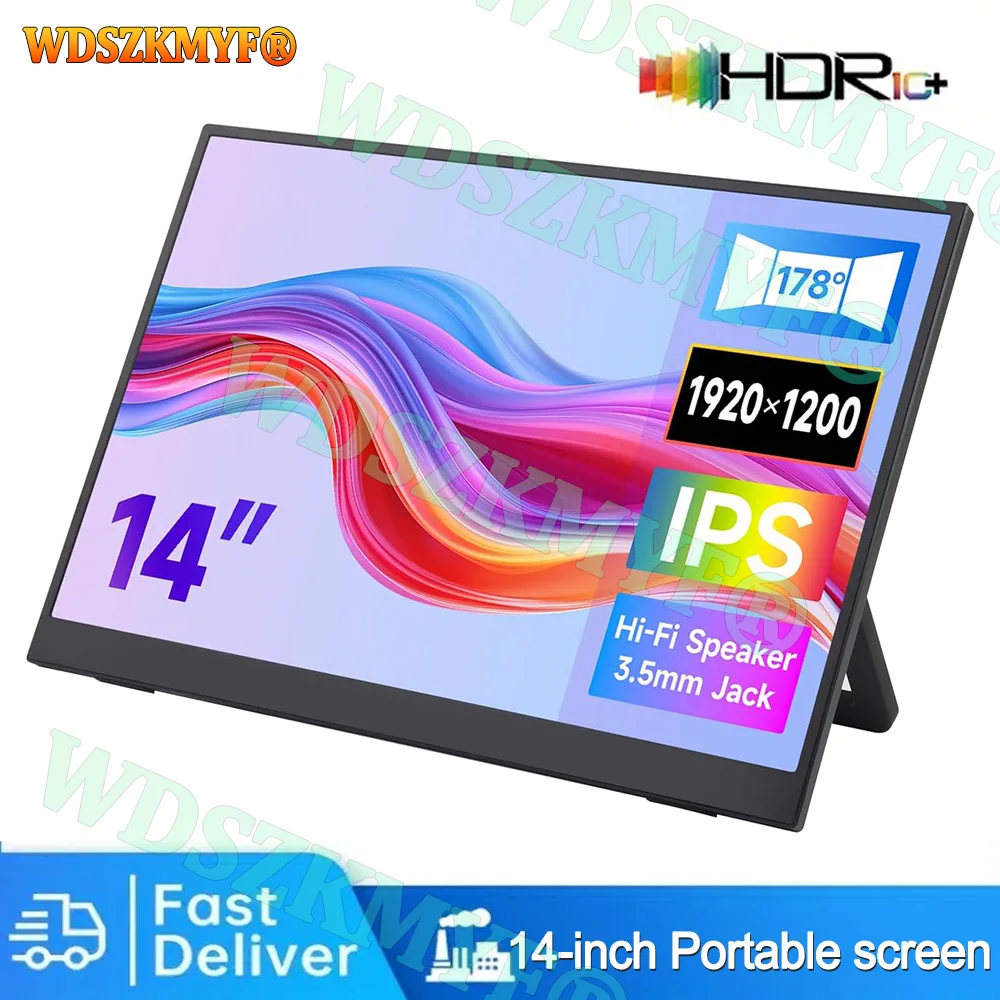
14 inch Portable Monitor FHD 1080P IPS USB-C Mini-HDMI External Second Screen for Mac Laptop PC Switch Xbox PS4/5 Xbox
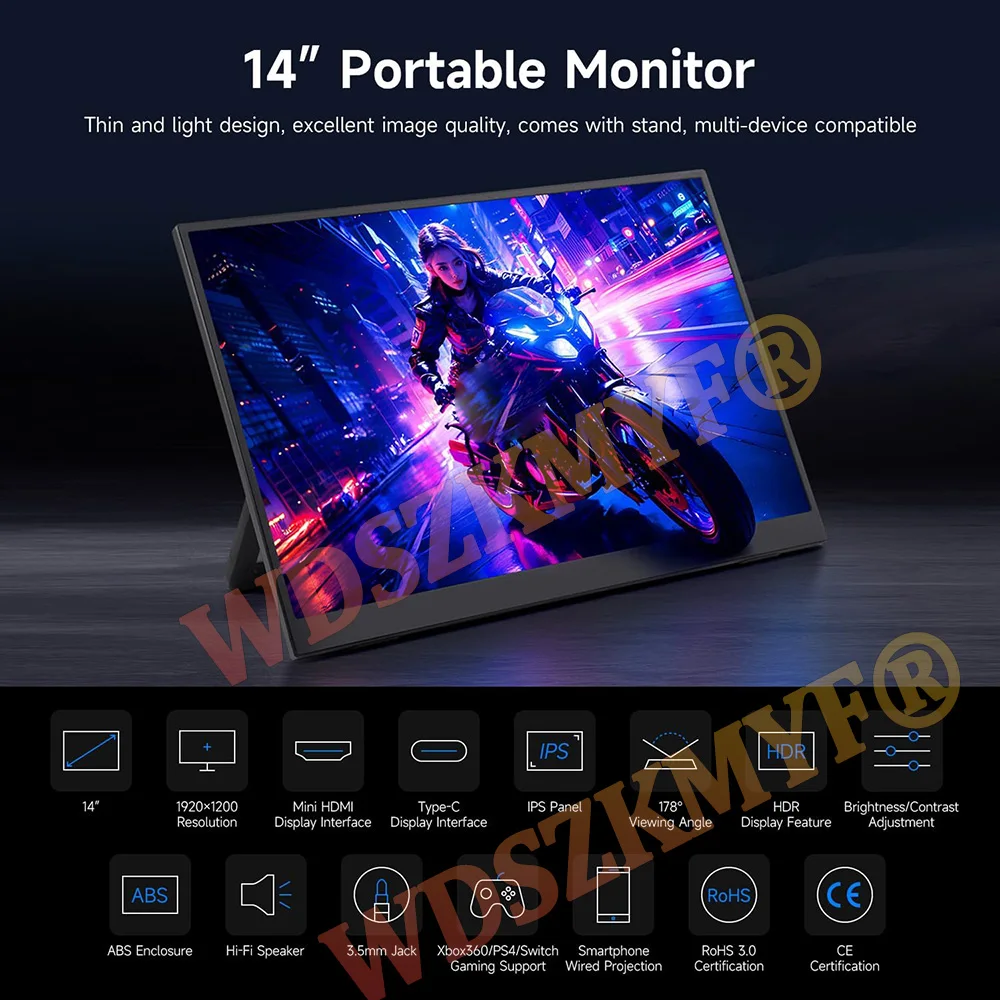
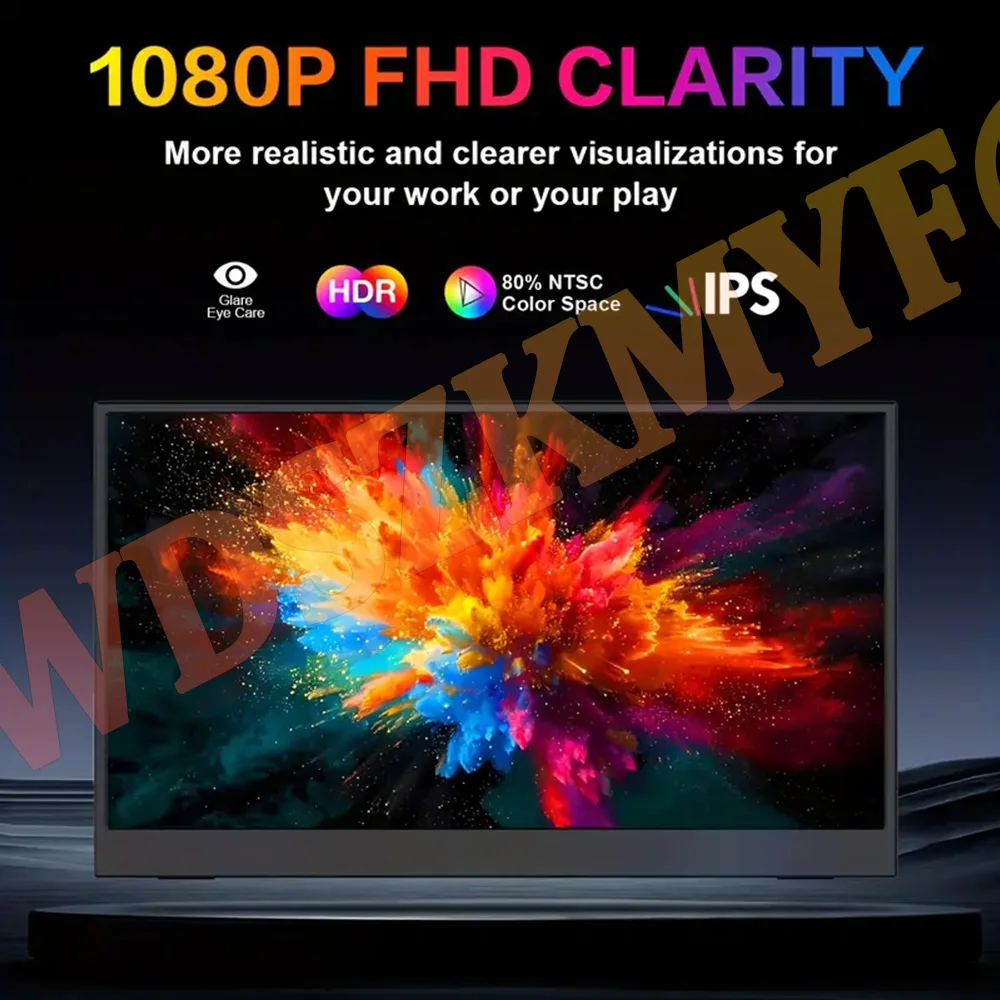
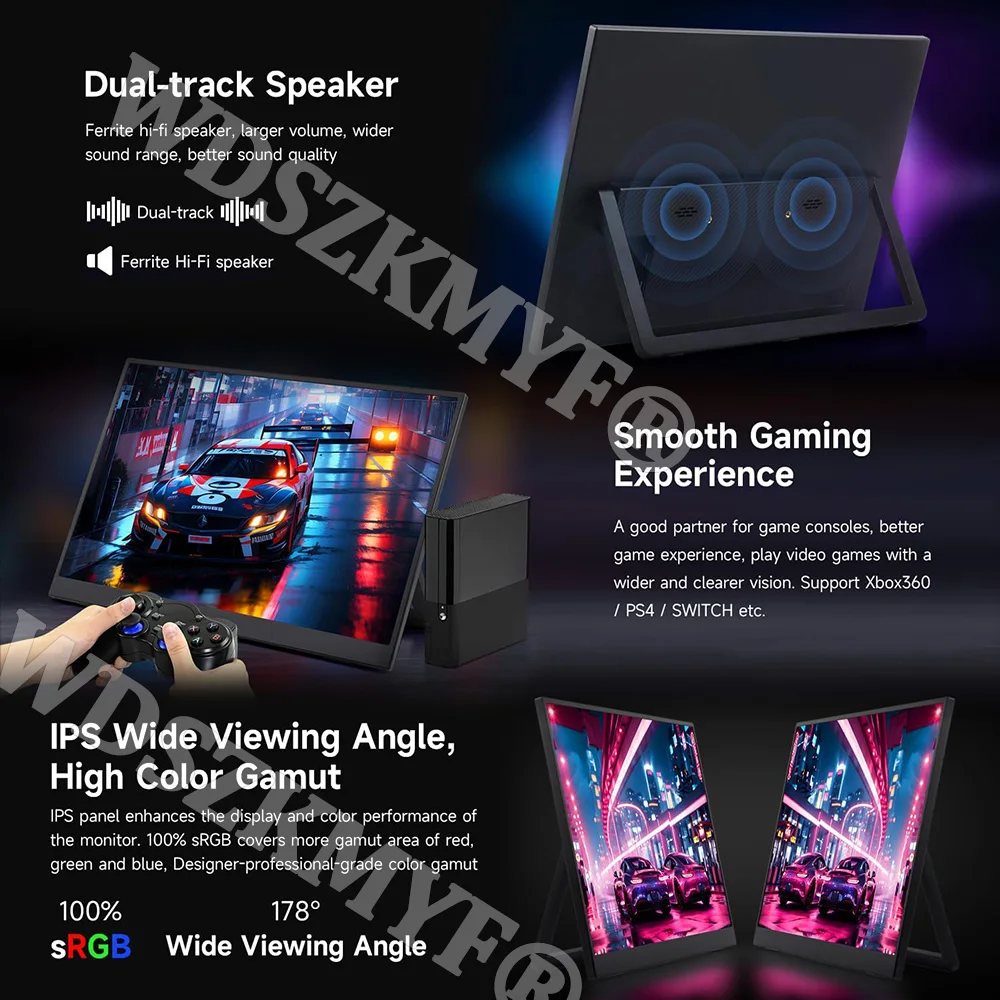
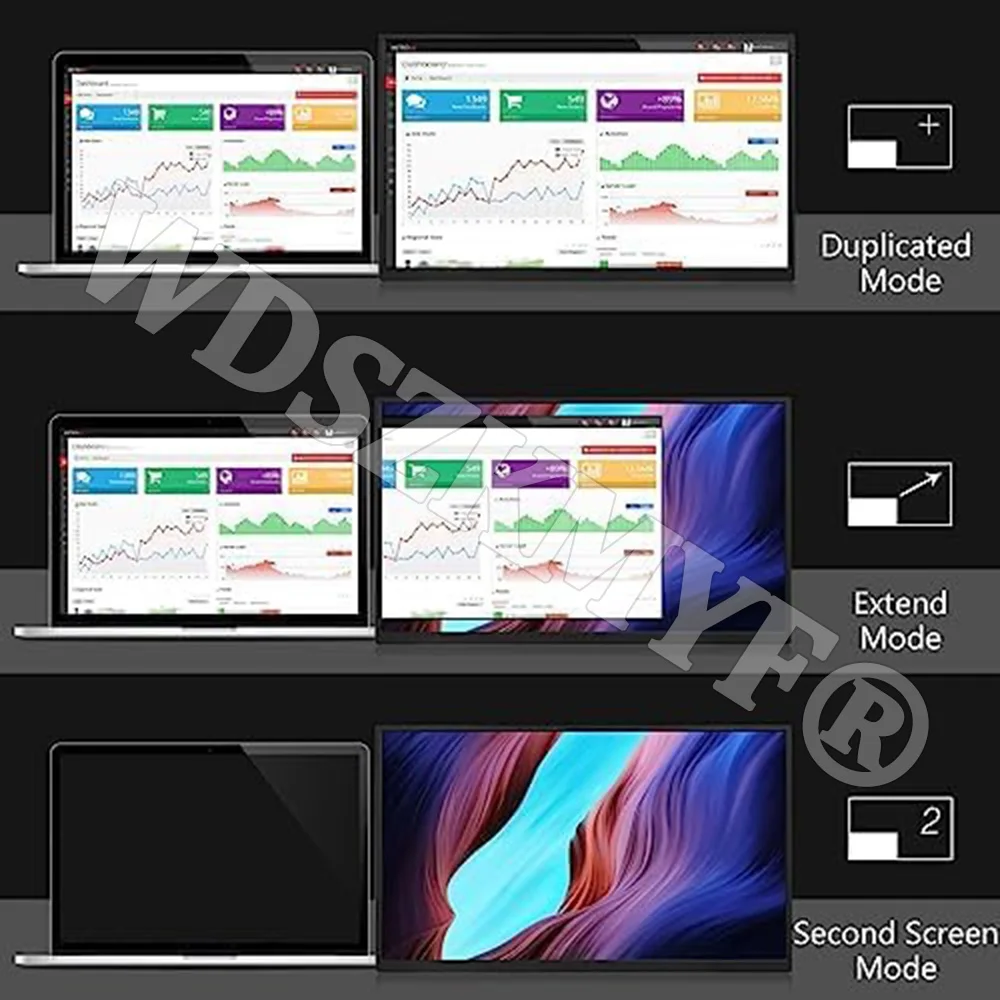
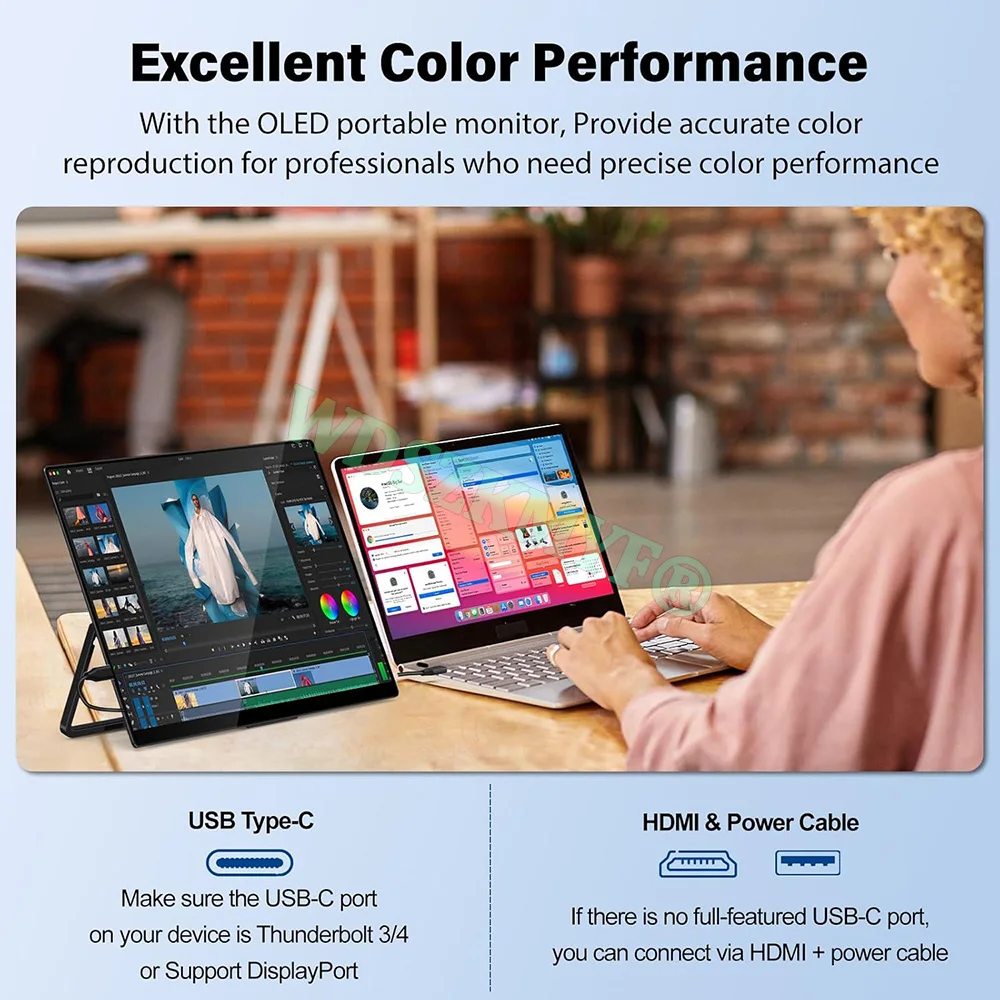
<p><div class="detailmodule_media"><div class="video-container-5000264948873"><div class="detail-video" id="5000264948873" data-previewurl="https://ae01.alicdn.com/kf/S33d4a3f62dff4b7f8eb3e1917e51aaa2p.jpg"></div></div></div></p><div class="detailmodule_text"><p style="font-size:24px;font-weight:bold">14-inch ultra-thin, ultra-lightweight portable display,Built-in speakers,Compatible with smartphones, game consoles, and computers; game consoles do not require a base station</p></div><div class="detailmodule_text"><p style="font-size:24px">⭐Slim, Light & Portable: Designed to be thin, slim, and lightweight, Its ultra-portable design makes it perfect for business trips or traveling<br/>⭐FHD 1080P Monitor: Enjoy a superb viewing experience with the 14.0" Full HD 1920 x 1080 anti-glare IPS display. With a 60Hz resolution, outstanding image quality, and high screen brightness, it delivers stunning visuals<br/>⭐2nd Monitor with 2 Modes: Enhance your work efficiency by using this portable laptop monitor as a second screen. It offers the flexibility to switch between horizontal and vertical modes, allowing you to choose the perspective that suits you best<br/>⭐Widely Compatible: Equipped with two fully functional USB Type-C connections and a Mini HDMI port, this monitor is compatible with laptops, PCs, Macs, smartphones, Xbox, PS5, Switch, Steam Deck, and more<br/>⭐Plug and Play Convenience: No need for apps or drivers. Simply connect the monitor with one USB-C cable for video signal and power. (Full-featured USB port required for phones). The built-in stand allows you to switch between landscape and portrait and adjust the angle of your sight to your liking<br/>⭐This product does not come with a power supply. Please install a USB power supply before connecting the device (power banks, computer USB power supplies, and 5V/3A adapters can be used).</p></div><div class="detailmodule_text"><p style="font-size:24px;color:rgb(255, 0, 0)">Noitce<br/><br/><br/><br/><br/>*All screens used A-gauge standards, no bright lines, the number of bright spots and dark spots is less than 3, and the size of bright spots and dark spots must not be higher than 0.3mm.<br/><br/><br/><br/><br/>*Channel availability may vary between markets. Local standards and laws may vary, please ensure this product meets local requirements before purchasing.<br/><br/><br/><br/>*Some mobile phones may have insufficient power supply and need to be connected to the power cord for synchronization</p></div><div class="detailmodule_image"></div><div class="detailmodule_image"></div><div class="detailmodule_image"></div><div class="detailmodule_text-image"><p style="font-family:OpenSans;font-size:14px;font-weight:300;line-height:20px;white-space:pre-wrap;color:rgb(0, 0, 0);margin-bottom:12px" class="detail-desc-decorate-content">Scroll Wheel - Settings<br/><br/>Toggle wheel up/down: volume/brightness quick adjustment<br/><br/>Short press on the scroll wheel: enter the system settings interface, you can adjust the language/color/reset, etc., enter the settings interface up and down the scroll wheel to change the setting items, short press on the scroll wheel again to confirm the setting options, short press on the power button to return at any time<br/><br/><br/><br/>How to change the language settings: <br/>find the left wheel key, press the center, the screen will pop up the menu settings interface, and then slide the wheel up and down to the fourth option OSD settings, press the wheel again in the middle of the key is to confirm, slide up and down to find the language you need to press the wheel key in the middle, complete the language change!<br/><br/>Please make sure to connect the game console to a power source.<br/>First, plug in the power supply. You can use a 5V2A plug or connect it to a power bank. The screen will prompt "No signal (because the device is not connected)". Then, use Type-C to connect the game console. Wait for 3-5 seconds for the game console screen to turn black before the signal is connected to the portable screen to play.</p><div></div></div><br/>
$262.31
$132.155
- Category : Computer & Office
- Brand : global_car_accessories_factory_store Global Car Accessories Factory Store
Colors
Sizes
-
+

<p><div class="detailmodule_media"><div class="video-container-5000264948873"><div class="detail-video" id="5000264948873" data-previewurl="https://ae01.alicdn.com/kf/S33d4a3f62dff4b7f8eb3e1917e51aaa2p.jpg"></div></div></div></p><div class="detailmodule_text"><p style="font-size:24px;font-weight:bold">14-inch ultra-thin, ultra-lightweight portable display,Built-in speakers,Compatible with smartphones, game consoles, and computers; game consoles do not require a base station</p></div><div class="detailmodule_text"><p style="font-size:24px">⭐Slim, Light & Portable: Designed to be thin, slim, and lightweight, Its ultra-portable design makes it perfect for business trips or traveling<br/>⭐FHD 1080P Monitor: Enjoy a superb viewing experience with the 14.0" Full HD 1920 x 1080 anti-glare IPS display. With a 60Hz resolution, outstanding image quality, and high screen brightness, it delivers stunning visuals<br/>⭐2nd Monitor with 2 Modes: Enhance your work efficiency by using this portable laptop monitor as a second screen. It offers the flexibility to switch between horizontal and vertical modes, allowing you to choose the perspective that suits you best<br/>⭐Widely Compatible: Equipped with two fully functional USB Type-C connections and a Mini HDMI port, this monitor is compatible with laptops, PCs, Macs, smartphones, Xbox, PS5, Switch, Steam Deck, and more<br/>⭐Plug and Play Convenience: No need for apps or drivers. Simply connect the monitor with one USB-C cable for video signal and power. (Full-featured USB port required for phones). The built-in stand allows you to switch between landscape and portrait and adjust the angle of your sight to your liking<br/>⭐This product does not come with a power supply. Please install a USB power supply before connecting the device (power banks, computer USB power supplies, and 5V/3A adapters can be used).</p></div><div class="detailmodule_text"><p style="font-size:24px;color:rgb(255, 0, 0)">Noitce<br/><br/><br/><br/><br/>*All screens used A-gauge standards, no bright lines, the number of bright spots and dark spots is less than 3, and the size of bright spots and dark spots must not be higher than 0.3mm.<br/><br/><br/><br/><br/>*Channel availability may vary between markets. Local standards and laws may vary, please ensure this product meets local requirements before purchasing.<br/><br/><br/><br/>*Some mobile phones may have insufficient power supply and need to be connected to the power cord for synchronization</p></div><div class="detailmodule_image"></div><div class="detailmodule_image"></div><div class="detailmodule_image"></div><div class="detailmodule_text-image"><p style="font-family:OpenSans;font-size:14px;font-weight:300;line-height:20px;white-space:pre-wrap;color:rgb(0, 0, 0);margin-bottom:12px" class="detail-desc-decorate-content">Scroll Wheel - Settings<br/><br/>Toggle wheel up/down: volume/brightness quick adjustment<br/><br/>Short press on the scroll wheel: enter the system settings interface, you can adjust the language/color/reset, etc., enter the settings interface up and down the scroll wheel to change the setting items, short press on the scroll wheel again to confirm the setting options, short press on the power button to return at any time<br/><br/><br/><br/>How to change the language settings: <br/>find the left wheel key, press the center, the screen will pop up the menu settings interface, and then slide the wheel up and down to the fourth option OSD settings, press the wheel again in the middle of the key is to confirm, slide up and down to find the language you need to press the wheel key in the middle, complete the language change!<br/><br/>Please make sure to connect the game console to a power source.<br/>First, plug in the power supply. You can use a 5V2A plug or connect it to a power bank. The screen will prompt "No signal (because the device is not connected)". Then, use Type-C to connect the game console. Wait for 3-5 seconds for the game console screen to turn black before the signal is connected to the portable screen to play.</p><div></div></div><br/>
Related Product
Browse The Collection of Top Products.