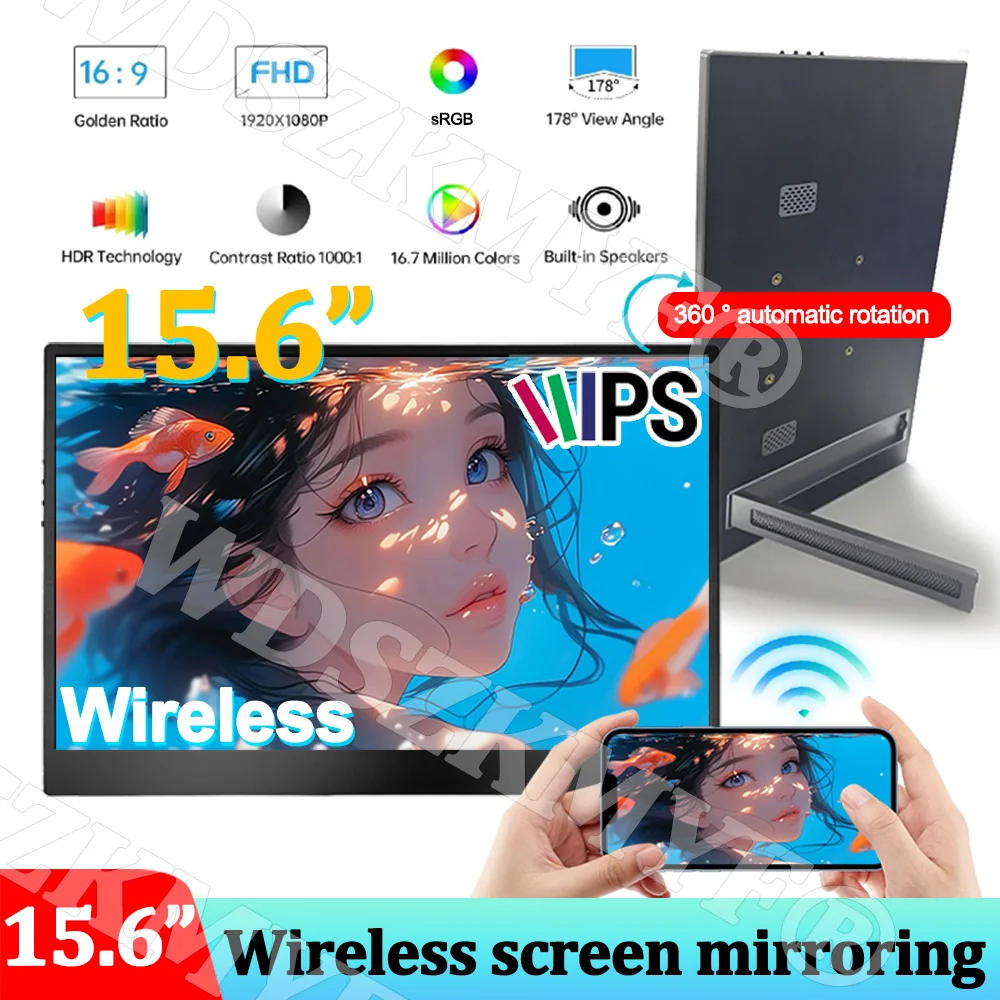
15.6inch Portable Wired/Wireless Monitor WIFI 1080P HDR Low Blue Light For Cell Phone PC Loptop XBox PS4 / 5 Switch Extension
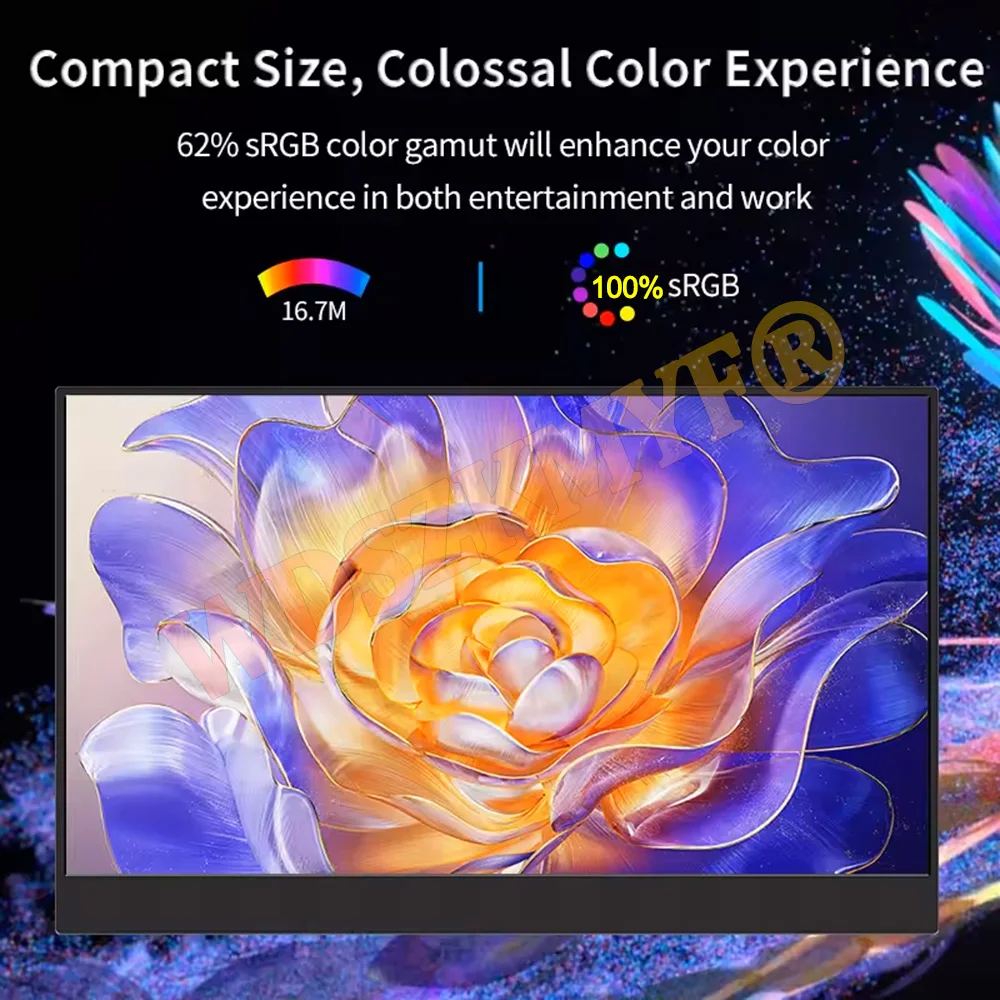
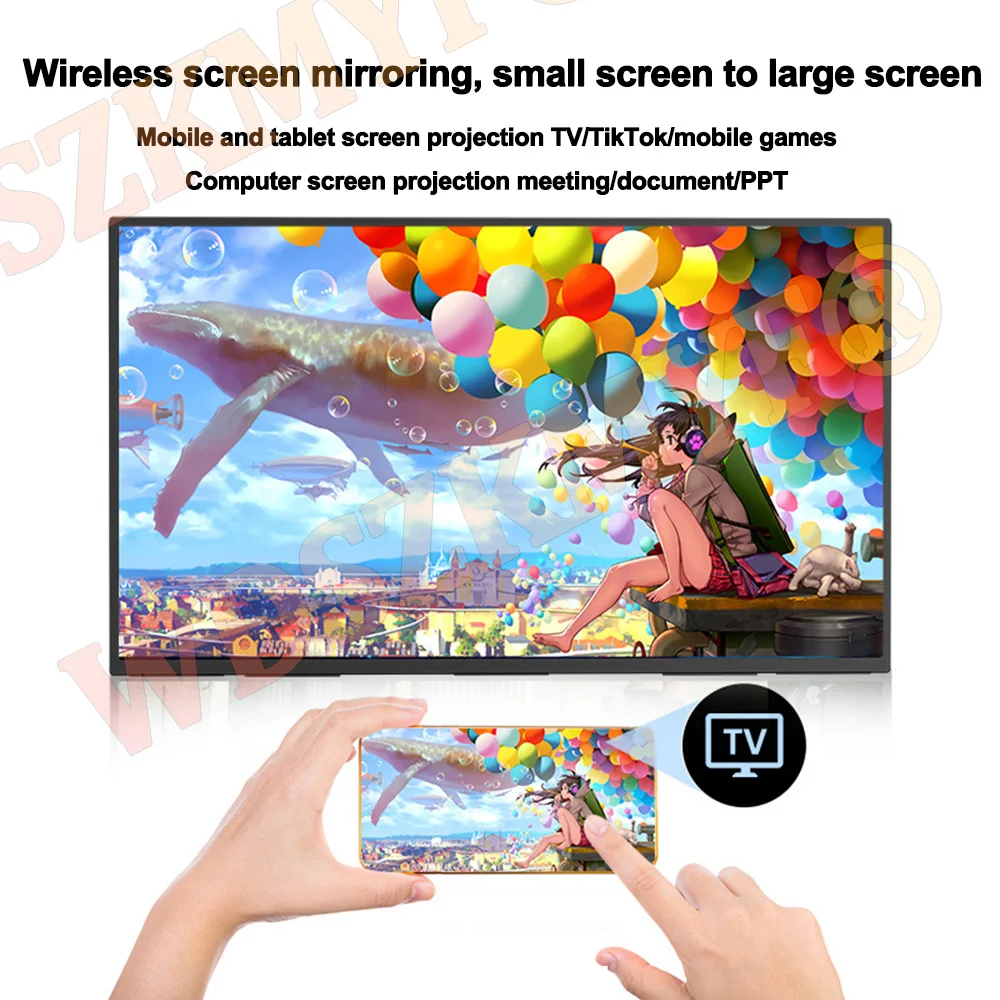
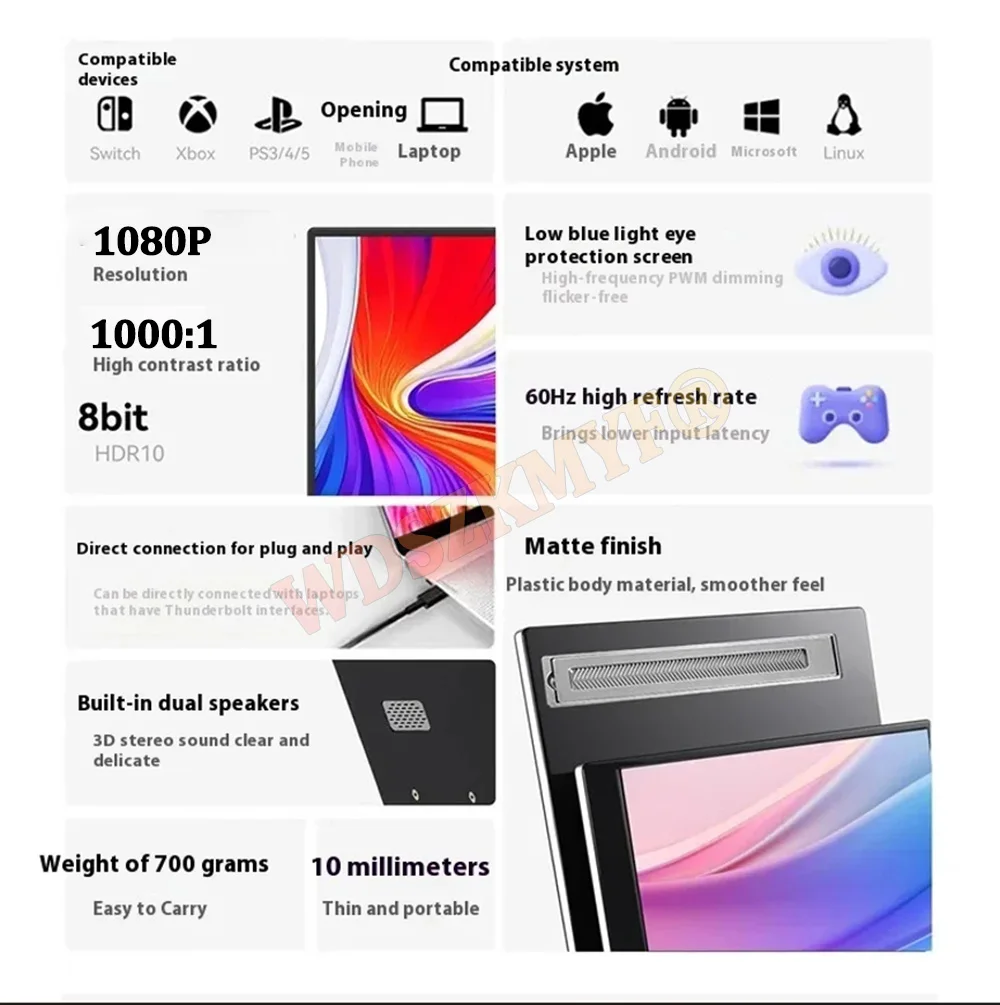
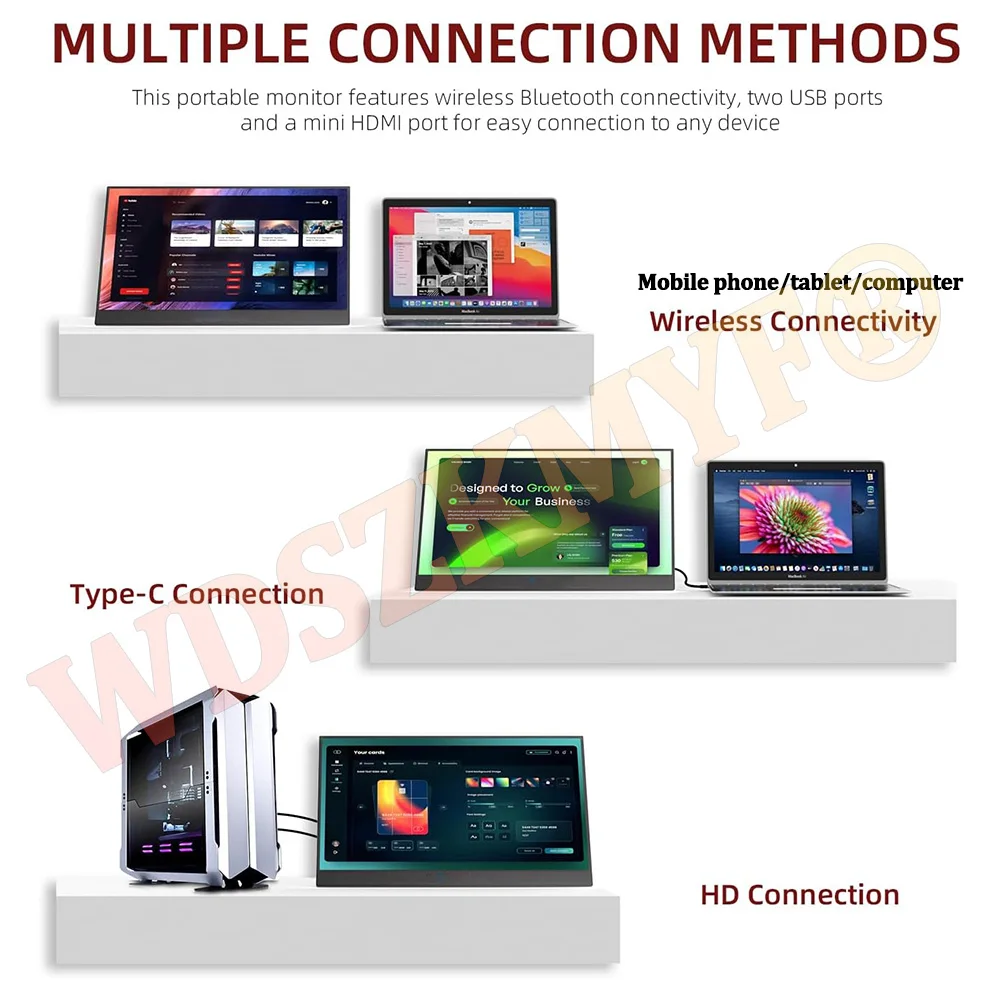
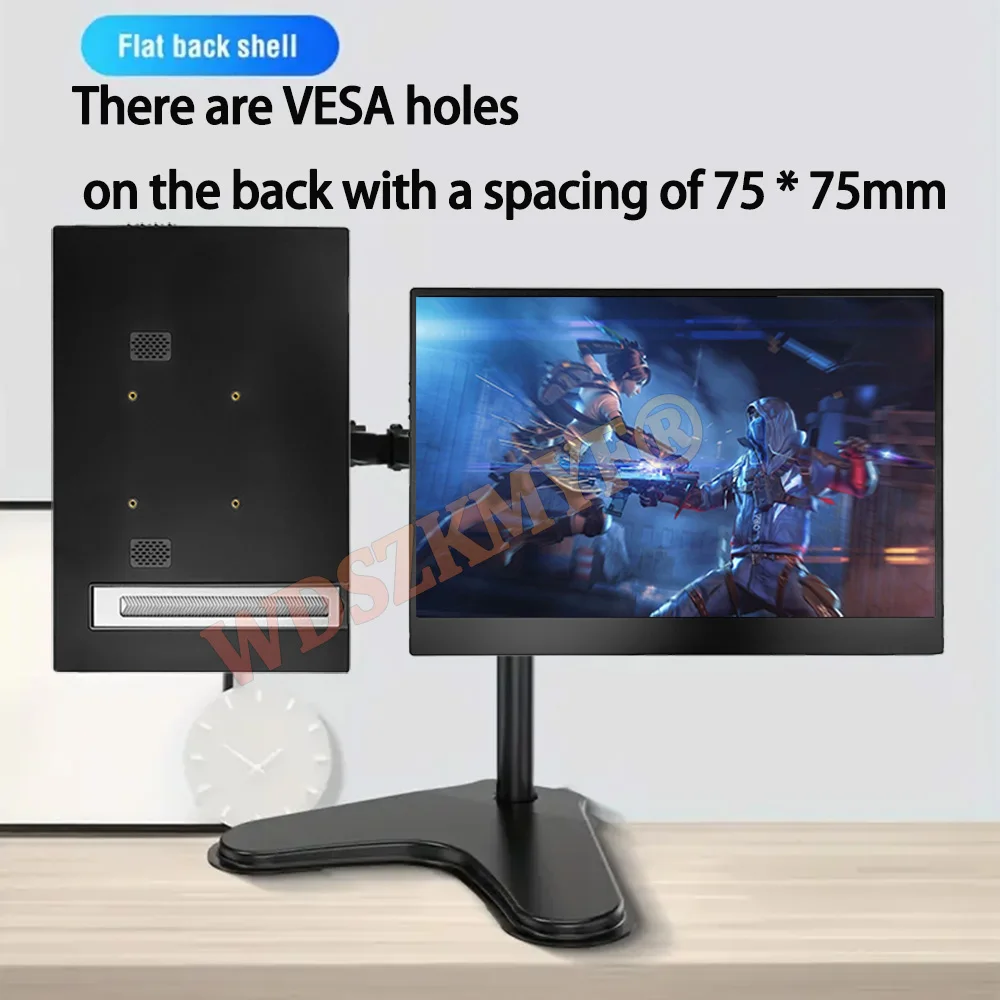
<div class="detailmodule_text"><p style="font-size:24px;font-weight:bold">Optional Wired/Wireless</p><p style="font-size:20px;color:rgb(255, 0, 0)">⭐The wired version is a classic, and computers/phones/game consoles are all connected through cables for screen mirroring(The wired version cannot rotate automatically and requires the computer to adjust the vertical screen)<br/>⭐The wireless version is the 2025 upgraded version, and mobile phones/tablets/computers with WIFI can connect to the WIFI signal on the screen for wireless WIFI screen mirroring. Game consoles still need to be connected to the device through a cable for screen mirroring. (Internal battery not included, USB power still needs to be connected)</p></div><div class="detailmodule_image"></div><div class="detailmodule_text"><p style="font-size:24px;font-weight:bold;color:rgb(230, 0, 0)">Host comes with bracket</p></div><div class="detailmodule_text"><p style="font-size:24px">New Upgrade wireless screen projection model by 2025 15.6-inch 1080P Portable Display<br/><br/><br/>1.Wireless Display Monitor for Laptops: laptop screen extender is the ideal wireless portable monitor for MacBook, Surface Pro, Surface Laptop, Lenovo Laptop, HP Laptop, Dell Laptop, ASUS Laptop, etc. This second monitor for laptop supports Extend and Mirror Mode (Airplay and Miracast) wirelessly, bringing you efficiency for meetings, work from home and presentations.<br/><br/><br/>2.1080P Wireless Portable Monitor Built-in Stand: Featuring a 1080P resolution, 60 HZ, 100% color gamut, 178° FULL viewing angle, HDR, and Low Blue Light Ultra Clear A-grade IPS-ADS screen, this 15.6 inch wireless portable screen for laptop has a built-in stable stand with adjustable angle for landscape and vertical mode for high productivity. NOTE: The monitor also comes with two VESA holes and supports VESA Mounting Compliant.<br/><br/><br/>3.Plug and Play Monitor: wireless portable laptop monitor powers up and is ready to expand and mirror your device via Wi-Fi, connecting to devices without cables. Once switched on, the monitor shows three different wireless connections, which can be used in conjunction with the Manual to bring you a wireless, simple work and life experience.<br/><br/><br/>4.Portable and Light Weight: The Wireless Display Monitor provides 2 Full-featured USB-C ports and a mini HDMI port, is compatible with most laptops, PC, PS4, and Xbox. The box comes with a USB-A cable, a USB-C cable, an HDMI cable , No need to buy additional accessories out of the box. Ultra-lightweight and ultra-slim body is perfect for mobile or home offices.<br/><br/>5.The wireless style has built-in gravity sensing, and the screen can rotate 360 ° after projection!Other screens on the market do not have gravity sensing and still need to be adjusted to a vertical screen using a computer. This product automatically rotates the monitor when the direction is turned.</p></div><div class="detailmodule_image"></div><div class="detailmodule_image"></div><div class="detailmodule_image"></div><div class="detailmodule_image"></div><div class="detailmodule_text"><p style="font-size:20px;color:rgb(255, 0, 0)">Wireless connection method<br/>Note:Please power on the monitor before connecting (USB power/5V3A power/battery bank are all acceptable),<br/>Turn on WIFI on the device you need to connect to, such as your phone/computer/tablet, and check if the WIFI button is turned on.<br/><br/>For iPhone/IOS<br/>1. Swipe down,open casting.<br/>2. Select device for mirroring<br/>3.Click. DISP-******<br/>1.Password: 1234<br/><br/>For ANDROID/HUAWEI<br/>1. Swipe down,open casting.<br/>2. Select device for mirroring<br/>3.Click. DISP-******<br/><br/>For Windows<br/>1. Select Windows logo key + k<br/>2.Click. DiSP-******<br/><br/>MACOS AIRCAST<br/>1.Click the on the menu bar<br/>2.Choose Screen mirroring<br/>3.Select DISP-******<br/>from the device list<br/>Note: lf it needs a password.enter 1234</p></div><div class="detailmodule_image"></div><br/>
$273.74
$137.87
- Category : Computer & Office
- Brand : global_car_accessories_factory_store Global Car Accessories Factory Store
Colors
Sizes
-
+

<div class="detailmodule_text"><p style="font-size:24px;font-weight:bold">Optional Wired/Wireless</p><p style="font-size:20px;color:rgb(255, 0, 0)">⭐The wired version is a classic, and computers/phones/game consoles are all connected through cables for screen mirroring(The wired version cannot rotate automatically and requires the computer to adjust the vertical screen)<br/>⭐The wireless version is the 2025 upgraded version, and mobile phones/tablets/computers with WIFI can connect to the WIFI signal on the screen for wireless WIFI screen mirroring. Game consoles still need to be connected to the device through a cable for screen mirroring. (Internal battery not included, USB power still needs to be connected)</p></div><div class="detailmodule_image"></div><div class="detailmodule_text"><p style="font-size:24px;font-weight:bold;color:rgb(230, 0, 0)">Host comes with bracket</p></div><div class="detailmodule_text"><p style="font-size:24px">New Upgrade wireless screen projection model by 2025 15.6-inch 1080P Portable Display<br/><br/><br/>1.Wireless Display Monitor for Laptops: laptop screen extender is the ideal wireless portable monitor for MacBook, Surface Pro, Surface Laptop, Lenovo Laptop, HP Laptop, Dell Laptop, ASUS Laptop, etc. This second monitor for laptop supports Extend and Mirror Mode (Airplay and Miracast) wirelessly, bringing you efficiency for meetings, work from home and presentations.<br/><br/><br/>2.1080P Wireless Portable Monitor Built-in Stand: Featuring a 1080P resolution, 60 HZ, 100% color gamut, 178° FULL viewing angle, HDR, and Low Blue Light Ultra Clear A-grade IPS-ADS screen, this 15.6 inch wireless portable screen for laptop has a built-in stable stand with adjustable angle for landscape and vertical mode for high productivity. NOTE: The monitor also comes with two VESA holes and supports VESA Mounting Compliant.<br/><br/><br/>3.Plug and Play Monitor: wireless portable laptop monitor powers up and is ready to expand and mirror your device via Wi-Fi, connecting to devices without cables. Once switched on, the monitor shows three different wireless connections, which can be used in conjunction with the Manual to bring you a wireless, simple work and life experience.<br/><br/><br/>4.Portable and Light Weight: The Wireless Display Monitor provides 2 Full-featured USB-C ports and a mini HDMI port, is compatible with most laptops, PC, PS4, and Xbox. The box comes with a USB-A cable, a USB-C cable, an HDMI cable , No need to buy additional accessories out of the box. Ultra-lightweight and ultra-slim body is perfect for mobile or home offices.<br/><br/>5.The wireless style has built-in gravity sensing, and the screen can rotate 360 ° after projection!Other screens on the market do not have gravity sensing and still need to be adjusted to a vertical screen using a computer. This product automatically rotates the monitor when the direction is turned.</p></div><div class="detailmodule_image"></div><div class="detailmodule_image"></div><div class="detailmodule_image"></div><div class="detailmodule_image"></div><div class="detailmodule_text"><p style="font-size:20px;color:rgb(255, 0, 0)">Wireless connection method<br/>Note:Please power on the monitor before connecting (USB power/5V3A power/battery bank are all acceptable),<br/>Turn on WIFI on the device you need to connect to, such as your phone/computer/tablet, and check if the WIFI button is turned on.<br/><br/>For iPhone/IOS<br/>1. Swipe down,open casting.<br/>2. Select device for mirroring<br/>3.Click. DISP-******<br/>1.Password: 1234<br/><br/>For ANDROID/HUAWEI<br/>1. Swipe down,open casting.<br/>2. Select device for mirroring<br/>3.Click. DISP-******<br/><br/>For Windows<br/>1. Select Windows logo key + k<br/>2.Click. DiSP-******<br/><br/>MACOS AIRCAST<br/>1.Click the on the menu bar<br/>2.Choose Screen mirroring<br/>3.Select DISP-******<br/>from the device list<br/>Note: lf it needs a password.enter 1234</p></div><div class="detailmodule_image"></div><br/>
Related Product
Browse The Collection of Top Products.