2.4GHz Wireless Mouse with USB Receiver Ergonomic Mouse with 1600 DPI Optical Resolution Compatible with Computer & Chromebook
<div class="detailmodule_html"><div class="detail-desc-decorate-richtext"><h1 align="start" class="a-size-base-plus a-text-bold" style="font-family:"Amazon Ember", Arial, sans-serif;font-size:16px;font-weight:700;letter-spacing:normal;line-height:24px;text-align:start;white-space:normal;color:rgb(15, 17, 17);background-color:rgb(255, 255, 255);margin:0px;margin-bottom:0px;margin-top:0px;margin-left:0px;margin-right:0px;padding:0px 0px 4px;padding-bottom:4px;padding-top:0px;padding-left:0px;padding-right:0px;box-sizing:border-box">When using, it is necessary to:<br>
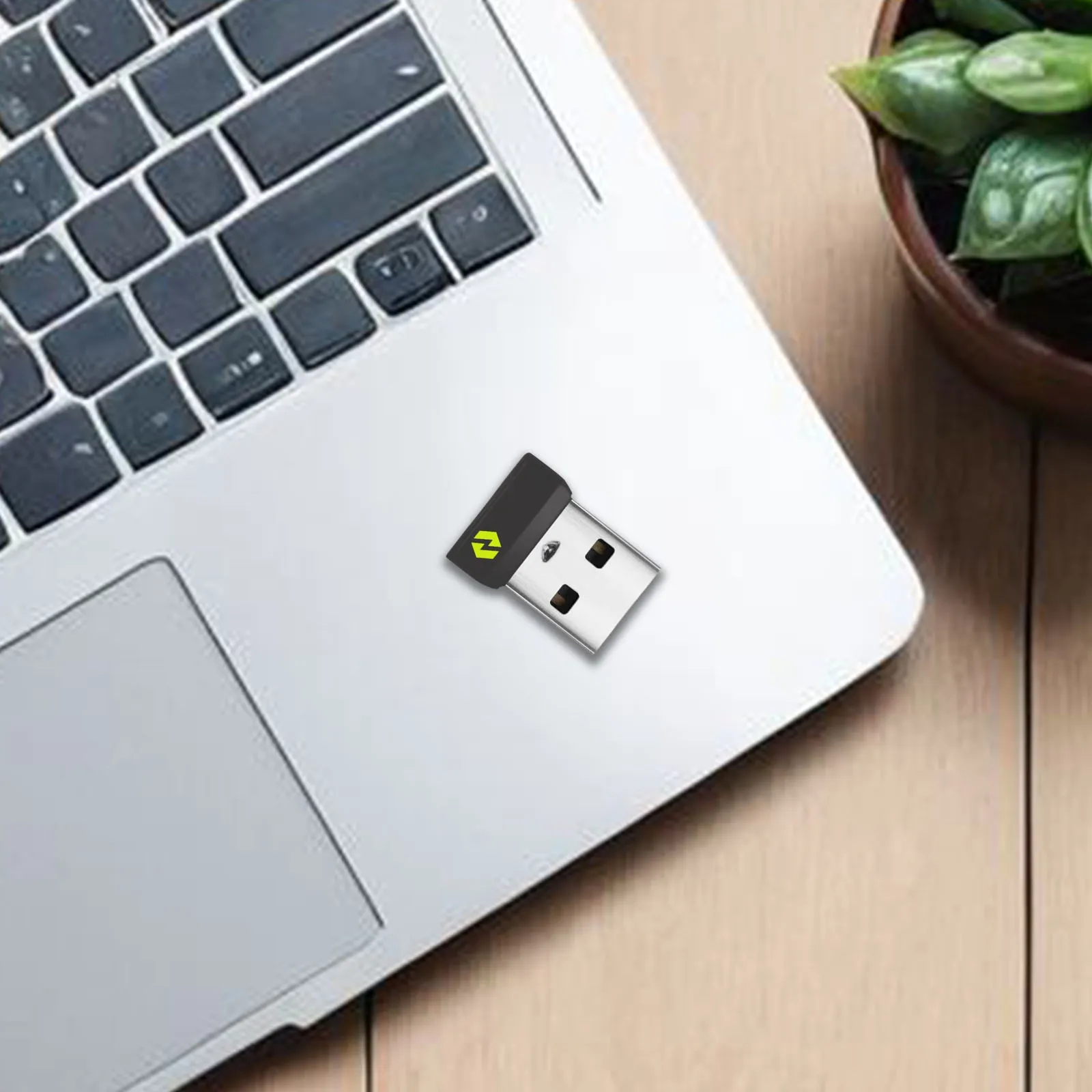
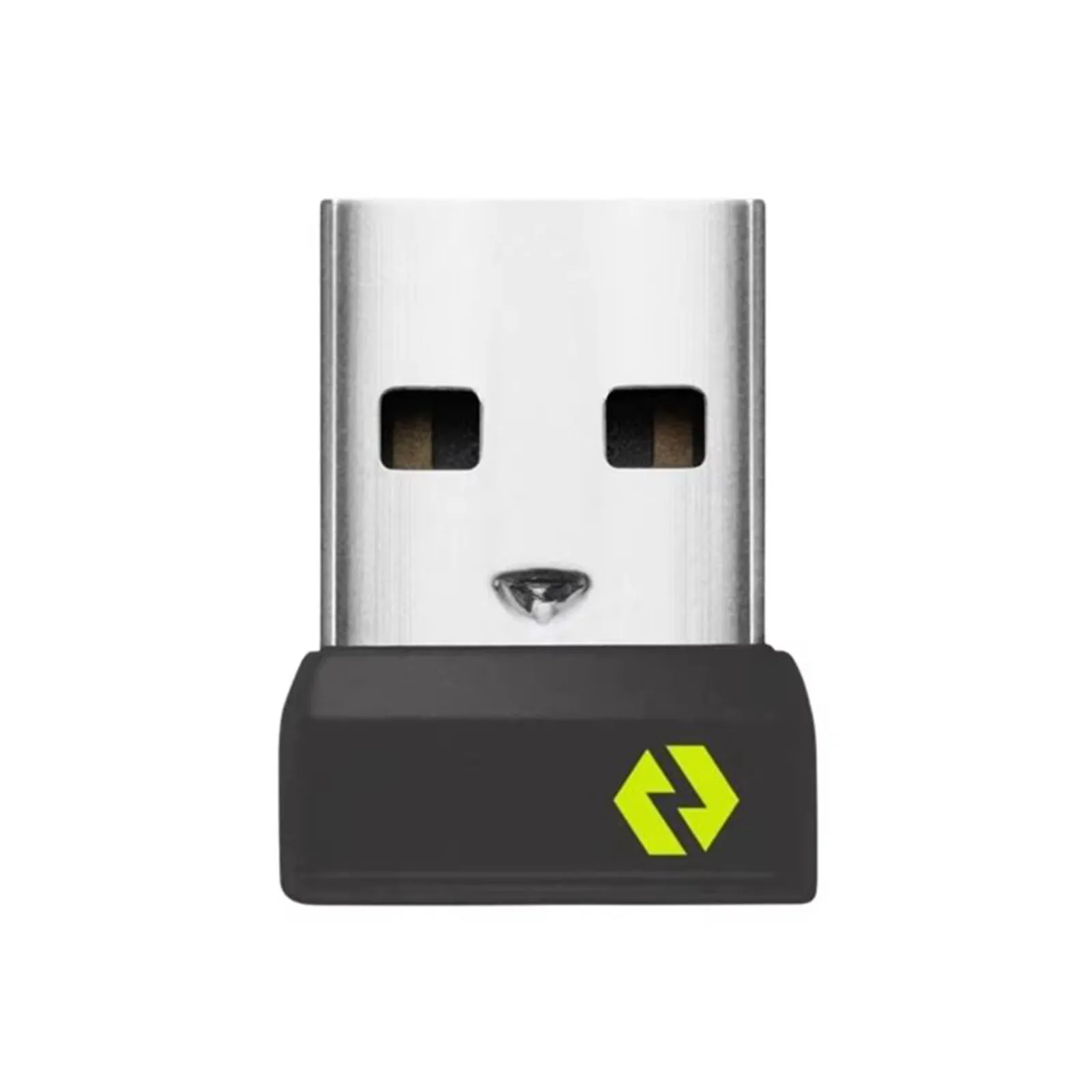
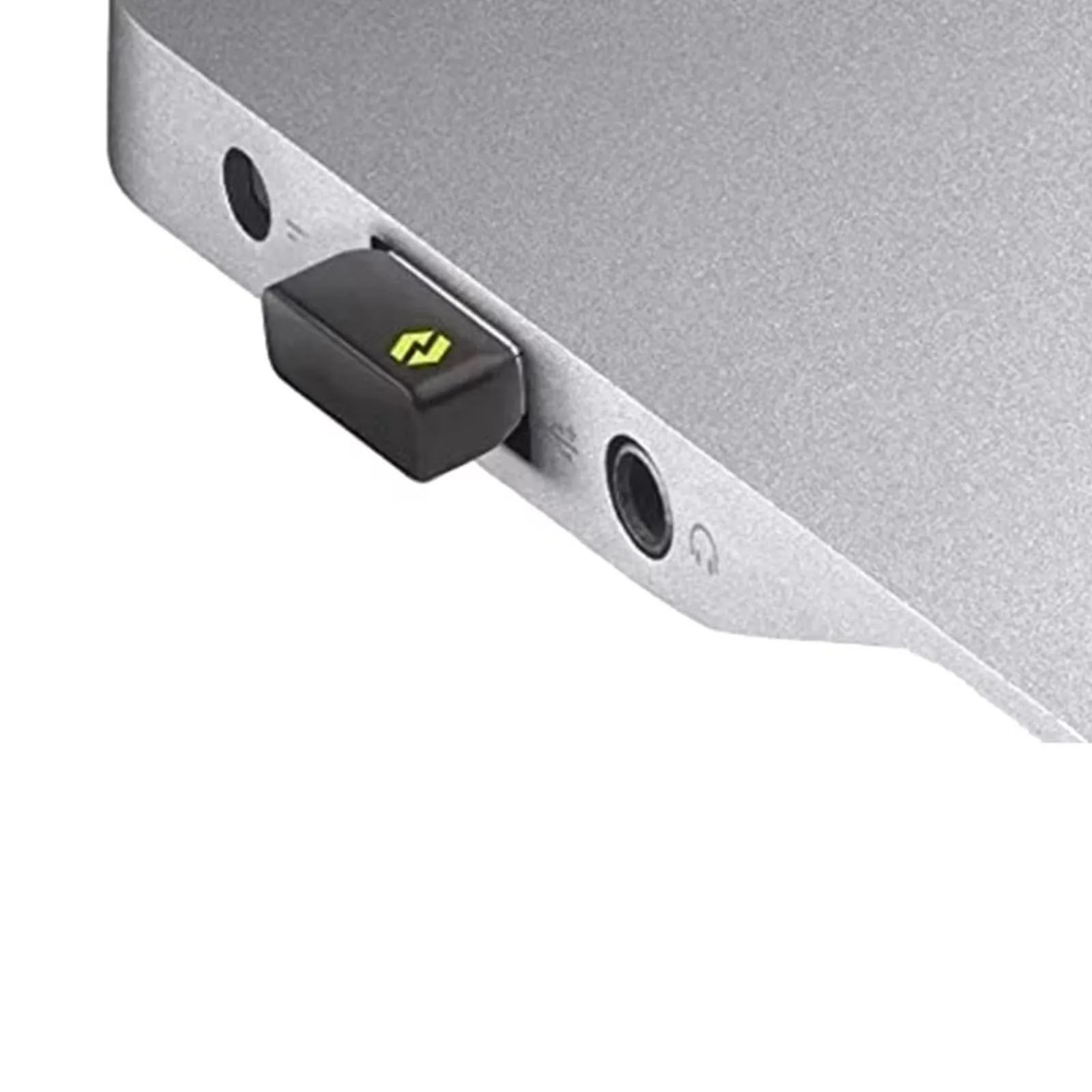
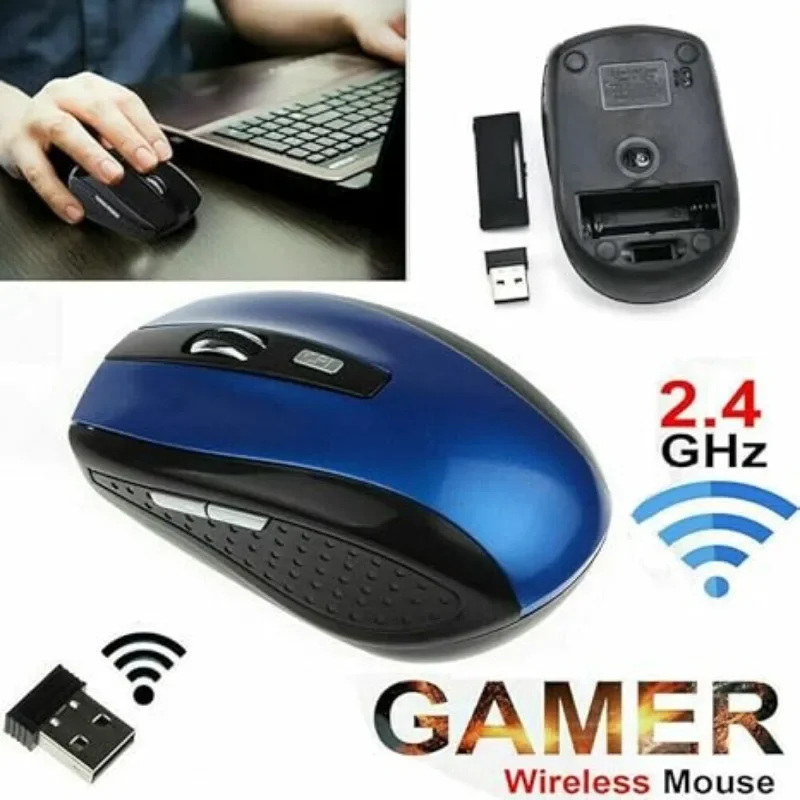
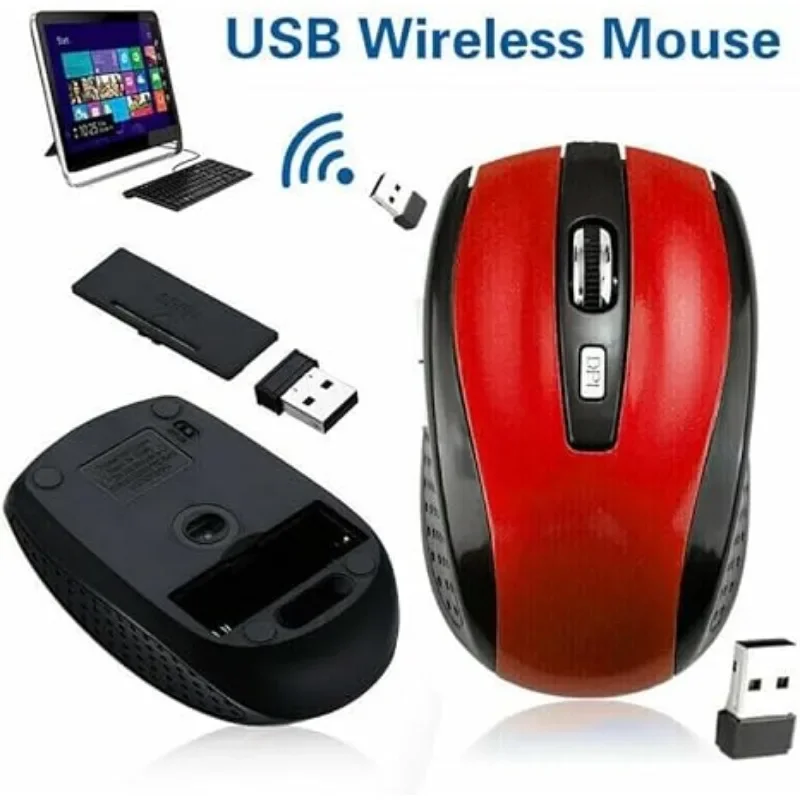
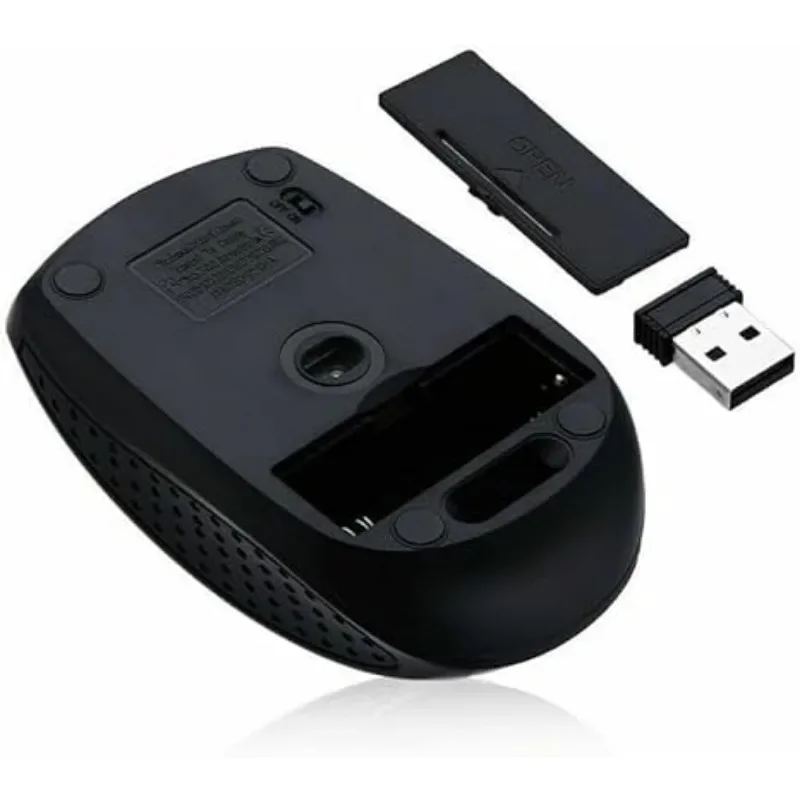
1. Insert the USB receiver inside the mouse battery cover into the computer,<br>
2. Install two No. 7 batteries (AAA type) accordingly (be careful not to install them upside down),<br>
3. Turn on the power switch at the bottom of the mouse, and then you can use it normally!<br>
(Please pay attention to strictly following this order, which makes it easier to code)<br>
<br>
About this item</h1>
<ul align="start" class="a-unordered-list a-vertical a-spacing-mini" style="font-family:"Amazon Ember", Arial, sans-serif;font-size:14px;font-weight:400;letter-spacing:normal;text-align:start;white-space:normal;color:rgb(15, 17, 17);background-color:rgb(255, 255, 255);margin:0px 0px 0px 18px;margin-bottom:0px;margin-top:0px;margin-left:18px;margin-right:0px;padding:0px;padding-bottom:0px;padding-top:0px;padding-left:0px;padding-right:0px;box-sizing:border-box">
<li class="a-spacing-mini" style="margin:0px;margin-bottom:0px;margin-top:0px;margin-left:0px;margin-right:0px;list-style:disc;box-sizing:border-box">
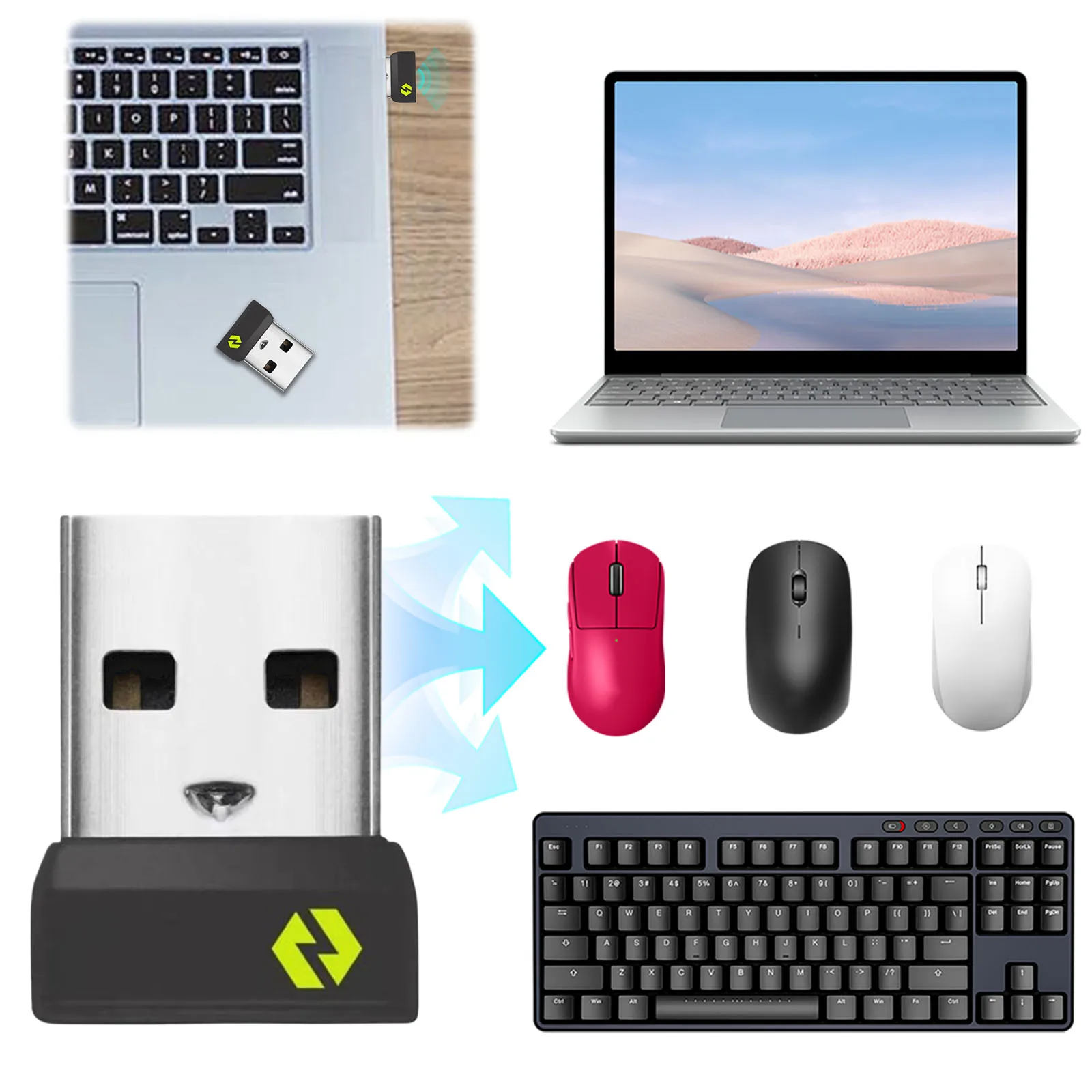
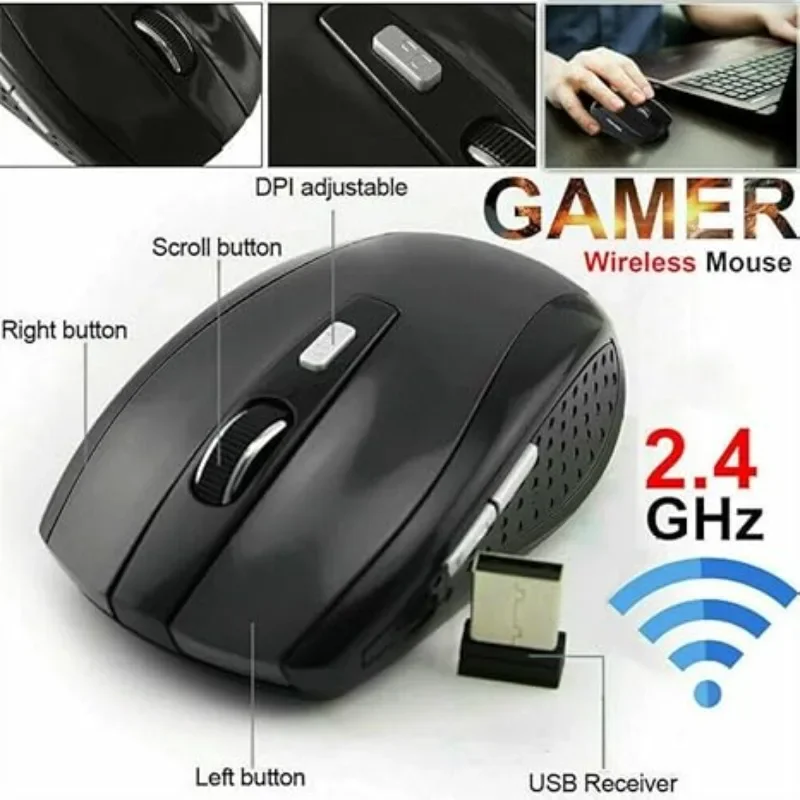
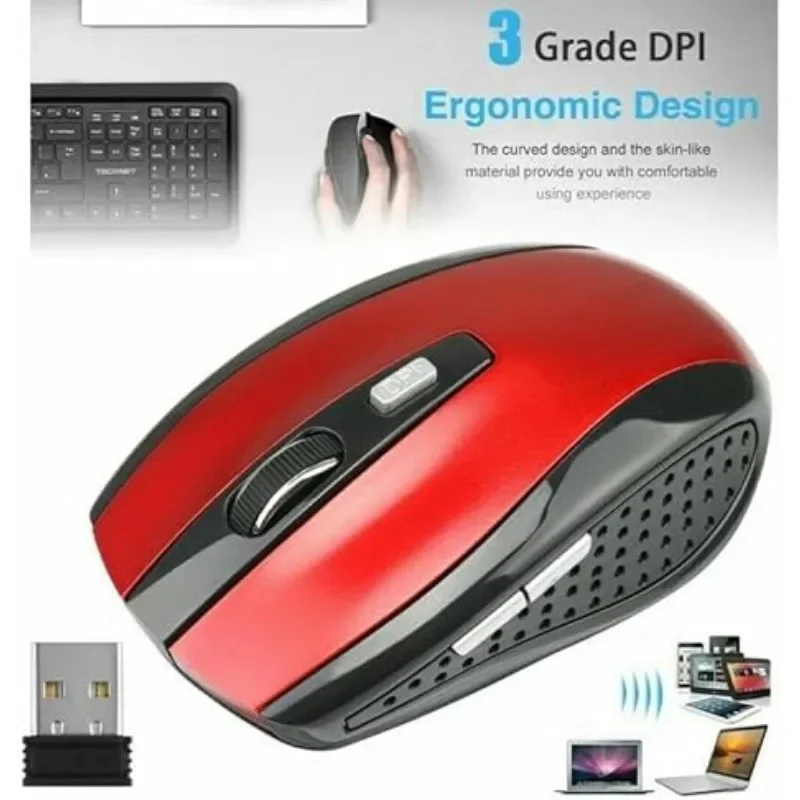
<p><span class="a-list-item" style="color:var(--__N4QdCheV6mGo,#0f1111)">Wireless Freedom - Experience the convenience of cordless computing with the 2.4GHz wireless technology. Our wireless mouse allows you to work or play from up to 10 meters away. A clutter-free environment!</span></p>
</li>
<li class="a-spacing-mini" style="margin:0px;margin-bottom:0px;margin-top:0px;margin-left:0px;margin-right:0px;list-style:disc;box-sizing:border-box">
<p><span class="a-list-item" style="color:var(--__N4QdCheV6mGo,#0f1111)">Lasting Performance - With advanced optical technology, this wireless mouse for the laptop offers unparalleled accuracy. Count on it for a super-long lasting working life, making it a valuable addition.</span></p>
</li>
<li class="a-spacing-mini" style="margin:0px;margin-bottom:0px;margin-top:0px;margin-left:0px;margin-right:0px;list-style:disc;box-sizing:border-box">
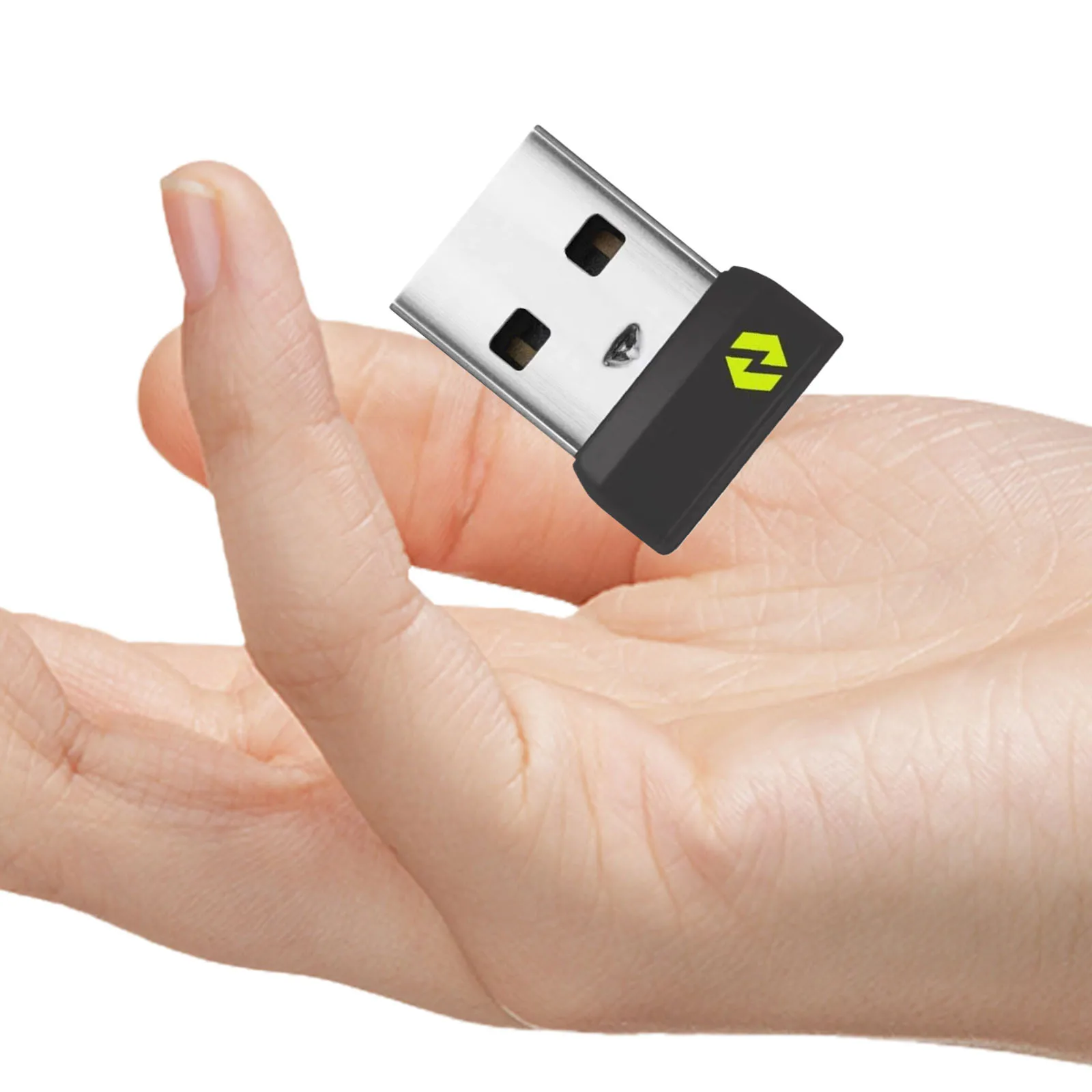
<p><span class="a-list-item" style="color:var(--__N4QdCheV6mGo,#0f1111)">Plug-&-Play Simplicity - The USB receiver is located inside the mouse, making it easily accessible. Just plug it into your device, and you're ready to go, with no complicated setups or drivers to worry about.</span></p>
</li>
<li class="a-spacing-mini" style="margin:0px;margin-bottom:0px;margin-top:0px;margin-left:0px;margin-right:0px;list-style:disc;box-sizing:border-box">
<p><span class="a-list-item" style="color:var(--__N4QdCheV6mGo,#0f1111)">Adjustable DPI Settings - Switch between 800, 1200, and 1600 DPI resolution settings to tailor the cursor speed to your preferences. Whether you need precision or swiftness, our wireless mouse has you covered.</span></p>
</li>
<li class="a-spacing-mini" style="margin:0px;margin-bottom:0px;margin-top:0px;margin-left:0px;margin-right:0px;list-style:disc;box-sizing:border-box">
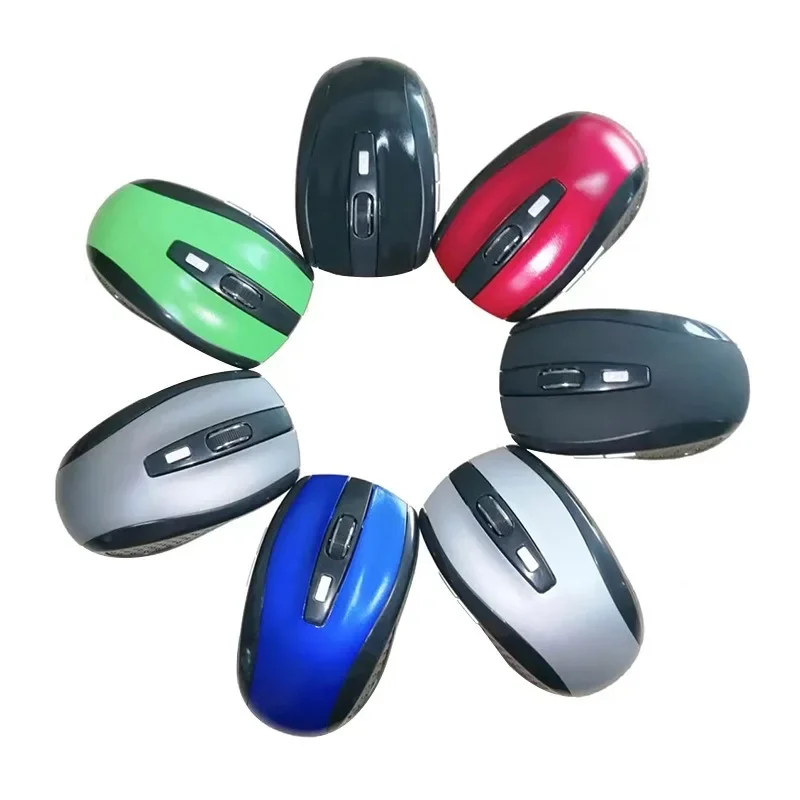
<p><span class="a-list-item" style="color:var(--__N4QdCheV6mGo,#0f1111)">Sleek & Stylish - Elevate your workspace's aesthetic with the elegant & modern design of this wireless laptop mouse. It's the perfect complement to your laptop or PC, adding a touch of sophistication.</span></p>
</li>
</ul>
<div><br>
<br>
<br>
</div>
</div></div>
$15.125
$8.555
- Category : Computer & Office
- Brand : shop1104394283_store Shop1104394283 Store
Colors
Sizes
-
+

<div class="detailmodule_html"><div class="detail-desc-decorate-richtext"><h1 align="start" class="a-size-base-plus a-text-bold" style="font-family:"Amazon Ember", Arial, sans-serif;font-size:16px;font-weight:700;letter-spacing:normal;line-height:24px;text-align:start;white-space:normal;color:rgb(15, 17, 17);background-color:rgb(255, 255, 255);margin:0px;margin-bottom:0px;margin-top:0px;margin-left:0px;margin-right:0px;padding:0px 0px 4px;padding-bottom:4px;padding-top:0px;padding-left:0px;padding-right:0px;box-sizing:border-box">When using, it is necessary to:<br>
1. Insert the USB receiver inside the mouse battery cover into the computer,<br>
2. Install two No. 7 batteries (AAA type) accordingly (be careful not to install them upside down),<br>
3. Turn on the power switch at the bottom of the mouse, and then you can use it normally!<br>
(Please pay attention to strictly following this order, which makes it easier to code)<br>
<br>
About this item</h1>
<ul align="start" class="a-unordered-list a-vertical a-spacing-mini" style="font-family:"Amazon Ember", Arial, sans-serif;font-size:14px;font-weight:400;letter-spacing:normal;text-align:start;white-space:normal;color:rgb(15, 17, 17);background-color:rgb(255, 255, 255);margin:0px 0px 0px 18px;margin-bottom:0px;margin-top:0px;margin-left:18px;margin-right:0px;padding:0px;padding-bottom:0px;padding-top:0px;padding-left:0px;padding-right:0px;box-sizing:border-box">
<li class="a-spacing-mini" style="margin:0px;margin-bottom:0px;margin-top:0px;margin-left:0px;margin-right:0px;list-style:disc;box-sizing:border-box">
<p><span class="a-list-item" style="color:var(--__N4QdCheV6mGo,#0f1111)">Wireless Freedom - Experience the convenience of cordless computing with the 2.4GHz wireless technology. Our wireless mouse allows you to work or play from up to 10 meters away. A clutter-free environment!</span></p>
</li>
<li class="a-spacing-mini" style="margin:0px;margin-bottom:0px;margin-top:0px;margin-left:0px;margin-right:0px;list-style:disc;box-sizing:border-box">
<p><span class="a-list-item" style="color:var(--__N4QdCheV6mGo,#0f1111)">Lasting Performance - With advanced optical technology, this wireless mouse for the laptop offers unparalleled accuracy. Count on it for a super-long lasting working life, making it a valuable addition.</span></p>
</li>
<li class="a-spacing-mini" style="margin:0px;margin-bottom:0px;margin-top:0px;margin-left:0px;margin-right:0px;list-style:disc;box-sizing:border-box">
<p><span class="a-list-item" style="color:var(--__N4QdCheV6mGo,#0f1111)">Plug-&-Play Simplicity - The USB receiver is located inside the mouse, making it easily accessible. Just plug it into your device, and you're ready to go, with no complicated setups or drivers to worry about.</span></p>
</li>
<li class="a-spacing-mini" style="margin:0px;margin-bottom:0px;margin-top:0px;margin-left:0px;margin-right:0px;list-style:disc;box-sizing:border-box">
<p><span class="a-list-item" style="color:var(--__N4QdCheV6mGo,#0f1111)">Adjustable DPI Settings - Switch between 800, 1200, and 1600 DPI resolution settings to tailor the cursor speed to your preferences. Whether you need precision or swiftness, our wireless mouse has you covered.</span></p>
</li>
<li class="a-spacing-mini" style="margin:0px;margin-bottom:0px;margin-top:0px;margin-left:0px;margin-right:0px;list-style:disc;box-sizing:border-box">
<p><span class="a-list-item" style="color:var(--__N4QdCheV6mGo,#0f1111)">Sleek & Stylish - Elevate your workspace's aesthetic with the elegant & modern design of this wireless laptop mouse. It's the perfect complement to your laptop or PC, adding a touch of sophistication.</span></p>
</li>
</ul>
<div><br>
<br>
<br>
</div>
</div></div>
Related Product
Browse The Collection of Top Products.