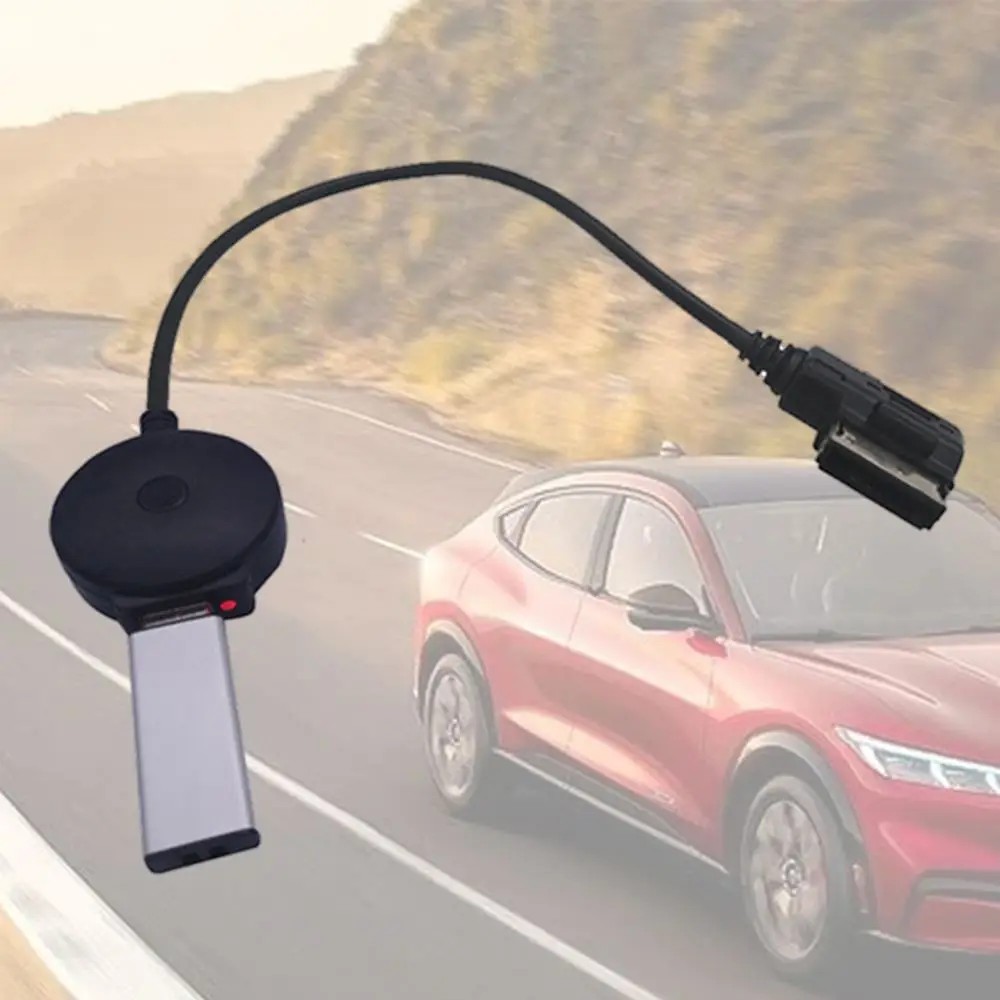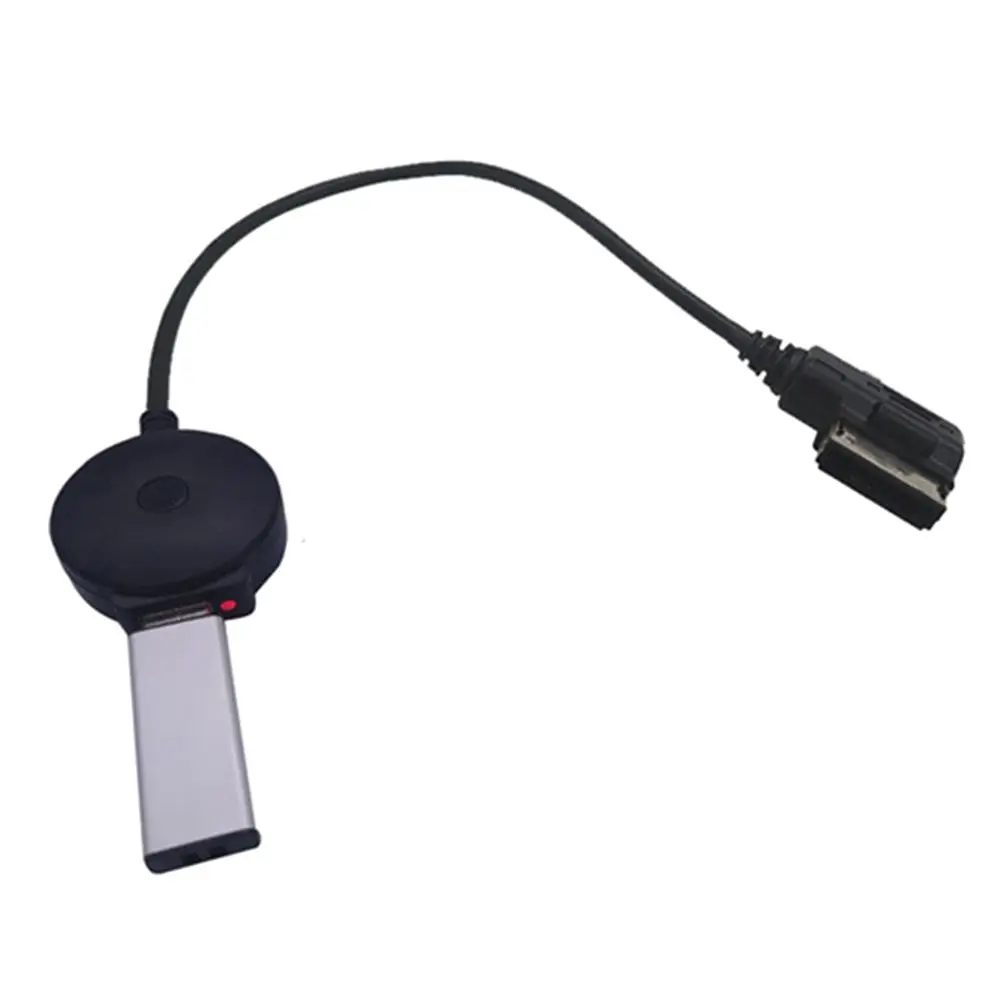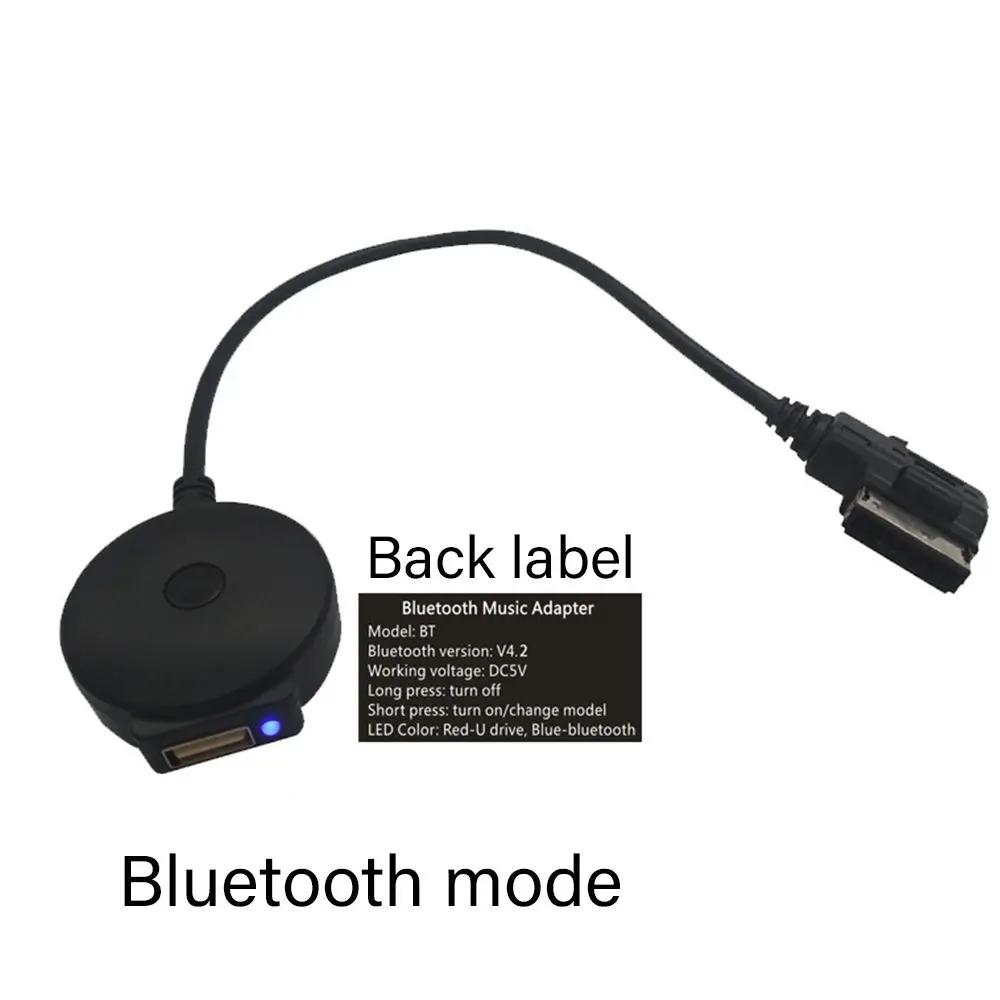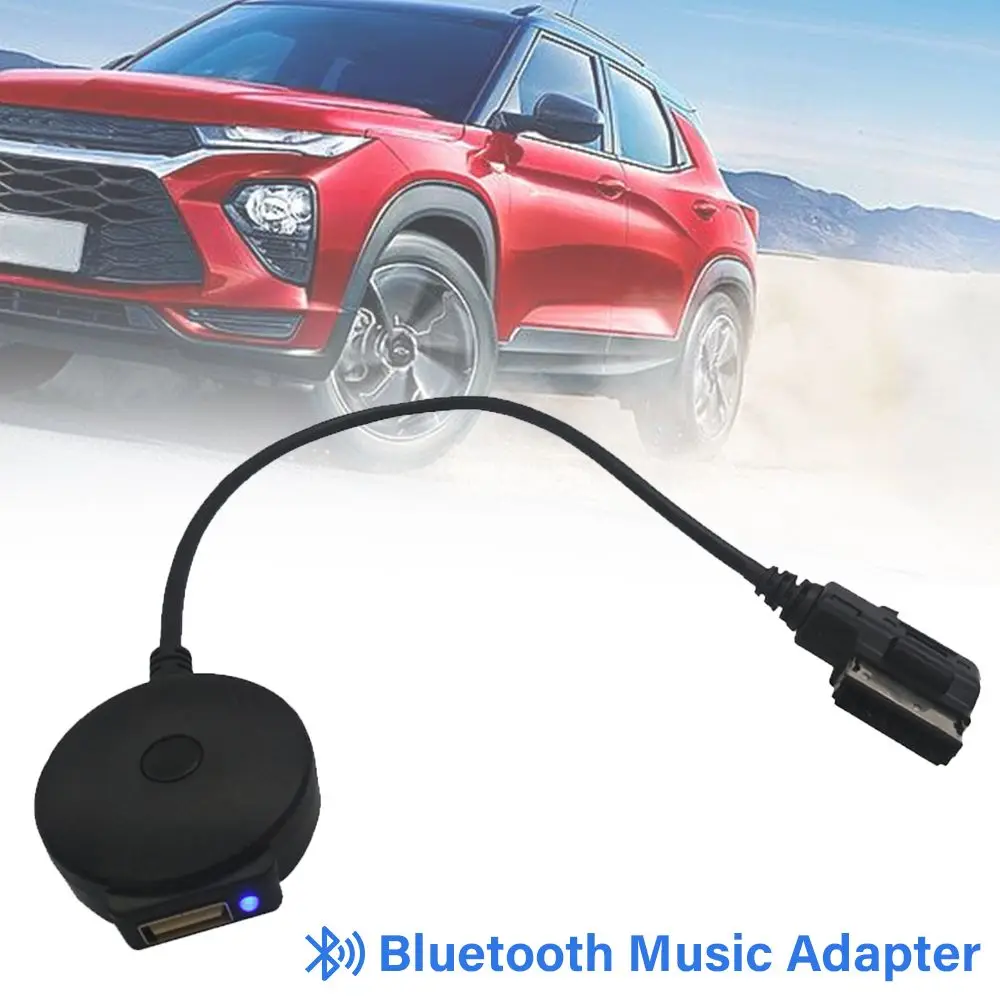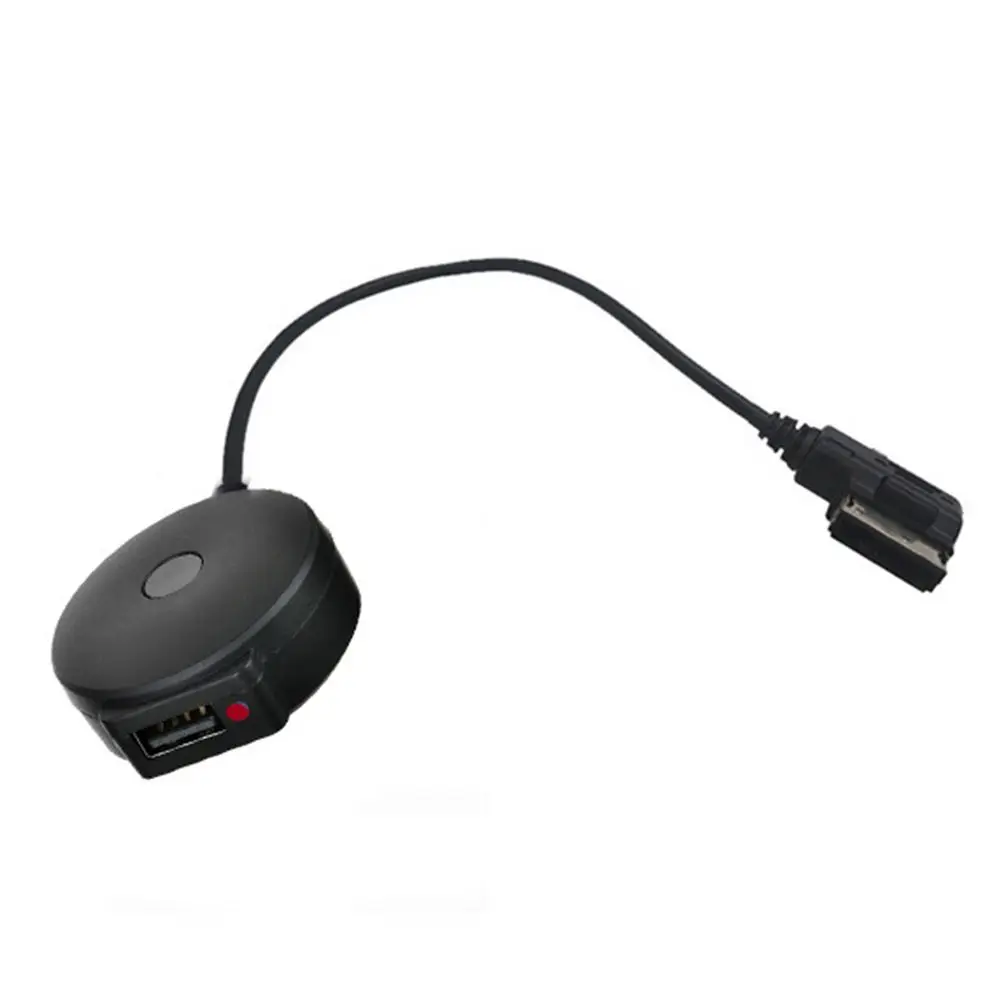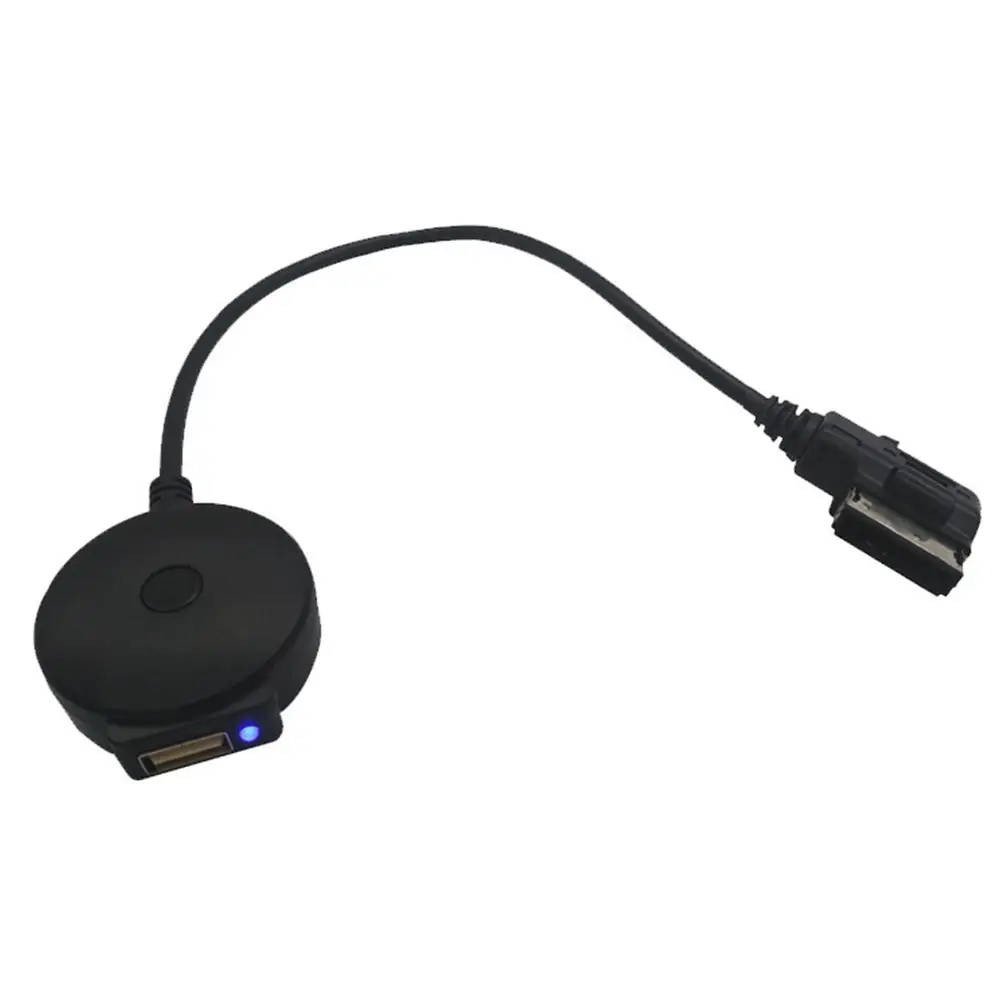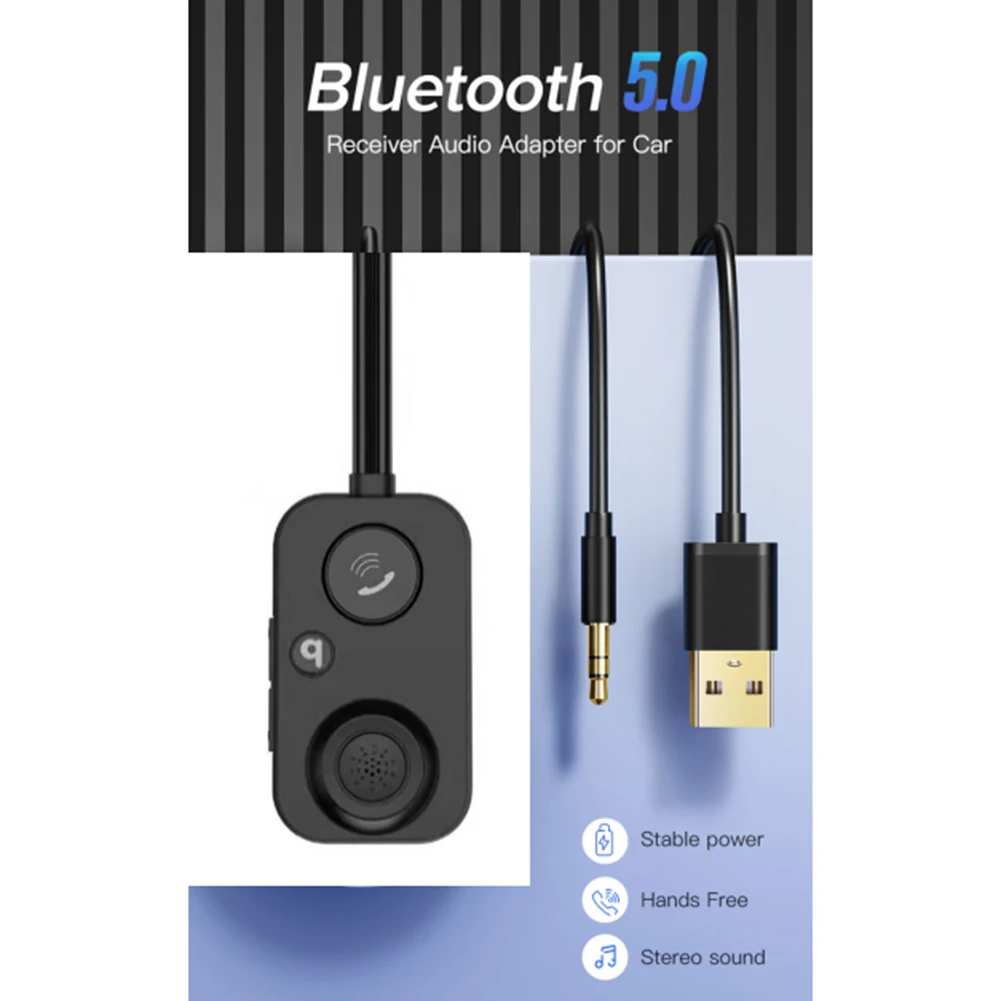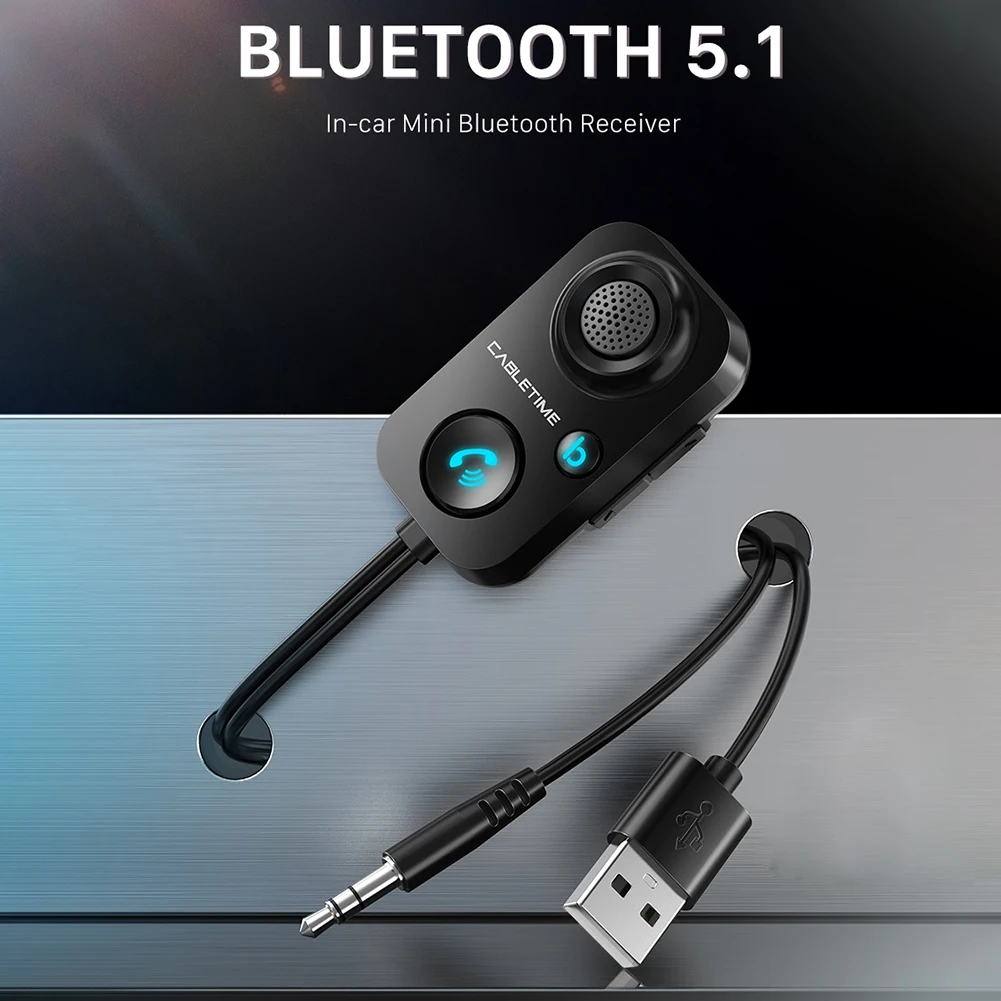
2025 2in1 Wireless Carplay&Android Auto Box 2in1 Wired to Wireless Dongle Automatic Connect Adapter Bluetooth Plug&Play Mini Box
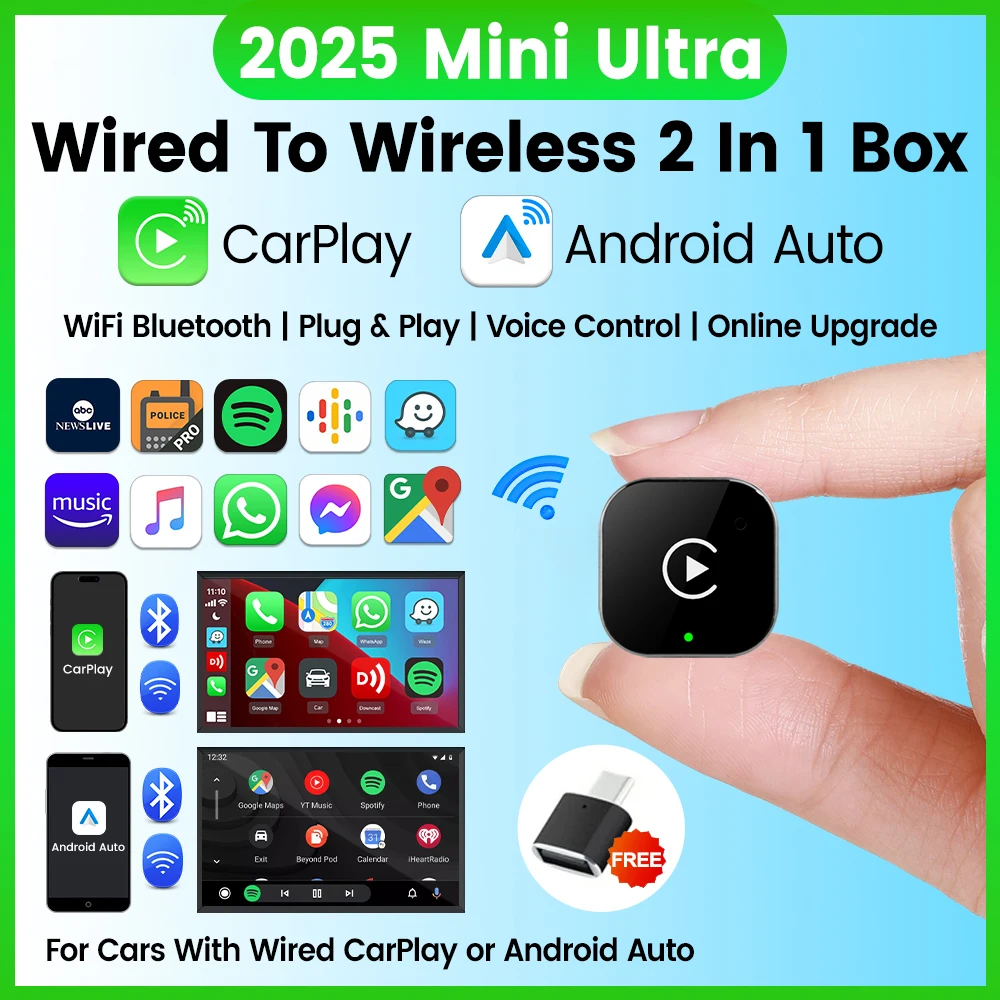
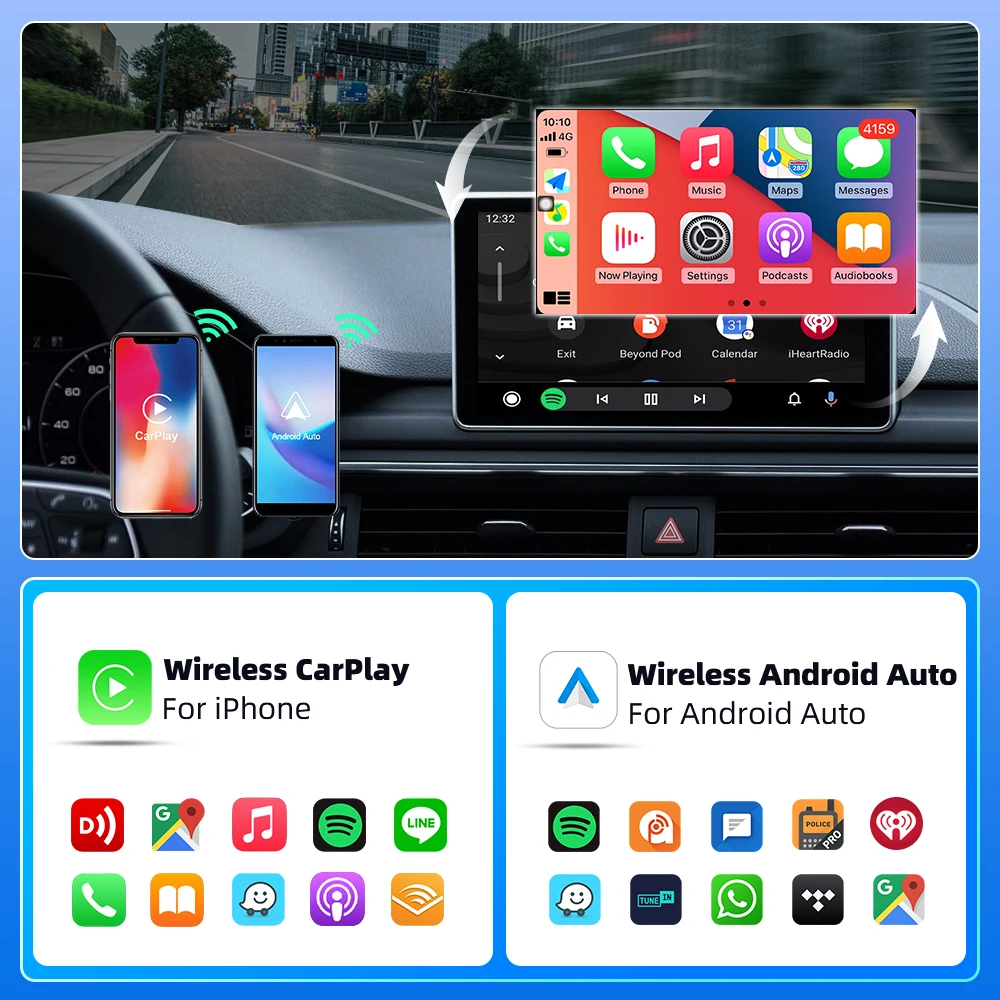
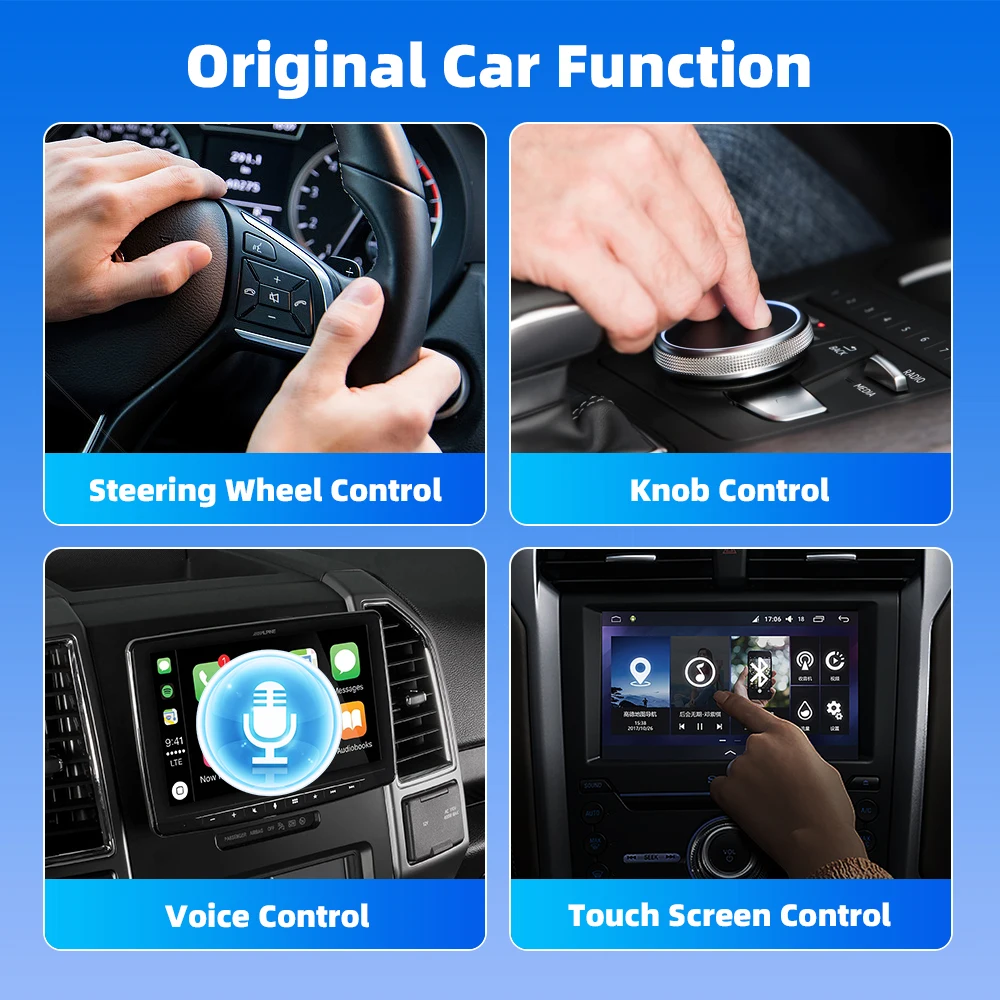
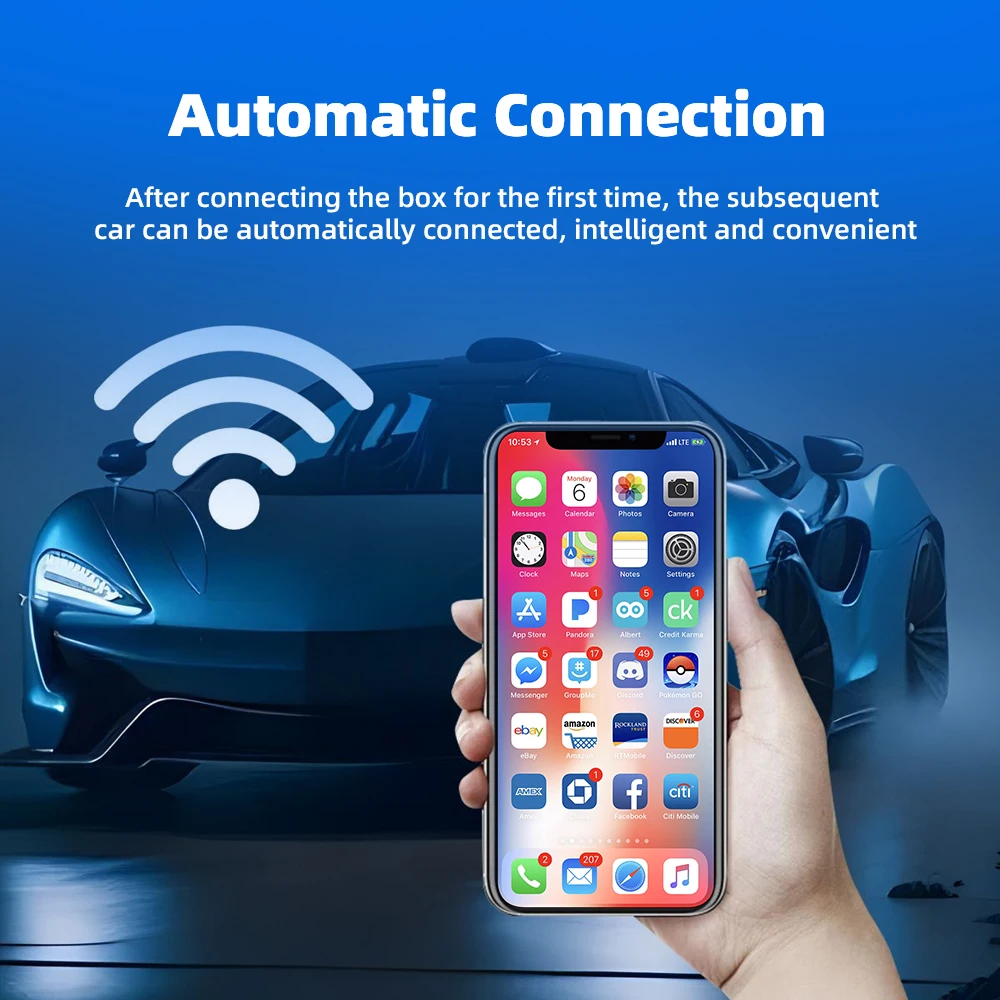
<p><div class="detailmodule_media"><div class="video-container-5000259030002"><div class="detail-video" id="5000259030002" data-previewurl="https://ae01.alicdn.com/kf/S03691175c634416397d08cdb0a287b83z.jpg"></div></div></div></p><div class="detailmodule_text"><p style="font-size:24px;font-weight:bold;text-align:left;color:rgb(254, 0, 0);display:block;width:100%" align="left">2in1 AI Smart Box Car Intelligent Systems Wireless CarPlay Dongle Wireless Android Auto Adapter For Car With Wired CarPlay</p></div><div class="detailmodule_text"><p style="font-size:24px;font-weight:normal;text-align:left;display:block;width:100%" align="left">The function of this product is to convert the original wired Carplay/Android Auto into wireless Carplay/Android Auto.<br/>Please read before buying!<br/>1. Please make sure your original car has OEM CarPlay.This product is suitable for 98% of cars with original wired Carplay. BMW, Tesla and some models are not compatible. If you are not sure. You can contact customer service to inquire.<br/>2. For Carplay, it supports iPhone 6 and above models, and the software version is iOS 10 or above.<br/>3. For Android Auto, it supports Android 11 and above models. Note that Huawei mobile phones are special. Huawei devices have their own mobile operating system - EMUI. Unfortunately, Android auto wireless does not support EMUI.<br/>Features:<br/>1. Wired to wireless CarPlay adapter, say Goodbye to wires. USB plug-and-play installation, stable and fast, No need to remove OEM radio.<br/>2. Certified 5Ghz WiFi module, providing a faster and better wireless experience.<br/>3. It can be connected automatically after the first successful connection.OTA online software update.<br/>4. OTA online software update.<br/>1. How to confirm whether my car is compatible?<br/>The following requirements must be met to use this product:<br/>✅ Your car radio is original.<br/>✅ Your car has wired Carplay or wired Android auto.<br/>✅ BMW, Tesla and other models are not compatible. If you are not sure, you can ask customer service before purchasing.<br/>2. Why can't my Android phone connect to Carplay?<br/>Android phones support Android auto, and only iPhone can use Carplay. Note that if you have a Huawei phone, you cannot use Android auto either. (Huawei has its own operating system).<br/>3. Why is there a slight delay in the sound during use of the product?<br/>Any product connected via Bluetooth will have lags. This is a normal phenomenon. You can also improve it in the following aspects:<br/>✅Turn off redundant Bluetooth devices, because unnecessary Bluetooth signals will interfere with the product connection.<br/>✅Disconnect and reconnect Bluetooth.<br/>4. Why can't my wireless Android auto connect properly?<br/>✅ For Android system phones with lower versions of Android 9 or Android 10, if you cannot find Android auto in Google services, you can download an Android auto software.<br/>✅ Please confirm that the Bluetooth and WiFi of your phone are turned on. Android auto needs to use Bluetooth connection and WiFi to transfer data.<br/>✅ Please confirm that the original car Bluetooth has been ignored on the mobile phone. If there are other Bluetooth connections, they need to be disconnected first.<br/>✅ Please confirm that the product's Bluetooth is not occupied by other devices. If you have used other devices to connect to the product's Bluetooth, please disconnect first and try again.<br/>✅ Huawei phones and Honor phones cannot use Android auto.</p></div><div class="detailmodule_image"></div><div class="detailmodule_image"></div><br/>
$65.345
$33.68
- Category : Automobiles, Parts & Accessories
- Brand : global_car_accessories_factory_store Global Car Accessories Factory Store
Colors
Sizes
-
+

<p><div class="detailmodule_media"><div class="video-container-5000259030002"><div class="detail-video" id="5000259030002" data-previewurl="https://ae01.alicdn.com/kf/S03691175c634416397d08cdb0a287b83z.jpg"></div></div></div></p><div class="detailmodule_text"><p style="font-size:24px;font-weight:bold;text-align:left;color:rgb(254, 0, 0);display:block;width:100%" align="left">2in1 AI Smart Box Car Intelligent Systems Wireless CarPlay Dongle Wireless Android Auto Adapter For Car With Wired CarPlay</p></div><div class="detailmodule_text"><p style="font-size:24px;font-weight:normal;text-align:left;display:block;width:100%" align="left">The function of this product is to convert the original wired Carplay/Android Auto into wireless Carplay/Android Auto.<br/>Please read before buying!<br/>1. Please make sure your original car has OEM CarPlay.This product is suitable for 98% of cars with original wired Carplay. BMW, Tesla and some models are not compatible. If you are not sure. You can contact customer service to inquire.<br/>2. For Carplay, it supports iPhone 6 and above models, and the software version is iOS 10 or above.<br/>3. For Android Auto, it supports Android 11 and above models. Note that Huawei mobile phones are special. Huawei devices have their own mobile operating system - EMUI. Unfortunately, Android auto wireless does not support EMUI.<br/>Features:<br/>1. Wired to wireless CarPlay adapter, say Goodbye to wires. USB plug-and-play installation, stable and fast, No need to remove OEM radio.<br/>2. Certified 5Ghz WiFi module, providing a faster and better wireless experience.<br/>3. It can be connected automatically after the first successful connection.OTA online software update.<br/>4. OTA online software update.<br/>1. How to confirm whether my car is compatible?<br/>The following requirements must be met to use this product:<br/>✅ Your car radio is original.<br/>✅ Your car has wired Carplay or wired Android auto.<br/>✅ BMW, Tesla and other models are not compatible. If you are not sure, you can ask customer service before purchasing.<br/>2. Why can't my Android phone connect to Carplay?<br/>Android phones support Android auto, and only iPhone can use Carplay. Note that if you have a Huawei phone, you cannot use Android auto either. (Huawei has its own operating system).<br/>3. Why is there a slight delay in the sound during use of the product?<br/>Any product connected via Bluetooth will have lags. This is a normal phenomenon. You can also improve it in the following aspects:<br/>✅Turn off redundant Bluetooth devices, because unnecessary Bluetooth signals will interfere with the product connection.<br/>✅Disconnect and reconnect Bluetooth.<br/>4. Why can't my wireless Android auto connect properly?<br/>✅ For Android system phones with lower versions of Android 9 or Android 10, if you cannot find Android auto in Google services, you can download an Android auto software.<br/>✅ Please confirm that the Bluetooth and WiFi of your phone are turned on. Android auto needs to use Bluetooth connection and WiFi to transfer data.<br/>✅ Please confirm that the original car Bluetooth has been ignored on the mobile phone. If there are other Bluetooth connections, they need to be disconnected first.<br/>✅ Please confirm that the product's Bluetooth is not occupied by other devices. If you have used other devices to connect to the product's Bluetooth, please disconnect first and try again.<br/>✅ Huawei phones and Honor phones cannot use Android auto.</p></div><div class="detailmodule_image"></div><div class="detailmodule_image"></div><br/>
Related Product
Browse The Collection of Top Products.