


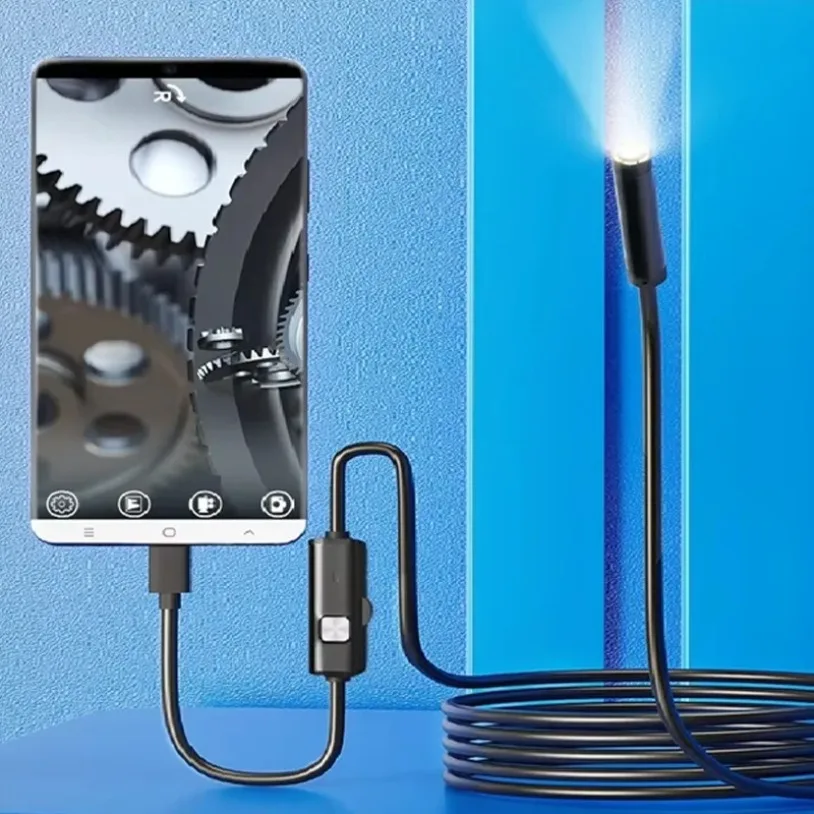
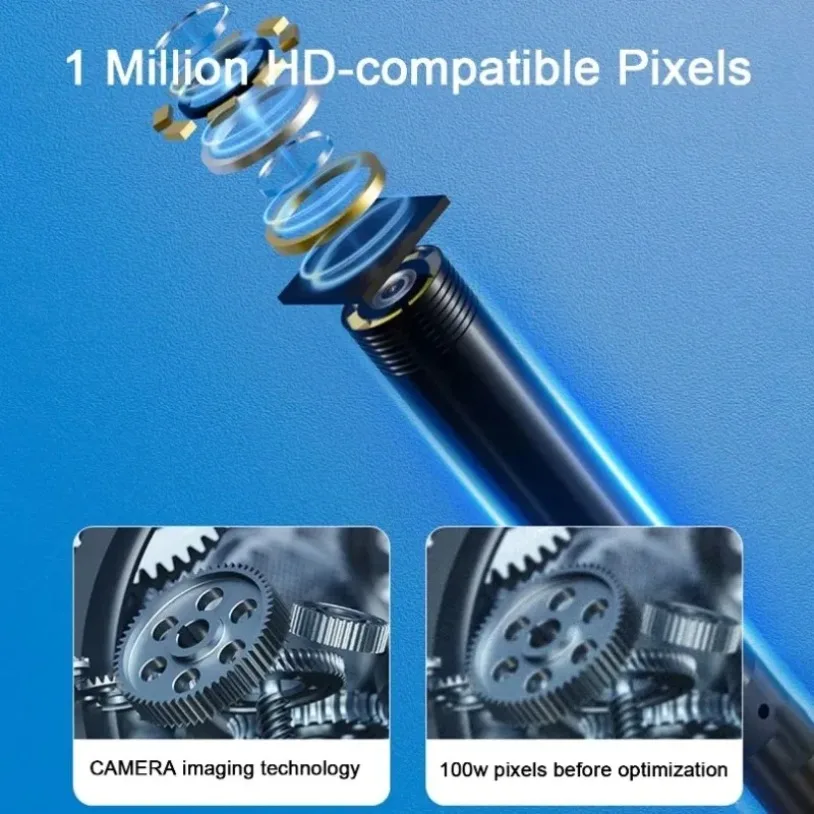
2MP Waterproof Endoscope 8mm Borescope Adjustable LED Type-C USB Plumbing Borescope Automotive Inspection for Android PC Devices
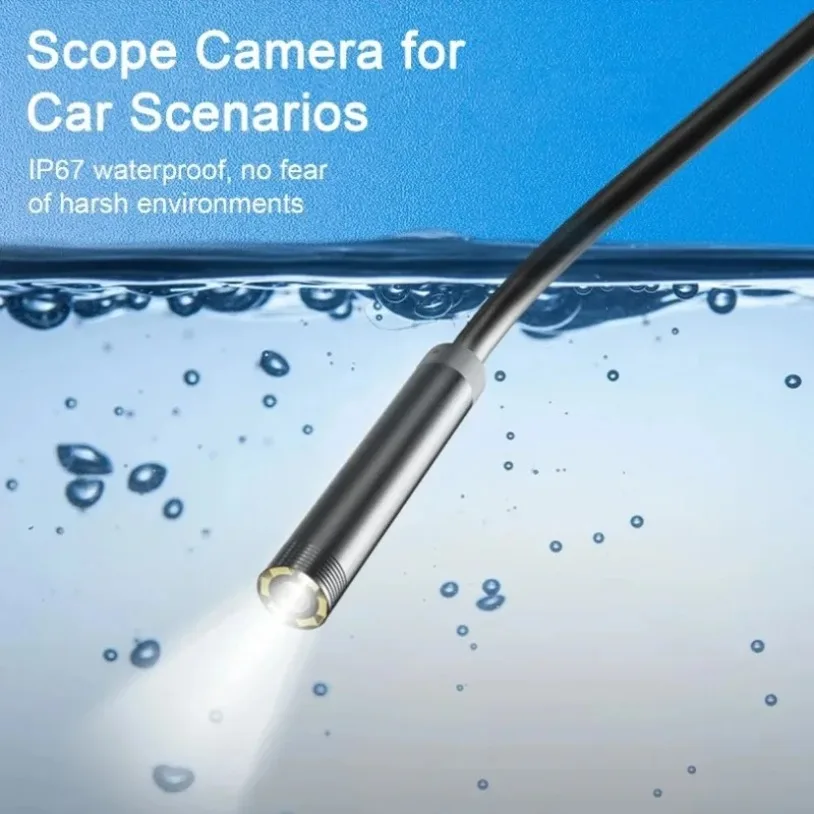
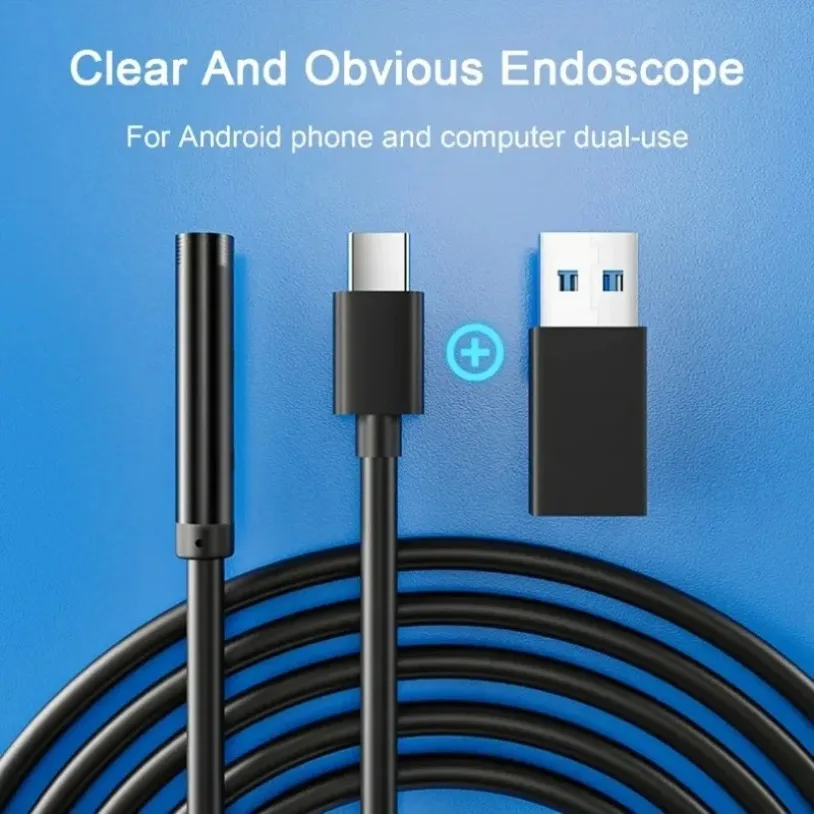
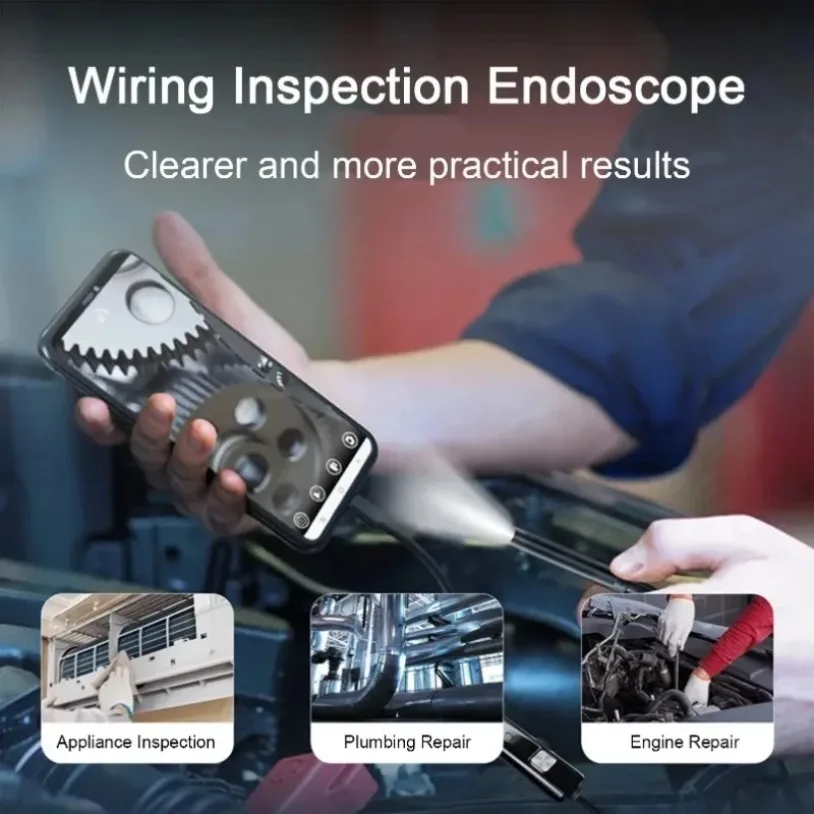
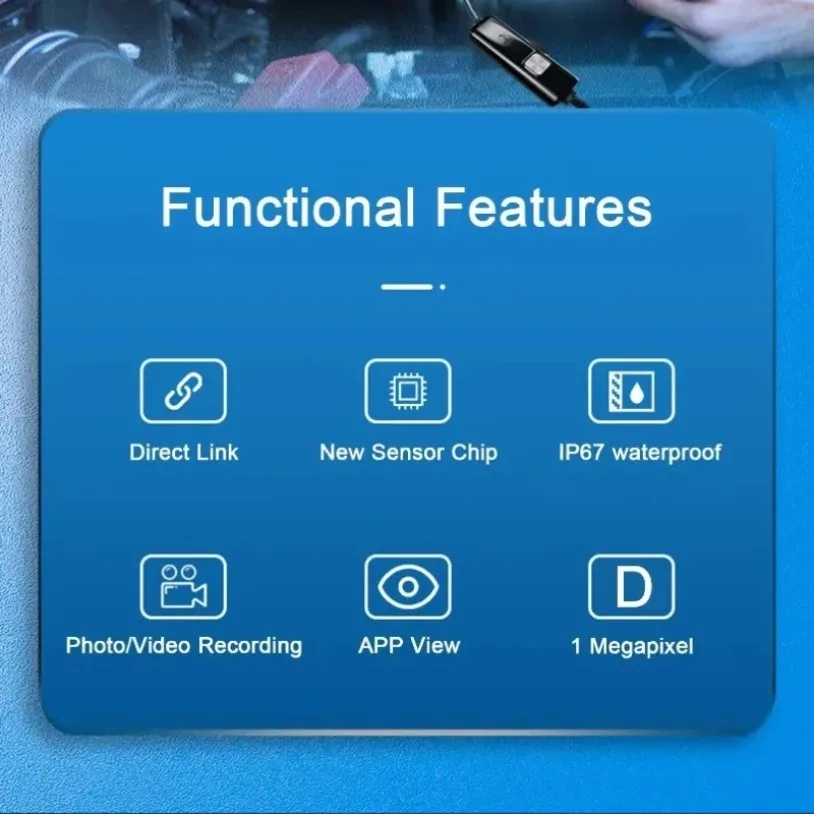
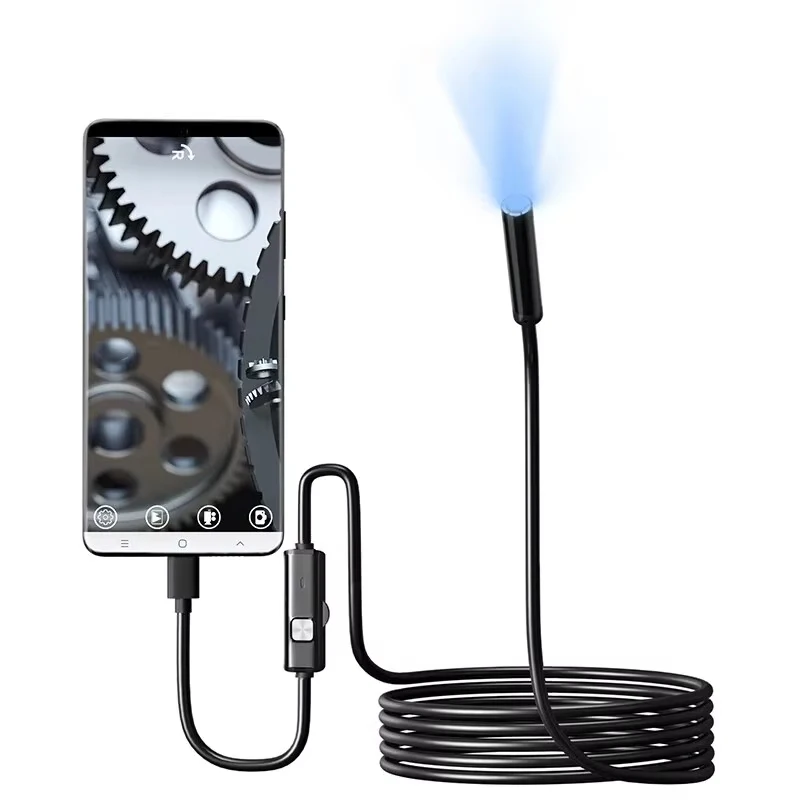
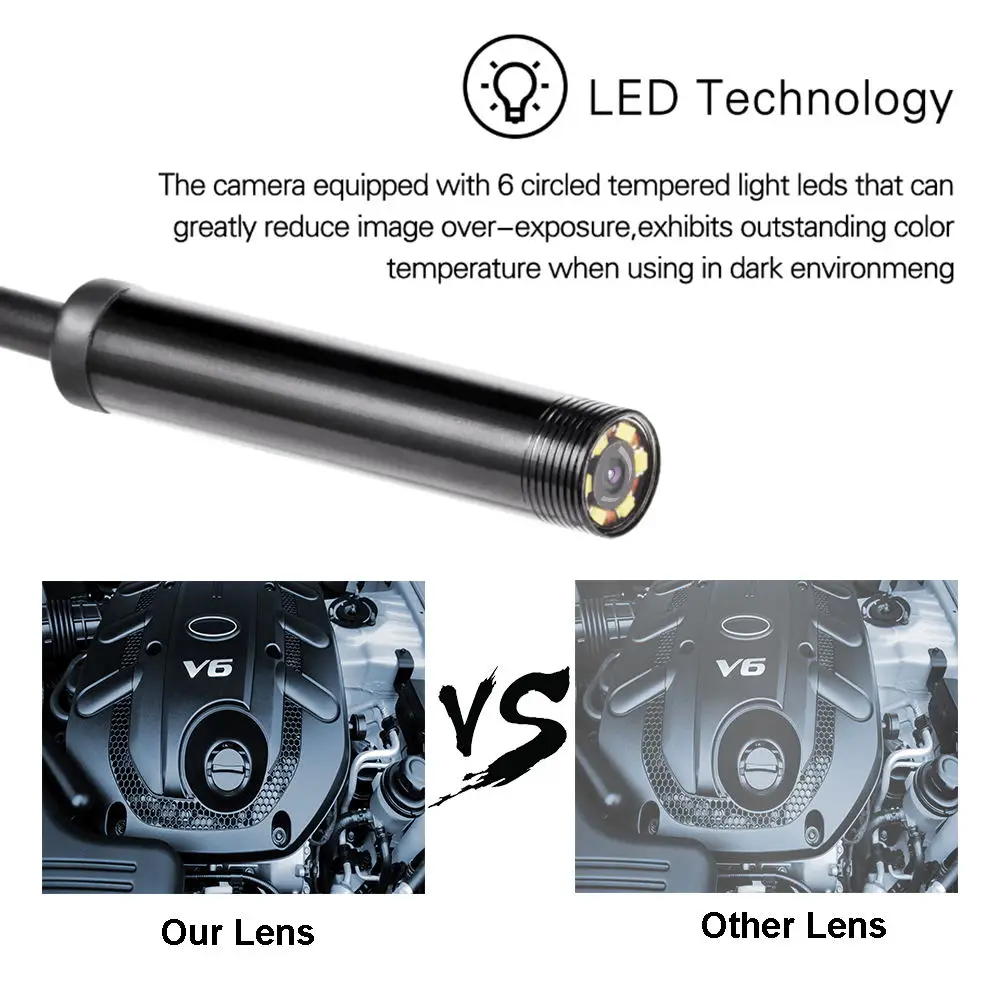
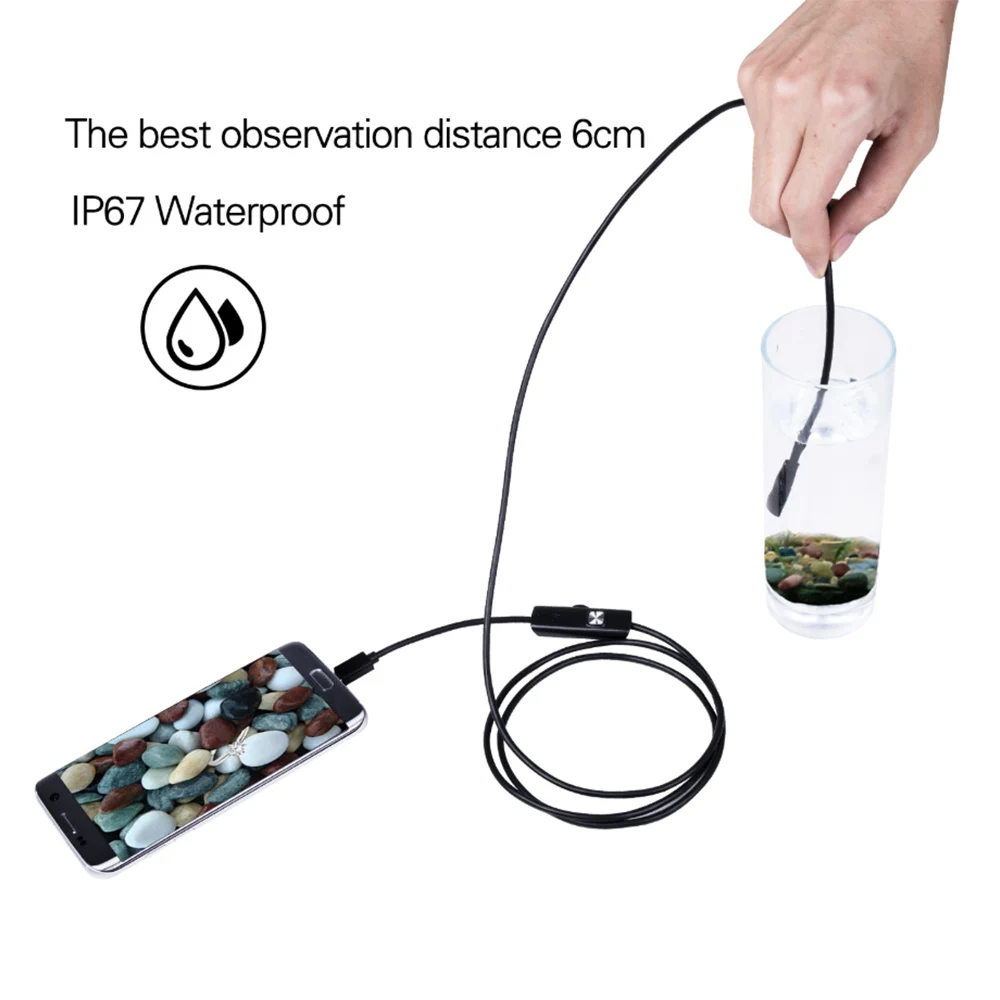
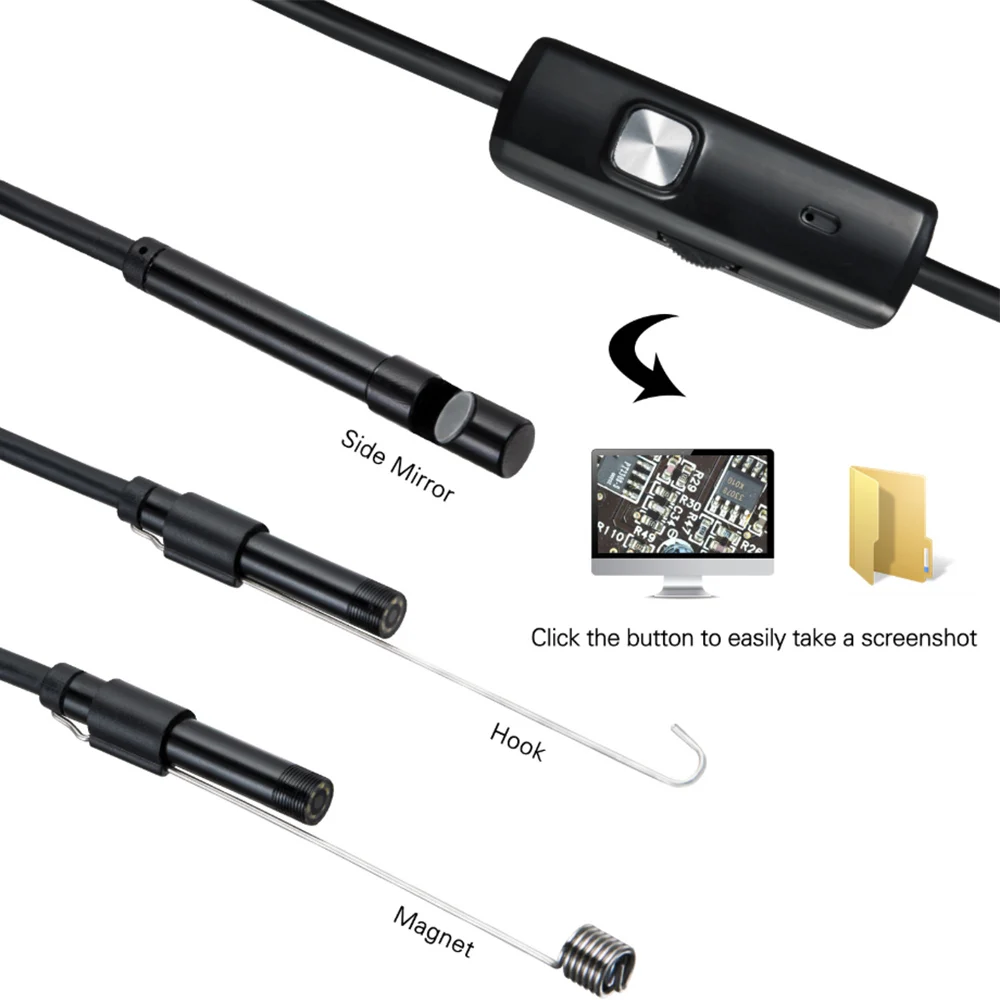
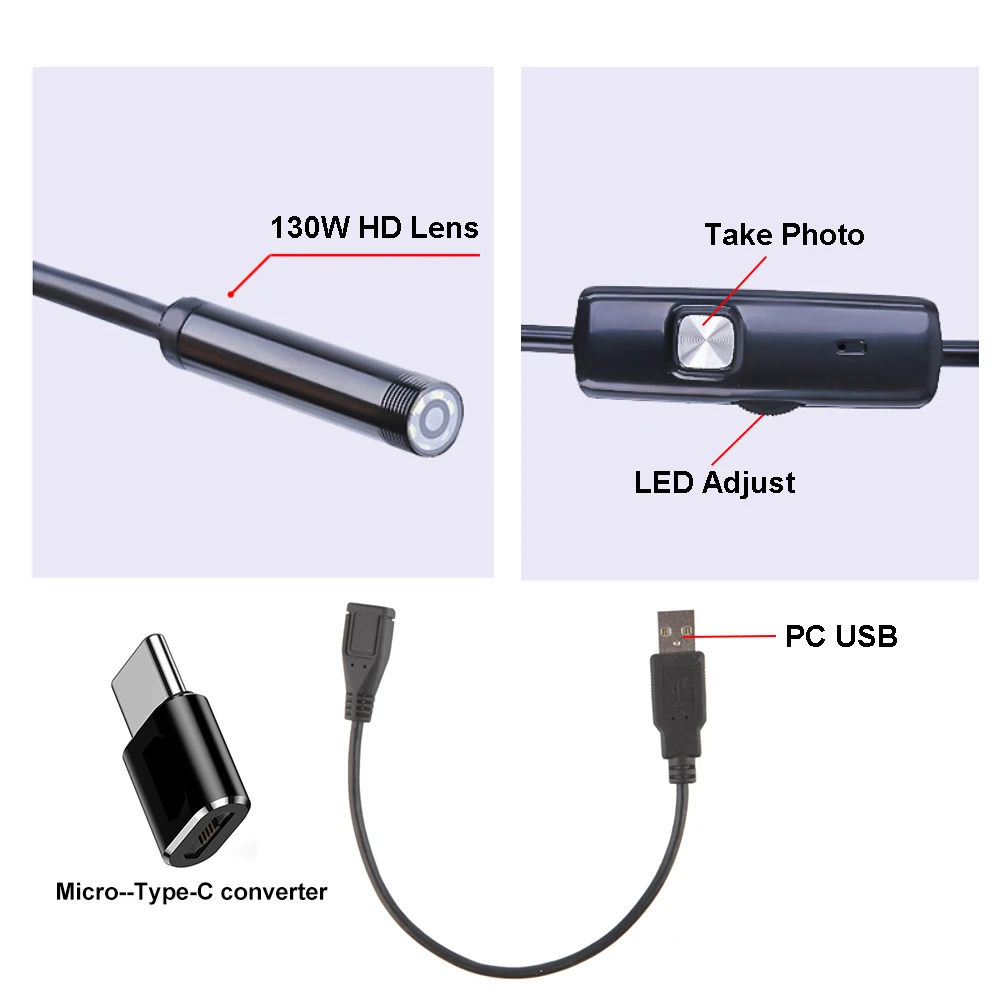
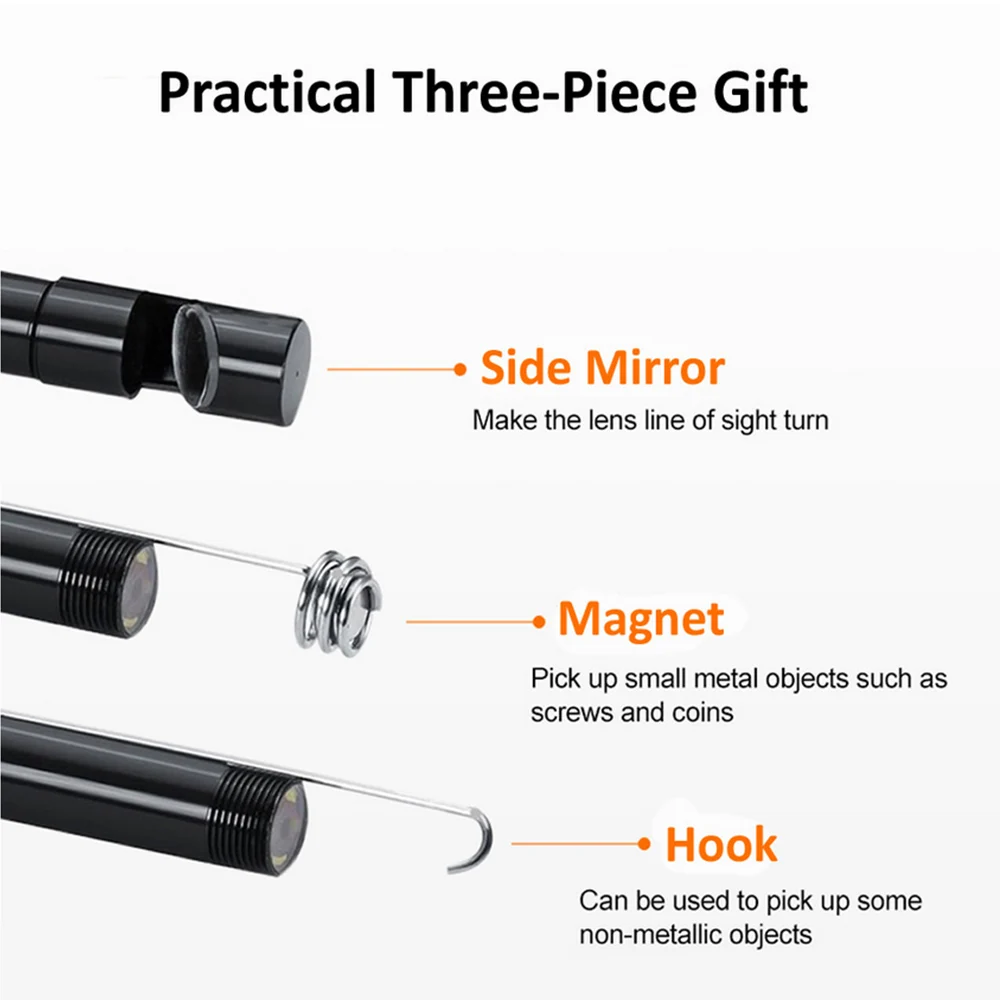
<div class="detailmodule_html"><div class="detail-desc-decorate-richtext"><p><span style="color:rgb(244, 78, 59);font-size:22px"><strong>Tips: Android phone users please manually turn on the OTG function of the phone before use. Otherwise, you cannot use this product.</strong></span></p><p><span style="font-size:22px"><strong>This endoscope camera is compatible with:</strong></span></p><p><span style="font-size:18px"><strong>Android Devices:</strong></span><span style="font-size:18px"> The mobile must android System 5.0 above, and support OTG and UVC.</span></p><p><span style="font-size:18px"><strong>Windows & Mac OS:</strong></span><span style="font-size:18px"> Works with Windows 2000, XP, Vista, 7, 8, 10, and Mac OS.</span></p><p><span style="font-size:22px"><strong>Product Features:</strong></span></p><p><strong><span style="font-size:18px">Plug & Play: </span></strong><span style="font-size:18px">No drivers needed. Simply install the app and connect the camera to start viewing real-time images.</span></p><p><strong><span style="font-size:18px">8 Adjustable LED Lights: </span></strong><span style="font-size:18px">Provides clear visibility even in dark environments, with adjustable brightness.</span></p><p><strong><span style="font-size:18px">Waterproof Design: </span></strong><span style="font-size:18px">IP67 waterproof rating (lens only), perfect for underwater inspections or wet conditions.</span></p><p><strong><span style="font-size:18px">High-Resolution Lens:</span></strong><span style="font-size:18px"> Available in 1.3MP (5.5mm lens) or 2.0MP (8mm lens), offering sharp images and video recording.</span></p><p><strong><span style="font-size:18px">Resolution:</span></strong><span style="font-size:18px"> 640*480, 480*320</span></p><p><strong><span style="font-size:18px">Flexible Focal Distance:</span></strong><span style="font-size:18px"> Effective focal distance of 2cm to 10cm for close-up inspections.</span></p><p><span style="font-size:18px">Wide Compatibility: Works with most Android phones/tablets and Windows/Mac OS systems.</span></p><p><br /><br /></p><p><span style="font-size:22px"><strong>Package Includes:</strong></span></p><p><span style="font-size:18px">1 x Mini USB Endoscope Camera</span></p><p><span style="font-size:18px">1 x Side Mirror</span></p><p><span style="font-size:18px">1 x Small Iron Hook</span></p><p><span style="font-size:18px">1 x Magnet</span></p><p><span style="font-size:18px">1 x Computer USB Adapter</span></p><p><span style="font-size:18px">1 x User Manual</span></p><p><span style="font-size:22px"><strong>Applications:</strong></span></p><p><strong><span style="font-size:18px">Inspection:</span></strong><span style="font-size:18px"> Ideal for automotive, engine, pipeline, and sewer inspections.</span></p><p><strong><span style="font-size:18px">Underwater Usage: </span></strong><span style="font-size:18px">Suitable for underwater photography and micro-camera applications.</span></p><p><strong><span style="font-size:18px">Industrial and Home Use: </span></strong><span style="font-size:18px">Great for maintenance, archaeology, search & rescue, and more.</span></p><p><span style="font-size:18px"><strong>Common Questions & Answers:</strong></span></p><p><span style="font-size:18px">Q: The camera image freezes after connecting the endoscope.</span></p><p><span style="font-size:18px">A: This is usually due to the USB connection not being secure. Make sure it is properly connected.</span></p><p><span style="font-size:18px">Q: No picture shows up after installing the app.</span></p><p><span style="font-size:18px">A: Ensure the app has permission to access the camera and video functions. Restart the app after granting permissions.</span></p><p><span style="font-size:18px">Q: The app download is slow from the QR code in the manual.</span></p><p><span style="font-size:18px">A: You can download the "inskam" app directly from your phone's app store for faster installation.</span></p><p></p><p><br /></p></div></div>
$16.31
$14.79
- Category : Security & Protection
- Brand : worryfree_goods_store Worry-Free Goods Store
Colors
-
+

<div class="detailmodule_html"><div class="detail-desc-decorate-richtext"><p><span style="color:rgb(244, 78, 59);font-size:22px"><strong>Tips: Android phone users please manually turn on the OTG function of the phone before use. Otherwise, you cannot use this product.</strong></span></p><p><span style="font-size:22px"><strong>This endoscope camera is compatible with:</strong></span></p><p><span style="font-size:18px"><strong>Android Devices:</strong></span><span style="font-size:18px"> The mobile must android System 5.0 above, and support OTG and UVC.</span></p><p><span style="font-size:18px"><strong>Windows & Mac OS:</strong></span><span style="font-size:18px"> Works with Windows 2000, XP, Vista, 7, 8, 10, and Mac OS.</span></p><p><span style="font-size:22px"><strong>Product Features:</strong></span></p><p><strong><span style="font-size:18px">Plug & Play: </span></strong><span style="font-size:18px">No drivers needed. Simply install the app and connect the camera to start viewing real-time images.</span></p><p><strong><span style="font-size:18px">8 Adjustable LED Lights: </span></strong><span style="font-size:18px">Provides clear visibility even in dark environments, with adjustable brightness.</span></p><p><strong><span style="font-size:18px">Waterproof Design: </span></strong><span style="font-size:18px">IP67 waterproof rating (lens only), perfect for underwater inspections or wet conditions.</span></p><p><strong><span style="font-size:18px">High-Resolution Lens:</span></strong><span style="font-size:18px"> Available in 1.3MP (5.5mm lens) or 2.0MP (8mm lens), offering sharp images and video recording.</span></p><p><strong><span style="font-size:18px">Resolution:</span></strong><span style="font-size:18px"> 640*480, 480*320</span></p><p><strong><span style="font-size:18px">Flexible Focal Distance:</span></strong><span style="font-size:18px"> Effective focal distance of 2cm to 10cm for close-up inspections.</span></p><p><span style="font-size:18px">Wide Compatibility: Works with most Android phones/tablets and Windows/Mac OS systems.</span></p><p><br /><br /></p><p><span style="font-size:22px"><strong>Package Includes:</strong></span></p><p><span style="font-size:18px">1 x Mini USB Endoscope Camera</span></p><p><span style="font-size:18px">1 x Side Mirror</span></p><p><span style="font-size:18px">1 x Small Iron Hook</span></p><p><span style="font-size:18px">1 x Magnet</span></p><p><span style="font-size:18px">1 x Computer USB Adapter</span></p><p><span style="font-size:18px">1 x User Manual</span></p><p><span style="font-size:22px"><strong>Applications:</strong></span></p><p><strong><span style="font-size:18px">Inspection:</span></strong><span style="font-size:18px"> Ideal for automotive, engine, pipeline, and sewer inspections.</span></p><p><strong><span style="font-size:18px">Underwater Usage: </span></strong><span style="font-size:18px">Suitable for underwater photography and micro-camera applications.</span></p><p><strong><span style="font-size:18px">Industrial and Home Use: </span></strong><span style="font-size:18px">Great for maintenance, archaeology, search & rescue, and more.</span></p><p><span style="font-size:18px"><strong>Common Questions & Answers:</strong></span></p><p><span style="font-size:18px">Q: The camera image freezes after connecting the endoscope.</span></p><p><span style="font-size:18px">A: This is usually due to the USB connection not being secure. Make sure it is properly connected.</span></p><p><span style="font-size:18px">Q: No picture shows up after installing the app.</span></p><p><span style="font-size:18px">A: Ensure the app has permission to access the camera and video functions. Restart the app after granting permissions.</span></p><p><span style="font-size:18px">Q: The app download is slow from the QR code in the manual.</span></p><p><span style="font-size:18px">A: You can download the "inskam" app directly from your phone's app store for faster installation.</span></p><p></p><p><br /></p></div></div>
Related Product
Browse The Collection of Top Products.


Outdoor Solar Security Camera with 12X Zoom and Night Vision
$247.685
$601.22


Waterproof Pipe Inspection Camera with 4.3 Inch Screen
$352.7
$732.64


DC Power Extension Cord Cable for CCTV Security Cameras
$19.33
$37.36


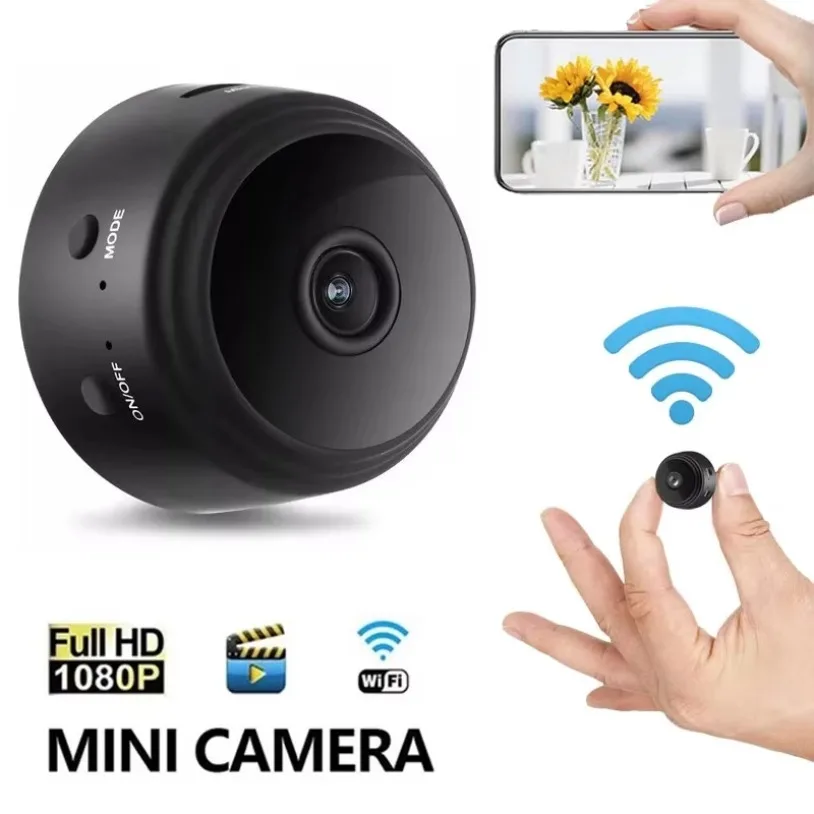
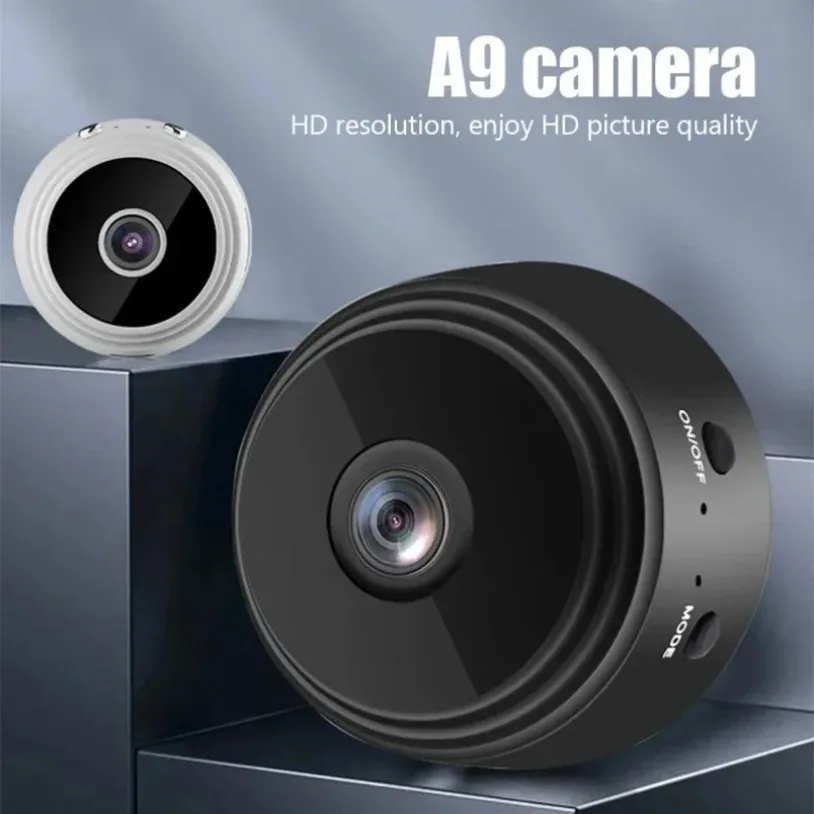
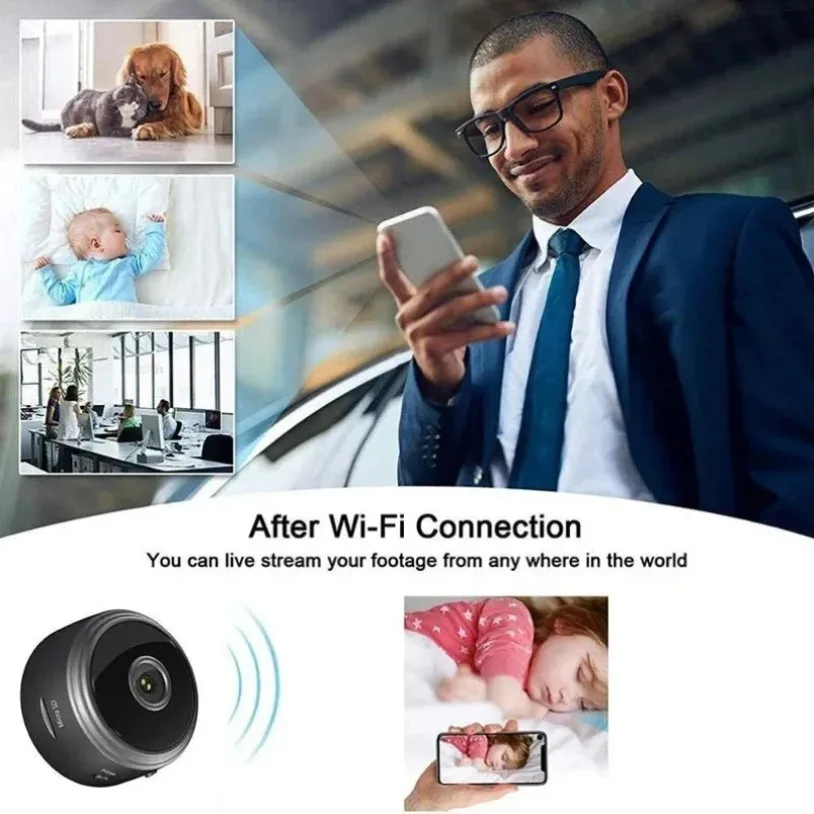
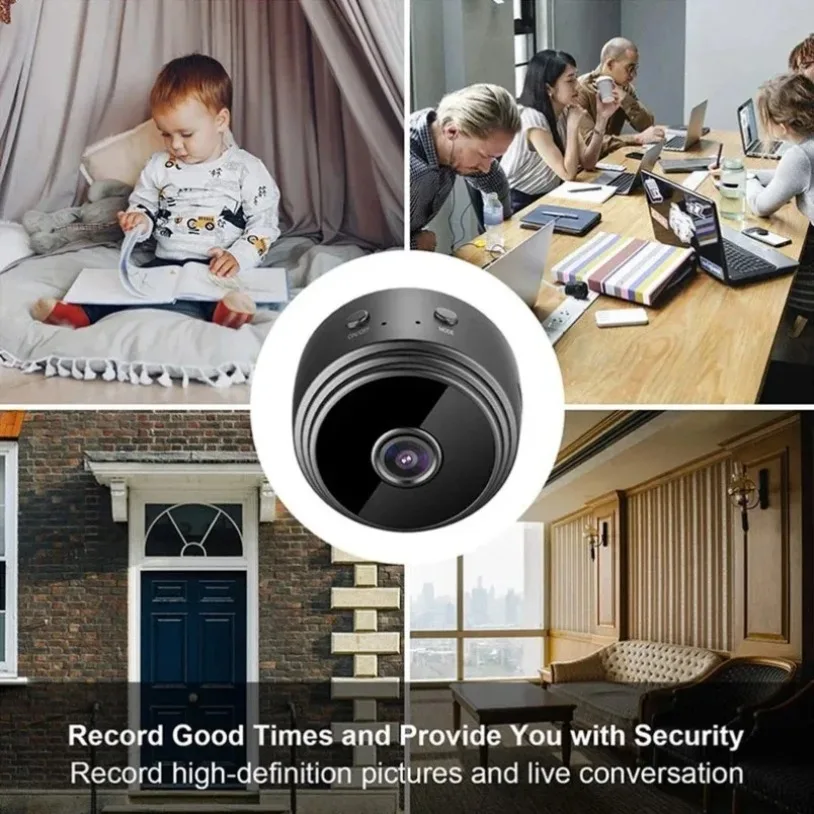
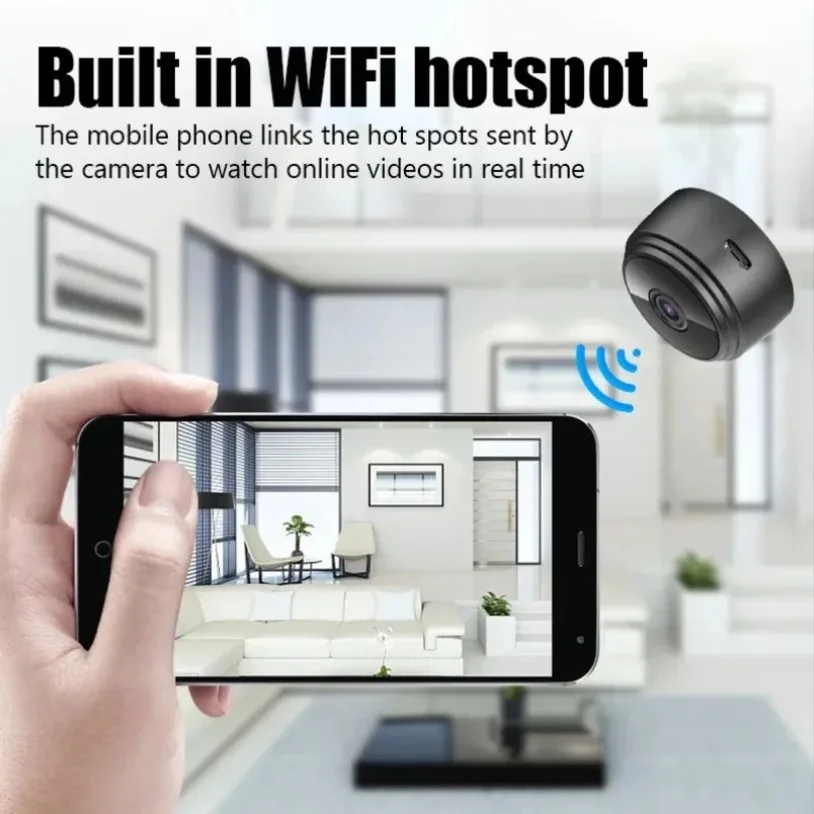
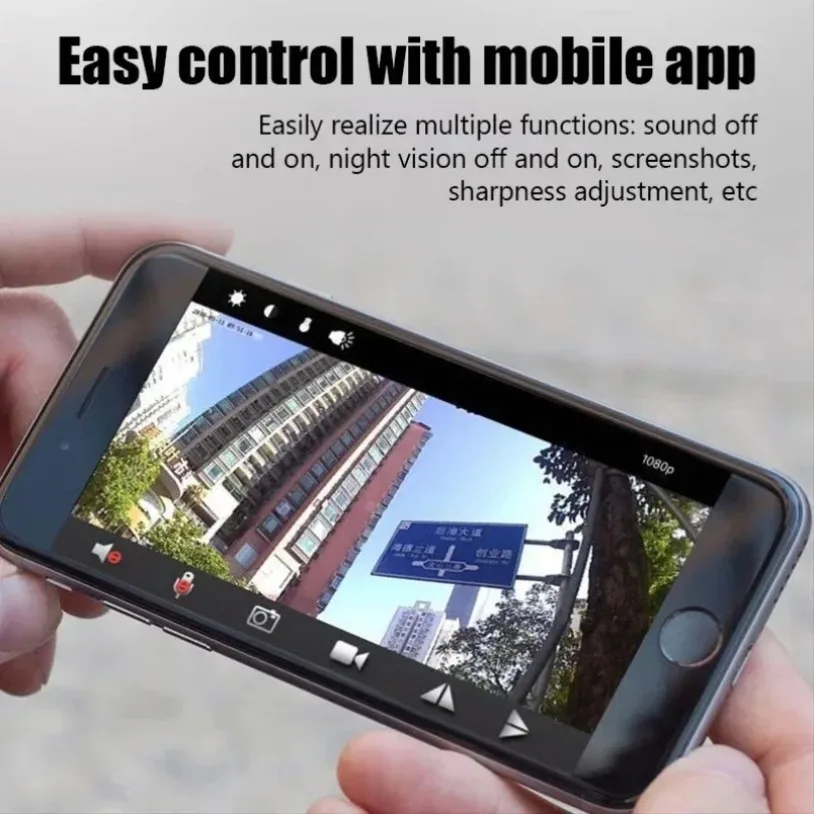
Mini Wifi Surveillance Camera 1080P HD Night Vision
$9.77
$18.17
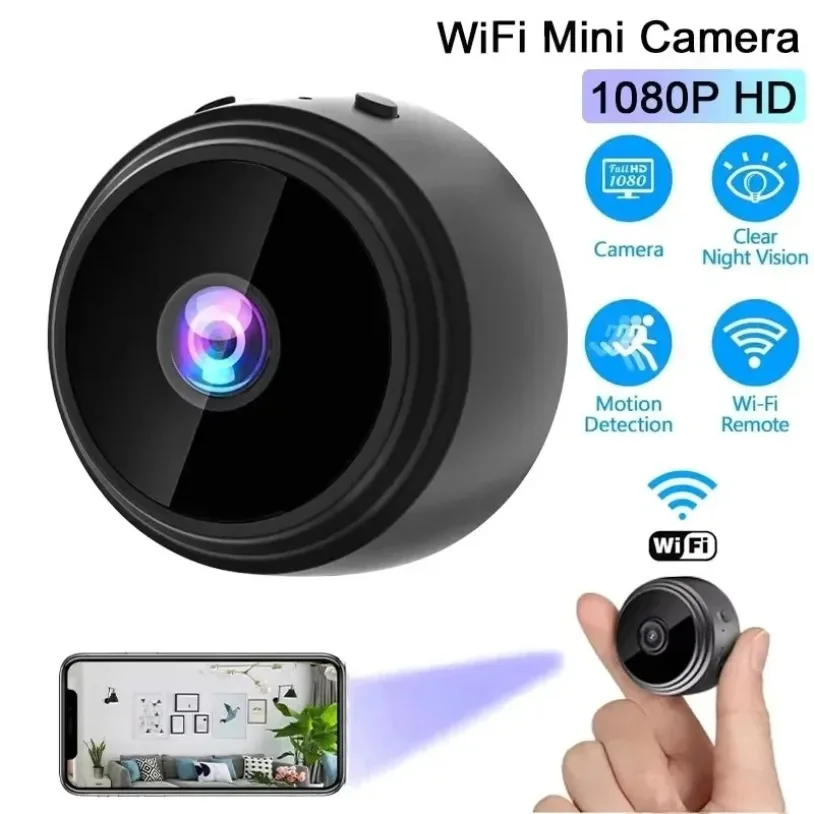
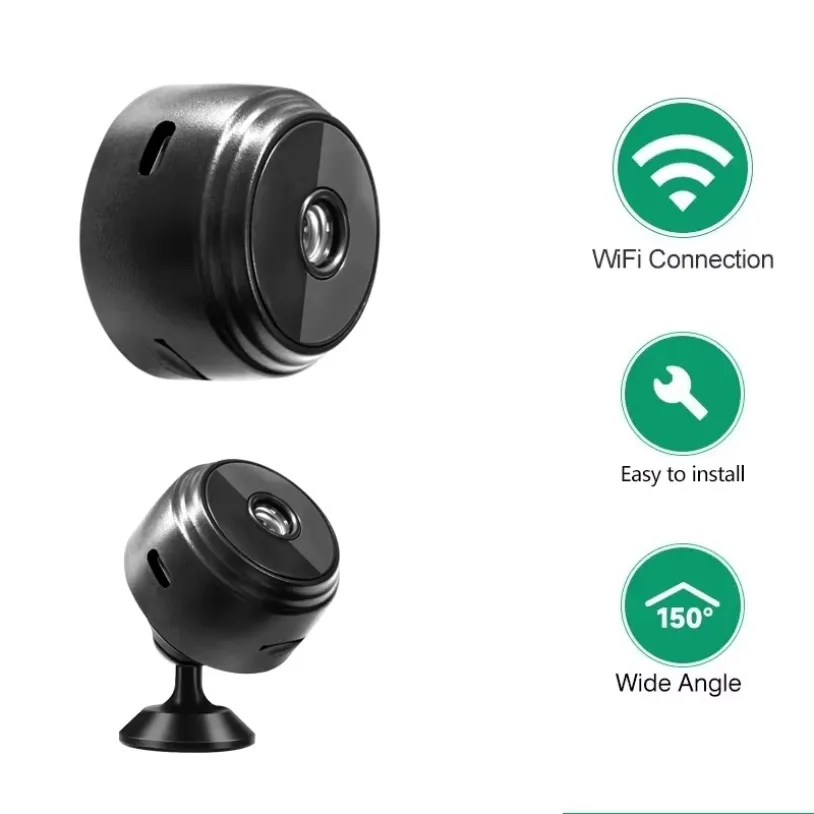
Wireless Mini Camera Recorder Security Monitoring
$9.71
$18.07


4K HDMI Video Capture Card for Live Streaming
$25.25
$56.08

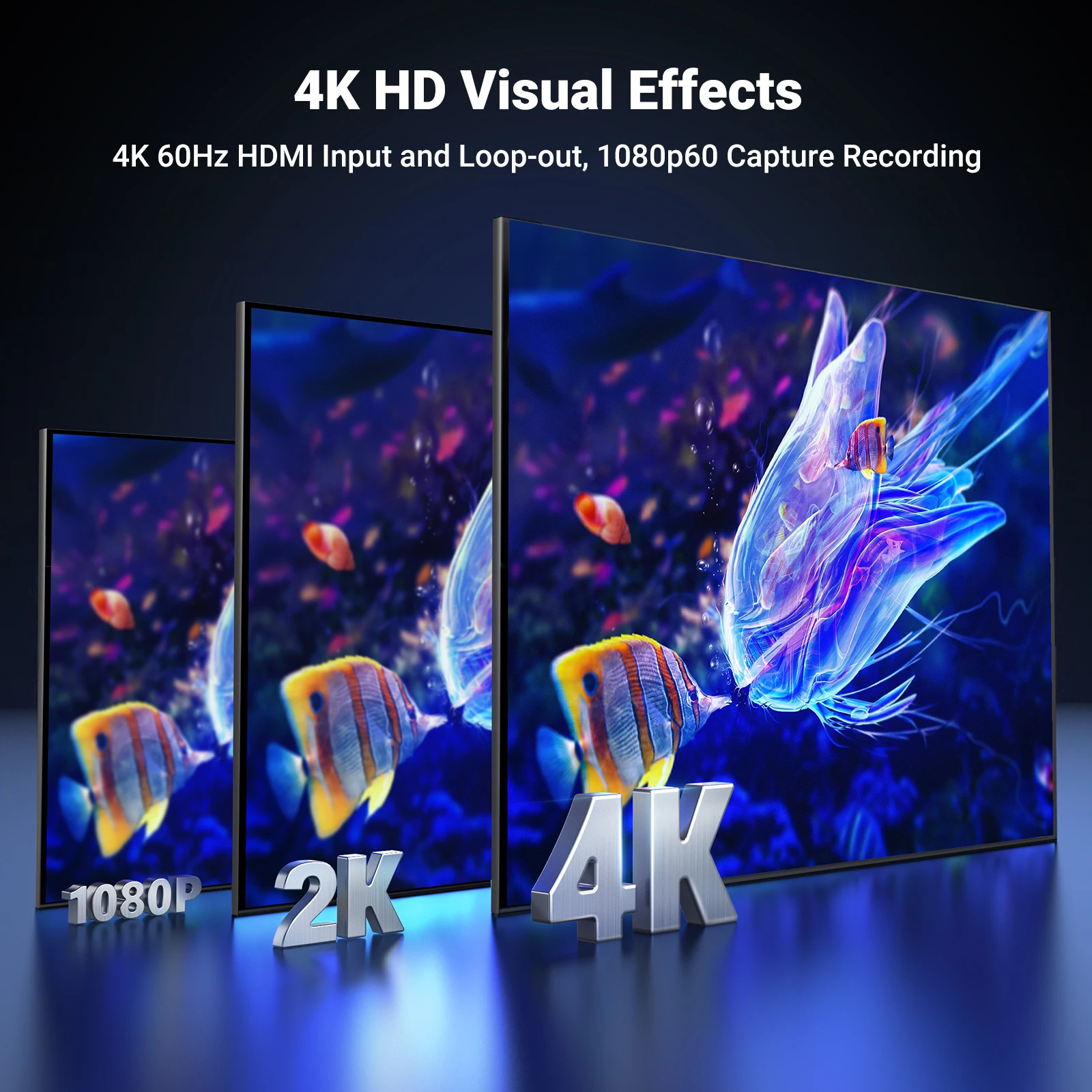
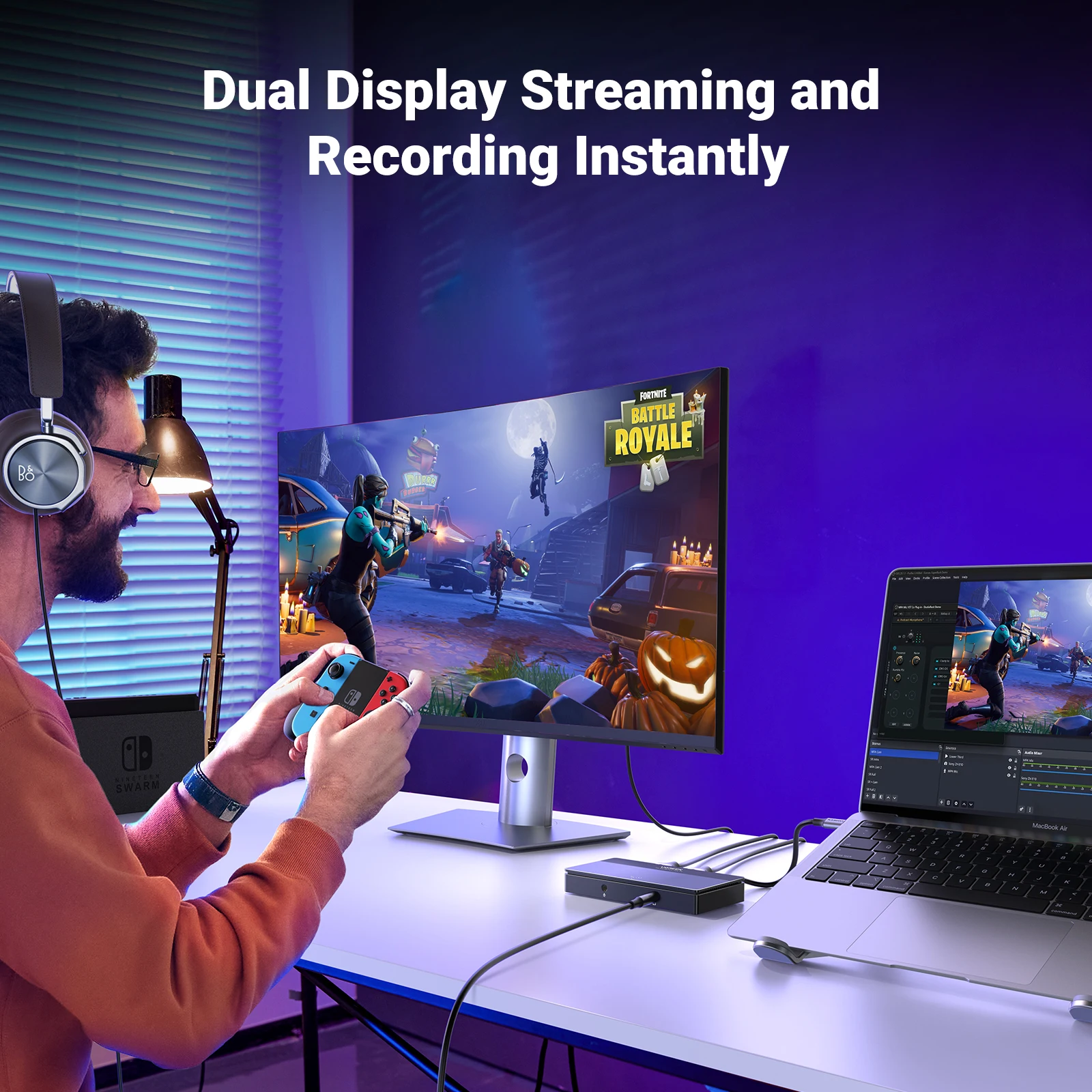

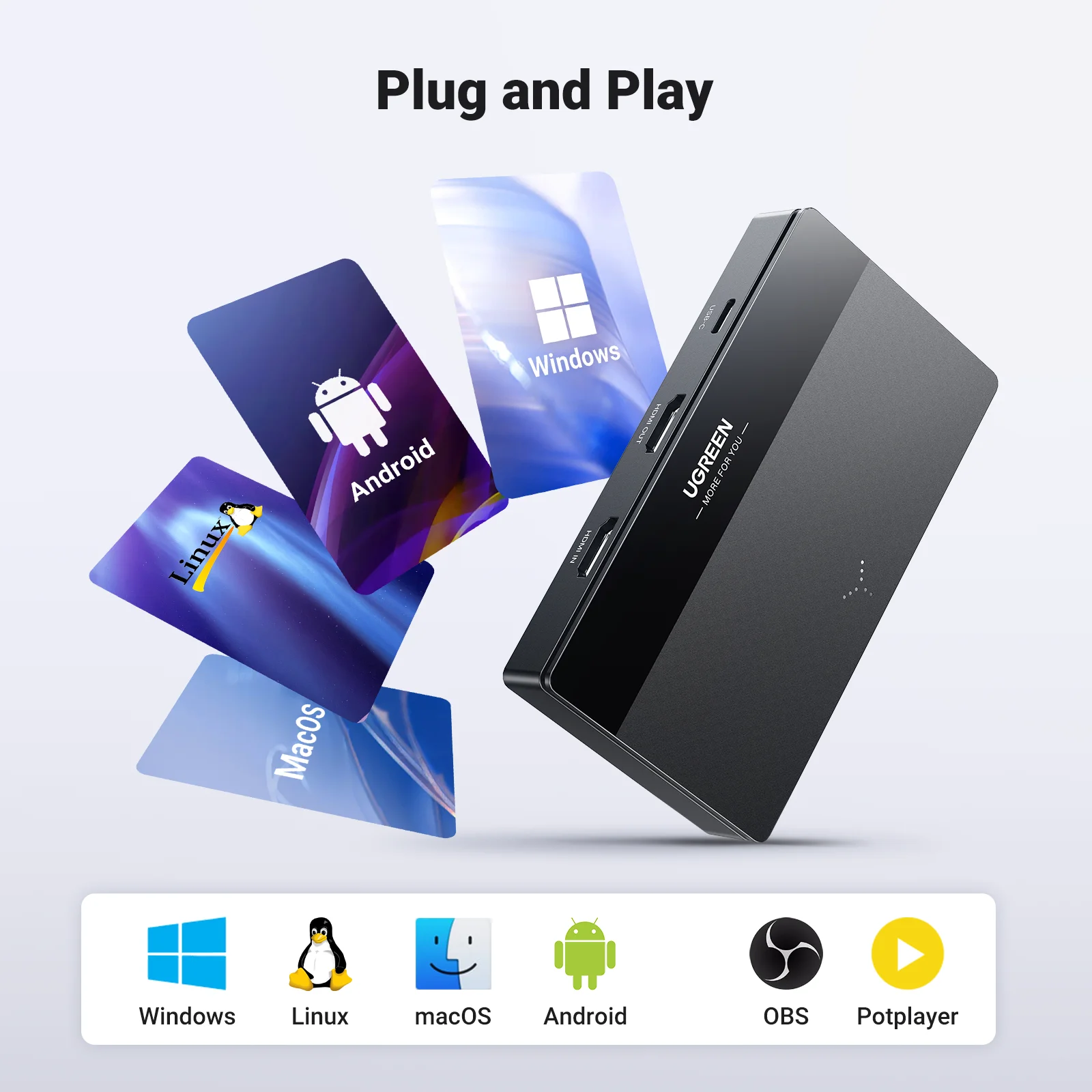
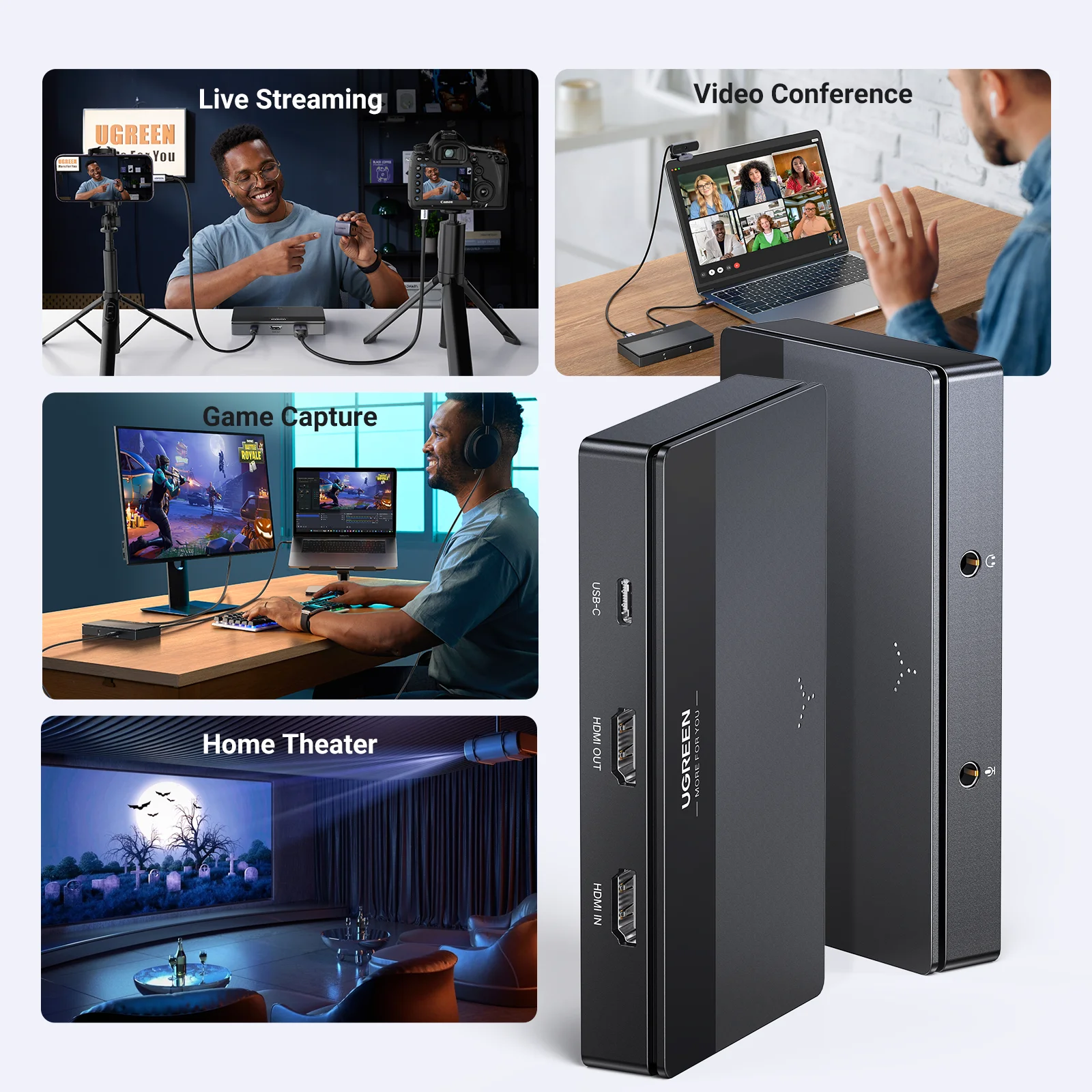
HDMI Video Capture Card 4K60Hz for Live Stream Record
$45.17
$100.1



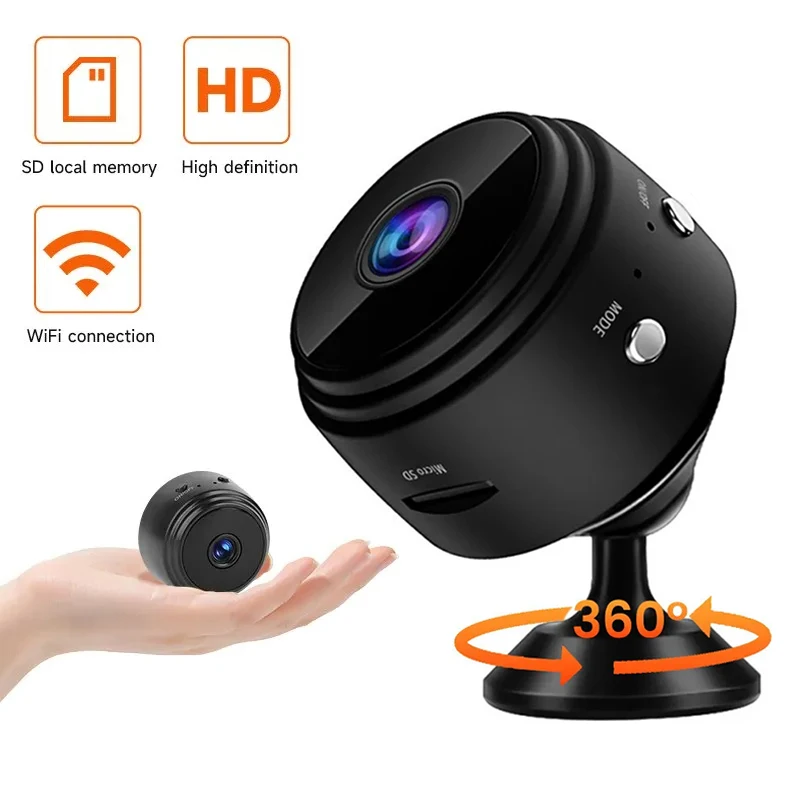
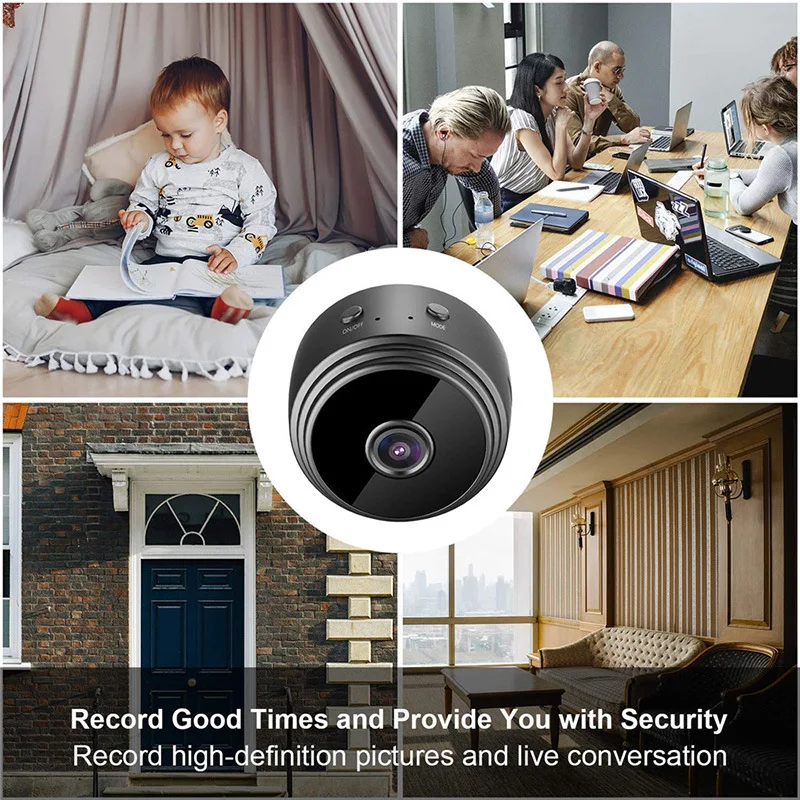
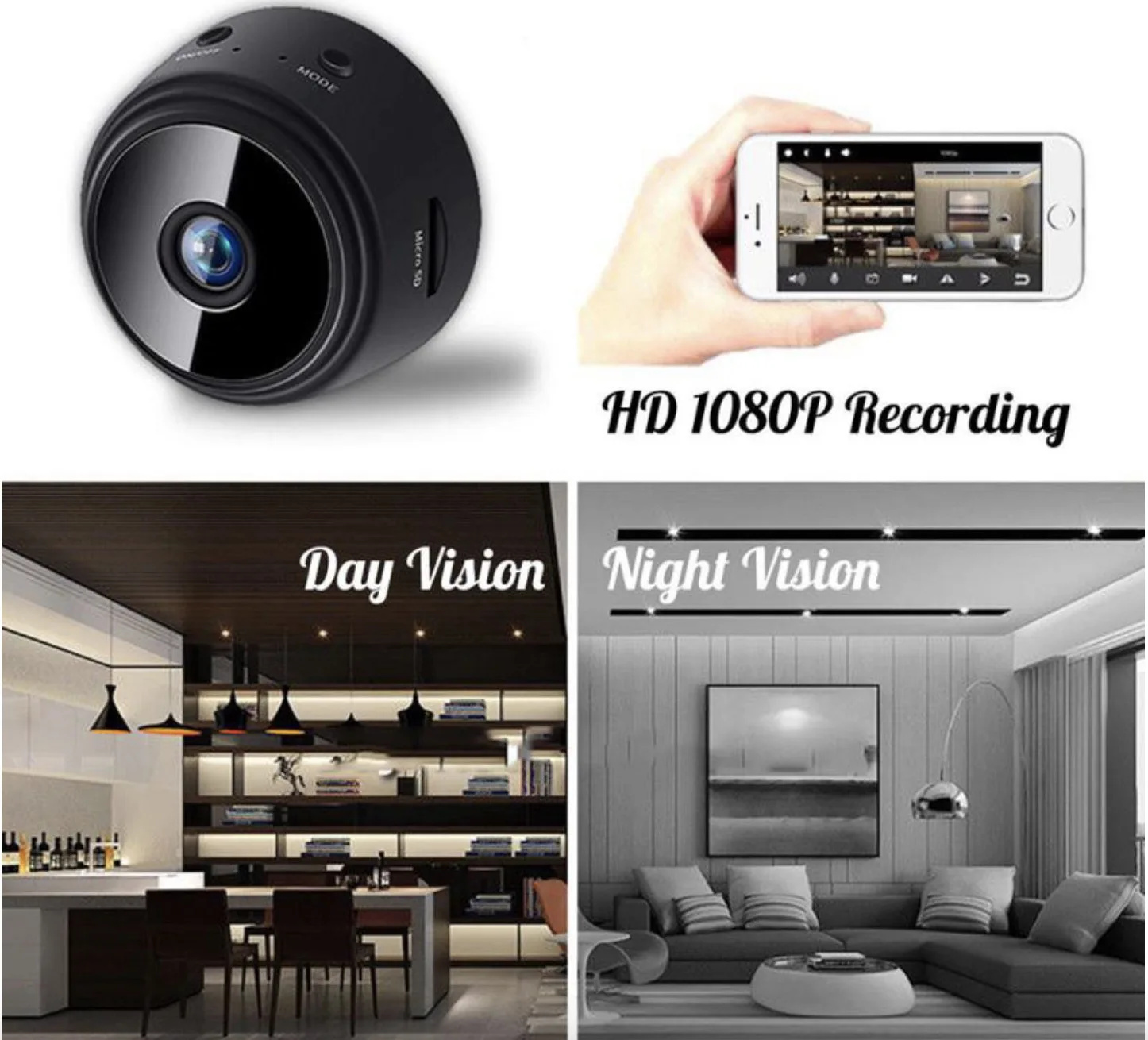
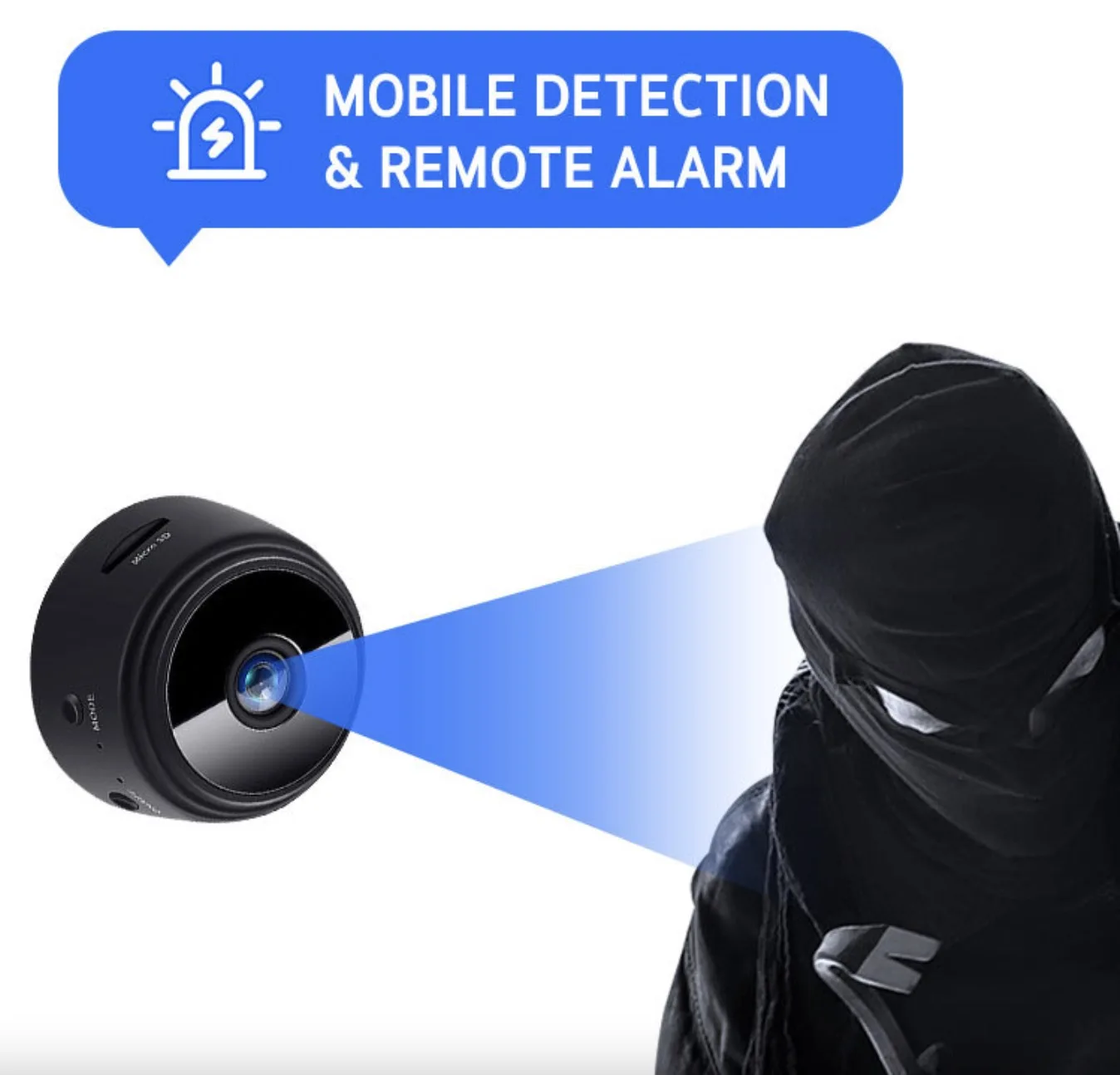
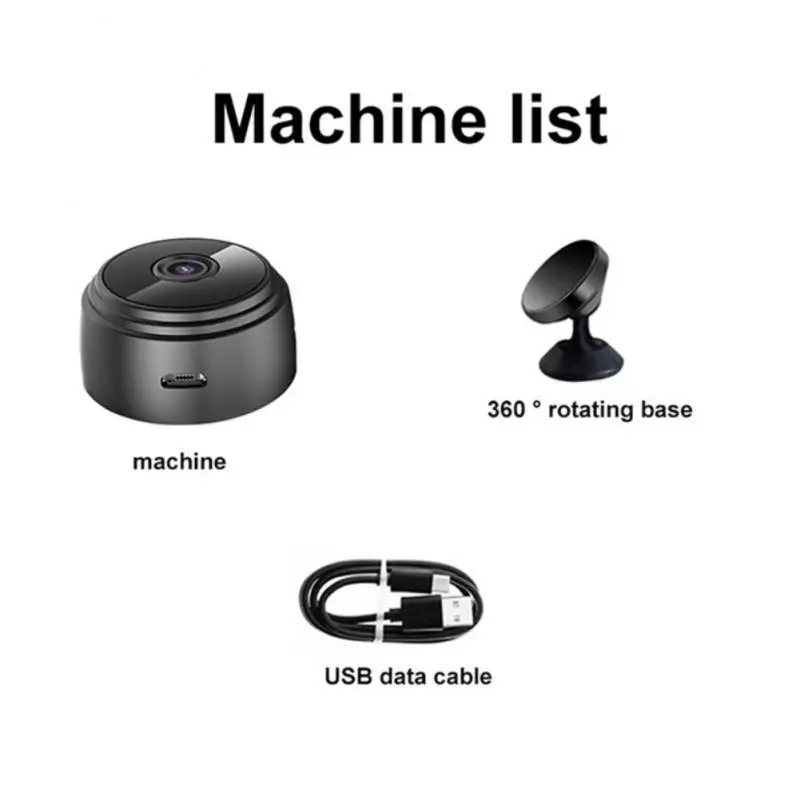
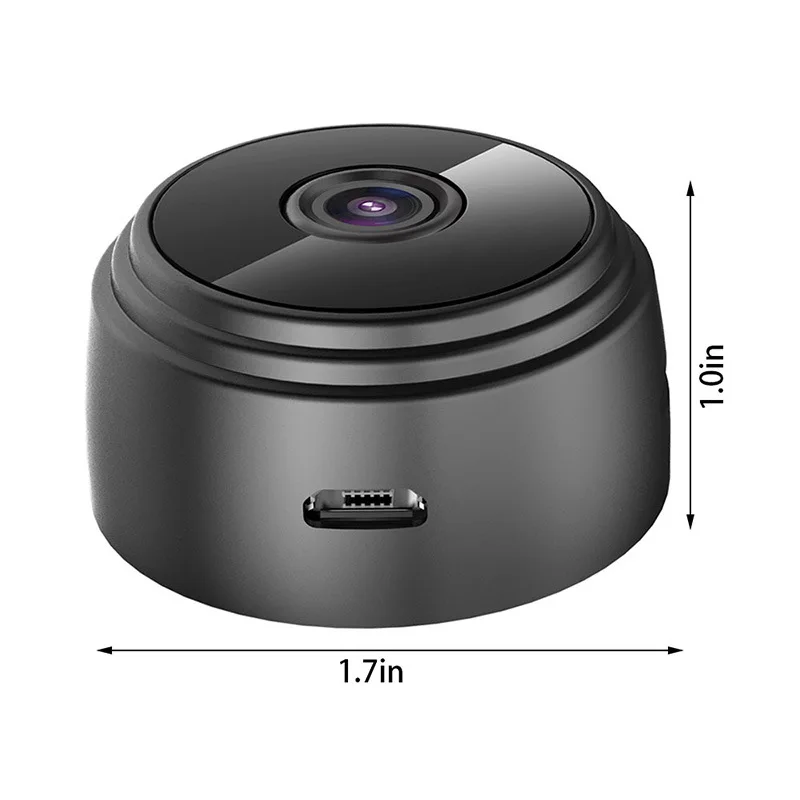
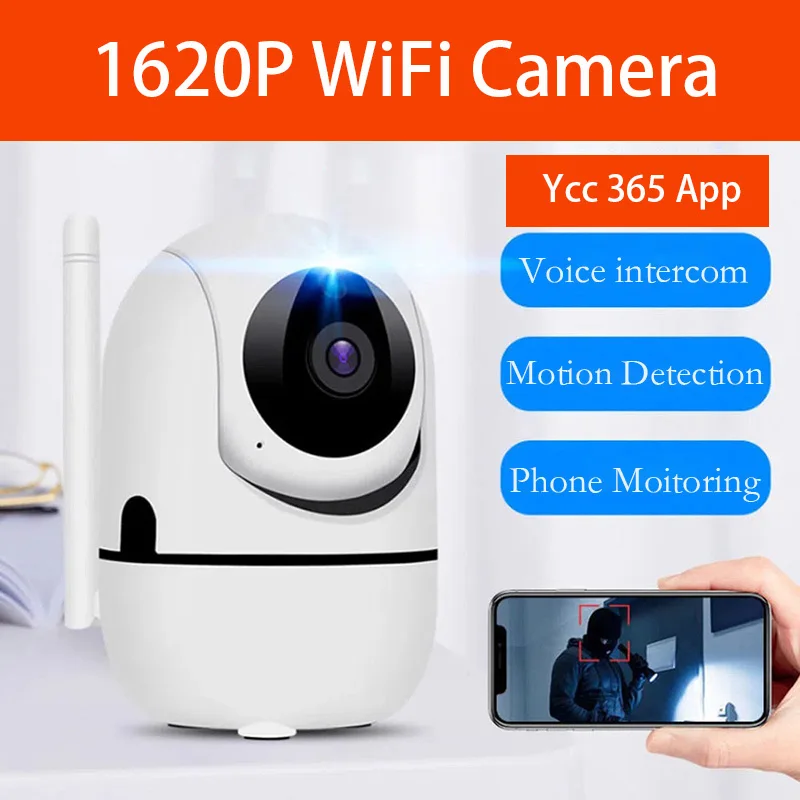



Wireless IP Camera 1620P Surveillance Security
$29.96
$61.47