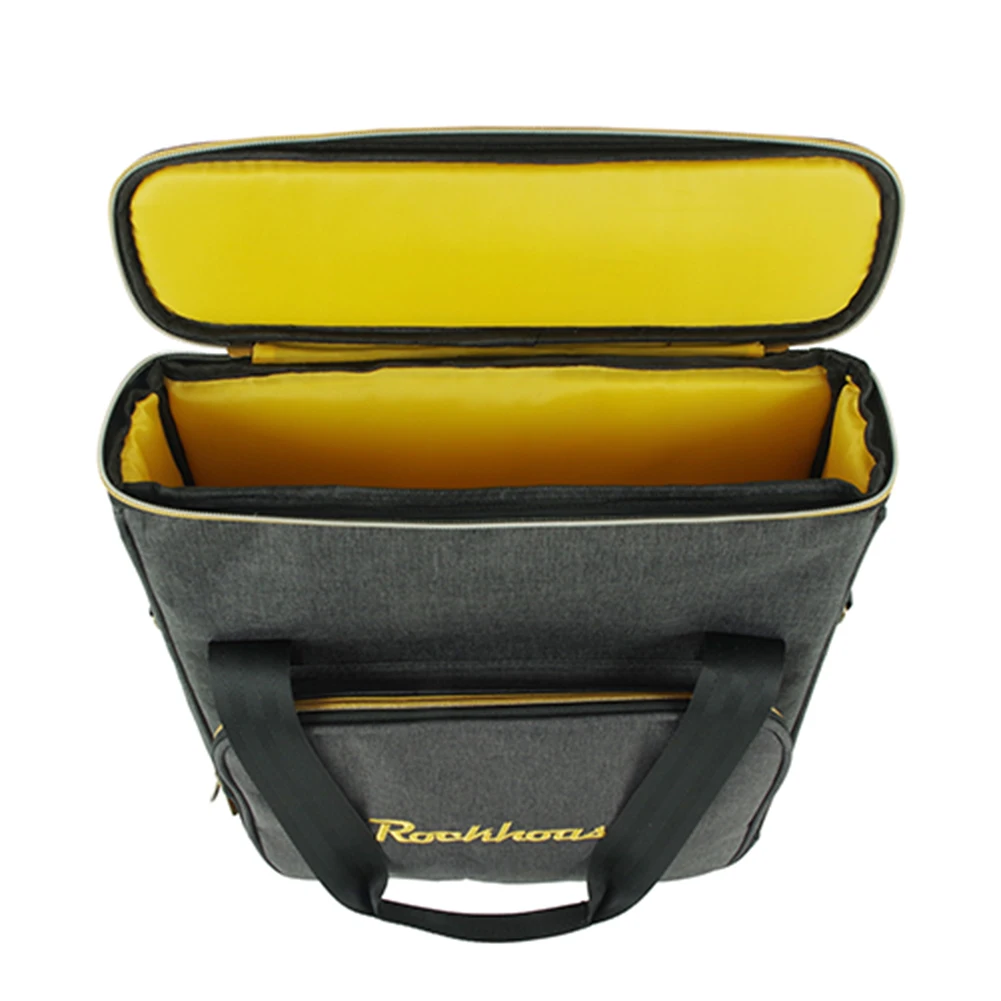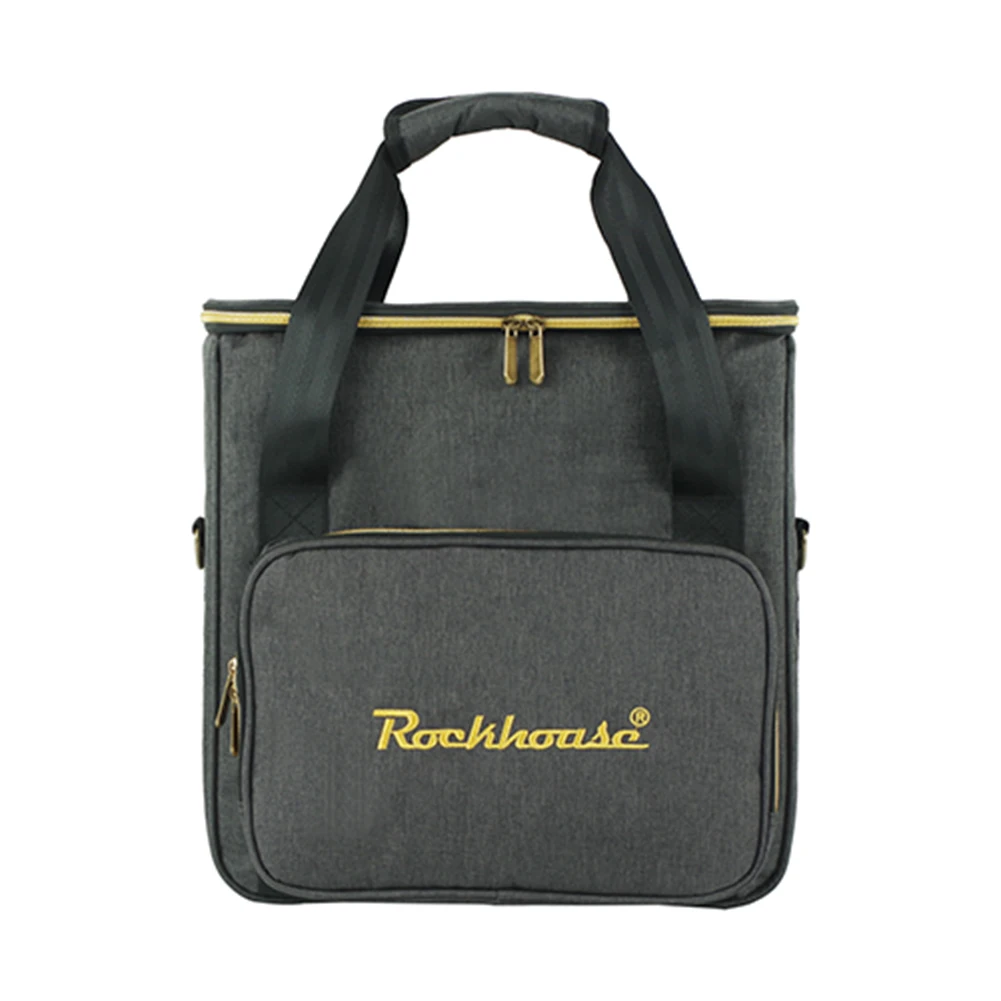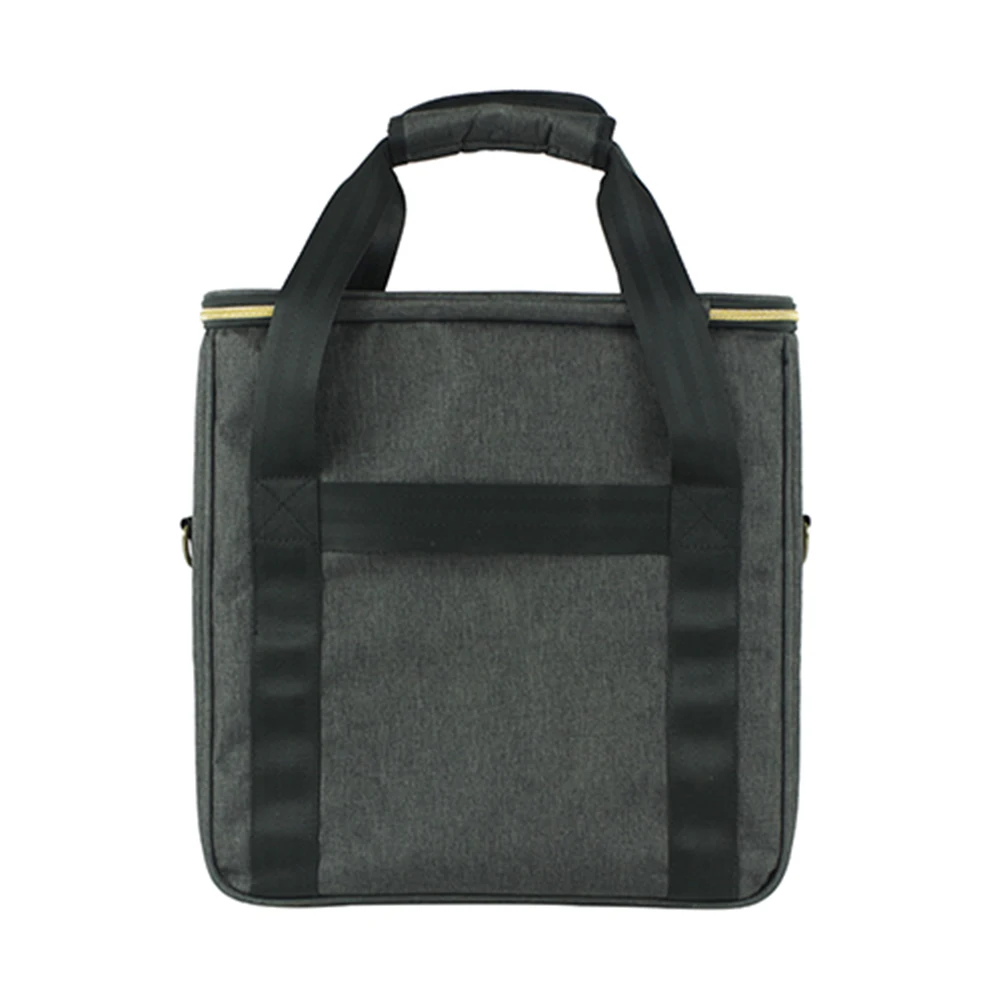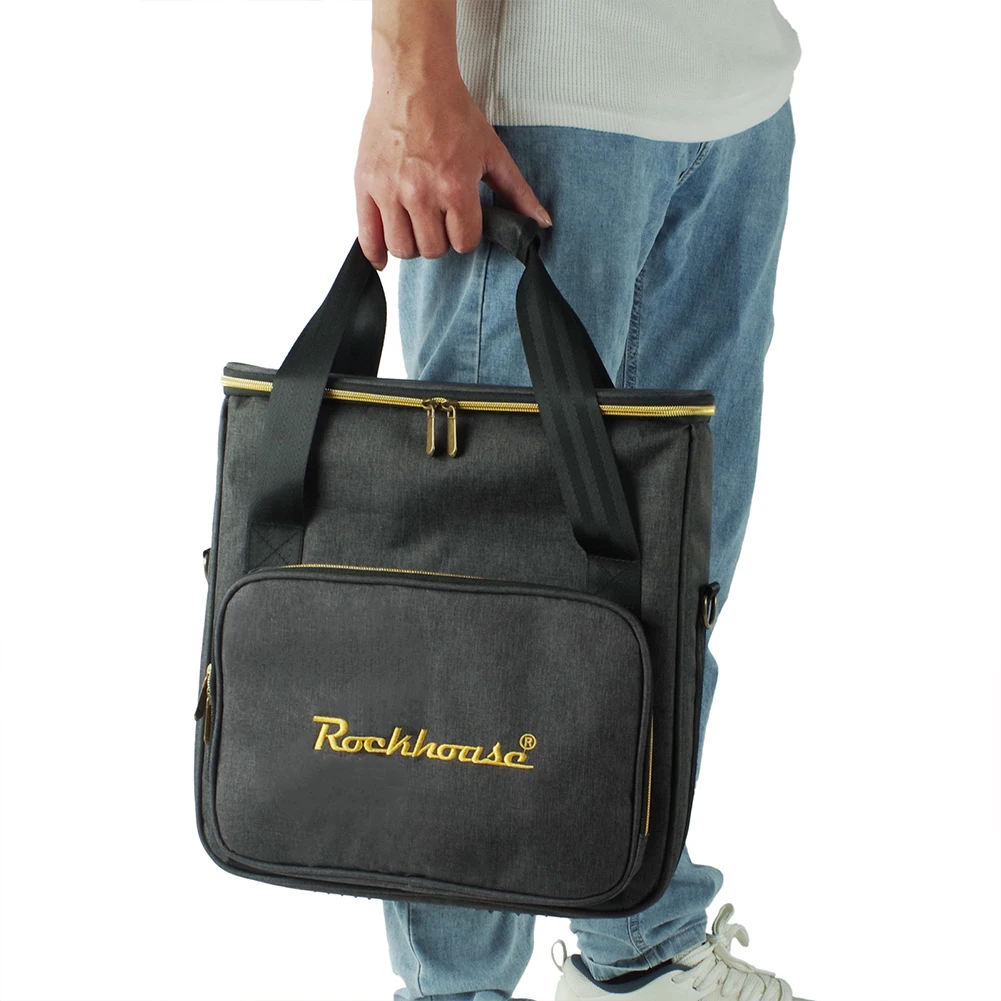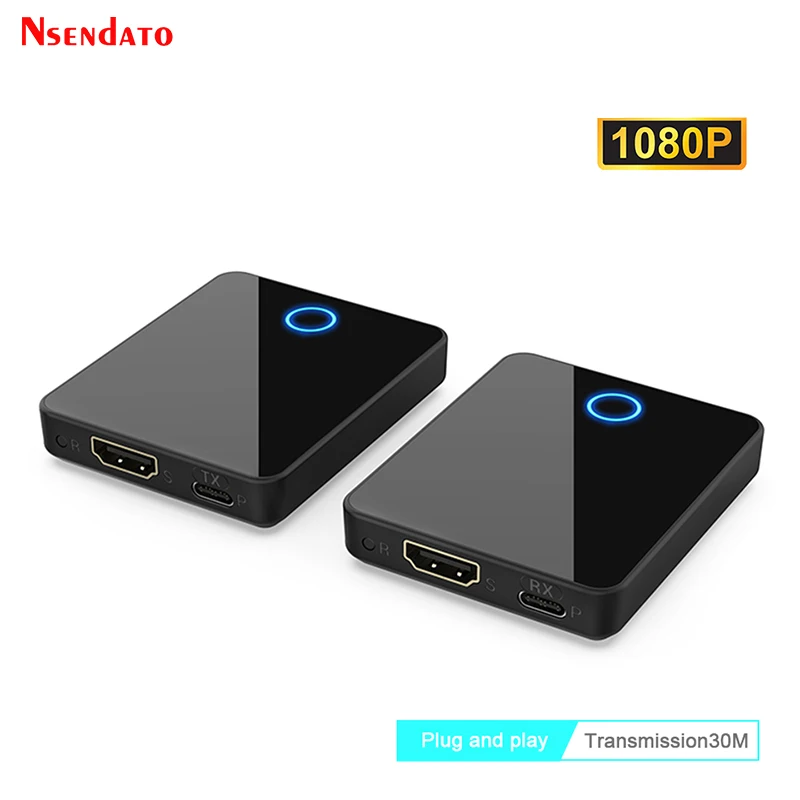
30M 1080p Wireless HDMI Extender HDMI-Compatible Wireless Video Transmitter and Receiver For PC Camera TV Laptop
<div class="detailmodule_html"><div class="detail-desc-decorate-richtext"><div class="detailmodule_dynamic">
<kse:widget data-widget-type="customText" id="22569421" title="" type="custom"></kse:widget>
</div><p><br /></p><p><span style="font-size:16px;font-family:arial, helvetica, sans-serif;">1080p HDMI Extender 150M HDMI Wireless Video Transmitter and Receiver Kit HDMI Extension Cable Switch for PS4 TV DVD Player STB PC</span></p><p></p><div>
<strong>Support Full HD 1080P</strong>:
<span> </span>
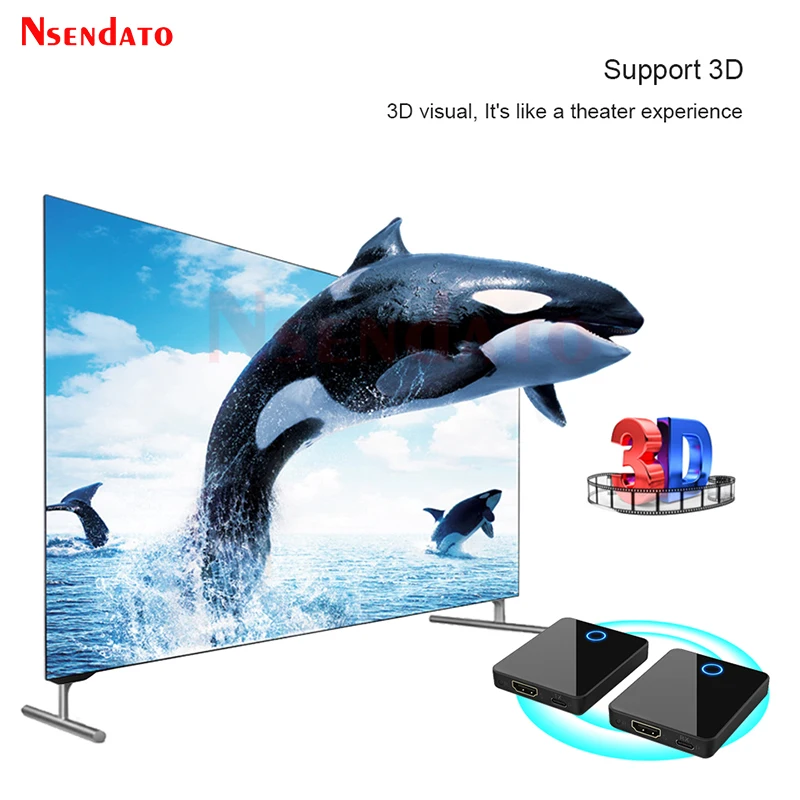
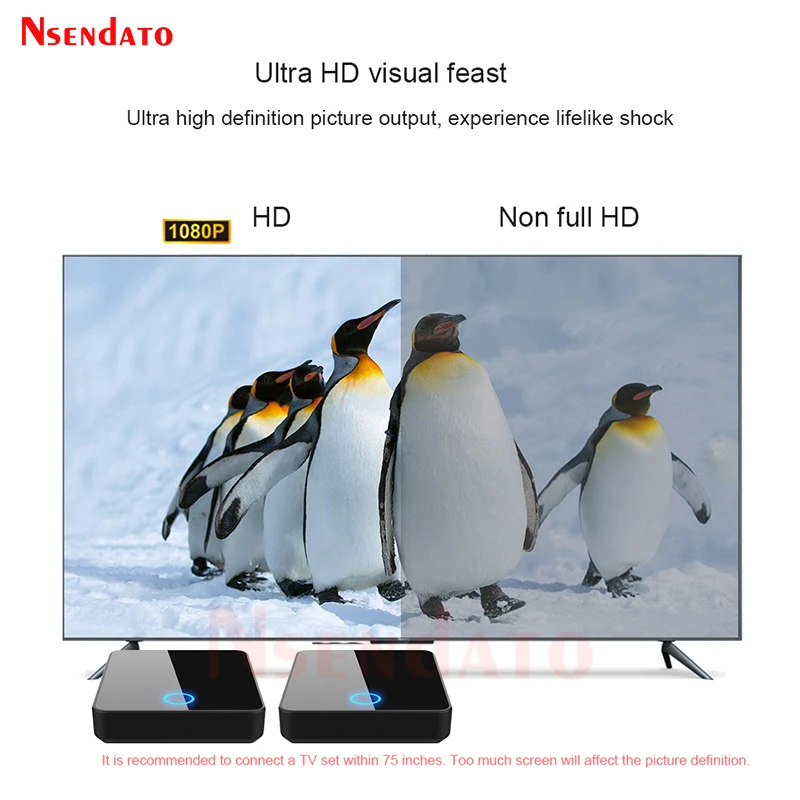
<span style="font-size:16px;font-family:arial, helvetica, sans-serif;">HD wireless transmitter and receiver input/output resolution supports 1080P, Signal experiences only 0.1s latency(almost real-time)even when streaming 1080P 3D video to an 1080p device.</span>
</div><div style="font-family:Open Sans, Roboto, Arial, Helvetica, sans-serif, SimSun;font-size:14px;font-weight:400;letter-spacing:normal;text-align:start;white-space:normal;color:#000000;background-color:#FFFFFF;margin:0px;padding:0px;box-sizing:content-box;padding:0px;margin:0px;" align="start">
<br />
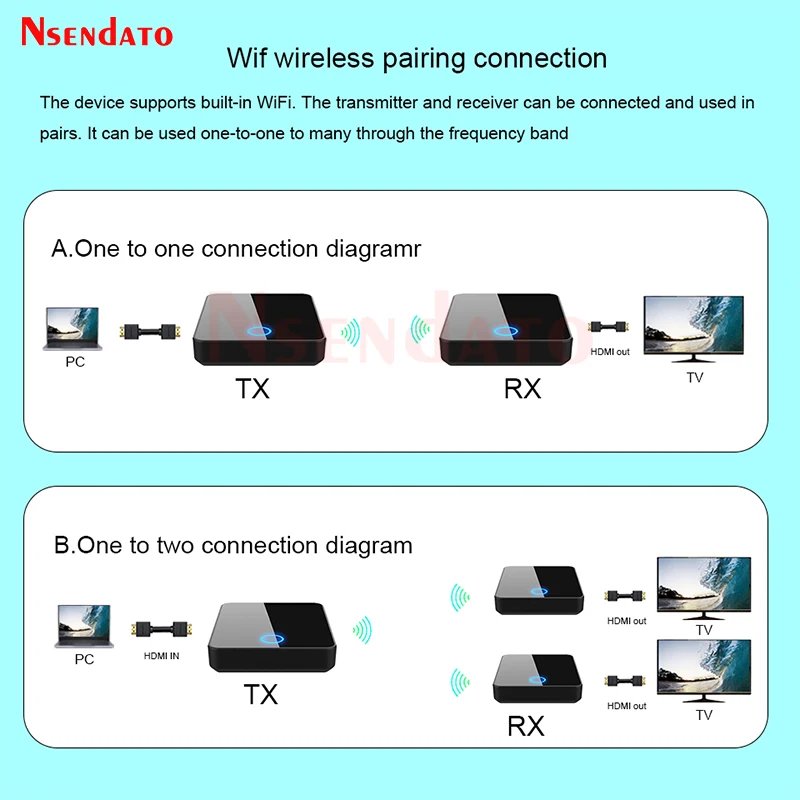
</div><p style="font-family:Open Sans, Roboto, Arial, Helvetica, sans-serif, SimSun;font-size:14px;font-weight:400;letter-spacing:normal;line-height:inherit;text-align:start;white-space:normal;color:#000000;background-color:#FFFFFF;margin:0px;padding:0px;box-sizing:border-box;padding:0px;margin:0px;" align="start"><span style="font-size:16px;"><strong>Plug & Play</strong></span>:<span> </span><span style="font-size:16px;">Easy to install, plug and play. Simply connect and automatically pair after power on. No software or WiFi connection is required. You can enjoy clear images and sounds, with stable signals, bright colors and no noise.</span></p><div style="font-family:Open Sans, Roboto, Arial, Helvetica, sans-serif, SimSun;font-size:14px;font-weight:400;letter-spacing:normal;text-align:start;white-space:normal;color:#000000;background-color:#FFFFFF;margin:0px;padding:0px;box-sizing:content-box;padding:0px;margin:0px;" align="start">
<br />
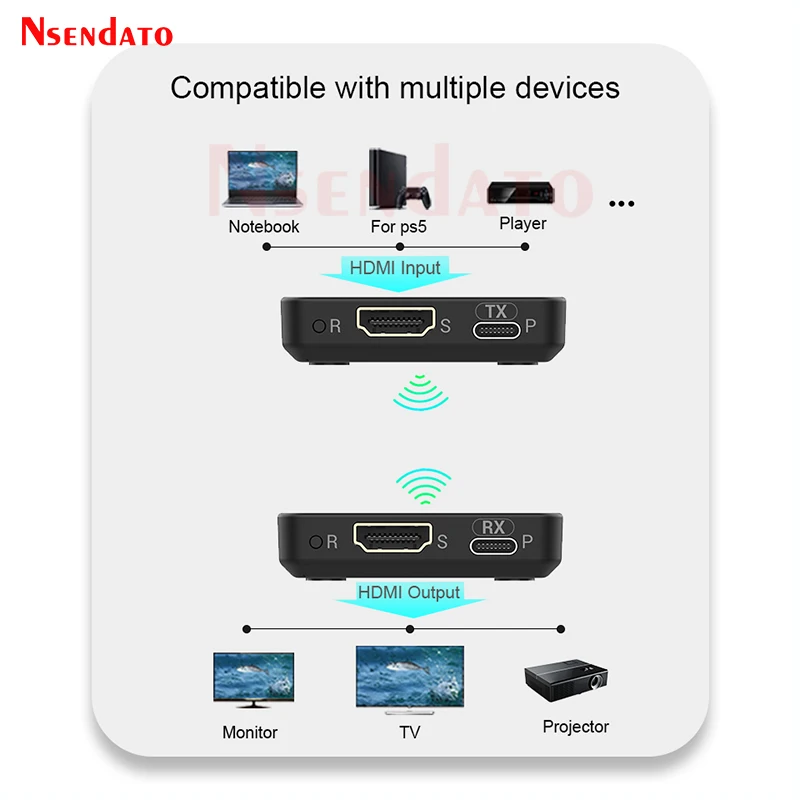
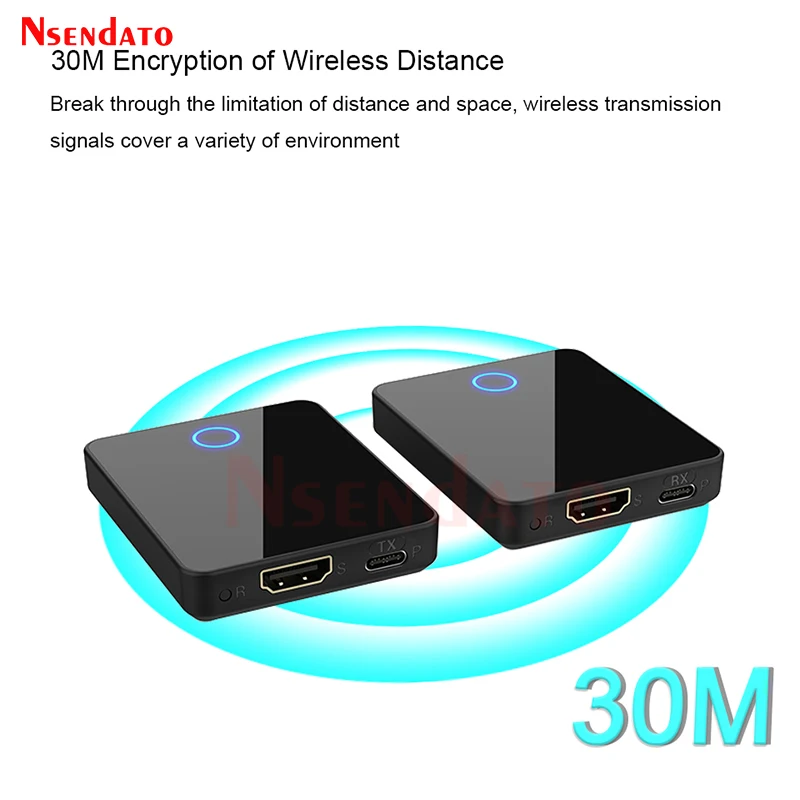
</div><p style="font-family:Open Sans, Roboto, Arial, Helvetica, sans-serif, SimSun;font-size:14px;font-weight:400;letter-spacing:normal;line-height:inherit;text-align:start;white-space:normal;color:#000000;background-color:#FFFFFF;margin:0px;padding:0px;box-sizing:border-box;padding:0px;margin:0px;" align="start"><span style="font-size:16px;"><strong>30M Long Distance Wireless Transmit</strong></span>:<span> </span><span style="font-size:16px;">We set up the external dual antenna and get the long transmitter distance that reaches 30 meters in an open field.</span></p><div style="font-family:Open Sans, Roboto, Arial, Helvetica, sans-serif, SimSun;font-size:14px;font-weight:400;letter-spacing:normal;text-align:start;white-space:normal;color:#000000;background-color:#FFFFFF;margin:0px;padding:0px;box-sizing:content-box;padding:0px;margin:0px;" align="start"></div><p style="font-family:Open Sans, Roboto, Arial, Helvetica, sans-serif, SimSun;font-size:14px;font-weight:400;letter-spacing:normal;line-height:inherit;text-align:start;white-space:normal;color:#000000;background-color:#FFFFFF;margin:0px;padding:0px;box-sizing:border-box;padding:0px;margin:0px;" align="start"><strong>Support Many HD Devices</strong>:<span> </span><span style="font-size:16px;">Wireless video transmitter and receiver can work with most HDMI-compatible equipped devices, including Compatuoble- Prime Video, Netflix, Sky Go, BT Sport, DIRECTV, HULU, Comcast TV, XFINITY, Vudu, Movistar, DVD, DVR, IPTV, CCTV Blu-ray players,set-top boxes, cable/satellite boxes, computer systems and more.</span></p><div style="font-family:Open Sans, Roboto, Arial, Helvetica, sans-serif, SimSun;font-size:14px;font-weight:400;letter-spacing:normal;text-align:start;white-space:normal;color:#000000;background-color:#FFFFFF;margin:0px;padding:0px;box-sizing:content-box;padding:0px;margin:0px;" align="start">
<br />
</div><p style="font-family:Open Sans, Roboto, Arial, Helvetica, sans-serif, SimSun;font-size:14px;font-weight:400;letter-spacing:normal;line-height:inherit;text-align:start;white-space:normal;color:#000000;background-color:#FFFFFF;margin:0px;padding:0px;box-sizing:border-box;padding:0px;margin:0px;" align="start"><span style="font-size:16px;"><strong>Life long After-sales Serveice</strong></span>:<span> </span><span style="font-size:16px;">We believe in the design and quality of our products. We provide lifelong renewal and guidance services. We have professional customer service personnel who reply within 24 hours. If you have any questions, please contact us. (The PDF version of the user manual can be downloaded on the details page.)</span></p><p style="font-family:Open Sans, Roboto, Arial, Helvetica, sans-serif, SimSun;font-size:14px;font-weight:400;letter-spacing:normal;line-height:inherit;text-align:start;white-space:normal;color:#000000;background-color:#FFFFFF;margin:0px;padding:0px;box-sizing:border-box;padding:0px;margin:0px;" align="start"><span style="font-size:16px;">How to Use Wireless HD Transmitter and Receiver</span></p><p style="font-family:Open Sans, Roboto, Arial, Helvetica, sans-serif, SimSun;font-size:14px;font-weight:400;letter-spacing:normal;line-height:inherit;text-align:start;white-space:normal;color:#000000;background-color:#FFFFFF;margin:0px;padding:0px;box-sizing:border-box;padding:0px;margin:0px;" align="start"><span style="font-size:16px;">1 Connect the power adapter of the transmitter and receiver.</span></p><p style="font-family:Open Sans, Roboto, Arial, Helvetica, sans-serif, SimSun;font-size:14px;font-weight:400;letter-spacing:normal;line-height:inherit;text-align:start;white-space:normal;color:#000000;background-color:#FFFFFF;margin:0px;padding:0px;box-sizing:border-box;padding:0px;margin:0px;" align="start"><span style="font-size:16px;">2 Connect the transmitter to the device through HD cable. (laptop, PC, satellite box, game device, digital SLR camera)</span></p><p style="font-family:Open Sans, Roboto, Arial, Helvetica, sans-serif, SimSun;font-size:14px;font-weight:400;letter-spacing:normal;line-height:inherit;text-align:start;white-space:normal;color:#000000;background-color:#FFFFFF;margin:0px;padding:0px;box-sizing:border-box;padding:0px;margin:0px;" align="start"><span style="font-size:16px;">3 Connect the receiver to the screen device through HD cable.</span></p><p style="font-family:Open Sans, Roboto, Arial, Helvetica, sans-serif, SimSun;font-size:14px;font-weight:400;letter-spacing:normal;line-height:inherit;text-align:start;white-space:normal;color:#000000;background-color:#FFFFFF;margin:0px;padding:0px;box-sizing:border-box;padding:0px;margin:0px;" align="start"><span style="font-size:16px;">4 Turn on the power supply of the transmitter and receiver, wait for 15 seconds to successful pairing.</span></p><p style="font-family:Open Sans, Roboto, Arial, Helvetica, sans-serif, SimSun;font-size:14px;font-weight:400;letter-spacing:normal;line-height:inherit;text-align:start;white-space:normal;color:#000000;background-color:#FFFFFF;margin:0px;padding:0px;box-sizing:border-box;padding:0px;margin:0px;" align="start"><span style="font-size:16px;">5 Enjoy the HD image quality and smooth transmission brought by wireless HD extender.</span></p><p></p><div style="font-size:13.3333px;margin:0px;padding:0px 0px 0px 0em;margin:0px;padding-top:0px;padding-right:0px;padding-bottom:0px;">
<div>
</div>
<div>
</div>
<div>
</div>
<div>
</div>
<div>
</div>
<div>
</div>
<div>
</div>
<div>
</div>
<div>
</div>
<div>
</div>
<div>
</div>
<div>
</div>
<div>
</div>
<div>
<br />
</div>
</div><p><br /></p><p><br /></p><br /><p><br /></p><div class="detailmodule_dynamic">
<kse:widget data-widget-type="customText" id="1005000001165679" title="" type="custom"></kse:widget>
</div></div></div>
$142.325
$112.85
- Category : Consumer Electronics
- Brand : nsendato_office_store_store Nsendato Office Store Store
Colors
Sizes
-
+

<div class="detailmodule_html"><div class="detail-desc-decorate-richtext"><div class="detailmodule_dynamic">
<kse:widget data-widget-type="customText" id="22569421" title="" type="custom"></kse:widget>
</div><p><br /></p><p><span style="font-size:16px;font-family:arial, helvetica, sans-serif;">1080p HDMI Extender 150M HDMI Wireless Video Transmitter and Receiver Kit HDMI Extension Cable Switch for PS4 TV DVD Player STB PC</span></p><p></p><div>
<strong>Support Full HD 1080P</strong>:
<span> </span>
<span style="font-size:16px;font-family:arial, helvetica, sans-serif;">HD wireless transmitter and receiver input/output resolution supports 1080P, Signal experiences only 0.1s latency(almost real-time)even when streaming 1080P 3D video to an 1080p device.</span>
</div><div style="font-family:Open Sans, Roboto, Arial, Helvetica, sans-serif, SimSun;font-size:14px;font-weight:400;letter-spacing:normal;text-align:start;white-space:normal;color:#000000;background-color:#FFFFFF;margin:0px;padding:0px;box-sizing:content-box;padding:0px;margin:0px;" align="start">
<br />
</div><p style="font-family:Open Sans, Roboto, Arial, Helvetica, sans-serif, SimSun;font-size:14px;font-weight:400;letter-spacing:normal;line-height:inherit;text-align:start;white-space:normal;color:#000000;background-color:#FFFFFF;margin:0px;padding:0px;box-sizing:border-box;padding:0px;margin:0px;" align="start"><span style="font-size:16px;"><strong>Plug & Play</strong></span>:<span> </span><span style="font-size:16px;">Easy to install, plug and play. Simply connect and automatically pair after power on. No software or WiFi connection is required. You can enjoy clear images and sounds, with stable signals, bright colors and no noise.</span></p><div style="font-family:Open Sans, Roboto, Arial, Helvetica, sans-serif, SimSun;font-size:14px;font-weight:400;letter-spacing:normal;text-align:start;white-space:normal;color:#000000;background-color:#FFFFFF;margin:0px;padding:0px;box-sizing:content-box;padding:0px;margin:0px;" align="start">
<br />
</div><p style="font-family:Open Sans, Roboto, Arial, Helvetica, sans-serif, SimSun;font-size:14px;font-weight:400;letter-spacing:normal;line-height:inherit;text-align:start;white-space:normal;color:#000000;background-color:#FFFFFF;margin:0px;padding:0px;box-sizing:border-box;padding:0px;margin:0px;" align="start"><span style="font-size:16px;"><strong>30M Long Distance Wireless Transmit</strong></span>:<span> </span><span style="font-size:16px;">We set up the external dual antenna and get the long transmitter distance that reaches 30 meters in an open field.</span></p><div style="font-family:Open Sans, Roboto, Arial, Helvetica, sans-serif, SimSun;font-size:14px;font-weight:400;letter-spacing:normal;text-align:start;white-space:normal;color:#000000;background-color:#FFFFFF;margin:0px;padding:0px;box-sizing:content-box;padding:0px;margin:0px;" align="start"></div><p style="font-family:Open Sans, Roboto, Arial, Helvetica, sans-serif, SimSun;font-size:14px;font-weight:400;letter-spacing:normal;line-height:inherit;text-align:start;white-space:normal;color:#000000;background-color:#FFFFFF;margin:0px;padding:0px;box-sizing:border-box;padding:0px;margin:0px;" align="start"><strong>Support Many HD Devices</strong>:<span> </span><span style="font-size:16px;">Wireless video transmitter and receiver can work with most HDMI-compatible equipped devices, including Compatuoble- Prime Video, Netflix, Sky Go, BT Sport, DIRECTV, HULU, Comcast TV, XFINITY, Vudu, Movistar, DVD, DVR, IPTV, CCTV Blu-ray players,set-top boxes, cable/satellite boxes, computer systems and more.</span></p><div style="font-family:Open Sans, Roboto, Arial, Helvetica, sans-serif, SimSun;font-size:14px;font-weight:400;letter-spacing:normal;text-align:start;white-space:normal;color:#000000;background-color:#FFFFFF;margin:0px;padding:0px;box-sizing:content-box;padding:0px;margin:0px;" align="start">
<br />
</div><p style="font-family:Open Sans, Roboto, Arial, Helvetica, sans-serif, SimSun;font-size:14px;font-weight:400;letter-spacing:normal;line-height:inherit;text-align:start;white-space:normal;color:#000000;background-color:#FFFFFF;margin:0px;padding:0px;box-sizing:border-box;padding:0px;margin:0px;" align="start"><span style="font-size:16px;"><strong>Life long After-sales Serveice</strong></span>:<span> </span><span style="font-size:16px;">We believe in the design and quality of our products. We provide lifelong renewal and guidance services. We have professional customer service personnel who reply within 24 hours. If you have any questions, please contact us. (The PDF version of the user manual can be downloaded on the details page.)</span></p><p style="font-family:Open Sans, Roboto, Arial, Helvetica, sans-serif, SimSun;font-size:14px;font-weight:400;letter-spacing:normal;line-height:inherit;text-align:start;white-space:normal;color:#000000;background-color:#FFFFFF;margin:0px;padding:0px;box-sizing:border-box;padding:0px;margin:0px;" align="start"><span style="font-size:16px;">How to Use Wireless HD Transmitter and Receiver</span></p><p style="font-family:Open Sans, Roboto, Arial, Helvetica, sans-serif, SimSun;font-size:14px;font-weight:400;letter-spacing:normal;line-height:inherit;text-align:start;white-space:normal;color:#000000;background-color:#FFFFFF;margin:0px;padding:0px;box-sizing:border-box;padding:0px;margin:0px;" align="start"><span style="font-size:16px;">1 Connect the power adapter of the transmitter and receiver.</span></p><p style="font-family:Open Sans, Roboto, Arial, Helvetica, sans-serif, SimSun;font-size:14px;font-weight:400;letter-spacing:normal;line-height:inherit;text-align:start;white-space:normal;color:#000000;background-color:#FFFFFF;margin:0px;padding:0px;box-sizing:border-box;padding:0px;margin:0px;" align="start"><span style="font-size:16px;">2 Connect the transmitter to the device through HD cable. (laptop, PC, satellite box, game device, digital SLR camera)</span></p><p style="font-family:Open Sans, Roboto, Arial, Helvetica, sans-serif, SimSun;font-size:14px;font-weight:400;letter-spacing:normal;line-height:inherit;text-align:start;white-space:normal;color:#000000;background-color:#FFFFFF;margin:0px;padding:0px;box-sizing:border-box;padding:0px;margin:0px;" align="start"><span style="font-size:16px;">3 Connect the receiver to the screen device through HD cable.</span></p><p style="font-family:Open Sans, Roboto, Arial, Helvetica, sans-serif, SimSun;font-size:14px;font-weight:400;letter-spacing:normal;line-height:inherit;text-align:start;white-space:normal;color:#000000;background-color:#FFFFFF;margin:0px;padding:0px;box-sizing:border-box;padding:0px;margin:0px;" align="start"><span style="font-size:16px;">4 Turn on the power supply of the transmitter and receiver, wait for 15 seconds to successful pairing.</span></p><p style="font-family:Open Sans, Roboto, Arial, Helvetica, sans-serif, SimSun;font-size:14px;font-weight:400;letter-spacing:normal;line-height:inherit;text-align:start;white-space:normal;color:#000000;background-color:#FFFFFF;margin:0px;padding:0px;box-sizing:border-box;padding:0px;margin:0px;" align="start"><span style="font-size:16px;">5 Enjoy the HD image quality and smooth transmission brought by wireless HD extender.</span></p><p></p><div style="font-size:13.3333px;margin:0px;padding:0px 0px 0px 0em;margin:0px;padding-top:0px;padding-right:0px;padding-bottom:0px;">
<div>
</div>
<div>
</div>
<div>
</div>
<div>
</div>
<div>
</div>
<div>
</div>
<div>
</div>
<div>
</div>
<div>
</div>
<div>
</div>
<div>
</div>
<div>
</div>
<div>
</div>
<div>
<br />
</div>
</div><p><br /></p><p><br /></p><br /><p><br /></p><div class="detailmodule_dynamic">
<kse:widget data-widget-type="customText" id="1005000001165679" title="" type="custom"></kse:widget>
</div></div></div>
Related Product
Browse The Collection of Top Products.