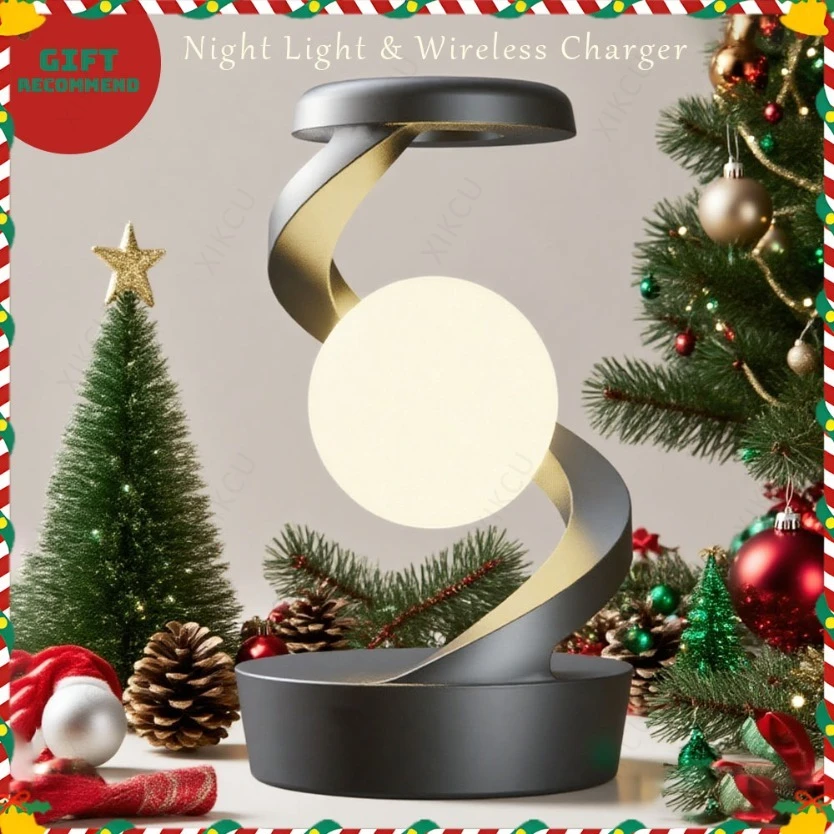
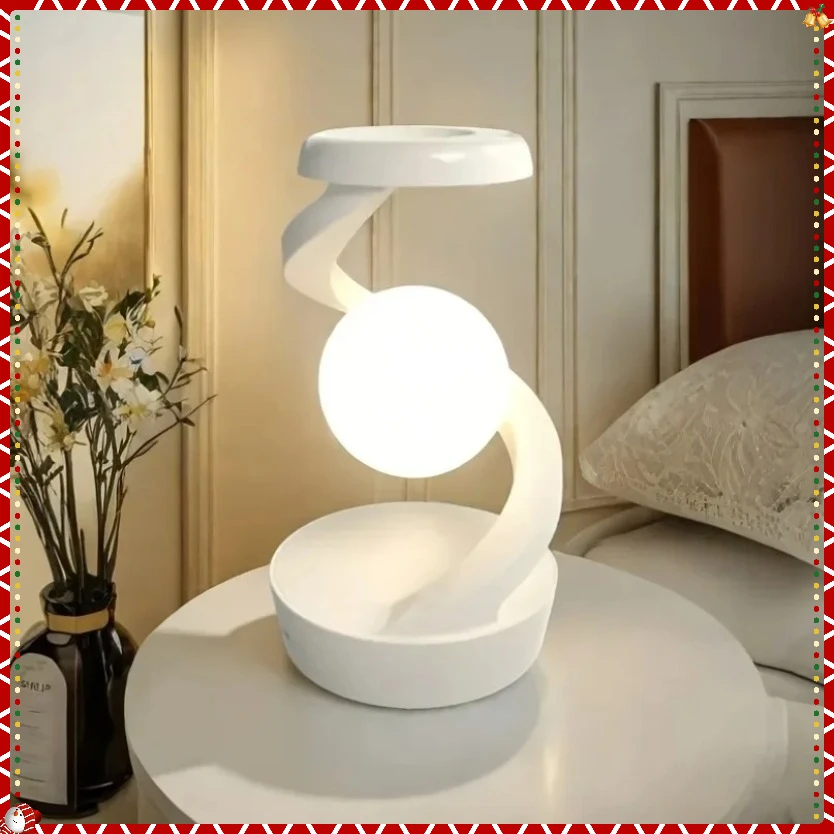
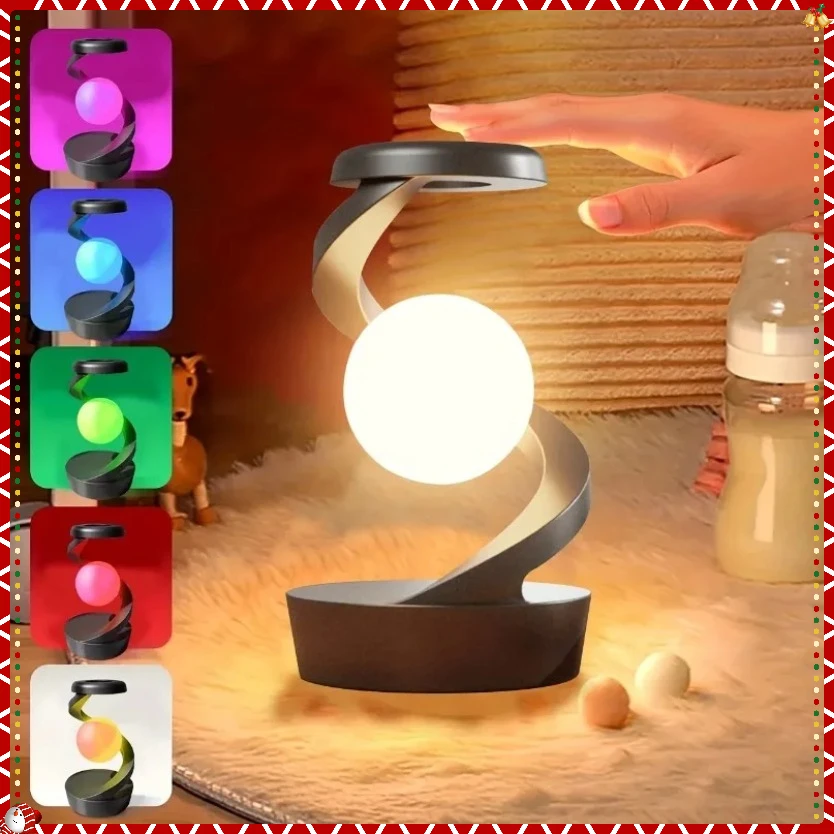
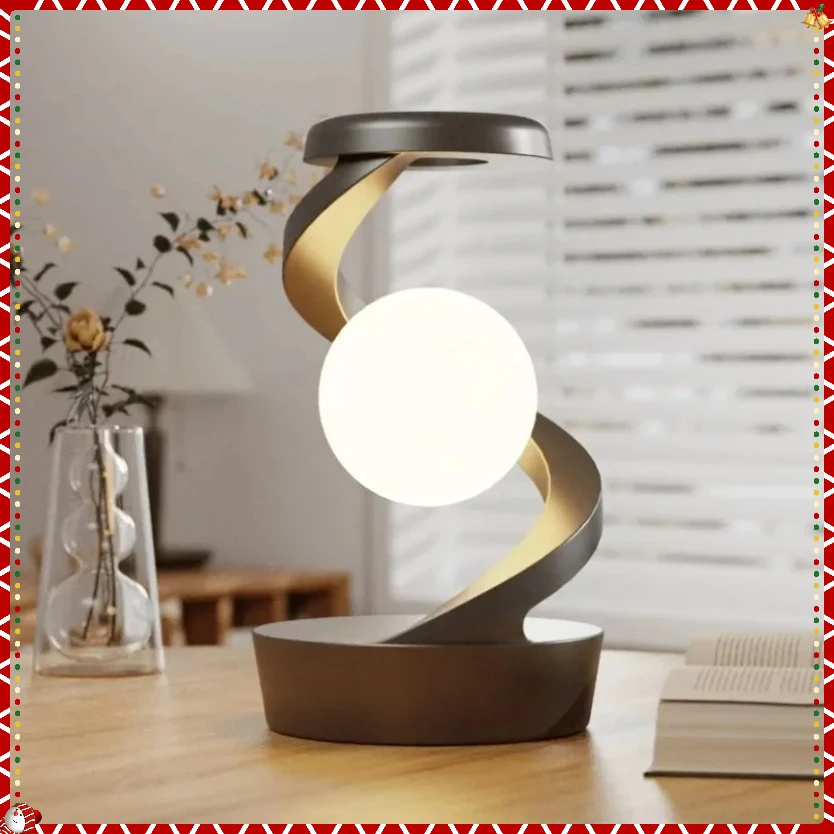
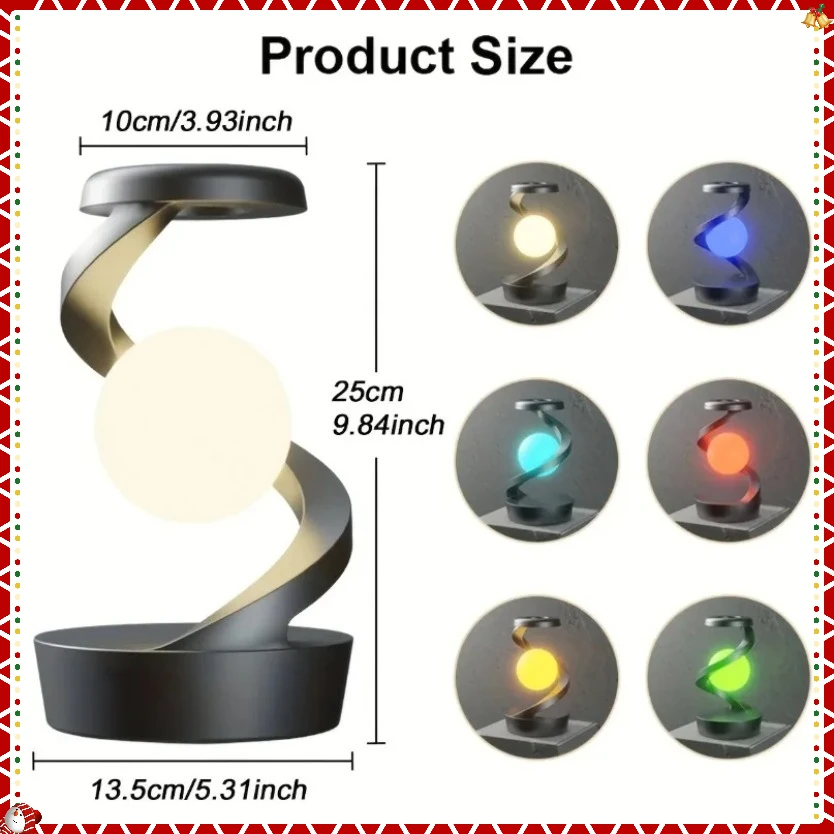
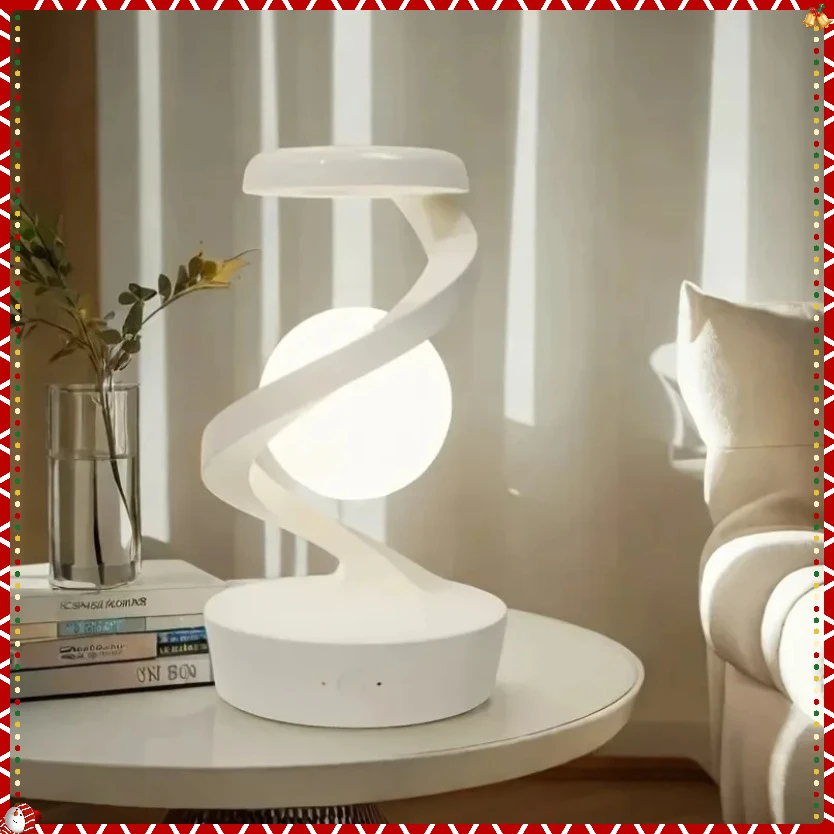
3D Levitating Ball Wireless Charger Lamp RGB Floating LED Night Light Floating Spinning in Air with LED Moon Lamp Fast Charging
<div class="detailmodule_html"><div class="detail-desc-decorate-richtext"><p><span style="font-size:16px"><span style="font-family:Verdana, Geneva, sans-serif">Important Notes:<br>
Before using this light sour, please read the instruction manual carefully, especially the correct way to use.</span></span></p>
<p><span style="font-size:16px"><span style="font-family:Verdana, Geneva, sans-serif">1. This light sour is a creative visual effect floating light sour, not a real floating. 3.<br>
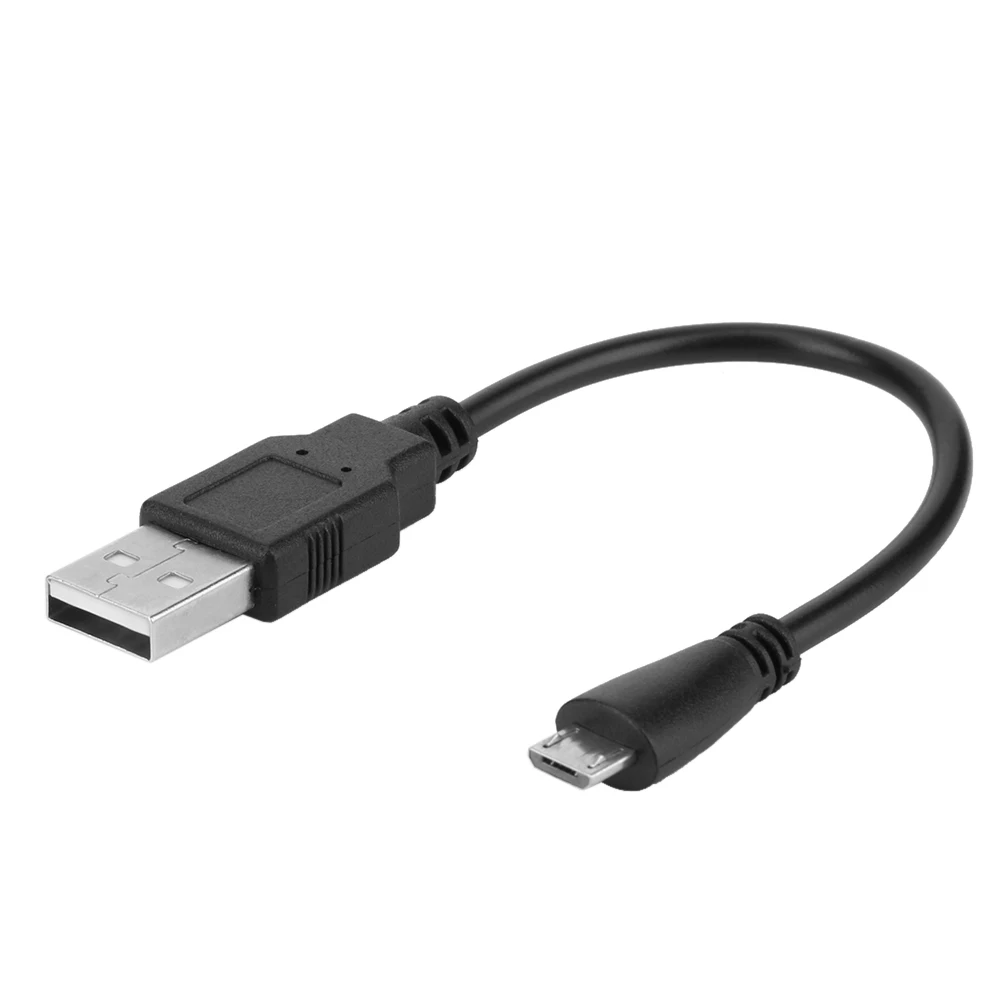
2. Only USB Type-C power cable is included. 4.<br>
3. Please prepare the qualified rated power DC 5V/3A, 9V/2A or 12V/1.5A USB charger. 5.<br>
4. battery inside is only for lighting and rotating, not for wireless charging.<br>
5. Please turn on the power For Switch before use. 7.<br>
6. When using wireless charging function, the rotating function will stop.</span></span></p>
<p><span style="font-size:16px"><span style="font-family:Verdana, Geneva, sans-serif">> Light Control<br>
1. Wave your hand over the top of the light sour and pla your palm over it for about 1 second to control the light on/off. (Cover the top of the light sour with the palm of your hand for about 5cm distan)<br>
(For more information on how to change the light color, refer to the instruction manual.)</span></span></p>
<p><span style="font-size:16px"><span style="font-family:Verdana, Geneva, sans-serif">> Rotation Control<br>
1. When plugging in the power supply, the rotation function will be automatically turned off, and then the wireless charging function can be used.<br>
2. When the power is off, wave your hand over the top of the light sour and pla your palm on top of it for about 2 seconds to start the rotation function, and wave it again for 2 seconds to stop the rotation.<br>
(For more information about the rotation function, please refer to the instruction manual.)</span></span></p>
<p><span style="font-size:16px"><span style="font-family:Verdana, Geneva, sans-serif">> Wireless Charging Function<br>
1. Please plug in the power supply to use the wireless charging function<br>
2. USB charger is not included, USB Type-C power cable is included.<br>
3. Please prepare qualified rated power DC 5V/3A, 9V/2A or 12V/1.5A USB charger<br>
(For more information about the wireless charging function, please refer to the instruction manual.)</span></span></p>
<div><br>
<br>
<br>
<br>
<br>
<br>
<br>
<br>
<br>
</div>
</div></div>
$80.165
$55.94
- Category : Phones & Telecommunications Accessories
- Brand : xikcu_manufacture_store XIKCU Manufacture Store
Colors
Sizes
-
+

<div class="detailmodule_html"><div class="detail-desc-decorate-richtext"><p><span style="font-size:16px"><span style="font-family:Verdana, Geneva, sans-serif">Important Notes:<br>
Before using this light sour, please read the instruction manual carefully, especially the correct way to use.</span></span></p>
<p><span style="font-size:16px"><span style="font-family:Verdana, Geneva, sans-serif">1. This light sour is a creative visual effect floating light sour, not a real floating. 3.<br>
2. Only USB Type-C power cable is included. 4.<br>
3. Please prepare the qualified rated power DC 5V/3A, 9V/2A or 12V/1.5A USB charger. 5.<br>
4. battery inside is only for lighting and rotating, not for wireless charging.<br>
5. Please turn on the power For Switch before use. 7.<br>
6. When using wireless charging function, the rotating function will stop.</span></span></p>
<p><span style="font-size:16px"><span style="font-family:Verdana, Geneva, sans-serif">> Light Control<br>
1. Wave your hand over the top of the light sour and pla your palm over it for about 1 second to control the light on/off. (Cover the top of the light sour with the palm of your hand for about 5cm distan)<br>
(For more information on how to change the light color, refer to the instruction manual.)</span></span></p>
<p><span style="font-size:16px"><span style="font-family:Verdana, Geneva, sans-serif">> Rotation Control<br>
1. When plugging in the power supply, the rotation function will be automatically turned off, and then the wireless charging function can be used.<br>
2. When the power is off, wave your hand over the top of the light sour and pla your palm on top of it for about 2 seconds to start the rotation function, and wave it again for 2 seconds to stop the rotation.<br>
(For more information about the rotation function, please refer to the instruction manual.)</span></span></p>
<p><span style="font-size:16px"><span style="font-family:Verdana, Geneva, sans-serif">> Wireless Charging Function<br>
1. Please plug in the power supply to use the wireless charging function<br>
2. USB charger is not included, USB Type-C power cable is included.<br>
3. Please prepare qualified rated power DC 5V/3A, 9V/2A or 12V/1.5A USB charger<br>
(For more information about the wireless charging function, please refer to the instruction manual.)</span></span></p>
<div><br>
<br>
<br>
<br>
<br>
<br>
<br>
<br>
<br>
</div>
</div></div>
Related Product
Browse The Collection of Top Products.