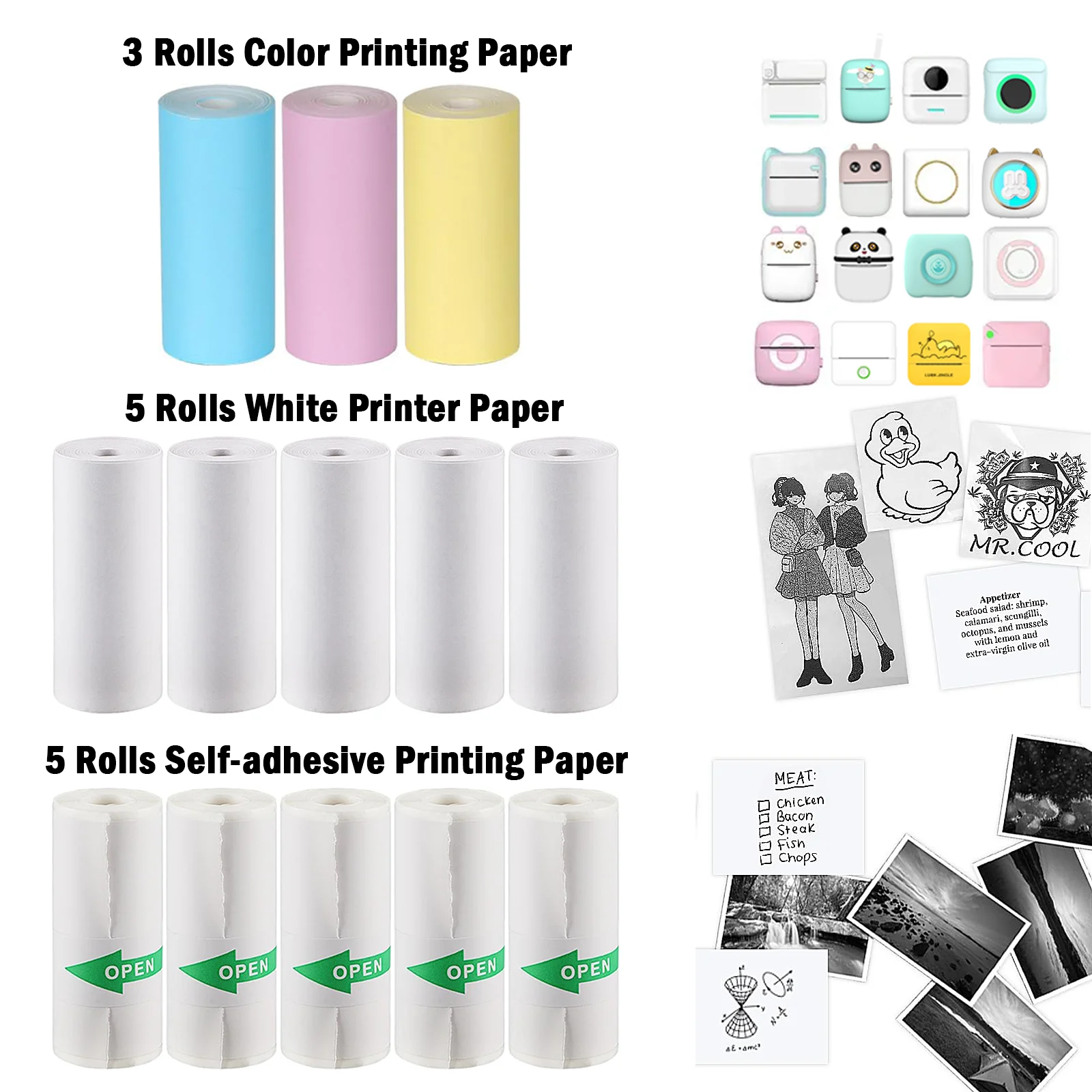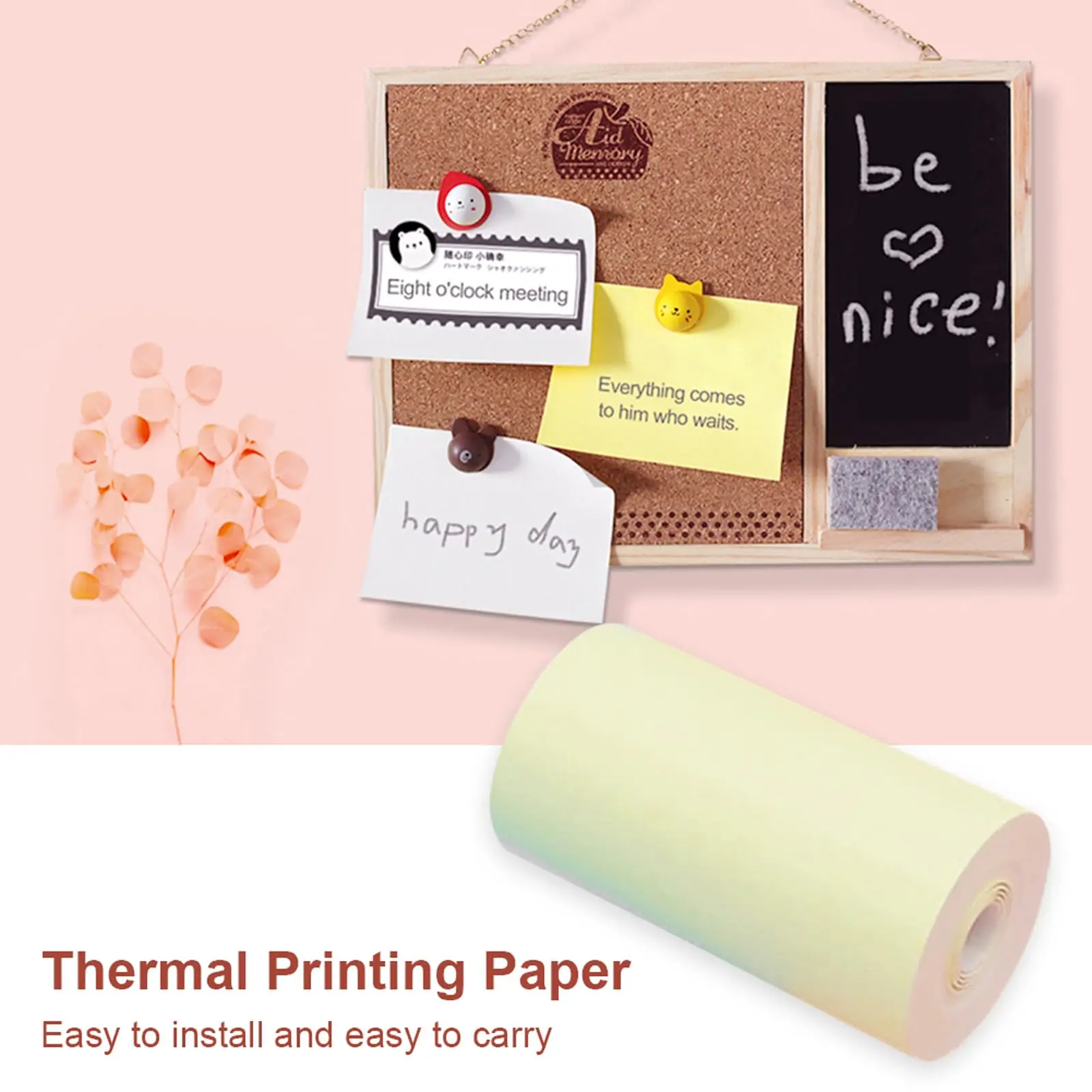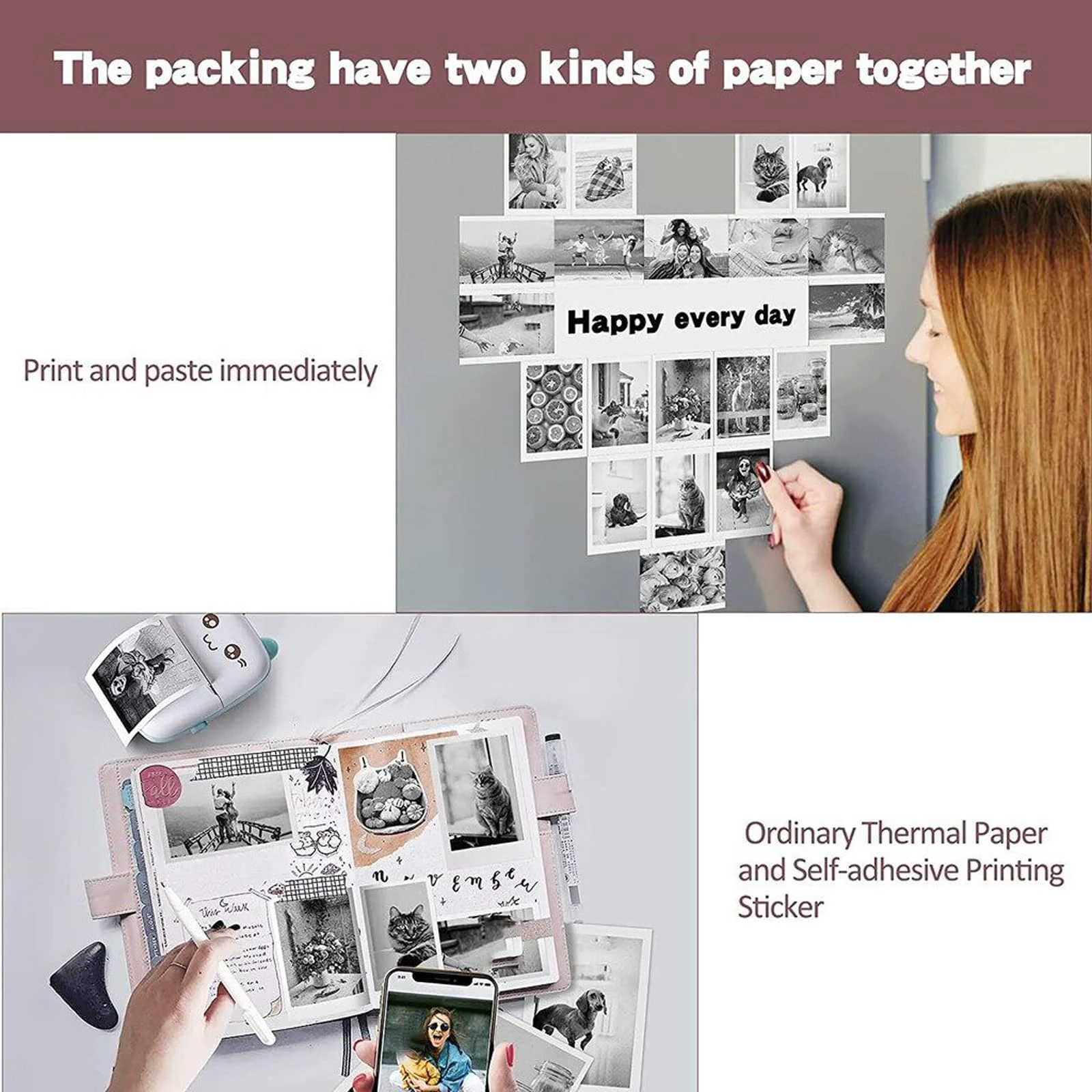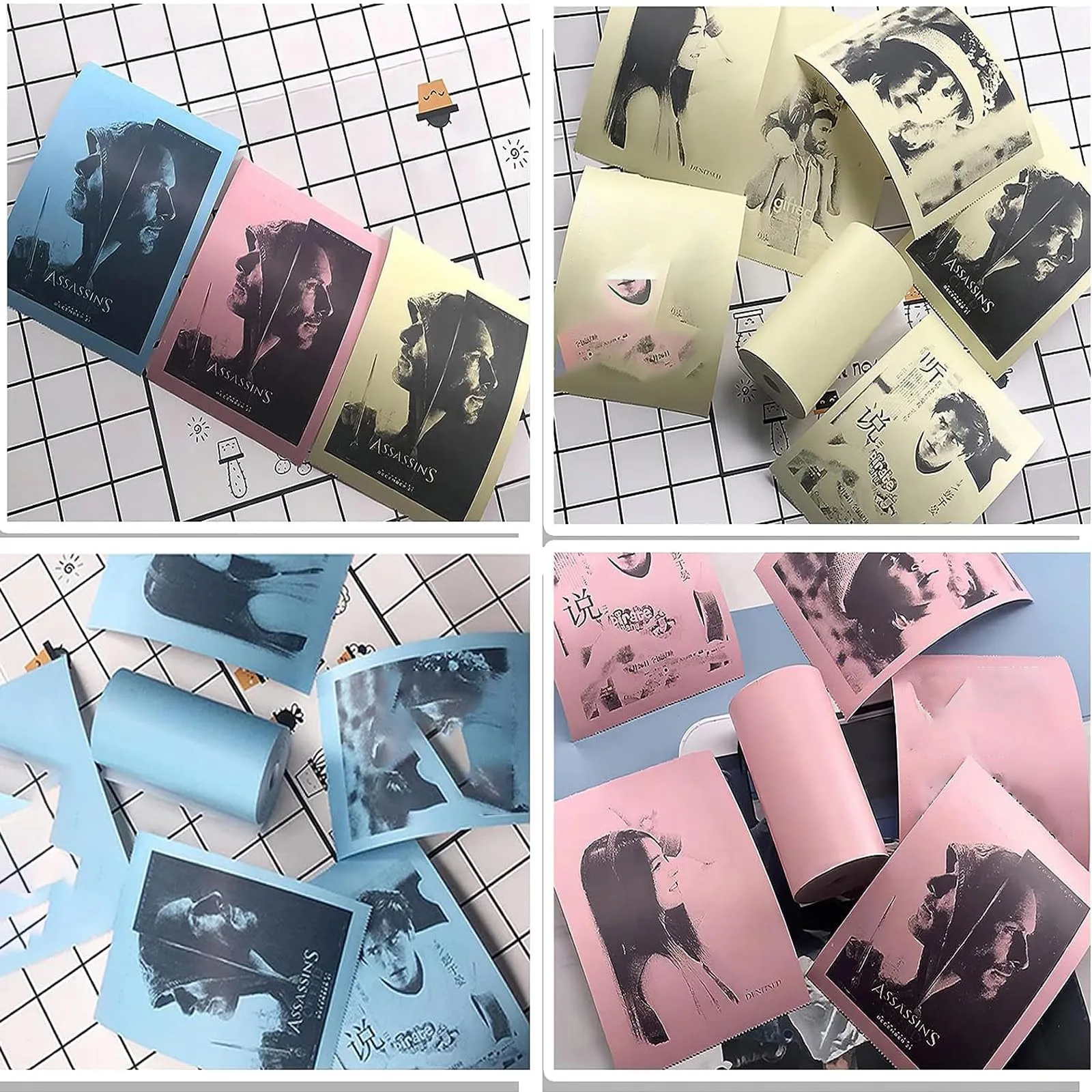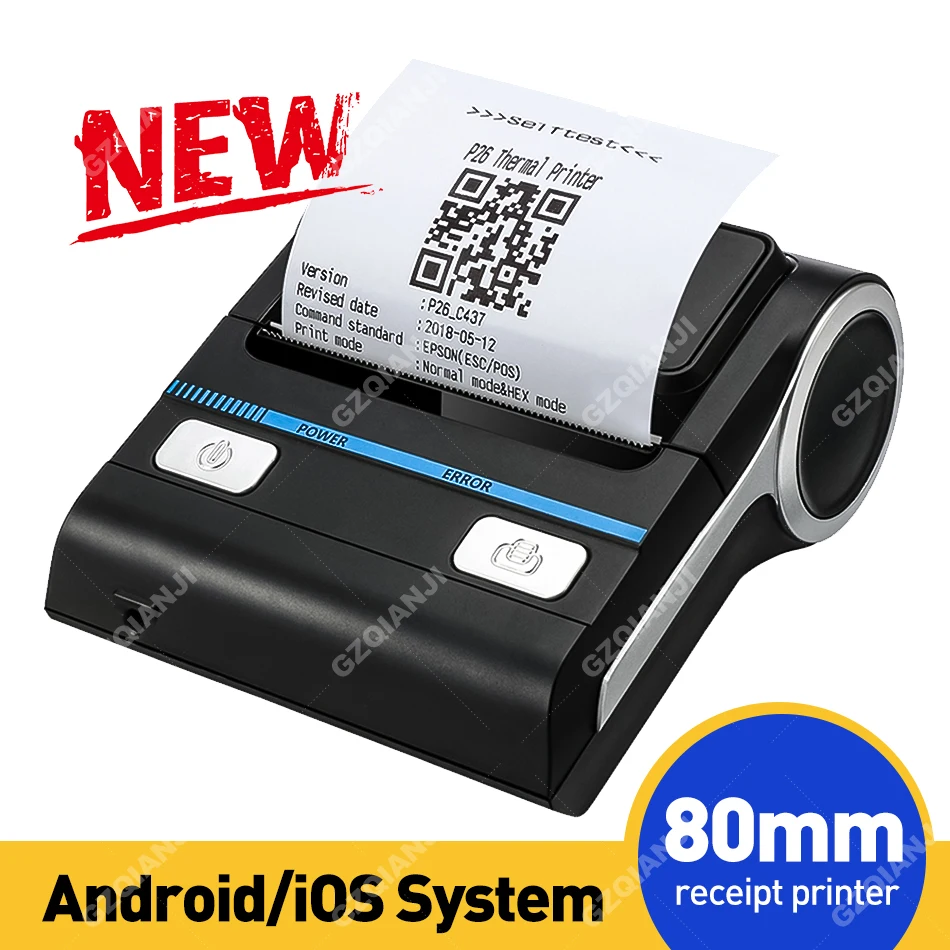
3inch Milestone MHT-P8001 Bluetooth Mini Portable Receipt Printer 80mm Thermal Printer Paper Roll iOS Android for Small Business
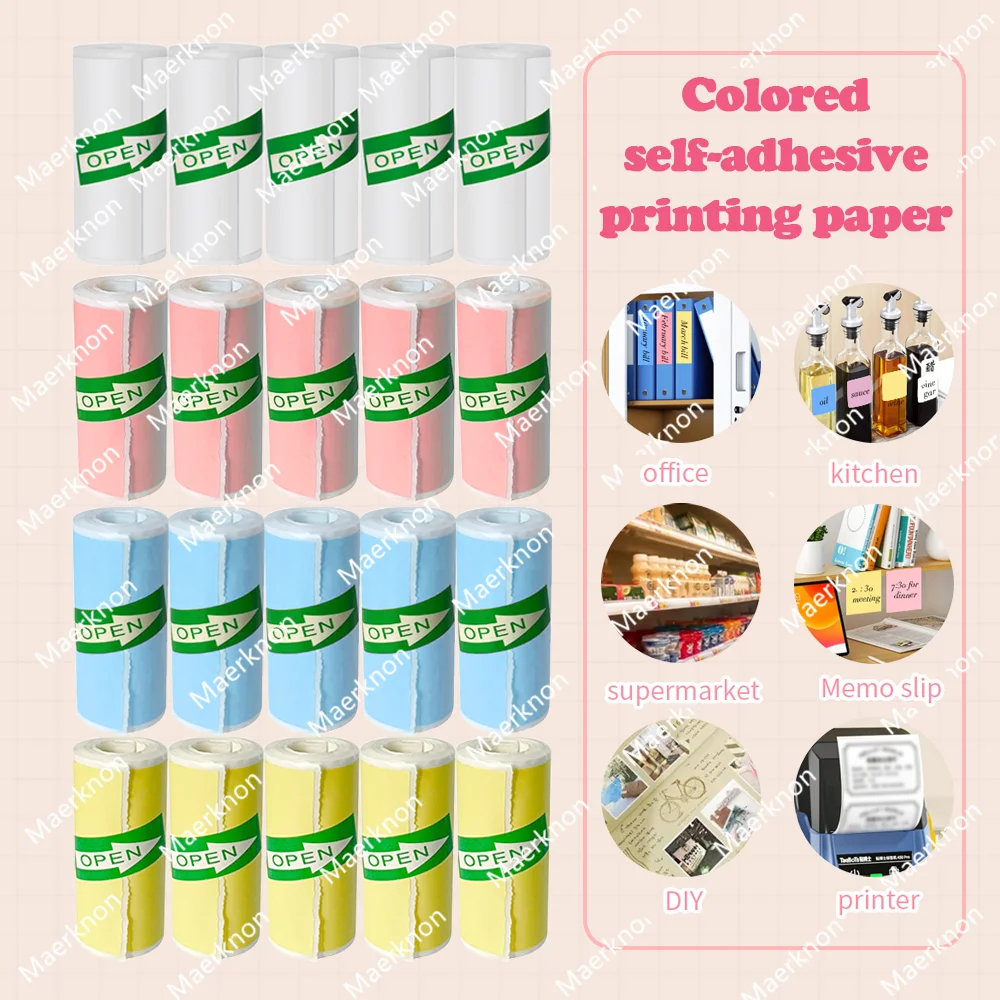
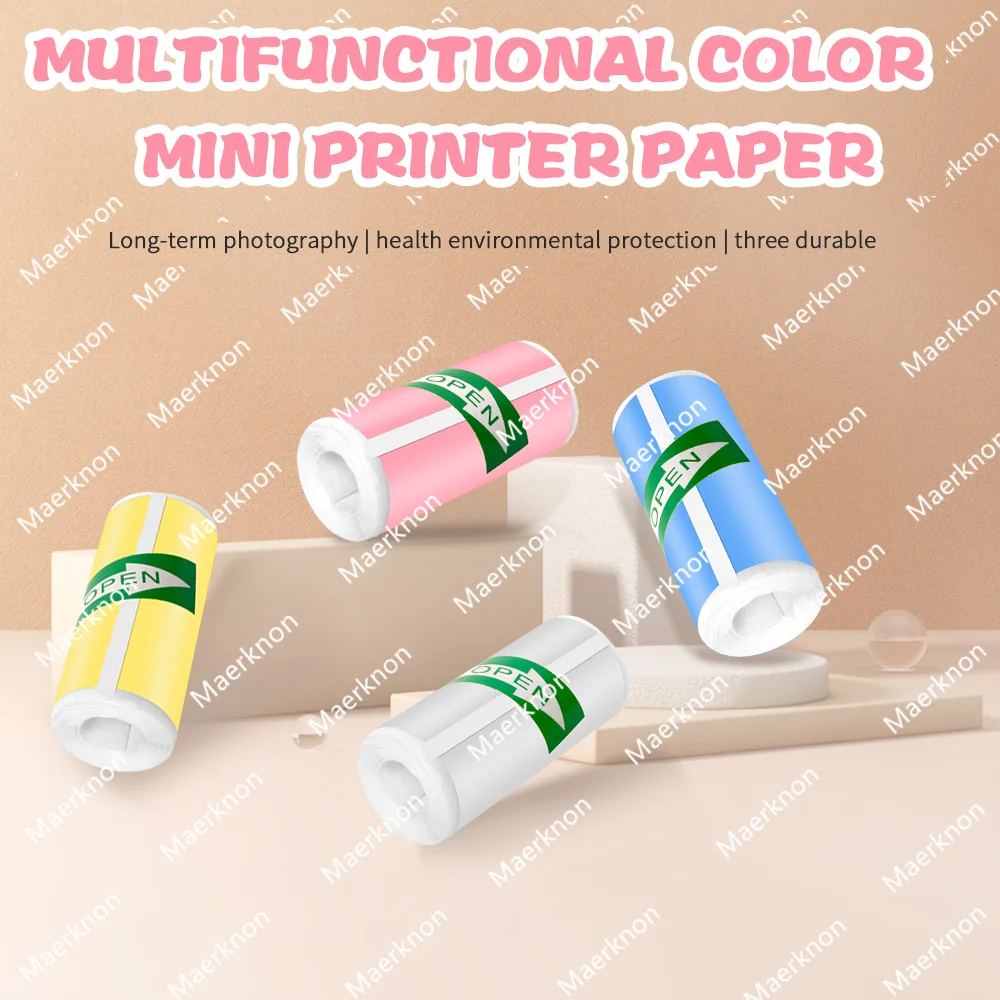
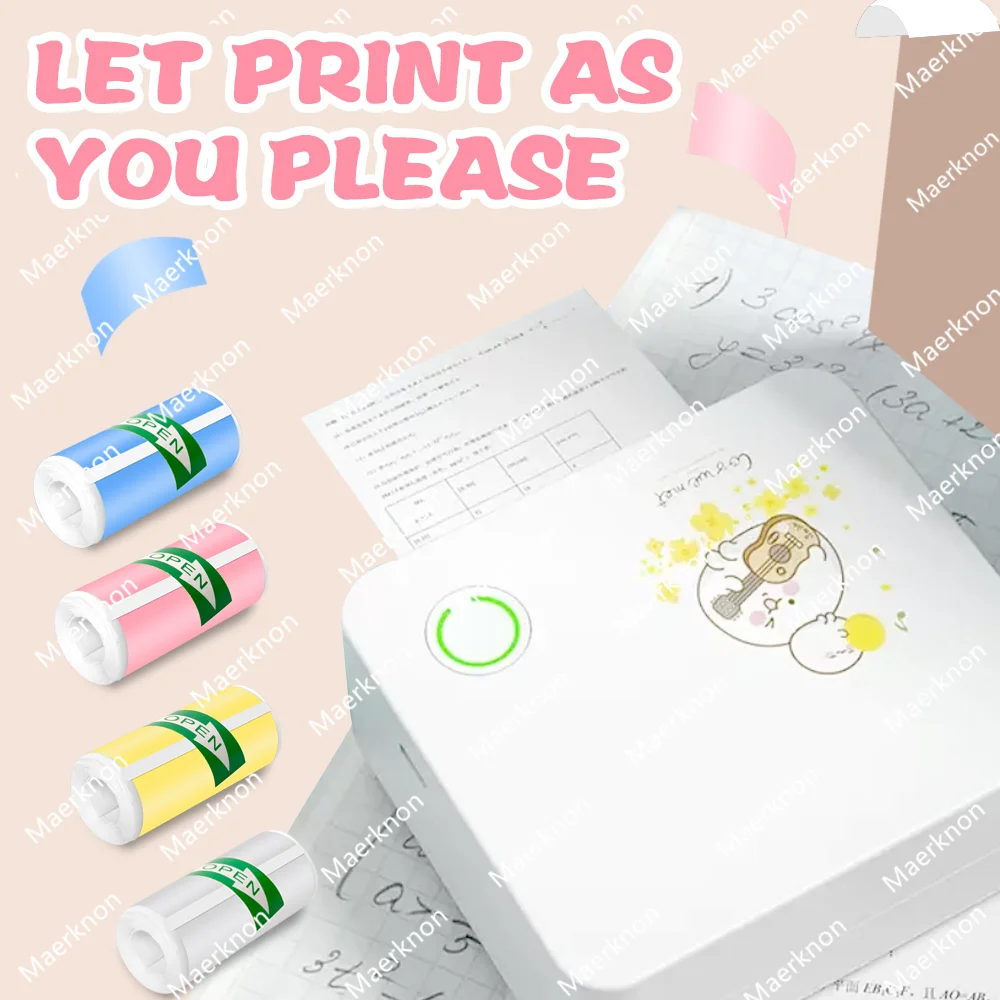
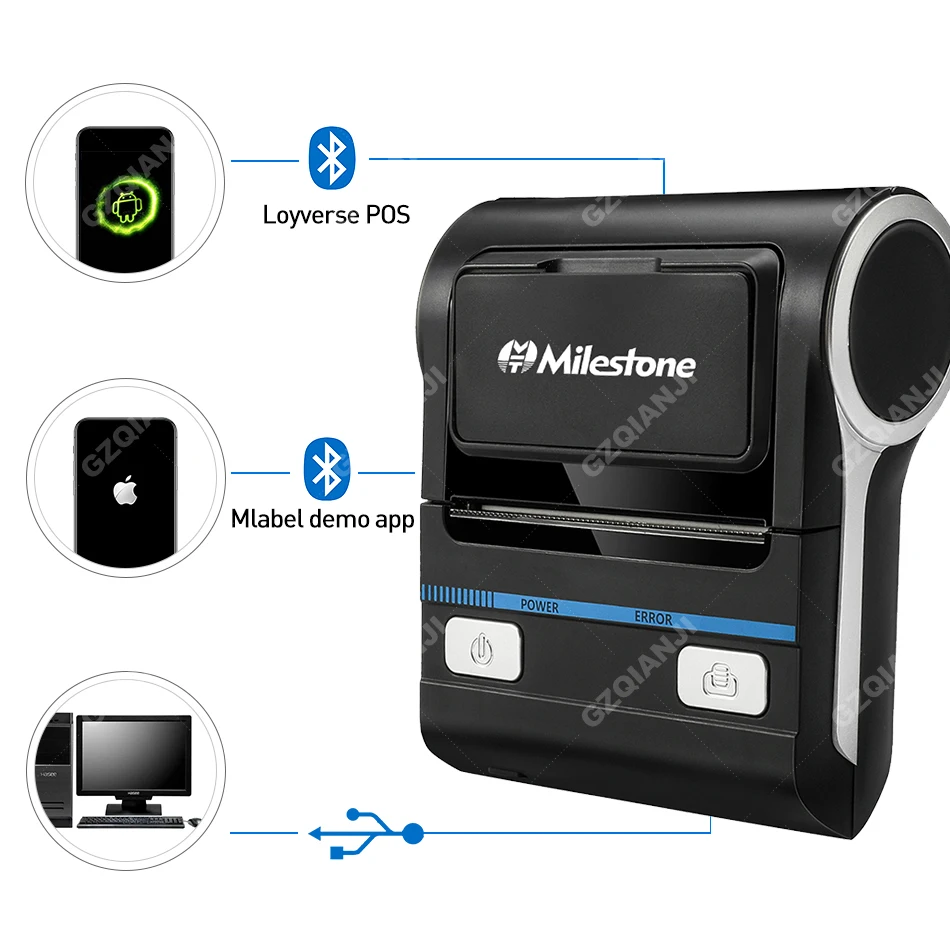
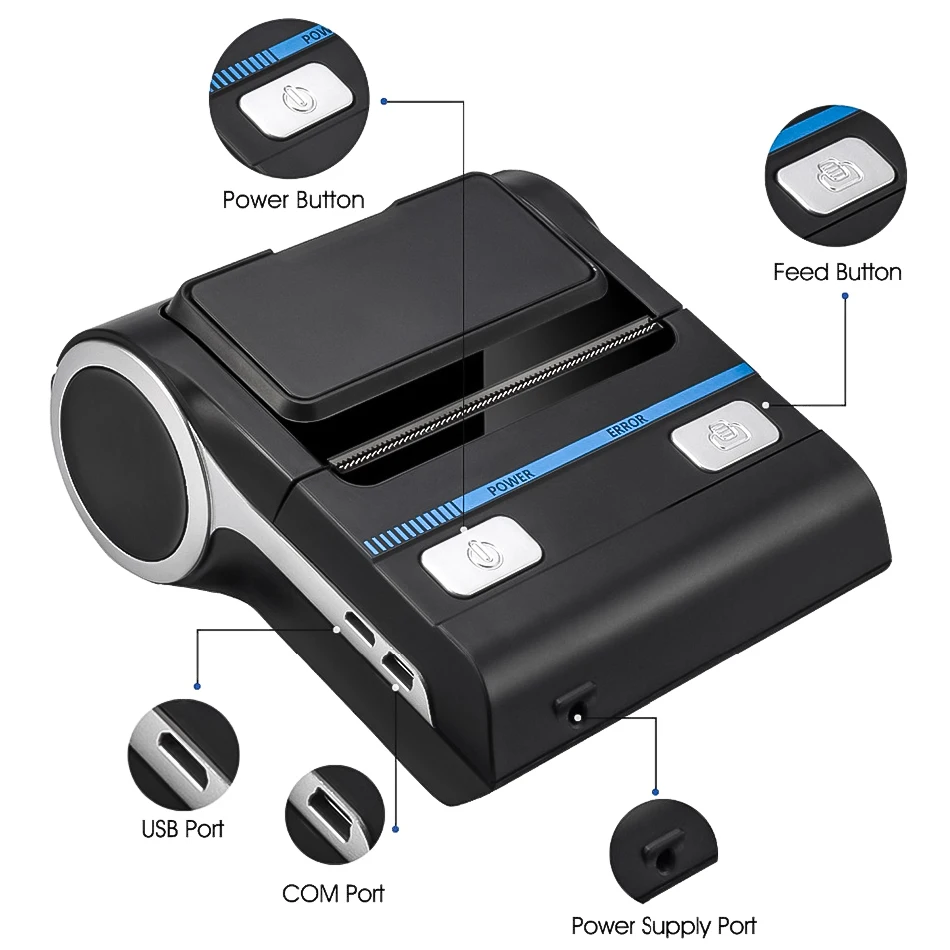
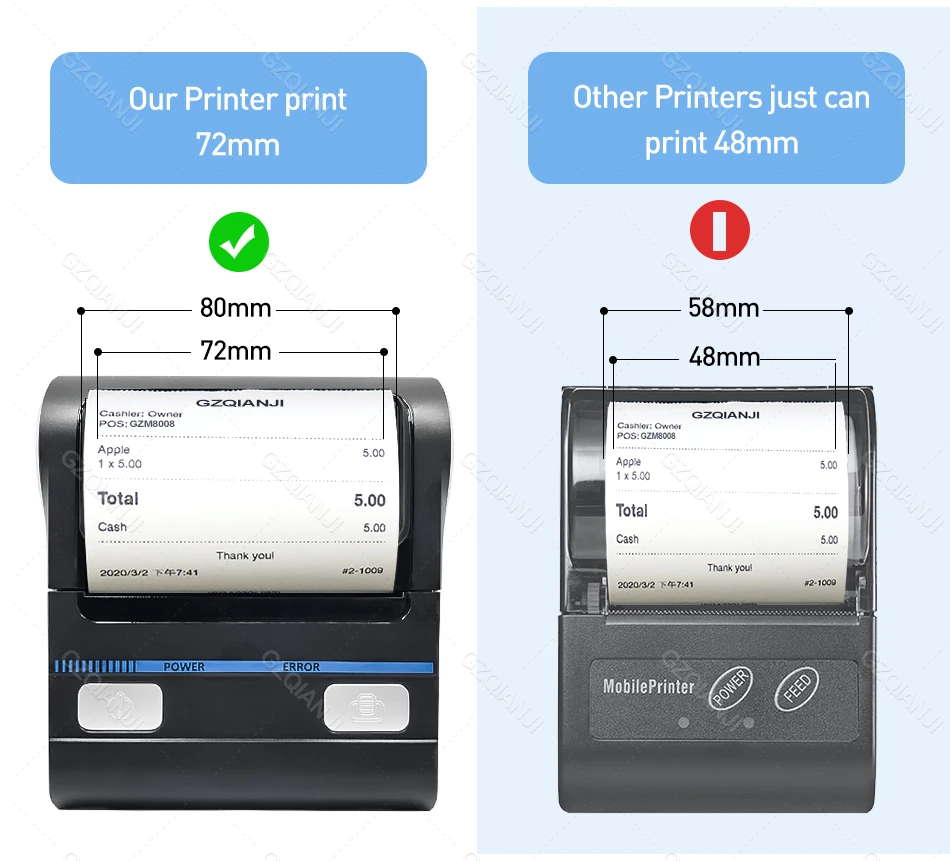
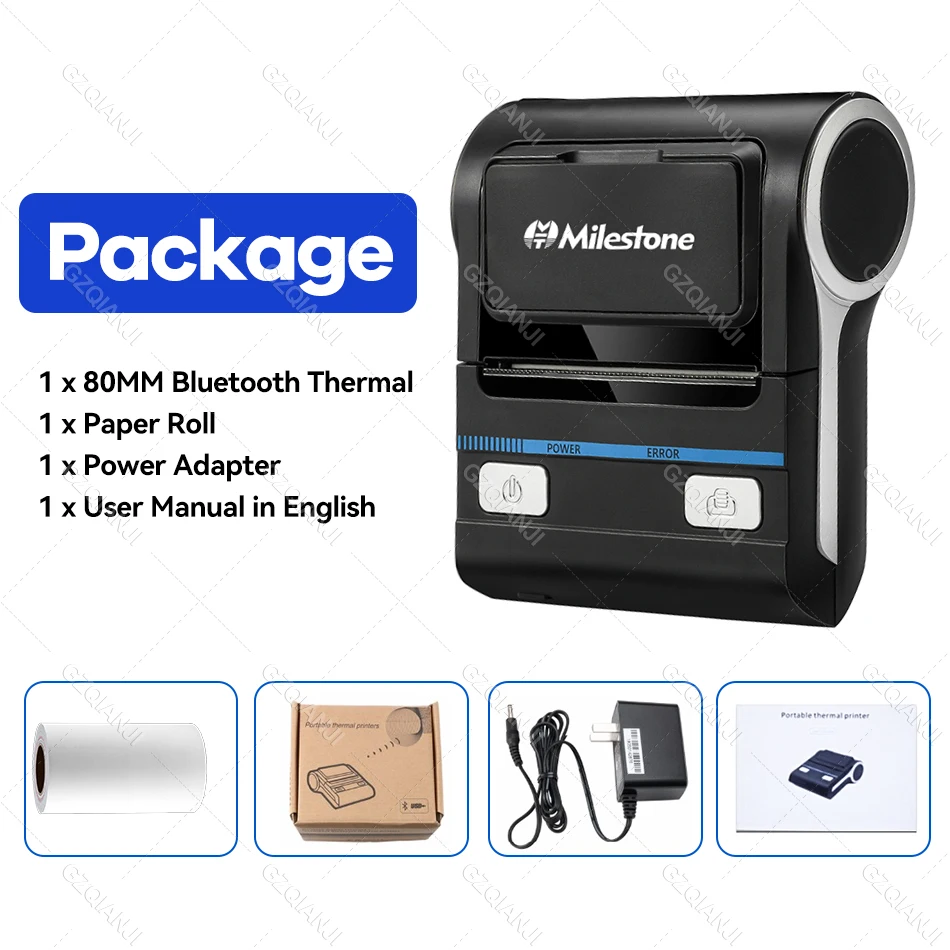
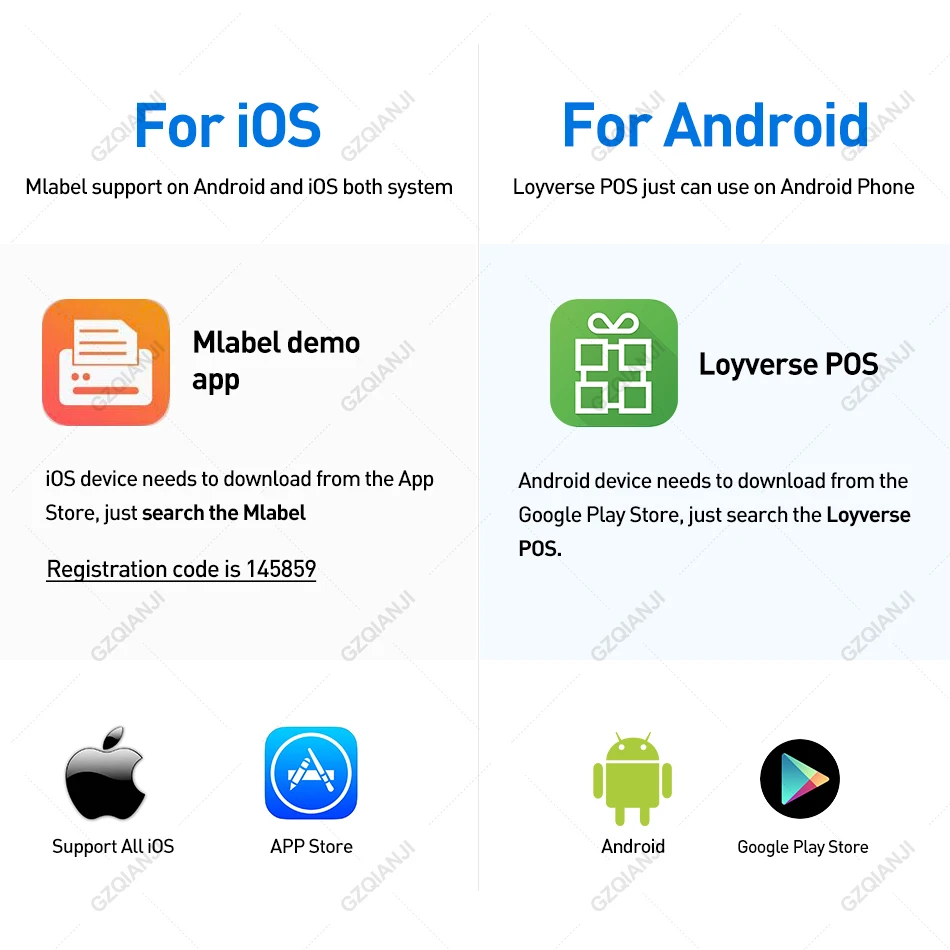
<div><span style="color:rgb(244, 78, 59);font-size:24px"><strong>Kindly read it before buying:</strong></span></div><div> </div><div><span style="font-size:16px">1. We only sell Hardware, excluding software and apps. Loyverse pos APP is only recommended for Android phones. If you have a better and more cost-effective APP in your local area, you can test whether it is compatible.</span></div><div> </div><div><span style="font-size:16px">2. There are two kinds of connection, USB and Bluetooth, USB is for Windows connecting, and Bluetooth is for Android or iOS phones.</span></div><div> </div><div><span style="font-size:16px">2.1. Before connecting the computer, you need to install a driver, Please contact us.</span></div><div><span style="font-size:16px">2.2. When Bluetooth connects to the phone, please connect in the app, not in the phone settings!</span></div><div> </div><div><span style="font-size:16px">3. If you know nothing about the printer or software, we don't suggest buying online, better to buy it in your local shop.</span></div><div><br/></div><div class="detailmodule_text"><p style="font-family:OpenSans;font-size:20px;font-weight:900;line-height:28px;white-space:pre-wrap;color:rgb(0, 0, 0);margin-bottom:12px" class="detail-desc-decorate-title">Specification</p><p style="font-family:OpenSans;font-size:14px;font-weight:300;line-height:20px;white-space:pre-wrap;color:rgb(0, 0, 0);margin-bottom:12px" class="detail-desc-decorate-content"><strong><span style="font-size:16px">1. Print mode:</span></strong><span style="font-size:16px"> thermal type<br/></span><strong><span style="font-size:16px">2. Print width: </span></strong><strong><span style="color:rgb(244, 78, 59);font-size:16px">78mm</span></strong><span style="font-size:16px"><br/></span><strong><span style="font-size:16px">3. Print density: </span></strong><span style="font-size:16px">384 dot / line<br/></span><strong><span style="font-size:16px">4. Print speed:</span></strong><span style="font-size:16px"> 50-80mm/s<br/></span><strong><span style="font-size:16px">5. Interface: </span></strong><span style="font-size:16px">USB+ Bluetooth<br/></span><strong><span style="font-size:16px">6. Print paper width:</span></strong><span style="color:rgb(244, 78, 59);font-size:16px"><strong> 80mm</strong></span><span style="font-size:16px"><br/></span><strong><span style="font-size:16px">7. Roll diameter:</span></strong><span style="font-size:16px"> 40 mm<br/></span><strong><span style="font-size:16px">8. Paper thickness:</span></strong><span style="font-size:16px"> 0.06-0.08mm<br/></span><strong><span style="font-size:16px">9. Print command: </span></strong><span style="font-size:16px">compatible with ESC/POS<br/></span><strong><span style="font-size:16px">10. Character size: </span></strong><span style="font-size:16px">24*24 point<br/></span><strong><span style="font-size:16px">11. Bar code type: </span></strong><span style="font-size:16px">CODE39<br/></span><strong><span style="font-size:16px">12. Input buffer: </span></strong><span style="font-size:16px">bytes 1.5K<br/></span><strong><span style="font-size:16px">13. Power adapter:</span></strong><span style="font-size:16px"> input: AC220V output: DC9V/2A<br/></span><strong><span style="font-size:16px">14. Lithium battery: </span></strong><span style="font-size:16px">2600mAh/7.2V<br/></span><strong><span style="font-size:16px">15. Charging time: </span></strong><span style="font-size:16px">4 hours<br/></span><strong><span style="font-size:16px">16. Working environment temperature: </span></strong><span style="font-size:16px">0 C ~50 C, humidity: 20%~85%</span></p><p><span style="color:rgb(0, 0, 0);font-size:20px"><strong>Download the appropriate driver according to the printer model:</strong></span></p><p><span style="color:rgb(0, 0, 0);font-size:16px">https://www.milestoneiot.com/?list-1842.html</span></p><div><br/></div></div><div class="detailmodule_text-image"></div><div class="detailmodule_text"><p style="font-family:OpenSans;font-size:20px;font-weight:900;line-height:28px;white-space:pre-wrap;color:rgb(0, 0, 0);margin-bottom:12px" class="detail-desc-decorate-title">01-What's this printer's SDK ?</p><p style="font-family:OpenSans;font-size:14px;font-weight:300;line-height:20px;white-space:pre-wrap;color:rgb(0, 0, 0);margin-bottom:12px" class="detail-desc-decorate-content"><span style="font-size:16px">can download by this link : <br/>https://www.mhtclouding.com/MHT/MHTFile/other/MHTDevelopmentKit.zip</span></p></div><div class="detailmodule_text"></div><div class="detailmodule_text-image"><p style="font-family:OpenSans;font-size:20px;font-weight:900;line-height:28px;white-space:pre-wrap;color:rgb(0, 0, 0);margin-bottom:12px" class="detail-desc-decorate-title">03-How to connect Bluetooth with phone ?</p><p style="font-family:OpenSans;font-size:14px;font-weight:300;line-height:20px;white-space:pre-wrap;color:rgb(0, 0, 0);margin-bottom:12px" class="detail-desc-decorate-content"><span style="font-size:16px">1.open our printing app in your phone<br/>2.in the app, select bluetooth of printer<br/>3.connect the bluetooth<br/>4.can print by phone through bluetooth<br/>Note: can't find bluetooth of printer in phone's setting ,can't connect bluetooth in setting,only can connect bluetooth in our app</span></p></div><div class="detailmodule_text"><p style="font-family:OpenSans;font-size:20px;font-weight:900;line-height:28px;white-space:pre-wrap;color:rgb(0, 0, 0);margin-bottom:12px" class="detail-desc-decorate-title">04-Does it fit loyverse ?</p><p style="font-family:OpenSans;font-size:14px;font-weight:300;line-height:20px;white-space:pre-wrap;color:rgb(0, 0, 0);margin-bottom:12px" class="detail-desc-decorate-content"><span style="font-size:16px">It can fit Loyverse POS on Android Phone </span></p></div><div class="detailmodule_text-image"><p style="font-family:OpenSans;font-size:20px;font-weight:900;line-height:28px;white-space:pre-wrap;color:rgb(0, 0, 0);margin-bottom:12px" class="detail-desc-decorate-title">05-What's the function of this printer ?</p><p style="font-family:OpenSans;font-size:14px;font-weight:300;line-height:20px;white-space:pre-wrap;color:rgb(0, 0, 0);margin-bottom:12px" class="detail-desc-decorate-content"><span style="font-size:16px">It can print receipt ,ticket, can't print label<br/>by our app, you can edit any text that you want , also can use our model receipt in our app</span></p></div><div class="detailmodule_text-image"><p style="font-family:OpenSans;font-size:20px;font-weight:900;line-height:28px;white-space:pre-wrap;color:rgb(0, 0, 0);margin-bottom:12px" class="detail-desc-decorate-title">Which paper does it fit ?</p><p style="font-family:OpenSans;font-size:14px;font-weight:300;line-height:20px;white-space:pre-wrap;color:rgb(0, 0, 0);margin-bottom:12px" class="detail-desc-decorate-content"><span style="font-size:16px">It fit receipt paper 80*30 & 80*40mm & 80*50mm</span></p></div><div class="detailmodule_text"><p style="font-family:OpenSans;font-size:20px;font-weight:900;line-height:28px;white-space:pre-wrap;color:rgb(0, 0, 0);margin-bottom:12px" class="detail-desc-decorate-title">What's the items in one package ?</p><p style="font-family:OpenSans;font-size:14px;font-weight:300;line-height:20px;white-space:pre-wrap;color:rgb(0, 0, 0);margin-bottom:12px" class="detail-desc-decorate-content"><span style="font-size:16px">1 x MHT-P8001 80MM Bluetooth Thermal Printer with battery,<br/>1 x Paper Roll,<br/>1 x Power Adapter,<br/>1 x User Manual in English</span></p></div><p><br/></p>
$25.4
$16.97
- Category : Computer & Office
- Brand : alisons_dropshipping_store Alison's Dropshipping Store
Colors
Sizes
-
+

<div><span style="color:rgb(244, 78, 59);font-size:24px"><strong>Kindly read it before buying:</strong></span></div><div> </div><div><span style="font-size:16px">1. We only sell Hardware, excluding software and apps. Loyverse pos APP is only recommended for Android phones. If you have a better and more cost-effective APP in your local area, you can test whether it is compatible.</span></div><div> </div><div><span style="font-size:16px">2. There are two kinds of connection, USB and Bluetooth, USB is for Windows connecting, and Bluetooth is for Android or iOS phones.</span></div><div> </div><div><span style="font-size:16px">2.1. Before connecting the computer, you need to install a driver, Please contact us.</span></div><div><span style="font-size:16px">2.2. When Bluetooth connects to the phone, please connect in the app, not in the phone settings!</span></div><div> </div><div><span style="font-size:16px">3. If you know nothing about the printer or software, we don't suggest buying online, better to buy it in your local shop.</span></div><div><br/></div><div class="detailmodule_text"><p style="font-family:OpenSans;font-size:20px;font-weight:900;line-height:28px;white-space:pre-wrap;color:rgb(0, 0, 0);margin-bottom:12px" class="detail-desc-decorate-title">Specification</p><p style="font-family:OpenSans;font-size:14px;font-weight:300;line-height:20px;white-space:pre-wrap;color:rgb(0, 0, 0);margin-bottom:12px" class="detail-desc-decorate-content"><strong><span style="font-size:16px">1. Print mode:</span></strong><span style="font-size:16px"> thermal type<br/></span><strong><span style="font-size:16px">2. Print width: </span></strong><strong><span style="color:rgb(244, 78, 59);font-size:16px">78mm</span></strong><span style="font-size:16px"><br/></span><strong><span style="font-size:16px">3. Print density: </span></strong><span style="font-size:16px">384 dot / line<br/></span><strong><span style="font-size:16px">4. Print speed:</span></strong><span style="font-size:16px"> 50-80mm/s<br/></span><strong><span style="font-size:16px">5. Interface: </span></strong><span style="font-size:16px">USB+ Bluetooth<br/></span><strong><span style="font-size:16px">6. Print paper width:</span></strong><span style="color:rgb(244, 78, 59);font-size:16px"><strong> 80mm</strong></span><span style="font-size:16px"><br/></span><strong><span style="font-size:16px">7. Roll diameter:</span></strong><span style="font-size:16px"> 40 mm<br/></span><strong><span style="font-size:16px">8. Paper thickness:</span></strong><span style="font-size:16px"> 0.06-0.08mm<br/></span><strong><span style="font-size:16px">9. Print command: </span></strong><span style="font-size:16px">compatible with ESC/POS<br/></span><strong><span style="font-size:16px">10. Character size: </span></strong><span style="font-size:16px">24*24 point<br/></span><strong><span style="font-size:16px">11. Bar code type: </span></strong><span style="font-size:16px">CODE39<br/></span><strong><span style="font-size:16px">12. Input buffer: </span></strong><span style="font-size:16px">bytes 1.5K<br/></span><strong><span style="font-size:16px">13. Power adapter:</span></strong><span style="font-size:16px"> input: AC220V output: DC9V/2A<br/></span><strong><span style="font-size:16px">14. Lithium battery: </span></strong><span style="font-size:16px">2600mAh/7.2V<br/></span><strong><span style="font-size:16px">15. Charging time: </span></strong><span style="font-size:16px">4 hours<br/></span><strong><span style="font-size:16px">16. Working environment temperature: </span></strong><span style="font-size:16px">0 C ~50 C, humidity: 20%~85%</span></p><p><span style="color:rgb(0, 0, 0);font-size:20px"><strong>Download the appropriate driver according to the printer model:</strong></span></p><p><span style="color:rgb(0, 0, 0);font-size:16px">https://www.milestoneiot.com/?list-1842.html</span></p><div><br/></div></div><div class="detailmodule_text-image"></div><div class="detailmodule_text"><p style="font-family:OpenSans;font-size:20px;font-weight:900;line-height:28px;white-space:pre-wrap;color:rgb(0, 0, 0);margin-bottom:12px" class="detail-desc-decorate-title">01-What's this printer's SDK ?</p><p style="font-family:OpenSans;font-size:14px;font-weight:300;line-height:20px;white-space:pre-wrap;color:rgb(0, 0, 0);margin-bottom:12px" class="detail-desc-decorate-content"><span style="font-size:16px">can download by this link : <br/>https://www.mhtclouding.com/MHT/MHTFile/other/MHTDevelopmentKit.zip</span></p></div><div class="detailmodule_text"></div><div class="detailmodule_text-image"><p style="font-family:OpenSans;font-size:20px;font-weight:900;line-height:28px;white-space:pre-wrap;color:rgb(0, 0, 0);margin-bottom:12px" class="detail-desc-decorate-title">03-How to connect Bluetooth with phone ?</p><p style="font-family:OpenSans;font-size:14px;font-weight:300;line-height:20px;white-space:pre-wrap;color:rgb(0, 0, 0);margin-bottom:12px" class="detail-desc-decorate-content"><span style="font-size:16px">1.open our printing app in your phone<br/>2.in the app, select bluetooth of printer<br/>3.connect the bluetooth<br/>4.can print by phone through bluetooth<br/>Note: can't find bluetooth of printer in phone's setting ,can't connect bluetooth in setting,only can connect bluetooth in our app</span></p></div><div class="detailmodule_text"><p style="font-family:OpenSans;font-size:20px;font-weight:900;line-height:28px;white-space:pre-wrap;color:rgb(0, 0, 0);margin-bottom:12px" class="detail-desc-decorate-title">04-Does it fit loyverse ?</p><p style="font-family:OpenSans;font-size:14px;font-weight:300;line-height:20px;white-space:pre-wrap;color:rgb(0, 0, 0);margin-bottom:12px" class="detail-desc-decorate-content"><span style="font-size:16px">It can fit Loyverse POS on Android Phone </span></p></div><div class="detailmodule_text-image"><p style="font-family:OpenSans;font-size:20px;font-weight:900;line-height:28px;white-space:pre-wrap;color:rgb(0, 0, 0);margin-bottom:12px" class="detail-desc-decorate-title">05-What's the function of this printer ?</p><p style="font-family:OpenSans;font-size:14px;font-weight:300;line-height:20px;white-space:pre-wrap;color:rgb(0, 0, 0);margin-bottom:12px" class="detail-desc-decorate-content"><span style="font-size:16px">It can print receipt ,ticket, can't print label<br/>by our app, you can edit any text that you want , also can use our model receipt in our app</span></p></div><div class="detailmodule_text-image"><p style="font-family:OpenSans;font-size:20px;font-weight:900;line-height:28px;white-space:pre-wrap;color:rgb(0, 0, 0);margin-bottom:12px" class="detail-desc-decorate-title">Which paper does it fit ?</p><p style="font-family:OpenSans;font-size:14px;font-weight:300;line-height:20px;white-space:pre-wrap;color:rgb(0, 0, 0);margin-bottom:12px" class="detail-desc-decorate-content"><span style="font-size:16px">It fit receipt paper 80*30 & 80*40mm & 80*50mm</span></p></div><div class="detailmodule_text"><p style="font-family:OpenSans;font-size:20px;font-weight:900;line-height:28px;white-space:pre-wrap;color:rgb(0, 0, 0);margin-bottom:12px" class="detail-desc-decorate-title">What's the items in one package ?</p><p style="font-family:OpenSans;font-size:14px;font-weight:300;line-height:20px;white-space:pre-wrap;color:rgb(0, 0, 0);margin-bottom:12px" class="detail-desc-decorate-content"><span style="font-size:16px">1 x MHT-P8001 80MM Bluetooth Thermal Printer with battery,<br/>1 x Paper Roll,<br/>1 x Power Adapter,<br/>1 x User Manual in English</span></p></div><p><br/></p>
Related Product
Browse The Collection of Top Products.