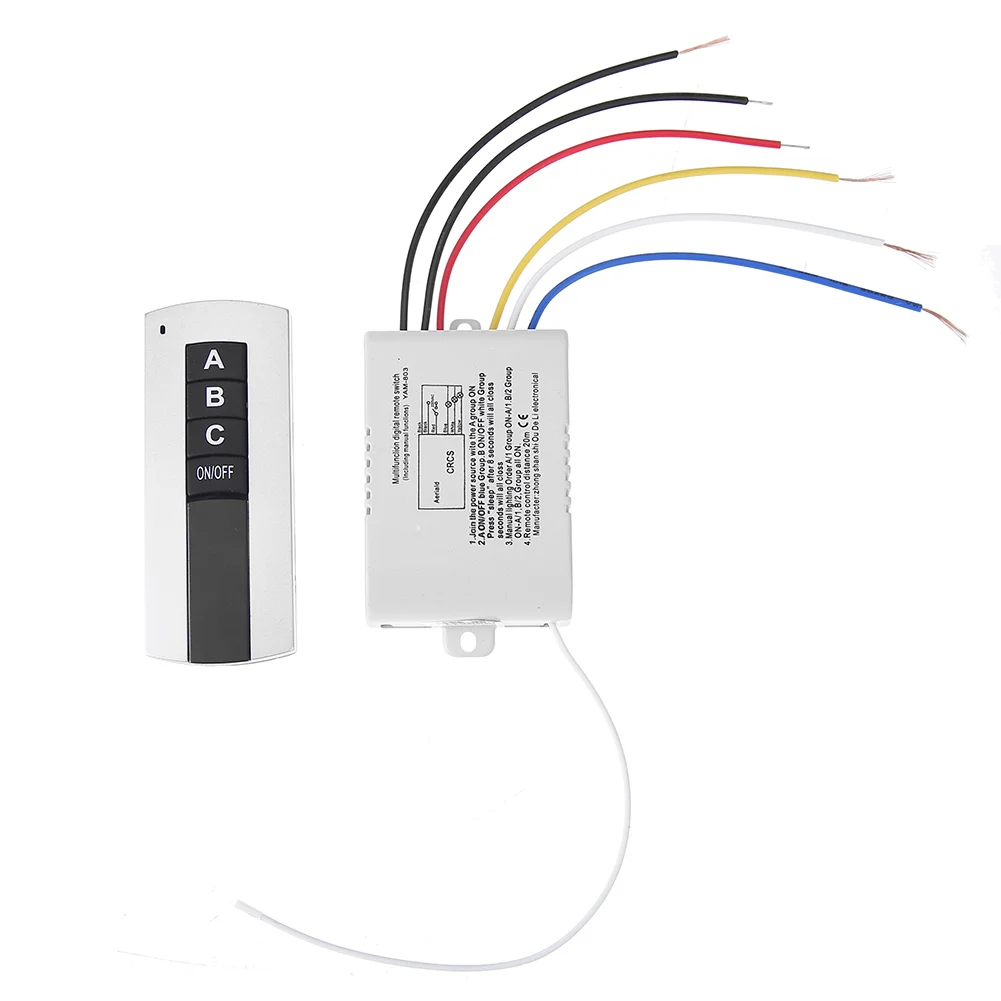
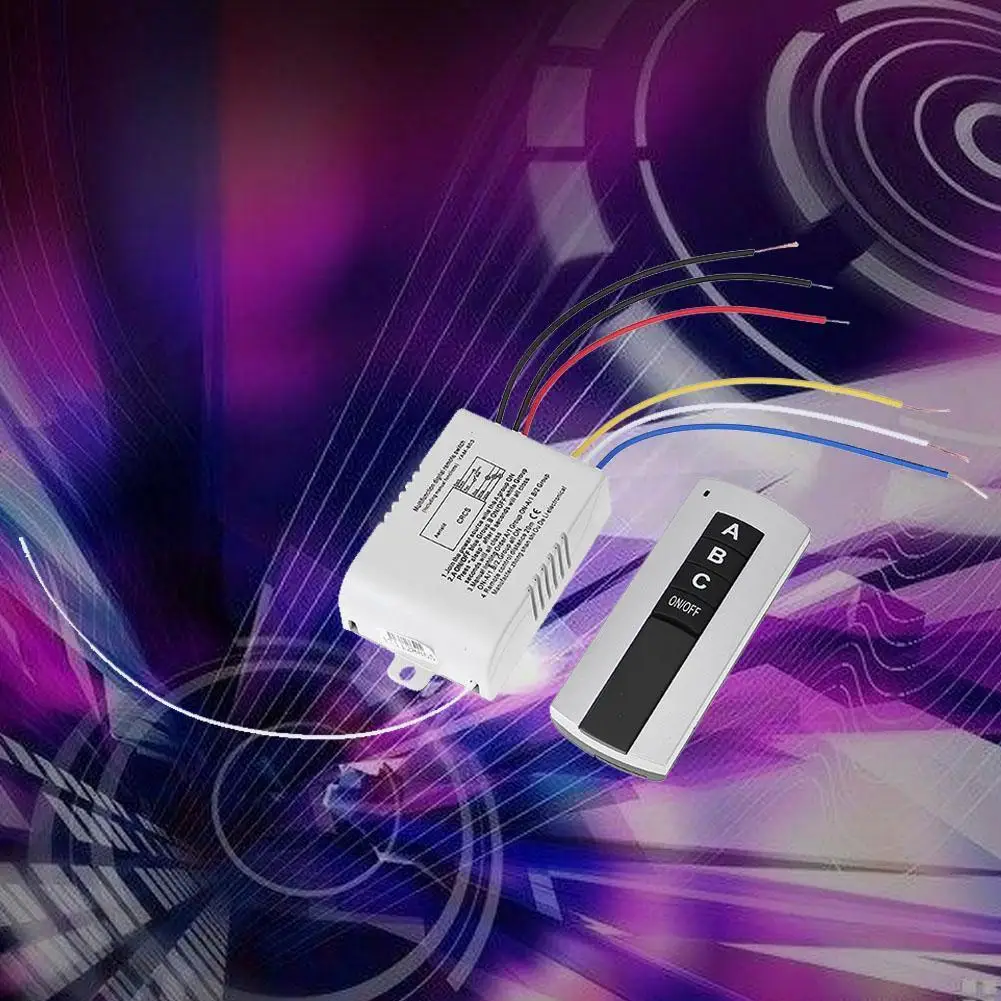
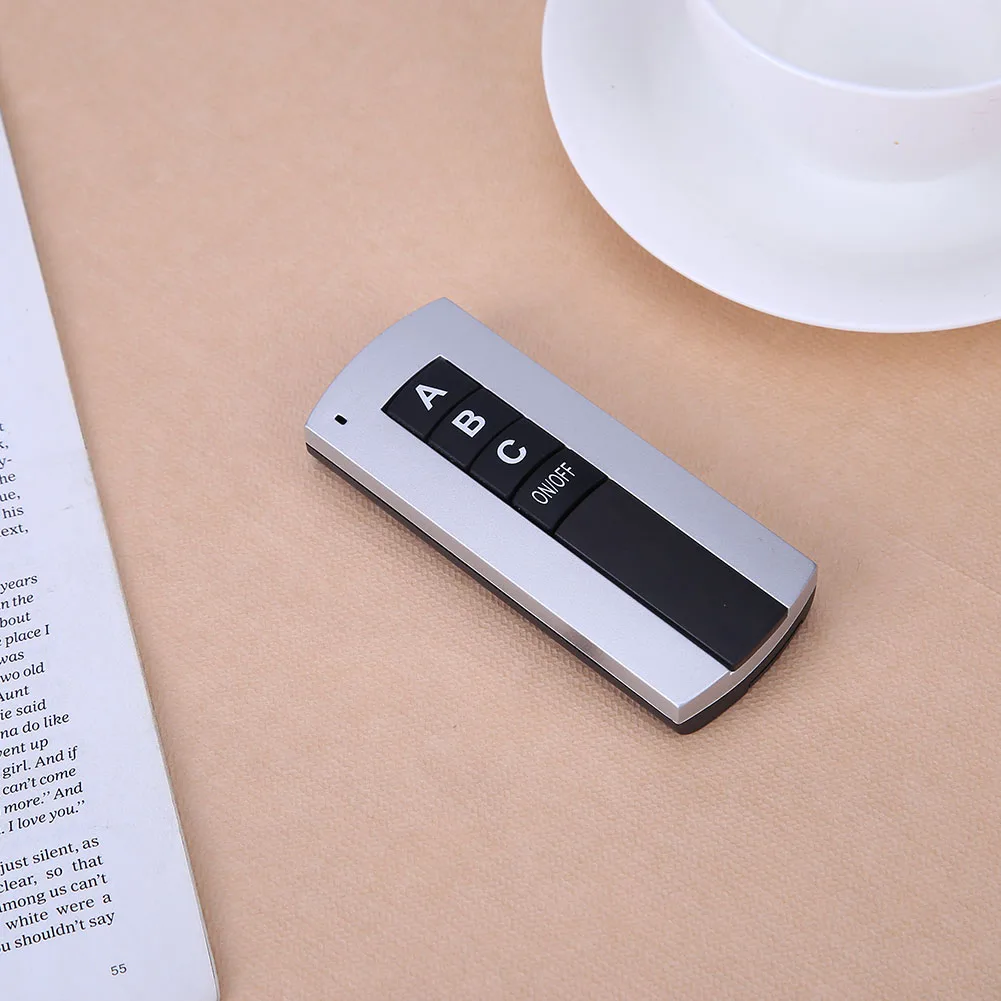
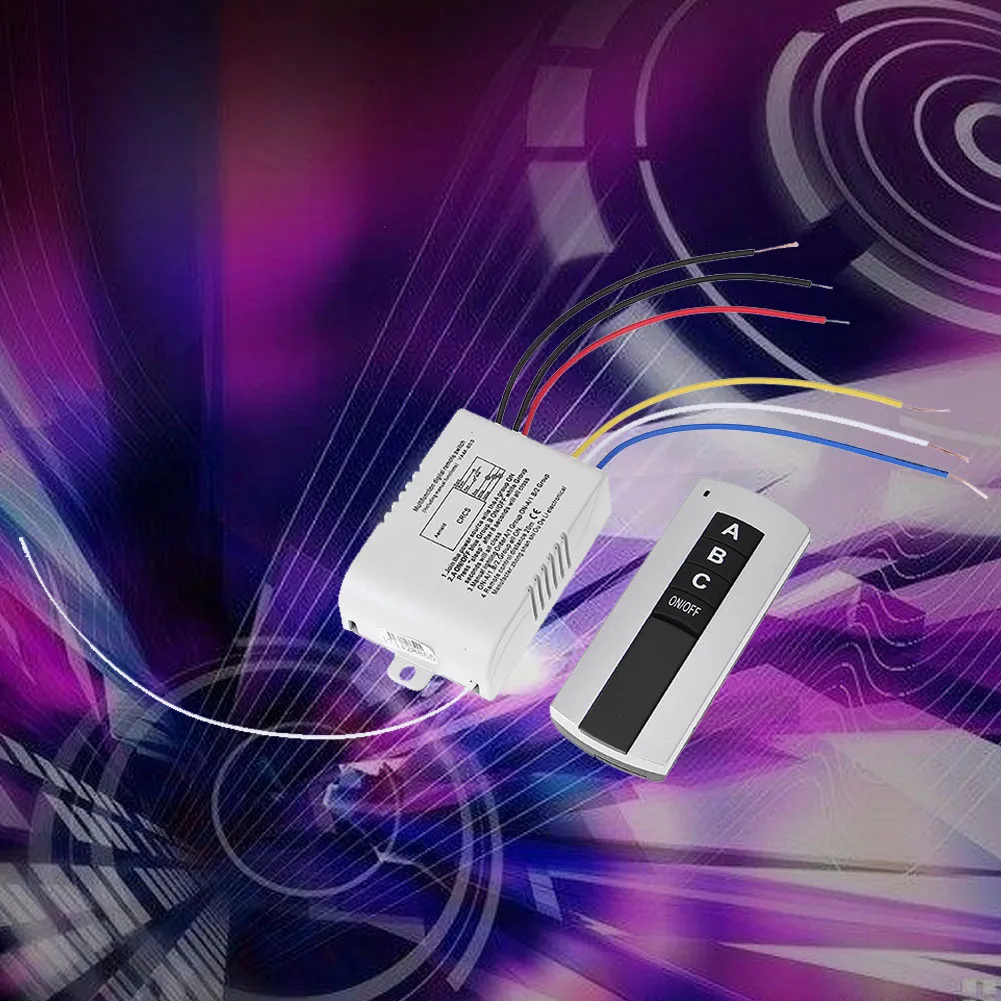
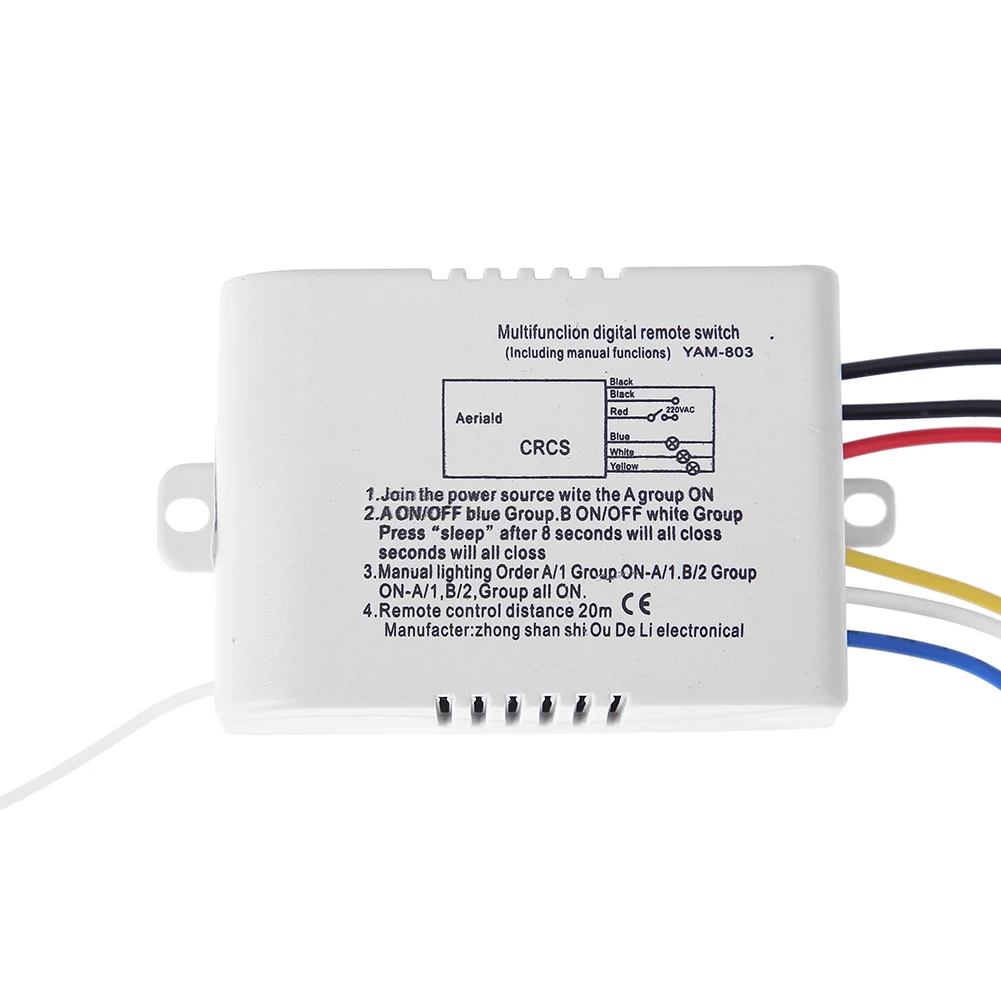
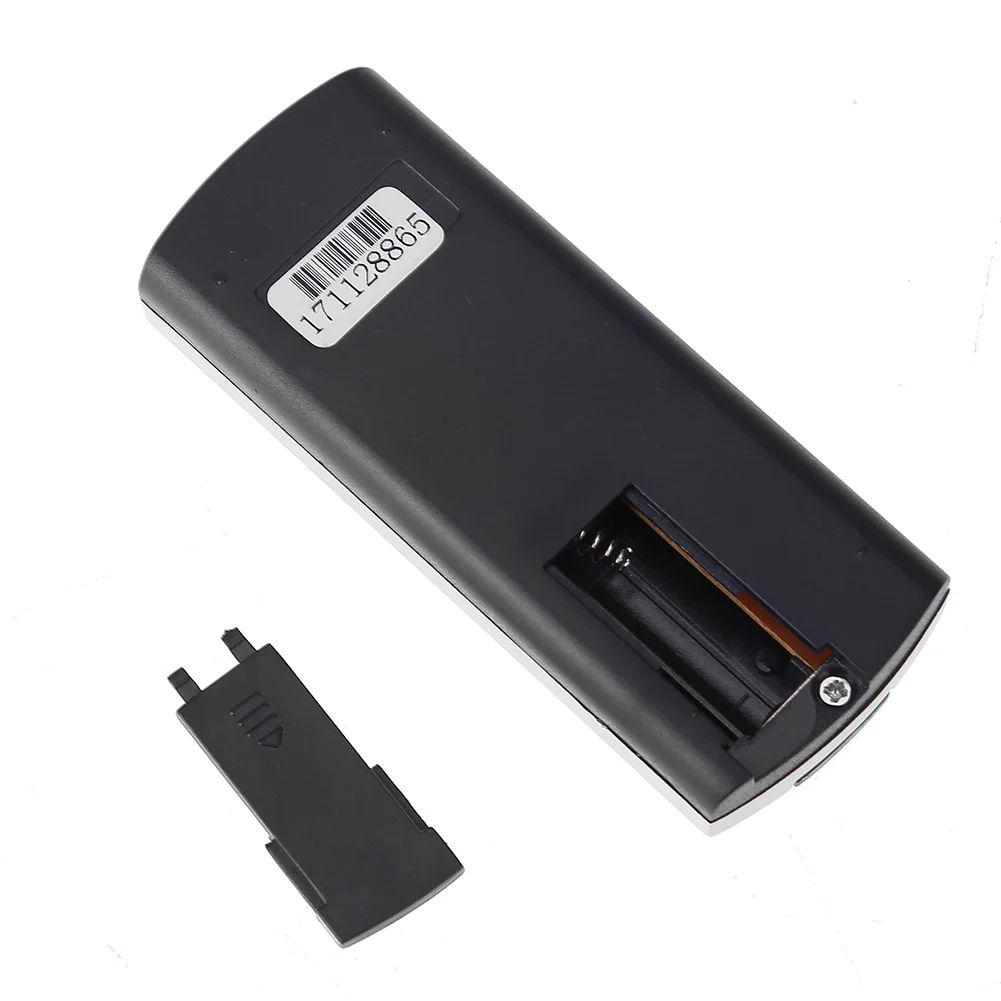
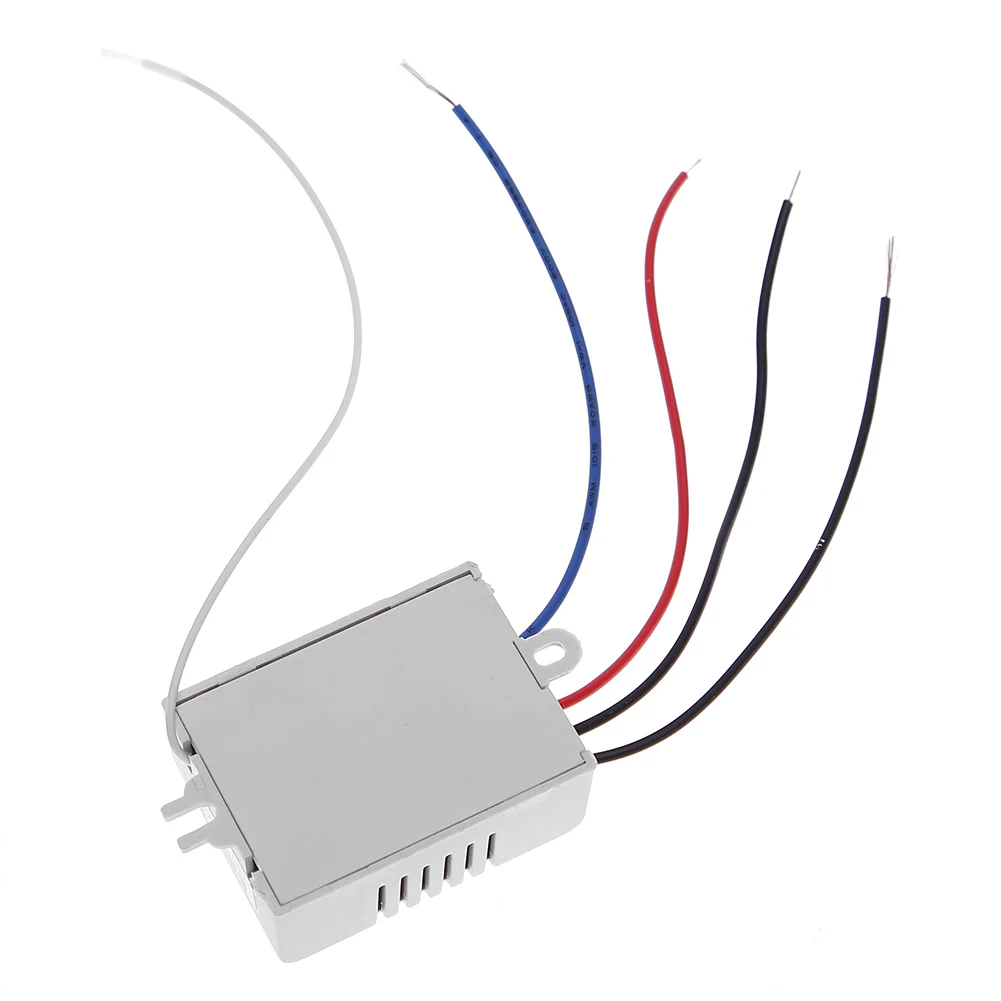
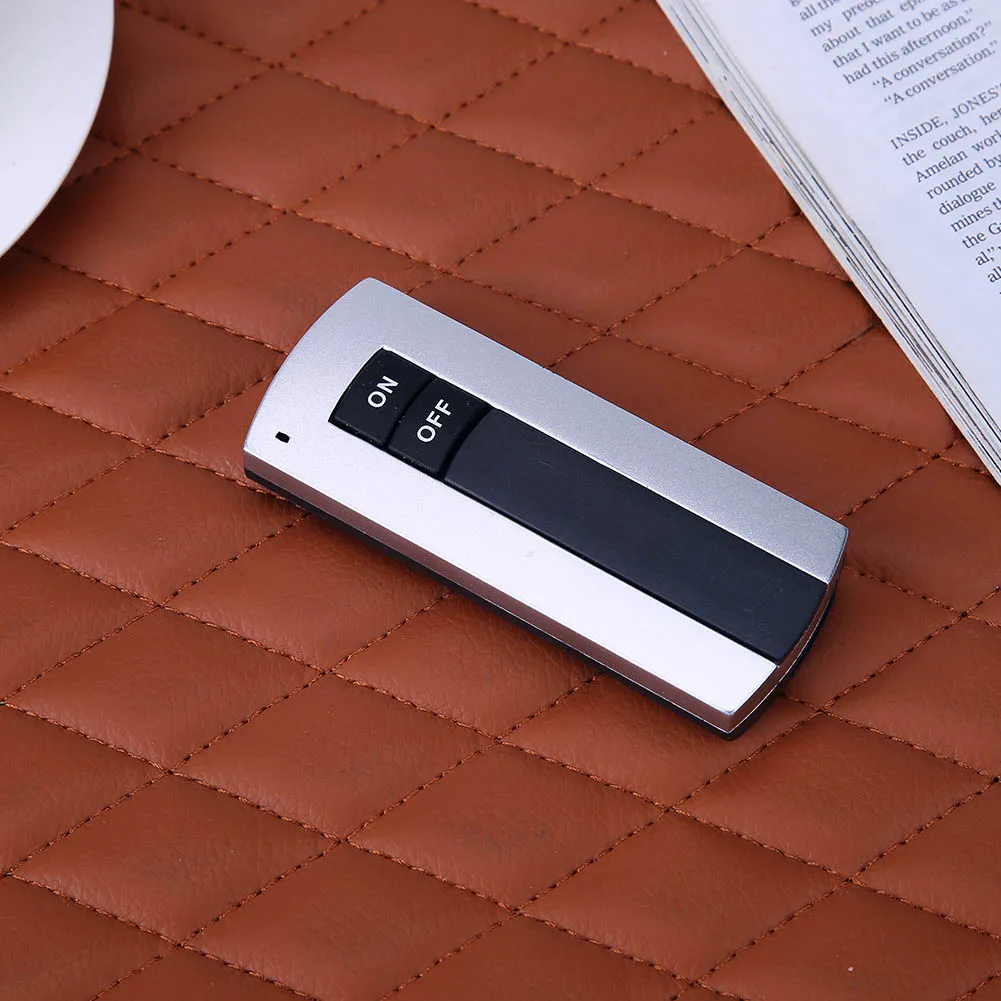
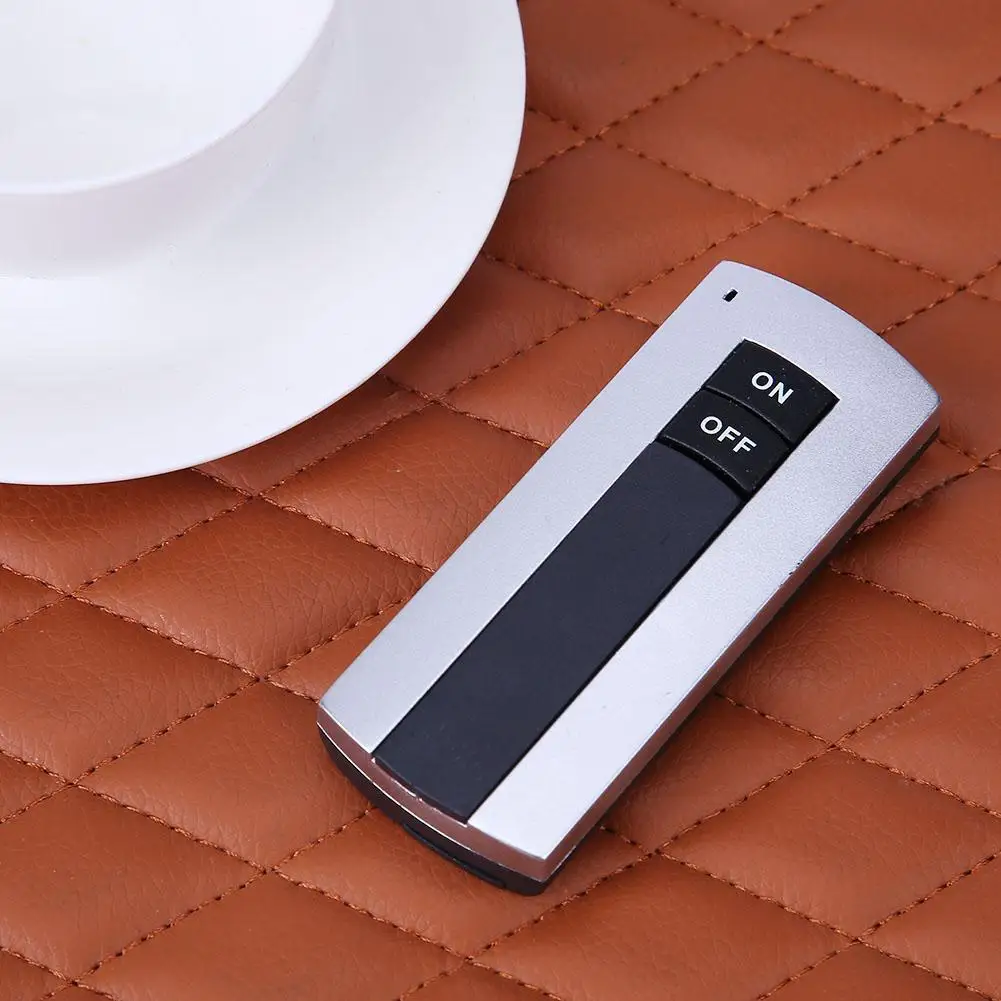
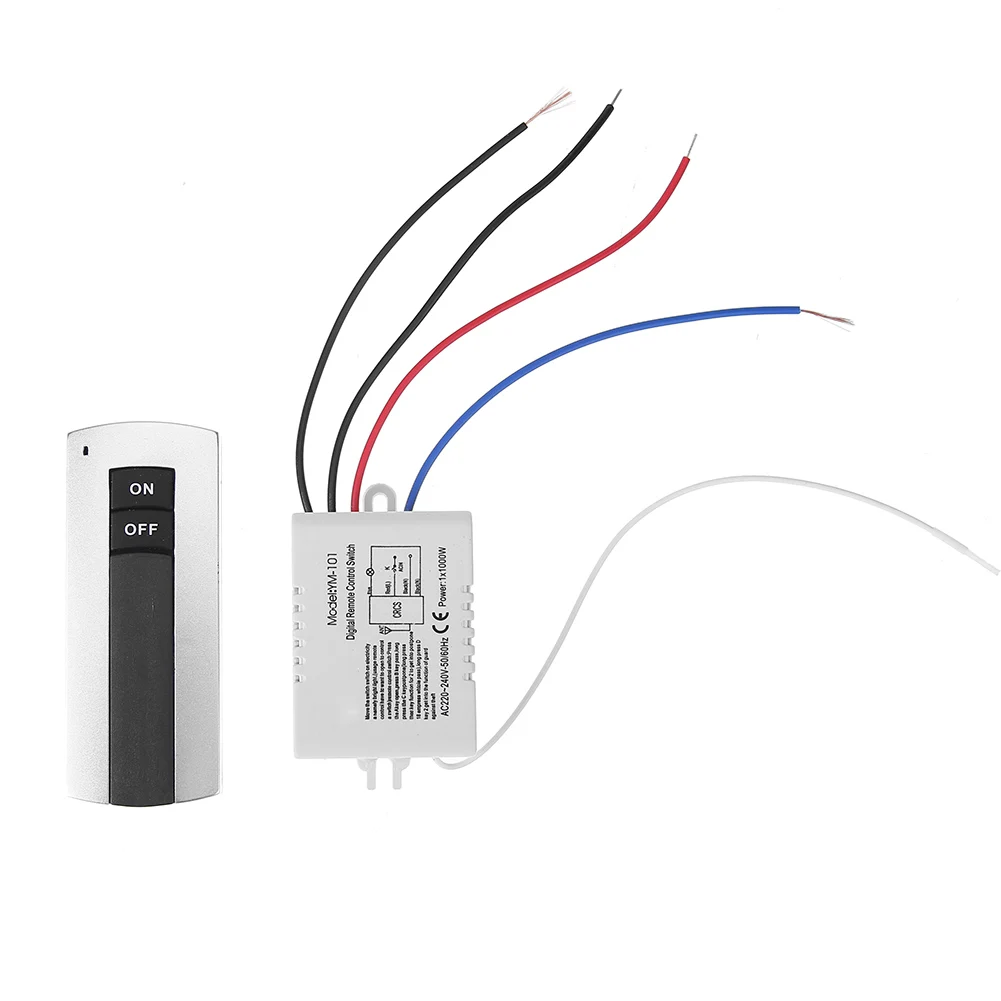
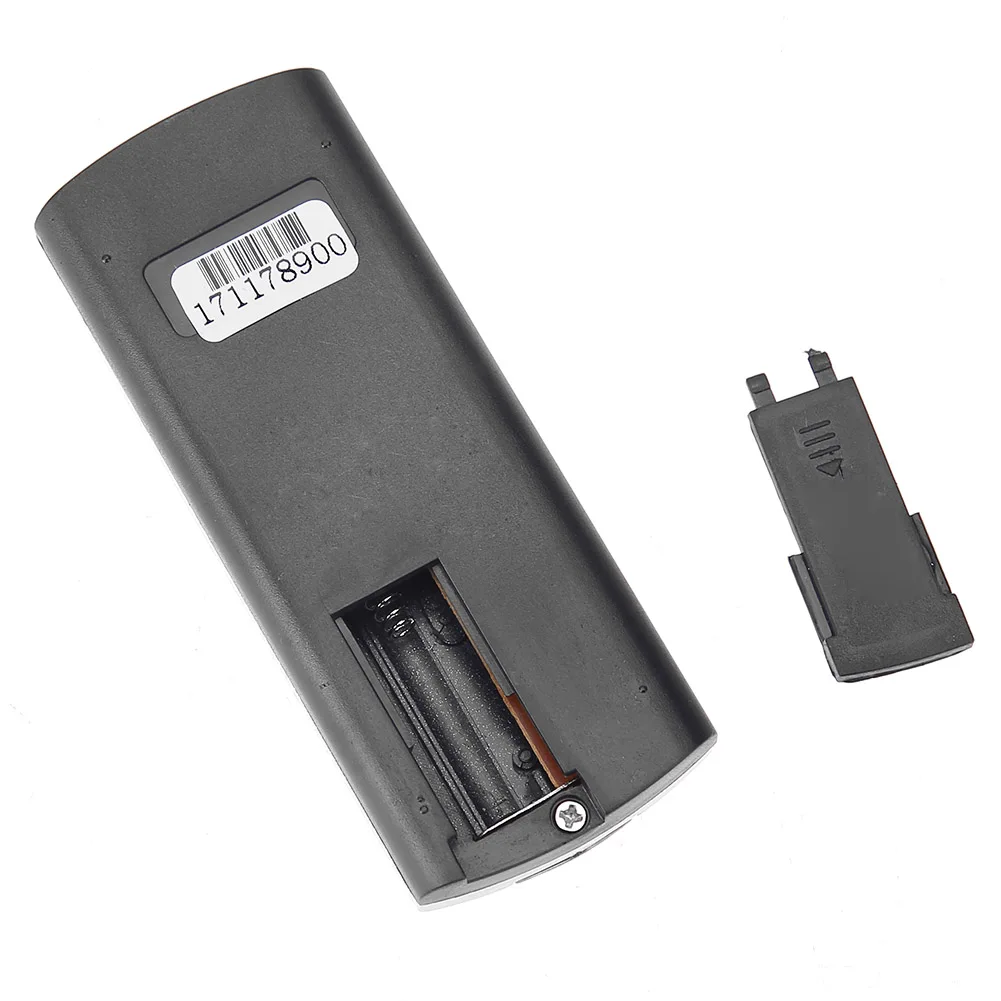
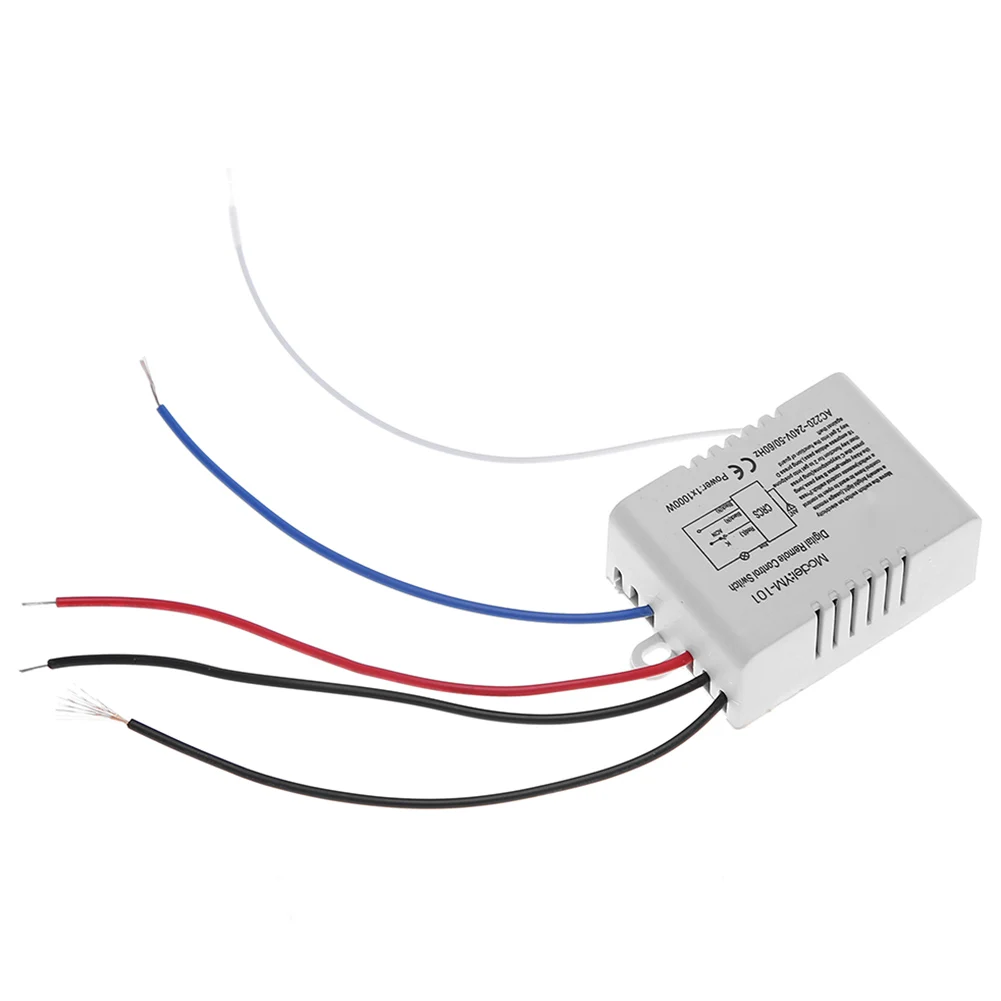
433Mhz DC 12V 1CH Wireless Remote Control Switch 10A Relay Receiver RF Transmitter For LED Gate Garage Door Opener
<div class="detailmodule_html"><div class="detail-desc-decorate-richtext"><div style="font-family:Verdana, Geneva, Tahoma, sans-serif;font-size:14px;font-weight:400;letter-spacing:normal;text-align:start;white-space:normal;color:rgb(34, 34, 34);background-color:rgb(242, 242, 242);margin:0px;margin-bottom:0px;margin-top:0px;margin-left:0px;margin-right:0px;padding:0px;padding-bottom:0px;padding-top:0px;padding-left:0px;padding-right:0px;box-sizing:content-box" class="detailmodule_text" align="start"><p style="font-family:OpenSans;font-size:20px;font-weight:900;line-height:28px;white-space:pre-wrap;color:rgb(0, 0, 0);margin:0px 0px 12px;margin-bottom:12px;margin-top:0px;margin-left:0px;margin-right:0px;padding:0px;padding-bottom:0px;padding-top:0px;padding-left:0px;padding-right:0px;box-sizing:border-box" class="detail-desc-decorate-title">Note:</p><p style="font-family:OpenSans;font-size:14px;font-weight:300;line-height:20px;white-space:pre-wrap;color:rgb(0, 0, 0);margin:0px 0px 12px;margin-bottom:12px;margin-top:0px;margin-left:0px;margin-right:0px;padding:0px;padding-bottom:0px;padding-top:0px;padding-left:0px;padding-right:0px;box-sizing:border-box" class="detail-desc-decorate-content">the system can store for 25 pcs of remotes , if the remote get more than 25 pcs , the initial remote control will be lost .</p></div><div style="font-family:Verdana, Geneva, Tahoma, sans-serif;font-size:14px;font-weight:400;letter-spacing:normal;text-align:start;white-space:normal;color:rgb(34, 34, 34);background-color:rgb(242, 242, 242);margin:0px;margin-bottom:0px;margin-top:0px;margin-left:0px;margin-right:0px;padding:0px;padding-bottom:0px;padding-top:0px;padding-left:0px;padding-right:0px;box-sizing:content-box" class="detailmodule_text" align="start"><p style="font-family:OpenSans;font-size:20px;font-weight:900;line-height:28px;white-space:pre-wrap;color:rgb(0, 0, 0);margin:0px 0px 12px;margin-bottom:12px;margin-top:0px;margin-left:0px;margin-right:0px;padding:0px;padding-bottom:0px;padding-top:0px;padding-left:0px;padding-right:0px;box-sizing:border-box" class="detail-desc-decorate-title">Operating Instrution</p><p style="font-family:OpenSans;font-size:14px;font-weight:300;line-height:20px;white-space:pre-wrap;color:rgb(0, 0, 0);margin:0px 0px 12px;margin-bottom:12px;margin-top:0px;margin-left:0px;margin-right:0px;padding:0px;padding-bottom:0px;padding-top:0px;padding-left:0px;padding-right:0px;box-sizing:border-box" class="detail-desc-decorate-content">Learning the code :(momentary)<br/> Push the learning key on the receiver once time , it comes into momentary setting mode .<br/> Wait for a moment , the LED will be off , it comes into learning state .<br/> Push the remote button , LED indicator on the receiver board will flash then come off .<br/> After 3 seconds, the LED indicator will be on again , learning successfully .<br/> Learning the code : ( Toggle )<br/> Push the learning key on the receiver twice time , it comes into toggle setting mode<br/> Wait for a moment , the LED will be off , it comes into learning state .<br/> Push the remote button,LED indicator on the receiver board will flash then come off.<br/> After 3 seconds , the LED indicator will be on again , learning successfully .<br/> Learning the code :( Latching )<br/> Note: When you choose for latching mode , in order to learn more remote control , you need to learn two different button , the first time learnt is for "ON", the second time learnt for "OFF".<br/> For example : button A = ON , button B = OFF<br/> Push the learning key on the receiver triple time , it comes into latching mode .<br/> Wait for a moment , the LED indicator on the receiver board will flash then come off.<br/> Push the remote button A .<br/> LED flash for 5 times .<br/> Push the remote button B .<br/> Led flash for 5 times .<br/> After 3 seconds , the LED indicator will be on again , learning successfully.<br/> A = ON , B = OFF .<br/> Learning the code :( Time delay mode )<br/> Push the learning key on the receiver forth time , the time dealy for 5 seconds .<br/> Push the learning key on the receiver fifth time , the time delay for 10 seconds .<br/> Push the learning key on the receiver sixth time , the time delay for 15 seconds .<br/> The LED indicator will be off .<br/> Push the remote button , LED flashes and off .<br/> After 3 seconds , the LED indicator will be on again , learning successfully .</p></div><div style="font-family:Verdana, Geneva, Tahoma, sans-serif;font-size:14px;font-weight:400;letter-spacing:normal;text-align:start;white-space:normal;color:rgb(34, 34, 34);background-color:rgb(242, 242, 242);margin:0px;margin-bottom:0px;margin-top:0px;margin-left:0px;margin-right:0px;padding:0px;padding-bottom:0px;padding-top:0px;padding-left:0px;padding-right:0px;box-sizing:content-box" class="detailmodule_text" align="start"><p style="font-family:OpenSans;font-size:20px;font-weight:900;line-height:28px;white-space:pre-wrap;color:rgb(0, 0, 0);margin:0px 0px 12px;margin-bottom:12px;margin-top:0px;margin-left:0px;margin-right:0px;padding:0px;padding-bottom:0px;padding-top:0px;padding-left:0px;padding-right:0px;box-sizing:border-box" class="detail-desc-decorate-title">Clearing the code</p><p style="font-family:OpenSans;font-size:14px;font-weight:300;line-height:20px;white-space:pre-wrap;color:rgb(0, 0, 0);margin:0px 0px 12px;margin-bottom:12px;margin-top:0px;margin-left:0px;margin-right:0px;padding:0px;padding-bottom:0px;padding-top:0px;padding-left:0px;padding-right:0px;box-sizing:border-box" class="detail-desc-decorate-content">Push the learning button on the receivers for 8 times , the codes will be cleaned;<br/> After clearing the code, all the remote control cannot work any more.</p></div><div style="font-family:Verdana, Geneva, Tahoma, sans-serif;font-size:14px;font-weight:400;letter-spacing:normal;text-align:start;white-space:normal;color:rgb(34, 34, 34);background-color:rgb(242, 242, 242);margin:0px;margin-bottom:0px;margin-top:0px;margin-left:0px;margin-right:0px;padding:0px;padding-bottom:0px;padding-top:0px;padding-left:0px;padding-right:0px;box-sizing:content-box" class="detailmodule_text" align="start"><p style="font-family:OpenSans;font-size:20px;font-weight:900;line-height:28px;white-space:pre-wrap;color:rgb(0, 0, 0);margin:0px 0px 12px;margin-bottom:12px;margin-top:0px;margin-left:0px;margin-right:0px;padding:0px;padding-bottom:0px;padding-top:0px;padding-left:0px;padding-right:0px;box-sizing:border-box" class="detail-desc-decorate-title">Operating Mode</p><p style="font-family:OpenSans;font-size:14px;font-weight:300;line-height:20px;white-space:pre-wrap;color:rgb(0, 0, 0);margin:0px 0px 12px;margin-bottom:12px;margin-top:0px;margin-left:0px;margin-right:0px;padding:0px;padding-bottom:0px;padding-top:0px;padding-left:0px;padding-right:0px;box-sizing:border-box" class="detail-desc-decorate-content">Momentary:Push the remote button , the relay connects, release the remote button , the relay dis-connects.<br/> Toggle:Push once the remote button , the relay connects , push twice the remote button , the relay dis-connects .<br/> Latching:Push the remote button A, the relay connects, push the remote button B, the relay dis-connect.<br/> Tiem delay mode :Push the remote control button , the relay connects , from when release the remote button , after 5s or 10s or 15s , the relay disconnect automatically.</p></div><div style="font-family:Verdana, Geneva, Tahoma, sans-serif;font-size:14px;font-weight:400;letter-spacing:normal;text-align:start;white-space:normal;color:rgb(34, 34, 34);background-color:rgb(242, 242, 242);margin:0px;margin-bottom:0px;margin-top:0px;margin-left:0px;margin-right:0px;padding:0px;padding-bottom:0px;padding-top:0px;padding-left:0px;padding-right:0px;box-sizing:content-box" class="detailmodule_text" align="start"><p style="font-family:OpenSans;font-size:20px;font-weight:900;line-height:28px;white-space:pre-wrap;color:rgb(0, 0, 0);margin:0px 0px 12px;margin-bottom:12px;margin-top:0px;margin-left:0px;margin-right:0px;padding:0px;padding-bottom:0px;padding-top:0px;padding-left:0px;padding-right:0px;box-sizing:border-box" class="detail-desc-decorate-title">Wiring diagram :</p><p style="font-family:OpenSans;font-size:14px;font-weight:300;line-height:20px;white-space:pre-wrap;color:rgb(0, 0, 0);margin:0px 0px 12px;margin-bottom:12px;margin-top:0px;margin-left:0px;margin-right:0px;padding:0px;padding-bottom:0px;padding-top:0px;padding-left:0px;padding-right:0px;box-sizing:border-box" class="detail-desc-decorate-content">+V : 12V + input ;<br/> - V: 12V - input ;<br/> NO: Output , normal open;<br/> COM:Output , common ;<br/> NC: Output , normal close.</p></div><div style="font-family:Verdana, Geneva, Tahoma, sans-serif;font-size:14px;font-weight:400;letter-spacing:normal;text-align:start;white-space:normal;color:rgb(34, 34, 34);background-color:rgb(242, 242, 242);margin:0px;margin-bottom:0px;margin-top:0px;margin-left:0px;margin-right:0px;padding:0px;padding-bottom:0px;padding-top:0px;padding-left:0px;padding-right:0px;box-sizing:content-box" class="detailmodule_text" align="start"><p style="font-family:OpenSans;font-size:20px;font-weight:900;line-height:28px;white-space:pre-wrap;color:rgb(0, 0, 0);margin:0px 0px 12px;margin-bottom:12px;margin-top:0px;margin-left:0px;margin-right:0px;padding:0px;padding-bottom:0px;padding-top:0px;padding-left:0px;padding-right:0px;box-sizing:border-box" class="detail-desc-decorate-title">Technical Data</p><p style="font-family:OpenSans;font-size:14px;font-weight:300;line-height:20px;white-space:pre-wrap;color:rgb(0, 0, 0);margin:0px 0px 12px;margin-bottom:12px;margin-top:0px;margin-left:0px;margin-right:0px;padding:0px;padding-bottom:0px;padding-top:0px;padding-left:0px;padding-right:0px;box-sizing:border-box" class="detail-desc-decorate-content">Working Vlots: DC 12V<br/> Input Vlots: 1V~250V<br/> Output Vlots: 1V~250V<br/> Max Current: 10A<br/> Standby Current: <5MA<br/> RF Frequency: 433M<br/> RF working mode: superheterodyne<br/> Receive sensitivity: >97dbm<br/> Transmitting distance: 50 meters above<br/> Decoding mode: MCU software decoding<br/> Remote storage: 25 pcs<br/> Support remote type: 1527 Learning code, 2262 Fixed code<br/> Working mode: Momentary mode, Toggle mode, Latching mode,Time Delay mode<br/> Pin: NO , NC , COM</p></div><div style="font-family:Verdana, Geneva, Tahoma, sans-serif;font-size:14px;font-weight:400;letter-spacing:normal;text-align:start;white-space:normal;color:rgb(34, 34, 34);background-color:rgb(242, 242, 242);margin:0px;margin-bottom:0px;margin-top:0px;margin-left:0px;margin-right:0px;padding:0px;padding-bottom:0px;padding-top:0px;padding-left:0px;padding-right:0px;box-sizing:content-box" class="detailmodule_text" align="start"><p style="font-family:OpenSans;font-size:14px;font-weight:300;line-height:20px;white-space:pre-wrap;color:rgb(0, 0, 0);margin:0px 0px 12px;margin-bottom:12px;margin-top:0px;margin-left:0px;margin-right:0px;padding:0px;padding-bottom:0px;padding-top:0px;padding-left:0px;padding-right:0px;box-sizing:border-box" class="detail-desc-decorate-content">Products can be used in lighting, Garage doors, Shutter doors, Gate Door security system and many more. DIY smart remotes.</p></div><br/></div></div><br/>
$20.855
$10.49
- Category : Home Improvement
- Brand : qd_direct_sale_store QD Direct Sale Store
Colors
Sizes
-
+

<div class="detailmodule_html"><div class="detail-desc-decorate-richtext"><div style="font-family:Verdana, Geneva, Tahoma, sans-serif;font-size:14px;font-weight:400;letter-spacing:normal;text-align:start;white-space:normal;color:rgb(34, 34, 34);background-color:rgb(242, 242, 242);margin:0px;margin-bottom:0px;margin-top:0px;margin-left:0px;margin-right:0px;padding:0px;padding-bottom:0px;padding-top:0px;padding-left:0px;padding-right:0px;box-sizing:content-box" class="detailmodule_text" align="start"><p style="font-family:OpenSans;font-size:20px;font-weight:900;line-height:28px;white-space:pre-wrap;color:rgb(0, 0, 0);margin:0px 0px 12px;margin-bottom:12px;margin-top:0px;margin-left:0px;margin-right:0px;padding:0px;padding-bottom:0px;padding-top:0px;padding-left:0px;padding-right:0px;box-sizing:border-box" class="detail-desc-decorate-title">Note:</p><p style="font-family:OpenSans;font-size:14px;font-weight:300;line-height:20px;white-space:pre-wrap;color:rgb(0, 0, 0);margin:0px 0px 12px;margin-bottom:12px;margin-top:0px;margin-left:0px;margin-right:0px;padding:0px;padding-bottom:0px;padding-top:0px;padding-left:0px;padding-right:0px;box-sizing:border-box" class="detail-desc-decorate-content">the system can store for 25 pcs of remotes , if the remote get more than 25 pcs , the initial remote control will be lost .</p></div><div style="font-family:Verdana, Geneva, Tahoma, sans-serif;font-size:14px;font-weight:400;letter-spacing:normal;text-align:start;white-space:normal;color:rgb(34, 34, 34);background-color:rgb(242, 242, 242);margin:0px;margin-bottom:0px;margin-top:0px;margin-left:0px;margin-right:0px;padding:0px;padding-bottom:0px;padding-top:0px;padding-left:0px;padding-right:0px;box-sizing:content-box" class="detailmodule_text" align="start"><p style="font-family:OpenSans;font-size:20px;font-weight:900;line-height:28px;white-space:pre-wrap;color:rgb(0, 0, 0);margin:0px 0px 12px;margin-bottom:12px;margin-top:0px;margin-left:0px;margin-right:0px;padding:0px;padding-bottom:0px;padding-top:0px;padding-left:0px;padding-right:0px;box-sizing:border-box" class="detail-desc-decorate-title">Operating Instrution</p><p style="font-family:OpenSans;font-size:14px;font-weight:300;line-height:20px;white-space:pre-wrap;color:rgb(0, 0, 0);margin:0px 0px 12px;margin-bottom:12px;margin-top:0px;margin-left:0px;margin-right:0px;padding:0px;padding-bottom:0px;padding-top:0px;padding-left:0px;padding-right:0px;box-sizing:border-box" class="detail-desc-decorate-content">Learning the code :(momentary)<br/> Push the learning key on the receiver once time , it comes into momentary setting mode .<br/> Wait for a moment , the LED will be off , it comes into learning state .<br/> Push the remote button , LED indicator on the receiver board will flash then come off .<br/> After 3 seconds, the LED indicator will be on again , learning successfully .<br/> Learning the code : ( Toggle )<br/> Push the learning key on the receiver twice time , it comes into toggle setting mode<br/> Wait for a moment , the LED will be off , it comes into learning state .<br/> Push the remote button,LED indicator on the receiver board will flash then come off.<br/> After 3 seconds , the LED indicator will be on again , learning successfully .<br/> Learning the code :( Latching )<br/> Note: When you choose for latching mode , in order to learn more remote control , you need to learn two different button , the first time learnt is for "ON", the second time learnt for "OFF".<br/> For example : button A = ON , button B = OFF<br/> Push the learning key on the receiver triple time , it comes into latching mode .<br/> Wait for a moment , the LED indicator on the receiver board will flash then come off.<br/> Push the remote button A .<br/> LED flash for 5 times .<br/> Push the remote button B .<br/> Led flash for 5 times .<br/> After 3 seconds , the LED indicator will be on again , learning successfully.<br/> A = ON , B = OFF .<br/> Learning the code :( Time delay mode )<br/> Push the learning key on the receiver forth time , the time dealy for 5 seconds .<br/> Push the learning key on the receiver fifth time , the time delay for 10 seconds .<br/> Push the learning key on the receiver sixth time , the time delay for 15 seconds .<br/> The LED indicator will be off .<br/> Push the remote button , LED flashes and off .<br/> After 3 seconds , the LED indicator will be on again , learning successfully .</p></div><div style="font-family:Verdana, Geneva, Tahoma, sans-serif;font-size:14px;font-weight:400;letter-spacing:normal;text-align:start;white-space:normal;color:rgb(34, 34, 34);background-color:rgb(242, 242, 242);margin:0px;margin-bottom:0px;margin-top:0px;margin-left:0px;margin-right:0px;padding:0px;padding-bottom:0px;padding-top:0px;padding-left:0px;padding-right:0px;box-sizing:content-box" class="detailmodule_text" align="start"><p style="font-family:OpenSans;font-size:20px;font-weight:900;line-height:28px;white-space:pre-wrap;color:rgb(0, 0, 0);margin:0px 0px 12px;margin-bottom:12px;margin-top:0px;margin-left:0px;margin-right:0px;padding:0px;padding-bottom:0px;padding-top:0px;padding-left:0px;padding-right:0px;box-sizing:border-box" class="detail-desc-decorate-title">Clearing the code</p><p style="font-family:OpenSans;font-size:14px;font-weight:300;line-height:20px;white-space:pre-wrap;color:rgb(0, 0, 0);margin:0px 0px 12px;margin-bottom:12px;margin-top:0px;margin-left:0px;margin-right:0px;padding:0px;padding-bottom:0px;padding-top:0px;padding-left:0px;padding-right:0px;box-sizing:border-box" class="detail-desc-decorate-content">Push the learning button on the receivers for 8 times , the codes will be cleaned;<br/> After clearing the code, all the remote control cannot work any more.</p></div><div style="font-family:Verdana, Geneva, Tahoma, sans-serif;font-size:14px;font-weight:400;letter-spacing:normal;text-align:start;white-space:normal;color:rgb(34, 34, 34);background-color:rgb(242, 242, 242);margin:0px;margin-bottom:0px;margin-top:0px;margin-left:0px;margin-right:0px;padding:0px;padding-bottom:0px;padding-top:0px;padding-left:0px;padding-right:0px;box-sizing:content-box" class="detailmodule_text" align="start"><p style="font-family:OpenSans;font-size:20px;font-weight:900;line-height:28px;white-space:pre-wrap;color:rgb(0, 0, 0);margin:0px 0px 12px;margin-bottom:12px;margin-top:0px;margin-left:0px;margin-right:0px;padding:0px;padding-bottom:0px;padding-top:0px;padding-left:0px;padding-right:0px;box-sizing:border-box" class="detail-desc-decorate-title">Operating Mode</p><p style="font-family:OpenSans;font-size:14px;font-weight:300;line-height:20px;white-space:pre-wrap;color:rgb(0, 0, 0);margin:0px 0px 12px;margin-bottom:12px;margin-top:0px;margin-left:0px;margin-right:0px;padding:0px;padding-bottom:0px;padding-top:0px;padding-left:0px;padding-right:0px;box-sizing:border-box" class="detail-desc-decorate-content">Momentary:Push the remote button , the relay connects, release the remote button , the relay dis-connects.<br/> Toggle:Push once the remote button , the relay connects , push twice the remote button , the relay dis-connects .<br/> Latching:Push the remote button A, the relay connects, push the remote button B, the relay dis-connect.<br/> Tiem delay mode :Push the remote control button , the relay connects , from when release the remote button , after 5s or 10s or 15s , the relay disconnect automatically.</p></div><div style="font-family:Verdana, Geneva, Tahoma, sans-serif;font-size:14px;font-weight:400;letter-spacing:normal;text-align:start;white-space:normal;color:rgb(34, 34, 34);background-color:rgb(242, 242, 242);margin:0px;margin-bottom:0px;margin-top:0px;margin-left:0px;margin-right:0px;padding:0px;padding-bottom:0px;padding-top:0px;padding-left:0px;padding-right:0px;box-sizing:content-box" class="detailmodule_text" align="start"><p style="font-family:OpenSans;font-size:20px;font-weight:900;line-height:28px;white-space:pre-wrap;color:rgb(0, 0, 0);margin:0px 0px 12px;margin-bottom:12px;margin-top:0px;margin-left:0px;margin-right:0px;padding:0px;padding-bottom:0px;padding-top:0px;padding-left:0px;padding-right:0px;box-sizing:border-box" class="detail-desc-decorate-title">Wiring diagram :</p><p style="font-family:OpenSans;font-size:14px;font-weight:300;line-height:20px;white-space:pre-wrap;color:rgb(0, 0, 0);margin:0px 0px 12px;margin-bottom:12px;margin-top:0px;margin-left:0px;margin-right:0px;padding:0px;padding-bottom:0px;padding-top:0px;padding-left:0px;padding-right:0px;box-sizing:border-box" class="detail-desc-decorate-content">+V : 12V + input ;<br/> - V: 12V - input ;<br/> NO: Output , normal open;<br/> COM:Output , common ;<br/> NC: Output , normal close.</p></div><div style="font-family:Verdana, Geneva, Tahoma, sans-serif;font-size:14px;font-weight:400;letter-spacing:normal;text-align:start;white-space:normal;color:rgb(34, 34, 34);background-color:rgb(242, 242, 242);margin:0px;margin-bottom:0px;margin-top:0px;margin-left:0px;margin-right:0px;padding:0px;padding-bottom:0px;padding-top:0px;padding-left:0px;padding-right:0px;box-sizing:content-box" class="detailmodule_text" align="start"><p style="font-family:OpenSans;font-size:20px;font-weight:900;line-height:28px;white-space:pre-wrap;color:rgb(0, 0, 0);margin:0px 0px 12px;margin-bottom:12px;margin-top:0px;margin-left:0px;margin-right:0px;padding:0px;padding-bottom:0px;padding-top:0px;padding-left:0px;padding-right:0px;box-sizing:border-box" class="detail-desc-decorate-title">Technical Data</p><p style="font-family:OpenSans;font-size:14px;font-weight:300;line-height:20px;white-space:pre-wrap;color:rgb(0, 0, 0);margin:0px 0px 12px;margin-bottom:12px;margin-top:0px;margin-left:0px;margin-right:0px;padding:0px;padding-bottom:0px;padding-top:0px;padding-left:0px;padding-right:0px;box-sizing:border-box" class="detail-desc-decorate-content">Working Vlots: DC 12V<br/> Input Vlots: 1V~250V<br/> Output Vlots: 1V~250V<br/> Max Current: 10A<br/> Standby Current: <5MA<br/> RF Frequency: 433M<br/> RF working mode: superheterodyne<br/> Receive sensitivity: >97dbm<br/> Transmitting distance: 50 meters above<br/> Decoding mode: MCU software decoding<br/> Remote storage: 25 pcs<br/> Support remote type: 1527 Learning code, 2262 Fixed code<br/> Working mode: Momentary mode, Toggle mode, Latching mode,Time Delay mode<br/> Pin: NO , NC , COM</p></div><div style="font-family:Verdana, Geneva, Tahoma, sans-serif;font-size:14px;font-weight:400;letter-spacing:normal;text-align:start;white-space:normal;color:rgb(34, 34, 34);background-color:rgb(242, 242, 242);margin:0px;margin-bottom:0px;margin-top:0px;margin-left:0px;margin-right:0px;padding:0px;padding-bottom:0px;padding-top:0px;padding-left:0px;padding-right:0px;box-sizing:content-box" class="detailmodule_text" align="start"><p style="font-family:OpenSans;font-size:14px;font-weight:300;line-height:20px;white-space:pre-wrap;color:rgb(0, 0, 0);margin:0px 0px 12px;margin-bottom:12px;margin-top:0px;margin-left:0px;margin-right:0px;padding:0px;padding-bottom:0px;padding-top:0px;padding-left:0px;padding-right:0px;box-sizing:border-box" class="detail-desc-decorate-content">Products can be used in lighting, Garage doors, Shutter doors, Gate Door security system and many more. DIY smart remotes.</p></div><br/></div></div><br/>
Related Product
Browse The Collection of Top Products.