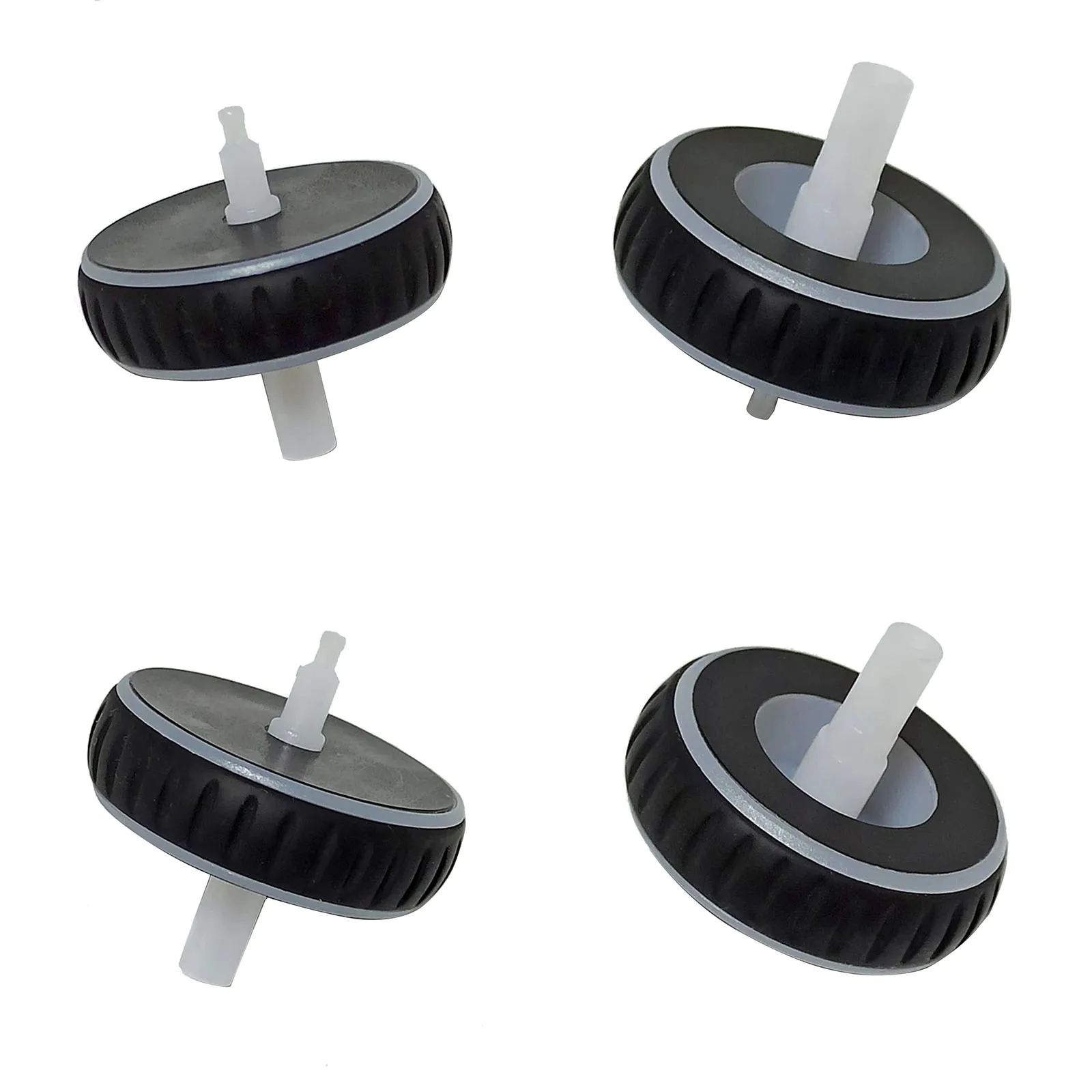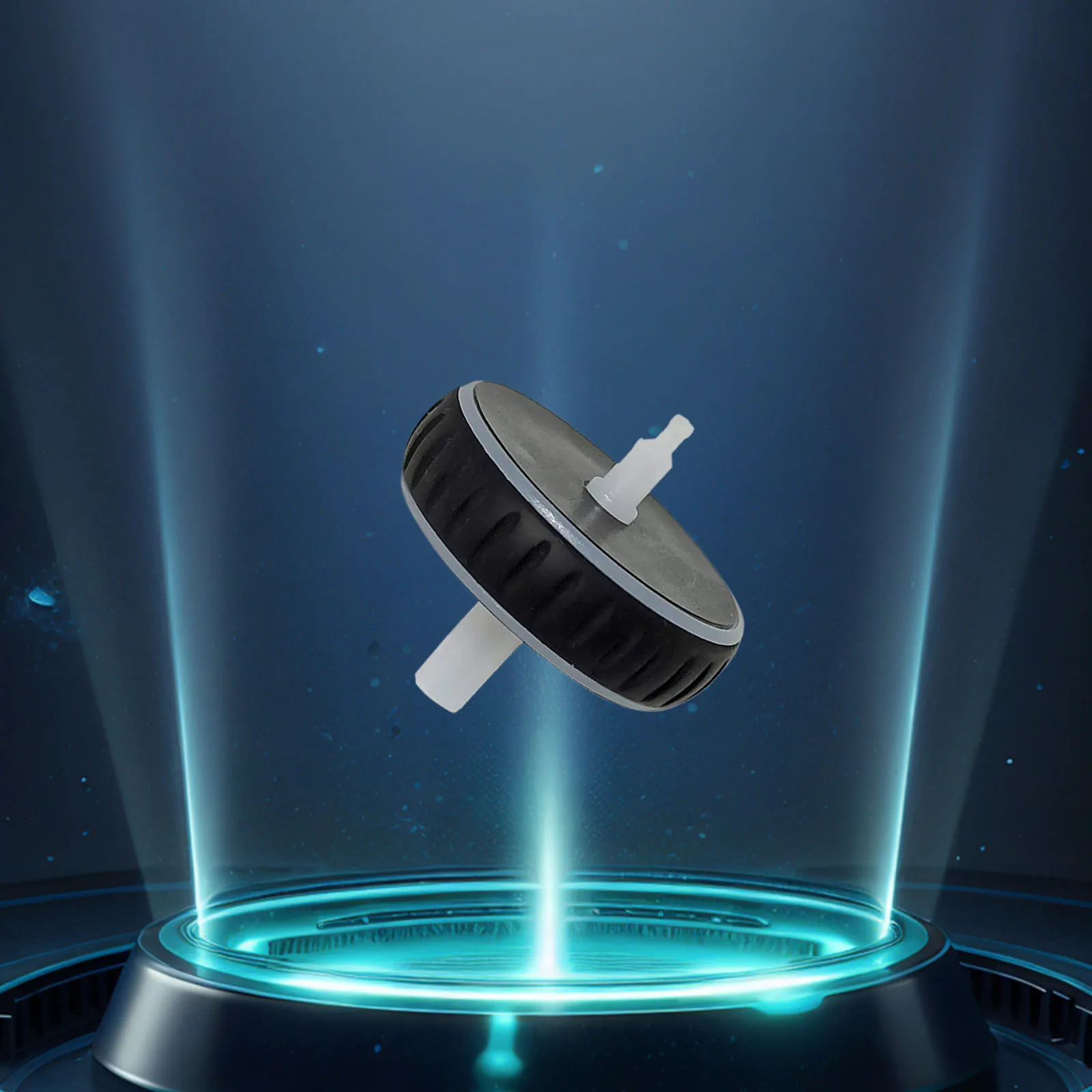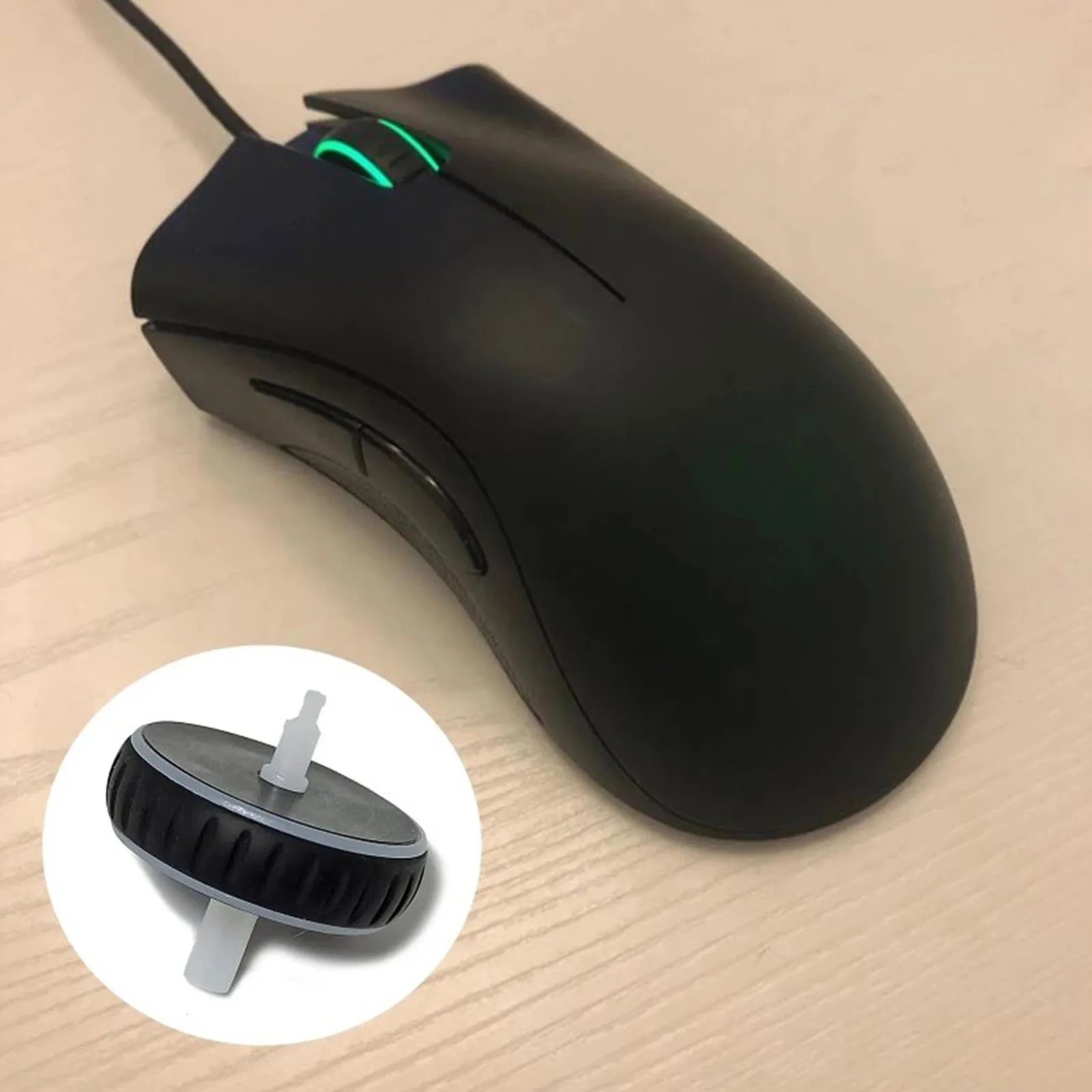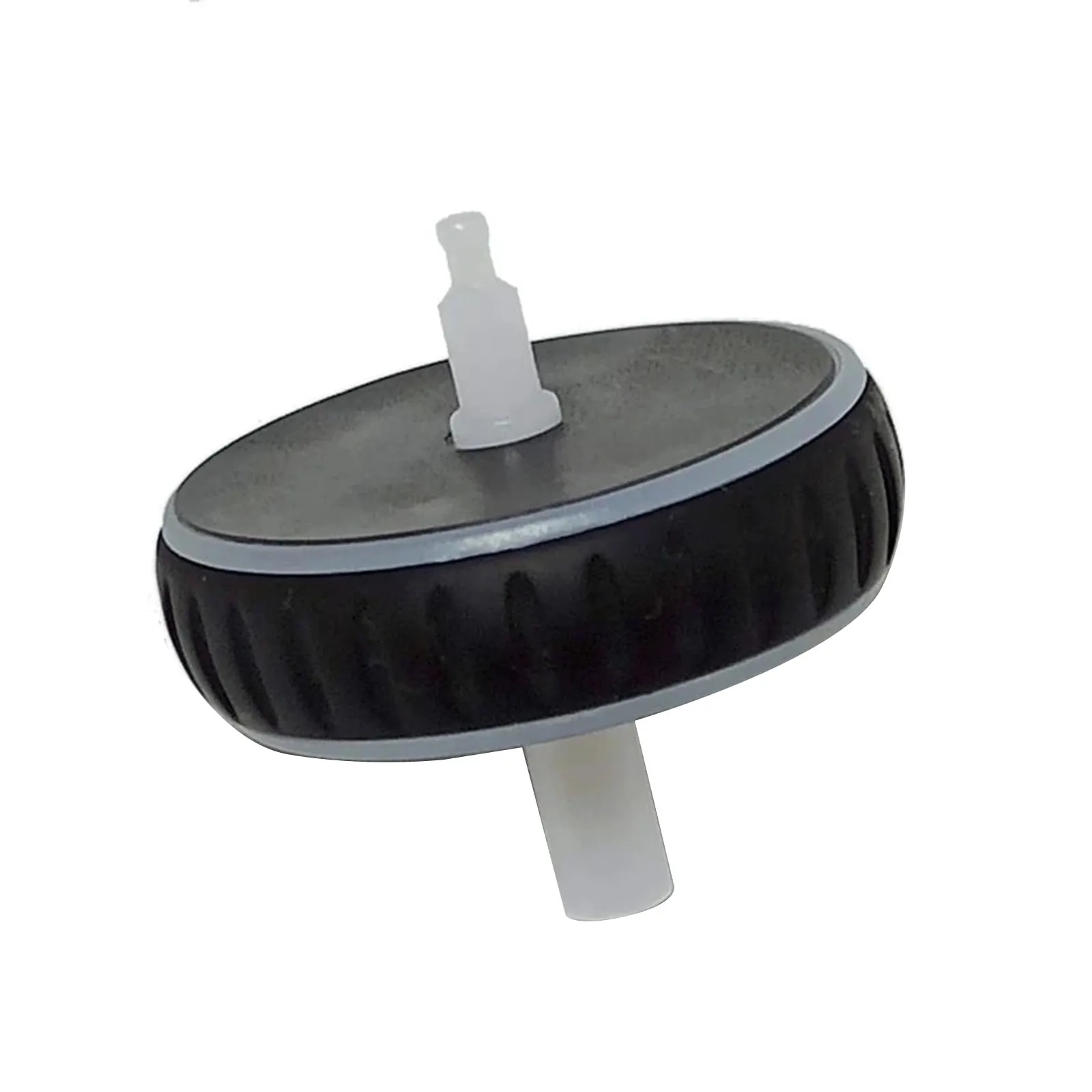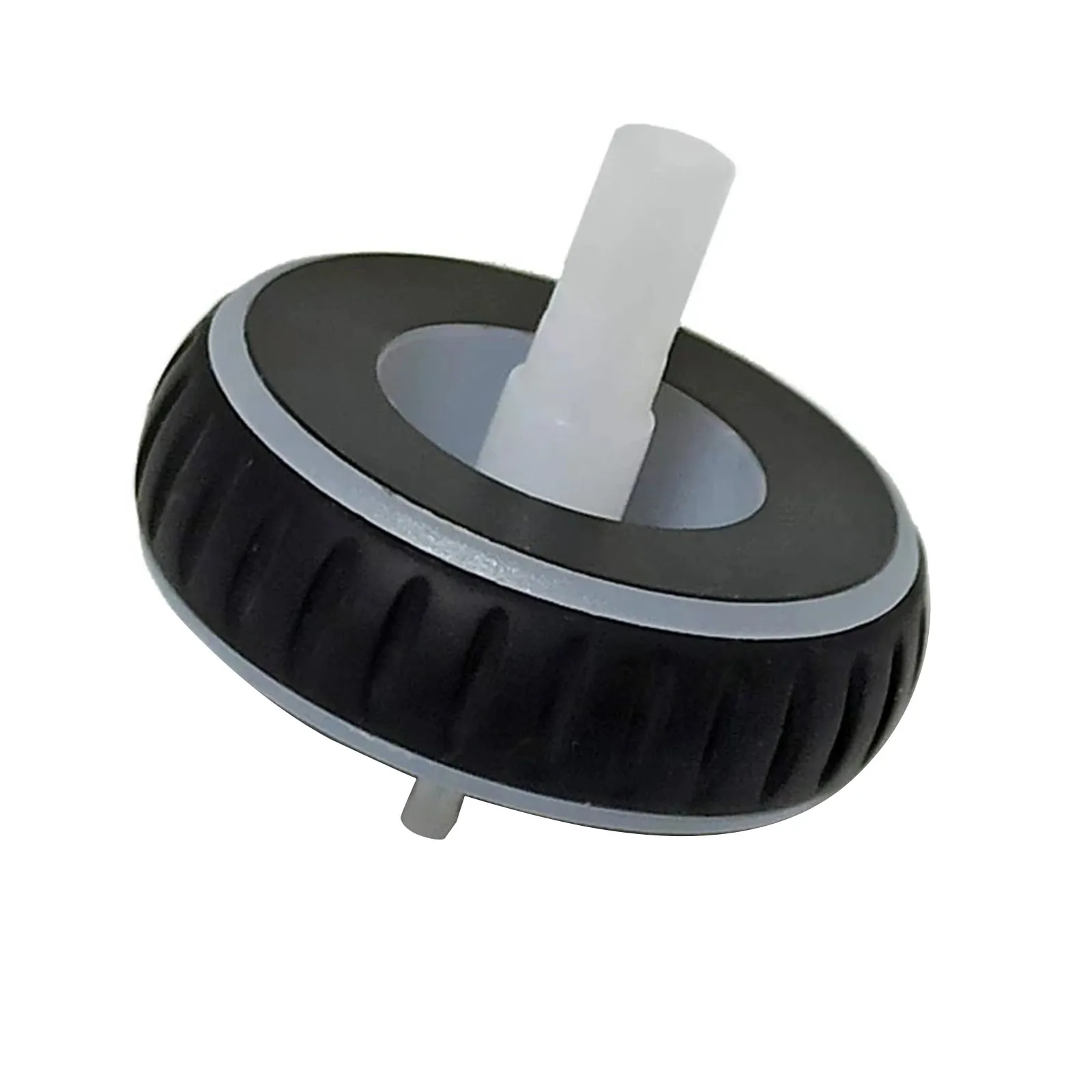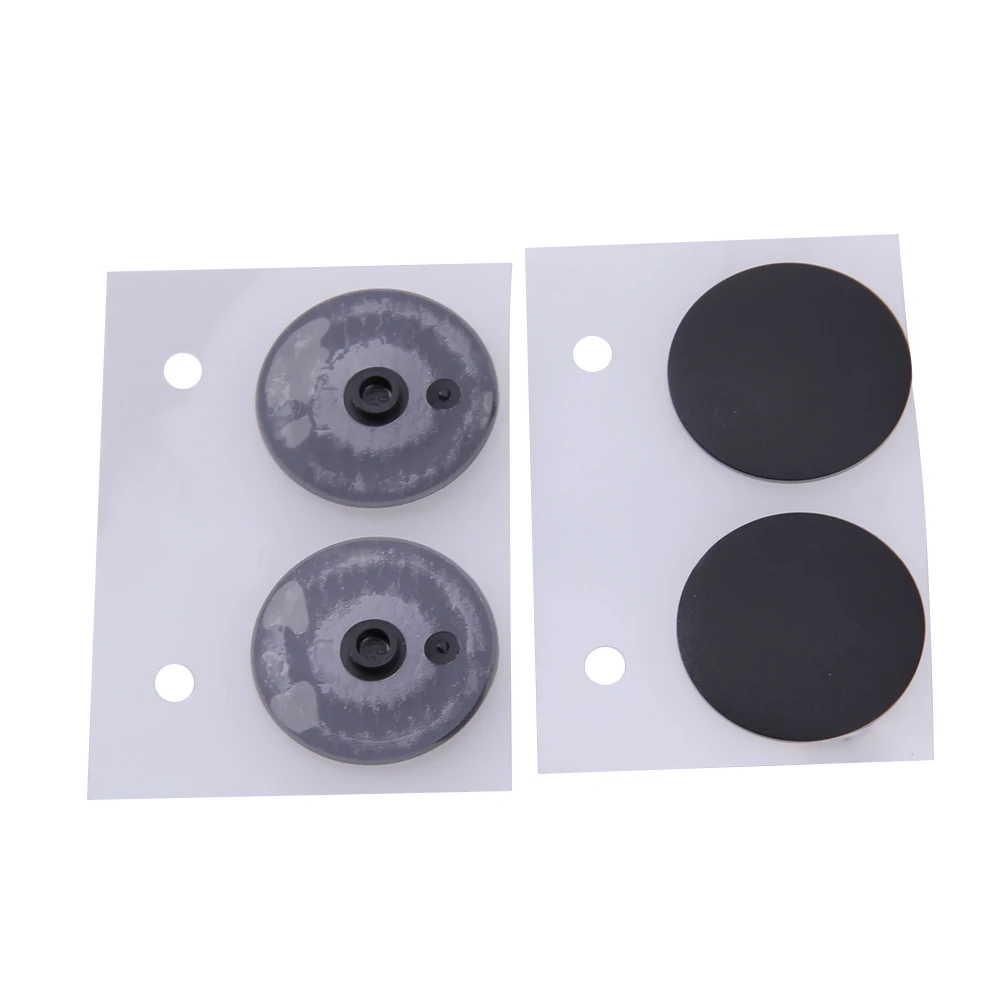
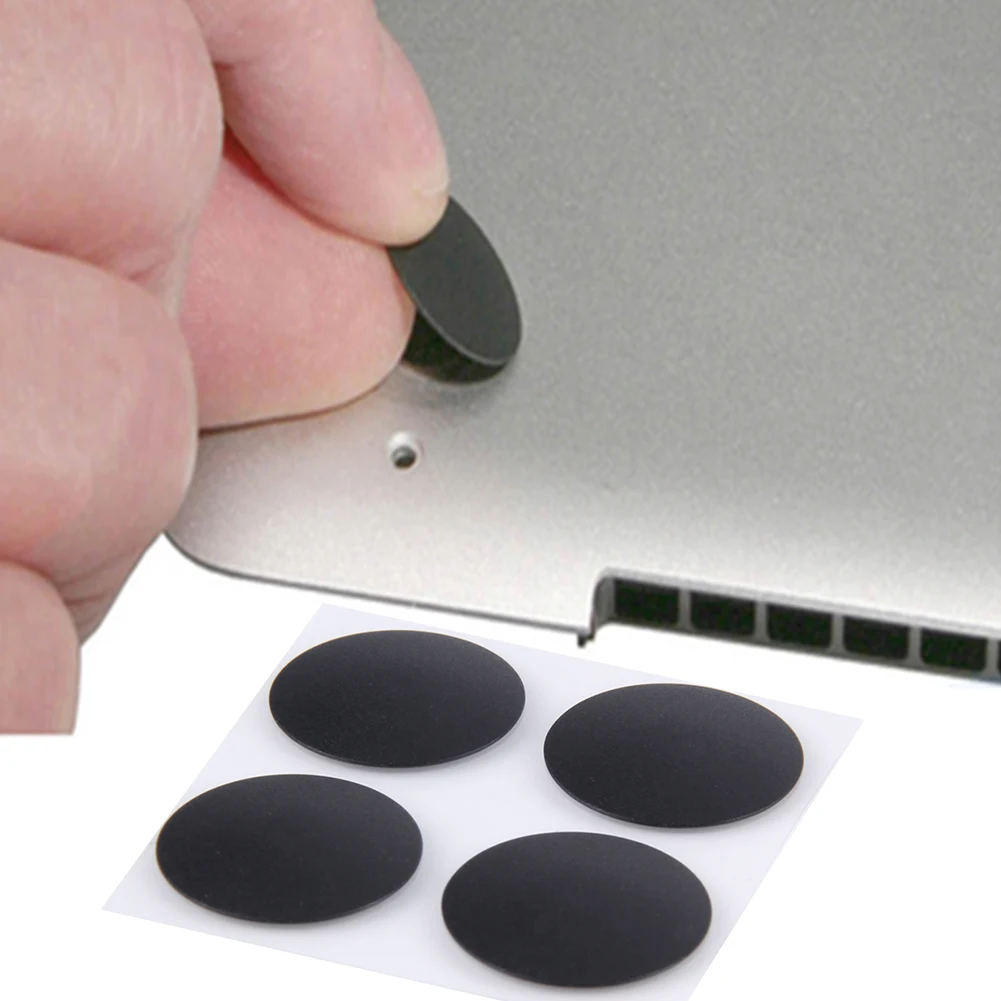
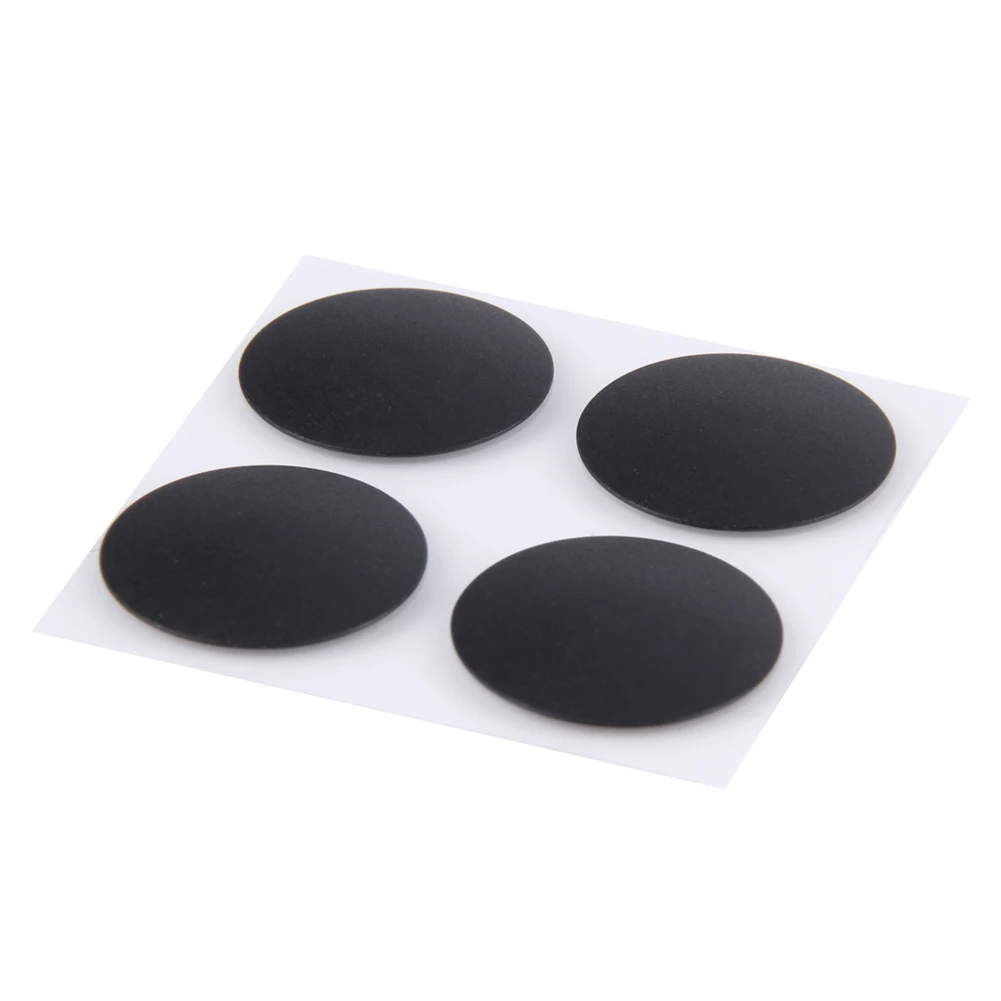
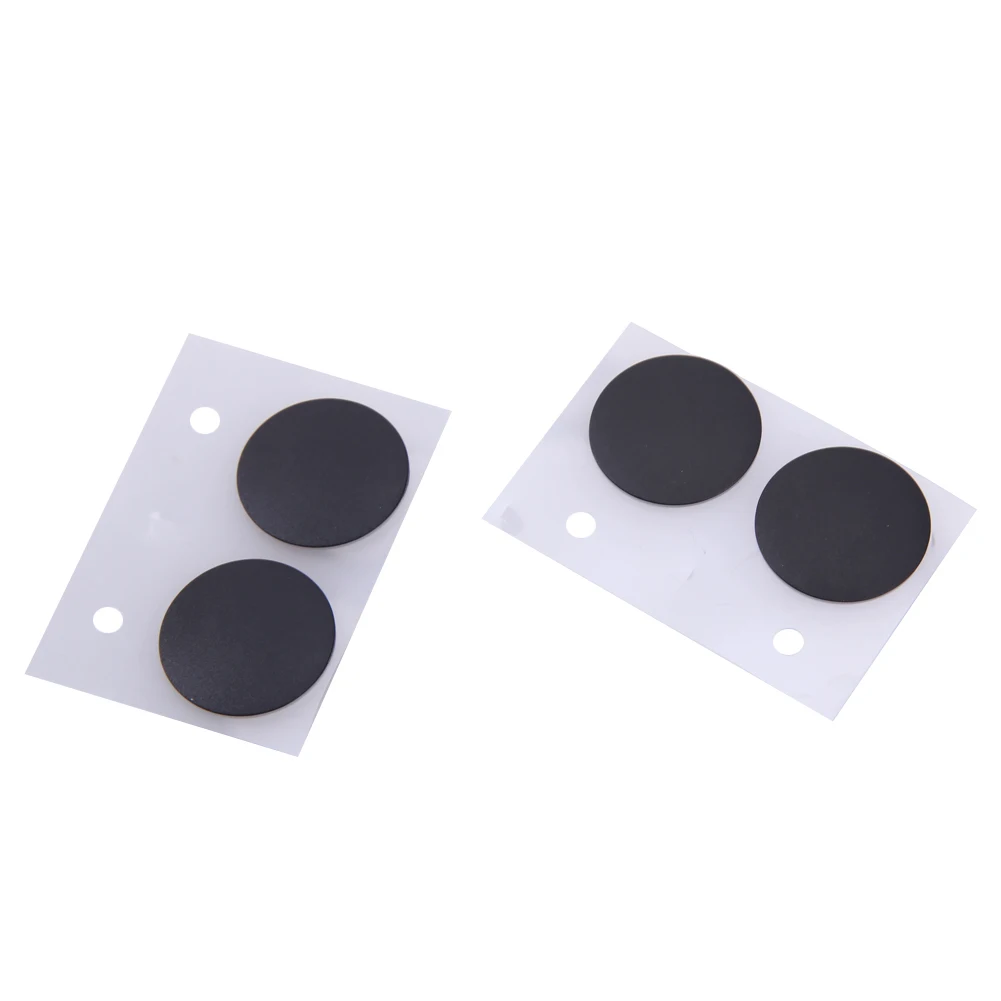
4PCS Rubber Foot Laptop Feet Pad Bottom Case Rubber Foot Stand Holder Laptop Rubber Bottom Case Cover Feet for Macbook Pro
<div class="detailmodule_html"><div class="detail-desc-decorate-richtext"><p>
<span> </span>
</p>
<p>
<br />
</p>
<h2>
<span style="font-size:14px;font-family:Arial;"></span>
</h2>
<table class="ke-zeroborder" width="100%" cellspacing="0" cellpadding="0" border="0">
<tbody>
<tr>
<td>
<br />
<div style="padding:15px;border:1px solid #AEAEAE;">
<p>
4PCS Rubber Foot OEM Bottom Case Rubber Foot Bottom Case Rubber Foot Stand Holder Laptop Rubber Bottom Case Cover Feet for Macbook Pro Retina A1398 A1425 A1502<br />
<b>Feature:</b><br />
<b>1.Anti-Slip Protection:</b> Ensure your laptop's stability with Laptop Feet Pad that provide excellent traction on various surfaces, reducing accidental slips and enhancing device longevity.<br />
<b>2.Customized Fit:</b> The OEM Bottom Case Rubber Foot is designed for a fit, offering seamless integration and maintaining the aesthetic appeal of your laptop.<br />
<b>3.Enhanced Cooling Efficiency:</b> Elevate your device using the Bottom Case Rubber Foot Stand Holder to improve airflow and prevent overheating during prolonged use.<br />
<b>4.Material:</b> Made from high-quality rubber, the Black Foot Mat Replacement withstands wear and tear, ensuring long-lasting performance in all environments.<br />
<b>5.Comprehensive Coverage:</b> Protect your laptop's underside completely with the Laptop Rubber Bottom Case Cover Feet, designed for both protection and style.<br /><br/><br/><strong>Specification:</strong><br />
Origin: Mainland China<br />
Material:Rubber<br />
Color:Black<br />
Compatible Model: for Macbook Pro Retina A1398 A1425 A1502<br />
<br />
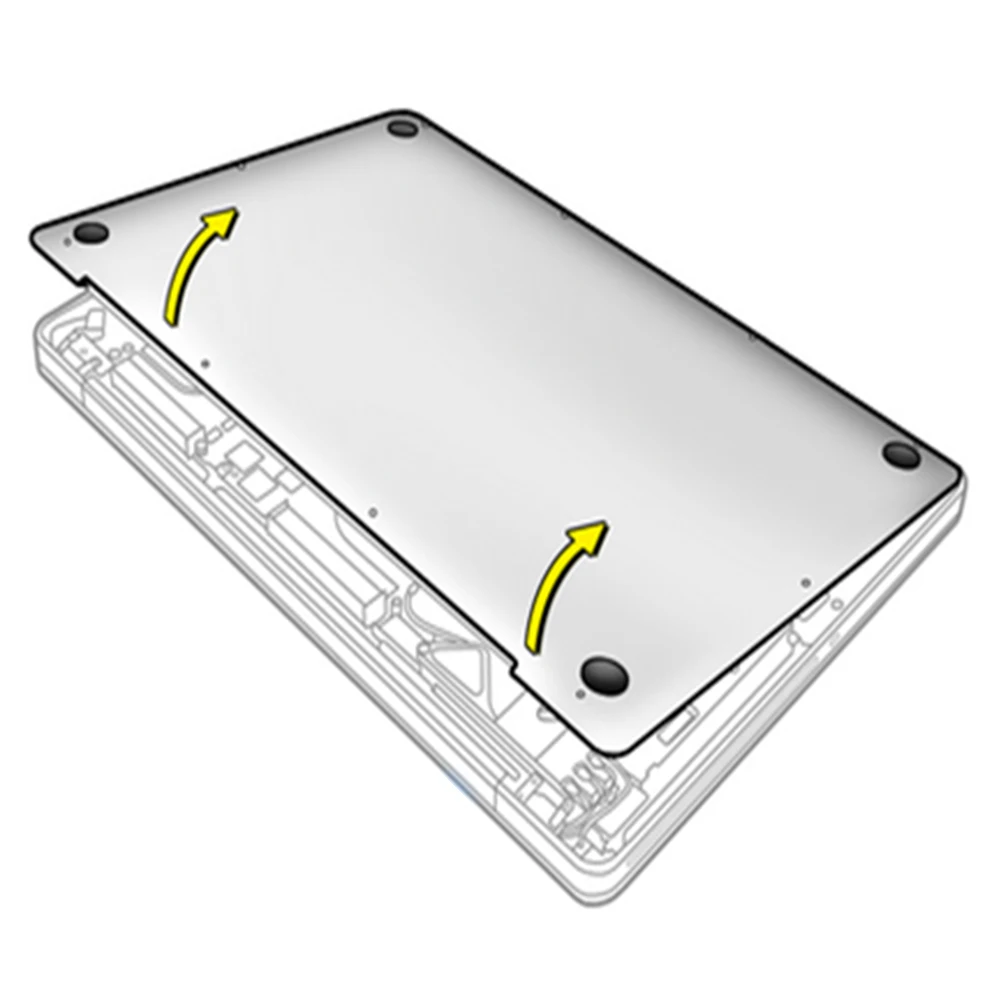
The following are the replacement steps:<br />
Step 1: Use a pentagonal screwdriver to remove all 10 screws on the bottom.<br />
Step 2: Use a sharp object to push off the broken foot pad.<br />
Step 3: Use a clean cloth or tissue cotton swab to remove the glue and dirt left inside and outside the bottom shell.<br />
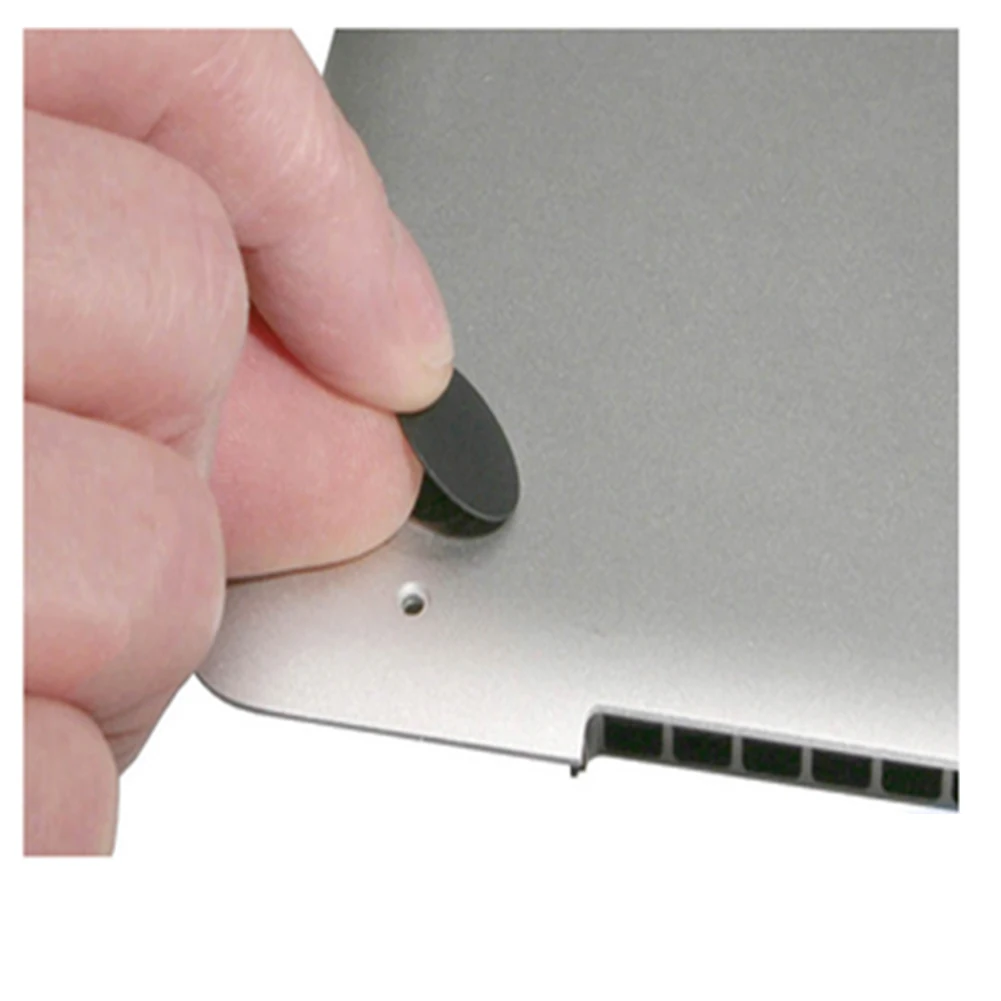
Step 4: Tear off the new foot pad with adhesive tape. Buckle it from the outside of the bottom shell and press it hard. If it still doesn't tighten, you can use a lighter to slightly heat the black circle inside the bottom shell and then press it quickly to tighten it.<br />
Step 5: Close the bottom shell and tighten the 10 screws one by one, and you're done.<br />
<p>
</p>
<strong>Note:</strong><br />
Due to the different monitor and light effect, the actual color of the item might be slightly different from the color showed on the pictures. Thank you!<br />
Please allow 1-2cm measuring deviation due to manual measurement.<br />
<br />
<p>
<br />
</p>
</p>
</div>
<br />
<div>
<br />
</div>
<div style="padding:15px;border:1px solid #AEAEAE;">
4 x Laptop Feet Pad<br />
<br /> <br />
</div>
<br />
<div style="text-align:center;">
</div>
<br />
<div>
<br />
</div>
<div style="padding:15px;border:1px solid #AEAEAE;">
[relateproductdetail/]
</div>
<br />
<p>
<br />
</p>
<p>
</p>
</td>
</tr>
</tbody>
</table>
<p>
<br />
</p></div></div>
$27.815
$11.39
- Category : Computer & Office
- Brand : us_local_delivery_store_store US Local Delivery Store Store
Colors
Sizes
-
+

<div class="detailmodule_html"><div class="detail-desc-decorate-richtext"><p>
<span> </span>
</p>
<p>
<br />
</p>
<h2>
<span style="font-size:14px;font-family:Arial;"></span>
</h2>
<table class="ke-zeroborder" width="100%" cellspacing="0" cellpadding="0" border="0">
<tbody>
<tr>
<td>
<br />
<div style="padding:15px;border:1px solid #AEAEAE;">
<p>
4PCS Rubber Foot OEM Bottom Case Rubber Foot Bottom Case Rubber Foot Stand Holder Laptop Rubber Bottom Case Cover Feet for Macbook Pro Retina A1398 A1425 A1502<br />
<b>Feature:</b><br />
<b>1.Anti-Slip Protection:</b> Ensure your laptop's stability with Laptop Feet Pad that provide excellent traction on various surfaces, reducing accidental slips and enhancing device longevity.<br />
<b>2.Customized Fit:</b> The OEM Bottom Case Rubber Foot is designed for a fit, offering seamless integration and maintaining the aesthetic appeal of your laptop.<br />
<b>3.Enhanced Cooling Efficiency:</b> Elevate your device using the Bottom Case Rubber Foot Stand Holder to improve airflow and prevent overheating during prolonged use.<br />
<b>4.Material:</b> Made from high-quality rubber, the Black Foot Mat Replacement withstands wear and tear, ensuring long-lasting performance in all environments.<br />
<b>5.Comprehensive Coverage:</b> Protect your laptop's underside completely with the Laptop Rubber Bottom Case Cover Feet, designed for both protection and style.<br /><br/><br/><strong>Specification:</strong><br />
Origin: Mainland China<br />
Material:Rubber<br />
Color:Black<br />
Compatible Model: for Macbook Pro Retina A1398 A1425 A1502<br />
<br />
The following are the replacement steps:<br />
Step 1: Use a pentagonal screwdriver to remove all 10 screws on the bottom.<br />
Step 2: Use a sharp object to push off the broken foot pad.<br />
Step 3: Use a clean cloth or tissue cotton swab to remove the glue and dirt left inside and outside the bottom shell.<br />
Step 4: Tear off the new foot pad with adhesive tape. Buckle it from the outside of the bottom shell and press it hard. If it still doesn't tighten, you can use a lighter to slightly heat the black circle inside the bottom shell and then press it quickly to tighten it.<br />
Step 5: Close the bottom shell and tighten the 10 screws one by one, and you're done.<br />
<p>
</p>
<strong>Note:</strong><br />
Due to the different monitor and light effect, the actual color of the item might be slightly different from the color showed on the pictures. Thank you!<br />
Please allow 1-2cm measuring deviation due to manual measurement.<br />
<br />
<p>
<br />
</p>
</p>
</div>
<br />
<div>
<br />
</div>
<div style="padding:15px;border:1px solid #AEAEAE;">
4 x Laptop Feet Pad<br />
<br /> <br />
</div>
<br />
<div style="text-align:center;">
</div>
<br />
<div>
<br />
</div>
<div style="padding:15px;border:1px solid #AEAEAE;">
[relateproductdetail/]
</div>
<br />
<p>
<br />
</p>
<p>
</p>
</td>
</tr>
</tbody>
</table>
<p>
<br />
</p></div></div>
Related Product
Browse The Collection of Top Products.