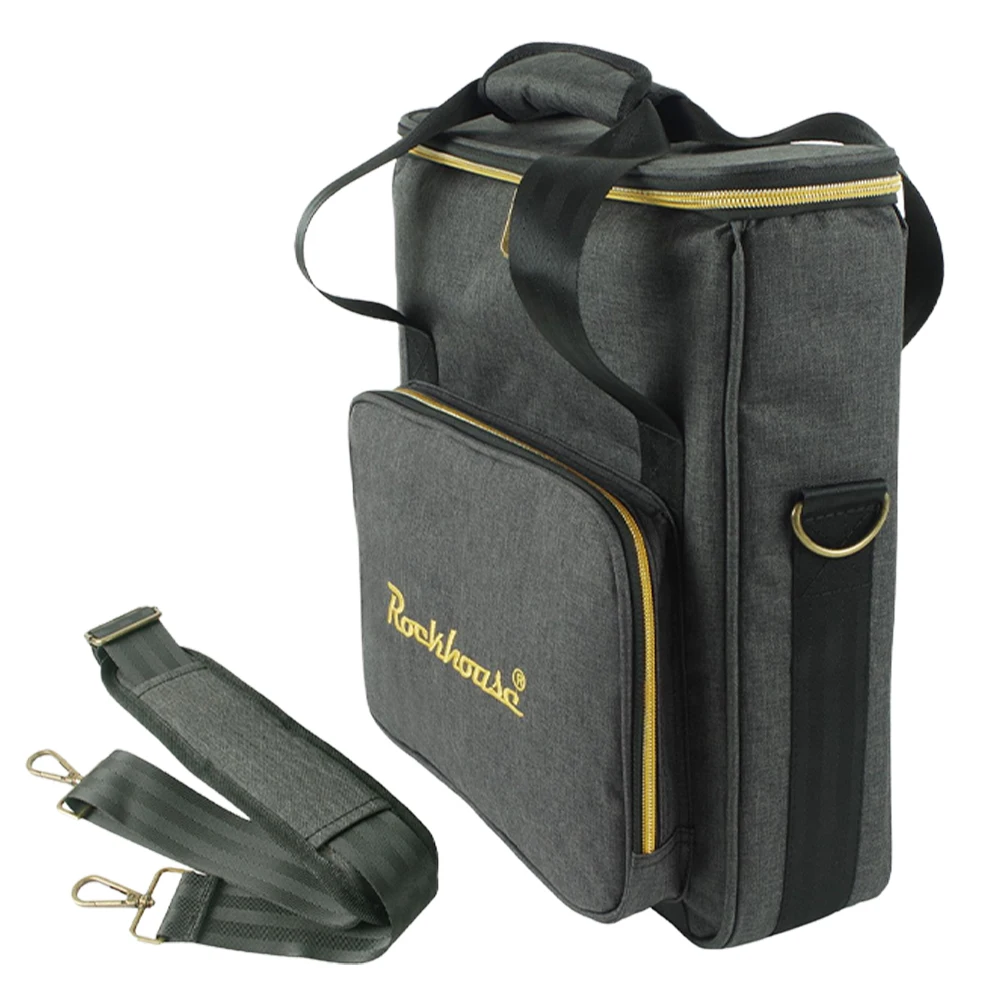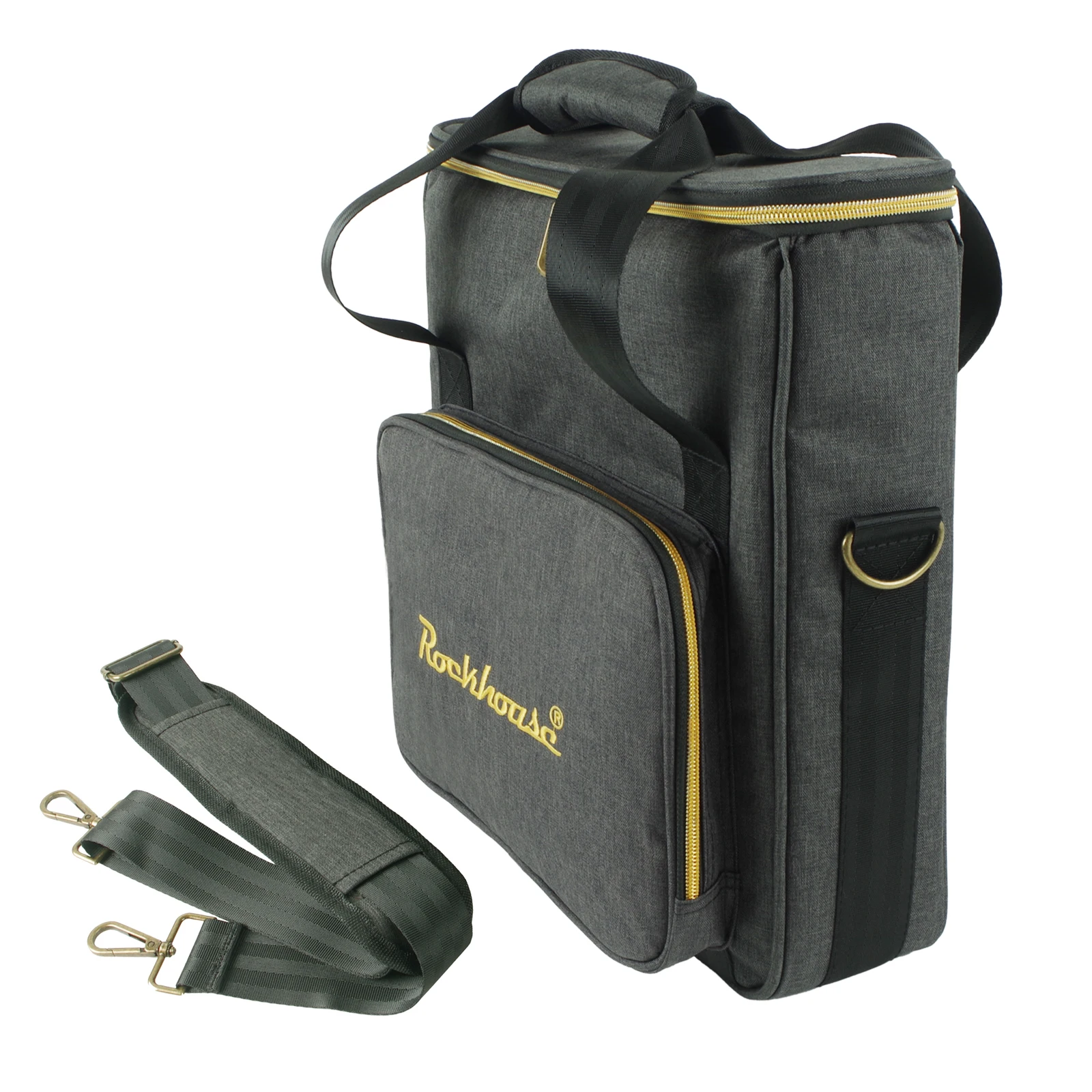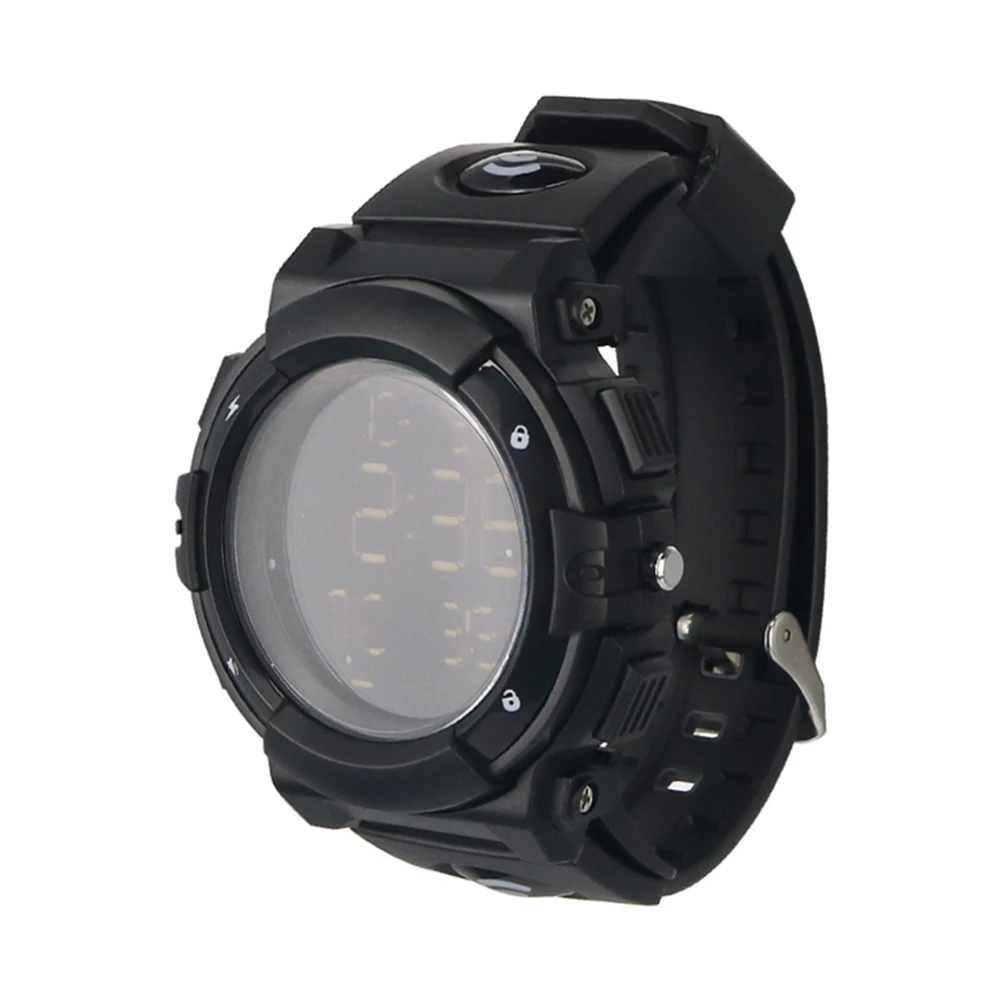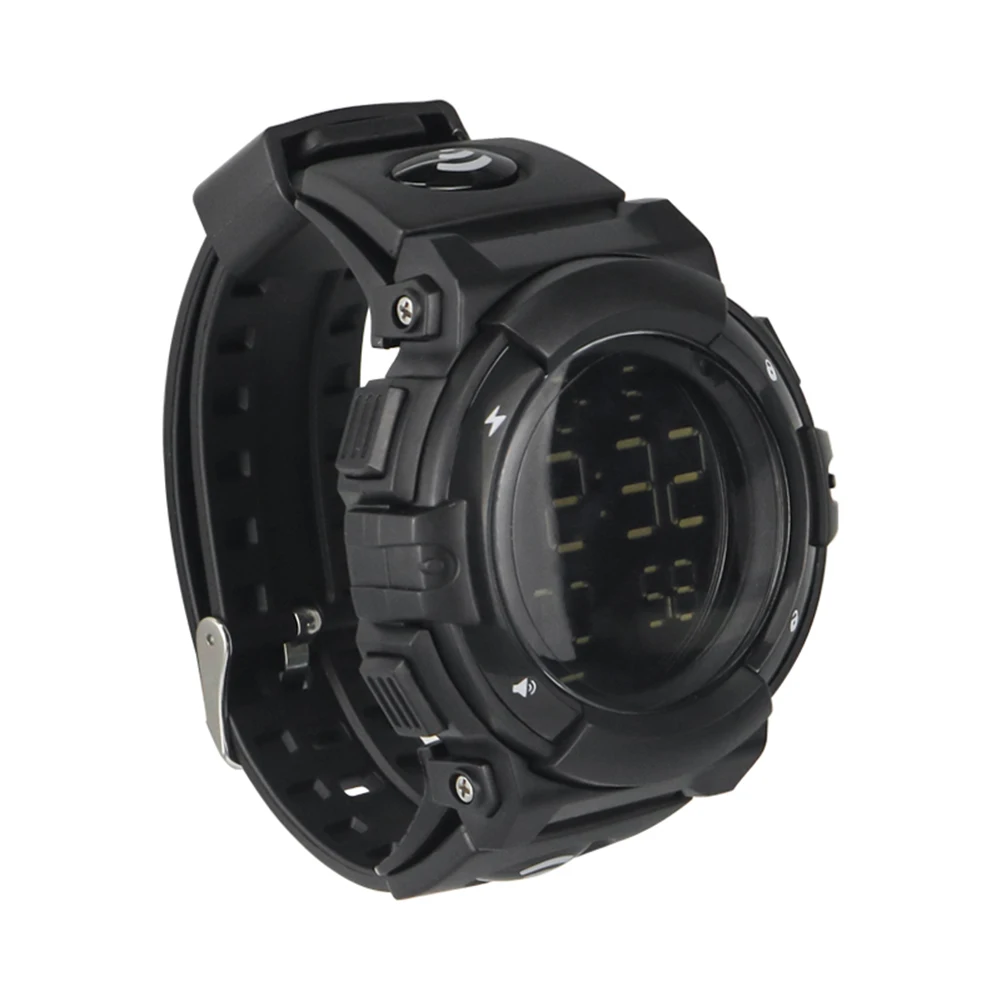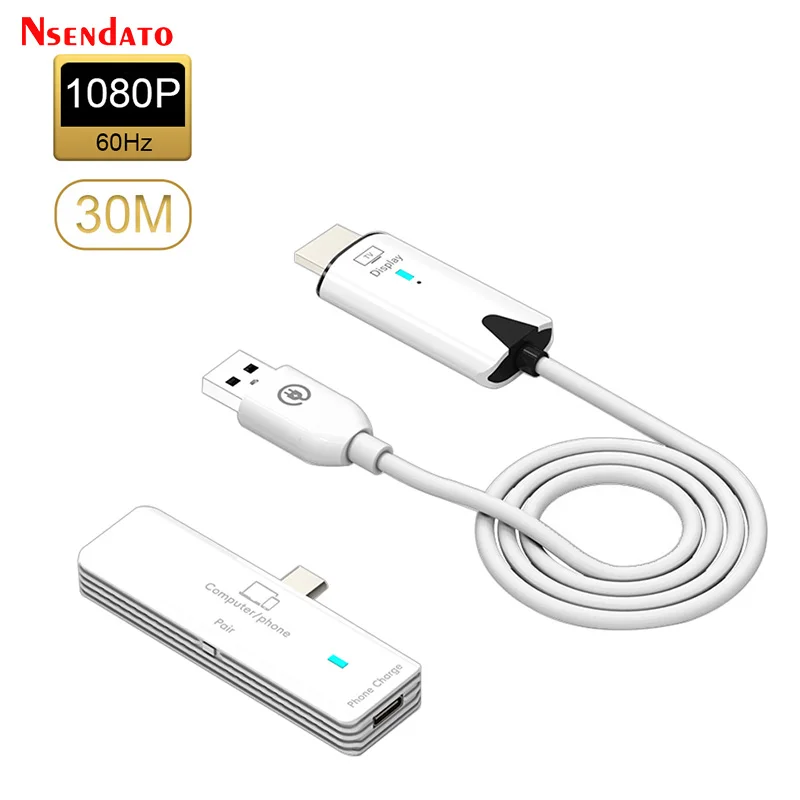
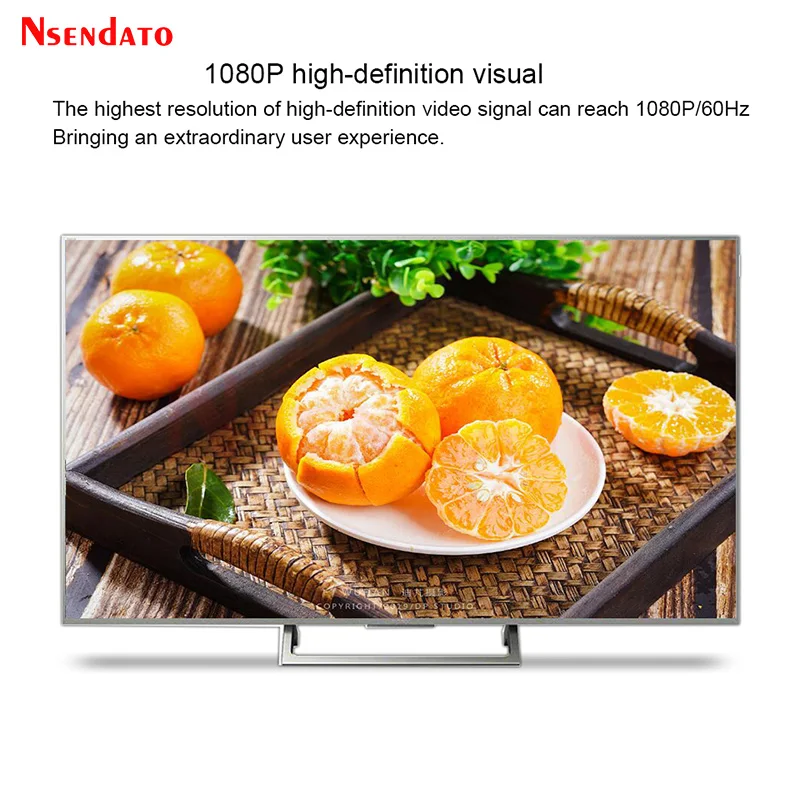
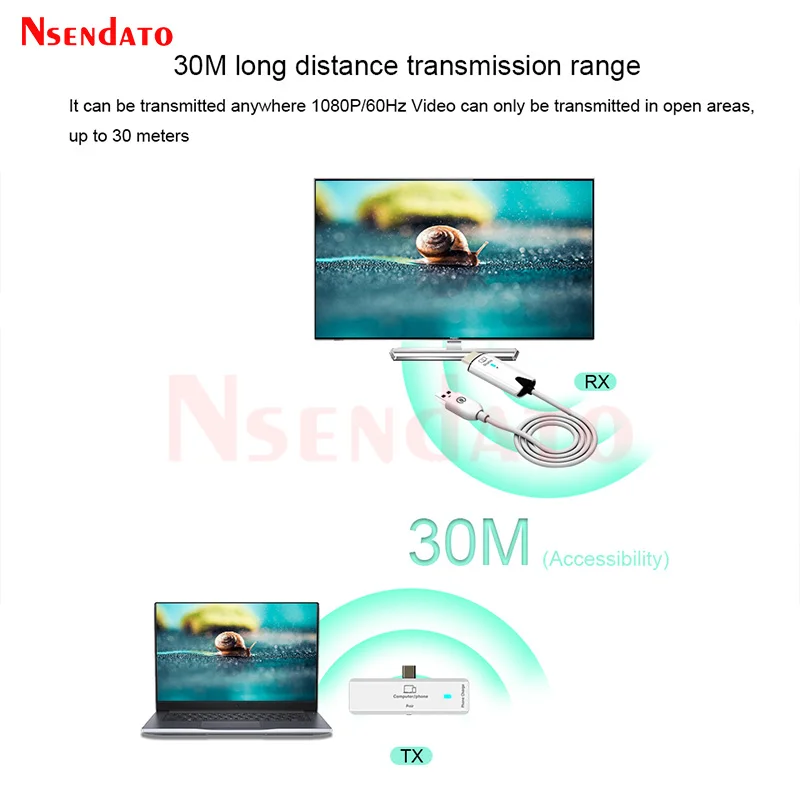
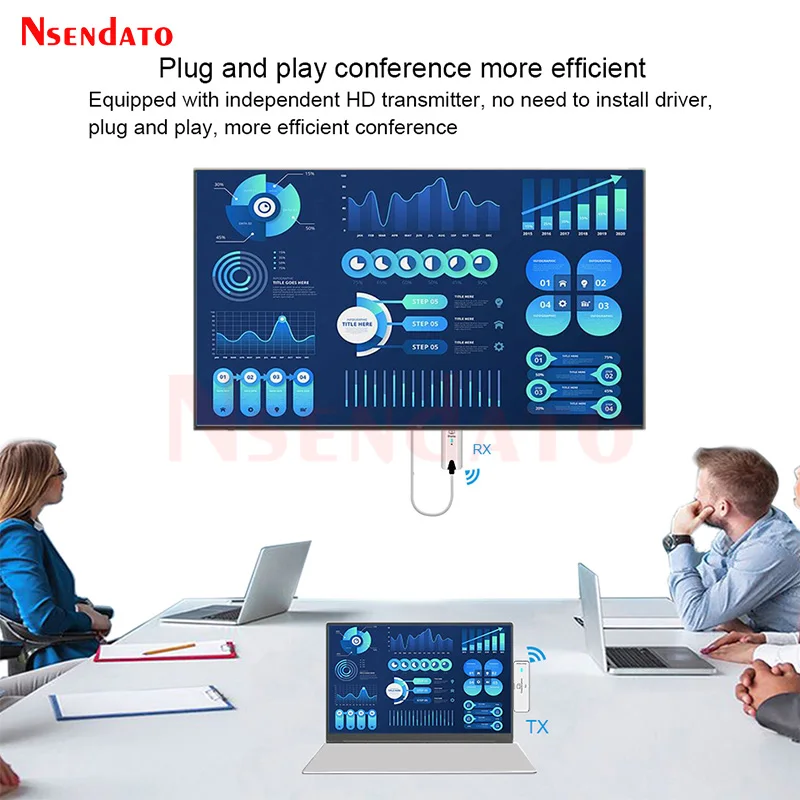
5.8G 30M Wireless HDMI Extender 1080P HDMI Video Transmitter Receiver Share screen Display TV Stick Dongle Adapter For TV PC
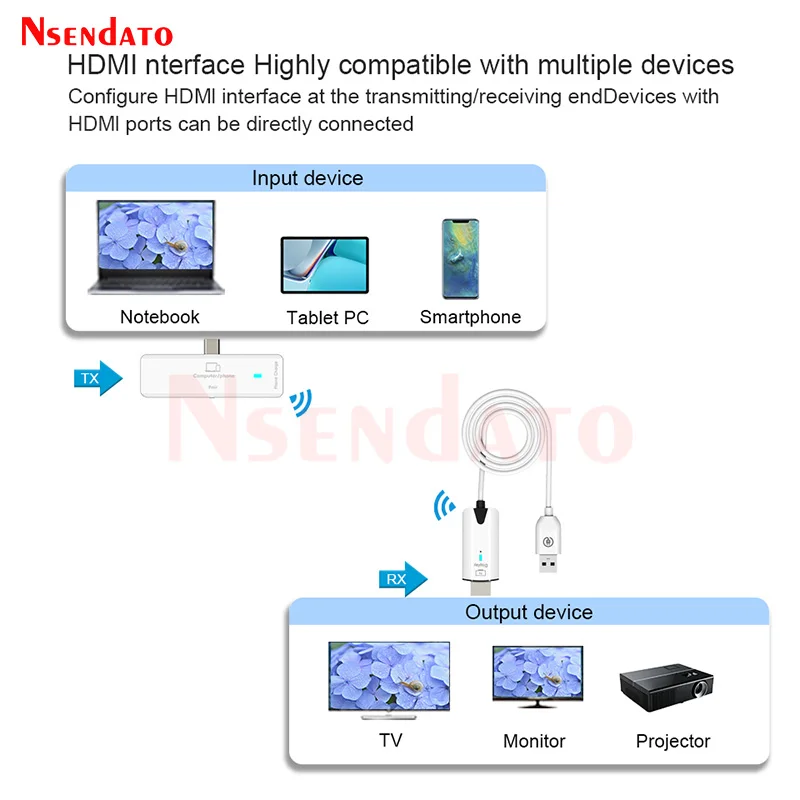
<div class="detailmodule_html"><div class="detail-desc-decorate-richtext"><p><dada-widget:video id="5000227552393" src="https://ae01.alicdn.com/kf/S0503640204e74c4ea460ca5af4c9d355X.jpg" type="custom"></dada-widget:video><kse:widget data-widget-type="customText" id="22569421" title="undefined" type="custom"></kse:widget></p><p><span style="font-family:'arial, helvetica, sans-serif';"><span style="font-size:16px;">5.8G 30M Wireless HDMI Extender 1080P HDMI Video Transmitter Receiver Share screen Display TV Stick Dongle Adapter For TV PC</span></span></p><div class="detailmodule_html"><div class="detail-desc-decorate-richtext"><p><span style="color:#D33115;font-size:16px;font-family:arial, helvetica, sans-serif;"><strong></strong></span></p><div><span style="color:rgba(211,49,21,255);font-size:16px;font-family:arial, helvetica, sans-serif;"><strong>Noted:the mobile screen projector requires the phone to support DP protocol,and laptops with Type-C interfaces are compatible</strong></span><span style="font-size:16px;font-family:arial, helvetica, sans-serif;"> </span></div><div><span style="font-size:16px;font-family:arial, helvetica, sans-serif;"> </span></div><div> </div><div><span style="font-size:16px;font-family:arial, helvetica, sans-serif;">Installation steps: </span></div><div><span style="font-size:16px;font-family:arial, helvetica, sans-serif;">1.Connect the receiver HDMI and USB ports of the wireless transmitter to the TV or projector Display equipment </span></div><div><span style="font-size:16px;font-family:arial, helvetica, sans-serif;">2.Connect the Type-C male port on the transmitter to a signal source such as a laptop or mobile phone </span></div><div><span style="font-size:16px;font-family:arial, helvetica, sans-serif;">3.After the connection is complete,the blue light at the transmitting end blinks first,and becomes steady on after the connection is successful,and an image appears on the screen </span></div><div><span style="font-size:16px;font-family:arial, helvetica, sans-serif;">4.During the screen projection process,you can press the Pair/Reset button on the transmitter to stop Mirror or restart the mirror </span></div><div><span style="font-size:16px;font-family:arial, helvetica, sans-serif;">5.In the process of screen projection,the transmitter can only charge the phone </span></div><div><span style="font-size:16px;font-family:arial, helvetica, sans-serif;"> </span></div><div> </div><div><span style="font-size:16px;font-family:arial, helvetica, sans-serif;">Note: </span></div><div><span style="font-size:16px;font-family:arial, helvetica, sans-serif;">1.Equipment operating temperature:50 degrees left stone,normal temperature does not affect Use </span></div><div><span style="font-size:16px;font-family:arial, helvetica, sans-serif;">2.The equipment has been paired before leaving the factory,In the case that it cannot be used,it will be heavy again New pair </span></div><div><span style="font-size:16px;font-family:arial, helvetica, sans-serif;">3.The receiving end light is always on and does not flash. </span></div><div><span style="font-size:16px;font-family:arial, helvetica, sans-serif;"> </span></div><div> </div><div><span style="font-size:16px;font-family:arial, helvetica, sans-serif;">Package(full set): </span></div><div><span style="font-size:16px;font-family:arial, helvetica, sans-serif;">Transmitter </span></div><div><span style="font-size:16px;font-family:arial, helvetica, sans-serif;">Receiver </span></div><div><span style="font-size:16px;font-family:arial, helvetica, sans-serif;">Manual</span></div><div></div><div></div><div class="detailmodule_html"><div class="detail-desc-decorate-richtext"><div style="font-size:13px;margin:0px;padding:0px 0px 0px 0em;margin:0px;padding-top:0px;padding-right:0px;padding-bottom:0px;"><div></div><div></div><div></div><div></div><div></div><div></div><div></div><div></div><div></div><div></div><div></div><div></div><div></div><div><br></div></div></div></div><div><kse:widget data-widget-type="customText" id="1005000001165679" title="undefined" type="custom"></kse:widget><br></div></div></div><br></div></div>
$82.49
$63.17
- Category : Consumer Electronics
- Brand : nsendato_office_store_store Nsendato Office Store Store
Colors
Sizes
-
+

<div class="detailmodule_html"><div class="detail-desc-decorate-richtext"><p><dada-widget:video id="5000227552393" src="https://ae01.alicdn.com/kf/S0503640204e74c4ea460ca5af4c9d355X.jpg" type="custom"></dada-widget:video><kse:widget data-widget-type="customText" id="22569421" title="undefined" type="custom"></kse:widget></p><p><span style="font-family:'arial, helvetica, sans-serif';"><span style="font-size:16px;">5.8G 30M Wireless HDMI Extender 1080P HDMI Video Transmitter Receiver Share screen Display TV Stick Dongle Adapter For TV PC</span></span></p><div class="detailmodule_html"><div class="detail-desc-decorate-richtext"><p><span style="color:#D33115;font-size:16px;font-family:arial, helvetica, sans-serif;"><strong></strong></span></p><div><span style="color:rgba(211,49,21,255);font-size:16px;font-family:arial, helvetica, sans-serif;"><strong>Noted:the mobile screen projector requires the phone to support DP protocol,and laptops with Type-C interfaces are compatible</strong></span><span style="font-size:16px;font-family:arial, helvetica, sans-serif;"> </span></div><div><span style="font-size:16px;font-family:arial, helvetica, sans-serif;"> </span></div><div> </div><div><span style="font-size:16px;font-family:arial, helvetica, sans-serif;">Installation steps: </span></div><div><span style="font-size:16px;font-family:arial, helvetica, sans-serif;">1.Connect the receiver HDMI and USB ports of the wireless transmitter to the TV or projector Display equipment </span></div><div><span style="font-size:16px;font-family:arial, helvetica, sans-serif;">2.Connect the Type-C male port on the transmitter to a signal source such as a laptop or mobile phone </span></div><div><span style="font-size:16px;font-family:arial, helvetica, sans-serif;">3.After the connection is complete,the blue light at the transmitting end blinks first,and becomes steady on after the connection is successful,and an image appears on the screen </span></div><div><span style="font-size:16px;font-family:arial, helvetica, sans-serif;">4.During the screen projection process,you can press the Pair/Reset button on the transmitter to stop Mirror or restart the mirror </span></div><div><span style="font-size:16px;font-family:arial, helvetica, sans-serif;">5.In the process of screen projection,the transmitter can only charge the phone </span></div><div><span style="font-size:16px;font-family:arial, helvetica, sans-serif;"> </span></div><div> </div><div><span style="font-size:16px;font-family:arial, helvetica, sans-serif;">Note: </span></div><div><span style="font-size:16px;font-family:arial, helvetica, sans-serif;">1.Equipment operating temperature:50 degrees left stone,normal temperature does not affect Use </span></div><div><span style="font-size:16px;font-family:arial, helvetica, sans-serif;">2.The equipment has been paired before leaving the factory,In the case that it cannot be used,it will be heavy again New pair </span></div><div><span style="font-size:16px;font-family:arial, helvetica, sans-serif;">3.The receiving end light is always on and does not flash. </span></div><div><span style="font-size:16px;font-family:arial, helvetica, sans-serif;"> </span></div><div> </div><div><span style="font-size:16px;font-family:arial, helvetica, sans-serif;">Package(full set): </span></div><div><span style="font-size:16px;font-family:arial, helvetica, sans-serif;">Transmitter </span></div><div><span style="font-size:16px;font-family:arial, helvetica, sans-serif;">Receiver </span></div><div><span style="font-size:16px;font-family:arial, helvetica, sans-serif;">Manual</span></div><div></div><div></div><div class="detailmodule_html"><div class="detail-desc-decorate-richtext"><div style="font-size:13px;margin:0px;padding:0px 0px 0px 0em;margin:0px;padding-top:0px;padding-right:0px;padding-bottom:0px;"><div></div><div></div><div></div><div></div><div></div><div></div><div></div><div></div><div></div><div></div><div></div><div></div><div></div><div><br></div></div></div></div><div><kse:widget data-widget-type="customText" id="1005000001165679" title="undefined" type="custom"></kse:widget><br></div></div></div><br></div></div>
Related Product
Browse The Collection of Top Products.