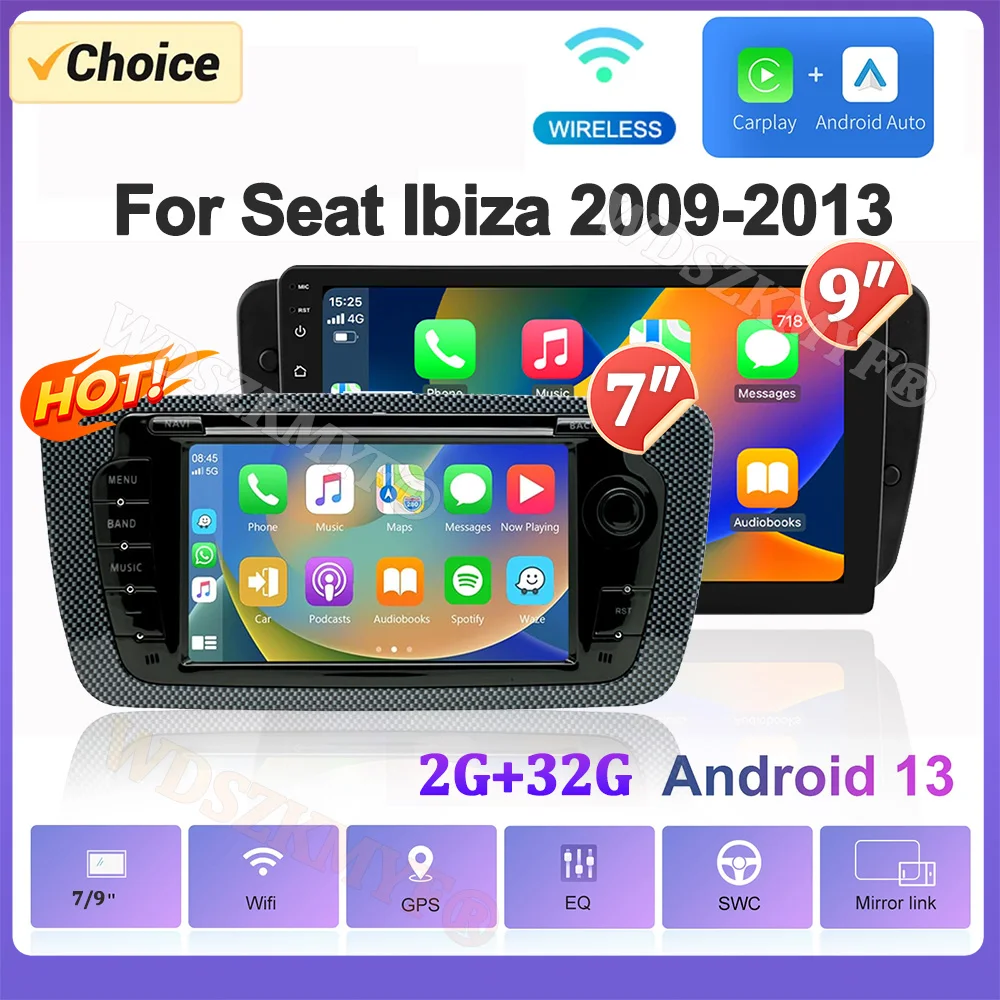
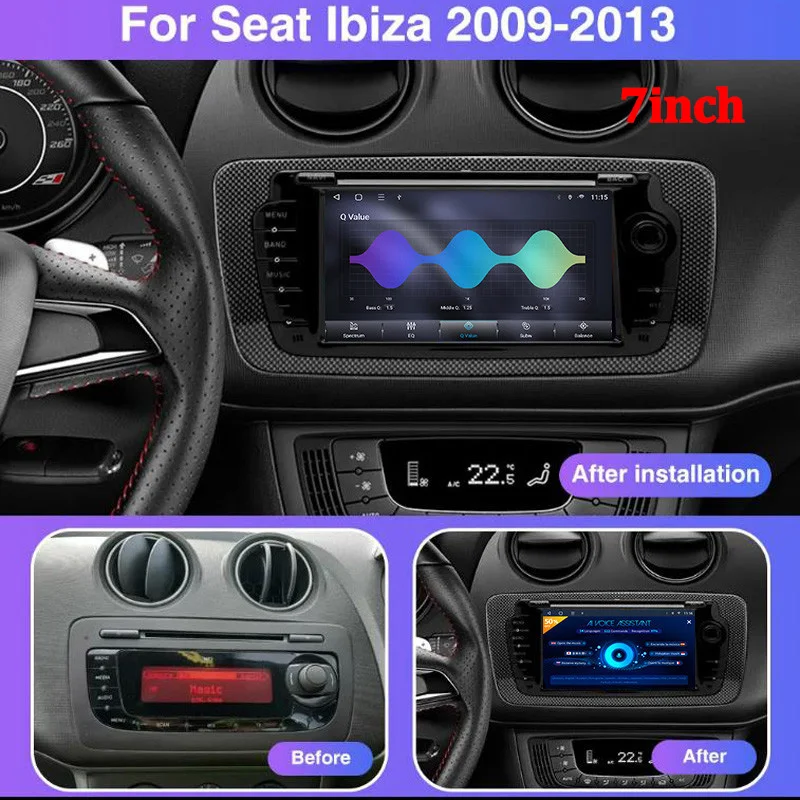
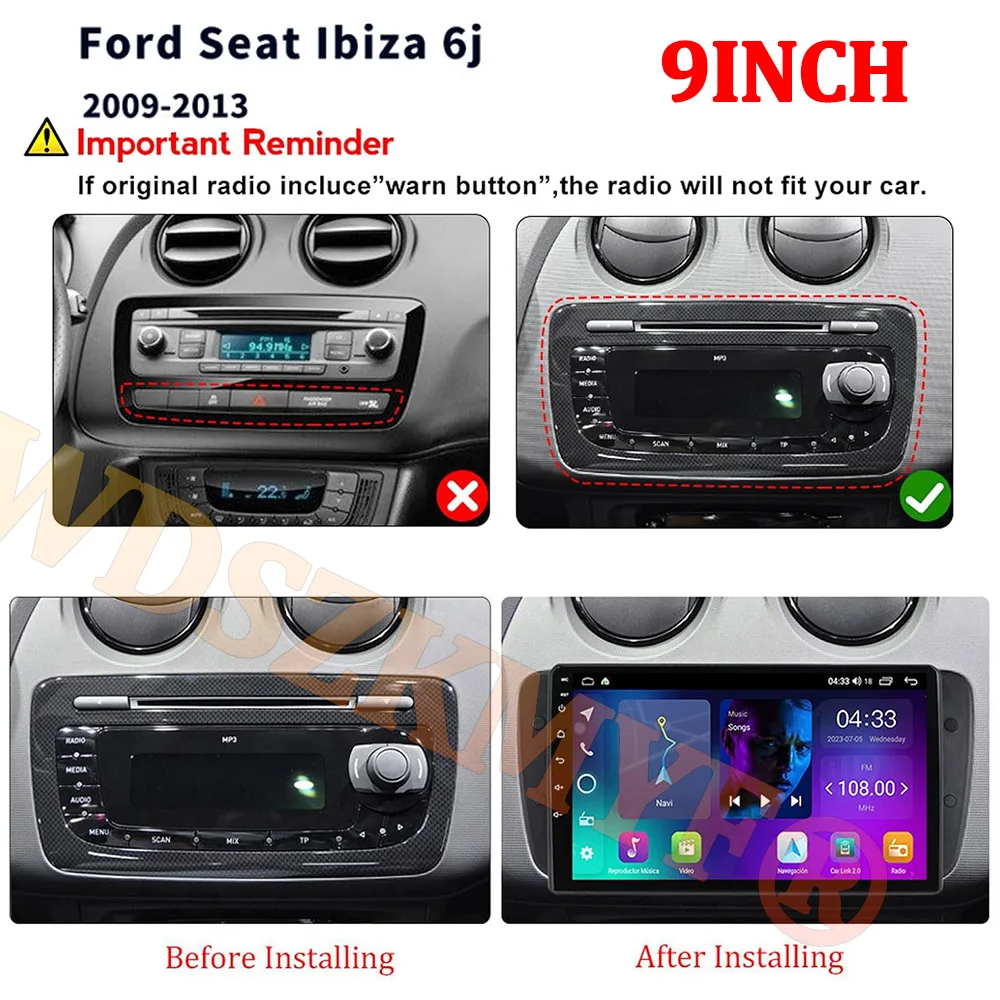
7inch 9inch Android Car Radio for Seat Ibiza MK4 6J 2009-2013 Multimedia Player CarPlay Android Auto GPS WIFI Car Head Unit
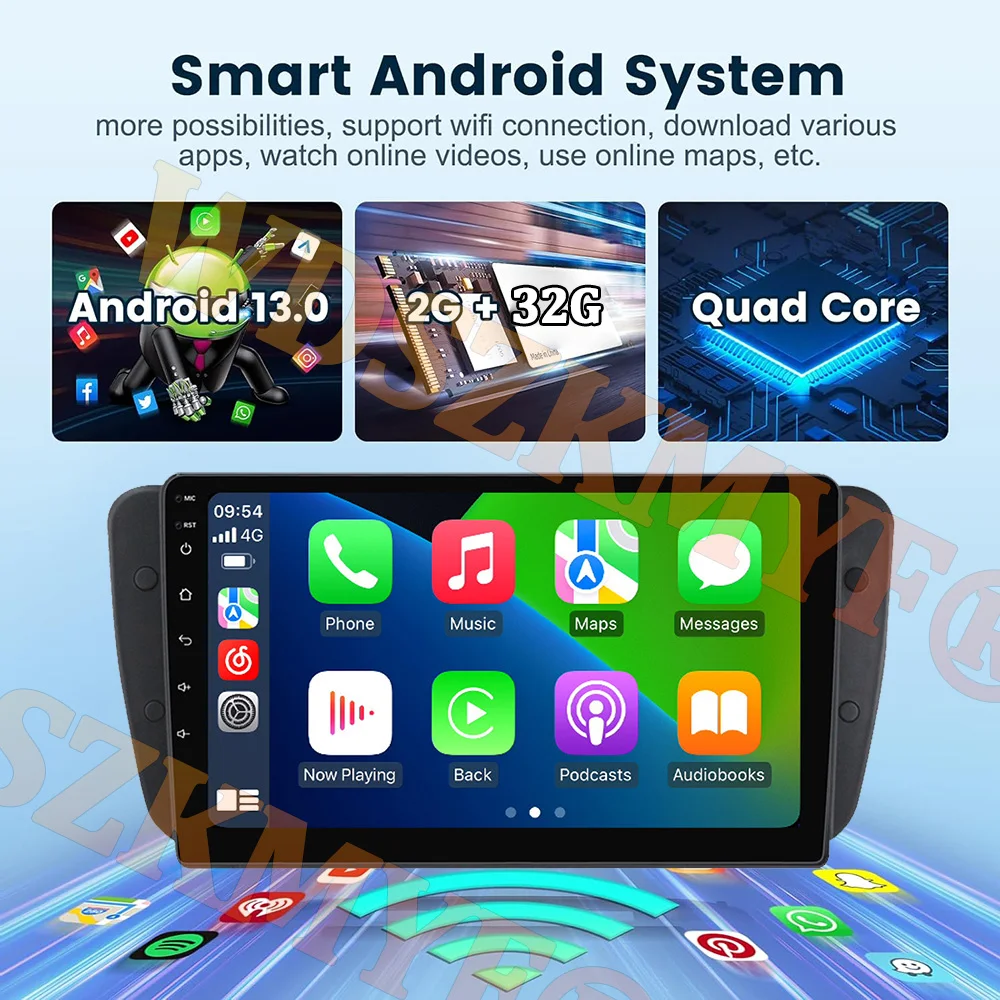
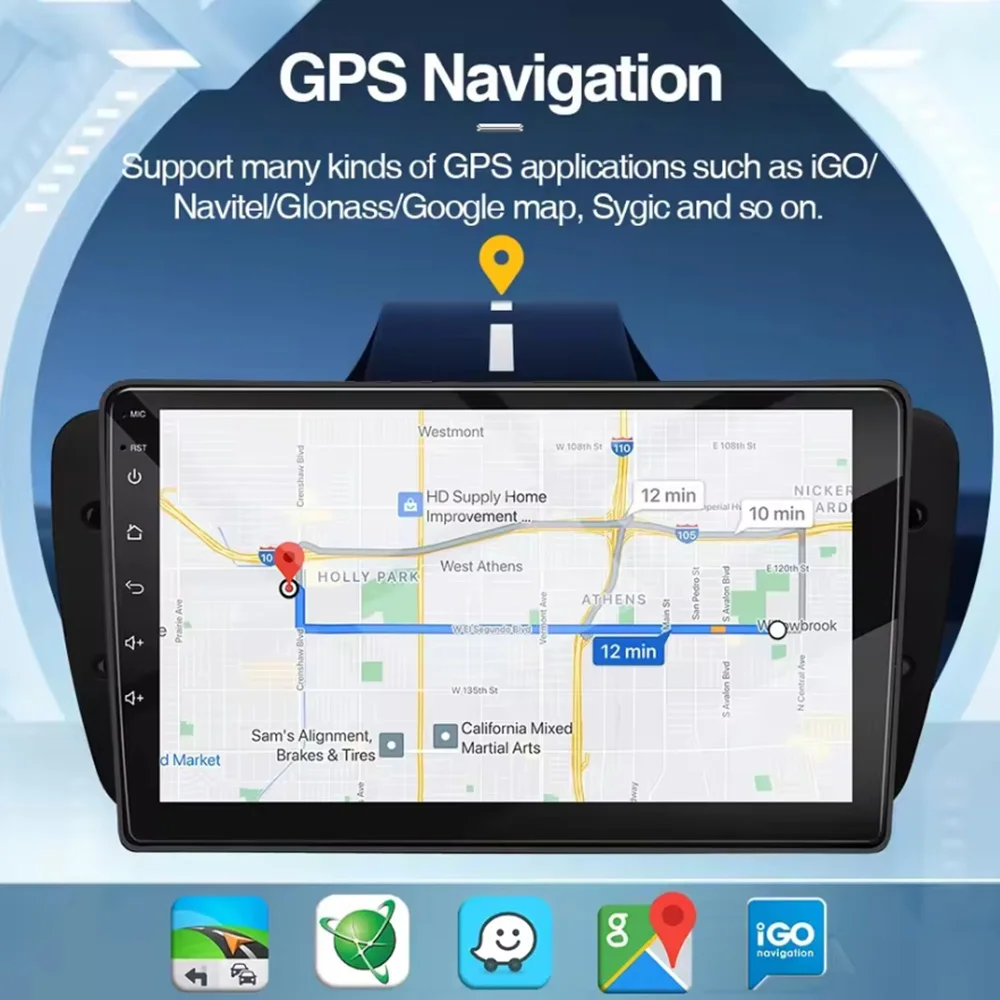
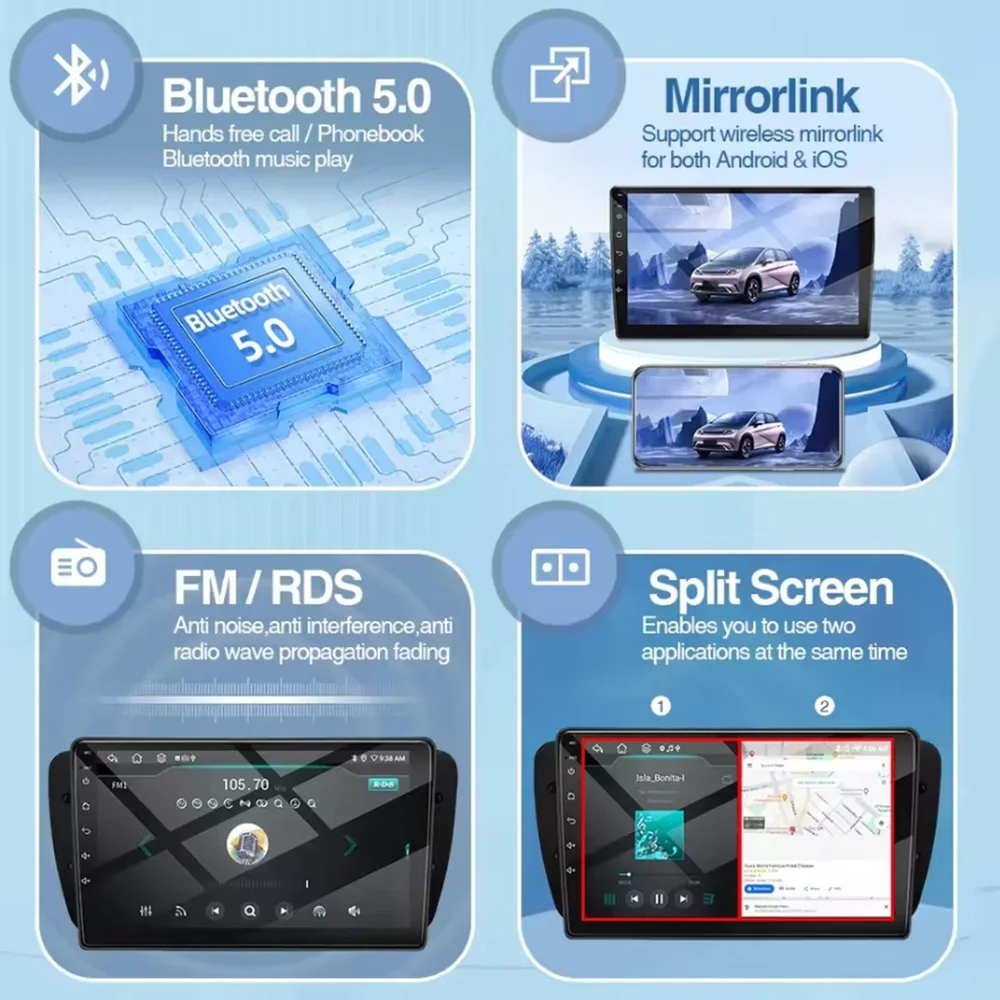
<br/><br/><p><div class="detailmodule_media"><div class="video-container-5000227978577"><div class="detail-video" id="5000227978577" data-previewurl="https://ae01.alicdn.com/kf/Sfc466ccdc74d4f30b394e1cb4f193f51O.jpg"></div></div></div></p><br/><div class="detailmodule_text"><p style="font-size:24px">We have two sizes to choose from:<br/>X430 is 7 inch, the shell is original car one piece style, very texture!<br/>X440 is 9 inch, larger screen for those who like big screen!<br/>Both fit Seat 2009~2013 models, not 2014 and later!</p></div><div class="detailmodule_image"></div><div class="detailmodule_text"><p style="font-size:24px;font-weight:bold;color:rgb(0, 0, 0)">for Seat Ibiza 6j 2009-2013 Function</p></div><div class="detailmodule_text"><p style="font-size:24px">Specifications:<br/>screen material:TN<br/>System:Android 13<br/>Chipset:8227L-DEMO<br/>Screen size:7'' / 9''<br/>Memory:2GB (RAM)+32GB (ROM)<br/>Mirror link:Android/IOS<br/>Radio chip:MTK<br/>Power output:4*45W<br/>Work temperature:-40℃-80℃<br/>Steering wheel control function:Support<br/>Bluetooth version:4.2<br/>Radio Band:FM/RDS<br/>Video output:Support<br/>Maps:Built-in offline maps<br/>WIFI:Support<br/>USB:Three USB interface<br/>Audio format:APE/FLAC/WAV/MP3/WMA etc<br/>Video format:MKV/RMVB/AVI/MP4/MDV etc<br/>Picture format:PNG/JPEG/JPG/GIF/WBMP/BNP etc<br/>Factory setting keyword:1234<br/>Language:Chinese/English/French/Italian/Korean/Japanese/Arabic/Spanish/Portuguese/Russian/Turkish/Vietnam</p></div><div class="detailmodule_image"></div><div class="detailmodule_image"></div><div class="detailmodule_image"></div><div class="detailmodule_text"><p style="font-family:OpenSans;font-size:20px;font-weight:900;line-height:28px;white-space:pre-wrap;color:rgb(0, 0, 0);margin-bottom:12px" class="detail-desc-decorate-title">WIFI & APP</p><p style="font-weight:bold;color:rgb(0, 0, 0)">Various applications are preinstalled or can be installed in the device, make the device more functional and more enjoyable.</p></div><div class="detailmodule_image"></div><div class="detailmodule_text"><p style="color:rgb(0, 0, 0)">When the car switchs to reverse gear, the screen will switch to rear view with parking lines automatically, help you reverse or park the car.</p></div><div class="detailmodule_text"><p style="color:rgb(0, 0, 0)">(The rear camera in the picture below is optional and it's better than the regular one.)</p></div><div class="detailmodule_image"></div><div class="detailmodule_text"><p style="color:rgb(0, 0, 0)">It can show 2 applications on screen at the same time, easier to operate the device. For example, the device can navigate and play music at the same time when splitting screen.</p></div><div class="detailmodule_image"></div><div class="detailmodule_text"><p style="color:rgb(0, 0, 0)">When the car radio is connected with ADAS video recorder, it will make Advanced Driving Assistance System work, and will warn you if your car is too close to front vehicle or if your car deviates from the lane, to help your driving safer and easier.</p></div><div class="detailmodule_image"></div><div class="detailmodule_image"></div><div class="detailmodule_text"><p style="color:rgb(0, 0, 0)">Warm and important tips:</p></div><div class="detailmodule_text"><p style="color:rgb(0, 0, 0)">A. How to set up the steering wheel controls</p></div><div class="detailmodule_text"><p style="color:rgb(0, 0, 0)">>WIFI versions</p></div><div class="detailmodule_text"><p style="color:rgb(0, 0, 0)">Setting--car infotainment--SWC--click clearall first ---then click the icons. When it flashes, press the button on the steering wheel to match the icon. After learning successfully, it will change color.</p></div><div class="detailmodule_text"><p style="color:rgb(0, 0, 0)">A. How to connect the rear camera ?</p></div><div class="detailmodule_text"><p style="color:rgb(0, 0, 0)">1) red cable ① is connected to the backup light "+";</p></div><div class="detailmodule_text"><p style="color:rgb(0, 0, 0)">2) black cable ② is connected to the backup light "-";</p></div><div class="detailmodule_text"><p style="color:rgb(0, 0, 0)">3) the reversing detection cable ④(Brown color) is connected to the red cable ③ which extending from the video input cable;</p></div><div class="detailmodule_image"></div><div class="detailmodule_image"></div><div class="detailmodule_text"><p style="font-family:OpenSans;font-size:14px;font-weight:300;line-height:20px;white-space:pre-wrap;color:rgb(0, 0, 0);margin-bottom:12px" class="detail-desc-decorate-content">*Installation schematic is used to refer to the installation position, the physical object has been received shall prevail.</p></div><p><br/></p><br/>
$271.985
$136.985
- Category : Automobiles, Parts & Accessories
- Brand : global_car_accessories_factory_store Global Car Accessories Factory Store
Colors
Sizes
-
+

<br/><br/><p><div class="detailmodule_media"><div class="video-container-5000227978577"><div class="detail-video" id="5000227978577" data-previewurl="https://ae01.alicdn.com/kf/Sfc466ccdc74d4f30b394e1cb4f193f51O.jpg"></div></div></div></p><br/><div class="detailmodule_text"><p style="font-size:24px">We have two sizes to choose from:<br/>X430 is 7 inch, the shell is original car one piece style, very texture!<br/>X440 is 9 inch, larger screen for those who like big screen!<br/>Both fit Seat 2009~2013 models, not 2014 and later!</p></div><div class="detailmodule_image"></div><div class="detailmodule_text"><p style="font-size:24px;font-weight:bold;color:rgb(0, 0, 0)">for Seat Ibiza 6j 2009-2013 Function</p></div><div class="detailmodule_text"><p style="font-size:24px">Specifications:<br/>screen material:TN<br/>System:Android 13<br/>Chipset:8227L-DEMO<br/>Screen size:7'' / 9''<br/>Memory:2GB (RAM)+32GB (ROM)<br/>Mirror link:Android/IOS<br/>Radio chip:MTK<br/>Power output:4*45W<br/>Work temperature:-40℃-80℃<br/>Steering wheel control function:Support<br/>Bluetooth version:4.2<br/>Radio Band:FM/RDS<br/>Video output:Support<br/>Maps:Built-in offline maps<br/>WIFI:Support<br/>USB:Three USB interface<br/>Audio format:APE/FLAC/WAV/MP3/WMA etc<br/>Video format:MKV/RMVB/AVI/MP4/MDV etc<br/>Picture format:PNG/JPEG/JPG/GIF/WBMP/BNP etc<br/>Factory setting keyword:1234<br/>Language:Chinese/English/French/Italian/Korean/Japanese/Arabic/Spanish/Portuguese/Russian/Turkish/Vietnam</p></div><div class="detailmodule_image"></div><div class="detailmodule_image"></div><div class="detailmodule_image"></div><div class="detailmodule_text"><p style="font-family:OpenSans;font-size:20px;font-weight:900;line-height:28px;white-space:pre-wrap;color:rgb(0, 0, 0);margin-bottom:12px" class="detail-desc-decorate-title">WIFI & APP</p><p style="font-weight:bold;color:rgb(0, 0, 0)">Various applications are preinstalled or can be installed in the device, make the device more functional and more enjoyable.</p></div><div class="detailmodule_image"></div><div class="detailmodule_text"><p style="color:rgb(0, 0, 0)">When the car switchs to reverse gear, the screen will switch to rear view with parking lines automatically, help you reverse or park the car.</p></div><div class="detailmodule_text"><p style="color:rgb(0, 0, 0)">(The rear camera in the picture below is optional and it's better than the regular one.)</p></div><div class="detailmodule_image"></div><div class="detailmodule_text"><p style="color:rgb(0, 0, 0)">It can show 2 applications on screen at the same time, easier to operate the device. For example, the device can navigate and play music at the same time when splitting screen.</p></div><div class="detailmodule_image"></div><div class="detailmodule_text"><p style="color:rgb(0, 0, 0)">When the car radio is connected with ADAS video recorder, it will make Advanced Driving Assistance System work, and will warn you if your car is too close to front vehicle or if your car deviates from the lane, to help your driving safer and easier.</p></div><div class="detailmodule_image"></div><div class="detailmodule_image"></div><div class="detailmodule_text"><p style="color:rgb(0, 0, 0)">Warm and important tips:</p></div><div class="detailmodule_text"><p style="color:rgb(0, 0, 0)">A. How to set up the steering wheel controls</p></div><div class="detailmodule_text"><p style="color:rgb(0, 0, 0)">>WIFI versions</p></div><div class="detailmodule_text"><p style="color:rgb(0, 0, 0)">Setting--car infotainment--SWC--click clearall first ---then click the icons. When it flashes, press the button on the steering wheel to match the icon. After learning successfully, it will change color.</p></div><div class="detailmodule_text"><p style="color:rgb(0, 0, 0)">A. How to connect the rear camera ?</p></div><div class="detailmodule_text"><p style="color:rgb(0, 0, 0)">1) red cable ① is connected to the backup light "+";</p></div><div class="detailmodule_text"><p style="color:rgb(0, 0, 0)">2) black cable ② is connected to the backup light "-";</p></div><div class="detailmodule_text"><p style="color:rgb(0, 0, 0)">3) the reversing detection cable ④(Brown color) is connected to the red cable ③ which extending from the video input cable;</p></div><div class="detailmodule_image"></div><div class="detailmodule_image"></div><div class="detailmodule_text"><p style="font-family:OpenSans;font-size:14px;font-weight:300;line-height:20px;white-space:pre-wrap;color:rgb(0, 0, 0);margin-bottom:12px" class="detail-desc-decorate-content">*Installation schematic is used to refer to the installation position, the physical object has been received shall prevail.</p></div><p><br/></p><br/>
Related Product
Browse The Collection of Top Products.