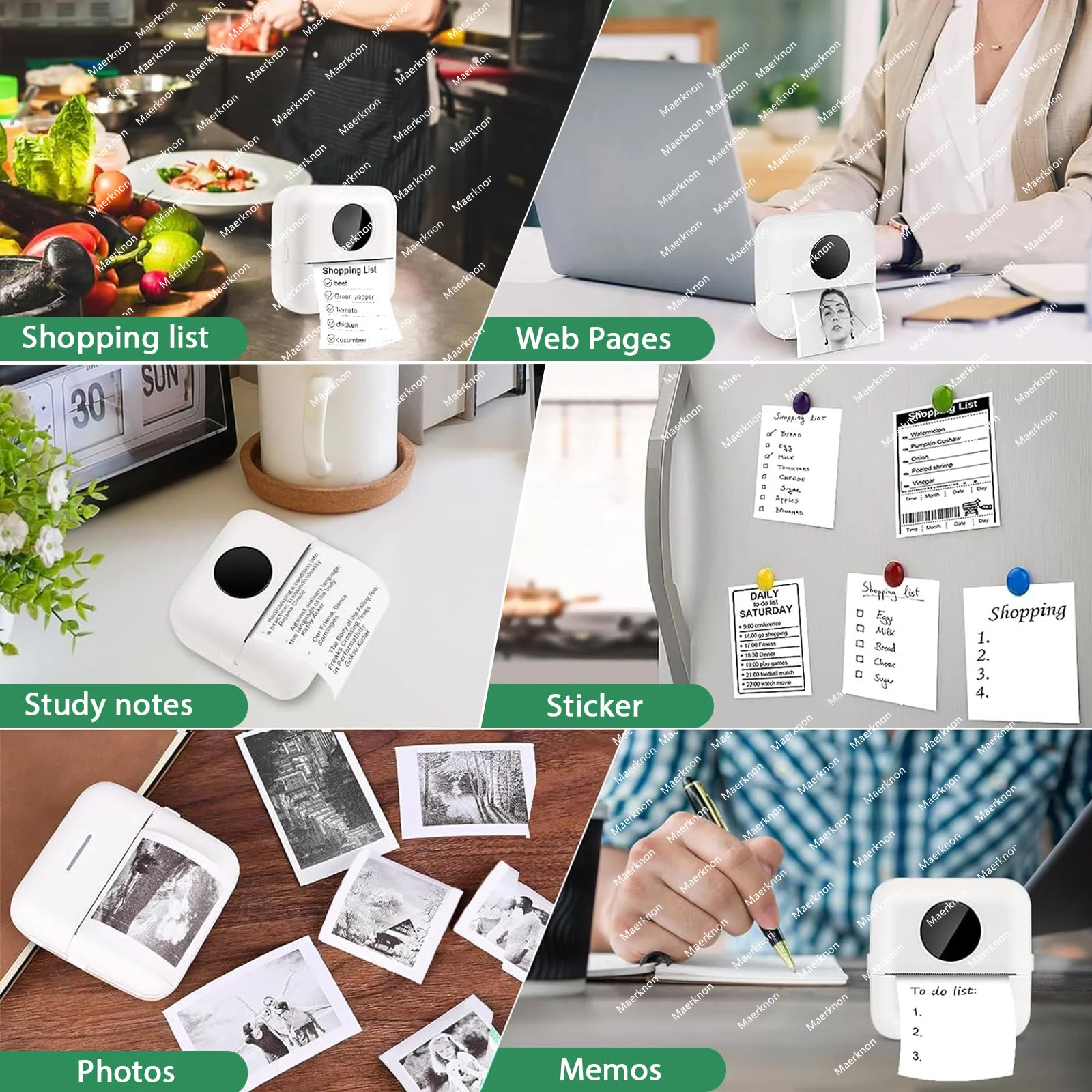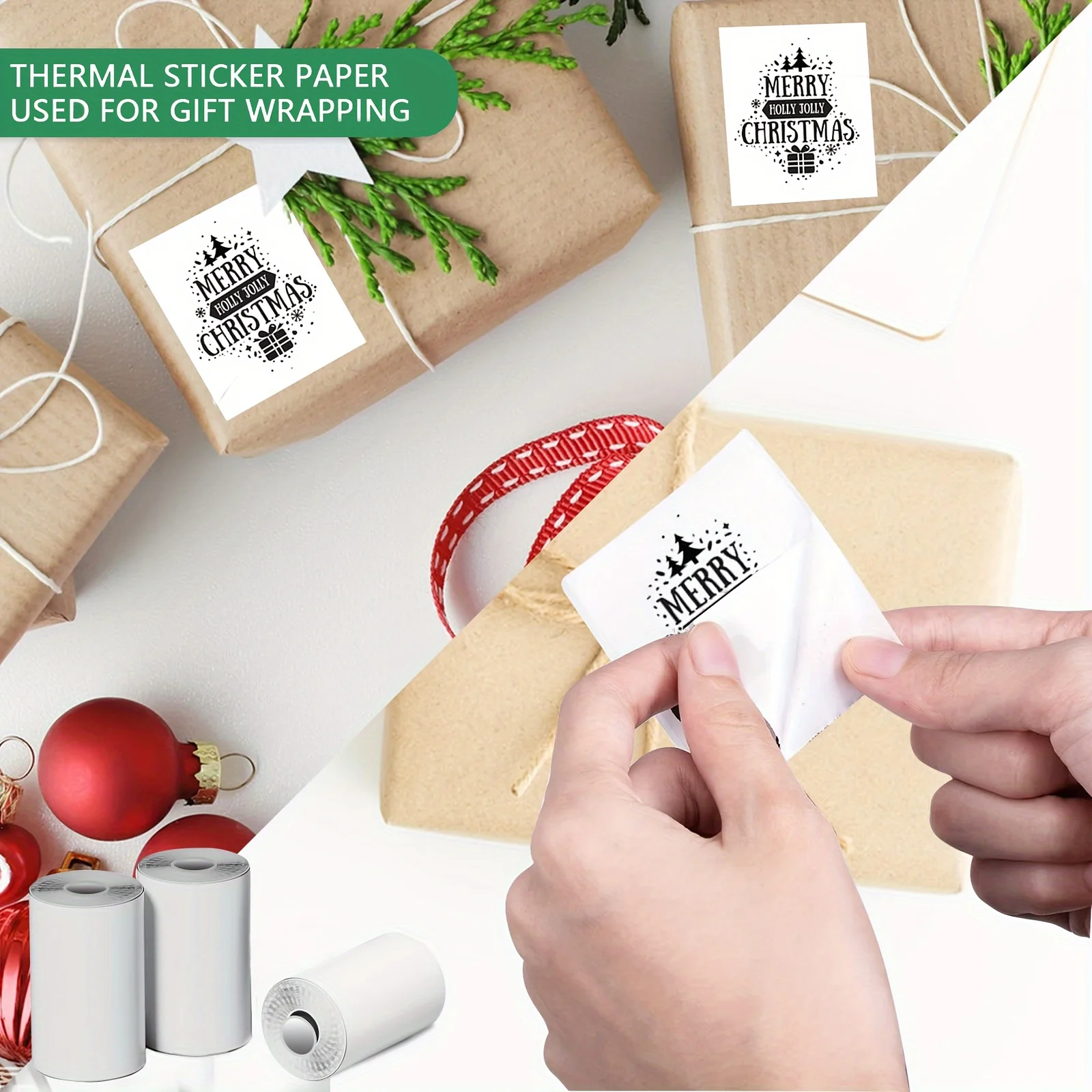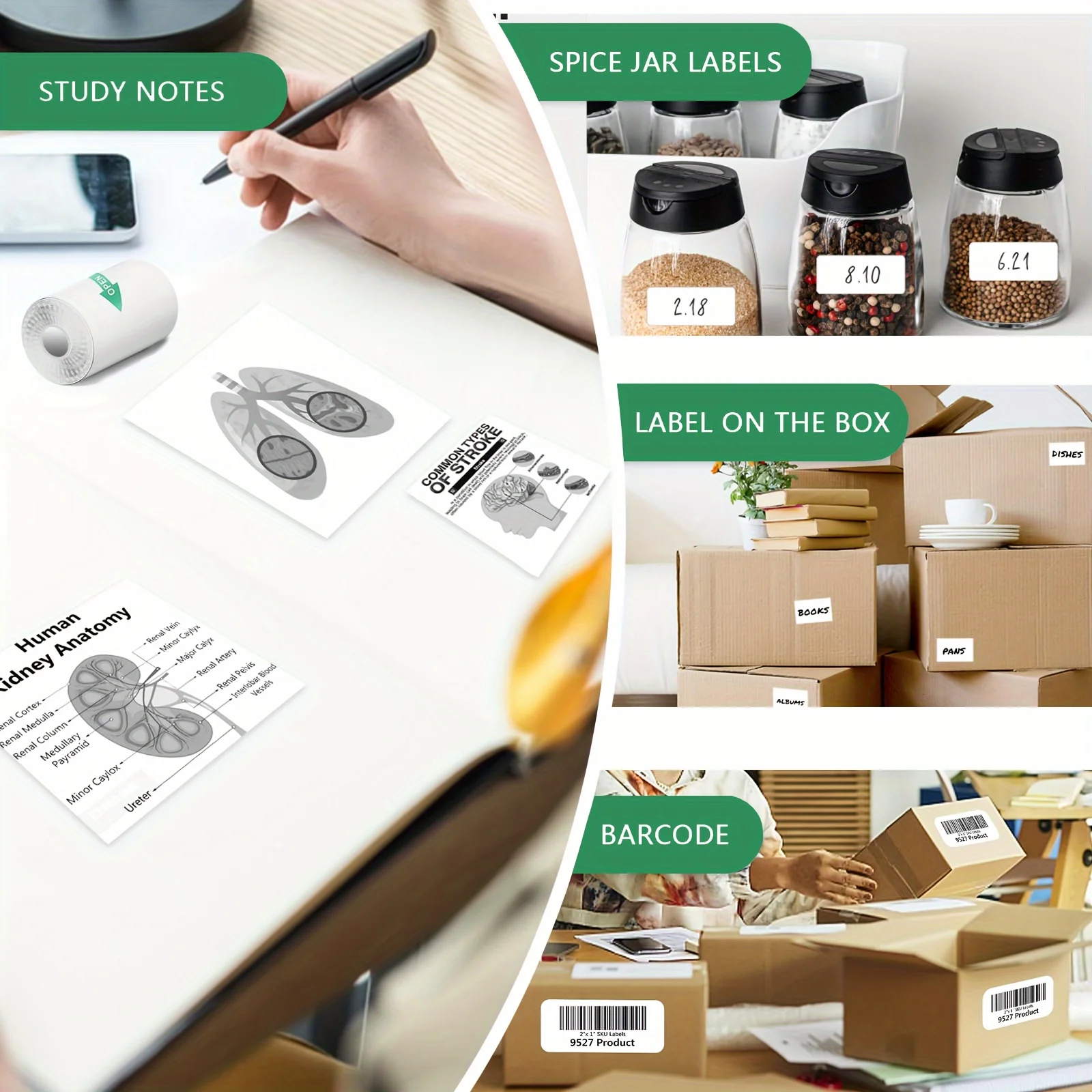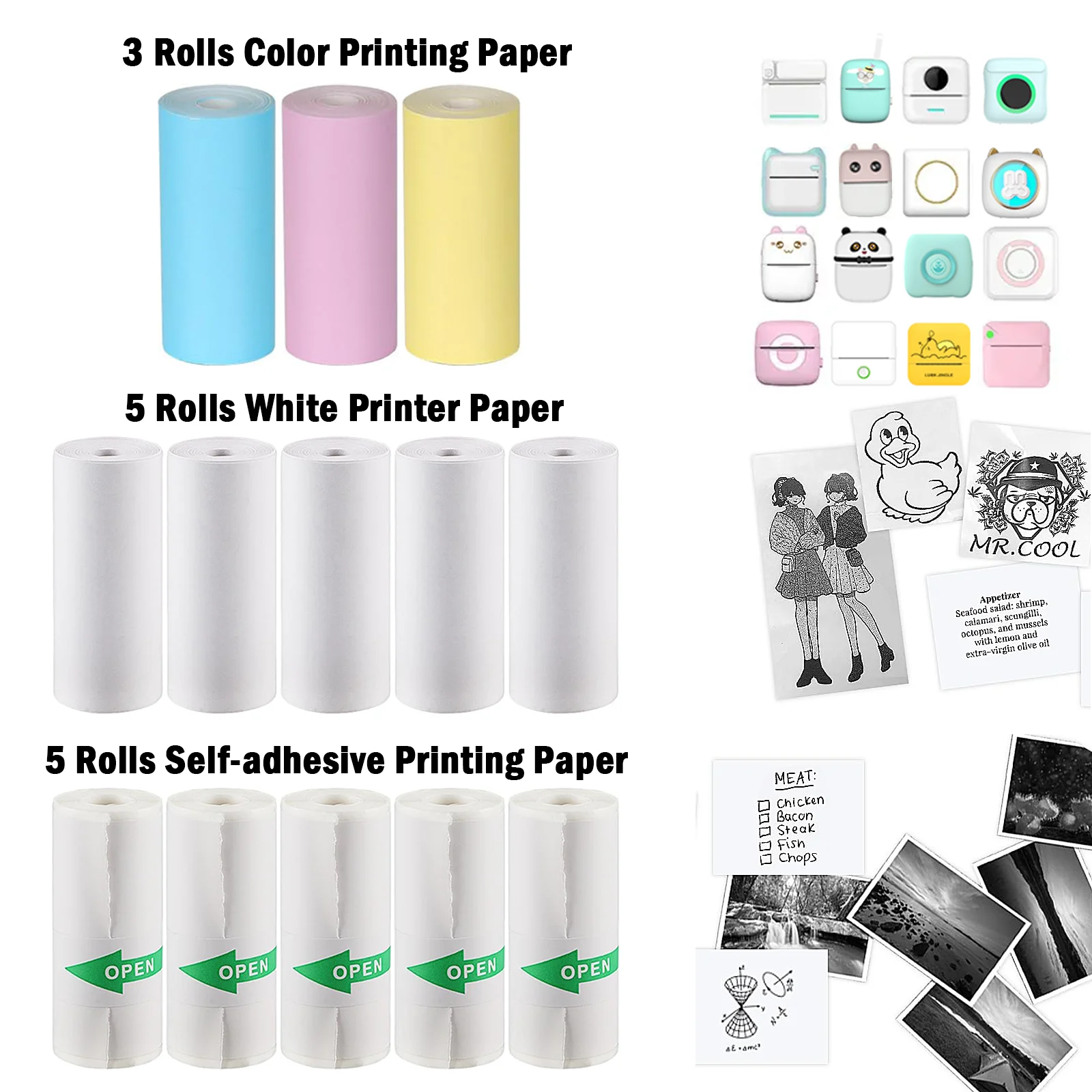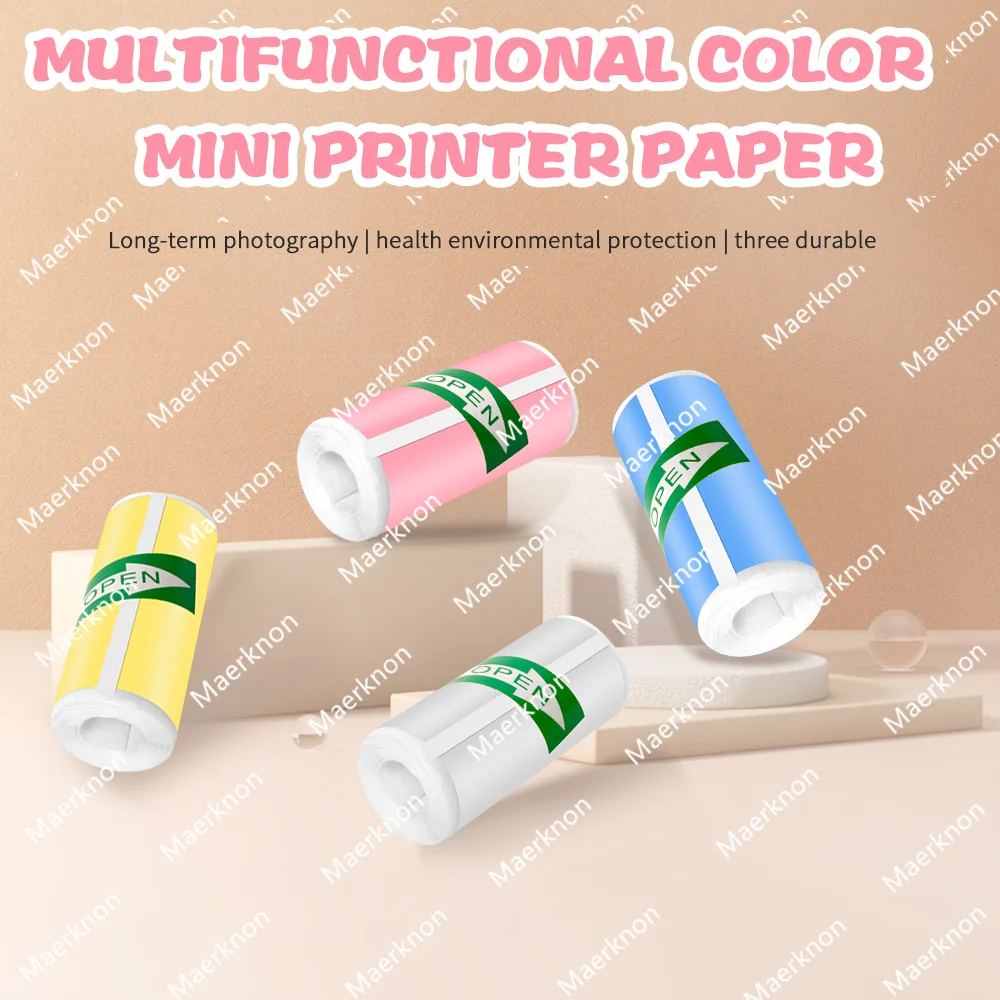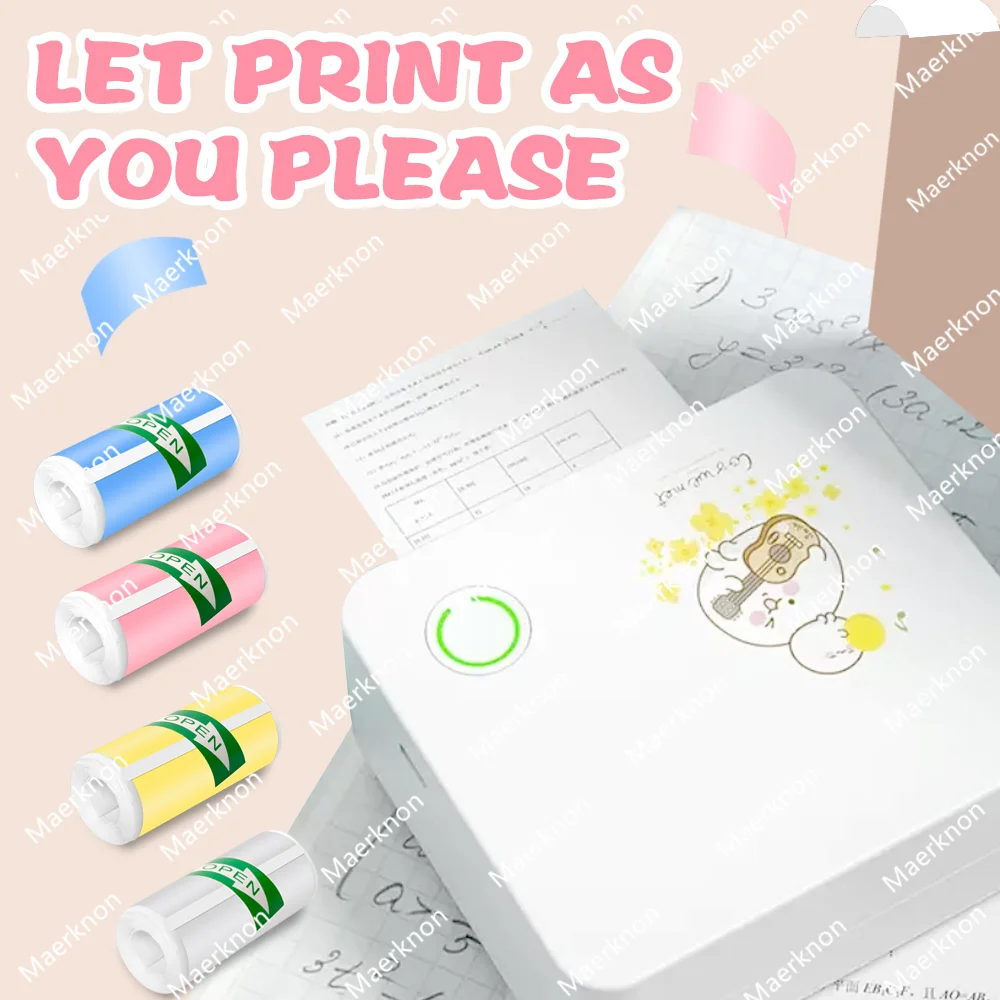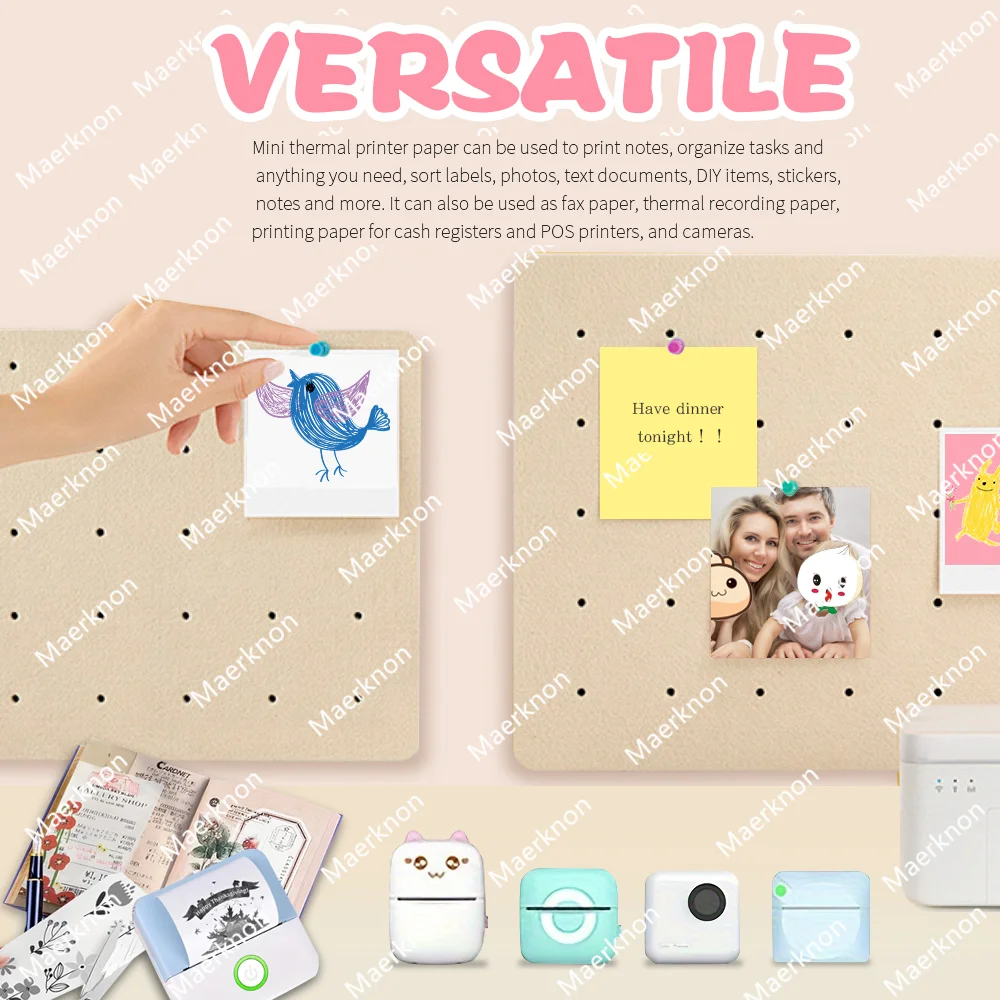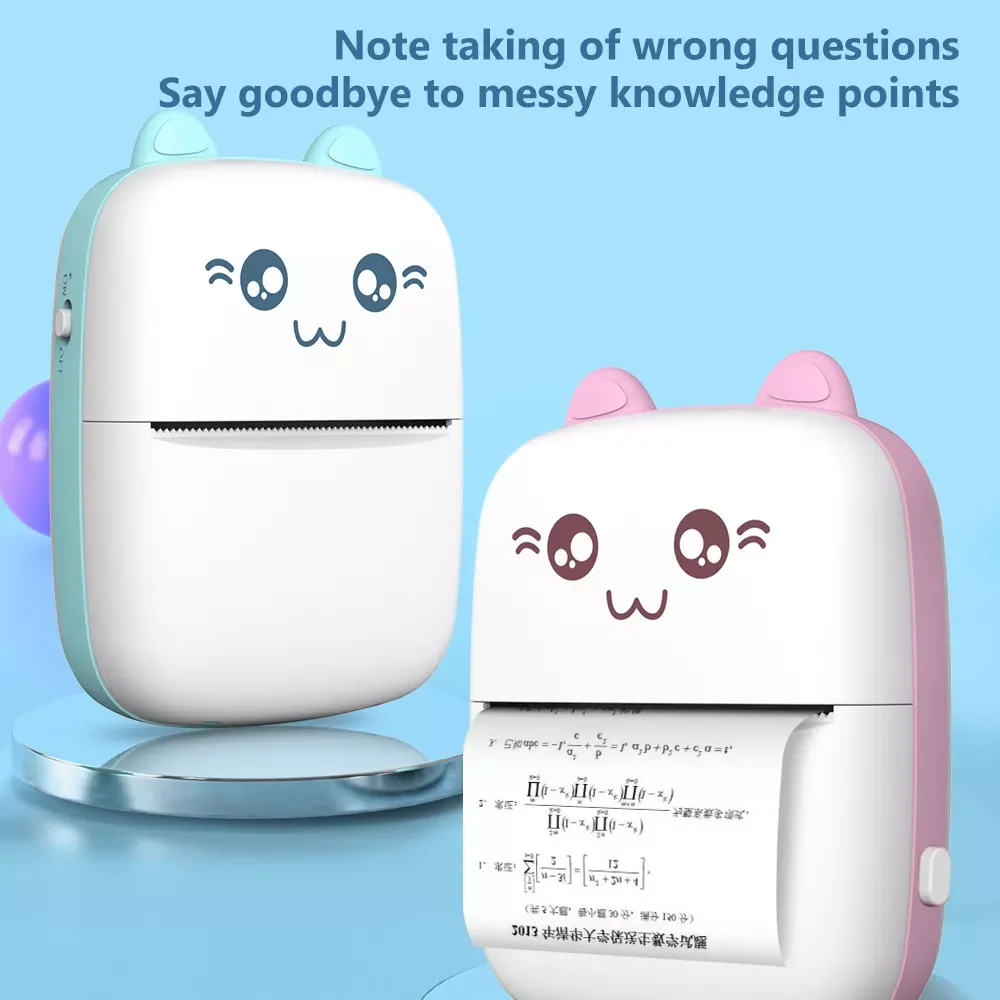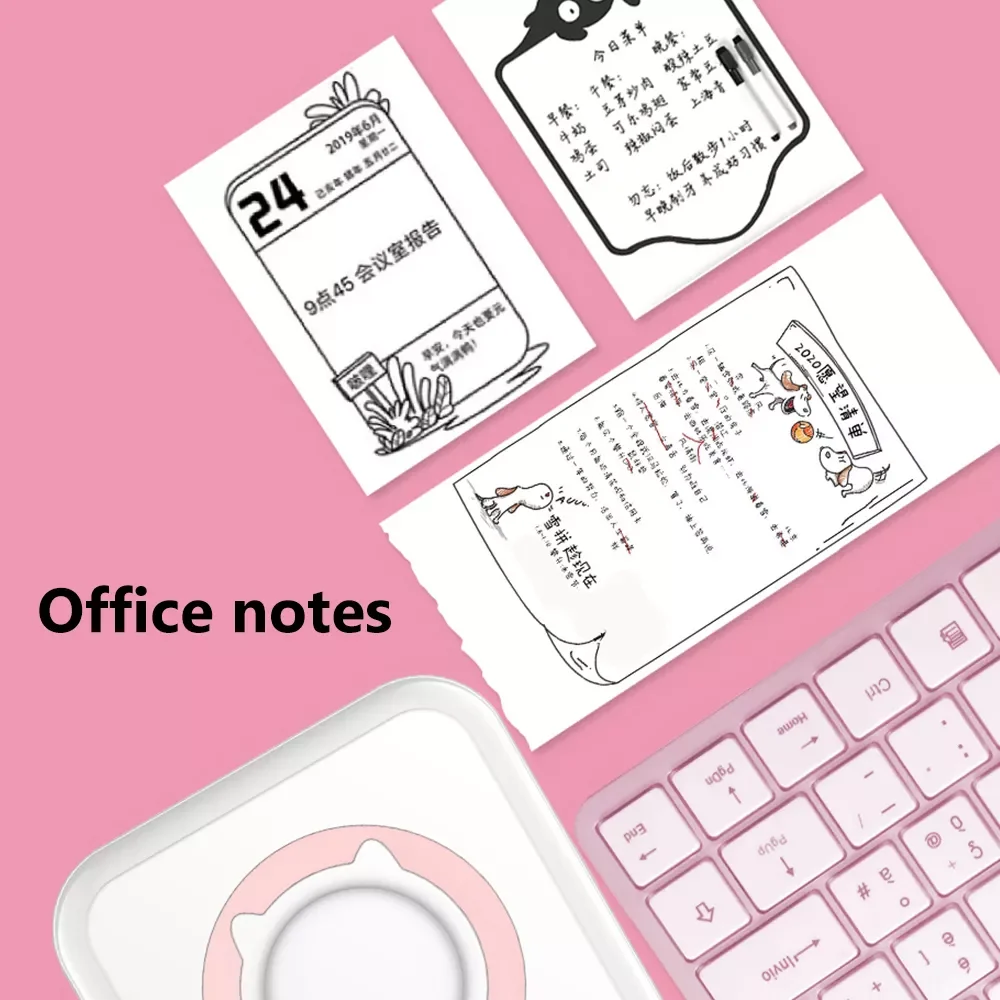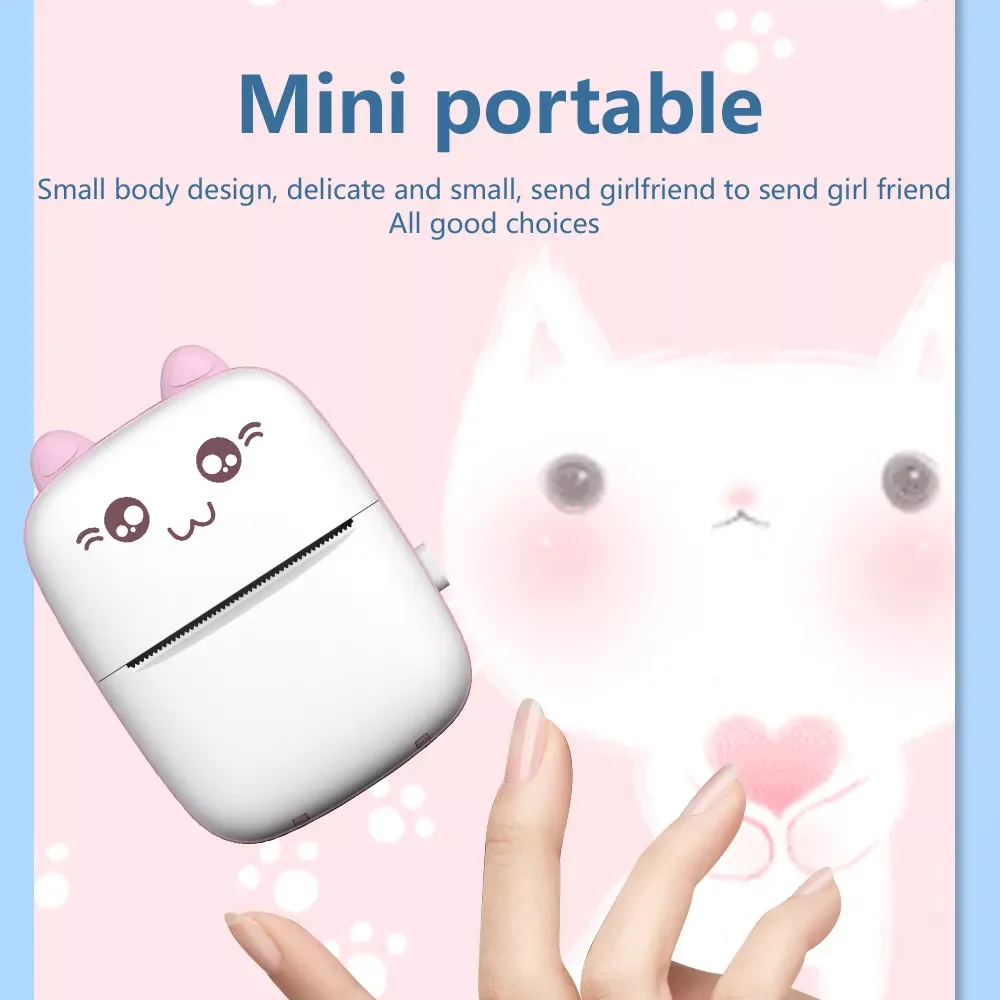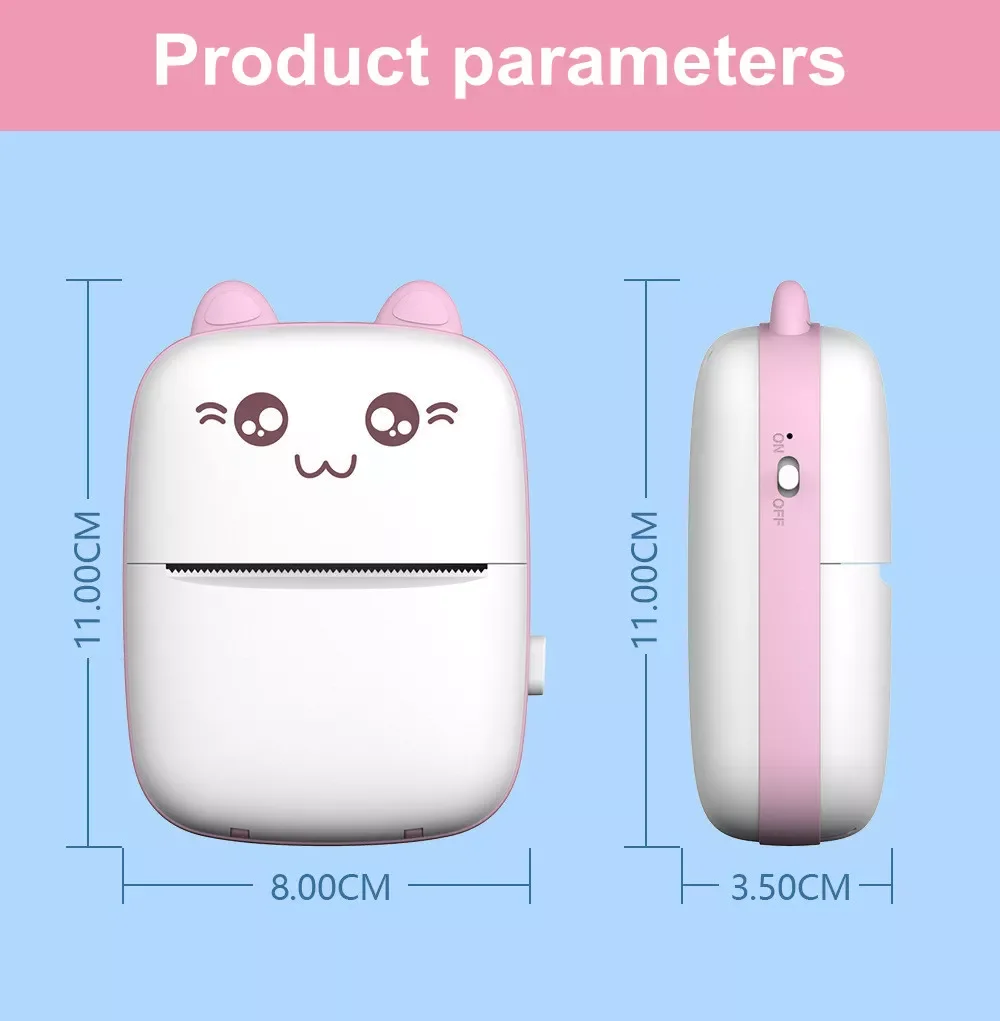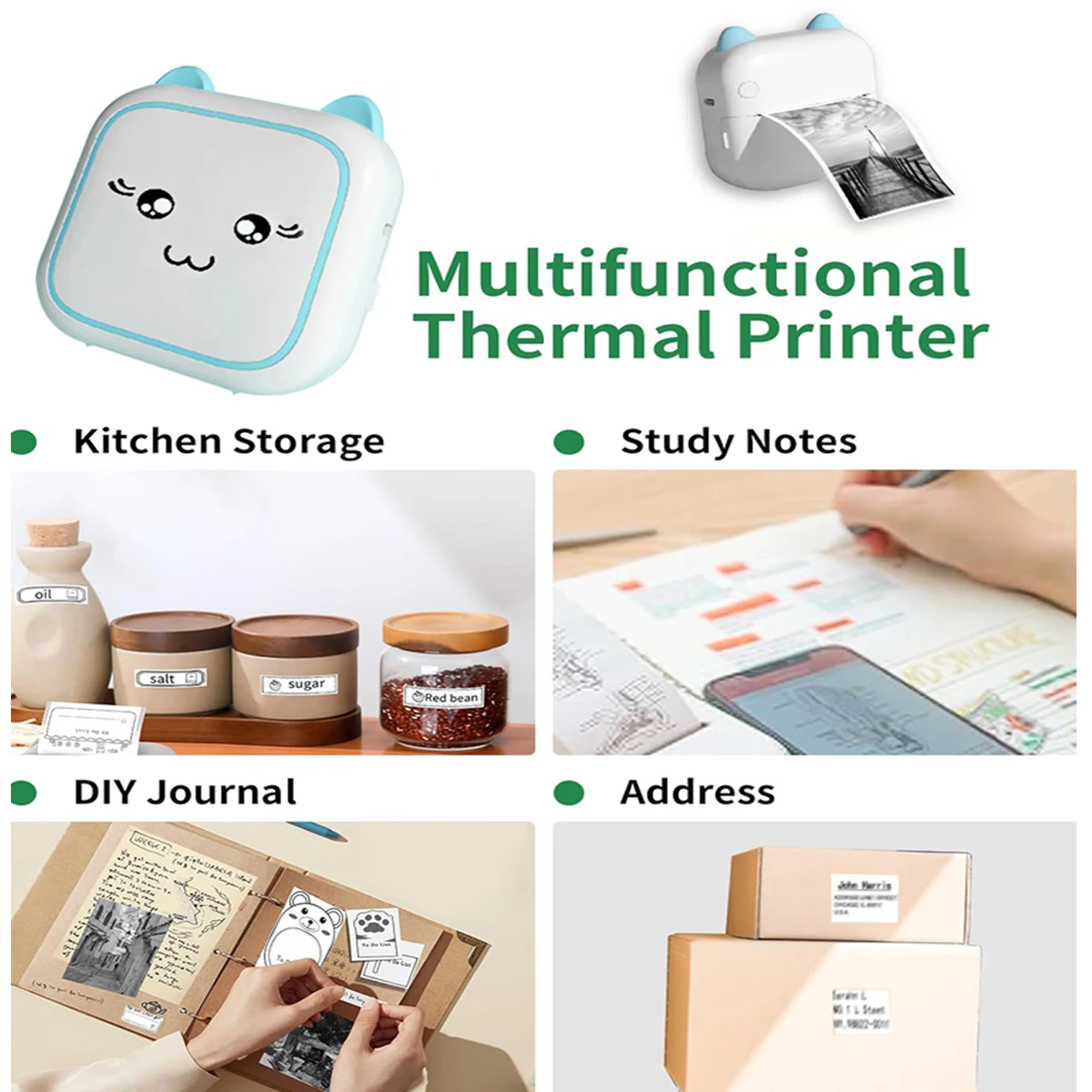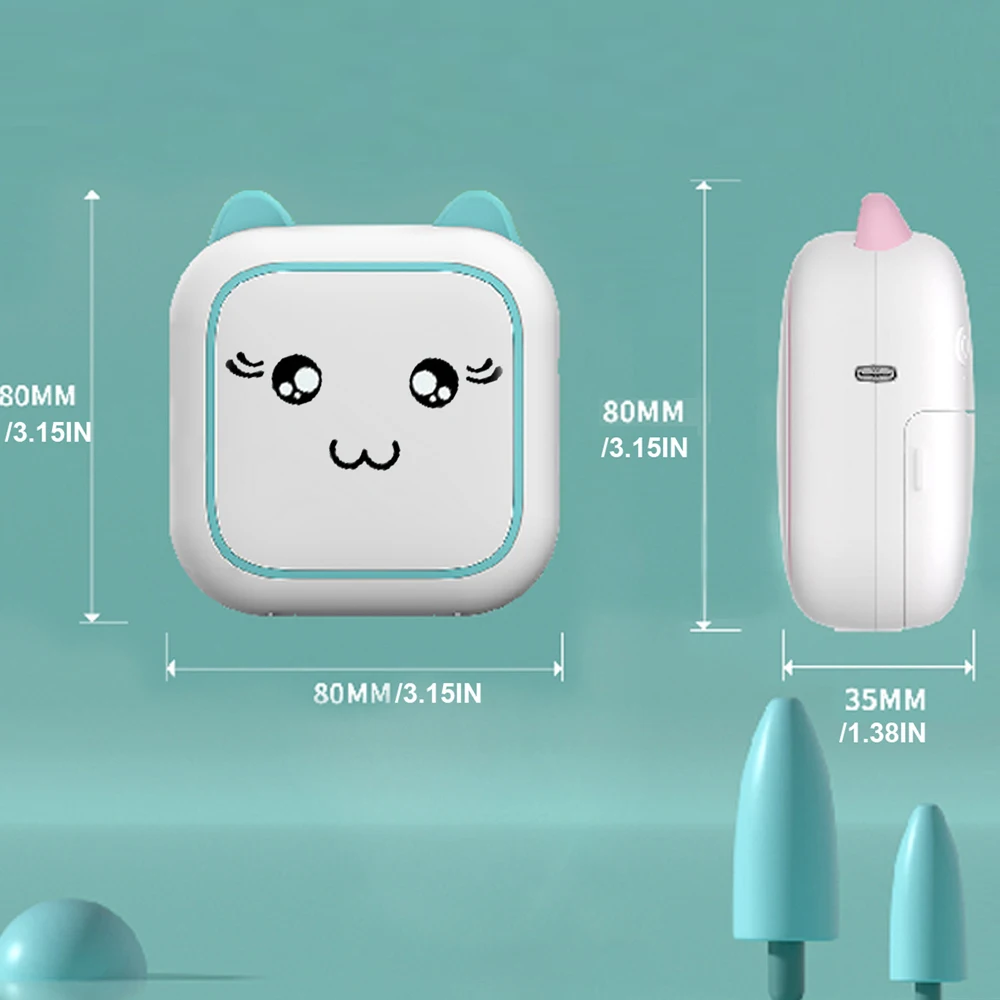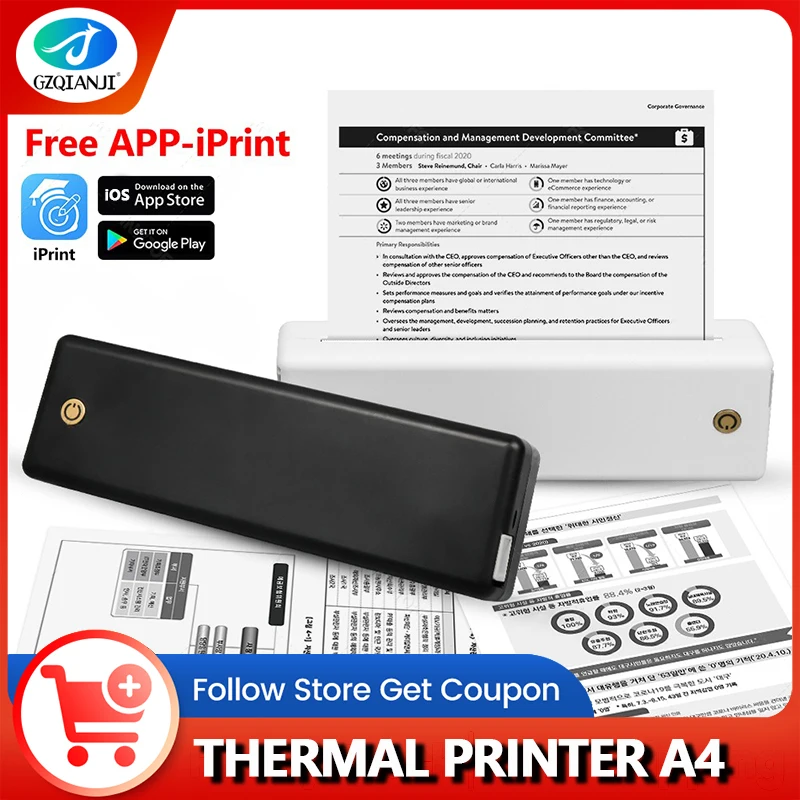
A4 Portable Printer, Lightweight And Compact Thermal Mobile Printer, Wireless Bluetooth Printer For Travel, Home, Office Use
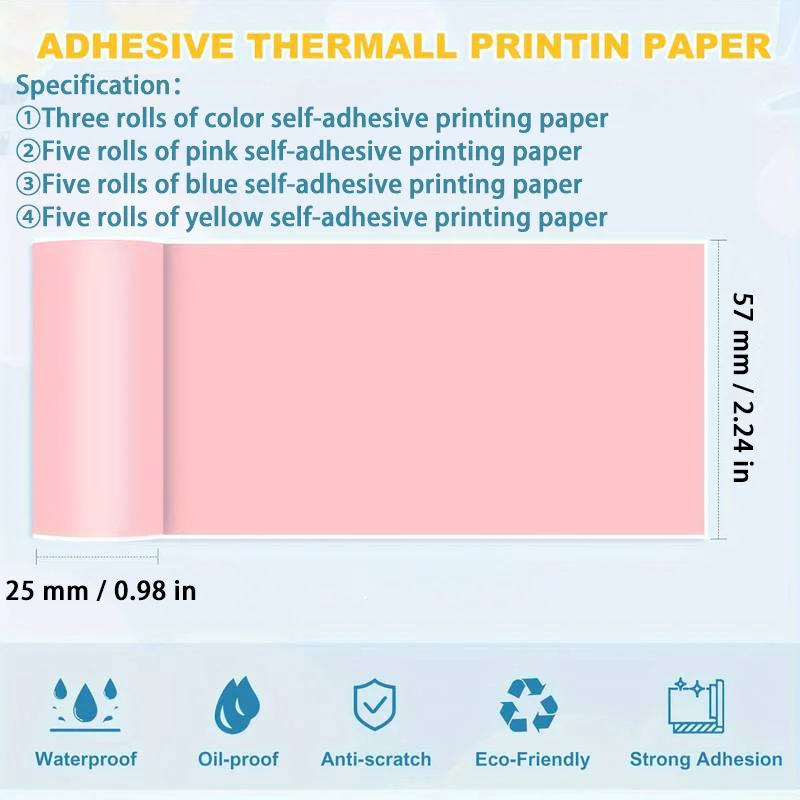
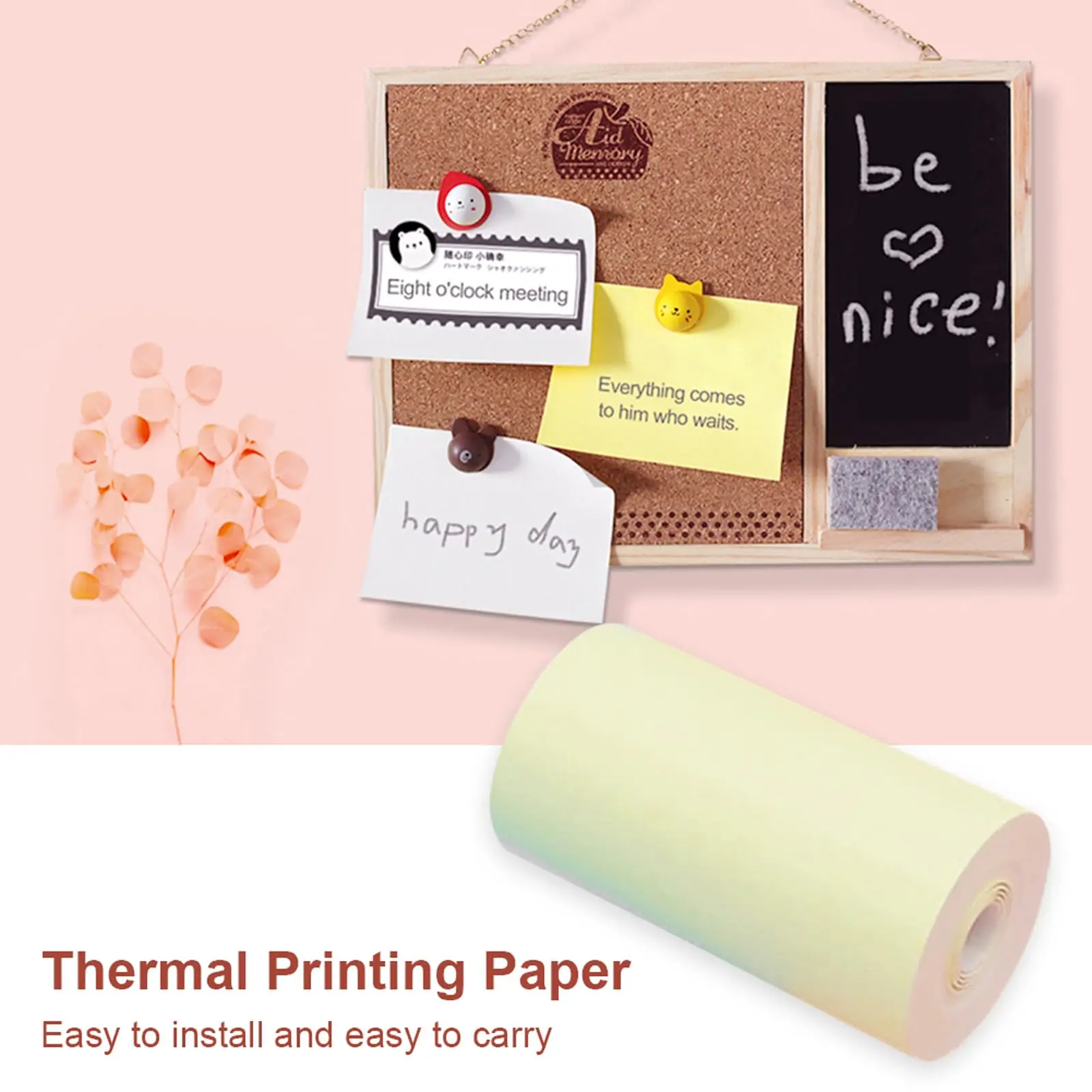
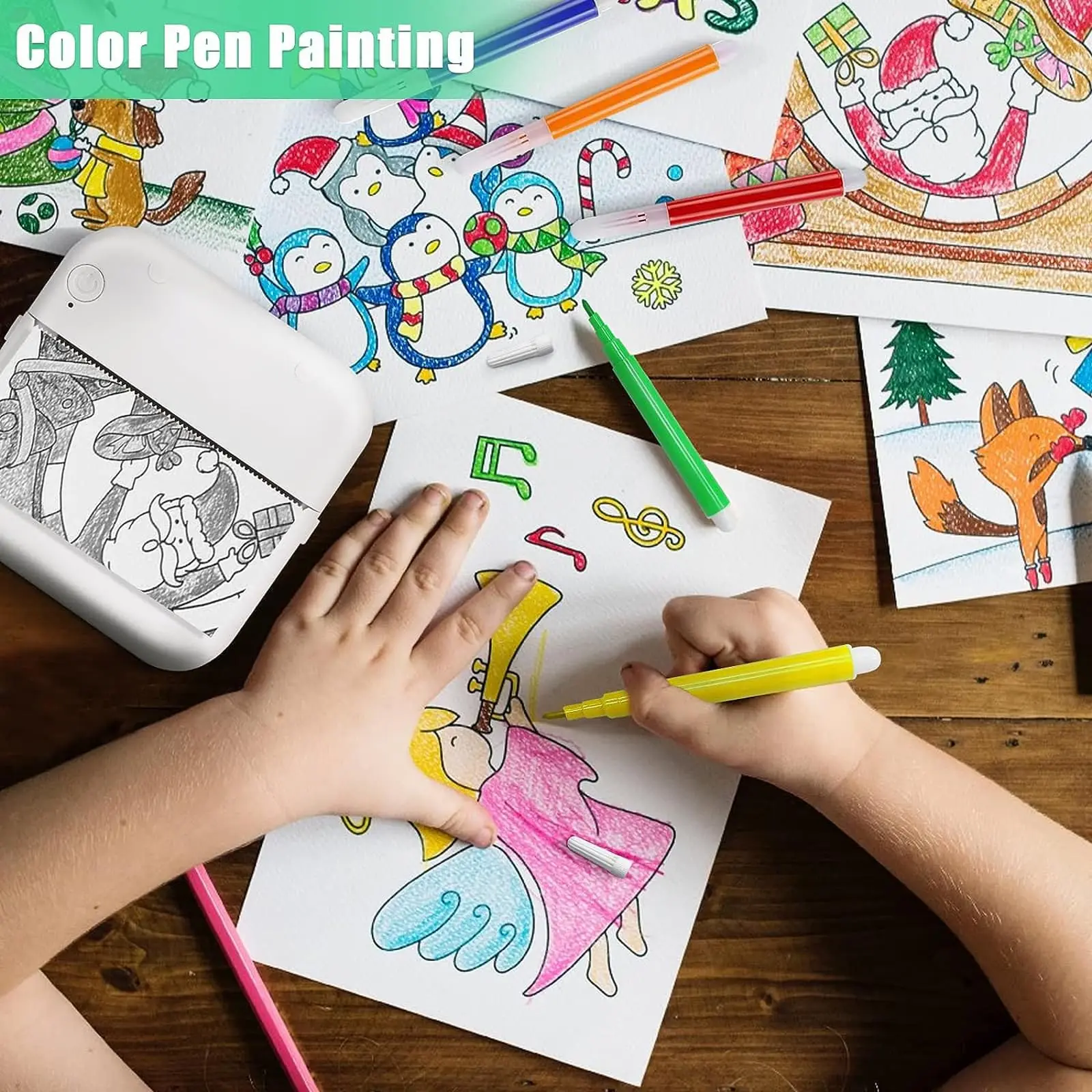
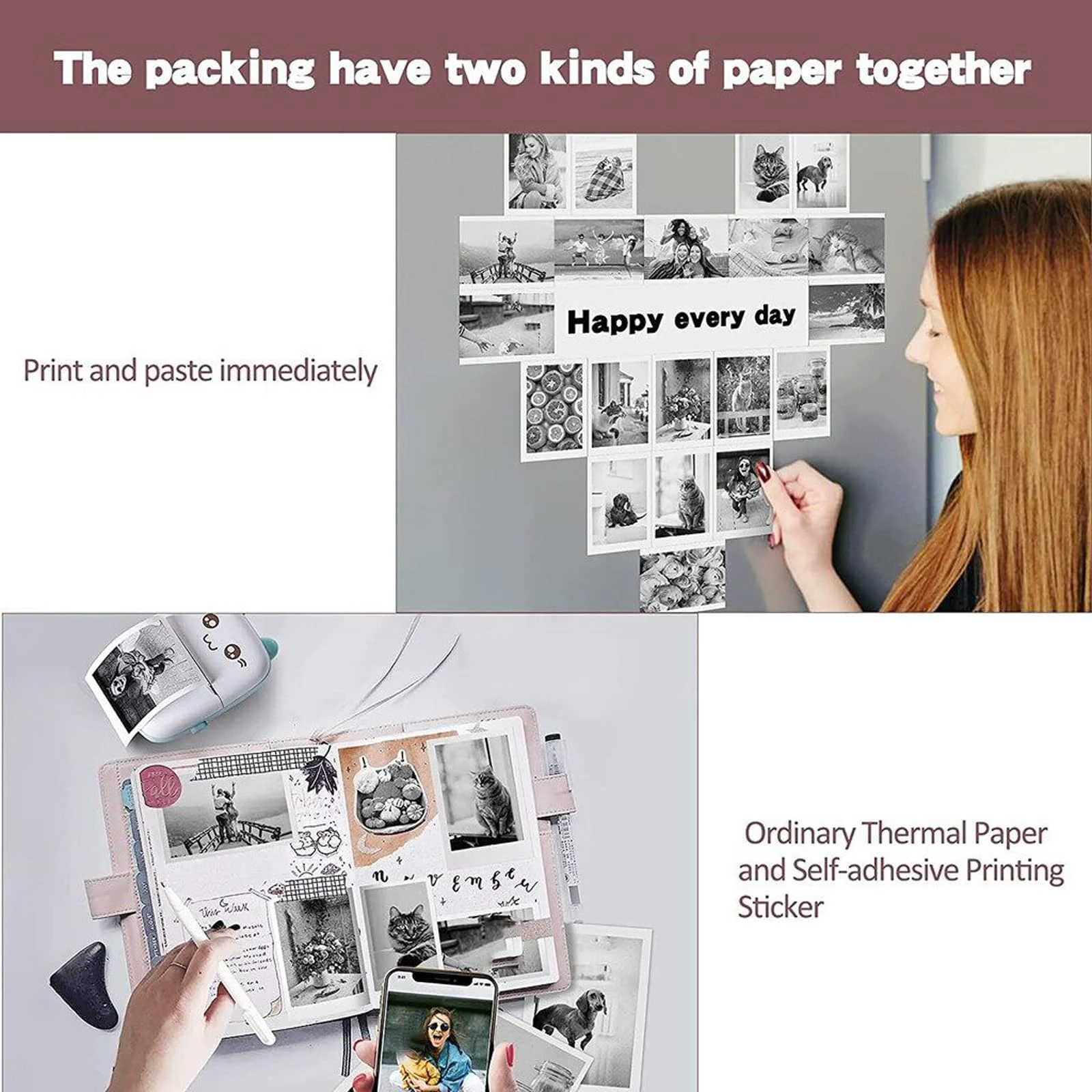
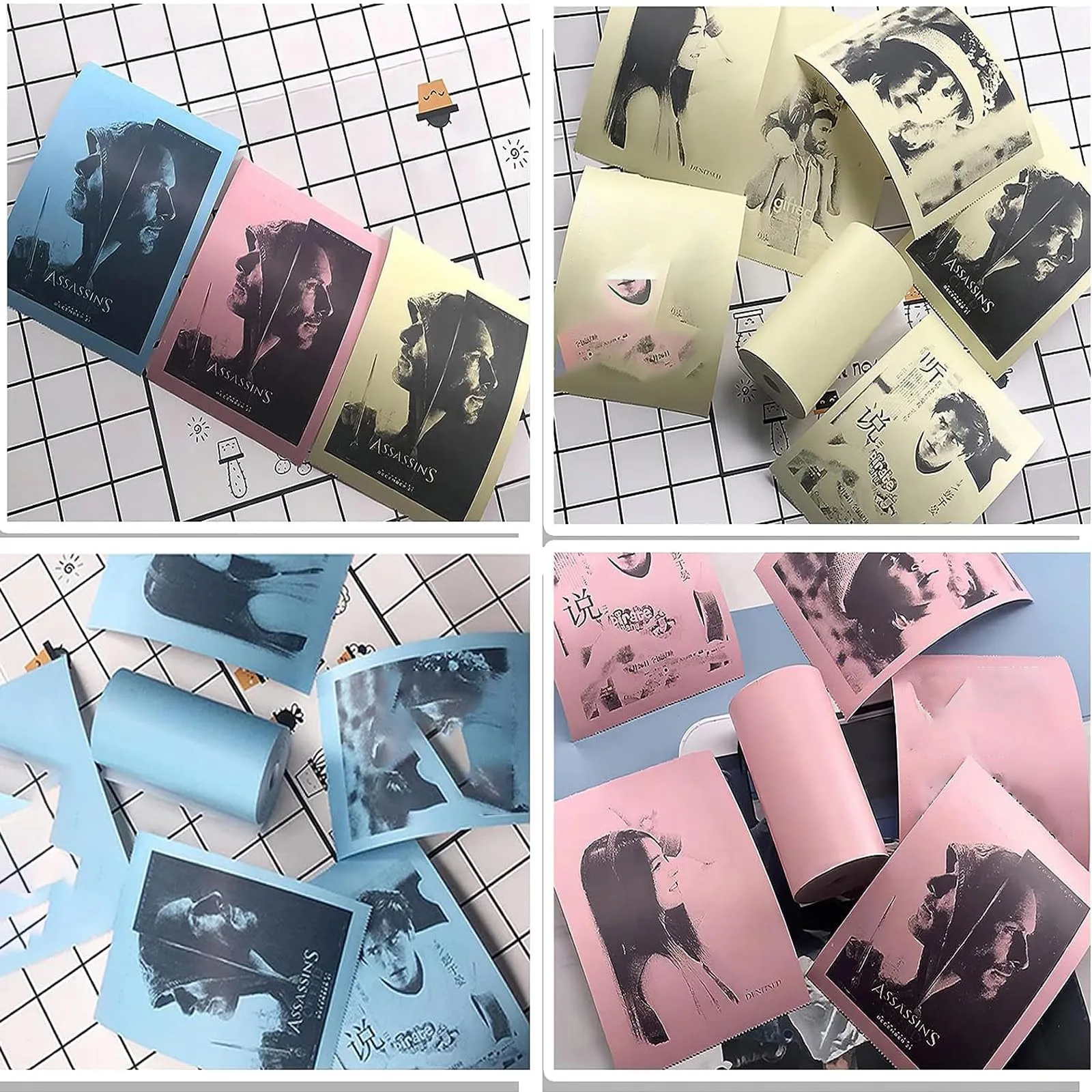
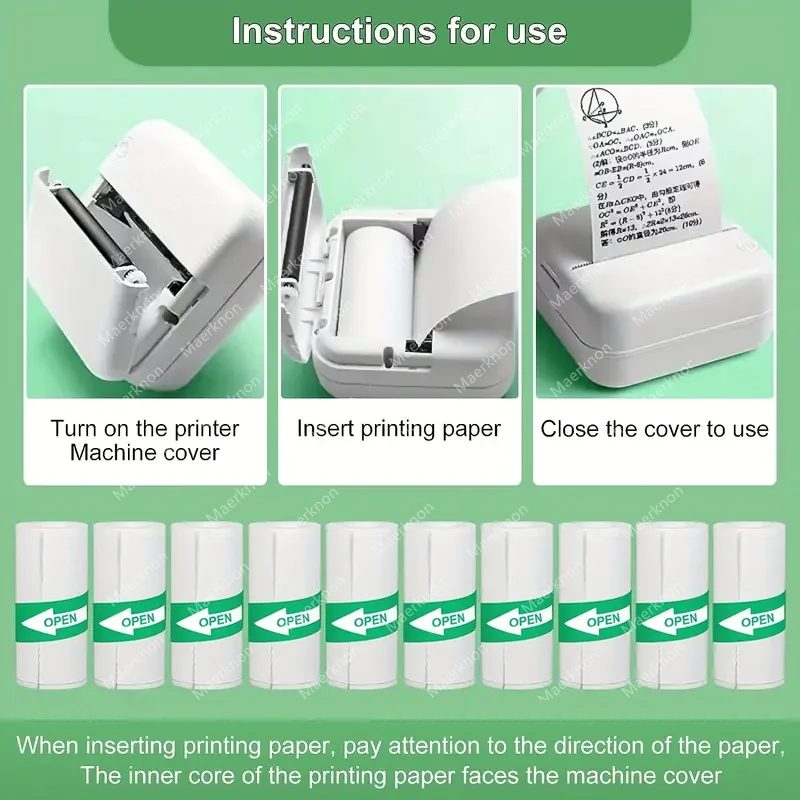
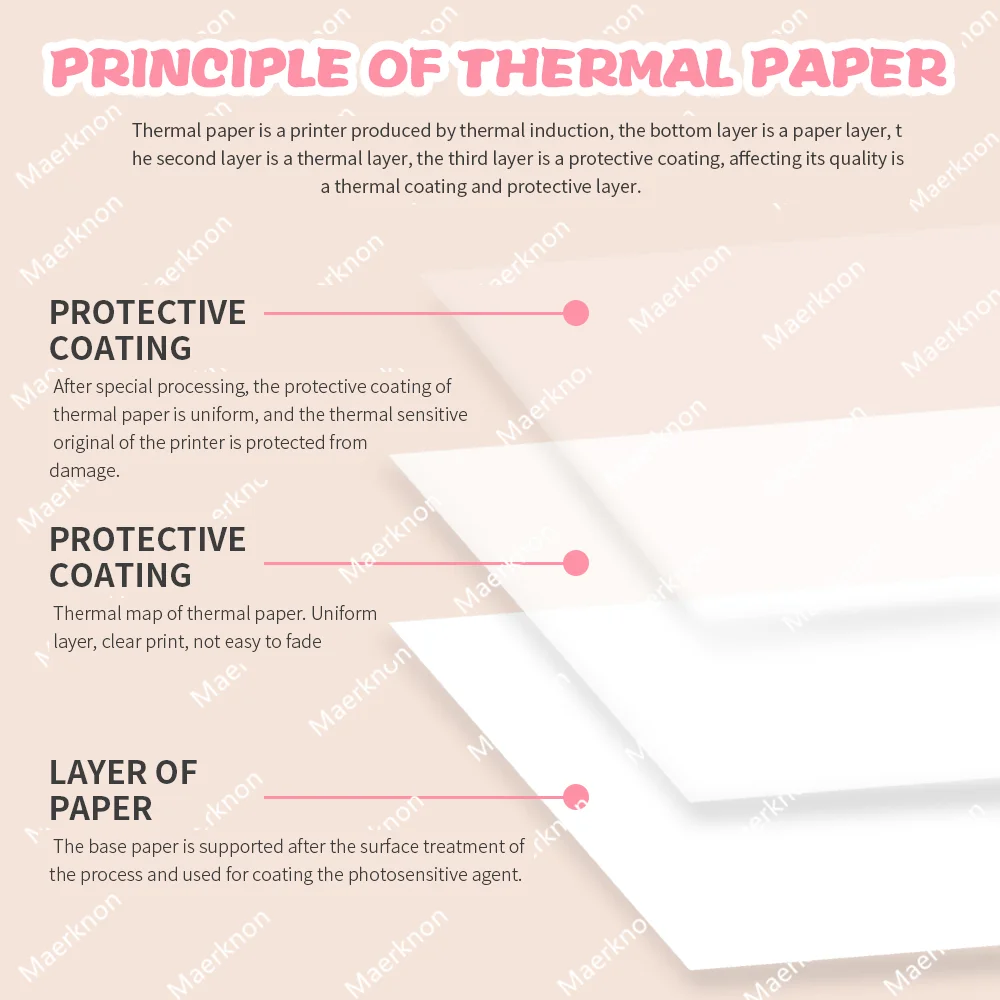
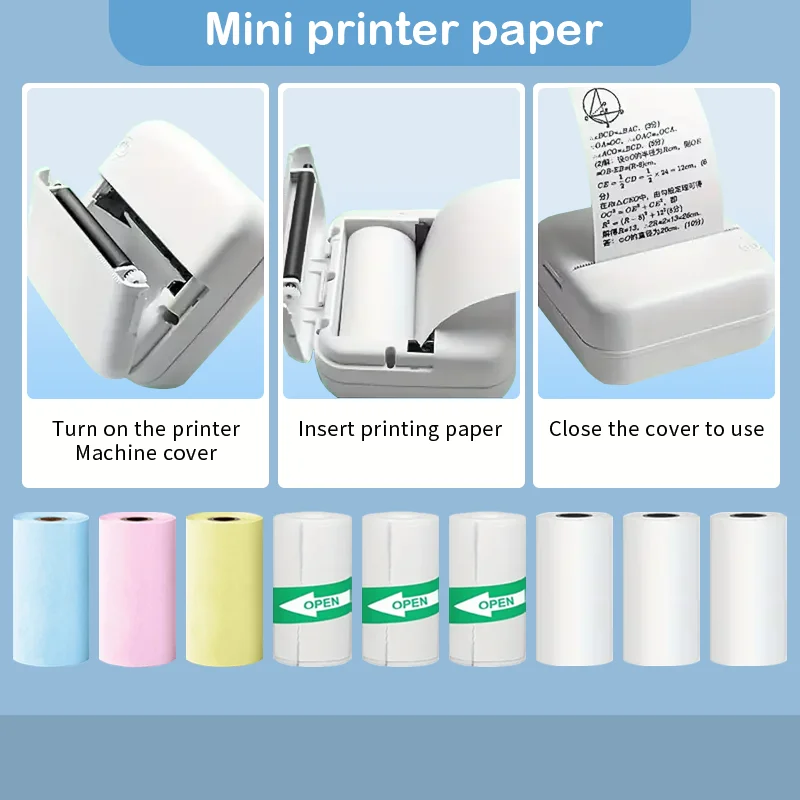
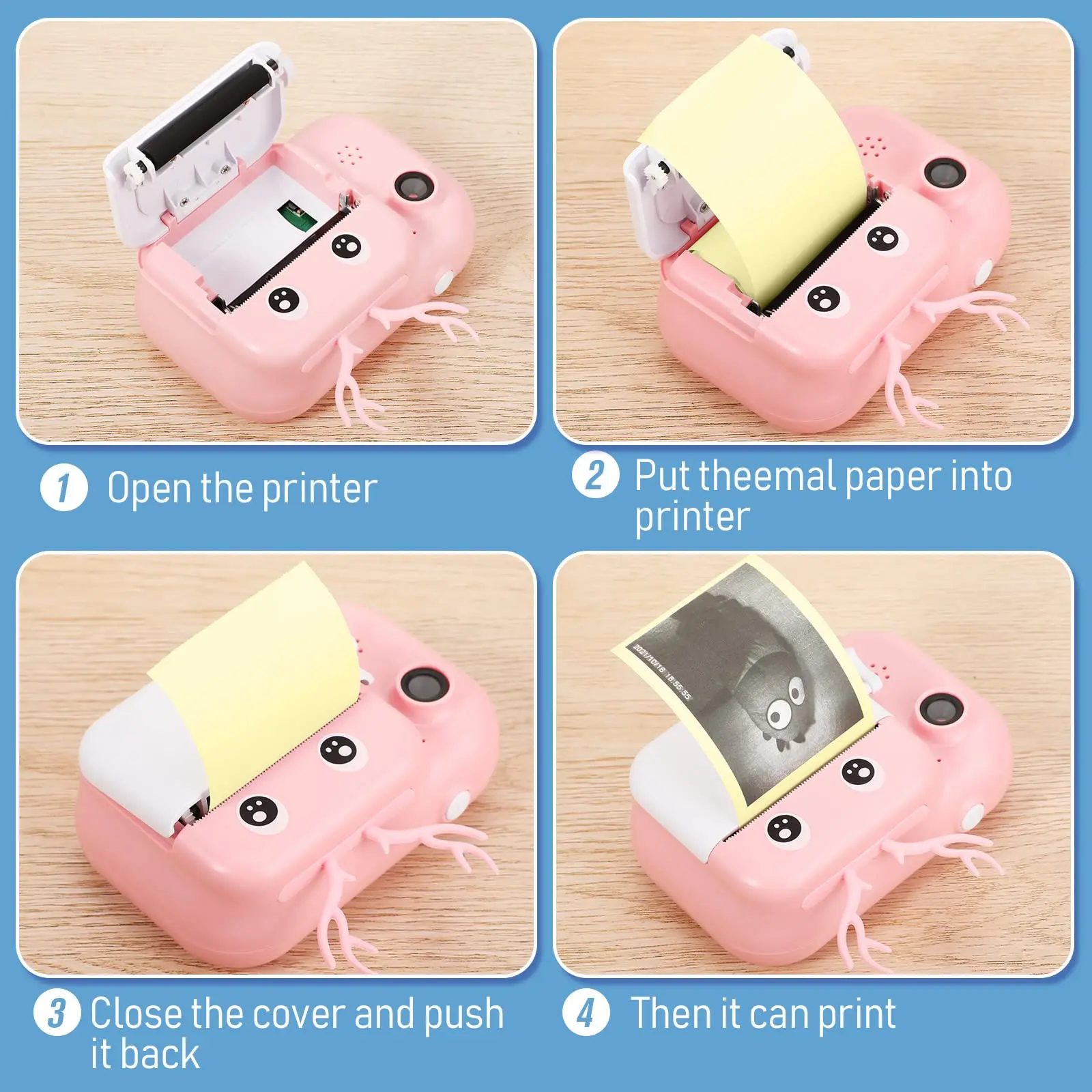
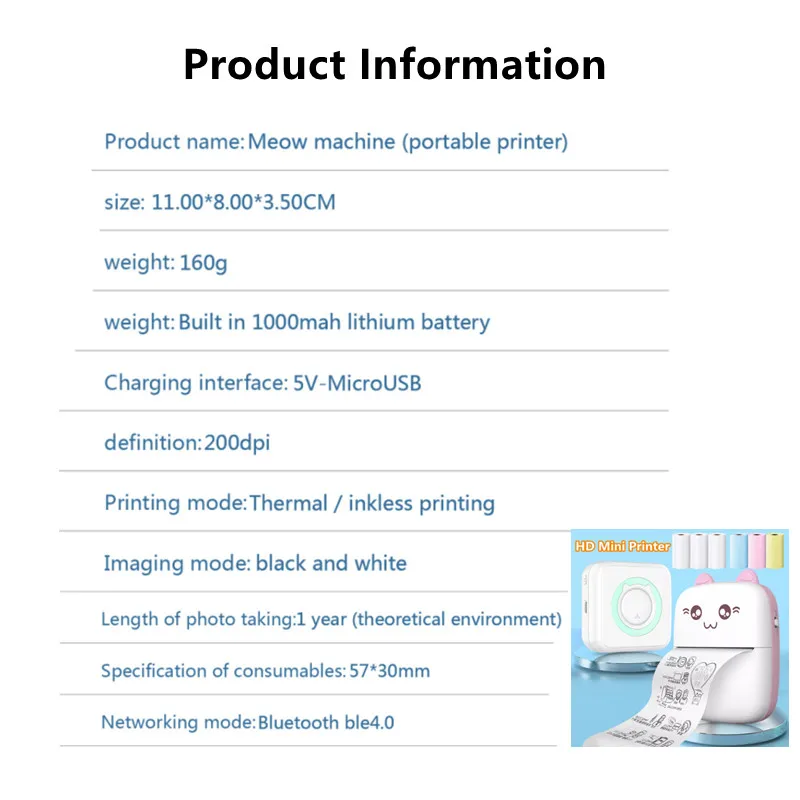
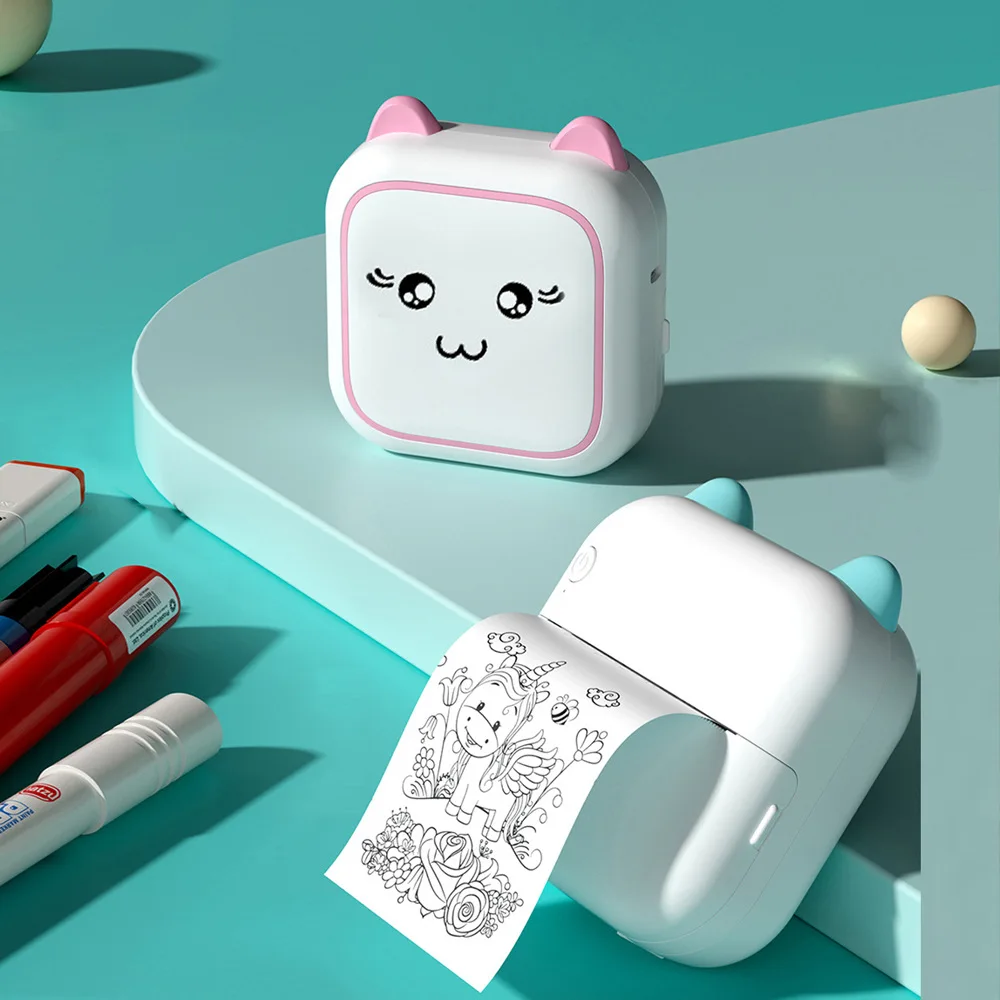
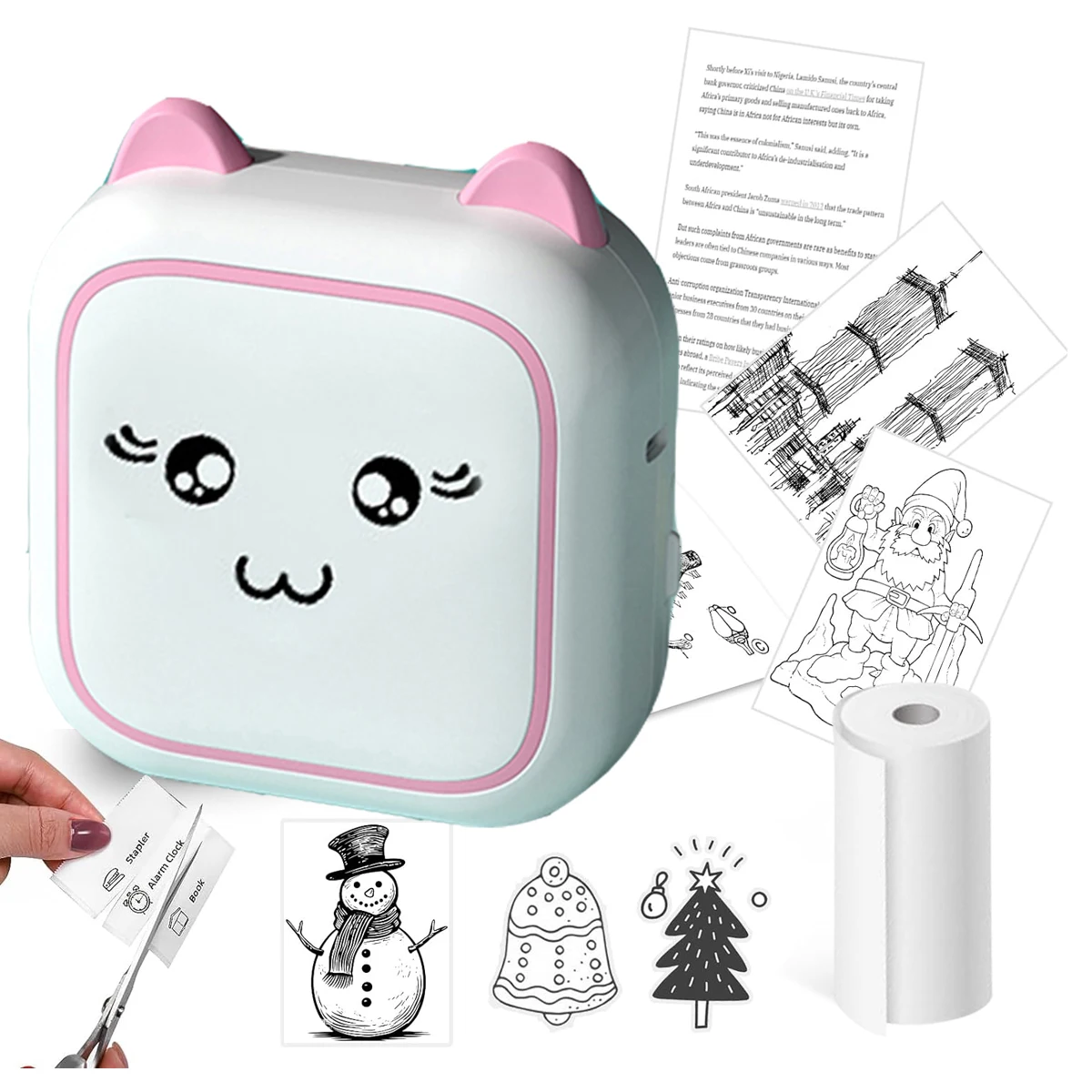
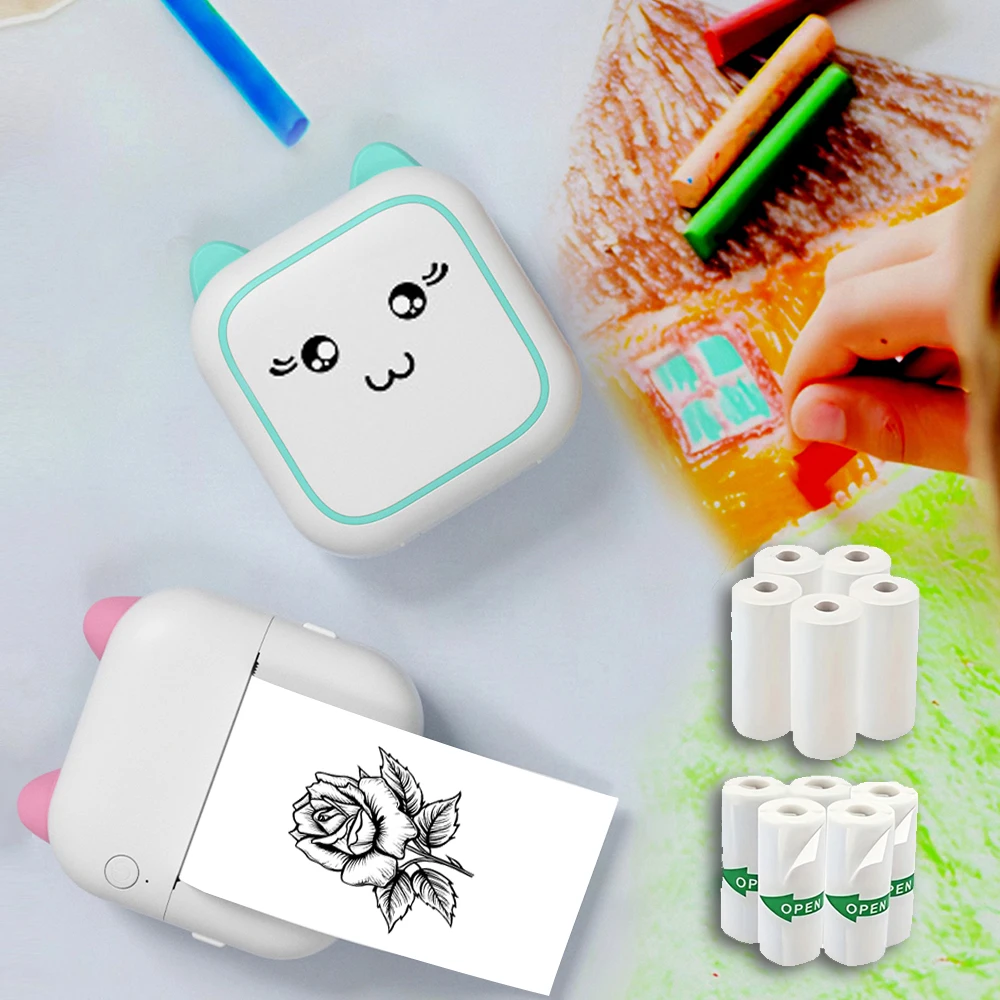
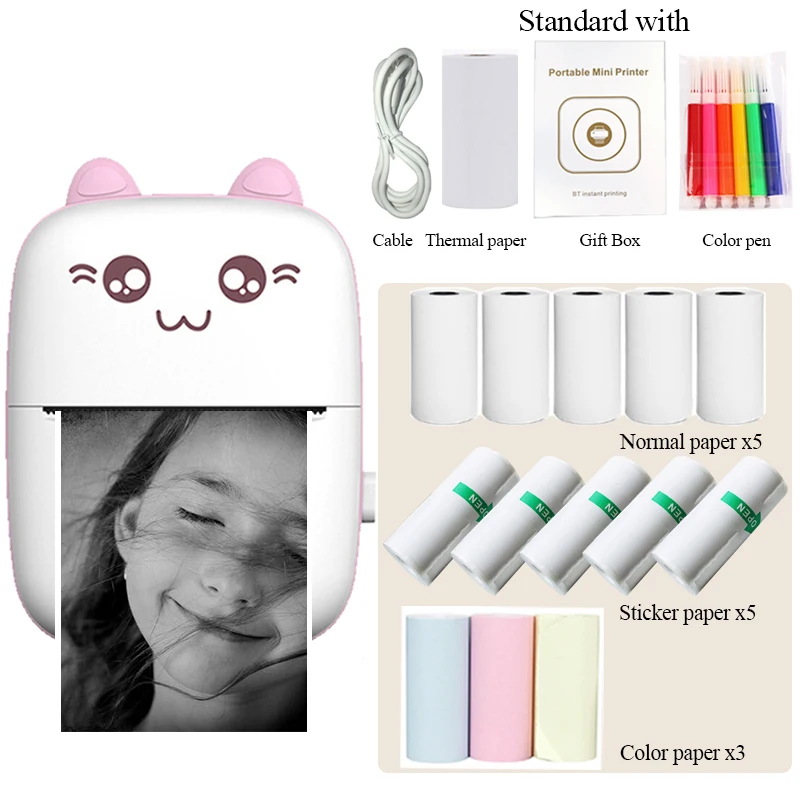
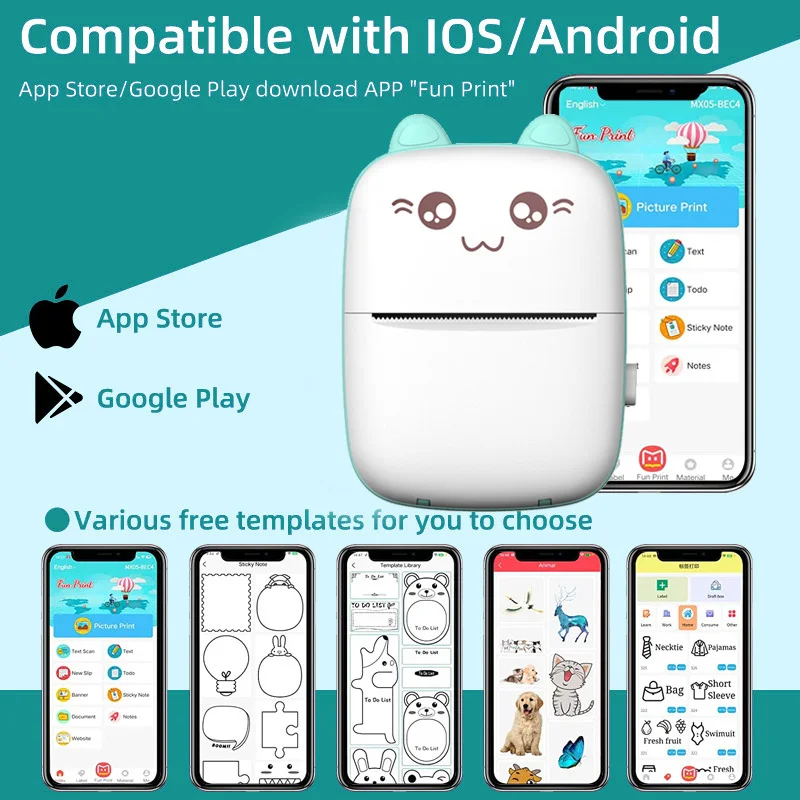
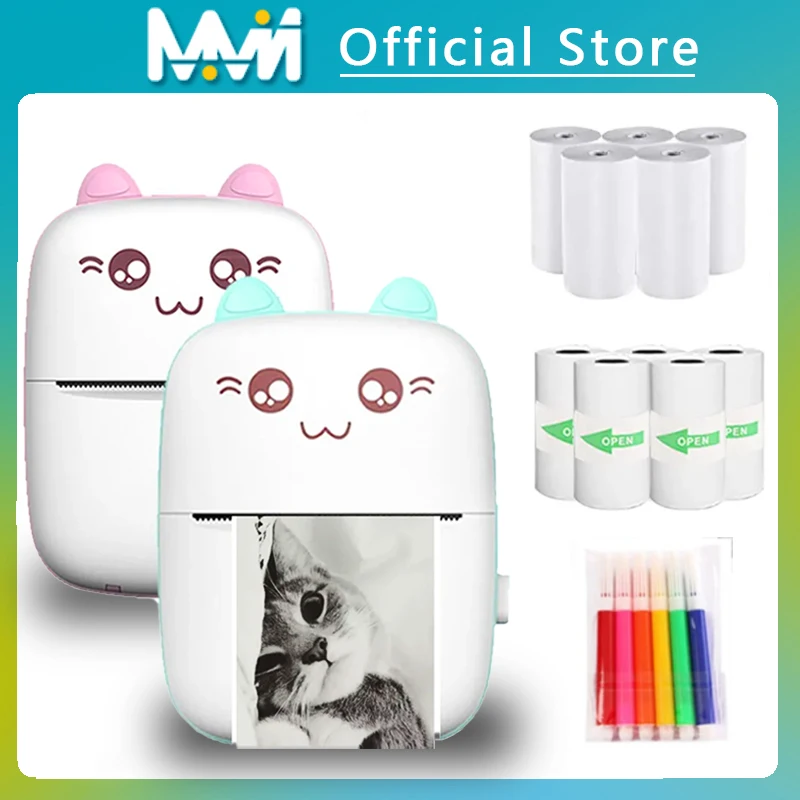
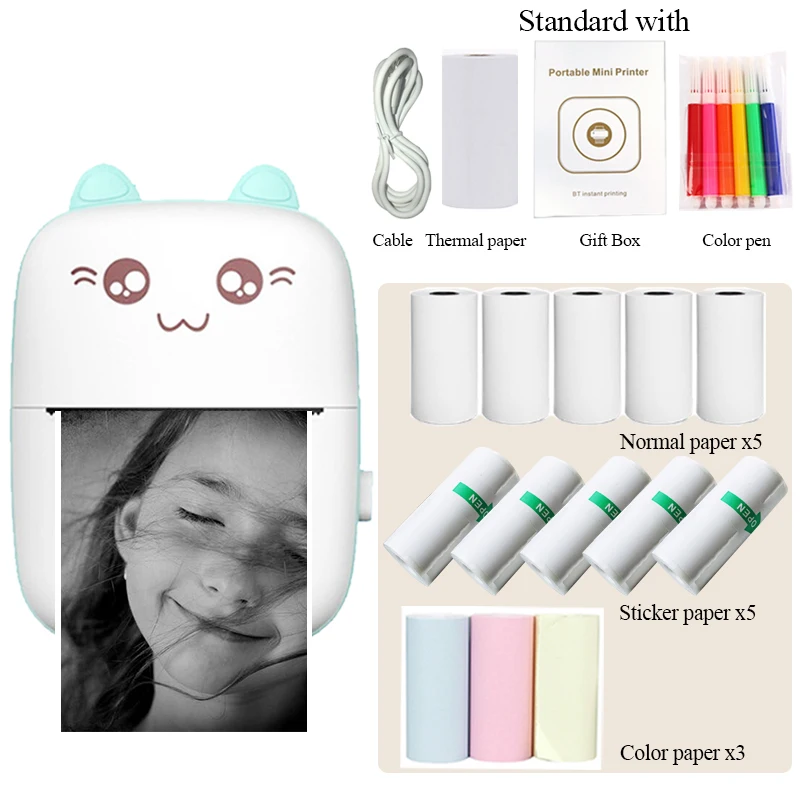
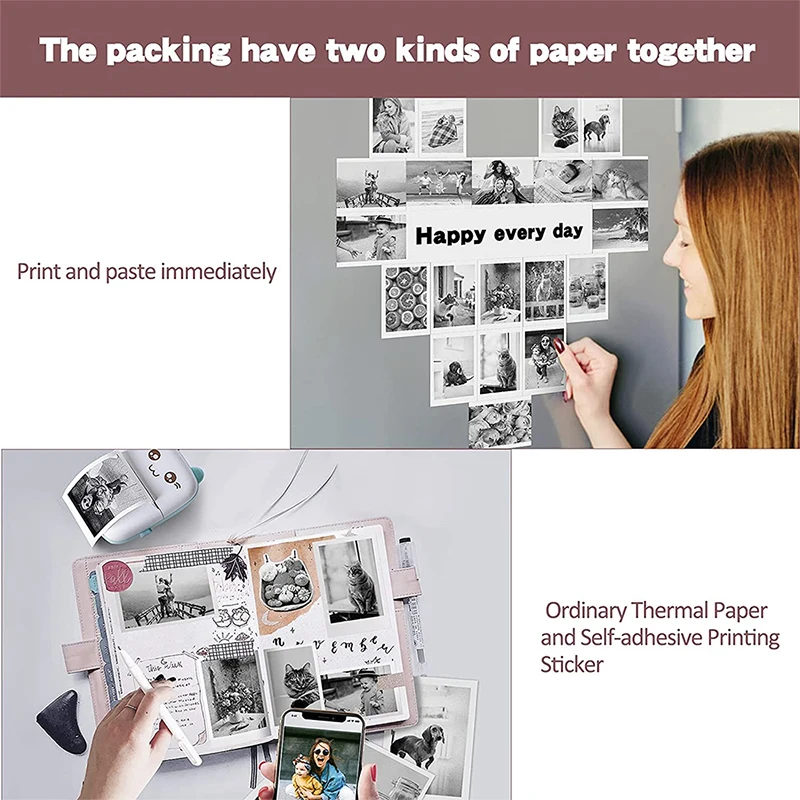
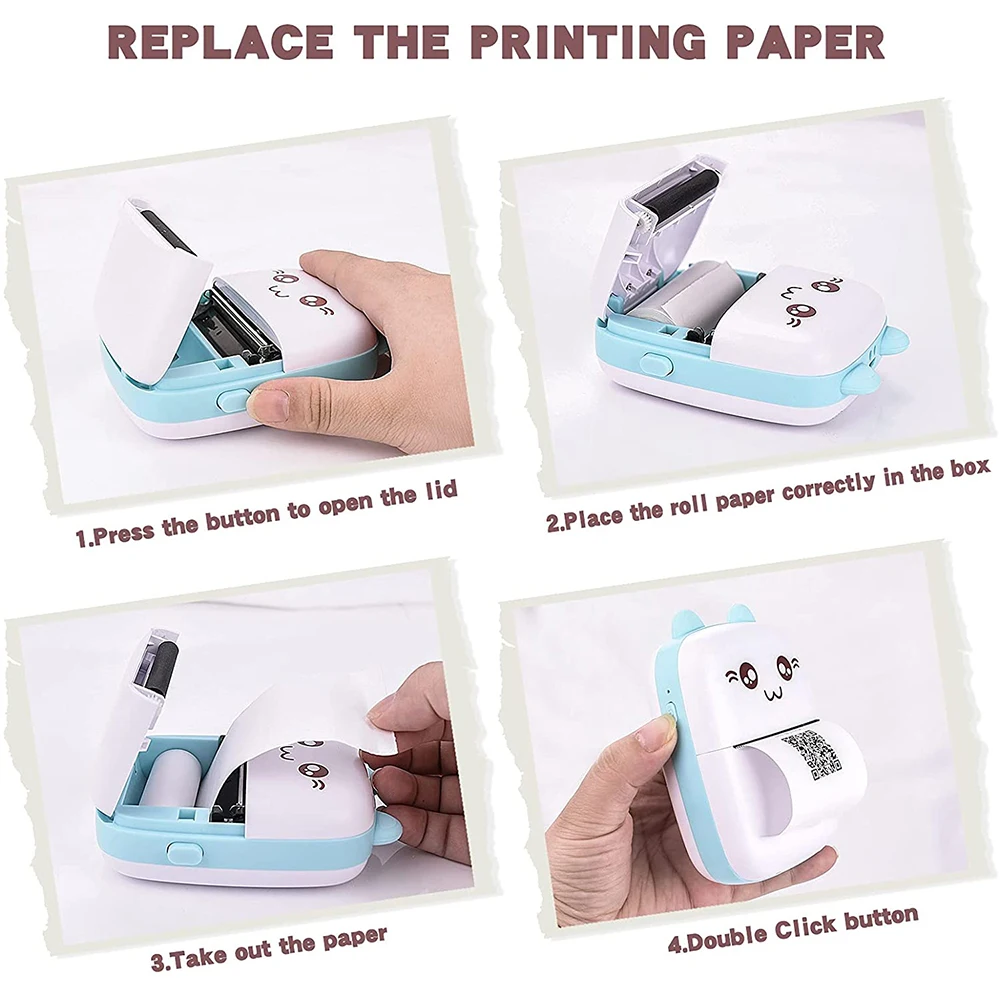
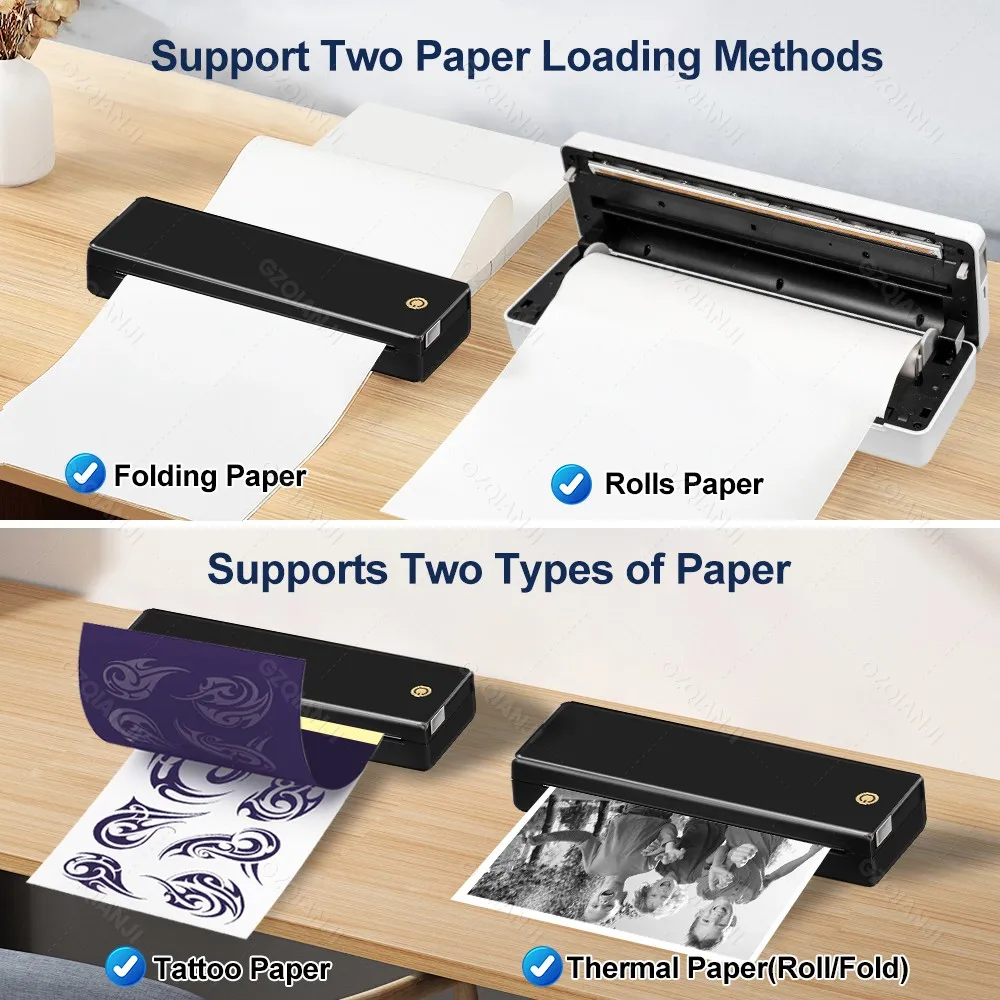
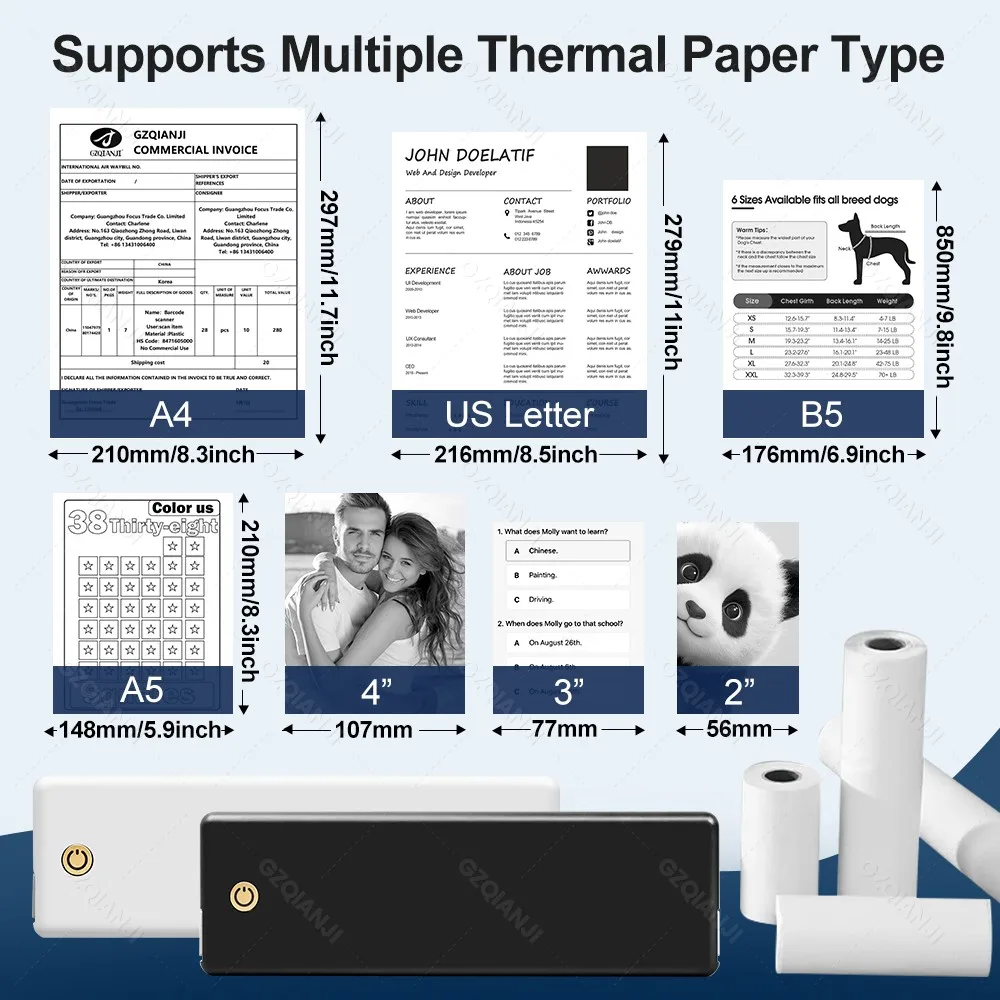
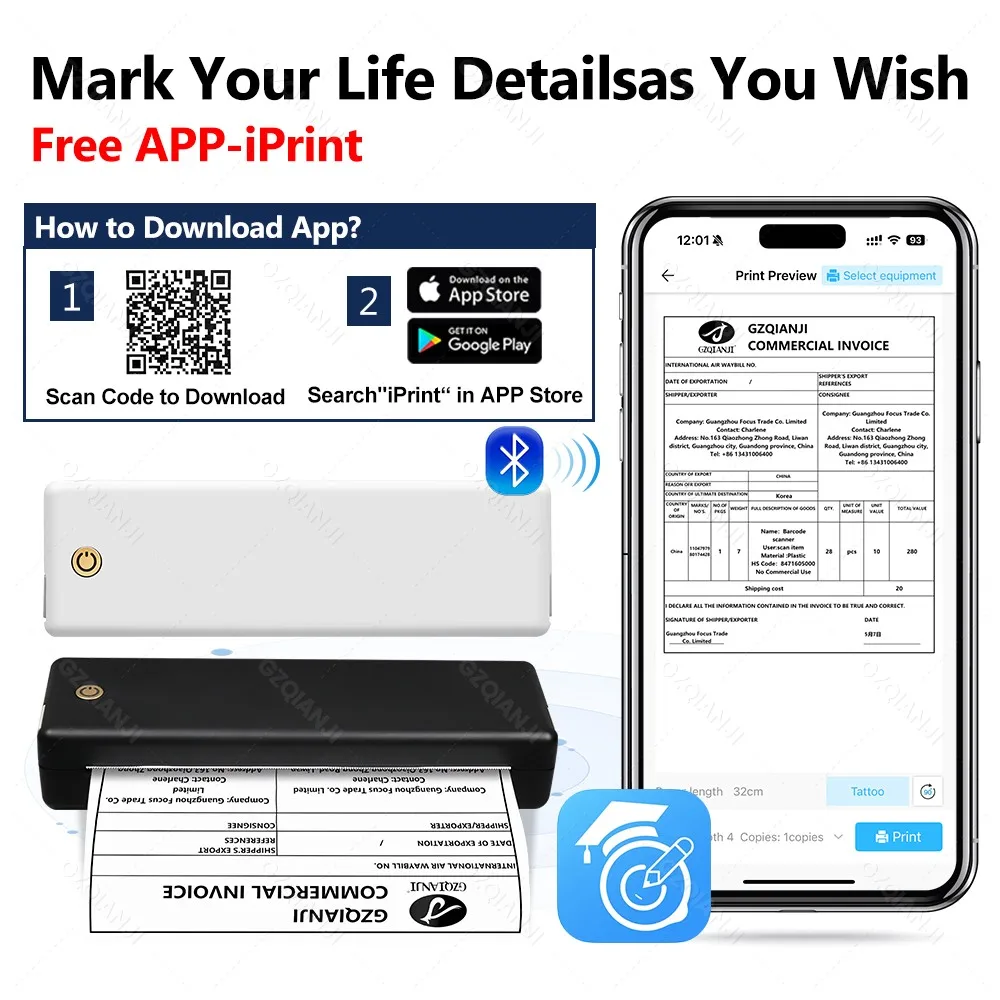
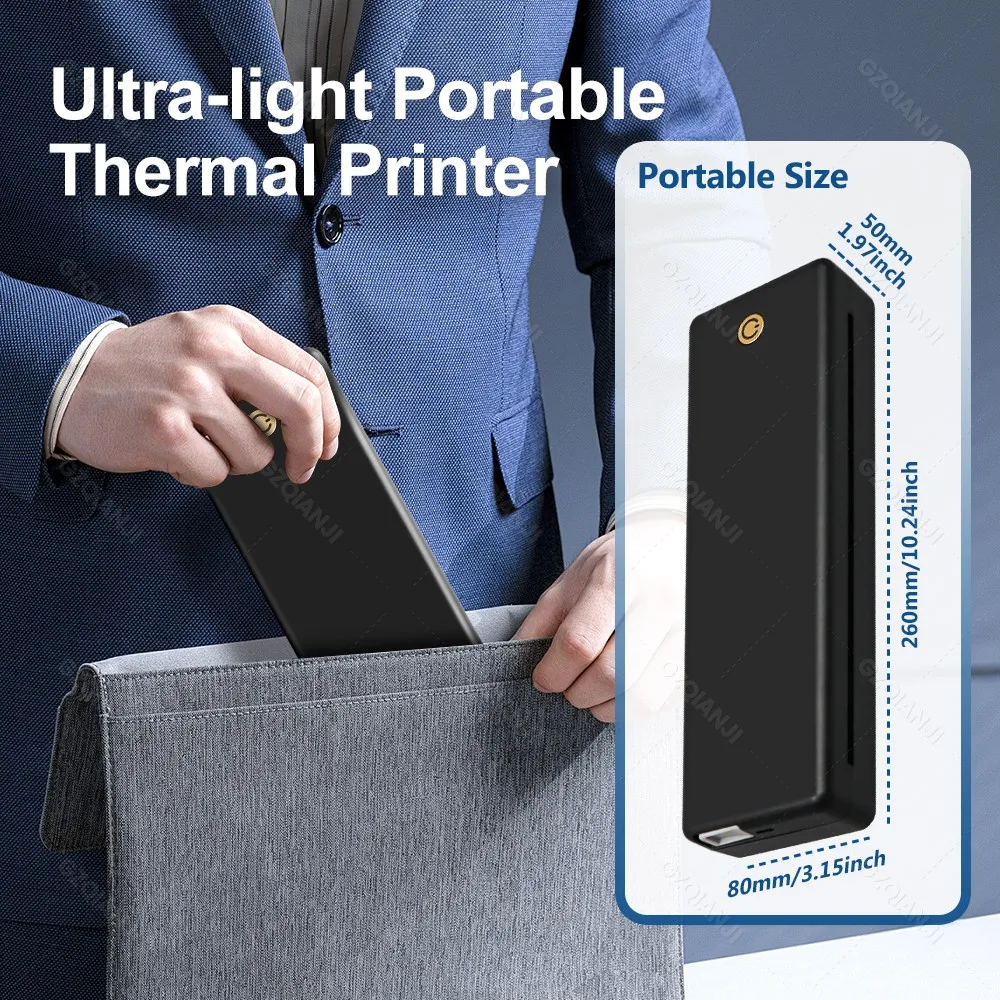
<div class="detailmodule_text"><div class="detailmodule_text"><p style="font-family:OpenSans;font-size:14px;font-weight:300;line-height:20px;white-space:pre-wrap;color:rgb(0, 0, 0);margin-bottom:12px" class="detail-desc-decorate-content"><strong><span style="font-size:16px">Q 1: Mobile Print Step:</span></strong><span style="font-size:16px"><br/><br/>A:1. Download the“IPrint” app from the Apple Store/Google Store<br/><br/>2. Open the application, select the top right corner, select the device, printer<br/><br/>3. Connect to Bluetooth via an“iPrint” application instead of a mobile system<br/><br/>4. When loading the paper, the top right corner of the black spot side down, both hands will be a smooth paper into the bin, it will automatically absorb the paper.<br/><br/>5. You can open Word/PDF/text in a mail or other APP and share it with the“IPrint” APP for printing<br/></span><strong><span style="font-size:16px"><br/>Q2: How to properly load paper into a printer</span></strong><span style="font-size:16px"><br/><br/>1. Hold the paper on either side, with the black spot in the upper right-hand corner facing down, and slide it gently into the printer.<br/><br/>2. Keep the edges of the paper aligned with the guide rails on either side of the printer feed slot. Don't lean-keep it straight<br/><br/>3. Instead of forcing it in, gently push it in about 2 inches until the printer sucks it in<br/><br/></span><strong><span style="font-size:16px">Q3 :Do you support plain A4 paper printing</span></strong></p><p style="font-family:OpenSans;font-size:14px;font-weight:300;line-height:20px;white-space:pre-wrap;color:rgb(0, 0, 0);margin-bottom:12px" class="detail-desc-decorate-content"><span style="font-size:16px"><br/>A: Is the use of thermal printing technology, so does not support ordinary A4 paper, only supports thermal paper, recommended buying official special paper with the machine to use.</span></p></div><p style="font-family:OpenSans;font-size:20px;font-weight:900;line-height:28px;white-space:pre-wrap;color:rgb(0, 0, 0);margin-bottom:12px" class="detail-desc-decorate-title"><span style="font-size:16px"><br/></span></p></div><div class="detailmodule_image"><span style="color:rgb(0, 0, 0);font-size:28px;font-family:"TT Norms Pro", "Open Sans", Roboto, Arial, Helvetica, sans-serif, SimSun"><strong>Print at Anywhere and Anytime</strong></span></div><ul style="font-family:"TT Norms Pro", "Open Sans", Roboto, Arial, Helvetica, sans-serif, SimSun;font-size:14px;font-weight:400;letter-spacing:normal;text-align:start;white-space:normal;color:rgb(34, 34, 34);background-color:rgb(255, 255, 255)" align="start"><li><p style="line-height:inherit;margin:0px;margin-bottom:0px;margin-top:0px;margin-left:0px;margin-right:0px"><span style="font-size:16px"><strong>Portable and Compact: </strong></span><span style="font-size:16px">Weighing only 619 grams, the equivalent of a bottle of water, and measuring 26 centimeters in length, similar to a Pad, it's a completely portable wireless printer for travel. With Bluetooth connectivity, you can print anywhere, anytime. Plus, the built-in 2600mAh battery ensures uninterrupted use throughout the day. Whether you're in the classroom, the library, the airport, or anywhere else, this compact printer makes it easy to print your documents.</span></p></li><li><br/></li><li><p style="line-height:inherit;margin:0px;margin-bottom:0px;margin-top:0px;margin-left:0px;margin-right:0px"><span style="font-size:16px"><strong>Inkless Printer:</strong></span><span style="font-size:16px"> This innovative printer utilizes thermal printing technology that eliminates the need for ink, toner, or ribbons. Say goodbye to expensive replacement costs and endless trips to the store. It is important to note that thermal printers only support thermal paper. Experience the ultimate in convenience and savings with our inkless printer. This printer supports A4/US Letter/B5/A5/4“/3”/2” roll thermal paper and A4/US Letter size folded thermal paper.</span></p></li><li><br/></li><li><p style="line-height:inherit;margin:0px;margin-bottom:0px;margin-top:0px;margin-left:0px;margin-right:0px"><span style="font-size:16px"><strong>Device Adaptable: </strong></span><span style="font-size:16px">This thermal printer offers seamless connectivity options for a wide range of devices. It supports Bluetooth connectivity for iOS and Android smartphones.</span></p></li><li><br/></li><li><p style="line-height:inherit;margin:0px;margin-bottom:0px;margin-top:0px;margin-left:0px;margin-right:0px"><span style="font-size:16px"><strong>More Printing Options: </strong></span><span style="font-size:16px">The A4 Portable Printer has a built-in slot-width adjustable stop that allows you to flexibly switch between thermal paper widths of 216 mm/210 mm/107 mm/77 mm/57 mm (U.S. Letter/A4/4“/3”/2"), as well as support for rolls and folded paper. We also support rolled and folded paper.</span></p></li><li><br/></li><li><p style="line-height:inherit;margin:0px;margin-bottom:0px;margin-top:0px;margin-left:0px;margin-right:0px"><strong>[NOTE]:</strong>This printer does not support connecting to Chromebooks and is not compatible with plain paper.</p></li></ul><div class="detailmodule_image"><span style="color:rgb(0, 0, 0);font-size:28px;font-family:"TT Norms Pro", "Open Sans", Roboto, Arial, Helvetica, sans-serif, SimSun"><strong></strong></span></div><div class="detailmodule_text"><p style="font-family:OpenSans;font-size:20px;font-weight:900;line-height:28px;white-space:pre-wrap;color:rgb(0, 0, 0);margin-bottom:12px" class="detail-desc-decorate-title">Standard Package:</p><p style="font-family:OpenSans;font-size:14px;font-weight:300;line-height:20px;white-space:pre-wrap;color:rgb(0, 0, 0);margin-bottom:12px" class="detail-desc-decorate-content"><span style="font-size:16px">Thermal Printer x1<br/>USB Type-C x1<br/>Quick Start Guide x 1</span></p></div><div class="detailmodule_image"></div><p><br/></p>
$148.25
$89.75
- Category : Computer & Office
- Brand : alisons_dropshipping_store Alison's Dropshipping Store
Colors
Sizes
-
+

<div class="detailmodule_text"><div class="detailmodule_text"><p style="font-family:OpenSans;font-size:14px;font-weight:300;line-height:20px;white-space:pre-wrap;color:rgb(0, 0, 0);margin-bottom:12px" class="detail-desc-decorate-content"><strong><span style="font-size:16px">Q 1: Mobile Print Step:</span></strong><span style="font-size:16px"><br/><br/>A:1. Download the“IPrint” app from the Apple Store/Google Store<br/><br/>2. Open the application, select the top right corner, select the device, printer<br/><br/>3. Connect to Bluetooth via an“iPrint” application instead of a mobile system<br/><br/>4. When loading the paper, the top right corner of the black spot side down, both hands will be a smooth paper into the bin, it will automatically absorb the paper.<br/><br/>5. You can open Word/PDF/text in a mail or other APP and share it with the“IPrint” APP for printing<br/></span><strong><span style="font-size:16px"><br/>Q2: How to properly load paper into a printer</span></strong><span style="font-size:16px"><br/><br/>1. Hold the paper on either side, with the black spot in the upper right-hand corner facing down, and slide it gently into the printer.<br/><br/>2. Keep the edges of the paper aligned with the guide rails on either side of the printer feed slot. Don't lean-keep it straight<br/><br/>3. Instead of forcing it in, gently push it in about 2 inches until the printer sucks it in<br/><br/></span><strong><span style="font-size:16px">Q3 :Do you support plain A4 paper printing</span></strong></p><p style="font-family:OpenSans;font-size:14px;font-weight:300;line-height:20px;white-space:pre-wrap;color:rgb(0, 0, 0);margin-bottom:12px" class="detail-desc-decorate-content"><span style="font-size:16px"><br/>A: Is the use of thermal printing technology, so does not support ordinary A4 paper, only supports thermal paper, recommended buying official special paper with the machine to use.</span></p></div><p style="font-family:OpenSans;font-size:20px;font-weight:900;line-height:28px;white-space:pre-wrap;color:rgb(0, 0, 0);margin-bottom:12px" class="detail-desc-decorate-title"><span style="font-size:16px"><br/></span></p></div><div class="detailmodule_image"><span style="color:rgb(0, 0, 0);font-size:28px;font-family:"TT Norms Pro", "Open Sans", Roboto, Arial, Helvetica, sans-serif, SimSun"><strong>Print at Anywhere and Anytime</strong></span></div><ul style="font-family:"TT Norms Pro", "Open Sans", Roboto, Arial, Helvetica, sans-serif, SimSun;font-size:14px;font-weight:400;letter-spacing:normal;text-align:start;white-space:normal;color:rgb(34, 34, 34);background-color:rgb(255, 255, 255)" align="start"><li><p style="line-height:inherit;margin:0px;margin-bottom:0px;margin-top:0px;margin-left:0px;margin-right:0px"><span style="font-size:16px"><strong>Portable and Compact: </strong></span><span style="font-size:16px">Weighing only 619 grams, the equivalent of a bottle of water, and measuring 26 centimeters in length, similar to a Pad, it's a completely portable wireless printer for travel. With Bluetooth connectivity, you can print anywhere, anytime. Plus, the built-in 2600mAh battery ensures uninterrupted use throughout the day. Whether you're in the classroom, the library, the airport, or anywhere else, this compact printer makes it easy to print your documents.</span></p></li><li><br/></li><li><p style="line-height:inherit;margin:0px;margin-bottom:0px;margin-top:0px;margin-left:0px;margin-right:0px"><span style="font-size:16px"><strong>Inkless Printer:</strong></span><span style="font-size:16px"> This innovative printer utilizes thermal printing technology that eliminates the need for ink, toner, or ribbons. Say goodbye to expensive replacement costs and endless trips to the store. It is important to note that thermal printers only support thermal paper. Experience the ultimate in convenience and savings with our inkless printer. This printer supports A4/US Letter/B5/A5/4“/3”/2” roll thermal paper and A4/US Letter size folded thermal paper.</span></p></li><li><br/></li><li><p style="line-height:inherit;margin:0px;margin-bottom:0px;margin-top:0px;margin-left:0px;margin-right:0px"><span style="font-size:16px"><strong>Device Adaptable: </strong></span><span style="font-size:16px">This thermal printer offers seamless connectivity options for a wide range of devices. It supports Bluetooth connectivity for iOS and Android smartphones.</span></p></li><li><br/></li><li><p style="line-height:inherit;margin:0px;margin-bottom:0px;margin-top:0px;margin-left:0px;margin-right:0px"><span style="font-size:16px"><strong>More Printing Options: </strong></span><span style="font-size:16px">The A4 Portable Printer has a built-in slot-width adjustable stop that allows you to flexibly switch between thermal paper widths of 216 mm/210 mm/107 mm/77 mm/57 mm (U.S. Letter/A4/4“/3”/2"), as well as support for rolls and folded paper. We also support rolled and folded paper.</span></p></li><li><br/></li><li><p style="line-height:inherit;margin:0px;margin-bottom:0px;margin-top:0px;margin-left:0px;margin-right:0px"><strong>[NOTE]:</strong>This printer does not support connecting to Chromebooks and is not compatible with plain paper.</p></li></ul><div class="detailmodule_image"><span style="color:rgb(0, 0, 0);font-size:28px;font-family:"TT Norms Pro", "Open Sans", Roboto, Arial, Helvetica, sans-serif, SimSun"><strong></strong></span></div><div class="detailmodule_text"><p style="font-family:OpenSans;font-size:20px;font-weight:900;line-height:28px;white-space:pre-wrap;color:rgb(0, 0, 0);margin-bottom:12px" class="detail-desc-decorate-title">Standard Package:</p><p style="font-family:OpenSans;font-size:14px;font-weight:300;line-height:20px;white-space:pre-wrap;color:rgb(0, 0, 0);margin-bottom:12px" class="detail-desc-decorate-content"><span style="font-size:16px">Thermal Printer x1<br/>USB Type-C x1<br/>Quick Start Guide x 1</span></p></div><div class="detailmodule_image"></div><p><br/></p>
Related Product
Browse The Collection of Top Products.