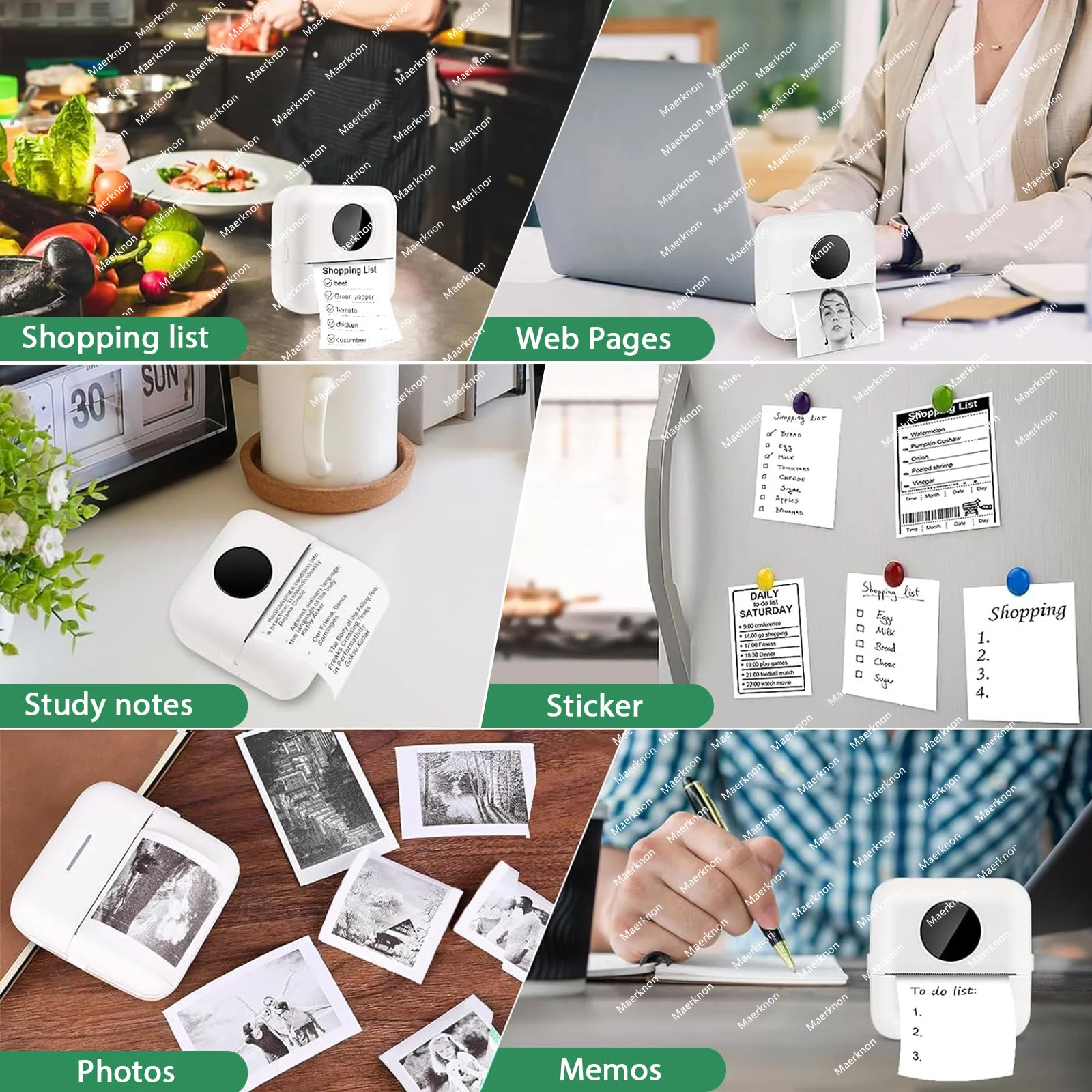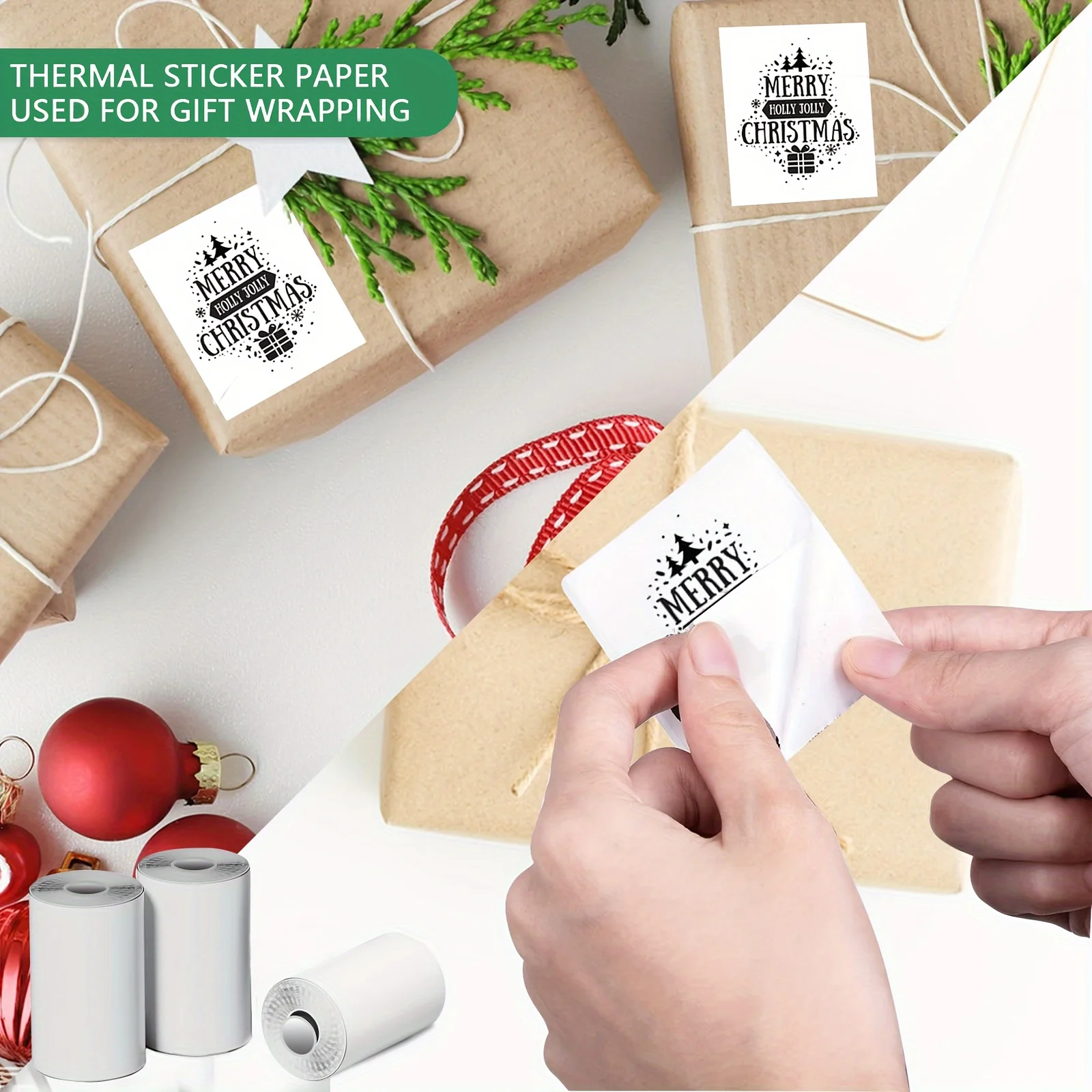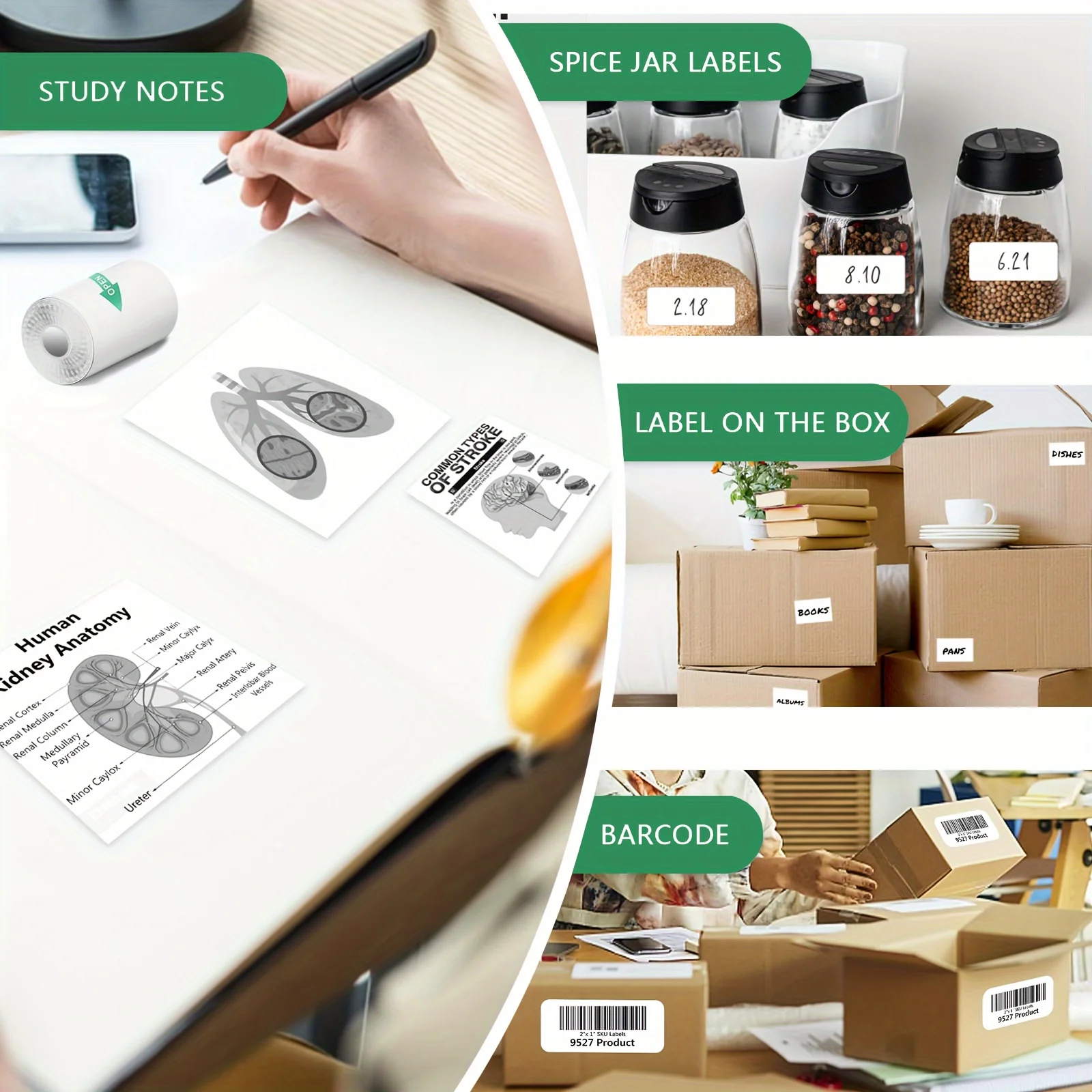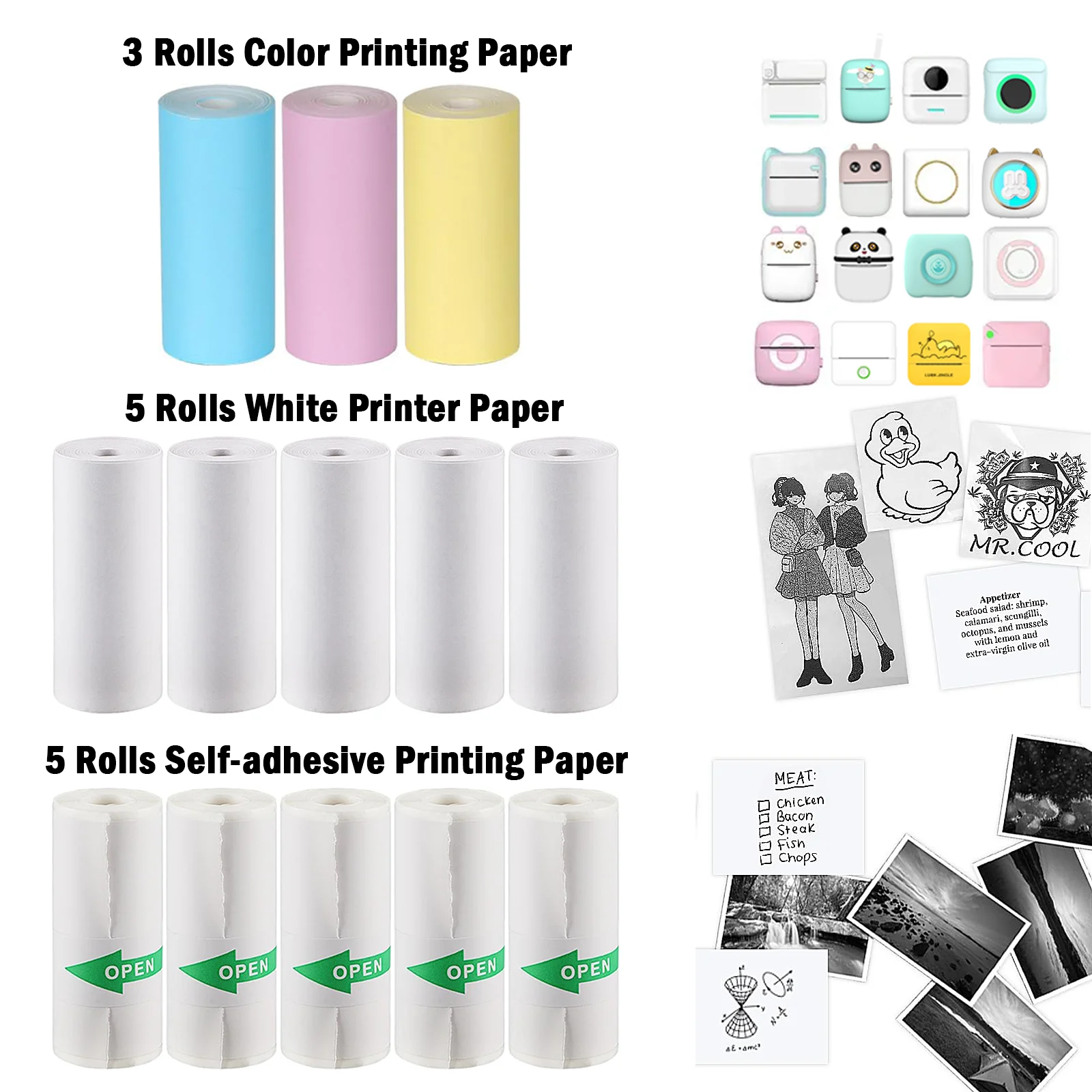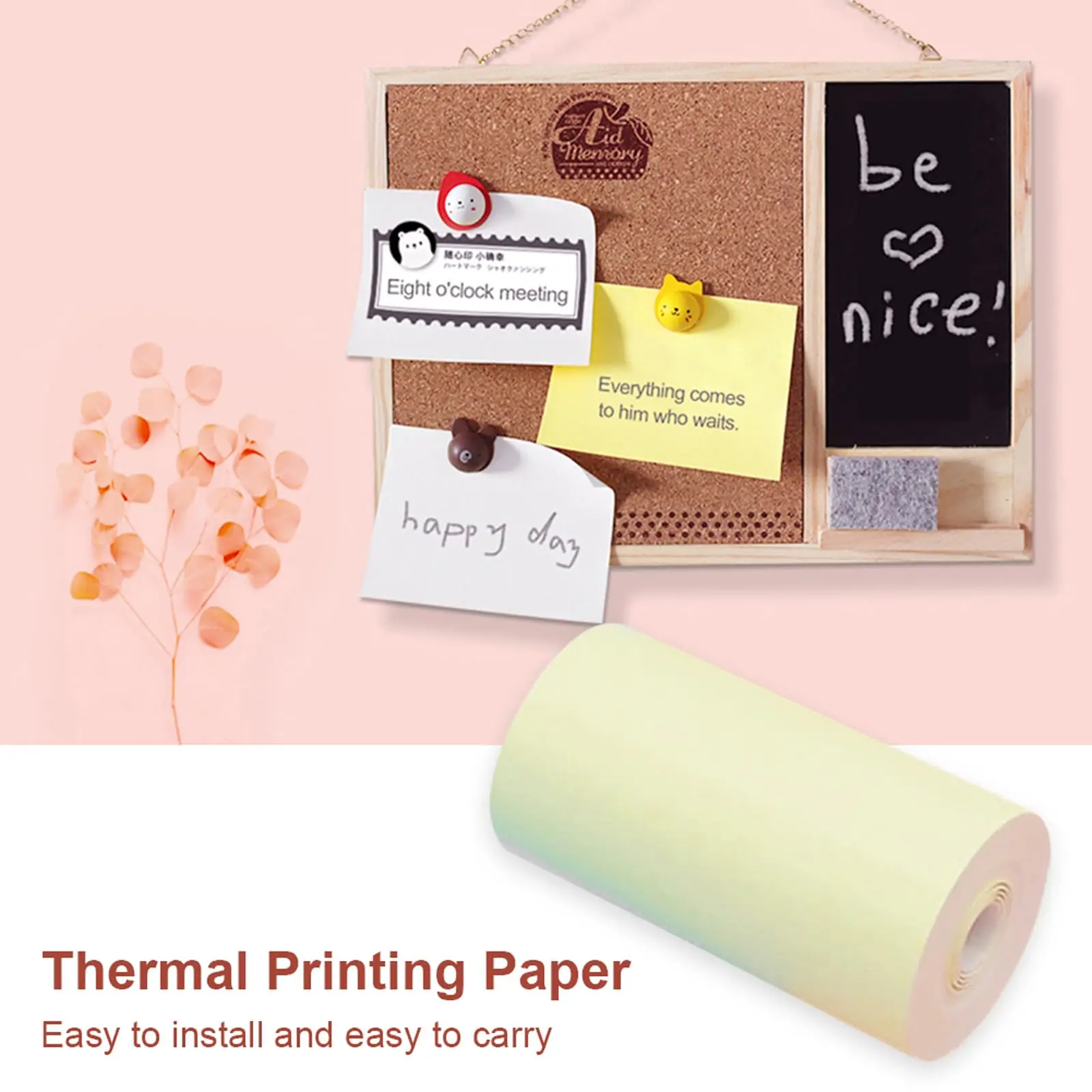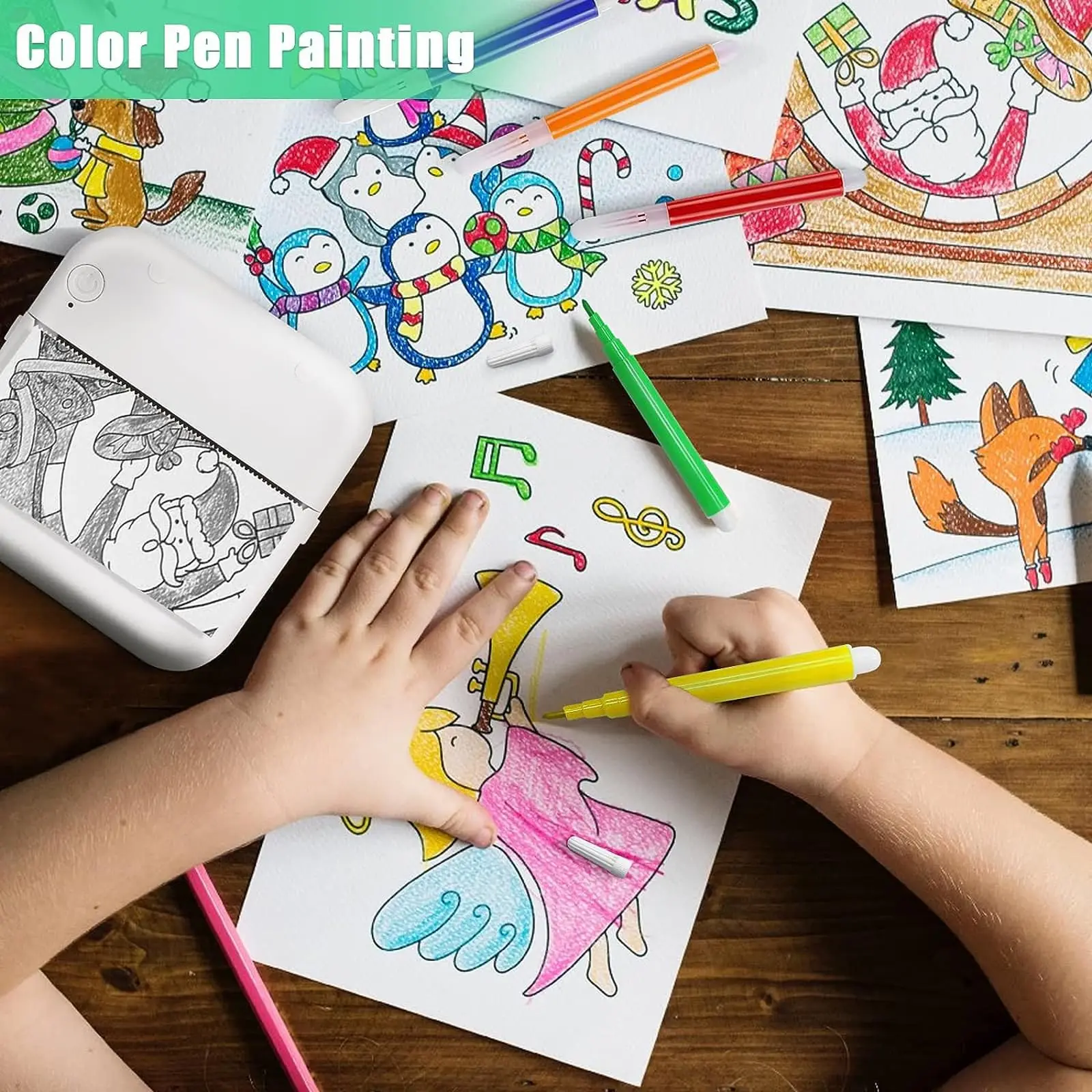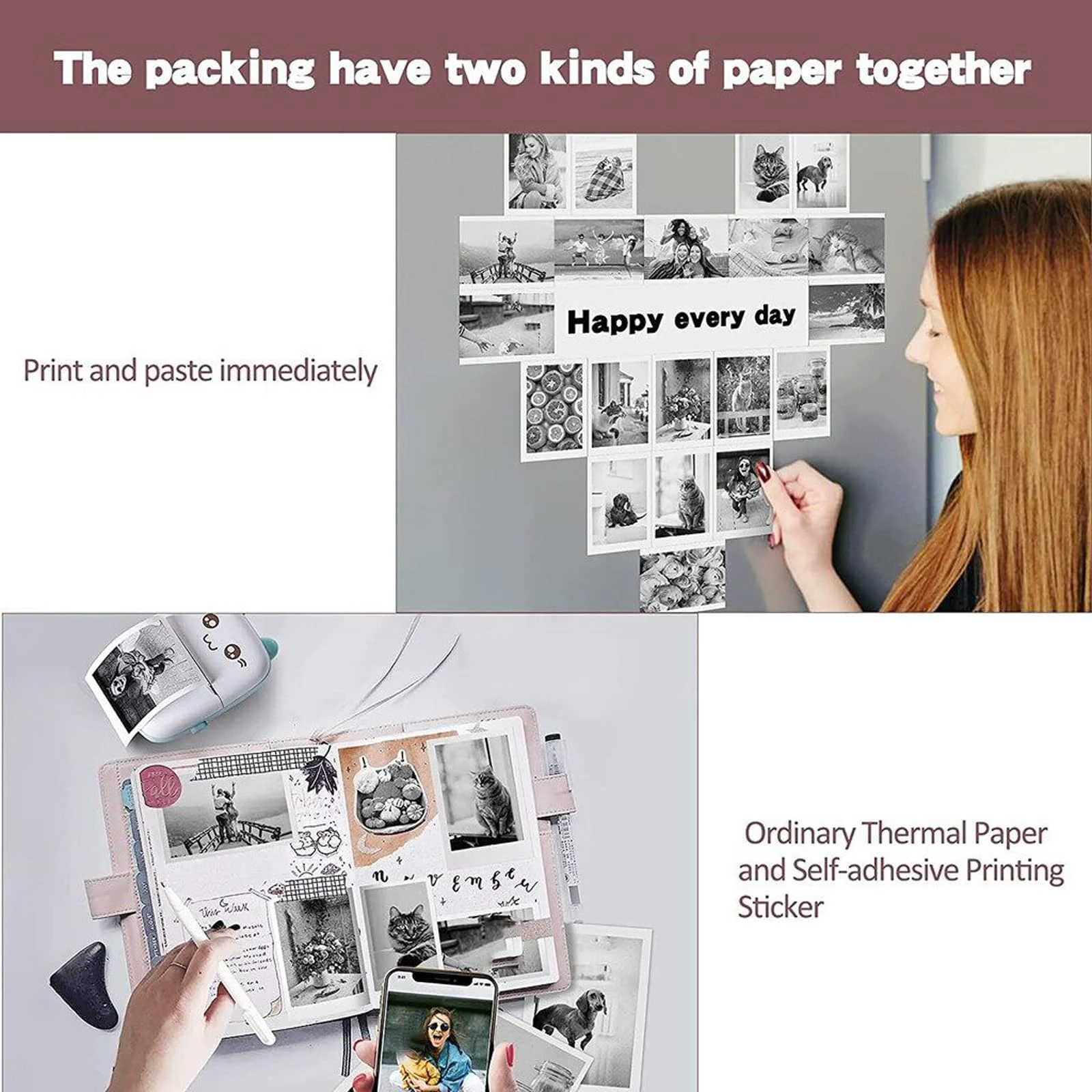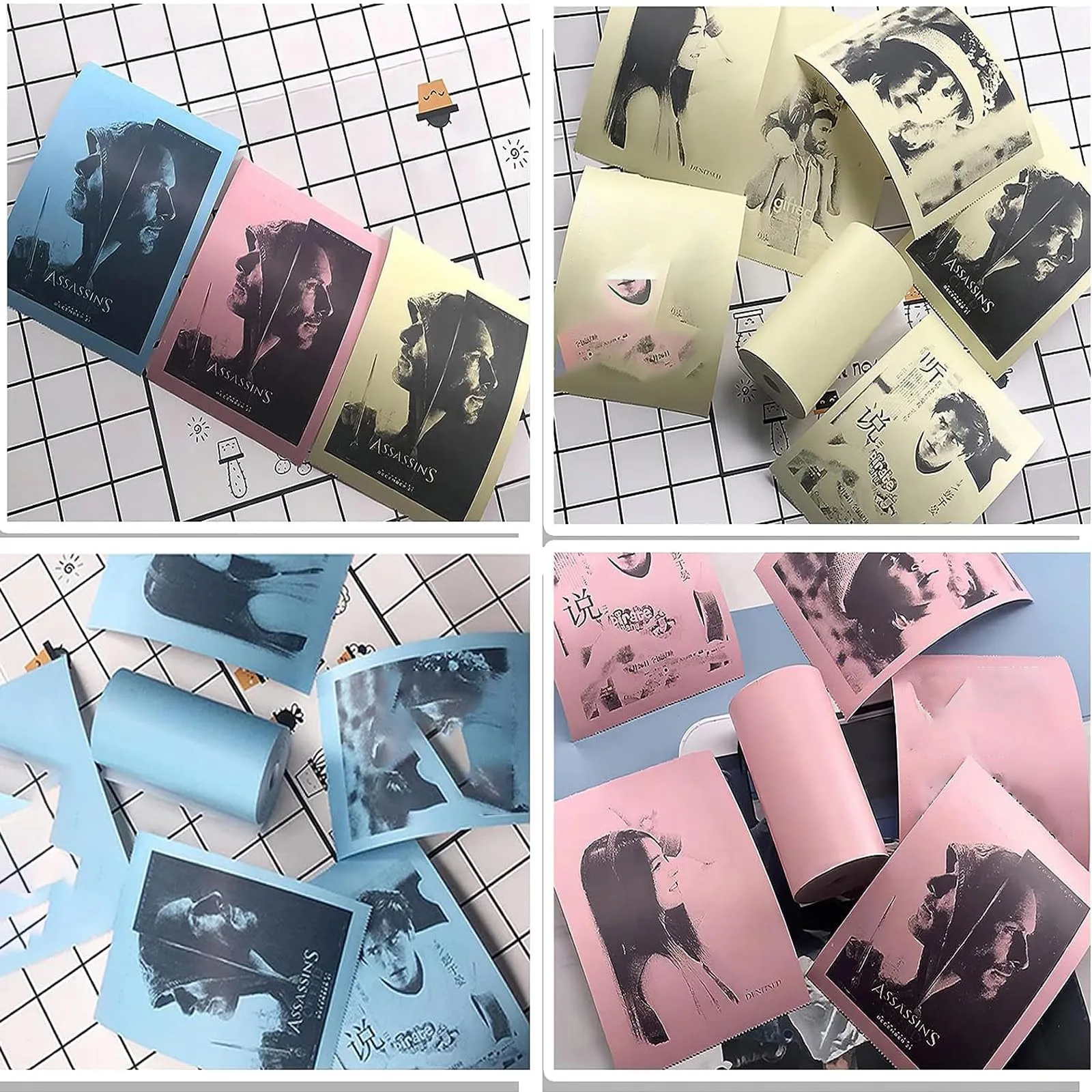
A4 Thermal Paper Printer Printing Wireless BT Connect Compatible with iOS and Android Mobile Photo Printer Support 210mm Wide
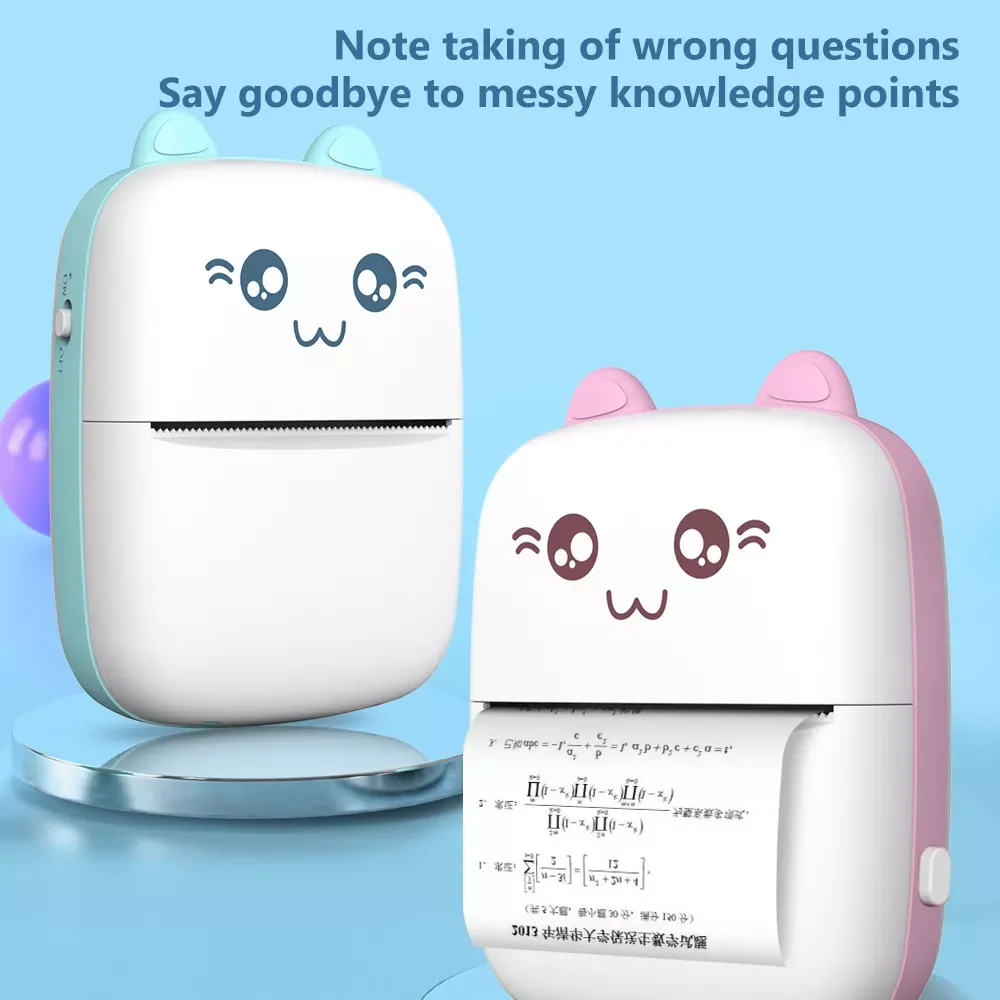
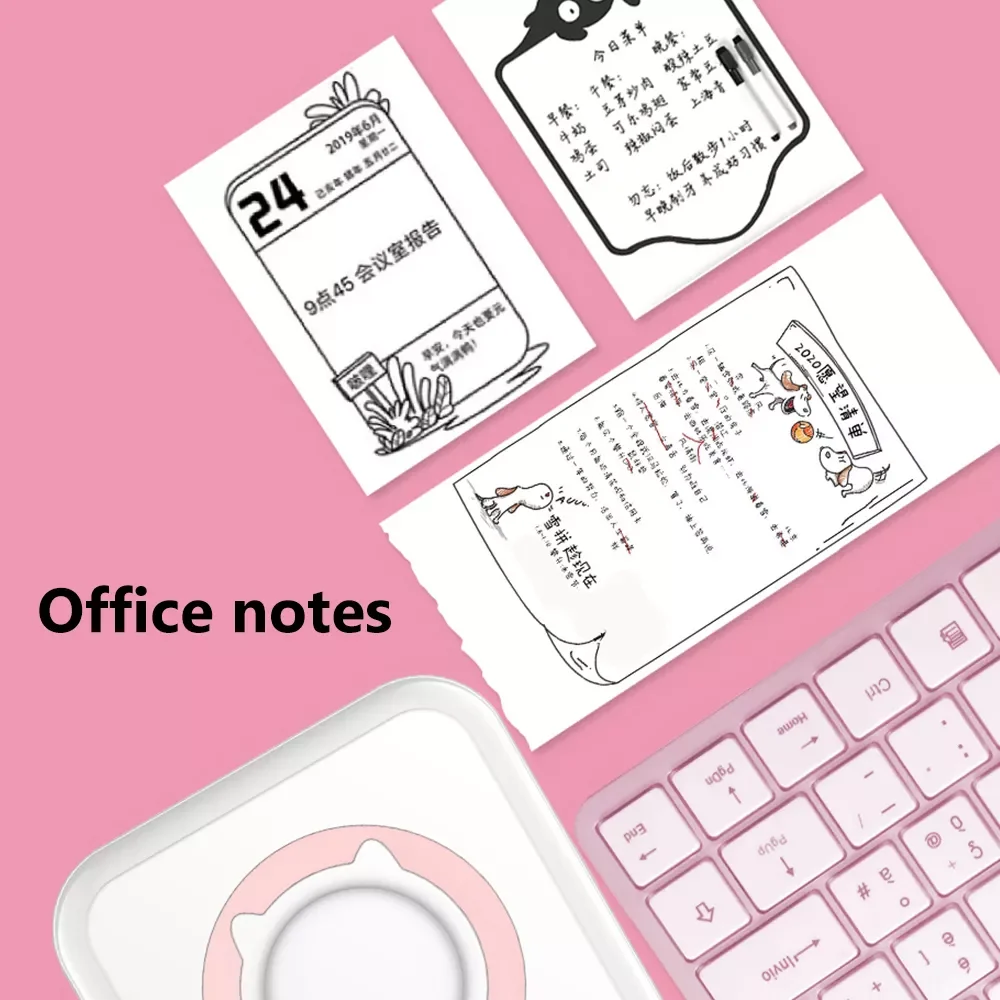
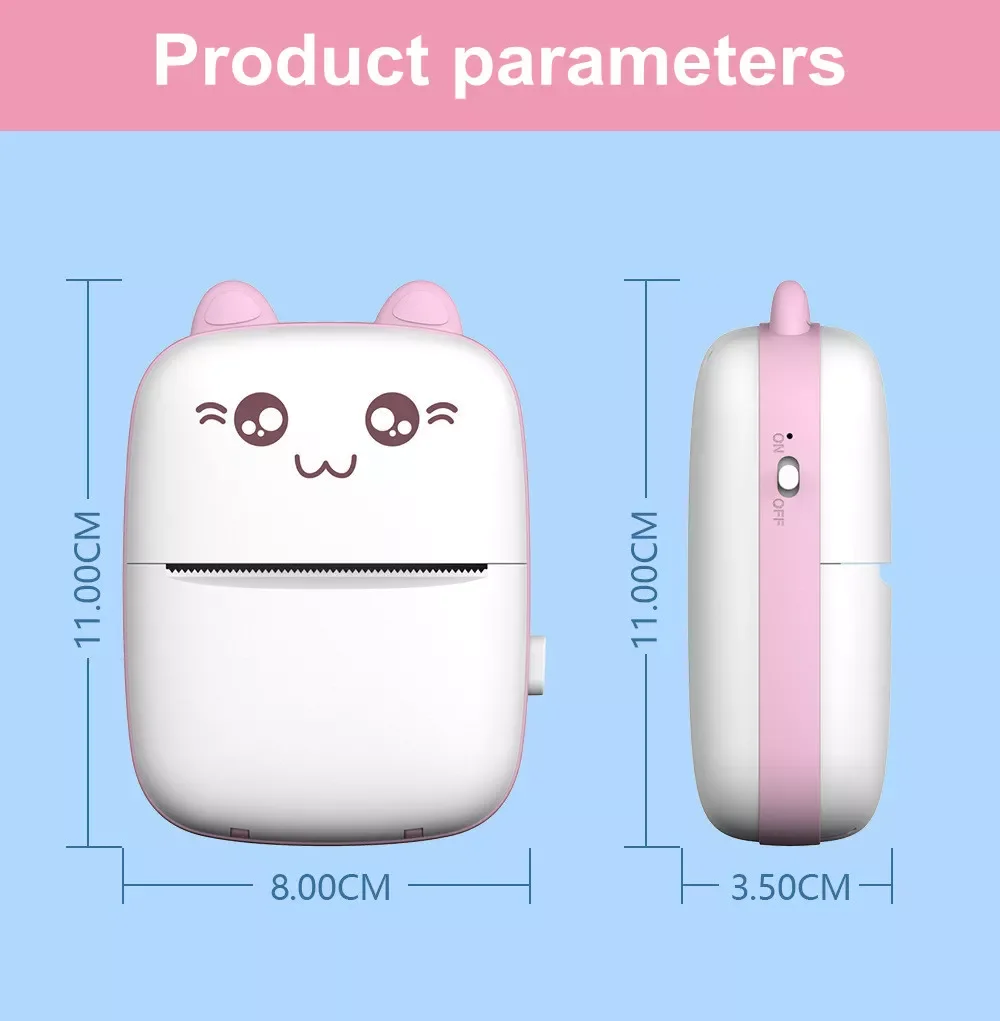
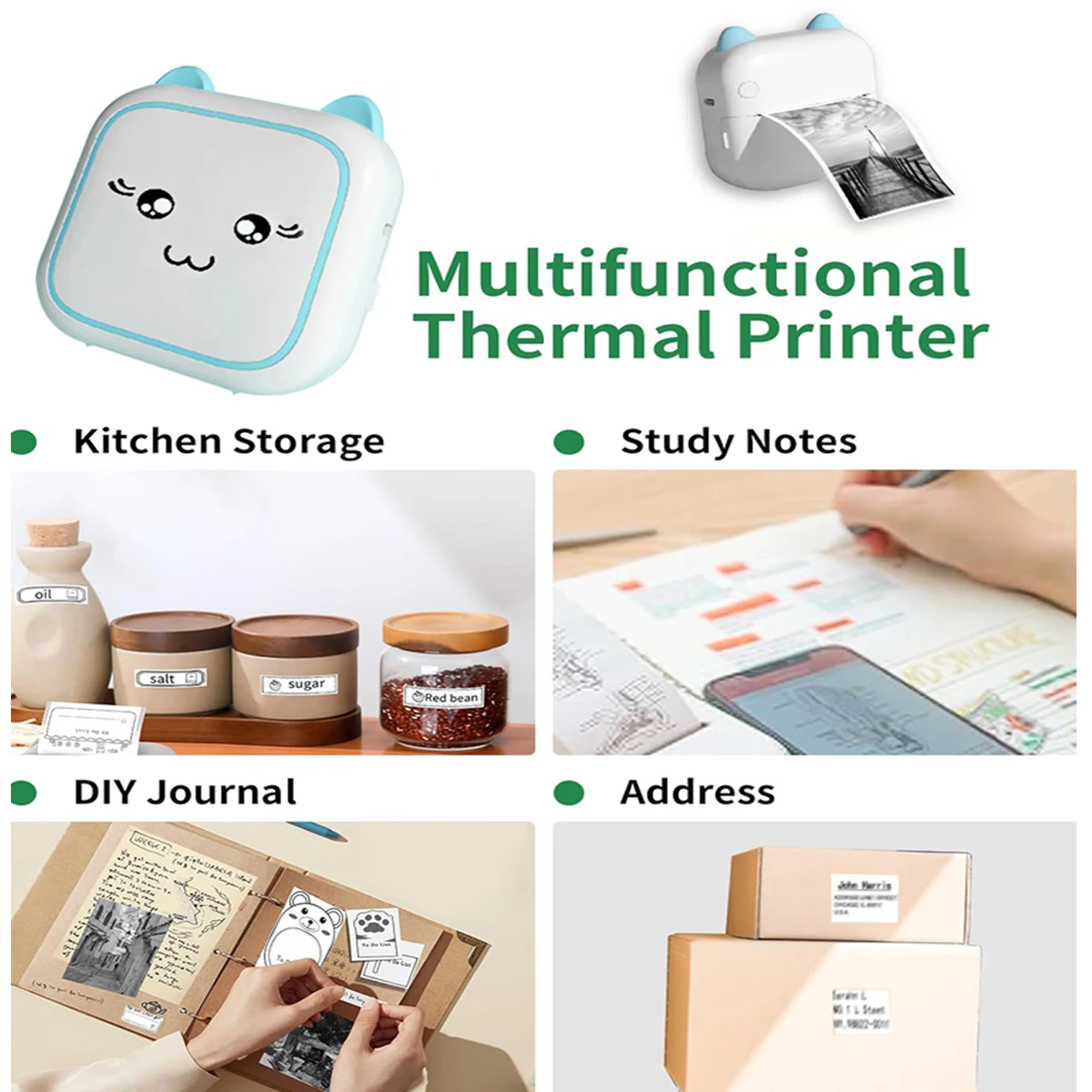
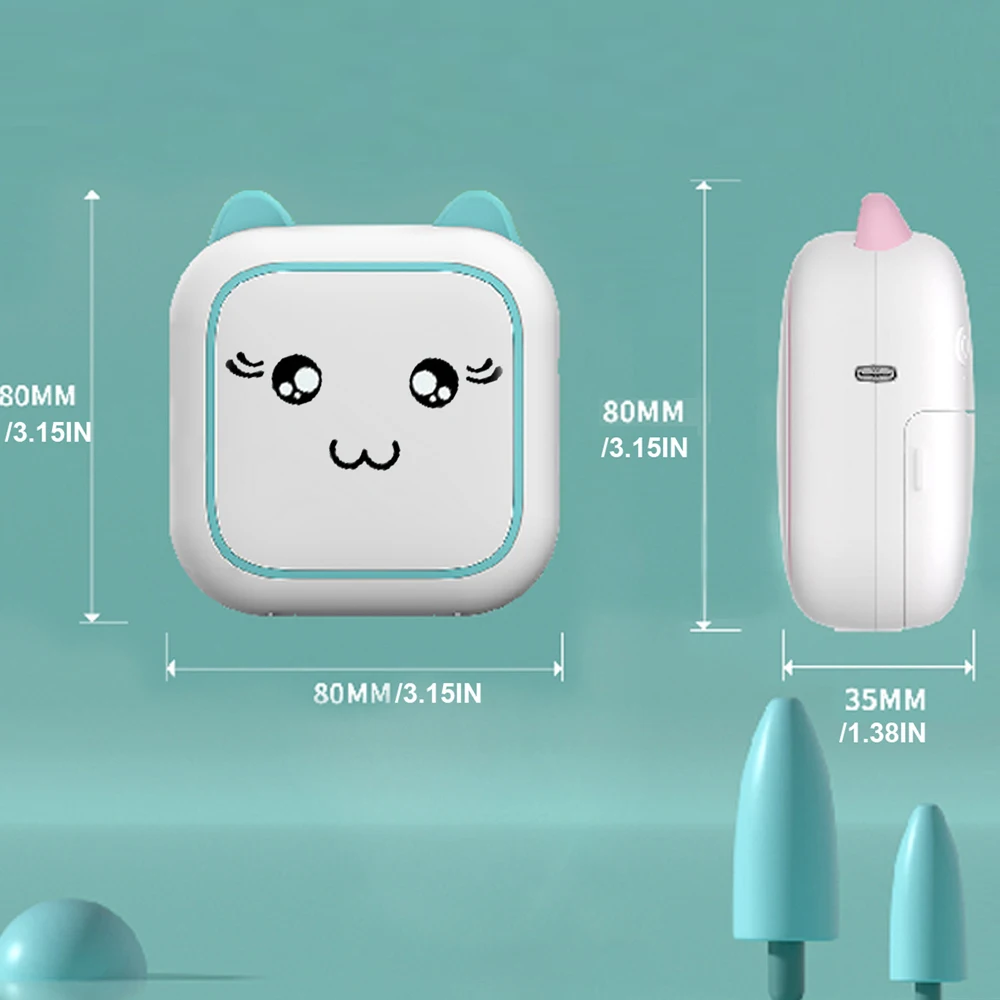
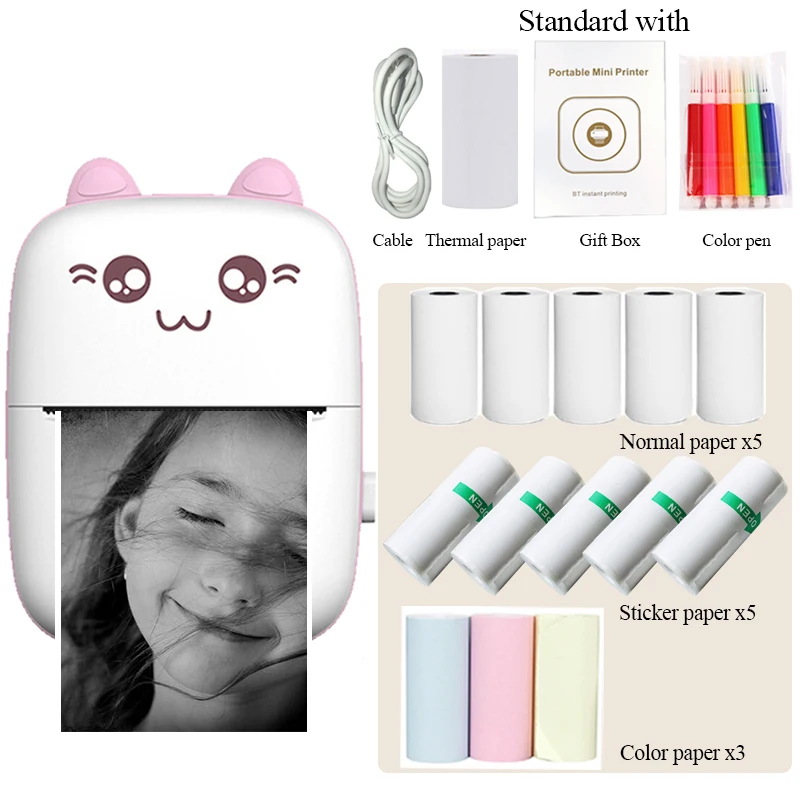
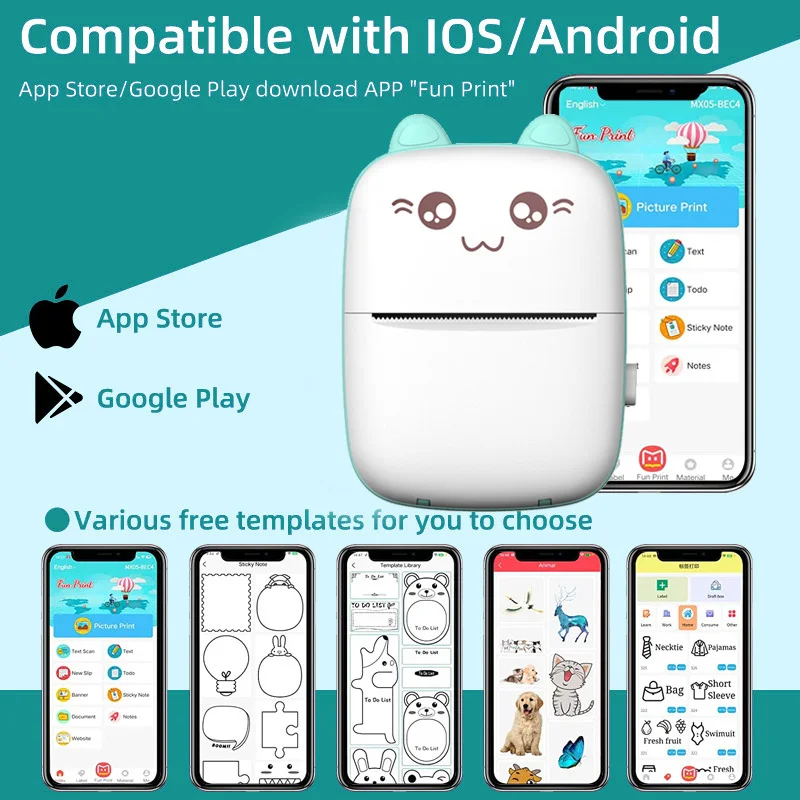
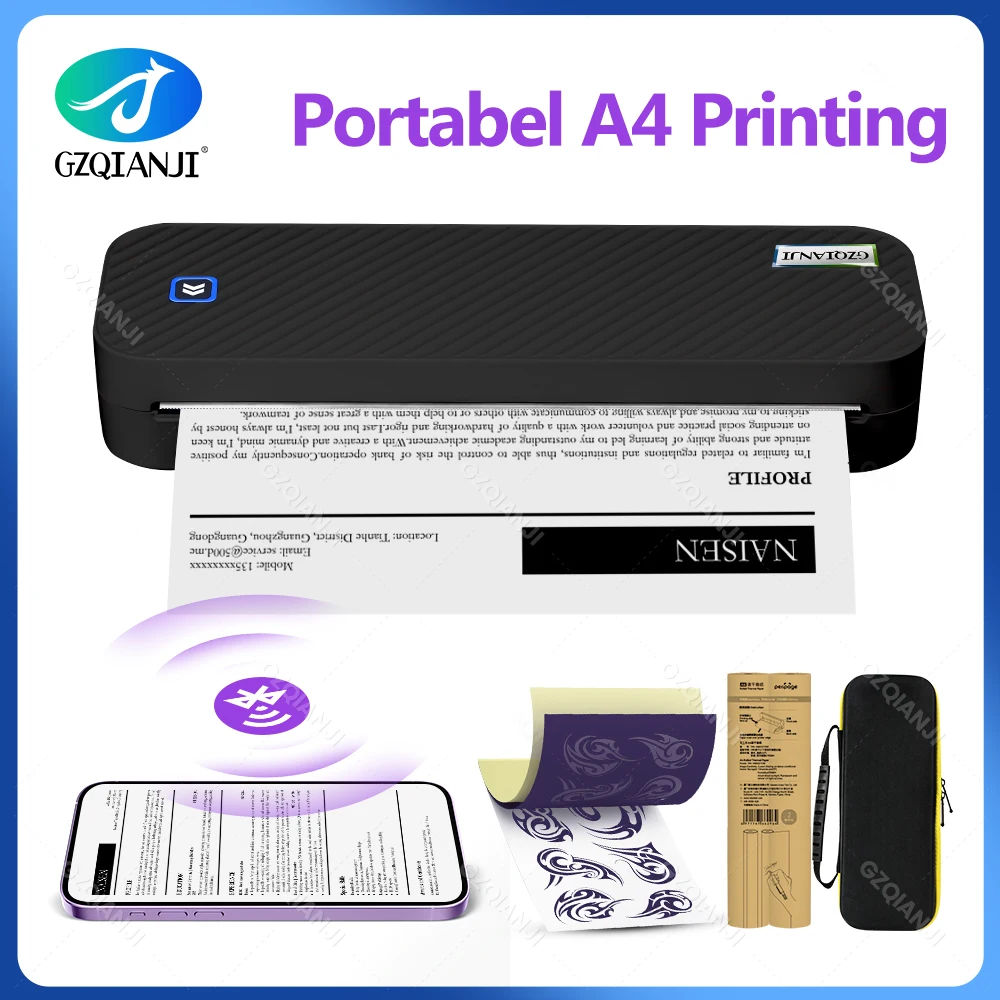
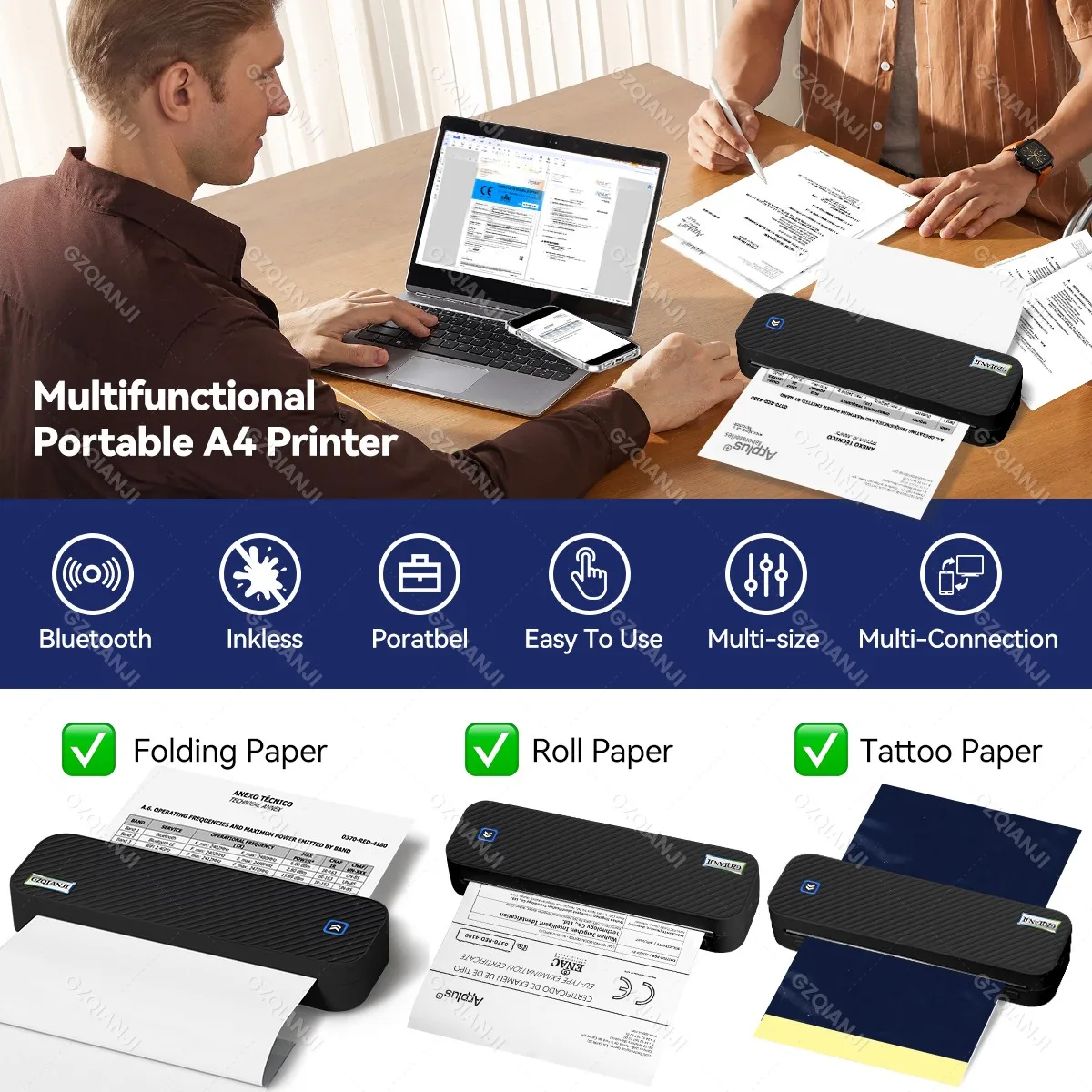
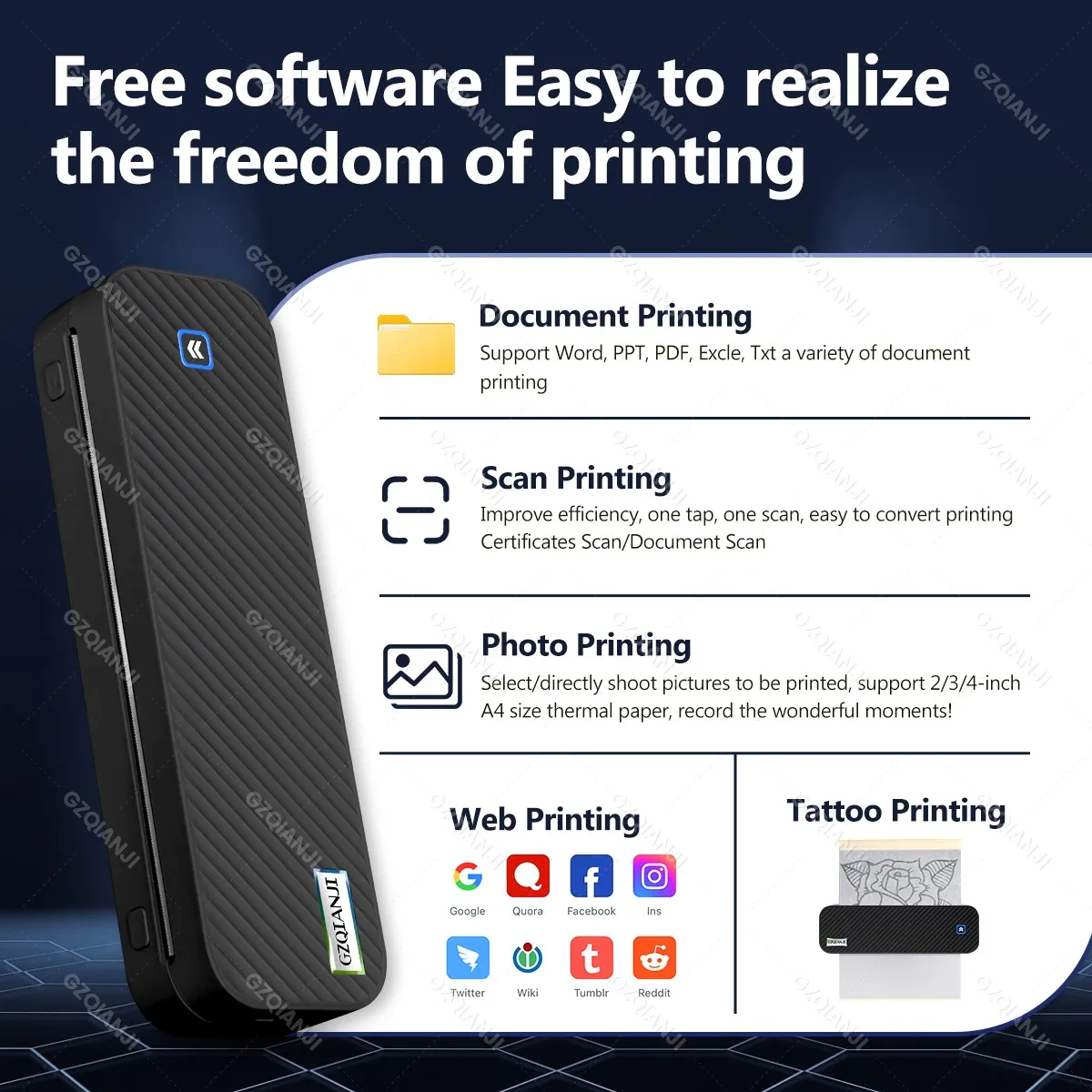
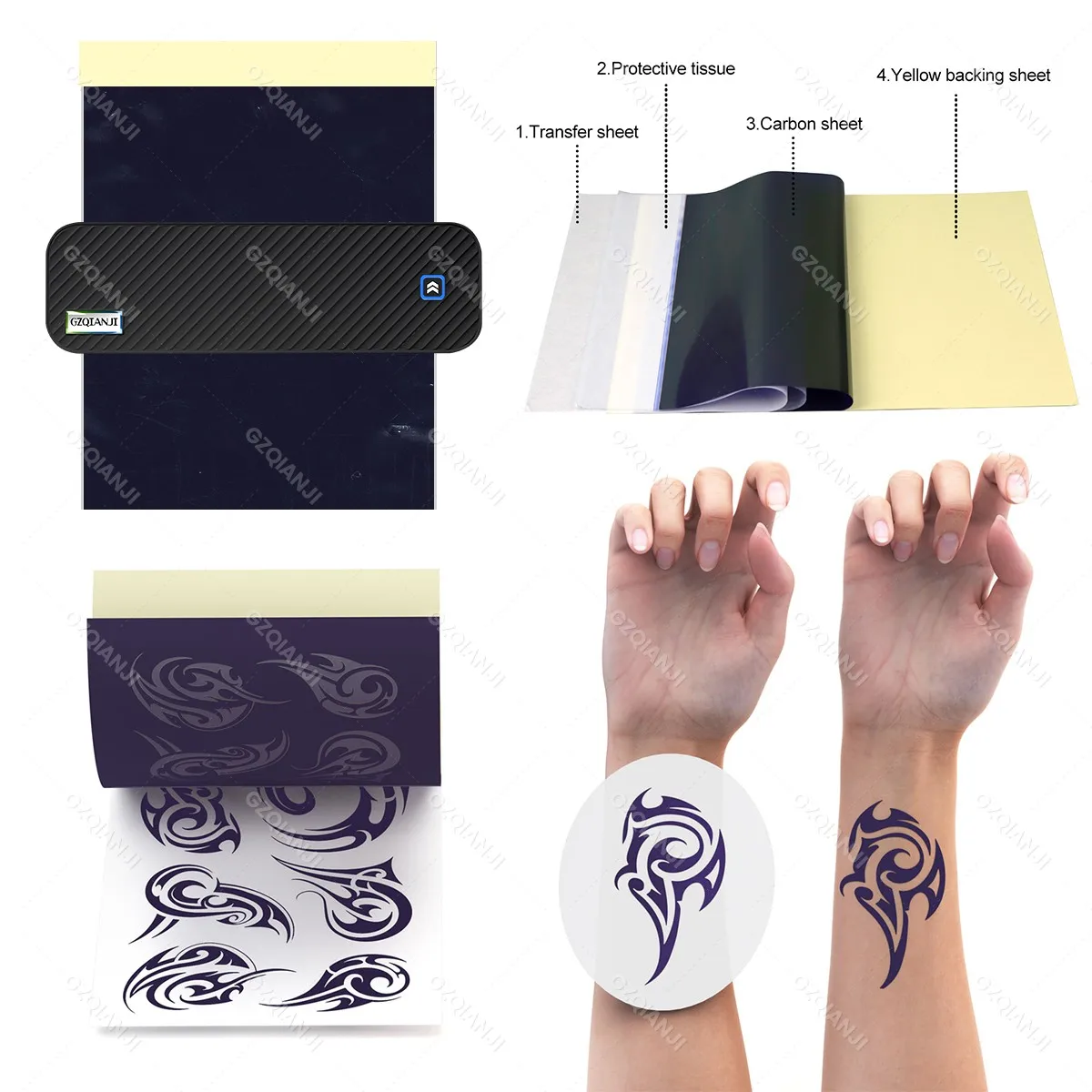
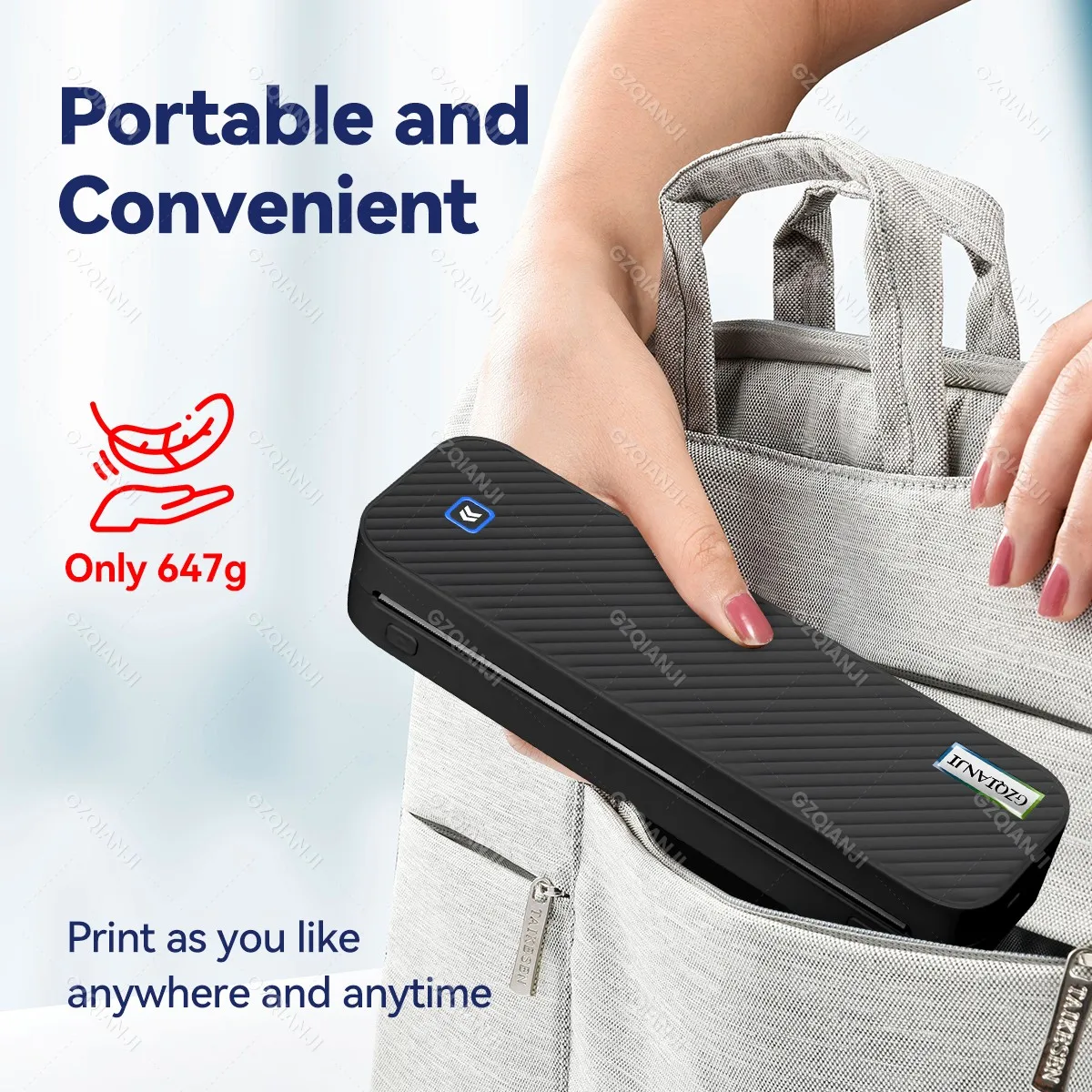
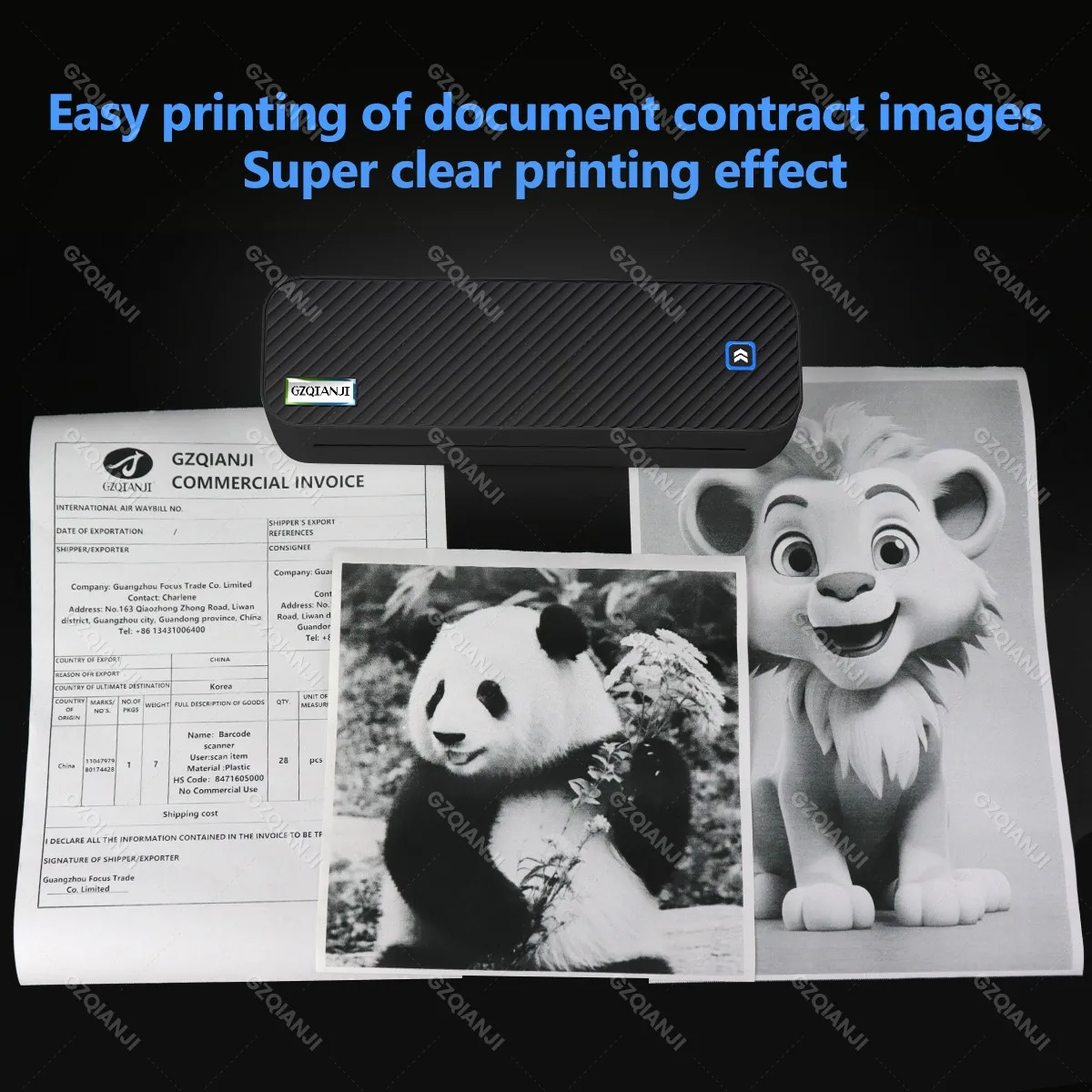
<p><span style="background-color:rgb(255, 255, 255);color:rgb(0, 0, 0);font-size:24px;font-family:georgia, serif">A4 Portable Thermal Printer Support A4 Thermal Paper Document Photos Wireless Bluetooth Mobile Travel Inkless Printer Case</span></p><p style="font-family:"TT Norms Pro", "Open Sans", Roboto, Arial, Helvetica, sans-serif, SimSun;font-size:14px;font-weight:400;letter-spacing:normal;line-height:inherit;text-align:start;white-space:normal;color:rgb(34, 34, 34);background-color:rgb(255, 255, 255);margin:0px;margin-bottom:0px;margin-top:0px;margin-left:0px;margin-right:0px;padding:0px;padding-bottom:0px;padding-top:0px;padding-left:0px;padding-right:0px;box-sizing:border-box" align="start"><br/></p><p style="font-family:"TT Norms Pro", "Open Sans", Roboto, Arial, Helvetica, sans-serif, SimSun;font-size:14px;font-weight:400;letter-spacing:normal;line-height:inherit;text-align:start;white-space:normal;color:rgb(34, 34, 34);background-color:rgb(255, 255, 255);margin:0px;margin-bottom:0px;margin-top:0px;margin-left:0px;margin-right:0px;padding:0px;padding-bottom:0px;padding-top:0px;padding-left:0px;padding-right:0px;box-sizing:border-box" align="start"><span style="font-family:georgia, serif">✅</span><span style="font-family:georgia, serif"><strong>【High Compatibility】</strong></span><span style="font-family:georgia, serif"> Support iOS and Android mobile phone by bt connection. Turn on the printer by pressing the power button for 2sec first. For Mobile Device, download the APP (Please check the User Manual) first and enter it and connect with the machine through BT function.</span></p><p style="font-family:"TT Norms Pro", "Open Sans", Roboto, Arial, Helvetica, sans-serif, SimSun;font-size:14px;font-weight:400;letter-spacing:normal;line-height:inherit;text-align:start;white-space:normal;color:rgb(34, 34, 34);background-color:rgb(255, 255, 255);margin:0px;margin-bottom:0px;margin-top:0px;margin-left:0px;margin-right:0px;padding:0px;padding-bottom:0px;padding-top:0px;padding-left:0px;padding-right:0px;box-sizing:border-box" align="start"><span style="font-family:georgia, serif">✅</span><span style="font-family:georgia, serif"><strong>【Premium Printing Quality】</strong></span><span style="font-family:georgia, serif"> A40 printer equipped with high quality print head, which has over 50km print life and printing about 168000 A4 Paper. Adopt advanced thermal printing technology, no ink cartridges or consumables are required, energy saving and environmental friendly.</span></p><p style="font-family:"TT Norms Pro", "Open Sans", Roboto, Arial, Helvetica, sans-serif, SimSun;font-size:14px;font-weight:400;letter-spacing:normal;line-height:inherit;text-align:start;white-space:normal;color:rgb(34, 34, 34);background-color:rgb(255, 255, 255);margin:0px;margin-bottom:0px;margin-top:0px;margin-left:0px;margin-right:0px;padding:0px;padding-bottom:0px;padding-top:0px;padding-left:0px;padding-right:0px;box-sizing:border-box" align="start"><span style="font-family:georgia, serif">✅</span><span style="font-family:georgia, serif"><strong>【Convenient for Your Life】</strong></span><span style="font-family:georgia, serif"> With compact size - 264x78x42mm. Built-in 2600mAh rechargeable batteries, which can continuous print 1.5hrs after full charged, long standby time of 45 days, great for carry to business travel, school etc.</span></p><p style="font-family:"TT Norms Pro", "Open Sans", Roboto, Arial, Helvetica, sans-serif, SimSun;font-size:14px;font-weight:400;letter-spacing:normal;line-height:inherit;text-align:start;white-space:normal;color:rgb(34, 34, 34);background-color:rgb(255, 255, 255);margin:0px;margin-bottom:0px;margin-top:0px;margin-left:0px;margin-right:0px;padding:0px;padding-bottom:0px;padding-top:0px;padding-left:0px;padding-right:0px;box-sizing:border-box" align="start">✅【Multiple Printing Sizes】 With 2 clips to adjust the paper slot width, A40 thermal printer is support 210mm/107mm/77mm/56mm (A4/4"/3"/2") width of thermal paper now, different sizes of paper to meet your printing needs on multiple occasions. And support use with roll paper and folding paper as well.</p><p style="font-family:"TT Norms Pro", "Open Sans", Roboto, Arial, Helvetica, sans-serif, SimSun;font-size:14px;font-weight:400;letter-spacing:normal;line-height:inherit;text-align:start;white-space:normal;color:rgb(34, 34, 34);background-color:rgb(255, 255, 255);margin:0px;margin-bottom:0px;margin-top:0px;margin-left:0px;margin-right:0px;padding:0px;padding-bottom:0px;padding-top:0px;padding-left:0px;padding-right:0px;box-sizing:border-box" align="start"><span style="font-family:georgia, serif">✅</span><span style="font-family:georgia, serif"><strong>【All in One Printer】</strong></span><span style="font-family:georgia, serif"> A4 mobile printer, ideal for printing PDF file, test paper, webpage, contract, photo, picture, etc. an excellent assistant for study and office work.</span></p><p style="font-family:"TT Norms Pro", "Open Sans", Roboto, Arial, Helvetica, sans-serif, SimSun;font-size:14px;font-weight:400;letter-spacing:normal;line-height:inherit;text-align:start;white-space:normal;color:rgb(34, 34, 34);background-color:rgb(255, 255, 255);margin:0px;margin-bottom:0px;margin-top:0px;margin-left:0px;margin-right:0px;padding:0px;padding-bottom:0px;padding-top:0px;padding-left:0px;padding-right:0px;box-sizing:border-box" align="start"><span style="background-color:rgb(115, 216, 255);font-size:24px;font-family:georgia, serif"><span style="background-color:rgb(115, 216, 255);color:rgb(34, 34, 34);font-size:24px;font-family:georgia, serif"><br/></span></span><span style="background-color:rgb(123, 100, 255);color:rgb(252, 220, 0);font-size:24px;font-family:georgia, serif">Free APP Download:Please check the User Manual!</span></p><p style="font-family:"TT Norms Pro", "Open Sans", Roboto, Arial, Helvetica, sans-serif, SimSun;font-size:14px;font-weight:400;letter-spacing:normal;line-height:inherit;text-align:start;white-space:normal;color:rgb(34, 34, 34);background-color:rgb(255, 255, 255);margin:0px;margin-bottom:0px;margin-top:0px;margin-left:0px;margin-right:0px;padding:0px;padding-bottom:0px;padding-top:0px;padding-left:0px;padding-right:0px;box-sizing:border-box" align="start"></p><p><span style="font-size:20px;font-family:"times new roman", times, serif"><strong>Attention</strong></span></p><p><span style="font-size:16px;font-family:"times new roman", times, serif">1. Must use a USB cable to use the PC, currently GZMA412 doesn't support Bluetooth to connect to the PC.</span></p><p><span style="font-size:16px;font-family:"times new roman", times, serif">2. Overheating of the machine can cause paper jams!!!</span></p><p><span style="font-size:16px;font-family:"times new roman", times, serif">● If the pattern is too complex or large shaded pattern, the machine needs to process too much information and the machine will easily overheat, resulting in a paper jam.</span></p><p><span style="font-size:16px;font-family:"times new roman", times, serif">● Do not transfer complex patterns continuously, you need to wait until the cover is opened to allow the machine to cool down sufficiently. Touch the thermal metal print head to see if the machine is cool.</span></p><p></p>
$226.25
$111.875
- Category : Computer & Office
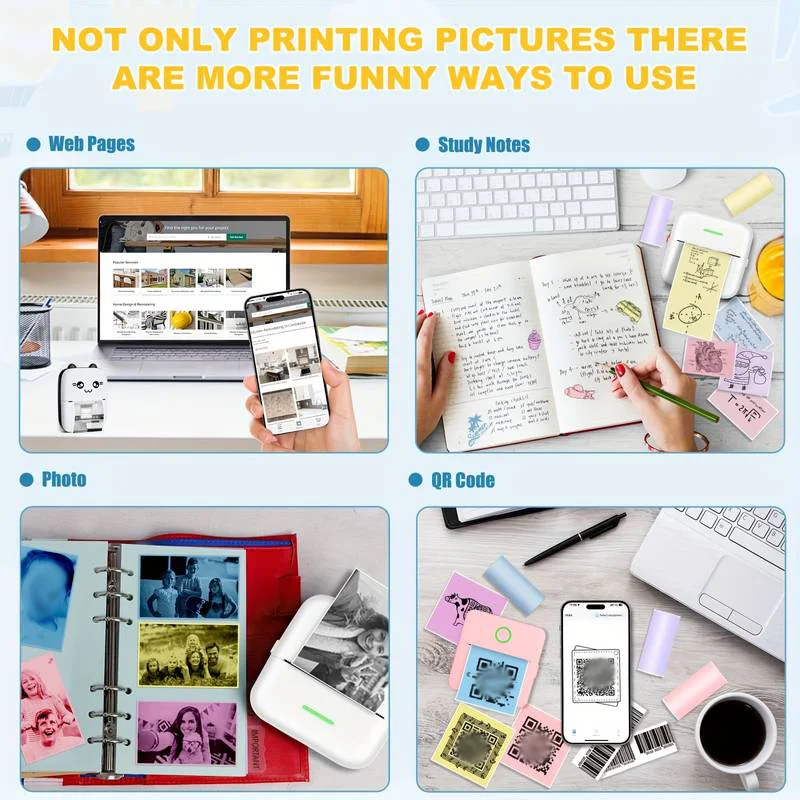
- Brand : gzqianji_store GZQIANJI Store
Colors
Sizes
-
+

<p><span style="background-color:rgb(255, 255, 255);color:rgb(0, 0, 0);font-size:24px;font-family:georgia, serif">A4 Portable Thermal Printer Support A4 Thermal Paper Document Photos Wireless Bluetooth Mobile Travel Inkless Printer Case</span></p><p style="font-family:"TT Norms Pro", "Open Sans", Roboto, Arial, Helvetica, sans-serif, SimSun;font-size:14px;font-weight:400;letter-spacing:normal;line-height:inherit;text-align:start;white-space:normal;color:rgb(34, 34, 34);background-color:rgb(255, 255, 255);margin:0px;margin-bottom:0px;margin-top:0px;margin-left:0px;margin-right:0px;padding:0px;padding-bottom:0px;padding-top:0px;padding-left:0px;padding-right:0px;box-sizing:border-box" align="start"><br/></p><p style="font-family:"TT Norms Pro", "Open Sans", Roboto, Arial, Helvetica, sans-serif, SimSun;font-size:14px;font-weight:400;letter-spacing:normal;line-height:inherit;text-align:start;white-space:normal;color:rgb(34, 34, 34);background-color:rgb(255, 255, 255);margin:0px;margin-bottom:0px;margin-top:0px;margin-left:0px;margin-right:0px;padding:0px;padding-bottom:0px;padding-top:0px;padding-left:0px;padding-right:0px;box-sizing:border-box" align="start"><span style="font-family:georgia, serif">✅</span><span style="font-family:georgia, serif"><strong>【High Compatibility】</strong></span><span style="font-family:georgia, serif"> Support iOS and Android mobile phone by bt connection. Turn on the printer by pressing the power button for 2sec first. For Mobile Device, download the APP (Please check the User Manual) first and enter it and connect with the machine through BT function.</span></p><p style="font-family:"TT Norms Pro", "Open Sans", Roboto, Arial, Helvetica, sans-serif, SimSun;font-size:14px;font-weight:400;letter-spacing:normal;line-height:inherit;text-align:start;white-space:normal;color:rgb(34, 34, 34);background-color:rgb(255, 255, 255);margin:0px;margin-bottom:0px;margin-top:0px;margin-left:0px;margin-right:0px;padding:0px;padding-bottom:0px;padding-top:0px;padding-left:0px;padding-right:0px;box-sizing:border-box" align="start"><span style="font-family:georgia, serif">✅</span><span style="font-family:georgia, serif"><strong>【Premium Printing Quality】</strong></span><span style="font-family:georgia, serif"> A40 printer equipped with high quality print head, which has over 50km print life and printing about 168000 A4 Paper. Adopt advanced thermal printing technology, no ink cartridges or consumables are required, energy saving and environmental friendly.</span></p><p style="font-family:"TT Norms Pro", "Open Sans", Roboto, Arial, Helvetica, sans-serif, SimSun;font-size:14px;font-weight:400;letter-spacing:normal;line-height:inherit;text-align:start;white-space:normal;color:rgb(34, 34, 34);background-color:rgb(255, 255, 255);margin:0px;margin-bottom:0px;margin-top:0px;margin-left:0px;margin-right:0px;padding:0px;padding-bottom:0px;padding-top:0px;padding-left:0px;padding-right:0px;box-sizing:border-box" align="start"><span style="font-family:georgia, serif">✅</span><span style="font-family:georgia, serif"><strong>【Convenient for Your Life】</strong></span><span style="font-family:georgia, serif"> With compact size - 264x78x42mm. Built-in 2600mAh rechargeable batteries, which can continuous print 1.5hrs after full charged, long standby time of 45 days, great for carry to business travel, school etc.</span></p><p style="font-family:"TT Norms Pro", "Open Sans", Roboto, Arial, Helvetica, sans-serif, SimSun;font-size:14px;font-weight:400;letter-spacing:normal;line-height:inherit;text-align:start;white-space:normal;color:rgb(34, 34, 34);background-color:rgb(255, 255, 255);margin:0px;margin-bottom:0px;margin-top:0px;margin-left:0px;margin-right:0px;padding:0px;padding-bottom:0px;padding-top:0px;padding-left:0px;padding-right:0px;box-sizing:border-box" align="start">✅【Multiple Printing Sizes】 With 2 clips to adjust the paper slot width, A40 thermal printer is support 210mm/107mm/77mm/56mm (A4/4"/3"/2") width of thermal paper now, different sizes of paper to meet your printing needs on multiple occasions. And support use with roll paper and folding paper as well.</p><p style="font-family:"TT Norms Pro", "Open Sans", Roboto, Arial, Helvetica, sans-serif, SimSun;font-size:14px;font-weight:400;letter-spacing:normal;line-height:inherit;text-align:start;white-space:normal;color:rgb(34, 34, 34);background-color:rgb(255, 255, 255);margin:0px;margin-bottom:0px;margin-top:0px;margin-left:0px;margin-right:0px;padding:0px;padding-bottom:0px;padding-top:0px;padding-left:0px;padding-right:0px;box-sizing:border-box" align="start"><span style="font-family:georgia, serif">✅</span><span style="font-family:georgia, serif"><strong>【All in One Printer】</strong></span><span style="font-family:georgia, serif"> A4 mobile printer, ideal for printing PDF file, test paper, webpage, contract, photo, picture, etc. an excellent assistant for study and office work.</span></p><p style="font-family:"TT Norms Pro", "Open Sans", Roboto, Arial, Helvetica, sans-serif, SimSun;font-size:14px;font-weight:400;letter-spacing:normal;line-height:inherit;text-align:start;white-space:normal;color:rgb(34, 34, 34);background-color:rgb(255, 255, 255);margin:0px;margin-bottom:0px;margin-top:0px;margin-left:0px;margin-right:0px;padding:0px;padding-bottom:0px;padding-top:0px;padding-left:0px;padding-right:0px;box-sizing:border-box" align="start"><span style="background-color:rgb(115, 216, 255);font-size:24px;font-family:georgia, serif"><span style="background-color:rgb(115, 216, 255);color:rgb(34, 34, 34);font-size:24px;font-family:georgia, serif"><br/></span></span><span style="background-color:rgb(123, 100, 255);color:rgb(252, 220, 0);font-size:24px;font-family:georgia, serif">Free APP Download:Please check the User Manual!</span></p><p style="font-family:"TT Norms Pro", "Open Sans", Roboto, Arial, Helvetica, sans-serif, SimSun;font-size:14px;font-weight:400;letter-spacing:normal;line-height:inherit;text-align:start;white-space:normal;color:rgb(34, 34, 34);background-color:rgb(255, 255, 255);margin:0px;margin-bottom:0px;margin-top:0px;margin-left:0px;margin-right:0px;padding:0px;padding-bottom:0px;padding-top:0px;padding-left:0px;padding-right:0px;box-sizing:border-box" align="start"></p><p><span style="font-size:20px;font-family:"times new roman", times, serif"><strong>Attention</strong></span></p><p><span style="font-size:16px;font-family:"times new roman", times, serif">1. Must use a USB cable to use the PC, currently GZMA412 doesn't support Bluetooth to connect to the PC.</span></p><p><span style="font-size:16px;font-family:"times new roman", times, serif">2. Overheating of the machine can cause paper jams!!!</span></p><p><span style="font-size:16px;font-family:"times new roman", times, serif">● If the pattern is too complex or large shaded pattern, the machine needs to process too much information and the machine will easily overheat, resulting in a paper jam.</span></p><p><span style="font-size:16px;font-family:"times new roman", times, serif">● Do not transfer complex patterns continuously, you need to wait until the cover is opened to allow the machine to cool down sufficiently. Touch the thermal metal print head to see if the machine is cool.</span></p><p></p>
Related Product
Browse The Collection of Top Products.