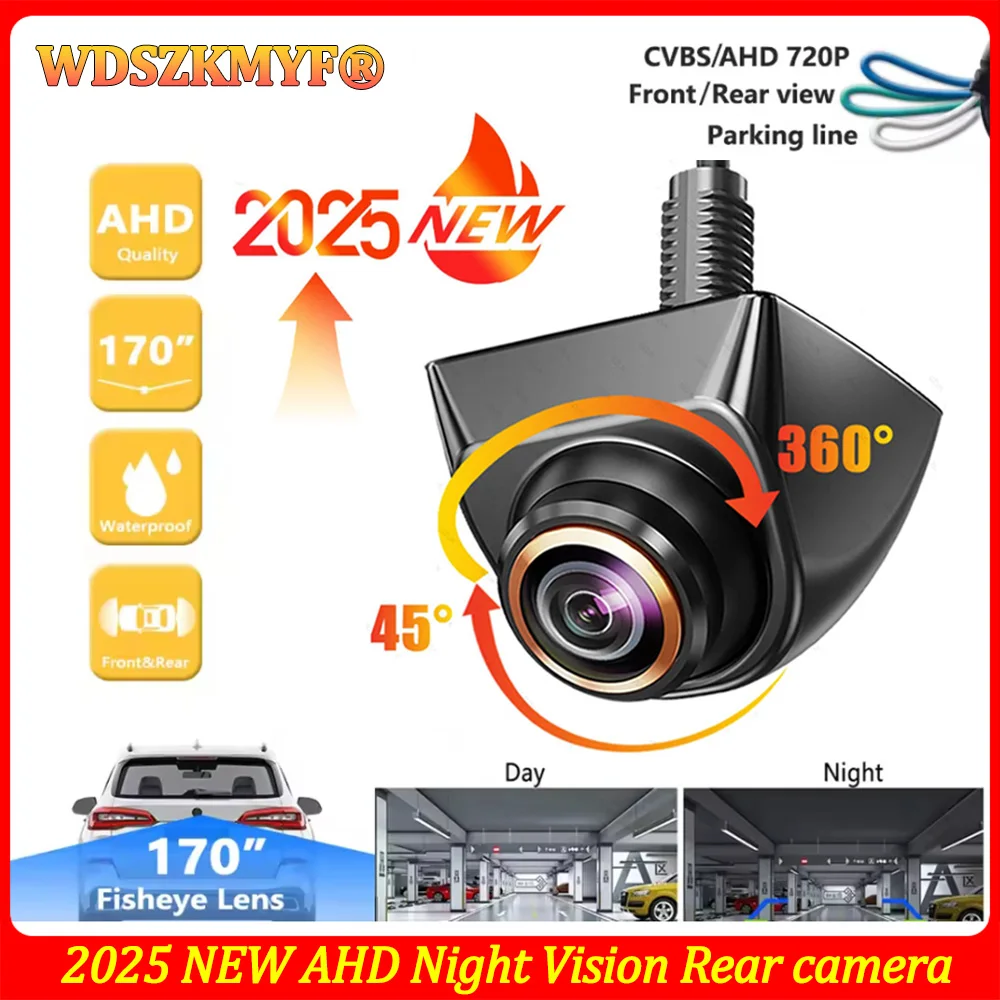
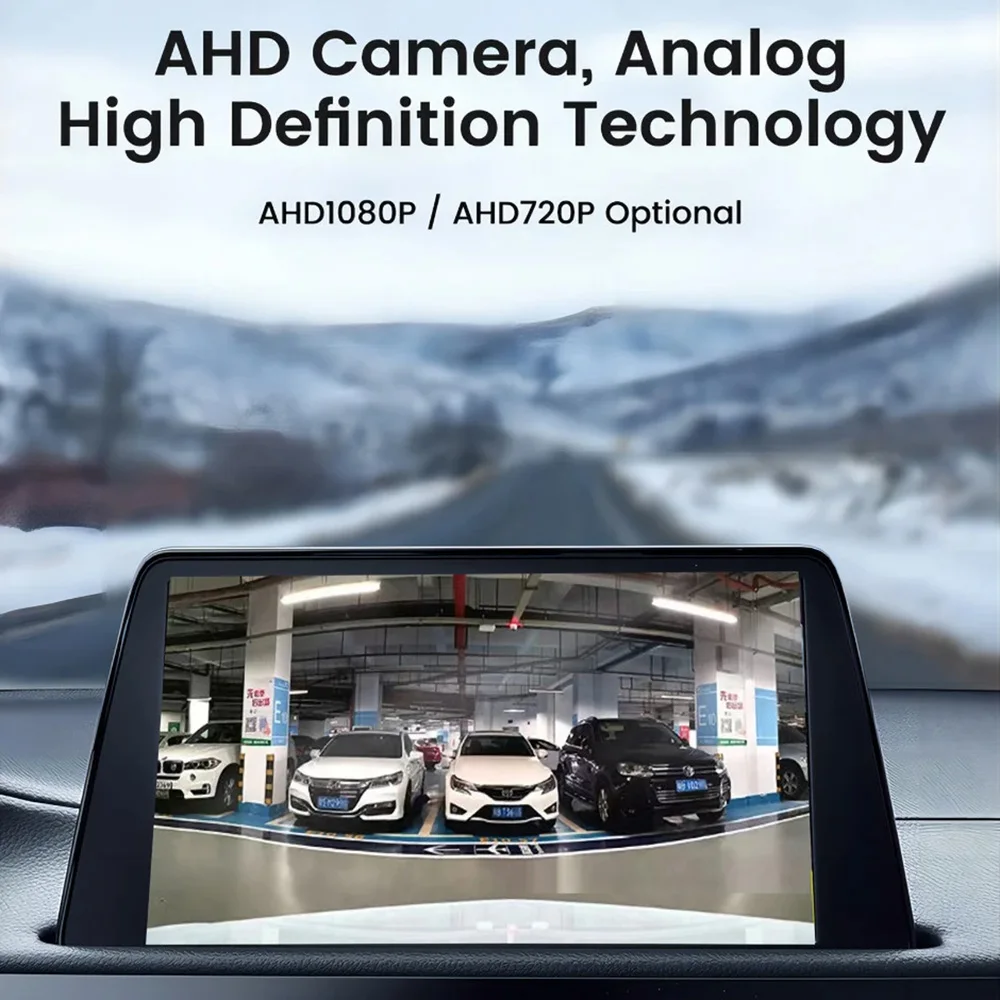
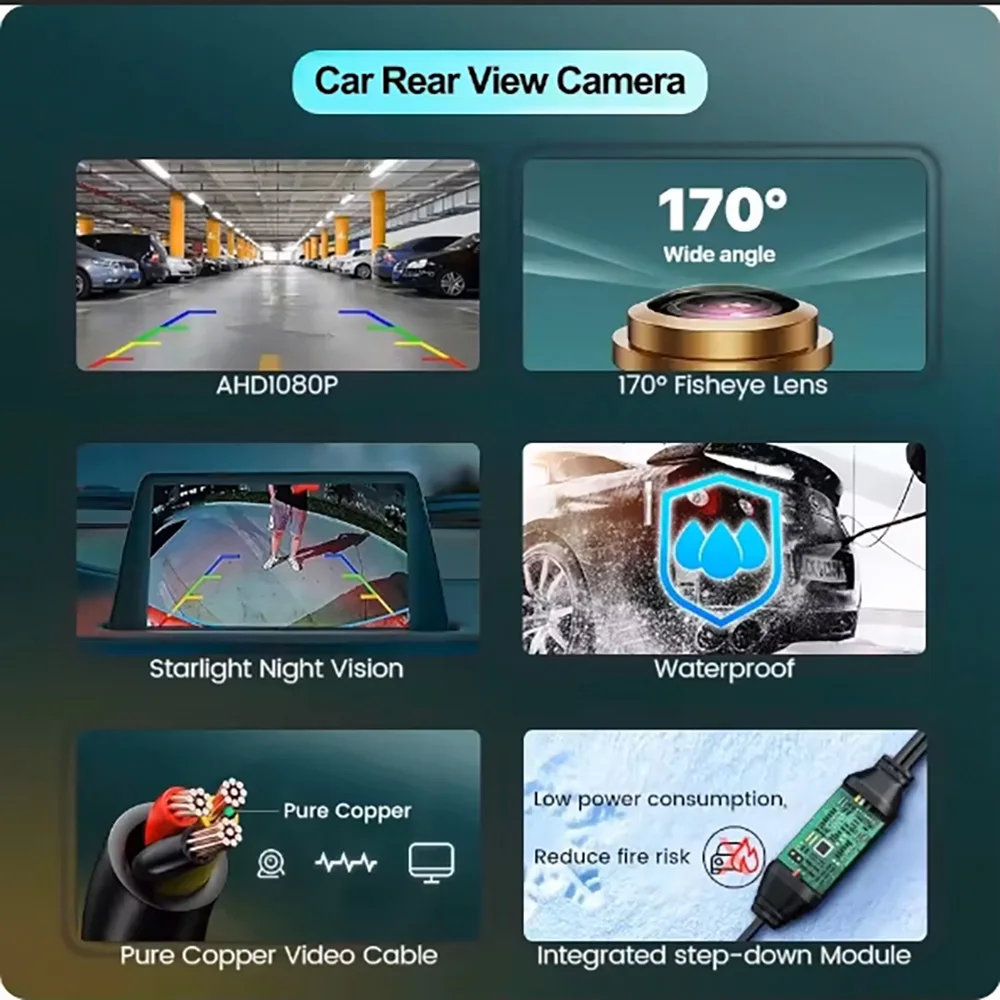
AHD1080P/720P Car Rear View Camera 170° Fisheye Golden Lens Full HD Night Vision Universal Vehicle Reversing Backup Cameras
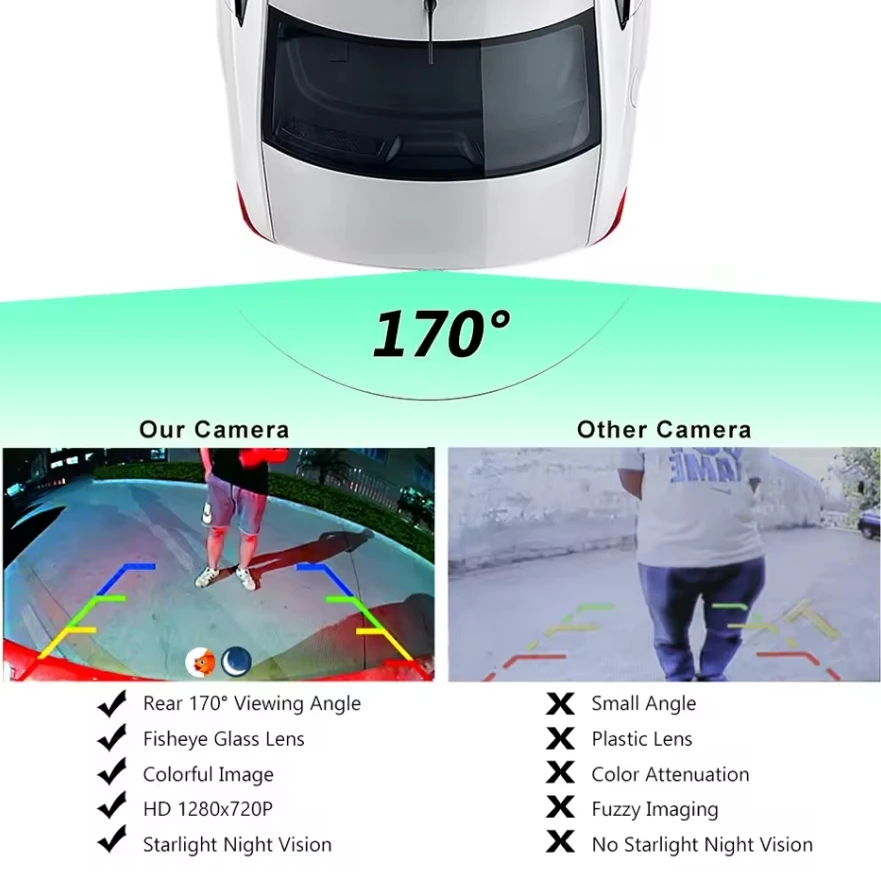
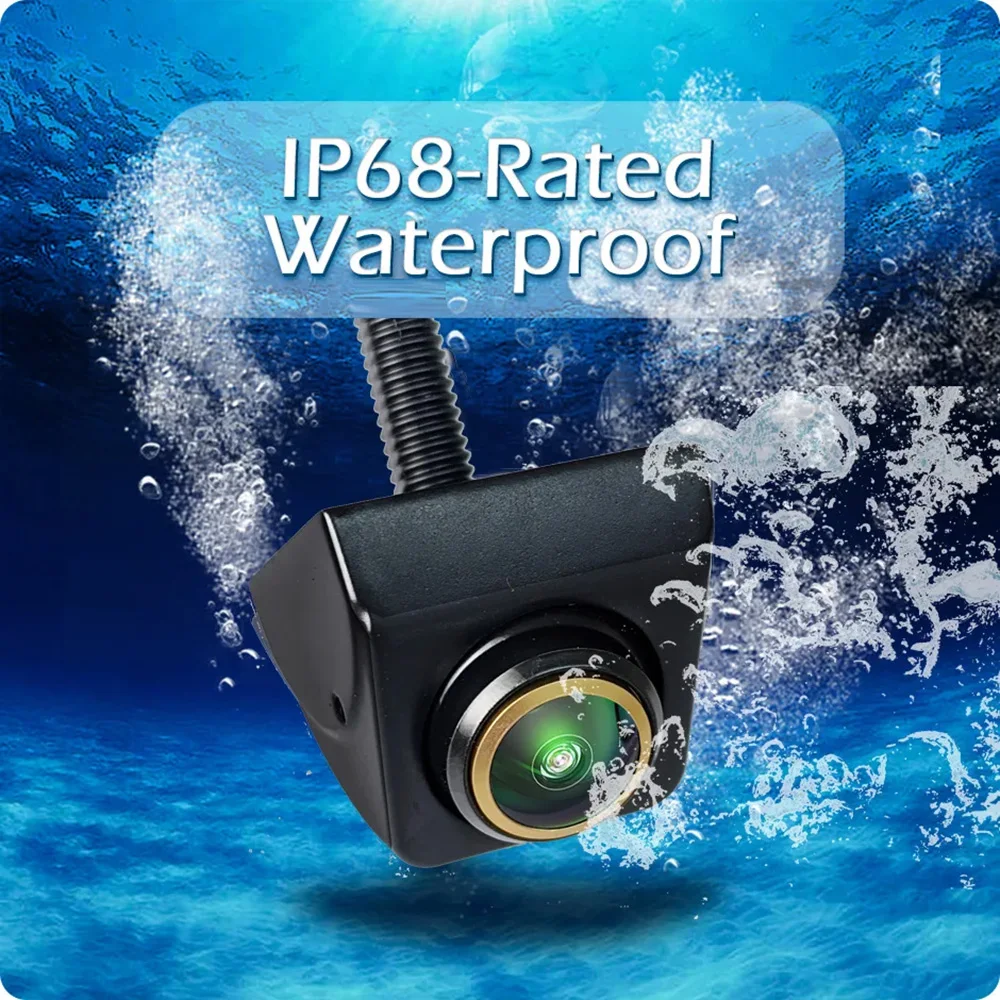
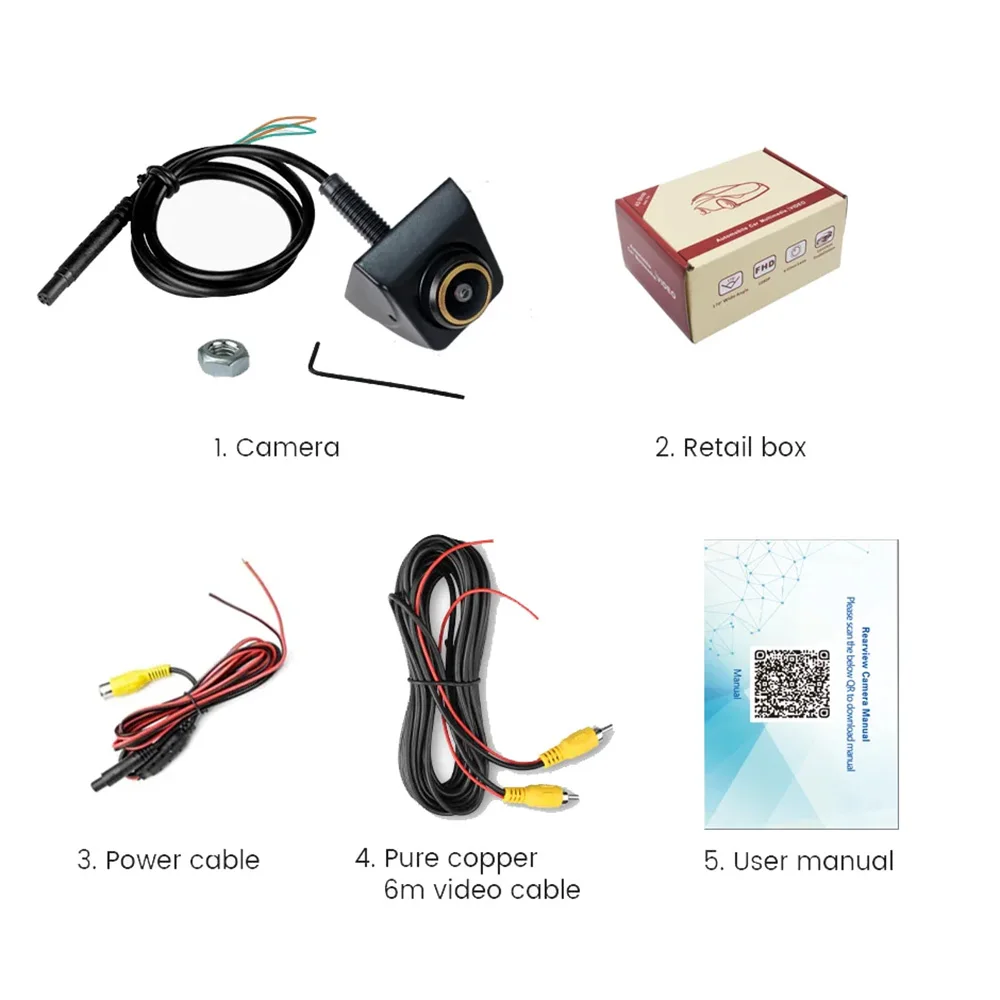
<div class="detailmodule_text"><p style="font-size:24px;font-weight:bold;color:rgb(208, 2, 27)">Note (very important):</p></div><div class="detailmodule_text"><p style="font-size:24px;font-weight:bold;color:rgb(0, 0, 0)">1: Different country the car may have slight difference. So please measure the size of installation place carefully before place order.<br/><br/>We have lens non-adjustable version and manually adjustable 360° version, the model number has been labeled, order according to the requirements at the time of purchase.</p></div><div class="detailmodule_image"></div><div class="detailmodule_text"><p style="font-size:24px;font-weight:bold">2. please setting screen before use camera. please choose right camera type via setting your screen. If rear image flicker, because rear camera type </p></div><div class="detailmodule_text"><p style="font-size:24px">choose mistake, please setting your screen, choose right type, then rear camera will work good. if screen black (no image), it proof that your screen </p></div><div class="detailmodule_text"><p style="font-size:24px">don't support AHD camera, you should change screen.</p></div><div class="detailmodule_image"></div><div class="detailmodule_text"><p style="font-size:24px;font-weight:bold;color:rgb(0, 0, 0)">Golden Fisheye Plus Lens</p></div><div class="detailmodule_image"></div><div class="detailmodule_text"><p style="font-size:24px;font-weight:bold;color:rgb(0, 0, 0)">170° AHD 1080P/720P</p></div><div class="detailmodule_image"></div><div class="detailmodule_image"></div><div class="detailmodule_image"></div><div class="detailmodule_text"><p style="font-size:24px;font-weight:bold;color:rgb(0, 0, 0)">Top Starlight Night Vision</p></div><div class="detailmodule_text"><p style="font-size:24px;color:rgb(0, 0, 0)">Low light level night vision, 15m visible distance at night</p></div><div class="detailmodule_image"></div><div class="detailmodule_text"><br/></div><div class="detailmodule_image"></div><div class="detailmodule_text-image"><p style="font-size:24px">Ultra-high waterproof rating</p><p style="font-size:24px">Metal shell, waterproof manufacture, not afraid of snowy days and rainy days.</p><div></div></div><div class="detailmodule_text"><p style="font-size:24px">Versatile Vehicle Front / Rear / Side View Camera</p><p style="font-size:24px;color:rgb(255, 11, 11)">---You can install the rv blind spot camera at any position you want with vertical(upside down) or horizontal mounting as the camera body is 360-degree-rotatable and there is an extra silicone shell for you if you don’t want to drill a big hole: front bumper/grille, rear deck lid/rear top/trunk handle/fender/5th wheel/tailgate, below the side mirror or on the car body, etc</p></div><div class="detailmodule_image"></div><div class="detailmodule_text-image"></div><div class="detailmodule_image"></div><div class="detailmodule_text"><p style="font-size:24px">Accessory Diagram</p></div><div class="detailmodule_image"></div><div class="detailmodule_text"><br/></div><div class="detailmodule_image"></div><div class="detailmodule_text"><p style="font-size:24px">FAQ:<br/><br/>After connecting the Rear view camera, the screen shows no signal, black screen and no picture, what should I do?<br/><br/>A) Please check your connection, red trigger line should connect to your brake light DC 12V+ and monitor video cable in .<br/>B) Please check your signal format, choose right signal to run the camera.<br/>C) If your monitor has AUX-IN function, you can connect to the AUX-IN.<br/>Tip: CVBS cameras can test the performance on the TV. Universal cameras with 4Pin plugs can only be installed with our cables. You can consult customer service if you encounter any problems during the installation process.<br/><br/>After connecting the Rear view camera, the screen shows black and white, what should I do if there is no color?<br/><br/>A) Choose wrong camera system(such as PAL/NTSC) will cause the screen to be black and white. Please select the right system to run the camera and restart the camera power. CVBS camera is NTSC system, AHD1080P camera is PAL system. <br/>B) Please check whether the 6M line is normal, please replace with another 6M cable to test the camera.<br/><br/>What functions are controlled by each of 3 cables of the Rear view camera control?<br/><br/>A)Brown Cable: Video Signal Control<br/><br/>• GAC-170 720P Camera:<br/><br/>Default ( AHD )+( 1280x720 )+( 170° ) Cut the brown cable→( CVBS )+( 1280x720 )+( 170° )<br/><br/>• GAHD 1080P Camera:<br/><br/>Default ( AHD1080P )+( 1920x1080 )+( 175° ) Cut the brown cable→( CVBS/NTSC )+( 1280x720 )+( 125° )<br/><br/><br/>B)White Cable: Mirror Control<br/>• The default is the rear view camera (Mirroring).<br/>Cut the white cable→<br/>Front view camera ( Non-mirroring )<br/>You can also manually rotate the sphere angle 90 °, to achieve the effect of the side camera<br/><br/>C)Green Cable: Parking Line Control<br/>• Camera with parking line/camera does not display parking line, you can cut the green cable, then reconnect the camera's power supply, that can change the parking line.</p></div><br/>
$53.69
$27.845
- Category : Automobiles, Parts & Accessories
- Brand : global_car_accessories_factory_store Global Car Accessories Factory Store
Colors
Sizes
-
+

<div class="detailmodule_text"><p style="font-size:24px;font-weight:bold;color:rgb(208, 2, 27)">Note (very important):</p></div><div class="detailmodule_text"><p style="font-size:24px;font-weight:bold;color:rgb(0, 0, 0)">1: Different country the car may have slight difference. So please measure the size of installation place carefully before place order.<br/><br/>We have lens non-adjustable version and manually adjustable 360° version, the model number has been labeled, order according to the requirements at the time of purchase.</p></div><div class="detailmodule_image"></div><div class="detailmodule_text"><p style="font-size:24px;font-weight:bold">2. please setting screen before use camera. please choose right camera type via setting your screen. If rear image flicker, because rear camera type </p></div><div class="detailmodule_text"><p style="font-size:24px">choose mistake, please setting your screen, choose right type, then rear camera will work good. if screen black (no image), it proof that your screen </p></div><div class="detailmodule_text"><p style="font-size:24px">don't support AHD camera, you should change screen.</p></div><div class="detailmodule_image"></div><div class="detailmodule_text"><p style="font-size:24px;font-weight:bold;color:rgb(0, 0, 0)">Golden Fisheye Plus Lens</p></div><div class="detailmodule_image"></div><div class="detailmodule_text"><p style="font-size:24px;font-weight:bold;color:rgb(0, 0, 0)">170° AHD 1080P/720P</p></div><div class="detailmodule_image"></div><div class="detailmodule_image"></div><div class="detailmodule_image"></div><div class="detailmodule_text"><p style="font-size:24px;font-weight:bold;color:rgb(0, 0, 0)">Top Starlight Night Vision</p></div><div class="detailmodule_text"><p style="font-size:24px;color:rgb(0, 0, 0)">Low light level night vision, 15m visible distance at night</p></div><div class="detailmodule_image"></div><div class="detailmodule_text"><br/></div><div class="detailmodule_image"></div><div class="detailmodule_text-image"><p style="font-size:24px">Ultra-high waterproof rating</p><p style="font-size:24px">Metal shell, waterproof manufacture, not afraid of snowy days and rainy days.</p><div></div></div><div class="detailmodule_text"><p style="font-size:24px">Versatile Vehicle Front / Rear / Side View Camera</p><p style="font-size:24px;color:rgb(255, 11, 11)">---You can install the rv blind spot camera at any position you want with vertical(upside down) or horizontal mounting as the camera body is 360-degree-rotatable and there is an extra silicone shell for you if you don’t want to drill a big hole: front bumper/grille, rear deck lid/rear top/trunk handle/fender/5th wheel/tailgate, below the side mirror or on the car body, etc</p></div><div class="detailmodule_image"></div><div class="detailmodule_text-image"></div><div class="detailmodule_image"></div><div class="detailmodule_text"><p style="font-size:24px">Accessory Diagram</p></div><div class="detailmodule_image"></div><div class="detailmodule_text"><br/></div><div class="detailmodule_image"></div><div class="detailmodule_text"><p style="font-size:24px">FAQ:<br/><br/>After connecting the Rear view camera, the screen shows no signal, black screen and no picture, what should I do?<br/><br/>A) Please check your connection, red trigger line should connect to your brake light DC 12V+ and monitor video cable in .<br/>B) Please check your signal format, choose right signal to run the camera.<br/>C) If your monitor has AUX-IN function, you can connect to the AUX-IN.<br/>Tip: CVBS cameras can test the performance on the TV. Universal cameras with 4Pin plugs can only be installed with our cables. You can consult customer service if you encounter any problems during the installation process.<br/><br/>After connecting the Rear view camera, the screen shows black and white, what should I do if there is no color?<br/><br/>A) Choose wrong camera system(such as PAL/NTSC) will cause the screen to be black and white. Please select the right system to run the camera and restart the camera power. CVBS camera is NTSC system, AHD1080P camera is PAL system. <br/>B) Please check whether the 6M line is normal, please replace with another 6M cable to test the camera.<br/><br/>What functions are controlled by each of 3 cables of the Rear view camera control?<br/><br/>A)Brown Cable: Video Signal Control<br/><br/>• GAC-170 720P Camera:<br/><br/>Default ( AHD )+( 1280x720 )+( 170° ) Cut the brown cable→( CVBS )+( 1280x720 )+( 170° )<br/><br/>• GAHD 1080P Camera:<br/><br/>Default ( AHD1080P )+( 1920x1080 )+( 175° ) Cut the brown cable→( CVBS/NTSC )+( 1280x720 )+( 125° )<br/><br/><br/>B)White Cable: Mirror Control<br/>• The default is the rear view camera (Mirroring).<br/>Cut the white cable→<br/>Front view camera ( Non-mirroring )<br/>You can also manually rotate the sphere angle 90 °, to achieve the effect of the side camera<br/><br/>C)Green Cable: Parking Line Control<br/>• Camera with parking line/camera does not display parking line, you can cut the green cable, then reconnect the camera's power supply, that can change the parking line.</p></div><br/>
Related Product
Browse The Collection of Top Products.