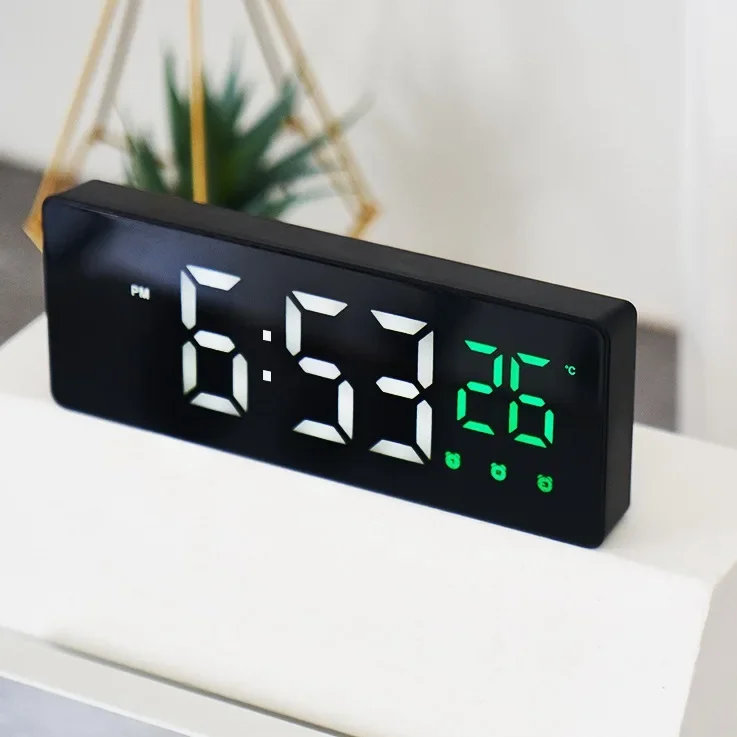
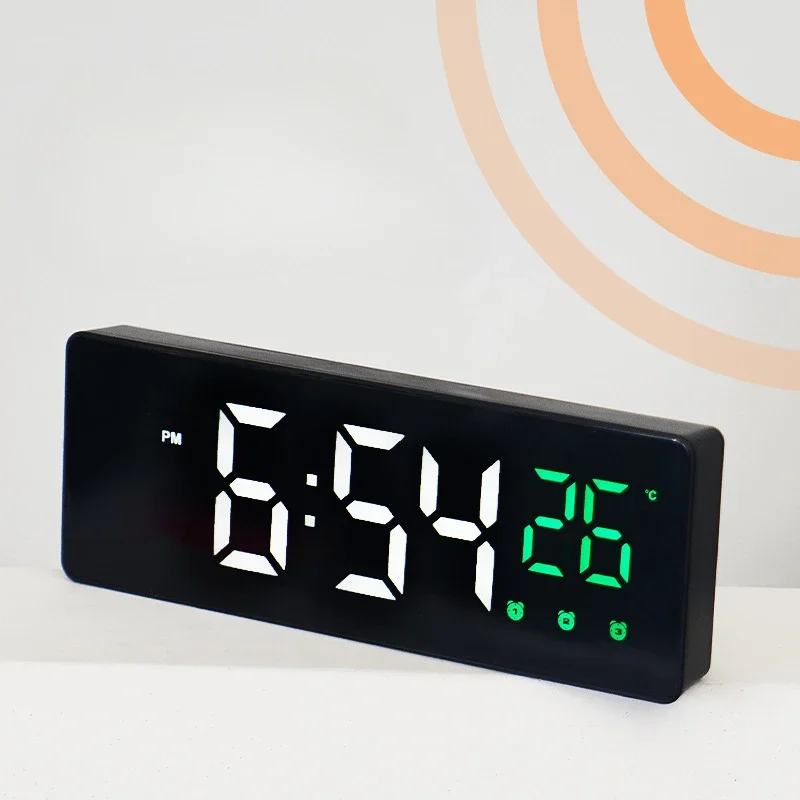
Alarm Clock Chargeable Music Digital Desk Clock Led Snooze Table Decorations Night Mode Electronic Control Voice Wall Clocks
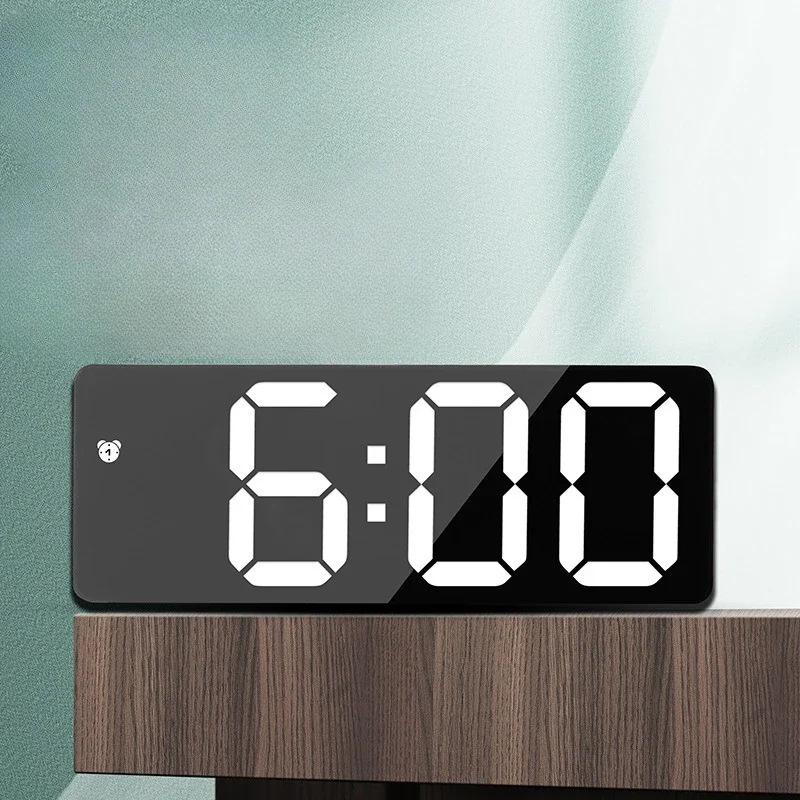
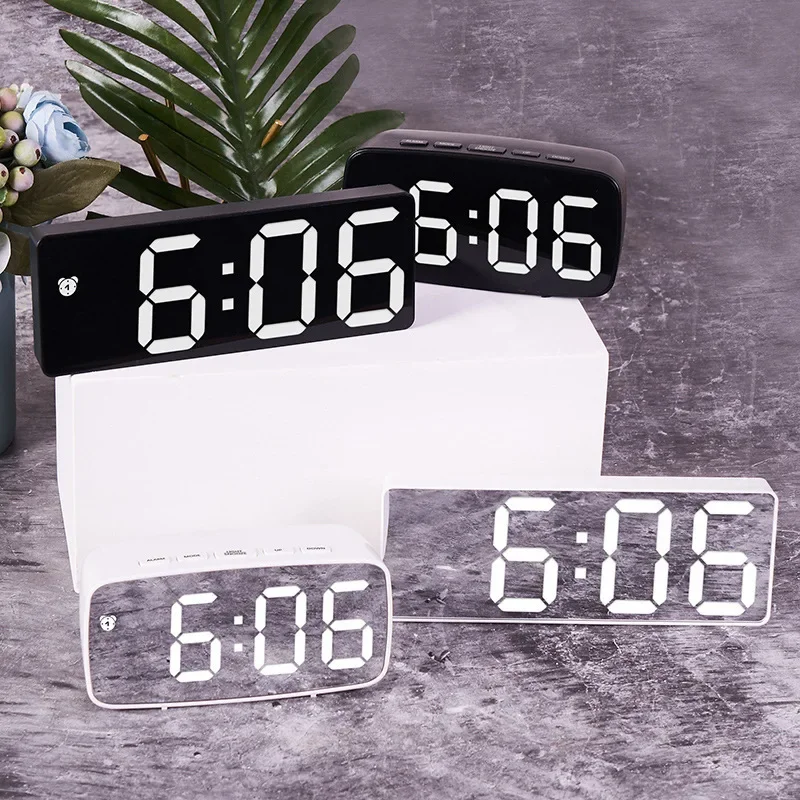
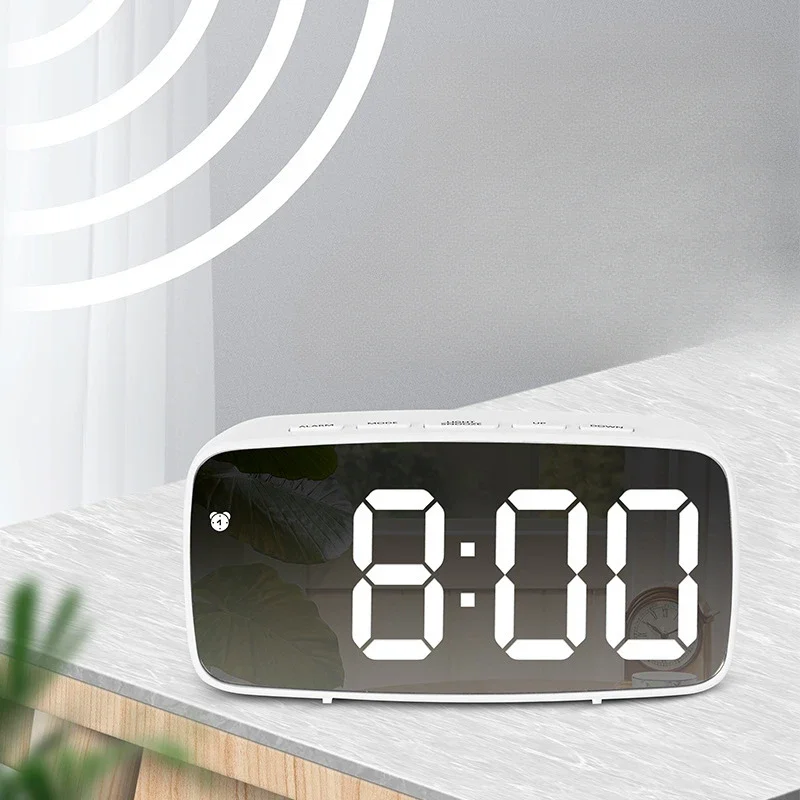
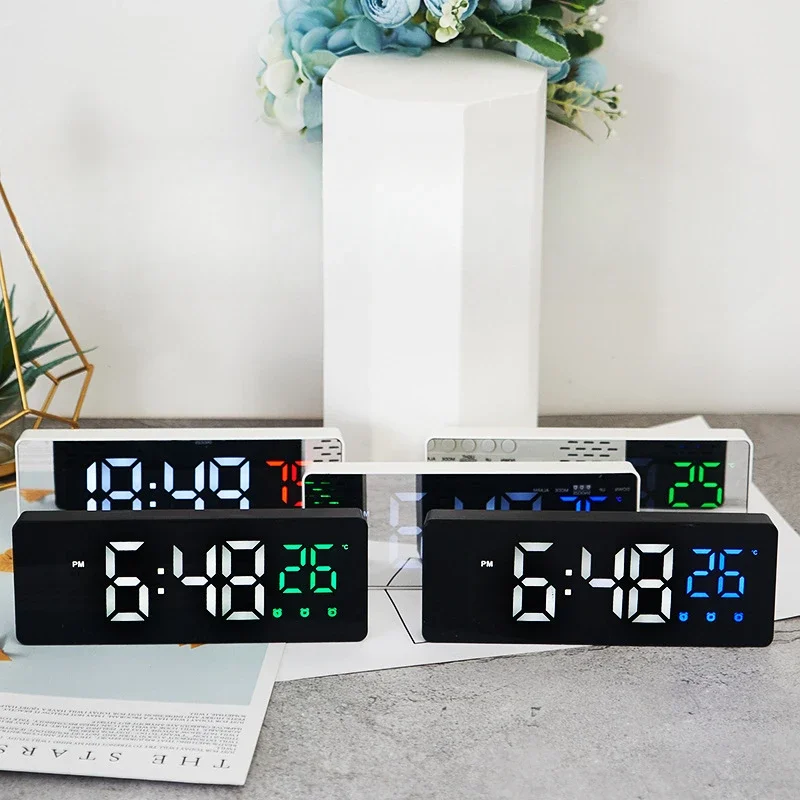
<div class="detailmodule_html"><div class="detail-desc-decorate-richtext"><p style="text-align:left;margin:0px;margin-bottom:0px;margin-top:0px;margin-left:0px;margin-right:0px" align="left"></p><p><div class="detailmodule_media"><div class="video-container-347262232241"><div class="detail-video" id="347262232241" data-previewurl="https://img.alicdn.com/imgextra/i3/6000000002509/O1CN016FsOZs1UPASx6MdUv_!!6000000002509-0-tbvideo.jpg"></div></div></div></p><div><p style="font-family:OpenSans;font-size:14px;font-weight:300;line-height:20px;white-space:pre-wrap;color:rgb(0, 0, 0);margin-bottom:12px" class="detail-desc-decorate-content">1. Time/Date/Temperature Display<br/>2. Alarm clock function<br/>Support to set Alarm frequency :1-5/1-6/1--7<br/>1-5:Alarm rings from Monday to Friday<br/>1-6:Alarm rings from Monday to Saturday<br/>1-7:Alarm rings from Monday to Sunday<br/>3. Brightness adjustment<br/>4. Voice control function (available when only powered by battery)<br/>5. Snooze function<br/>Adjustable snooze minute:can adjust from 1-60 minutes<br/>6. Power saving mode<br/>7. Time memory function(available when powered by battery and plug in use at the same time)<br/>8. Night Mode<br/>If night mode is on,Brightness darkens at<br/>night (18:00-6:00)<br/>Adjustable night mode time:In time mode, press MODE key 3 times to enter night setting mode, press UP or DOWN to turn on/off night mode (default is to turn off night mode)When the night mode is on, press and hold the MODE button for about 3 seconds to enter the night mode time setting<br/>The setting order is: start hour---start minute---end hour---end minute<br/>9.Anti-disturb function at night<br/>In the non-setting state, you can press and hold the snooze button for 3 seconds to turn off the display to prevent the screen from interfering with sleep at night.<br/>After entering the screen-off mode, you can press any key to turn on the display, but the voice control cannot turn on the display<br/>10.12/24 hour format switch<br/>(1)Time Display<br/>(2).Long press the MODE button 24Hr<br/>Display<br/>(3)Press UP or DOWN can switch to 12Hr<br/>(4)Press the MODE button Time setting display<br/>(5)Hour digits flashing</p></div><div><p style="font-family:OpenSans;font-size:20px;font-weight:900;line-height:28px;white-space:pre-wrap;color:rgb(0, 0, 0);margin-bottom:12px" class="detail-desc-decorate-title">Not rechargeable Style</p><p style="font-family:OpenSans;font-size:14px;font-weight:300;line-height:20px;white-space:pre-wrap;color:rgb(0, 0, 0);margin-bottom:12px" class="detail-desc-decorate-content">Body Color :Black body<br/>Shape:Rectangle<br/>Words:White<br/>Material of Screen:Acrylic<br/>Size : 16*6*2CM<br/>USB Cable Style:3.5x1.35mm(18198)<br/>Voice control: clap your hands or knock on the table to wake up the alarm clock<br/>18:00-6:00,Brightness Darkens at night.<br/>NOTE 1:Take the protective flim on Clock Screen,it will be brighter.<br/>NOTE 2:It will go off after 10 seconds when only powered by AAA Battery(Not Included)<br/>Clap your hands or knock on the table to wake up the alarm clock<br/>If you want screen always on,please plug in use.</p><div></div></div><div> </div></div></div><br/>
$28.205
$15.095
- Category : Home & Garden
- Brand : neat_life_store_store Neat Life Store Store
Colors
Sizes
-
+

<div class="detailmodule_html"><div class="detail-desc-decorate-richtext"><p style="text-align:left;margin:0px;margin-bottom:0px;margin-top:0px;margin-left:0px;margin-right:0px" align="left"></p><p><div class="detailmodule_media"><div class="video-container-347262232241"><div class="detail-video" id="347262232241" data-previewurl="https://img.alicdn.com/imgextra/i3/6000000002509/O1CN016FsOZs1UPASx6MdUv_!!6000000002509-0-tbvideo.jpg"></div></div></div></p><div><p style="font-family:OpenSans;font-size:14px;font-weight:300;line-height:20px;white-space:pre-wrap;color:rgb(0, 0, 0);margin-bottom:12px" class="detail-desc-decorate-content">1. Time/Date/Temperature Display<br/>2. Alarm clock function<br/>Support to set Alarm frequency :1-5/1-6/1--7<br/>1-5:Alarm rings from Monday to Friday<br/>1-6:Alarm rings from Monday to Saturday<br/>1-7:Alarm rings from Monday to Sunday<br/>3. Brightness adjustment<br/>4. Voice control function (available when only powered by battery)<br/>5. Snooze function<br/>Adjustable snooze minute:can adjust from 1-60 minutes<br/>6. Power saving mode<br/>7. Time memory function(available when powered by battery and plug in use at the same time)<br/>8. Night Mode<br/>If night mode is on,Brightness darkens at<br/>night (18:00-6:00)<br/>Adjustable night mode time:In time mode, press MODE key 3 times to enter night setting mode, press UP or DOWN to turn on/off night mode (default is to turn off night mode)When the night mode is on, press and hold the MODE button for about 3 seconds to enter the night mode time setting<br/>The setting order is: start hour---start minute---end hour---end minute<br/>9.Anti-disturb function at night<br/>In the non-setting state, you can press and hold the snooze button for 3 seconds to turn off the display to prevent the screen from interfering with sleep at night.<br/>After entering the screen-off mode, you can press any key to turn on the display, but the voice control cannot turn on the display<br/>10.12/24 hour format switch<br/>(1)Time Display<br/>(2).Long press the MODE button 24Hr<br/>Display<br/>(3)Press UP or DOWN can switch to 12Hr<br/>(4)Press the MODE button Time setting display<br/>(5)Hour digits flashing</p></div><div><p style="font-family:OpenSans;font-size:20px;font-weight:900;line-height:28px;white-space:pre-wrap;color:rgb(0, 0, 0);margin-bottom:12px" class="detail-desc-decorate-title">Not rechargeable Style</p><p style="font-family:OpenSans;font-size:14px;font-weight:300;line-height:20px;white-space:pre-wrap;color:rgb(0, 0, 0);margin-bottom:12px" class="detail-desc-decorate-content">Body Color :Black body<br/>Shape:Rectangle<br/>Words:White<br/>Material of Screen:Acrylic<br/>Size : 16*6*2CM<br/>USB Cable Style:3.5x1.35mm(18198)<br/>Voice control: clap your hands or knock on the table to wake up the alarm clock<br/>18:00-6:00,Brightness Darkens at night.<br/>NOTE 1:Take the protective flim on Clock Screen,it will be brighter.<br/>NOTE 2:It will go off after 10 seconds when only powered by AAA Battery(Not Included)<br/>Clap your hands or knock on the table to wake up the alarm clock<br/>If you want screen always on,please plug in use.</p><div></div></div><div> </div></div></div><br/>
Related Product
Browse The Collection of Top Products.