ALC5686 CX31993 HiFi DAC Headphone Amplifiers Audio Decoding AMP Adapter Sound Card Digital Decoder 32bits/384KHz For iPhone iOS
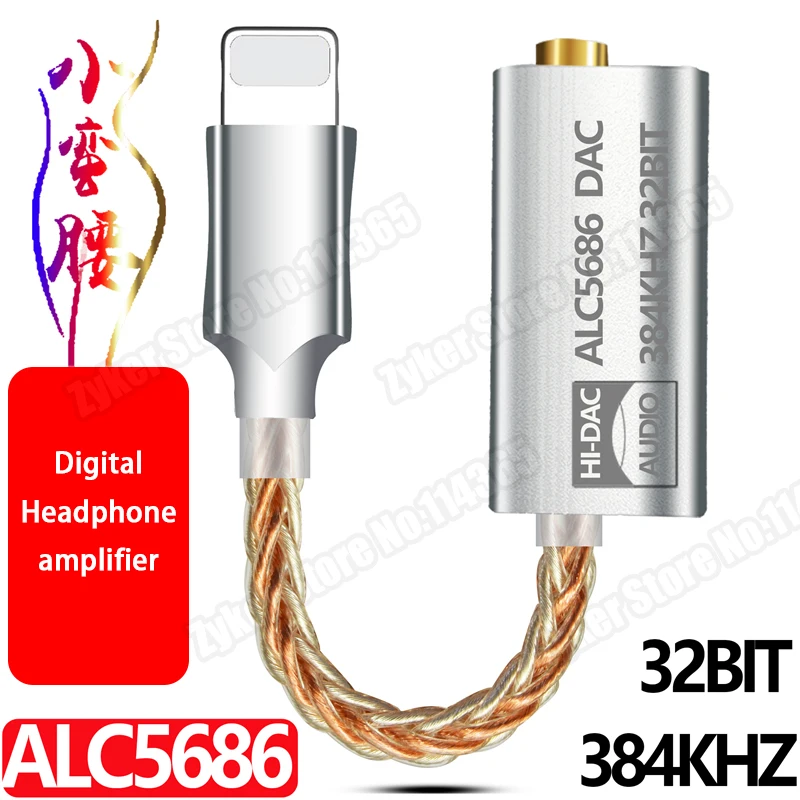
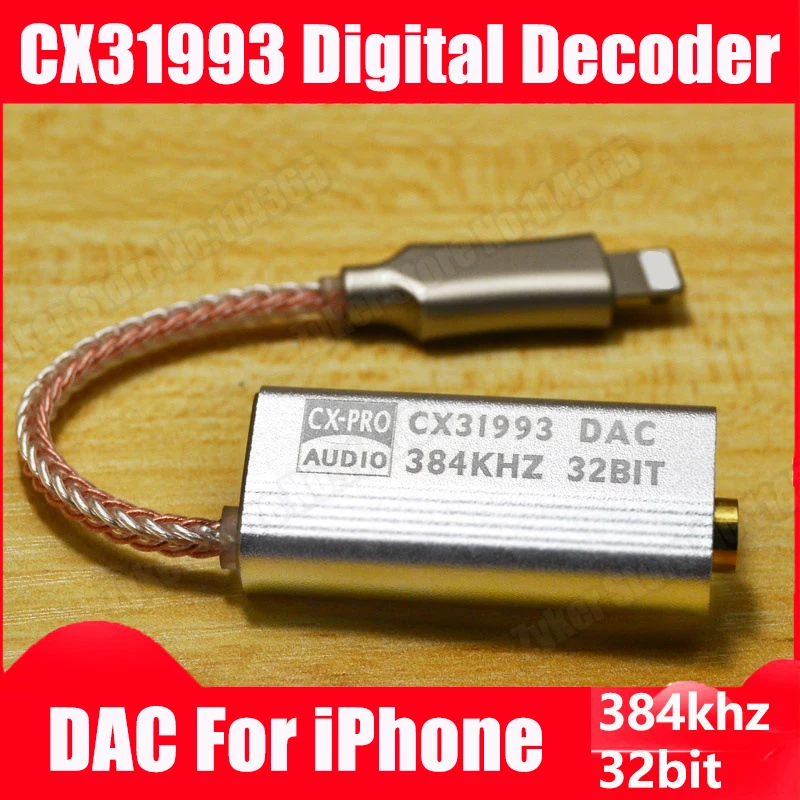
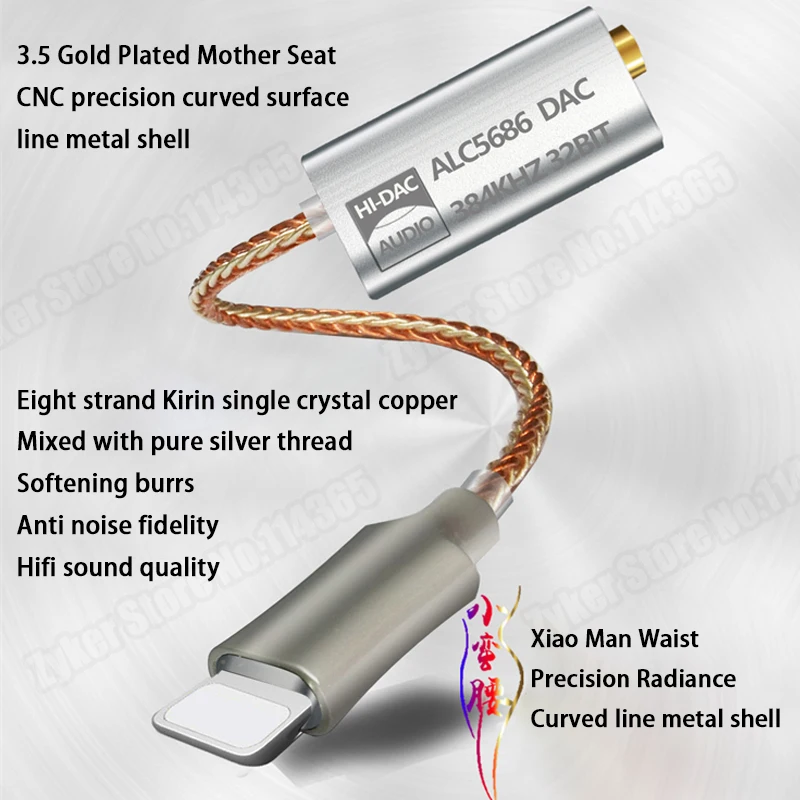
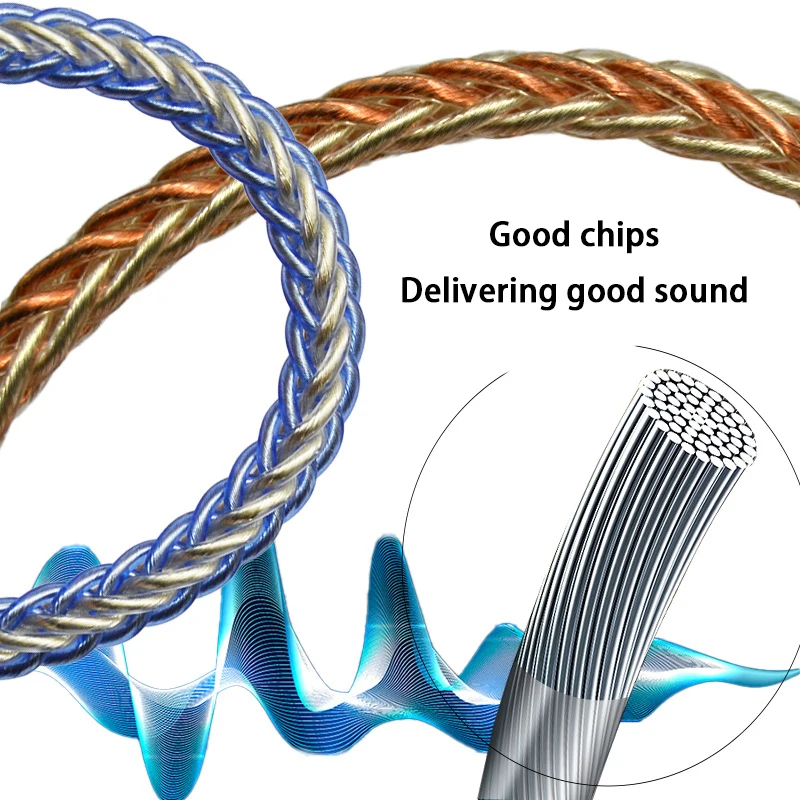
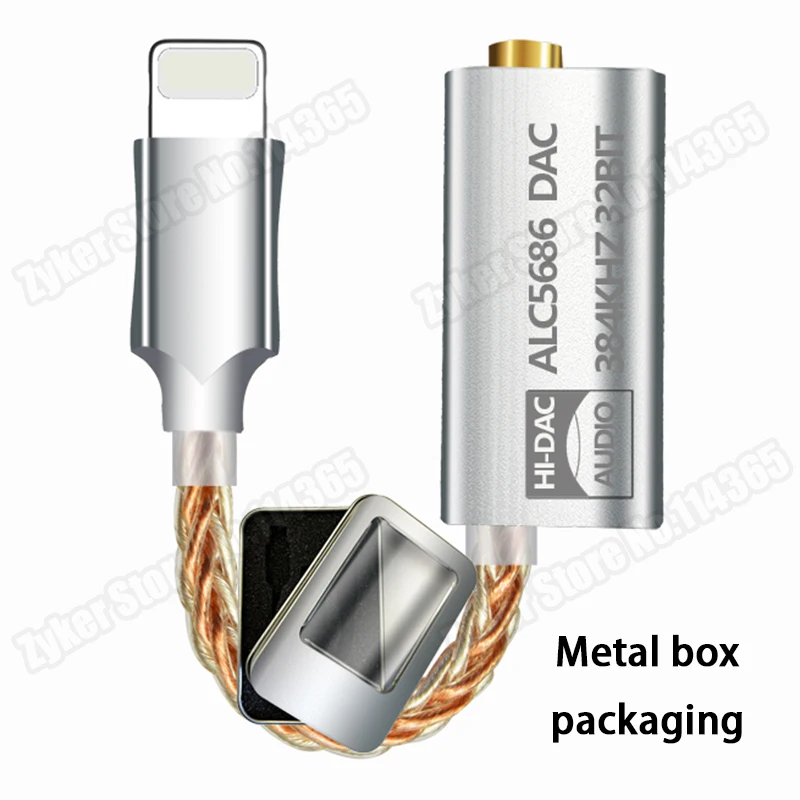
<div class="detailmodule_dynamic"><span style="font-size:20px"><strong>ALC5686 CX31993 HiFi DAC Headphone Amplifiers Audio Decoding AMP Adapter Sound Card Digital Decoder 32bits/384KHz For iPhone iOS</strong></span><br/></div><div class="detailmodule_dynamic"><br/><span style="font-size:20px"><span style="background-color:rgb(255, 140, 0);font-size:20px"></span></span><span style="font-size:20px"><span style="background-color:rgb(255, 140, 0);font-size:20px"><strong>Model:ALC5686 Version</strong></span></span><br/></div><div class="detailmodule_dynamic"></div><div class="detailmodule_dynamic"><span style="font-size:18px"><strong>Specifications:</strong></span></div><div class="detailmodule_dynamic"><br/><span style="font-size:16px">Chip model: ALC5686<br/>Thrust: .65mW(329)<br/>DAC sampling rate: 32bits/384KHz<br/>Signal-to-noise ratio/SNR: >125dB<br/>Dynamic range/DNR:> 100dB<br/>Distortion/THD+N: 95db<br/>THD+ N: 0.0003%<br/>DSD: 64/128 (PCM)<br/>Wire: 4 strands of single crystal copper + 4 pure silver mixed, a total of 8 strands</span><br/></div><div class="detailmodule_dynamic"><br/><span style="color:rgb(255, 0, 0);font-size:16px"><span style="font-size:16px"></span></span><span style="color:rgb(255, 0, 0);font-size:16px"><span style="font-size:16px"><strong>Note:<br/>This product does not support Apple calls, it can control the volume and cut songs by wire<br/>Press the pause button or three-click the pause button to cut the song (the line control requires you<br/>Headphone support and playback software support)</strong></span></span><br/><br/><br/><span style="font-size:16px">Apple has opened up the 24BIT/192K audio source, so that you can listen to high-definition music (24BIT/192KHZ) with many decoding amps.</span></div><div class="detailmodule_dynamic"><span style="font-size:16px"><br/></span><strong><span style="font-size:18px">How to listen to lossless audio on iPhone or iPad:</span></strong></div><div class="detailmodule_dynamic"><span style="font-size:16px"><br/>Requirements:<br/>After updating your iPhone or iPad to iOs or iPadOS 14.6 or later, you can listen to lossless audio on your device in the following ways:<br/>1.Use cables to connect the device to headphones, receivers or powered speakers<br/>2.Use the built-in speaker<br/>3.To listen to songs at a sampling rate higher than 48 kHz, you need to use an external digital-to-analog converter.<br/>How to turn lossless function on or off<br/>1. Go to ''Settings''> ''Music''.<br/>2. Tap ''Audio Quality''.<br/>3. Tap ''Lossless Audio'' to turn this feature on or off. Here, you can choose the audio quality you want when streaming and downloading audio.<br/>If you choose ''lossless'', then the highest resolution is 24 bit/48 kHz<br/>If you select ''High Resolution Lossless'', then the highest resolution is 24 bits/192 kHz<br/></span></div><div class="detailmodule_dynamic"><span style="font-size:16px"></span></div><div class="detailmodule_dynamic"><strong><span style="font-size:18px">How to listen to lossless audio on Mac:</span></strong></div><div class="detailmodule_dynamic"><span style="font-size:16px"><br/>Required condition<br/>After updating your Mac to macOS 11.4 or later, you can listen to lossless audio on your device in the following ways:<br/>1.Use cables to connect the device to headphones, receivers or powered speakers<br/>2.Use the built-in speaker<br/>3.To listen to songs at a sampling rate higher than 48 kHz, you need to use an external digital-to-analog converter.</span><br/><br/><span style="font-size:20px"><span style="background-color:rgb(255, 140, 0);font-size:20px"></span></span><span style="font-size:20px"><strong><span style="background-color:rgb(255, 140, 0);font-size:20px">Model:CX31993 Version</span></strong></span><br/><br/>Total length: 13cm<br/>Thrust: 65mW<br/>DAC sampling rate: 32bits/384KHz<br/>Signal-to-noise ratio/SNR: >128dB<br/>Dynamic range/DNR:>120dB<br/>Distortion/THD+N:95dbTHD+N:0.0003%DSD:64/128 (PCM)<br/>Wire: 4 strands of transparent sterling silver + 4 strands of transparent blue mixed with a total of 8 strands of sterling silver wire<br/><br/><span style="color:rgb(255, 0, 0);font-size:16px"><span style="font-size:16px"></span></span><span style="color:rgb(255, 0, 0);font-size:16px"><span style="font-size:16px"><strong>Note:<br/>This product does not support Apple calls, it can control the volume and cut songs by wire<br/>Press the pause button or three-click the pause button to cut the song (the line control requires you<br/>Headphone support and playback software support)</strong></span></span><br/></div><div class="detailmodule_dynamic"><br/></div><p></p>
$81.125
$27.32
- Category : Consumer Electronics
- Brand : zyker_store Zyker Store
Colors
Sizes
-
+

<div class="detailmodule_dynamic"><span style="font-size:20px"><strong>ALC5686 CX31993 HiFi DAC Headphone Amplifiers Audio Decoding AMP Adapter Sound Card Digital Decoder 32bits/384KHz For iPhone iOS</strong></span><br/></div><div class="detailmodule_dynamic"><br/><span style="font-size:20px"><span style="background-color:rgb(255, 140, 0);font-size:20px"></span></span><span style="font-size:20px"><span style="background-color:rgb(255, 140, 0);font-size:20px"><strong>Model:ALC5686 Version</strong></span></span><br/></div><div class="detailmodule_dynamic"></div><div class="detailmodule_dynamic"><span style="font-size:18px"><strong>Specifications:</strong></span></div><div class="detailmodule_dynamic"><br/><span style="font-size:16px">Chip model: ALC5686<br/>Thrust: .65mW(329)<br/>DAC sampling rate: 32bits/384KHz<br/>Signal-to-noise ratio/SNR: >125dB<br/>Dynamic range/DNR:> 100dB<br/>Distortion/THD+N: 95db<br/>THD+ N: 0.0003%<br/>DSD: 64/128 (PCM)<br/>Wire: 4 strands of single crystal copper + 4 pure silver mixed, a total of 8 strands</span><br/></div><div class="detailmodule_dynamic"><br/><span style="color:rgb(255, 0, 0);font-size:16px"><span style="font-size:16px"></span></span><span style="color:rgb(255, 0, 0);font-size:16px"><span style="font-size:16px"><strong>Note:<br/>This product does not support Apple calls, it can control the volume and cut songs by wire<br/>Press the pause button or three-click the pause button to cut the song (the line control requires you<br/>Headphone support and playback software support)</strong></span></span><br/><br/><br/><span style="font-size:16px">Apple has opened up the 24BIT/192K audio source, so that you can listen to high-definition music (24BIT/192KHZ) with many decoding amps.</span></div><div class="detailmodule_dynamic"><span style="font-size:16px"><br/></span><strong><span style="font-size:18px">How to listen to lossless audio on iPhone or iPad:</span></strong></div><div class="detailmodule_dynamic"><span style="font-size:16px"><br/>Requirements:<br/>After updating your iPhone or iPad to iOs or iPadOS 14.6 or later, you can listen to lossless audio on your device in the following ways:<br/>1.Use cables to connect the device to headphones, receivers or powered speakers<br/>2.Use the built-in speaker<br/>3.To listen to songs at a sampling rate higher than 48 kHz, you need to use an external digital-to-analog converter.<br/>How to turn lossless function on or off<br/>1. Go to ''Settings''> ''Music''.<br/>2. Tap ''Audio Quality''.<br/>3. Tap ''Lossless Audio'' to turn this feature on or off. Here, you can choose the audio quality you want when streaming and downloading audio.<br/>If you choose ''lossless'', then the highest resolution is 24 bit/48 kHz<br/>If you select ''High Resolution Lossless'', then the highest resolution is 24 bits/192 kHz<br/></span></div><div class="detailmodule_dynamic"><span style="font-size:16px"></span></div><div class="detailmodule_dynamic"><strong><span style="font-size:18px">How to listen to lossless audio on Mac:</span></strong></div><div class="detailmodule_dynamic"><span style="font-size:16px"><br/>Required condition<br/>After updating your Mac to macOS 11.4 or later, you can listen to lossless audio on your device in the following ways:<br/>1.Use cables to connect the device to headphones, receivers or powered speakers<br/>2.Use the built-in speaker<br/>3.To listen to songs at a sampling rate higher than 48 kHz, you need to use an external digital-to-analog converter.</span><br/><br/><span style="font-size:20px"><span style="background-color:rgb(255, 140, 0);font-size:20px"></span></span><span style="font-size:20px"><strong><span style="background-color:rgb(255, 140, 0);font-size:20px">Model:CX31993 Version</span></strong></span><br/><br/>Total length: 13cm<br/>Thrust: 65mW<br/>DAC sampling rate: 32bits/384KHz<br/>Signal-to-noise ratio/SNR: >128dB<br/>Dynamic range/DNR:>120dB<br/>Distortion/THD+N:95dbTHD+N:0.0003%DSD:64/128 (PCM)<br/>Wire: 4 strands of transparent sterling silver + 4 strands of transparent blue mixed with a total of 8 strands of sterling silver wire<br/><br/><span style="color:rgb(255, 0, 0);font-size:16px"><span style="font-size:16px"></span></span><span style="color:rgb(255, 0, 0);font-size:16px"><span style="font-size:16px"><strong>Note:<br/>This product does not support Apple calls, it can control the volume and cut songs by wire<br/>Press the pause button or three-click the pause button to cut the song (the line control requires you<br/>Headphone support and playback software support)</strong></span></span><br/></div><div class="detailmodule_dynamic"><br/></div><p></p>
Related Product
Browse The Collection of Top Products.