


Aluminum M2 NVME SSD Clone Docking Station for Tablets and Smartphones
<div class="detailmodule_html"><div class="detail-desc-decorate-richtext"><p style="font-size:16px;font-weight:bold;text-align:left" class="word-break white-space mt-10" align="left">Blueendless Dual Bay M.2 NVME SSD Duplicator Docking Station</p><p style="font-size:13px;font-weight:normal;text-align:left;color:rgb(67, 70, 73)" class="word-break white-space mt-10" align="left">1.Support 2230 2242 2260 2280 22110 M.2 NVME SSD<br /><br />2. Material:Aluminum+Palstic<br /><br />3. Capacity: Single is 4TB,Dual is 8TB<br /><br />4. Clone: Support offline clone<br /><br />5. Speed: NVME 20Gbps<br /><br />6. Protocol:NVME<br /><br />7. Interface: Type C<br /><br />8. Power adapter:12V/2A<br /><br />9. Plug-and-Play connection, no installation need<br /><br />10. Systerm: Windows / Mac OS / Android / LINUX<br /><br />please pay attention to the following matters when using the offline clone function.<br /><br />1.back disk(B) must be larger capacity(eliminate space loss) than front disk(A),<br />Plug in identify Source Disk(front port) and Target Disk(back port)<br /><br />Connect power supply and switch on power. (make sure that the USB cable is disconnected)<br /><br />2.To avoid your disk file damaged,please don't stop the device when it's under clone function.<br /><br />3.When copy disk,please make sure disk B is empty,or the former file in disk B will be loss.(if disk B has file before,and just want to copy from disk A,please don't use offline clone function,just copy and paste on computer)<br /><br />4.When offline copy the disk,please don't connect the computer,if connect the computer,disk will be under reading,can not support copy(device heating is normally,as big hard disk operate will be hot)<br /><br />5.if the clone is interrupted ,you need to restart the device and clone again.</p><div>
</div><br /></div></div>
$212.89
$96.91
- Category : Computer & Office
- Brand : mobilemate_store MobileMate Store
Colors
-
+

<div class="detailmodule_html"><div class="detail-desc-decorate-richtext"><p style="font-size:16px;font-weight:bold;text-align:left" class="word-break white-space mt-10" align="left">Blueendless Dual Bay M.2 NVME SSD Duplicator Docking Station</p><p style="font-size:13px;font-weight:normal;text-align:left;color:rgb(67, 70, 73)" class="word-break white-space mt-10" align="left">1.Support 2230 2242 2260 2280 22110 M.2 NVME SSD<br /><br />2. Material:Aluminum+Palstic<br /><br />3. Capacity: Single is 4TB,Dual is 8TB<br /><br />4. Clone: Support offline clone<br /><br />5. Speed: NVME 20Gbps<br /><br />6. Protocol:NVME<br /><br />7. Interface: Type C<br /><br />8. Power adapter:12V/2A<br /><br />9. Plug-and-Play connection, no installation need<br /><br />10. Systerm: Windows / Mac OS / Android / LINUX<br /><br />please pay attention to the following matters when using the offline clone function.<br /><br />1.back disk(B) must be larger capacity(eliminate space loss) than front disk(A),<br />Plug in identify Source Disk(front port) and Target Disk(back port)<br /><br />Connect power supply and switch on power. (make sure that the USB cable is disconnected)<br /><br />2.To avoid your disk file damaged,please don't stop the device when it's under clone function.<br /><br />3.When copy disk,please make sure disk B is empty,or the former file in disk B will be loss.(if disk B has file before,and just want to copy from disk A,please don't use offline clone function,just copy and paste on computer)<br /><br />4.When offline copy the disk,please don't connect the computer,if connect the computer,disk will be under reading,can not support copy(device heating is normally,as big hard disk operate will be hot)<br /><br />5.if the clone is interrupted ,you need to restart the device and clone again.</p><div>
</div><br /></div></div>
Related Product
Browse The Collection of Top Products.


PCIe NVME M2 to 6 Port SATA Adapter Card for Server PC
$43.57
$85.15


M2 NVME SSD To PCIe 4.0 X16 Adapter Card
$35.14
$68.26


Portable 4G LTE Wireless Router Modem for Home Office
$14.84
$27.68


Black ABS USB Wireless Receiver Adapter for Gaming Mouse
$21.25
$40.49
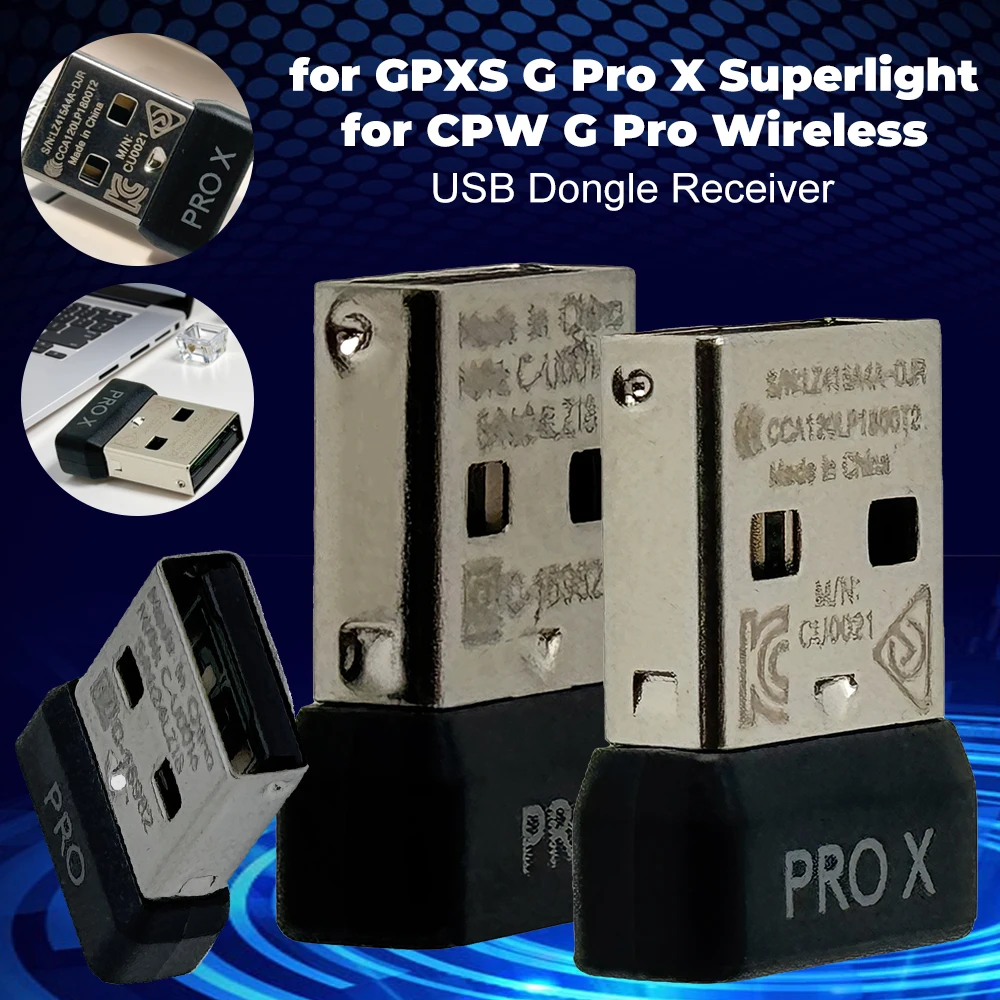


Mini USB Receiver Wireless Gaming Mouse Adapter
$21.77
$42.35


ARGB Addressable Splitter Light Strip Controller for PC
$27.38
$52.78




M2 A+E To NVME SSD Adapter PCI-E 4.0 Riser Card
$6.95
$11.92


Micro SD to IDE Adapter Card for Laptop Notebook
$19.37
$36.74


Vertical Graphics Card Holder Stand for Computer VGA
$20.81
$27.77