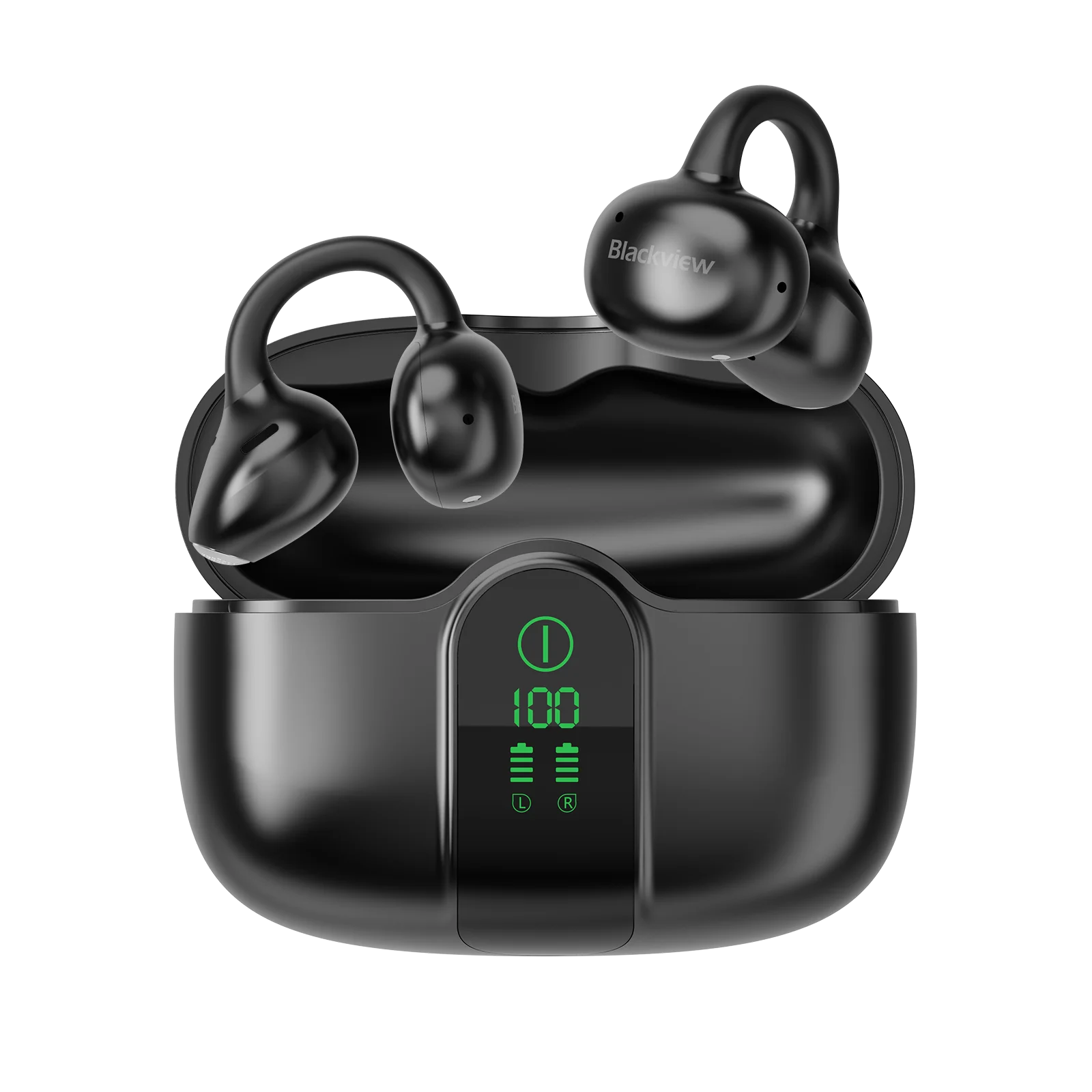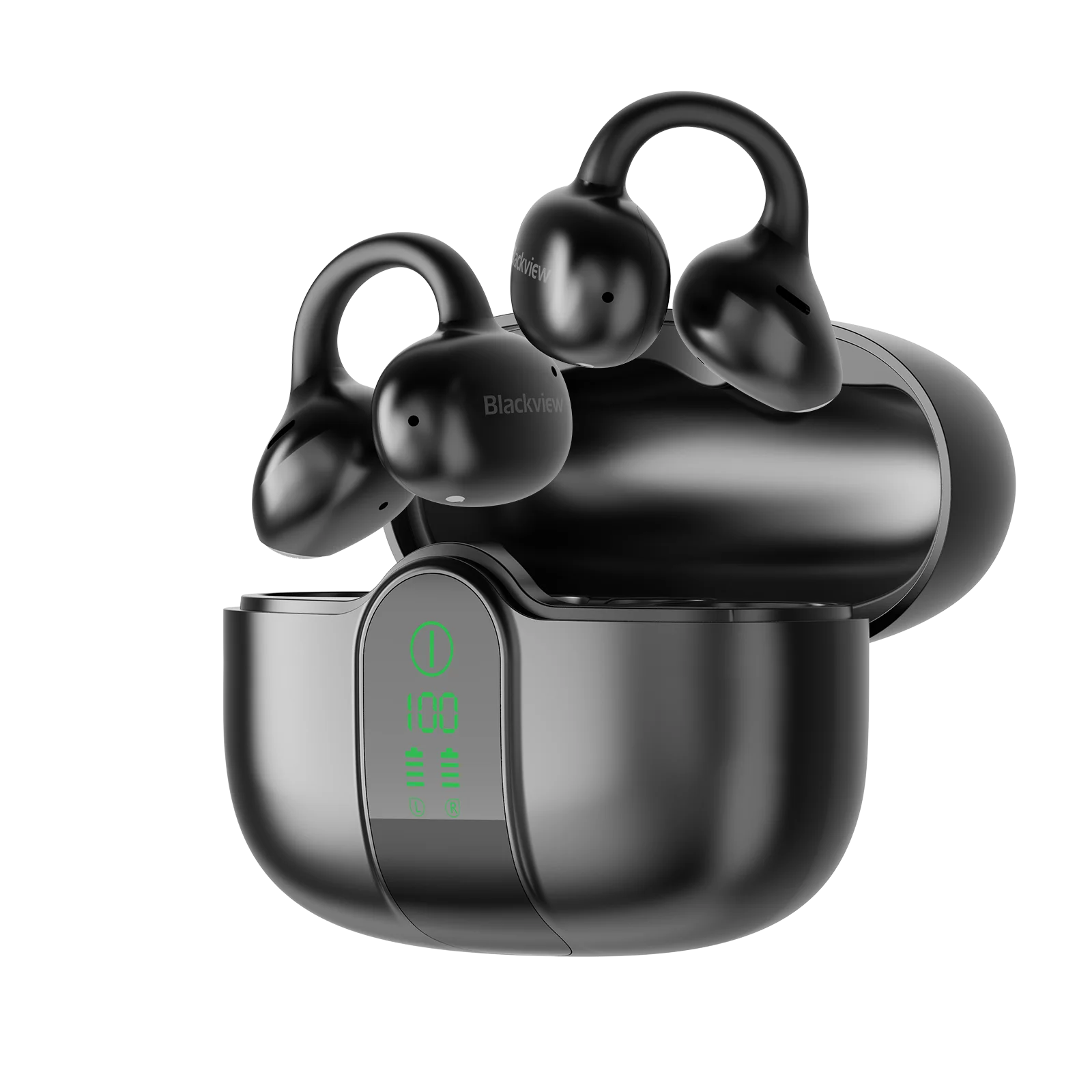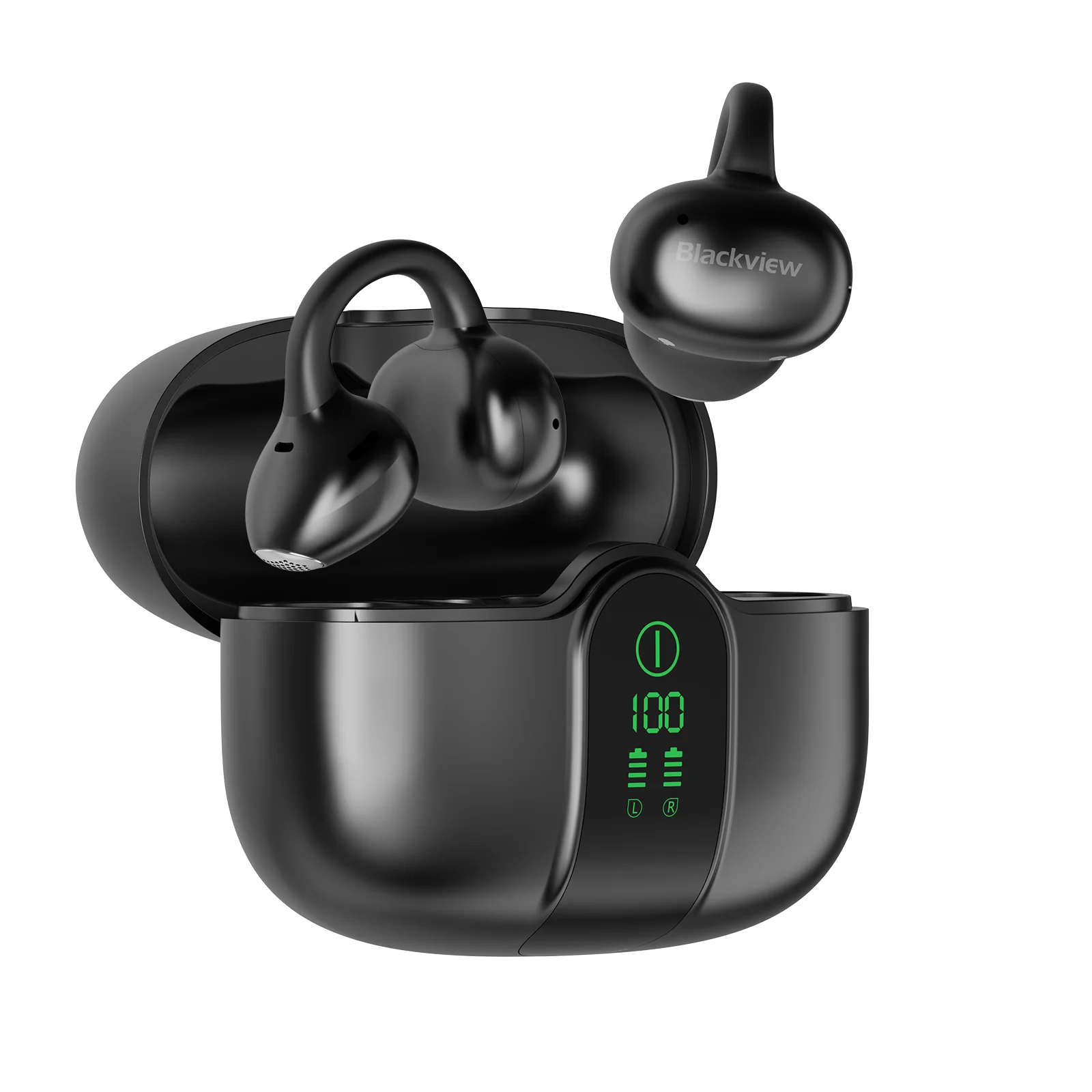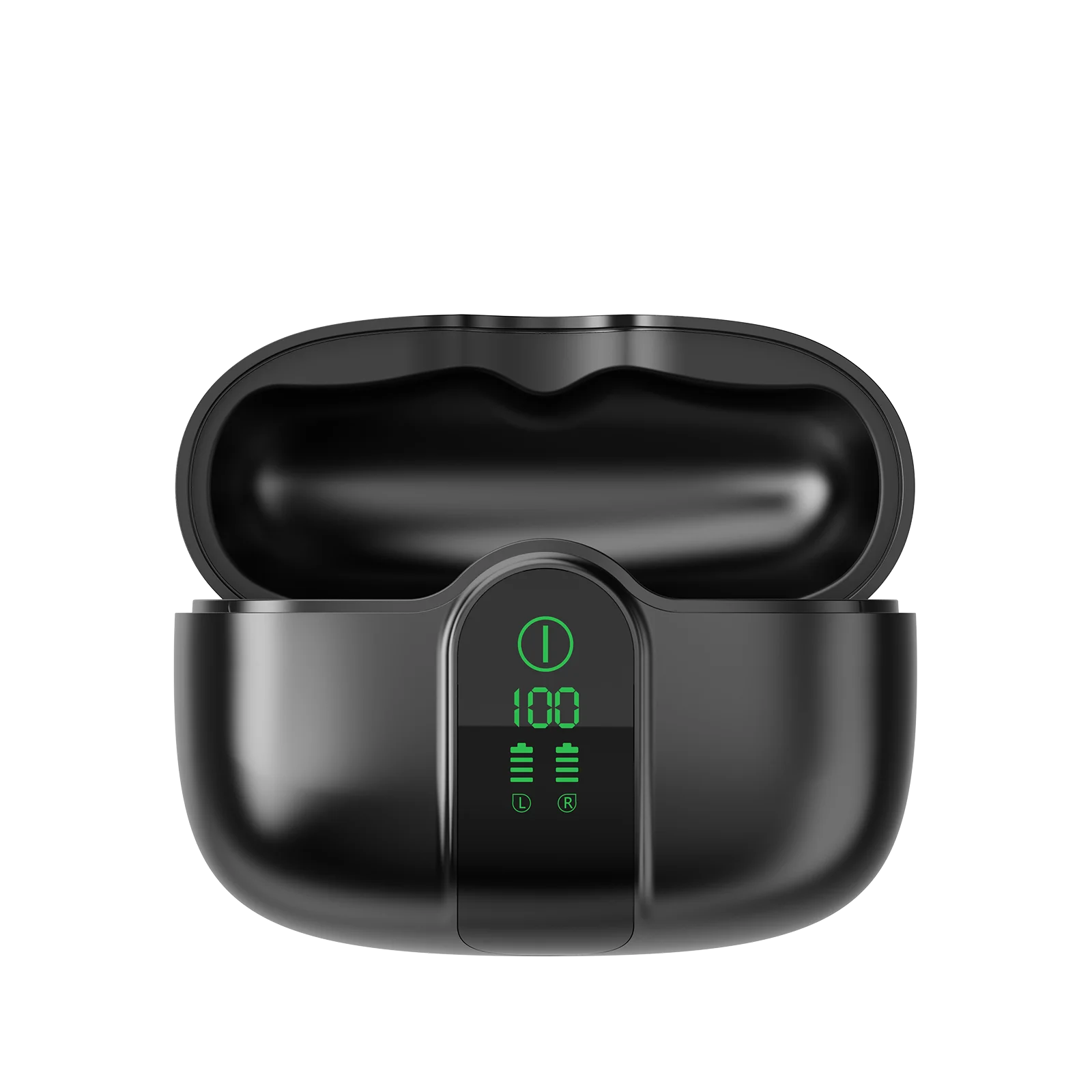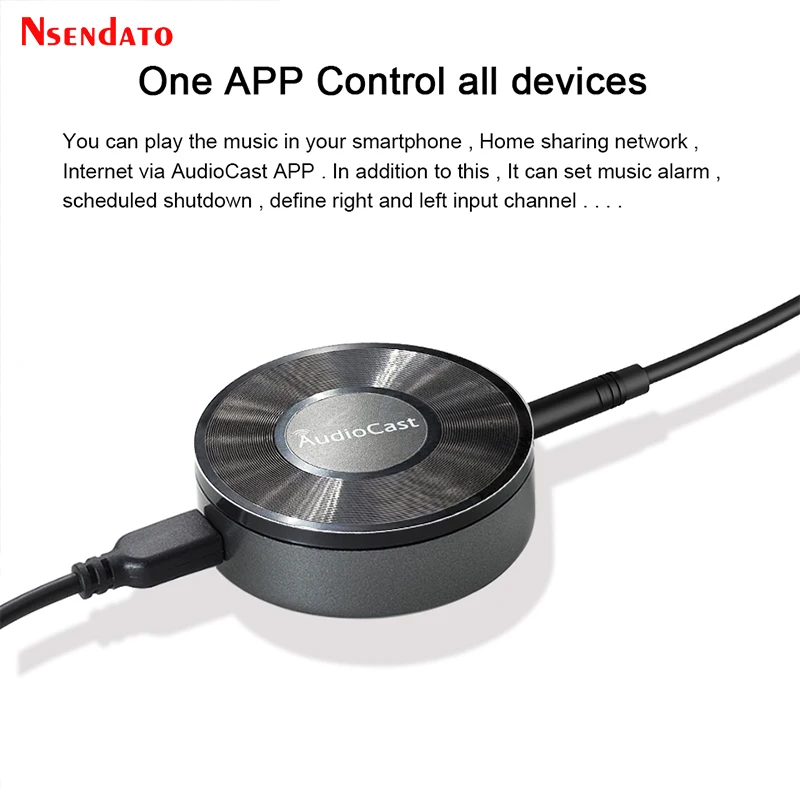
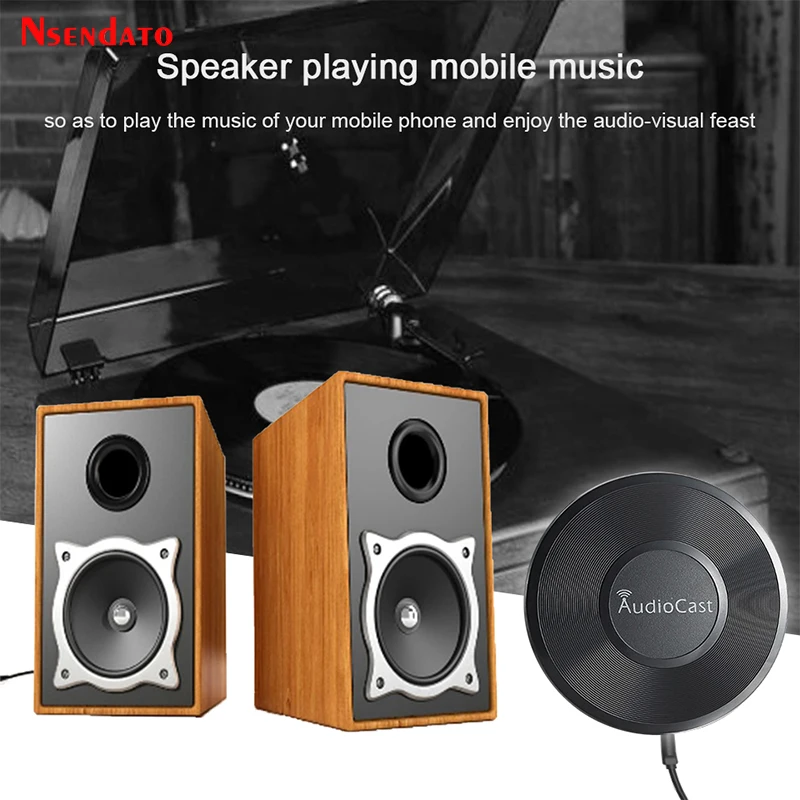
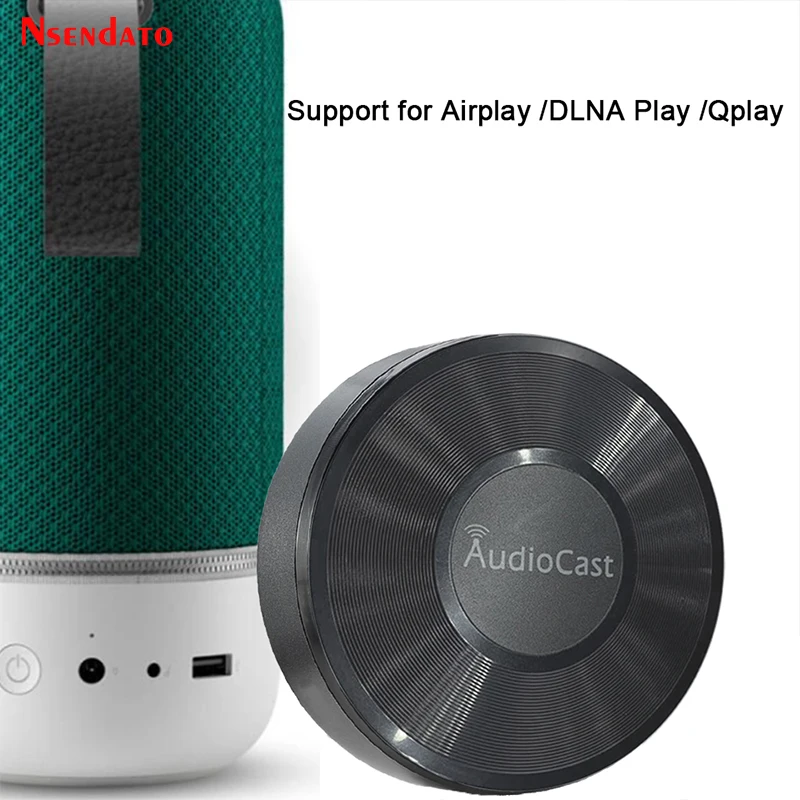
Audiocast M5 for DLNA Airplay Adapter Wireless Wifi Music Audio Streamer Receiver Audio Music Speaker For Spotify Room Streams
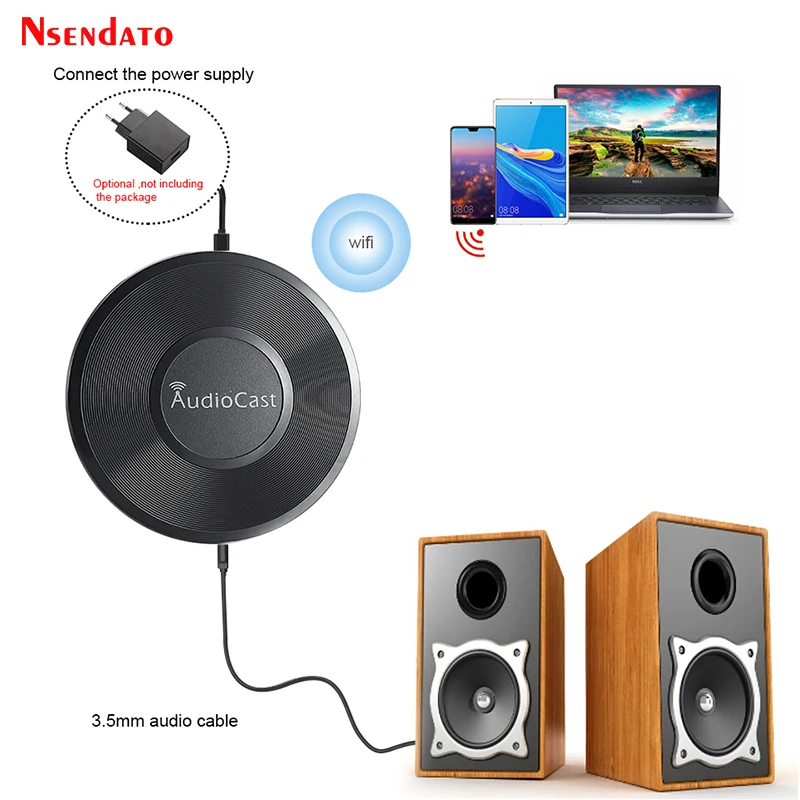
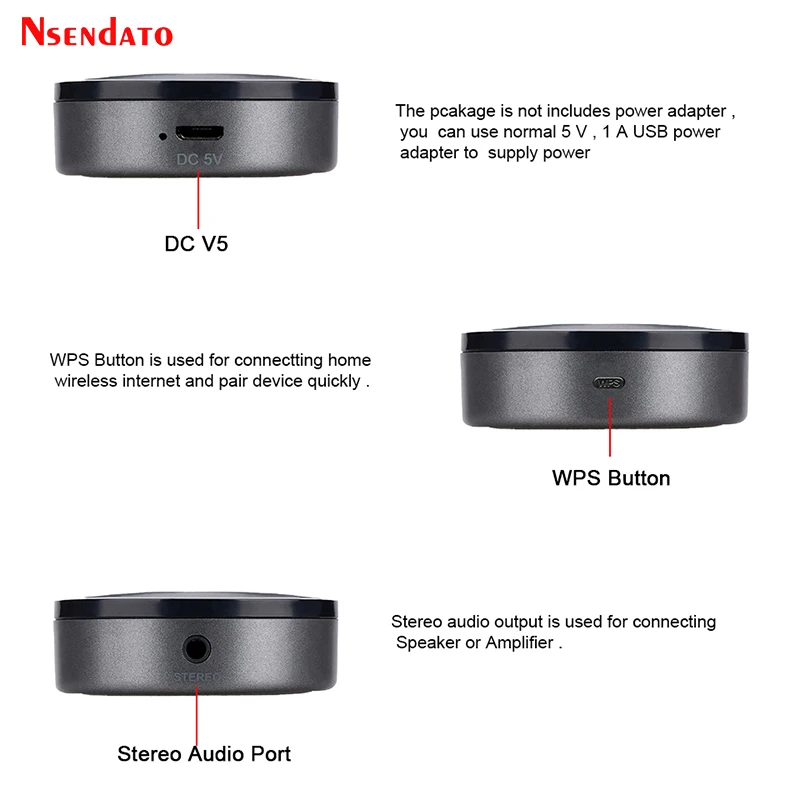
<div class="detailmodule_dynamic"><kse:widget data-widget-type="customText" id="22569421" type="custom"></kse:widget></div><div class="detailmodule_html"><div class="detail-desc-decorate-richtext"><div style="font-size:13.3333px"><div style="font-size:13.3333px"><div style="font-size:13.3333px;margin:0px;margin-bottom:0px;margin-top:0px;margin-left:0px;margin-right:0px;padding:0px 0px 0px 0em;padding-bottom:0px;padding-top:0px;padding-right:0px"><div style="font-size:13.3333px"><div style="font-size:13.3333px"><div style="font-size:13.3333px;margin:0px;margin-bottom:0px;margin-top:0px;margin-left:0px;margin-right:0px;padding:0px 0px 0px 0em;padding-bottom:0px;padding-top:0px;padding-right:0px"><div><span style="font-family:arial, helvetica, sans-serif"><span style="font-size:18px">Audiocast M5 DLNA Airplay Adapter Wireless Wifi Music Audio Streamer Receiver Audio Music Speaker For Spotify Multi Room Streams</span></span></div></div></div></div><div style="font-size:13.3333px"><div style="font-size:13.3333px"><p style="font-size:13.3333px"></p><div style="font-size:13.3333px"><div><span style="font-family:arial, helvetica, sans-serif"><span style="font-size:18px">Nsendato Device Setting:</span></span></div><div><span style="font-family:arial, helvetica, sans-serif"><span style="font-size:18px">Timed Auto Power Off: Countdown mins: 10mins / 20mins / 30mins / 60mins / 90mins</span></span></div><div><span style="font-family:arial, helvetica, sans-serif"><span style="font-size:18px">Timed Music Alarm Clock: Music Sources(local or online) / Volume Define / Frequency / Alarm time setting</span></span></div><div><span style="font-family:arial, helvetica, sans-serif"><span style="font-size:18px">Device Rename: Support Device Rename, allow user to change the device to the name they like, such as Living Room / Kitchen / Bedroom</span></span></div><div><span style="font-family:arial, helvetica, sans-serif"><span style="font-size:18px">Device Info: Network Status / Device Name / SSID / IP / Firmware Version / Build Date / Language / Device Password / UUID / Restore Factory setting</span></span></div><div><span style="font-family:arial, helvetica, sans-serif"><span style="font-size:18px">Device Password: Support</span></span></div><div><span style="font-family:arial, helvetica, sans-serif"><span style="font-size:18px">Restore Factory Setting: Restoring Default setting</span></span></div><div><span style="font-family:arial, helvetica, sans-serif"><span style="font-size:18px">Power Supply: DC5V 1000mA with Micro USB</span></span></div><div><span style="font-family:arial, helvetica, sans-serif"><span style="font-size:18px">Analog audio interface: 3.5mm Earphone audio output</span></span></div><div><span style="font-family:arial, helvetica, sans-serif"><span style="font-size:18px">Operation Steps:</span></span></div><div><span style="font-family:arial, helvetica, sans-serif"><span style="font-size:18px">1) Firstly, please use USB cable to connect power adapter and Audiocast Nsendato streaming box, and plug the power adapter in socket,</span></span></div><div><span style="font-family:arial, helvetica, sans-serif"><span style="font-size:18px">at last connect the Audiocast box with speaker or amplifier by audio cable.</span></span></div><div><span style="font-family:arial, helvetica, sans-serif"><span style="font-size:18px">2)Download “Audiocast”App (iOS user can search “audiocast”in App store. For Android user, can search “Audiocast”in any Apk market)</span></span></div><div><span style="font-family:arial, helvetica, sans-serif"><span style="font-size:18px">3) Please ensure your mobile phone has connected to the 2.4GHz network at home, open “Audiocast”software, click “Add device”according</span></span></div><div><span style="font-family:arial, helvetica, sans-serif"><span style="font-size:18px">to system prompt to input the password of your home router, then press the WPS key on box. At the same time, box will remind “Searching</span></span></div><div><span style="font-family:arial, helvetica, sans-serif"><span style="font-size:18px">for WiFi connection”by voice, after 10-15 seconds, we will finish set-up for Audiocast streamer.</span></span></div><div><span style="font-family:arial, helvetica, sans-serif"><span style="font-size:18px">Package includes:</span></span></div><div><span style="font-family:arial, helvetica, sans-serif"><span style="font-size:18px">1* Nsendato Airplay Receiver</span></span></div><div><span style="font-family:arial, helvetica, sans-serif"><span style="font-size:18px">1* 3.5mm audio cable</span></span></div><div><span style="font-family:arial, helvetica, sans-serif"><span style="font-size:18px">1* USB cable</span></span></div><div><span style="font-family:arial, helvetica, sans-serif"><span style="font-size:18px">1* User Mannual</span></span></div></div><p style="font-size:13.3333px"></p><p style="font-size:13.3333px"></p><div style="font-size:13.3333px;margin:0px;margin-bottom:0px;margin-top:0px;margin-left:0px;margin-right:0px;padding:0px 0px 0px 0em;padding-bottom:0px;padding-top:0px;padding-right:0px"><div></div><div></div><div></div><div></div><div></div><div></div><div></div><div></div><div></div><div></div><div></div><div></div><div></div><div></div></div></div></div></div></div></div><p><br/></p></div></div><p><br/></p>
$58.655
$44.495
- Category : Consumer Electronics
- Brand : nsendato_office_store_store Nsendato Office Store Store
Colors
Sizes
-
+

<div class="detailmodule_dynamic"><kse:widget data-widget-type="customText" id="22569421" type="custom"></kse:widget></div><div class="detailmodule_html"><div class="detail-desc-decorate-richtext"><div style="font-size:13.3333px"><div style="font-size:13.3333px"><div style="font-size:13.3333px;margin:0px;margin-bottom:0px;margin-top:0px;margin-left:0px;margin-right:0px;padding:0px 0px 0px 0em;padding-bottom:0px;padding-top:0px;padding-right:0px"><div style="font-size:13.3333px"><div style="font-size:13.3333px"><div style="font-size:13.3333px;margin:0px;margin-bottom:0px;margin-top:0px;margin-left:0px;margin-right:0px;padding:0px 0px 0px 0em;padding-bottom:0px;padding-top:0px;padding-right:0px"><div><span style="font-family:arial, helvetica, sans-serif"><span style="font-size:18px">Audiocast M5 DLNA Airplay Adapter Wireless Wifi Music Audio Streamer Receiver Audio Music Speaker For Spotify Multi Room Streams</span></span></div></div></div></div><div style="font-size:13.3333px"><div style="font-size:13.3333px"><p style="font-size:13.3333px"></p><div style="font-size:13.3333px"><div><span style="font-family:arial, helvetica, sans-serif"><span style="font-size:18px">Nsendato Device Setting:</span></span></div><div><span style="font-family:arial, helvetica, sans-serif"><span style="font-size:18px">Timed Auto Power Off: Countdown mins: 10mins / 20mins / 30mins / 60mins / 90mins</span></span></div><div><span style="font-family:arial, helvetica, sans-serif"><span style="font-size:18px">Timed Music Alarm Clock: Music Sources(local or online) / Volume Define / Frequency / Alarm time setting</span></span></div><div><span style="font-family:arial, helvetica, sans-serif"><span style="font-size:18px">Device Rename: Support Device Rename, allow user to change the device to the name they like, such as Living Room / Kitchen / Bedroom</span></span></div><div><span style="font-family:arial, helvetica, sans-serif"><span style="font-size:18px">Device Info: Network Status / Device Name / SSID / IP / Firmware Version / Build Date / Language / Device Password / UUID / Restore Factory setting</span></span></div><div><span style="font-family:arial, helvetica, sans-serif"><span style="font-size:18px">Device Password: Support</span></span></div><div><span style="font-family:arial, helvetica, sans-serif"><span style="font-size:18px">Restore Factory Setting: Restoring Default setting</span></span></div><div><span style="font-family:arial, helvetica, sans-serif"><span style="font-size:18px">Power Supply: DC5V 1000mA with Micro USB</span></span></div><div><span style="font-family:arial, helvetica, sans-serif"><span style="font-size:18px">Analog audio interface: 3.5mm Earphone audio output</span></span></div><div><span style="font-family:arial, helvetica, sans-serif"><span style="font-size:18px">Operation Steps:</span></span></div><div><span style="font-family:arial, helvetica, sans-serif"><span style="font-size:18px">1) Firstly, please use USB cable to connect power adapter and Audiocast Nsendato streaming box, and plug the power adapter in socket,</span></span></div><div><span style="font-family:arial, helvetica, sans-serif"><span style="font-size:18px">at last connect the Audiocast box with speaker or amplifier by audio cable.</span></span></div><div><span style="font-family:arial, helvetica, sans-serif"><span style="font-size:18px">2)Download “Audiocast”App (iOS user can search “audiocast”in App store. For Android user, can search “Audiocast”in any Apk market)</span></span></div><div><span style="font-family:arial, helvetica, sans-serif"><span style="font-size:18px">3) Please ensure your mobile phone has connected to the 2.4GHz network at home, open “Audiocast”software, click “Add device”according</span></span></div><div><span style="font-family:arial, helvetica, sans-serif"><span style="font-size:18px">to system prompt to input the password of your home router, then press the WPS key on box. At the same time, box will remind “Searching</span></span></div><div><span style="font-family:arial, helvetica, sans-serif"><span style="font-size:18px">for WiFi connection”by voice, after 10-15 seconds, we will finish set-up for Audiocast streamer.</span></span></div><div><span style="font-family:arial, helvetica, sans-serif"><span style="font-size:18px">Package includes:</span></span></div><div><span style="font-family:arial, helvetica, sans-serif"><span style="font-size:18px">1* Nsendato Airplay Receiver</span></span></div><div><span style="font-family:arial, helvetica, sans-serif"><span style="font-size:18px">1* 3.5mm audio cable</span></span></div><div><span style="font-family:arial, helvetica, sans-serif"><span style="font-size:18px">1* USB cable</span></span></div><div><span style="font-family:arial, helvetica, sans-serif"><span style="font-size:18px">1* User Mannual</span></span></div></div><p style="font-size:13.3333px"></p><p style="font-size:13.3333px"></p><div style="font-size:13.3333px;margin:0px;margin-bottom:0px;margin-top:0px;margin-left:0px;margin-right:0px;padding:0px 0px 0px 0em;padding-bottom:0px;padding-top:0px;padding-right:0px"><div></div><div></div><div></div><div></div><div></div><div></div><div></div><div></div><div></div><div></div><div></div><div></div><div></div><div></div></div></div></div></div></div></div><p><br/></p></div></div><p><br/></p>
Related Product
Browse The Collection of Top Products.