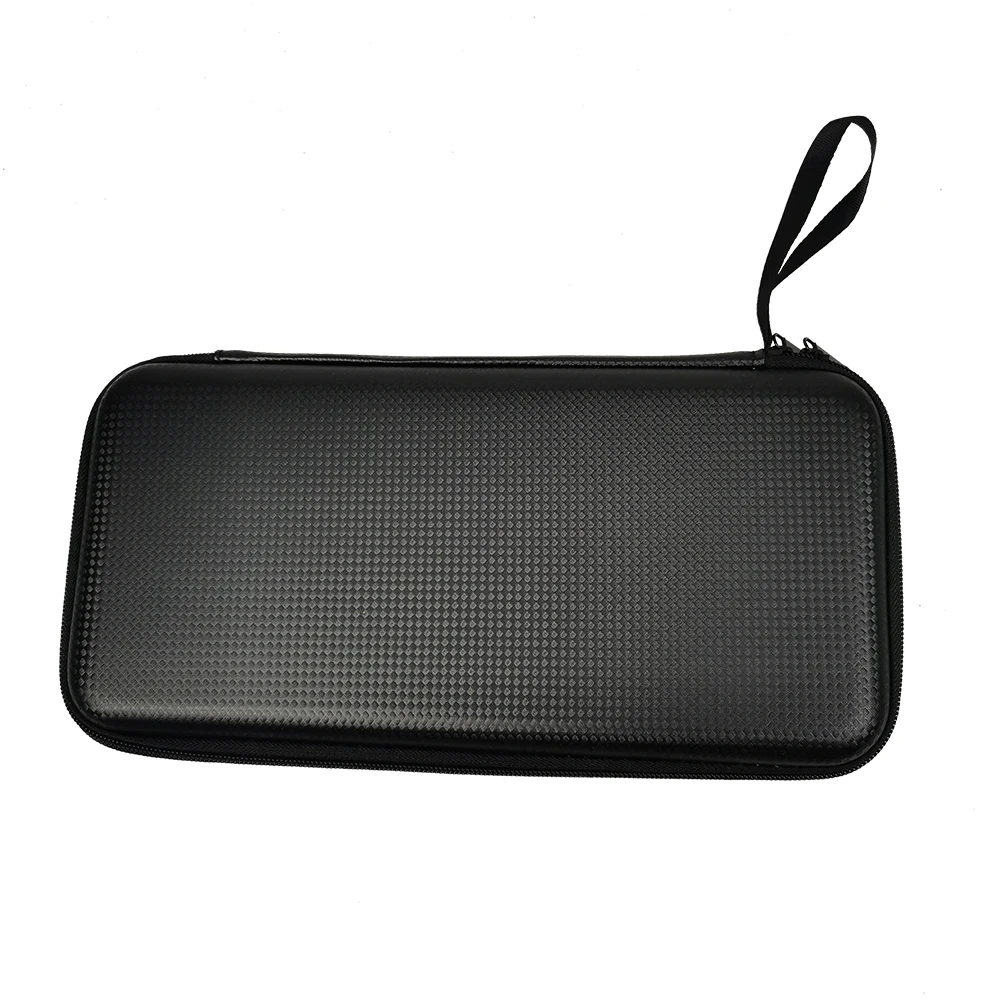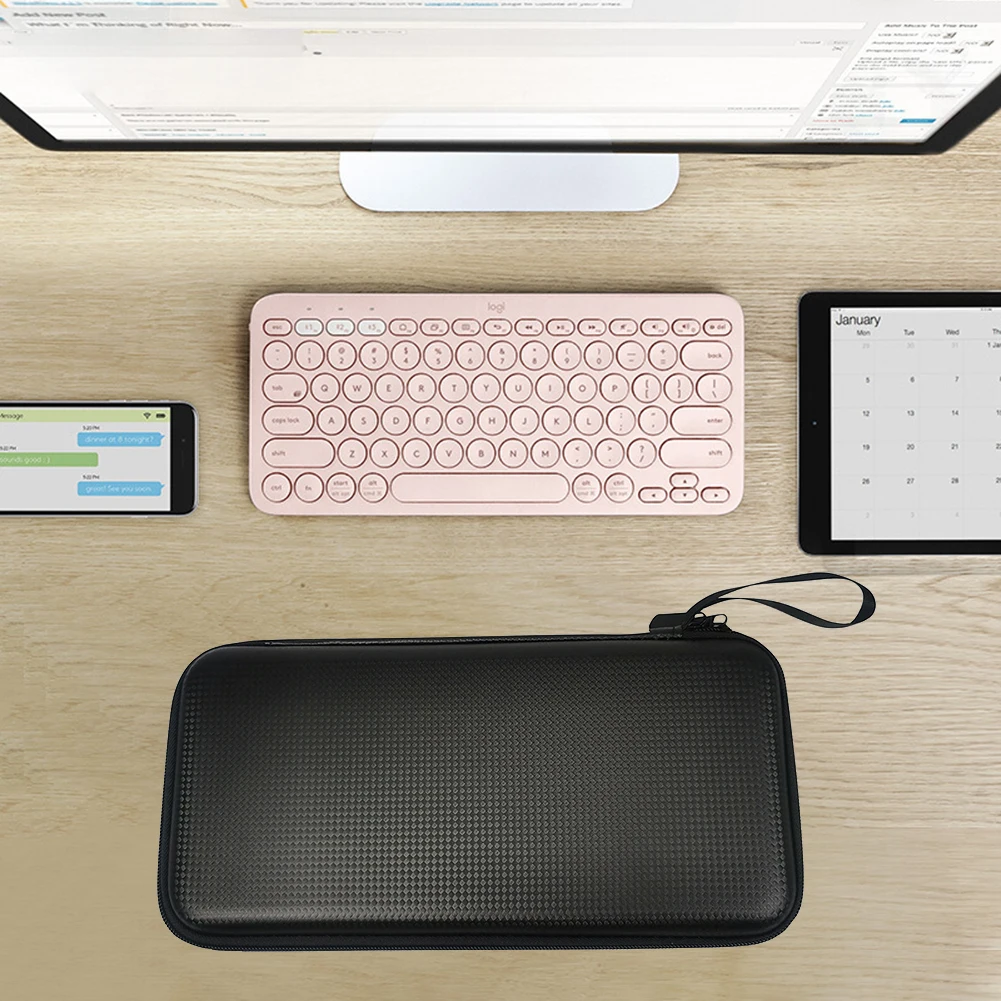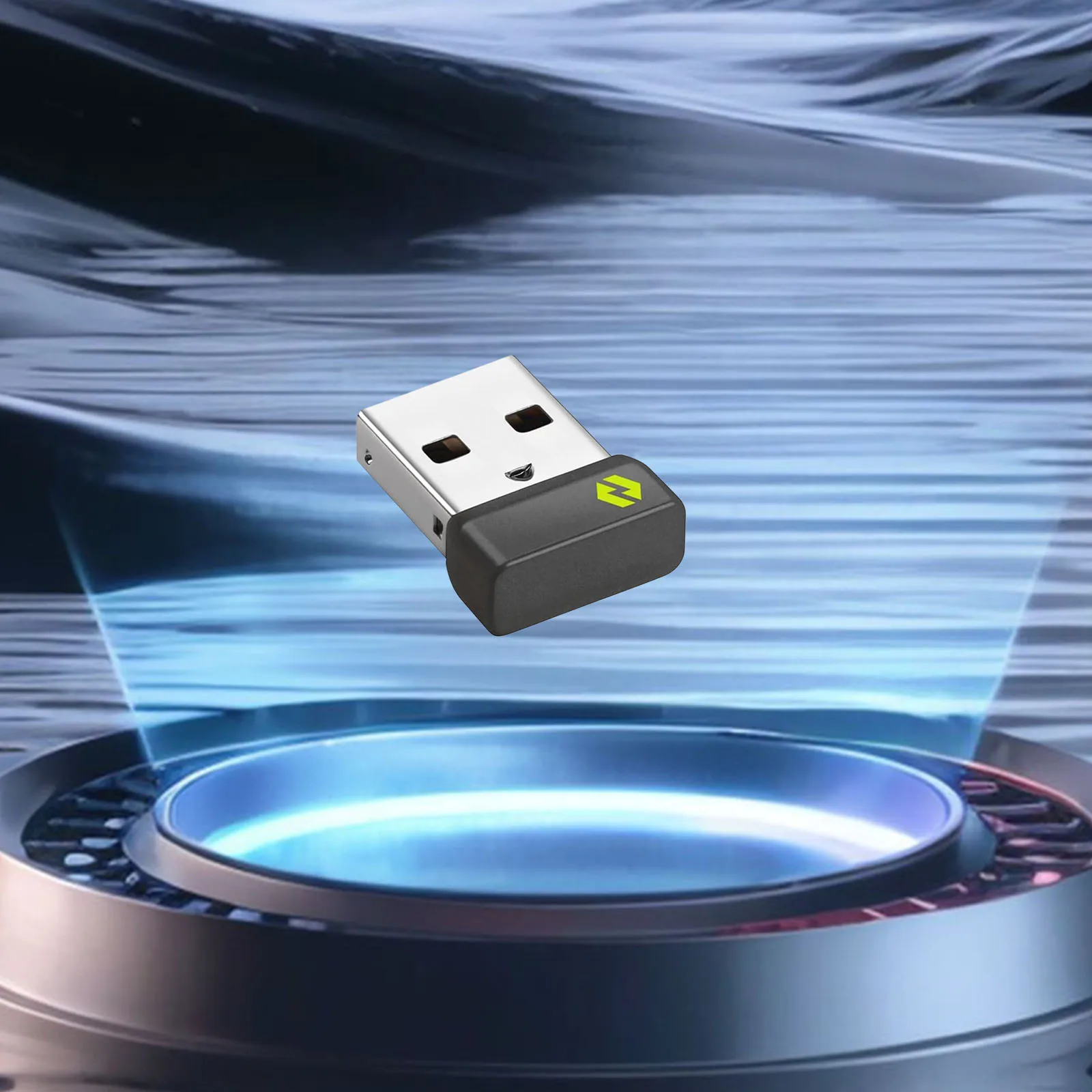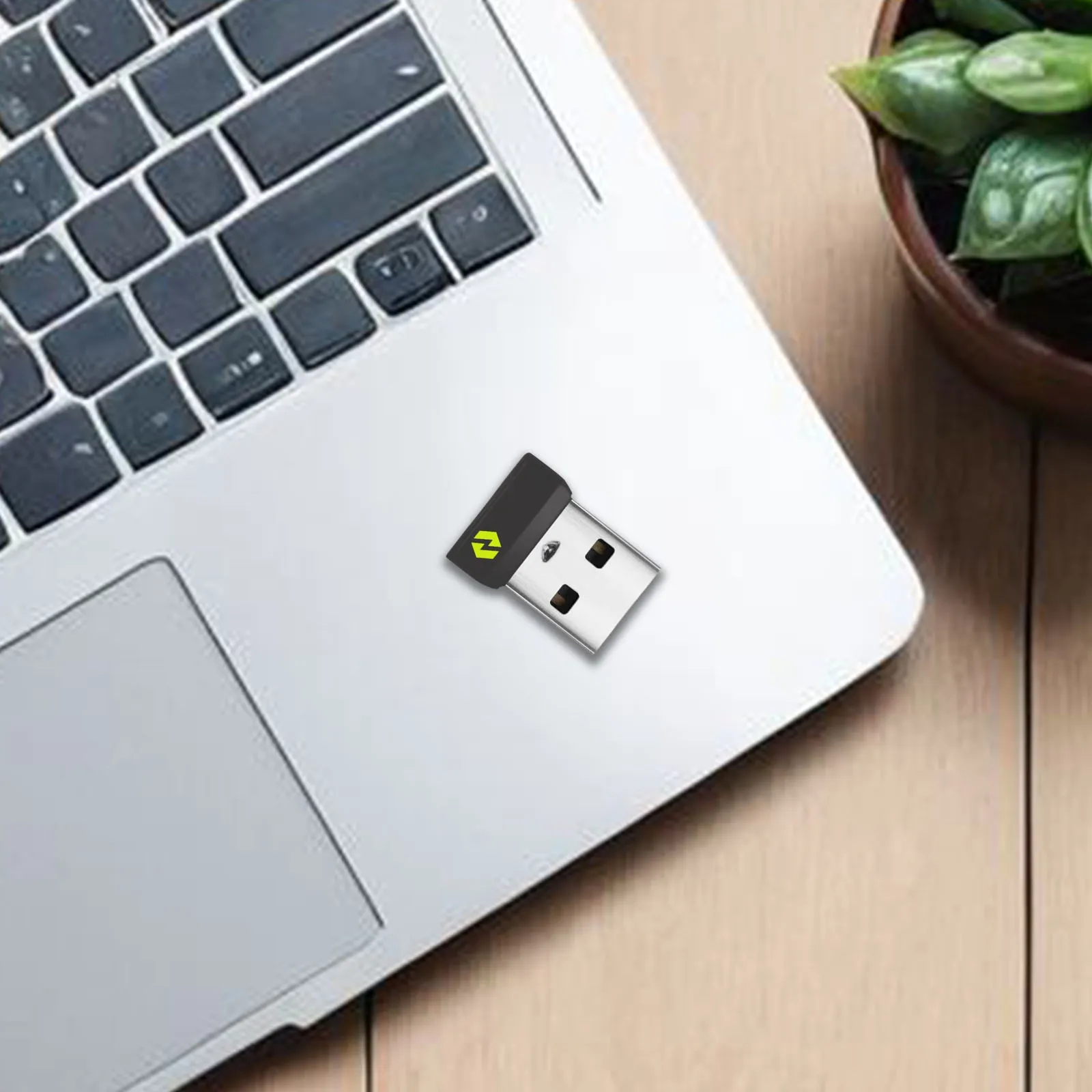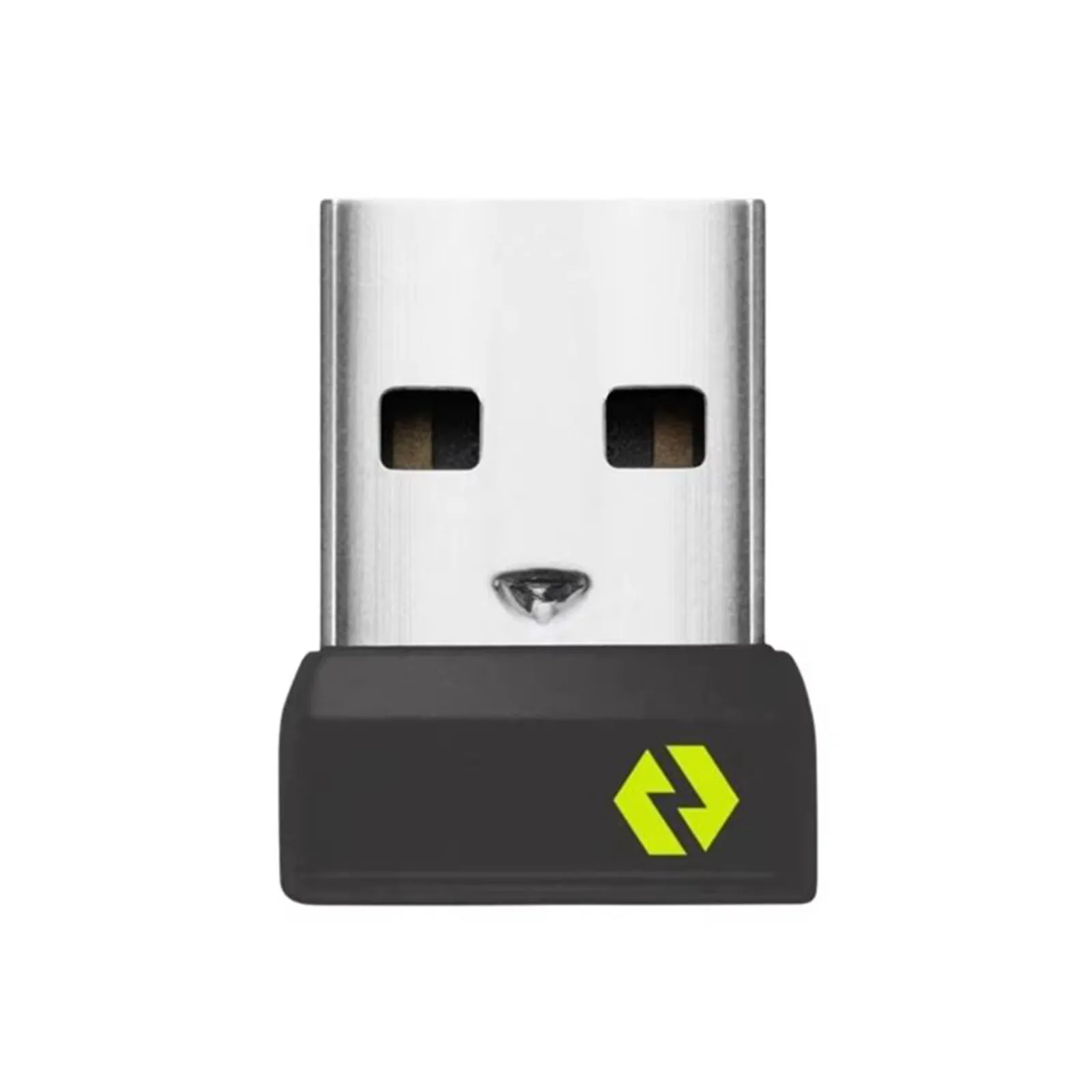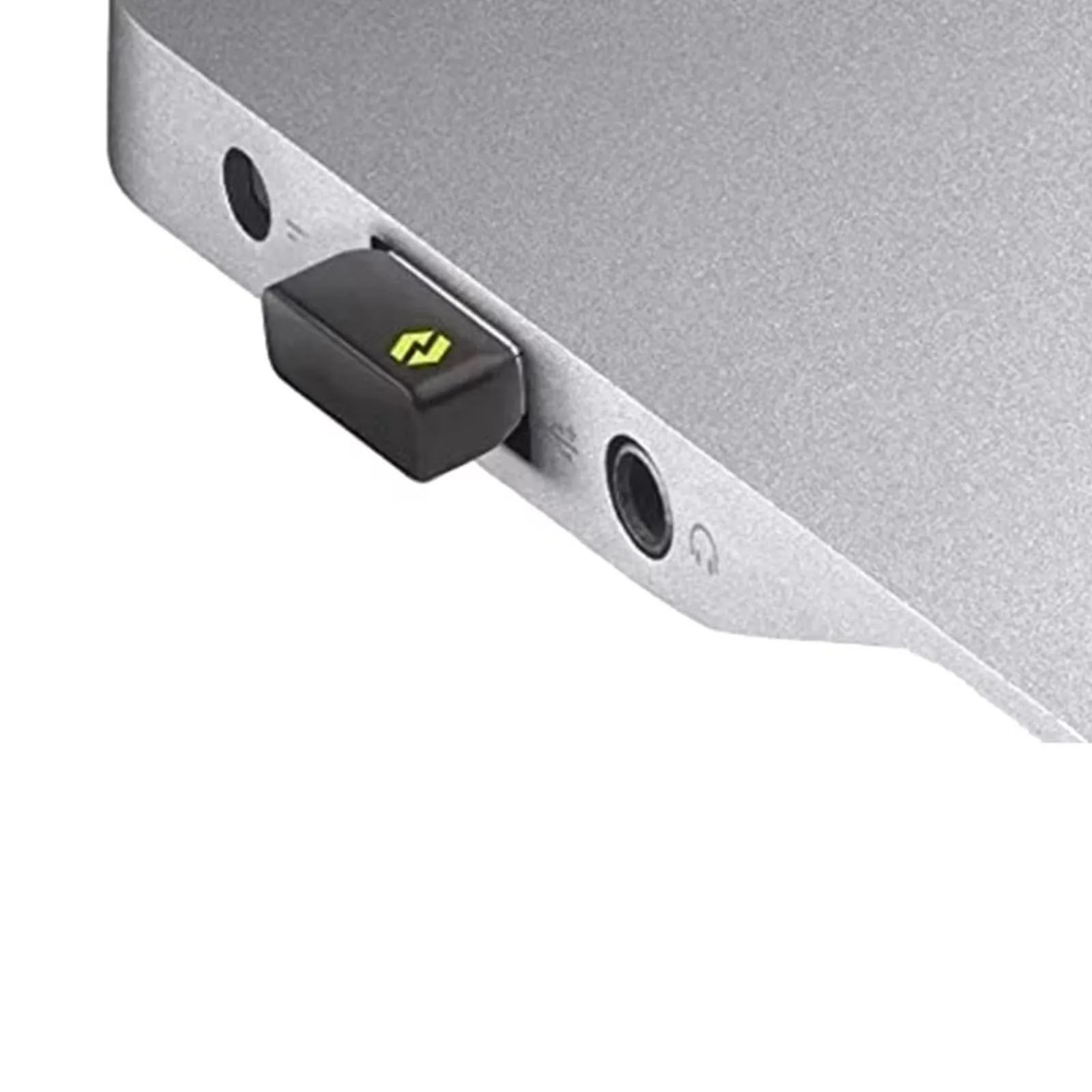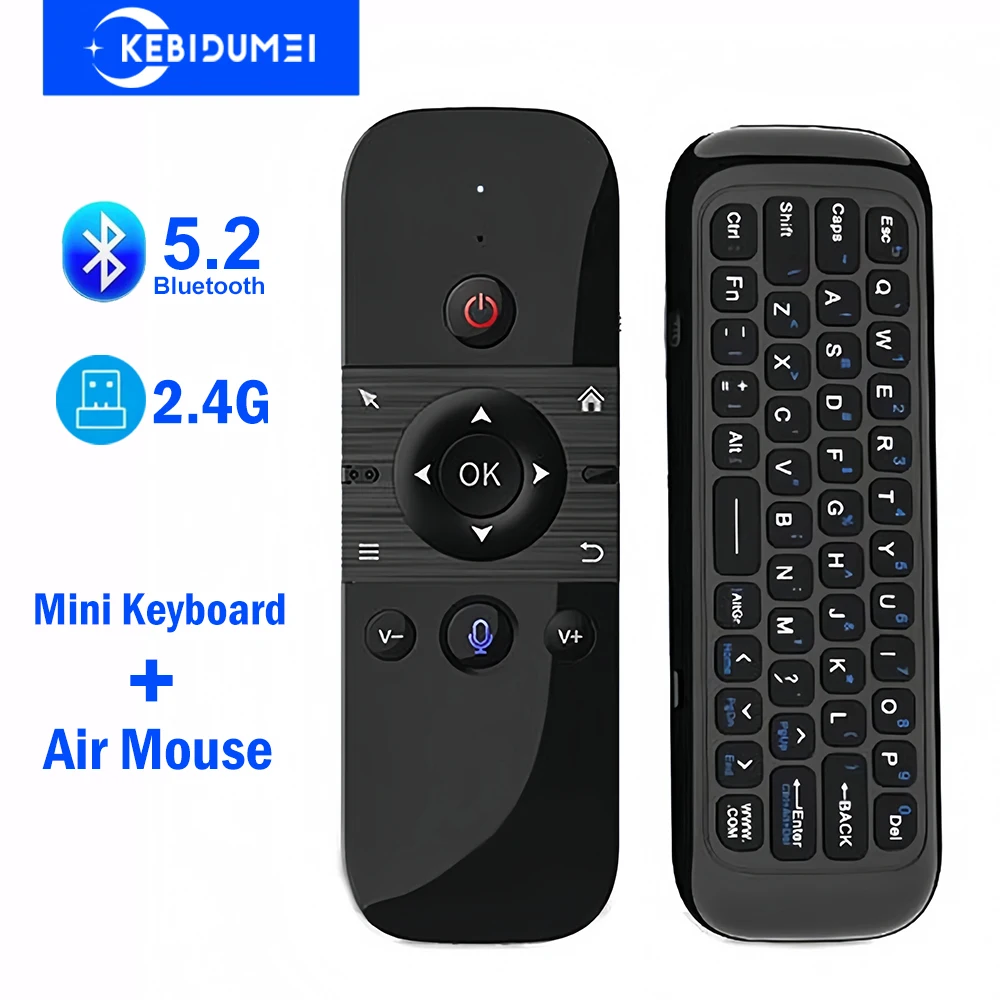
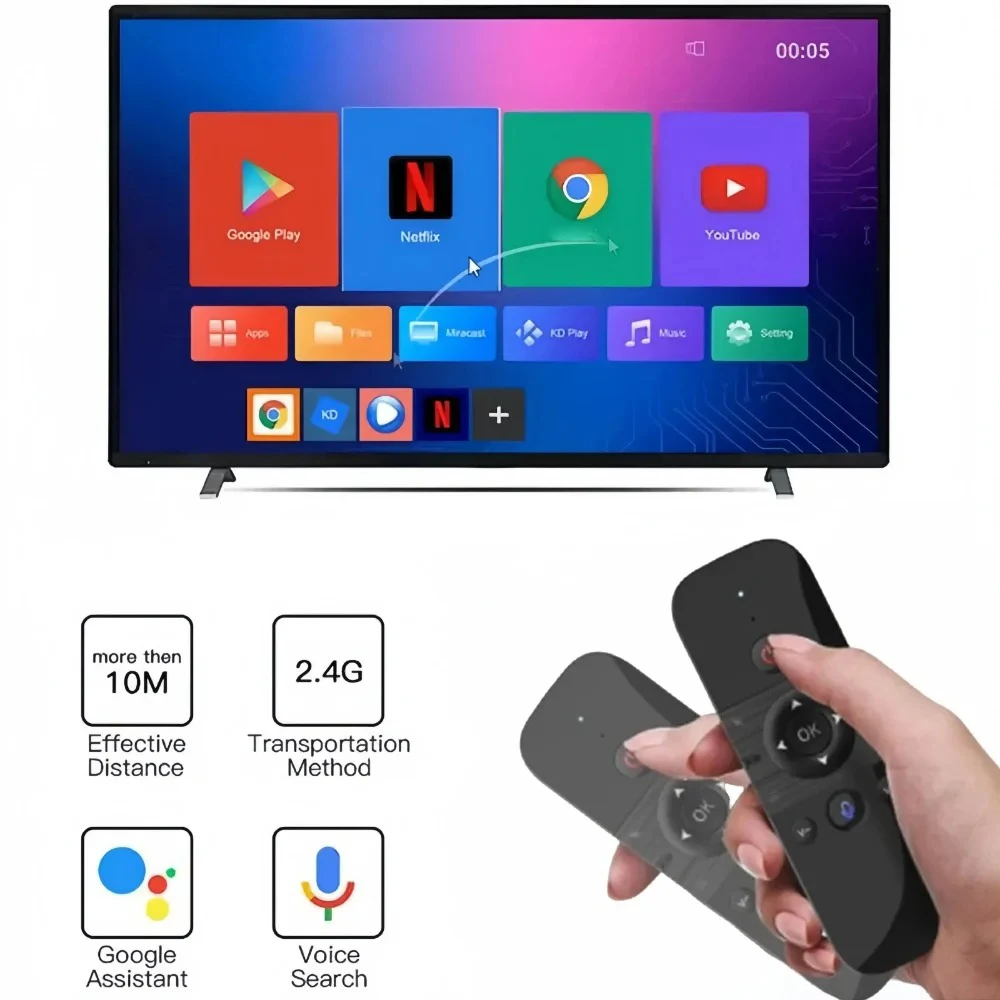
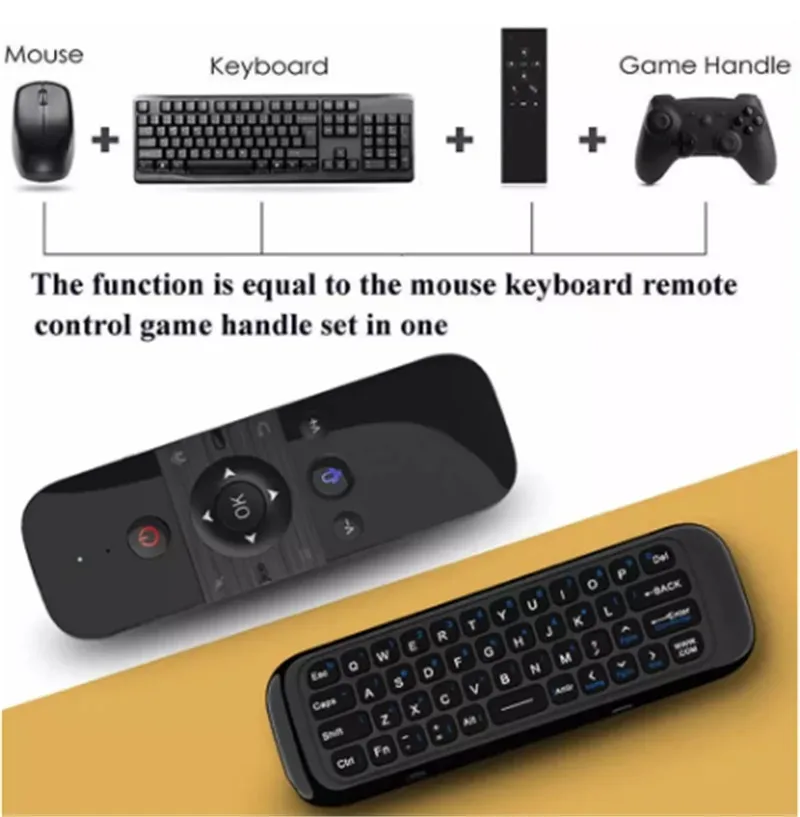
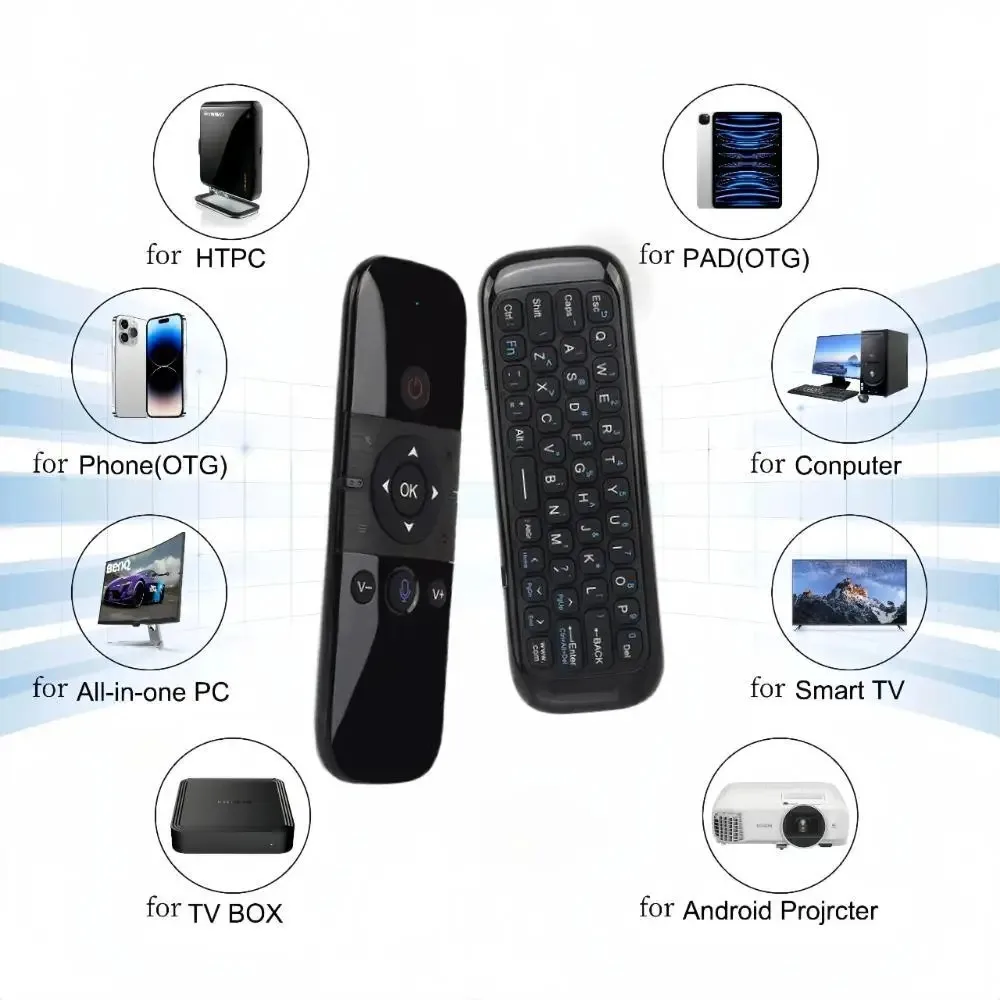
Bluetooth 5.2 Keyboard Wireless Mini Keyboard Rechargeable Keyboard with 2.4G Wireless Voice Control Air Mouse for TV BOX Laptop
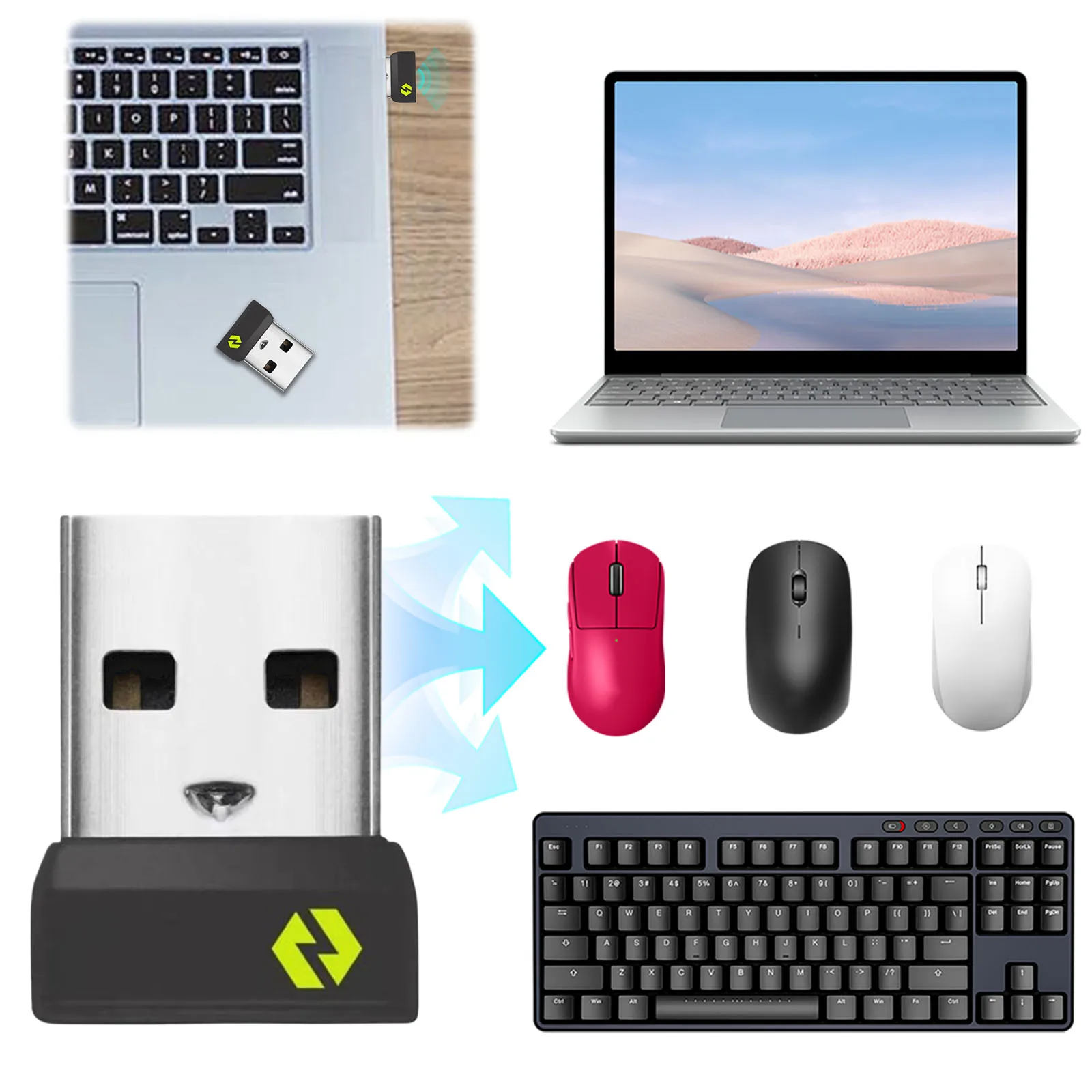
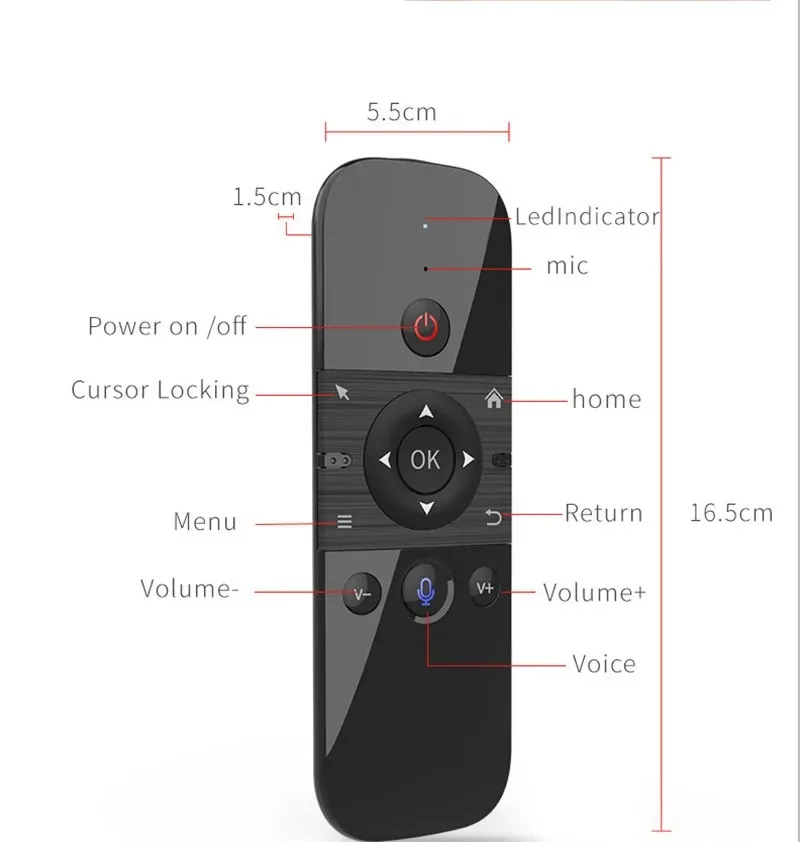
<div class="detailmodule_html"><div class="detail-desc-decorate-richtext"><div style="margin:0px;margin-bottom:0px;margin-top:0px;margin-left:0px;margin-right:0px;padding:0px;padding-bottom:0px;padding-top:0px;padding-left:0px;padding-right:0px;box-sizing:content-box"><br/></div><div style="font-family:"TT Norms Pro", "Open Sans", Roboto, Arial, Helvetica, sans-serif, SimSun;font-size:14px;font-weight:400;letter-spacing:normal;text-align:start;white-space:normal;color:rgb(34, 34, 34);margin:0px;margin-bottom:0px;margin-top:0px;margin-left:0px;margin-right:0px;padding:0px;padding-bottom:0px;padding-top:0px;padding-left:0px;padding-right:0px;box-sizing:content-box" class="detailmodule_html" align="start"><div style="margin:0px;margin-bottom:0px;margin-top:0px;margin-left:0px;margin-right:0px;padding:0px;padding-bottom:0px;padding-top:0px;padding-left:0px;padding-right:0px;box-sizing:content-box" class="detail-desc-decorate-richtext"><table style="border-collapse:collapse;font-family:"TT Norms Pro", "Open Sans", Roboto, Arial, Helvetica, sans-serif, SimSun;font-size:14px;text-align:start;color:rgb(34, 34, 34)" class="ke-zeroborder" width="100%" border="0" cellPadding="0" cellSpacing="0" align="start"><tbody><tr><td><table style="border-collapse:collapse;width:944px" class="ke-zeroborder" width="100%" border="0" cellPadding="0" cellSpacing="0"><tbody><tr><td><div style="margin:0px;margin-bottom:0px;margin-top:0px;margin-left:0px;margin-right:0px;padding:0px;padding-bottom:0px;padding-top:0px;padding-left:0px;padding-right:0px;box-sizing:content-box"><br/></div></td></tr></tbody></table><div style="border:1px solid rgb(174, 174, 174);margin:0px;margin-bottom:0px;margin-top:0px;margin-left:0px;margin-right:0px;padding:15px;padding-bottom:15px;padding-top:15px;padding-left:15px;padding-right:15px;box-sizing:content-box"><div style="margin:0px;margin-bottom:0px;margin-top:0px;margin-left:0px;margin-right:0px;padding:0px;padding-bottom:0px;padding-top:0px;padding-left:0px;padding-right:0px;box-sizing:content-box" class="detailmodule_html"><div style="margin:0px;margin-bottom:0px;margin-top:0px;margin-left:0px;margin-right:0px;padding:0px;padding-bottom:0px;padding-top:0px;padding-left:0px;padding-right:0px;box-sizing:content-box" class="detail-desc-decorate-richtext"><div class="detailmodule_html"><div class="detail-desc-decorate-richtext"><div class="detailmodule_html"><div class="detail-desc-decorate-richtext"><h2 style="font-family:"TT Norms Pro", "Open Sans", Roboto, Arial, Helvetica, sans-serif, SimSun;letter-spacing:normal;text-align:left;white-space:normal;color:rgb(34, 34, 34);box-sizing:border-box" align="left"><strong>Feature:</strong></h2><h3 style="font-family:"TT Norms Pro", "Open Sans", Roboto, Arial, Helvetica, sans-serif, SimSun;letter-spacing:normal;text-align:start;white-space:normal;color:rgb(34, 34, 34);box-sizing:border-box" align="start">1. USB pairing mode: Insert USB into the device, press OK key and Home key, and the LED will flash quickly. When the LED stops flashing, the pairing is successful.</h3><h3 style="font-family:"TT Norms Pro", "Open Sans", Roboto, Arial, Helvetica, sans-serif, SimSun;letter-spacing:normal;text-align:start;white-space:normal;color:rgb(34, 34, 34);box-sizing:border-box" align="start">2. Turn over prohibition function: In order to prevent the wrong operation of keys, the air mouse is only allowed to move upward during normal use. The function of one side of the key is downward, and the function of one side of the key is prohibited to output.</h3><h3 style="font-family:"TT Norms Pro", "Open Sans", Roboto, Arial, Helvetica, sans-serif, SimSun;letter-spacing:normal;text-align:start;white-space:normal;color:rgb(34, 34, 34);box-sizing:border-box" align="start">3. Sleep and wake-up: When the air mouse has no operation within 15 seconds, it will enter the sleep mode; After the air mouse enters hibernation, press any key to wake up the air mouse and enter the working state.</h3><h3 style="font-family:"TT Norms Pro", "Open Sans", Roboto, Arial, Helvetica, sans-serif, SimSun;letter-spacing:normal;text-align:start;white-space:normal;color:rgb(34, 34, 34);box-sizing:border-box" align="start">4. Low battery prompt: When the air mouse is running low, the LED light flashes slowly to remind that it needs to be charged; The LED red light is always on during charging; When the LED red light is off, it is fully charged.</h3><h3 style="font-family:"TT Norms Pro", "Open Sans", Roboto, Arial, Helvetica, sans-serif, SimSun;letter-spacing:normal;text-align:start;white-space:normal;color:rgb(34, 34, 34);box-sizing:border-box" align="start">5. How to use: Take out the USB receiver and insert it into the USB interface; For the first time, wait for 20-60 seconds, the system will automatically install the USB receiver driver, wave the keyboard, the cursor will move on the screen, and the air mouse keyboard can be used.</h3><h2 style="font-family:"TT Norms Pro", "Open Sans", Roboto, Arial, Helvetica, sans-serif, SimSun;letter-spacing:normal;text-align:start;white-space:normal;color:rgb(34, 34, 34);box-sizing:border-box" align="start"><strong>Specification:</strong></h2><h3 style="font-family:"TT Norms Pro", "Open Sans", Roboto, Arial, Helvetica, sans-serif, SimSun;letter-spacing:normal;text-align:start;white-space:normal;color:rgb(34, 34, 34);box-sizing:border-box" align="start">Wireless Communication: 2.4G and Bluetooth</h3><h3 style="font-family:"TT Norms Pro", "Open Sans", Roboto, Arial, Helvetica, sans-serif, SimSun;letter-spacing:normal;text-align:start;white-space:normal;color:rgb(34, 34, 34);box-sizing:border-box" align="start">Modulation frequency: 2.4-2.4835GHz</h3><h3 style="font-family:"TT Norms Pro", "Open Sans", Roboto, Arial, Helvetica, sans-serif, SimSun;letter-spacing:normal;text-align:start;white-space:normal;color:rgb(34, 34, 34);box-sizing:border-box" align="start">Operating temperature: - 20 ℃ - 65 ℃</h3><h3 style="font-family:"TT Norms Pro", "Open Sans", Roboto, Arial, Helvetica, sans-serif, SimSun;letter-spacing:normal;text-align:start;white-space:normal;color:rgb(34, 34, 34);box-sizing:border-box" align="start">Battery type: 400mAh/3.7V lithium battery</h3><h3 style="font-family:"TT Norms Pro", "Open Sans", Roboto, Arial, Helvetica, sans-serif, SimSun;letter-spacing:normal;text-align:start;white-space:normal;color:rgb(34, 34, 34);box-sizing:border-box" align="start">Number of keys: 58</h3><h3 style="font-family:"TT Norms Pro", "Open Sans", Roboto, Arial, Helvetica, sans-serif, SimSun;letter-spacing:normal;text-align:start;white-space:normal;color:rgb(34, 34, 34);box-sizing:border-box" align="start">Remote control distance: > 10m/32.8ft</h3><h3 style="font-family:"TT Norms Pro", "Open Sans", Roboto, Arial, Helvetica, sans-serif, SimSun;letter-spacing:normal;text-align:start;white-space:normal;color:rgb(34, 34, 34);box-sizing:border-box" align="start">Charging port: Micro USB<br/></h3></div></div></div></div></div></div></div><div style="margin:0px;margin-bottom:0px;margin-top:0px;margin-left:0px;margin-right:0px;padding:0px;padding-bottom:0px;padding-top:0px;padding-left:0px;padding-right:0px;box-sizing:content-box"><br/></div><div style="margin:0px;margin-bottom:0px;margin-top:0px;margin-left:0px;margin-right:0px;padding:0px;padding-bottom:0px;padding-top:0px;padding-left:0px;padding-right:0px;box-sizing:content-box"><br/></div><div style="border:1px solid rgb(174, 174, 174);margin:0px;margin-bottom:0px;margin-top:0px;margin-left:0px;margin-right:0px;padding:15px;padding-bottom:15px;padding-top:15px;padding-left:15px;padding-right:15px;box-sizing:content-box"><span style="font-size:20px">1 x Keyboard</span></div></td></tr></tbody></table></div></div><div><br/><br/></div><h3><strong><span style="font-size:24px">M8 Mini Keyboard</span></strong></h3><div><br/></div><p style="font-family:"TT Norms Pro", "Open Sans", Roboto, Arial, Helvetica, sans-serif, SimSun;font-size:14px;font-weight:400;letter-spacing:normal;line-height:inherit;text-align:start;white-space:normal;color:rgb(34, 34, 34);margin:0px;margin-bottom:0px;margin-top:0px;margin-left:0px;margin-right:0px;padding:0px;padding-bottom:0px;padding-top:0px;padding-left:0px;padding-right:0px;box-sizing:border-box" align="start"><strong><span style="font-size:24px">C120 Mini Keyboard</span></strong></p><p style="font-family:"TT Norms Pro", "Open Sans", Roboto, Arial, Helvetica, sans-serif, SimSun;font-size:14px;font-weight:400;letter-spacing:normal;line-height:inherit;text-align:start;white-space:normal;color:rgb(34, 34, 34);margin:0px;margin-bottom:0px;margin-top:0px;margin-left:0px;margin-right:0px;padding:0px;padding-bottom:0px;padding-top:0px;padding-left:0px;padding-right:0px;box-sizing:border-box" align="start"></p><p><br/></p></div></div><p><br/></p>
$21.605
$11.405
- Category : Computer & Office
- Brand : tontop_store Ton-Top Store
Colors
Sizes
-
+

<div class="detailmodule_html"><div class="detail-desc-decorate-richtext"><div style="margin:0px;margin-bottom:0px;margin-top:0px;margin-left:0px;margin-right:0px;padding:0px;padding-bottom:0px;padding-top:0px;padding-left:0px;padding-right:0px;box-sizing:content-box"><br/></div><div style="font-family:"TT Norms Pro", "Open Sans", Roboto, Arial, Helvetica, sans-serif, SimSun;font-size:14px;font-weight:400;letter-spacing:normal;text-align:start;white-space:normal;color:rgb(34, 34, 34);margin:0px;margin-bottom:0px;margin-top:0px;margin-left:0px;margin-right:0px;padding:0px;padding-bottom:0px;padding-top:0px;padding-left:0px;padding-right:0px;box-sizing:content-box" class="detailmodule_html" align="start"><div style="margin:0px;margin-bottom:0px;margin-top:0px;margin-left:0px;margin-right:0px;padding:0px;padding-bottom:0px;padding-top:0px;padding-left:0px;padding-right:0px;box-sizing:content-box" class="detail-desc-decorate-richtext"><table style="border-collapse:collapse;font-family:"TT Norms Pro", "Open Sans", Roboto, Arial, Helvetica, sans-serif, SimSun;font-size:14px;text-align:start;color:rgb(34, 34, 34)" class="ke-zeroborder" width="100%" border="0" cellPadding="0" cellSpacing="0" align="start"><tbody><tr><td><table style="border-collapse:collapse;width:944px" class="ke-zeroborder" width="100%" border="0" cellPadding="0" cellSpacing="0"><tbody><tr><td><div style="margin:0px;margin-bottom:0px;margin-top:0px;margin-left:0px;margin-right:0px;padding:0px;padding-bottom:0px;padding-top:0px;padding-left:0px;padding-right:0px;box-sizing:content-box"><br/></div></td></tr></tbody></table><div style="border:1px solid rgb(174, 174, 174);margin:0px;margin-bottom:0px;margin-top:0px;margin-left:0px;margin-right:0px;padding:15px;padding-bottom:15px;padding-top:15px;padding-left:15px;padding-right:15px;box-sizing:content-box"><div style="margin:0px;margin-bottom:0px;margin-top:0px;margin-left:0px;margin-right:0px;padding:0px;padding-bottom:0px;padding-top:0px;padding-left:0px;padding-right:0px;box-sizing:content-box" class="detailmodule_html"><div style="margin:0px;margin-bottom:0px;margin-top:0px;margin-left:0px;margin-right:0px;padding:0px;padding-bottom:0px;padding-top:0px;padding-left:0px;padding-right:0px;box-sizing:content-box" class="detail-desc-decorate-richtext"><div class="detailmodule_html"><div class="detail-desc-decorate-richtext"><div class="detailmodule_html"><div class="detail-desc-decorate-richtext"><h2 style="font-family:"TT Norms Pro", "Open Sans", Roboto, Arial, Helvetica, sans-serif, SimSun;letter-spacing:normal;text-align:left;white-space:normal;color:rgb(34, 34, 34);box-sizing:border-box" align="left"><strong>Feature:</strong></h2><h3 style="font-family:"TT Norms Pro", "Open Sans", Roboto, Arial, Helvetica, sans-serif, SimSun;letter-spacing:normal;text-align:start;white-space:normal;color:rgb(34, 34, 34);box-sizing:border-box" align="start">1. USB pairing mode: Insert USB into the device, press OK key and Home key, and the LED will flash quickly. When the LED stops flashing, the pairing is successful.</h3><h3 style="font-family:"TT Norms Pro", "Open Sans", Roboto, Arial, Helvetica, sans-serif, SimSun;letter-spacing:normal;text-align:start;white-space:normal;color:rgb(34, 34, 34);box-sizing:border-box" align="start">2. Turn over prohibition function: In order to prevent the wrong operation of keys, the air mouse is only allowed to move upward during normal use. The function of one side of the key is downward, and the function of one side of the key is prohibited to output.</h3><h3 style="font-family:"TT Norms Pro", "Open Sans", Roboto, Arial, Helvetica, sans-serif, SimSun;letter-spacing:normal;text-align:start;white-space:normal;color:rgb(34, 34, 34);box-sizing:border-box" align="start">3. Sleep and wake-up: When the air mouse has no operation within 15 seconds, it will enter the sleep mode; After the air mouse enters hibernation, press any key to wake up the air mouse and enter the working state.</h3><h3 style="font-family:"TT Norms Pro", "Open Sans", Roboto, Arial, Helvetica, sans-serif, SimSun;letter-spacing:normal;text-align:start;white-space:normal;color:rgb(34, 34, 34);box-sizing:border-box" align="start">4. Low battery prompt: When the air mouse is running low, the LED light flashes slowly to remind that it needs to be charged; The LED red light is always on during charging; When the LED red light is off, it is fully charged.</h3><h3 style="font-family:"TT Norms Pro", "Open Sans", Roboto, Arial, Helvetica, sans-serif, SimSun;letter-spacing:normal;text-align:start;white-space:normal;color:rgb(34, 34, 34);box-sizing:border-box" align="start">5. How to use: Take out the USB receiver and insert it into the USB interface; For the first time, wait for 20-60 seconds, the system will automatically install the USB receiver driver, wave the keyboard, the cursor will move on the screen, and the air mouse keyboard can be used.</h3><h2 style="font-family:"TT Norms Pro", "Open Sans", Roboto, Arial, Helvetica, sans-serif, SimSun;letter-spacing:normal;text-align:start;white-space:normal;color:rgb(34, 34, 34);box-sizing:border-box" align="start"><strong>Specification:</strong></h2><h3 style="font-family:"TT Norms Pro", "Open Sans", Roboto, Arial, Helvetica, sans-serif, SimSun;letter-spacing:normal;text-align:start;white-space:normal;color:rgb(34, 34, 34);box-sizing:border-box" align="start">Wireless Communication: 2.4G and Bluetooth</h3><h3 style="font-family:"TT Norms Pro", "Open Sans", Roboto, Arial, Helvetica, sans-serif, SimSun;letter-spacing:normal;text-align:start;white-space:normal;color:rgb(34, 34, 34);box-sizing:border-box" align="start">Modulation frequency: 2.4-2.4835GHz</h3><h3 style="font-family:"TT Norms Pro", "Open Sans", Roboto, Arial, Helvetica, sans-serif, SimSun;letter-spacing:normal;text-align:start;white-space:normal;color:rgb(34, 34, 34);box-sizing:border-box" align="start">Operating temperature: - 20 ℃ - 65 ℃</h3><h3 style="font-family:"TT Norms Pro", "Open Sans", Roboto, Arial, Helvetica, sans-serif, SimSun;letter-spacing:normal;text-align:start;white-space:normal;color:rgb(34, 34, 34);box-sizing:border-box" align="start">Battery type: 400mAh/3.7V lithium battery</h3><h3 style="font-family:"TT Norms Pro", "Open Sans", Roboto, Arial, Helvetica, sans-serif, SimSun;letter-spacing:normal;text-align:start;white-space:normal;color:rgb(34, 34, 34);box-sizing:border-box" align="start">Number of keys: 58</h3><h3 style="font-family:"TT Norms Pro", "Open Sans", Roboto, Arial, Helvetica, sans-serif, SimSun;letter-spacing:normal;text-align:start;white-space:normal;color:rgb(34, 34, 34);box-sizing:border-box" align="start">Remote control distance: > 10m/32.8ft</h3><h3 style="font-family:"TT Norms Pro", "Open Sans", Roboto, Arial, Helvetica, sans-serif, SimSun;letter-spacing:normal;text-align:start;white-space:normal;color:rgb(34, 34, 34);box-sizing:border-box" align="start">Charging port: Micro USB<br/></h3></div></div></div></div></div></div></div><div style="margin:0px;margin-bottom:0px;margin-top:0px;margin-left:0px;margin-right:0px;padding:0px;padding-bottom:0px;padding-top:0px;padding-left:0px;padding-right:0px;box-sizing:content-box"><br/></div><div style="margin:0px;margin-bottom:0px;margin-top:0px;margin-left:0px;margin-right:0px;padding:0px;padding-bottom:0px;padding-top:0px;padding-left:0px;padding-right:0px;box-sizing:content-box"><br/></div><div style="border:1px solid rgb(174, 174, 174);margin:0px;margin-bottom:0px;margin-top:0px;margin-left:0px;margin-right:0px;padding:15px;padding-bottom:15px;padding-top:15px;padding-left:15px;padding-right:15px;box-sizing:content-box"><span style="font-size:20px">1 x Keyboard</span></div></td></tr></tbody></table></div></div><div><br/><br/></div><h3><strong><span style="font-size:24px">M8 Mini Keyboard</span></strong></h3><div><br/></div><p style="font-family:"TT Norms Pro", "Open Sans", Roboto, Arial, Helvetica, sans-serif, SimSun;font-size:14px;font-weight:400;letter-spacing:normal;line-height:inherit;text-align:start;white-space:normal;color:rgb(34, 34, 34);margin:0px;margin-bottom:0px;margin-top:0px;margin-left:0px;margin-right:0px;padding:0px;padding-bottom:0px;padding-top:0px;padding-left:0px;padding-right:0px;box-sizing:border-box" align="start"><strong><span style="font-size:24px">C120 Mini Keyboard</span></strong></p><p style="font-family:"TT Norms Pro", "Open Sans", Roboto, Arial, Helvetica, sans-serif, SimSun;font-size:14px;font-weight:400;letter-spacing:normal;line-height:inherit;text-align:start;white-space:normal;color:rgb(34, 34, 34);margin:0px;margin-bottom:0px;margin-top:0px;margin-left:0px;margin-right:0px;padding:0px;padding-bottom:0px;padding-top:0px;padding-left:0px;padding-right:0px;box-sizing:border-box" align="start"></p><p><br/></p></div></div><p><br/></p>
Related Product
Browse The Collection of Top Products.