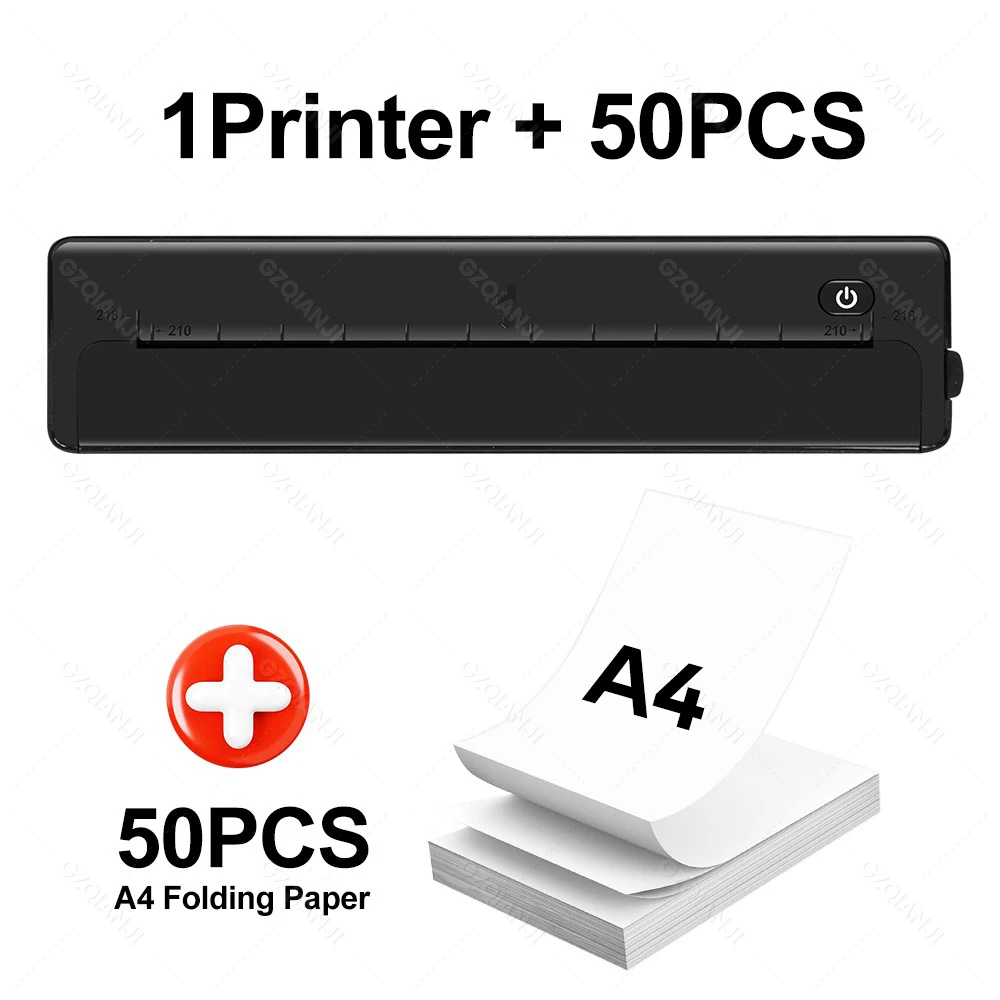


Bluetooth A4 Portable Printer with 50pcs Thermal Paper, Lightweight And Compact Thermal Printer For Travel, Home, Office Use
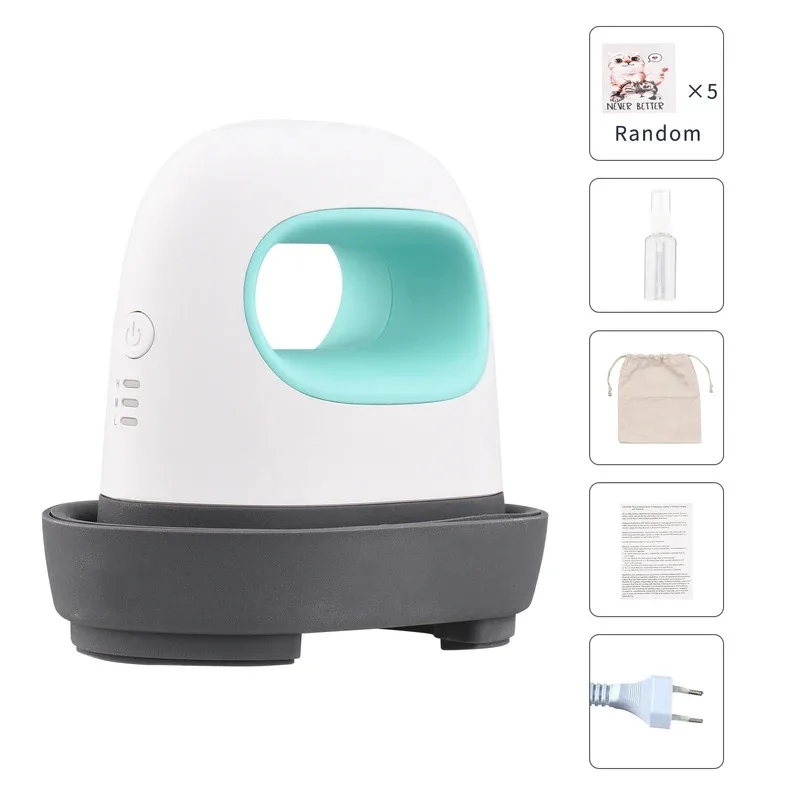
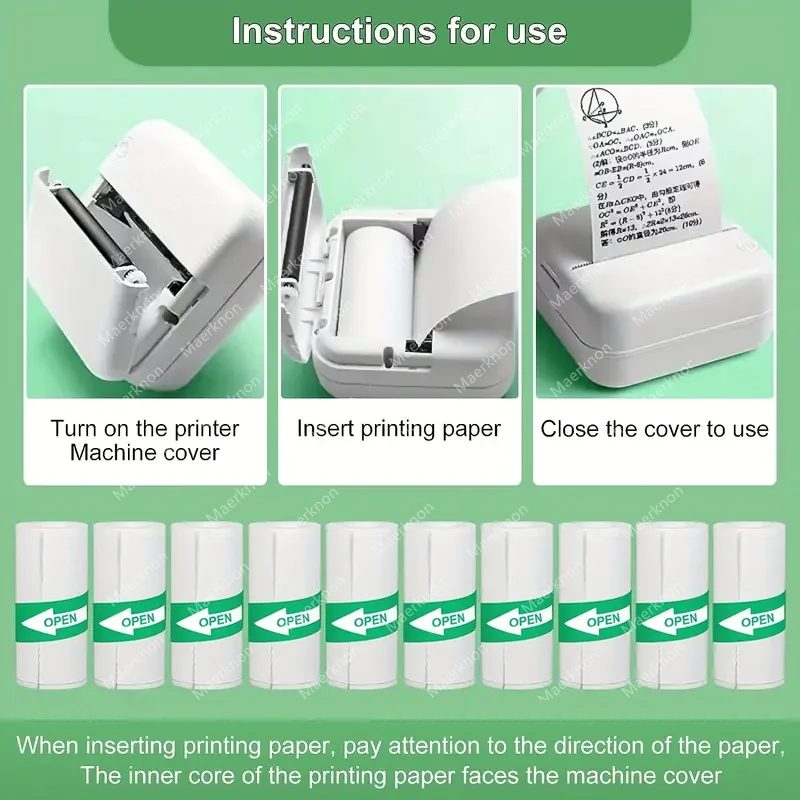
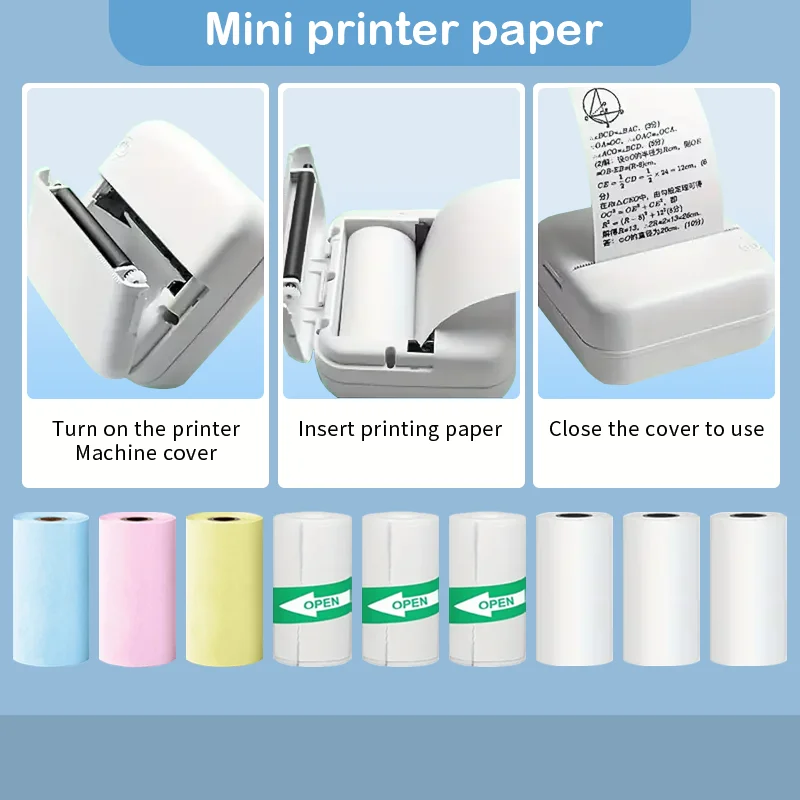
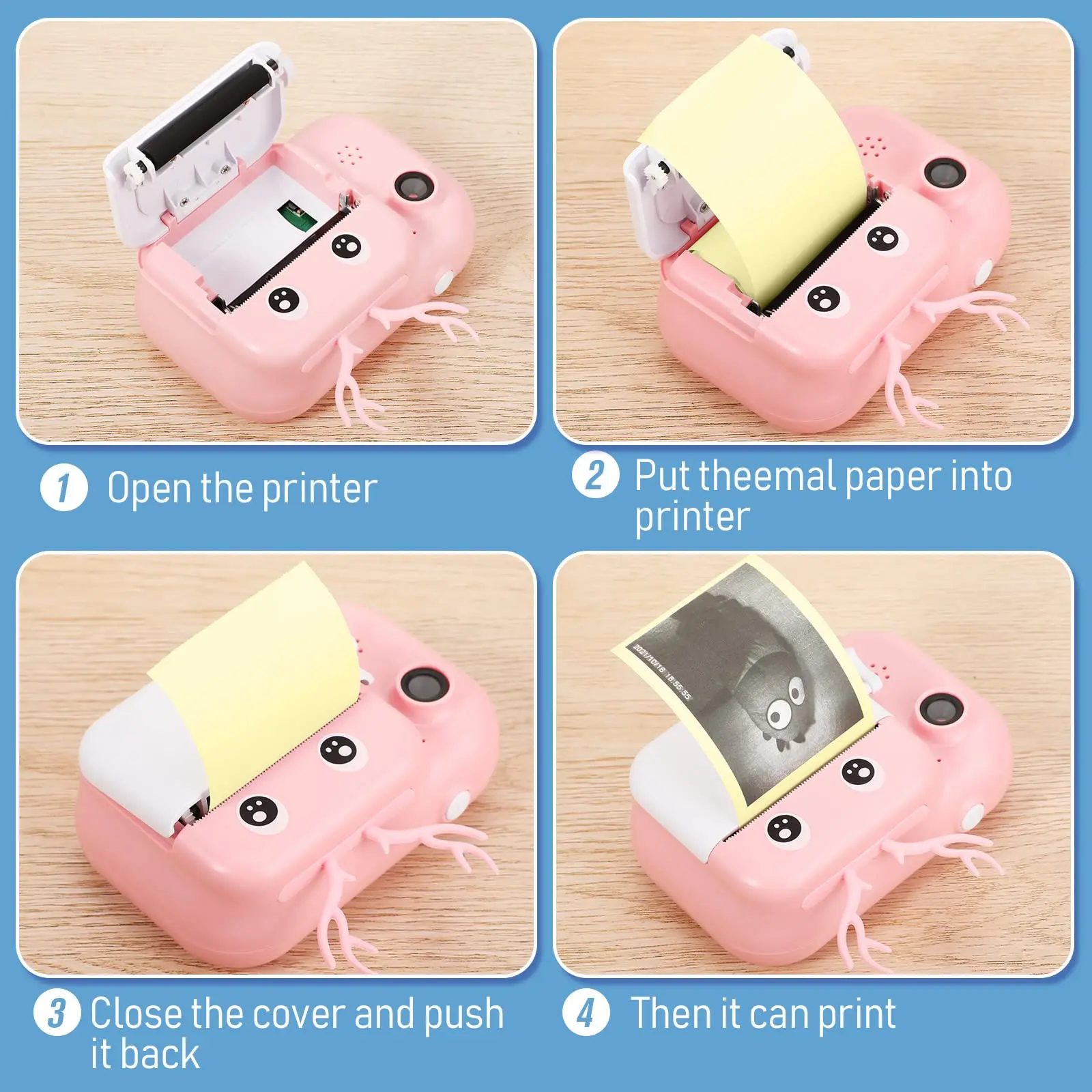
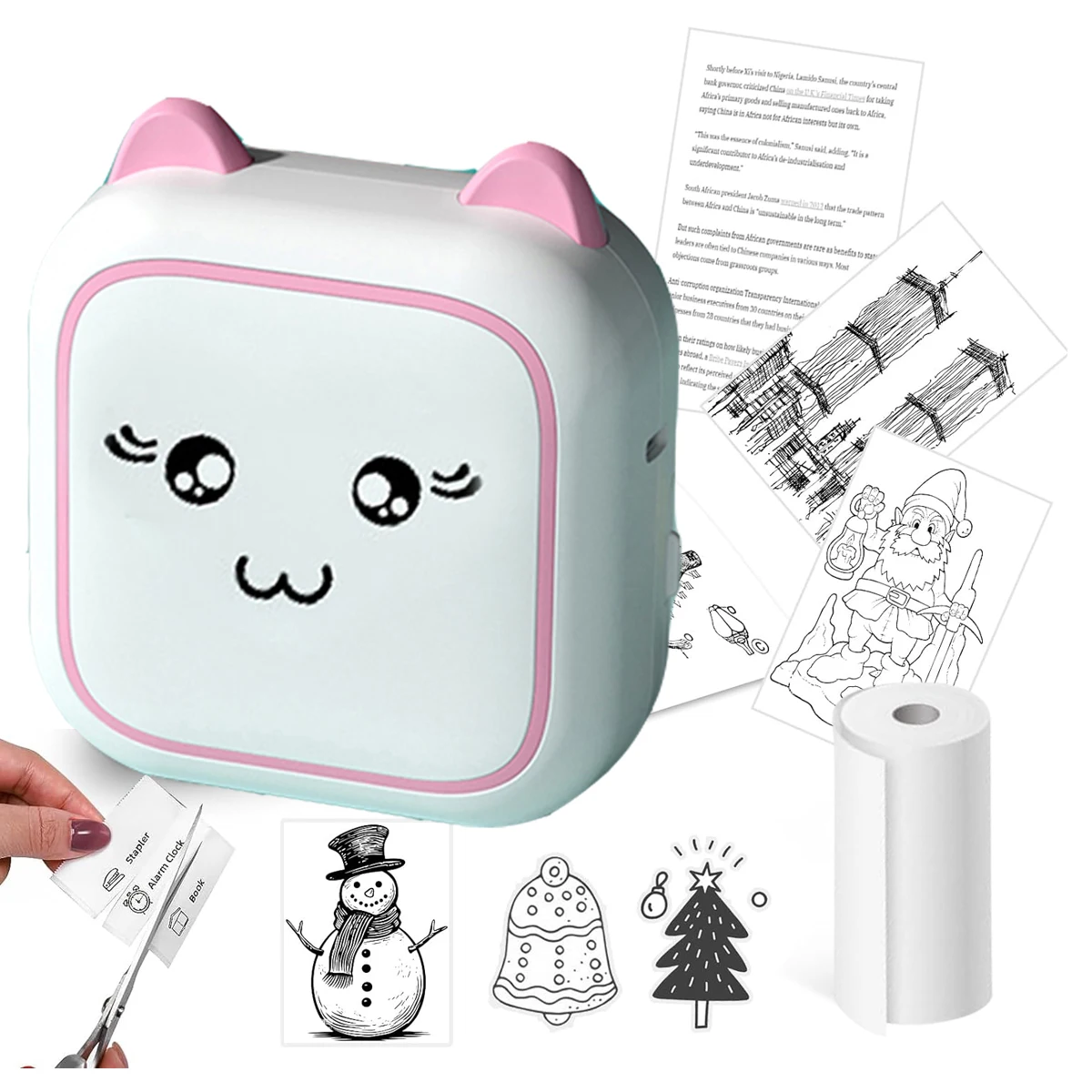
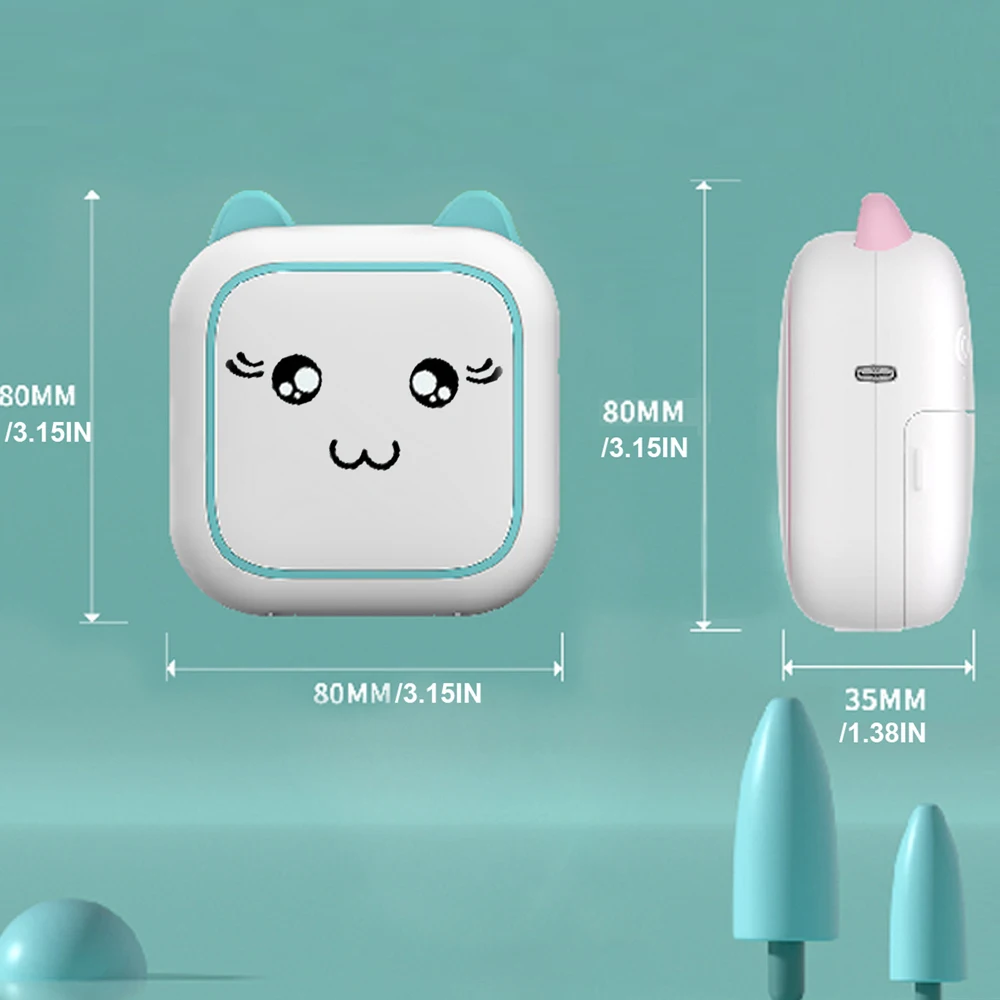
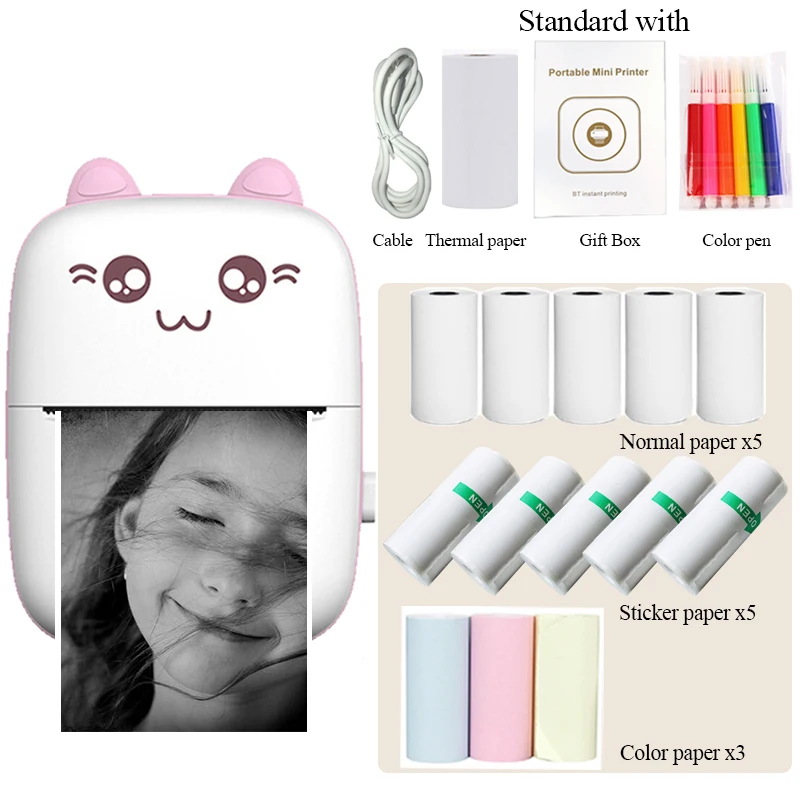
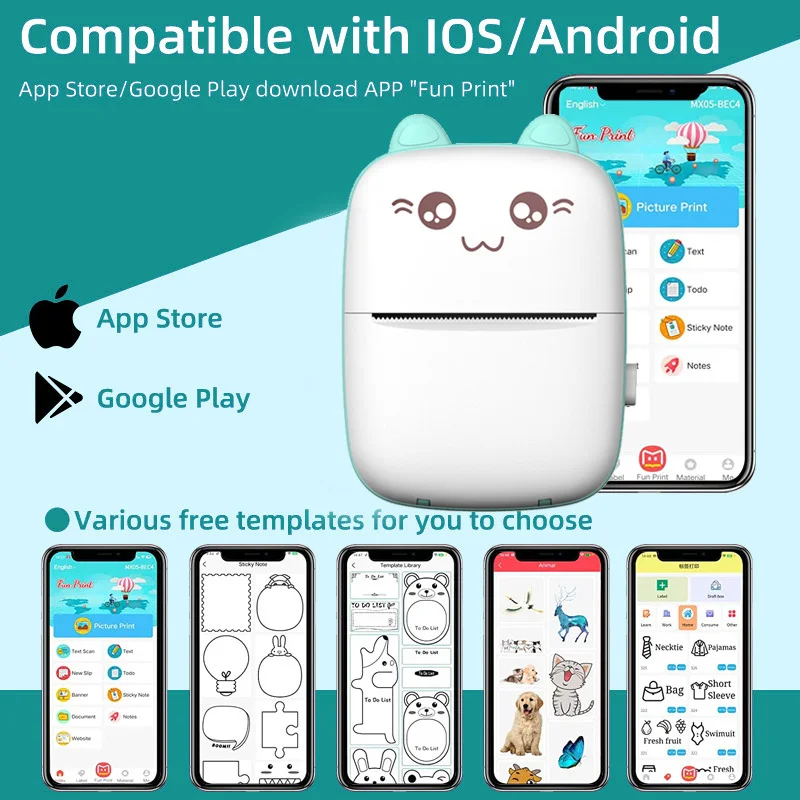
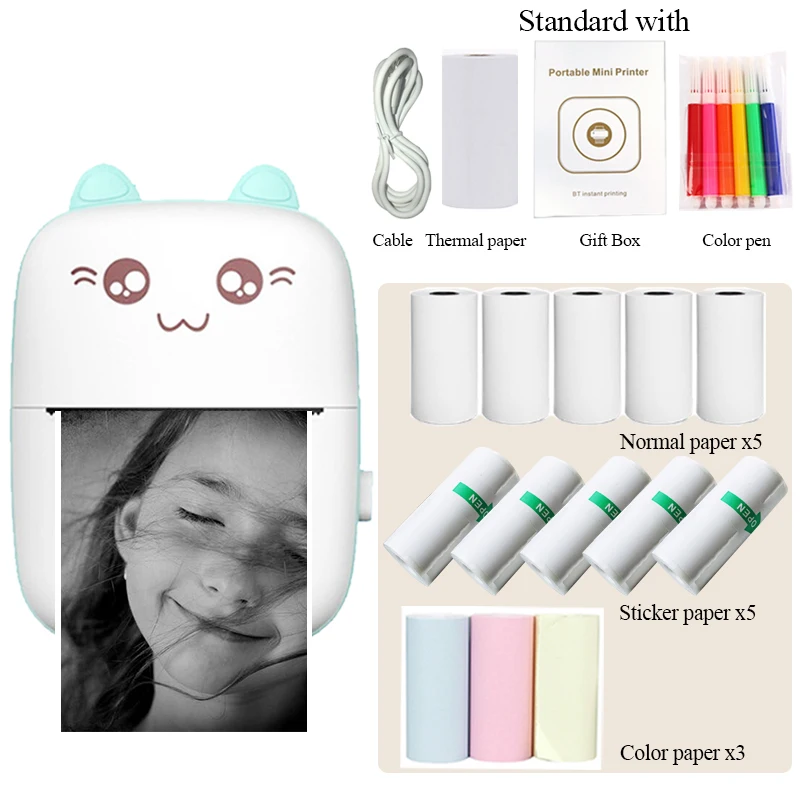
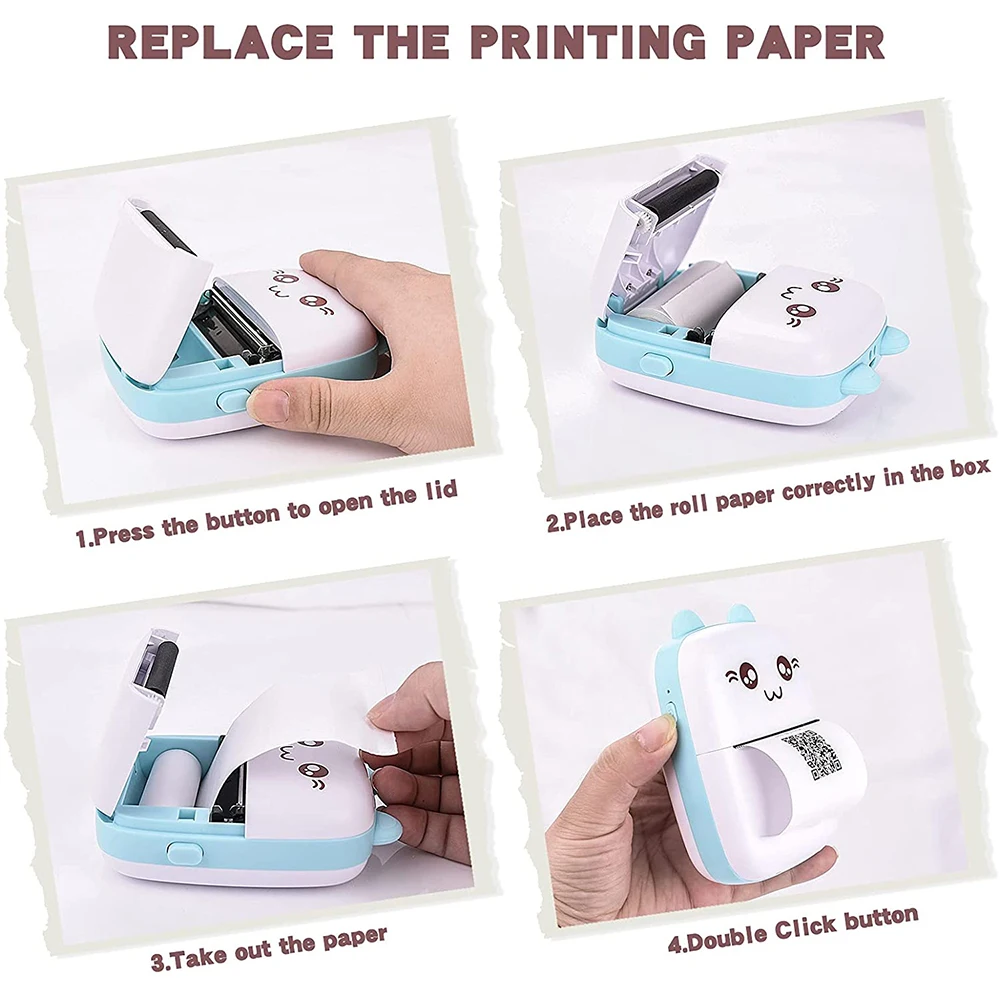
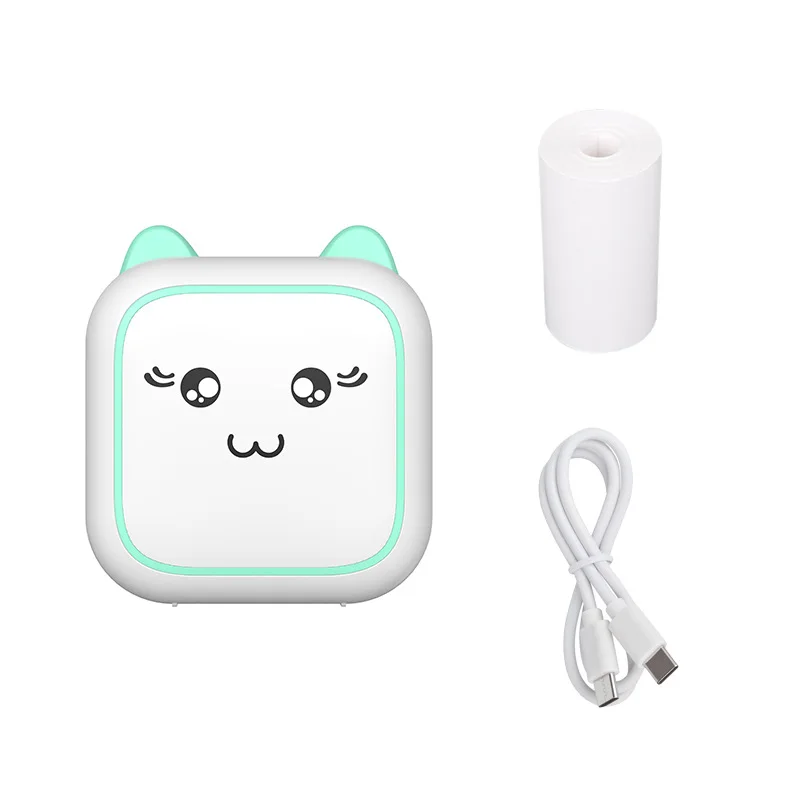
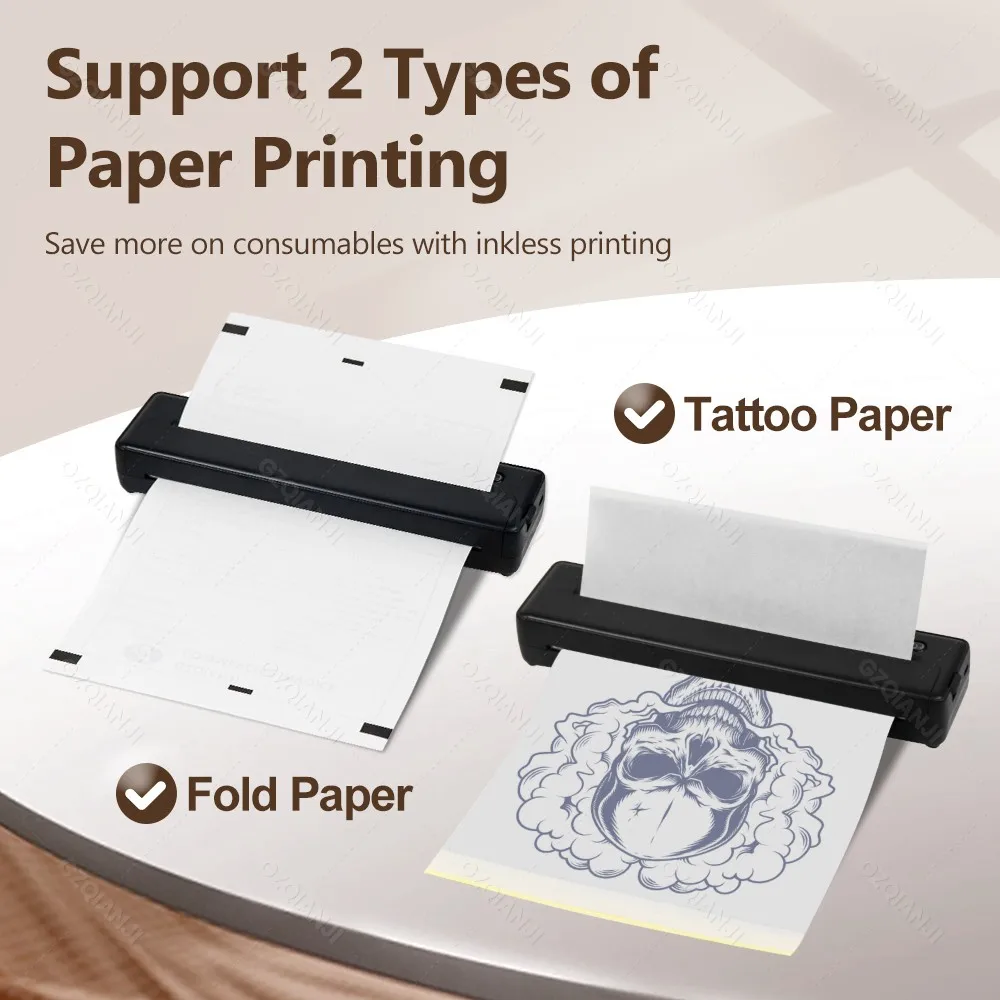
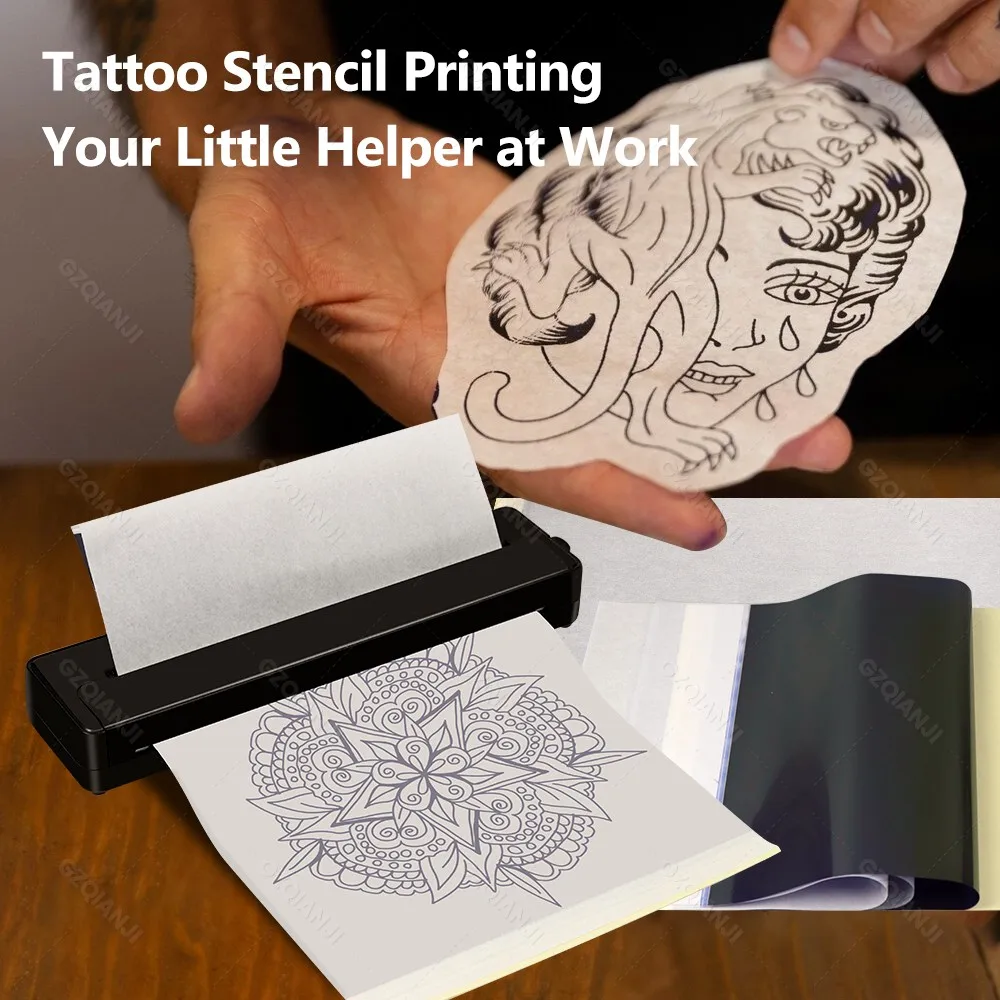
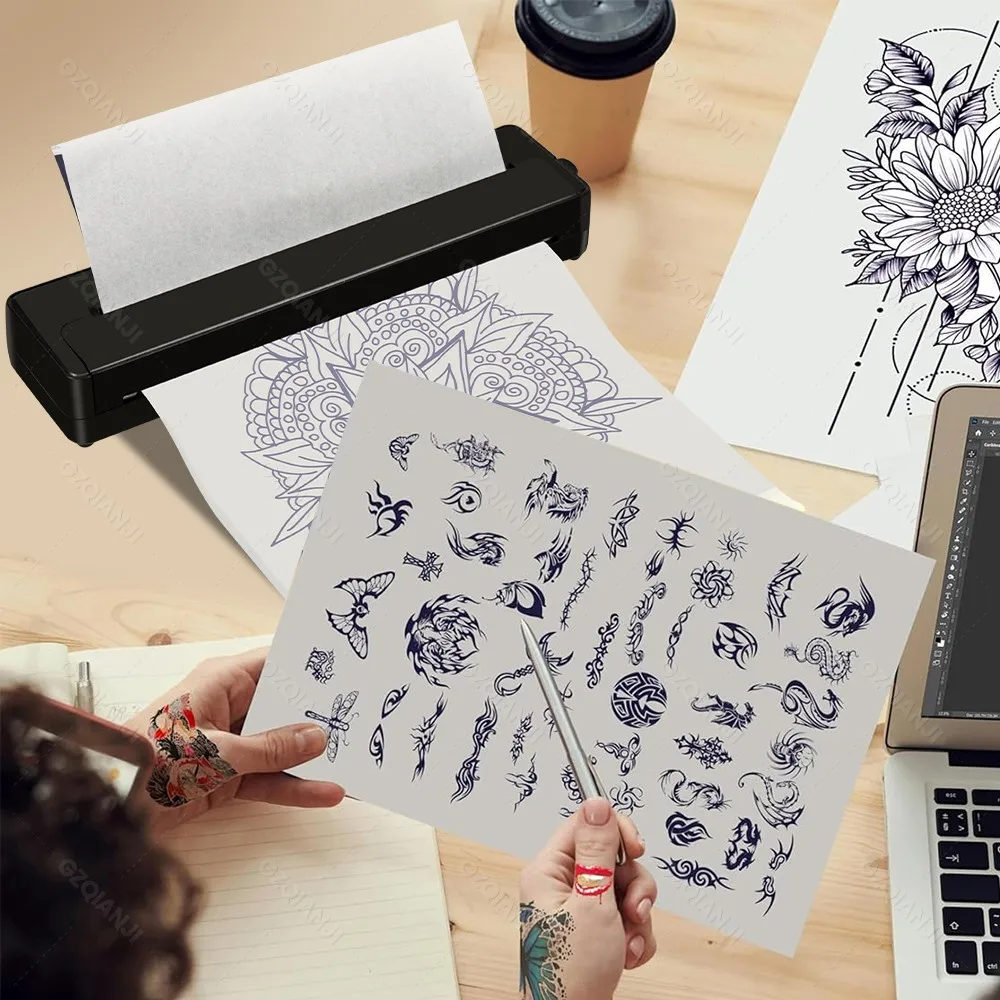
<div class="detailmodule_text"><p><span style="background-color:rgb(252, 220, 0);font-size:20px"><strong>Warm reminder: only compatible with folded paper</strong></span></p><p><span style="font-size:16px">This printer does not have a roll paper bin, so if you use roll paper you can only use it outside the machine.</span></p><div><br/></div><p style="font-family:OpenSans;font-size:20px;font-weight:900;line-height:28px;white-space:pre-wrap;color:rgb(0, 0, 0);margin-bottom:12px" class="detail-desc-decorate-title">Specification:</p><p style="font-family:OpenSans;font-size:14px;font-weight:300;line-height:20px;white-space:pre-wrap;color:rgb(0, 0, 0);margin-bottom:12px" class="detail-desc-decorate-content"><span style="font-size:16px">Item Type: A4 Thermal Printer<br/>Material: ABS<br/>Connection Method: Bluetooth 4.0 or above<br/>APP Support System: For iPrint APP, support for Android and for IOS systems<br/>Printing Specification: 203dpi<br/>Battery Capacity: 1 x 1000mAh rechargeable lithium battery (built-in)<br/>Automatic Power off: 30 minutes<br/>Charging Time: About 1.5H<br/>Continuous Printing Battery Life: 90 sheets of A4 thermal paper<br/>Printing Speed: 10mm/s<br/>Applicable Paper Width Specification: 210mm 218mm thermal paper (not included)<br/>Charging Interface: Type C<br/>Size: Approx. 265x58x32mm/10.4x2.3x1.3in<br/><br/></span><span style="font-size:16px"><strong>How to Use:<br/></strong></span><span style="font-size:16px">Please read the instruction manual carefully before use. If you do not know how to use it, please feel free to contact customer service at any time.<br/><br/></span><span style="font-size:16px"><strong>Package List:<br/></strong></span><span style="font-size:16px">1 x A4 Thermal Printer<br/>1 x USB Cable<br/>50 x Folded Paper</span></p></div><div class="detailmodule_text"><p style="font-family:OpenSans;font-size:20px;font-weight:900;line-height:28px;white-space:pre-wrap;color:rgb(0, 0, 0);margin-bottom:12px" class="detail-desc-decorate-title">Q&A</p><p style="font-family:OpenSans;font-size:14px;font-weight:300;line-height:20px;white-space:pre-wrap;color:rgb(0, 0, 0);margin-bottom:12px" class="detail-desc-decorate-content"><strong><span style="font-size:16px">Q 1: Mobile Print Step:</span></strong><span style="font-size:16px"><br/>A:1. Download the“IPrint” app from the Apple Store/Google Store<br/><br/>2. Open the application, select the top right corner, select the device, printer<br/><br/>3. Connect to Bluetooth via an“IPrint” application instead of a mobile system.<br/><br/>4. When loading the paper, the top right corner of the black spot side down, both hands will be a smooth paper into the bin, it will automatically absorb the paper.<br/><br/>5. You can open Word/PDF/text in a mail or other APP and share it with the“IPrint” APP for printing<br/></span><strong><span style="font-size:16px"><br/>Q: How to properly load paper into a printer</span></strong><span style="font-size:16px"><br/>A: 1. Hold the paper on either side, with the black spot in the upper right-hand corner facing down, and slide it gently into the printer.<br/><br/>2. Keep the edges of the paper aligned with the guide rails on either side of the printer feed slot. Don't lean-keep it straight<br/><br/>3. Instead of forcing it in, gently push it in about 2 inches until the printer sucks it in<br/><br/></span><strong><span style="font-size:16px">Q: Do you support plain A4 paper printing</span></strong><span style="font-size:16px"><br/>A: Is the use of thermal printing technology, so does not support ordinary A4 paper, only support thermal paper.</span></p></div><div class="detailmodule_image"></div><div class="detailmodule_text"><div><br/></div><p style="font-family:OpenSans;font-size:20px;font-weight:900;line-height:28px;white-space:pre-wrap;color:rgb(0, 0, 0);margin-bottom:12px" class="detail-desc-decorate-title"><span style="font-size:22px">Description</span></p><p style="font-family:OpenSans;font-size:14px;font-weight:300;line-height:20px;white-space:pre-wrap;color:rgb(0, 0, 0);margin-bottom:12px" class="detail-desc-decorate-content"><strong><span style="font-size:16px">[Inkless Printing] </span></strong><span style="font-size:16px">This portable printer is easy to use, eliminating the need for a cartridge, toner, or ink, clean and eco-friendly.<br/><br/></span><strong><span style="font-size:16px">[Print Size] </span></strong><span style="font-size:16px">The wireless printer supports thermal paper with a width of 210 or 216mm (A4 paper width), catering to a variety of printing needs.<br/><br/></span><strong><span style="font-size:16px">[Easy to Use]</span></strong><span style="font-size:16px"> Simply connect via Bluetooth, download the iPrint APP, and start printing anytime, anywhere without the need for complex computer connections.<br/><br/></span><strong><span style="font-size:16px">[Wide Compatibility] </span></strong><span style="font-size:16px">This portable printer is compatible with both iOS and Android smartphones (with Bluetooth), ensuring wide compatibility.<br/><br/></span><strong><span style="font-size:16px">[Large Capacity] </span></strong><span style="font-size:16px">Built in a 1000mAh rechargeable battery, this mini printer can be fully charged in about 1.5 hours, allowing for continuous printing of 90 sheets of A4 thermal paper.</span></p></div><div class="detailmodule_image"></div><p><br/></p>
$123.92
$97.1
- Category : Computer & Office
- Brand : alisons_dropshipping_store Alison's Dropshipping Store
Colors
Sizes
-
+

<div class="detailmodule_text"><p><span style="background-color:rgb(252, 220, 0);font-size:20px"><strong>Warm reminder: only compatible with folded paper</strong></span></p><p><span style="font-size:16px">This printer does not have a roll paper bin, so if you use roll paper you can only use it outside the machine.</span></p><div><br/></div><p style="font-family:OpenSans;font-size:20px;font-weight:900;line-height:28px;white-space:pre-wrap;color:rgb(0, 0, 0);margin-bottom:12px" class="detail-desc-decorate-title">Specification:</p><p style="font-family:OpenSans;font-size:14px;font-weight:300;line-height:20px;white-space:pre-wrap;color:rgb(0, 0, 0);margin-bottom:12px" class="detail-desc-decorate-content"><span style="font-size:16px">Item Type: A4 Thermal Printer<br/>Material: ABS<br/>Connection Method: Bluetooth 4.0 or above<br/>APP Support System: For iPrint APP, support for Android and for IOS systems<br/>Printing Specification: 203dpi<br/>Battery Capacity: 1 x 1000mAh rechargeable lithium battery (built-in)<br/>Automatic Power off: 30 minutes<br/>Charging Time: About 1.5H<br/>Continuous Printing Battery Life: 90 sheets of A4 thermal paper<br/>Printing Speed: 10mm/s<br/>Applicable Paper Width Specification: 210mm 218mm thermal paper (not included)<br/>Charging Interface: Type C<br/>Size: Approx. 265x58x32mm/10.4x2.3x1.3in<br/><br/></span><span style="font-size:16px"><strong>How to Use:<br/></strong></span><span style="font-size:16px">Please read the instruction manual carefully before use. If you do not know how to use it, please feel free to contact customer service at any time.<br/><br/></span><span style="font-size:16px"><strong>Package List:<br/></strong></span><span style="font-size:16px">1 x A4 Thermal Printer<br/>1 x USB Cable<br/>50 x Folded Paper</span></p></div><div class="detailmodule_text"><p style="font-family:OpenSans;font-size:20px;font-weight:900;line-height:28px;white-space:pre-wrap;color:rgb(0, 0, 0);margin-bottom:12px" class="detail-desc-decorate-title">Q&A</p><p style="font-family:OpenSans;font-size:14px;font-weight:300;line-height:20px;white-space:pre-wrap;color:rgb(0, 0, 0);margin-bottom:12px" class="detail-desc-decorate-content"><strong><span style="font-size:16px">Q 1: Mobile Print Step:</span></strong><span style="font-size:16px"><br/>A:1. Download the“IPrint” app from the Apple Store/Google Store<br/><br/>2. Open the application, select the top right corner, select the device, printer<br/><br/>3. Connect to Bluetooth via an“IPrint” application instead of a mobile system.<br/><br/>4. When loading the paper, the top right corner of the black spot side down, both hands will be a smooth paper into the bin, it will automatically absorb the paper.<br/><br/>5. You can open Word/PDF/text in a mail or other APP and share it with the“IPrint” APP for printing<br/></span><strong><span style="font-size:16px"><br/>Q: How to properly load paper into a printer</span></strong><span style="font-size:16px"><br/>A: 1. Hold the paper on either side, with the black spot in the upper right-hand corner facing down, and slide it gently into the printer.<br/><br/>2. Keep the edges of the paper aligned with the guide rails on either side of the printer feed slot. Don't lean-keep it straight<br/><br/>3. Instead of forcing it in, gently push it in about 2 inches until the printer sucks it in<br/><br/></span><strong><span style="font-size:16px">Q: Do you support plain A4 paper printing</span></strong><span style="font-size:16px"><br/>A: Is the use of thermal printing technology, so does not support ordinary A4 paper, only support thermal paper.</span></p></div><div class="detailmodule_image"></div><div class="detailmodule_text"><div><br/></div><p style="font-family:OpenSans;font-size:20px;font-weight:900;line-height:28px;white-space:pre-wrap;color:rgb(0, 0, 0);margin-bottom:12px" class="detail-desc-decorate-title"><span style="font-size:22px">Description</span></p><p style="font-family:OpenSans;font-size:14px;font-weight:300;line-height:20px;white-space:pre-wrap;color:rgb(0, 0, 0);margin-bottom:12px" class="detail-desc-decorate-content"><strong><span style="font-size:16px">[Inkless Printing] </span></strong><span style="font-size:16px">This portable printer is easy to use, eliminating the need for a cartridge, toner, or ink, clean and eco-friendly.<br/><br/></span><strong><span style="font-size:16px">[Print Size] </span></strong><span style="font-size:16px">The wireless printer supports thermal paper with a width of 210 or 216mm (A4 paper width), catering to a variety of printing needs.<br/><br/></span><strong><span style="font-size:16px">[Easy to Use]</span></strong><span style="font-size:16px"> Simply connect via Bluetooth, download the iPrint APP, and start printing anytime, anywhere without the need for complex computer connections.<br/><br/></span><strong><span style="font-size:16px">[Wide Compatibility] </span></strong><span style="font-size:16px">This portable printer is compatible with both iOS and Android smartphones (with Bluetooth), ensuring wide compatibility.<br/><br/></span><strong><span style="font-size:16px">[Large Capacity] </span></strong><span style="font-size:16px">Built in a 1000mAh rechargeable battery, this mini printer can be fully charged in about 1.5 hours, allowing for continuous printing of 90 sheets of A4 thermal paper.</span></p></div><div class="detailmodule_image"></div><p><br/></p>
Related Product
Browse The Collection of Top Products.