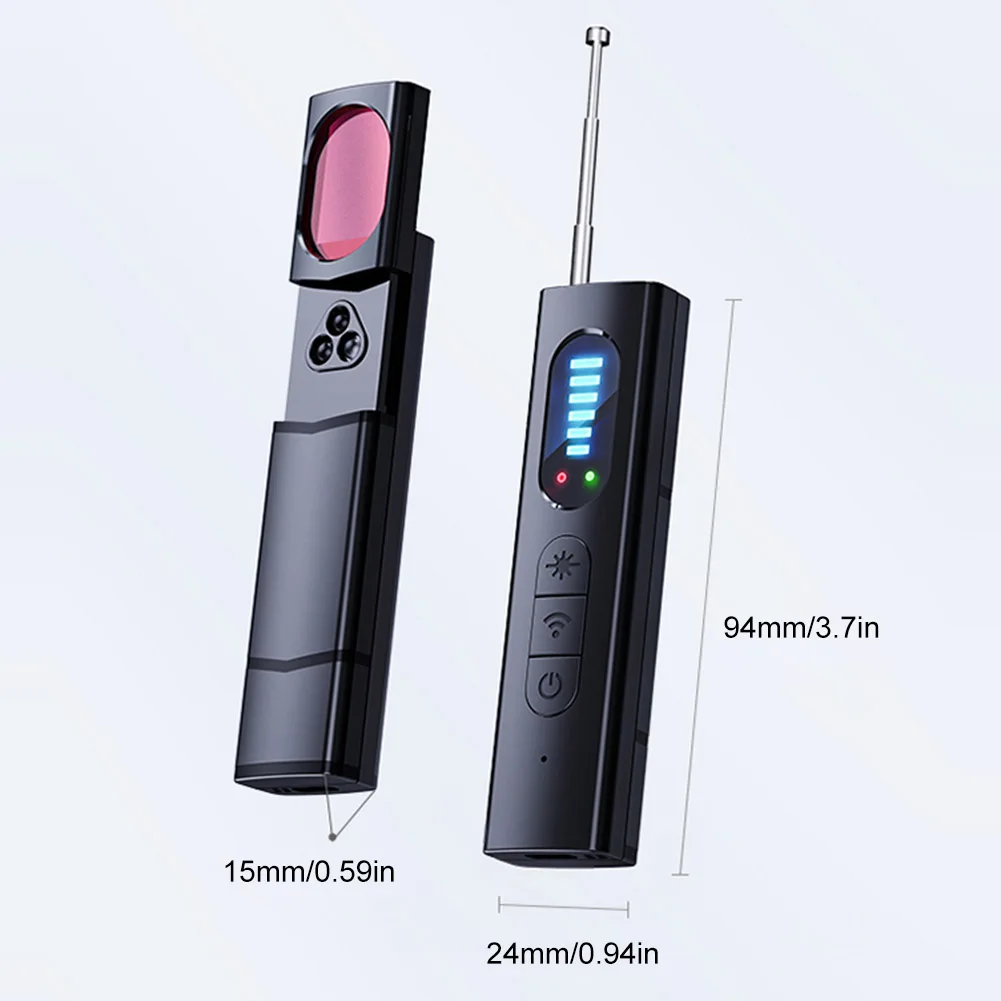
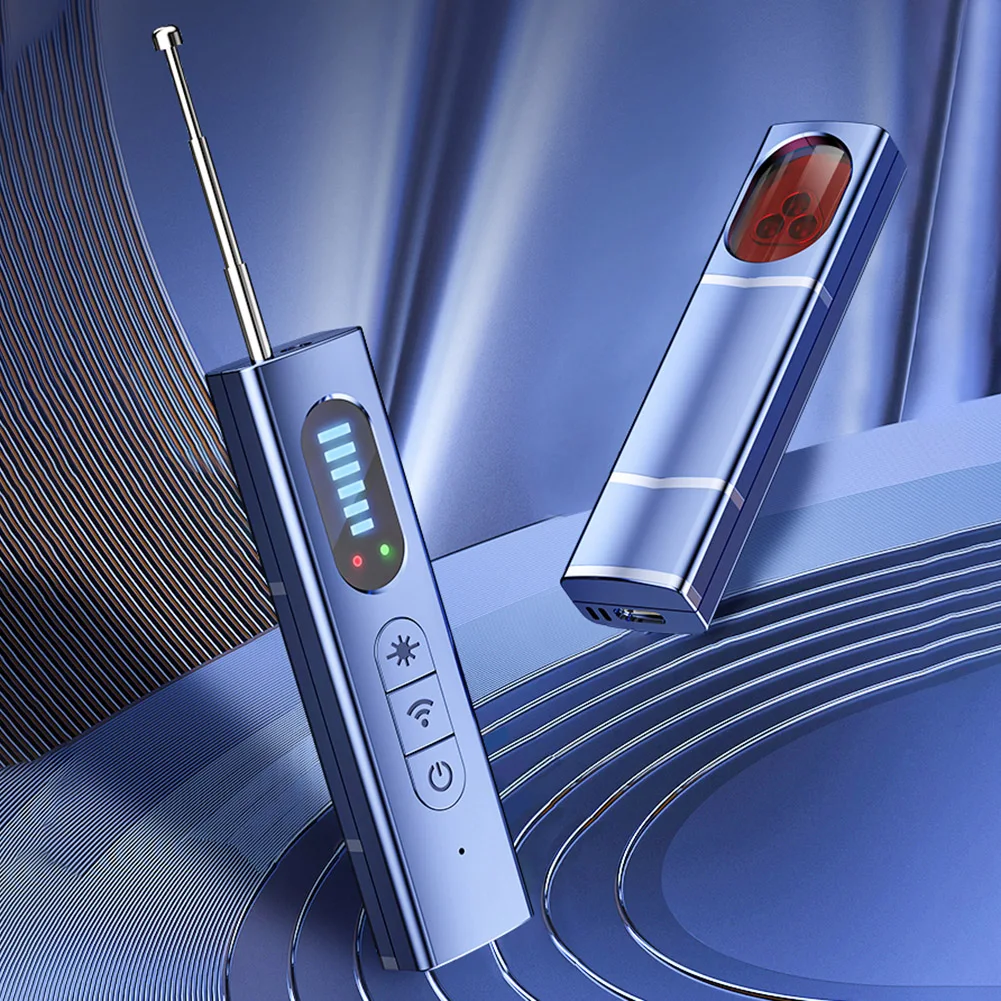
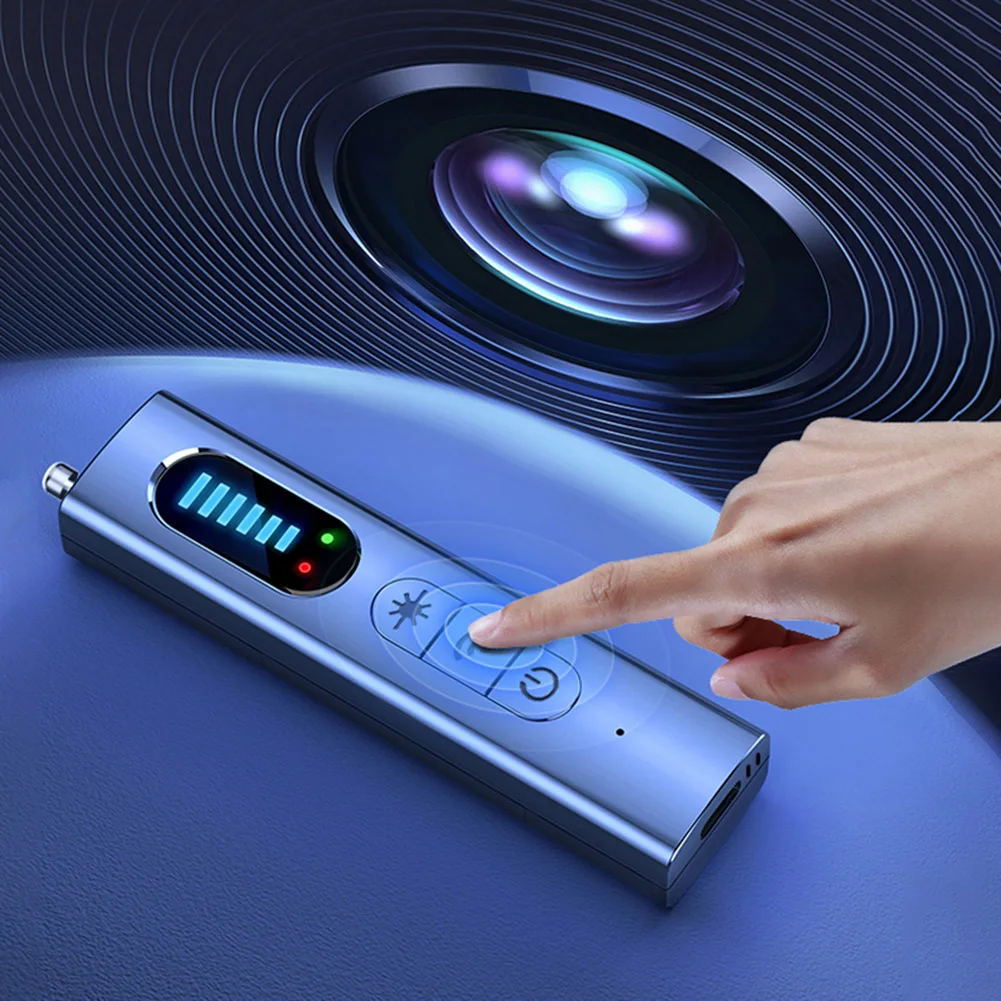
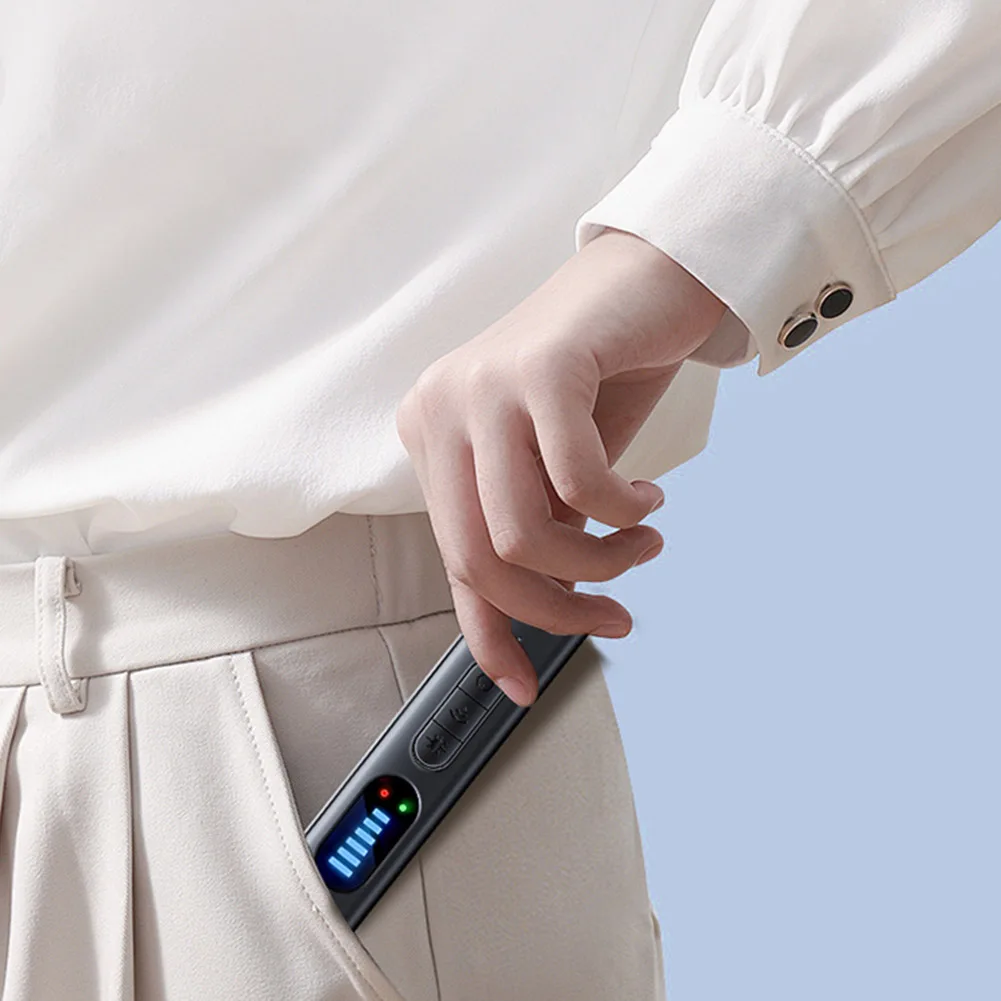
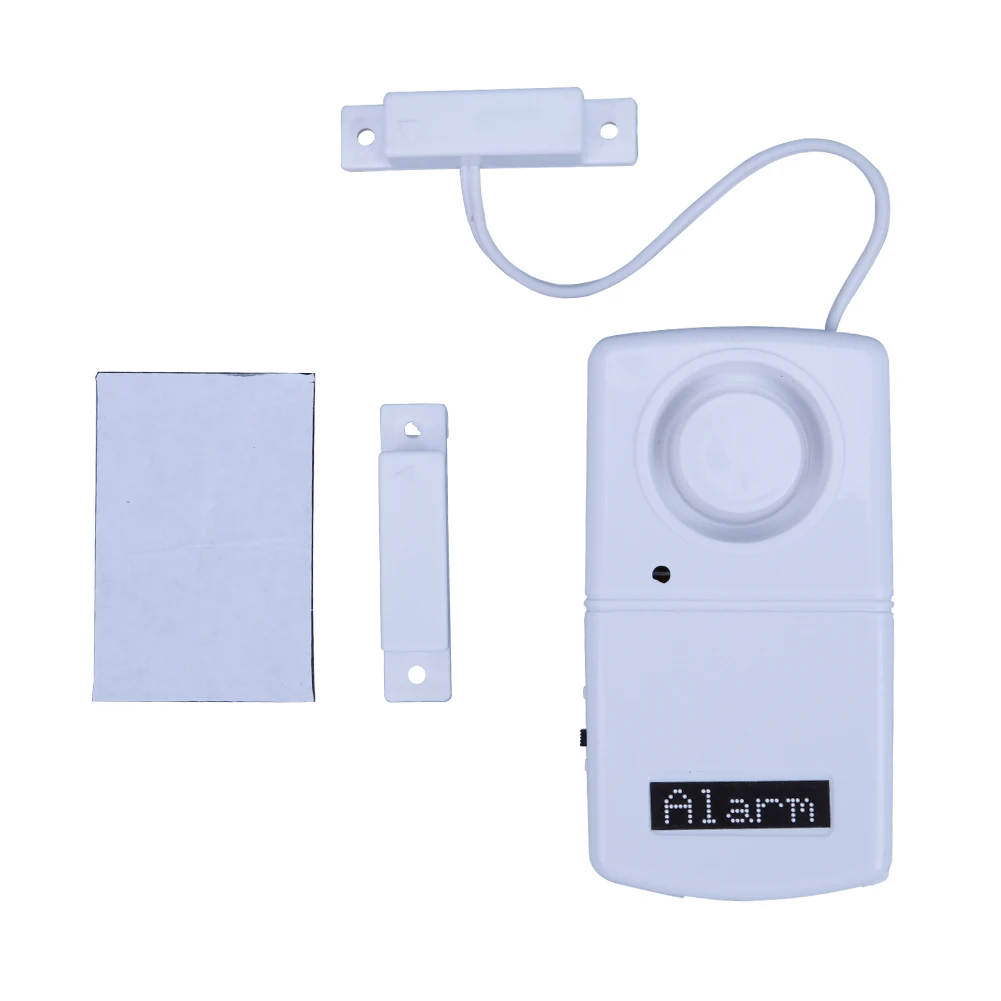
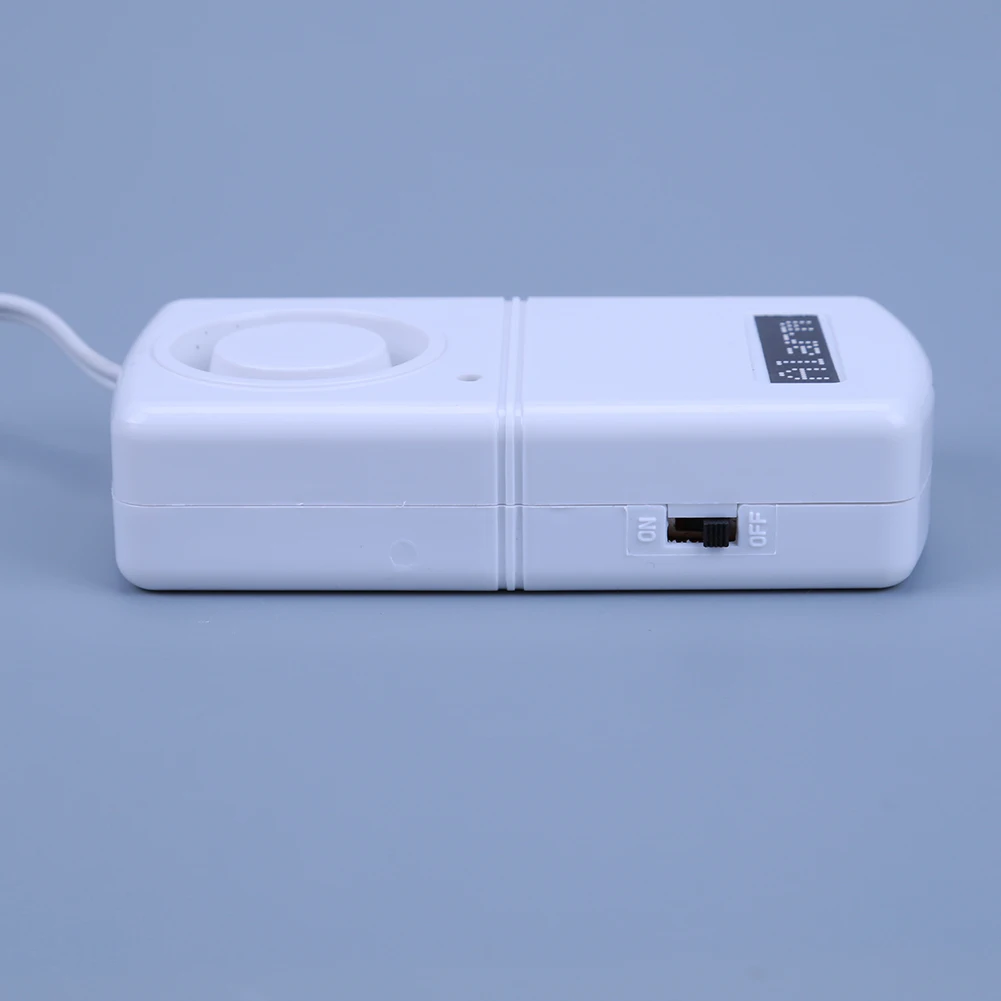
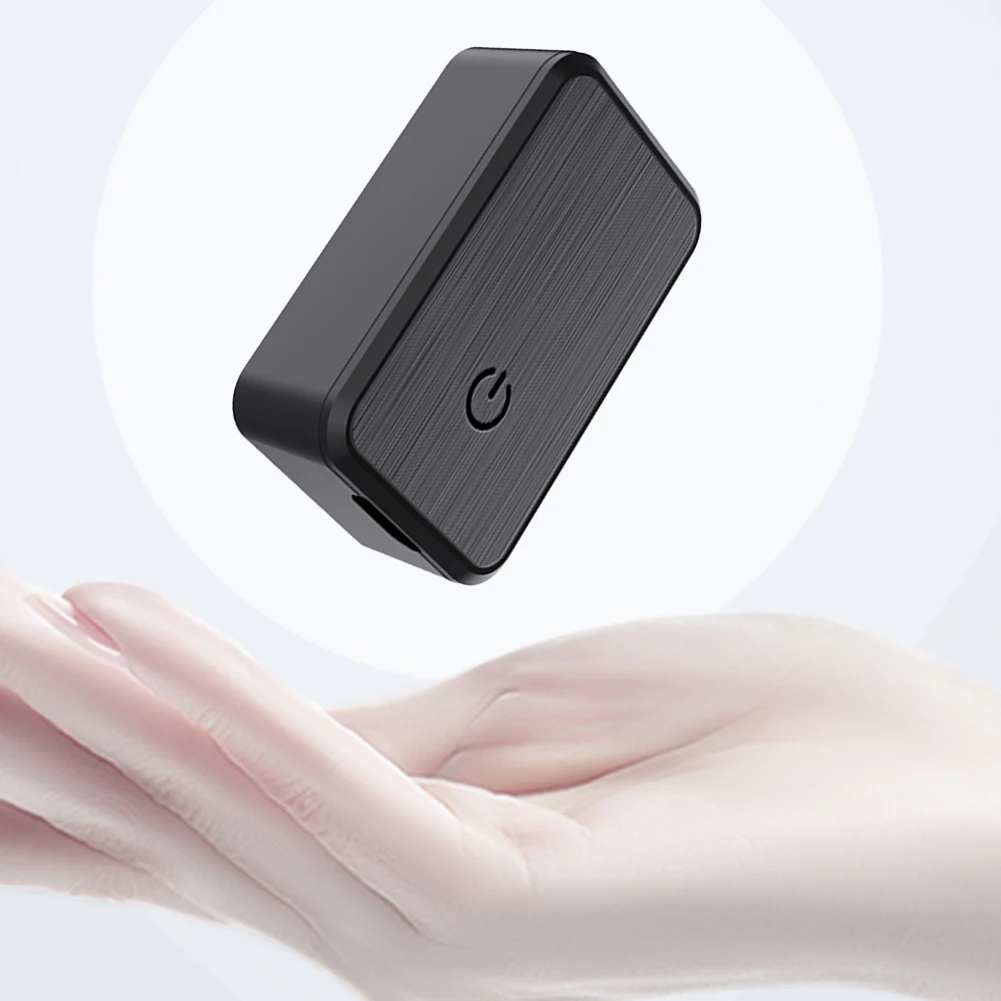
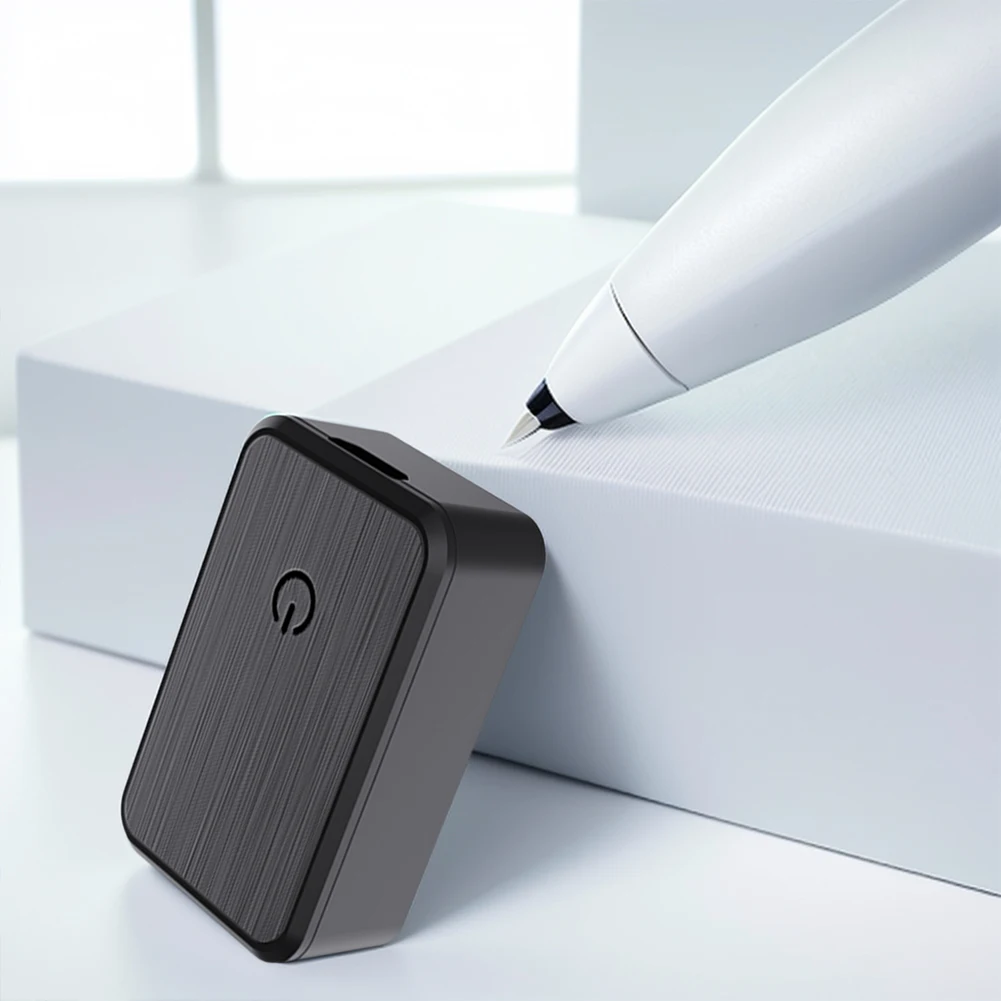
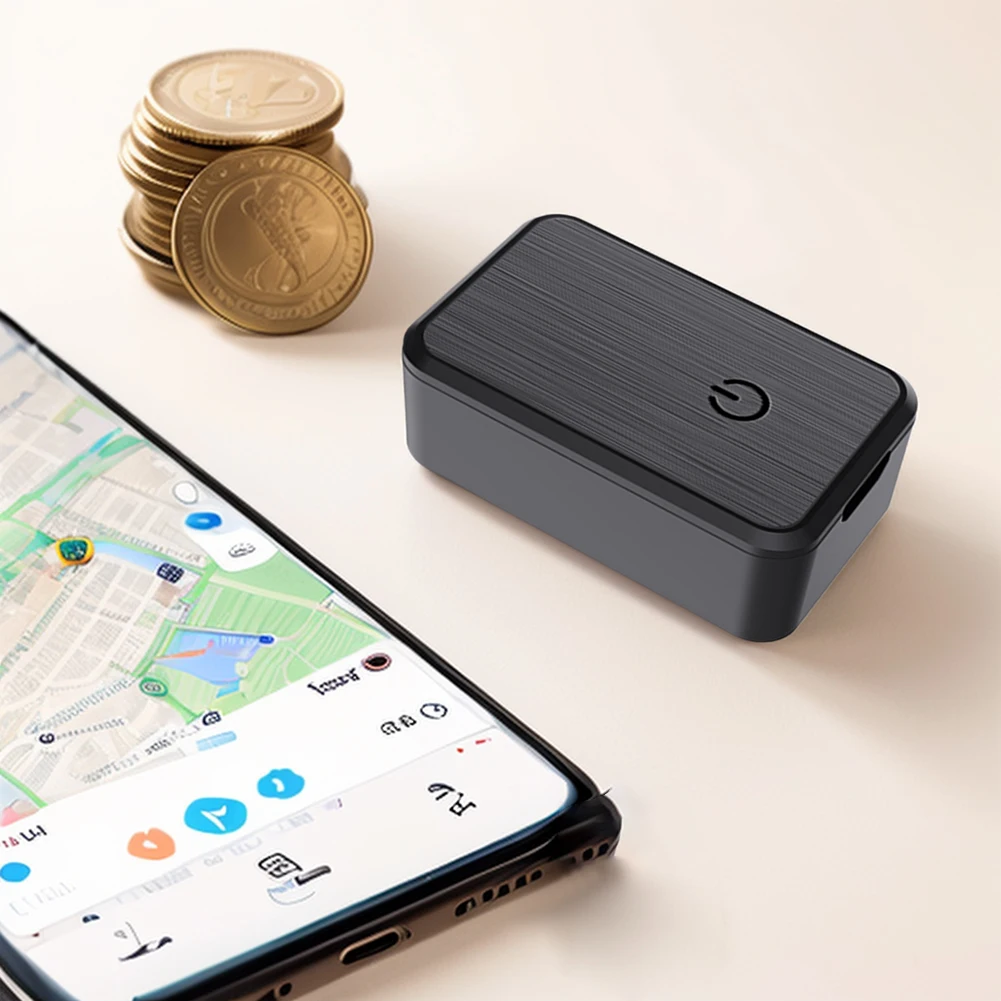
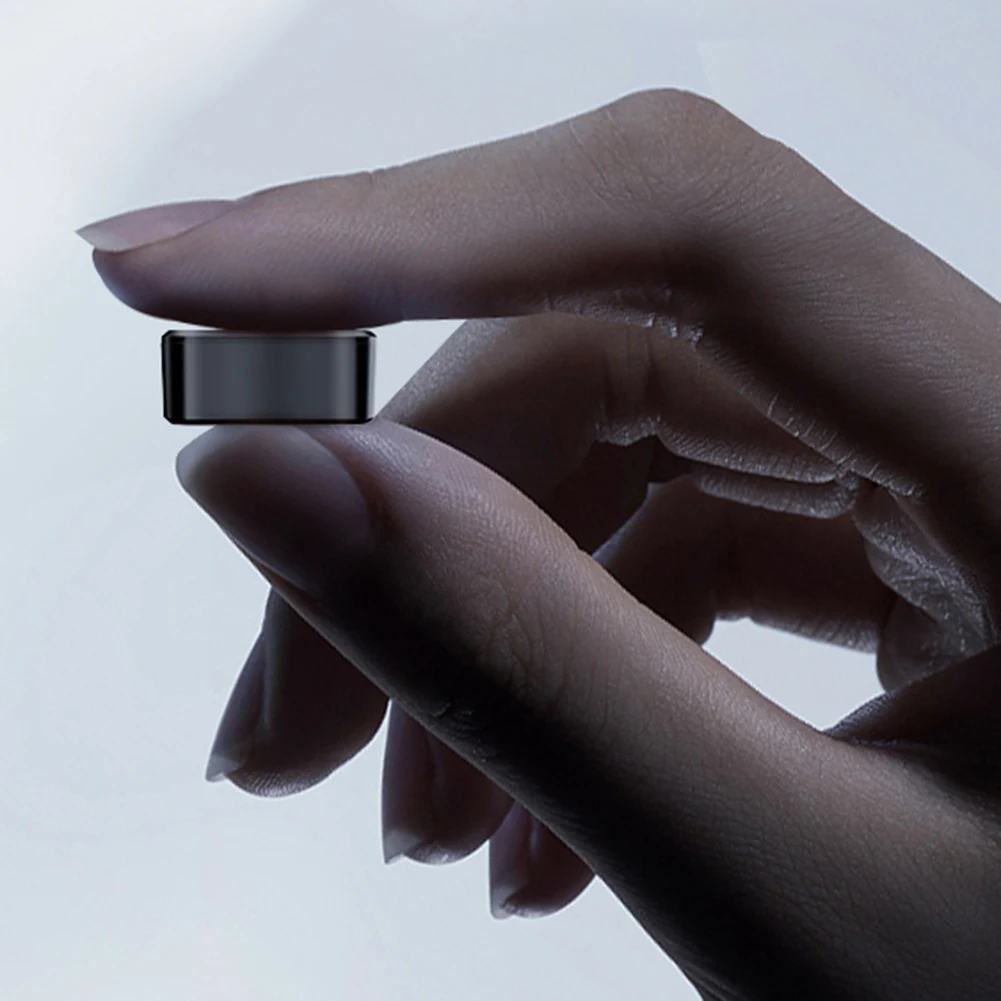
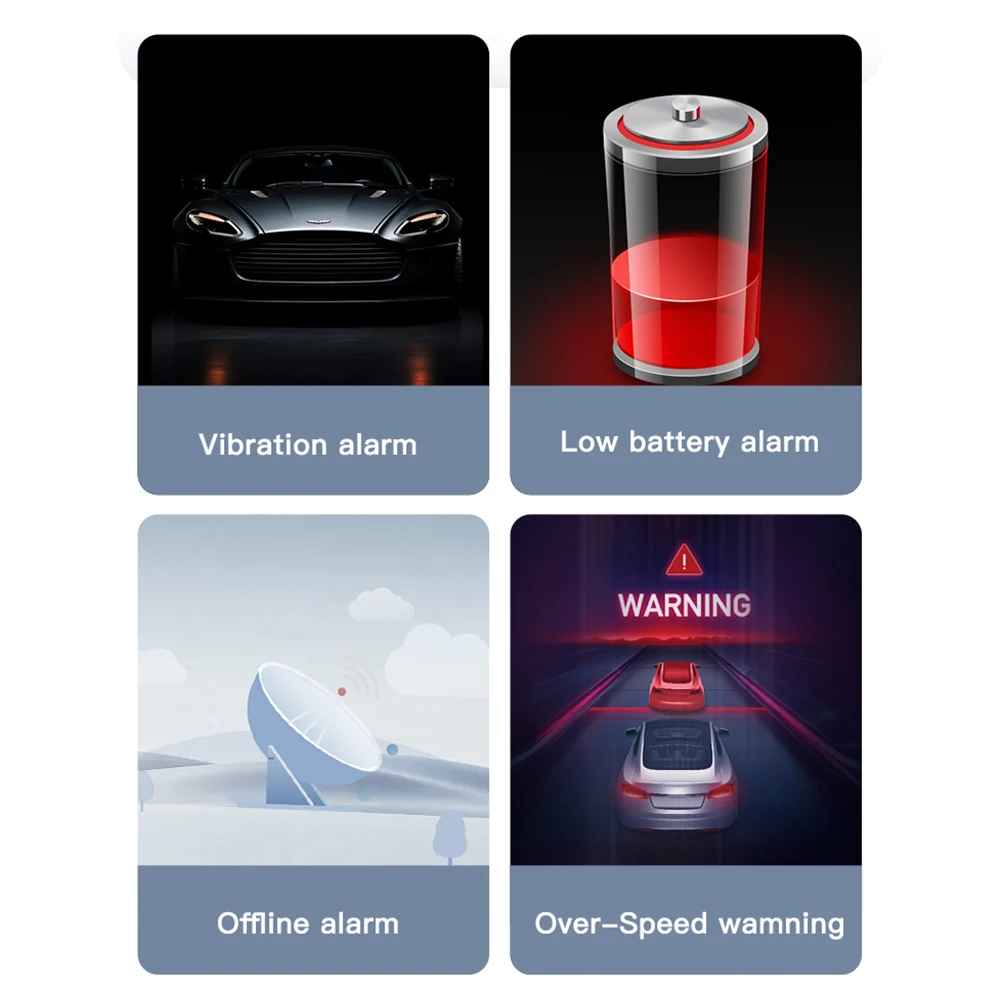
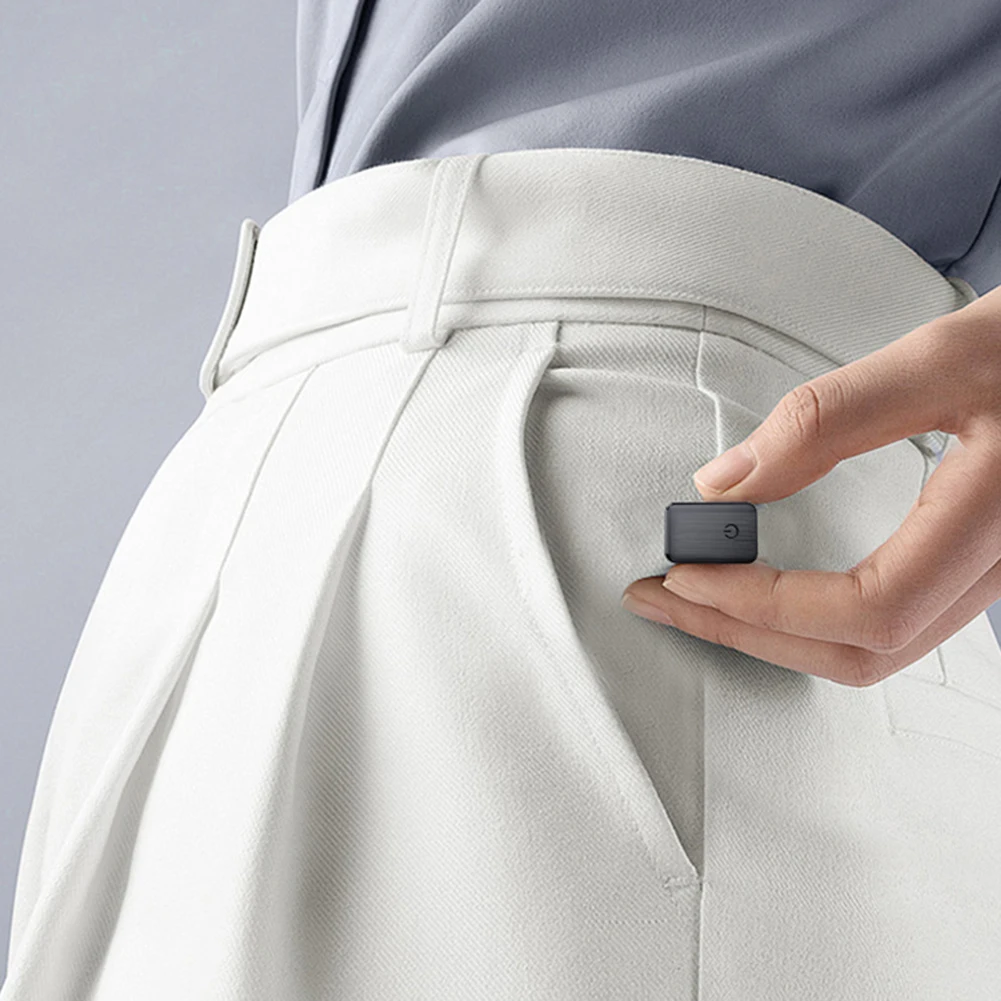
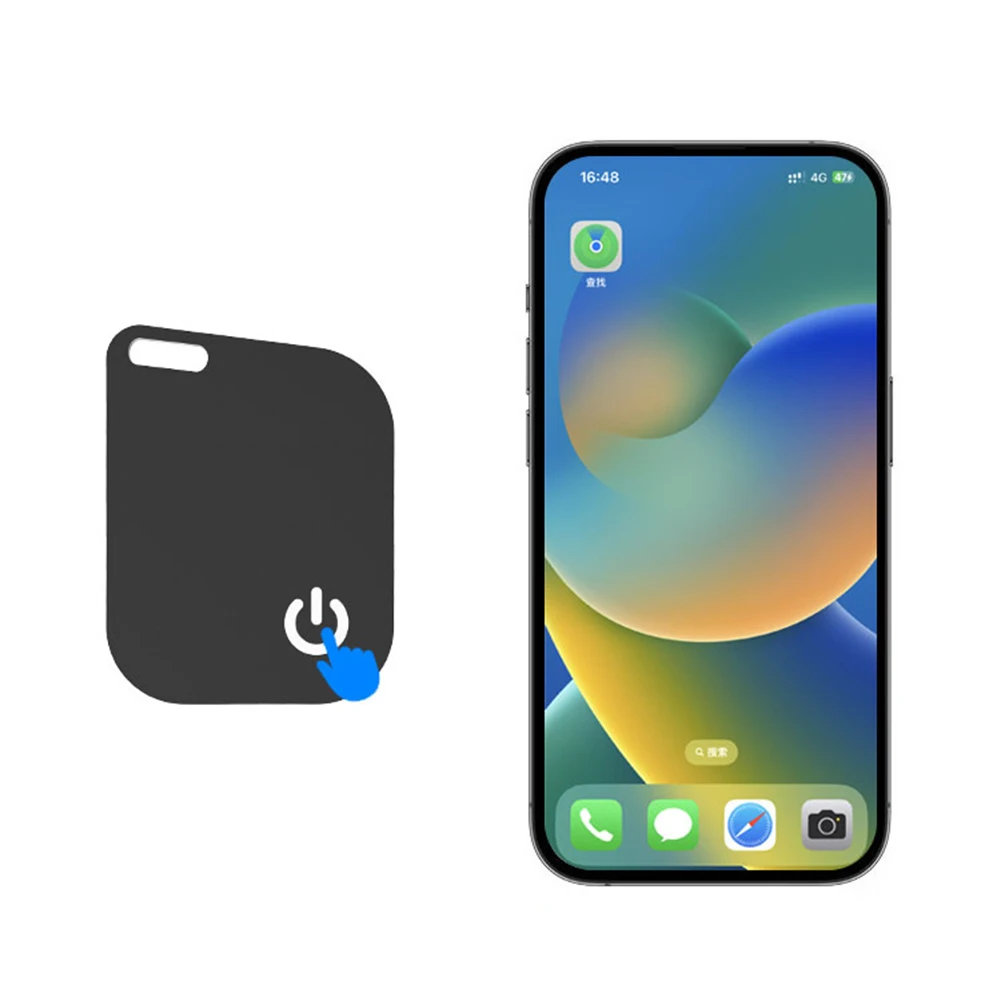
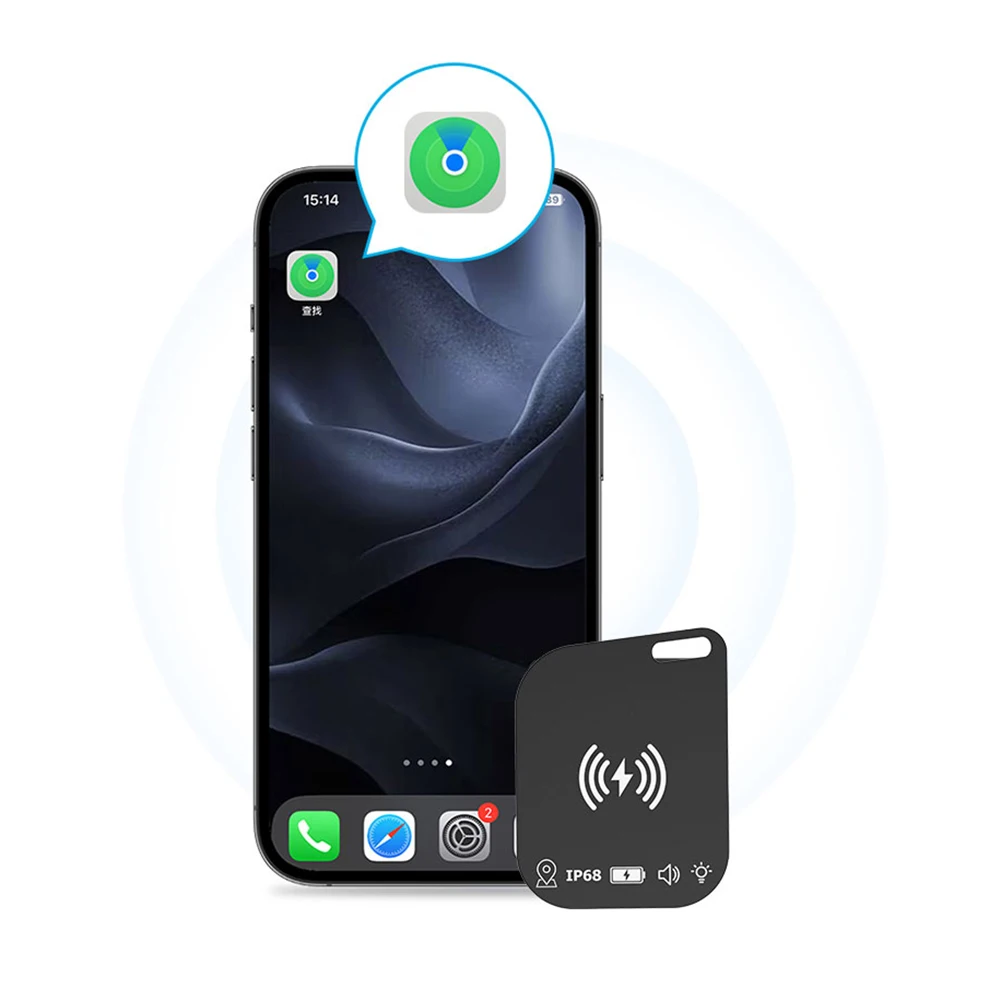
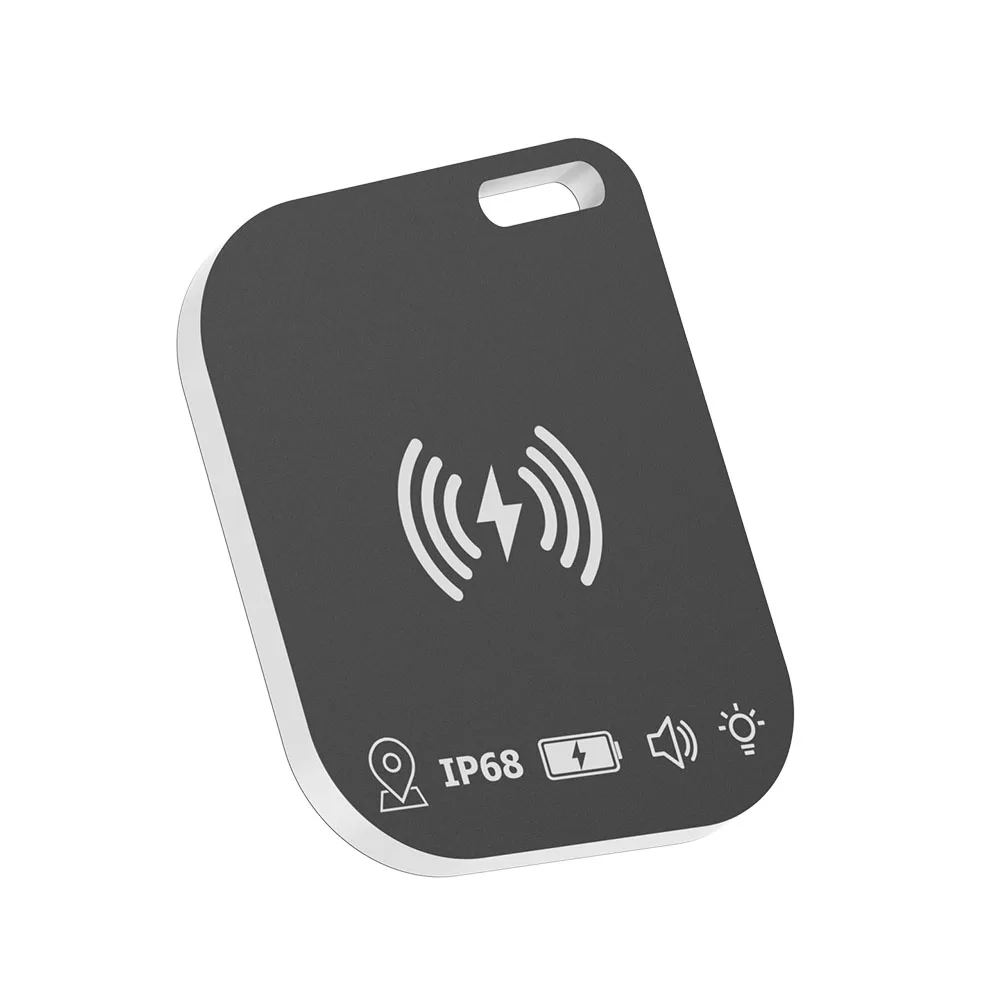
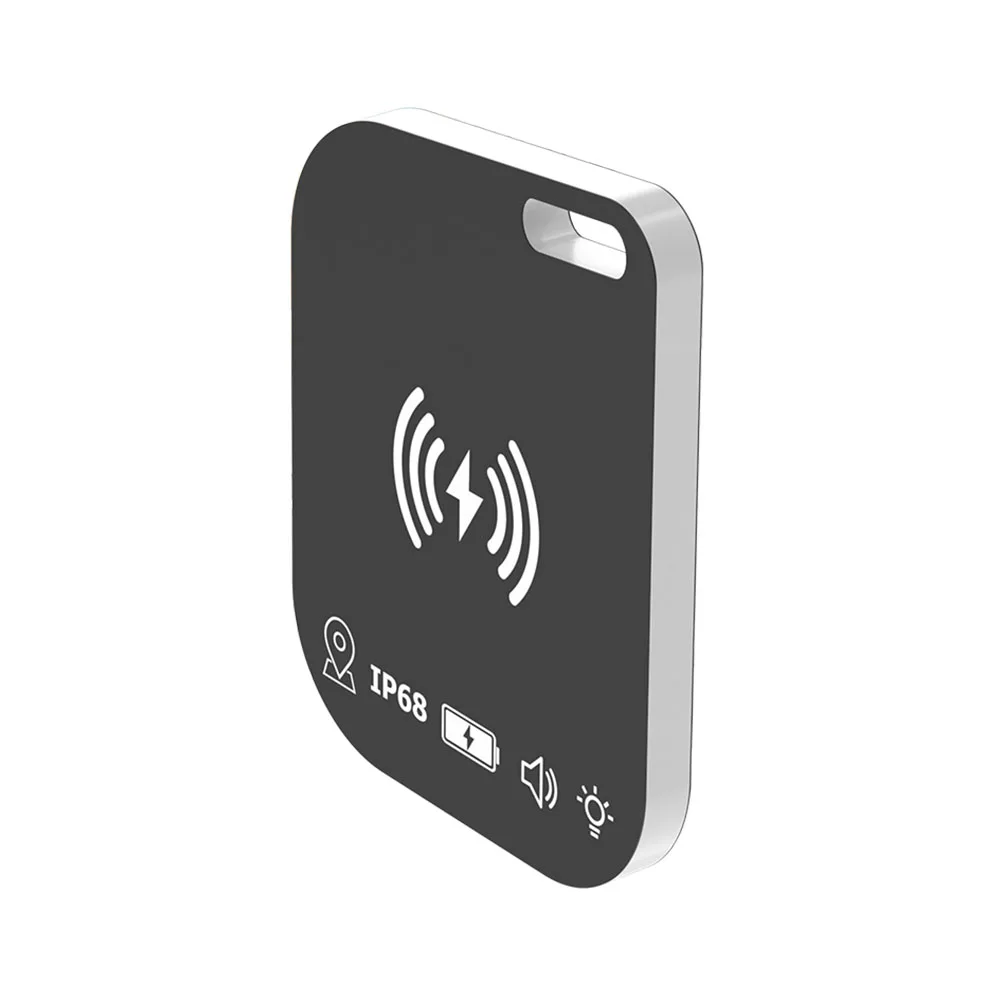
Bluetooth Mini Tracking Device For Apple Find My APP Smart Tag Kid Pet Car GPS Lost Tracker Anti Lost Alarm Reminder Positioner
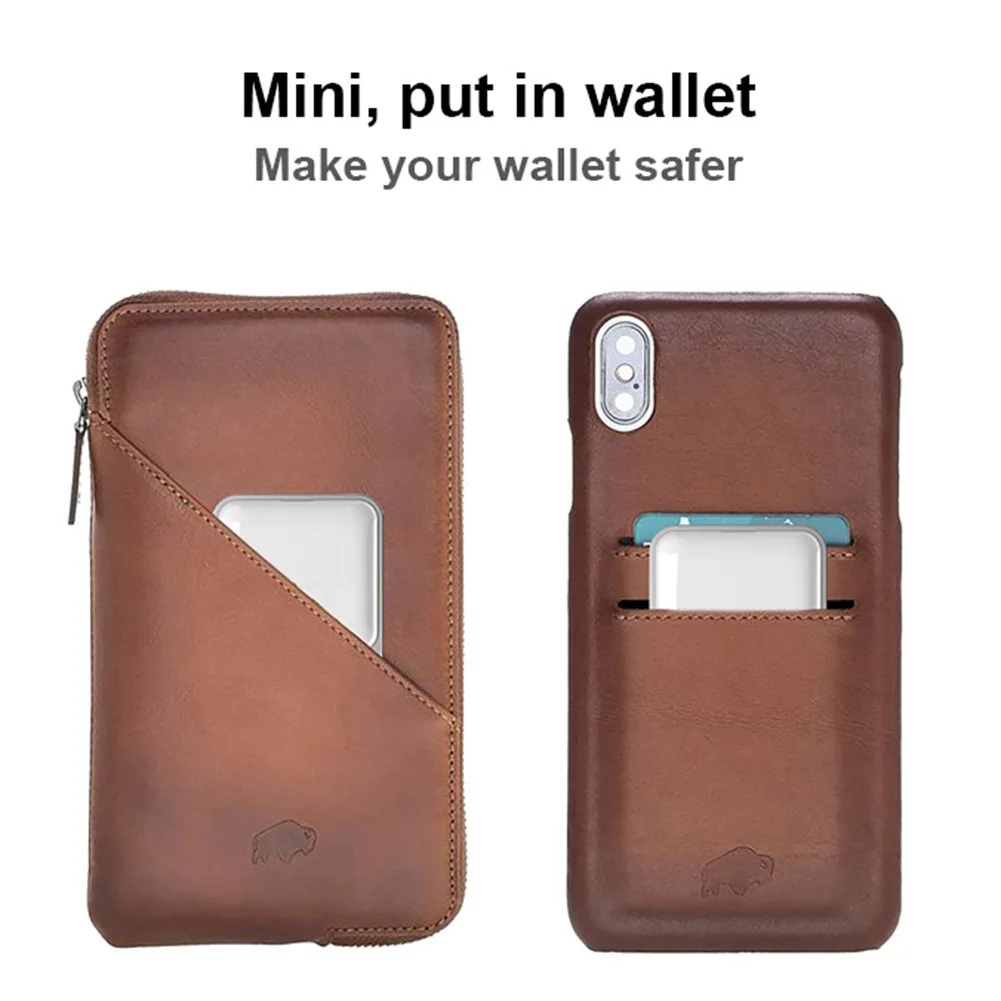
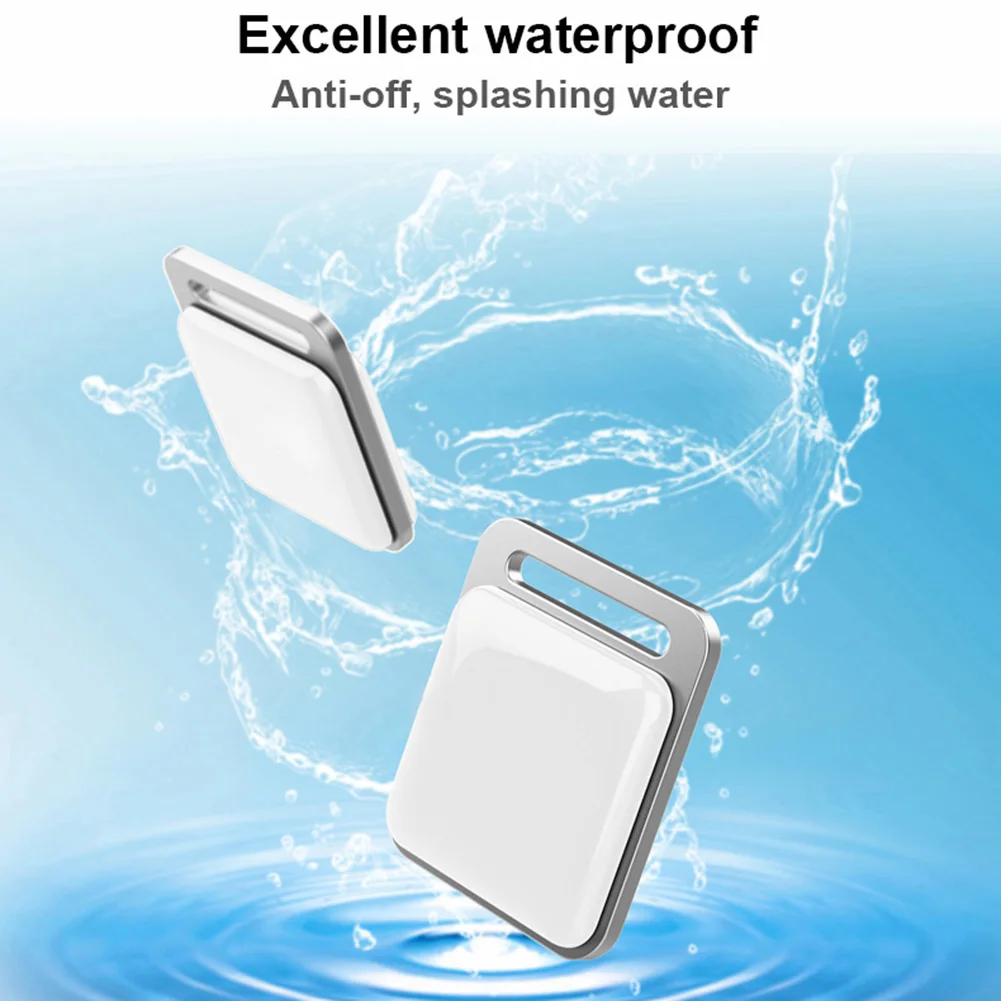
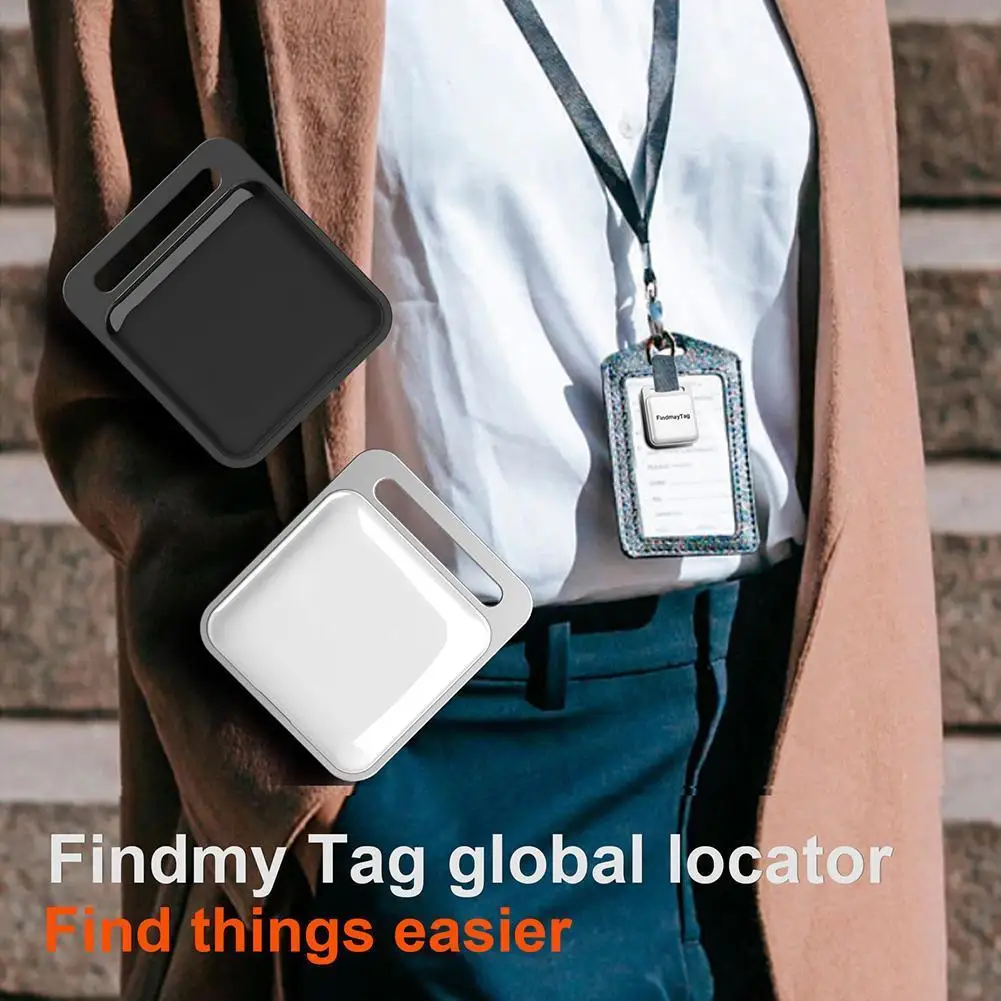
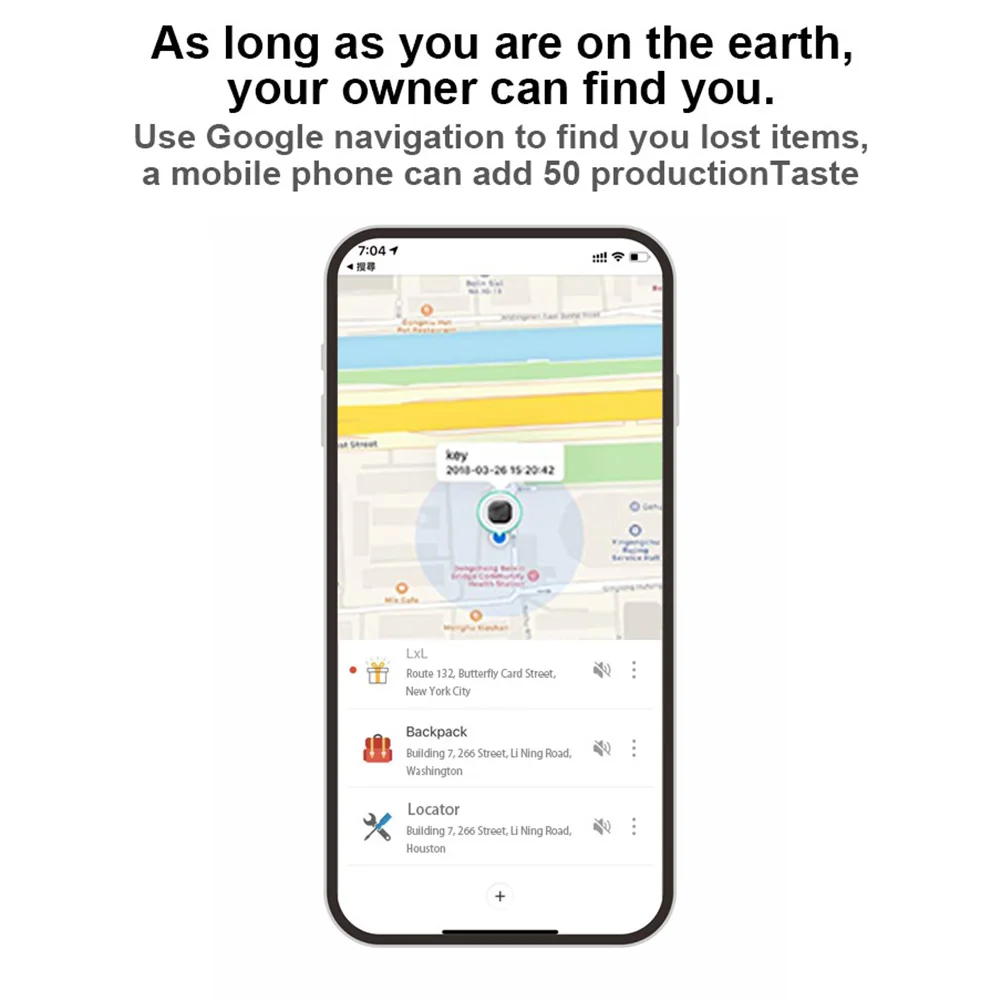
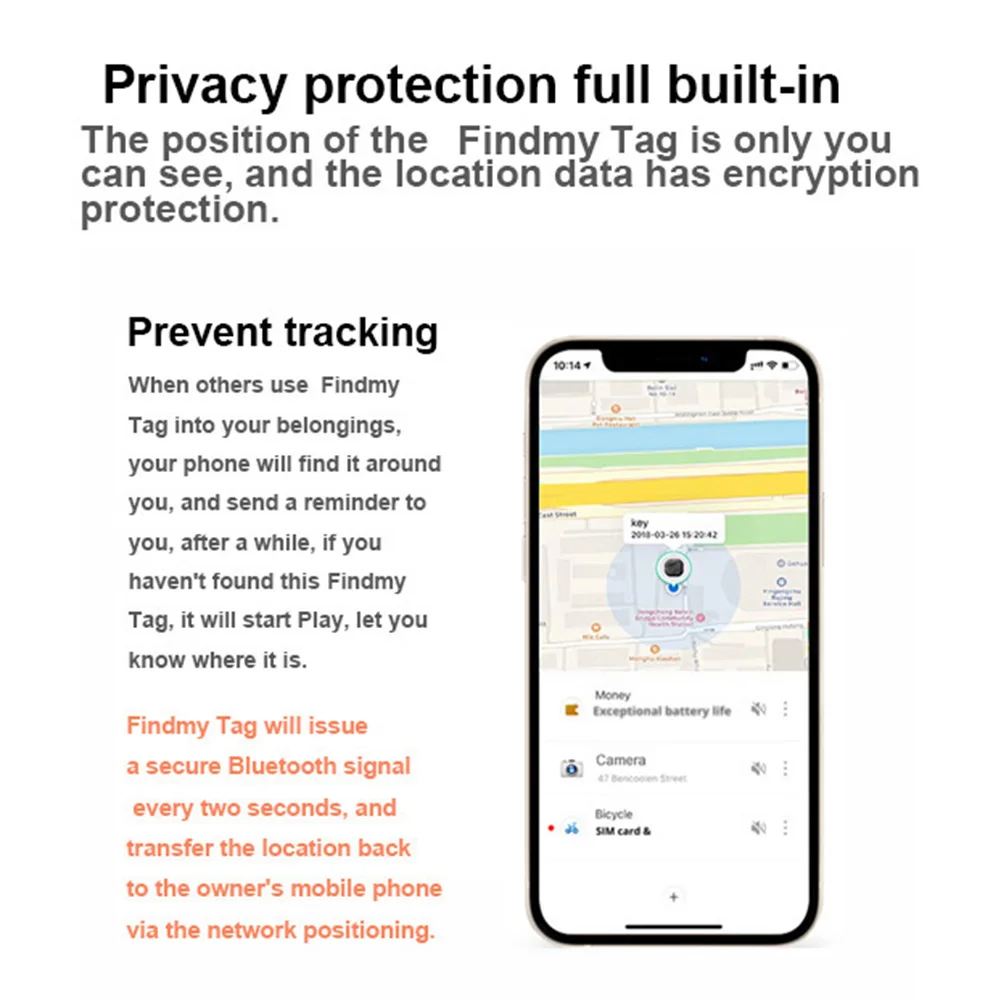
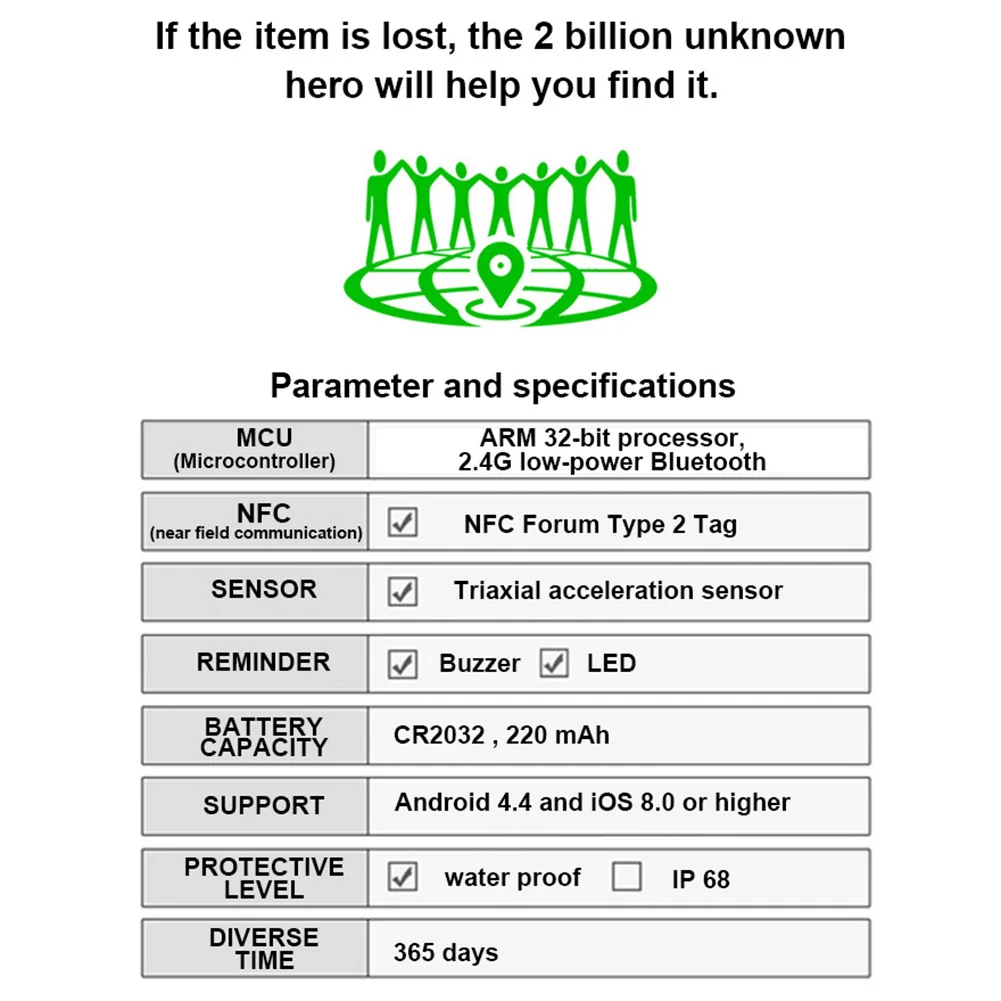
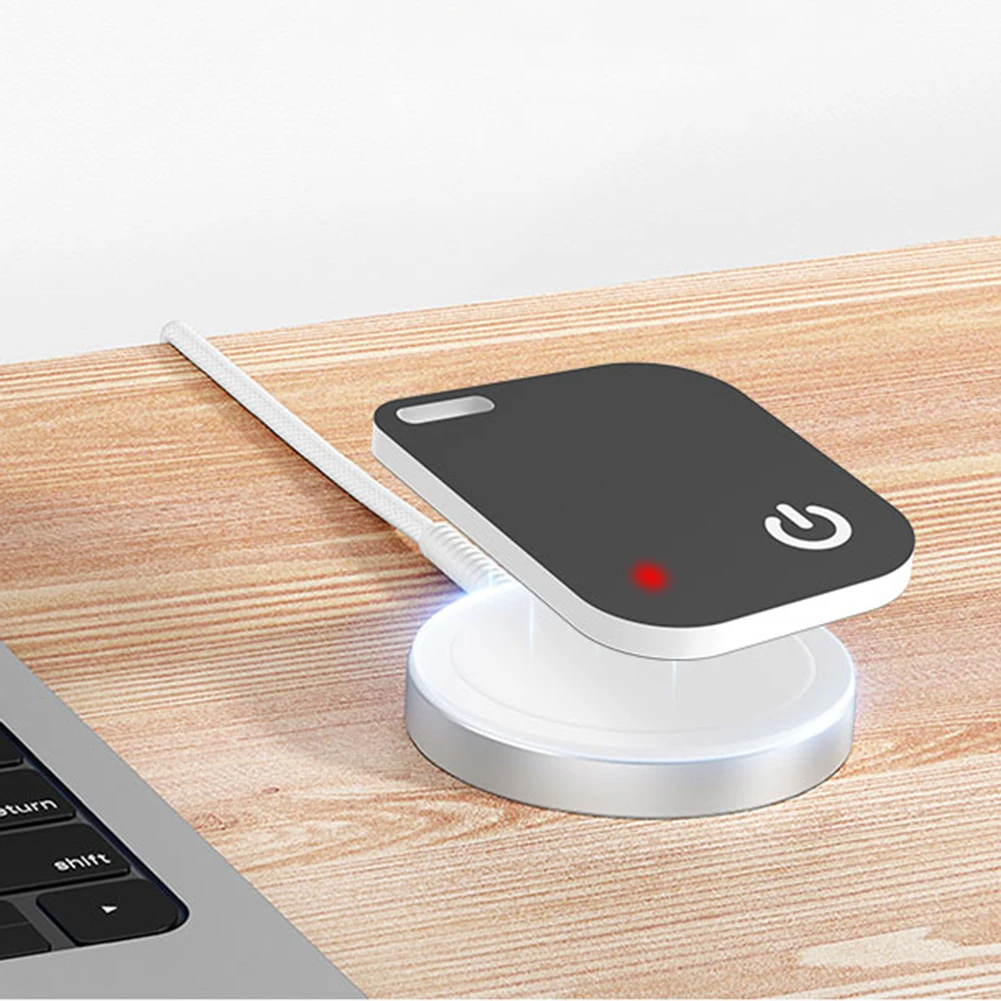
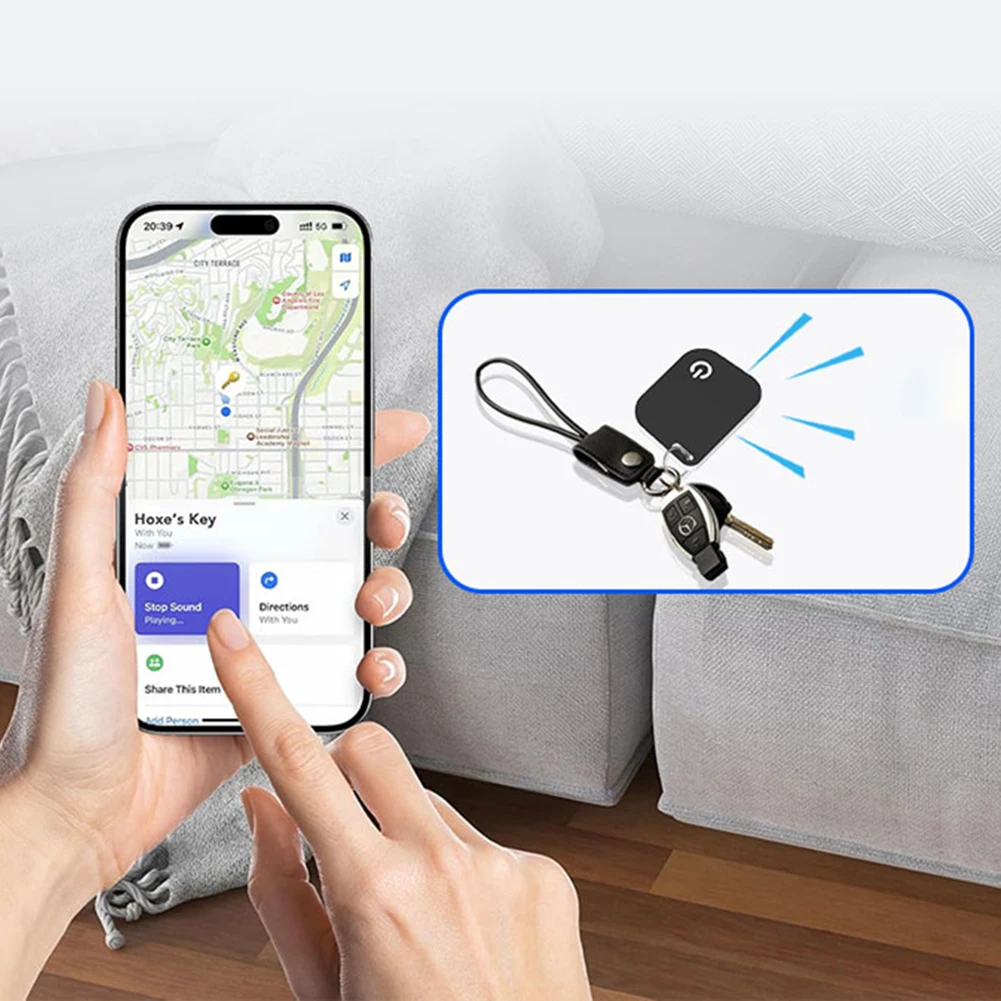
<div class="detailmodule_html"><div class="detail-desc-decorate-richtext"><div style="text-align:center" align="center"><div style="text-align:left" align="left"><strong><span style="font-size:18px"><span class="icon" style="color:rgb(51, 51, 51);font-size:20px;font-family:"SF Pro", -apple-system, BlinkMacSystemFont, sans-serif">️</span></span></strong><span style="font-size:18px"><span style="color:rgb(192, 57, 43)"><span style="color:rgb(51, 51, 51);font-size:medium;font-family:"SF Pro", -apple-system, BlinkMacSystemFont, sans-serif"><strong>IMPORTANT INFORMATION</strong></span></span></span></div><ul style="font-family:"SF Pro", -apple-system, BlinkMacSystemFont, sans-serif;font-size:medium;font-weight:400;letter-spacing:normal;text-align:start;white-space:normal;color:rgb(51, 51, 51);padding-left:20px" align="start"><li style="margin-bottom:8px"><p><strong><span style="color:rgb(231, 76, 60)">Requires Apple iOS device - not compatible with Android</span></strong></p></li></ul><div><strong><span style="font-size:18px">Bluetooth Mini Tracking Device for Apple Find My APP Smart Tag Kid Pet Car GPS Lost Tracker Anti-Lost Alarm Reminder Positioner</span></strong></div></div><div style="font-family:"SF Pro", -apple-system, BlinkMacSystemFont, sans-serif;font-size:18px;font-weight:bold;letter-spacing:normal;text-align:start;white-space:normal;color:rgb(51, 51, 51);border-bottom:2px solid rgb(0, 113, 227);margin:25px 0px 15px;margin-bottom:15px;margin-top:25px;margin-left:0px;margin-right:0px;padding-bottom:5px" class="section-title" align="start"><span style="font-size:18px"> FEATURES</span></div><ul style="font-family:"SF Pro", -apple-system, BlinkMacSystemFont, sans-serif;font-size:medium;font-weight:400;letter-spacing:normal;text-align:start;white-space:normal;color:rgb(51, 51, 51);margin-bottom:15px;padding-left:20px" class="feature-list" align="start"><li style="line-height:1.6;margin:12px 0px;margin-bottom:12px;margin-top:12px;margin-left:0px;margin-right:0px" class="feature-item"><p><span style="font-size:16px"><strong>ForApple Find My Integration</strong></span><span style="font-size:16px"> —— Seamlessly connects to Apple's global network using millions of iOS devices to locate your items worldwide</span></p></li><li style="line-height:1.6;margin:12px 0px;margin-bottom:12px;margin-top:12px;margin-left:0px;margin-right:0px" class="feature-item"><p><span style="font-size:16px"><strong>200ft Bluetooth Range</strong></span><span style="font-size:16px">—— Find nearby items within 60m using Find My app or Siri, with loud 90-100dB speaker beeps</span></p></li><li style="line-height:1.6;margin:12px 0px;margin-bottom:12px;margin-top:12px;margin-left:0px;margin-right:0px" class="feature-item"><p><span style="font-size:16px"><strong>Global Tracking</strong></span><span style="font-size:16px">—— Track items anywhere using Apple's Find My network, even when out of Bluetooth range</span></p></li><li style="line-height:1.6;margin:12px 0px;margin-bottom:12px;margin-top:12px;margin-left:0px;margin-right:0px" class="feature-item"><p><span style="font-size:16px"><strong>Left-Behind Alerts</strong></span><span style="font-size:16px">—— Instant notifications when you leave tagged items behind (no subscription fees)</span></p></li><li style="line-height:1.6;margin:12px 0px;margin-bottom:12px;margin-top:12px;margin-left:0px;margin-right:0px" class="feature-item"><p><span style="font-size:16px"><strong>Replaceable Battery & Waterproof</strong></span><span style="font-size:16px">—— IP67-rated waterproof design with 1-year CR2032 battery that's easy to replace</span></p></li></ul><div style="font-family:"SF Pro", -apple-system, BlinkMacSystemFont, sans-serif;font-size:18px;font-weight:bold;letter-spacing:normal;text-align:start;white-space:normal;color:rgb(51, 51, 51);border-bottom:2px solid rgb(0, 113, 227);margin:25px 0px 15px;margin-bottom:15px;margin-top:25px;margin-left:0px;margin-right:0px;padding-bottom:5px" class="section-title" align="start"><span style="font-size:18px"> SPECIFICATIONS</span></div><ul style="font-family:"SF Pro", -apple-system, BlinkMacSystemFont, sans-serif;font-size:medium;font-weight:400;letter-spacing:normal;text-align:start;white-space:normal;color:rgb(51, 51, 51);margin-bottom:15px;padding-left:20px" class="spec-list" align="start"><li style="line-height:1.6;margin:12px 0px;margin-bottom:12px;margin-top:12px;margin-left:0px;margin-right:0px" class="spec-item"><p><span style="font-size:16px"><span class="icon">️</span></span><strong><span style="font-size:16px">Product Name:For </span></strong><span style="font-size:16px"> Apple Find My Bluetooth Tracker</span></p></li><li style="line-height:1.6;margin:12px 0px;margin-bottom:12px;margin-top:12px;margin-left:0px;margin-right:0px" class="spec-item"><p><span style="font-size:16px"><strong>Product Dimension(mm):</strong></span><span style="font-size:16px">38.2mm × 32.8 mm × 6.8 mm</span></p></li><li style="line-height:1.6;margin:12px 0px;margin-bottom:12px;margin-top:12px;margin-left:0px;margin-right:0px" class="spec-item"><p><span style="font-size:16px"><strong>Product Dimension(in):</strong></span><span style="font-size:16px">1.5 in × 0.27 in × 0.27 in</span></p></li><li style="line-height:1.6;margin:12px 0px;margin-bottom:12px;margin-top:12px;margin-left:0px;margin-right:0px" class="spec-item"><p><span style="font-size:16px"><strong>Colors:</strong></span><span style="font-size:16px"> White, Black</span></p></li><li style="line-height:1.6;margin:12px 0px;margin-bottom:12px;margin-top:12px;margin-left:0px;margin-right:0px" class="spec-item"><p><span style="font-size:16px"><strong>Material:</strong></span><span style="font-size:16px"> Premium plastic with IP67 waterproof rating</span></p></li><li style="line-height:1.6;margin:12px 0px;margin-bottom:12px;margin-top:12px;margin-left:0px;margin-right:0px" class="spec-item"><p><span style="font-size:16px"><strong>Compatibility:</strong></span><span style="font-size:16px">For Apple iOS devices only (iPhone, iPad)</span></p></li><li style="line-height:1.6;margin:12px 0px;margin-bottom:12px;margin-top:12px;margin-left:0px;margin-right:0px" class="spec-item"><p><span style="font-size:16px"><span class="icon">️</span></span><span style="font-size:16px"><strong>Applications:</strong></span><span style="font-size:16px"> Keys, wallets, bags, luggage, pets, kids items</span></p></li></ul><div style="font-family:"SF Pro", -apple-system, BlinkMacSystemFont, sans-serif;font-size:18px;font-weight:bold;letter-spacing:normal;text-align:start;white-space:normal;color:rgb(51, 51, 51);border-bottom:2px solid rgb(0, 113, 227);margin:25px 0px 15px;margin-bottom:15px;margin-top:25px;margin-left:0px;margin-right:0px;padding-bottom:5px" class="section-title" align="start"><span style="font-size:18px"> PRODUCT LIST</span></div><ul style="font-family:"SF Pro", -apple-system, BlinkMacSystemFont, sans-serif;font-size:medium;font-weight:400;letter-spacing:normal;text-align:start;white-space:normal;color:rgb(51, 51, 51);margin-bottom:15px;padding-left:20px" class="product-list" align="start"><li style="line-height:1.6;margin:12px 0px;margin-bottom:12px;margin-top:12px;margin-left:0px;margin-right:0px" class="product-item"><p><span style="font-size:16px"> 1/2 PCS × For Apple Find My Tracker</span></p></li><li style="line-height:1.6;margin:12px 0px;margin-bottom:12px;margin-top:12px;margin-left:0px;margin-right:0px" class="product-item"><p><span style="font-size:16px"> 1/2 PCS × CR2032 Battery (pre-installed)</span></p></li><li style="line-height:1.6;margin:12px 0px;margin-bottom:12px;margin-top:12px;margin-left:0px;margin-right:0px" class="product-item"><p><span style="font-size:16px"> 1/2 PCS × Quick Start Guide</span></p></li><li style="line-height:1.6;margin:12px 0px;margin-bottom:12px;margin-top:12px;margin-left:0px;margin-right:0px" class="product-item"><p><span class="icon"><span style="font-size:16px">️1/2 PCS × Lanyard</span></span></p></li></ul><div style="line-height:1.6;margin:12px 0px;margin-bottom:12px;margin-top:12px;margin-left:0px;margin-right:0px" class="product-item"><div style="font-family:"SF Pro", -apple-system, BlinkMacSystemFont, sans-serif;font-size:18px;font-weight:bold;letter-spacing:normal;text-align:start;white-space:normal;color:rgb(51, 51, 51);border-bottom:2px solid rgb(0, 113, 227);margin:25px 0px 15px;margin-bottom:15px;margin-top:25px;margin-left:0px;margin-right:0px;padding-bottom:5px" class="section-title" align="start"><span style="font-size:18px"><span class="icon"><span style="background-color:rgb(240, 247, 255);color:rgb(51, 51, 51);font-size:20px;font-family:"SF Pro", -apple-system, BlinkMacSystemFont, sans-serif">️</span></span></span><span style="font-size:18px"><span style="background-color:rgb(255, 255, 255);color:rgba(0, 0, 0, 0.85);font-family:Inter, -apple-system, BlinkMacSystemFont, "Segoe UI", "SF Pro SC", "SF Pro Display", "SF Pro Icons", "PingFang SC", "Hiragino Sans GB", "Microsoft YaHei", "Helvetica Neue", Helvetica, Arial, sans-serif">PRECAUTIONS FOR PRODUCT USE Q & A</span></span></div><p style="text-align:center;margin:0px;margin-bottom:0px;margin-top:0px;margin-left:0px;margin-right:0px" align="center"></p><div><span style="font-size:18px"><span class="icon" style="color:rgb(51, 51, 51);font-family:"SF Pro", -apple-system, BlinkMacSystemFont, sans-serif">️</span></span><span style="font-size:18px"><span class="icon" style="color:rgb(51, 51, 51);font-family:"SF Pro", -apple-system, BlinkMacSystemFont, sans-serif"><span style="color:rgb(51, 51, 51);font-size:medium;font-family:"SF Pro", -apple-system, BlinkMacSystemFont, sans-serif"><strong>IMPORTANT INFORMATION</strong></span></span></span></div><div style="margin-left:40px"><span style="font-size:16px"><span class="icon" style="color:rgb(51, 51, 51);font-family:"SF Pro", -apple-system, BlinkMacSystemFont, sans-serif"><strong>1. Precautions for Pairing Devices with the Find My App</strong></span></span><span style="font-size:16px"><span class="icon" style="color:rgb(51, 51, 51);font-family:"SF Pro", -apple-system, BlinkMacSystemFont, sans-serif"><br/> Possible Pairing Failures and Solutions: When pairing a device with the Find My app, the phone will connect to the Apple server. Pairing may fail due to network issues. If this occurs, take the following steps:<br/> ①Change the phone's network, such as switching between WiFi and mobile data. Note that the first pairing may take a long time, so please be patient.<br/> ②Reset your device.<br/> ③Re - pair the device using the Find My app.</span></span><br/><span style="font-size:16px"><span class="icon" style="color:rgb(51, 51, 51);font-family:"SF Pro", -apple-system, BlinkMacSystemFont, sans-serif"><strong>2. Precautions for "Lost Mode"</strong></span></span><span style="font-size:16px"><span class="icon" style="color:rgb(51, 51, 51);font-family:"SF Pro", -apple-system, BlinkMacSystemFont, sans-serif"><br/> When "Lost Mode" is enabled, DO NOT REMOVE the device in the app. If you do, your Item Locator will be locked and cannot be paired with a new device.</span></span><br/><span style="font-size:16px"><span class="icon" style="color:rgb(51, 51, 51);font-family:"SF Pro", -apple-system, BlinkMacSystemFont, sans-serif"><strong>3. Battery Usage Information</strong></span></span><span style="font-size:16px"><span class="icon" style="color:rgb(51, 51, 51);font-family:"SF Pro", -apple-system, BlinkMacSystemFont, sans-serif"><br/> The battery life varies according to personal usage habits. Frequent use of the call function will accelerate battery consumption.</span></span></div></div><ul style="font-family:"SF Pro", -apple-system, BlinkMacSystemFont, sans-serif;font-size:medium;font-weight:400;letter-spacing:normal;text-align:start;white-space:normal;color:rgb(51, 51, 51);margin-bottom:15px;padding-left:20px" class="note-list" align="start"><li style="line-height:1.6;margin:12px 0px;margin-bottom:12px;margin-top:12px;margin-left:0px;margin-right:0px" class="note-item"><div style="line-height:1.6;margin:12px 0px;margin-bottom:12px;margin-top:12px;margin-left:0px;margin-right:0px" class="product-item"><div style="font-family:"SF Pro", -apple-system, BlinkMacSystemFont, sans-serif;font-size:18px;font-weight:bold;letter-spacing:normal;text-align:start;white-space:normal;color:rgb(51, 51, 51);border-bottom:2px solid rgb(0, 113, 227);margin:25px 0px 15px;margin-bottom:15px;margin-top:25px;margin-left:0px;margin-right:0px;padding-bottom:5px" class="section-title" align="start"><span style="font-size:18px"> USAGE GUIDE</span></div></div></li><li style="line-height:1.6;margin:12px 0px;margin-bottom:12px;margin-top:12px;margin-left:0px;margin-right:0px" class="note-item"><p><strong>Use "Find My" to Pair, No APP Download Required</strong></p></li></ul><div style="line-height:1.6;margin:12px 0px;margin-bottom:12px;margin-top:12px;margin-left:0px;margin-right:0px" class="note-item"><p style="text-align:center;margin:0px;margin-bottom:0px;margin-top:0px;margin-left:0px;margin-right:0px" align="center"></p></div><ul style="font-family:"SF Pro", -apple-system, BlinkMacSystemFont, sans-serif;font-size:medium;font-weight:400;letter-spacing:normal;text-align:start;white-space:normal;color:rgb(51, 51, 51);margin-bottom:15px;padding-left:20px" class="note-list" align="start"><li style="line-height:1.6;margin:12px 0px;margin-bottom:12px;margin-top:12px;margin-left:0px;margin-right:0px" class="note-item"><p><strong>How to Check Contact Info?</strong></p></li></ul><div style="line-height:1.6;margin:12px 0px;margin-bottom:12px;margin-top:12px;margin-left:0px;margin-right:0px" class="note-item"><p style="text-align:center;margin:0px;margin-bottom:0px;margin-top:0px;margin-left:0px;margin-right:0px" align="center"></p></div><ul style="font-family:"SF Pro", -apple-system, BlinkMacSystemFont, sans-serif;font-size:medium;font-weight:400;letter-spacing:normal;text-align:start;white-space:normal;color:rgb(51, 51, 51);margin-bottom:15px;padding-left:20px" class="note-list" align="start"><li style="line-height:1.6;margin:12px 0px;margin-bottom:12px;margin-top:12px;margin-left:0px;margin-right:0px" class="note-item"><p><strong>How do l Switch on Lost Mode?</strong></p></li></ul><div style="line-height:1.6;margin:12px 0px;margin-bottom:12px;margin-top:12px;margin-left:0px;margin-right:0px" class="note-item"><p style="text-align:center;margin:0px;margin-bottom:0px;margin-top:0px;margin-left:0px;margin-right:0px" align="center"></p></div><div style="font-family:"SF Pro", -apple-system, BlinkMacSystemFont, sans-serif;font-size:18px;font-weight:bold;letter-spacing:normal;text-align:start;white-space:normal;color:rgb(51, 51, 51);border-bottom:2px solid rgb(0, 113, 227);margin:25px 0px 15px;margin-bottom:15px;margin-top:25px;margin-left:0px;margin-right:0px;padding-bottom:5px" class="section-title" align="start"><div style="font-family:"SF Pro", -apple-system, BlinkMacSystemFont, sans-serif;font-size:18px;font-weight:bold;letter-spacing:normal;text-align:start;white-space:normal;color:rgb(51, 51, 51);border-bottom:2px solid rgb(0, 113, 227);margin:25px 0px 15px;margin-bottom:15px;margin-top:25px;margin-left:0px;margin-right:0px;padding-bottom:5px" class="section-title" align="start"><span style="font-size:18px"><span class="icon"><span style="background-color:rgb(240, 247, 255);color:rgb(51, 51, 51);font-size:20px;font-family:"SF Pro", -apple-system, BlinkMacSystemFont, sans-serif">️</span></span></span><span style="font-size:18px"><span style="background-color:rgb(255, 255, 255);color:rgba(0, 0, 0, 0.85);font-family:Inter, -apple-system, BlinkMacSystemFont, "Segoe UI", "SF Pro SC", "SF Pro Display", "SF Pro Icons", "PingFang SC", "Hiragino Sans GB", "Microsoft YaHei", "Helvetica Neue", Helvetica, Arial, sans-serif">PRECAUTIONS FOR PRODUCT USE Q & A</span></span></div><p style="text-align:center;margin:0px;margin-bottom:0px;margin-top:0px;margin-left:0px;margin-right:0px" align="center"></p><div><span class="icon" style="color:rgb(51, 51, 51);font-size:20px;font-family:"SF Pro", -apple-system, BlinkMacSystemFont, sans-serif">️</span><span style="background-color:rgb(240, 247, 255);color:rgb(51, 51, 51);font-size:medium;font-family:"SF Pro", -apple-system, BlinkMacSystemFont, sans-serif"><span> </span></span><span style="color:rgb(51, 51, 51);font-size:medium;font-family:"SF Pro", -apple-system, BlinkMacSystemFont, sans-serif"><strong>IMPORTANT INFORMATION</strong></span></div><div style="font-family:Inter, -apple-system, BlinkMacSystemFont, "Segoe UI", "SF Pro SC", "SF Pro Display", "SF Pro Icons", "PingFang SC", "Hiragino Sans GB", "Microsoft YaHei", "Helvetica Neue", Helvetica, Arial, sans-serif;font-size:18px;font-weight:500;letter-spacing:normal;line-height:27px;text-align:start;white-space:pre-wrap;color:rgb(31, 35, 41);background-color:rgb(255, 255, 255);margin-bottom:16px;margin-top:0px;box-sizing:border-box" class="ace-line heading-h3" align="start"><span>1. Precautions for Pairing Devices with the Find My App</span></div><div style="font-family:Inter, -apple-system, BlinkMacSystemFont, "Segoe UI", "SF Pro SC", "SF Pro Display", "SF Pro Icons", "PingFang SC", "Hiragino Sans GB", "Microsoft YaHei", "Helvetica Neue", Helvetica, Arial, sans-serif;font-size:16px;font-weight:400;letter-spacing:normal;line-height:1.5;text-align:start;white-space:pre-wrap;color:rgb(31, 35, 41);background-color:rgb(255, 255, 255);margin-bottom:8px;margin-top:8px;box-sizing:border-box" class="ace-line list-div" align="start"><ul style="margin:0px;margin-bottom:0px;margin-top:0px;margin-left:0px;margin-right:0px;padding-left:0px;list-style:none;box-sizing:border-box" class="list-bullet1 r-list r-list-bullet"><li style="padding-left:22px;list-style:none;box-sizing:border-box"><p><span>Possible Pairing Failures and Solutions: When pairing a device with the Find My app, the phone will connect to the Apple server. Pairing may fail due to network issues. If this occurs, take the following steps:</span></p></li></ul></div><div style="font-family:Inter, -apple-system, BlinkMacSystemFont, "Segoe UI", "SF Pro SC", "SF Pro Display", "SF Pro Icons", "PingFang SC", "Hiragino Sans GB", "Microsoft YaHei", "Helvetica Neue", Helvetica, Arial, sans-serif;font-size:16px;font-weight:400;letter-spacing:normal;line-height:1.5;text-align:start;white-space:pre-wrap;color:rgb(31, 35, 41);background-color:rgb(255, 255, 255);margin-bottom:8px;margin-top:8px;box-sizing:border-box" class="ace-line list-div" align="start"><ul style="margin:0px 0px 0px 24px;margin-bottom:0px;margin-top:0px;margin-left:24px;margin-right:0px;padding-left:0px;list-style:none;box-sizing:border-box" class="list-bullet2 r-list r-list-bullet"><li style="padding-left:22px;list-style:none;box-sizing:border-box"><p><span>①Change the phone's network, such as switching between WiFi and mobile data. Note that the first pairing may take a long time, so please be patient.</span></p></li></ul></div><div style="font-family:Inter, -apple-system, BlinkMacSystemFont, "Segoe UI", "SF Pro SC", "SF Pro Display", "SF Pro Icons", "PingFang SC", "Hiragino Sans GB", "Microsoft YaHei", "Helvetica Neue", Helvetica, Arial, sans-serif;font-size:16px;font-weight:400;letter-spacing:normal;line-height:1.5;text-align:start;white-space:pre-wrap;color:rgb(31, 35, 41);background-color:rgb(255, 255, 255);margin-bottom:8px;margin-top:8px;box-sizing:border-box" class="ace-line list-div" align="start"><ul style="margin:0px 0px 0px 24px;margin-bottom:0px;margin-top:0px;margin-left:24px;margin-right:0px;padding-left:0px;list-style:none;box-sizing:border-box" class="list-bullet2 r-list r-list-bullet"><li style="padding-left:22px;list-style:none;box-sizing:border-box"><p><span>②Reset your device.</span></p></li></ul></div><div style="font-family:Inter, -apple-system, BlinkMacSystemFont, "Segoe UI", "SF Pro SC", "SF Pro Display", "SF Pro Icons", "PingFang SC", "Hiragino Sans GB", "Microsoft YaHei", "Helvetica Neue", Helvetica, Arial, sans-serif;font-size:16px;font-weight:400;letter-spacing:normal;line-height:1.5;text-align:start;white-space:pre-wrap;color:rgb(31, 35, 41);background-color:rgb(255, 255, 255);margin-bottom:8px;margin-top:8px;box-sizing:border-box" class="ace-line list-div" align="start"><ul style="margin:0px 0px 0px 24px;margin-bottom:0px;margin-top:0px;margin-left:24px;margin-right:0px;padding-left:0px;list-style:none;box-sizing:border-box" class="list-bullet2 r-list r-list-bullet"><li style="padding-left:22px;list-style:none;box-sizing:border-box"><p><span>③Re - pair the device using the Find My app.</span></p></li></ul></div><div style="font-family:Inter, -apple-system, BlinkMacSystemFont, "Segoe UI", "SF Pro SC", "SF Pro Display", "SF Pro Icons", "PingFang SC", "Hiragino Sans GB", "Microsoft YaHei", "Helvetica Neue", Helvetica, Arial, sans-serif;font-size:18px;font-weight:500;letter-spacing:normal;line-height:27px;text-align:start;white-space:pre-wrap;color:rgb(31, 35, 41);background-color:rgb(255, 255, 255);margin-bottom:16px;margin-top:30px;box-sizing:border-box" class="ace-line heading-h3" align="start"><span>2. Precautions for "Lost Mode"</span></div><div style="font-family:Inter, -apple-system, BlinkMacSystemFont, "Segoe UI", "SF Pro SC", "SF Pro Display", "SF Pro Icons", "PingFang SC", "Hiragino Sans GB", "Microsoft YaHei", "Helvetica Neue", Helvetica, Arial, sans-serif;font-size:16px;font-weight:400;letter-spacing:normal;line-height:1.5;text-align:start;white-space:pre-wrap;color:rgb(31, 35, 41);background-color:rgb(255, 255, 255);margin-bottom:8px;margin-top:8px;box-sizing:border-box" class="ace-line" align="start"><span>When "Lost Mode" is enabled, DO NOT REMOVE the device in the app. If you do, your Item Locator will be locked and cannot be paired with a new device.</span></div><div style="font-family:Inter, -apple-system, BlinkMacSystemFont, "Segoe UI", "SF Pro SC", "SF Pro Display", "SF Pro Icons", "PingFang SC", "Hiragino Sans GB", "Microsoft YaHei", "Helvetica Neue", Helvetica, Arial, sans-serif;font-size:18px;font-weight:500;letter-spacing:normal;line-height:27px;text-align:start;white-space:pre-wrap;color:rgb(31, 35, 41);background-color:rgb(255, 255, 255);margin-bottom:16px;margin-top:30px;box-sizing:border-box" class="ace-line heading-h3" align="start"><span>3. Battery Usage Information</span></div><div style="font-family:Inter, -apple-system, BlinkMacSystemFont, "Segoe UI", "SF Pro SC", "SF Pro Display", "SF Pro Icons", "PingFang SC", "Hiragino Sans GB", "Microsoft YaHei", "Helvetica Neue", Helvetica, Arial, sans-serif;font-size:16px;font-weight:400;letter-spacing:normal;line-height:1.5;text-align:start;white-space:pre-wrap;color:rgb(31, 35, 41);background-color:rgb(255, 255, 255);margin-bottom:8px;margin-top:8px;box-sizing:border-box" class="ace-line" align="start"><span>The battery life varies according to personal usage habits. Frequent use of the call function will accelerate battery consumption.</span></div><div><span style="font-size:18px">WHY CHOOSE US</span></div></div><ul style="font-family:"SF Pro", -apple-system, BlinkMacSystemFont, sans-serif;font-size:medium;font-weight:400;letter-spacing:normal;text-align:start;white-space:normal;color:rgb(51, 51, 51);margin-bottom:15px;padding-left:20px" class="why-list" align="start"><li style="line-height:1.6;margin:12px 0px;margin-bottom:12px;margin-top:12px;margin-left:0px;margin-right:0px" class="feature-item"><p><span style="font-size:16px"><strong>Global Find My Network</strong></span><span style="font-size:16px"> - Leverage Apple's worldwide device network for item tracking</span></p></li><li style="line-height:1.6;margin:12px 0px;margin-bottom:12px;margin-top:12px;margin-left:0px;margin-right:0px" class="feature-item"><p><span style="font-size:16px"><strong>Privacy First Design</strong></span><span style="font-size:16px"> - End-to-end encrypted location data with anonymous reporting</span></p></li><li style="line-height:1.6;margin:12px 0px;margin-bottom:12px;margin-top:12px;margin-left:0px;margin-right:0px" class="feature-item"><p><span style="font-size:16px"><strong>Durable & Maintainable</strong></span><span style="font-size:16px"> - Waterproof construction with user-replaceable battery</span></p></li></ul><div style="line-height:1.6;margin:12px 0px;margin-bottom:12px;margin-top:12px;margin-left:0px;margin-right:0px" class="feature-item"><hr/><p style="text-align:center;margin:0px;margin-bottom:0px;margin-top:0px;margin-left:0px;margin-right:0px" align="center"></p></div><div><br/></div></div></div><p><br/></p>
$52.07
$16.52
- Category : Security & Protection
- Brand : qd_direct_sale_store QD Direct Sale Store
Colors
Sizes
-
+

<div class="detailmodule_html"><div class="detail-desc-decorate-richtext"><div style="text-align:center" align="center"><div style="text-align:left" align="left"><strong><span style="font-size:18px"><span class="icon" style="color:rgb(51, 51, 51);font-size:20px;font-family:"SF Pro", -apple-system, BlinkMacSystemFont, sans-serif">️</span></span></strong><span style="font-size:18px"><span style="color:rgb(192, 57, 43)"><span style="color:rgb(51, 51, 51);font-size:medium;font-family:"SF Pro", -apple-system, BlinkMacSystemFont, sans-serif"><strong>IMPORTANT INFORMATION</strong></span></span></span></div><ul style="font-family:"SF Pro", -apple-system, BlinkMacSystemFont, sans-serif;font-size:medium;font-weight:400;letter-spacing:normal;text-align:start;white-space:normal;color:rgb(51, 51, 51);padding-left:20px" align="start"><li style="margin-bottom:8px"><p><strong><span style="color:rgb(231, 76, 60)">Requires Apple iOS device - not compatible with Android</span></strong></p></li></ul><div><strong><span style="font-size:18px">Bluetooth Mini Tracking Device for Apple Find My APP Smart Tag Kid Pet Car GPS Lost Tracker Anti-Lost Alarm Reminder Positioner</span></strong></div></div><div style="font-family:"SF Pro", -apple-system, BlinkMacSystemFont, sans-serif;font-size:18px;font-weight:bold;letter-spacing:normal;text-align:start;white-space:normal;color:rgb(51, 51, 51);border-bottom:2px solid rgb(0, 113, 227);margin:25px 0px 15px;margin-bottom:15px;margin-top:25px;margin-left:0px;margin-right:0px;padding-bottom:5px" class="section-title" align="start"><span style="font-size:18px"> FEATURES</span></div><ul style="font-family:"SF Pro", -apple-system, BlinkMacSystemFont, sans-serif;font-size:medium;font-weight:400;letter-spacing:normal;text-align:start;white-space:normal;color:rgb(51, 51, 51);margin-bottom:15px;padding-left:20px" class="feature-list" align="start"><li style="line-height:1.6;margin:12px 0px;margin-bottom:12px;margin-top:12px;margin-left:0px;margin-right:0px" class="feature-item"><p><span style="font-size:16px"><strong>ForApple Find My Integration</strong></span><span style="font-size:16px"> —— Seamlessly connects to Apple's global network using millions of iOS devices to locate your items worldwide</span></p></li><li style="line-height:1.6;margin:12px 0px;margin-bottom:12px;margin-top:12px;margin-left:0px;margin-right:0px" class="feature-item"><p><span style="font-size:16px"><strong>200ft Bluetooth Range</strong></span><span style="font-size:16px">—— Find nearby items within 60m using Find My app or Siri, with loud 90-100dB speaker beeps</span></p></li><li style="line-height:1.6;margin:12px 0px;margin-bottom:12px;margin-top:12px;margin-left:0px;margin-right:0px" class="feature-item"><p><span style="font-size:16px"><strong>Global Tracking</strong></span><span style="font-size:16px">—— Track items anywhere using Apple's Find My network, even when out of Bluetooth range</span></p></li><li style="line-height:1.6;margin:12px 0px;margin-bottom:12px;margin-top:12px;margin-left:0px;margin-right:0px" class="feature-item"><p><span style="font-size:16px"><strong>Left-Behind Alerts</strong></span><span style="font-size:16px">—— Instant notifications when you leave tagged items behind (no subscription fees)</span></p></li><li style="line-height:1.6;margin:12px 0px;margin-bottom:12px;margin-top:12px;margin-left:0px;margin-right:0px" class="feature-item"><p><span style="font-size:16px"><strong>Replaceable Battery & Waterproof</strong></span><span style="font-size:16px">—— IP67-rated waterproof design with 1-year CR2032 battery that's easy to replace</span></p></li></ul><div style="font-family:"SF Pro", -apple-system, BlinkMacSystemFont, sans-serif;font-size:18px;font-weight:bold;letter-spacing:normal;text-align:start;white-space:normal;color:rgb(51, 51, 51);border-bottom:2px solid rgb(0, 113, 227);margin:25px 0px 15px;margin-bottom:15px;margin-top:25px;margin-left:0px;margin-right:0px;padding-bottom:5px" class="section-title" align="start"><span style="font-size:18px"> SPECIFICATIONS</span></div><ul style="font-family:"SF Pro", -apple-system, BlinkMacSystemFont, sans-serif;font-size:medium;font-weight:400;letter-spacing:normal;text-align:start;white-space:normal;color:rgb(51, 51, 51);margin-bottom:15px;padding-left:20px" class="spec-list" align="start"><li style="line-height:1.6;margin:12px 0px;margin-bottom:12px;margin-top:12px;margin-left:0px;margin-right:0px" class="spec-item"><p><span style="font-size:16px"><span class="icon">️</span></span><strong><span style="font-size:16px">Product Name:For </span></strong><span style="font-size:16px"> Apple Find My Bluetooth Tracker</span></p></li><li style="line-height:1.6;margin:12px 0px;margin-bottom:12px;margin-top:12px;margin-left:0px;margin-right:0px" class="spec-item"><p><span style="font-size:16px"><strong>Product Dimension(mm):</strong></span><span style="font-size:16px">38.2mm × 32.8 mm × 6.8 mm</span></p></li><li style="line-height:1.6;margin:12px 0px;margin-bottom:12px;margin-top:12px;margin-left:0px;margin-right:0px" class="spec-item"><p><span style="font-size:16px"><strong>Product Dimension(in):</strong></span><span style="font-size:16px">1.5 in × 0.27 in × 0.27 in</span></p></li><li style="line-height:1.6;margin:12px 0px;margin-bottom:12px;margin-top:12px;margin-left:0px;margin-right:0px" class="spec-item"><p><span style="font-size:16px"><strong>Colors:</strong></span><span style="font-size:16px"> White, Black</span></p></li><li style="line-height:1.6;margin:12px 0px;margin-bottom:12px;margin-top:12px;margin-left:0px;margin-right:0px" class="spec-item"><p><span style="font-size:16px"><strong>Material:</strong></span><span style="font-size:16px"> Premium plastic with IP67 waterproof rating</span></p></li><li style="line-height:1.6;margin:12px 0px;margin-bottom:12px;margin-top:12px;margin-left:0px;margin-right:0px" class="spec-item"><p><span style="font-size:16px"><strong>Compatibility:</strong></span><span style="font-size:16px">For Apple iOS devices only (iPhone, iPad)</span></p></li><li style="line-height:1.6;margin:12px 0px;margin-bottom:12px;margin-top:12px;margin-left:0px;margin-right:0px" class="spec-item"><p><span style="font-size:16px"><span class="icon">️</span></span><span style="font-size:16px"><strong>Applications:</strong></span><span style="font-size:16px"> Keys, wallets, bags, luggage, pets, kids items</span></p></li></ul><div style="font-family:"SF Pro", -apple-system, BlinkMacSystemFont, sans-serif;font-size:18px;font-weight:bold;letter-spacing:normal;text-align:start;white-space:normal;color:rgb(51, 51, 51);border-bottom:2px solid rgb(0, 113, 227);margin:25px 0px 15px;margin-bottom:15px;margin-top:25px;margin-left:0px;margin-right:0px;padding-bottom:5px" class="section-title" align="start"><span style="font-size:18px"> PRODUCT LIST</span></div><ul style="font-family:"SF Pro", -apple-system, BlinkMacSystemFont, sans-serif;font-size:medium;font-weight:400;letter-spacing:normal;text-align:start;white-space:normal;color:rgb(51, 51, 51);margin-bottom:15px;padding-left:20px" class="product-list" align="start"><li style="line-height:1.6;margin:12px 0px;margin-bottom:12px;margin-top:12px;margin-left:0px;margin-right:0px" class="product-item"><p><span style="font-size:16px"> 1/2 PCS × For Apple Find My Tracker</span></p></li><li style="line-height:1.6;margin:12px 0px;margin-bottom:12px;margin-top:12px;margin-left:0px;margin-right:0px" class="product-item"><p><span style="font-size:16px"> 1/2 PCS × CR2032 Battery (pre-installed)</span></p></li><li style="line-height:1.6;margin:12px 0px;margin-bottom:12px;margin-top:12px;margin-left:0px;margin-right:0px" class="product-item"><p><span style="font-size:16px"> 1/2 PCS × Quick Start Guide</span></p></li><li style="line-height:1.6;margin:12px 0px;margin-bottom:12px;margin-top:12px;margin-left:0px;margin-right:0px" class="product-item"><p><span class="icon"><span style="font-size:16px">️1/2 PCS × Lanyard</span></span></p></li></ul><div style="line-height:1.6;margin:12px 0px;margin-bottom:12px;margin-top:12px;margin-left:0px;margin-right:0px" class="product-item"><div style="font-family:"SF Pro", -apple-system, BlinkMacSystemFont, sans-serif;font-size:18px;font-weight:bold;letter-spacing:normal;text-align:start;white-space:normal;color:rgb(51, 51, 51);border-bottom:2px solid rgb(0, 113, 227);margin:25px 0px 15px;margin-bottom:15px;margin-top:25px;margin-left:0px;margin-right:0px;padding-bottom:5px" class="section-title" align="start"><span style="font-size:18px"><span class="icon"><span style="background-color:rgb(240, 247, 255);color:rgb(51, 51, 51);font-size:20px;font-family:"SF Pro", -apple-system, BlinkMacSystemFont, sans-serif">️</span></span></span><span style="font-size:18px"><span style="background-color:rgb(255, 255, 255);color:rgba(0, 0, 0, 0.85);font-family:Inter, -apple-system, BlinkMacSystemFont, "Segoe UI", "SF Pro SC", "SF Pro Display", "SF Pro Icons", "PingFang SC", "Hiragino Sans GB", "Microsoft YaHei", "Helvetica Neue", Helvetica, Arial, sans-serif">PRECAUTIONS FOR PRODUCT USE Q & A</span></span></div><p style="text-align:center;margin:0px;margin-bottom:0px;margin-top:0px;margin-left:0px;margin-right:0px" align="center"></p><div><span style="font-size:18px"><span class="icon" style="color:rgb(51, 51, 51);font-family:"SF Pro", -apple-system, BlinkMacSystemFont, sans-serif">️</span></span><span style="font-size:18px"><span class="icon" style="color:rgb(51, 51, 51);font-family:"SF Pro", -apple-system, BlinkMacSystemFont, sans-serif"><span style="color:rgb(51, 51, 51);font-size:medium;font-family:"SF Pro", -apple-system, BlinkMacSystemFont, sans-serif"><strong>IMPORTANT INFORMATION</strong></span></span></span></div><div style="margin-left:40px"><span style="font-size:16px"><span class="icon" style="color:rgb(51, 51, 51);font-family:"SF Pro", -apple-system, BlinkMacSystemFont, sans-serif"><strong>1. Precautions for Pairing Devices with the Find My App</strong></span></span><span style="font-size:16px"><span class="icon" style="color:rgb(51, 51, 51);font-family:"SF Pro", -apple-system, BlinkMacSystemFont, sans-serif"><br/> Possible Pairing Failures and Solutions: When pairing a device with the Find My app, the phone will connect to the Apple server. Pairing may fail due to network issues. If this occurs, take the following steps:<br/> ①Change the phone's network, such as switching between WiFi and mobile data. Note that the first pairing may take a long time, so please be patient.<br/> ②Reset your device.<br/> ③Re - pair the device using the Find My app.</span></span><br/><span style="font-size:16px"><span class="icon" style="color:rgb(51, 51, 51);font-family:"SF Pro", -apple-system, BlinkMacSystemFont, sans-serif"><strong>2. Precautions for "Lost Mode"</strong></span></span><span style="font-size:16px"><span class="icon" style="color:rgb(51, 51, 51);font-family:"SF Pro", -apple-system, BlinkMacSystemFont, sans-serif"><br/> When "Lost Mode" is enabled, DO NOT REMOVE the device in the app. If you do, your Item Locator will be locked and cannot be paired with a new device.</span></span><br/><span style="font-size:16px"><span class="icon" style="color:rgb(51, 51, 51);font-family:"SF Pro", -apple-system, BlinkMacSystemFont, sans-serif"><strong>3. Battery Usage Information</strong></span></span><span style="font-size:16px"><span class="icon" style="color:rgb(51, 51, 51);font-family:"SF Pro", -apple-system, BlinkMacSystemFont, sans-serif"><br/> The battery life varies according to personal usage habits. Frequent use of the call function will accelerate battery consumption.</span></span></div></div><ul style="font-family:"SF Pro", -apple-system, BlinkMacSystemFont, sans-serif;font-size:medium;font-weight:400;letter-spacing:normal;text-align:start;white-space:normal;color:rgb(51, 51, 51);margin-bottom:15px;padding-left:20px" class="note-list" align="start"><li style="line-height:1.6;margin:12px 0px;margin-bottom:12px;margin-top:12px;margin-left:0px;margin-right:0px" class="note-item"><div style="line-height:1.6;margin:12px 0px;margin-bottom:12px;margin-top:12px;margin-left:0px;margin-right:0px" class="product-item"><div style="font-family:"SF Pro", -apple-system, BlinkMacSystemFont, sans-serif;font-size:18px;font-weight:bold;letter-spacing:normal;text-align:start;white-space:normal;color:rgb(51, 51, 51);border-bottom:2px solid rgb(0, 113, 227);margin:25px 0px 15px;margin-bottom:15px;margin-top:25px;margin-left:0px;margin-right:0px;padding-bottom:5px" class="section-title" align="start"><span style="font-size:18px"> USAGE GUIDE</span></div></div></li><li style="line-height:1.6;margin:12px 0px;margin-bottom:12px;margin-top:12px;margin-left:0px;margin-right:0px" class="note-item"><p><strong>Use "Find My" to Pair, No APP Download Required</strong></p></li></ul><div style="line-height:1.6;margin:12px 0px;margin-bottom:12px;margin-top:12px;margin-left:0px;margin-right:0px" class="note-item"><p style="text-align:center;margin:0px;margin-bottom:0px;margin-top:0px;margin-left:0px;margin-right:0px" align="center"></p></div><ul style="font-family:"SF Pro", -apple-system, BlinkMacSystemFont, sans-serif;font-size:medium;font-weight:400;letter-spacing:normal;text-align:start;white-space:normal;color:rgb(51, 51, 51);margin-bottom:15px;padding-left:20px" class="note-list" align="start"><li style="line-height:1.6;margin:12px 0px;margin-bottom:12px;margin-top:12px;margin-left:0px;margin-right:0px" class="note-item"><p><strong>How to Check Contact Info?</strong></p></li></ul><div style="line-height:1.6;margin:12px 0px;margin-bottom:12px;margin-top:12px;margin-left:0px;margin-right:0px" class="note-item"><p style="text-align:center;margin:0px;margin-bottom:0px;margin-top:0px;margin-left:0px;margin-right:0px" align="center"></p></div><ul style="font-family:"SF Pro", -apple-system, BlinkMacSystemFont, sans-serif;font-size:medium;font-weight:400;letter-spacing:normal;text-align:start;white-space:normal;color:rgb(51, 51, 51);margin-bottom:15px;padding-left:20px" class="note-list" align="start"><li style="line-height:1.6;margin:12px 0px;margin-bottom:12px;margin-top:12px;margin-left:0px;margin-right:0px" class="note-item"><p><strong>How do l Switch on Lost Mode?</strong></p></li></ul><div style="line-height:1.6;margin:12px 0px;margin-bottom:12px;margin-top:12px;margin-left:0px;margin-right:0px" class="note-item"><p style="text-align:center;margin:0px;margin-bottom:0px;margin-top:0px;margin-left:0px;margin-right:0px" align="center"></p></div><div style="font-family:"SF Pro", -apple-system, BlinkMacSystemFont, sans-serif;font-size:18px;font-weight:bold;letter-spacing:normal;text-align:start;white-space:normal;color:rgb(51, 51, 51);border-bottom:2px solid rgb(0, 113, 227);margin:25px 0px 15px;margin-bottom:15px;margin-top:25px;margin-left:0px;margin-right:0px;padding-bottom:5px" class="section-title" align="start"><div style="font-family:"SF Pro", -apple-system, BlinkMacSystemFont, sans-serif;font-size:18px;font-weight:bold;letter-spacing:normal;text-align:start;white-space:normal;color:rgb(51, 51, 51);border-bottom:2px solid rgb(0, 113, 227);margin:25px 0px 15px;margin-bottom:15px;margin-top:25px;margin-left:0px;margin-right:0px;padding-bottom:5px" class="section-title" align="start"><span style="font-size:18px"><span class="icon"><span style="background-color:rgb(240, 247, 255);color:rgb(51, 51, 51);font-size:20px;font-family:"SF Pro", -apple-system, BlinkMacSystemFont, sans-serif">️</span></span></span><span style="font-size:18px"><span style="background-color:rgb(255, 255, 255);color:rgba(0, 0, 0, 0.85);font-family:Inter, -apple-system, BlinkMacSystemFont, "Segoe UI", "SF Pro SC", "SF Pro Display", "SF Pro Icons", "PingFang SC", "Hiragino Sans GB", "Microsoft YaHei", "Helvetica Neue", Helvetica, Arial, sans-serif">PRECAUTIONS FOR PRODUCT USE Q & A</span></span></div><p style="text-align:center;margin:0px;margin-bottom:0px;margin-top:0px;margin-left:0px;margin-right:0px" align="center"></p><div><span class="icon" style="color:rgb(51, 51, 51);font-size:20px;font-family:"SF Pro", -apple-system, BlinkMacSystemFont, sans-serif">️</span><span style="background-color:rgb(240, 247, 255);color:rgb(51, 51, 51);font-size:medium;font-family:"SF Pro", -apple-system, BlinkMacSystemFont, sans-serif"><span> </span></span><span style="color:rgb(51, 51, 51);font-size:medium;font-family:"SF Pro", -apple-system, BlinkMacSystemFont, sans-serif"><strong>IMPORTANT INFORMATION</strong></span></div><div style="font-family:Inter, -apple-system, BlinkMacSystemFont, "Segoe UI", "SF Pro SC", "SF Pro Display", "SF Pro Icons", "PingFang SC", "Hiragino Sans GB", "Microsoft YaHei", "Helvetica Neue", Helvetica, Arial, sans-serif;font-size:18px;font-weight:500;letter-spacing:normal;line-height:27px;text-align:start;white-space:pre-wrap;color:rgb(31, 35, 41);background-color:rgb(255, 255, 255);margin-bottom:16px;margin-top:0px;box-sizing:border-box" class="ace-line heading-h3" align="start"><span>1. Precautions for Pairing Devices with the Find My App</span></div><div style="font-family:Inter, -apple-system, BlinkMacSystemFont, "Segoe UI", "SF Pro SC", "SF Pro Display", "SF Pro Icons", "PingFang SC", "Hiragino Sans GB", "Microsoft YaHei", "Helvetica Neue", Helvetica, Arial, sans-serif;font-size:16px;font-weight:400;letter-spacing:normal;line-height:1.5;text-align:start;white-space:pre-wrap;color:rgb(31, 35, 41);background-color:rgb(255, 255, 255);margin-bottom:8px;margin-top:8px;box-sizing:border-box" class="ace-line list-div" align="start"><ul style="margin:0px;margin-bottom:0px;margin-top:0px;margin-left:0px;margin-right:0px;padding-left:0px;list-style:none;box-sizing:border-box" class="list-bullet1 r-list r-list-bullet"><li style="padding-left:22px;list-style:none;box-sizing:border-box"><p><span>Possible Pairing Failures and Solutions: When pairing a device with the Find My app, the phone will connect to the Apple server. Pairing may fail due to network issues. If this occurs, take the following steps:</span></p></li></ul></div><div style="font-family:Inter, -apple-system, BlinkMacSystemFont, "Segoe UI", "SF Pro SC", "SF Pro Display", "SF Pro Icons", "PingFang SC", "Hiragino Sans GB", "Microsoft YaHei", "Helvetica Neue", Helvetica, Arial, sans-serif;font-size:16px;font-weight:400;letter-spacing:normal;line-height:1.5;text-align:start;white-space:pre-wrap;color:rgb(31, 35, 41);background-color:rgb(255, 255, 255);margin-bottom:8px;margin-top:8px;box-sizing:border-box" class="ace-line list-div" align="start"><ul style="margin:0px 0px 0px 24px;margin-bottom:0px;margin-top:0px;margin-left:24px;margin-right:0px;padding-left:0px;list-style:none;box-sizing:border-box" class="list-bullet2 r-list r-list-bullet"><li style="padding-left:22px;list-style:none;box-sizing:border-box"><p><span>①Change the phone's network, such as switching between WiFi and mobile data. Note that the first pairing may take a long time, so please be patient.</span></p></li></ul></div><div style="font-family:Inter, -apple-system, BlinkMacSystemFont, "Segoe UI", "SF Pro SC", "SF Pro Display", "SF Pro Icons", "PingFang SC", "Hiragino Sans GB", "Microsoft YaHei", "Helvetica Neue", Helvetica, Arial, sans-serif;font-size:16px;font-weight:400;letter-spacing:normal;line-height:1.5;text-align:start;white-space:pre-wrap;color:rgb(31, 35, 41);background-color:rgb(255, 255, 255);margin-bottom:8px;margin-top:8px;box-sizing:border-box" class="ace-line list-div" align="start"><ul style="margin:0px 0px 0px 24px;margin-bottom:0px;margin-top:0px;margin-left:24px;margin-right:0px;padding-left:0px;list-style:none;box-sizing:border-box" class="list-bullet2 r-list r-list-bullet"><li style="padding-left:22px;list-style:none;box-sizing:border-box"><p><span>②Reset your device.</span></p></li></ul></div><div style="font-family:Inter, -apple-system, BlinkMacSystemFont, "Segoe UI", "SF Pro SC", "SF Pro Display", "SF Pro Icons", "PingFang SC", "Hiragino Sans GB", "Microsoft YaHei", "Helvetica Neue", Helvetica, Arial, sans-serif;font-size:16px;font-weight:400;letter-spacing:normal;line-height:1.5;text-align:start;white-space:pre-wrap;color:rgb(31, 35, 41);background-color:rgb(255, 255, 255);margin-bottom:8px;margin-top:8px;box-sizing:border-box" class="ace-line list-div" align="start"><ul style="margin:0px 0px 0px 24px;margin-bottom:0px;margin-top:0px;margin-left:24px;margin-right:0px;padding-left:0px;list-style:none;box-sizing:border-box" class="list-bullet2 r-list r-list-bullet"><li style="padding-left:22px;list-style:none;box-sizing:border-box"><p><span>③Re - pair the device using the Find My app.</span></p></li></ul></div><div style="font-family:Inter, -apple-system, BlinkMacSystemFont, "Segoe UI", "SF Pro SC", "SF Pro Display", "SF Pro Icons", "PingFang SC", "Hiragino Sans GB", "Microsoft YaHei", "Helvetica Neue", Helvetica, Arial, sans-serif;font-size:18px;font-weight:500;letter-spacing:normal;line-height:27px;text-align:start;white-space:pre-wrap;color:rgb(31, 35, 41);background-color:rgb(255, 255, 255);margin-bottom:16px;margin-top:30px;box-sizing:border-box" class="ace-line heading-h3" align="start"><span>2. Precautions for "Lost Mode"</span></div><div style="font-family:Inter, -apple-system, BlinkMacSystemFont, "Segoe UI", "SF Pro SC", "SF Pro Display", "SF Pro Icons", "PingFang SC", "Hiragino Sans GB", "Microsoft YaHei", "Helvetica Neue", Helvetica, Arial, sans-serif;font-size:16px;font-weight:400;letter-spacing:normal;line-height:1.5;text-align:start;white-space:pre-wrap;color:rgb(31, 35, 41);background-color:rgb(255, 255, 255);margin-bottom:8px;margin-top:8px;box-sizing:border-box" class="ace-line" align="start"><span>When "Lost Mode" is enabled, DO NOT REMOVE the device in the app. If you do, your Item Locator will be locked and cannot be paired with a new device.</span></div><div style="font-family:Inter, -apple-system, BlinkMacSystemFont, "Segoe UI", "SF Pro SC", "SF Pro Display", "SF Pro Icons", "PingFang SC", "Hiragino Sans GB", "Microsoft YaHei", "Helvetica Neue", Helvetica, Arial, sans-serif;font-size:18px;font-weight:500;letter-spacing:normal;line-height:27px;text-align:start;white-space:pre-wrap;color:rgb(31, 35, 41);background-color:rgb(255, 255, 255);margin-bottom:16px;margin-top:30px;box-sizing:border-box" class="ace-line heading-h3" align="start"><span>3. Battery Usage Information</span></div><div style="font-family:Inter, -apple-system, BlinkMacSystemFont, "Segoe UI", "SF Pro SC", "SF Pro Display", "SF Pro Icons", "PingFang SC", "Hiragino Sans GB", "Microsoft YaHei", "Helvetica Neue", Helvetica, Arial, sans-serif;font-size:16px;font-weight:400;letter-spacing:normal;line-height:1.5;text-align:start;white-space:pre-wrap;color:rgb(31, 35, 41);background-color:rgb(255, 255, 255);margin-bottom:8px;margin-top:8px;box-sizing:border-box" class="ace-line" align="start"><span>The battery life varies according to personal usage habits. Frequent use of the call function will accelerate battery consumption.</span></div><div><span style="font-size:18px">WHY CHOOSE US</span></div></div><ul style="font-family:"SF Pro", -apple-system, BlinkMacSystemFont, sans-serif;font-size:medium;font-weight:400;letter-spacing:normal;text-align:start;white-space:normal;color:rgb(51, 51, 51);margin-bottom:15px;padding-left:20px" class="why-list" align="start"><li style="line-height:1.6;margin:12px 0px;margin-bottom:12px;margin-top:12px;margin-left:0px;margin-right:0px" class="feature-item"><p><span style="font-size:16px"><strong>Global Find My Network</strong></span><span style="font-size:16px"> - Leverage Apple's worldwide device network for item tracking</span></p></li><li style="line-height:1.6;margin:12px 0px;margin-bottom:12px;margin-top:12px;margin-left:0px;margin-right:0px" class="feature-item"><p><span style="font-size:16px"><strong>Privacy First Design</strong></span><span style="font-size:16px"> - End-to-end encrypted location data with anonymous reporting</span></p></li><li style="line-height:1.6;margin:12px 0px;margin-bottom:12px;margin-top:12px;margin-left:0px;margin-right:0px" class="feature-item"><p><span style="font-size:16px"><strong>Durable & Maintainable</strong></span><span style="font-size:16px"> - Waterproof construction with user-replaceable battery</span></p></li></ul><div style="line-height:1.6;margin:12px 0px;margin-bottom:12px;margin-top:12px;margin-left:0px;margin-right:0px" class="feature-item"><hr/><p style="text-align:center;margin:0px;margin-bottom:0px;margin-top:0px;margin-left:0px;margin-right:0px" align="center"></p></div><div><br/></div></div></div><p><br/></p>
Related Product
Browse The Collection of Top Products.