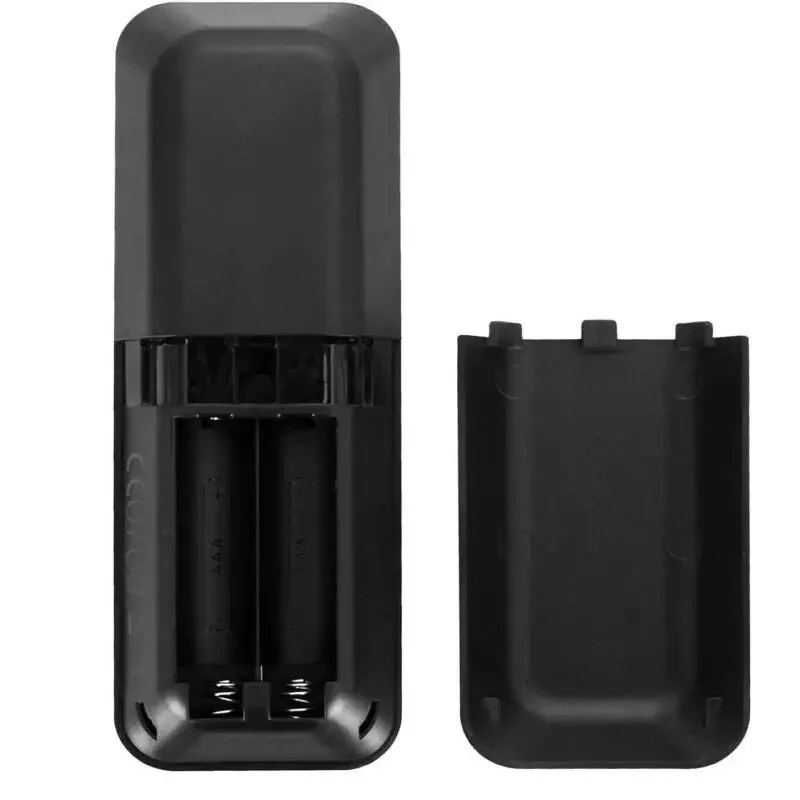
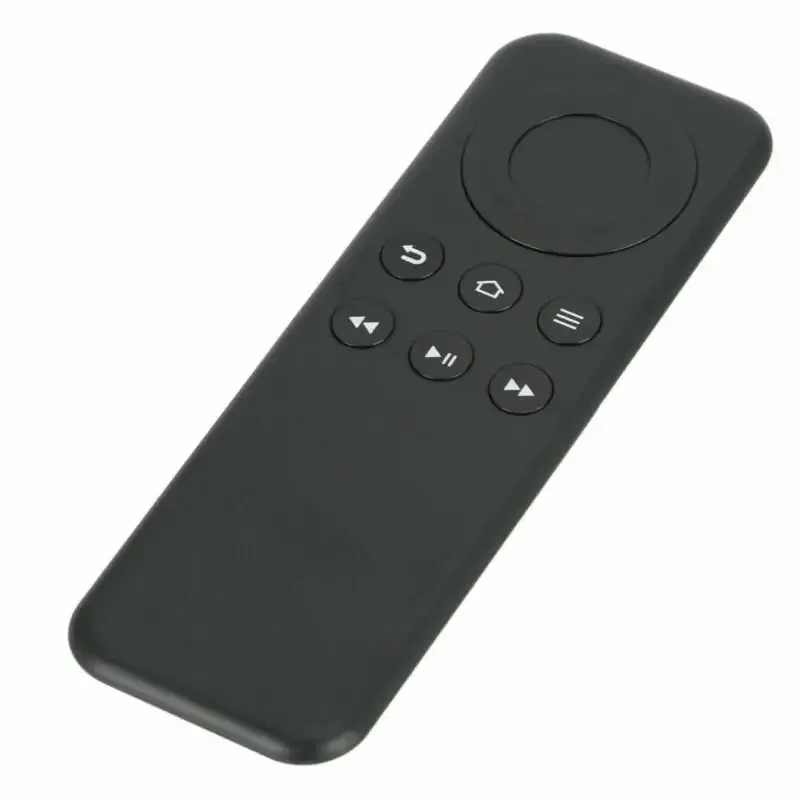
Bluetooth Remote Control for Fire TV Stick and Box
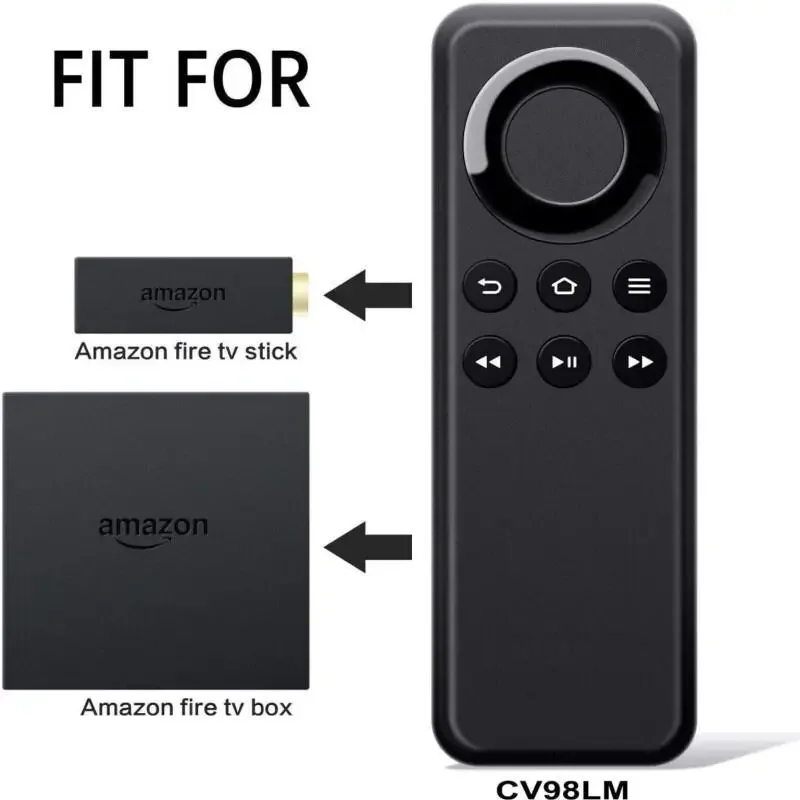
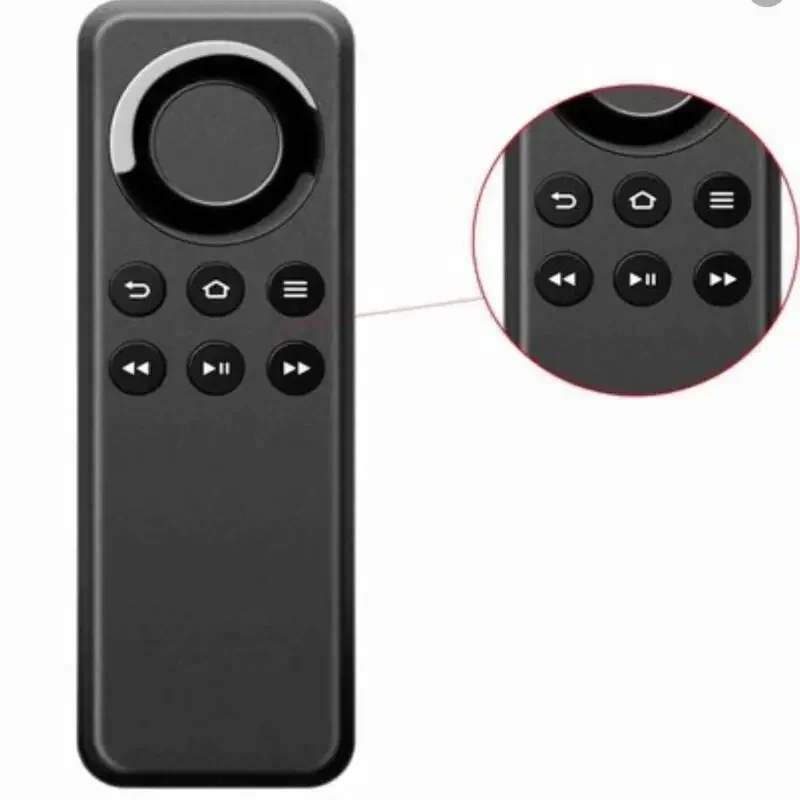
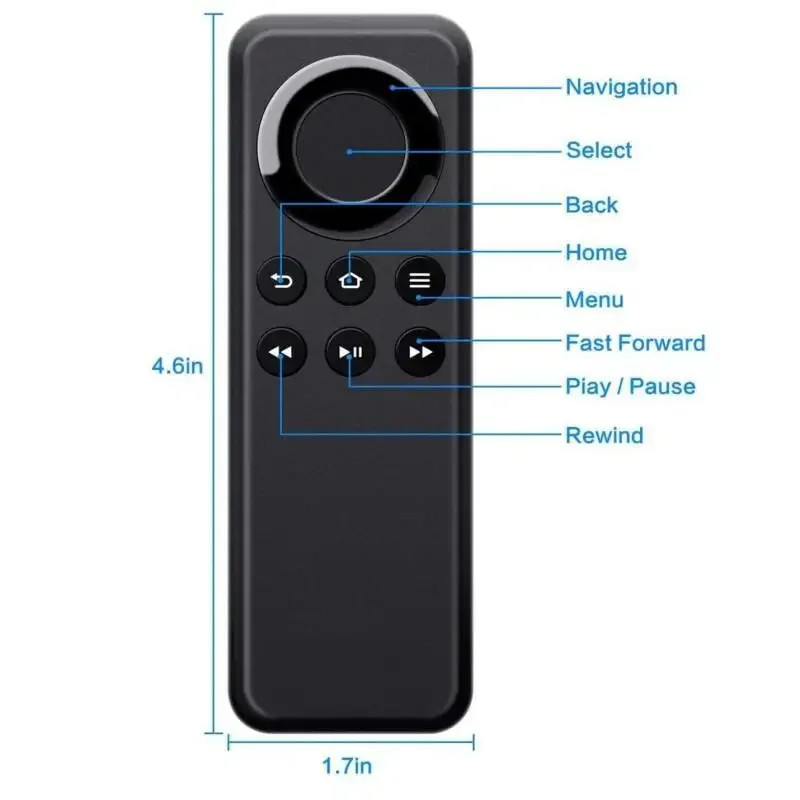
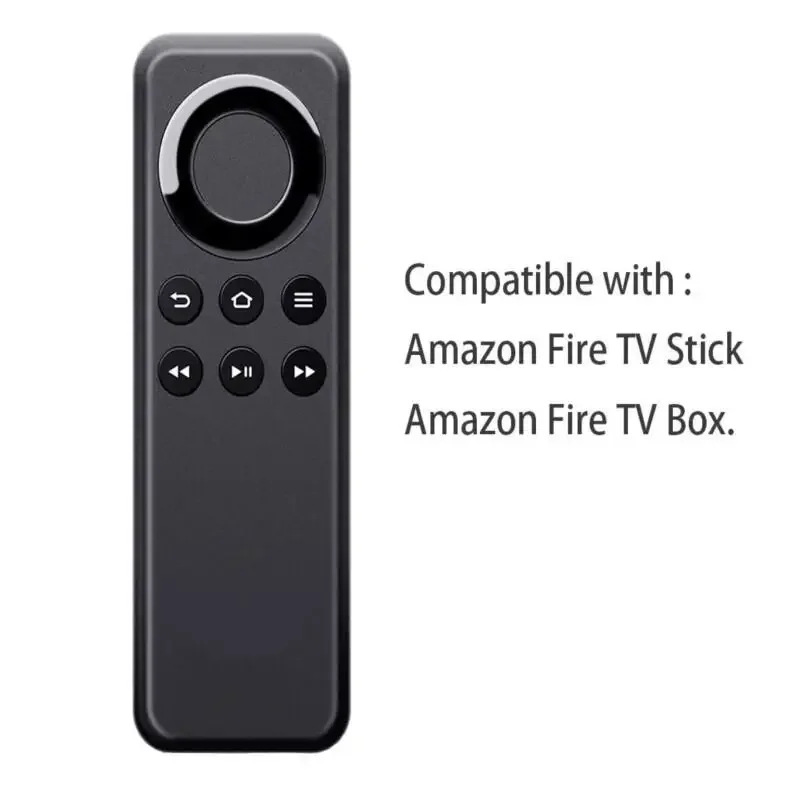
<div class="detailmodule_html"><div class="detail-desc-decorate-richtext"><div id="item-desc-data" style="display:none"></div><p><strong>New Replacement Bluetooth Remote control</strong></p><p><strong>CV98LM</strong></p><p><strong>for</strong></p><p><strong>Amazon Fire TV Stick and Fire Box</strong></p><p><strong>Amazon Prime</strong><br/></p><p><strong>This remote control has no microphone, it is not voice controlled</strong></p><p><strong>Compatible with: Amazon Fire TV Stick and Fire TV Box</strong></p><p><strong>Not compatible with the Lite model</strong></p><p><strong>Just install two AAA batteries. (Batteries not Included)</strong></p><p><strong>FREE 1ST CLASS ROYAL MAIL DELIVERY</strong></p><p><strong>SAME DAY DISPATCH</strong></p><p><strong>SET UP INSTRUCTIONS.</strong></p><p>Please make sure you have unpaired your previous remote before set up.</p><p>There are two options to pair</p><p>Option 1.</p><p>The new remote will need to be paired with the Firestick as follows;</p><p>Unplug the Firestick from the wall, wait 10 seconds.</p><p>Plug it back in, wait until it is completely booted up and in the menu.</p><p>Hold down the "Home" button for 40 seconds. This has the symbol of a house on it.</p><p>This should pair the remote - please note that if it pairs, it still takes about 20 seconds 'thinking time' before it will work.</p><p>If necessary, repeat the unplugging and hold the "Home" button for 60 seconds. Can take upto 100 seconds</p><p>It may take several attempts.</p><p>Option 2.</p><p>Amazon Fire Stick, you may have to pair the remote. Please follow these steps:</p><p>1. Download the Amazon Fire Stick App "Fire TV" to your mobile, and connect the app with your Amazon Fire Stick.</p><p>2. Unplug the Amazon Fire Stick, plug it back in, wait for it o fully restart, use your mobile to control the Amazon Fire Stick.</p><p>Select "Settings" from the Fire TV menu, and open "Controllers and Bluetooth Devices."</p><p>Select "Amazon Fire TV Remotes," and then select "Add New Remote."</p><p>3. Press any button on the new remote, the Amazon Fire Stick will find the new remote and connect automatically, the new remote will start to work.</p><p></p><p></p><p></p><p></p><p></p><p></p><p></p><p></p><p><br/></p></div></div><br/>
$21.25
$11.62
- Category : Consumer Electronics
- Brand : goodsworld_store Goodsworld Store
Colors
-
+

<div class="detailmodule_html"><div class="detail-desc-decorate-richtext"><div id="item-desc-data" style="display:none"></div><p><strong>New Replacement Bluetooth Remote control</strong></p><p><strong>CV98LM</strong></p><p><strong>for</strong></p><p><strong>Amazon Fire TV Stick and Fire Box</strong></p><p><strong>Amazon Prime</strong><br/></p><p><strong>This remote control has no microphone, it is not voice controlled</strong></p><p><strong>Compatible with: Amazon Fire TV Stick and Fire TV Box</strong></p><p><strong>Not compatible with the Lite model</strong></p><p><strong>Just install two AAA batteries. (Batteries not Included)</strong></p><p><strong>FREE 1ST CLASS ROYAL MAIL DELIVERY</strong></p><p><strong>SAME DAY DISPATCH</strong></p><p><strong>SET UP INSTRUCTIONS.</strong></p><p>Please make sure you have unpaired your previous remote before set up.</p><p>There are two options to pair</p><p>Option 1.</p><p>The new remote will need to be paired with the Firestick as follows;</p><p>Unplug the Firestick from the wall, wait 10 seconds.</p><p>Plug it back in, wait until it is completely booted up and in the menu.</p><p>Hold down the "Home" button for 40 seconds. This has the symbol of a house on it.</p><p>This should pair the remote - please note that if it pairs, it still takes about 20 seconds 'thinking time' before it will work.</p><p>If necessary, repeat the unplugging and hold the "Home" button for 60 seconds. Can take upto 100 seconds</p><p>It may take several attempts.</p><p>Option 2.</p><p>Amazon Fire Stick, you may have to pair the remote. Please follow these steps:</p><p>1. Download the Amazon Fire Stick App "Fire TV" to your mobile, and connect the app with your Amazon Fire Stick.</p><p>2. Unplug the Amazon Fire Stick, plug it back in, wait for it o fully restart, use your mobile to control the Amazon Fire Stick.</p><p>Select "Settings" from the Fire TV menu, and open "Controllers and Bluetooth Devices."</p><p>Select "Amazon Fire TV Remotes," and then select "Add New Remote."</p><p>3. Press any button on the new remote, the Amazon Fire Stick will find the new remote and connect automatically, the new remote will start to work.</p><p></p><p></p><p></p><p></p><p></p><p></p><p></p><p></p><p><br/></p></div></div><br/>
Related Product
Browse The Collection of Top Products.


Leather Dual Camera Strap Adjustable Shoulder Harness
$50.47
$98.93


Black Multi Microphone Rack for Wired and Wireless Mics
$29.09
$57.28


Waterproof Solar Panel Charger for Video Doorbell
$22.58
$29.44


Silicone Camera Cover with Lanyard for Digital Cameras
$14.72
$19.42


HDMI to Displayport Converter Cable 4K 30Hz for TV
$11.29
$14.72


Wireless Game Controller for Nintendo Wii U Console
$21.74
$29.03


O
N
L
I
N
E
G
A
L
A
X
Y
Loading