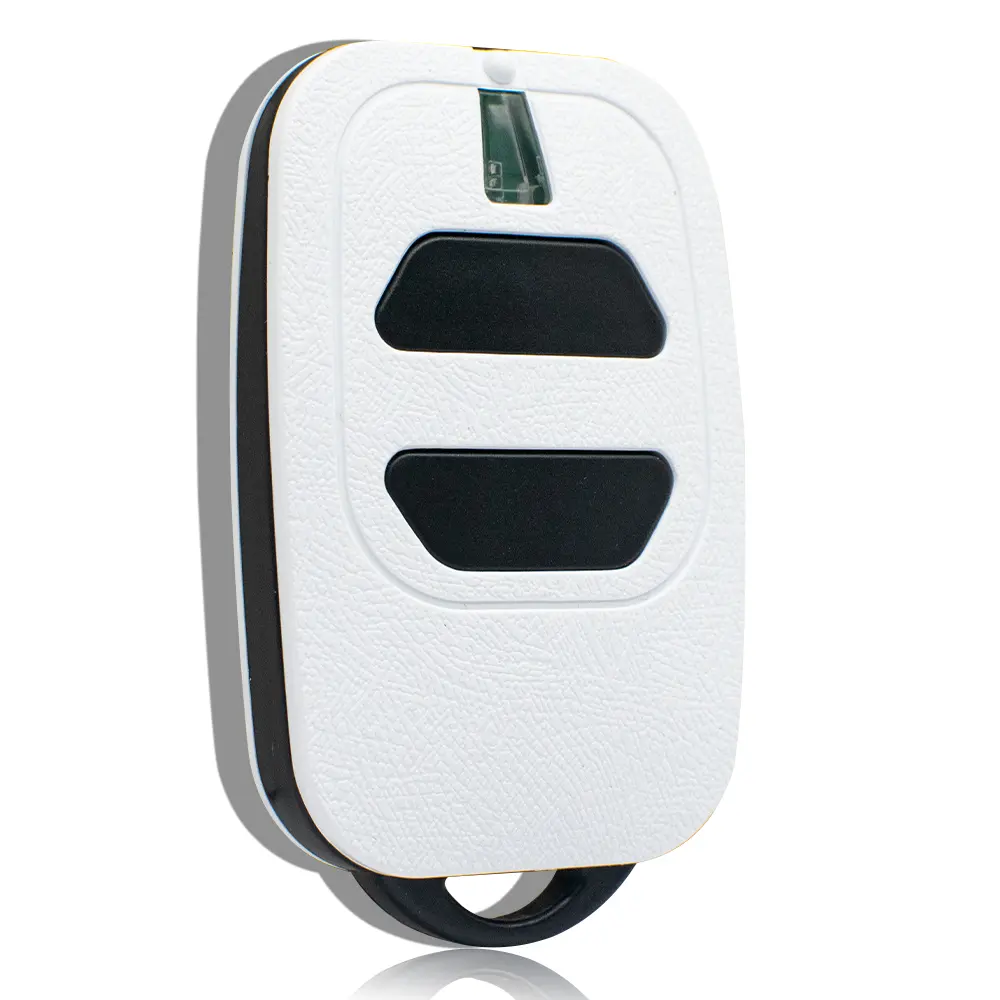
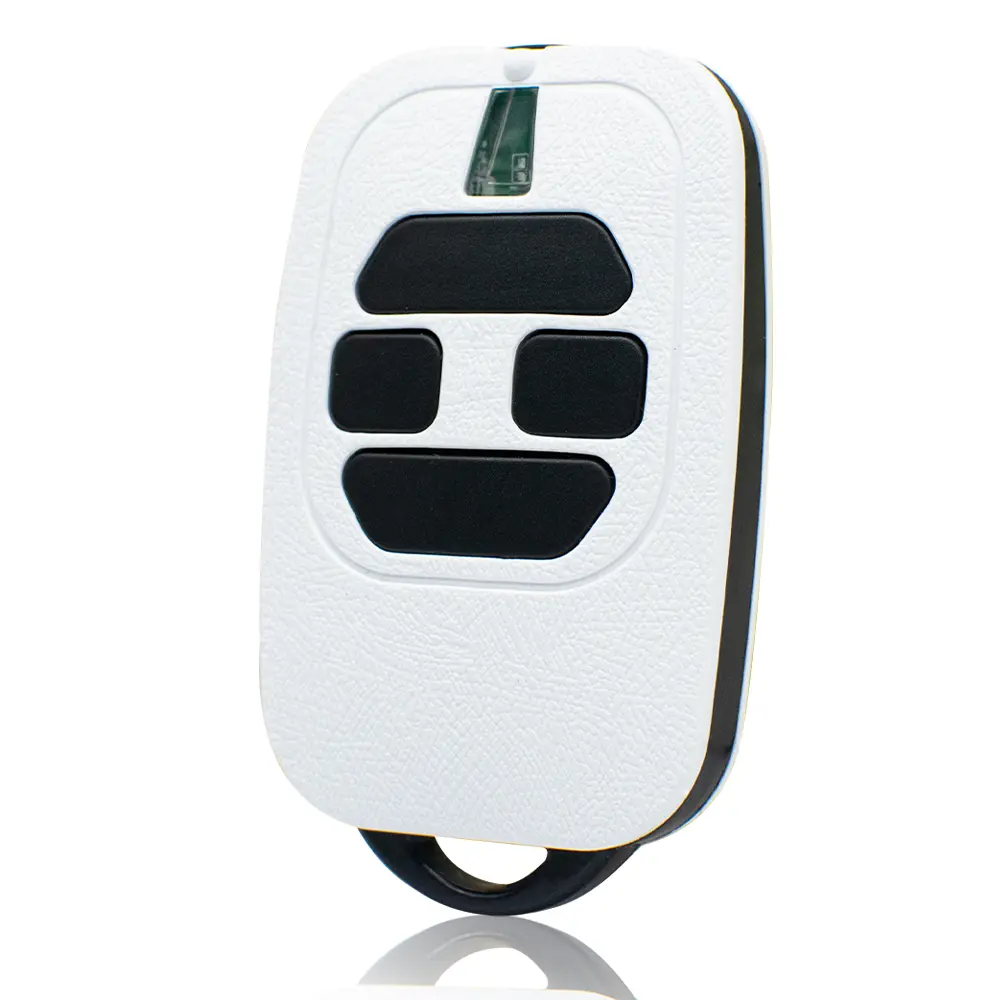
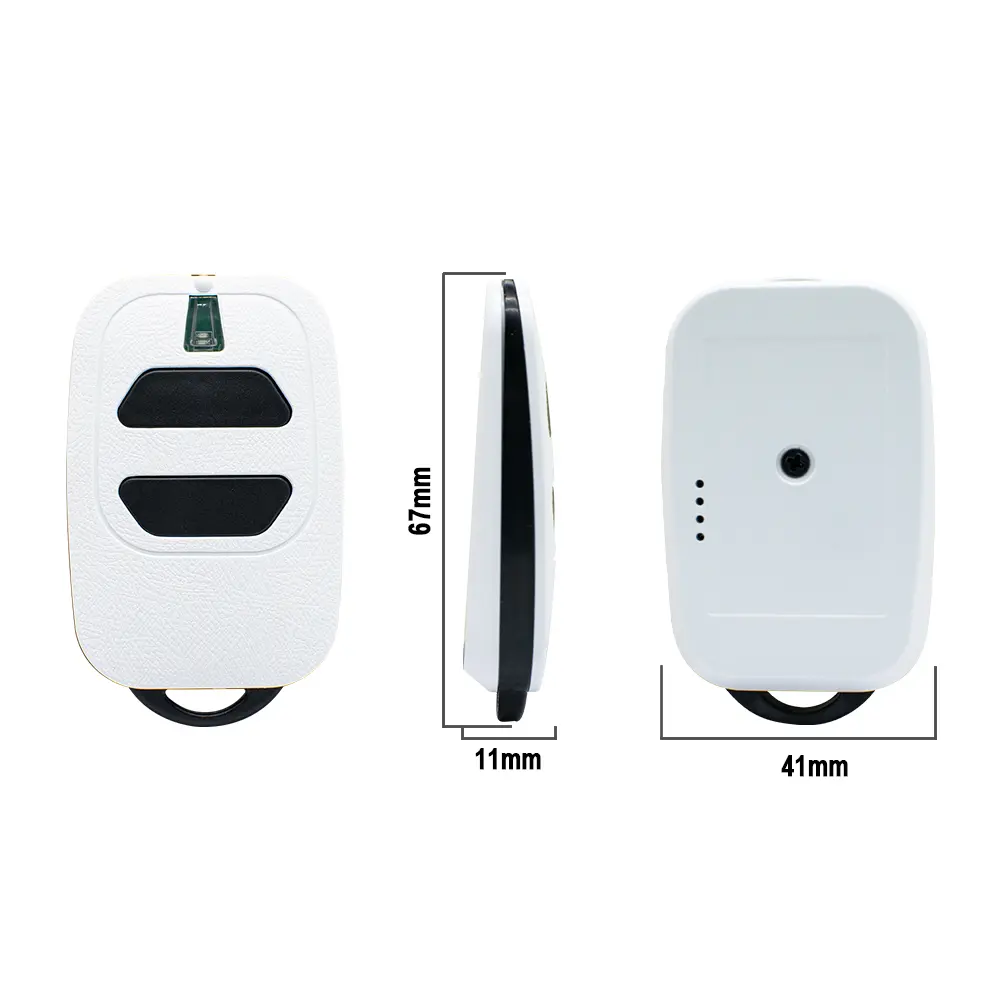
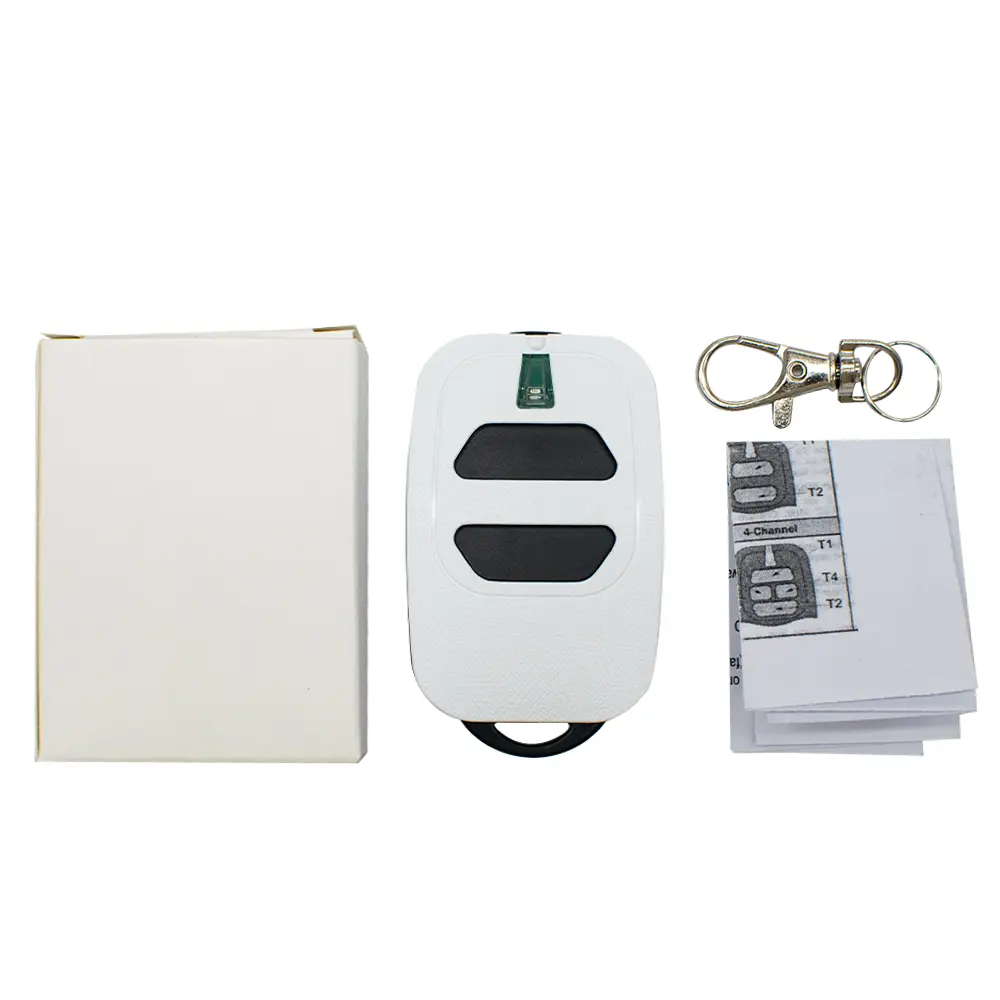
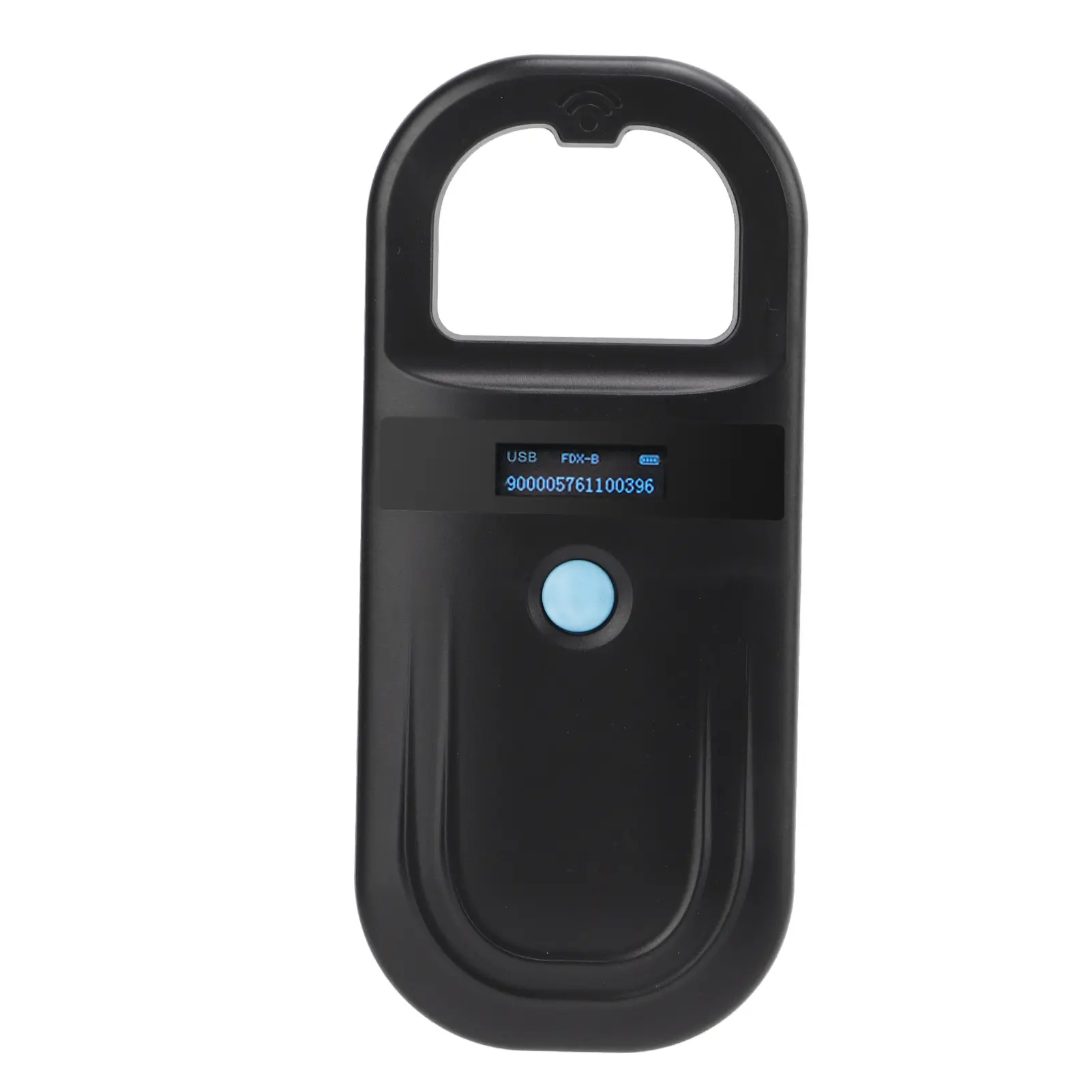
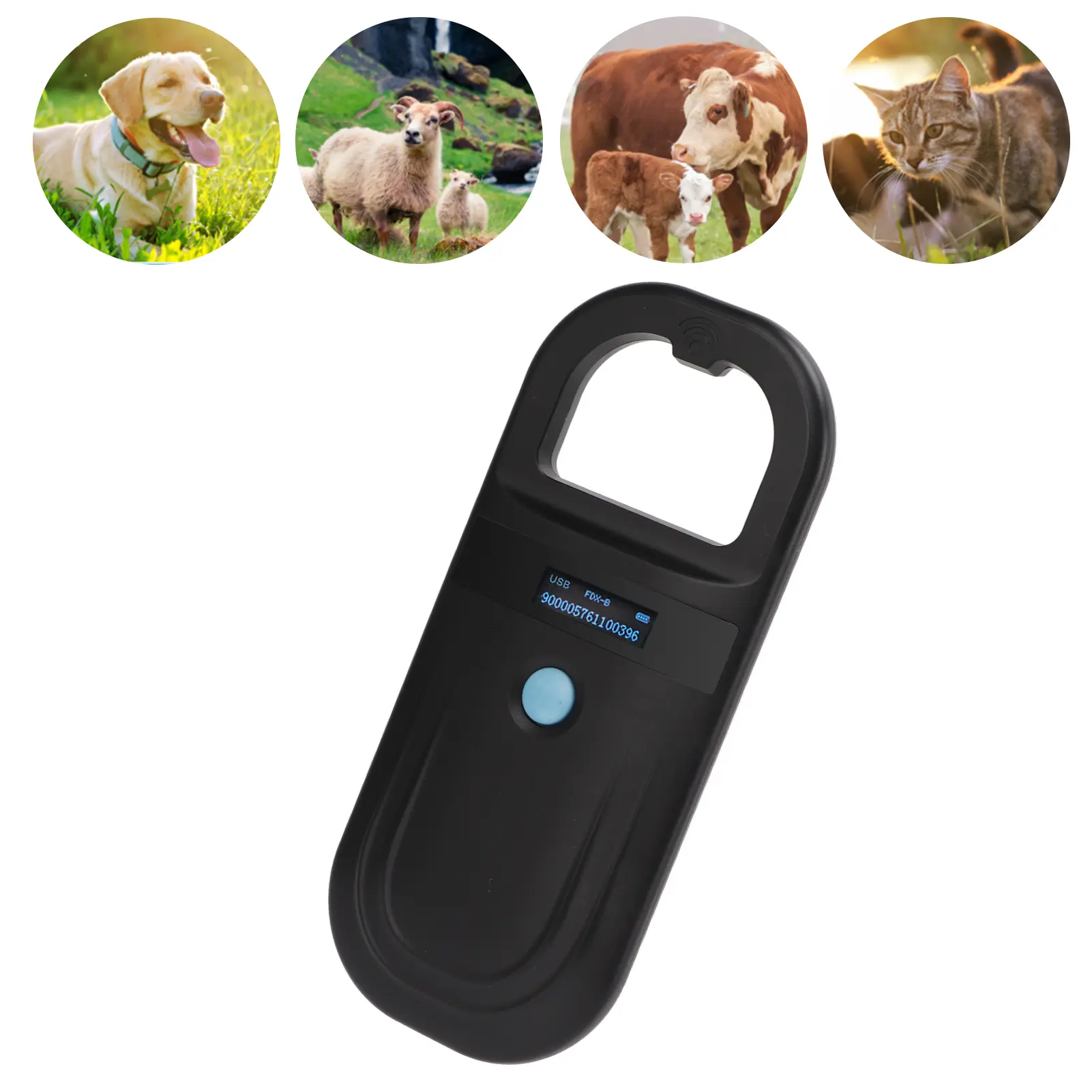
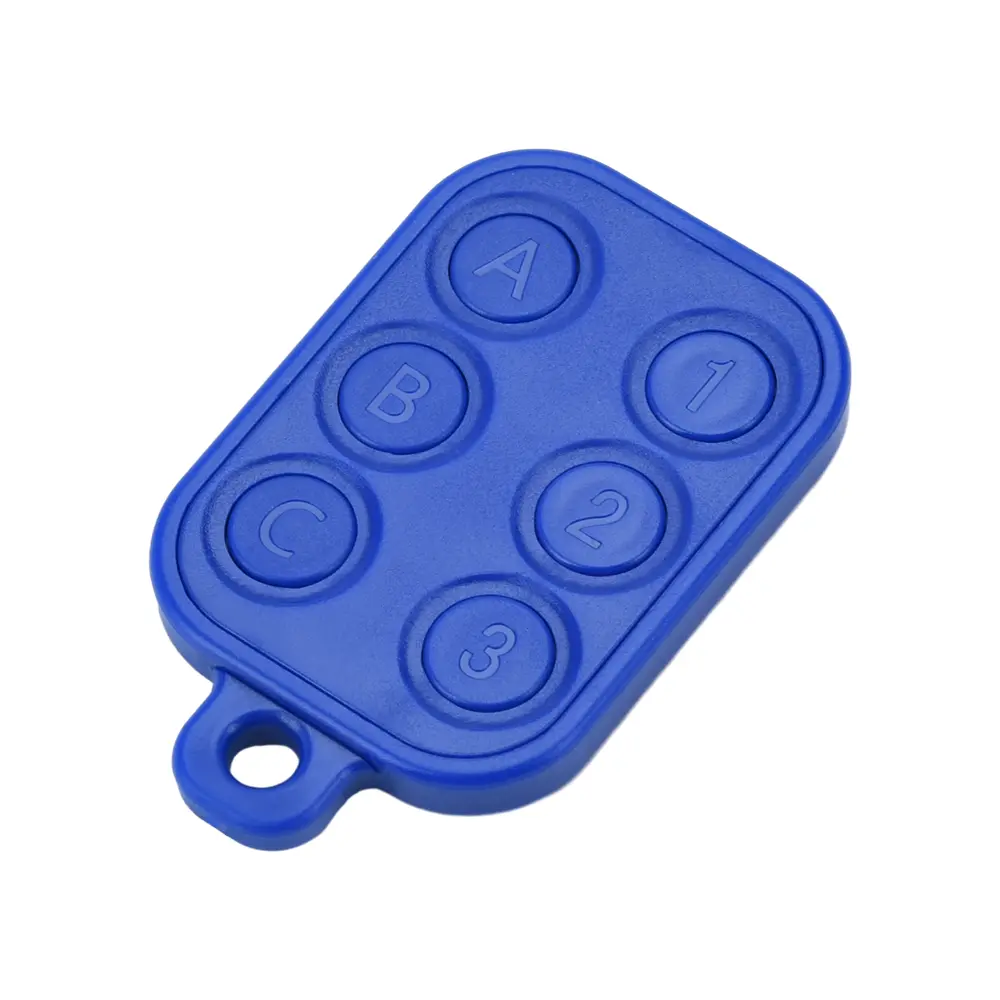
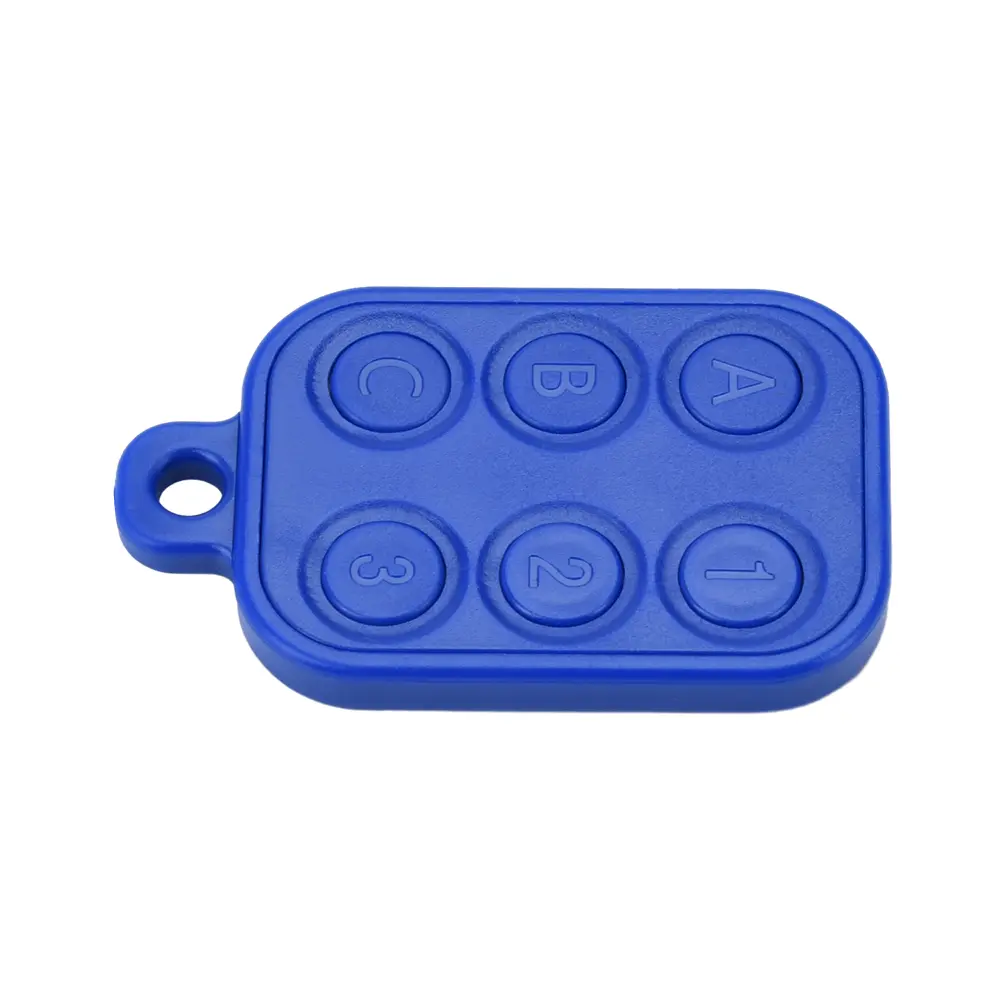
Chameleon Ultra RFID emulator ChameleonUltra Ultimate NFC & RFID Key Fob Solution Opens access control systems
<p style="font-family:"Work Sans", Helvetica, Helvetica, Arial, sans-serif;font-size:1.125em;letter-spacing:normal;text-align:start;white-space:normal;color:rgb(85, 85, 85);background-color:rgb(255, 255, 255);margin-bottom:0.5em;margin-top:0px;width:1120px;box-sizing:border-box" align="start"></p><div style="font-family:"Work Sans", Helvetica, Helvetica, Arial, sans-serif;font-size:medium;font-weight:400;letter-spacing:normal;text-align:start;white-space:normal;color:rgb(119, 119, 119);background-color:rgb(255, 255, 255);max-width:100%;width:1020px;height:auto;box-sizing:border-box" class="wp-video" align="start"><div><span class="mejs-offscreen" style="font-family:"Work Sans", Helvetica, Helvetica, Arial, sans-serif">Video Player</span></div><div id="mep_0" style="font-family:Helvetica, Arial, serif;text-align:left;background-color:rgb(34, 34, 34);max-width:100%;min-width:221px;width:1020px;height:574.109px;position:relative;box-sizing:border-box" class="mejs-container wp-video-shortcode mejs-video" align="left"><div style="font-family:Helvetica, Arial;box-sizing:border-box" class="mejs-inner"><div style="font-family:Helvetica, Arial;width:1020px;height:574.094px;left:0px;position:absolute;top:0px;z-index:0;box-sizing:border-box" class="mejs-mediaelement"><video style="width:100%;height:auto" src="https://cdn.mtoolstec.com/wp-content/uploads/2023/02/chameleon-ultra.mp4?_=1" controls=""></video></div><div style="font-family:Helvetica, Arial;box-sizing:border-box" class="mejs-layers"></div><div style="font-family:Helvetica, Arial;background-color:rgb(34, 34, 34);border:0px;margin:0px;margin-bottom:0px;margin-top:0px;margin-left:0px;margin-right:0px;padding:0px 10px;padding-bottom:0px;padding-top:0px;padding-left:10px;padding-right:10px;display:flex;overflow:hidden;width:1020px;height:40px;bottom:0px;left:0px;position:absolute;z-index:3;box-sizing:border-box" class="mejs-controls mejs-offscreen"><div style="font-family:Helvetica, Arial;font-size:10px;line-height:10px;margin:0px;margin-bottom:0px;margin-top:0px;margin-left:0px;margin-right:0px;width:32px;height:40px;box-sizing:border-box" class="mejs-button mejs-playpause-button mejs-pause"></div><div style="font-family:Helvetica, Arial;font-size:11px;font-weight:400;line-height:10px;text-align:center;color:rgb(255, 255, 255);margin:0px;margin-bottom:0px;margin-top:0px;margin-left:0px;margin-right:0px;padding:16px 6px 0px;padding-bottom:0px;padding-top:16px;padding-left:6px;padding-right:6px;overflow:hidden;width:auto;height:24px;box-sizing:content-box" class="mejs-time mejs-currenttime-container" align="center"><span class="mejs-currenttime" style="font-family:Helvetica, Arial">00:00</span></div><div style="font-family:Helvetica, Arial;font-size:10px;line-height:10px;margin:0px 10px;margin-bottom:0px;margin-top:0px;margin-left:10px;margin-right:10px;padding-top:10px;width:32px;height:40px;position:relative;box-sizing:border-box" class="mejs-time-rail"></div><div style="font-family:Helvetica, Arial;font-size:11px;font-weight:400;line-height:10px;text-align:center;color:rgb(255, 255, 255);margin:0px;margin-bottom:0px;margin-top:0px;margin-left:0px;margin-right:0px;padding:16px 6px 0px;padding-bottom:0px;padding-top:16px;padding-left:6px;padding-right:6px;overflow:hidden;width:auto;height:24px;box-sizing:content-box" class="mejs-time mejs-duration-container" align="center"><span class="mejs-duration" style="font-family:Helvetica, Arial">00:01</span></div><div style="font-family:Helvetica, Arial;font-size:10px;line-height:10px;margin:0px;margin-bottom:0px;margin-top:0px;margin-left:0px;margin-right:0px;width:32px;height:40px;position:relative;box-sizing:border-box" class="mejs-button mejs-volume-button mejs-mute"></div><div style="font-family:Helvetica, Arial;font-size:10px;line-height:10px;margin:0px;margin-bottom:0px;margin-top:0px;margin-left:0px;margin-right:0px;width:32px;height:40px;box-sizing:border-box" class="mejs-button mejs-fullscreen-button"></div></div></div></div></div><p><br/></p><h3 style="font-family:"Work Sans", Helvetica, Helvetica, Arial, sans-serif;font-size:1.25em;letter-spacing:normal;text-align:start;white-space:normal;color:rgb(85, 85, 85);background-color:rgb(255, 255, 255);margin-bottom:0.5em;margin-top:0px;width:1120px;box-sizing:border-box" align="start">Command Line Tool of Chameleon Ultra</h3><p style="font-family:"Work Sans", Helvetica, Helvetica, Arial, sans-serif;font-size:medium;font-weight:400;letter-spacing:normal;text-align:start;white-space:normal;color:rgb(119, 119, 119);background-color:rgb(255, 255, 255);margin-bottom:1.3em;margin-top:0px;box-sizing:border-box" align="start"></p><p><br/></p><h3 style="font-family:"Work Sans", Helvetica, Helvetica, Arial, sans-serif;font-size:1.25em;letter-spacing:normal;text-align:start;white-space:normal;color:rgb(85, 85, 85);background-color:rgb(255, 255, 255);margin-bottom:0.5em;margin-top:0px;width:1120px;box-sizing:border-box" align="start">OpenSource for Re-Build Purpose</h3><p style="font-family:"Work Sans", Helvetica, Helvetica, Arial, sans-serif;font-size:medium;font-weight:400;letter-spacing:normal;text-align:start;white-space:normal;color:rgb(119, 119, 119);background-color:rgb(255, 255, 255);margin-bottom:1.3em;margin-top:0px;box-sizing:border-box" align="start"></p><h3 style="font-family:"Work Sans", Helvetica, Helvetica, Arial, sans-serif;font-size:1.25em;letter-spacing:normal;text-align:start;white-space:normal;color:rgb(85, 85, 85);background-color:rgb(255, 255, 255);margin-bottom:0.5em;margin-top:0px;width:1120px;box-sizing:border-box" align="start"><span style="font-family:"Work Sans", Helvetica, Helvetica, Arial, sans-serif"><strong>What is ChameleonUltra from an engineer’s point of view?</strong></span></h3><p style="font-family:"Work Sans", Helvetica, Helvetica, Arial, sans-serif;font-size:medium;font-weight:400;letter-spacing:normal;text-align:start;white-space:normal;color:rgb(119, 119, 119);background-color:rgb(255, 255, 255);margin-bottom:1.3em;margin-top:0px;box-sizing:border-box" align="start"></p><h2 style="font-family:"Work Sans", Helvetica, Helvetica, Arial, sans-serif;font-size:1.6em;letter-spacing:normal;line-height:1.3;text-align:start;white-space:normal;color:rgb(85, 85, 85);background-color:rgb(255, 255, 255);margin-bottom:0.5em;margin-top:0px;width:1120px;box-sizing:border-box" align="start"><span style="font-family:"Work Sans", Helvetica, Helvetica, Arial, sans-serif"><strong>How ChameleonUltra works?</strong></span></h2><p style="font-family:"Work Sans", Helvetica, Helvetica, Arial, sans-serif;font-size:medium;font-weight:400;letter-spacing:normal;text-align:start;white-space:normal;color:rgb(119, 119, 119);background-color:rgb(255, 255, 255);margin-bottom:1.3em;margin-top:0px;box-sizing:border-box" align="start">The ChameleonUltra is a versatile RFID tool that can be used for a variety of purposes, including emulation, cloning, and testing of different RFID systems. Here’s how it works:</p><h3 style="font-family:"Work Sans", Helvetica, Helvetica, Arial, sans-serif;font-size:1.25em;letter-spacing:normal;text-align:start;white-space:normal;color:rgb(85, 85, 85);background-color:rgb(255, 255, 255);margin-bottom:0.5em;margin-top:0px;width:1120px;box-sizing:border-box" align="start">Emulation:</h3><p style="font-family:"Work Sans", Helvetica, Helvetica, Arial, sans-serif;font-size:medium;font-weight:400;letter-spacing:normal;text-align:start;white-space:normal;color:rgb(119, 119, 119);background-color:rgb(255, 255, 255);margin-bottom:1.3em;margin-top:0px;box-sizing:border-box" align="start">One of the key features of the Chameleon Ultra is its ability to emulate different types of RFID tags and systems. This means that the ChameleonUltra can be programmed to behave like a specific RFID tag or system, and can be used to test and validate the behavior of other RFID readers and systems.</p><p style="font-family:"Work Sans", Helvetica, Helvetica, Arial, sans-serif;font-size:medium;font-weight:400;letter-spacing:normal;text-align:start;white-space:normal;color:rgb(119, 119, 119);background-color:rgb(255, 255, 255);margin-bottom:1.3em;margin-top:0px;box-sizing:border-box" align="start">To emulate an RFID tag or system, the ChameleonUltra can be programmed with specific data and commands using a programming language such as Lua. The ChameleonUltra can then transmit this data to other RFID readers and systems, which will interpret it as if it were coming from a real RFID tag.</p><h3 style="font-family:"Work Sans", Helvetica, Helvetica, Arial, sans-serif;font-size:1.25em;letter-spacing:normal;text-align:start;white-space:normal;color:rgb(85, 85, 85);background-color:rgb(255, 255, 255);margin-bottom:0.5em;margin-top:0px;width:1120px;box-sizing:border-box" align="start">Cloning:</h3><p style="font-family:"Work Sans", Helvetica, Helvetica, Arial, sans-serif;font-size:medium;font-weight:400;letter-spacing:normal;text-align:start;white-space:normal;color:rgb(119, 119, 119);background-color:rgb(255, 255, 255);margin-bottom:1.3em;margin-top:0px;box-sizing:border-box" align="start">Another feature of the ChameleonUltra is its ability to clone RFID tags. Cloning refers to the process of creating a copy of an existing RFID tag. This can be useful in situations where an RFID tag needs to be replaced, or when multiple copies of the same tag are required.</p><p style="font-family:"Work Sans", Helvetica, Helvetica, Arial, sans-serif;font-size:medium;font-weight:400;letter-spacing:normal;text-align:start;white-space:normal;color:rgb(119, 119, 119);background-color:rgb(255, 255, 255);margin-bottom:1.3em;margin-top:0px;box-sizing:border-box" align="start">To clone an RFID tag using the ChameleonUltra, the device is placed in “tag emulation mode” and is programmed to behave like the target RFID tag. The ChameleonUltra can then be used to read the data from the target RFID tag, and this data can be written onto a blank RFID tag, effectively creating a clone of the original tag.</p><h3 style="font-family:"Work Sans", Helvetica, Helvetica, Arial, sans-serif;font-size:1.25em;letter-spacing:normal;text-align:start;white-space:normal;color:rgb(85, 85, 85);background-color:rgb(255, 255, 255);margin-bottom:0.5em;margin-top:0px;width:1120px;box-sizing:border-box" align="start">Testing:</h3><p style="font-family:"Work Sans", Helvetica, Helvetica, Arial, sans-serif;font-size:medium;font-weight:400;letter-spacing:normal;text-align:start;white-space:normal;color:rgb(119, 119, 119);background-color:rgb(255, 255, 255);margin-bottom:1.3em;margin-top:0px;box-sizing:border-box" align="start">The ChameleonUltra can also be used to test and validate the behavior of RFID readers and systems. By emulating different types of RFID tags and systems, the ChameleonUltra can be used to test the behavior of RFID readers and systems under different conditions.</p><p style="font-family:"Work Sans", Helvetica, Helvetica, Arial, sans-serif;font-size:medium;font-weight:400;letter-spacing:normal;text-align:start;white-space:normal;color:rgb(119, 119, 119);background-color:rgb(255, 255, 255);margin-bottom:1.3em;margin-top:0px;box-sizing:border-box" align="start">For example, the ChameleonUltra can be programmed to emulate an RFID tag with a weak signal, or an RFID system that is operating at a different frequency. This can help to identify potential issues or weaknesses in RFID systems and can be used to optimize their performance.</p><h3 style="font-family:"Work Sans", Helvetica, Helvetica, Arial, sans-serif;font-size:1.25em;letter-spacing:normal;text-align:start;white-space:normal;color:rgb(85, 85, 85);background-color:rgb(255, 255, 255);margin-bottom:0.5em;margin-top:0px;width:1120px;box-sizing:border-box" align="start">Overall:</h3><p style="font-family:"Work Sans", Helvetica, Helvetica, Arial, sans-serif;font-size:medium;font-weight:400;letter-spacing:normal;text-align:start;white-space:normal;color:rgb(119, 119, 119);background-color:rgb(255, 255, 255);margin-bottom:1.3em;margin-top:0px;box-sizing:border-box" align="start">The ChameleonUltra is a powerful tool for RFID research and development, and its ability to emulate, clone, and test different RFID systems makes it a valuable addition to any RFID toolkit.</p><p><br/></p><h2 style="font-family:"Work Sans", Helvetica, Helvetica, Arial, sans-serif;font-size:1.6em;letter-spacing:normal;line-height:1.3;text-align:start;white-space:normal;color:rgb(85, 85, 85);background-color:rgb(255, 255, 255);margin-bottom:0.5em;margin-top:0px;width:1120px;box-sizing:border-box" align="start"><span style="font-family:"Work Sans", Helvetica, Helvetica, Arial, sans-serif"><strong>Products Comparison</strong></span></h2><p style="font-family:"Work Sans", Helvetica, Helvetica, Arial, sans-serif;font-size:medium;font-weight:400;letter-spacing:normal;text-align:start;white-space:normal;color:rgb(119, 119, 119);background-color:rgb(255, 255, 255);margin-bottom:1.3em;margin-top:0px;box-sizing:border-box" align="start"></p><h2 style="font-family:"Work Sans", Helvetica, Helvetica, Arial, sans-serif;font-size:1.6em;letter-spacing:normal;line-height:1.3;text-align:start;white-space:normal;color:rgb(85, 85, 85);background-color:rgb(255, 255, 255);margin-bottom:0.5em;margin-top:0px;width:1120px;box-sizing:border-box" align="start"><span style="font-family:"Work Sans", Helvetica, Helvetica, Arial, sans-serif"><strong>Device Overview</strong></span></h2><p style="font-family:"Work Sans", Helvetica, Helvetica, Arial, sans-serif;font-size:medium;font-weight:400;letter-spacing:normal;text-align:start;white-space:normal;color:rgb(119, 119, 119);background-color:rgb(255, 255, 255);margin-bottom:1.3em;margin-top:0px;box-sizing:border-box" align="start"></p><h2 style="font-family:"Work Sans", Helvetica, Helvetica, Arial, sans-serif;font-size:1.6em;letter-spacing:normal;line-height:1.3;text-align:start;white-space:normal;color:rgb(85, 85, 85);background-color:rgb(255, 255, 255);margin-bottom:0.5em;margin-top:0px;width:1120px;box-sizing:border-box" align="start"><span style="font-family:"Work Sans", Helvetica, Helvetica, Arial, sans-serif"><strong>Button Overview</strong></span></h2><p style="font-family:"Work Sans", Helvetica, Helvetica, Arial, sans-serif;font-size:medium;font-weight:400;letter-spacing:normal;text-align:start;white-space:normal;color:rgb(119, 119, 119);background-color:rgb(255, 255, 255);margin-bottom:1.3em;margin-top:0px;box-sizing:border-box" align="start"></p><h3 style="font-family:"Work Sans", Helvetica, Helvetica, Arial, sans-serif;font-size:1.25em;letter-spacing:normal;text-align:start;white-space:normal;color:rgb(85, 85, 85);background-color:rgb(255, 255, 255);margin-bottom:0.5em;margin-top:0px;width:1120px;box-sizing:border-box" align="start"><span style="font-family:"Work Sans", Helvetica, Helvetica, Arial, sans-serif"><strong>A/B button Function</strong></span></h3><p style="font-family:"Work Sans", Helvetica, Helvetica, Arial, sans-serif;font-size:medium;font-weight:400;letter-spacing:normal;text-align:start;white-space:normal;color:rgb(119, 119, 119);background-color:rgb(255, 255, 255);margin-bottom:1.3em;margin-top:0px;box-sizing:border-box" align="start"><span style="font-family:"Work Sans", Helvetica, Helvetica, Arial, sans-serif"><strong>Already implemented:</strong></span><br/>1. Click the A button to switch the card slot to the right. If the card slot is not enabled, it will automatically skip and switch to the next one.<br/>2. Click the B button to switch the card slot to the left, and other features are the same as above.<br/>3. In the sleep state, press and hold the B button, insert the data cable, and then release the B button to enter the UPDATE mode.</p><p style="font-family:"Work Sans", Helvetica, Helvetica, Arial, sans-serif;font-size:medium;font-weight:400;letter-spacing:normal;text-align:start;white-space:normal;color:rgb(119, 119, 119);background-color:rgb(255, 255, 255);margin-bottom:1.3em;margin-top:0px;box-sizing:border-box" align="start"><span style="font-family:"Work Sans", Helvetica, Helvetica, Arial, sans-serif"><strong>In the implementation plan:</strong></span><br/>1. Put a card on the chameleon, and click the A button to quickly copy the card number (standalone)<br/>2. Click the button to forcibly acquire time-consuming tasks. For example, when planning to implement HardNested, you can press the button to end the collection of random numbers.<br/>3. When connecting to Chameleon for the first time, you need to press and hold the A button, and then click Connect, otherwise, any API request will be rejected (to prevent errors or malicious connections to my Chameleon)</p><h3 style="font-family:"Work Sans", Helvetica, Helvetica, Arial, sans-serif;font-size:1.25em;letter-spacing:normal;text-align:start;white-space:normal;color:rgb(85, 85, 85);background-color:rgb(255, 255, 255);margin-bottom:0.5em;margin-top:0px;width:1120px;box-sizing:border-box" align="start"><span style="font-family:"Work Sans", Helvetica, Helvetica, Arial, sans-serif"><strong>RGB Lighting Effect</strong></span></h3><p style="font-family:"Work Sans", Helvetica, Helvetica, Arial, sans-serif;font-size:medium;font-weight:400;letter-spacing:normal;text-align:start;white-space:normal;color:rgb(119, 119, 119);background-color:rgb(255, 255, 255);margin-bottom:1.3em;margin-top:0px;box-sizing:border-box" align="start"><span style="font-family:"Work Sans", Helvetica, Helvetica, Arial, sans-serif"><strong>Already implemented:</strong></span><br/>1. System startup animation<br/>2. USB wake-up animation<br/>3. BTN wake-up animation<br/>4. FIELD wake-up animation<br/>5. Shutdown animation<br/>6. USB plug-in charging and communication animation<br/>7. Click the button to switch the animation of the card slot<br/>Tip: When the color of the card slot is R, the card slot is enabled with IC simulation + ID simulation at the same time.<br/>When the color of the card slot is G, the card slot only enables IC card simulation,<br/>When the card slot color is B, only ID card simulation is enabled for this card slot.</p><p style="font-family:"Work Sans", Helvetica, Helvetica, Arial, sans-serif;font-size:medium;font-weight:400;letter-spacing:normal;text-align:start;white-space:normal;color:rgb(119, 119, 119);background-color:rgb(255, 255, 255);margin-bottom:1.3em;margin-top:0px;box-sizing:border-box" align="start"><span style="font-family:"Work Sans", Helvetica, Helvetica, Arial, sans-serif"><strong>In the implementation plan:</strong></span><br/>1. More RGB dynamic effects, so that the use process can be accompanied by more prompt information with more concise RGB effects.</p><h2 style="font-family:"Work Sans", Helvetica, Helvetica, Arial, sans-serif;font-size:1.6em;letter-spacing:normal;line-height:1.3;text-align:start;white-space:normal;color:rgb(85, 85, 85);background-color:rgb(255, 255, 255);margin-bottom:0.5em;margin-top:0px;width:1120px;box-sizing:border-box" align="start"><span style="font-family:"Work Sans", Helvetica, Helvetica, Arial, sans-serif"><strong>Supported Functions</strong></span></h2><p style="font-family:"Work Sans", Helvetica, Helvetica, Arial, sans-serif;font-size:medium;font-weight:400;letter-spacing:normal;text-align:start;white-space:normal;color:rgb(119, 119, 119);background-color:rgb(255, 255, 255);margin-bottom:1.3em;margin-top:0px;box-sizing:border-box" align="start"></p><p style="font-family:"Work Sans", Helvetica, Helvetica, Arial, sans-serif;font-size:medium;font-weight:400;letter-spacing:normal;text-align:start;white-space:normal;color:rgb(119, 119, 119);background-color:rgb(255, 255, 255);margin-bottom:1.3em;margin-top:0px;box-sizing:border-box" align="start"></p><h2 style="font-family:"Work Sans", Helvetica, Helvetica, Arial, sans-serif;font-size:1.6em;letter-spacing:normal;line-height:1.3;text-align:start;white-space:normal;color:rgb(85, 85, 85);background-color:rgb(255, 255, 255);margin-bottom:0.5em;margin-top:0px;width:1120px;box-sizing:border-box" align="start"><span style="font-family:"Work Sans", Helvetica, Helvetica, Arial, sans-serif"><strong>Low-Frequency Support</strong></span></h2><p style="font-family:"Work Sans", Helvetica, Helvetica, Arial, sans-serif;font-size:medium;font-weight:400;letter-spacing:normal;text-align:start;white-space:normal;color:rgb(119, 119, 119);background-color:rgb(255, 255, 255);margin-bottom:1.3em;margin-top:0px;box-sizing:border-box" align="start"></p>
$317.01
$297.562
- Category : Security & Protection
- Brand : brandtology_3c_store Brandtology 3C Store
Colors
Sizes
-
+

<p style="font-family:"Work Sans", Helvetica, Helvetica, Arial, sans-serif;font-size:1.125em;letter-spacing:normal;text-align:start;white-space:normal;color:rgb(85, 85, 85);background-color:rgb(255, 255, 255);margin-bottom:0.5em;margin-top:0px;width:1120px;box-sizing:border-box" align="start"></p><div style="font-family:"Work Sans", Helvetica, Helvetica, Arial, sans-serif;font-size:medium;font-weight:400;letter-spacing:normal;text-align:start;white-space:normal;color:rgb(119, 119, 119);background-color:rgb(255, 255, 255);max-width:100%;width:1020px;height:auto;box-sizing:border-box" class="wp-video" align="start"><div><span class="mejs-offscreen" style="font-family:"Work Sans", Helvetica, Helvetica, Arial, sans-serif">Video Player</span></div><div id="mep_0" style="font-family:Helvetica, Arial, serif;text-align:left;background-color:rgb(34, 34, 34);max-width:100%;min-width:221px;width:1020px;height:574.109px;position:relative;box-sizing:border-box" class="mejs-container wp-video-shortcode mejs-video" align="left"><div style="font-family:Helvetica, Arial;box-sizing:border-box" class="mejs-inner"><div style="font-family:Helvetica, Arial;width:1020px;height:574.094px;left:0px;position:absolute;top:0px;z-index:0;box-sizing:border-box" class="mejs-mediaelement"><video style="width:100%;height:auto" src="https://cdn.mtoolstec.com/wp-content/uploads/2023/02/chameleon-ultra.mp4?_=1" controls=""></video></div><div style="font-family:Helvetica, Arial;box-sizing:border-box" class="mejs-layers"></div><div style="font-family:Helvetica, Arial;background-color:rgb(34, 34, 34);border:0px;margin:0px;margin-bottom:0px;margin-top:0px;margin-left:0px;margin-right:0px;padding:0px 10px;padding-bottom:0px;padding-top:0px;padding-left:10px;padding-right:10px;display:flex;overflow:hidden;width:1020px;height:40px;bottom:0px;left:0px;position:absolute;z-index:3;box-sizing:border-box" class="mejs-controls mejs-offscreen"><div style="font-family:Helvetica, Arial;font-size:10px;line-height:10px;margin:0px;margin-bottom:0px;margin-top:0px;margin-left:0px;margin-right:0px;width:32px;height:40px;box-sizing:border-box" class="mejs-button mejs-playpause-button mejs-pause"></div><div style="font-family:Helvetica, Arial;font-size:11px;font-weight:400;line-height:10px;text-align:center;color:rgb(255, 255, 255);margin:0px;margin-bottom:0px;margin-top:0px;margin-left:0px;margin-right:0px;padding:16px 6px 0px;padding-bottom:0px;padding-top:16px;padding-left:6px;padding-right:6px;overflow:hidden;width:auto;height:24px;box-sizing:content-box" class="mejs-time mejs-currenttime-container" align="center"><span class="mejs-currenttime" style="font-family:Helvetica, Arial">00:00</span></div><div style="font-family:Helvetica, Arial;font-size:10px;line-height:10px;margin:0px 10px;margin-bottom:0px;margin-top:0px;margin-left:10px;margin-right:10px;padding-top:10px;width:32px;height:40px;position:relative;box-sizing:border-box" class="mejs-time-rail"></div><div style="font-family:Helvetica, Arial;font-size:11px;font-weight:400;line-height:10px;text-align:center;color:rgb(255, 255, 255);margin:0px;margin-bottom:0px;margin-top:0px;margin-left:0px;margin-right:0px;padding:16px 6px 0px;padding-bottom:0px;padding-top:16px;padding-left:6px;padding-right:6px;overflow:hidden;width:auto;height:24px;box-sizing:content-box" class="mejs-time mejs-duration-container" align="center"><span class="mejs-duration" style="font-family:Helvetica, Arial">00:01</span></div><div style="font-family:Helvetica, Arial;font-size:10px;line-height:10px;margin:0px;margin-bottom:0px;margin-top:0px;margin-left:0px;margin-right:0px;width:32px;height:40px;position:relative;box-sizing:border-box" class="mejs-button mejs-volume-button mejs-mute"></div><div style="font-family:Helvetica, Arial;font-size:10px;line-height:10px;margin:0px;margin-bottom:0px;margin-top:0px;margin-left:0px;margin-right:0px;width:32px;height:40px;box-sizing:border-box" class="mejs-button mejs-fullscreen-button"></div></div></div></div></div><p><br/></p><h3 style="font-family:"Work Sans", Helvetica, Helvetica, Arial, sans-serif;font-size:1.25em;letter-spacing:normal;text-align:start;white-space:normal;color:rgb(85, 85, 85);background-color:rgb(255, 255, 255);margin-bottom:0.5em;margin-top:0px;width:1120px;box-sizing:border-box" align="start">Command Line Tool of Chameleon Ultra</h3><p style="font-family:"Work Sans", Helvetica, Helvetica, Arial, sans-serif;font-size:medium;font-weight:400;letter-spacing:normal;text-align:start;white-space:normal;color:rgb(119, 119, 119);background-color:rgb(255, 255, 255);margin-bottom:1.3em;margin-top:0px;box-sizing:border-box" align="start"></p><p><br/></p><h3 style="font-family:"Work Sans", Helvetica, Helvetica, Arial, sans-serif;font-size:1.25em;letter-spacing:normal;text-align:start;white-space:normal;color:rgb(85, 85, 85);background-color:rgb(255, 255, 255);margin-bottom:0.5em;margin-top:0px;width:1120px;box-sizing:border-box" align="start">OpenSource for Re-Build Purpose</h3><p style="font-family:"Work Sans", Helvetica, Helvetica, Arial, sans-serif;font-size:medium;font-weight:400;letter-spacing:normal;text-align:start;white-space:normal;color:rgb(119, 119, 119);background-color:rgb(255, 255, 255);margin-bottom:1.3em;margin-top:0px;box-sizing:border-box" align="start"></p><h3 style="font-family:"Work Sans", Helvetica, Helvetica, Arial, sans-serif;font-size:1.25em;letter-spacing:normal;text-align:start;white-space:normal;color:rgb(85, 85, 85);background-color:rgb(255, 255, 255);margin-bottom:0.5em;margin-top:0px;width:1120px;box-sizing:border-box" align="start"><span style="font-family:"Work Sans", Helvetica, Helvetica, Arial, sans-serif"><strong>What is ChameleonUltra from an engineer’s point of view?</strong></span></h3><p style="font-family:"Work Sans", Helvetica, Helvetica, Arial, sans-serif;font-size:medium;font-weight:400;letter-spacing:normal;text-align:start;white-space:normal;color:rgb(119, 119, 119);background-color:rgb(255, 255, 255);margin-bottom:1.3em;margin-top:0px;box-sizing:border-box" align="start"></p><h2 style="font-family:"Work Sans", Helvetica, Helvetica, Arial, sans-serif;font-size:1.6em;letter-spacing:normal;line-height:1.3;text-align:start;white-space:normal;color:rgb(85, 85, 85);background-color:rgb(255, 255, 255);margin-bottom:0.5em;margin-top:0px;width:1120px;box-sizing:border-box" align="start"><span style="font-family:"Work Sans", Helvetica, Helvetica, Arial, sans-serif"><strong>How ChameleonUltra works?</strong></span></h2><p style="font-family:"Work Sans", Helvetica, Helvetica, Arial, sans-serif;font-size:medium;font-weight:400;letter-spacing:normal;text-align:start;white-space:normal;color:rgb(119, 119, 119);background-color:rgb(255, 255, 255);margin-bottom:1.3em;margin-top:0px;box-sizing:border-box" align="start">The ChameleonUltra is a versatile RFID tool that can be used for a variety of purposes, including emulation, cloning, and testing of different RFID systems. Here’s how it works:</p><h3 style="font-family:"Work Sans", Helvetica, Helvetica, Arial, sans-serif;font-size:1.25em;letter-spacing:normal;text-align:start;white-space:normal;color:rgb(85, 85, 85);background-color:rgb(255, 255, 255);margin-bottom:0.5em;margin-top:0px;width:1120px;box-sizing:border-box" align="start">Emulation:</h3><p style="font-family:"Work Sans", Helvetica, Helvetica, Arial, sans-serif;font-size:medium;font-weight:400;letter-spacing:normal;text-align:start;white-space:normal;color:rgb(119, 119, 119);background-color:rgb(255, 255, 255);margin-bottom:1.3em;margin-top:0px;box-sizing:border-box" align="start">One of the key features of the Chameleon Ultra is its ability to emulate different types of RFID tags and systems. This means that the ChameleonUltra can be programmed to behave like a specific RFID tag or system, and can be used to test and validate the behavior of other RFID readers and systems.</p><p style="font-family:"Work Sans", Helvetica, Helvetica, Arial, sans-serif;font-size:medium;font-weight:400;letter-spacing:normal;text-align:start;white-space:normal;color:rgb(119, 119, 119);background-color:rgb(255, 255, 255);margin-bottom:1.3em;margin-top:0px;box-sizing:border-box" align="start">To emulate an RFID tag or system, the ChameleonUltra can be programmed with specific data and commands using a programming language such as Lua. The ChameleonUltra can then transmit this data to other RFID readers and systems, which will interpret it as if it were coming from a real RFID tag.</p><h3 style="font-family:"Work Sans", Helvetica, Helvetica, Arial, sans-serif;font-size:1.25em;letter-spacing:normal;text-align:start;white-space:normal;color:rgb(85, 85, 85);background-color:rgb(255, 255, 255);margin-bottom:0.5em;margin-top:0px;width:1120px;box-sizing:border-box" align="start">Cloning:</h3><p style="font-family:"Work Sans", Helvetica, Helvetica, Arial, sans-serif;font-size:medium;font-weight:400;letter-spacing:normal;text-align:start;white-space:normal;color:rgb(119, 119, 119);background-color:rgb(255, 255, 255);margin-bottom:1.3em;margin-top:0px;box-sizing:border-box" align="start">Another feature of the ChameleonUltra is its ability to clone RFID tags. Cloning refers to the process of creating a copy of an existing RFID tag. This can be useful in situations where an RFID tag needs to be replaced, or when multiple copies of the same tag are required.</p><p style="font-family:"Work Sans", Helvetica, Helvetica, Arial, sans-serif;font-size:medium;font-weight:400;letter-spacing:normal;text-align:start;white-space:normal;color:rgb(119, 119, 119);background-color:rgb(255, 255, 255);margin-bottom:1.3em;margin-top:0px;box-sizing:border-box" align="start">To clone an RFID tag using the ChameleonUltra, the device is placed in “tag emulation mode” and is programmed to behave like the target RFID tag. The ChameleonUltra can then be used to read the data from the target RFID tag, and this data can be written onto a blank RFID tag, effectively creating a clone of the original tag.</p><h3 style="font-family:"Work Sans", Helvetica, Helvetica, Arial, sans-serif;font-size:1.25em;letter-spacing:normal;text-align:start;white-space:normal;color:rgb(85, 85, 85);background-color:rgb(255, 255, 255);margin-bottom:0.5em;margin-top:0px;width:1120px;box-sizing:border-box" align="start">Testing:</h3><p style="font-family:"Work Sans", Helvetica, Helvetica, Arial, sans-serif;font-size:medium;font-weight:400;letter-spacing:normal;text-align:start;white-space:normal;color:rgb(119, 119, 119);background-color:rgb(255, 255, 255);margin-bottom:1.3em;margin-top:0px;box-sizing:border-box" align="start">The ChameleonUltra can also be used to test and validate the behavior of RFID readers and systems. By emulating different types of RFID tags and systems, the ChameleonUltra can be used to test the behavior of RFID readers and systems under different conditions.</p><p style="font-family:"Work Sans", Helvetica, Helvetica, Arial, sans-serif;font-size:medium;font-weight:400;letter-spacing:normal;text-align:start;white-space:normal;color:rgb(119, 119, 119);background-color:rgb(255, 255, 255);margin-bottom:1.3em;margin-top:0px;box-sizing:border-box" align="start">For example, the ChameleonUltra can be programmed to emulate an RFID tag with a weak signal, or an RFID system that is operating at a different frequency. This can help to identify potential issues or weaknesses in RFID systems and can be used to optimize their performance.</p><h3 style="font-family:"Work Sans", Helvetica, Helvetica, Arial, sans-serif;font-size:1.25em;letter-spacing:normal;text-align:start;white-space:normal;color:rgb(85, 85, 85);background-color:rgb(255, 255, 255);margin-bottom:0.5em;margin-top:0px;width:1120px;box-sizing:border-box" align="start">Overall:</h3><p style="font-family:"Work Sans", Helvetica, Helvetica, Arial, sans-serif;font-size:medium;font-weight:400;letter-spacing:normal;text-align:start;white-space:normal;color:rgb(119, 119, 119);background-color:rgb(255, 255, 255);margin-bottom:1.3em;margin-top:0px;box-sizing:border-box" align="start">The ChameleonUltra is a powerful tool for RFID research and development, and its ability to emulate, clone, and test different RFID systems makes it a valuable addition to any RFID toolkit.</p><p><br/></p><h2 style="font-family:"Work Sans", Helvetica, Helvetica, Arial, sans-serif;font-size:1.6em;letter-spacing:normal;line-height:1.3;text-align:start;white-space:normal;color:rgb(85, 85, 85);background-color:rgb(255, 255, 255);margin-bottom:0.5em;margin-top:0px;width:1120px;box-sizing:border-box" align="start"><span style="font-family:"Work Sans", Helvetica, Helvetica, Arial, sans-serif"><strong>Products Comparison</strong></span></h2><p style="font-family:"Work Sans", Helvetica, Helvetica, Arial, sans-serif;font-size:medium;font-weight:400;letter-spacing:normal;text-align:start;white-space:normal;color:rgb(119, 119, 119);background-color:rgb(255, 255, 255);margin-bottom:1.3em;margin-top:0px;box-sizing:border-box" align="start"></p><h2 style="font-family:"Work Sans", Helvetica, Helvetica, Arial, sans-serif;font-size:1.6em;letter-spacing:normal;line-height:1.3;text-align:start;white-space:normal;color:rgb(85, 85, 85);background-color:rgb(255, 255, 255);margin-bottom:0.5em;margin-top:0px;width:1120px;box-sizing:border-box" align="start"><span style="font-family:"Work Sans", Helvetica, Helvetica, Arial, sans-serif"><strong>Device Overview</strong></span></h2><p style="font-family:"Work Sans", Helvetica, Helvetica, Arial, sans-serif;font-size:medium;font-weight:400;letter-spacing:normal;text-align:start;white-space:normal;color:rgb(119, 119, 119);background-color:rgb(255, 255, 255);margin-bottom:1.3em;margin-top:0px;box-sizing:border-box" align="start"></p><h2 style="font-family:"Work Sans", Helvetica, Helvetica, Arial, sans-serif;font-size:1.6em;letter-spacing:normal;line-height:1.3;text-align:start;white-space:normal;color:rgb(85, 85, 85);background-color:rgb(255, 255, 255);margin-bottom:0.5em;margin-top:0px;width:1120px;box-sizing:border-box" align="start"><span style="font-family:"Work Sans", Helvetica, Helvetica, Arial, sans-serif"><strong>Button Overview</strong></span></h2><p style="font-family:"Work Sans", Helvetica, Helvetica, Arial, sans-serif;font-size:medium;font-weight:400;letter-spacing:normal;text-align:start;white-space:normal;color:rgb(119, 119, 119);background-color:rgb(255, 255, 255);margin-bottom:1.3em;margin-top:0px;box-sizing:border-box" align="start"></p><h3 style="font-family:"Work Sans", Helvetica, Helvetica, Arial, sans-serif;font-size:1.25em;letter-spacing:normal;text-align:start;white-space:normal;color:rgb(85, 85, 85);background-color:rgb(255, 255, 255);margin-bottom:0.5em;margin-top:0px;width:1120px;box-sizing:border-box" align="start"><span style="font-family:"Work Sans", Helvetica, Helvetica, Arial, sans-serif"><strong>A/B button Function</strong></span></h3><p style="font-family:"Work Sans", Helvetica, Helvetica, Arial, sans-serif;font-size:medium;font-weight:400;letter-spacing:normal;text-align:start;white-space:normal;color:rgb(119, 119, 119);background-color:rgb(255, 255, 255);margin-bottom:1.3em;margin-top:0px;box-sizing:border-box" align="start"><span style="font-family:"Work Sans", Helvetica, Helvetica, Arial, sans-serif"><strong>Already implemented:</strong></span><br/>1. Click the A button to switch the card slot to the right. If the card slot is not enabled, it will automatically skip and switch to the next one.<br/>2. Click the B button to switch the card slot to the left, and other features are the same as above.<br/>3. In the sleep state, press and hold the B button, insert the data cable, and then release the B button to enter the UPDATE mode.</p><p style="font-family:"Work Sans", Helvetica, Helvetica, Arial, sans-serif;font-size:medium;font-weight:400;letter-spacing:normal;text-align:start;white-space:normal;color:rgb(119, 119, 119);background-color:rgb(255, 255, 255);margin-bottom:1.3em;margin-top:0px;box-sizing:border-box" align="start"><span style="font-family:"Work Sans", Helvetica, Helvetica, Arial, sans-serif"><strong>In the implementation plan:</strong></span><br/>1. Put a card on the chameleon, and click the A button to quickly copy the card number (standalone)<br/>2. Click the button to forcibly acquire time-consuming tasks. For example, when planning to implement HardNested, you can press the button to end the collection of random numbers.<br/>3. When connecting to Chameleon for the first time, you need to press and hold the A button, and then click Connect, otherwise, any API request will be rejected (to prevent errors or malicious connections to my Chameleon)</p><h3 style="font-family:"Work Sans", Helvetica, Helvetica, Arial, sans-serif;font-size:1.25em;letter-spacing:normal;text-align:start;white-space:normal;color:rgb(85, 85, 85);background-color:rgb(255, 255, 255);margin-bottom:0.5em;margin-top:0px;width:1120px;box-sizing:border-box" align="start"><span style="font-family:"Work Sans", Helvetica, Helvetica, Arial, sans-serif"><strong>RGB Lighting Effect</strong></span></h3><p style="font-family:"Work Sans", Helvetica, Helvetica, Arial, sans-serif;font-size:medium;font-weight:400;letter-spacing:normal;text-align:start;white-space:normal;color:rgb(119, 119, 119);background-color:rgb(255, 255, 255);margin-bottom:1.3em;margin-top:0px;box-sizing:border-box" align="start"><span style="font-family:"Work Sans", Helvetica, Helvetica, Arial, sans-serif"><strong>Already implemented:</strong></span><br/>1. System startup animation<br/>2. USB wake-up animation<br/>3. BTN wake-up animation<br/>4. FIELD wake-up animation<br/>5. Shutdown animation<br/>6. USB plug-in charging and communication animation<br/>7. Click the button to switch the animation of the card slot<br/>Tip: When the color of the card slot is R, the card slot is enabled with IC simulation + ID simulation at the same time.<br/>When the color of the card slot is G, the card slot only enables IC card simulation,<br/>When the card slot color is B, only ID card simulation is enabled for this card slot.</p><p style="font-family:"Work Sans", Helvetica, Helvetica, Arial, sans-serif;font-size:medium;font-weight:400;letter-spacing:normal;text-align:start;white-space:normal;color:rgb(119, 119, 119);background-color:rgb(255, 255, 255);margin-bottom:1.3em;margin-top:0px;box-sizing:border-box" align="start"><span style="font-family:"Work Sans", Helvetica, Helvetica, Arial, sans-serif"><strong>In the implementation plan:</strong></span><br/>1. More RGB dynamic effects, so that the use process can be accompanied by more prompt information with more concise RGB effects.</p><h2 style="font-family:"Work Sans", Helvetica, Helvetica, Arial, sans-serif;font-size:1.6em;letter-spacing:normal;line-height:1.3;text-align:start;white-space:normal;color:rgb(85, 85, 85);background-color:rgb(255, 255, 255);margin-bottom:0.5em;margin-top:0px;width:1120px;box-sizing:border-box" align="start"><span style="font-family:"Work Sans", Helvetica, Helvetica, Arial, sans-serif"><strong>Supported Functions</strong></span></h2><p style="font-family:"Work Sans", Helvetica, Helvetica, Arial, sans-serif;font-size:medium;font-weight:400;letter-spacing:normal;text-align:start;white-space:normal;color:rgb(119, 119, 119);background-color:rgb(255, 255, 255);margin-bottom:1.3em;margin-top:0px;box-sizing:border-box" align="start"></p><p style="font-family:"Work Sans", Helvetica, Helvetica, Arial, sans-serif;font-size:medium;font-weight:400;letter-spacing:normal;text-align:start;white-space:normal;color:rgb(119, 119, 119);background-color:rgb(255, 255, 255);margin-bottom:1.3em;margin-top:0px;box-sizing:border-box" align="start"></p><h2 style="font-family:"Work Sans", Helvetica, Helvetica, Arial, sans-serif;font-size:1.6em;letter-spacing:normal;line-height:1.3;text-align:start;white-space:normal;color:rgb(85, 85, 85);background-color:rgb(255, 255, 255);margin-bottom:0.5em;margin-top:0px;width:1120px;box-sizing:border-box" align="start"><span style="font-family:"Work Sans", Helvetica, Helvetica, Arial, sans-serif"><strong>Low-Frequency Support</strong></span></h2><p style="font-family:"Work Sans", Helvetica, Helvetica, Arial, sans-serif;font-size:medium;font-weight:400;letter-spacing:normal;text-align:start;white-space:normal;color:rgb(119, 119, 119);background-color:rgb(255, 255, 255);margin-bottom:1.3em;margin-top:0px;box-sizing:border-box" align="start"></p>
Related Product
Browse The Collection of Top Products.