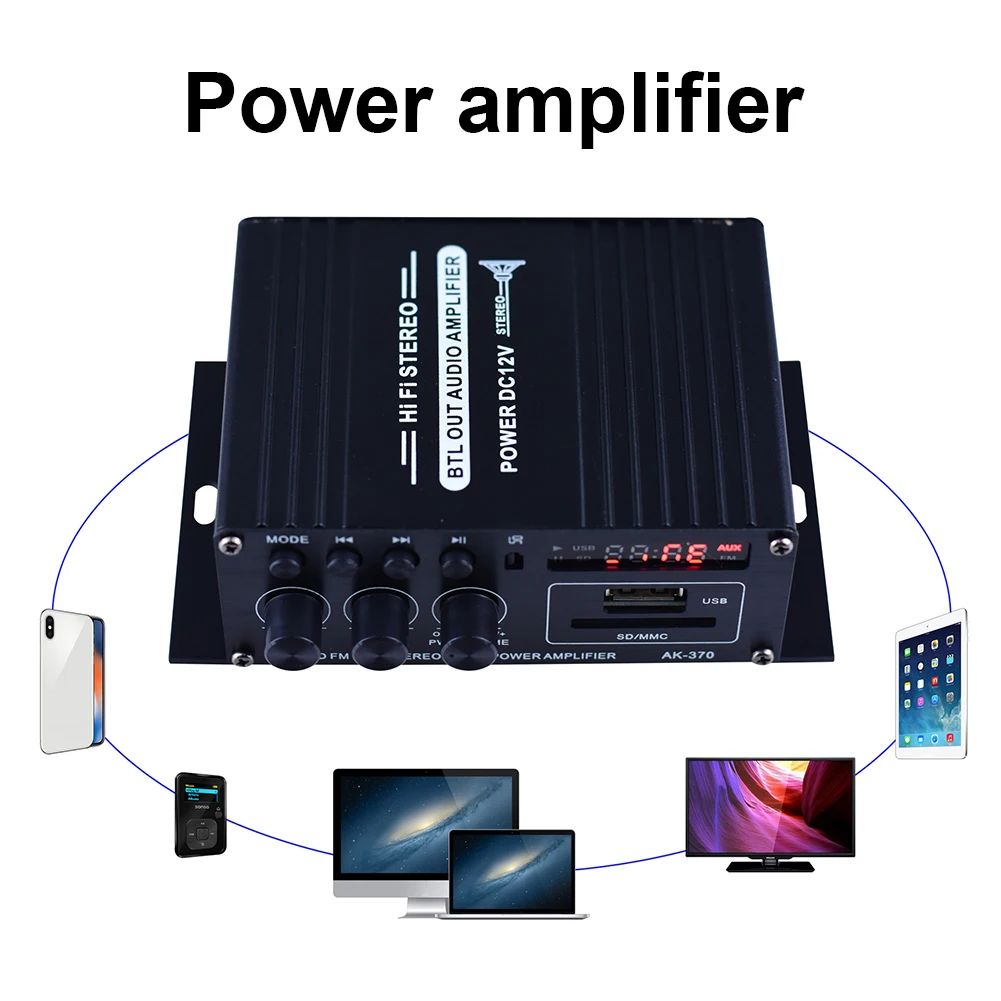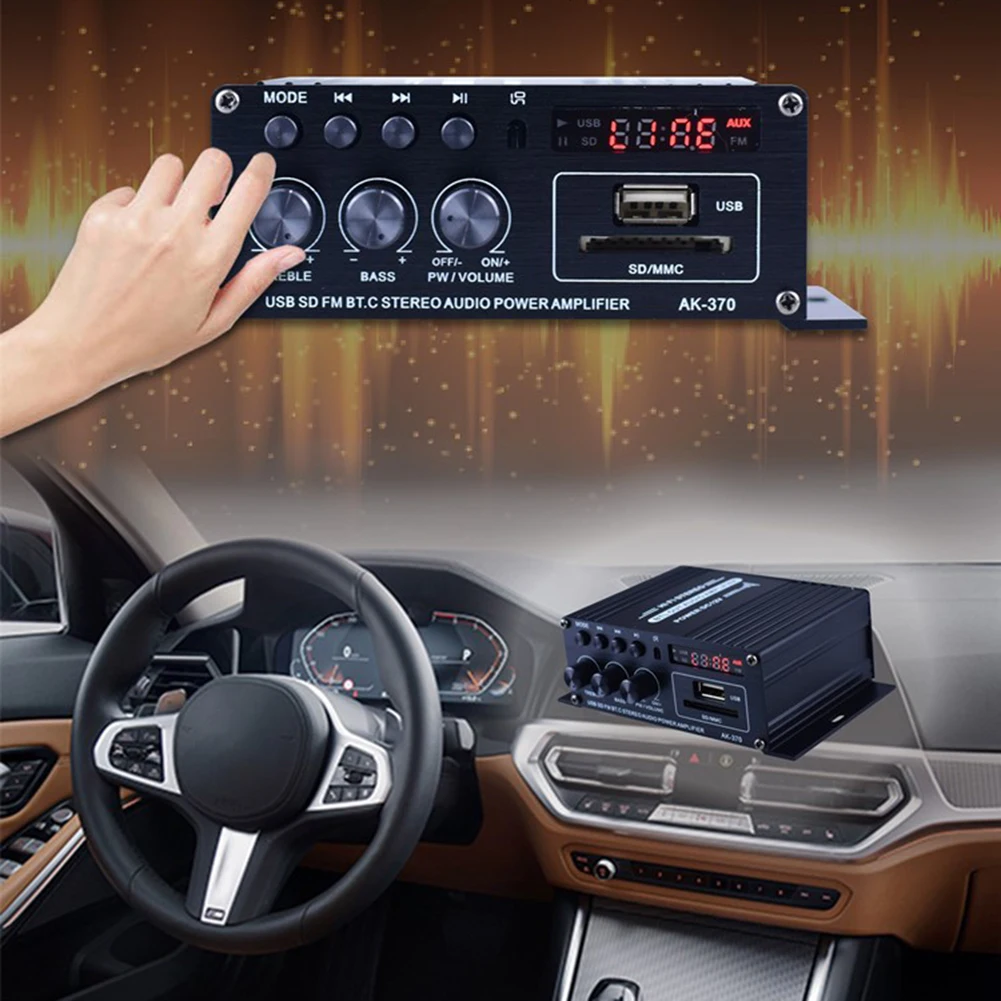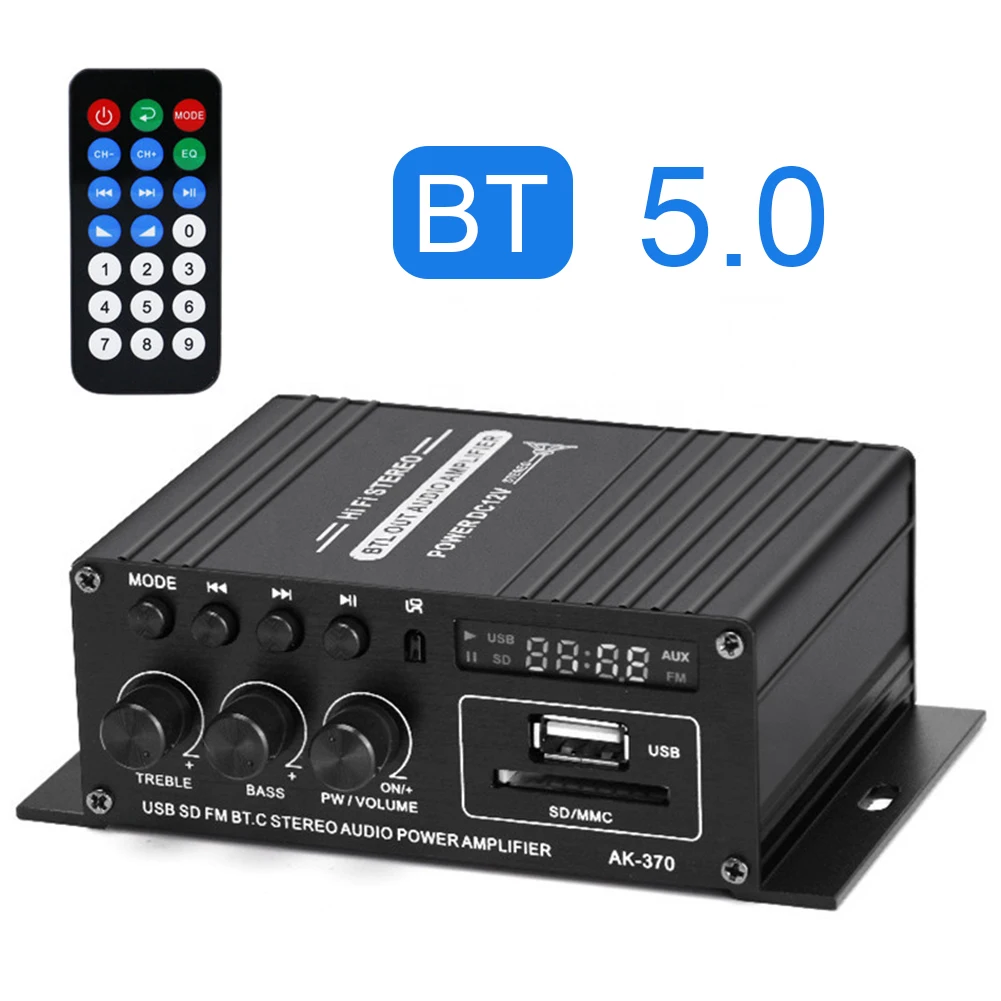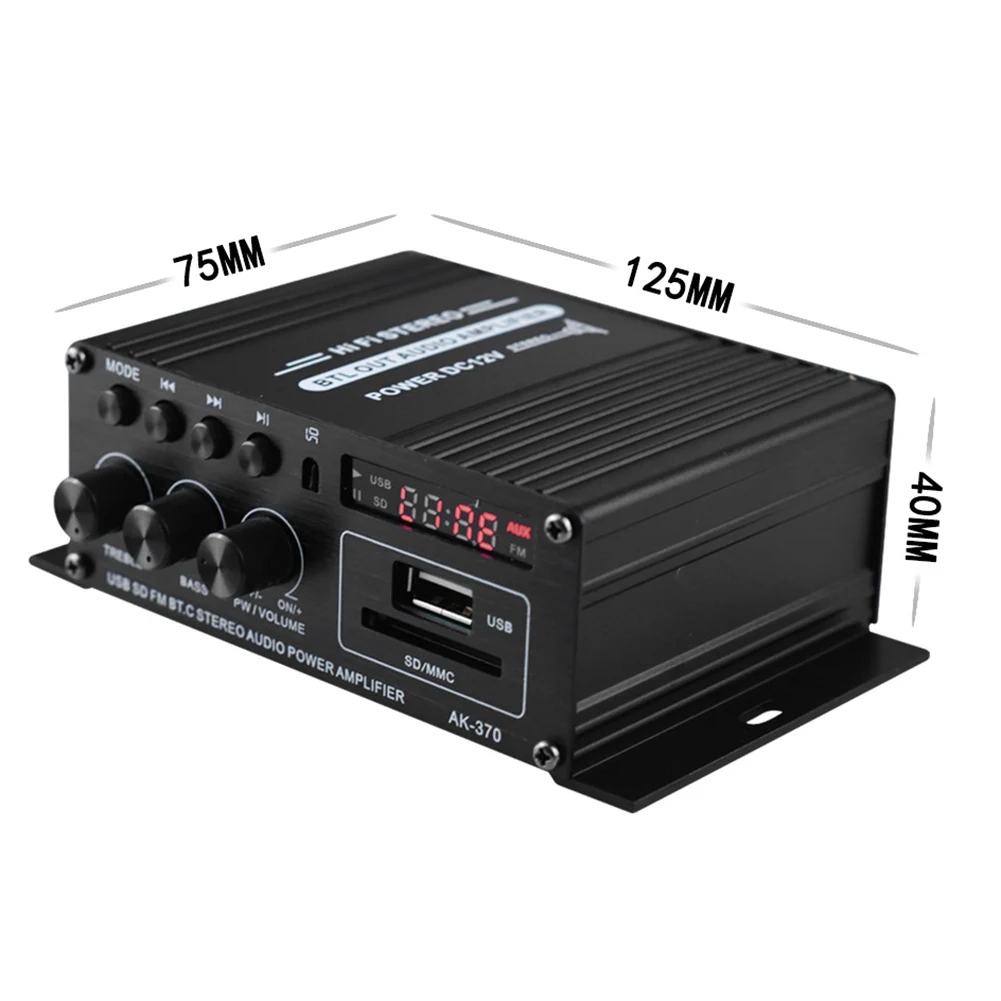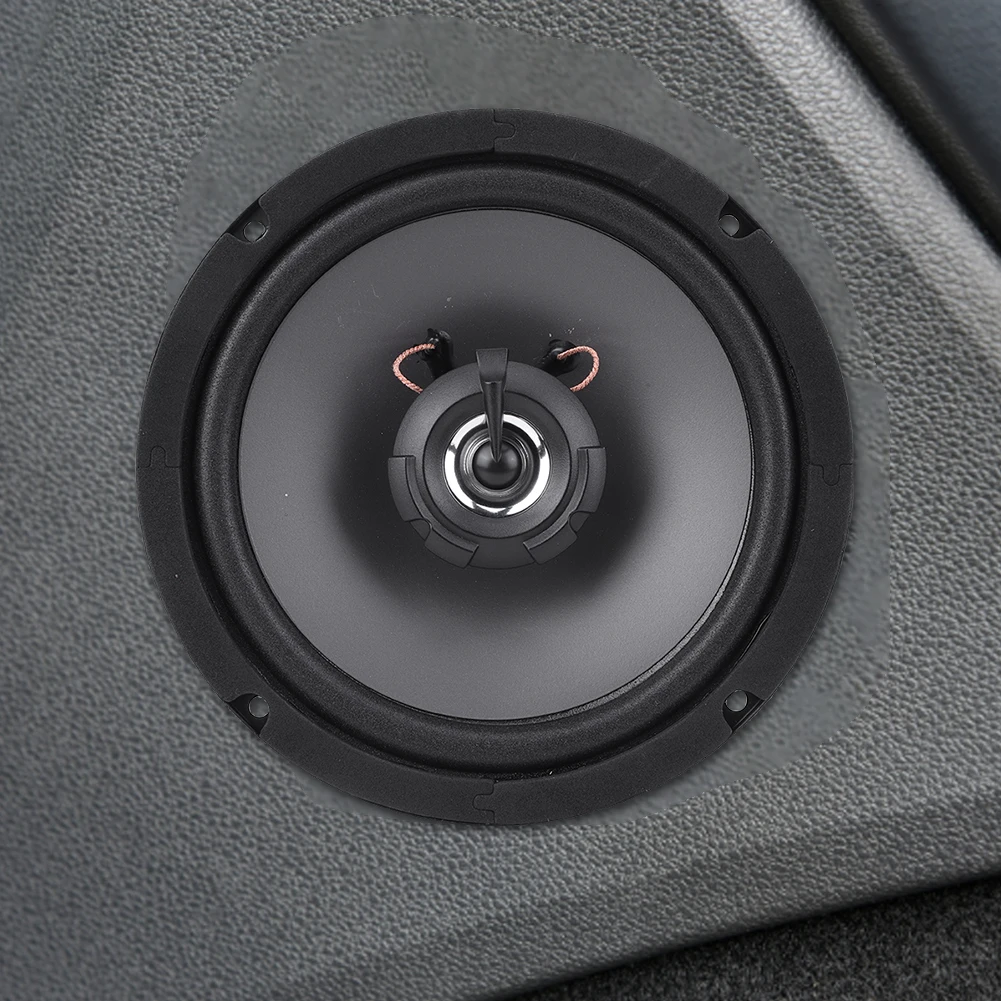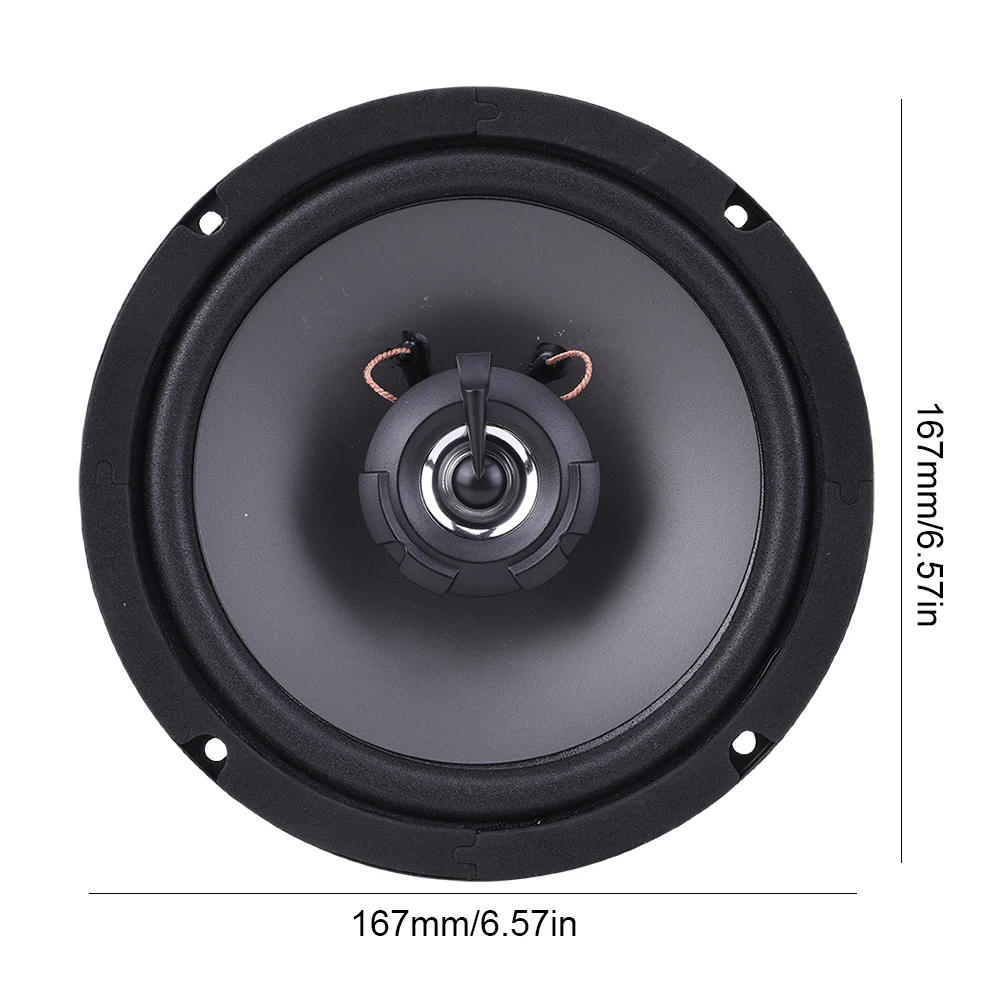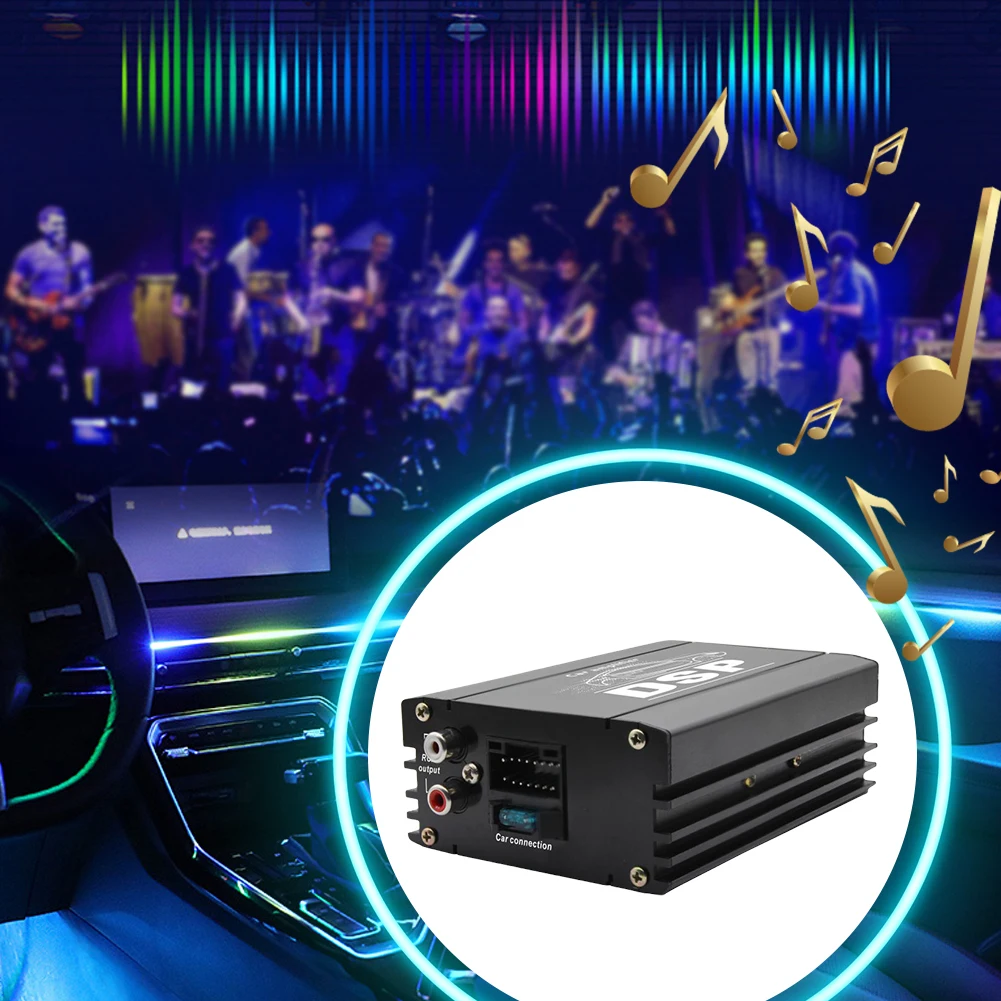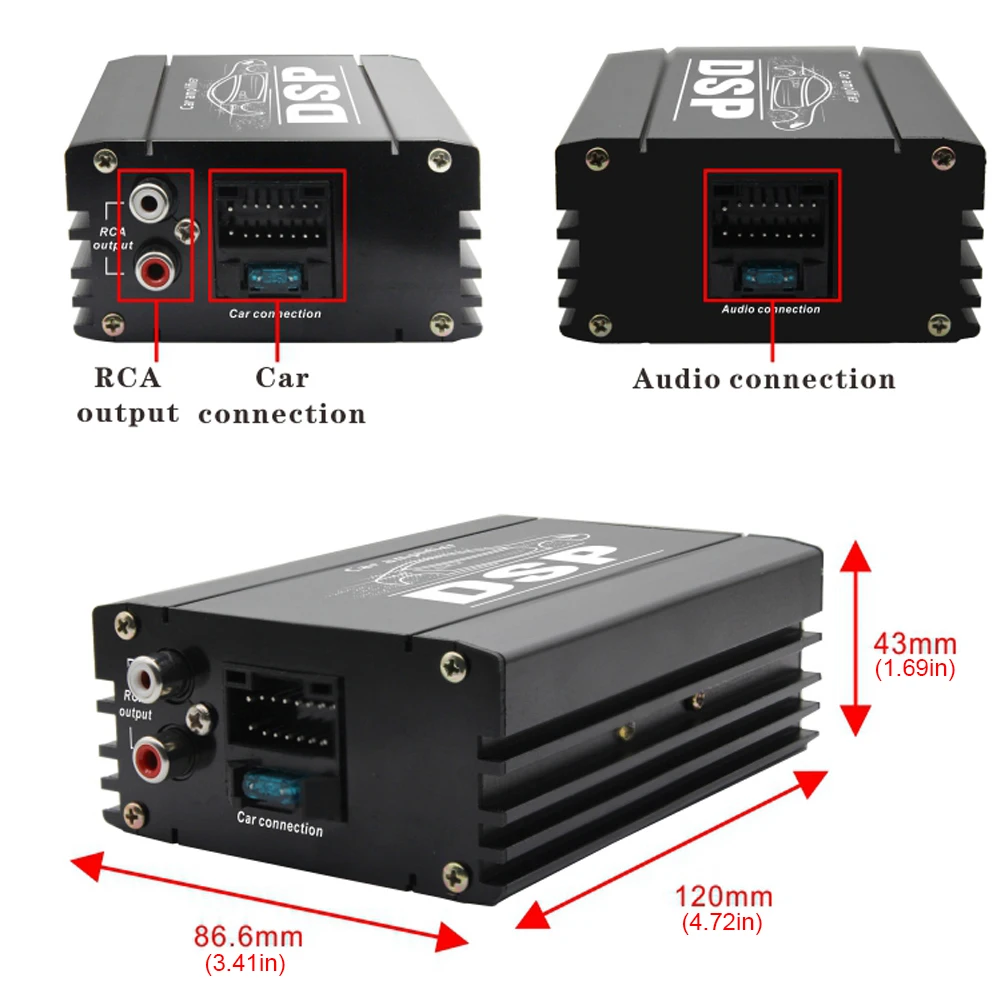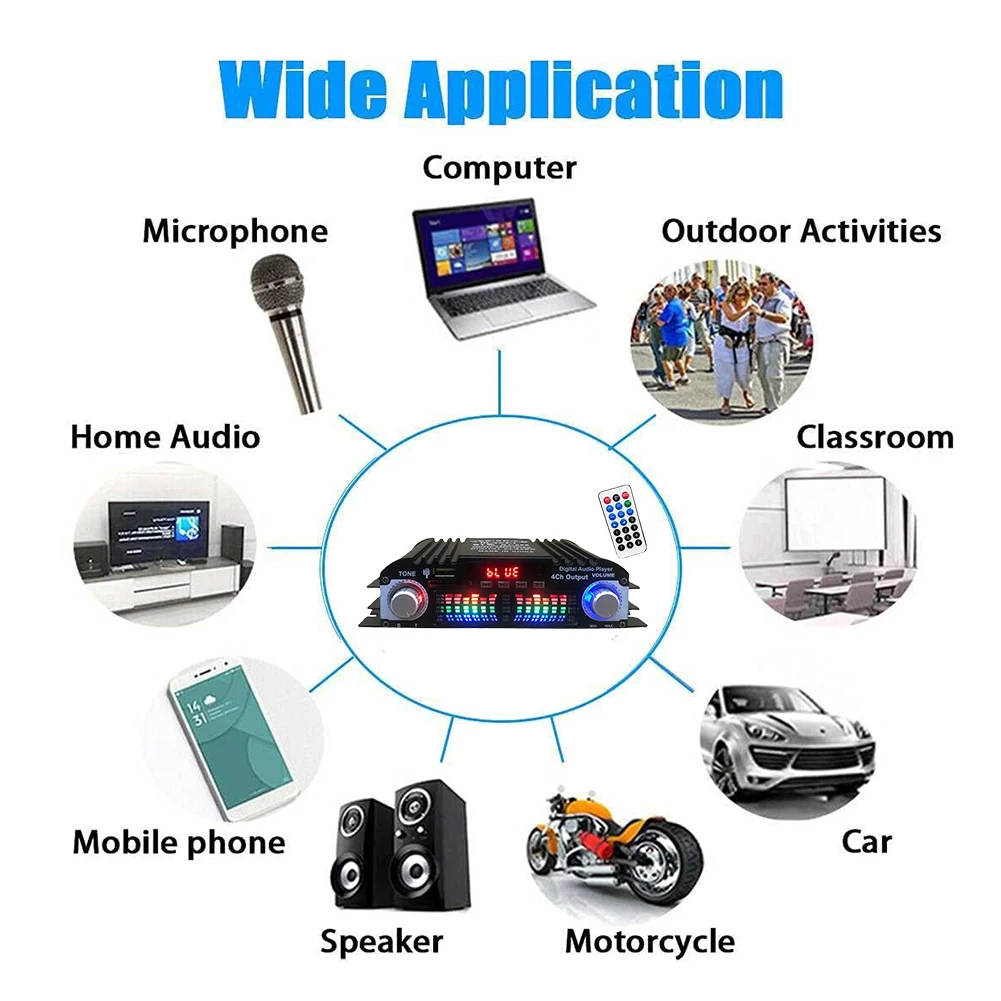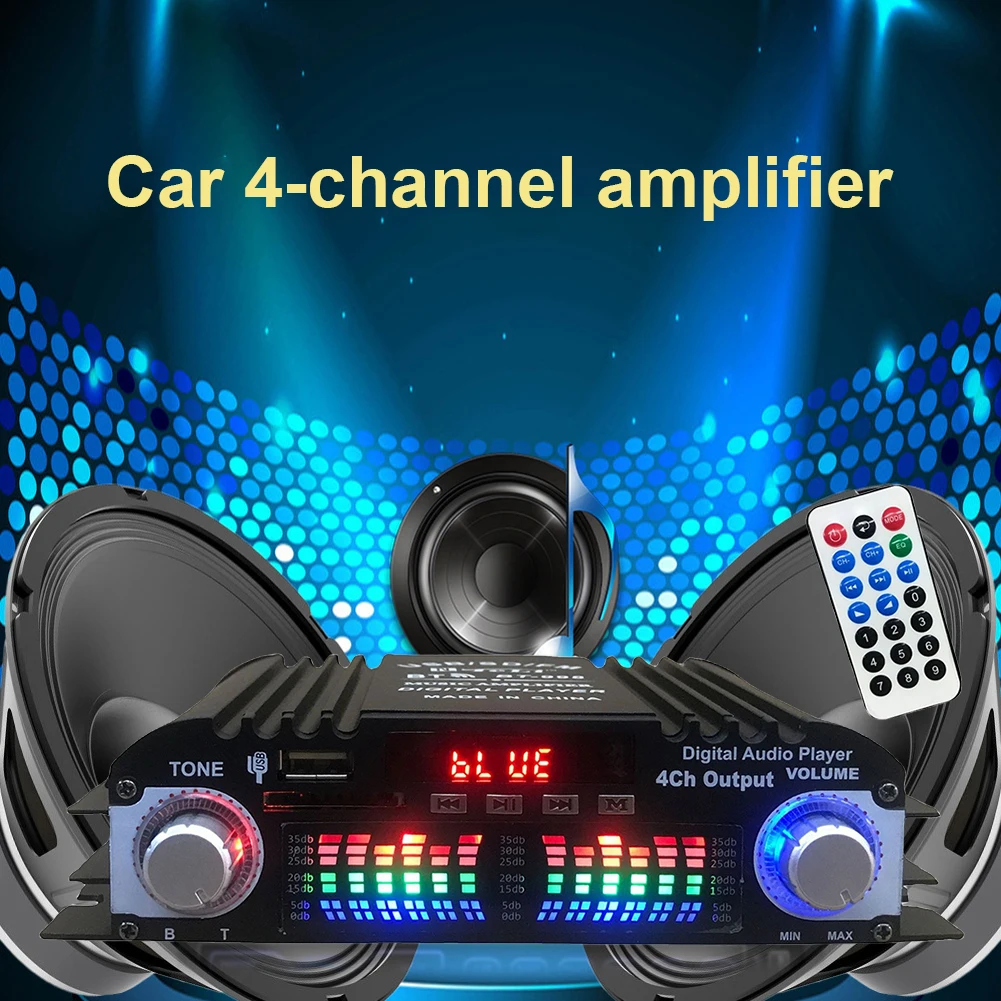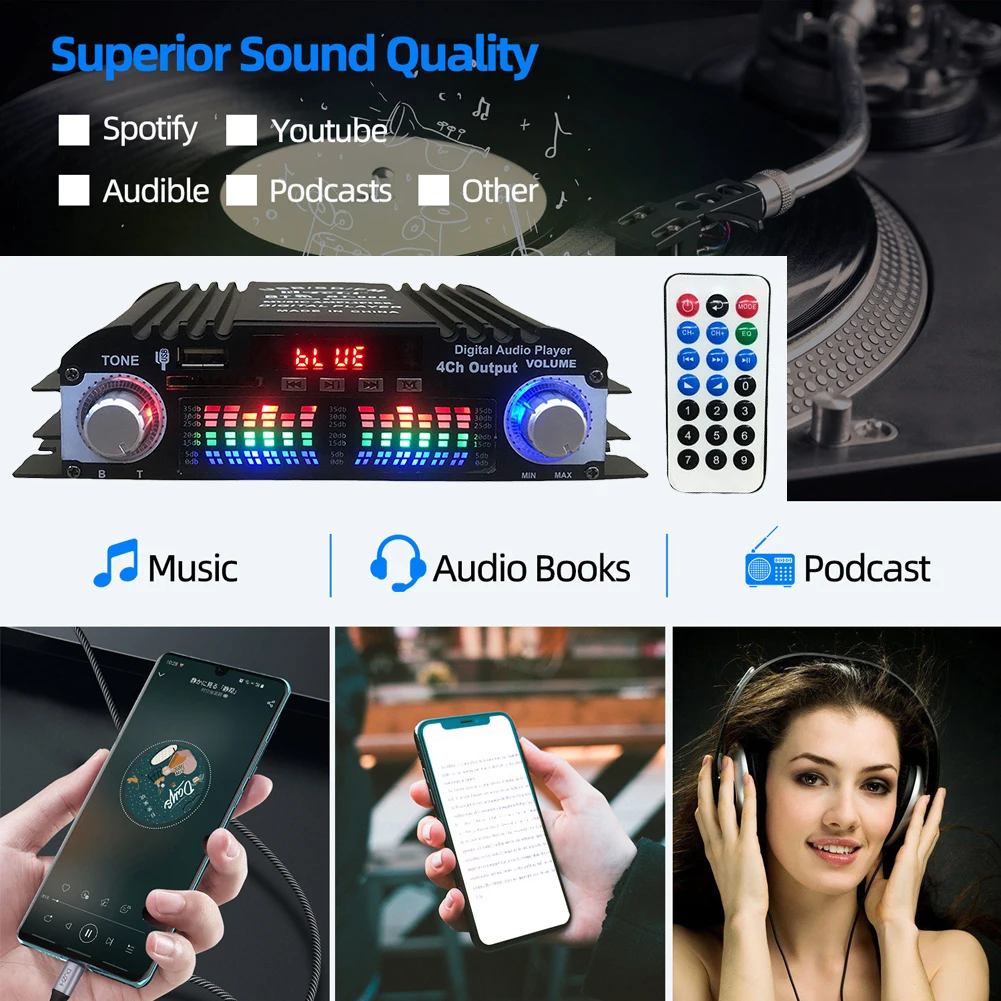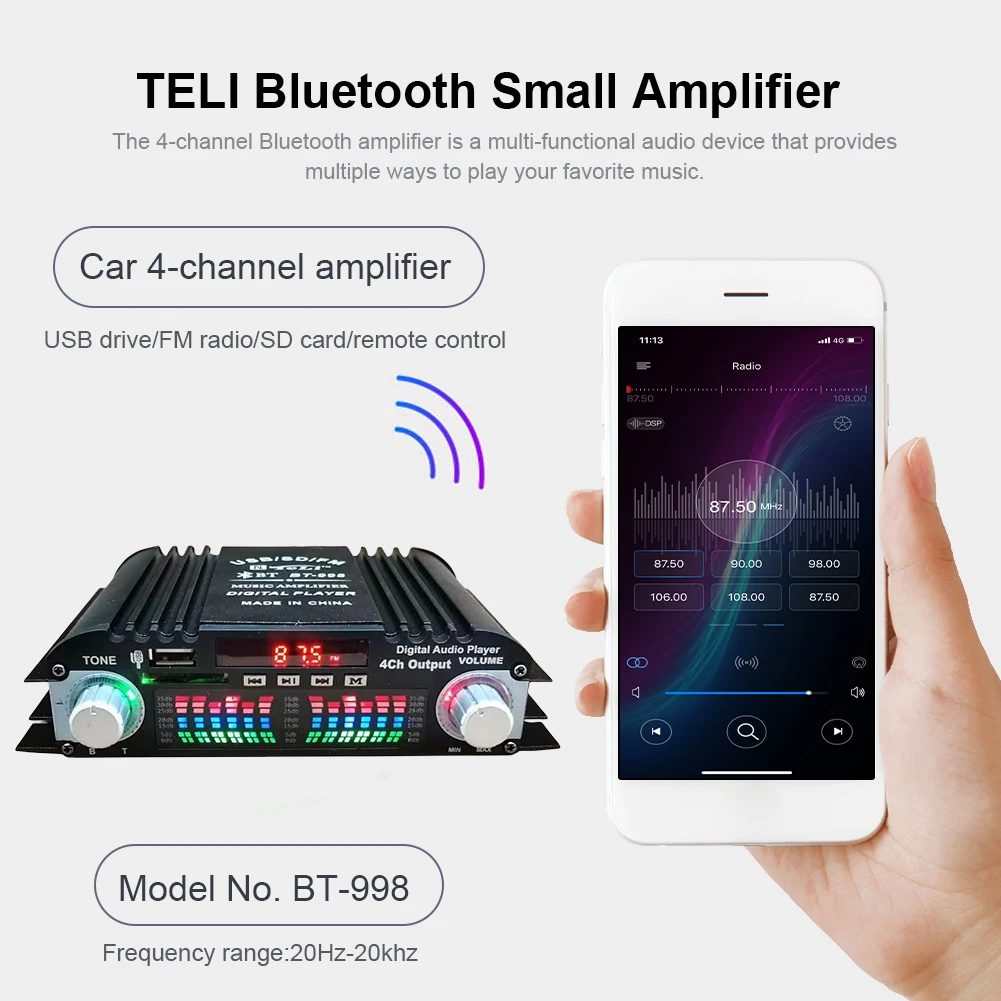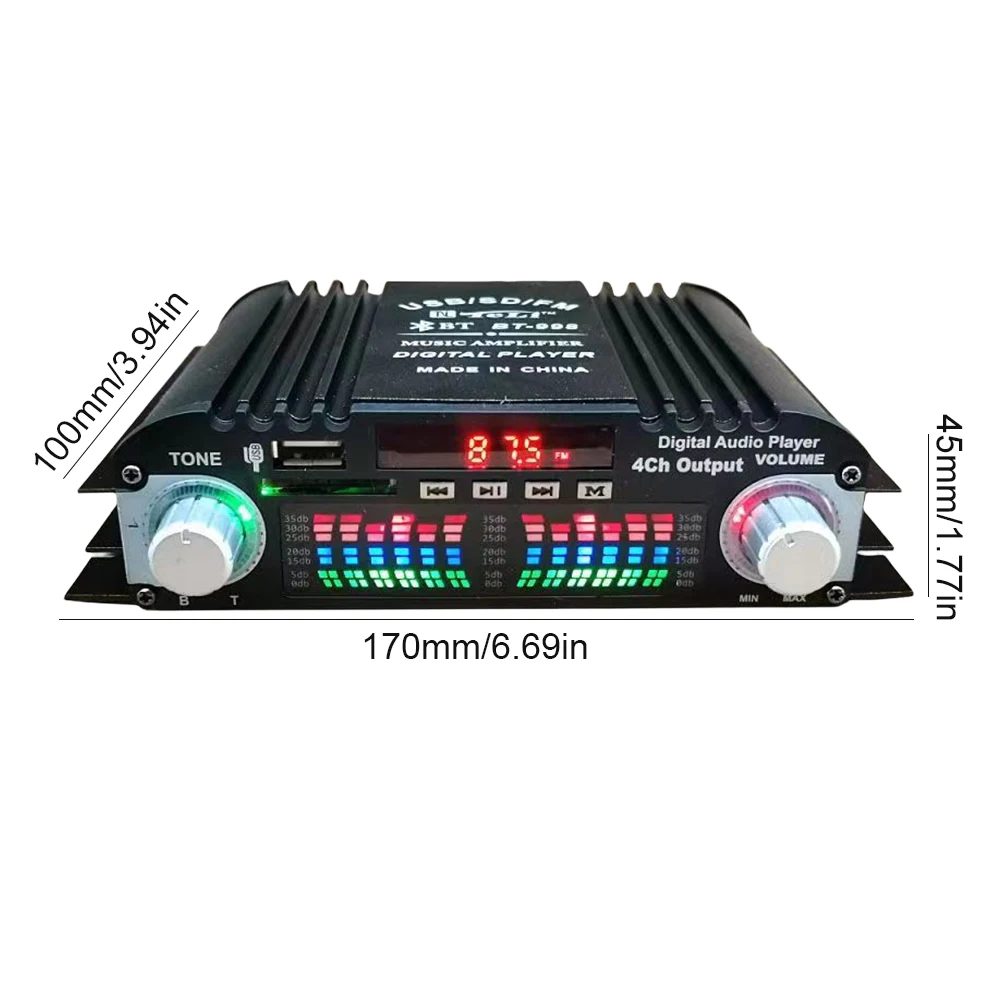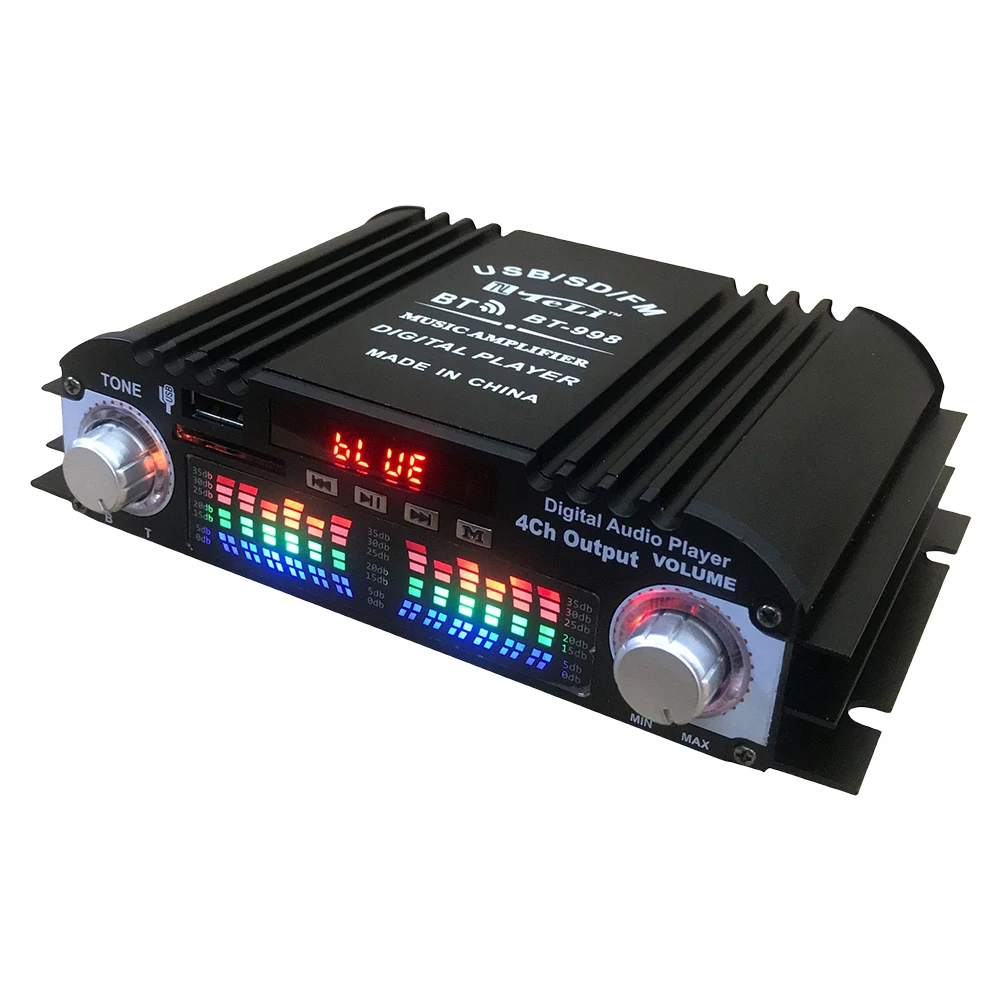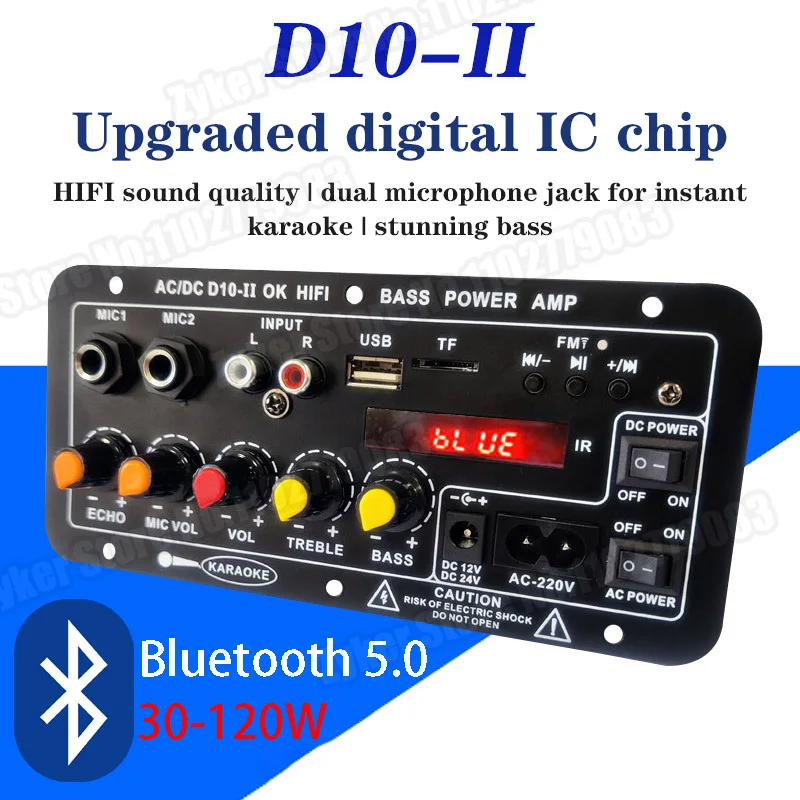
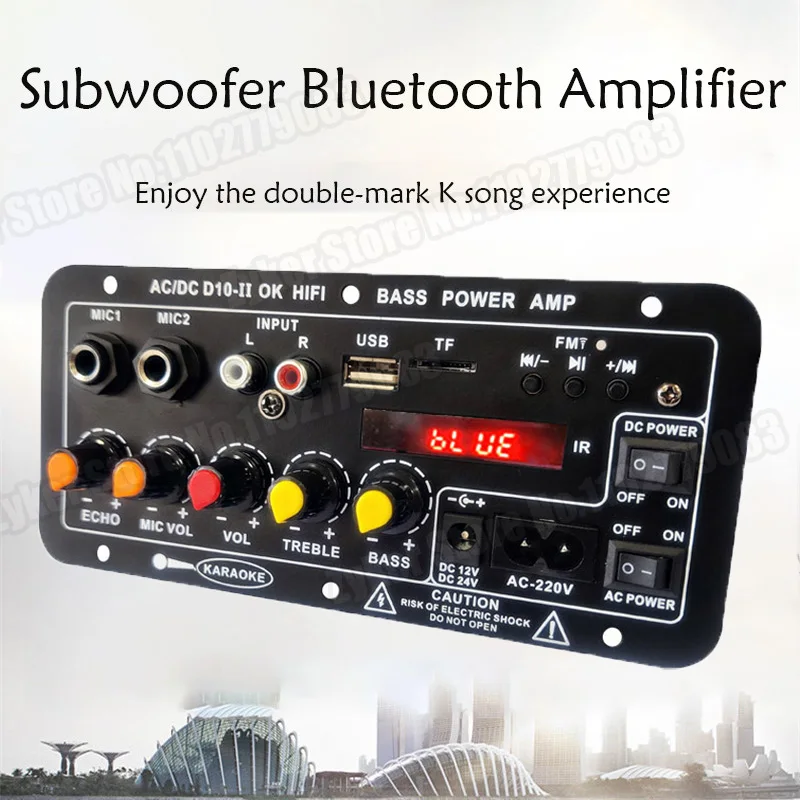
D10-II 12V 24V Car Bluetooth Amplifier Board AUX TF Card USB 30-120W for 4 Ohm 40W Speaker 220V EU Subwoofer Audio Amp Module
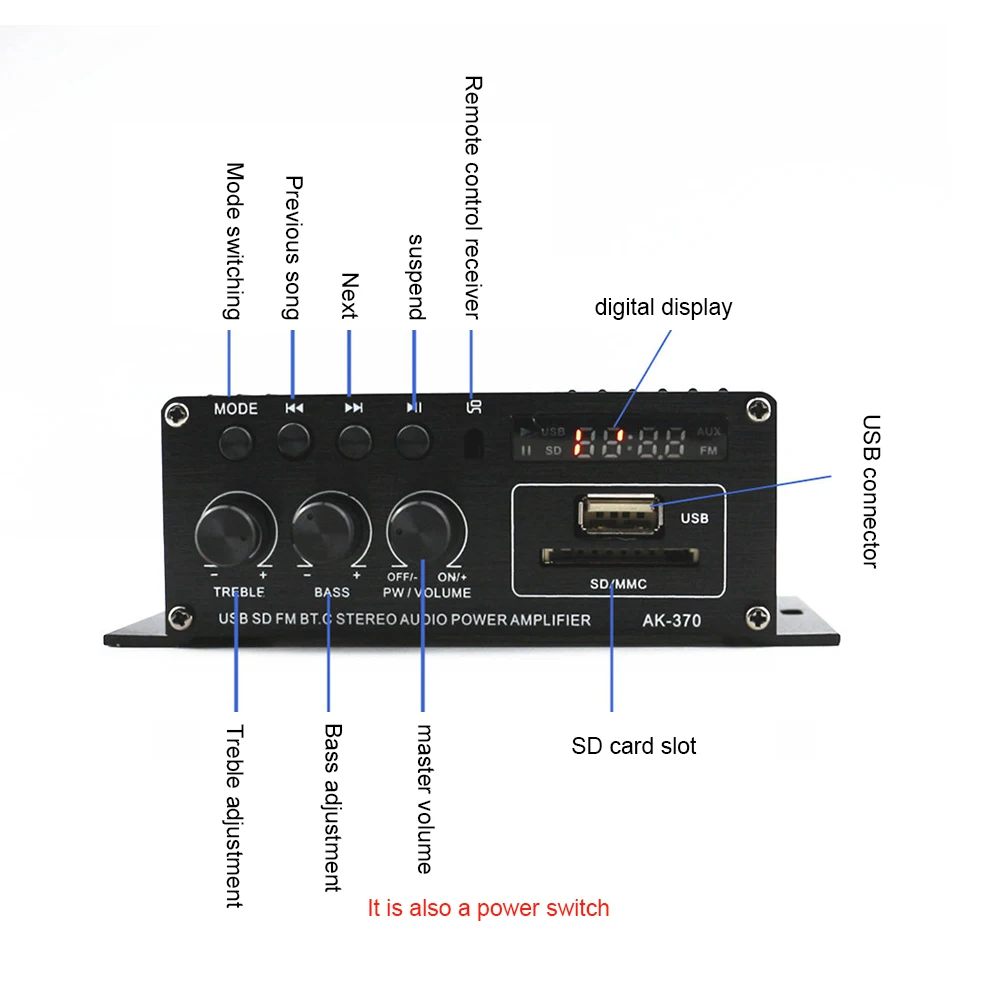
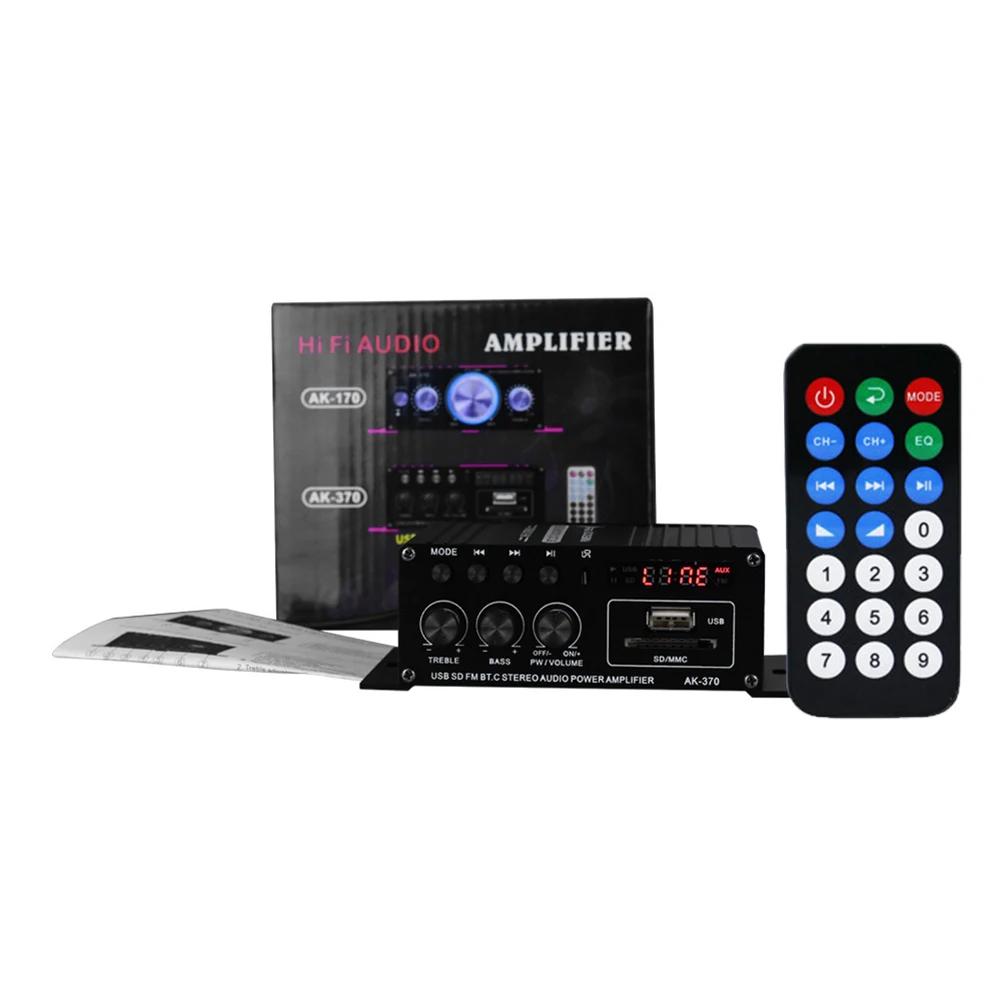
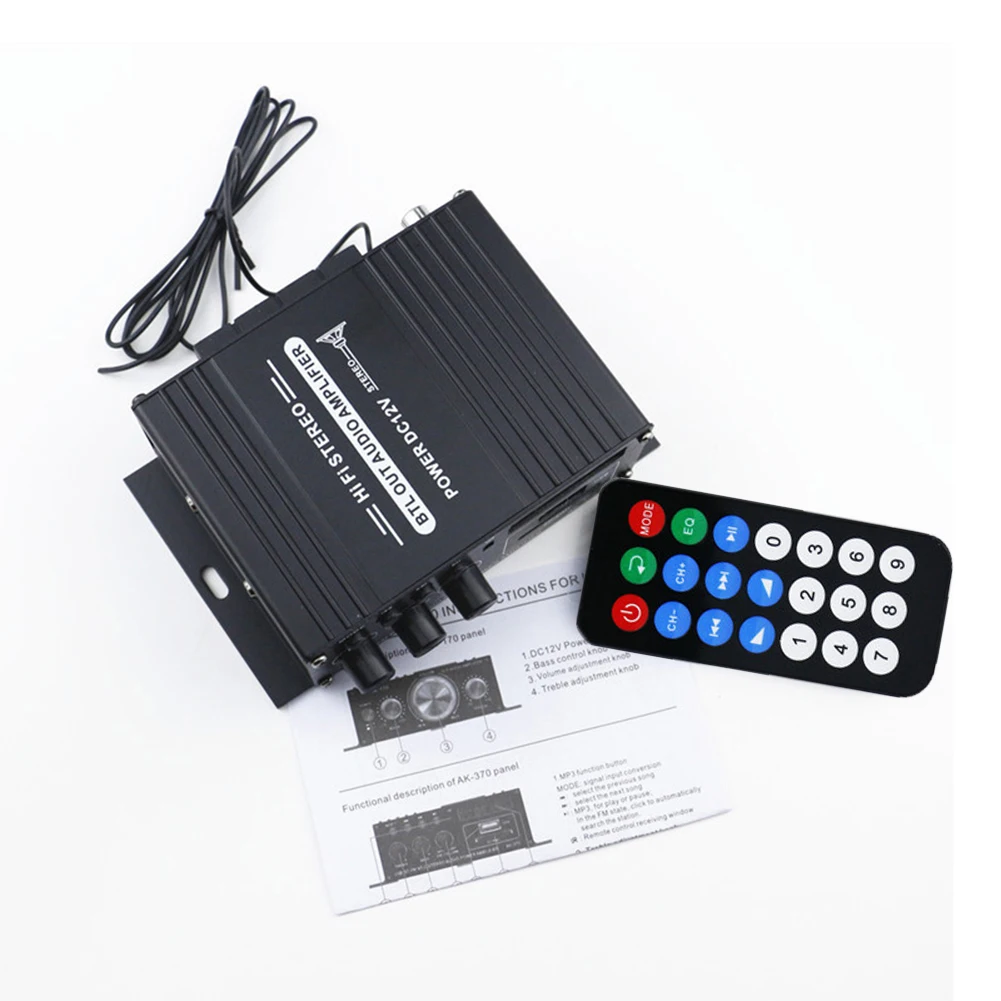
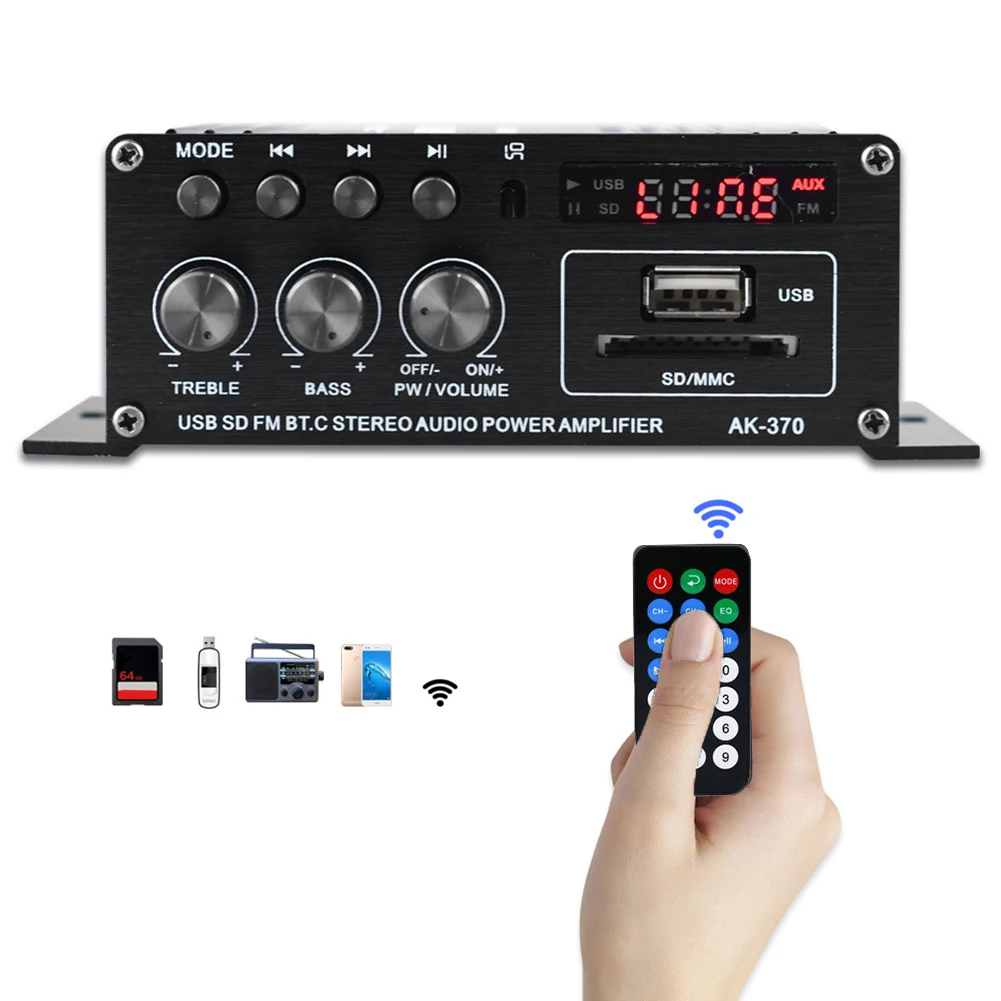
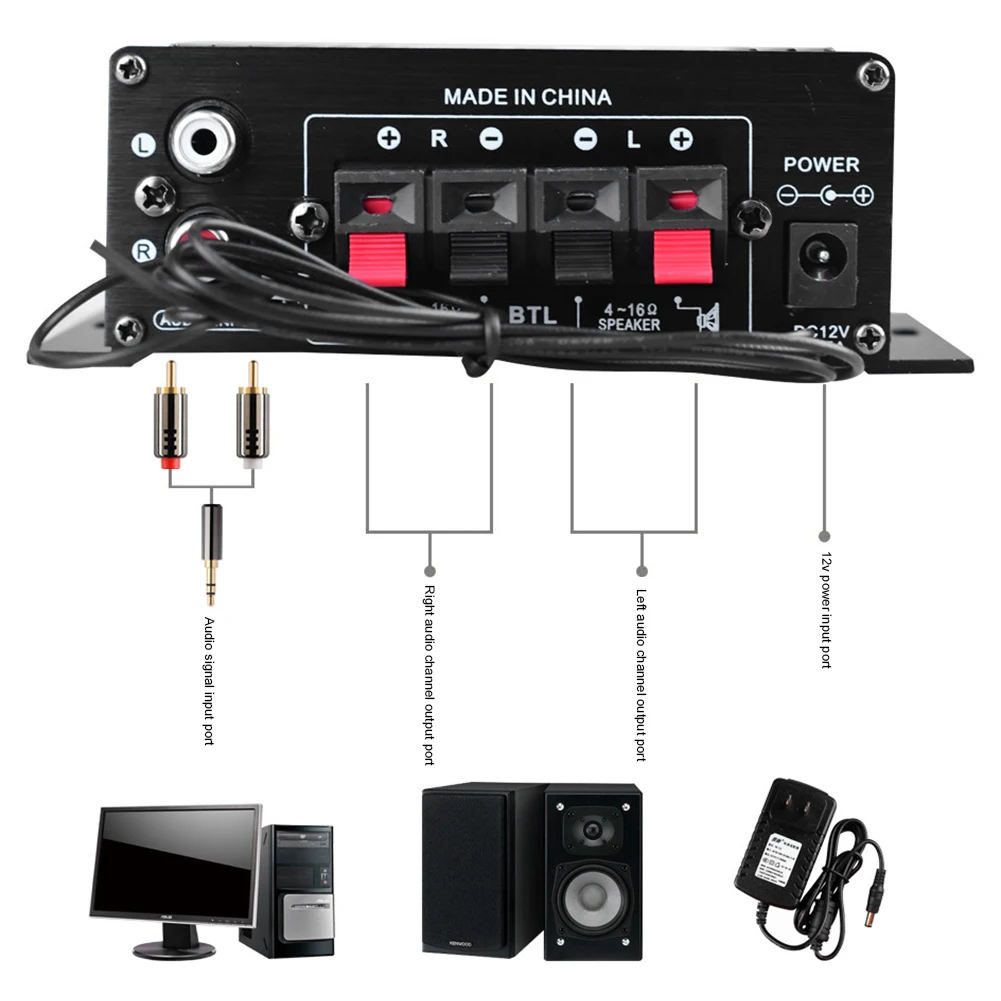
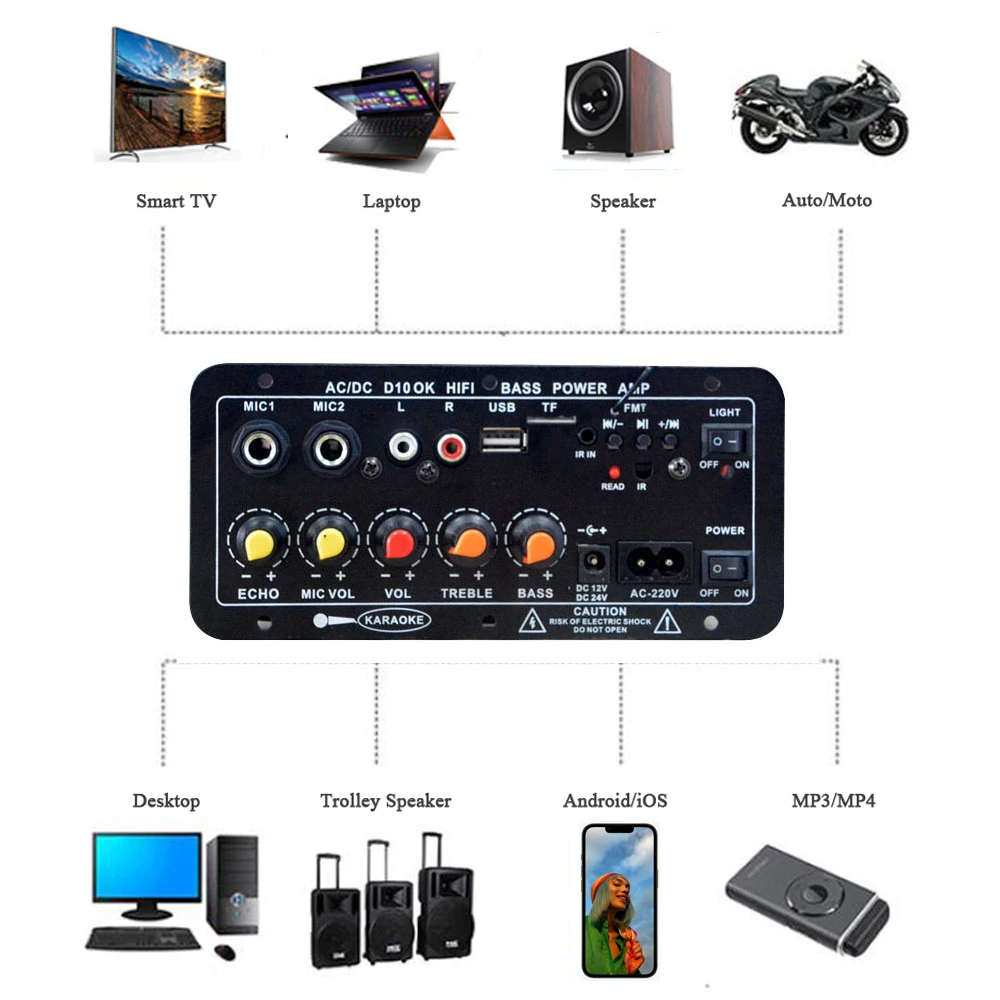
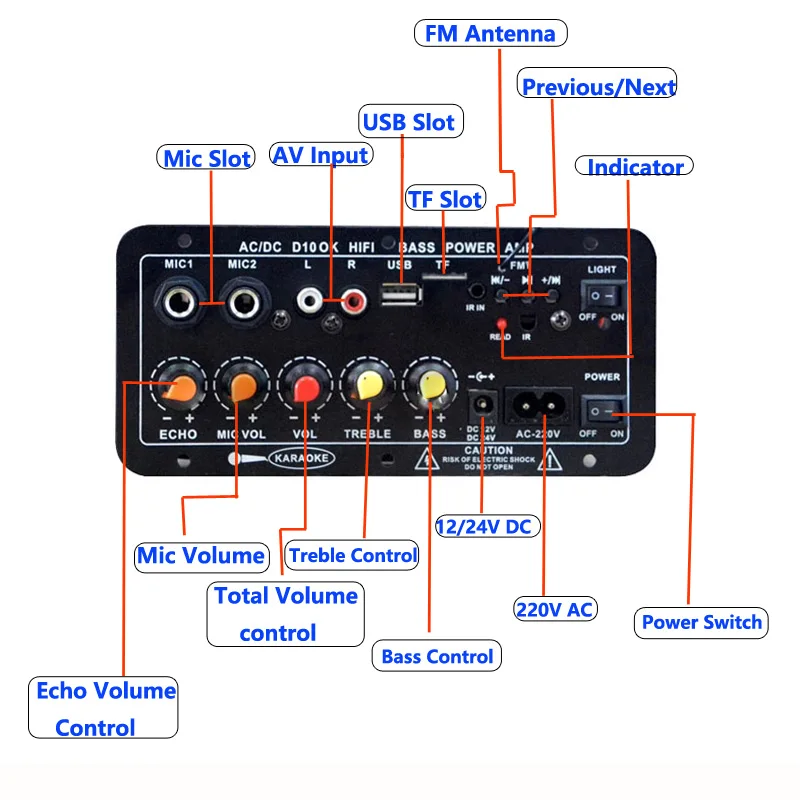
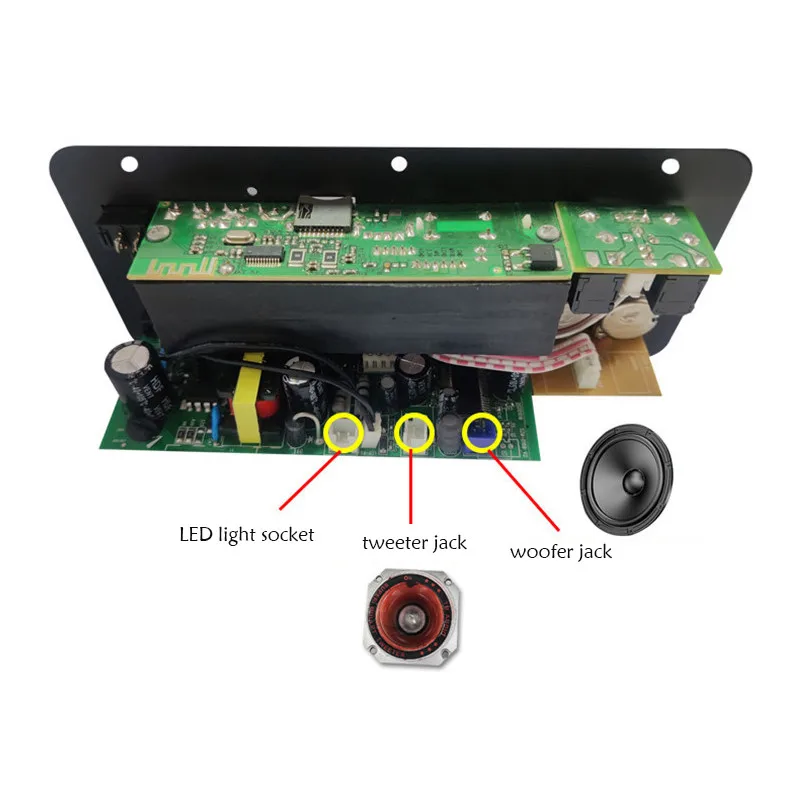
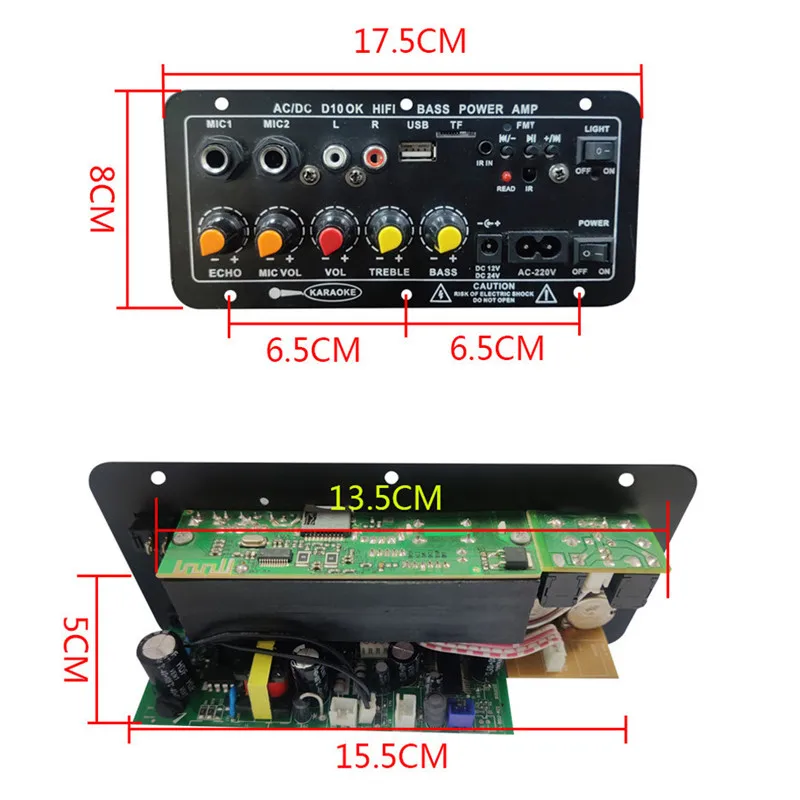
<h2><span style="font-size:16px"><span style="font-size:18px"><strong>D10-II 12V 24V Car Bluetooth Amplifier Board AUX TF Card USB 30-120W for 4 Ohm 40W Speaker 220V EU Plug Subwoofer Audio Amp Module</strong></span></span></h2><p><div class="detailmodule_media"><div class="video-container-5000115352932"><div class="detail-video" id="5000115352932" data-previewurl="https://ae01.alicdn.com/kf/Sa336eaf4363c42dcaf22d86244c310b7D.jpg"></div></div></div><span style="font-size:16px"><span style="font-size:18px"><strong></strong></span></span></p><p><br/></p><h2><span style="font-size:16px"><span style="font-size:18px"><strong>How to use ?</strong></span></span><span style="font-size:16px"><br/>Different from 2.0 channel amplifier which use Left and Right same speakers, this 1.0 mono amplifier board, its 2 output interface frequency are different, the high-frequency interface is connected to the Treble Speaker, and the low-frequency interface is connected to the Bass Speaker, so as to achieve the stereo tone reverberation effect.<br/>TIPS: Don't connect ordinary 2.0 speakers, otherwise the side connected to the bass will feel weak, cuz ordinary speakers cannot achieve bass effect.<br/><br/></span><span style="font-size:16px"><span style="font-size:18px"><strong>Feature:</strong></span></span><span style="font-size:16px"><br/>1. Support reading MP3 songs in TF-card / U-disk.<br/>2. Independent adjustment of Treble, Bass and Master volume.<br/>3. Built-in Bluetooth Receiver and FM Radio Function.<br/>4. With AUX input port, can be connected to the PC/Phone/CD.<br/>5. Dual microphone input, adjustable reverb.<br/>6. Support Voltage AC 110V/ 220V or DC 12-24V.<br/><br/></span><span style="font-size:16px"><span style="font-size:18px"><strong>Note:</strong></span></span><span style="font-size:16px"><br/>1. The AC Power will finally convert to DC 12V via the transformer built-in, you can connect DC 24V Power for higher power.<br/>2. Only use 1 power supply method. If connect DC Power, the current must over 3A.<br/>3. DIY product, the circuit board on the back will be hidden, pls focus your attention on its sound effect.<br/>4. The ''Power Switch'' button just for AC Power mode, Not valid in DC mode.<br/>5. The mic port not support guitar. for better effect, phantom power is recommended.<br/><br/></span><span style="font-size:16px"><span style="font-size:18px"><strong>Description:</strong></span></span><span style="font-size:16px"><br/>Type: BT Amplifier Board<br/>Model: D10-II<br/>Bluetooth Version: 5.0<br/>Audio Channel: 1.0<br/>Rated impedance: 4Ω<br/>Rated Power: 40W<br/>Power Range: 30-120W (Deponds on Voltage)<br/>Fit for Speaker: 4 ohm / below 40W<br/>Distortion: 0.03%<br/>S/N Rate: 92db<br/>Battery of Remote: CR2025 x1(Not Included!)<br/>Input: Bluetooth/3.5mm RCA/U-Disk/TF/MIC<br/>Feature: FM Radio / Treble / Bass<br/>Voltage: AC 110V/220V, DC 12-24V<br/><br/></span><span style="font-size:16px"><span style="font-size:18px"><strong>Package Included:</strong></span></span><span style="font-size:16px"><br/>1x Bluetooth AMP Board<br/>1x Remote Control<br/>1x AC Power Cable </span><span style="color:rgb(211, 49, 21);font-size:16px">(EU Plug)</span><span style="font-size:16px"><br/>1x DC Power Line<br/>2x Audio Cable<br/></span><br/><br/><br/><br/><br/><br/><br/><br/><br/><br/><br/><br/><br/><br/><br/><br/><span style="font-size:18px"><strong>''MODE'' Button = Long Press ''Play'' Button</strong></span><br/><br/><span style="font-size:18px"><strong>How to Connect Bluetooth ?</strong></span><br/><span style="font-size:16px">1. Press ''MODE'' button to switch it to Bluetooth status.</span><br/><span style="font-size:16px">2. Open phone Bluetooth, search the Bluetooth device and connect.</span><br/><span style="font-size:16px">3. You can use it after pairing successfully.</span><br/><br/><span style="font-size:18px"><strong>About FM Function:</strong></span><br/><span style="font-size:16px">1. Expand the Radio Antenna.</span><br/><span style="font-size:16px">2. Press ''MODE'' button to switch it to the FM state.</span><br/><span style="font-size:16px">3. Press ''Play'' button to search the entire channel and save.</span><br/><span style="font-size:16px">4. Press the previous / next track to switch to use.</span><br/><br/><span style="font-size:16px">TIPS: This is not professional radio, only a small number of channels can be listened to. For more channels, pls buy professional radios.</span></h2><p><br/></p>
$47.915
$25.88
- Category : Automobiles, Parts & Accessories
- Brand : zyker_store Zyker Store
Colors
Sizes
-
+

<h2><span style="font-size:16px"><span style="font-size:18px"><strong>D10-II 12V 24V Car Bluetooth Amplifier Board AUX TF Card USB 30-120W for 4 Ohm 40W Speaker 220V EU Plug Subwoofer Audio Amp Module</strong></span></span></h2><p><div class="detailmodule_media"><div class="video-container-5000115352932"><div class="detail-video" id="5000115352932" data-previewurl="https://ae01.alicdn.com/kf/Sa336eaf4363c42dcaf22d86244c310b7D.jpg"></div></div></div><span style="font-size:16px"><span style="font-size:18px"><strong></strong></span></span></p><p><br/></p><h2><span style="font-size:16px"><span style="font-size:18px"><strong>How to use ?</strong></span></span><span style="font-size:16px"><br/>Different from 2.0 channel amplifier which use Left and Right same speakers, this 1.0 mono amplifier board, its 2 output interface frequency are different, the high-frequency interface is connected to the Treble Speaker, and the low-frequency interface is connected to the Bass Speaker, so as to achieve the stereo tone reverberation effect.<br/>TIPS: Don't connect ordinary 2.0 speakers, otherwise the side connected to the bass will feel weak, cuz ordinary speakers cannot achieve bass effect.<br/><br/></span><span style="font-size:16px"><span style="font-size:18px"><strong>Feature:</strong></span></span><span style="font-size:16px"><br/>1. Support reading MP3 songs in TF-card / U-disk.<br/>2. Independent adjustment of Treble, Bass and Master volume.<br/>3. Built-in Bluetooth Receiver and FM Radio Function.<br/>4. With AUX input port, can be connected to the PC/Phone/CD.<br/>5. Dual microphone input, adjustable reverb.<br/>6. Support Voltage AC 110V/ 220V or DC 12-24V.<br/><br/></span><span style="font-size:16px"><span style="font-size:18px"><strong>Note:</strong></span></span><span style="font-size:16px"><br/>1. The AC Power will finally convert to DC 12V via the transformer built-in, you can connect DC 24V Power for higher power.<br/>2. Only use 1 power supply method. If connect DC Power, the current must over 3A.<br/>3. DIY product, the circuit board on the back will be hidden, pls focus your attention on its sound effect.<br/>4. The ''Power Switch'' button just for AC Power mode, Not valid in DC mode.<br/>5. The mic port not support guitar. for better effect, phantom power is recommended.<br/><br/></span><span style="font-size:16px"><span style="font-size:18px"><strong>Description:</strong></span></span><span style="font-size:16px"><br/>Type: BT Amplifier Board<br/>Model: D10-II<br/>Bluetooth Version: 5.0<br/>Audio Channel: 1.0<br/>Rated impedance: 4Ω<br/>Rated Power: 40W<br/>Power Range: 30-120W (Deponds on Voltage)<br/>Fit for Speaker: 4 ohm / below 40W<br/>Distortion: 0.03%<br/>S/N Rate: 92db<br/>Battery of Remote: CR2025 x1(Not Included!)<br/>Input: Bluetooth/3.5mm RCA/U-Disk/TF/MIC<br/>Feature: FM Radio / Treble / Bass<br/>Voltage: AC 110V/220V, DC 12-24V<br/><br/></span><span style="font-size:16px"><span style="font-size:18px"><strong>Package Included:</strong></span></span><span style="font-size:16px"><br/>1x Bluetooth AMP Board<br/>1x Remote Control<br/>1x AC Power Cable </span><span style="color:rgb(211, 49, 21);font-size:16px">(EU Plug)</span><span style="font-size:16px"><br/>1x DC Power Line<br/>2x Audio Cable<br/></span><br/><br/><br/><br/><br/><br/><br/><br/><br/><br/><br/><br/><br/><br/><br/><br/><span style="font-size:18px"><strong>''MODE'' Button = Long Press ''Play'' Button</strong></span><br/><br/><span style="font-size:18px"><strong>How to Connect Bluetooth ?</strong></span><br/><span style="font-size:16px">1. Press ''MODE'' button to switch it to Bluetooth status.</span><br/><span style="font-size:16px">2. Open phone Bluetooth, search the Bluetooth device and connect.</span><br/><span style="font-size:16px">3. You can use it after pairing successfully.</span><br/><br/><span style="font-size:18px"><strong>About FM Function:</strong></span><br/><span style="font-size:16px">1. Expand the Radio Antenna.</span><br/><span style="font-size:16px">2. Press ''MODE'' button to switch it to the FM state.</span><br/><span style="font-size:16px">3. Press ''Play'' button to search the entire channel and save.</span><br/><span style="font-size:16px">4. Press the previous / next track to switch to use.</span><br/><br/><span style="font-size:16px">TIPS: This is not professional radio, only a small number of channels can be listened to. For more channels, pls buy professional radios.</span></h2><p><br/></p>
Related Product
Browse The Collection of Top Products.