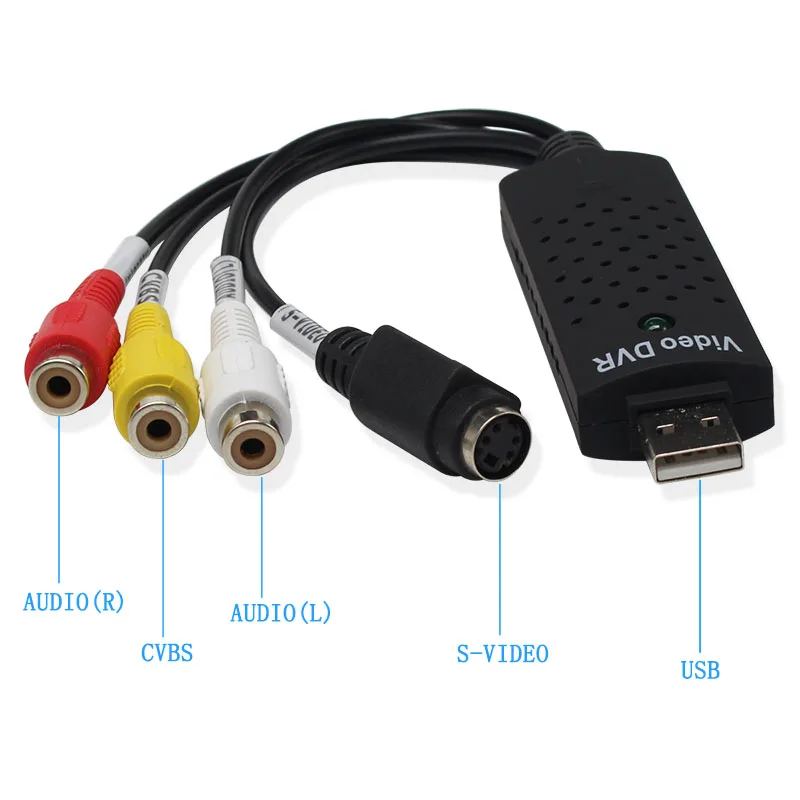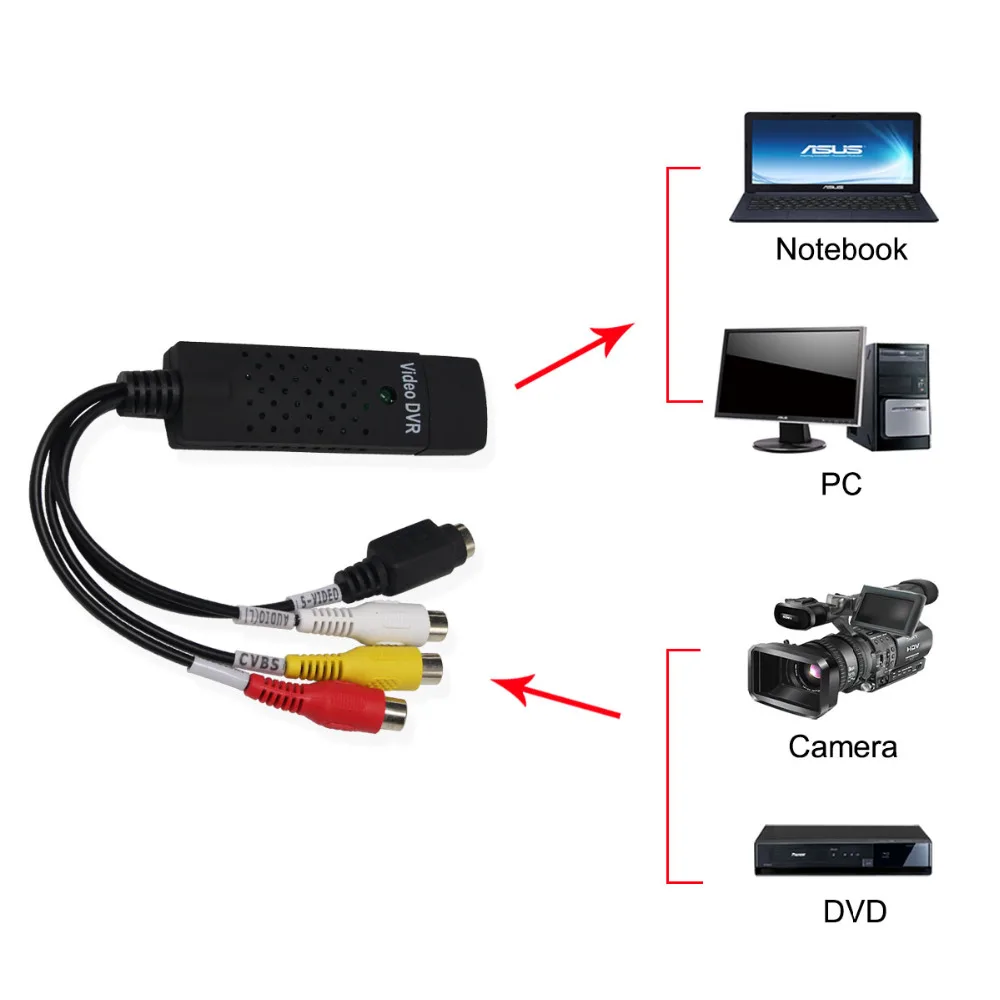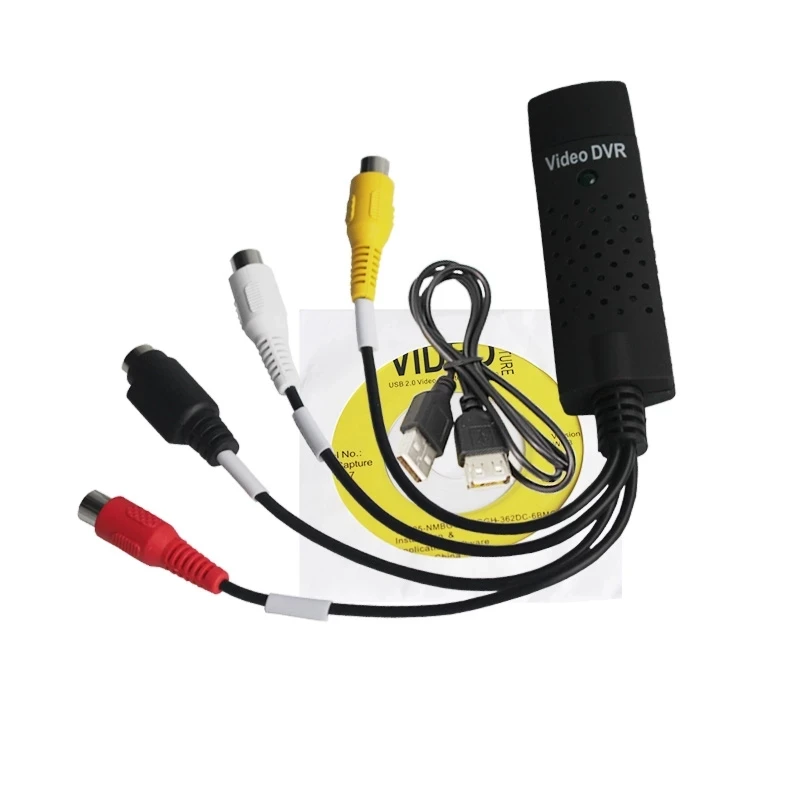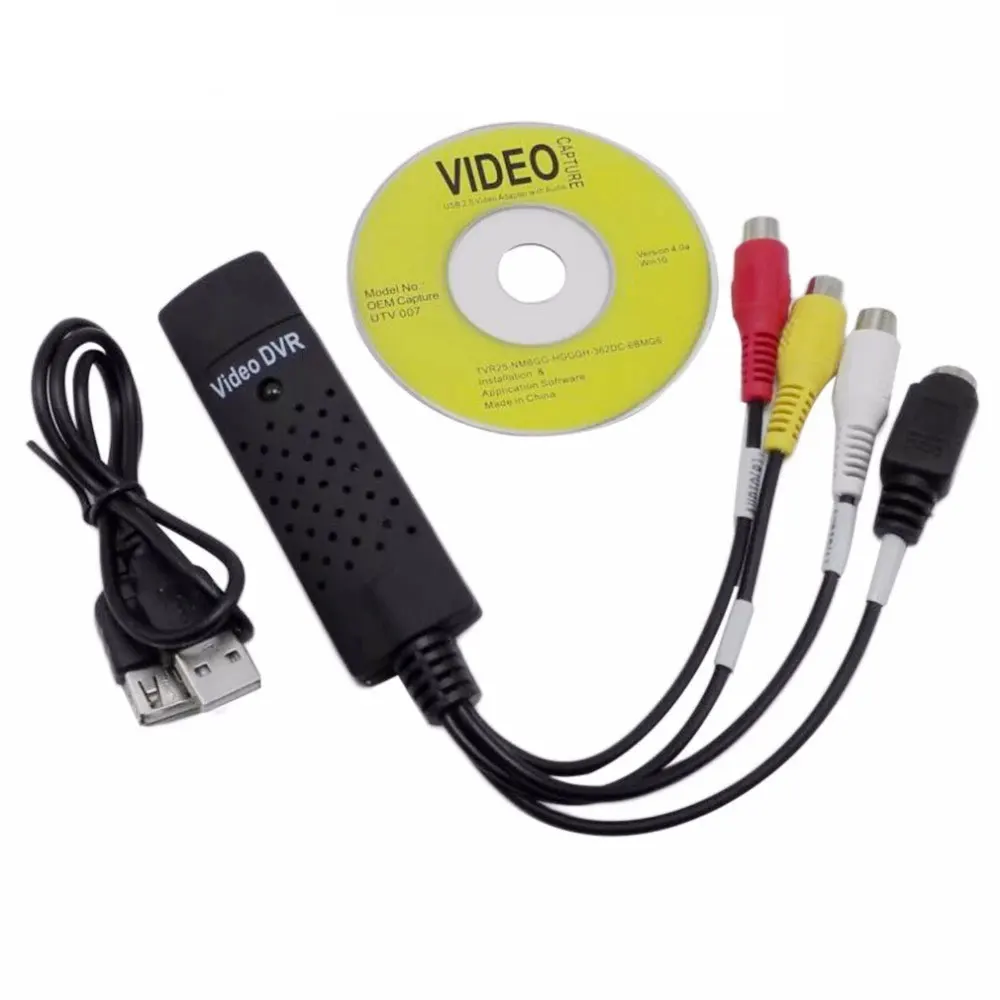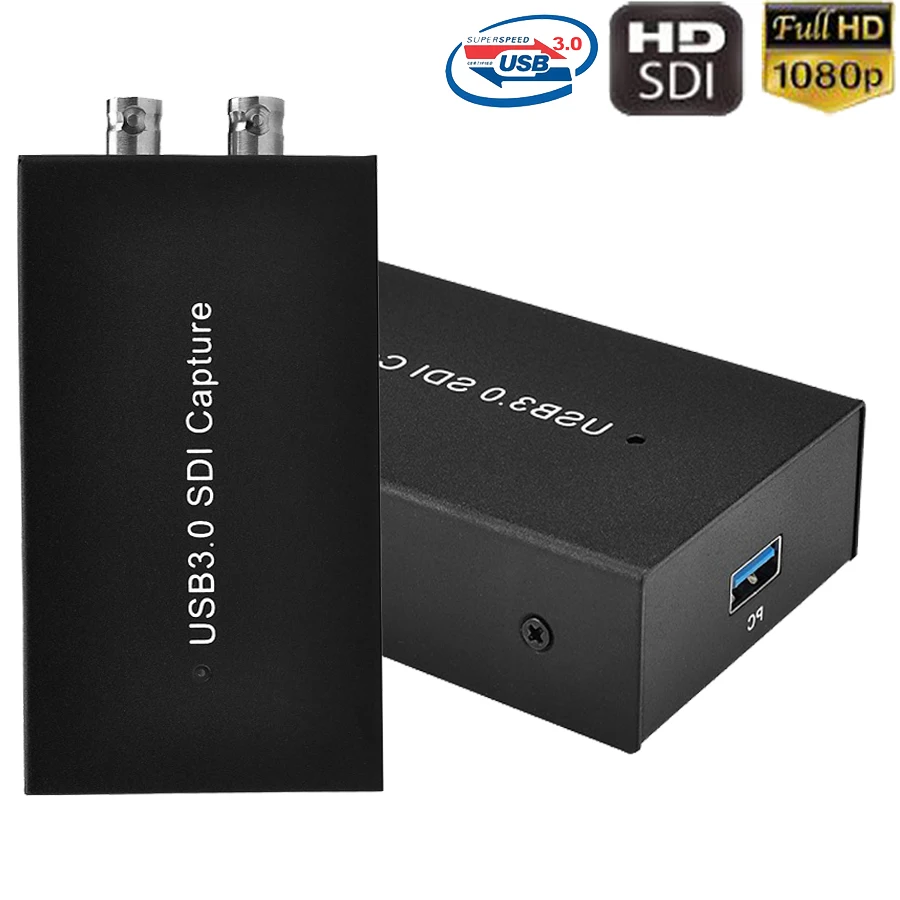
Ezcap 262 1080P 60fps USB SDI Video Record Recorder SDI to USB 3.0 Video Game Capture Card For Mac Windows Linux Live Streaming
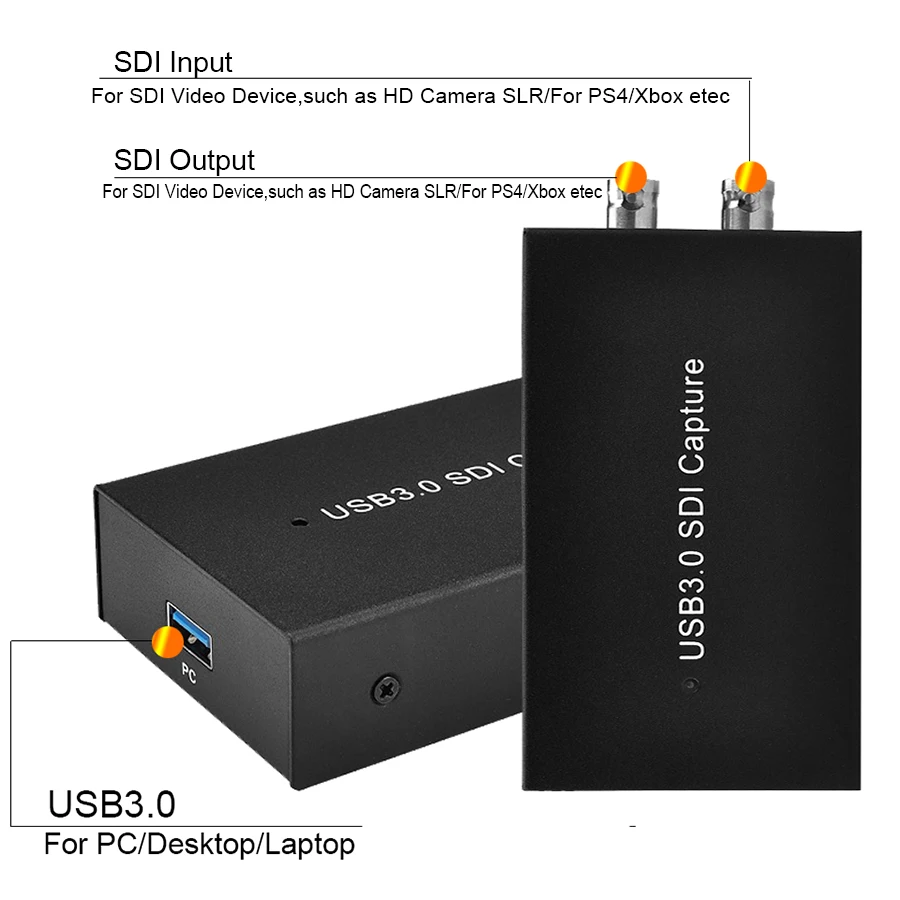
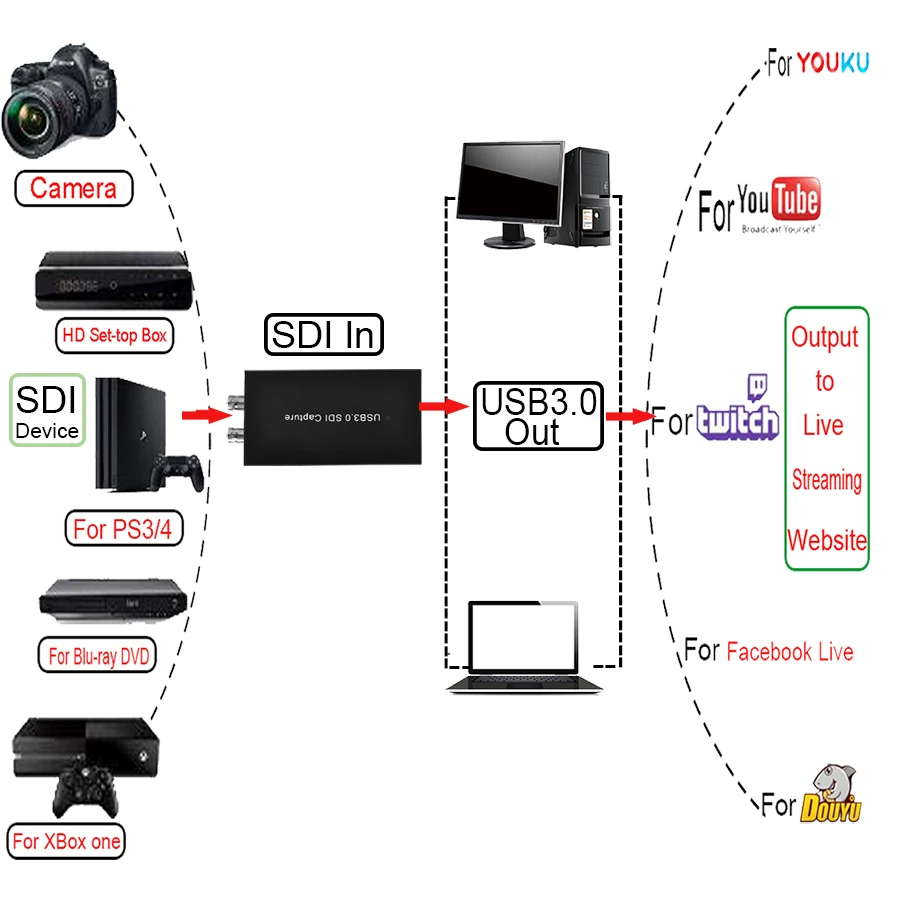
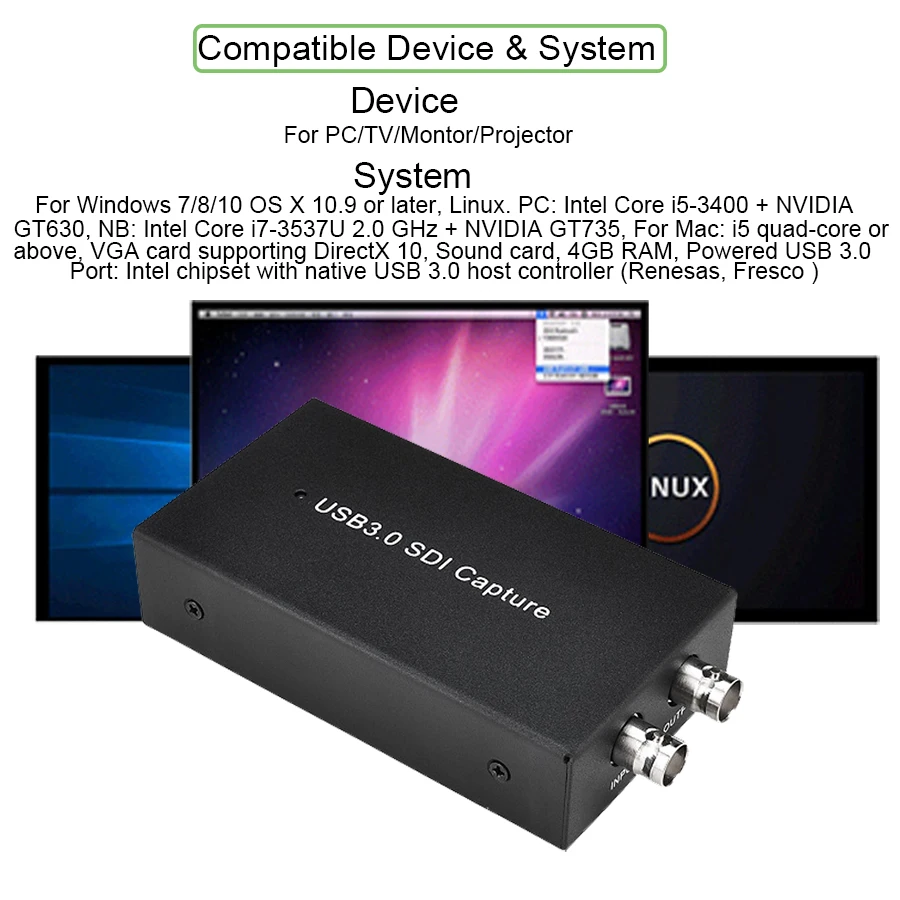
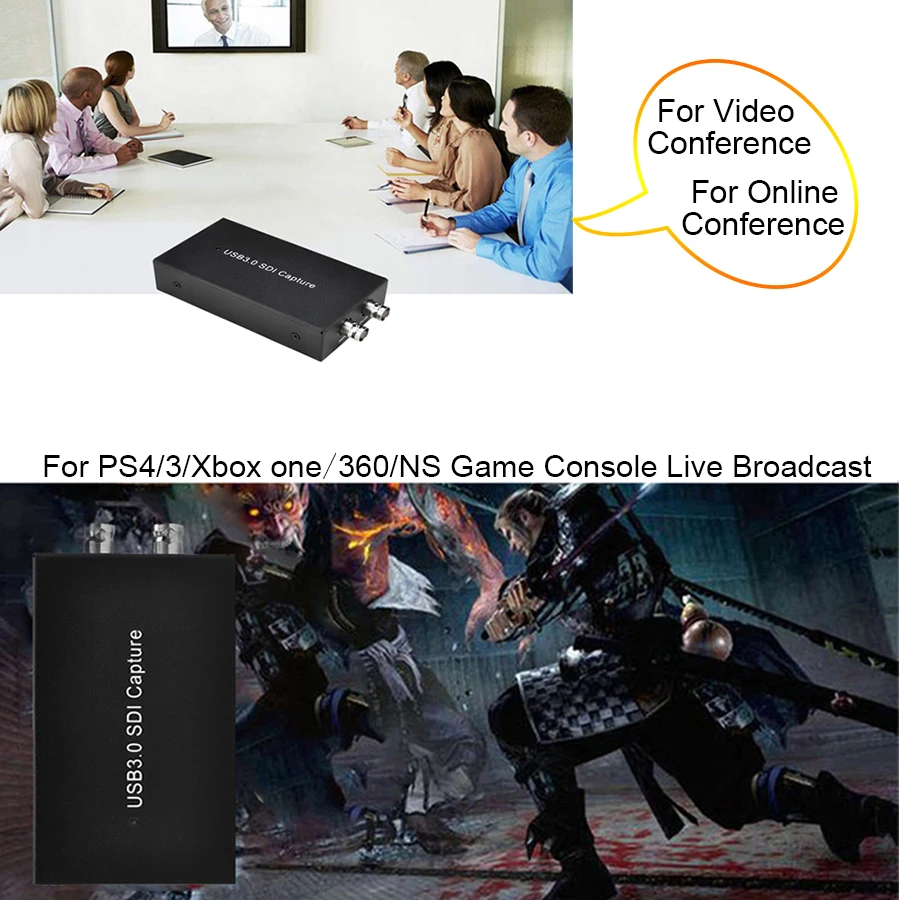
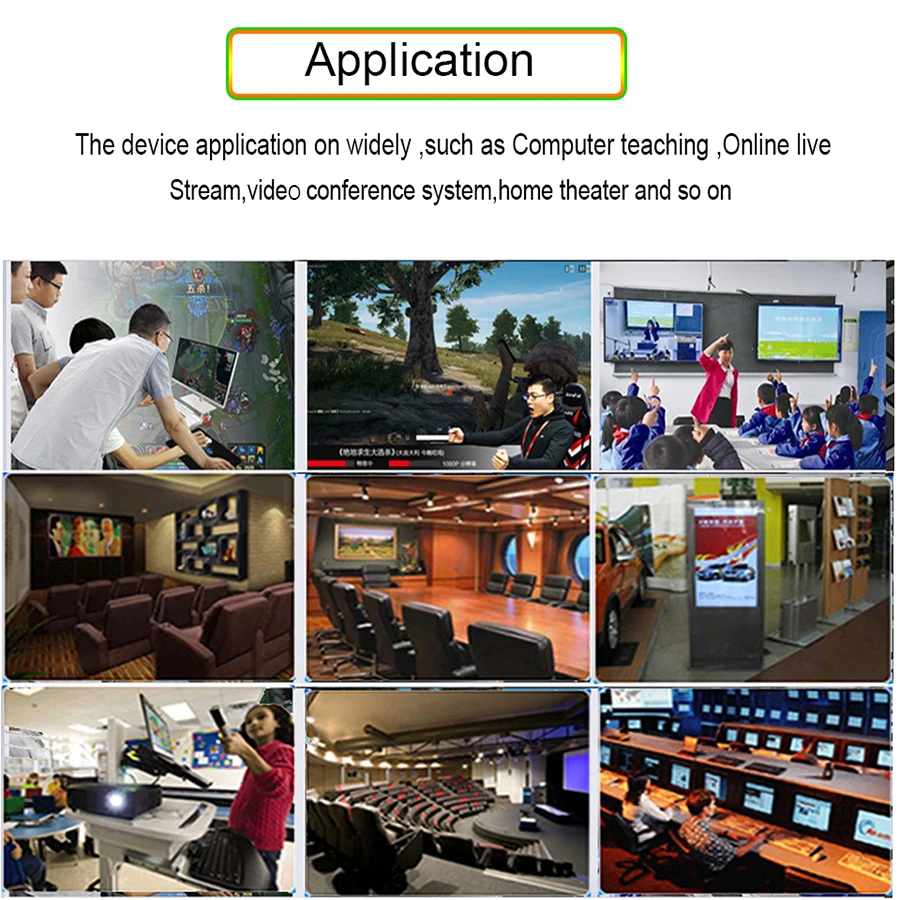
<div class="detailmodule_dynamic"><kse:widget data-widget-type="customText" id="22569421" type="custom"></kse:widget></div><div class="detailmodule_html"><div class="detail-desc-decorate-richtext"><p style="font-size:13.3333px"><span style="font-family:arial, helvetica, sans-serif"><span style="font-size:16px">Ezcap 262 1080P 60fps USB SDI Video Record Recorder SDI to USB 3.0 Video Game Capture Card For Mac Windows Linux Live Streaming</span></span></p></div><div class="detailmodule_html"><div class="detail-desc-decorate-richtext"><p style="font-size:13.3333px"></p><div style="font-size:13.3333px"><div><span style="font-family:arial, helvetica, sans-serif"><span style="font-size:14px"><strong>Features:</strong></span></span></div><div><span style="font-family:arial, helvetica, sans-serif"><span style="font-size:14px"><strong>【SDI to USB 3.0 Video Capture】</strong></span></span><span style="font-family:arial, helvetica, sans-serif"><span style="font-size:14px"> -- Based on the high-speed USB 3.0 technology, It can capture SDI HD Video Sources. Suitable for devices with SDI output such as HD Camera,HD Medical endoscope,Medical imaging,TV, Gameplay</span></span></div><div><span style="font-family:arial, helvetica, sans-serif"><span style="font-size:14px"><strong>【1080P 60fps HD Quality】</strong></span></span><span style="font-family:arial, helvetica, sans-serif"><span style="font-size:14px"> -- Capture resolution up to 1080p at 60fps for 1080P video source with hardware accelerated up-scaling/down-scaling. Automatically converts input audio formats to 48 kHz PCM stereo audio</span></span></div><div><span style="font-family:arial, helvetica, sans-serif"><span style="font-size:14px"><strong>【Live Streaming】 </strong></span></span><span style="font-family:arial, helvetica, sans-serif"><span style="font-size:14px">-- Audio & Video recordability from external devices via SDI port, simple file save and share on the computer, compatible with popular streaming software and services like OBS Studio, VLC, etc</span></span></div><div><span style="font-family:arial, helvetica, sans-serif"><span style="font-size:14px"><strong>【Easy to set】</strong></span></span><span style="font-family:arial, helvetica, sans-serif"><span style="font-size:14px"> -- Easy to Record & Stream for Windows, for Mac OS & Linux,Just connect the video capture to a computer with a USB 3.0 cable, connect it to a video source device with a SDI cable, run a recording software on the computer (such as OBS Studio).Take it anywhere,Share gameplay and have fun with your friends wherever you are.</span></span></div><div><span style="font-family:arial, helvetica, sans-serif"><span style="font-size:14px"><strong>Plug-N-Play:</strong></span></span><span style="font-family:arial, helvetica, sans-serif"><span style="font-size:14px">-- No driver or external power supply required, a Low latency game, live streaming; Share to youtube, facebook, and twitter.We stand by our products 100% with a 12-month warranty</span></span></div><div><span style="font-family:arial, helvetica, sans-serif"><span style="font-size:14px"><strong>Compatible devices</strong></span></span><span style="font-family:arial, helvetica, sans-serif"><span style="font-size:14px">:It can capture SDI HD Video Sources. Suitable for devices with SDI output such as HD Camera,HD Medical endoscope,Medical imaging,TV, Gameplay</span></span></div><div><span style="font-family:arial, helvetica, sans-serif"><span style="font-size:14px"><strong>Resolution</strong></span></span><span style="font-family:arial, helvetica, sans-serif"><span style="font-size:14px">:720 x 480 (60p), 720 x 576 (50p), 1280 x 720p (50p), 1280 x 720p(60p), 1920 x 1080 (50i), 1920 x 1080 (60i), 1920 x 1080 (24p), 1920 x 1080 (25p), 1920 x 1080 (30p), 1920 x 1080 (50p), 1920 x 1080 (60p</span></span></div><div> </div><div><span style="font-family:arial, helvetica, sans-serif"><span style="font-size:14px"><strong>System Requirements</strong></span></span><span style="font-family:arial, helvetica, sans-serif"><span style="font-size:14px">:For Windows 7,8,10, OS X 10.9 or later, Linux. CPU:PC: Intel Core i5-3400 + NVIDIA GT630, Notebook: Intel Core i7-3537U 2.0 GHz + NVIDIA GT735, Mac: i5 quad-core or above, VGA card supporting DirectX 10, Sound card, 4GB RAM Powered USB 3.0 port: Intel chipset with native USB 3.0 host controller (Renesas, Fresco …)</span></span></div><div><span style="font-family:arial, helvetica, sans-serif"><span style="font-size:14px"><strong>Software compatibility:For </strong></span></span><span style="font-family:arial, helvetica, sans-serif"><span style="font-size:14px">OBS Studio (windows,OS X); for Windows Media Encoder (Windows);for Adobe Flash Media Live -Encoder (Windows, OS X); Real Producer Plus (Windows); for VLC (Windows, OS X, Linux); for QuickTime Broadcaster (OS X); for QuickTime Player (OS X); for Wirecast (Windows,OS X); vMix(Windows); for Potplayer (Windows) and etc.</span></span></div><div><span style="font-family:arial, helvetica, sans-serif"><span style="font-size:14px"><strong>Development interface compatibility</strong></span></span><span style="font-family:arial, helvetica, sans-serif"><span style="font-size:14px">:for DirectShow (Windows), for DirectSound (Windows),for V4L2 (Linux), for ALSA (Linux) for OS X (QuickTime)</span></span></div><div> </div><div><span style="font-family:arial, helvetica, sans-serif"><span style="font-size:14px">Package :</span></span></div><div><span style="font-family:arial, helvetica, sans-serif"><span style="font-size:14px">1 * SDI to USB 3.0 HD Game Video Capture</span></span></div><div><span style="font-family:arial, helvetica, sans-serif"><span style="font-size:14px">1 * USB3.0 Cable</span></span></div><div><span style="font-family:arial, helvetica, sans-serif"><span style="font-size:14px">1 * English User manual</span></span></div></div><p style="font-size:13.3333px"></p><p style="font-size:13.3333px"></p><div><br/></div><p style="font-size:13.3333px"></p><div style="font-size:13.3333px;margin:0px;margin-bottom:0px;margin-top:0px;margin-left:0px;margin-right:0px;padding:0px;padding-bottom:0px;padding-top:0px;padding-left:0px;padding-right:0px"><div></div><div></div><div></div><div></div><div></div><div></div><div></div><div></div><div></div><div></div><div></div><div></div><div></div><div><br/></div></div></div></div></div><p><br/></p>
$228.875
$149.465
- Category : Security & Protection
- Brand : nsendato_office_store_store Nsendato Office Store Store
Colors
Sizes
-
+

<div class="detailmodule_dynamic"><kse:widget data-widget-type="customText" id="22569421" type="custom"></kse:widget></div><div class="detailmodule_html"><div class="detail-desc-decorate-richtext"><p style="font-size:13.3333px"><span style="font-family:arial, helvetica, sans-serif"><span style="font-size:16px">Ezcap 262 1080P 60fps USB SDI Video Record Recorder SDI to USB 3.0 Video Game Capture Card For Mac Windows Linux Live Streaming</span></span></p></div><div class="detailmodule_html"><div class="detail-desc-decorate-richtext"><p style="font-size:13.3333px"></p><div style="font-size:13.3333px"><div><span style="font-family:arial, helvetica, sans-serif"><span style="font-size:14px"><strong>Features:</strong></span></span></div><div><span style="font-family:arial, helvetica, sans-serif"><span style="font-size:14px"><strong>【SDI to USB 3.0 Video Capture】</strong></span></span><span style="font-family:arial, helvetica, sans-serif"><span style="font-size:14px"> -- Based on the high-speed USB 3.0 technology, It can capture SDI HD Video Sources. Suitable for devices with SDI output such as HD Camera,HD Medical endoscope,Medical imaging,TV, Gameplay</span></span></div><div><span style="font-family:arial, helvetica, sans-serif"><span style="font-size:14px"><strong>【1080P 60fps HD Quality】</strong></span></span><span style="font-family:arial, helvetica, sans-serif"><span style="font-size:14px"> -- Capture resolution up to 1080p at 60fps for 1080P video source with hardware accelerated up-scaling/down-scaling. Automatically converts input audio formats to 48 kHz PCM stereo audio</span></span></div><div><span style="font-family:arial, helvetica, sans-serif"><span style="font-size:14px"><strong>【Live Streaming】 </strong></span></span><span style="font-family:arial, helvetica, sans-serif"><span style="font-size:14px">-- Audio & Video recordability from external devices via SDI port, simple file save and share on the computer, compatible with popular streaming software and services like OBS Studio, VLC, etc</span></span></div><div><span style="font-family:arial, helvetica, sans-serif"><span style="font-size:14px"><strong>【Easy to set】</strong></span></span><span style="font-family:arial, helvetica, sans-serif"><span style="font-size:14px"> -- Easy to Record & Stream for Windows, for Mac OS & Linux,Just connect the video capture to a computer with a USB 3.0 cable, connect it to a video source device with a SDI cable, run a recording software on the computer (such as OBS Studio).Take it anywhere,Share gameplay and have fun with your friends wherever you are.</span></span></div><div><span style="font-family:arial, helvetica, sans-serif"><span style="font-size:14px"><strong>Plug-N-Play:</strong></span></span><span style="font-family:arial, helvetica, sans-serif"><span style="font-size:14px">-- No driver or external power supply required, a Low latency game, live streaming; Share to youtube, facebook, and twitter.We stand by our products 100% with a 12-month warranty</span></span></div><div><span style="font-family:arial, helvetica, sans-serif"><span style="font-size:14px"><strong>Compatible devices</strong></span></span><span style="font-family:arial, helvetica, sans-serif"><span style="font-size:14px">:It can capture SDI HD Video Sources. Suitable for devices with SDI output such as HD Camera,HD Medical endoscope,Medical imaging,TV, Gameplay</span></span></div><div><span style="font-family:arial, helvetica, sans-serif"><span style="font-size:14px"><strong>Resolution</strong></span></span><span style="font-family:arial, helvetica, sans-serif"><span style="font-size:14px">:720 x 480 (60p), 720 x 576 (50p), 1280 x 720p (50p), 1280 x 720p(60p), 1920 x 1080 (50i), 1920 x 1080 (60i), 1920 x 1080 (24p), 1920 x 1080 (25p), 1920 x 1080 (30p), 1920 x 1080 (50p), 1920 x 1080 (60p</span></span></div><div> </div><div><span style="font-family:arial, helvetica, sans-serif"><span style="font-size:14px"><strong>System Requirements</strong></span></span><span style="font-family:arial, helvetica, sans-serif"><span style="font-size:14px">:For Windows 7,8,10, OS X 10.9 or later, Linux. CPU:PC: Intel Core i5-3400 + NVIDIA GT630, Notebook: Intel Core i7-3537U 2.0 GHz + NVIDIA GT735, Mac: i5 quad-core or above, VGA card supporting DirectX 10, Sound card, 4GB RAM Powered USB 3.0 port: Intel chipset with native USB 3.0 host controller (Renesas, Fresco …)</span></span></div><div><span style="font-family:arial, helvetica, sans-serif"><span style="font-size:14px"><strong>Software compatibility:For </strong></span></span><span style="font-family:arial, helvetica, sans-serif"><span style="font-size:14px">OBS Studio (windows,OS X); for Windows Media Encoder (Windows);for Adobe Flash Media Live -Encoder (Windows, OS X); Real Producer Plus (Windows); for VLC (Windows, OS X, Linux); for QuickTime Broadcaster (OS X); for QuickTime Player (OS X); for Wirecast (Windows,OS X); vMix(Windows); for Potplayer (Windows) and etc.</span></span></div><div><span style="font-family:arial, helvetica, sans-serif"><span style="font-size:14px"><strong>Development interface compatibility</strong></span></span><span style="font-family:arial, helvetica, sans-serif"><span style="font-size:14px">:for DirectShow (Windows), for DirectSound (Windows),for V4L2 (Linux), for ALSA (Linux) for OS X (QuickTime)</span></span></div><div> </div><div><span style="font-family:arial, helvetica, sans-serif"><span style="font-size:14px">Package :</span></span></div><div><span style="font-family:arial, helvetica, sans-serif"><span style="font-size:14px">1 * SDI to USB 3.0 HD Game Video Capture</span></span></div><div><span style="font-family:arial, helvetica, sans-serif"><span style="font-size:14px">1 * USB3.0 Cable</span></span></div><div><span style="font-family:arial, helvetica, sans-serif"><span style="font-size:14px">1 * English User manual</span></span></div></div><p style="font-size:13.3333px"></p><p style="font-size:13.3333px"></p><div><br/></div><p style="font-size:13.3333px"></p><div style="font-size:13.3333px;margin:0px;margin-bottom:0px;margin-top:0px;margin-left:0px;margin-right:0px;padding:0px;padding-bottom:0px;padding-top:0px;padding-left:0px;padding-right:0px"><div></div><div></div><div></div><div></div><div></div><div></div><div></div><div></div><div></div><div></div><div></div><div></div><div></div><div><br/></div></div></div></div></div><p><br/></p>
Related Product
Browse The Collection of Top Products.