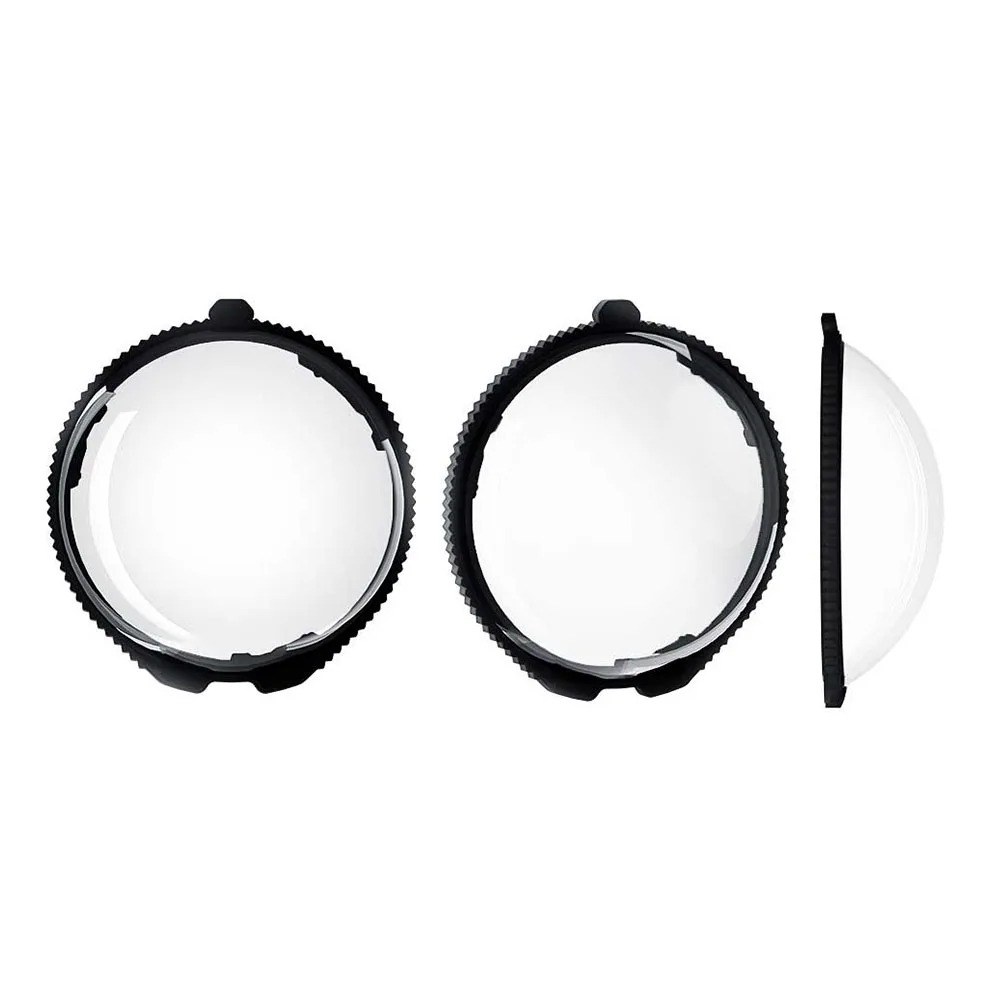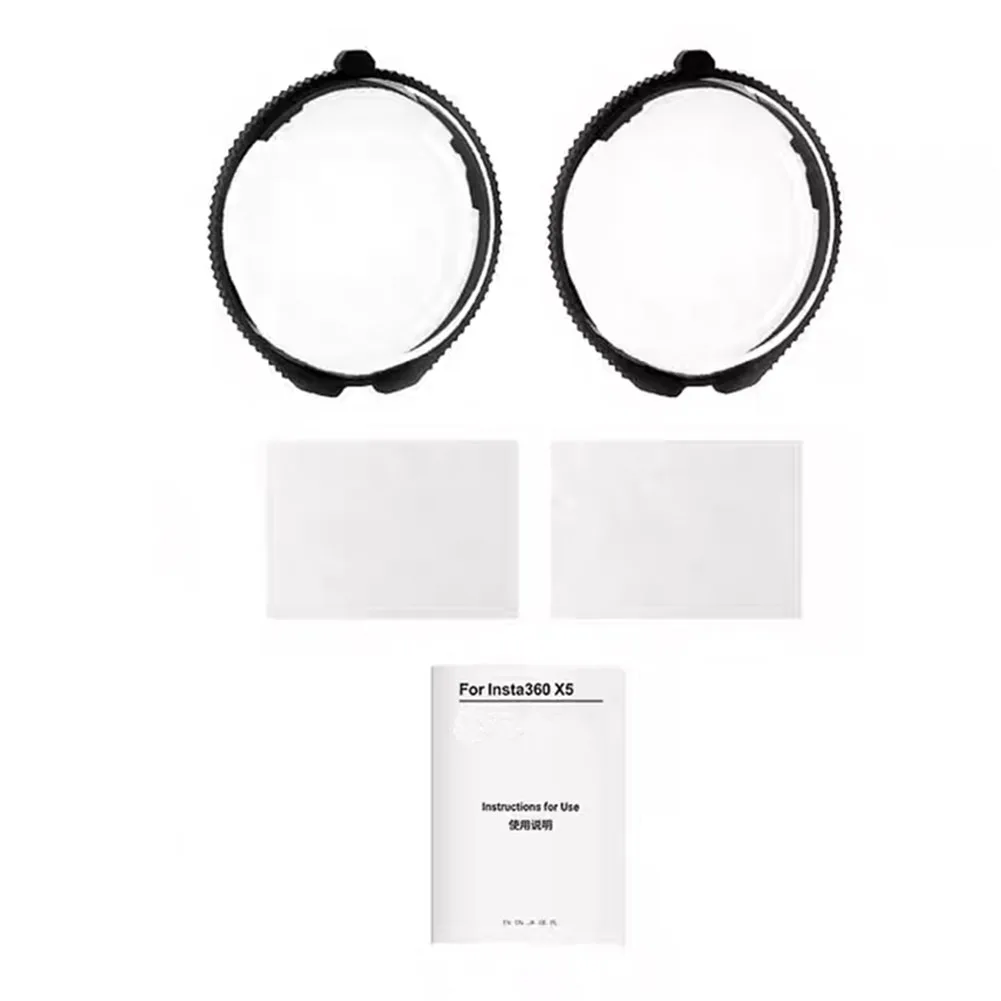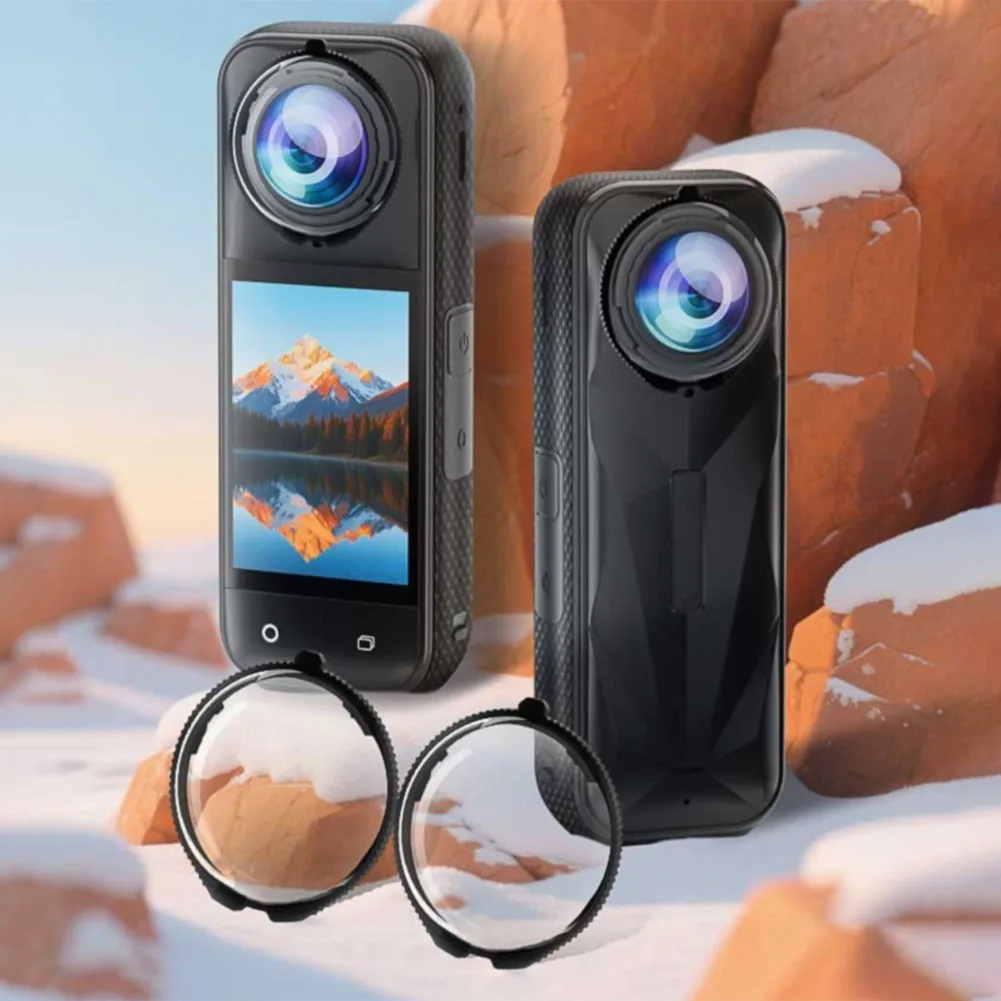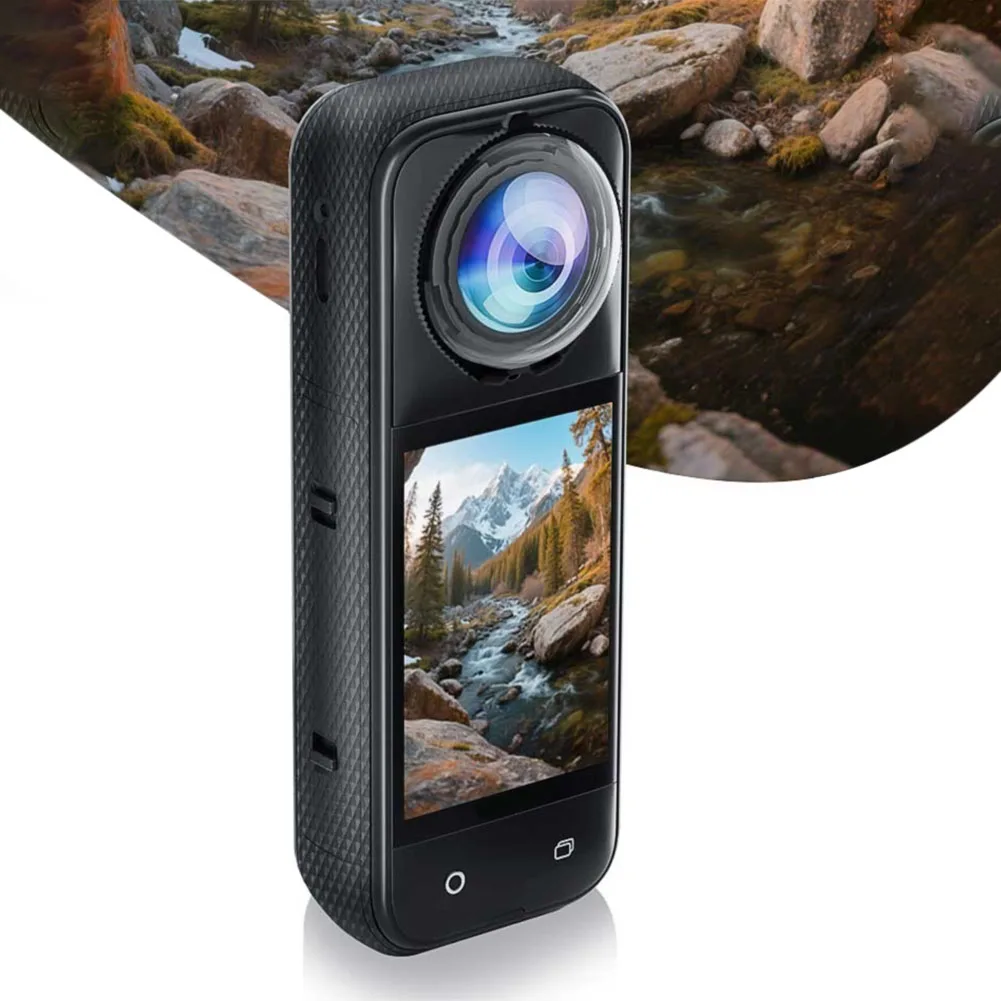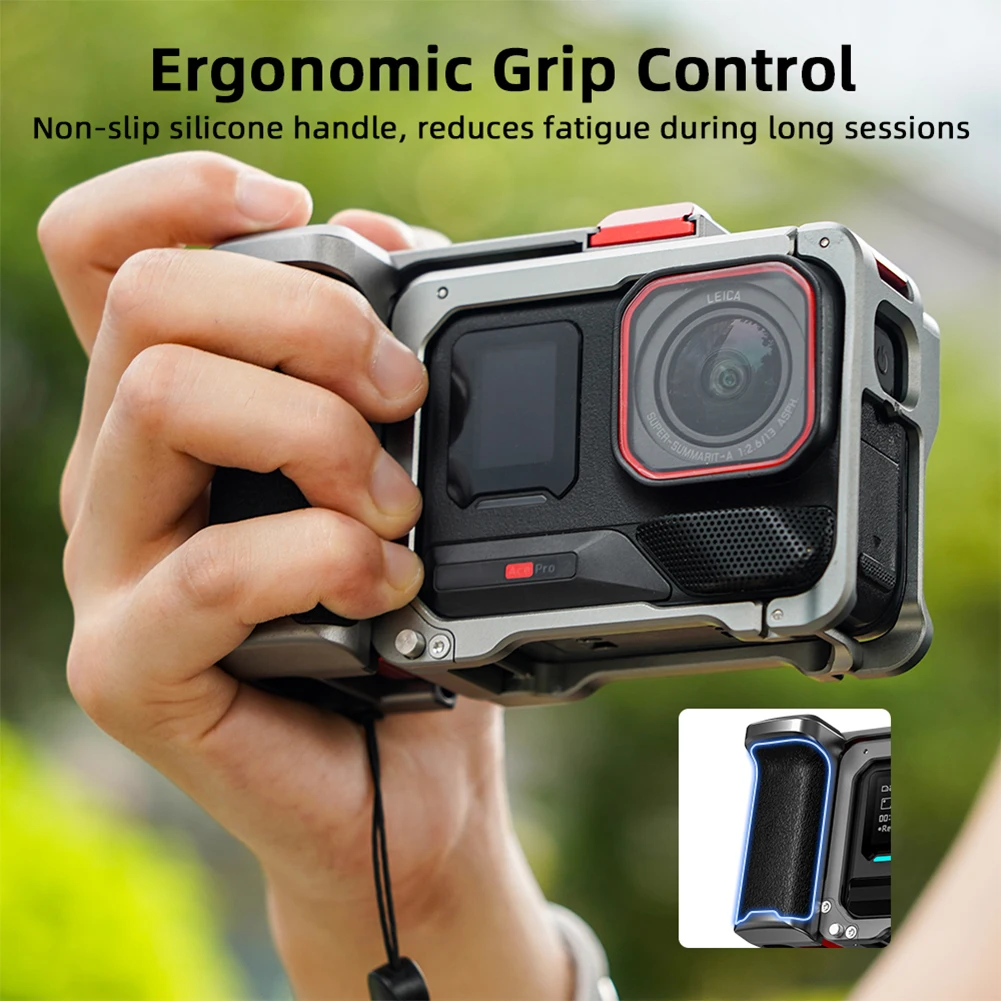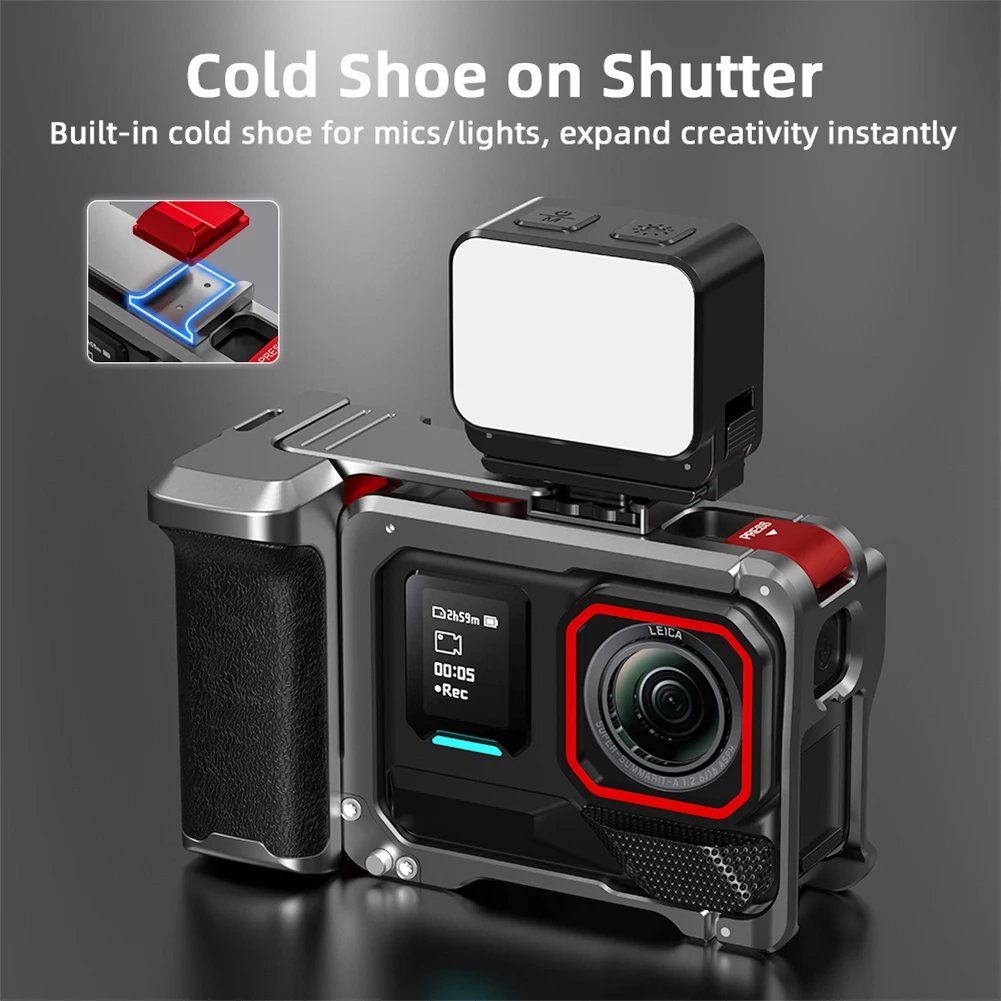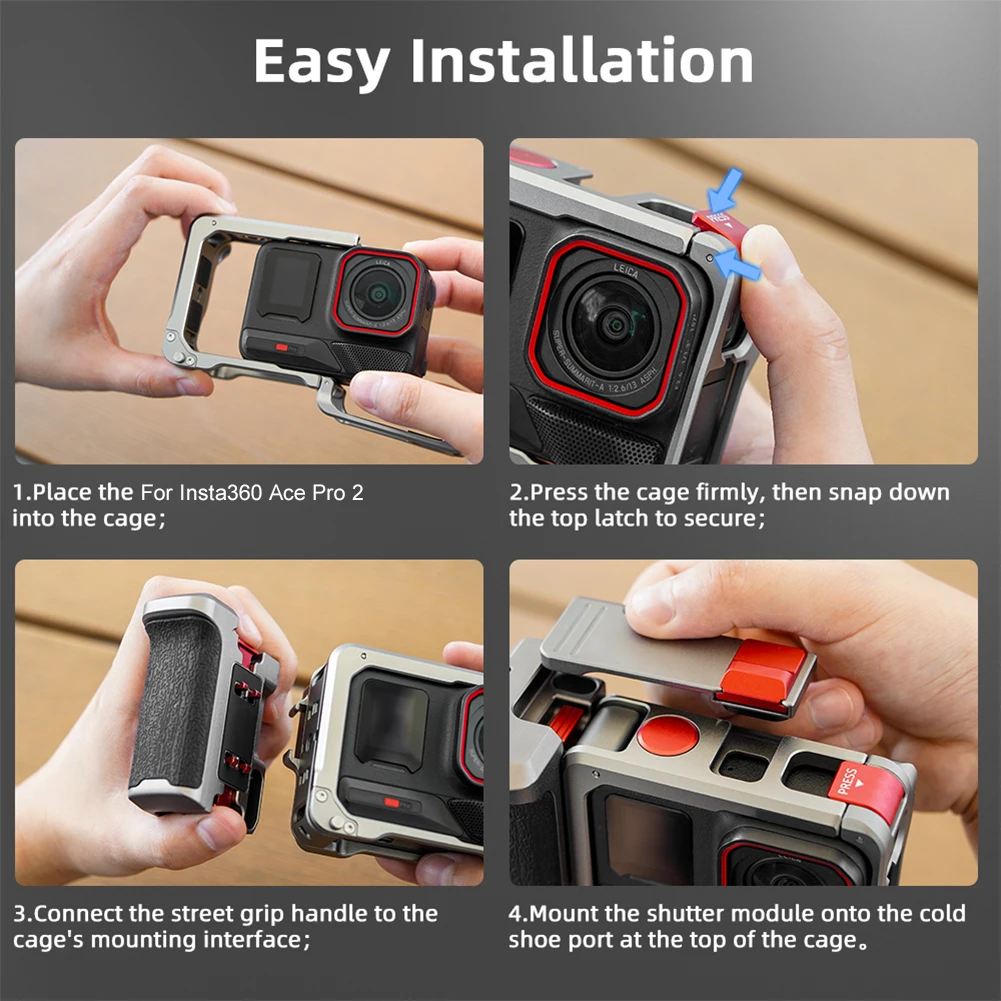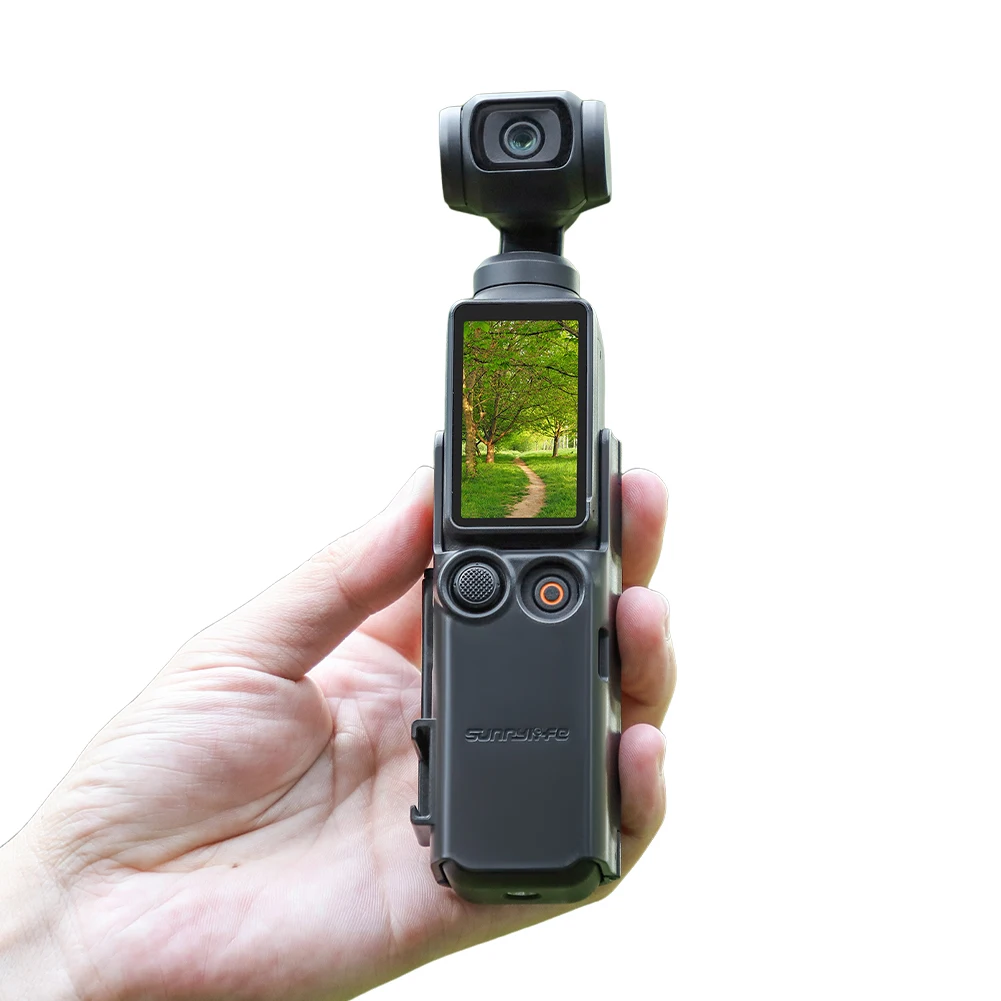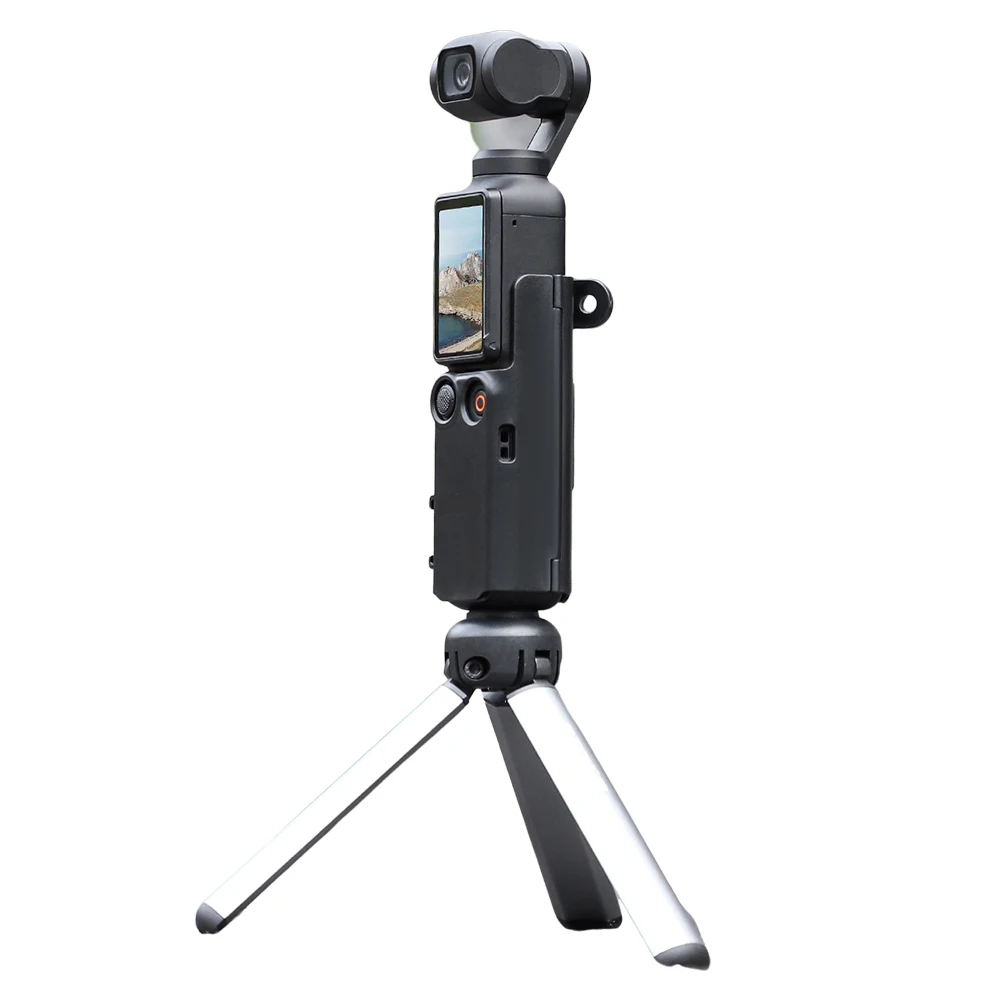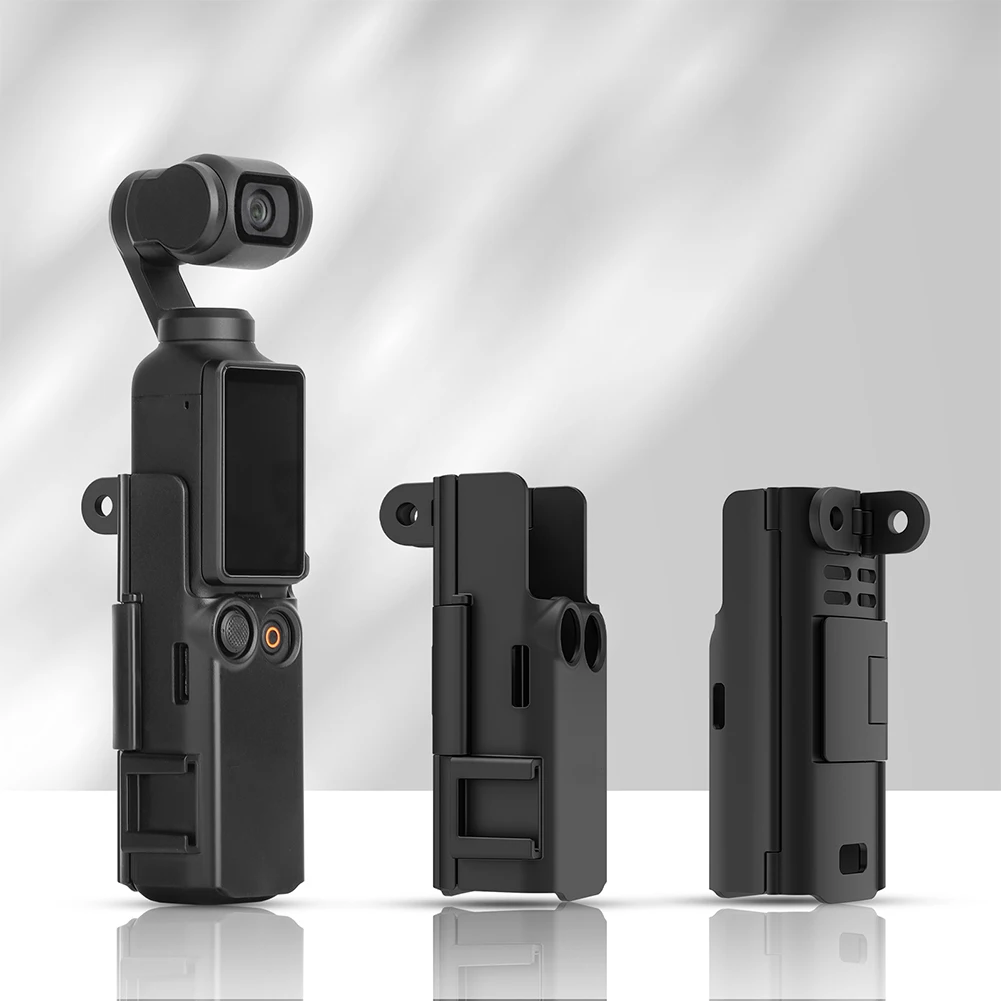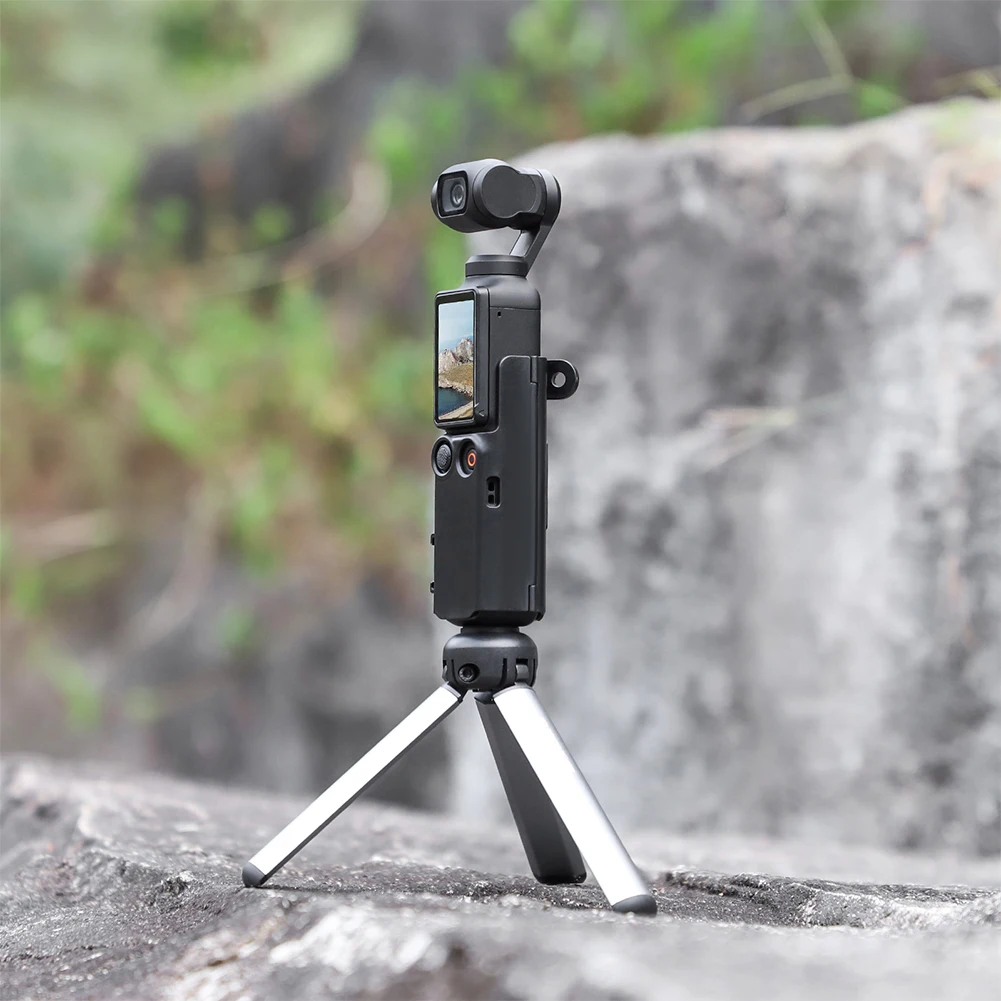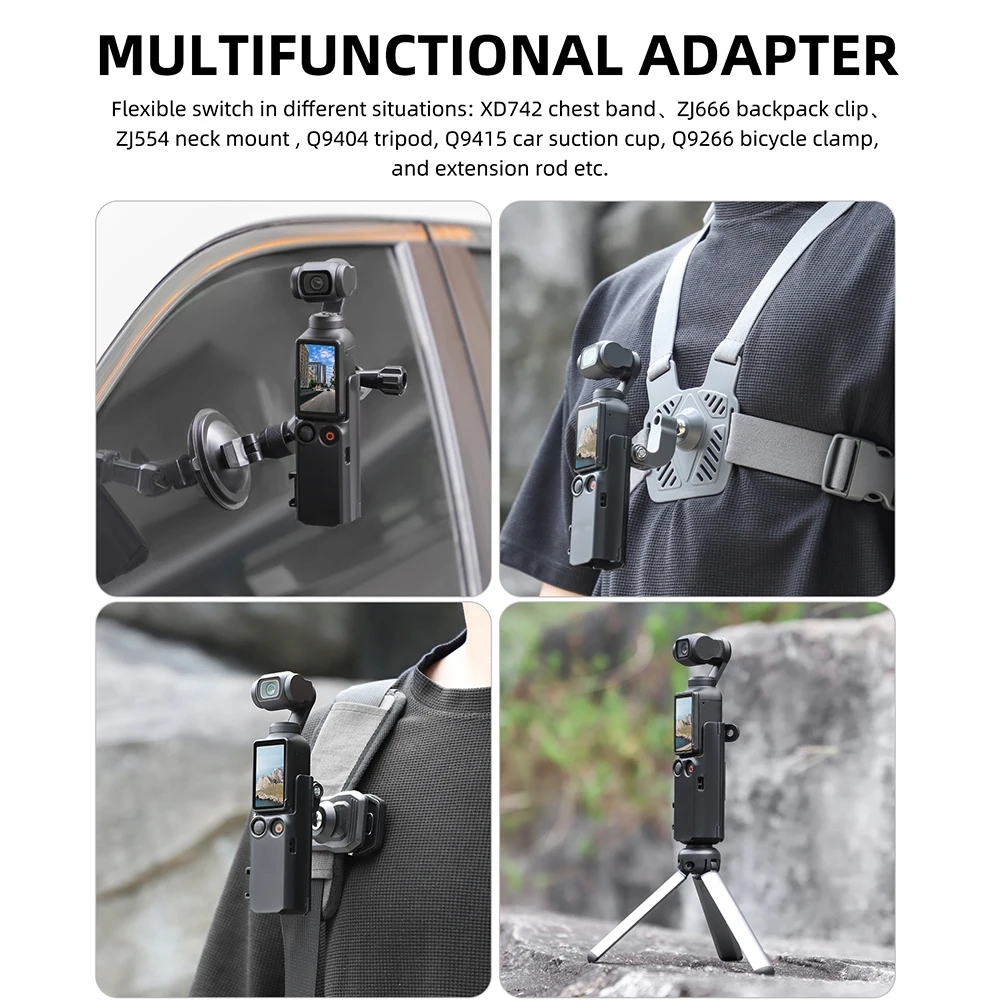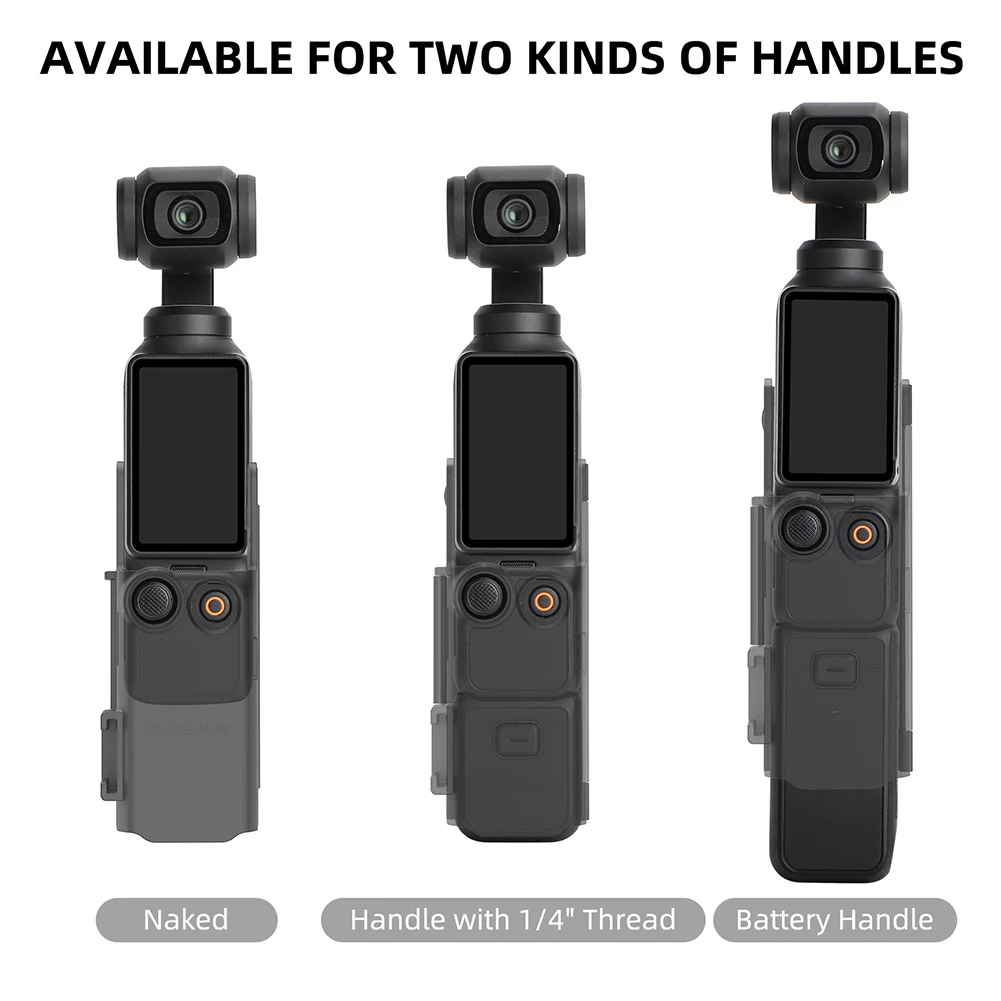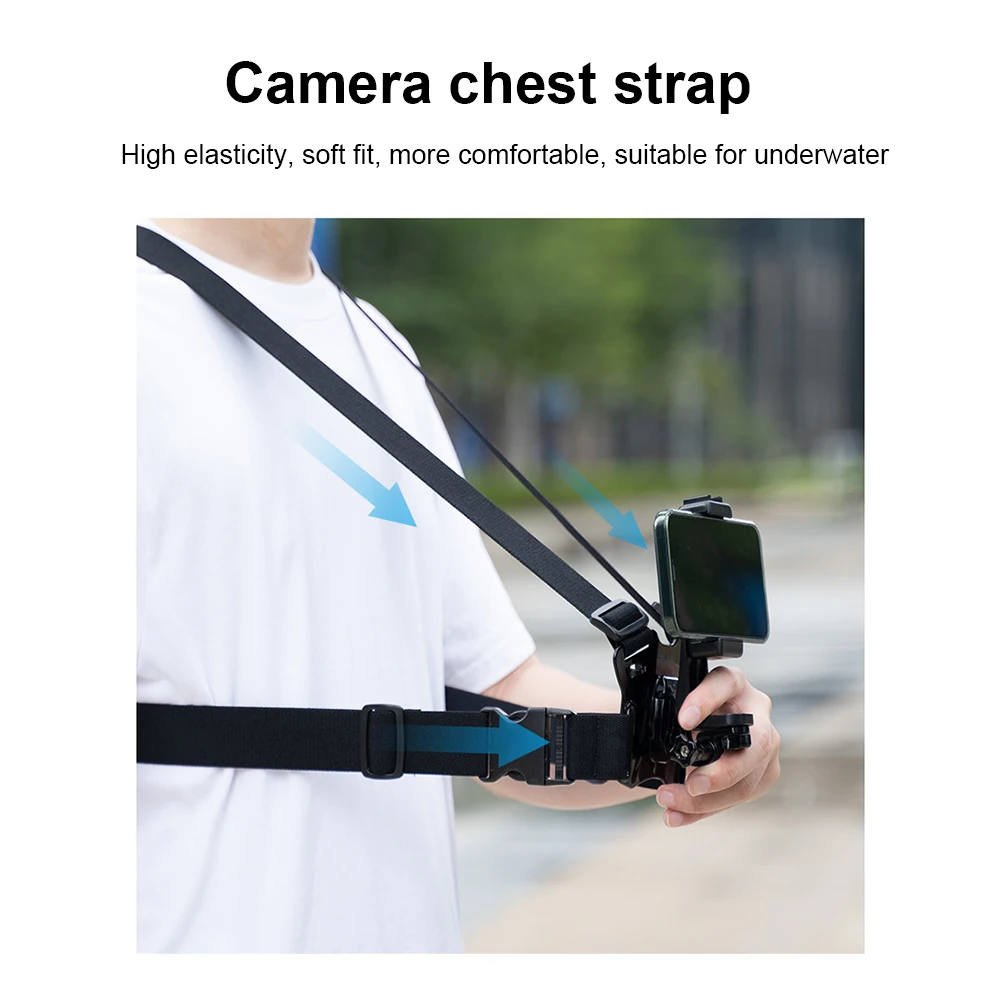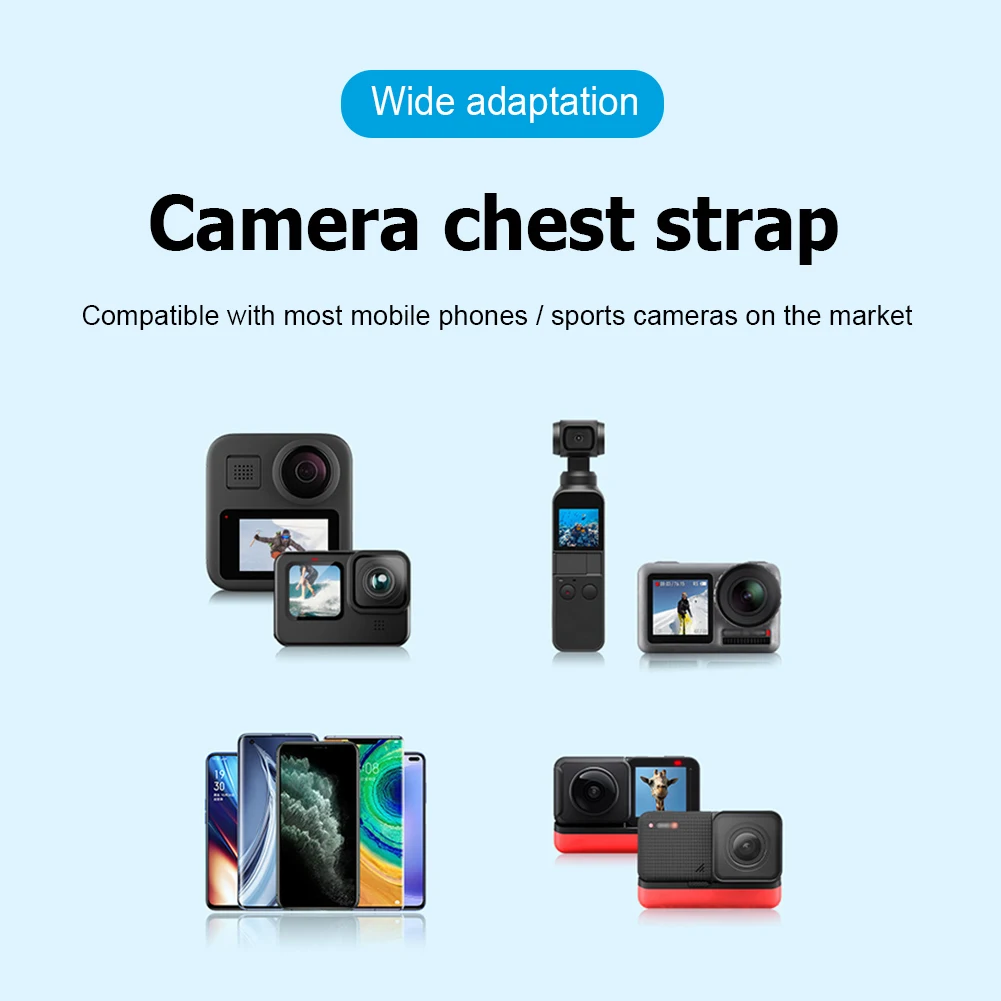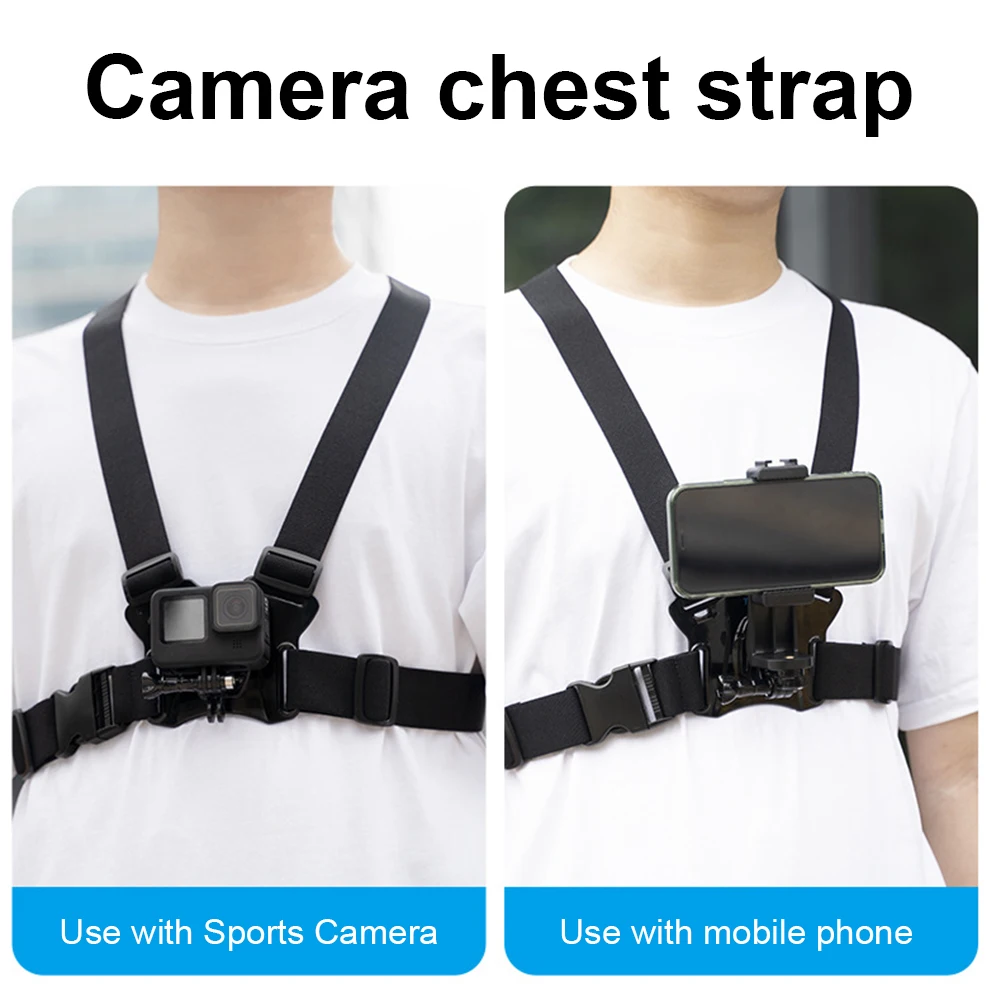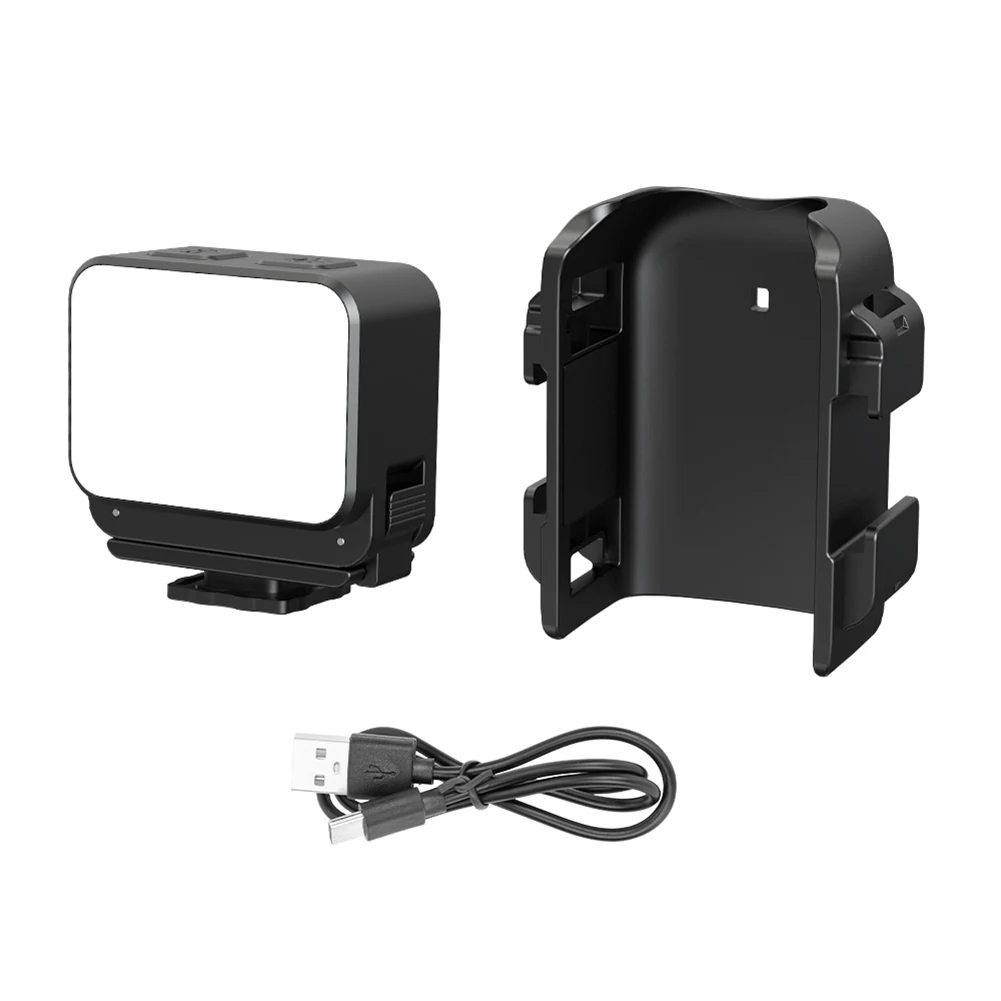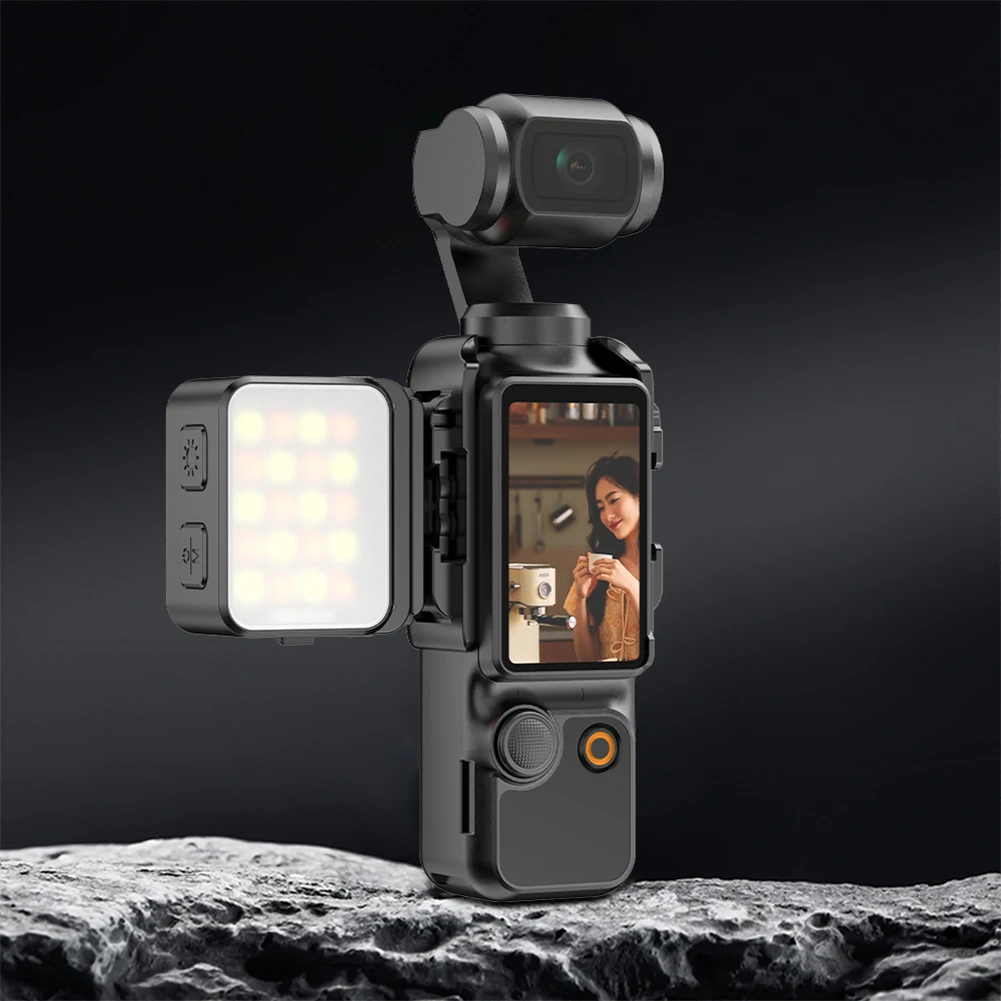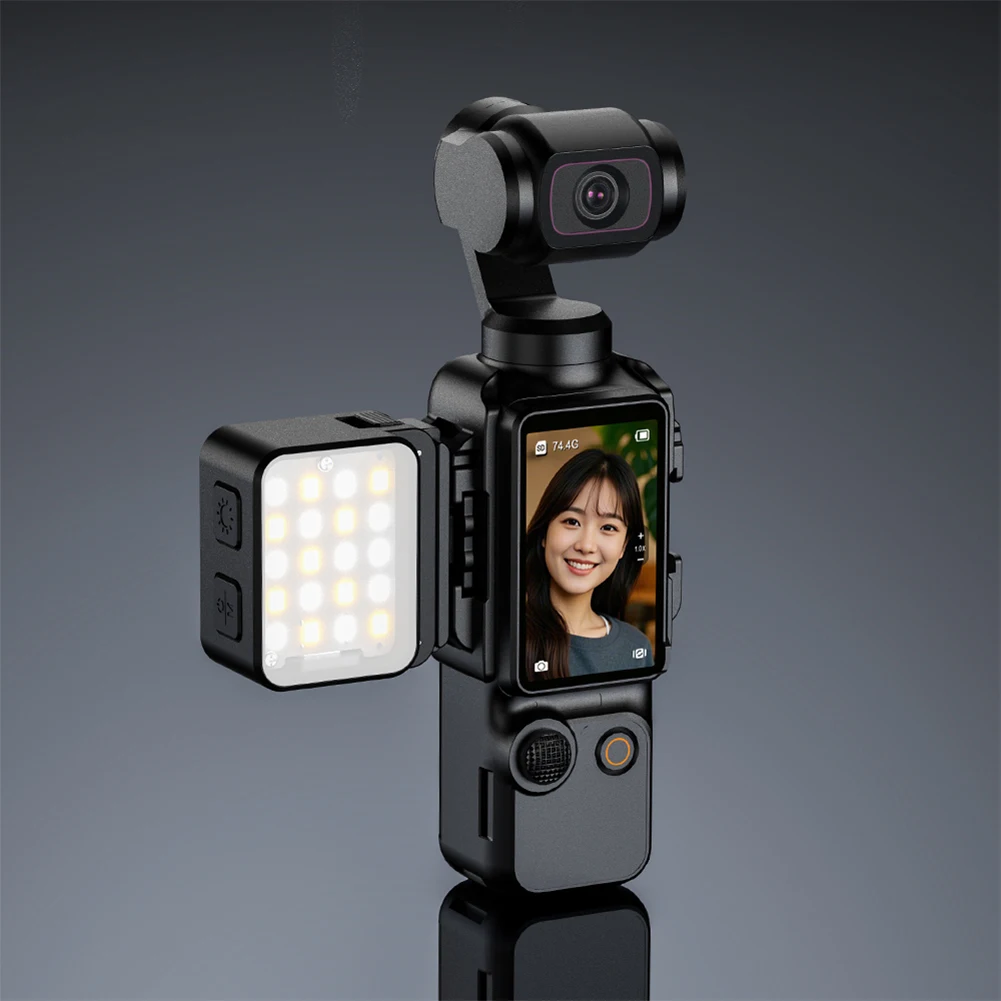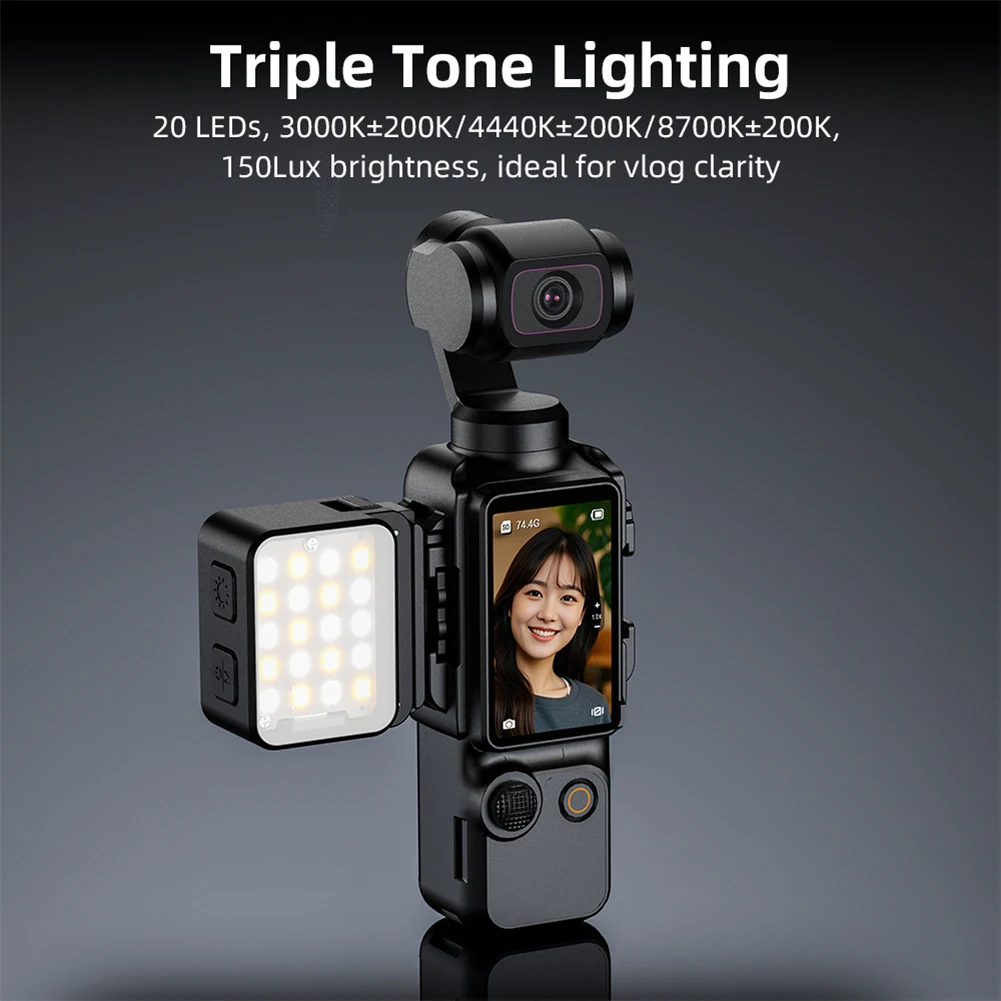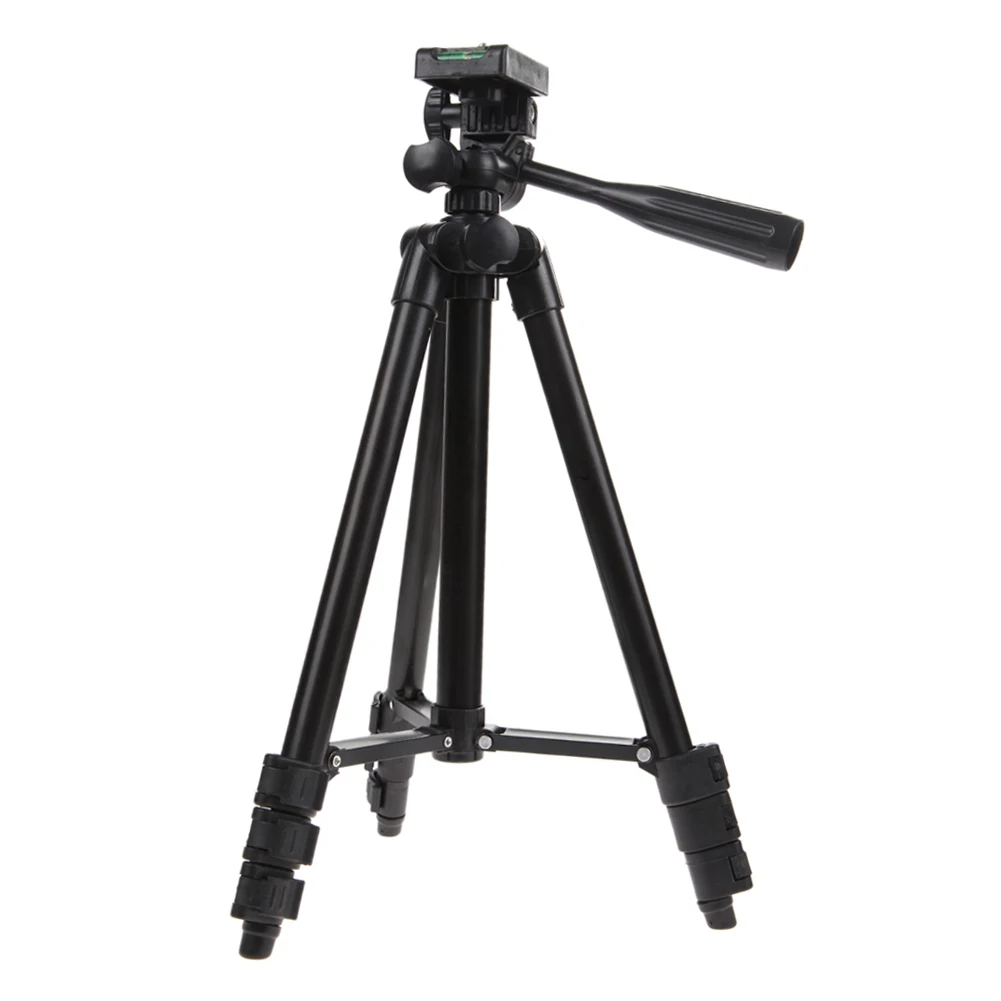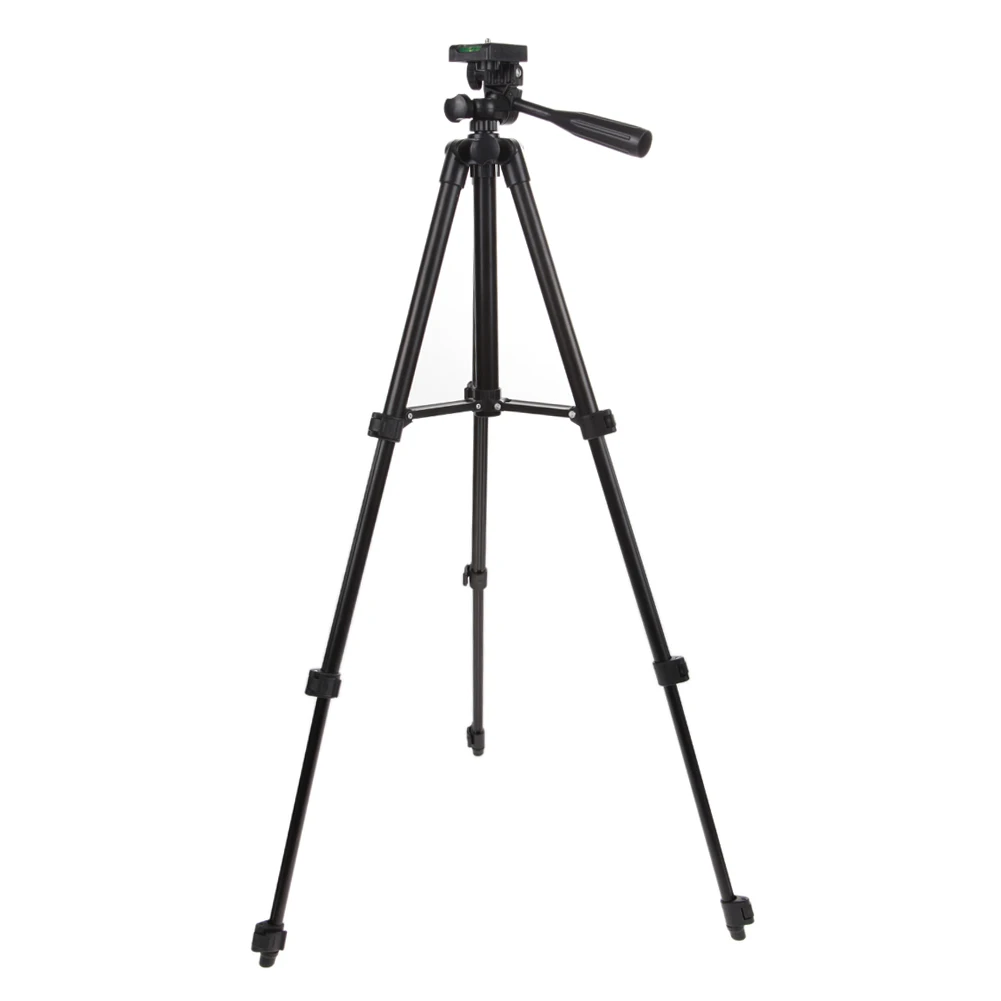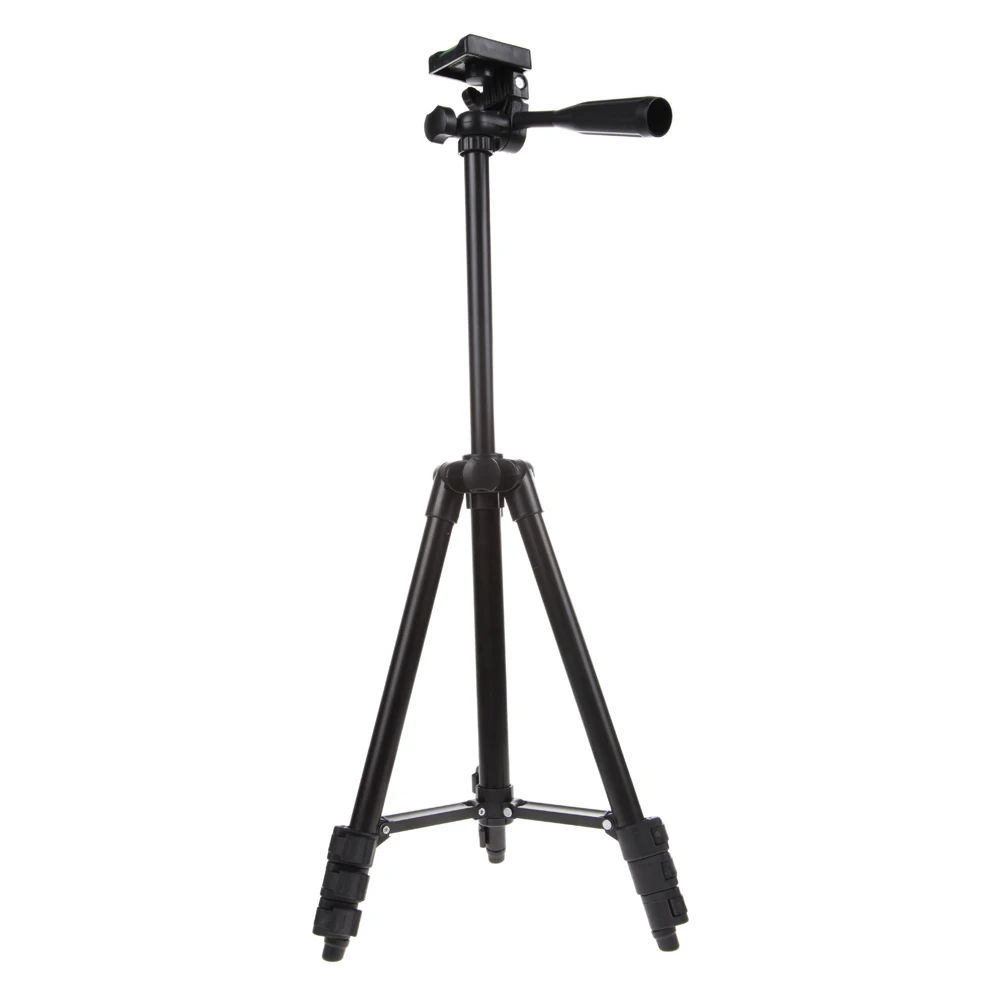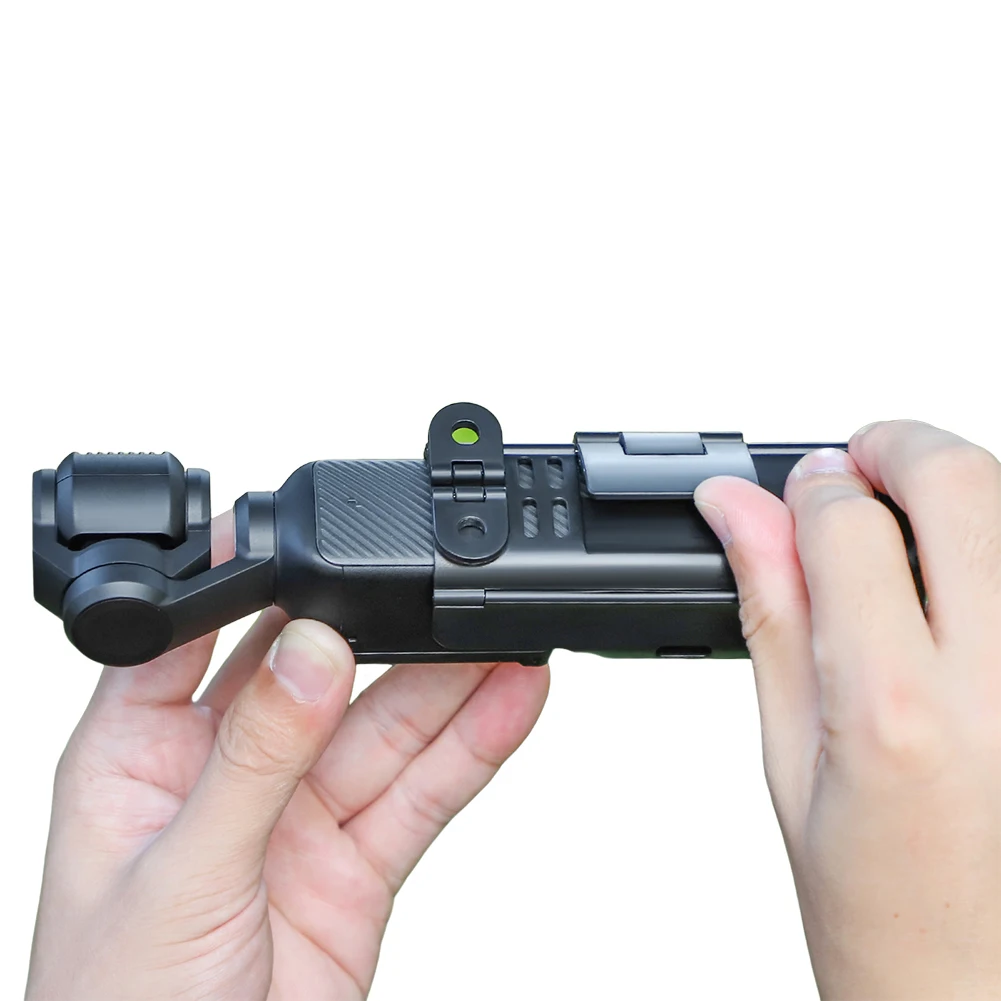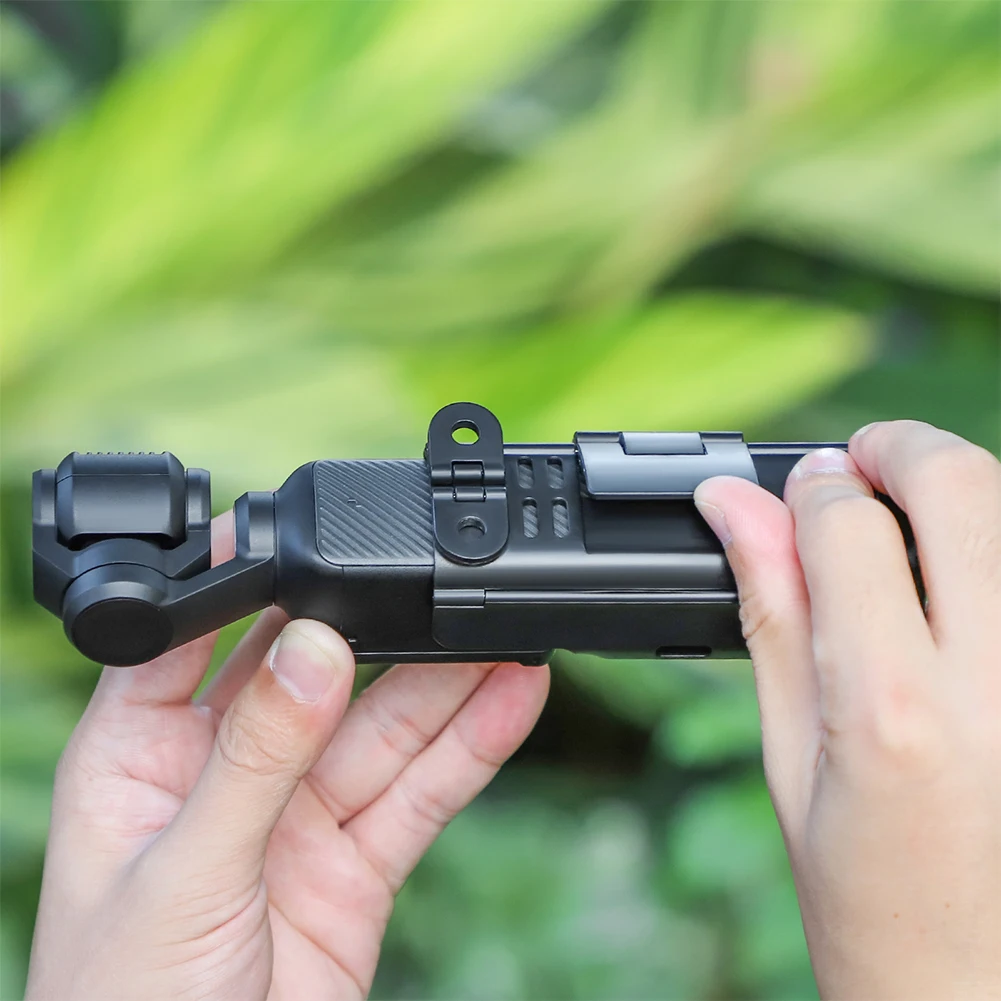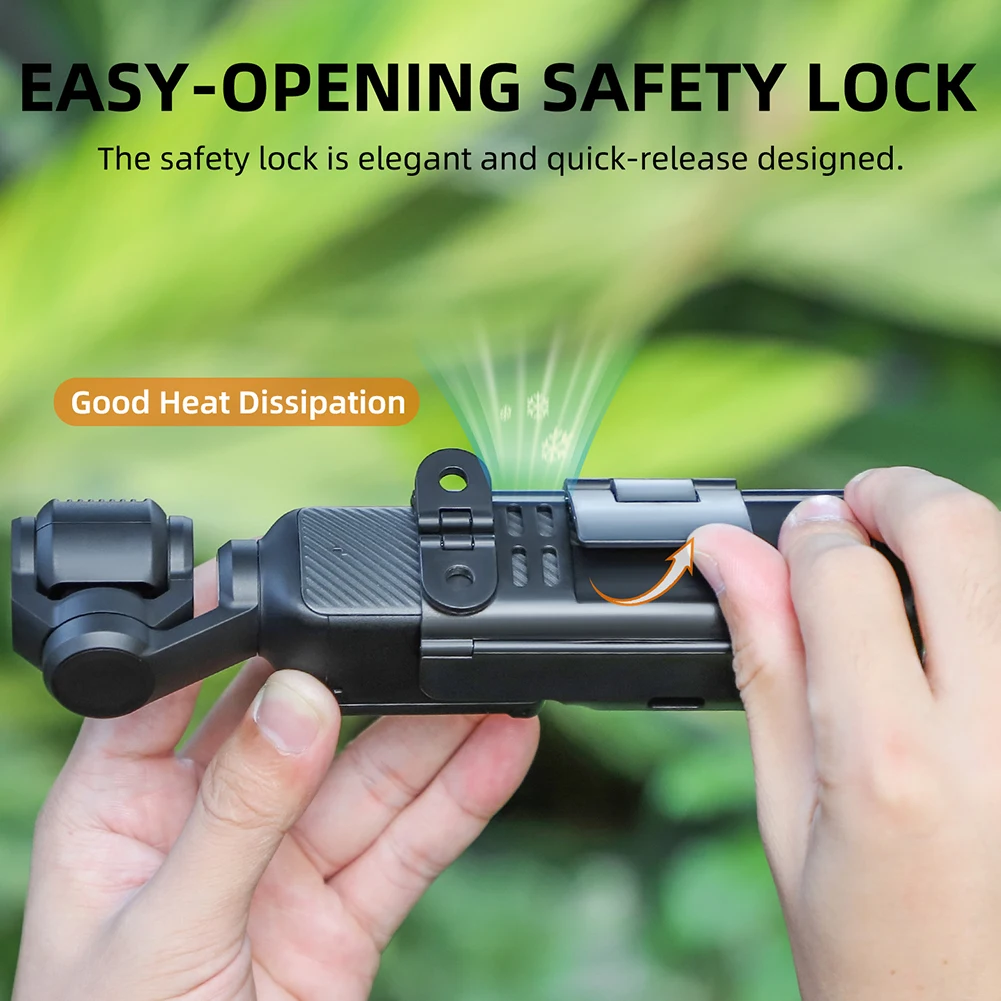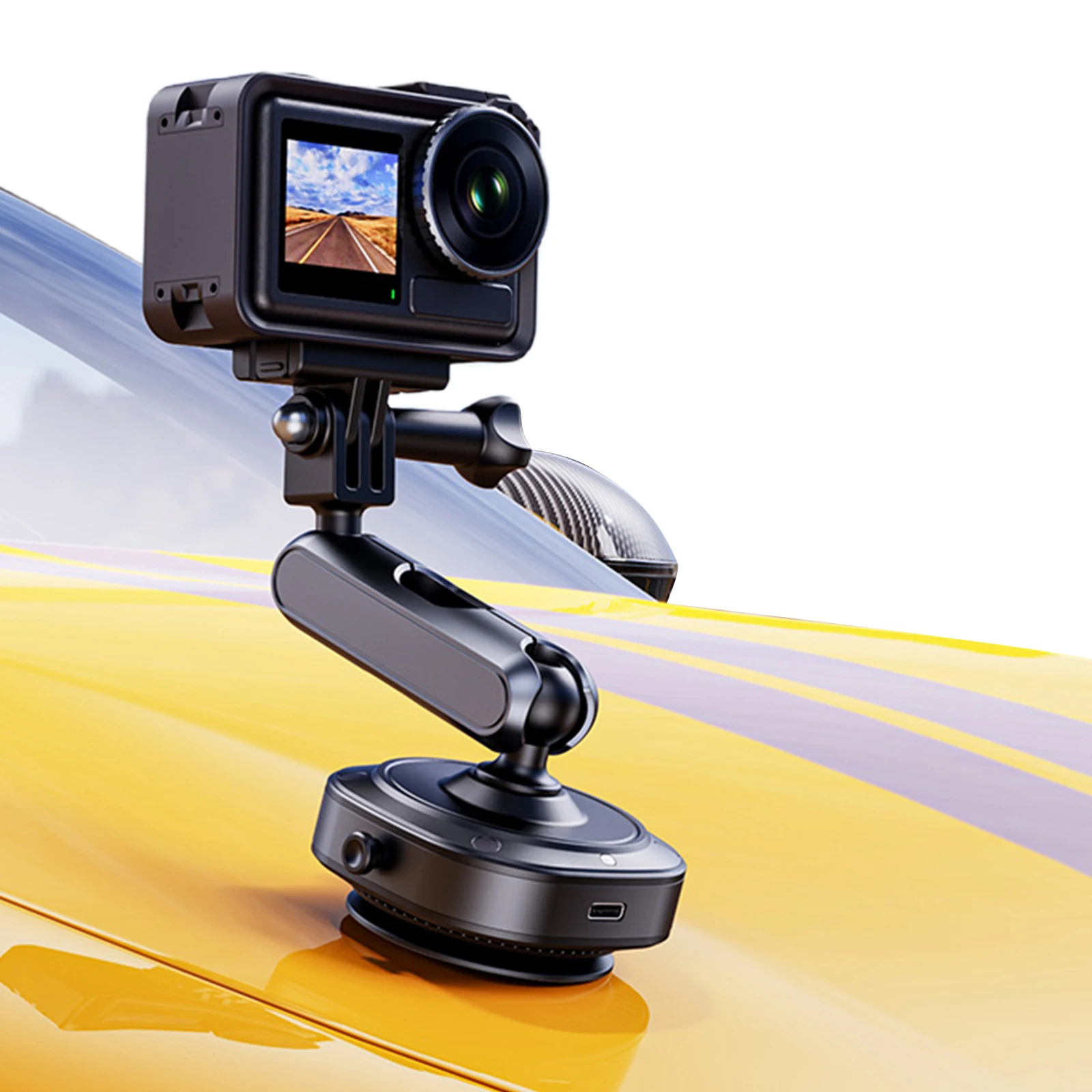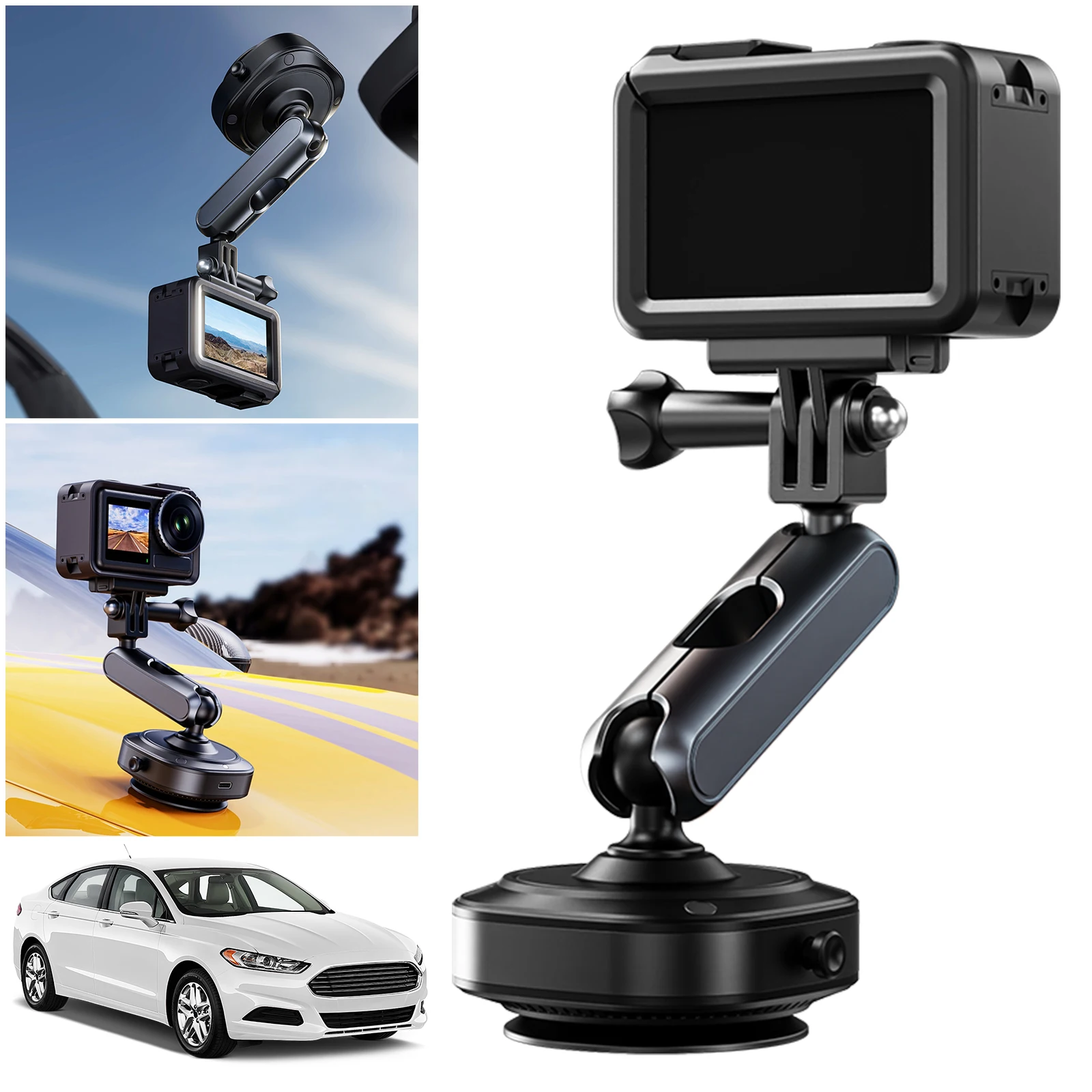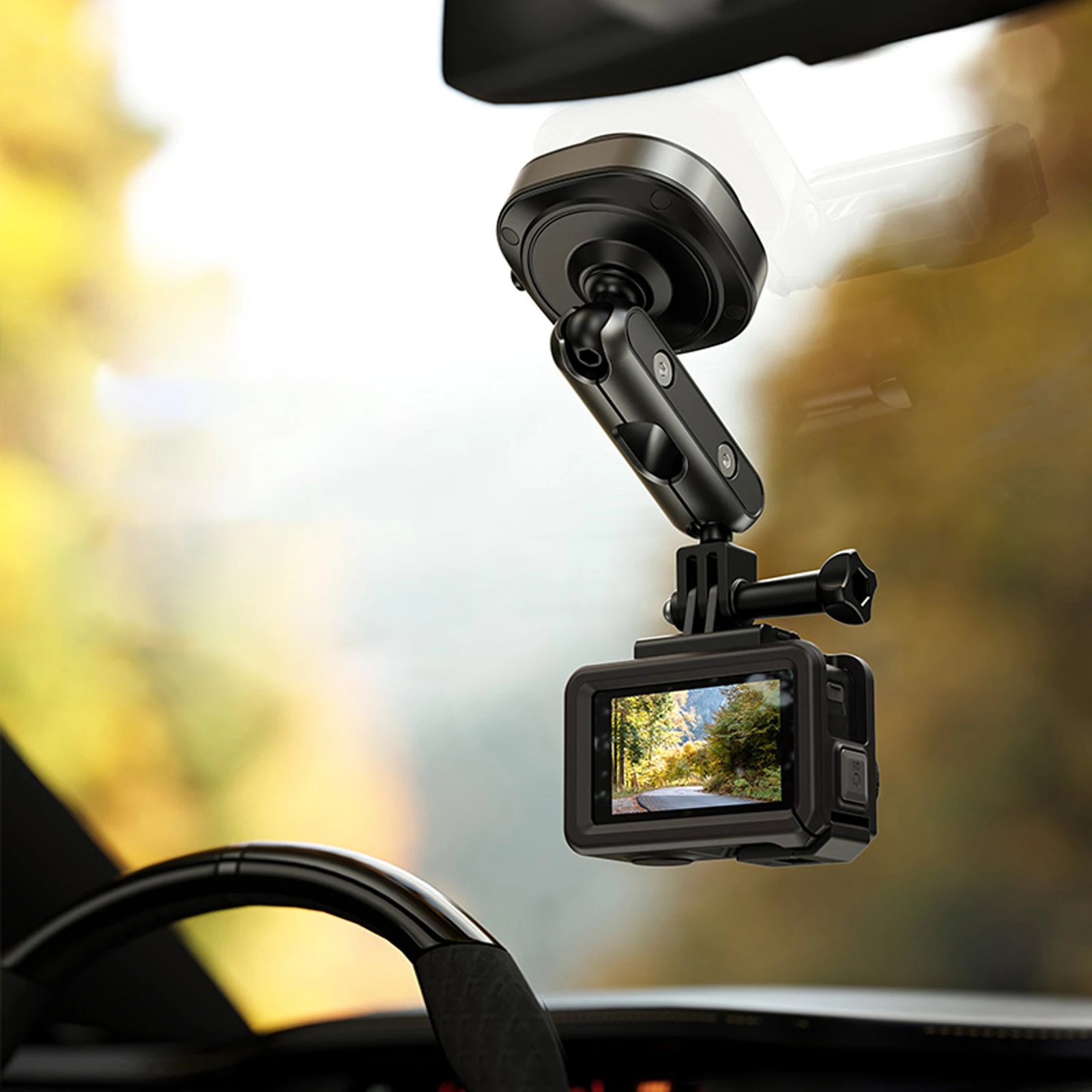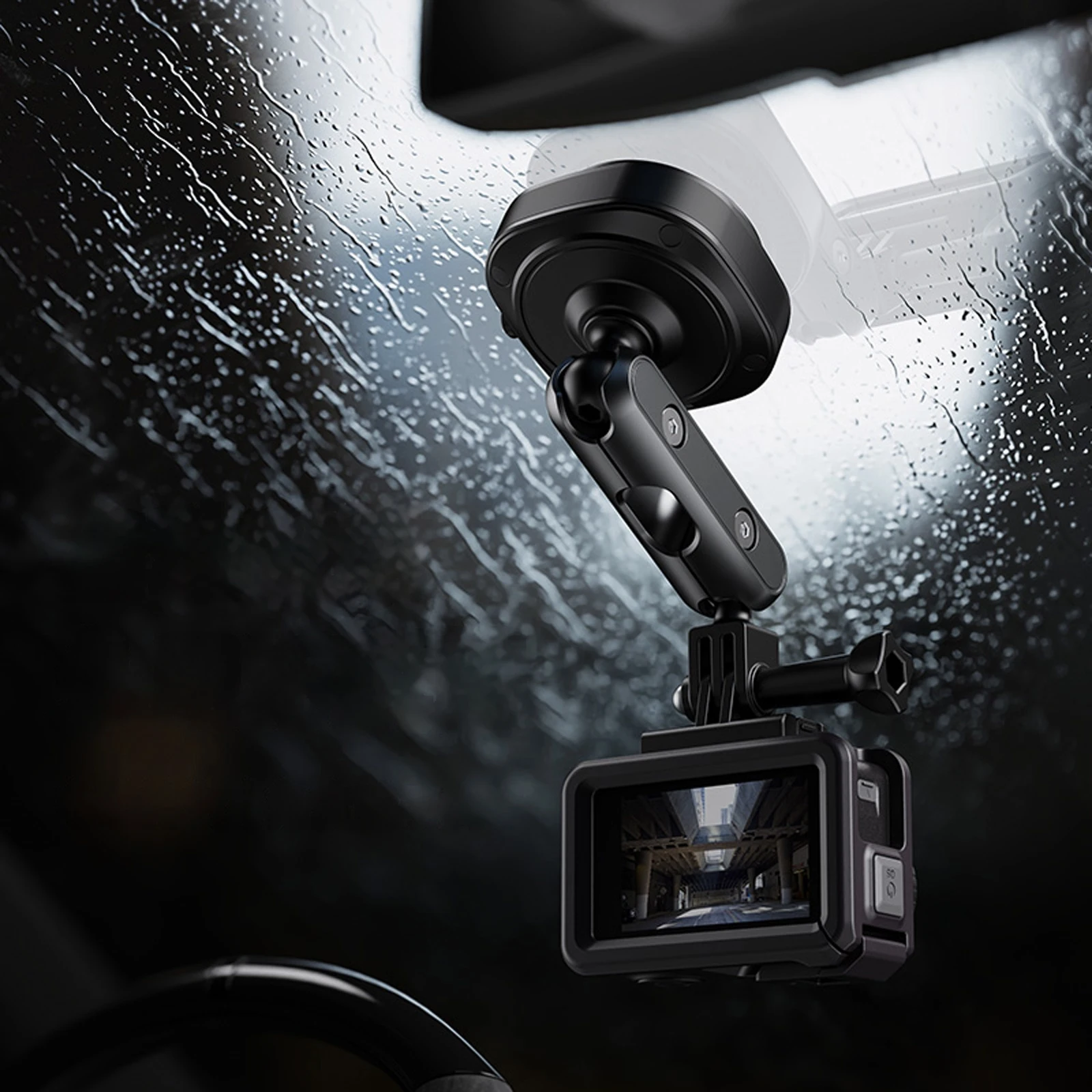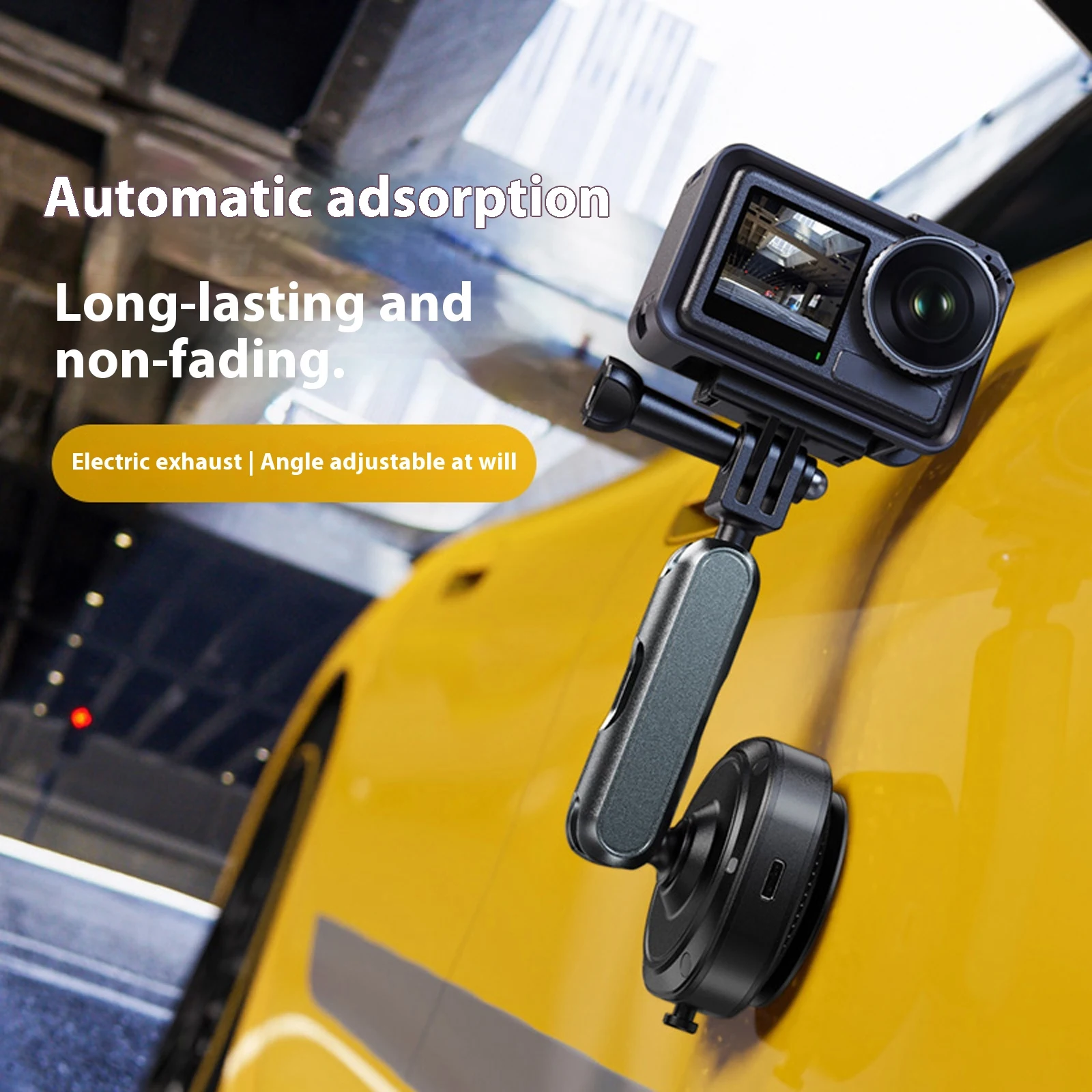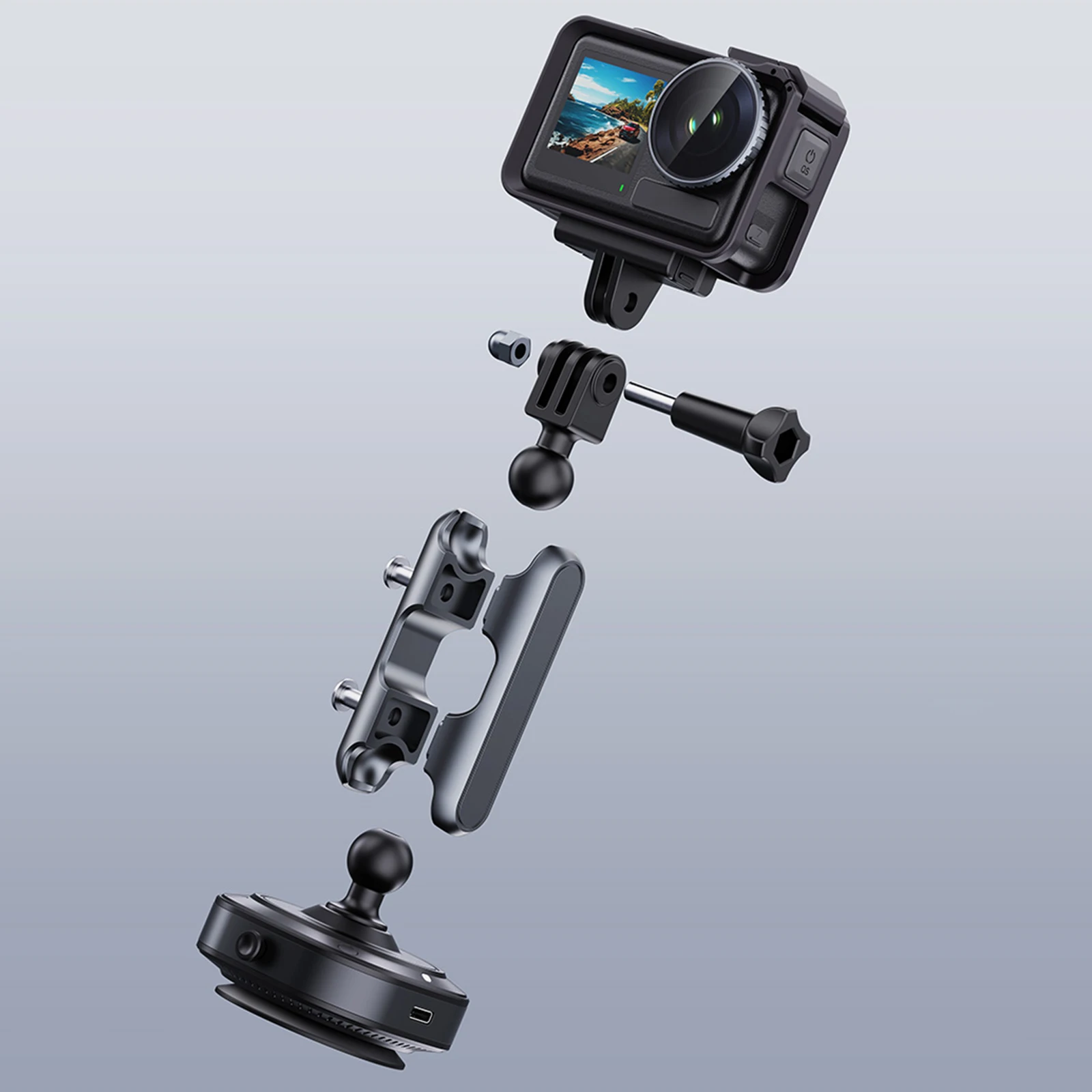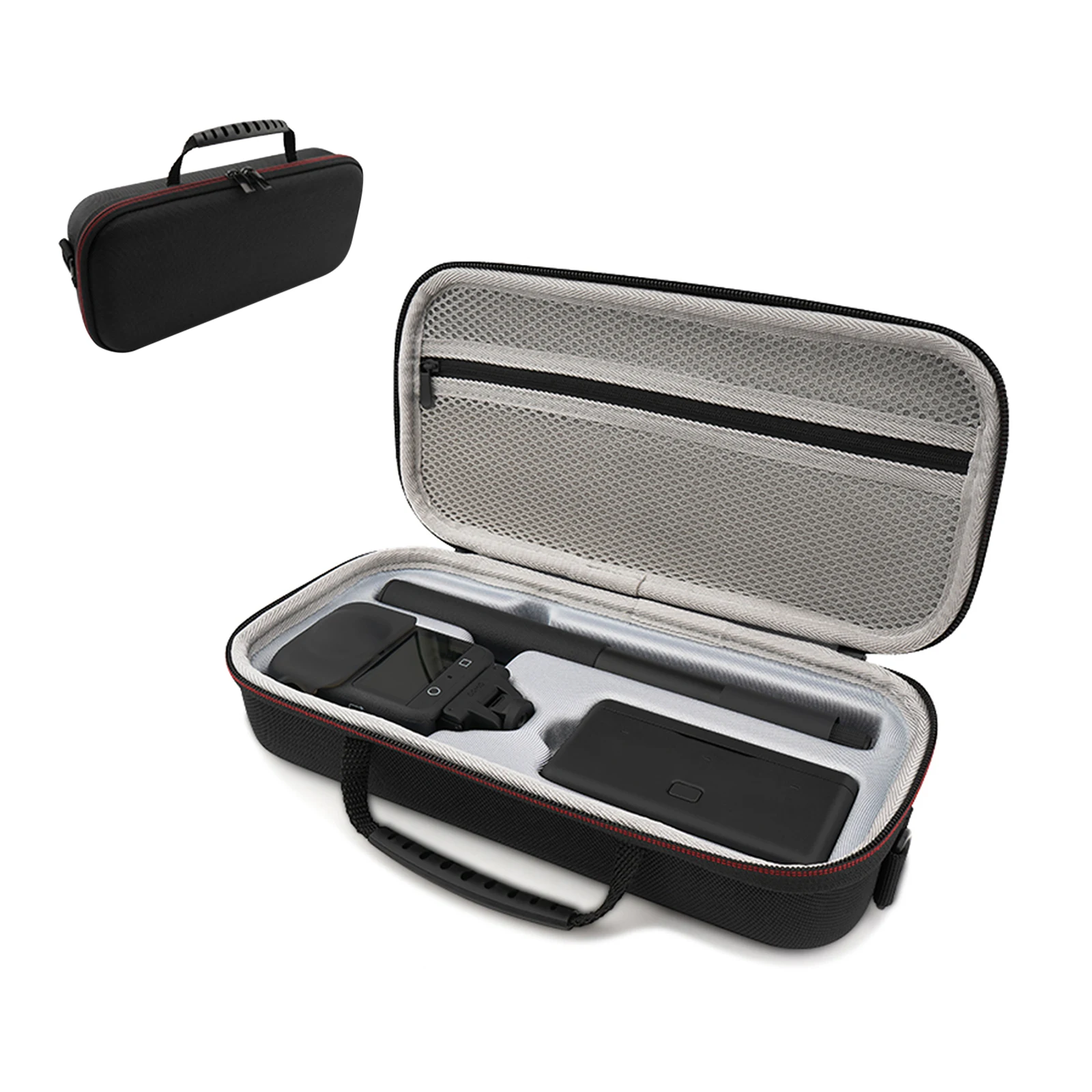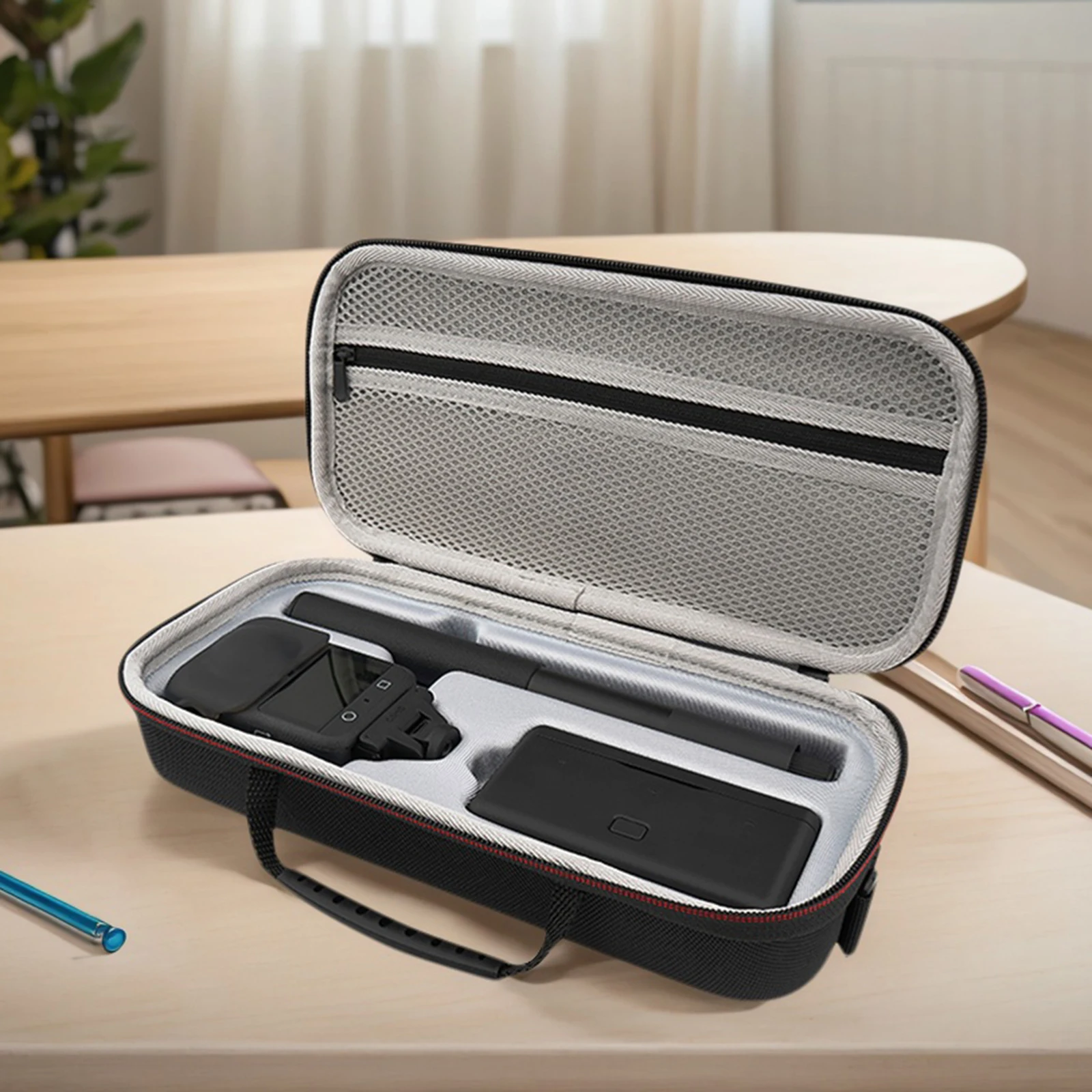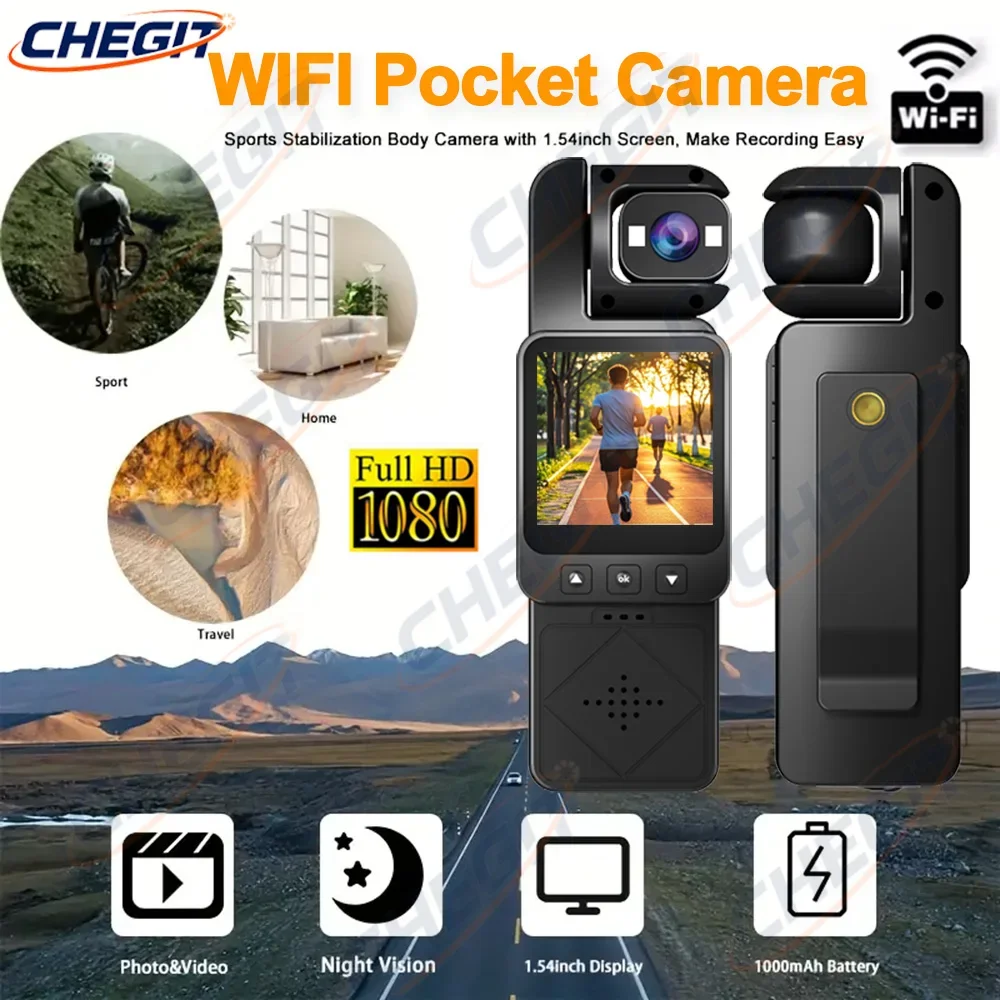
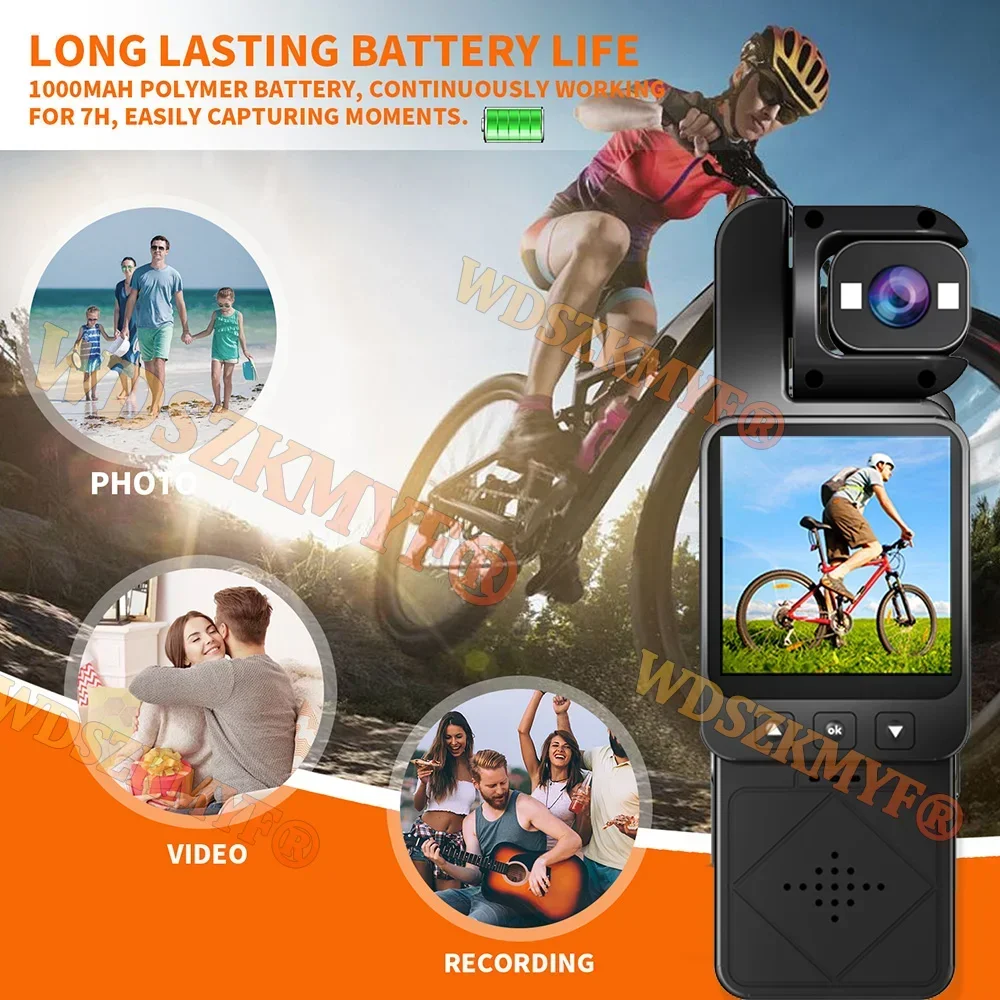
FHD 1080P WIFI Sports Camera Digital Video Outdoor Mini Camera DV Portable Handheld Law Enforcement Recorder 360° Rotatable Lens
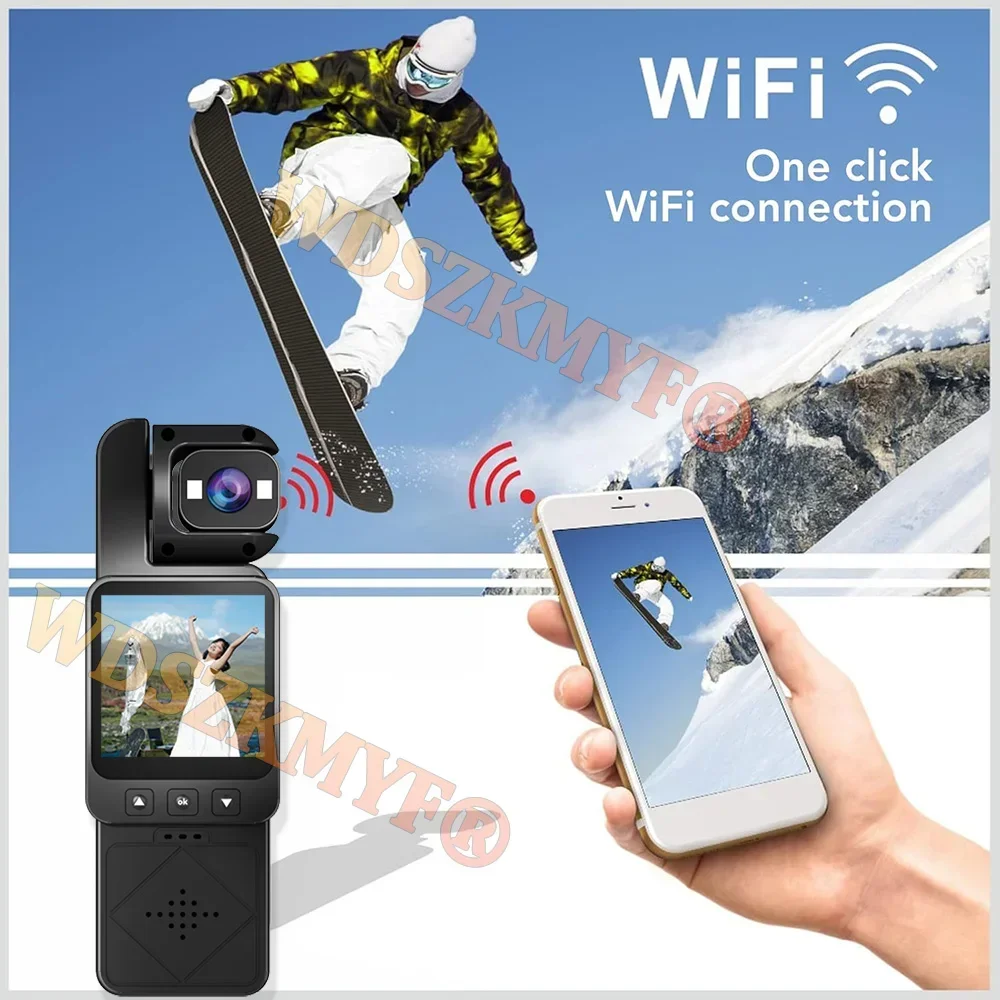
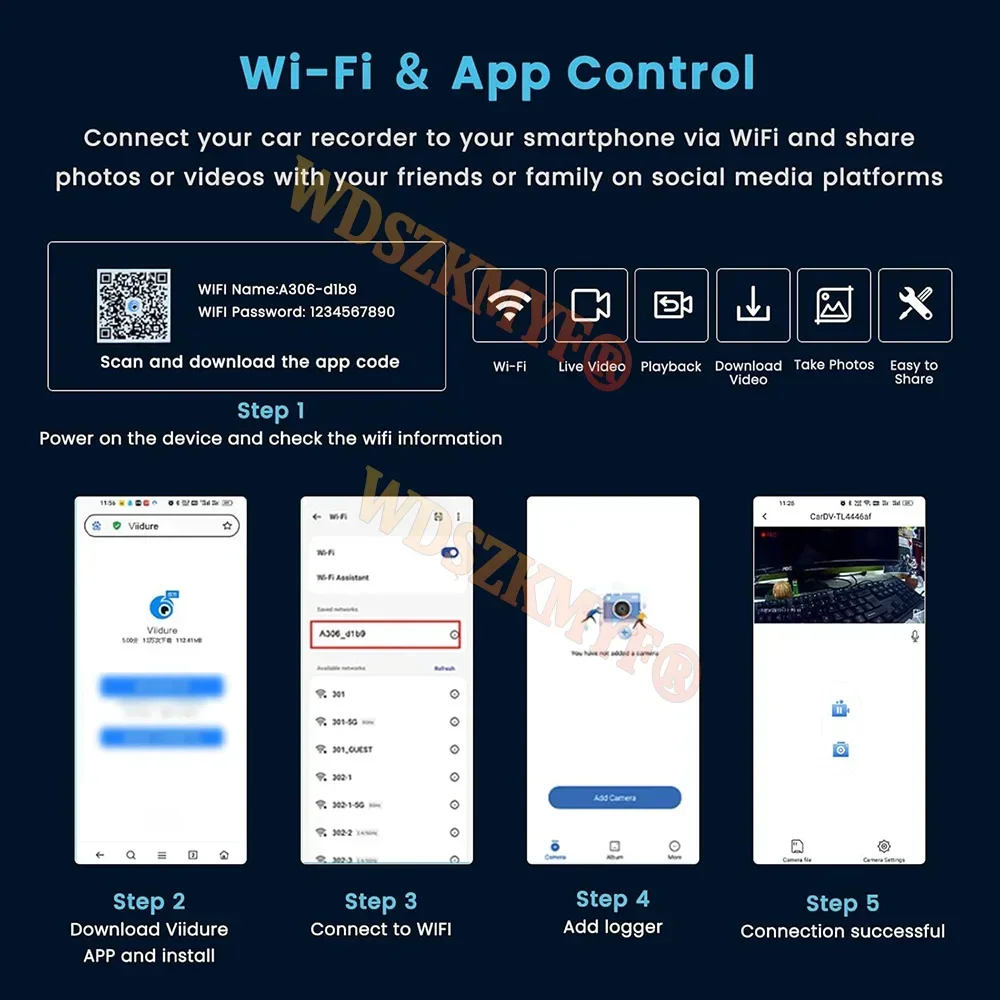
<br/><p><br/><br/></p><p><br/></p><br/><p><div class="detailmodule_media"><div class="video-container-5000328852346"><div class="detail-video" id="5000328852346" data-previewurl="https://ae01.alicdn.com/kf/S2533cfd12ac74ceca2e7c1a25f0a4285n.jpg"></div></div></div></p><br/><p><br/></p><p><br/></p><div class="detailmodule_text"><p style="font-size:24px;font-weight:bold">Customers who choose the WIFI version, please refer to the WIFI usage steps:</p></div><div class="detailmodule_text"><p style="font-size:24px">1. Setup: Open WIFI to activate the WIFI signal. At this time, the screen displays the WIFI signal name: DV01 ********, password: 123456789<br/>2. After connecting the WIFI signal on the mobile phone, open the downloaded APP (scan the QR code in the manual to download the APP)<br/>3. Click to connect the device, and the camera screen will transfer to the mobile app to complete the connection<br/>4. You can view recorded videos/download videos/share videos within the app<br/>Turn off WIFI function:<br/>When WIFI is turned on, press the first button on the right briefly, and the screen will prompt "Confirm to exit WIFI". Select "Confirm" to exit the WIFI interface.</p></div><div class="detailmodule_image"></div><div class="detailmodule_text"><p style="font-size:24px;font-weight:bold">Intelligent WIFI handheld recorder</p></div><div class="detailmodule_text"><p style="font-size:24px;font-weight:bold">Features:</p><p style="font-size:24px">.</p></div><div class="detailmodule_image"></div><div class="detailmodule_image"></div><p><br/></p><p><br/></p><p><br/></p><br/>
$82.745
$42.38
- Category : Consumer Electronics
- Brand : global_car_accessories_factory_store Global Car Accessories Factory Store
Colors
Sizes
-
+

<br/><p><br/><br/></p><p><br/></p><br/><p><div class="detailmodule_media"><div class="video-container-5000328852346"><div class="detail-video" id="5000328852346" data-previewurl="https://ae01.alicdn.com/kf/S2533cfd12ac74ceca2e7c1a25f0a4285n.jpg"></div></div></div></p><br/><p><br/></p><p><br/></p><div class="detailmodule_text"><p style="font-size:24px;font-weight:bold">Customers who choose the WIFI version, please refer to the WIFI usage steps:</p></div><div class="detailmodule_text"><p style="font-size:24px">1. Setup: Open WIFI to activate the WIFI signal. At this time, the screen displays the WIFI signal name: DV01 ********, password: 123456789<br/>2. After connecting the WIFI signal on the mobile phone, open the downloaded APP (scan the QR code in the manual to download the APP)<br/>3. Click to connect the device, and the camera screen will transfer to the mobile app to complete the connection<br/>4. You can view recorded videos/download videos/share videos within the app<br/>Turn off WIFI function:<br/>When WIFI is turned on, press the first button on the right briefly, and the screen will prompt "Confirm to exit WIFI". Select "Confirm" to exit the WIFI interface.</p></div><div class="detailmodule_image"></div><div class="detailmodule_text"><p style="font-size:24px;font-weight:bold">Intelligent WIFI handheld recorder</p></div><div class="detailmodule_text"><p style="font-size:24px;font-weight:bold">Features:</p><p style="font-size:24px">.</p></div><div class="detailmodule_image"></div><div class="detailmodule_image"></div><p><br/></p><p><br/></p><p><br/></p><br/>
Related Product
Browse The Collection of Top Products.