


Harddisk Boxs USB 3.0 to SATA III Hard Disk Case 2.5 Inch HDD SSD Shell External Enclosure Hard Drive Disk Box External HDD Case
<div class="detailmodule_text"><p style="text-align:center" align="center"><span style="font-size:20px"><strong>Transparent HDD Case SATA to USB 3.0 Hard Drive Case External 2.5'' HDD Enclosure Support UASP, for Type C SSD Disk Case Box</strong></span></p><p style="color:rgb(254, 7, 7)"><span style="font-size:20px"><strong>NOTICE</strong></span></p><p style="font-family:OpenSans;font-size:14px;font-weight:300;line-height:20px;white-space:pre-wrap;color:rgb(0, 0, 0);margin-bottom:12px" class="detail-desc-decorate-content">Dear Customer,<br/>For our hard drive enclosure, it <strong><u><span style="color:rgb(244, 78, 59)">does not</span></u></strong> include the hard drive.<br/>Please check the information carefully before you place the order.<br/>Any problem please feel free to contact us, we will try our best to help you.<br/>Wish you a good day!</p></div><div class="detailmodule_text"><p style="font-family:OpenSans;font-size:20px;font-weight:900;line-height:28px;white-space:pre-wrap;color:rgb(0, 0, 0);margin-bottom:12px" class="detail-desc-decorate-title">Feture</p><p style="font-family:OpenSans;font-size:14px;font-weight:300;line-height:20px;white-space:pre-wrap;color:rgb(0, 0, 0);margin-bottom:12px" class="detail-desc-decorate-content">1.Product name: 2.5 inch USB 3.0 Micro to SATA HDD enclosure<br/>2.Material: PC material<br/>3.Color: transparent<br/>4. Supports all standard 7mm/9.5mm 2.5 inch SATA I/II/III HDD and SSD<br/>5. Tool-free installation; hot-swap plug and play.<br/>6.Product indicator light: it is blue when the power is turned on, and the blue light flashes when reading and writing data<br/>7. Compatible Operating Systems: Windows 98 / 2000 / XP / Vista / 7 / 8 / 10, Linux, Mac OS 9.1above. <br/>8. 70% Faster than traditional USB 3.0 with UASP Transfer Protocol; which can accelerate read and write speed of SSD hard disk.<br/>9. JMS578 controller chip.Fully transparent design <br/>10. Size:125 * 79 * 13mm</p></div><div class="detailmodule_text"><p style="font-family:OpenSans;font-size:20px;font-weight:900;line-height:28px;white-space:pre-wrap;color:rgb(0, 0, 0);margin-bottom:12px" class="detail-desc-decorate-title">Package</p><p style="font-family:OpenSans;font-size:14px;font-weight:300;line-height:20px;white-space:pre-wrap;color:rgb(0, 0, 0);margin-bottom:12px" class="detail-desc-decorate-content">1 x 2.5" Hard Drive Enclosure, 1 x USB 3.0 Cable</p></div><div class="detailmodule_image"></div><div class="detailmodule_image"></div><div class="detailmodule_text"><div class="detailmodule_image"></div></div><p><br/></p><div class="detailmodule_text"><p style="font-family:OpenSans;font-size:20px;font-weight:900;line-height:28px;white-space:pre-wrap;color:rgb(0, 0, 0);margin-bottom:12px" class="detail-desc-decorate-title">Can't Find Your Hard Disk in Windows?</p><p style="font-family:OpenSans;font-size:14px;font-weight:300;line-height:20px;white-space:pre-wrap;color:rgb(0, 0, 0);margin-bottom:12px" class="detail-desc-decorate-content">Enter "Disk Management", find the disk, right-click on it, select "Change Drive Letter and Paths".<br/><br/>To change the drive letter, select "Change". To add a drive letter, select "Add".<br/><br/>Select the new drive letter, select "OK", then select "Yes" based on the prompt.</p></div><p><br/></p>
$16.92
$9.02
- Category : Consumer Electronics
- Brand : congdi_official_store congdi Official Store
Colors
-
+

<div class="detailmodule_text"><p style="text-align:center" align="center"><span style="font-size:20px"><strong>Transparent HDD Case SATA to USB 3.0 Hard Drive Case External 2.5'' HDD Enclosure Support UASP, for Type C SSD Disk Case Box</strong></span></p><p style="color:rgb(254, 7, 7)"><span style="font-size:20px"><strong>NOTICE</strong></span></p><p style="font-family:OpenSans;font-size:14px;font-weight:300;line-height:20px;white-space:pre-wrap;color:rgb(0, 0, 0);margin-bottom:12px" class="detail-desc-decorate-content">Dear Customer,<br/>For our hard drive enclosure, it <strong><u><span style="color:rgb(244, 78, 59)">does not</span></u></strong> include the hard drive.<br/>Please check the information carefully before you place the order.<br/>Any problem please feel free to contact us, we will try our best to help you.<br/>Wish you a good day!</p></div><div class="detailmodule_text"><p style="font-family:OpenSans;font-size:20px;font-weight:900;line-height:28px;white-space:pre-wrap;color:rgb(0, 0, 0);margin-bottom:12px" class="detail-desc-decorate-title">Feture</p><p style="font-family:OpenSans;font-size:14px;font-weight:300;line-height:20px;white-space:pre-wrap;color:rgb(0, 0, 0);margin-bottom:12px" class="detail-desc-decorate-content">1.Product name: 2.5 inch USB 3.0 Micro to SATA HDD enclosure<br/>2.Material: PC material<br/>3.Color: transparent<br/>4. Supports all standard 7mm/9.5mm 2.5 inch SATA I/II/III HDD and SSD<br/>5. Tool-free installation; hot-swap plug and play.<br/>6.Product indicator light: it is blue when the power is turned on, and the blue light flashes when reading and writing data<br/>7. Compatible Operating Systems: Windows 98 / 2000 / XP / Vista / 7 / 8 / 10, Linux, Mac OS 9.1above. <br/>8. 70% Faster than traditional USB 3.0 with UASP Transfer Protocol; which can accelerate read and write speed of SSD hard disk.<br/>9. JMS578 controller chip.Fully transparent design <br/>10. Size:125 * 79 * 13mm</p></div><div class="detailmodule_text"><p style="font-family:OpenSans;font-size:20px;font-weight:900;line-height:28px;white-space:pre-wrap;color:rgb(0, 0, 0);margin-bottom:12px" class="detail-desc-decorate-title">Package</p><p style="font-family:OpenSans;font-size:14px;font-weight:300;line-height:20px;white-space:pre-wrap;color:rgb(0, 0, 0);margin-bottom:12px" class="detail-desc-decorate-content">1 x 2.5" Hard Drive Enclosure, 1 x USB 3.0 Cable</p></div><div class="detailmodule_image"></div><div class="detailmodule_image"></div><div class="detailmodule_text"><div class="detailmodule_image"></div></div><p><br/></p><div class="detailmodule_text"><p style="font-family:OpenSans;font-size:20px;font-weight:900;line-height:28px;white-space:pre-wrap;color:rgb(0, 0, 0);margin-bottom:12px" class="detail-desc-decorate-title">Can't Find Your Hard Disk in Windows?</p><p style="font-family:OpenSans;font-size:14px;font-weight:300;line-height:20px;white-space:pre-wrap;color:rgb(0, 0, 0);margin-bottom:12px" class="detail-desc-decorate-content">Enter "Disk Management", find the disk, right-click on it, select "Change Drive Letter and Paths".<br/><br/>To change the drive letter, select "Change". To add a drive letter, select "Add".<br/><br/>Select the new drive letter, select "OK", then select "Yes" based on the prompt.</p></div><p><br/></p>
Related Product
Browse The Collection of Top Products.


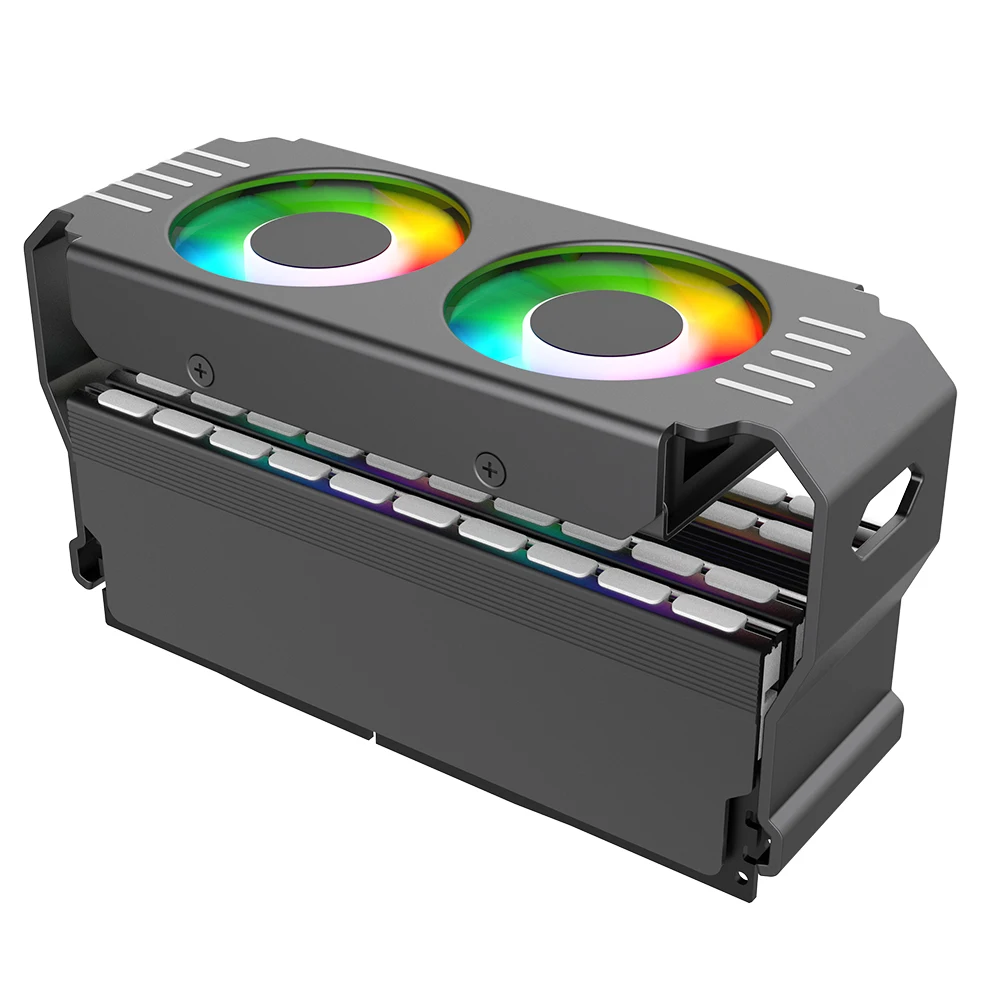


Aluminum RAM Cooling Fan for DDR4 DDR5 Memory
$34.73
$98.3


NFC Smart Simulator Card with LCD Screen for Gaming
$29.49
$56.99
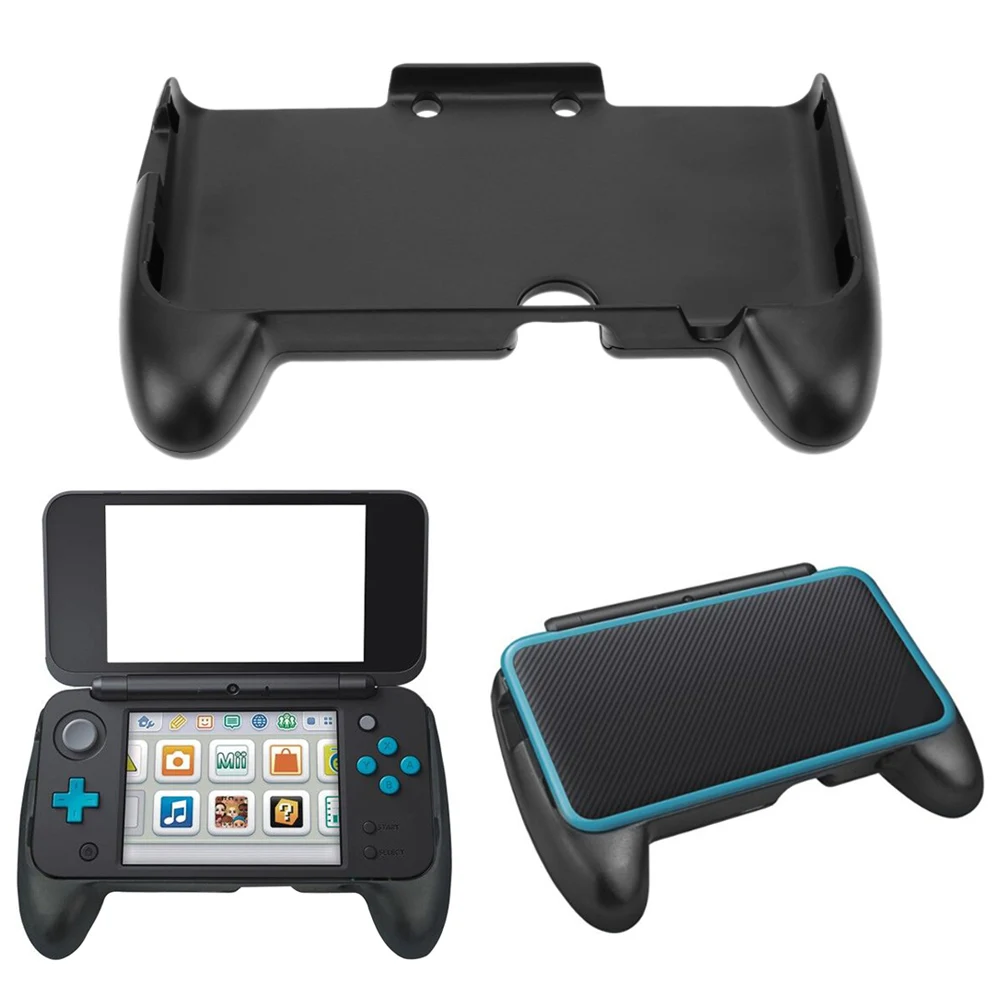


ABS Plastic Hand Grip for Nintendo 2DS XL Console
$8.38
$14.77



Resin Boxing Glove Mug for Coffee and Tea Lovers
$19.37
$37.46


Sweatproof Gaming Finger Sleeves for Mobile Players
$6.01
$10.36


PS2 Memory Card 64MB for Game Console
$24.23
$49.31


PS4 Game Mod Kit with Type C Cable for PS4 Pro and Slim
$32.92
$63.85


