HD Video Converter for CCTV Camera
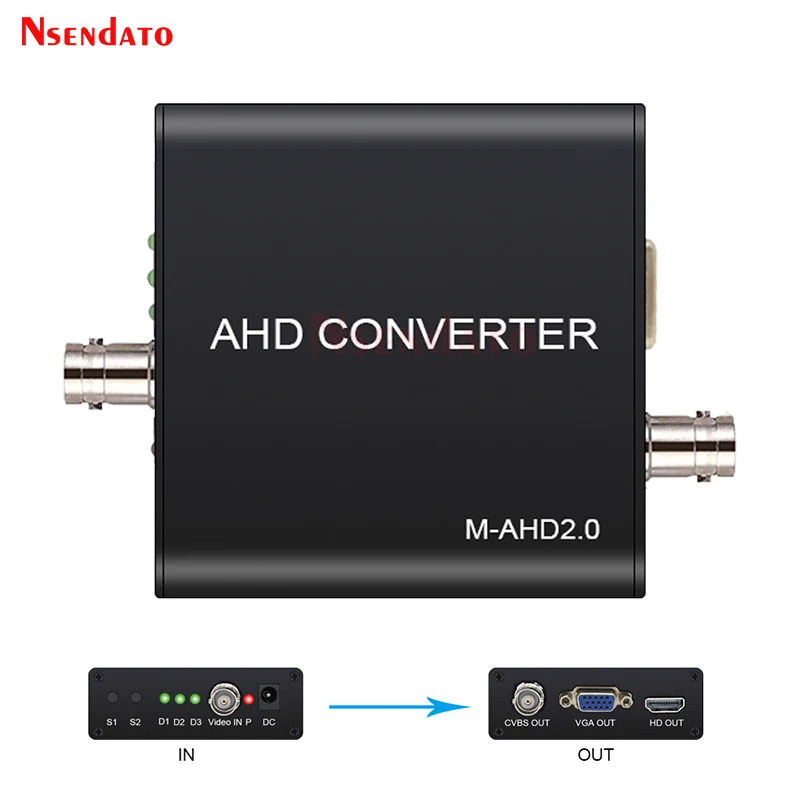
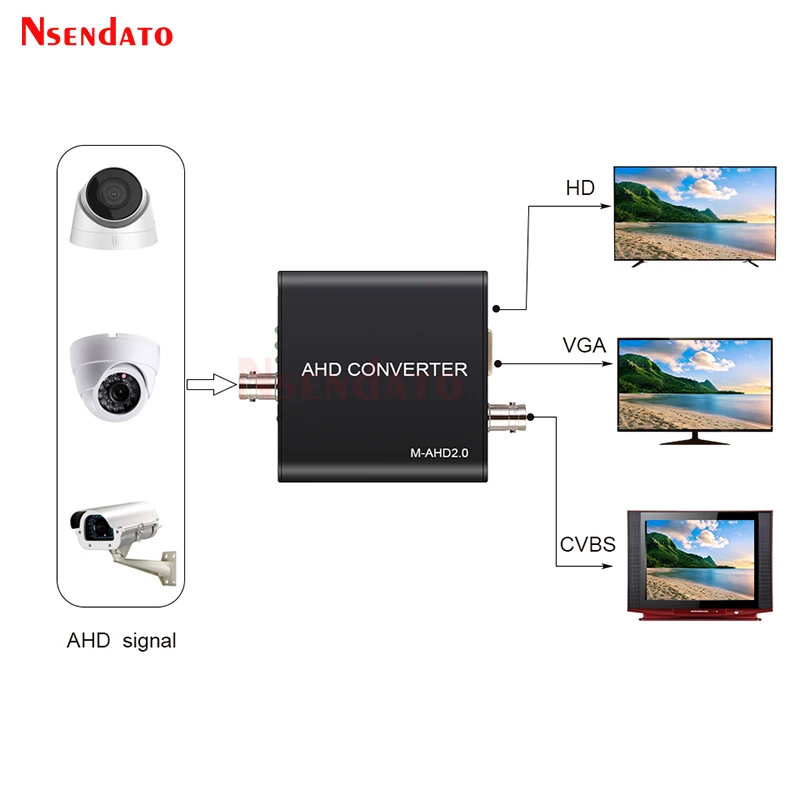
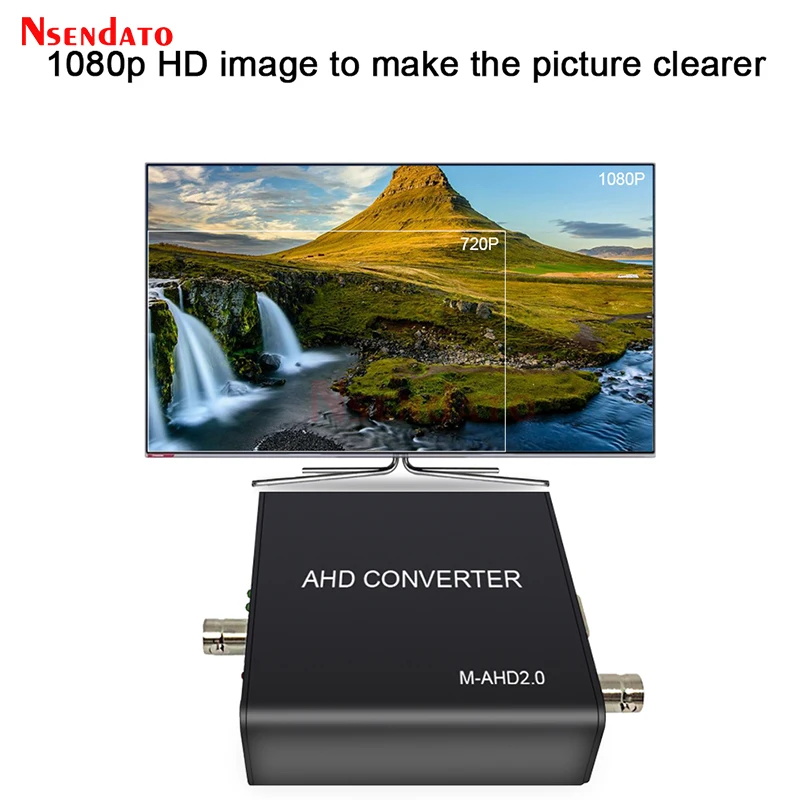
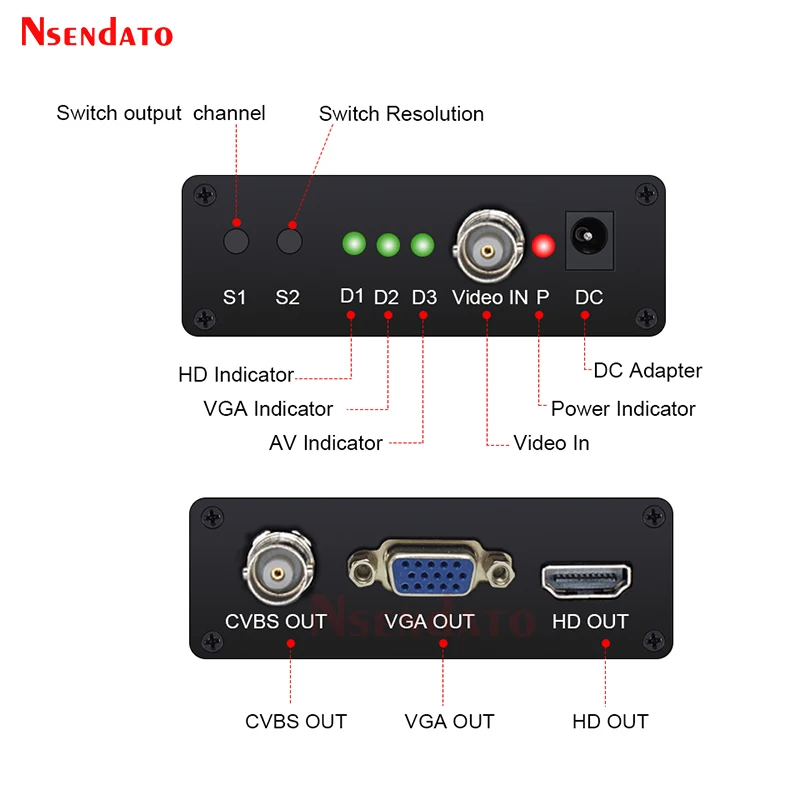
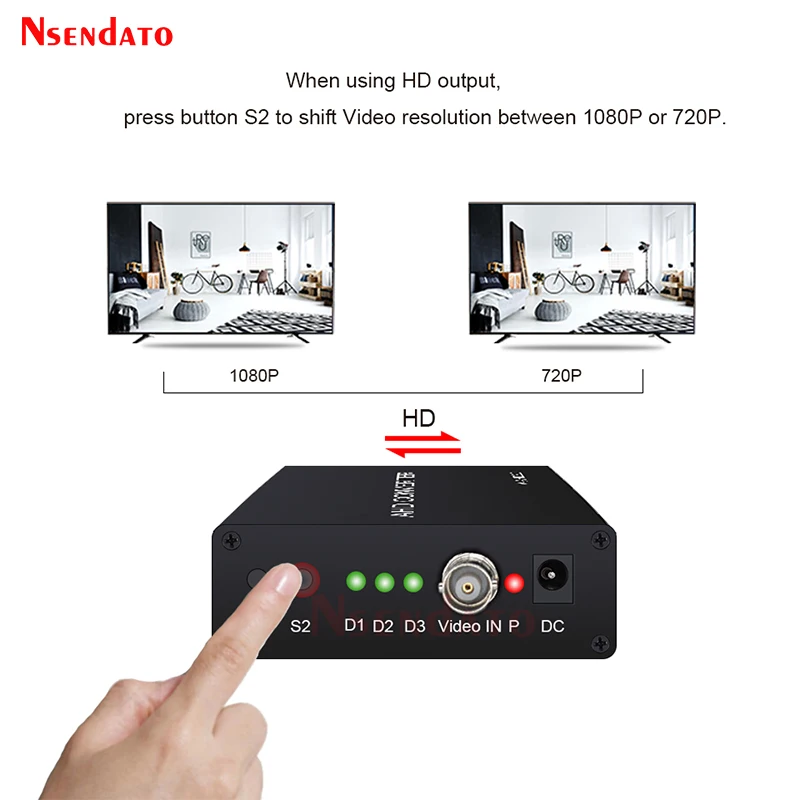
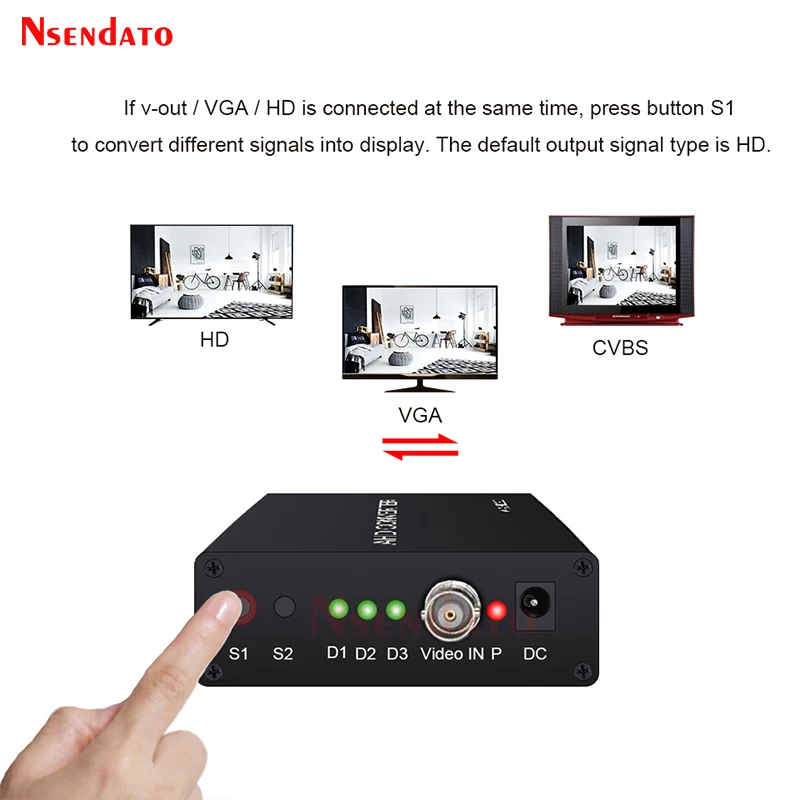
Full HD Support Auto Recognition 5MP 2MP 720P 1080P AHD to HD VGA CVBS Converter For CCTV Camera Video Tester Convert Adapter. This is a 1 in 3 out high definition video signal convertor, it convert AHD signal to HD/VGA/CVBS signal. The convertor will recognize input video signal automatically. it compatible with 1080P,720P signal input. The output HD signal support 1080P and 720P. You can shift it by the button on convertor. MPS wide power 5V-20V design helps it widely used in different working conditions. To use, connect with original 5V power adapter to DC port, after power on, the RED light on. Then, connect V-IN with video signal input, and the other side connect with the device which to receive converted video signal. If you connect V-OUT/VGA/HD at the same time, press button A to shift different signal to display. The default output signal type is HD. When using HD output, press button B to shift Video resolution between 1080P or 720P. When using CVBS output, press Button B to shift PAL/NTSC mode.
$105.41
$79.55
- Category : Consumer Electronics
- Brand : nsendato_office_store_store Nsendato Office Store Store
Colors
-
+

Full HD Support Auto Recognition 5MP 2MP 720P 1080P AHD to HD VGA CVBS Converter For CCTV Camera Video Tester Convert Adapter. This is a 1 in 3 out high definition video signal convertor, it convert AHD signal to HD/VGA/CVBS signal. The convertor will recognize input video signal automatically. it compatible with 1080P,720P signal input. The output HD signal support 1080P and 720P. You can shift it by the button on convertor. MPS wide power 5V-20V design helps it widely used in different working conditions. To use, connect with original 5V power adapter to DC port, after power on, the RED light on. Then, connect V-IN with video signal input, and the other side connect with the device which to receive converted video signal. If you connect V-OUT/VGA/HD at the same time, press button A to shift different signal to display. The default output signal type is HD. When using HD output, press button B to shift Video resolution between 1080P or 720P. When using CVBS output, press Button B to shift PAL/NTSC mode.
Related Product
Browse The Collection of Top Products.


Leather Dual Camera Strap Adjustable Shoulder Harness
$47.84
$95.56


Black Multi Microphone Rack for Wired and Wireless Mics
$29.09
$57.28


Waterproof Solar Panel Charger for Video Doorbell
$22.58
$29.44


Silicone Camera Cover with Lanyard for Digital Cameras
$14.72
$19.42


HDMI to Displayport Converter Cable 4K 30Hz for TV
$11.29
$14.72


Wireless Game Controller for Nintendo Wii U Console
$21.74
$29.03


