Learning Touch Screen Smart Phone Educational Light Up Toys Early Development Machine Toy Phone That Plays Music Play To Learn
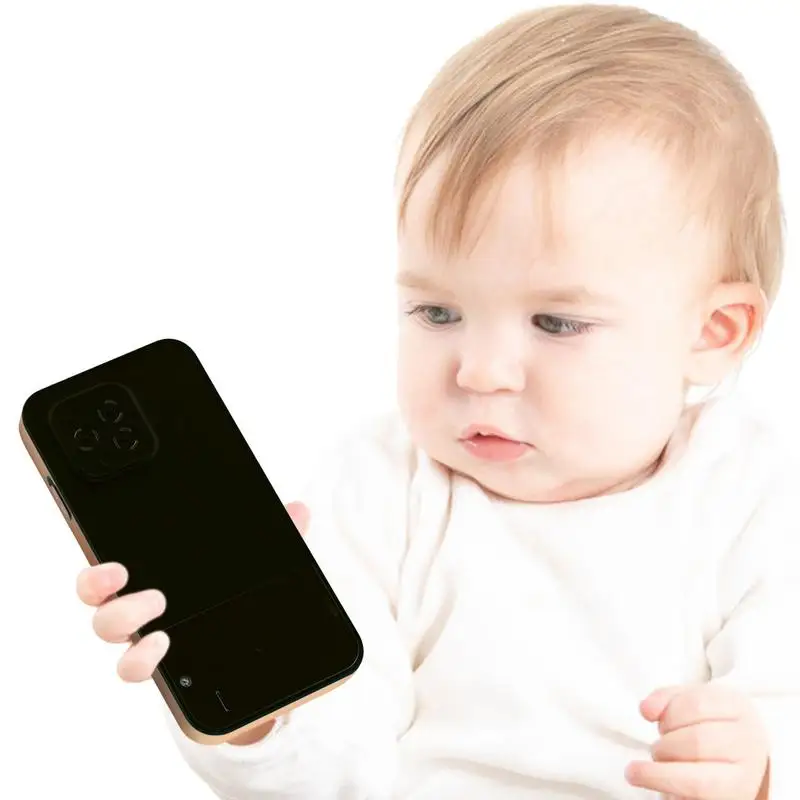
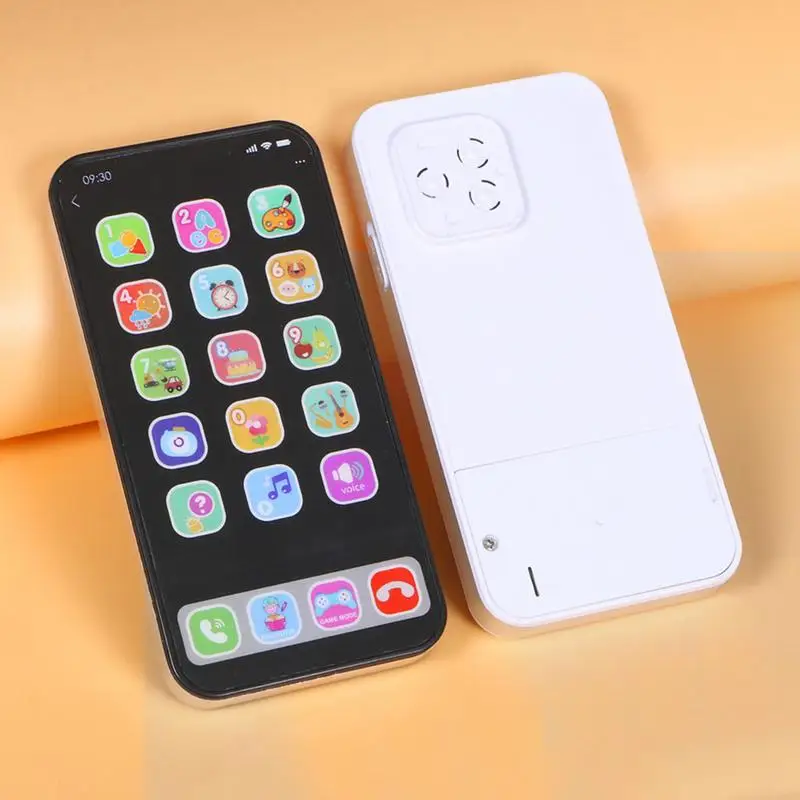
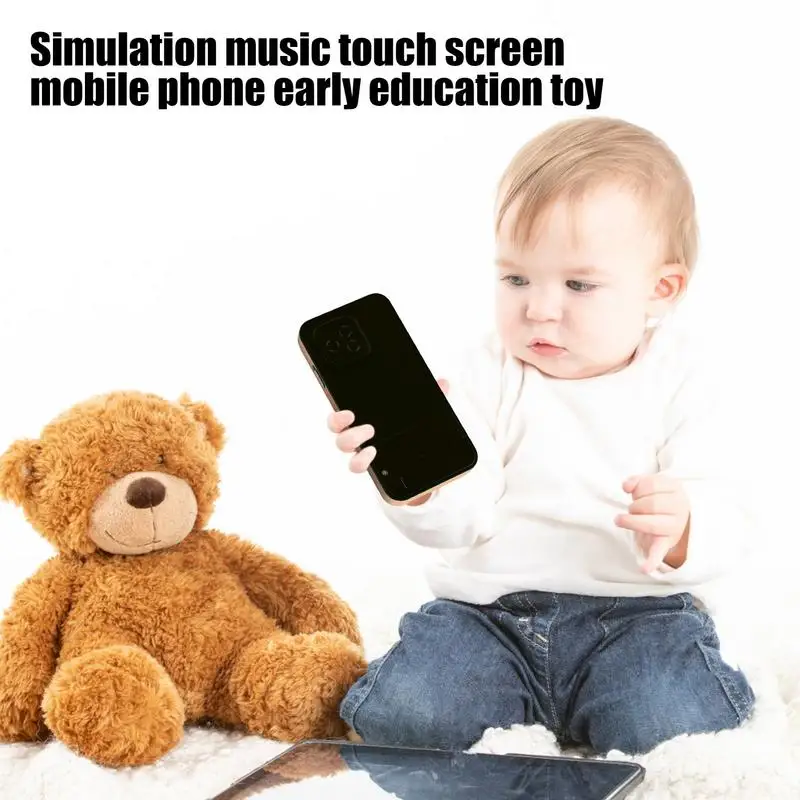
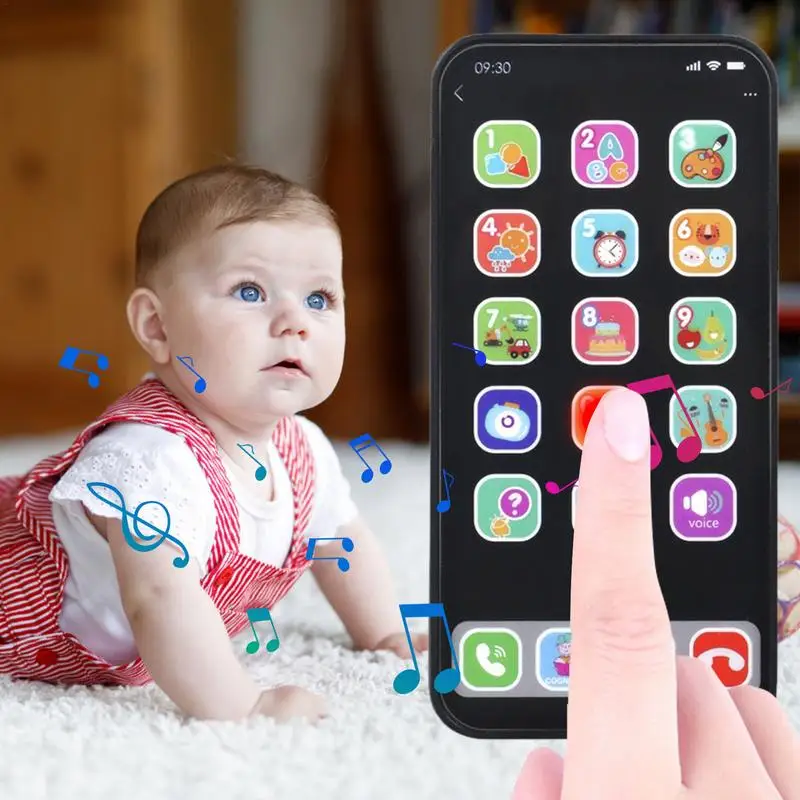
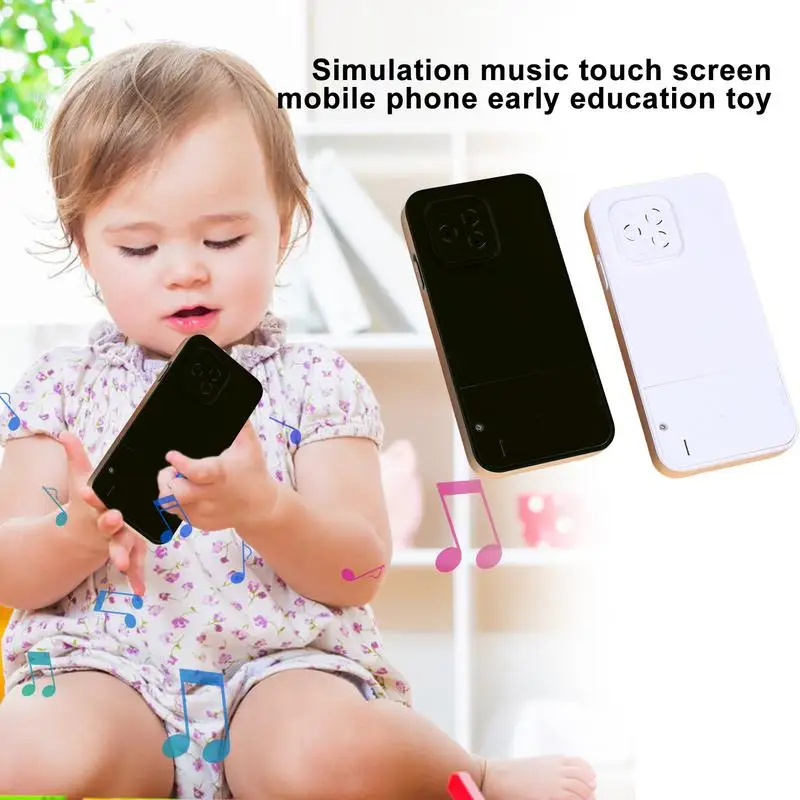
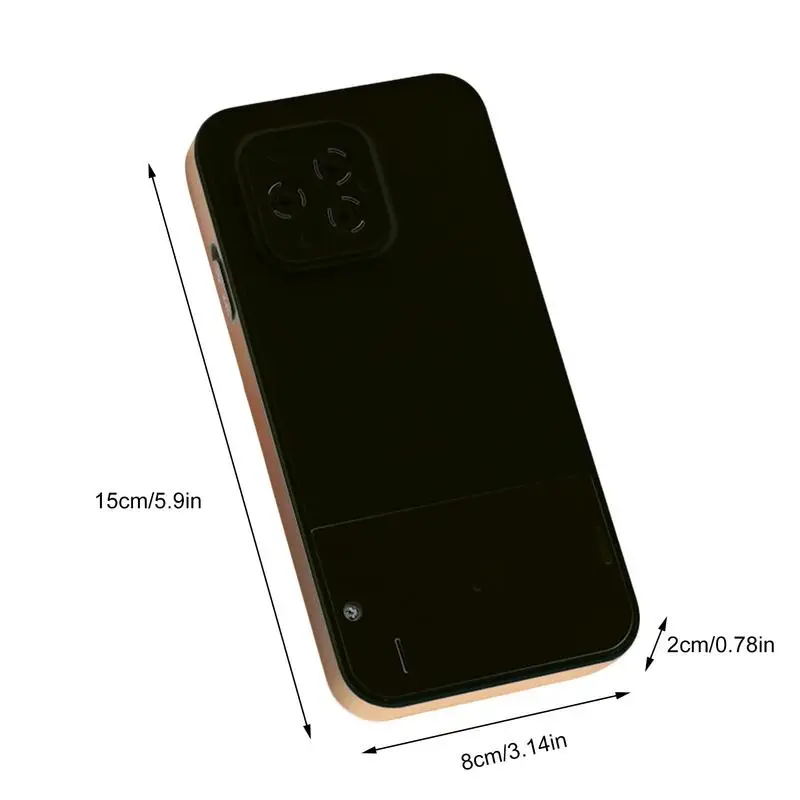
<div class="detailmodule_html"><div class="detail-desc-decorate-richtext"><div style="font-size:18px">This play phone for kids satisfies their learning curiosity! When button is pressed, it turns on. They can explore by repeatedly tapping the volume button and pressing pictures. Perfect for imaginative Name: Kids Cell Phone Toy<br>Operating mode: AAA batteries*3 (batteries not included)<br>Function: words, games, music<br>Product size: about 8*2*15cm/5.9*3.14*0.78 inches<br><br>Package List: <br>Kids Cell Phone Toy *1<br><br><strong><span style="color: black;">Notes:</span></strong> <br>Due to the lighting effects and camera angles, the color of the item and that shown in the picture might have a nuance.<br>Due to manual measurement, there might be a tolerance in the product size.<br /><br />See more product details<br /><br><br>1.Early Development: Nurture early development with our kids cell phone toy! Stimulate your child's vision through the flashing lights in different colors around the edge when the button is pressed. The visual stimulation exercises their eye muscles and encourages exploration in a fun way.<br><br>2.Diverse learning modes: Enhance your child's cognitive and motor skills with our kids cell phone toy, featuring 8 modes and various sound effects. Through sound and sight, your little can explore, imagine and learn in different ways, sparking their curiosity for knowledge!<br><br>3.Interactive Engagement: When kids press picture buttons on this toy cell phone, it provides timely feedback by ringing and speaking phrases. With a mode and various sounds, it enhances cognitive and motor development during play.<br><br>4.User-friendly design: Turn on this kid's cell phone toy by simply ing the power button. It plays authentic sound effects and stops automatically after 5 minutes of idle time to preserve the battery life. The shutdown and startup music enhances the experience. Don't forget to turn the power back on!<br><br>5.Volume Control: This kids cell phone toy lets you adjust the volume level to your preference. Simply turn on the power first, then repeatedly tap the volume button on the screen to increase or decrease the sound.<br><br /></div></div></div>
$14.78
$9.155
- Category : Consumer Electronics
- Brand : rondaful_tech_store RondaFul Tech Store
Colors
Sizes
-
+

<div class="detailmodule_html"><div class="detail-desc-decorate-richtext"><div style="font-size:18px">This play phone for kids satisfies their learning curiosity! When button is pressed, it turns on. They can explore by repeatedly tapping the volume button and pressing pictures. Perfect for imaginative Name: Kids Cell Phone Toy<br>Operating mode: AAA batteries*3 (batteries not included)<br>Function: words, games, music<br>Product size: about 8*2*15cm/5.9*3.14*0.78 inches<br><br>Package List: <br>Kids Cell Phone Toy *1<br><br><strong><span style="color: black;">Notes:</span></strong> <br>Due to the lighting effects and camera angles, the color of the item and that shown in the picture might have a nuance.<br>Due to manual measurement, there might be a tolerance in the product size.<br /><br />See more product details<br /><br><br>1.Early Development: Nurture early development with our kids cell phone toy! Stimulate your child's vision through the flashing lights in different colors around the edge when the button is pressed. The visual stimulation exercises their eye muscles and encourages exploration in a fun way.<br><br>2.Diverse learning modes: Enhance your child's cognitive and motor skills with our kids cell phone toy, featuring 8 modes and various sound effects. Through sound and sight, your little can explore, imagine and learn in different ways, sparking their curiosity for knowledge!<br><br>3.Interactive Engagement: When kids press picture buttons on this toy cell phone, it provides timely feedback by ringing and speaking phrases. With a mode and various sounds, it enhances cognitive and motor development during play.<br><br>4.User-friendly design: Turn on this kid's cell phone toy by simply ing the power button. It plays authentic sound effects and stops automatically after 5 minutes of idle time to preserve the battery life. The shutdown and startup music enhances the experience. Don't forget to turn the power back on!<br><br>5.Volume Control: This kids cell phone toy lets you adjust the volume level to your preference. Simply turn on the power first, then repeatedly tap the volume button on the screen to increase or decrease the sound.<br><br /></div></div></div>
Related Product
Browse The Collection of Top Products.