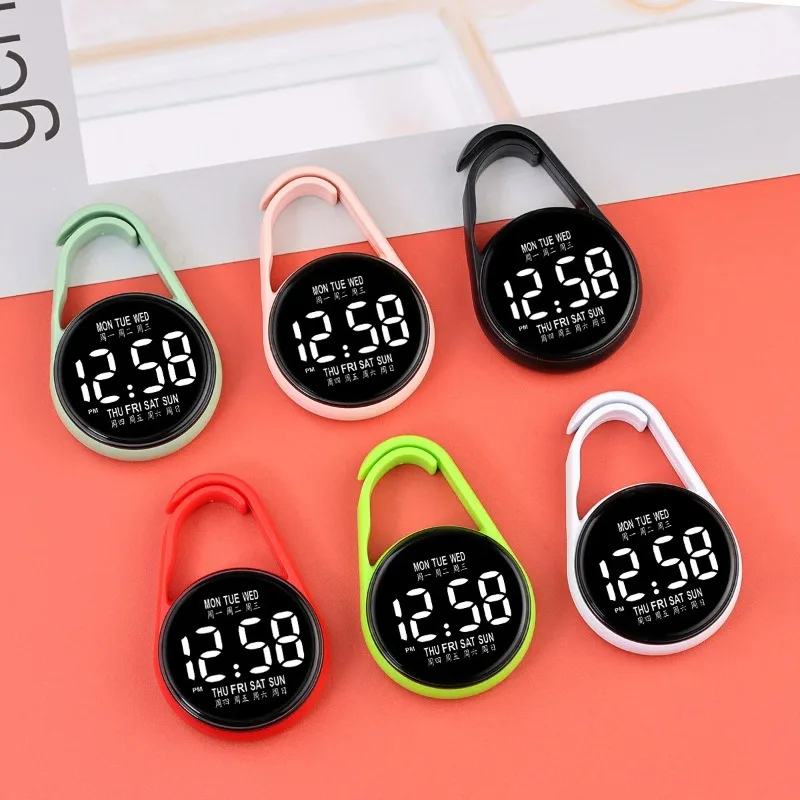
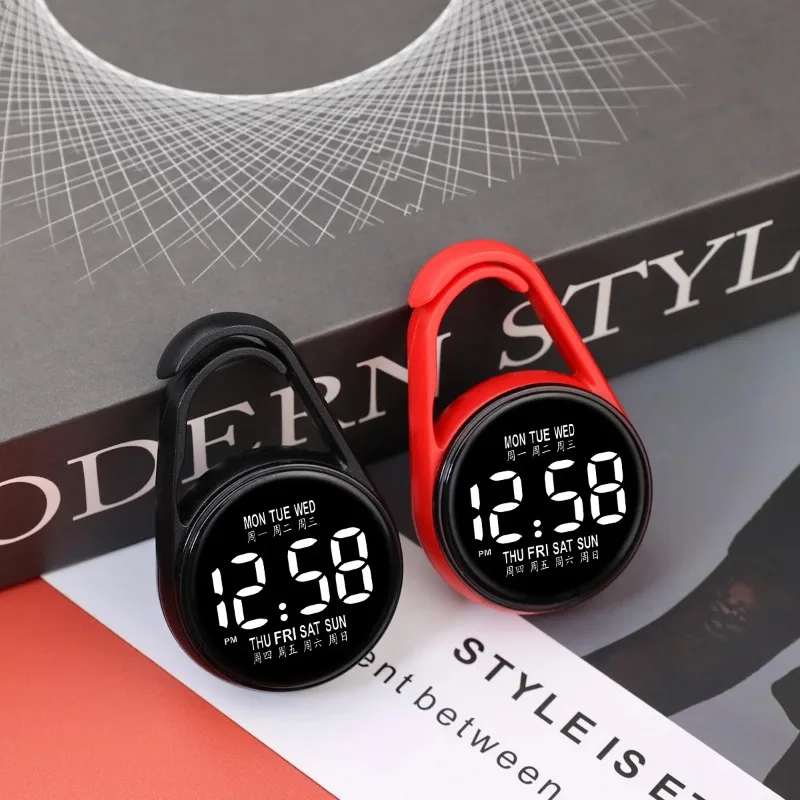
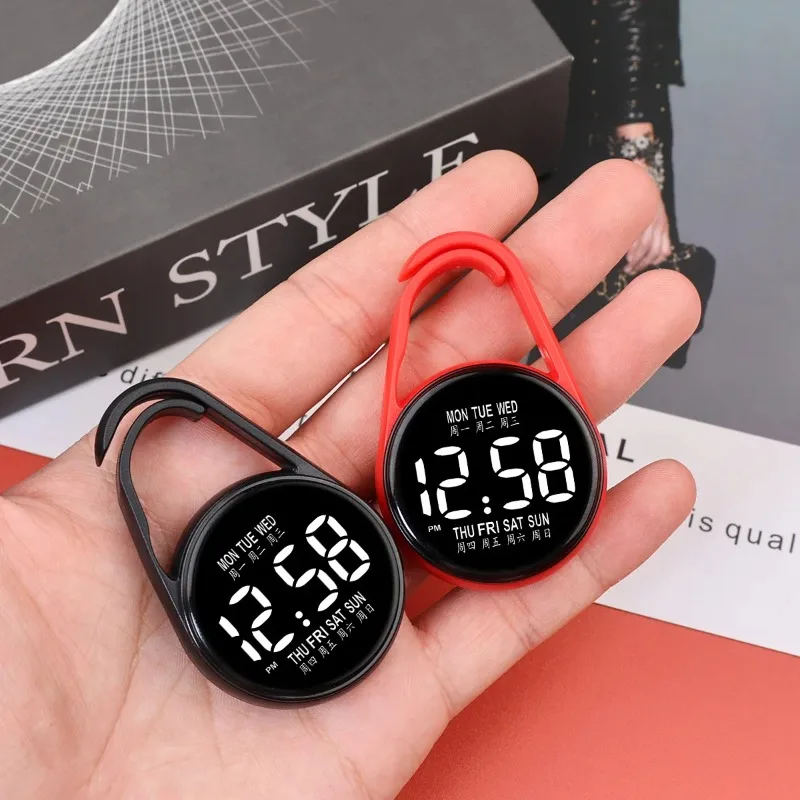
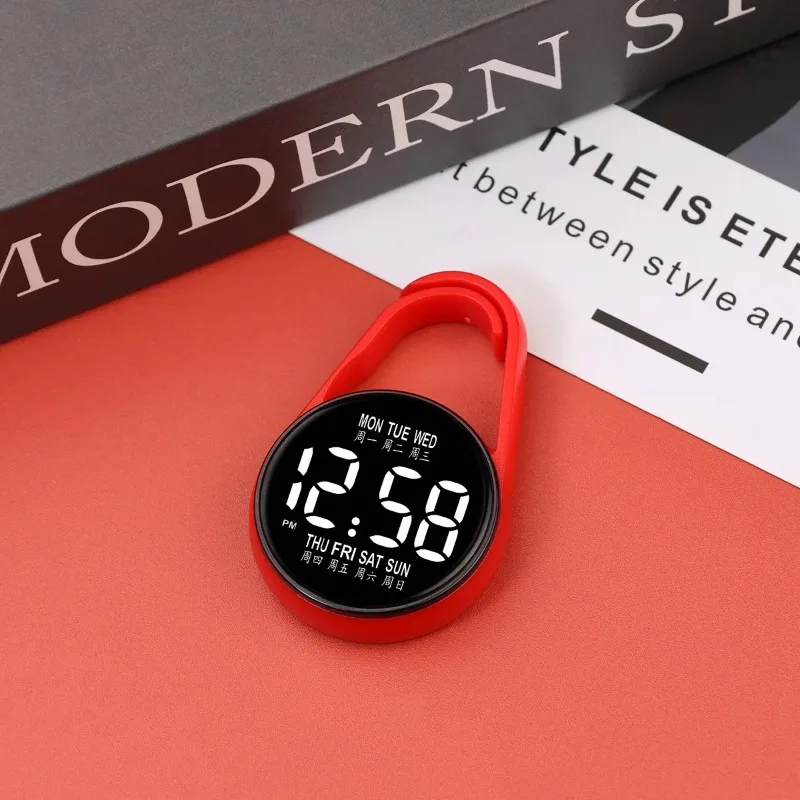
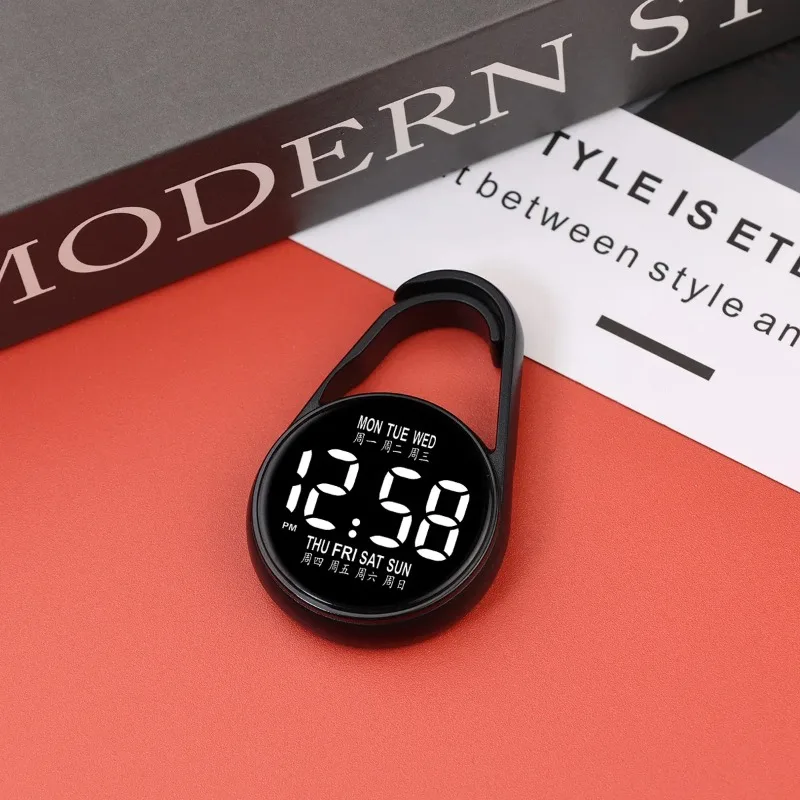
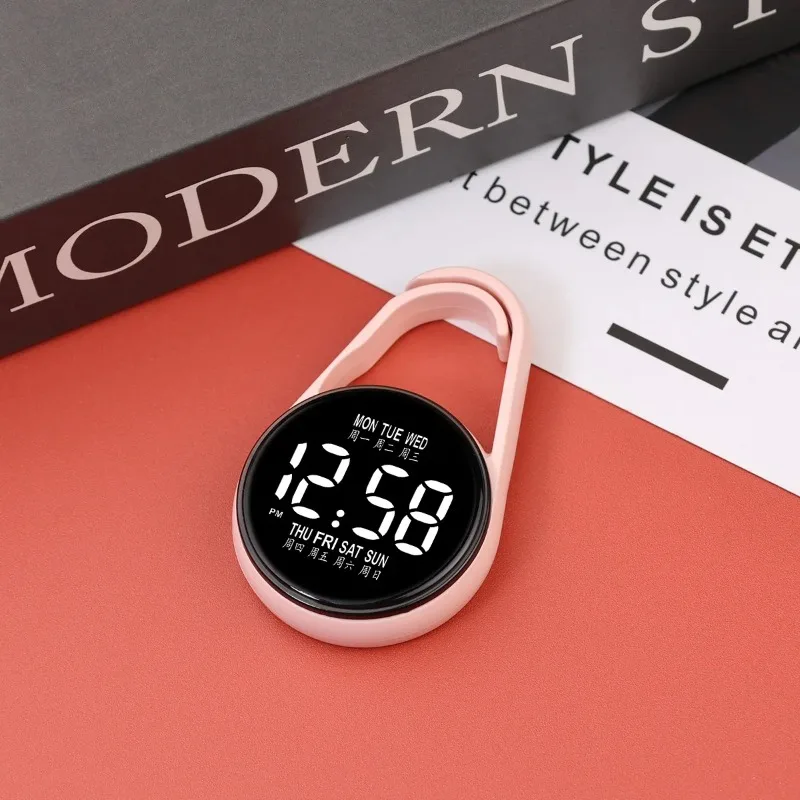
LED Digital Hanging Pocket Watch Night Light - Electronic Wall Clock with Ambient Glow, Battery Powered Retro Desk & Wall Decor
<div class="detailmodule_html"><div class="detail-desc-decorate-richtext"><style type="text/css">p{margin-block-start: 0; margin-block-end: 0}
</style>
<p class="word-break white-space mt-10" style="text-align:left;color:#434649;font-size:13px;font-weight:normal;">LED watch settings<br />
1、 Function Overview<br />
Adopting a 12 hour clock system, it can display time, year, and date;<br />
Equipped with touch control buttons, the screen automatically shuts down after 3 seconds of inactivity.<br />
2、 Setting Steps<br />
1. Display switching<br />
• Touch the touch button once → light up to display time;<br />
Touch again → Display date.<br />
2. Time adjustment (hour → minute)<br />
Long press the button for a few seconds → the hour number jumps;<br />
• Touch the button (one touch adds one hour) → Adjust to the target hour;<br />
After setting the hour, long press the button again for a few seconds → the minute number jumps;<br />
• Touch the button (touch once for one minute) → Adjust to the target minute.<br />
3. Date adjustment (year → month)<br />
After adjusting the time, long press the button for a few seconds → the year number jumps;<br />
• Touch the button (one touch adds one year) → Adjust to the target year;<br />
After adjusting the year, long press the button for a few seconds → the month number jumps;<br />
Touch the button (one touch adds one month) → Adjust to the target month.<br />
3、 Precautions<br />
1. Timing adjustment: When switching adjustment items, it is necessary to operate when the lights are flashing; If the light goes out, it needs to be readjusted.<br />
2. Test light phenomenon: Before the light is turned on/off, 18:88 will be displayed, which is a test light function (to check if the LED is damaged) and is a normal phenomenon.</p>
</div></div>
$16.445
$9.08
- Category : Watches
- Brand : shop1105080977_store Shop1105080977 Store
Colors
Sizes
-
+

<div class="detailmodule_html"><div class="detail-desc-decorate-richtext"><style type="text/css">p{margin-block-start: 0; margin-block-end: 0}
</style>
<p class="word-break white-space mt-10" style="text-align:left;color:#434649;font-size:13px;font-weight:normal;">LED watch settings<br />
1、 Function Overview<br />
Adopting a 12 hour clock system, it can display time, year, and date;<br />
Equipped with touch control buttons, the screen automatically shuts down after 3 seconds of inactivity.<br />
2、 Setting Steps<br />
1. Display switching<br />
• Touch the touch button once → light up to display time;<br />
Touch again → Display date.<br />
2. Time adjustment (hour → minute)<br />
Long press the button for a few seconds → the hour number jumps;<br />
• Touch the button (one touch adds one hour) → Adjust to the target hour;<br />
After setting the hour, long press the button again for a few seconds → the minute number jumps;<br />
• Touch the button (touch once for one minute) → Adjust to the target minute.<br />
3. Date adjustment (year → month)<br />
After adjusting the time, long press the button for a few seconds → the year number jumps;<br />
• Touch the button (one touch adds one year) → Adjust to the target year;<br />
After adjusting the year, long press the button for a few seconds → the month number jumps;<br />
Touch the button (one touch adds one month) → Adjust to the target month.<br />
3、 Precautions<br />
1. Timing adjustment: When switching adjustment items, it is necessary to operate when the lights are flashing; If the light goes out, it needs to be readjusted.<br />
2. Test light phenomenon: Before the light is turned on/off, 18:88 will be displayed, which is a test light function (to check if the LED is damaged) and is a normal phenomenon.</p>
</div></div>
Related Product
Browse The Collection of Top Products.