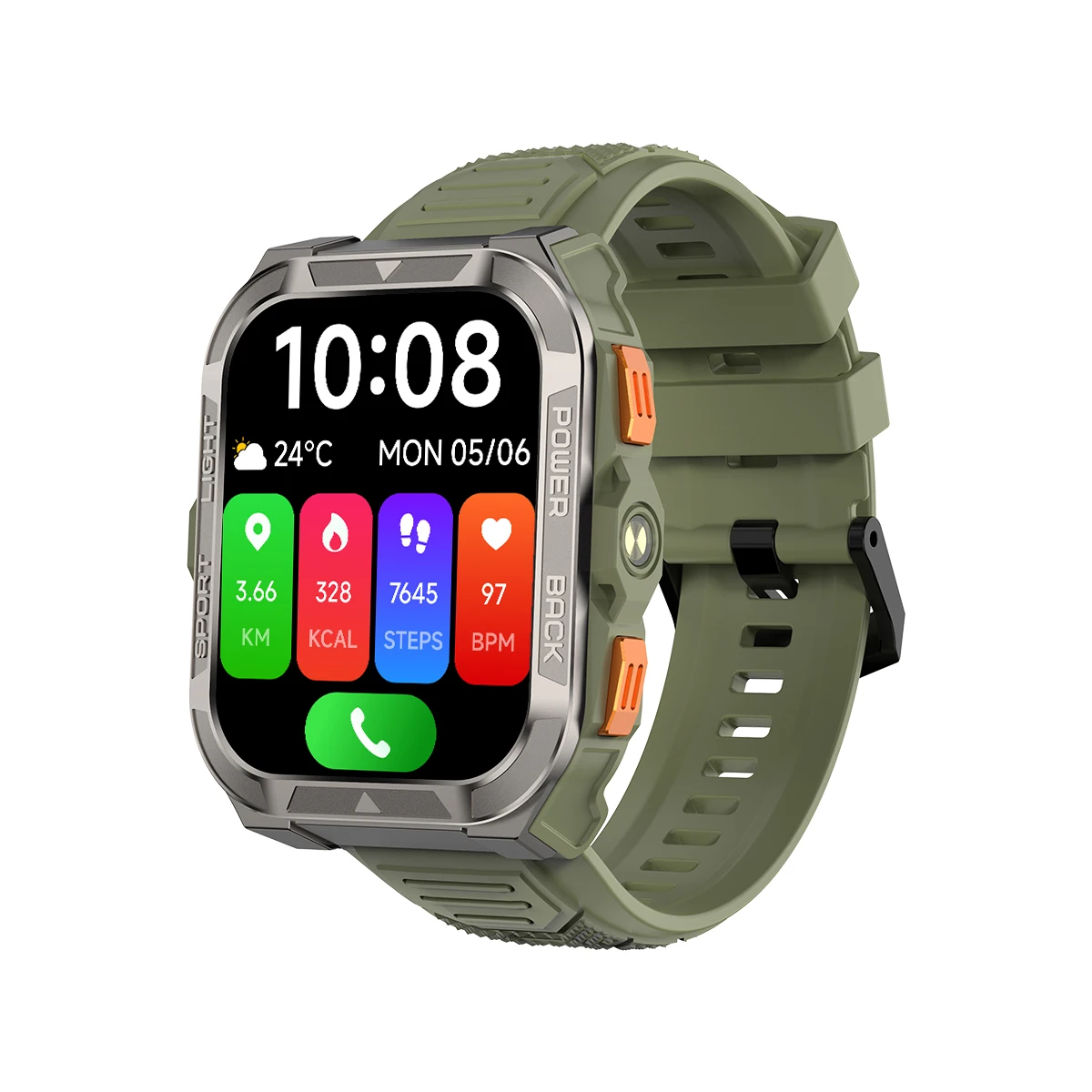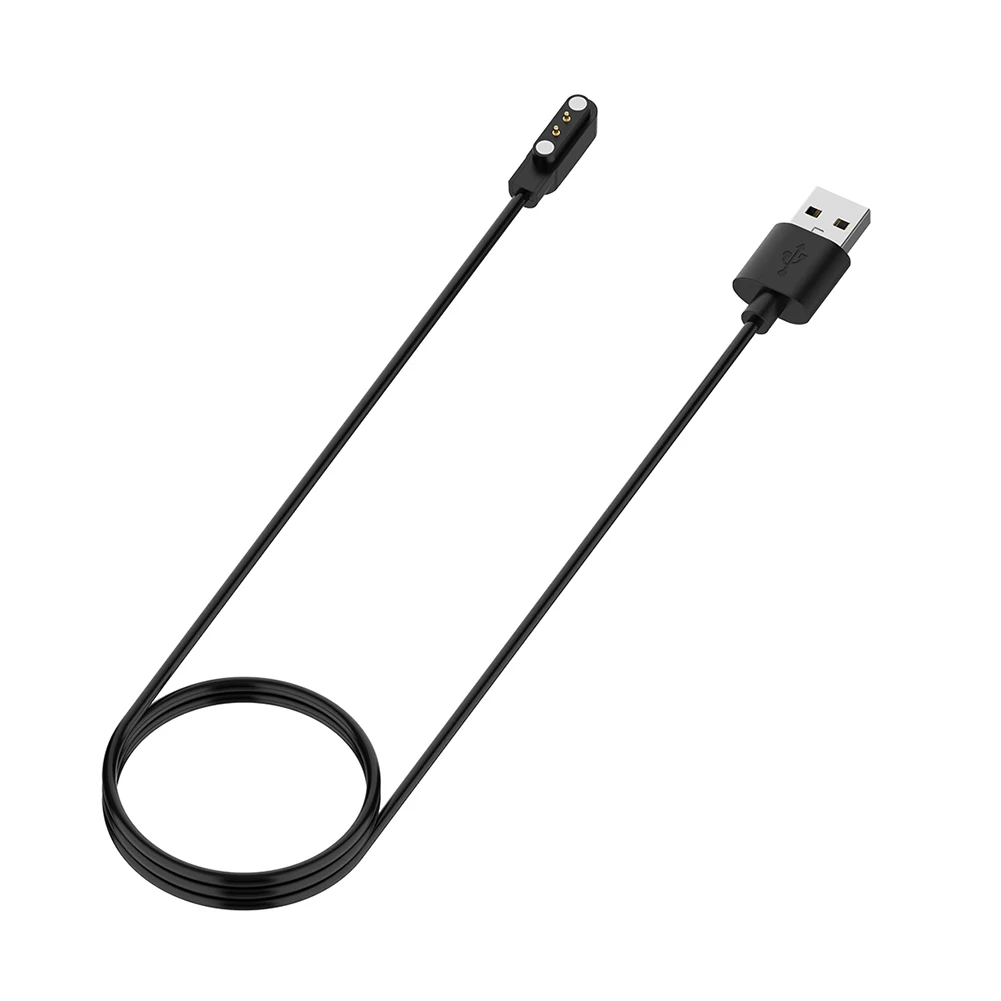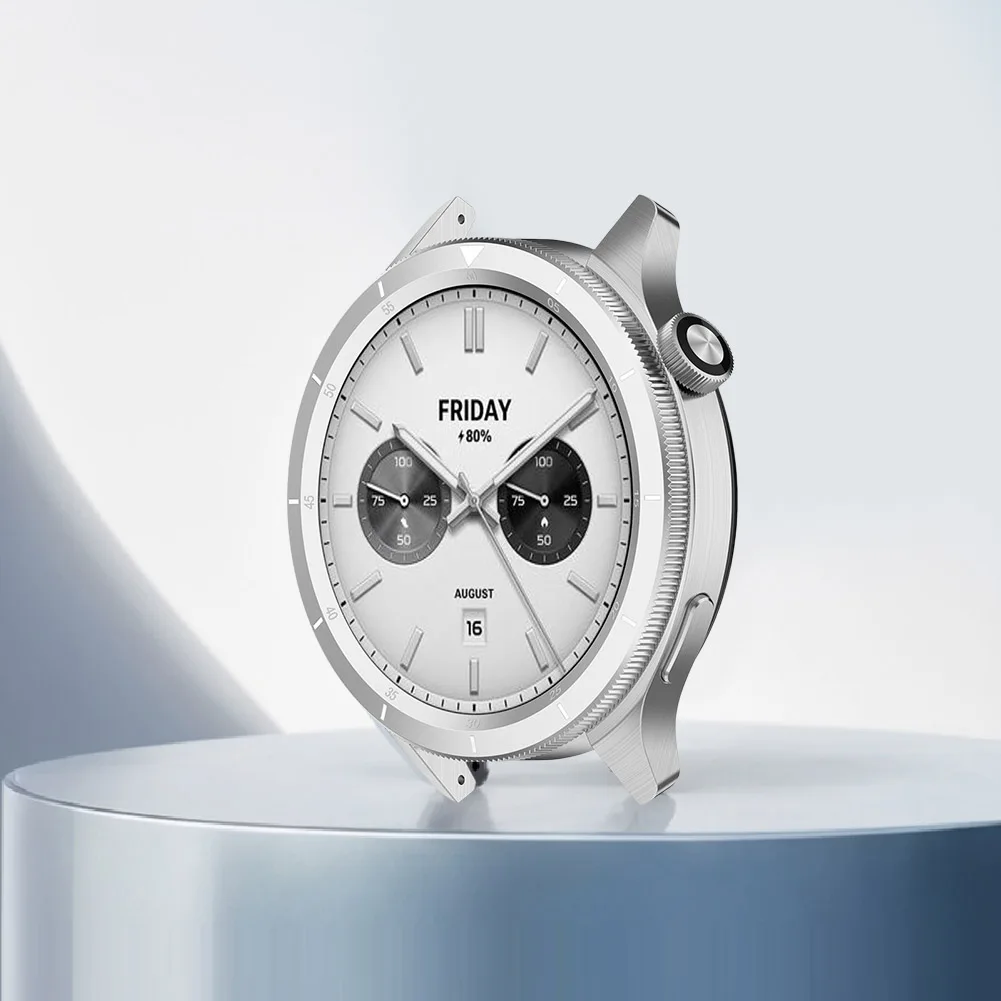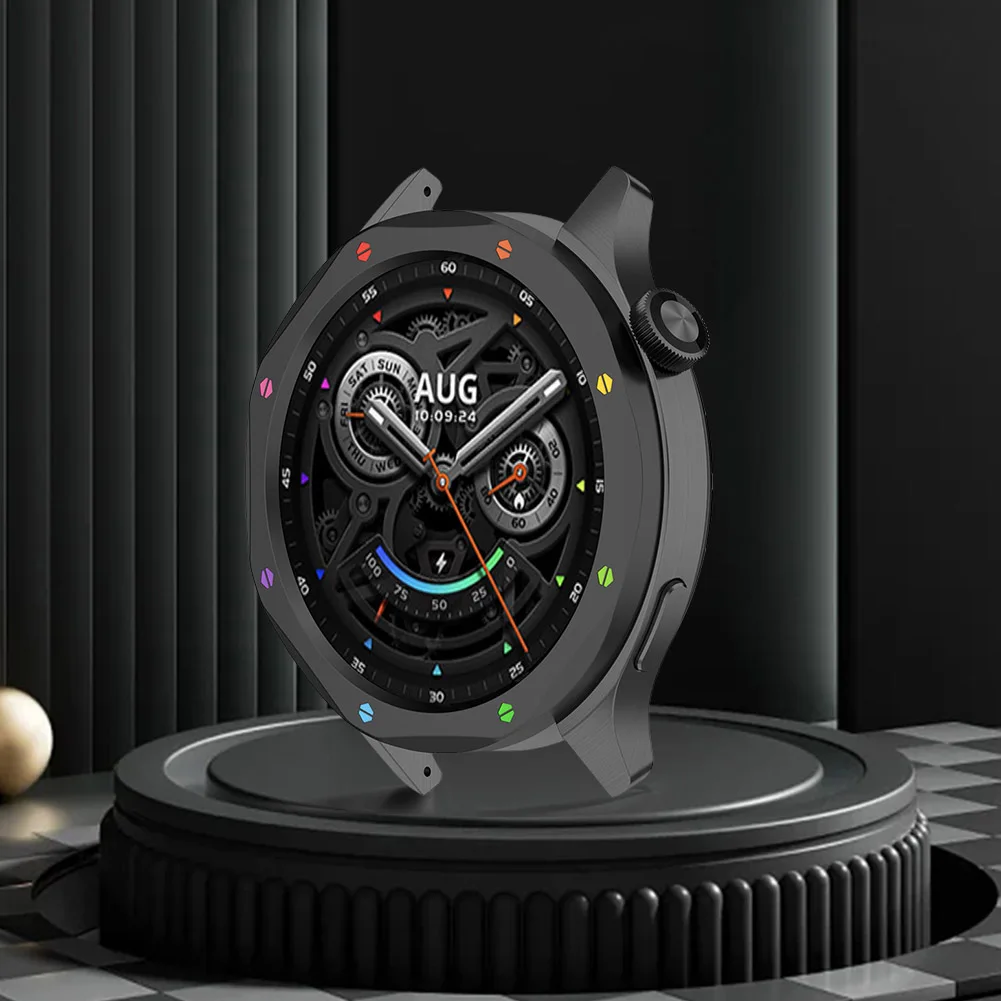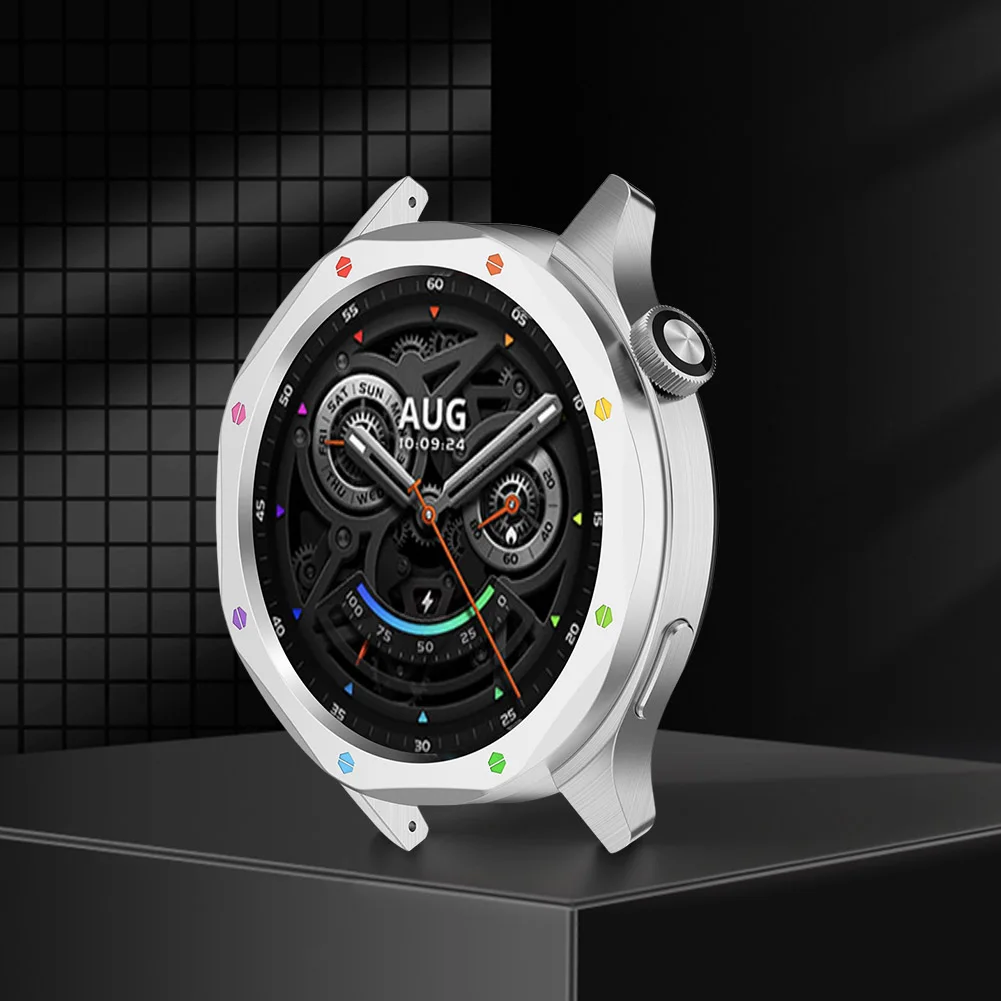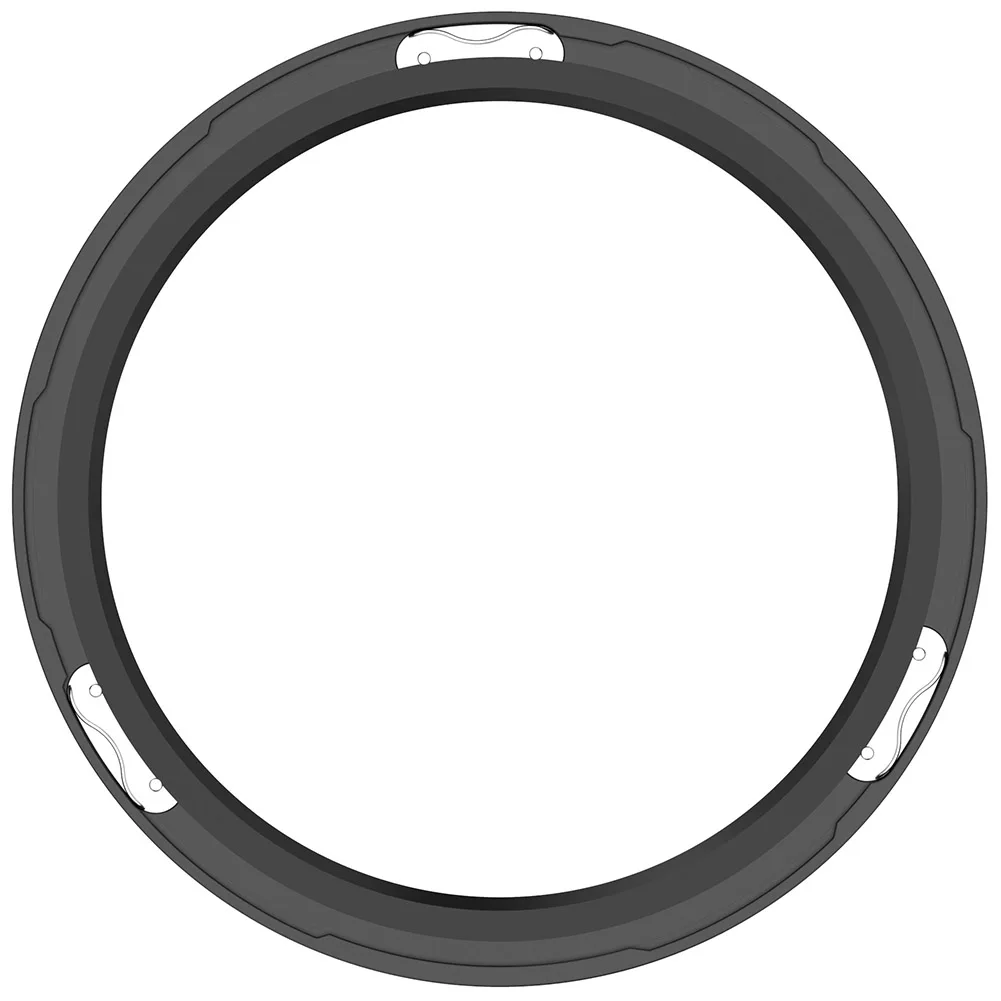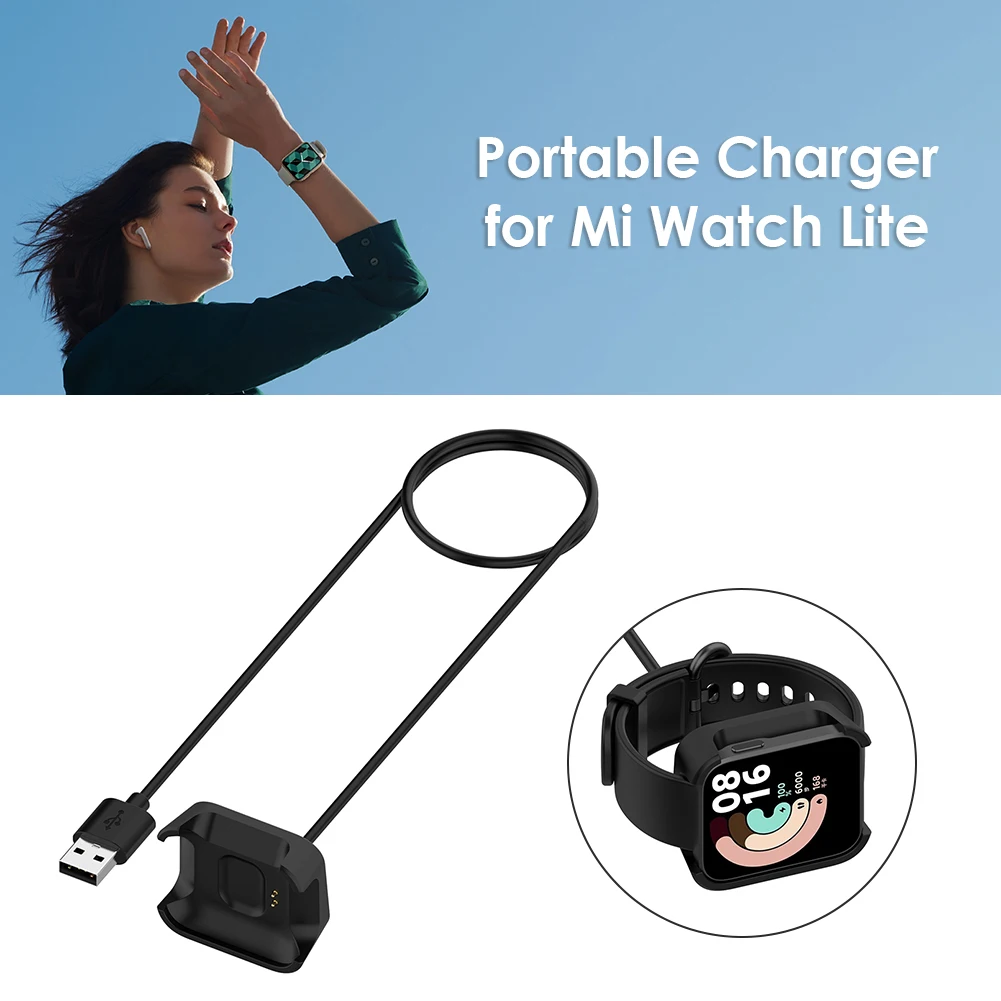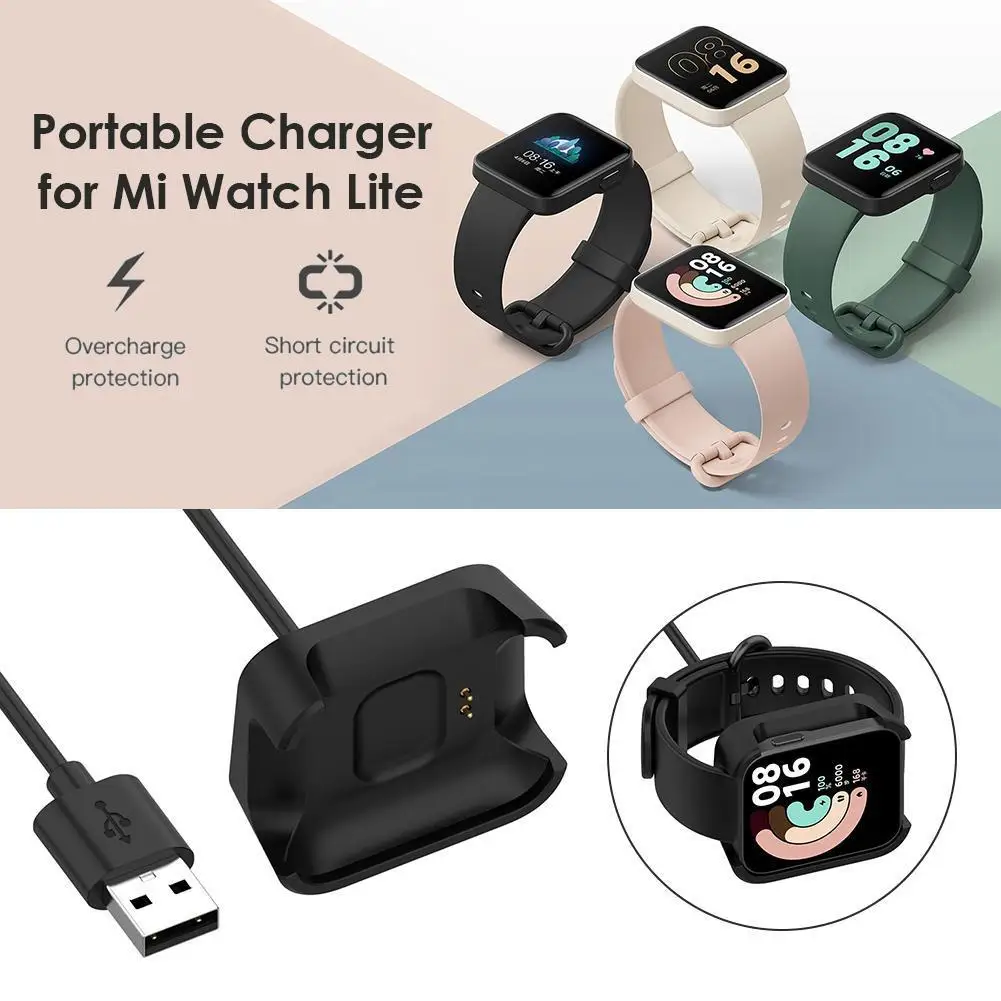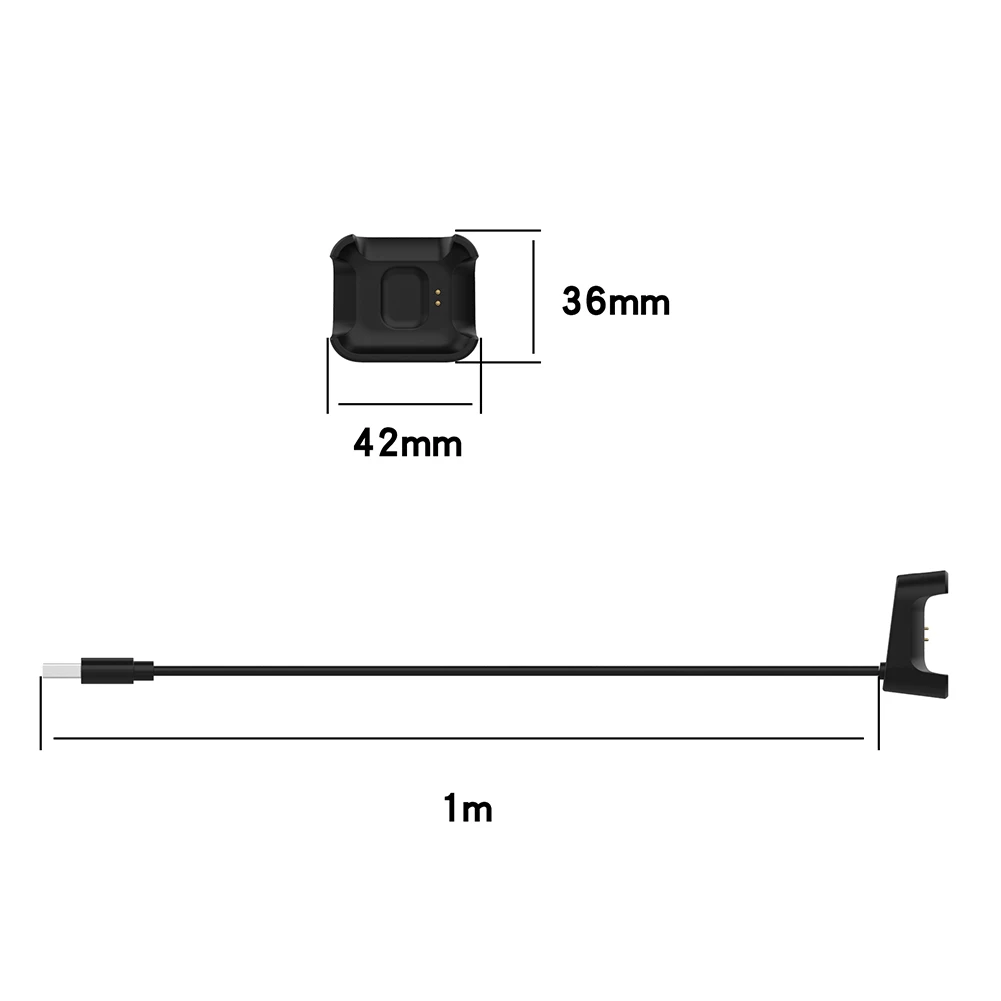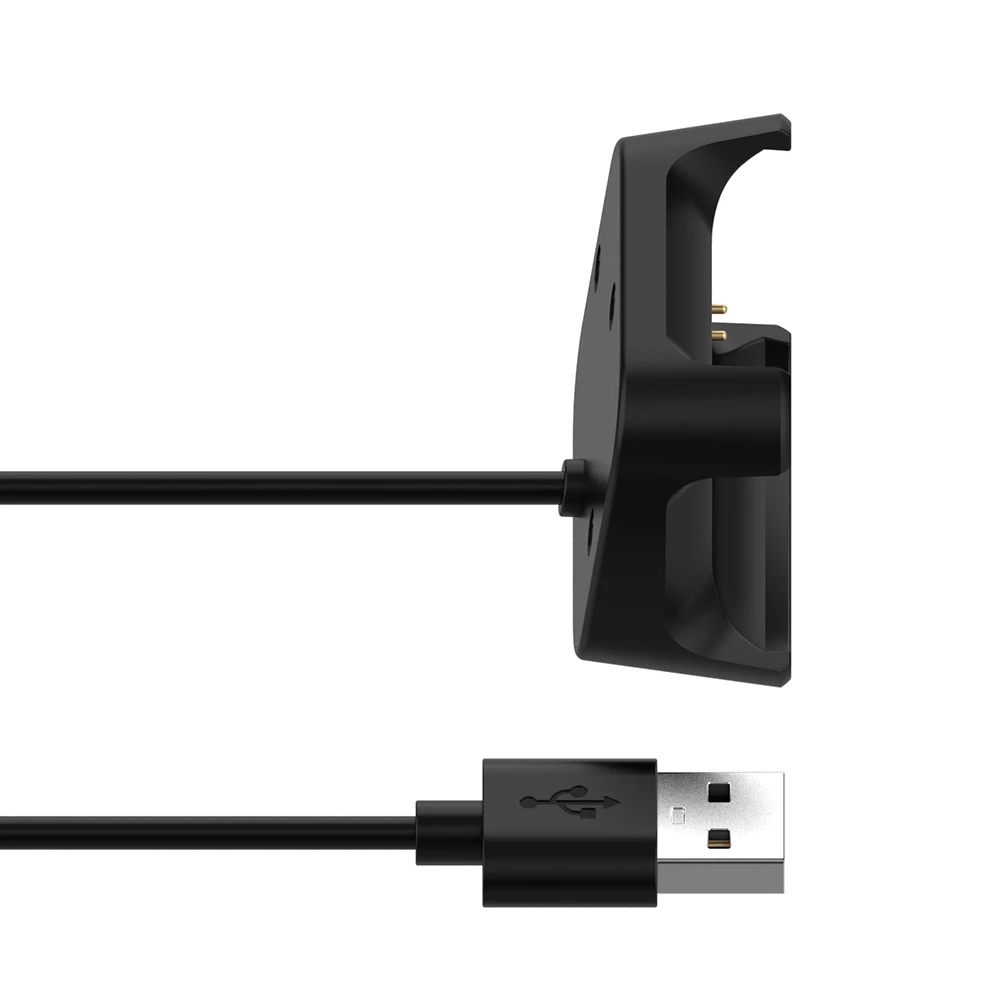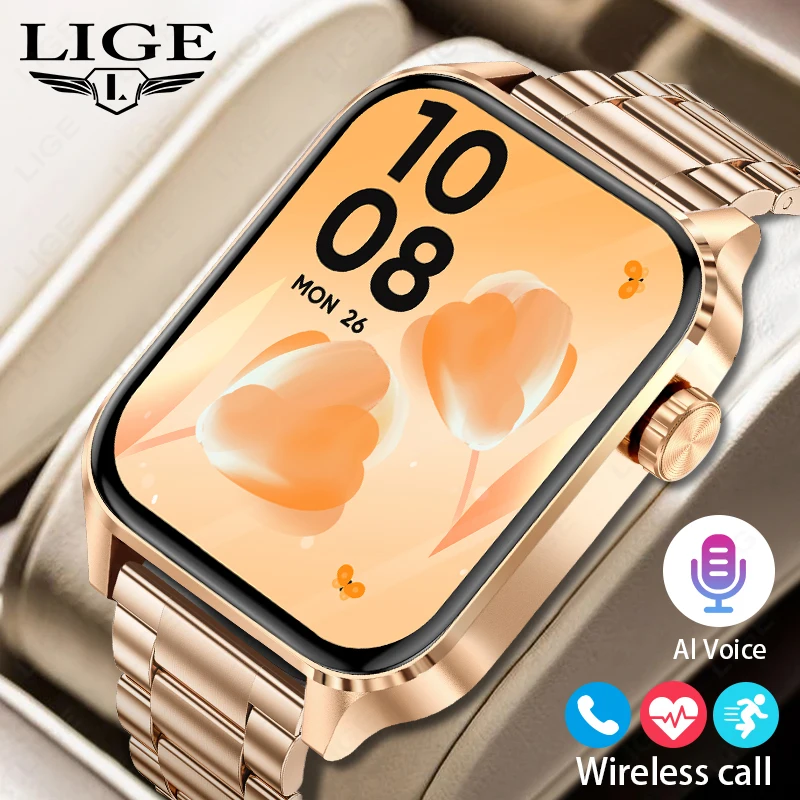
LIGE Bluetooth Call Smart Watches Women Rose Gold Luxury WristWatch Sport Fitness Bracelet Smart Watch Waterproof Smartwatch Men
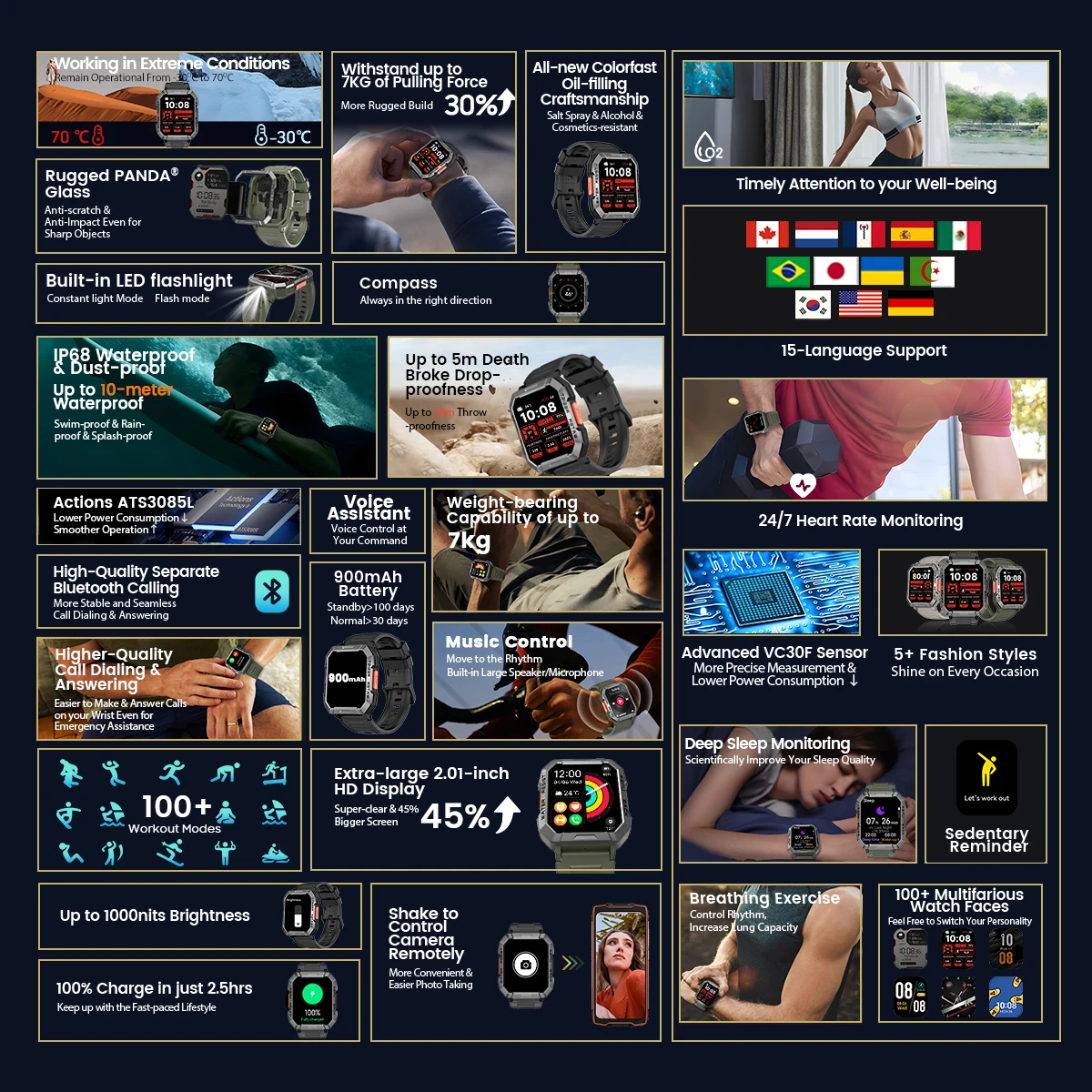
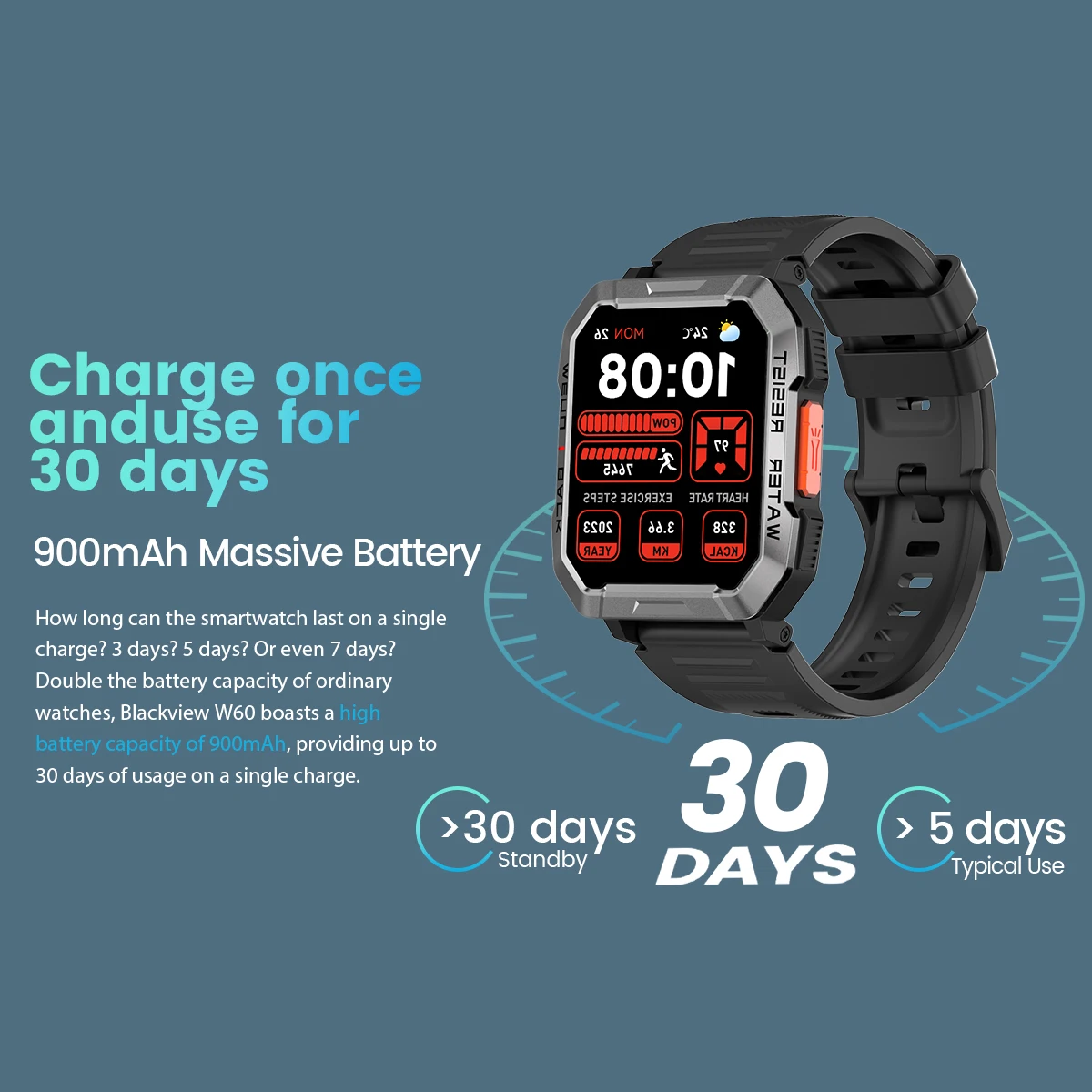
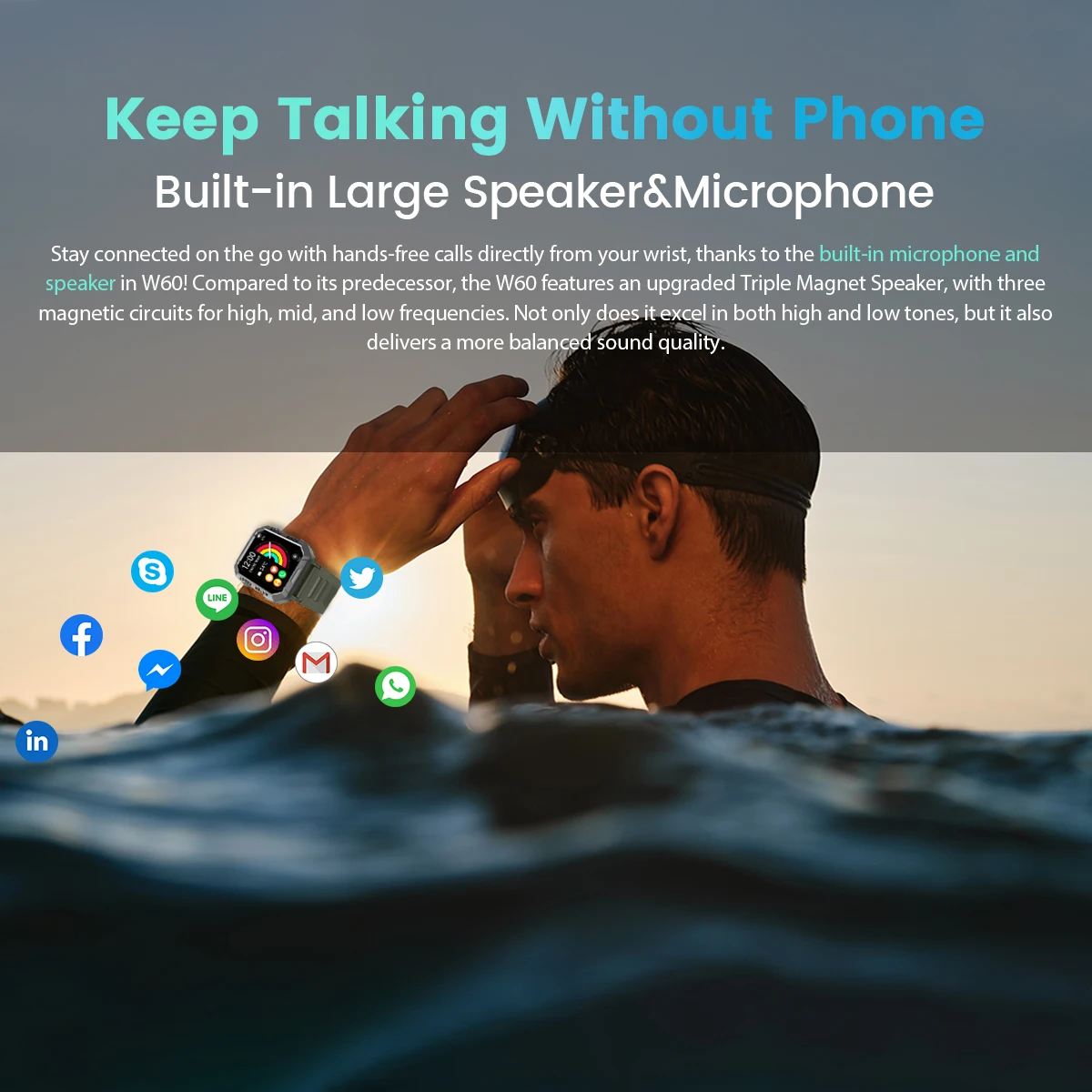
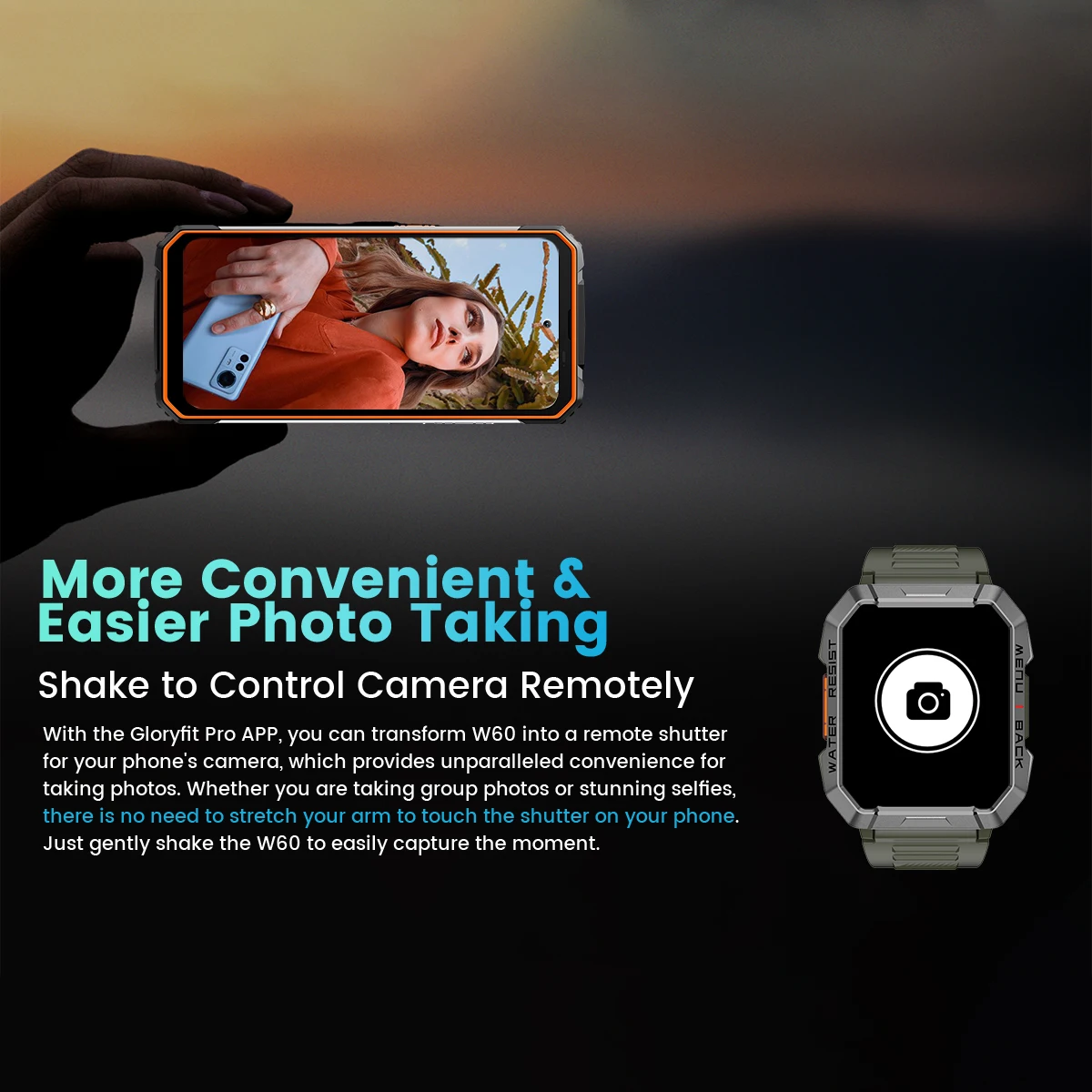
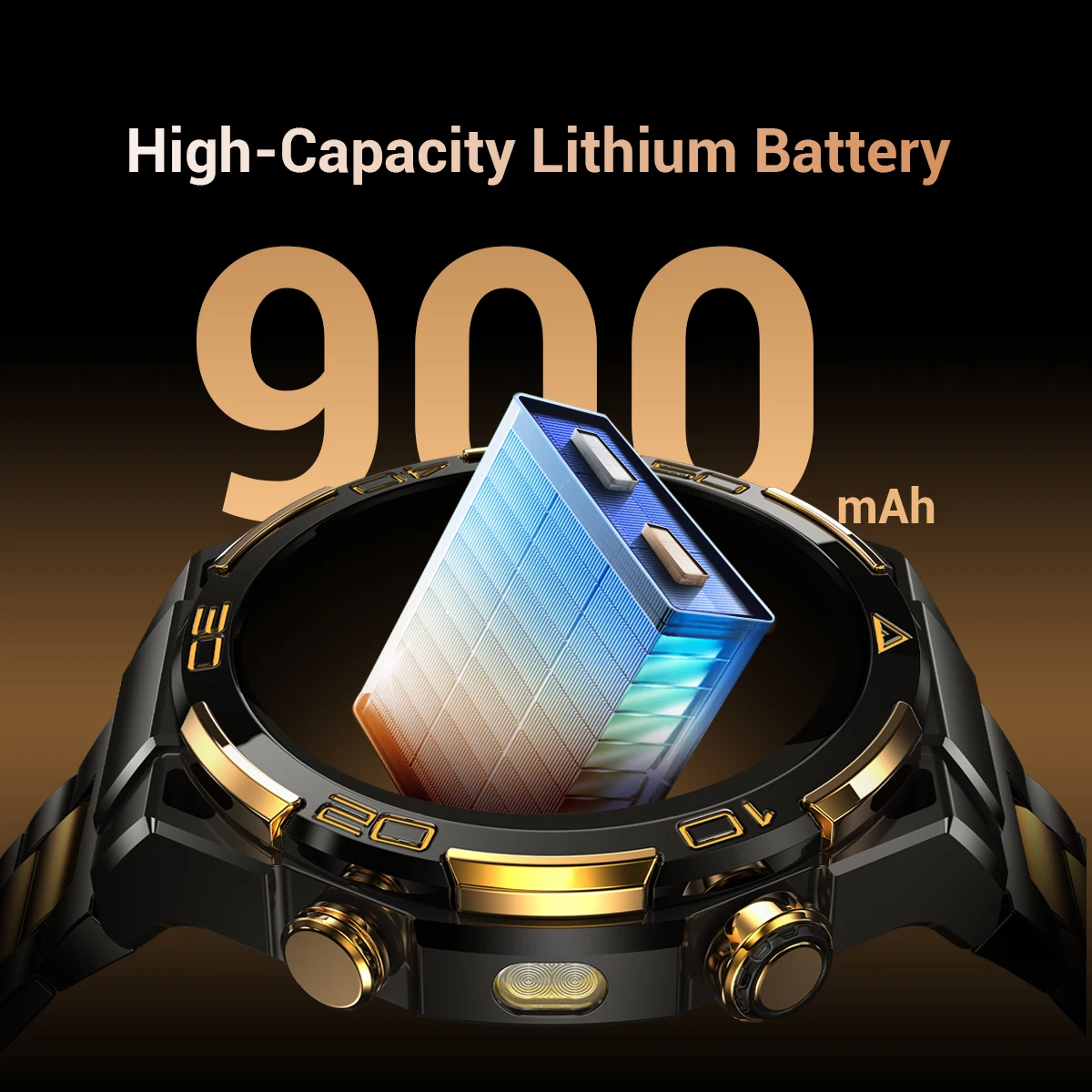
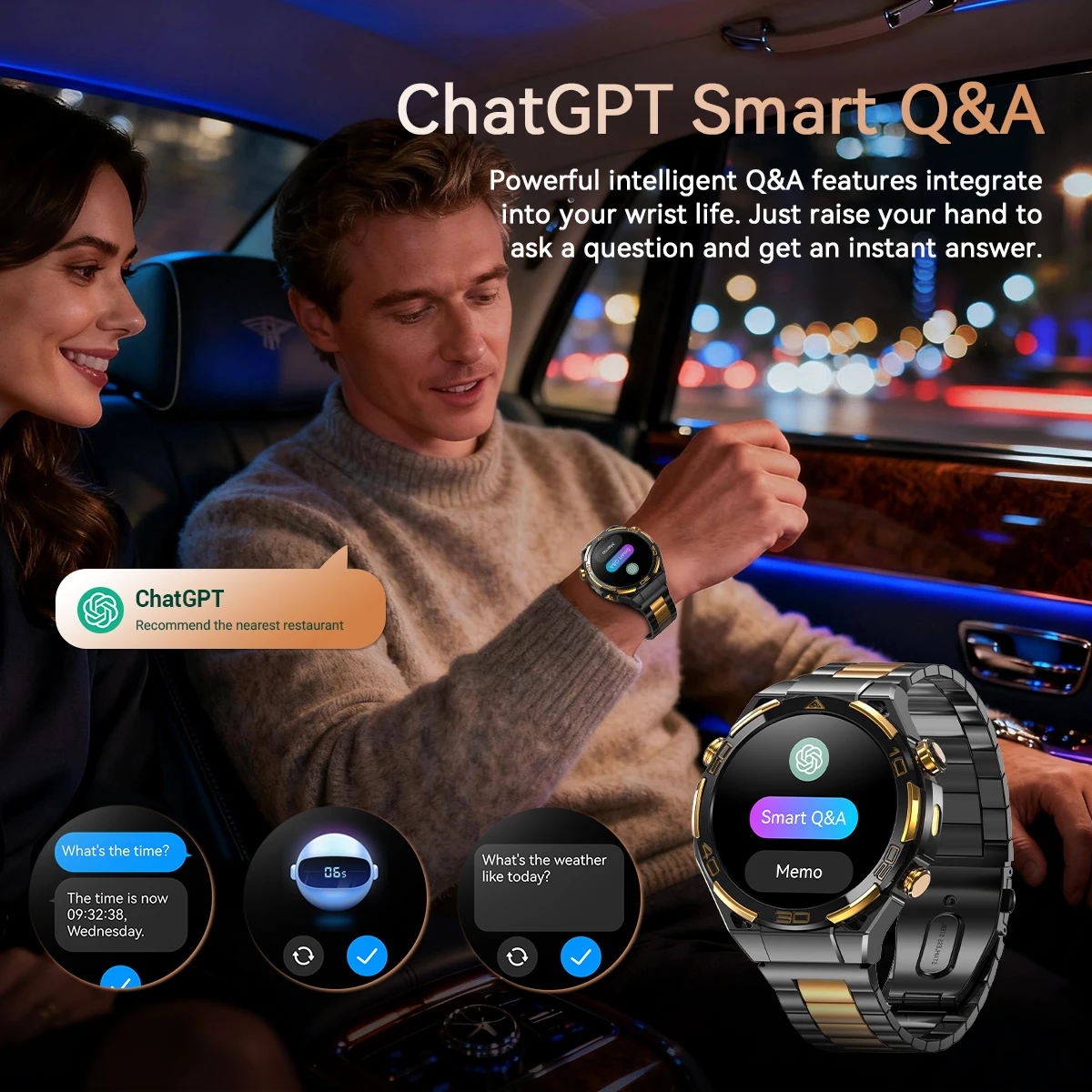
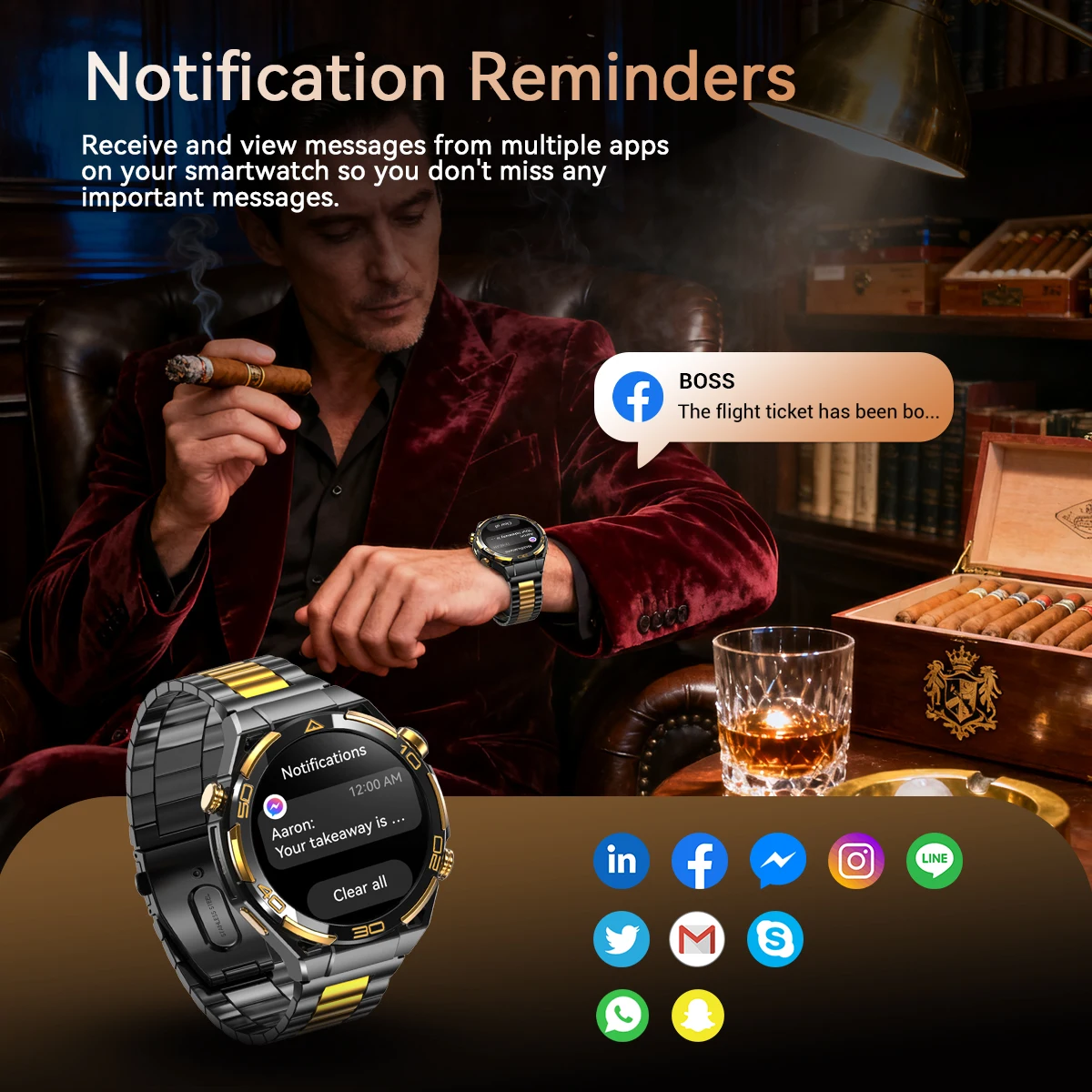
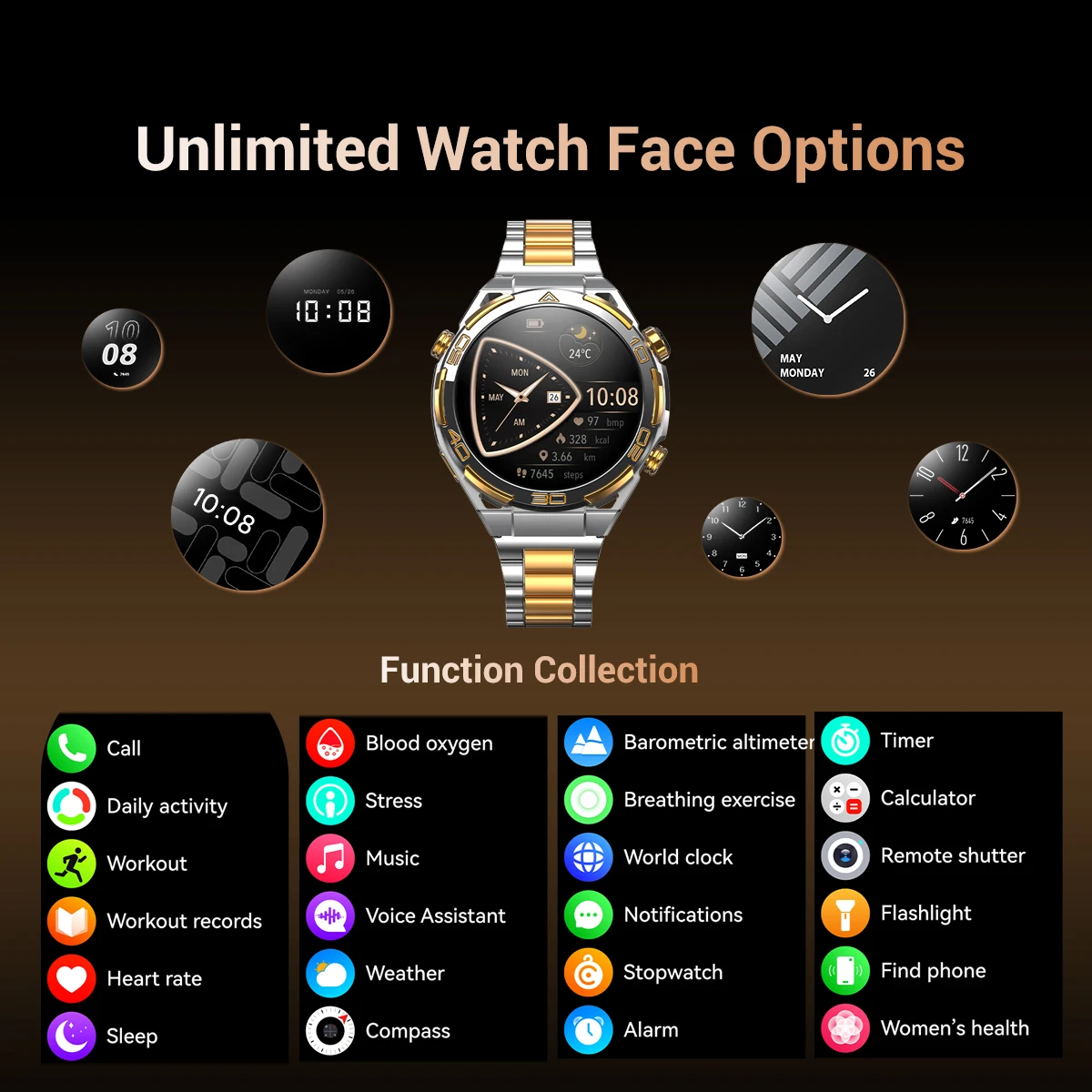
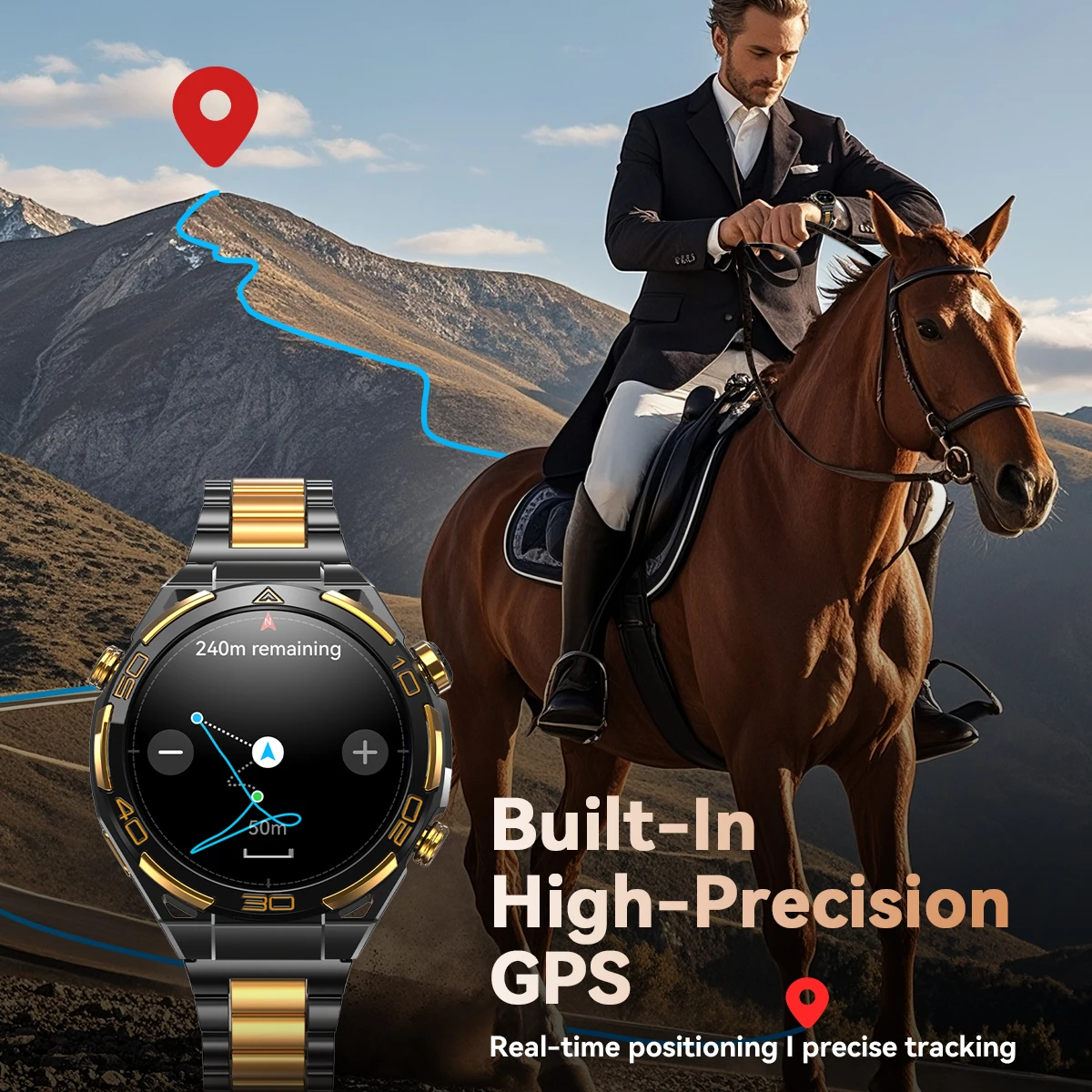
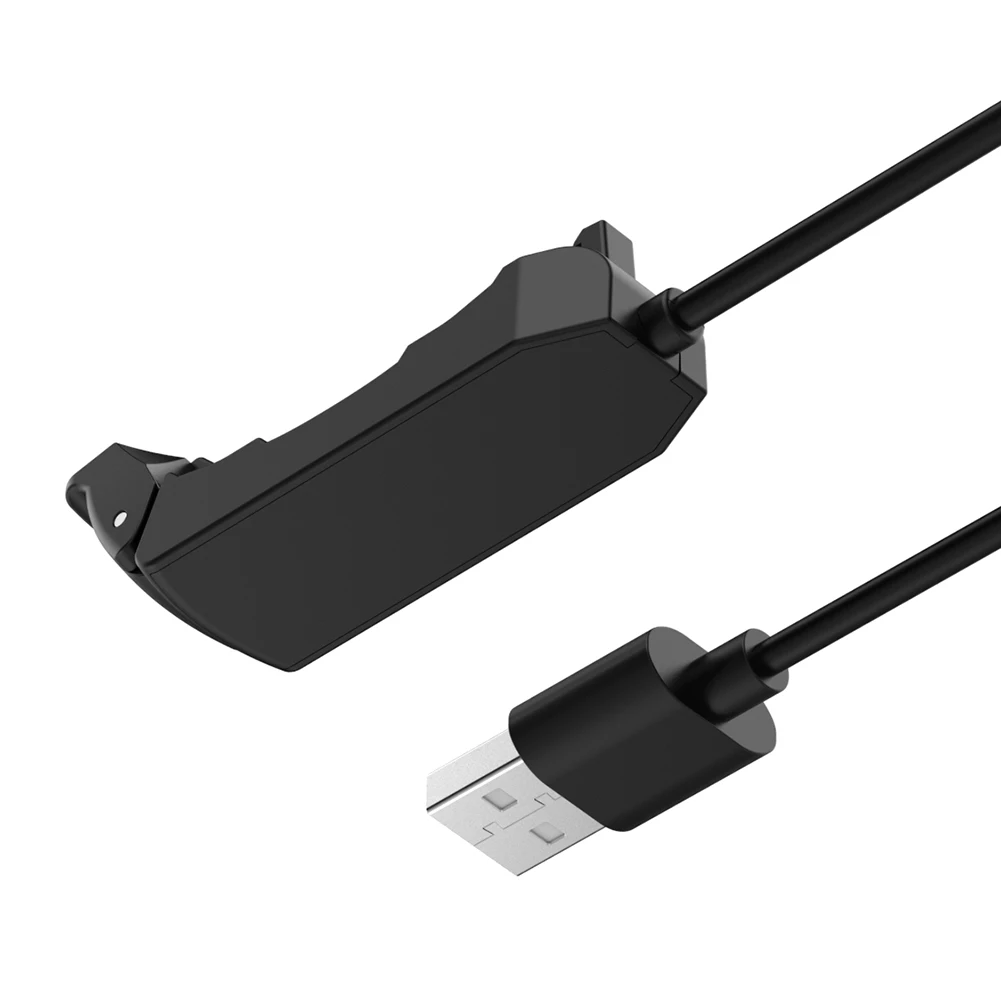
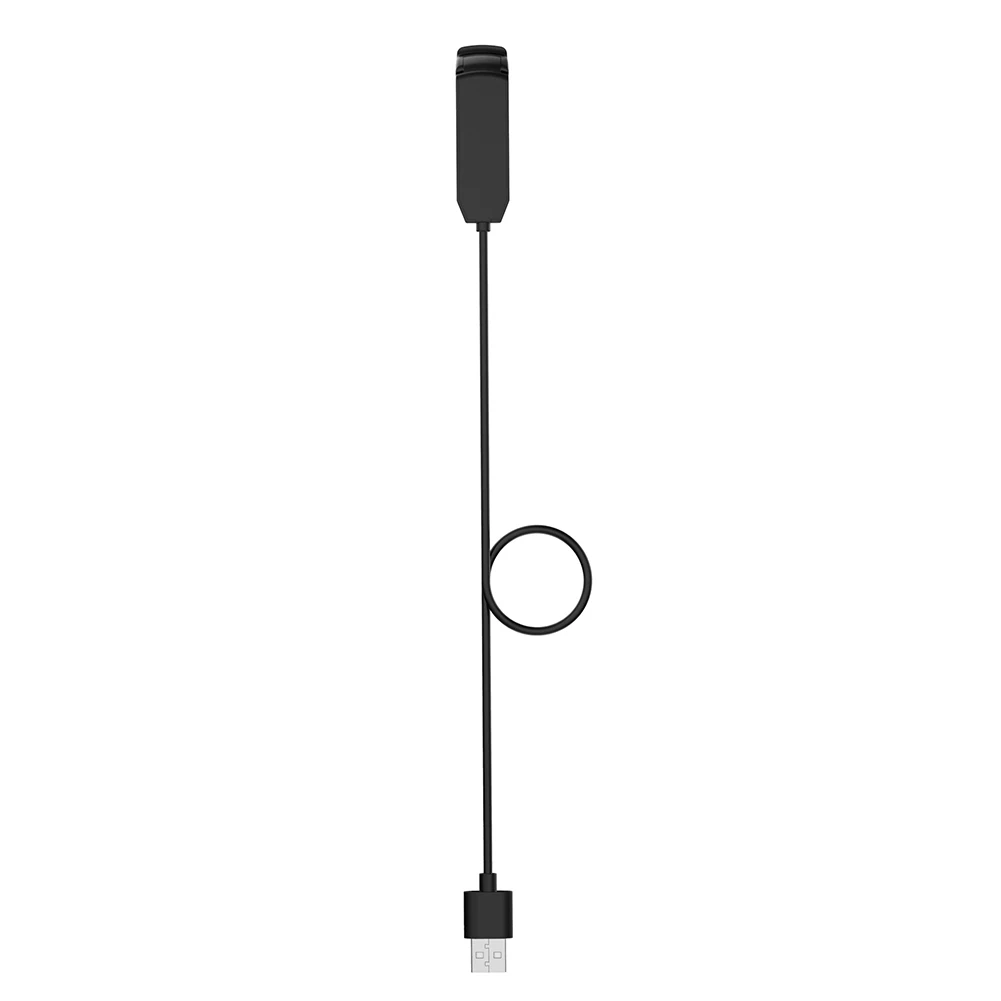
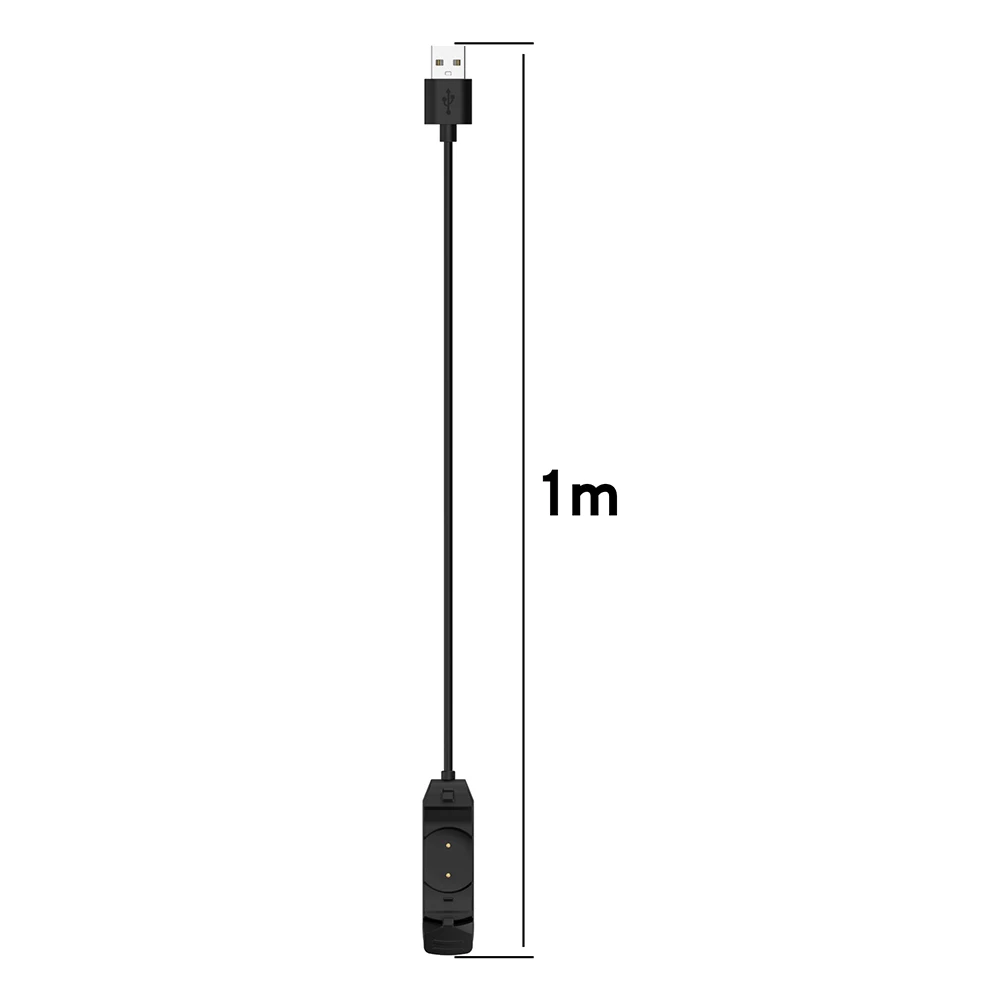
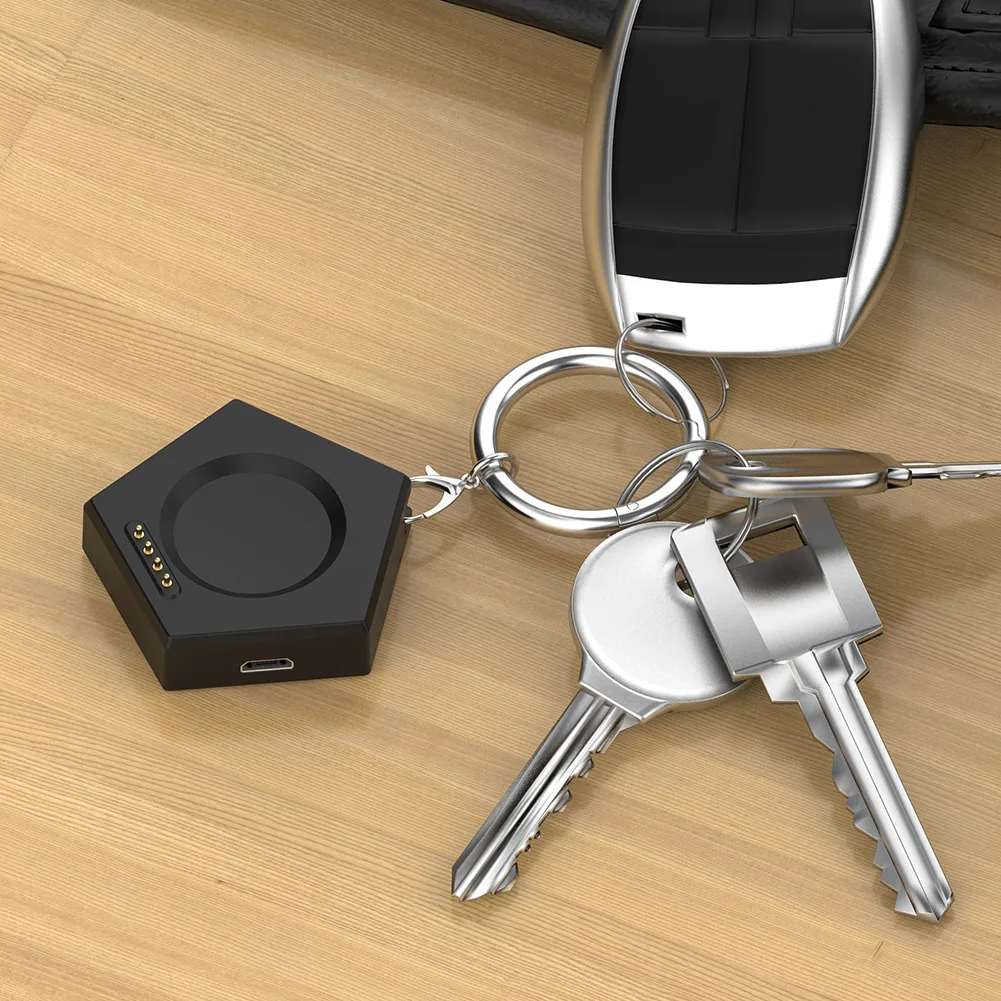
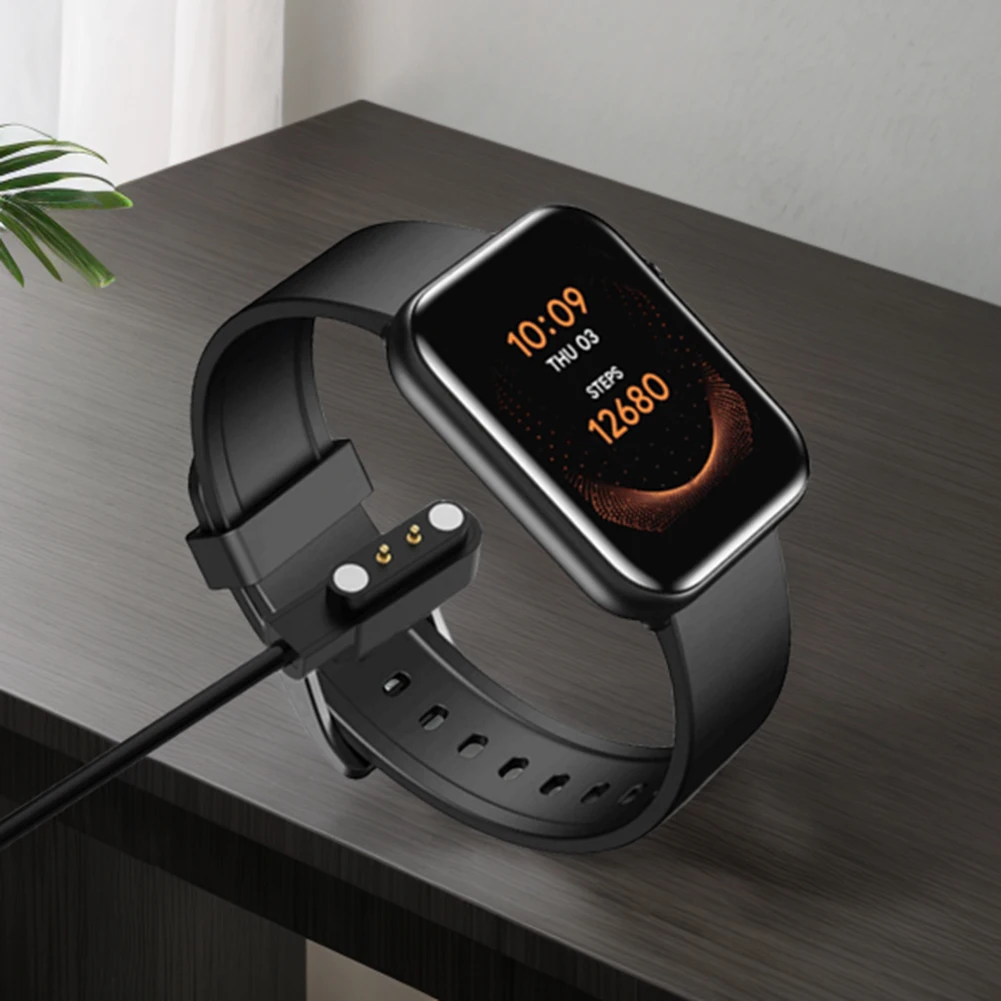
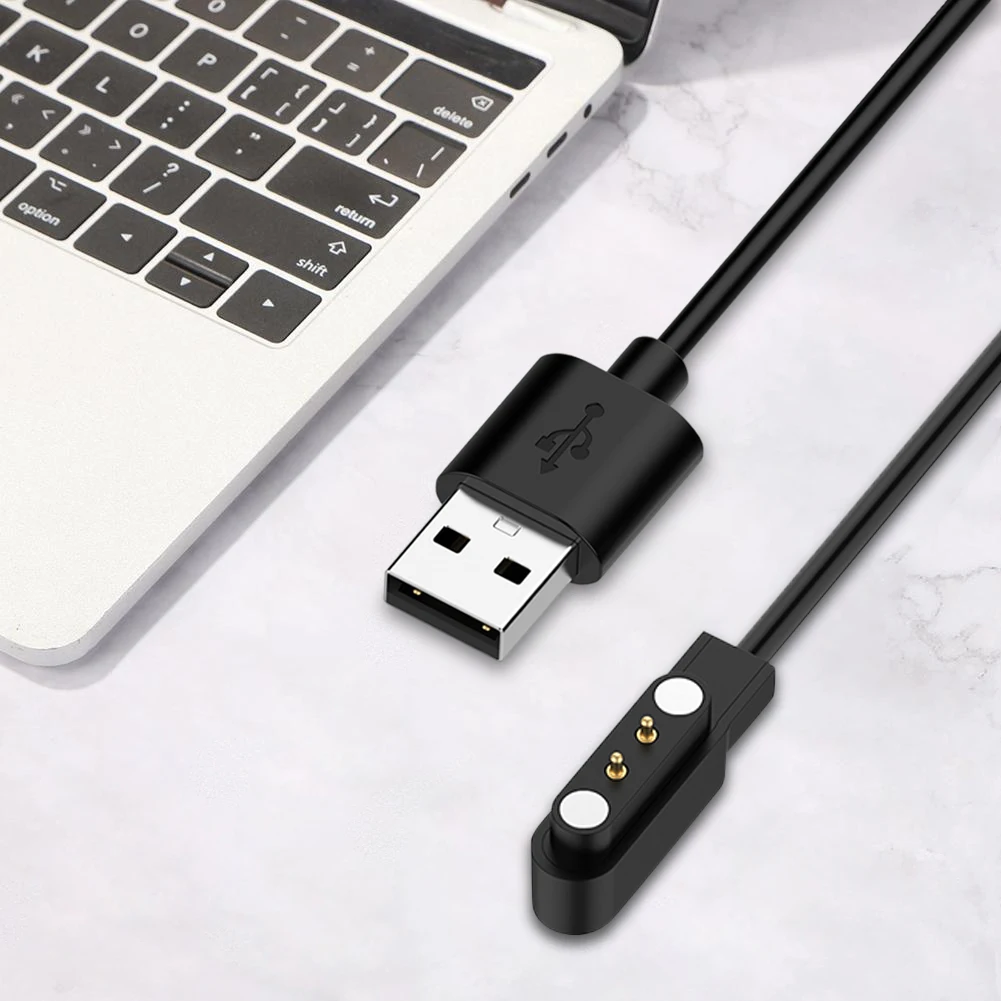
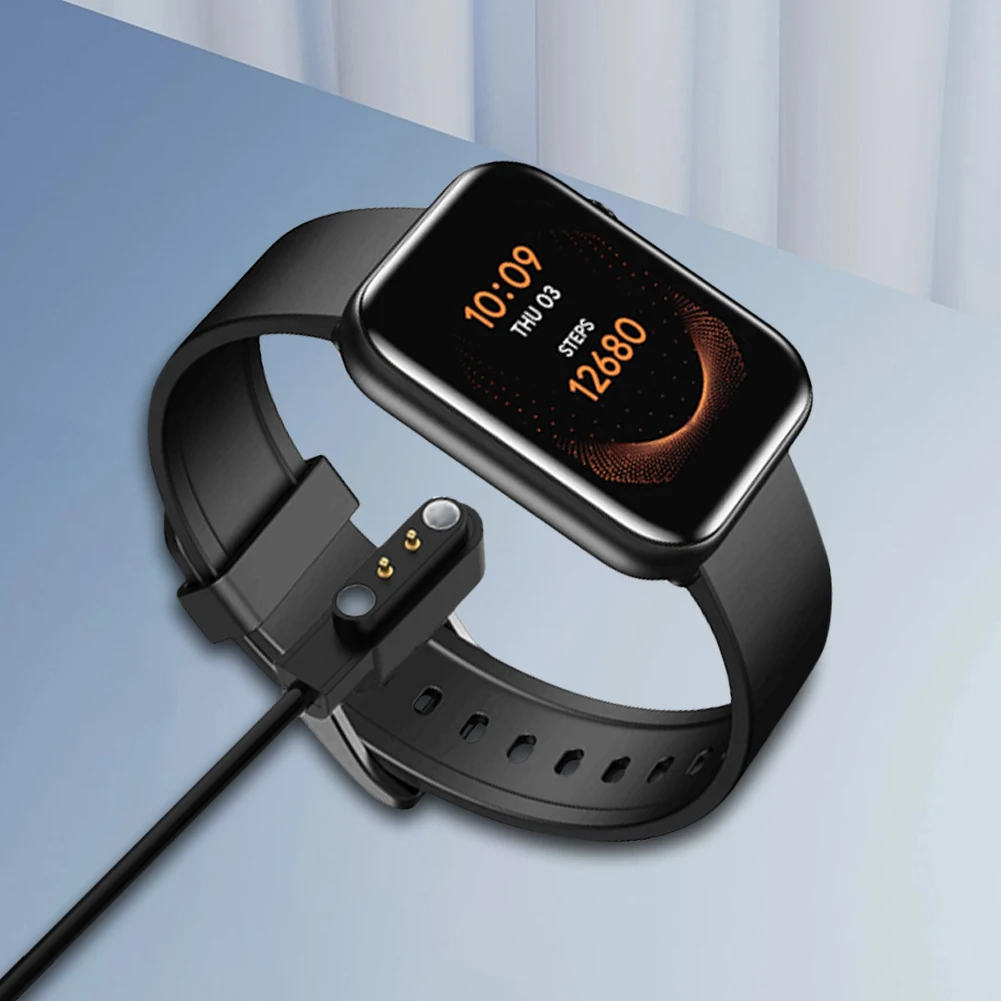
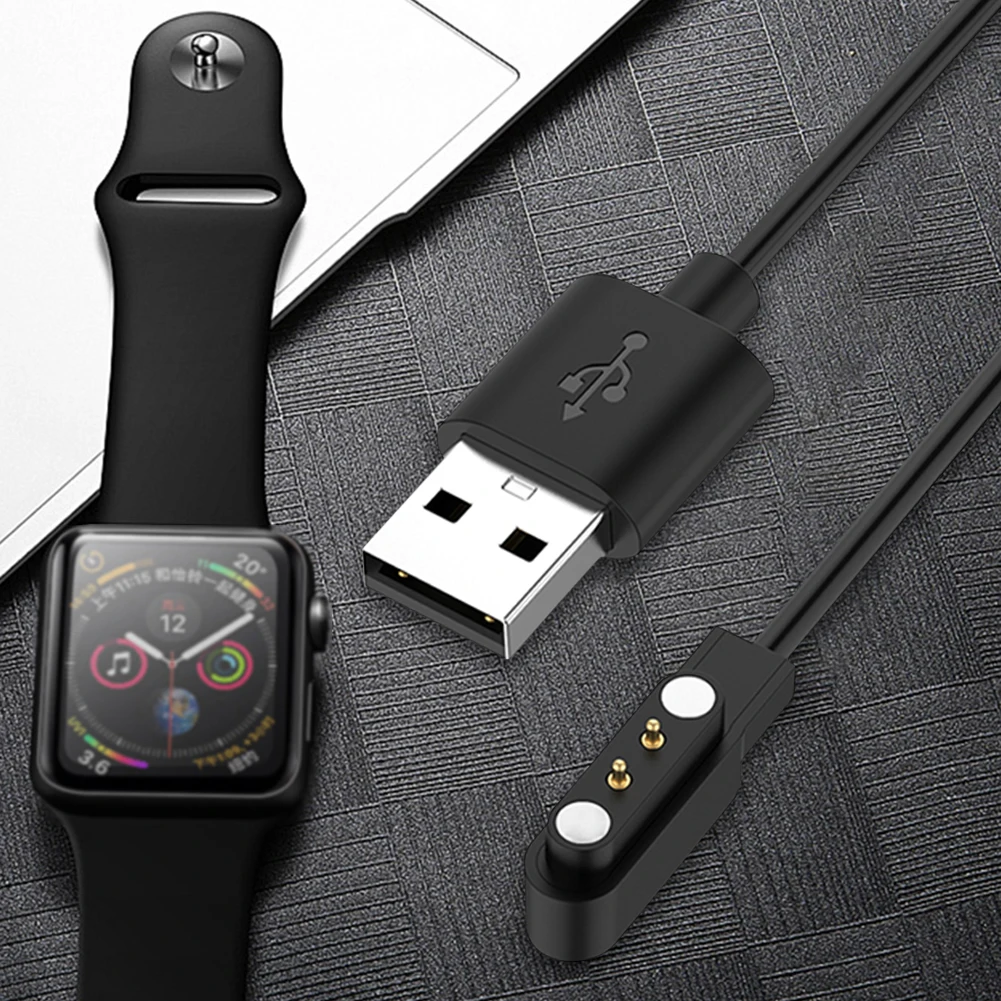
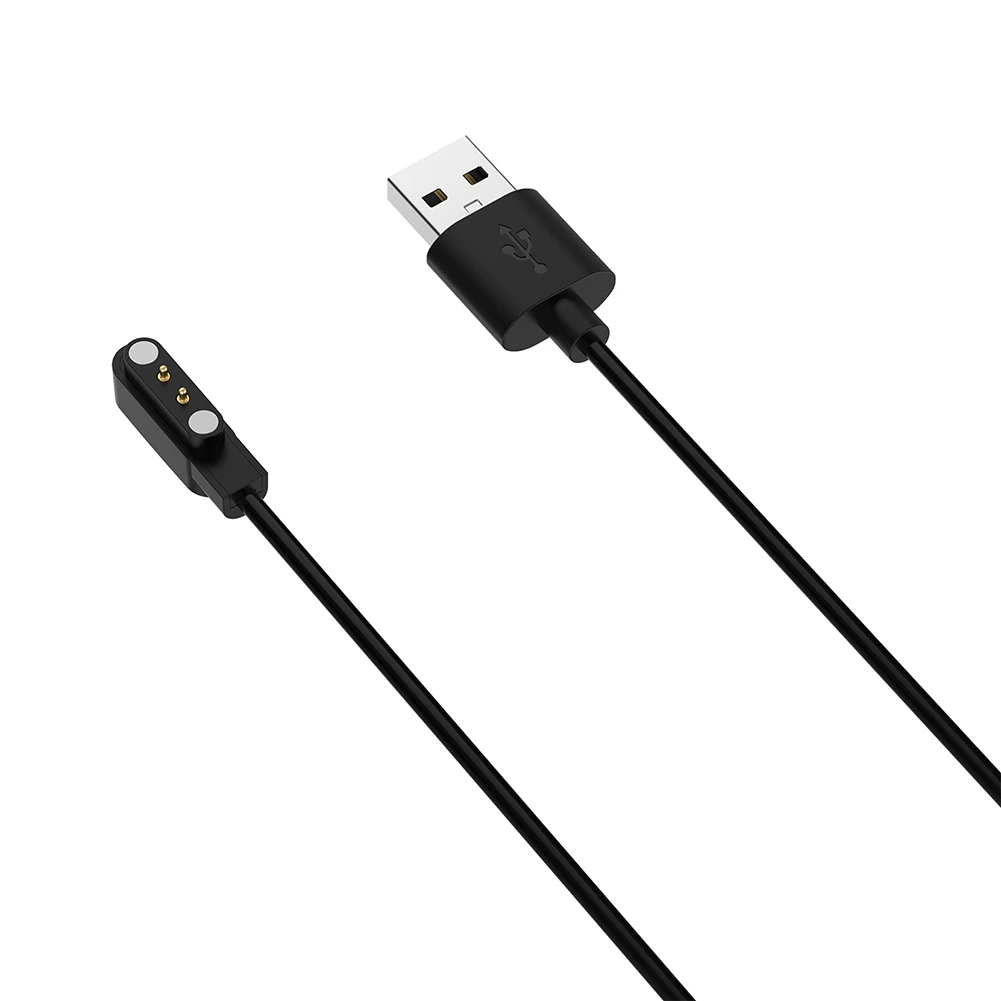
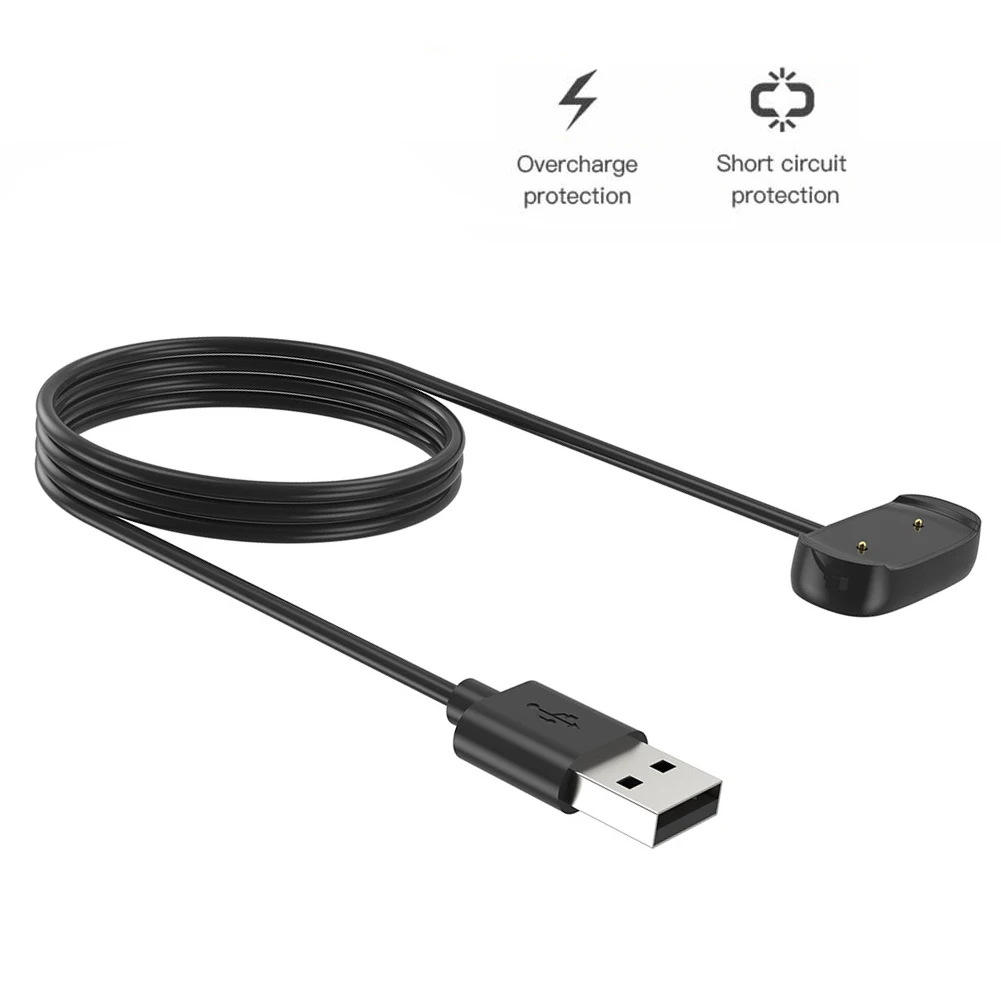
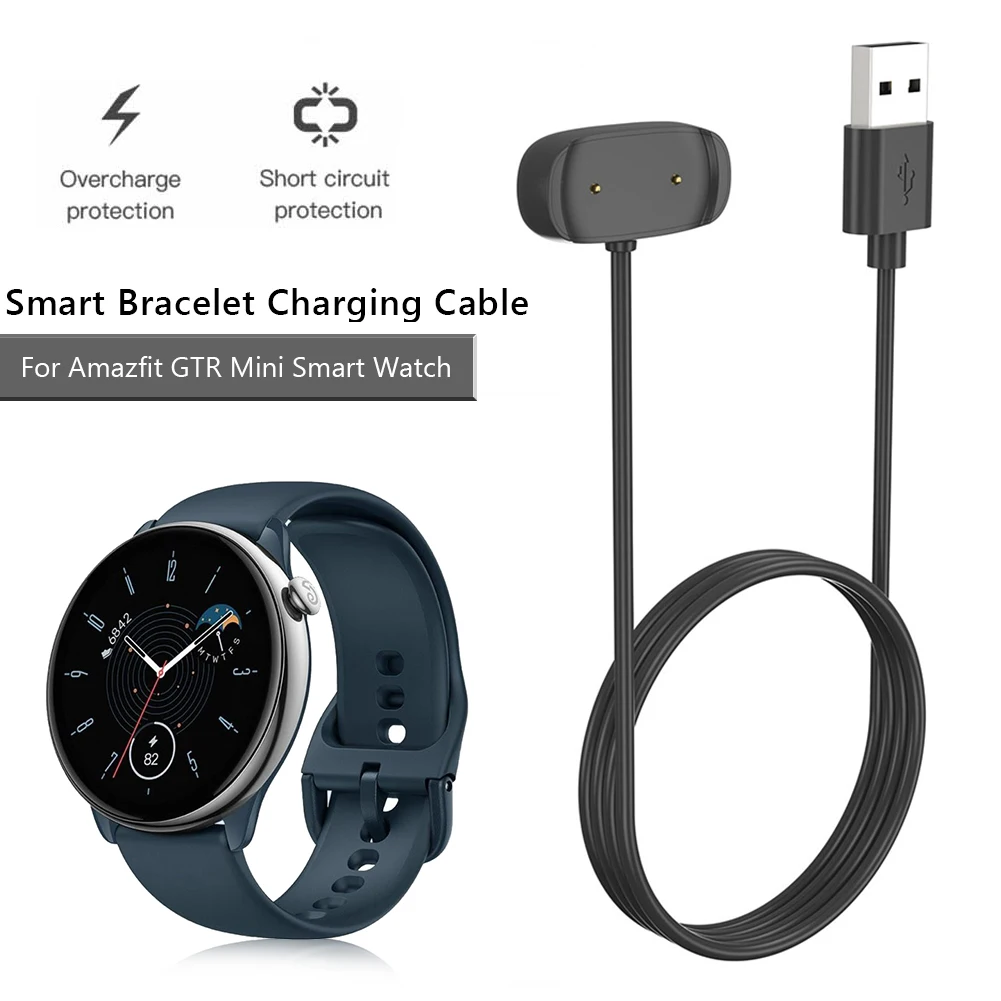
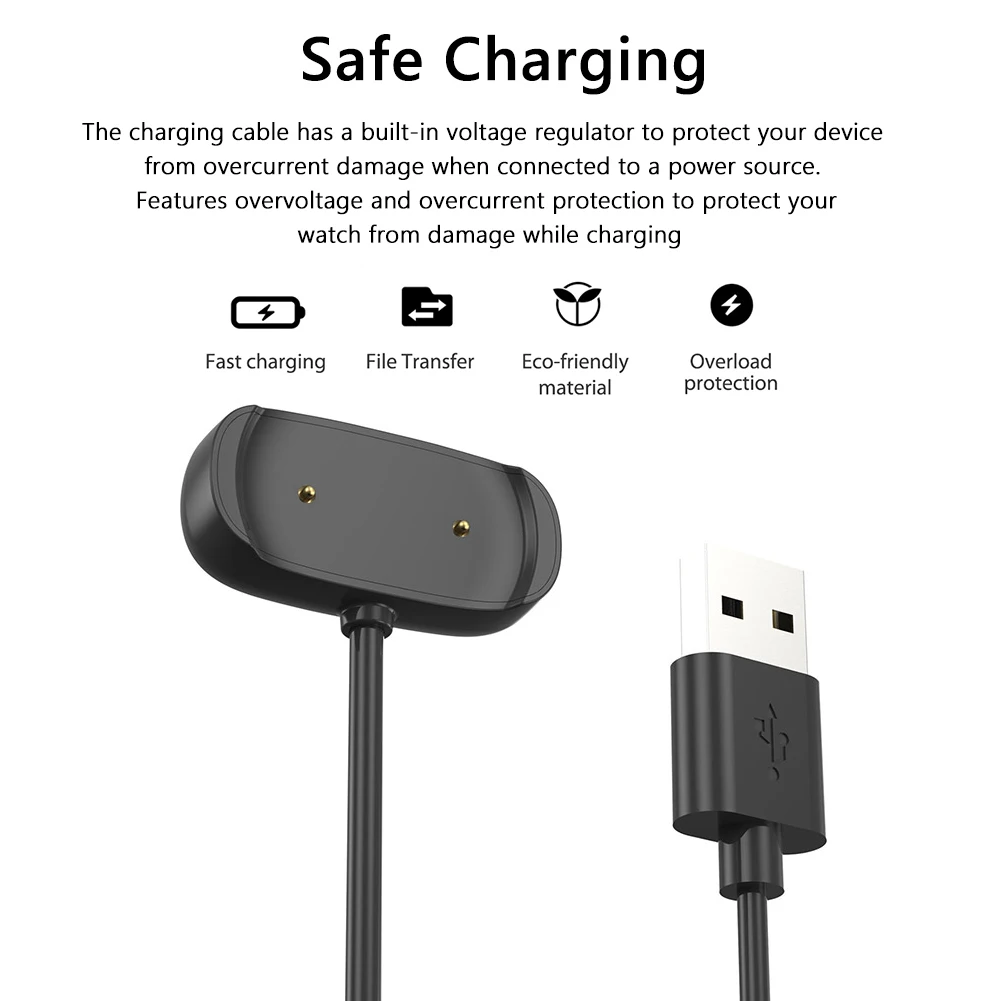
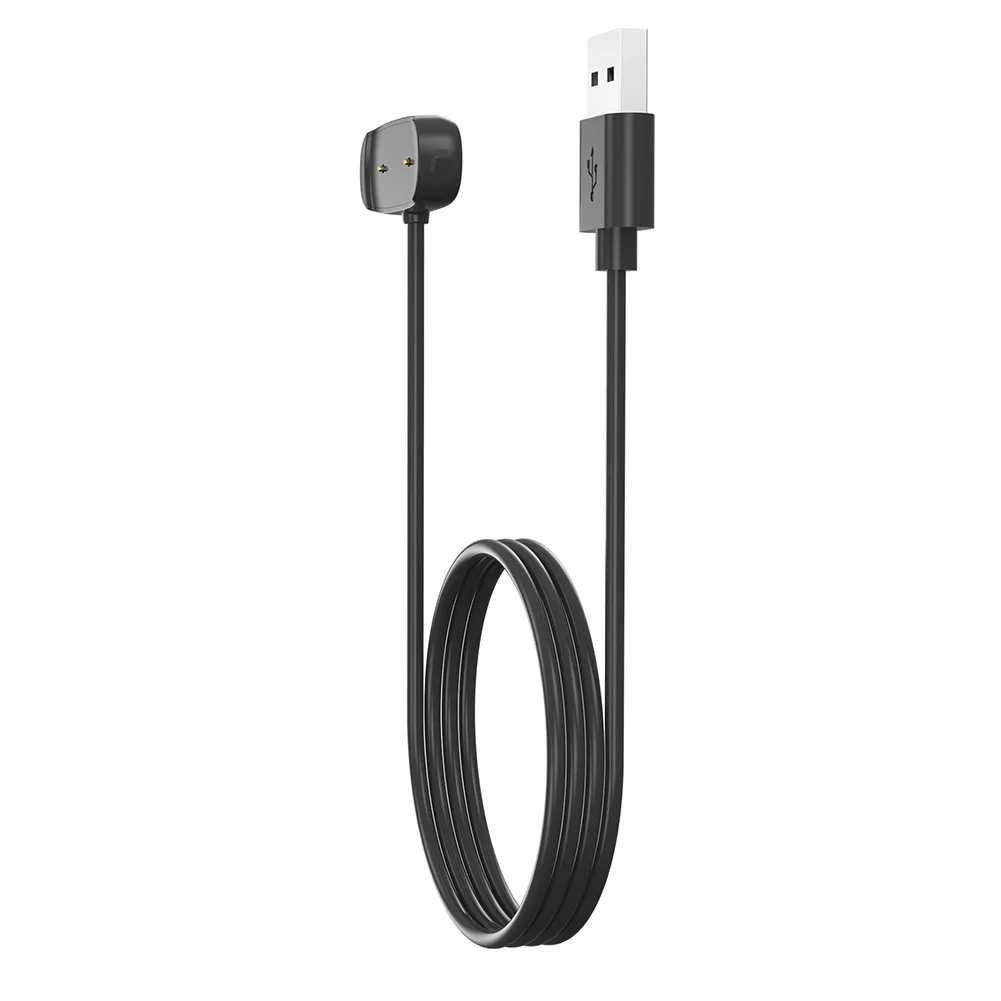
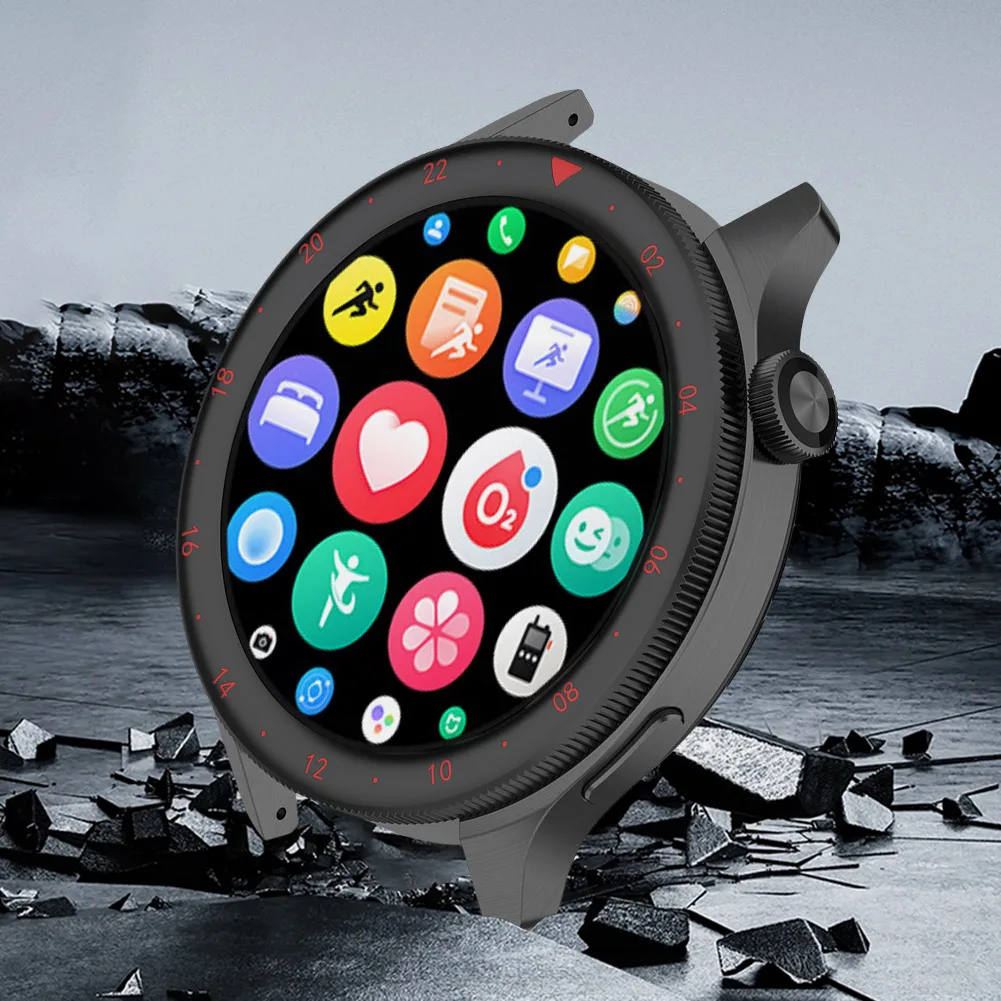
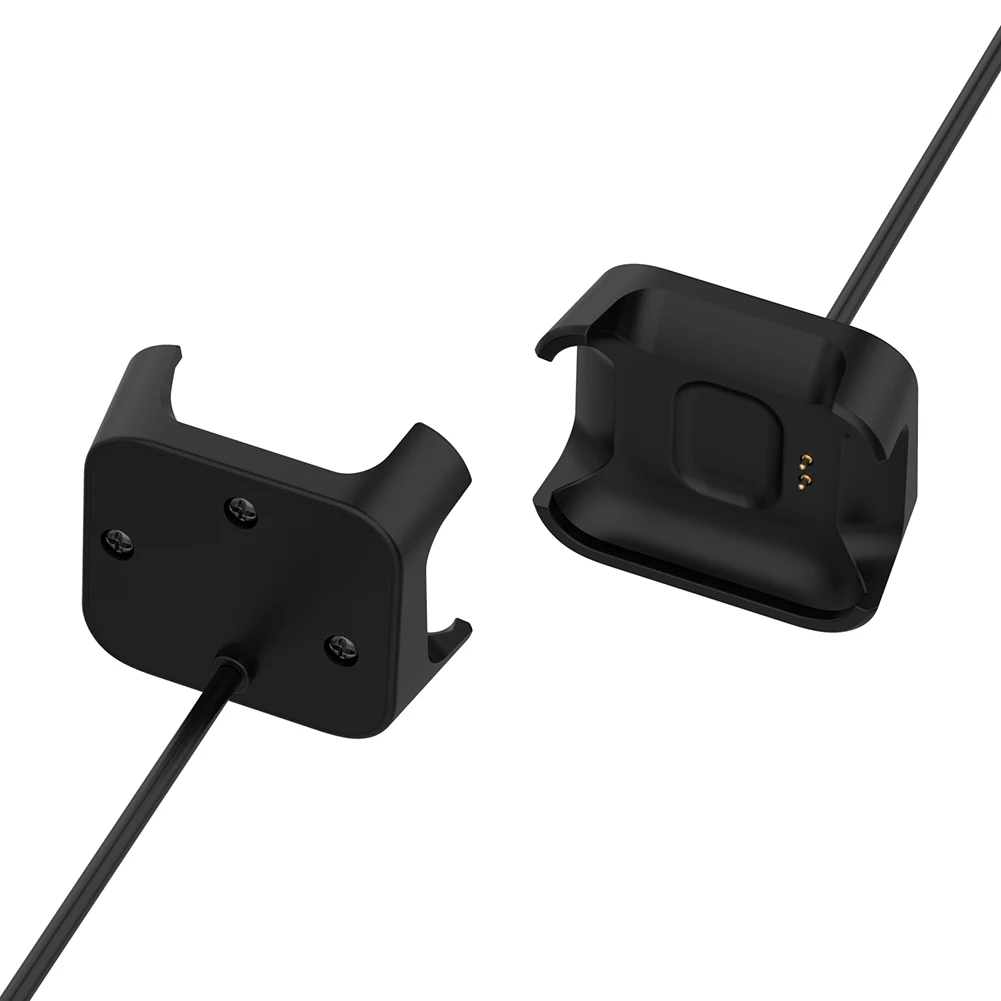
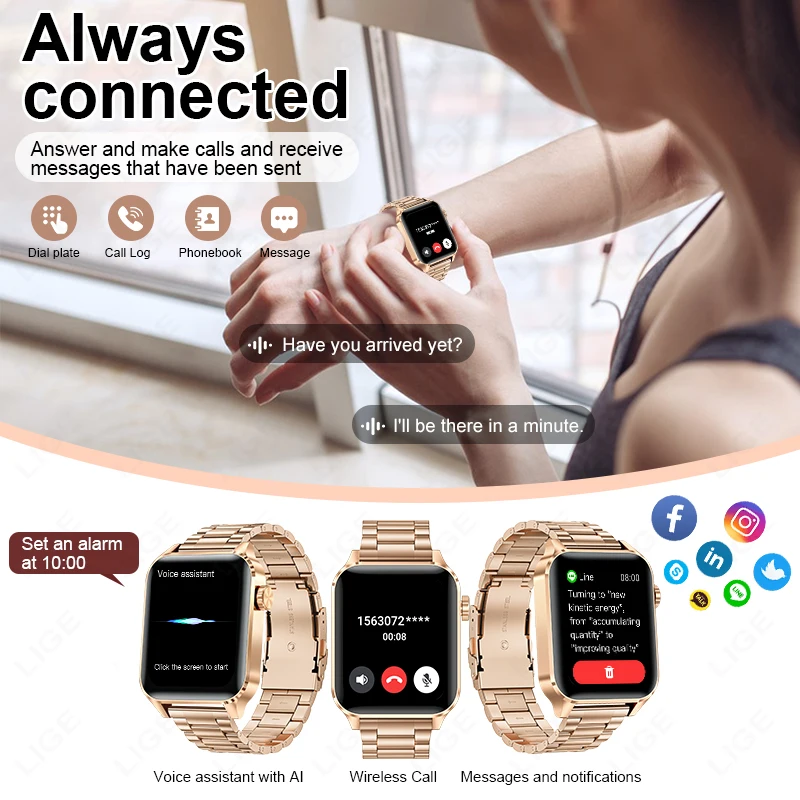
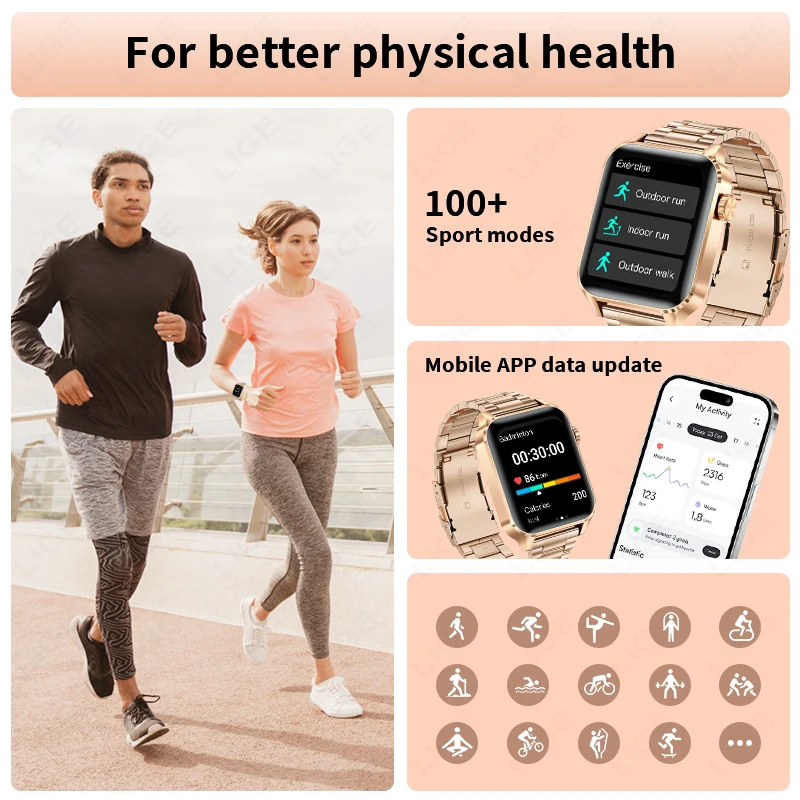
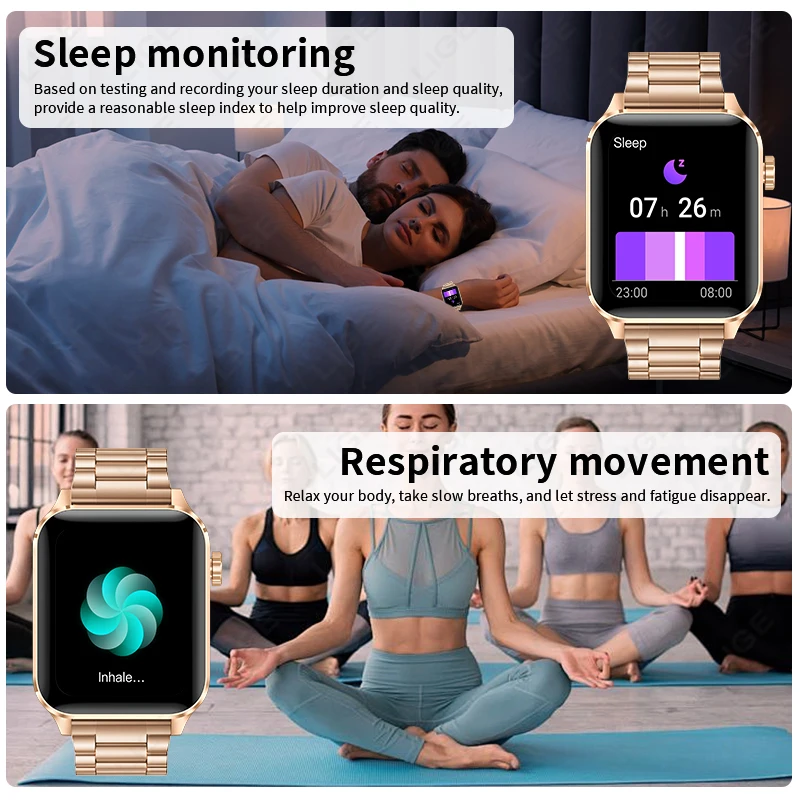
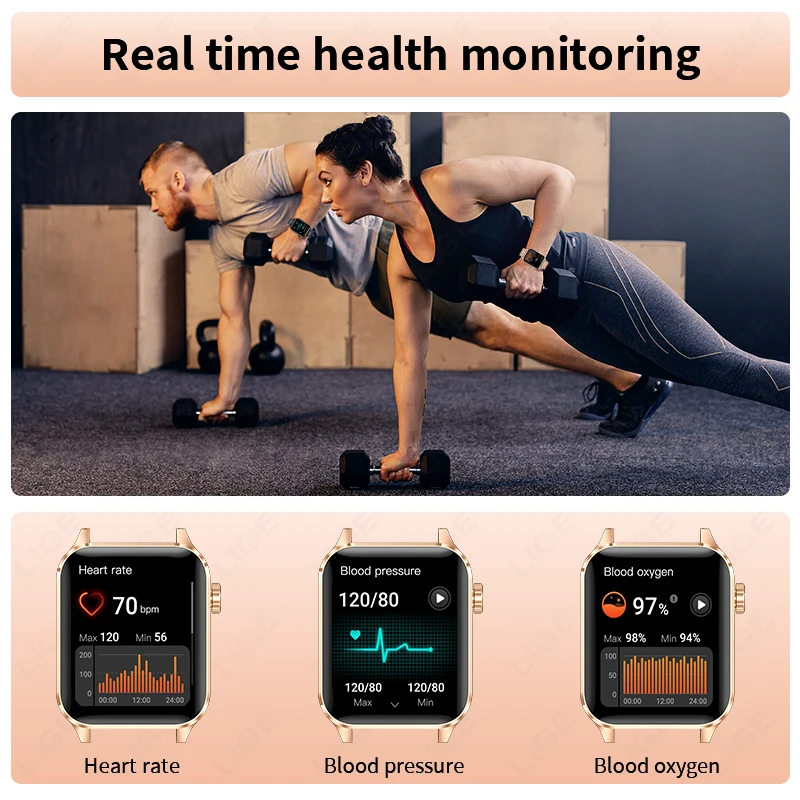
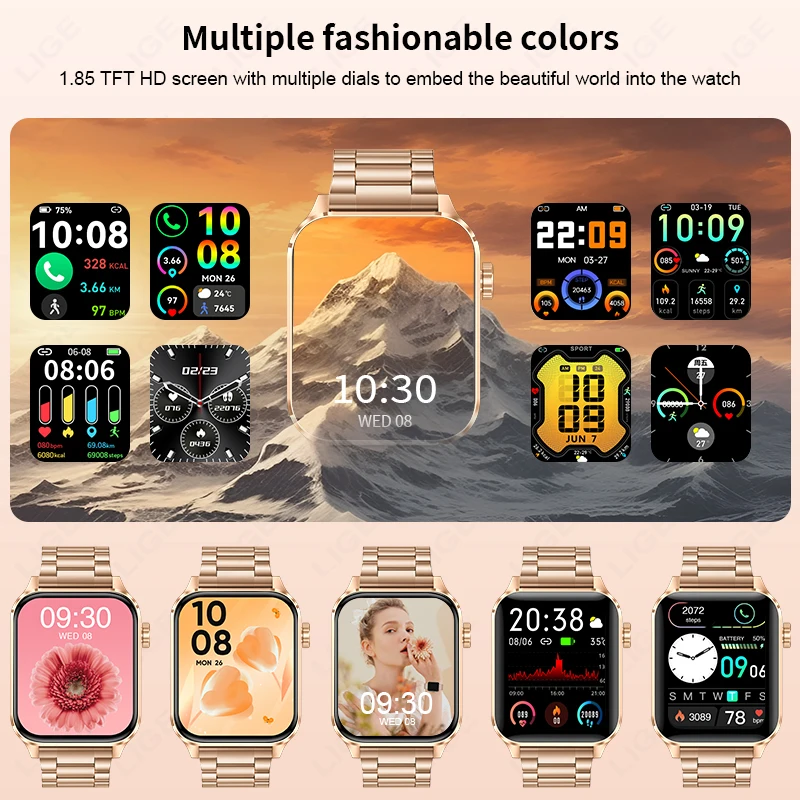
<div class="detailmodule_dynamic"><kse:widget data-widget-type="customText" id="1005000019654801" type="custom"></kse:widget></div><div class="detailmodule_html"><div class="detail-desc-decorate-richtext"><div style="font-family:"TT Norms Pro", "Open Sans", Roboto, Arial, Helvetica, sans-serif, SimSun;font-size:14px;font-weight:400;letter-spacing:normal;text-align:start;white-space:normal;color:rgb(34, 34, 34);margin:0px;margin-bottom:0px;margin-top:0px;margin-left:0px;margin-right:0px;padding:0px;padding-bottom:0px;padding-top:0px;padding-left:0px;padding-right:0px;box-sizing:content-box" class="detailmodule_html" align="start"><div style="margin:0px;margin-bottom:0px;margin-top:0px;margin-left:0px;margin-right:0px;padding:0px;padding-bottom:0px;padding-top:0px;padding-left:0px;padding-right:0px;box-sizing:content-box" class="detail-desc-decorate-richtext"><p><u><strong><span style="font-size:18px">Parameter:</span></strong></u></p><p><span style="font-size:18px">Display: 1.85" inch TFT</span></p><p><span style="font-size:18px">Resolution: 240*284 pixels</span></p><p><span style="font-size:18px">Bluetooth: BT 5.3</span></p><p><span style="font-size:18px">Battery: 230mAh</span></p><p><span style="font-size:18px">Charging method: magnetic charging</span></p><p><span style="font-size:18px">Dustproof and waterproof grade: IP68</span></p><p><span style="font-size:18px">APP name: GloryFit</span></p><p><span style="font-size:18px">Appearance process: 2.5D glass cover + metal middle frame CNC + PC bottom shell + silicone strap</span></p><p><span style="font-size:18px">Battery life: normal use: 3-5 days; standby: 20 days</span></p><p><span style="font-size:18px">Smartphone system support: Android 4.4 and above, IOS 9.0 and above, supports Bluetooth 5.0)</span></p><div><br/></div><div><br/><br/></div><p><u><strong><span style="font-size:18px">Function:</span></strong></u></p><p><span style="font-size:18px">1. TFT high-definition large screen</span></p><p><span style="font-size:18px">2. 20 days long standby time</span></p><p><span style="font-size:18px">3. One-click Bluetooth call connection (answer and make calls on the watch)</span></p><p><span style="font-size:18px">4. 100+ sports modes (running, cycling, yoga, etc.)</span></p><p><span style="font-size:18px">5. IP68 daily waterproof</span></p><p><span style="font-size:18px">6. Various health monitoring (heart rate, blood oxygen, detoxification, menstrual cycle management, sleep, etc.) true heart rate, blood oxygen, in vivo detection 7. Voice assistant function</span></p><p><span style="font-size:18px">8. Customize the dial and upload massive dials at will</span></p><p><span style="font-size:18px">9. With encoder</span></p><p><span style="font-size:18px">10.Message push reminder</span></p><p><span style="font-size:18px">11.200+ dials</span></p><p><span style="font-size:18px">12. Indoor and outdoor sports mode</span></p><div><br/></div><div><br/><br/></div><p><u><strong><span style="font-size:18px">Feature:</span></strong></u></p><p><span style="font-size:18px">Various dial switching (main dial + custom dial + push dial), dial push, menu style, mobile APP message notification, voice assistant, call reminder, Bluetooth call, Bluetooth music, Alipay offline payment, heart rate monitoring, blood oxygen measurement, Pedometer, sleep monitoring, menstrual cycle reminder, standing statistics, multiple exercise modes, standing reminder (sedentary reminder), drinking water reminder, data synchronization, clock, date display, week, weather forecast, calendar, calculator, search Watch, search for phone, screen lock, do not disturb (for message reminders), remote control camera, shake camera, music control, raise your wrist to turn on the screen, timer, stopwatch, breathing, indoor running, outdoor walking, ultra Low battery reminder, alarm clock reminder, call rejection, incoming call, contact reminder, golf, medium to high intensity activity time, timetable settings, frequently used contacts</span></p><div><br/></div><div><br/><br/></div><p><strong><u><span style="font-size:18px">Language:</span></u></strong></p><p><span style="font-size:18px">16 languages: Simplified Chinese, English (default), Japanese, Korean, German, French, Dutch, Italian, Spanish, Portuguese, Russian, Arabic, Persian, Hebrew, Thai, Turkish</span></p><div><br/></div><div><br/><br/></div><p><u><strong><span style="font-size:18px">Packing list:</span></strong></u></p><p><span style="font-size:18px">Smart watch*1</span></p><p><span style="font-size:18px">Instruction manual*1</span></p><p><span style="font-size:18px">Charger*1</span></p><p><span style="font-size:18px">Original box*1</span></p><div><br/></div><div style="font-family:"TT Norms Pro", "Open Sans", Roboto, Arial, Helvetica, sans-serif, SimSun;font-size:14px;font-weight:400;letter-spacing:normal;text-align:start;white-space:normal;color:rgb(34, 34, 34);margin:0px;margin-bottom:0px;margin-top:0px;margin-left:0px;margin-right:0px;padding:0px;padding-bottom:0px;padding-top:0px;padding-left:0px;padding-right:0px;box-sizing:content-box" class="detailmodule_text" align="start"><p style="font-size:16px;line-height:inherit;color:rgb(255, 0, 0);margin:0px;margin-bottom:0px;margin-top:0px;margin-left:0px;margin-right:0px;padding:0px;padding-bottom:0px;padding-top:0px;padding-left:0px;padding-right:0px;box-sizing:border-box">After receiving the watch, please charge it first. Due to the long-term logistics, the battery of the watch is low. Before using, please scan the QR code on the instruction manual to download the APP and connect the watch through the APP.<span style="font-size:16px">FQA<br/></span></p></div><div><br/></div><p><span style="font-size:16px">Q:Why is the blood pressure value deviated from the sphygmomanometer?</span></p><p><span style="font-size:16px">A:The deviation between the measurement value of the watch and the sphygmomanometer is determined by a variety of factors. The measurement site of the sphygmomanometer is in the radial artery, and the measurement site of the watch is the two main branches of the arteriole. Normaly, the aortic blood pressure measurement and the arteriole Blood pressure measurements will vary by three to forty; if you use a watch and a sphygmomanometer to measure at the same time, because the blood ?ows in the artery in the direction of the centrifuge, the sphygmomanometer measures the straps so that the lower part of your elbow is under pressure. Temporary blood cannot ?how smoothly to the branch of the artery below, and the vascular tension is increased, which will make the upper and lower blood pressure measurement values more biased.</span></p><div><br/></div><p><span style="font-size:16px">Q:Why can't the watch receive the message push?</span></p><p><span style="font-size:16px">A:Android phone settings1. Con?rm that the message push switch is enabled on the mobile client.2. The con?rmation message can be displayed normally in the mobile phone noti?cation bar. The watch message push is pushed by reading the mobile phone noti?cation bar message; if there is no message in the mobile phone noti?cation bar, the watch will not be able to receive the push(need to ?nd the noti?cation setting in the phone settings, open WeChat, QQ phone, SMS, noti?cation button of mobile client)3. Open the auxiliary function settings of the wristband client(see the auxiliary function in the settings on the phone, and open the auxiliary function settings of the wristband client)</span></p><div><br/></div><p><span style="font-size:16px">Apple phone settings:1. Con?rm that the message push switch is enabled on the mobile client.2. the con?rmation message can be displayed normally in the mobile phone noti?cation bar(need to ?nd the noti?cation settings in the phone settings, open WeChat, QQ phone, SMS, mobile phone client noti?cation switch)</span></p><div><br/></div><p><span style="font-size:16px">Q:Why does the pedometer not count steps when I have already started walking?</span></p><p><span style="font-size:16px">A:To reduce errors, smart watch usually sets an initial value of 10, it will count steps when we walk more than 10 steps. The APP will show the real walking steps and start counting from step 10.</span></p><div><br/></div><p><span style="font-size:16px">Q:What application is used when connecting to a smart phone?</span></p><p><span style="font-size:16px">A:The app is designed by the supplier. You can scan the QR code on the package or manual to download it when you get the item.</span></p><div><br/></div><p><span style="font-size:16px">Q:Why the device cannot boot or start up properly?</span></p><p><span style="font-size:16px">A:Please charge your new device for at least 10 minutes or more before the first usage, this ensures normal device boot and optimal operation. For devices with removable batteries, ensure they are properly installed before charging.</span></p><div><br/></div><p><span style="font-size:16px">Q: Can not find device when pairing device?</span></p><p><span style="font-size:16px">A:Please make sure the distance between phone and device less than 0.5m</span></p><div><br/></div><p><span style="font-size:16px">Please make sure the device is not under low battey.if there is still problem after 1.5hours charging,Please cantact us.</span></p><div><br/></div><p><span style="font-size:16px">Q:Can not connect the devicewith app?</span></p><p><span style="font-size:16px">A:Some smart phone bluetooth service will be abnormal when reboot.Please reboot the smart phone for pairing device.</span></p><div><br/></div><p><span style="font-size:16px">Q:Why the android mobile disconnect?</span></p><p><span style="font-size:16px">A:Android mobile phone system memory management will be forced to turn off the background app,you need to turn off the power saving mode or pull the app into the ayatem housekeeping green background inside,app will not be forced to close.app must be running in the background,bluetooth will not automatically disconnect.</span></p><div><br/></div><p><span style="font-size:16px">Q: Why couldn’t I connect the Bluetooth?</span></p><p><span style="font-size:16px">A: 1. Please download the app firstly</span></p><p><span style="font-size:16px">2. Search Bluetooth name on your APP and then connect it.</span></p><p><span style="font-size:16px">3. You can see request to connect on the phone, click “pair.</span></p><p><span style="font-size:16px">If you had connected the Bluetooth before, please clear all your phone's Bluetooth devices.</span></p><div><br/></div><p><span style="font-size:16px">Q:Is the watch waterproof?</span></p><p><span style="font-size:16px">A:Splash-proof and sweat-proof, so it is ok while you are doing sports . But you can’t swim with it.</span></p><div><br/></div><p><span style="font-size:16px">(please note: it does not support the brewing hot water, hot bath, and water vapor. Please avoid using and storing the device at the place of high temperature & high humidity.)</span></p></div></div><p></p><div class="detailmodule_dynamic"></div><div><br/></div></div></div><div class="detailmodule_dynamic"><kse:widget data-widget-type="customText" id="1005000017891213" type="relation"></kse:widget></div><p><br/></p>
$256.925
$47.885
- Category : Consumer Electronics
- Brand : lige_smartwatch_store LIGE SmartWatch Store
Colors
Sizes
-
+

<div class="detailmodule_dynamic"><kse:widget data-widget-type="customText" id="1005000019654801" type="custom"></kse:widget></div><div class="detailmodule_html"><div class="detail-desc-decorate-richtext"><div style="font-family:"TT Norms Pro", "Open Sans", Roboto, Arial, Helvetica, sans-serif, SimSun;font-size:14px;font-weight:400;letter-spacing:normal;text-align:start;white-space:normal;color:rgb(34, 34, 34);margin:0px;margin-bottom:0px;margin-top:0px;margin-left:0px;margin-right:0px;padding:0px;padding-bottom:0px;padding-top:0px;padding-left:0px;padding-right:0px;box-sizing:content-box" class="detailmodule_html" align="start"><div style="margin:0px;margin-bottom:0px;margin-top:0px;margin-left:0px;margin-right:0px;padding:0px;padding-bottom:0px;padding-top:0px;padding-left:0px;padding-right:0px;box-sizing:content-box" class="detail-desc-decorate-richtext"><p><u><strong><span style="font-size:18px">Parameter:</span></strong></u></p><p><span style="font-size:18px">Display: 1.85" inch TFT</span></p><p><span style="font-size:18px">Resolution: 240*284 pixels</span></p><p><span style="font-size:18px">Bluetooth: BT 5.3</span></p><p><span style="font-size:18px">Battery: 230mAh</span></p><p><span style="font-size:18px">Charging method: magnetic charging</span></p><p><span style="font-size:18px">Dustproof and waterproof grade: IP68</span></p><p><span style="font-size:18px">APP name: GloryFit</span></p><p><span style="font-size:18px">Appearance process: 2.5D glass cover + metal middle frame CNC + PC bottom shell + silicone strap</span></p><p><span style="font-size:18px">Battery life: normal use: 3-5 days; standby: 20 days</span></p><p><span style="font-size:18px">Smartphone system support: Android 4.4 and above, IOS 9.0 and above, supports Bluetooth 5.0)</span></p><div><br/></div><div><br/><br/></div><p><u><strong><span style="font-size:18px">Function:</span></strong></u></p><p><span style="font-size:18px">1. TFT high-definition large screen</span></p><p><span style="font-size:18px">2. 20 days long standby time</span></p><p><span style="font-size:18px">3. One-click Bluetooth call connection (answer and make calls on the watch)</span></p><p><span style="font-size:18px">4. 100+ sports modes (running, cycling, yoga, etc.)</span></p><p><span style="font-size:18px">5. IP68 daily waterproof</span></p><p><span style="font-size:18px">6. Various health monitoring (heart rate, blood oxygen, detoxification, menstrual cycle management, sleep, etc.) true heart rate, blood oxygen, in vivo detection 7. Voice assistant function</span></p><p><span style="font-size:18px">8. Customize the dial and upload massive dials at will</span></p><p><span style="font-size:18px">9. With encoder</span></p><p><span style="font-size:18px">10.Message push reminder</span></p><p><span style="font-size:18px">11.200+ dials</span></p><p><span style="font-size:18px">12. Indoor and outdoor sports mode</span></p><div><br/></div><div><br/><br/></div><p><u><strong><span style="font-size:18px">Feature:</span></strong></u></p><p><span style="font-size:18px">Various dial switching (main dial + custom dial + push dial), dial push, menu style, mobile APP message notification, voice assistant, call reminder, Bluetooth call, Bluetooth music, Alipay offline payment, heart rate monitoring, blood oxygen measurement, Pedometer, sleep monitoring, menstrual cycle reminder, standing statistics, multiple exercise modes, standing reminder (sedentary reminder), drinking water reminder, data synchronization, clock, date display, week, weather forecast, calendar, calculator, search Watch, search for phone, screen lock, do not disturb (for message reminders), remote control camera, shake camera, music control, raise your wrist to turn on the screen, timer, stopwatch, breathing, indoor running, outdoor walking, ultra Low battery reminder, alarm clock reminder, call rejection, incoming call, contact reminder, golf, medium to high intensity activity time, timetable settings, frequently used contacts</span></p><div><br/></div><div><br/><br/></div><p><strong><u><span style="font-size:18px">Language:</span></u></strong></p><p><span style="font-size:18px">16 languages: Simplified Chinese, English (default), Japanese, Korean, German, French, Dutch, Italian, Spanish, Portuguese, Russian, Arabic, Persian, Hebrew, Thai, Turkish</span></p><div><br/></div><div><br/><br/></div><p><u><strong><span style="font-size:18px">Packing list:</span></strong></u></p><p><span style="font-size:18px">Smart watch*1</span></p><p><span style="font-size:18px">Instruction manual*1</span></p><p><span style="font-size:18px">Charger*1</span></p><p><span style="font-size:18px">Original box*1</span></p><div><br/></div><div style="font-family:"TT Norms Pro", "Open Sans", Roboto, Arial, Helvetica, sans-serif, SimSun;font-size:14px;font-weight:400;letter-spacing:normal;text-align:start;white-space:normal;color:rgb(34, 34, 34);margin:0px;margin-bottom:0px;margin-top:0px;margin-left:0px;margin-right:0px;padding:0px;padding-bottom:0px;padding-top:0px;padding-left:0px;padding-right:0px;box-sizing:content-box" class="detailmodule_text" align="start"><p style="font-size:16px;line-height:inherit;color:rgb(255, 0, 0);margin:0px;margin-bottom:0px;margin-top:0px;margin-left:0px;margin-right:0px;padding:0px;padding-bottom:0px;padding-top:0px;padding-left:0px;padding-right:0px;box-sizing:border-box">After receiving the watch, please charge it first. Due to the long-term logistics, the battery of the watch is low. Before using, please scan the QR code on the instruction manual to download the APP and connect the watch through the APP.<span style="font-size:16px">FQA<br/></span></p></div><div><br/></div><p><span style="font-size:16px">Q:Why is the blood pressure value deviated from the sphygmomanometer?</span></p><p><span style="font-size:16px">A:The deviation between the measurement value of the watch and the sphygmomanometer is determined by a variety of factors. The measurement site of the sphygmomanometer is in the radial artery, and the measurement site of the watch is the two main branches of the arteriole. Normaly, the aortic blood pressure measurement and the arteriole Blood pressure measurements will vary by three to forty; if you use a watch and a sphygmomanometer to measure at the same time, because the blood ?ows in the artery in the direction of the centrifuge, the sphygmomanometer measures the straps so that the lower part of your elbow is under pressure. Temporary blood cannot ?how smoothly to the branch of the artery below, and the vascular tension is increased, which will make the upper and lower blood pressure measurement values more biased.</span></p><div><br/></div><p><span style="font-size:16px">Q:Why can't the watch receive the message push?</span></p><p><span style="font-size:16px">A:Android phone settings1. Con?rm that the message push switch is enabled on the mobile client.2. The con?rmation message can be displayed normally in the mobile phone noti?cation bar. The watch message push is pushed by reading the mobile phone noti?cation bar message; if there is no message in the mobile phone noti?cation bar, the watch will not be able to receive the push(need to ?nd the noti?cation setting in the phone settings, open WeChat, QQ phone, SMS, noti?cation button of mobile client)3. Open the auxiliary function settings of the wristband client(see the auxiliary function in the settings on the phone, and open the auxiliary function settings of the wristband client)</span></p><div><br/></div><p><span style="font-size:16px">Apple phone settings:1. Con?rm that the message push switch is enabled on the mobile client.2. the con?rmation message can be displayed normally in the mobile phone noti?cation bar(need to ?nd the noti?cation settings in the phone settings, open WeChat, QQ phone, SMS, mobile phone client noti?cation switch)</span></p><div><br/></div><p><span style="font-size:16px">Q:Why does the pedometer not count steps when I have already started walking?</span></p><p><span style="font-size:16px">A:To reduce errors, smart watch usually sets an initial value of 10, it will count steps when we walk more than 10 steps. The APP will show the real walking steps and start counting from step 10.</span></p><div><br/></div><p><span style="font-size:16px">Q:What application is used when connecting to a smart phone?</span></p><p><span style="font-size:16px">A:The app is designed by the supplier. You can scan the QR code on the package or manual to download it when you get the item.</span></p><div><br/></div><p><span style="font-size:16px">Q:Why the device cannot boot or start up properly?</span></p><p><span style="font-size:16px">A:Please charge your new device for at least 10 minutes or more before the first usage, this ensures normal device boot and optimal operation. For devices with removable batteries, ensure they are properly installed before charging.</span></p><div><br/></div><p><span style="font-size:16px">Q: Can not find device when pairing device?</span></p><p><span style="font-size:16px">A:Please make sure the distance between phone and device less than 0.5m</span></p><div><br/></div><p><span style="font-size:16px">Please make sure the device is not under low battey.if there is still problem after 1.5hours charging,Please cantact us.</span></p><div><br/></div><p><span style="font-size:16px">Q:Can not connect the devicewith app?</span></p><p><span style="font-size:16px">A:Some smart phone bluetooth service will be abnormal when reboot.Please reboot the smart phone for pairing device.</span></p><div><br/></div><p><span style="font-size:16px">Q:Why the android mobile disconnect?</span></p><p><span style="font-size:16px">A:Android mobile phone system memory management will be forced to turn off the background app,you need to turn off the power saving mode or pull the app into the ayatem housekeeping green background inside,app will not be forced to close.app must be running in the background,bluetooth will not automatically disconnect.</span></p><div><br/></div><p><span style="font-size:16px">Q: Why couldn’t I connect the Bluetooth?</span></p><p><span style="font-size:16px">A: 1. Please download the app firstly</span></p><p><span style="font-size:16px">2. Search Bluetooth name on your APP and then connect it.</span></p><p><span style="font-size:16px">3. You can see request to connect on the phone, click “pair.</span></p><p><span style="font-size:16px">If you had connected the Bluetooth before, please clear all your phone's Bluetooth devices.</span></p><div><br/></div><p><span style="font-size:16px">Q:Is the watch waterproof?</span></p><p><span style="font-size:16px">A:Splash-proof and sweat-proof, so it is ok while you are doing sports . But you can’t swim with it.</span></p><div><br/></div><p><span style="font-size:16px">(please note: it does not support the brewing hot water, hot bath, and water vapor. Please avoid using and storing the device at the place of high temperature & high humidity.)</span></p></div></div><p></p><div class="detailmodule_dynamic"></div><div><br/></div></div></div><div class="detailmodule_dynamic"><kse:widget data-widget-type="customText" id="1005000017891213" type="relation"></kse:widget></div><p><br/></p>
Related Product
Browse The Collection of Top Products.