
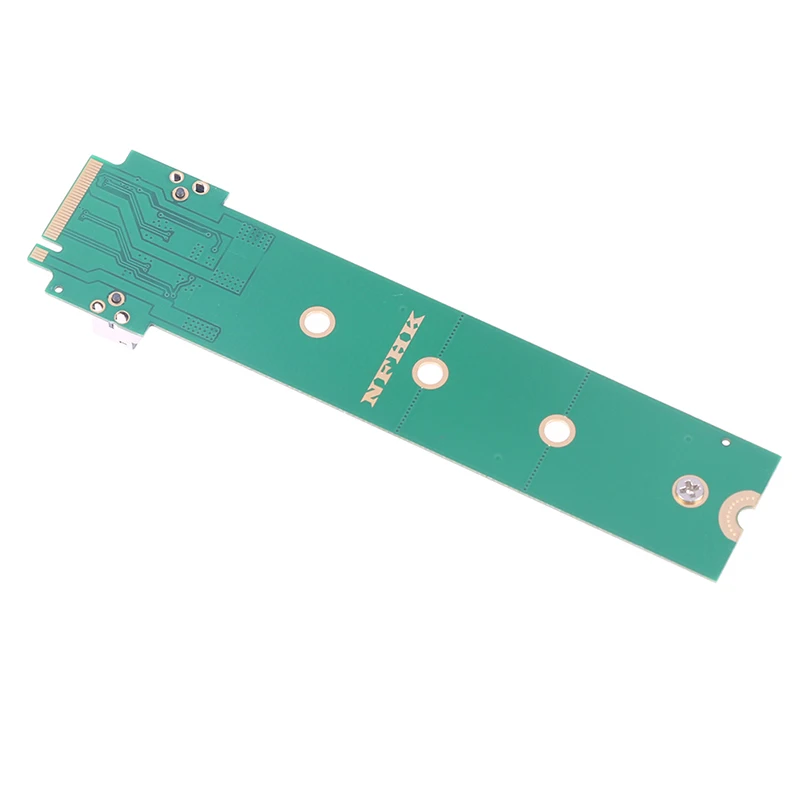
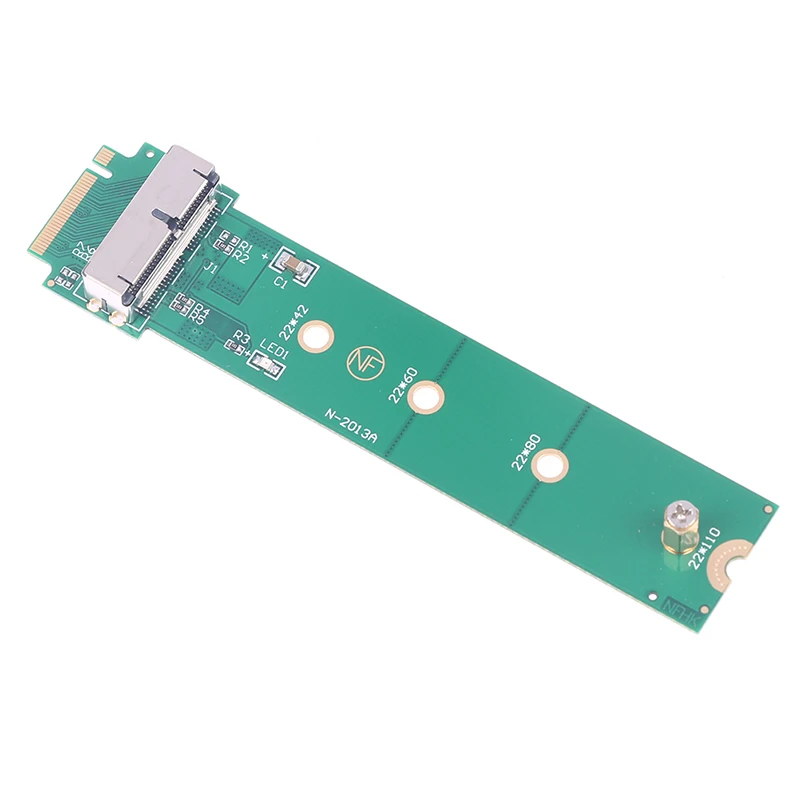
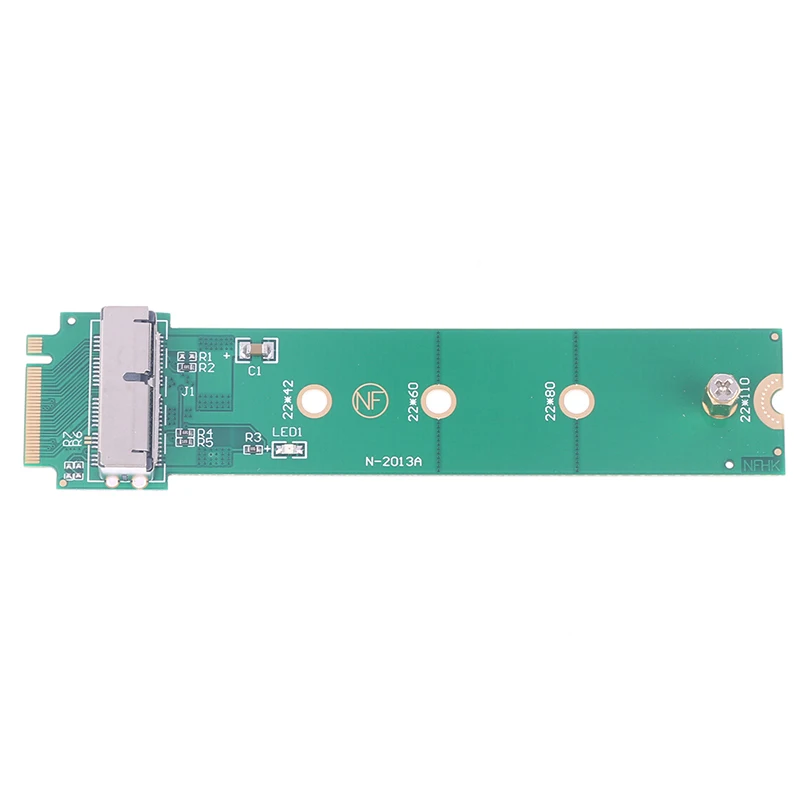
M2 Key M SSD to PCI-e Adapter Converter Card for PC
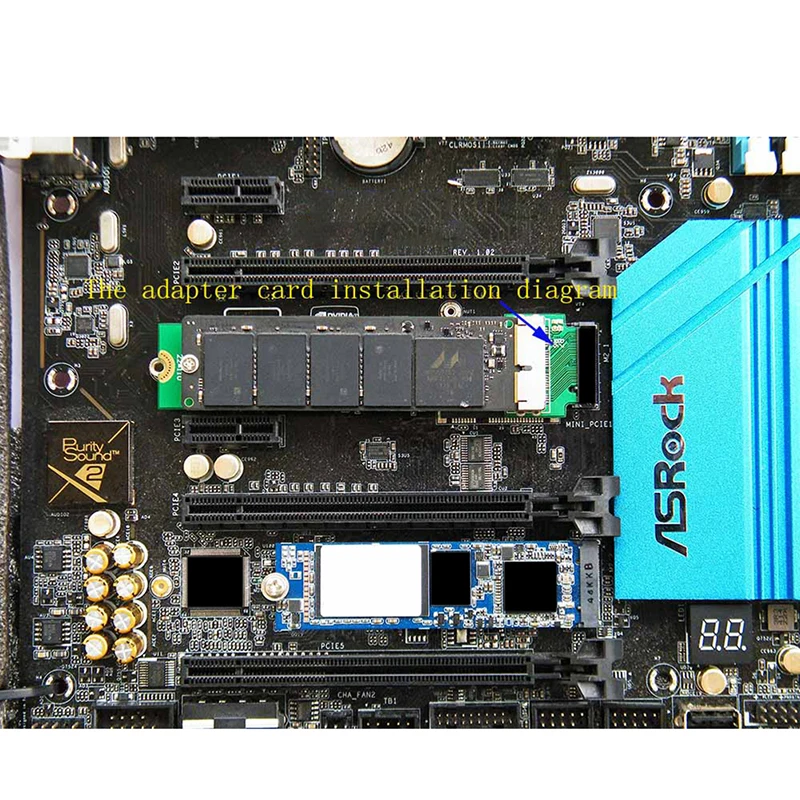
Notice: Please make sure the size of adapter card for your computer. Because adapter card + SSD, size is bigger than standard M.2 NGFF solid-state drives. Please make sure the M.2 NGFF port of computer supports PCIe X4 or PCIe X2 transfer mode. The speed of SSD can reduce 50% if M.2 NGFF SSD port only supports PCIe X2 transfer mode. M.2 NGFF slot and SATA-3 port, SATA-4 port and SATA Express port of the motherboard can only choose one to use, otherwise it will cause hard disk can't identify. Some motherboard M.2 port transfer mode needs in the BIOS Settings, the SSD can't identify if transfer mode error. Please cancel all the password of SSD before use the adapter card, otherwise it will cause hard disk can't identify. Only sales adapter card, images of SSD and mainboard is not sales. The motherboard must be Intel 7 series chipset or higher version than 7 Series chipset. Mac OS and some digital camera system use disk format can't compatible with Microsoft system, new SSD if there is no partition, open the my computer can't see the ssd, please use the Disk Manager in Windows to delete the partitions or to create a new partition on the SSD. Please confirm interface definition is correct of your hard disk slot, the adapter card can't identify if your M.2 NGFF hard disk interface only support SATA AHCI mode. New SSD if there is no partition, open the my computer can't see the ssd, please use the Disk Manager in Windows to delete the partitions or to create a new partition on the SSD. Please make sure your hard drive can work normally in the original equipment, cancel the all the password set, especially the BIOS disk encryption password. Upgrade computer BIOS to the latest version, revert to the default Settings. Note the boot mode Settings, UFEI or Legacy, if the set wrong, drive not recognize. You can connection USB port or connection M.2 NGFF port of your computer to test this product, please change another test method if it can't work normally, it would exclude compatibility issues. Please replace the SSD or computer test, because some computers not compatible with the specific model or a specific brand solid-state drives. The product only support read data and write data in SSD, don not support as the system startup disk of most computer. Package Includes: 1 x Adapter Card. Note: Only supports installation on the computer host, not external.
$9.31
$8.87
- Category : Computer & Office
- Brand : king_digital_store King Digital Store
Colors
-
+

Notice: Please make sure the size of adapter card for your computer. Because adapter card + SSD, size is bigger than standard M.2 NGFF solid-state drives. Please make sure the M.2 NGFF port of computer supports PCIe X4 or PCIe X2 transfer mode. The speed of SSD can reduce 50% if M.2 NGFF SSD port only supports PCIe X2 transfer mode. M.2 NGFF slot and SATA-3 port, SATA-4 port and SATA Express port of the motherboard can only choose one to use, otherwise it will cause hard disk can't identify. Some motherboard M.2 port transfer mode needs in the BIOS Settings, the SSD can't identify if transfer mode error. Please cancel all the password of SSD before use the adapter card, otherwise it will cause hard disk can't identify. Only sales adapter card, images of SSD and mainboard is not sales. The motherboard must be Intel 7 series chipset or higher version than 7 Series chipset. Mac OS and some digital camera system use disk format can't compatible with Microsoft system, new SSD if there is no partition, open the my computer can't see the ssd, please use the Disk Manager in Windows to delete the partitions or to create a new partition on the SSD. Please confirm interface definition is correct of your hard disk slot, the adapter card can't identify if your M.2 NGFF hard disk interface only support SATA AHCI mode. New SSD if there is no partition, open the my computer can't see the ssd, please use the Disk Manager in Windows to delete the partitions or to create a new partition on the SSD. Please make sure your hard drive can work normally in the original equipment, cancel the all the password set, especially the BIOS disk encryption password. Upgrade computer BIOS to the latest version, revert to the default Settings. Note the boot mode Settings, UFEI or Legacy, if the set wrong, drive not recognize. You can connection USB port or connection M.2 NGFF port of your computer to test this product, please change another test method if it can't work normally, it would exclude compatibility issues. Please replace the SSD or computer test, because some computers not compatible with the specific model or a specific brand solid-state drives. The product only support read data and write data in SSD, don not support as the system startup disk of most computer. Package Includes: 1 x Adapter Card. Note: Only supports installation on the computer host, not external.
Related Product
Browse The Collection of Top Products.


PCIe NVME M2 to 6 Port SATA Adapter Card for Server PC
$43.57
$85.15


M2 NVME SSD To PCIe 4.0 X16 Adapter Card
$35.14
$68.26


Portable 4G LTE Wireless Router Modem for Home Office
$14.84
$27.68


Black ABS USB Wireless Receiver Adapter for Gaming Mouse
$21.25
$40.49
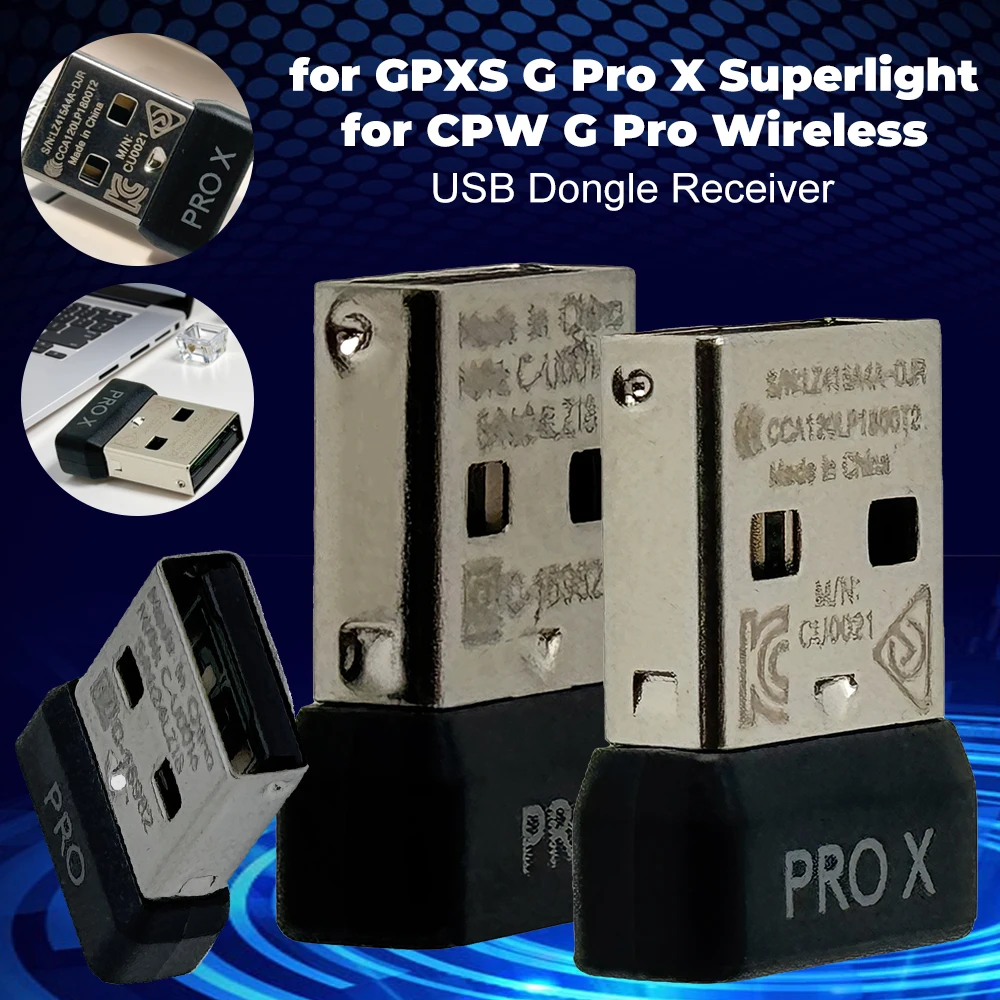


Mini USB Receiver Wireless Gaming Mouse Adapter
$21.77
$42.35


ARGB Addressable Splitter Light Strip Controller for PC
$27.38
$52.78
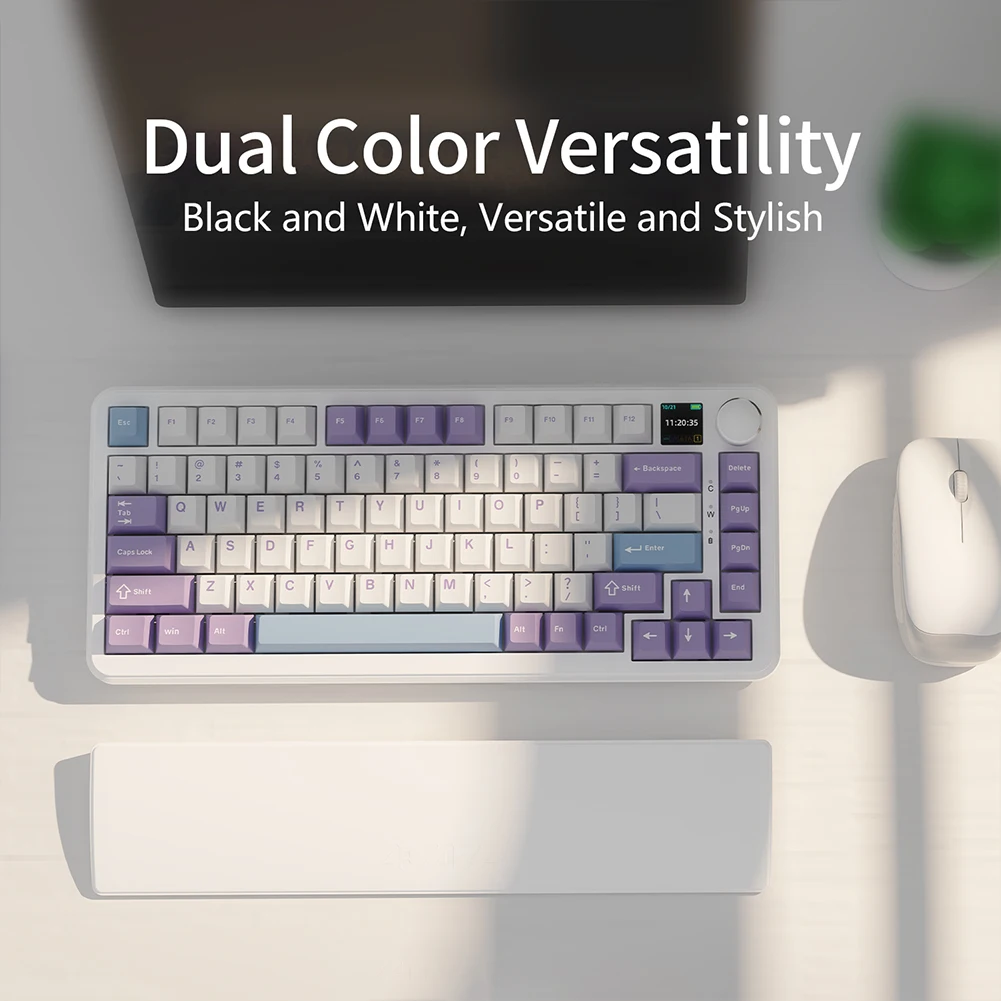





M2 A+E To NVME SSD Adapter PCI-E 4.0 Riser Card
$6.95
$11.92


Micro SD to IDE Adapter Card for Laptop Notebook
$19.37
$36.74


Vertical Graphics Card Holder Stand for Computer VGA
$20.81
$27.77