
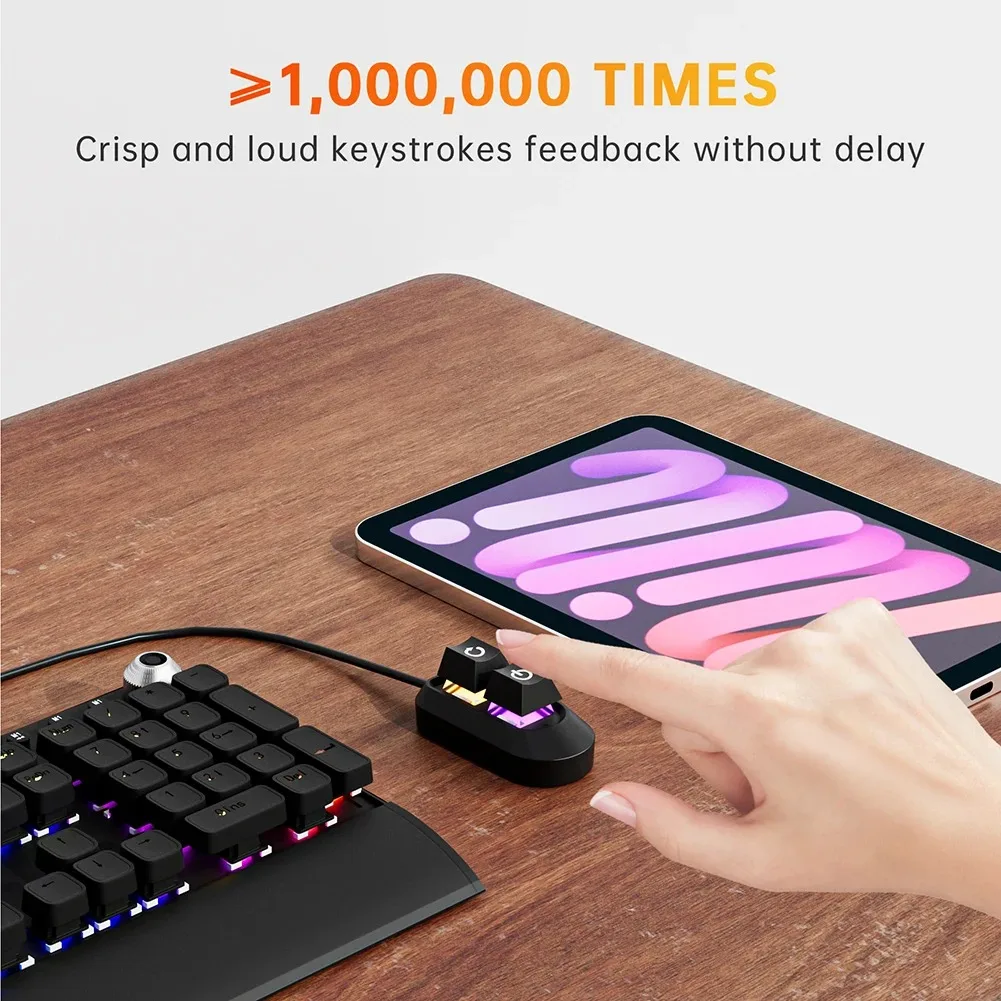
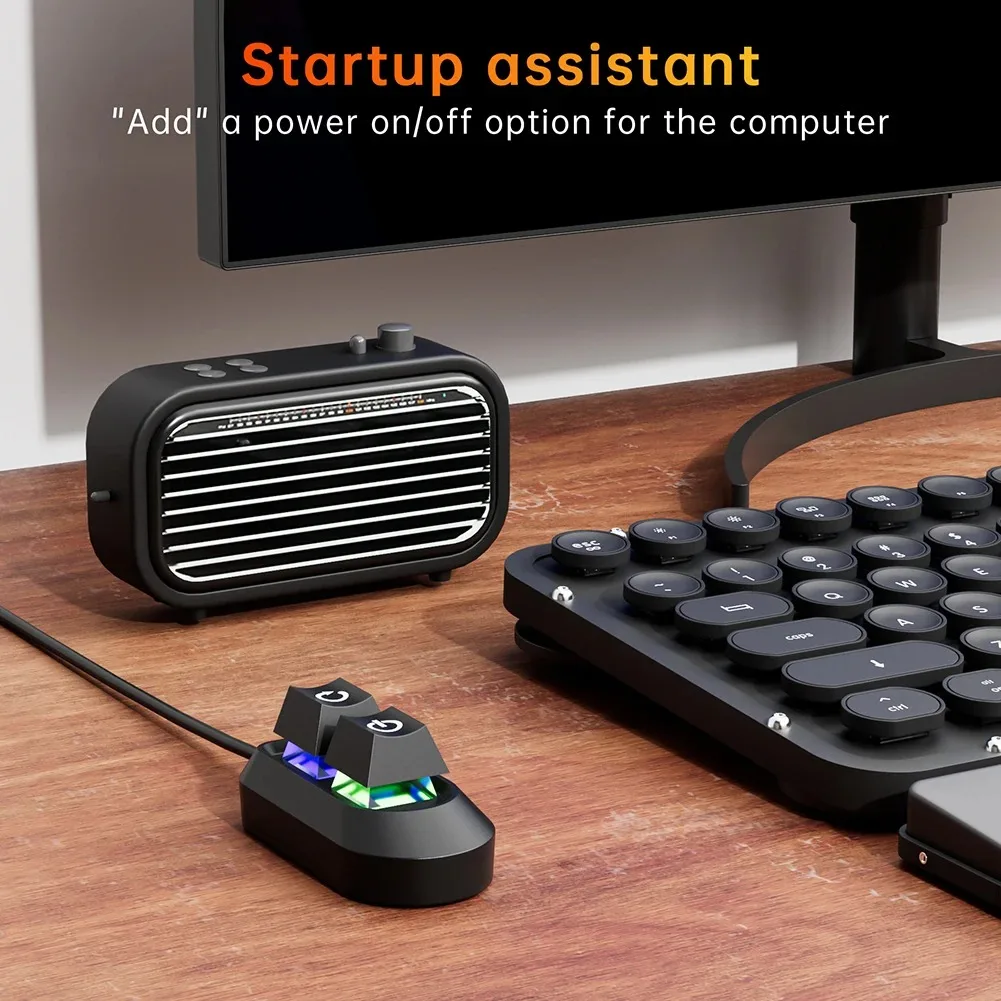
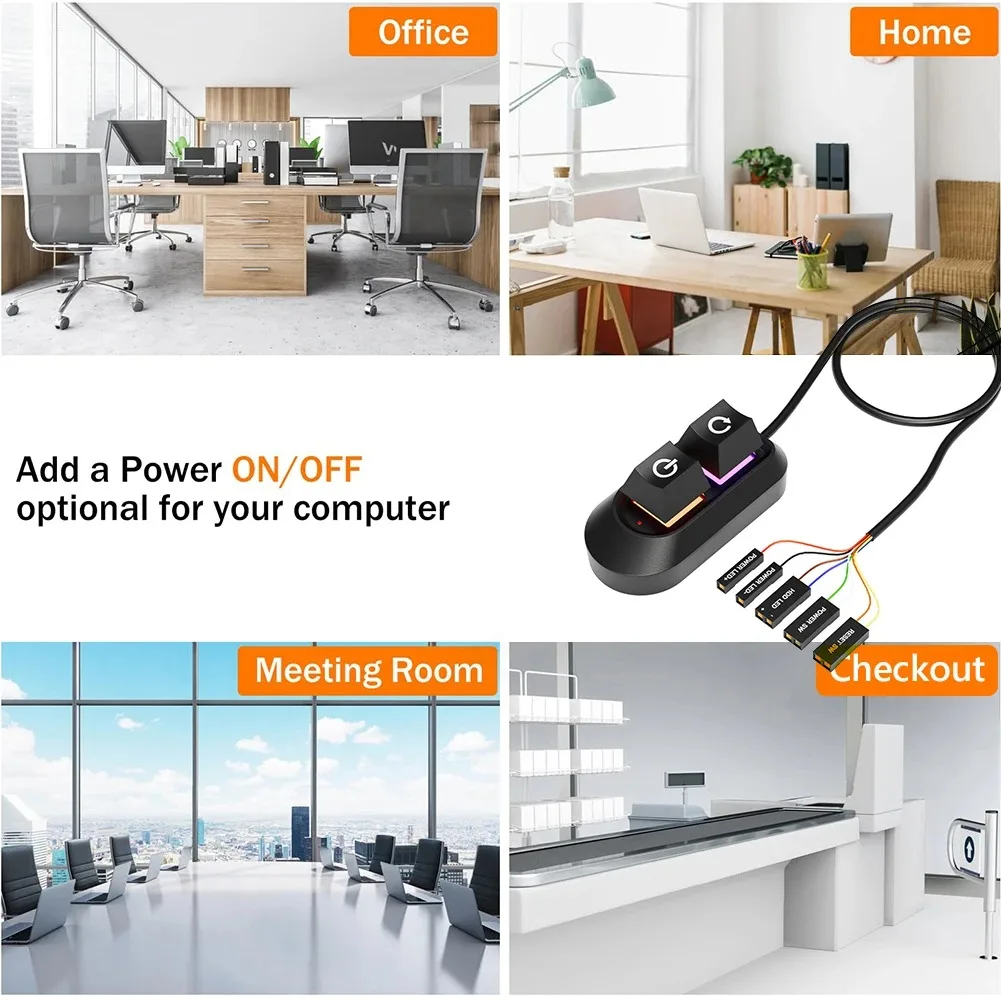

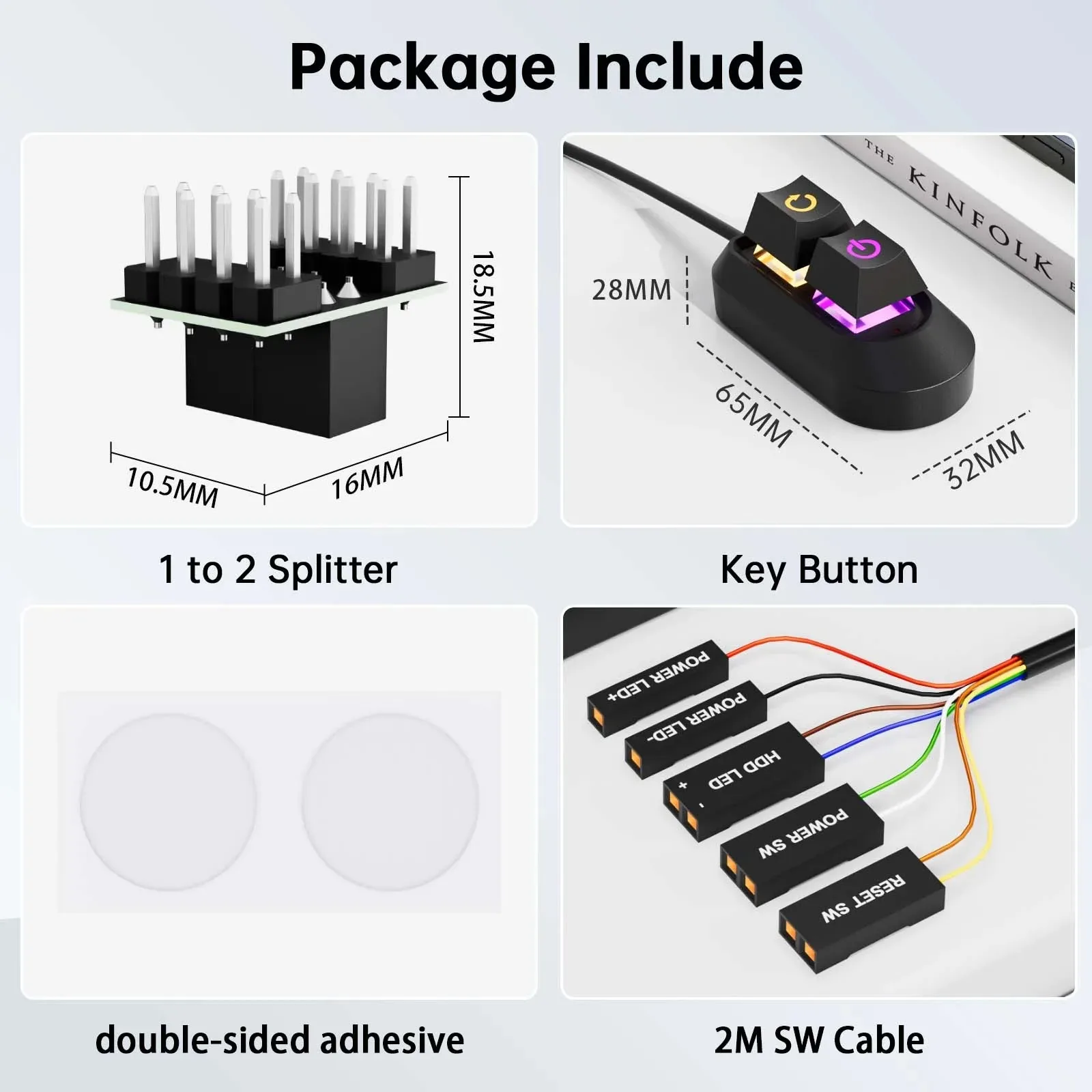
Mechanical Power Switch for PC Case with 2M Cable
<p><br/></p><div class="detailmodule_text"><p style="font-family:OpenSans;font-size:20px;font-weight:900;line-height:28px;white-space:pre-wrap;color:rgb(0, 0, 0);margin-bottom:12px" class="detail-desc-decorate-title">Specifications:</p><p style="font-family:OpenSans;font-size:14px;font-weight:300;line-height:20px;white-space:pre-wrap;color:rgb(0, 0, 0);margin-bottom:12px" class="detail-desc-decorate-content">Product weight: 56g<br/>Product size: 65*32*27.5mm<br/>Line length: 2m<br/>Color: black<br/>Packaging weight: 90g<br/>Packaging size: 115*85*35mm</p></div><div class="detailmodule_text"><p style="font-family:OpenSans;font-size:20px;font-weight:900;line-height:28px;white-space:pre-wrap;color:rgb(0, 0, 0);margin-bottom:12px" class="detail-desc-decorate-title">Usage matters:</p><p style="font-family:OpenSans;font-size:14px;font-weight:300;line-height:20px;white-space:pre-wrap;color:rgb(0, 0, 0);margin-bottom:12px" class="detail-desc-decorate-content">1. The keyboard is shipped by default according to the function on the keycaps in the main picture, and can be used without USB driver;<br/>2. The keyboard defaults to the copy, paste, and cut functions of the WIN system;<br/>3. The LED lights up by default according to which key is pressed;<br/>4. If used under MAC, you need to use the setting tool to set the shortcut keys under the MAC system to the corresponding keys in the WIN system in sequence; command+c, command+v, command+x in sequence;<br/>5. The keyboard is delivered with a 1-meter TYPE-C data cable, one end of the TYPE-C is connected to the keyboard, and the USB A port is connected to the computer;<br/>6. If used under the LINUX system, you need to use the setting tool to set the shortcut keys under the LINUX system to the corresponding keys in the WIN system in sequence, such as copy Ctrl+Shift+C, paste Ctrl+Shift+V, cut Ctrl+Shift+X</p></div><div class="detailmodule_image"></div><p><br/></p>
$33.11
$12.58
- Category : Computer & Office
- Brand : shop1103754242_store Shop1103754242 Store
Colors
-
+

<p><br/></p><div class="detailmodule_text"><p style="font-family:OpenSans;font-size:20px;font-weight:900;line-height:28px;white-space:pre-wrap;color:rgb(0, 0, 0);margin-bottom:12px" class="detail-desc-decorate-title">Specifications:</p><p style="font-family:OpenSans;font-size:14px;font-weight:300;line-height:20px;white-space:pre-wrap;color:rgb(0, 0, 0);margin-bottom:12px" class="detail-desc-decorate-content">Product weight: 56g<br/>Product size: 65*32*27.5mm<br/>Line length: 2m<br/>Color: black<br/>Packaging weight: 90g<br/>Packaging size: 115*85*35mm</p></div><div class="detailmodule_text"><p style="font-family:OpenSans;font-size:20px;font-weight:900;line-height:28px;white-space:pre-wrap;color:rgb(0, 0, 0);margin-bottom:12px" class="detail-desc-decorate-title">Usage matters:</p><p style="font-family:OpenSans;font-size:14px;font-weight:300;line-height:20px;white-space:pre-wrap;color:rgb(0, 0, 0);margin-bottom:12px" class="detail-desc-decorate-content">1. The keyboard is shipped by default according to the function on the keycaps in the main picture, and can be used without USB driver;<br/>2. The keyboard defaults to the copy, paste, and cut functions of the WIN system;<br/>3. The LED lights up by default according to which key is pressed;<br/>4. If used under MAC, you need to use the setting tool to set the shortcut keys under the MAC system to the corresponding keys in the WIN system in sequence; command+c, command+v, command+x in sequence;<br/>5. The keyboard is delivered with a 1-meter TYPE-C data cable, one end of the TYPE-C is connected to the keyboard, and the USB A port is connected to the computer;<br/>6. If used under the LINUX system, you need to use the setting tool to set the shortcut keys under the LINUX system to the corresponding keys in the WIN system in sequence, such as copy Ctrl+Shift+C, paste Ctrl+Shift+V, cut Ctrl+Shift+X</p></div><div class="detailmodule_image"></div><p><br/></p>
Related Product
Browse The Collection of Top Products.


PCIe NVME M2 to 6 Port SATA Adapter Card for Server PC
$43.57
$85.15


M2 NVME SSD To PCIe 4.0 X16 Adapter Card
$35.14
$68.26


Portable 4G LTE Wireless Router Modem for Home Office
$14.84
$27.68


Black ABS USB Wireless Receiver Adapter for Gaming Mouse
$21.25
$40.49
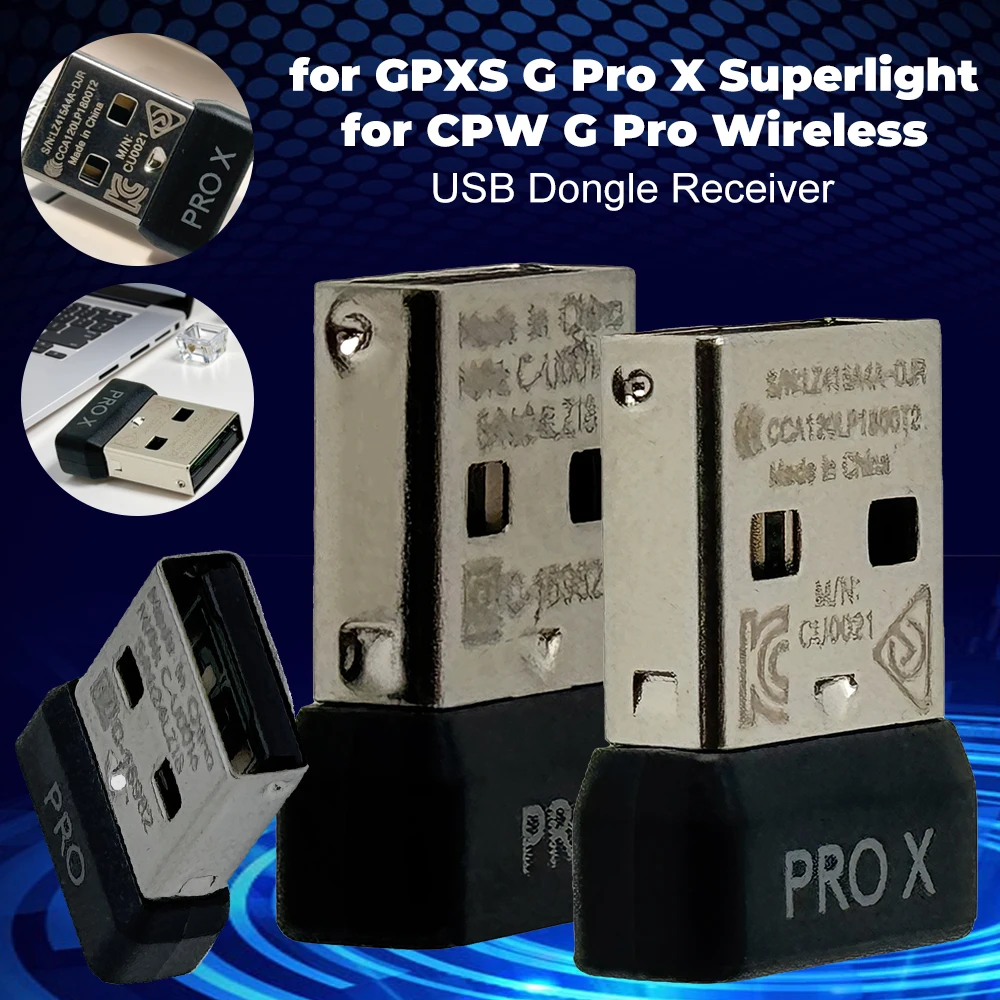


Mini USB Receiver Wireless Gaming Mouse Adapter
$21.77
$42.35


ARGB Addressable Splitter Light Strip Controller for PC
$27.38
$52.78




M2 A+E To NVME SSD Adapter PCI-E 4.0 Riser Card
$6.95
$11.92


Micro SD to IDE Adapter Card for Laptop Notebook
$19.37
$36.74


Vertical Graphics Card Holder Stand for Computer VGA
$20.81
$27.77