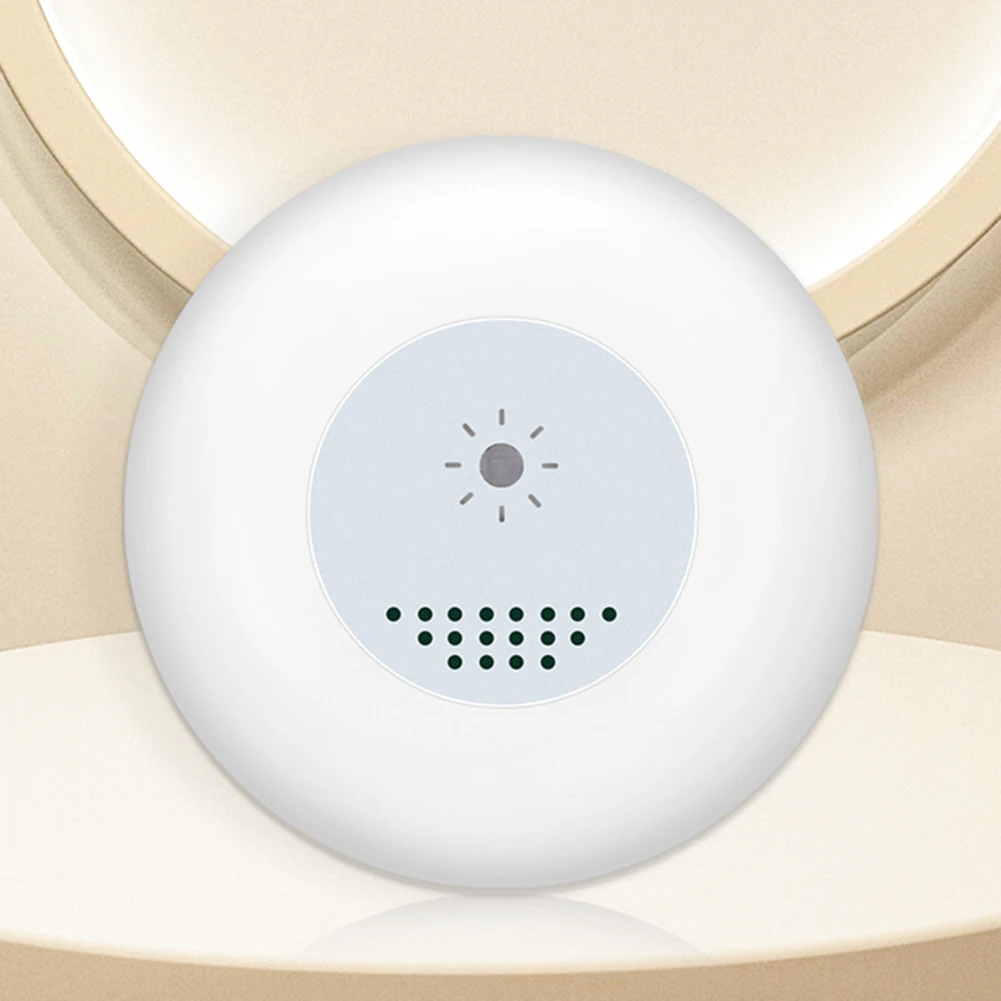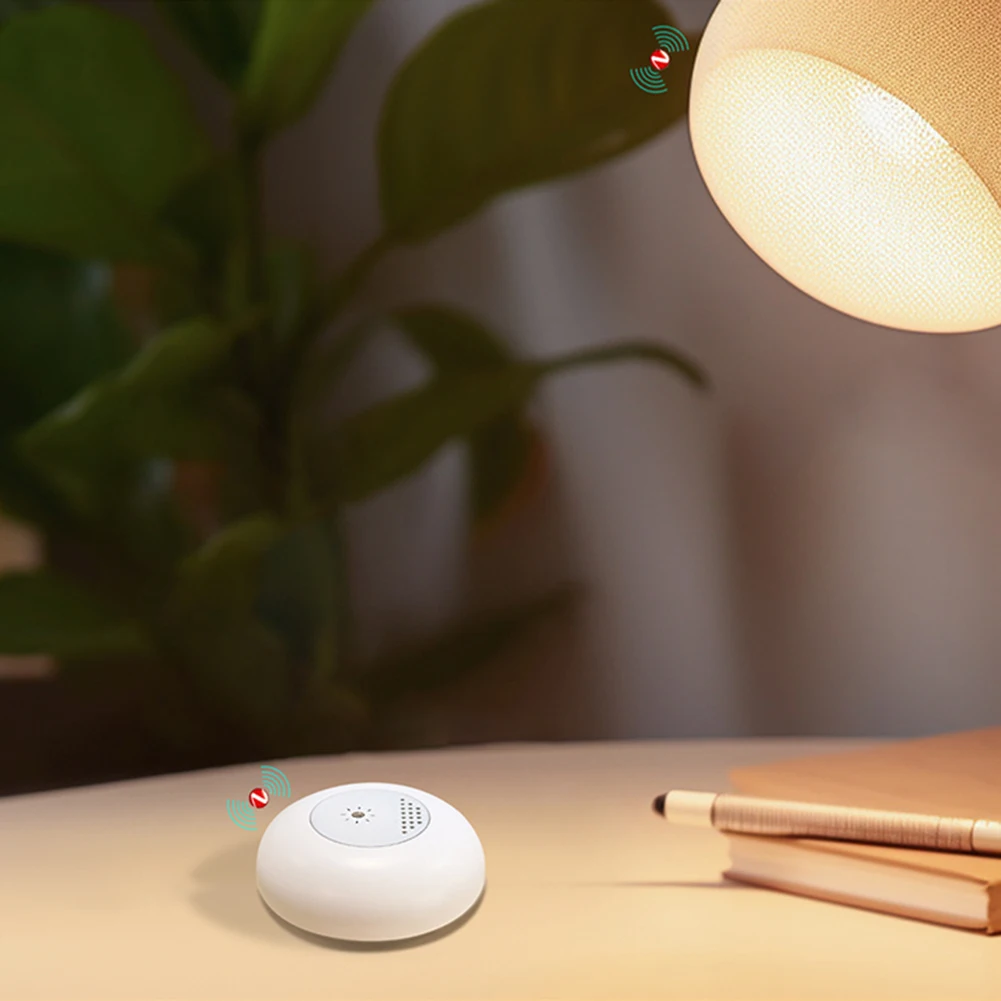
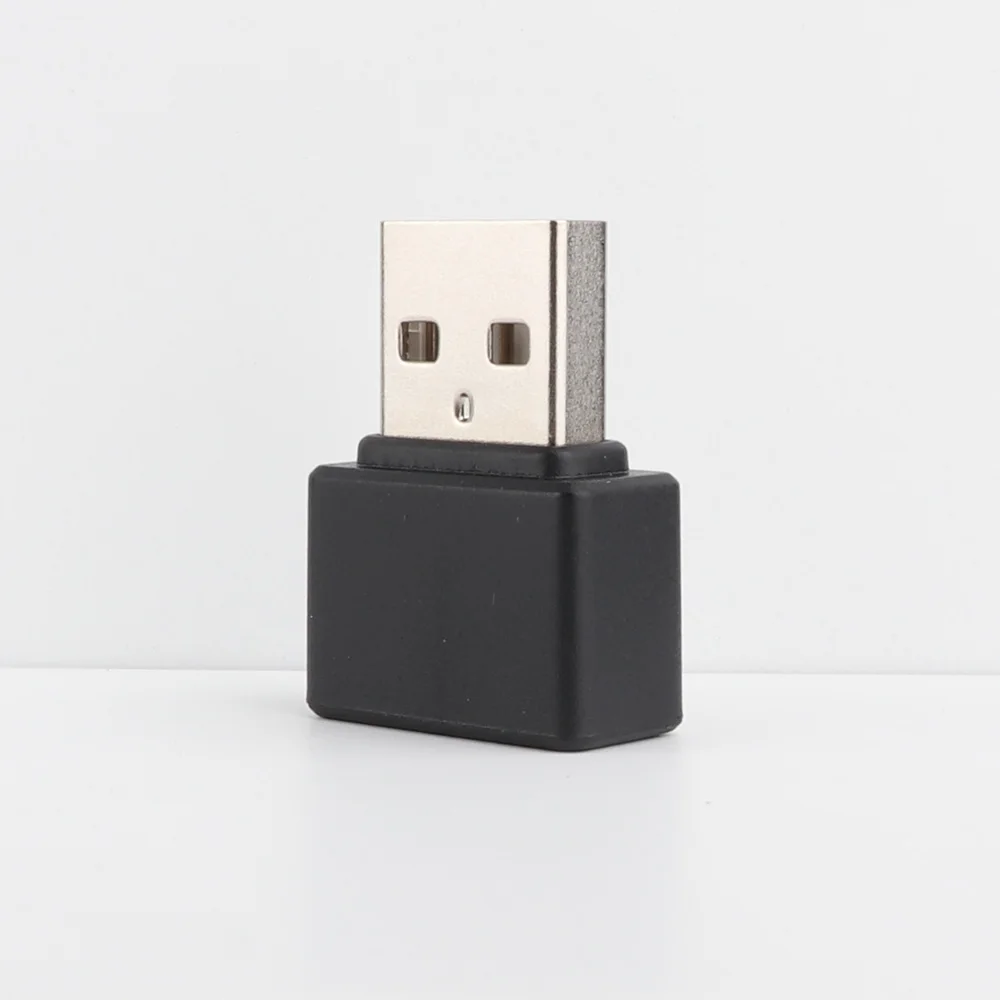
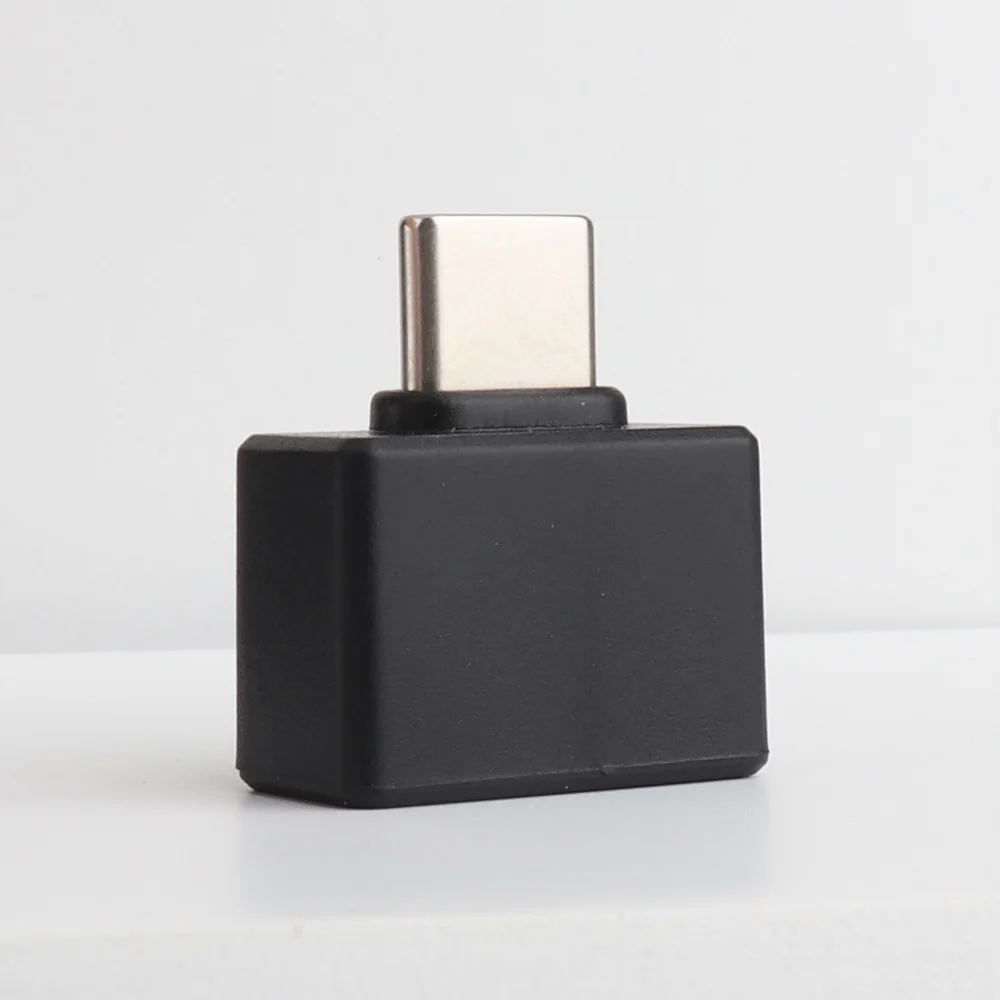
Mini Fingerprint Recognition Device Windows 10 11 Hello Biometric Scanner USB/Type C Fingerprint Reader Module For PC Laptop
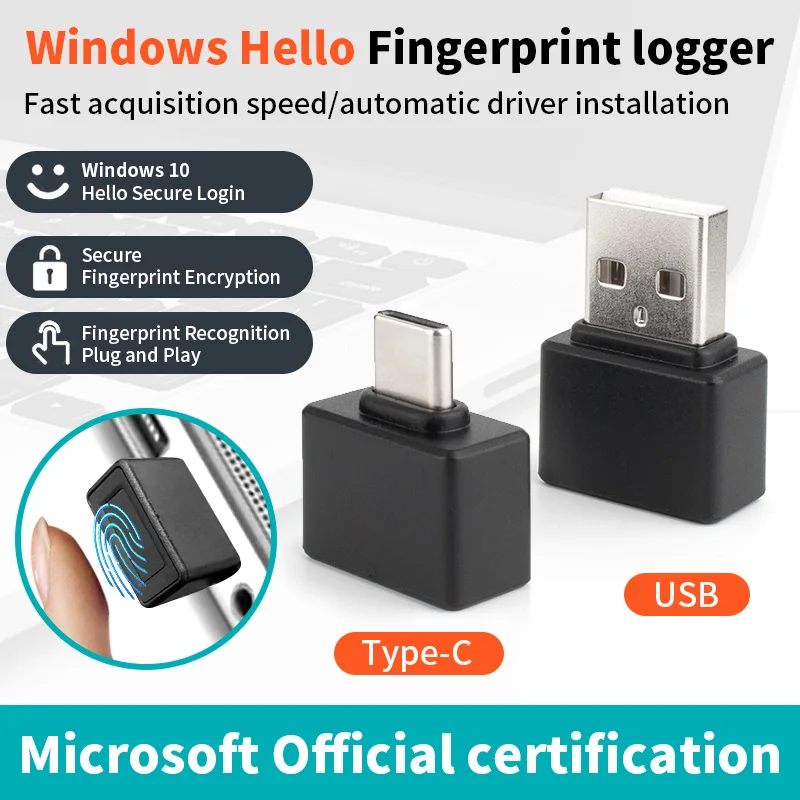
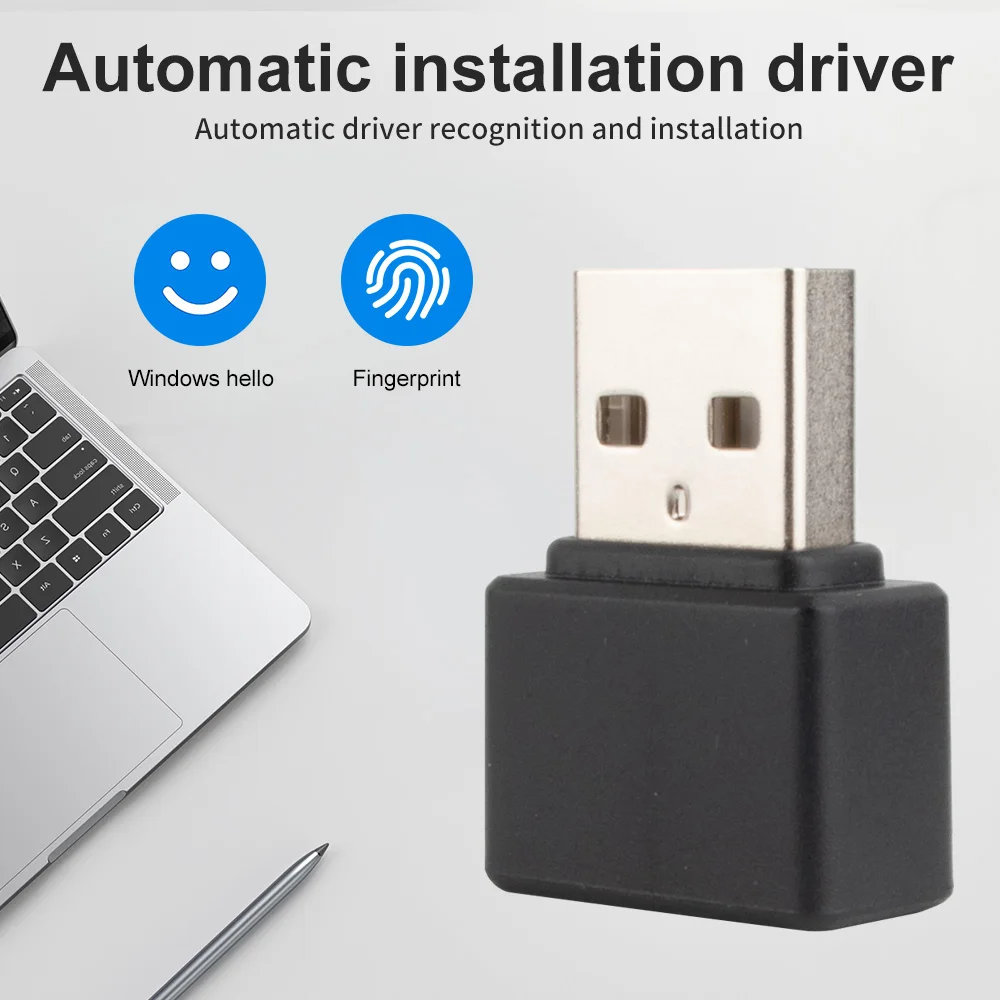
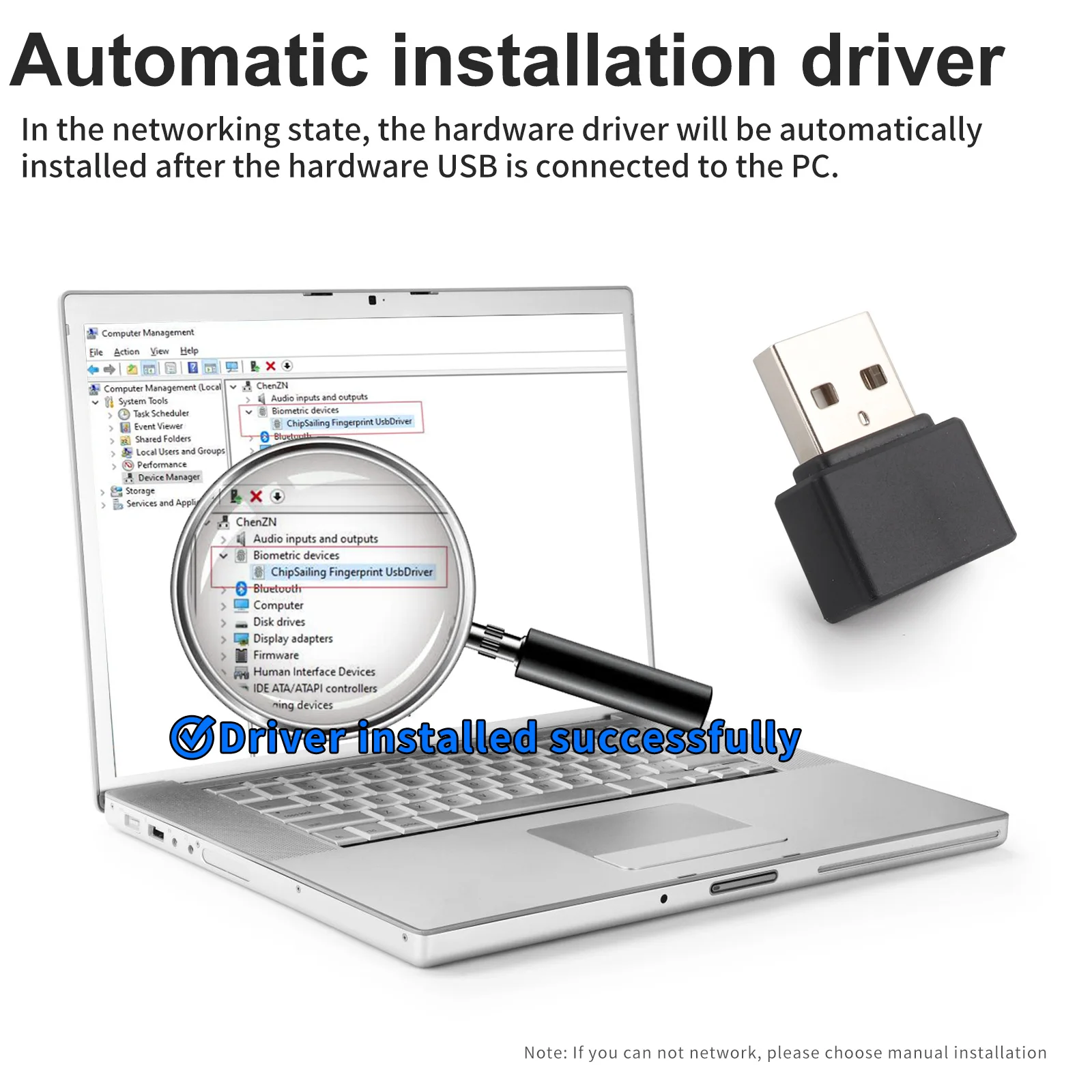
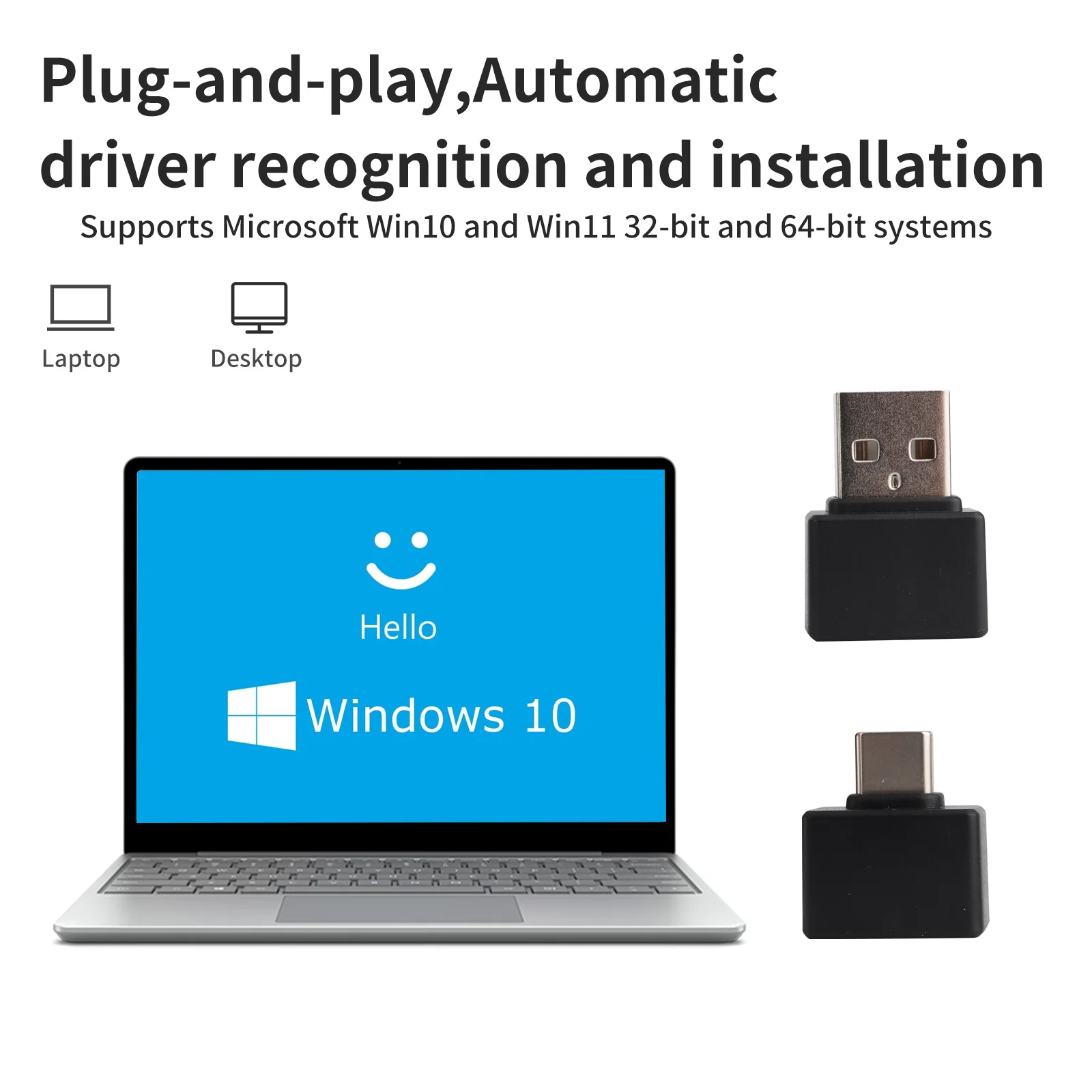
<p><strong><span style="font-size:18px;font-family:arial, helvetica, sans-serif">Description:</span></strong></p><p><span style="font-size:18px;font-family:arial, helvetica, sans-serif">1. Windows Hello is a biometric authorization method that gives you real-time access to your Windows 10 device.</span></p><p><span style="font-size:18px;font-family:arial, helvetica, sans-serif">2. With Windows Hello, users can be instantly recognized on new devices running </span></p><p><span style="font-size:18px;font-family:arial, helvetica, sans-serif">3. Windows 10 with the touch of a finger.Windows Hello is not only more convenient than entering a password, it's also more secure.</span></p><p><span style="font-size:18px;font-family:arial, helvetica, sans-serif">4.Windows Hello also unlocks keys for Windows, apps, data, and even websites and services, instead of using a string of randomly arranged letters or numbers that can easily be forgotten, cracked, or written down by hand.</span></p><p><span style="font-size:18px;font-family:arial, helvetica, sans-serif">5.Windows Hello also unlocks Windows, apps, data, and even websites and services, instead of using a randomized string of letters or numbers that can be easily forgotten, cracked, or written down.</span></p><p><br/></p><p><strong><span style="font-size:18px;font-family:arial, helvetica, sans-serif">Frequently Asked Questions</span></strong></p><p><span style="font-size:18px;font-family:arial, helvetica, sans-serif">Q: Can I still use my original password after using Windows hello?</span></p><p><span style="font-size:18px;font-family:arial, helvetica, sans-serif">A: After installing the Windows hello device and setting your fingerprint, you can choose to use your original password, your original PIN code and your newly registered fingerprint.</span></p><p><br/></p><p><span style="font-size:18px;font-family:arial, helvetica, sans-serif">Q. Do I need to register my fingerprint when I unplug Windows hello and plug it back in?</span></p><p><span style="font-size:18px;font-family:arial, helvetica, sans-serif">A: No, you don't need to register your fingerprint again when you plug in your device next time or when you buy a new device.</span></p><p><br/></p><p><span style="font-size:18px;font-family:arial, helvetica, sans-serif">Q: Why do I get an error when I press my finger when registering my fingerprint?</span></p><p><span style="font-size:18px;font-family:arial, helvetica, sans-serif">A: It is possible to use ghost software to install the system, this kind of system usually uses administer directly.this kind of system usually uses administer user directly, and Microsoft prohibits the use of this kind of user, you need to add a new user and then use Windows hello.</span></p><p><br/></p><p><strong><span style="font-size:18px;font-family:arial, helvetica, sans-serif">Note:</span></strong></p><p><span style="font-size:18px;font-family:arial, helvetica, sans-serif">This software supports 32-bit and 64-bit systems on Microsoft Windows 10 and above.</span></p><p><br/></p><p></p><p><kse:widget data-widget-type="customText" id="1005000002946929" type="custom"></kse:widget></p>
$75.95
$26.405
- Category : Home Improvement
- Brand : boland999_security_store Boland999 Security Store
Colors
Sizes
-
+

<p><strong><span style="font-size:18px;font-family:arial, helvetica, sans-serif">Description:</span></strong></p><p><span style="font-size:18px;font-family:arial, helvetica, sans-serif">1. Windows Hello is a biometric authorization method that gives you real-time access to your Windows 10 device.</span></p><p><span style="font-size:18px;font-family:arial, helvetica, sans-serif">2. With Windows Hello, users can be instantly recognized on new devices running </span></p><p><span style="font-size:18px;font-family:arial, helvetica, sans-serif">3. Windows 10 with the touch of a finger.Windows Hello is not only more convenient than entering a password, it's also more secure.</span></p><p><span style="font-size:18px;font-family:arial, helvetica, sans-serif">4.Windows Hello also unlocks keys for Windows, apps, data, and even websites and services, instead of using a string of randomly arranged letters or numbers that can easily be forgotten, cracked, or written down by hand.</span></p><p><span style="font-size:18px;font-family:arial, helvetica, sans-serif">5.Windows Hello also unlocks Windows, apps, data, and even websites and services, instead of using a randomized string of letters or numbers that can be easily forgotten, cracked, or written down.</span></p><p><br/></p><p><strong><span style="font-size:18px;font-family:arial, helvetica, sans-serif">Frequently Asked Questions</span></strong></p><p><span style="font-size:18px;font-family:arial, helvetica, sans-serif">Q: Can I still use my original password after using Windows hello?</span></p><p><span style="font-size:18px;font-family:arial, helvetica, sans-serif">A: After installing the Windows hello device and setting your fingerprint, you can choose to use your original password, your original PIN code and your newly registered fingerprint.</span></p><p><br/></p><p><span style="font-size:18px;font-family:arial, helvetica, sans-serif">Q. Do I need to register my fingerprint when I unplug Windows hello and plug it back in?</span></p><p><span style="font-size:18px;font-family:arial, helvetica, sans-serif">A: No, you don't need to register your fingerprint again when you plug in your device next time or when you buy a new device.</span></p><p><br/></p><p><span style="font-size:18px;font-family:arial, helvetica, sans-serif">Q: Why do I get an error when I press my finger when registering my fingerprint?</span></p><p><span style="font-size:18px;font-family:arial, helvetica, sans-serif">A: It is possible to use ghost software to install the system, this kind of system usually uses administer directly.this kind of system usually uses administer user directly, and Microsoft prohibits the use of this kind of user, you need to add a new user and then use Windows hello.</span></p><p><br/></p><p><strong><span style="font-size:18px;font-family:arial, helvetica, sans-serif">Note:</span></strong></p><p><span style="font-size:18px;font-family:arial, helvetica, sans-serif">This software supports 32-bit and 64-bit systems on Microsoft Windows 10 and above.</span></p><p><br/></p><p></p><p><kse:widget data-widget-type="customText" id="1005000002946929" type="custom"></kse:widget></p>
Related Product
Browse The Collection of Top Products.