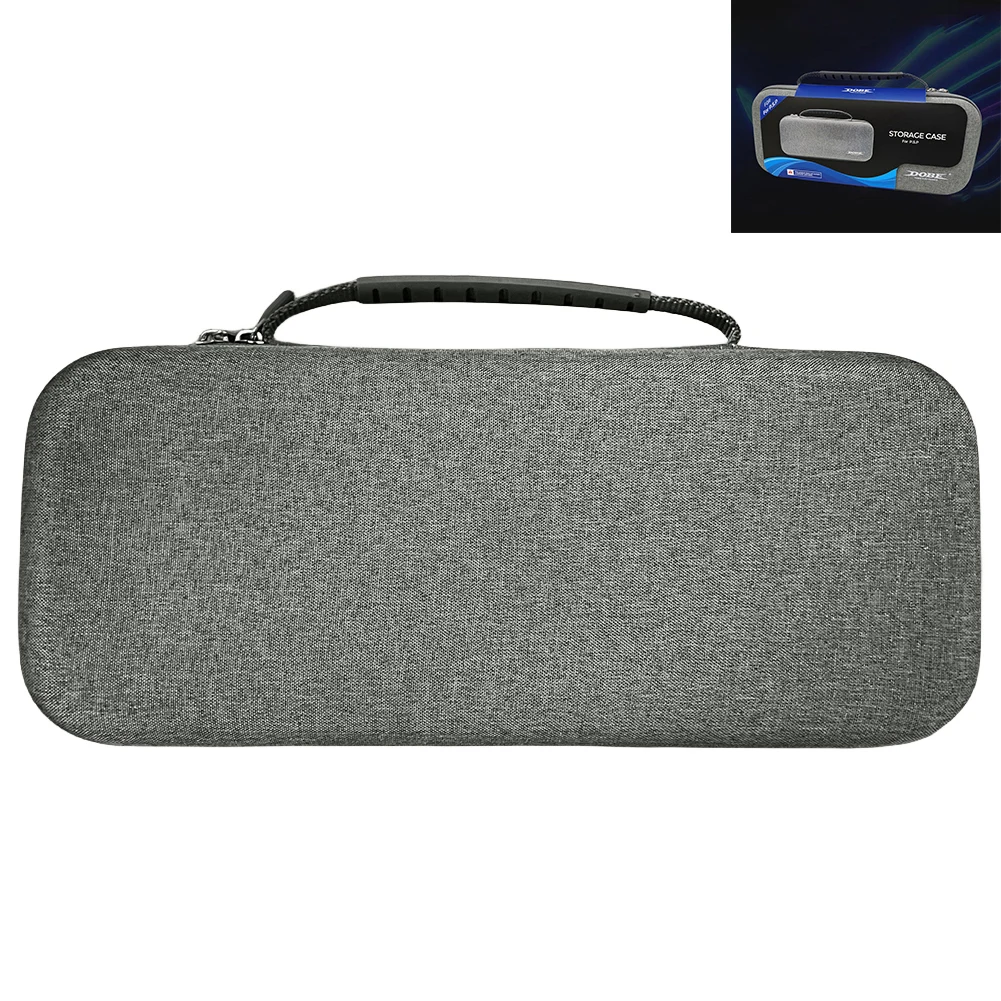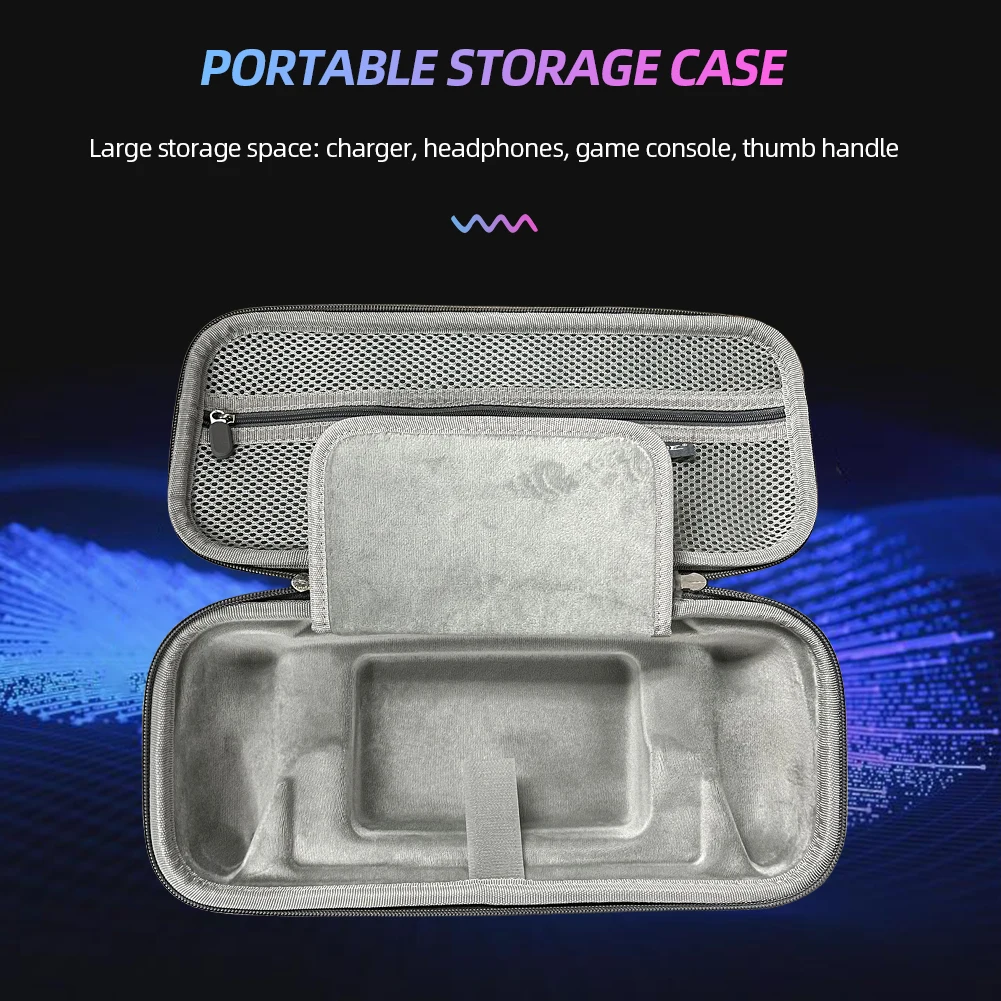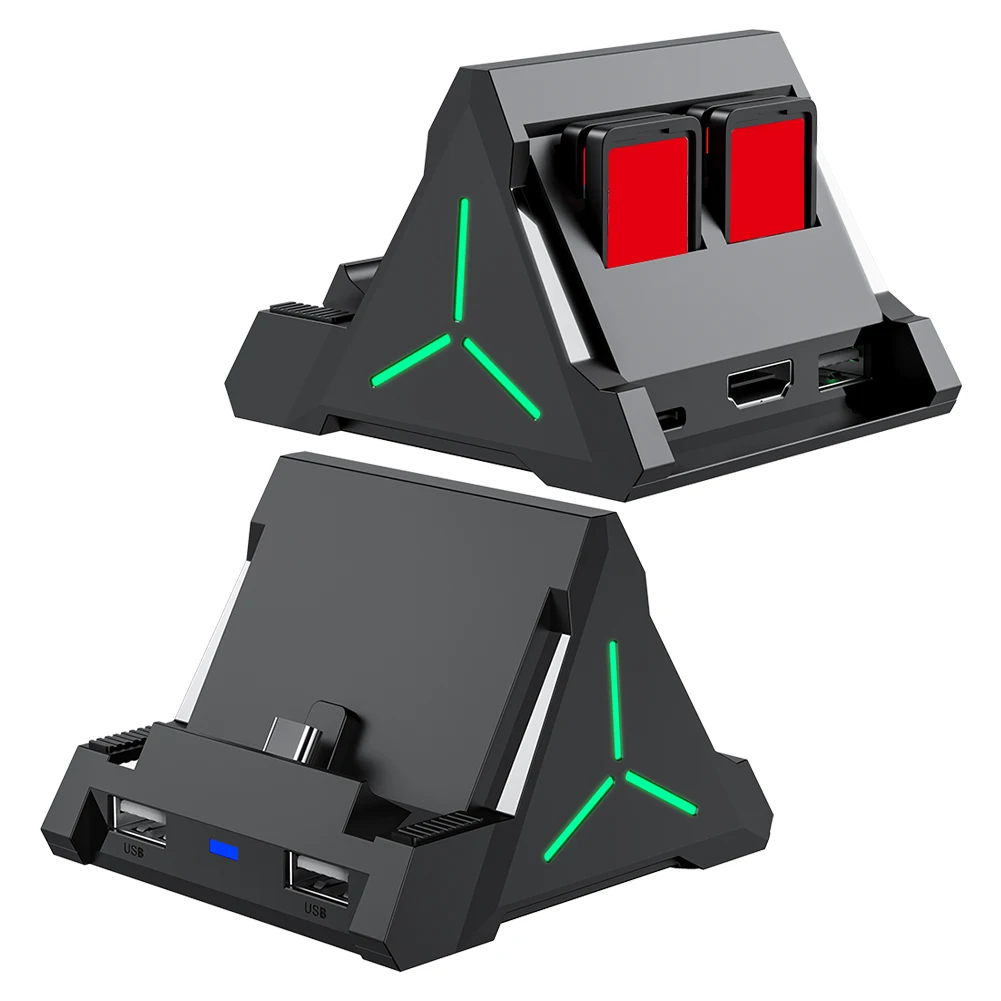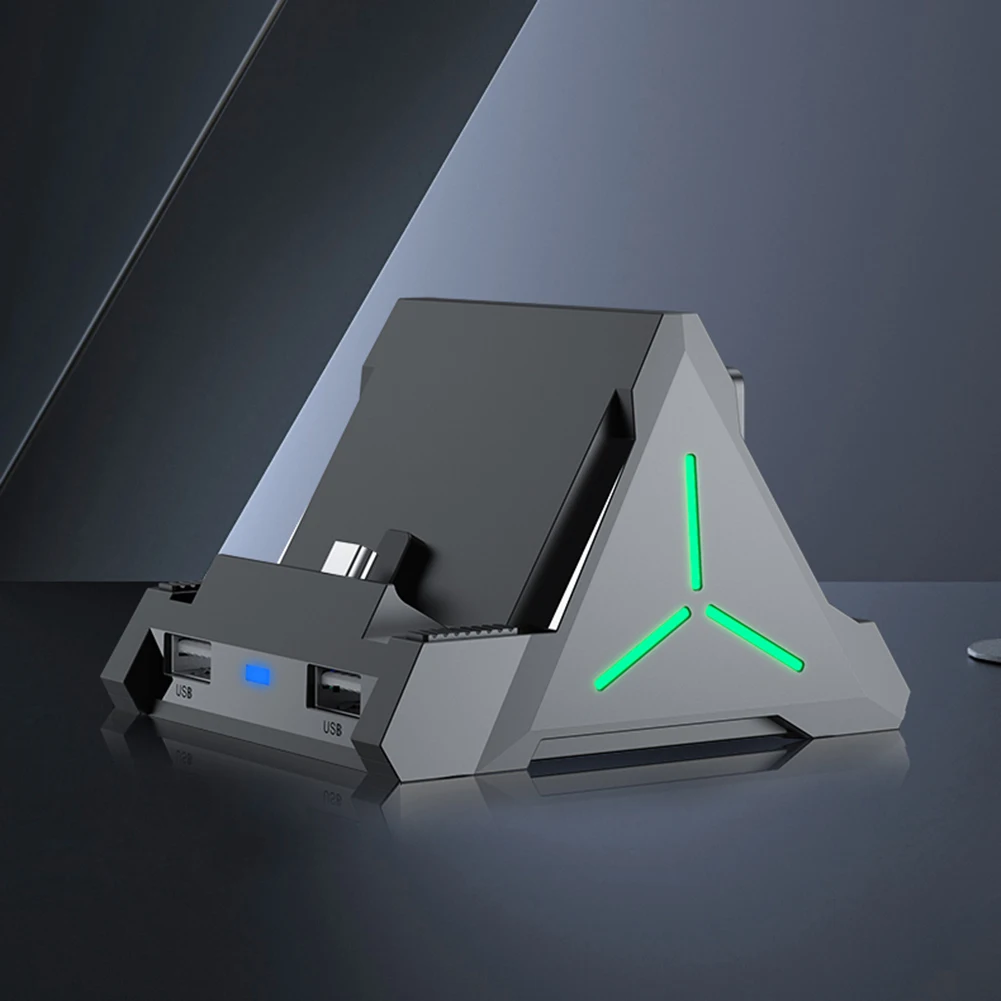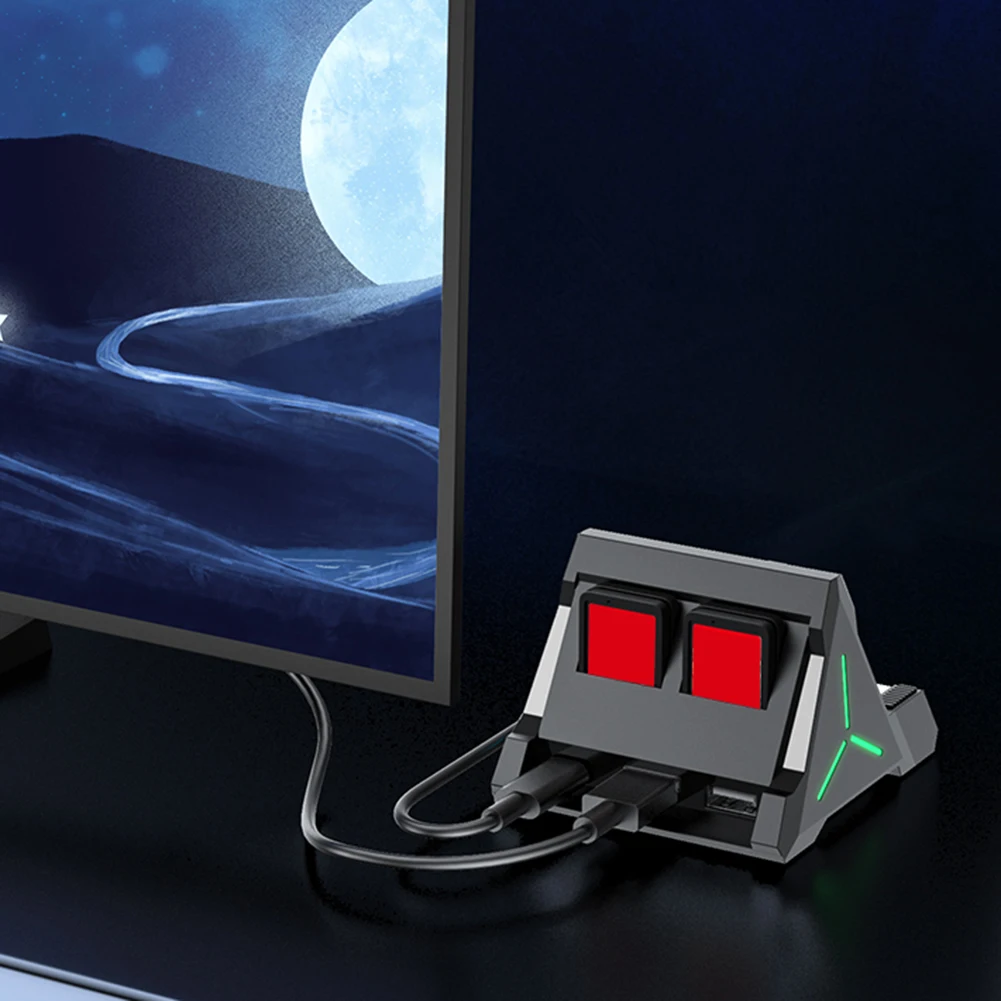

Mini Gamepad with Keyboard 3.5mm Wireless TYPE-C Charging Bluetooth-compatible 3.0 Chat Pad for Sony PS5 Controller Mount Keypad
<div class="detailmodule_html"><div class="detail-desc-decorate-richtext"><p>
<span> <br />
</span>
<table class="ke-zeroborder" width="100%" cellspacing="0" cellpadding="0" border="0">
<tbody>
<tr>
<td>
<div>
<div>
</div>
<div style="padding:15px;border:1px solid #AEAEAE;">
3.5mm Wireless Keyboard Bluetooth-compatible 3.0 Controller Chat Pad for Sony PS5 Gamepad Mount Mini Keypad <br />
Feature:<br />
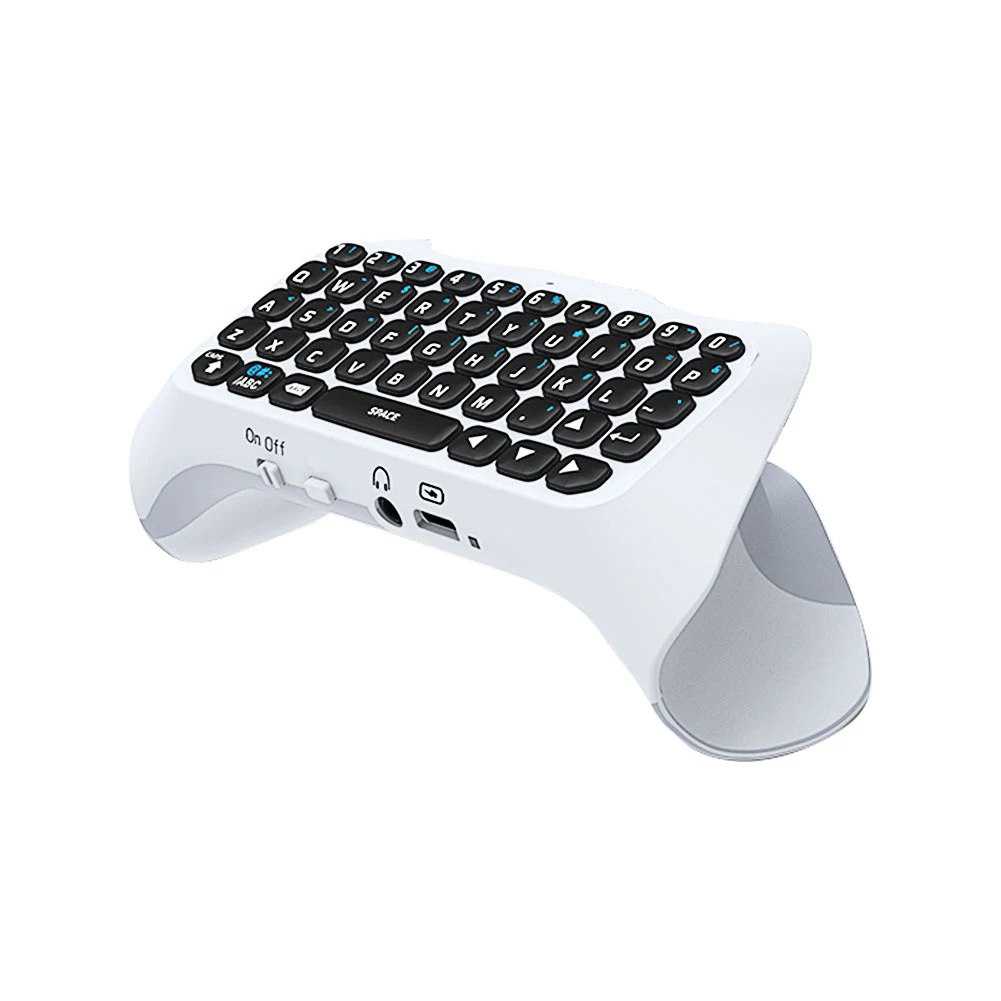
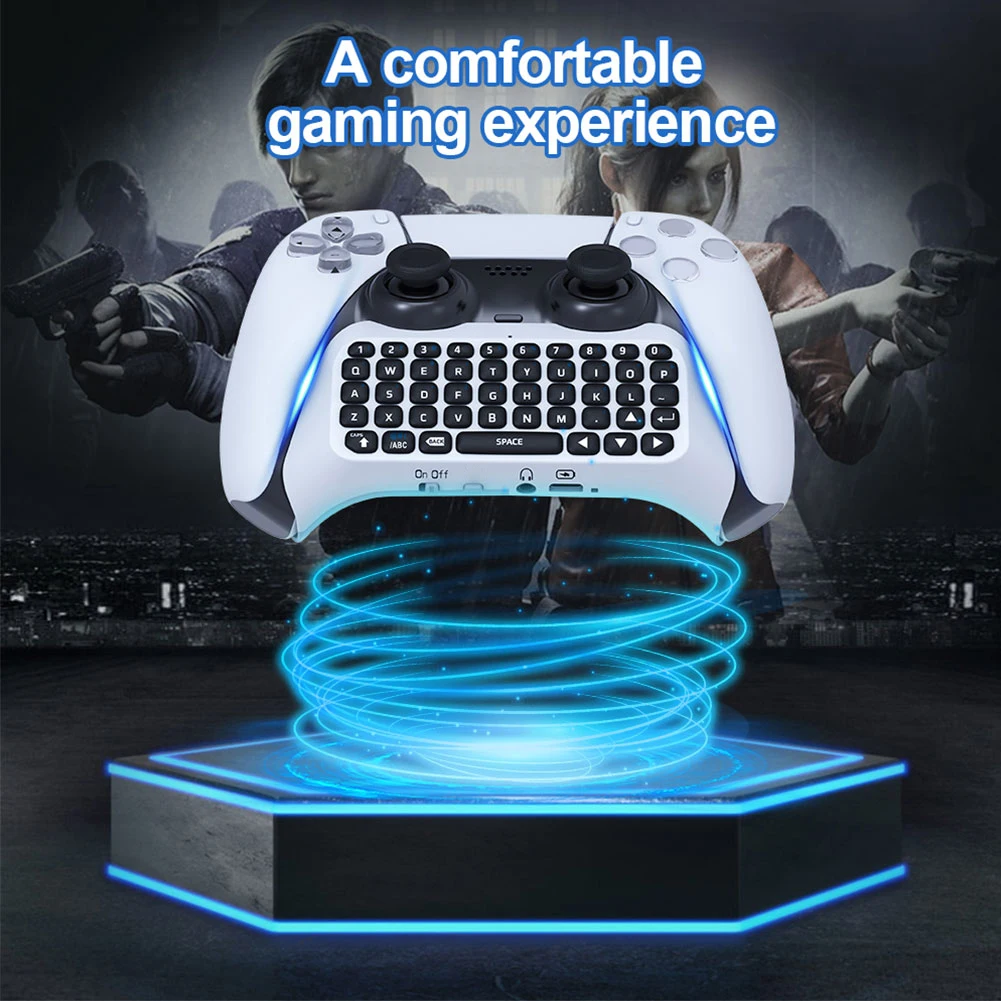
1. For PS5 handle Bluetooth-compatible keyboard is ergonomically designed to enhance the gaming experience.<br />
2. Complete PS5 QWERTY keyboard and voice chat board for messaging and chatting.<br />
3. The built-in speaker allows users to listen to all chat audio directly from the keyboard without using headphones; you can also disable this function in for PS5 settings menu and use external headphones.<br />
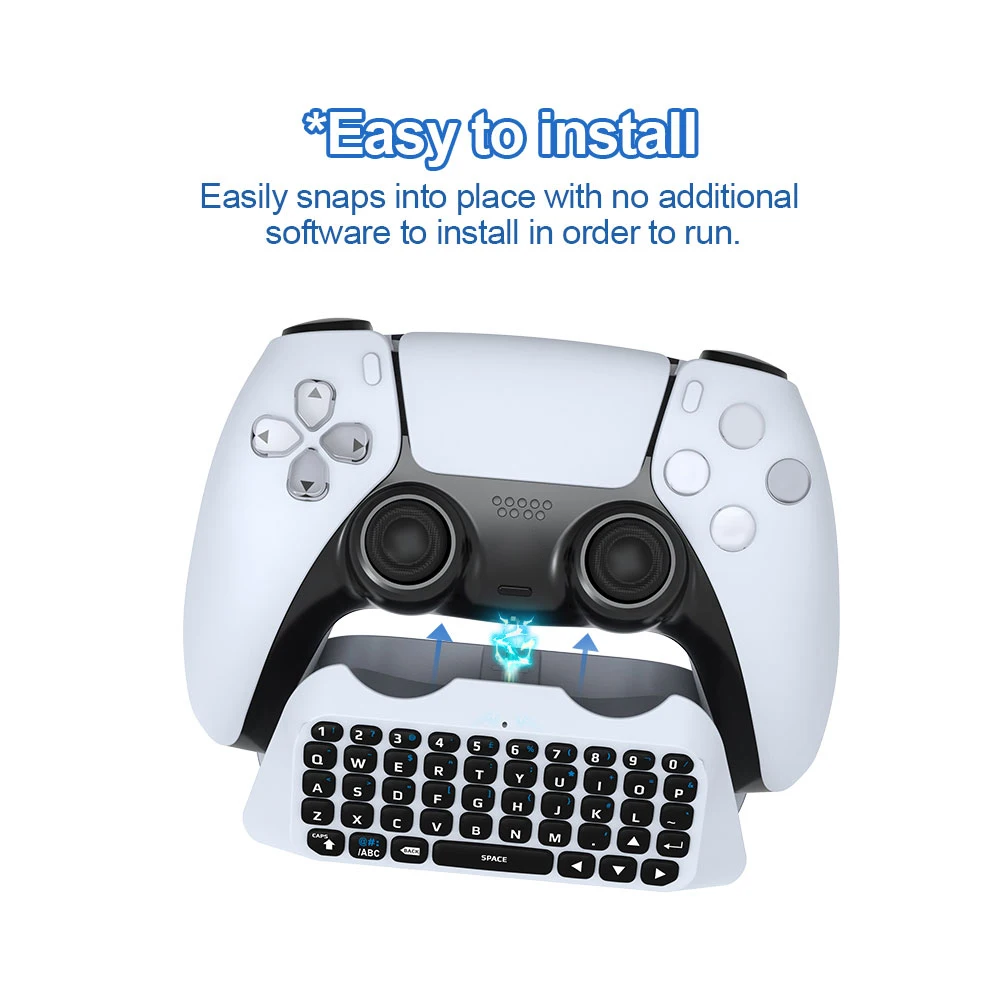
4. Easy to install without installing other software, Bluetooth-compatible connection, more convenient to control.<br />
5. ABS material, firm and reliable.<br />
<br />
Specification:<br />
Model: JYS-P5121<br />
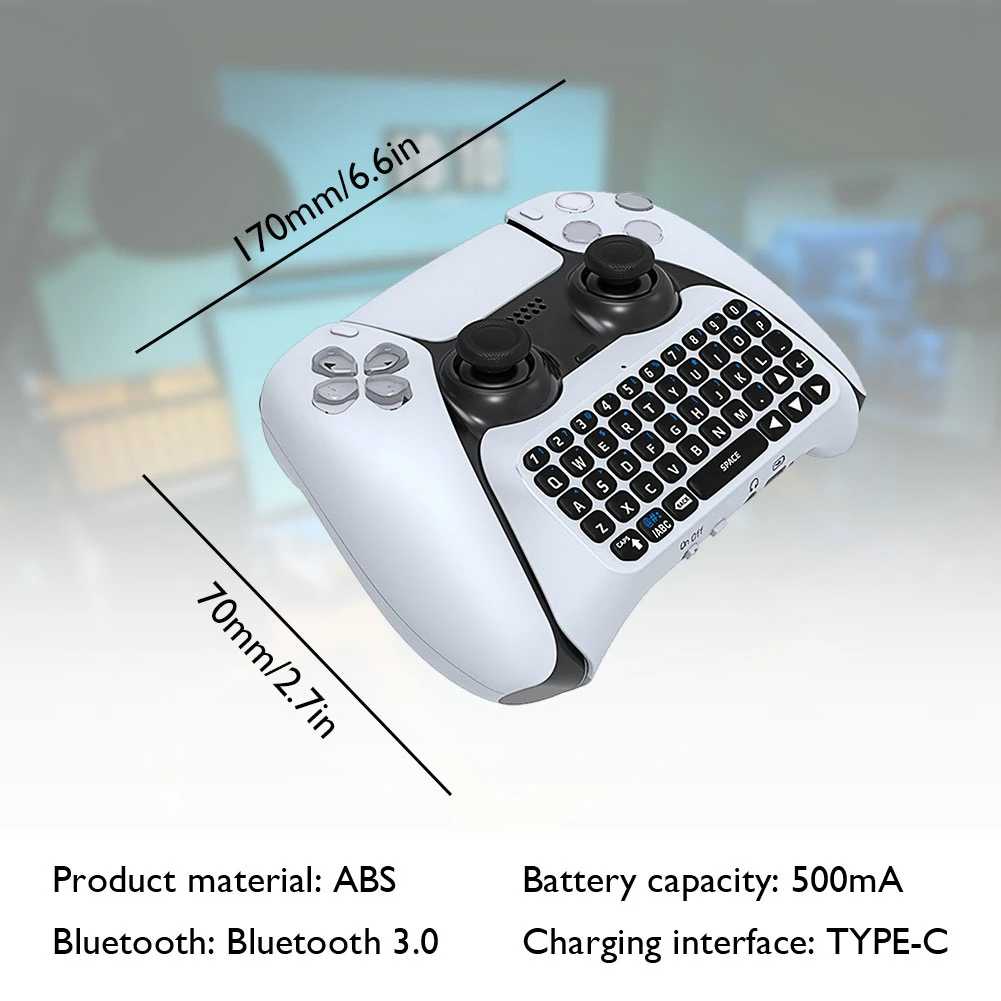
Material: ABS<br />
Bluetooth-compatible: Bluetooth-compatible 3.0<br />
Battery Capacity: 500mA<br />
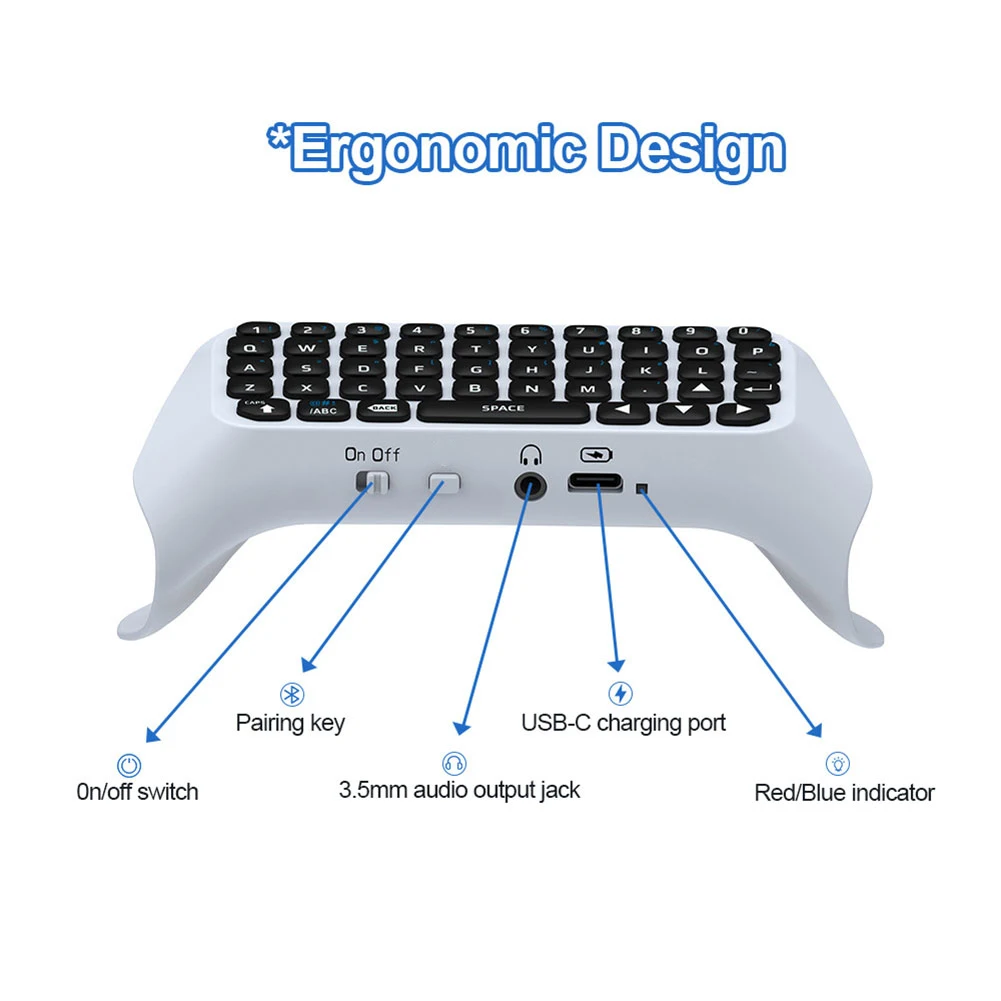
Charging Interface: TYPE-C<br />
Product Size: 170 X 70 X 36.5mm/6.69 X 2.76 X 1.44"<br />
Packing Size: 180 X 80 X 46.5mm/7.09 X 3.15 X 1.83"<br />
<br />
Connection Instructions:<br />
1. Connect the keyboard to for PS5 handle through the 3.5mm interface of the handle.<br />
2. Turn on for PS5 console and for PS5 controller.<br />
3. Start the keyboard through the keyboard's switch key --- the blue LED indicator light will light up.<br />
4. Press and hold the pairing button on the keyboard for 3 seconds to start pairing the device, the indicator light will flash quickly until the pairing is finished.<br />
5. For PS5 host, enter Settings - Peripherals - Bluetooth-compatible Accessories.<br />
6. Find the Bluetooth-compatible device name of JYS Bluetooth-compatible Keyboard and select to pair.<br />
7. Enter the password provided by the host and select it to pair with the handle.<br />
<br />
Note:<br />
Due to the different monitor and light effect, the actual color of the item might be slightly different from the color showed on the pictures. Thank you!<br />
Please allow 1-3mm measuring deviation due to manual measurement. <br />
</div>
<div>
</div>
<div style="padding:15px;border:1px solid #AEAEAE;">
1 X Controller Keyboard <br />
1 X Manual<br />
<div>
<br />
</div> <br />
</div>
<br />
<div style="text-align:center;">
</div>
<br />
<div>
<br />
</div>
<div>
</div>
<p>
</p>
</div>
<p>
<br />
</p>
</td>
</tr>
</tbody>
</table>
</p></div></div>
$79.025
$27.425
- Category : Consumer Electronics
- Brand : us_overseas_selling_store US Overseas Selling Store
Colors
Sizes
-
+

<div class="detailmodule_html"><div class="detail-desc-decorate-richtext"><p>
<span> <br />
</span>
<table class="ke-zeroborder" width="100%" cellspacing="0" cellpadding="0" border="0">
<tbody>
<tr>
<td>
<div>
<div>
</div>
<div style="padding:15px;border:1px solid #AEAEAE;">
3.5mm Wireless Keyboard Bluetooth-compatible 3.0 Controller Chat Pad for Sony PS5 Gamepad Mount Mini Keypad <br />
Feature:<br />
1. For PS5 handle Bluetooth-compatible keyboard is ergonomically designed to enhance the gaming experience.<br />
2. Complete PS5 QWERTY keyboard and voice chat board for messaging and chatting.<br />
3. The built-in speaker allows users to listen to all chat audio directly from the keyboard without using headphones; you can also disable this function in for PS5 settings menu and use external headphones.<br />
4. Easy to install without installing other software, Bluetooth-compatible connection, more convenient to control.<br />
5. ABS material, firm and reliable.<br />
<br />
Specification:<br />
Model: JYS-P5121<br />
Material: ABS<br />
Bluetooth-compatible: Bluetooth-compatible 3.0<br />
Battery Capacity: 500mA<br />
Charging Interface: TYPE-C<br />
Product Size: 170 X 70 X 36.5mm/6.69 X 2.76 X 1.44"<br />
Packing Size: 180 X 80 X 46.5mm/7.09 X 3.15 X 1.83"<br />
<br />
Connection Instructions:<br />
1. Connect the keyboard to for PS5 handle through the 3.5mm interface of the handle.<br />
2. Turn on for PS5 console and for PS5 controller.<br />
3. Start the keyboard through the keyboard's switch key --- the blue LED indicator light will light up.<br />
4. Press and hold the pairing button on the keyboard for 3 seconds to start pairing the device, the indicator light will flash quickly until the pairing is finished.<br />
5. For PS5 host, enter Settings - Peripherals - Bluetooth-compatible Accessories.<br />
6. Find the Bluetooth-compatible device name of JYS Bluetooth-compatible Keyboard and select to pair.<br />
7. Enter the password provided by the host and select it to pair with the handle.<br />
<br />
Note:<br />
Due to the different monitor and light effect, the actual color of the item might be slightly different from the color showed on the pictures. Thank you!<br />
Please allow 1-3mm measuring deviation due to manual measurement. <br />
</div>
<div>
</div>
<div style="padding:15px;border:1px solid #AEAEAE;">
1 X Controller Keyboard <br />
1 X Manual<br />
<div>
<br />
</div> <br />
</div>
<br />
<div style="text-align:center;">
</div>
<br />
<div>
<br />
</div>
<div>
</div>
<p>
</p>
</div>
<p>
<br />
</p>
</td>
</tr>
</tbody>
</table>
</p></div></div>
Related Product
Browse The Collection of Top Products.