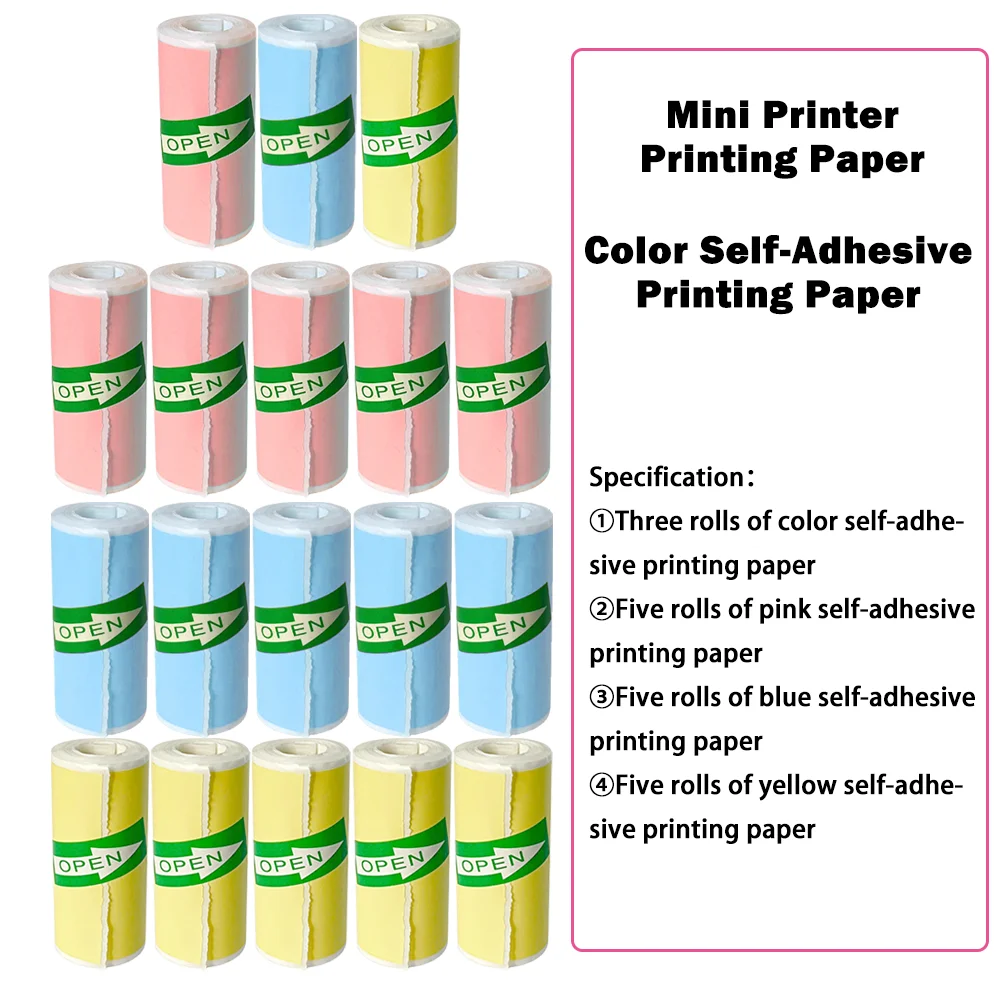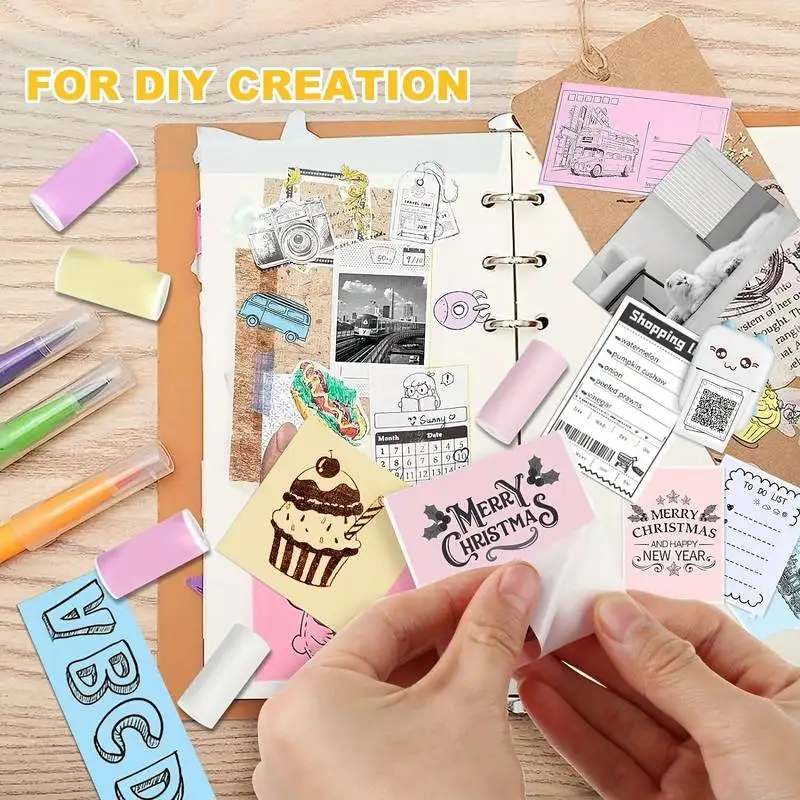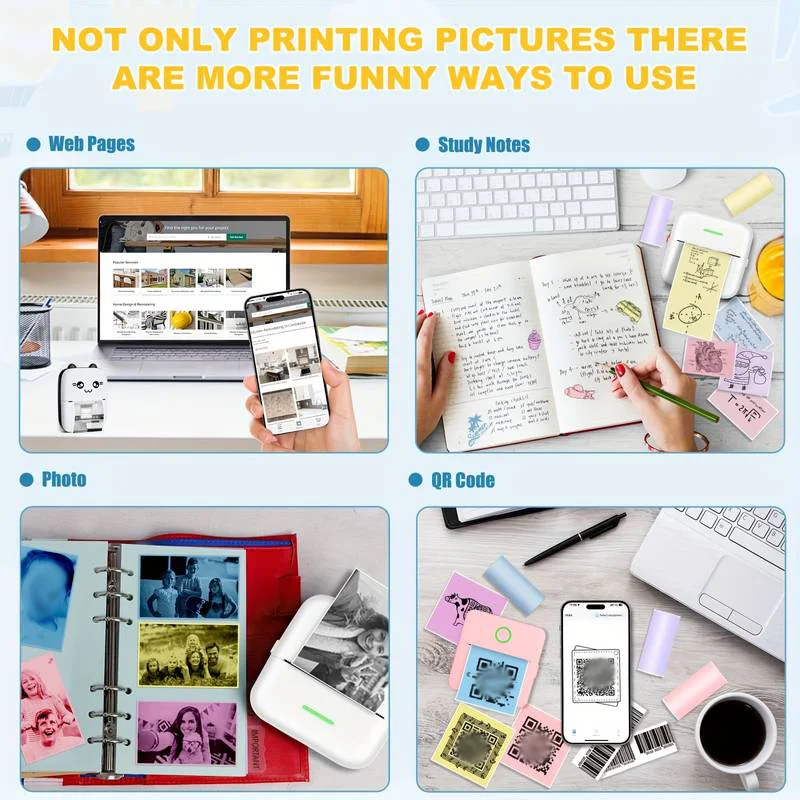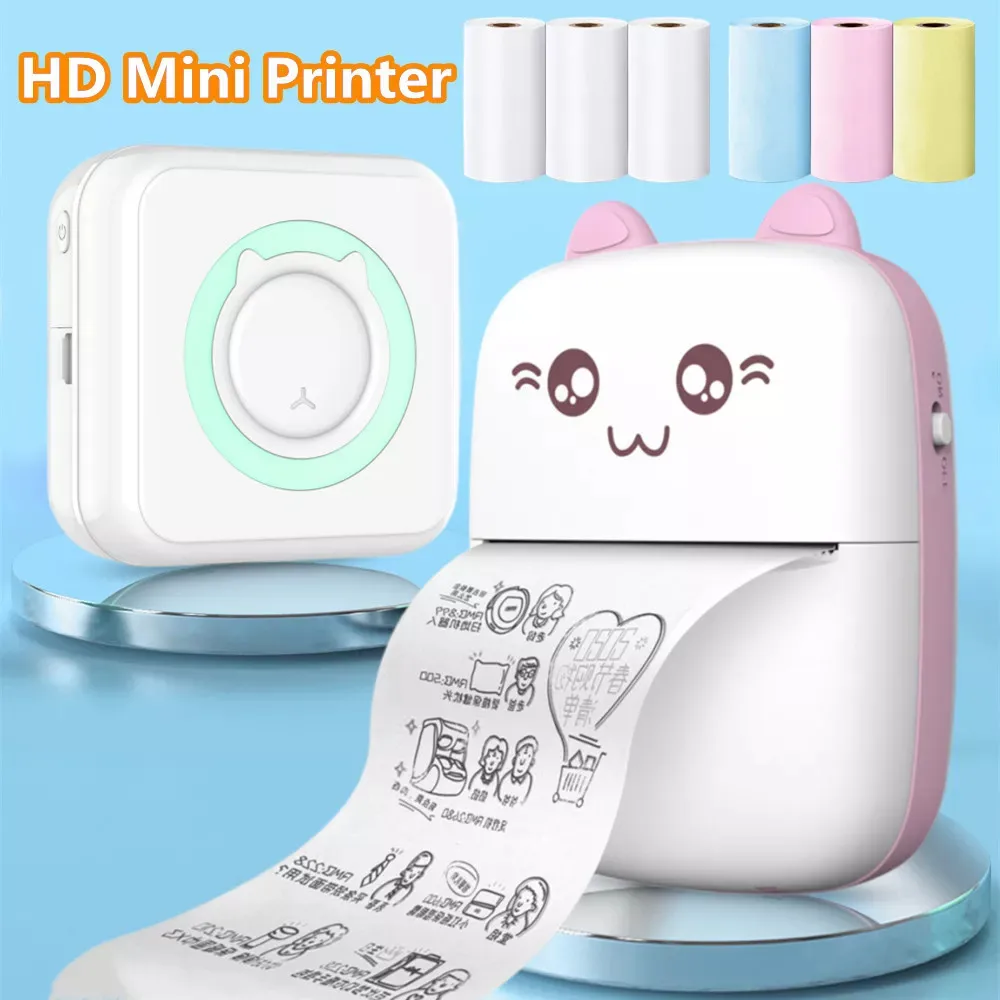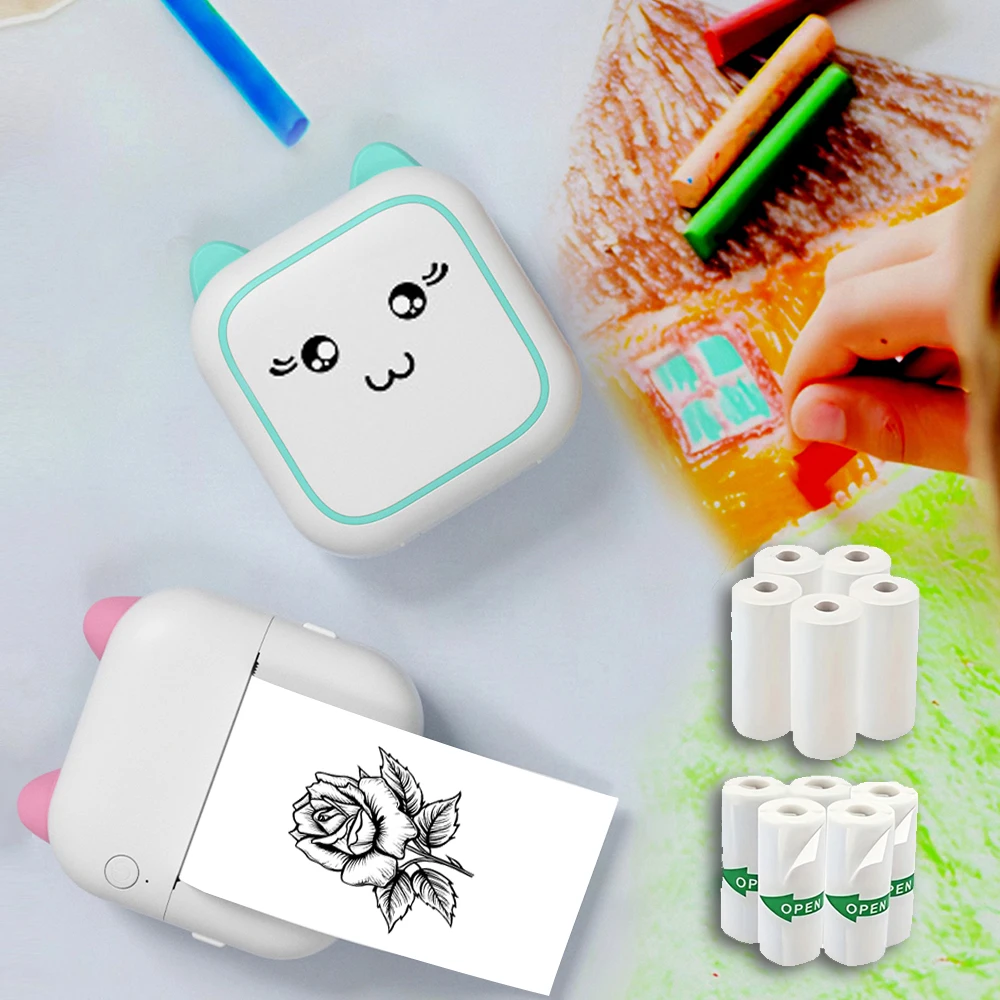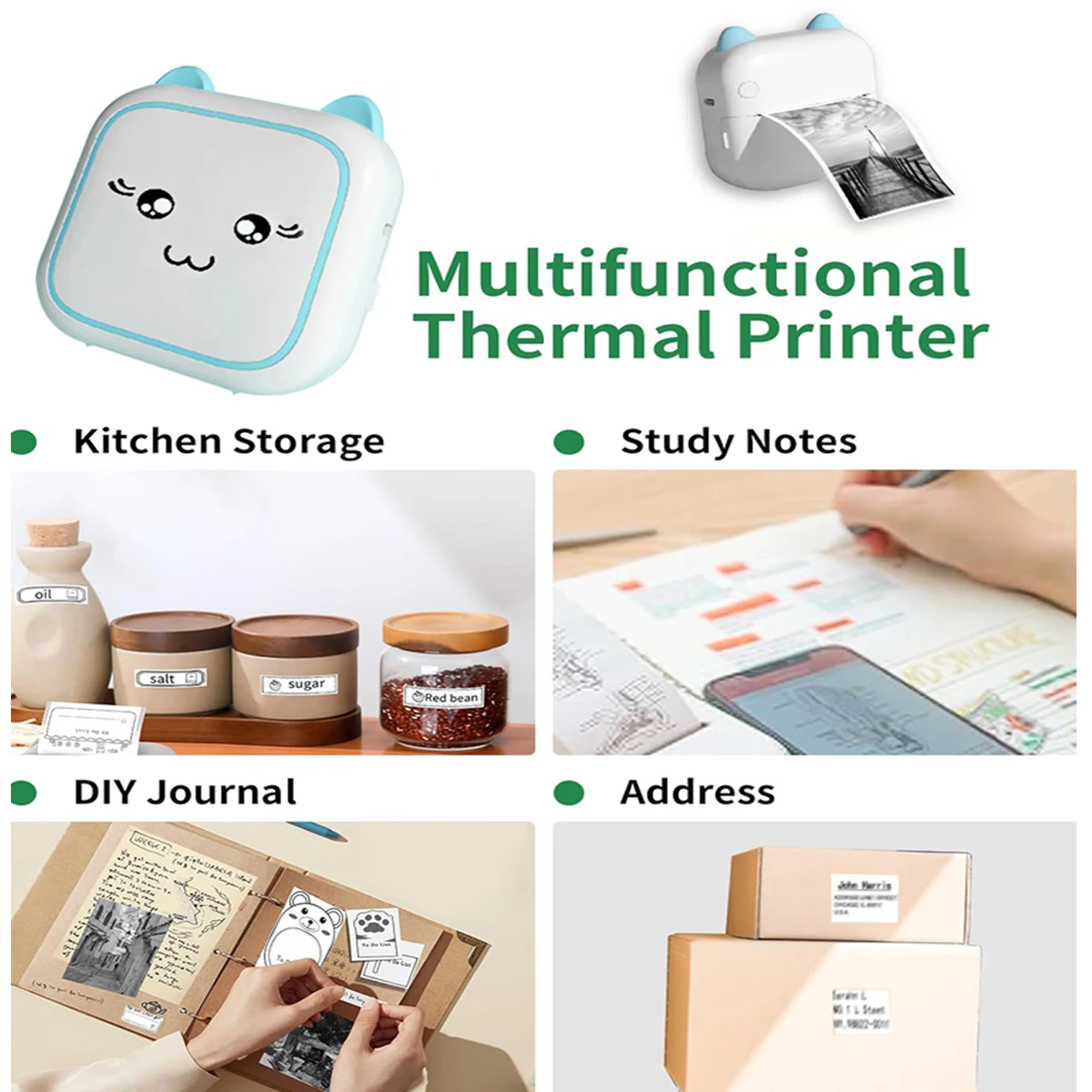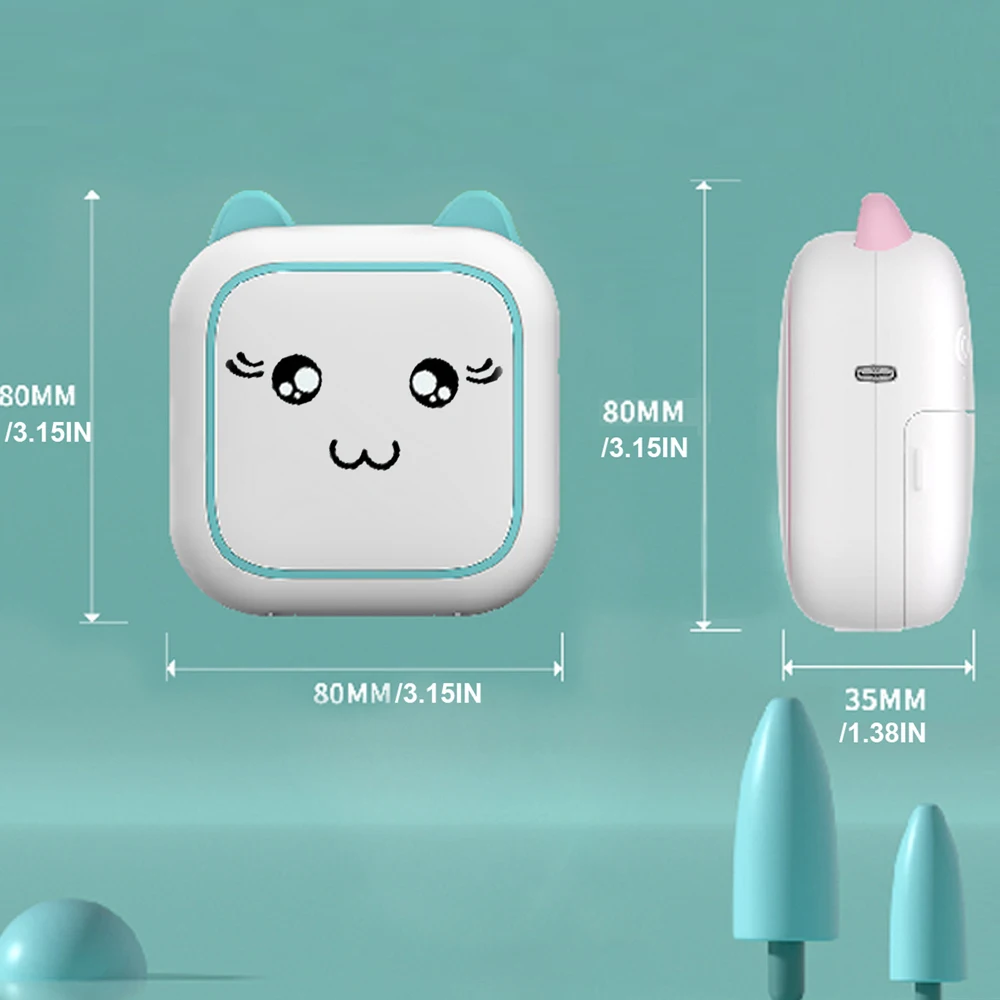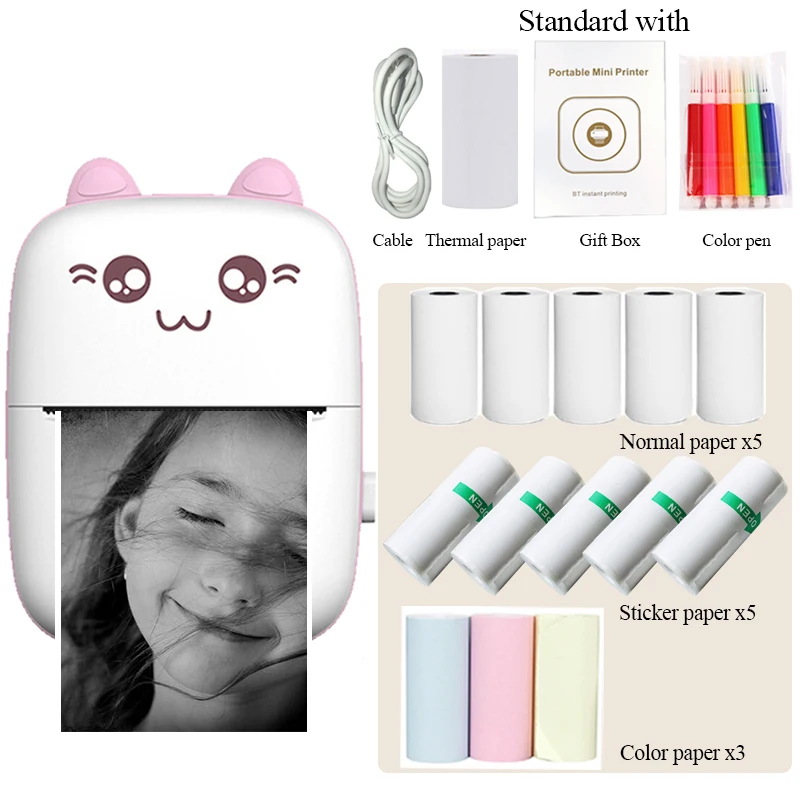
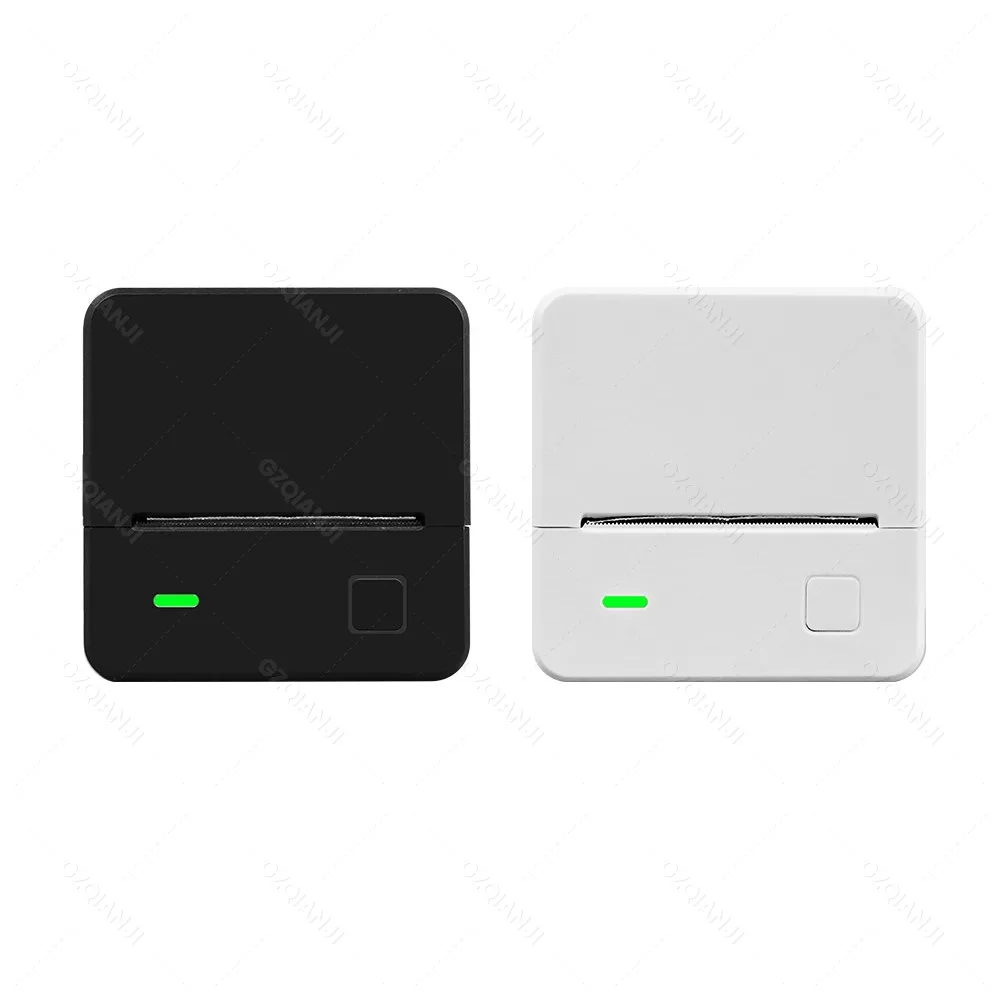
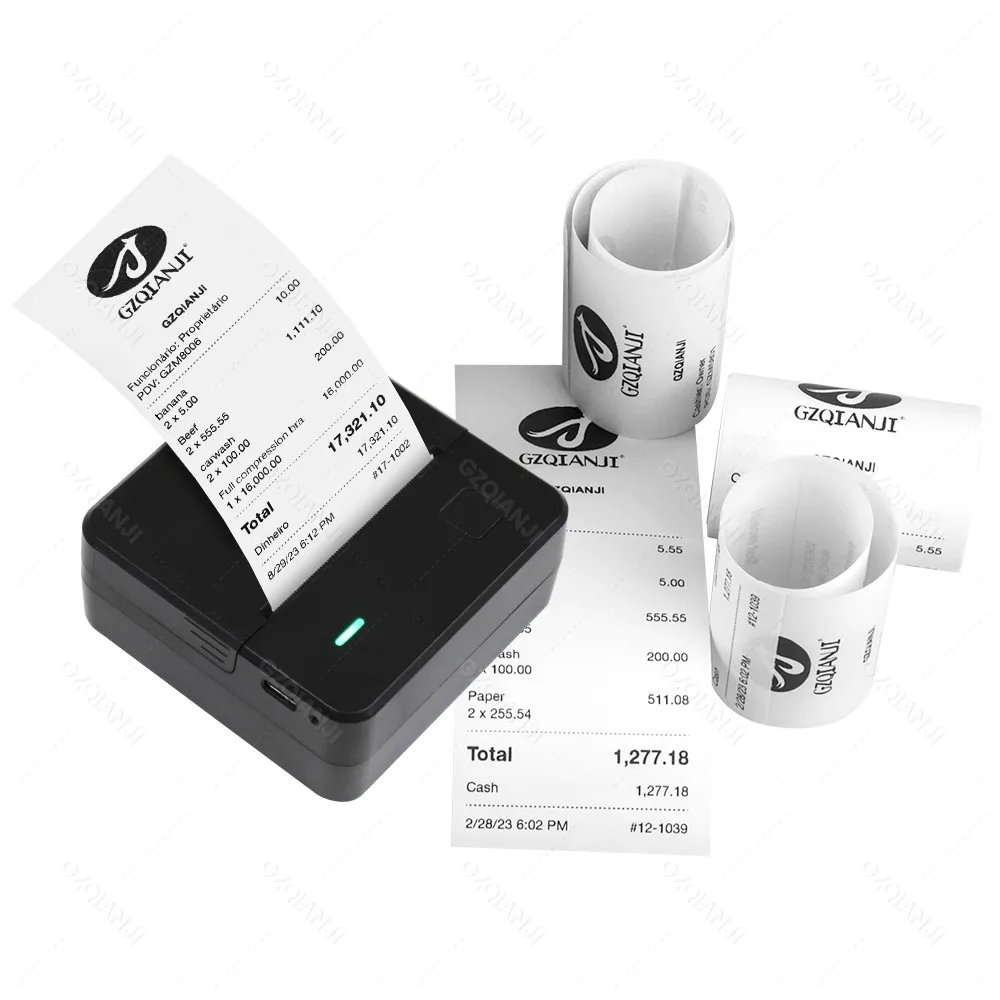
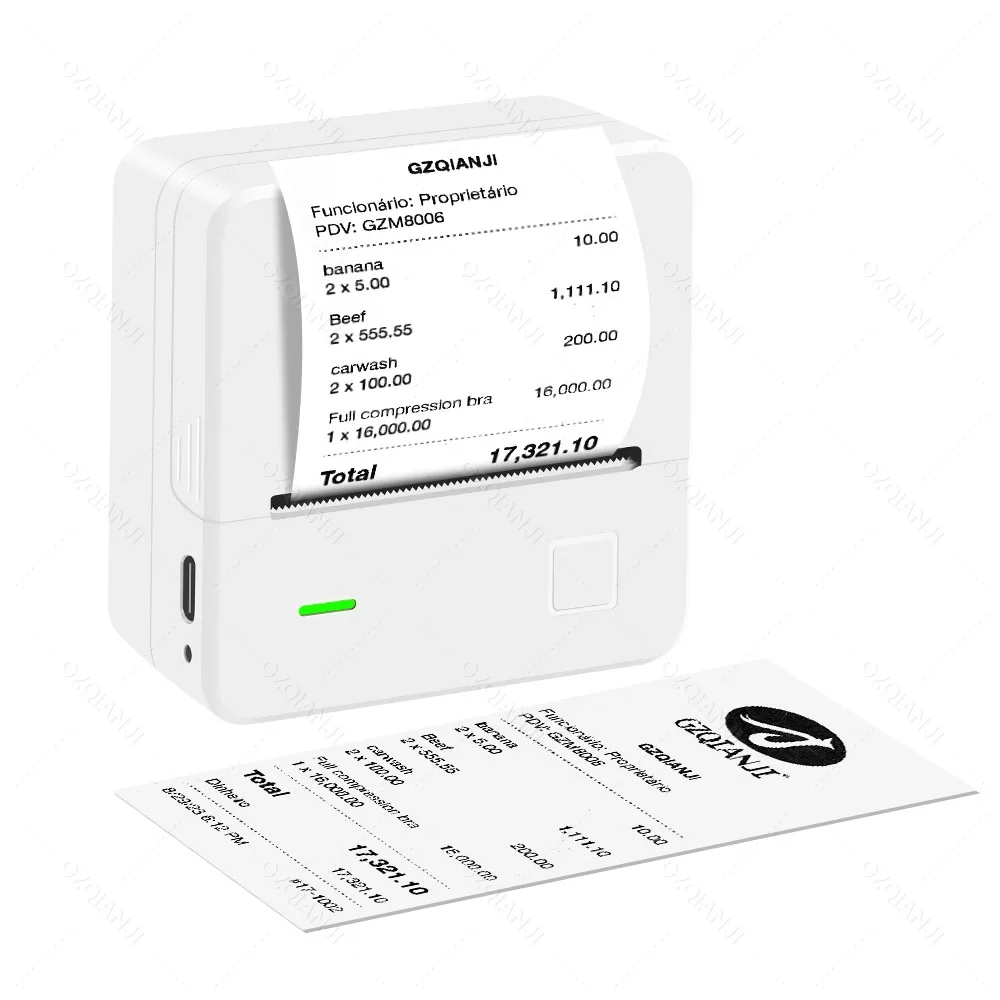
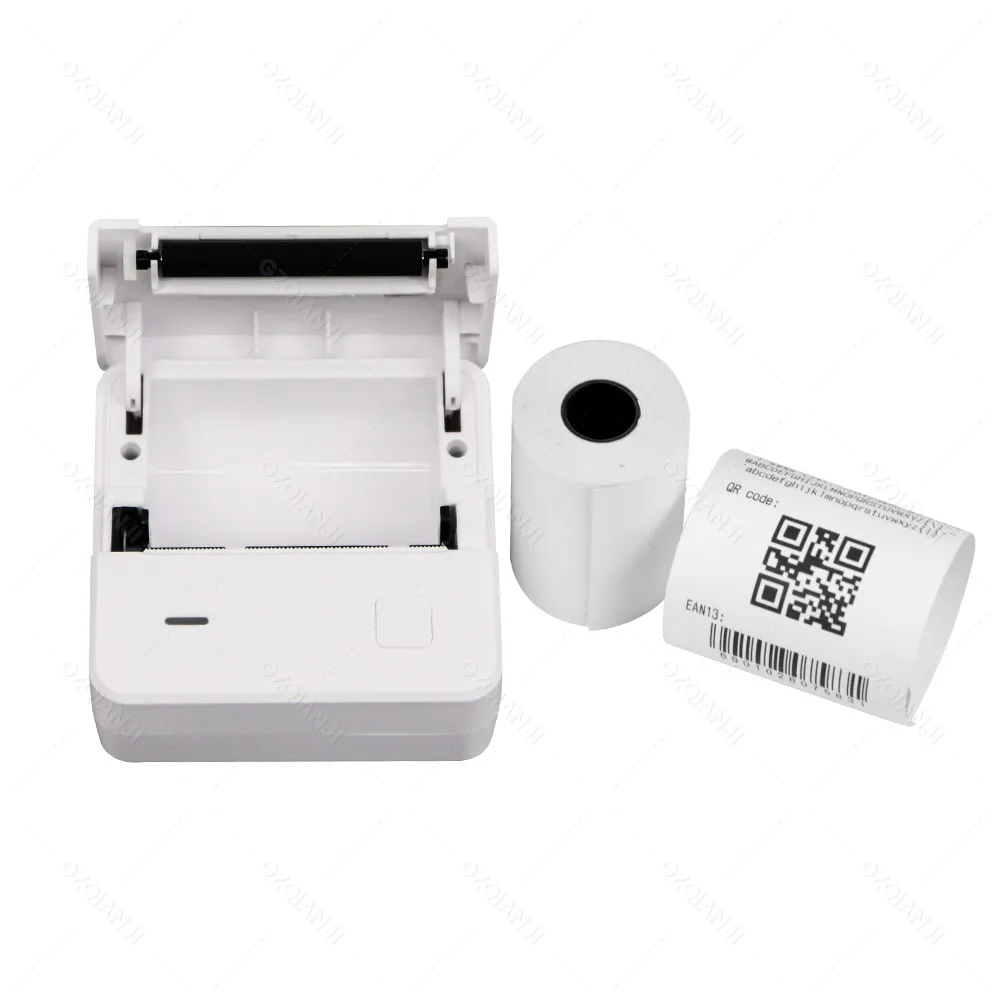
Mini POS Receipt Mobile Printer Wireless Bluetooth Portable Loyverse SII Machine Support 1D 2D Barcodes Printing Device
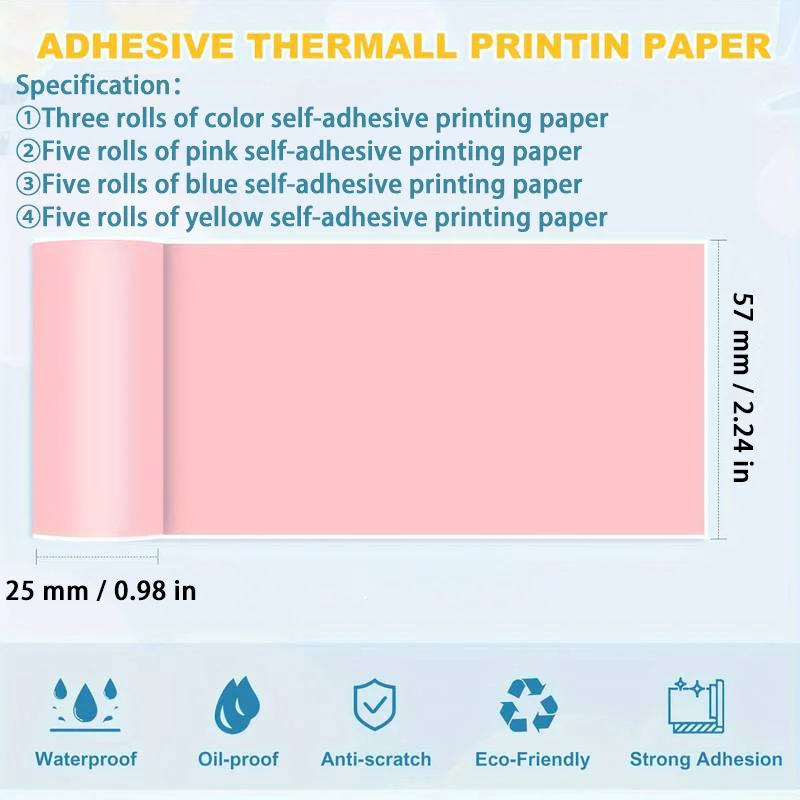
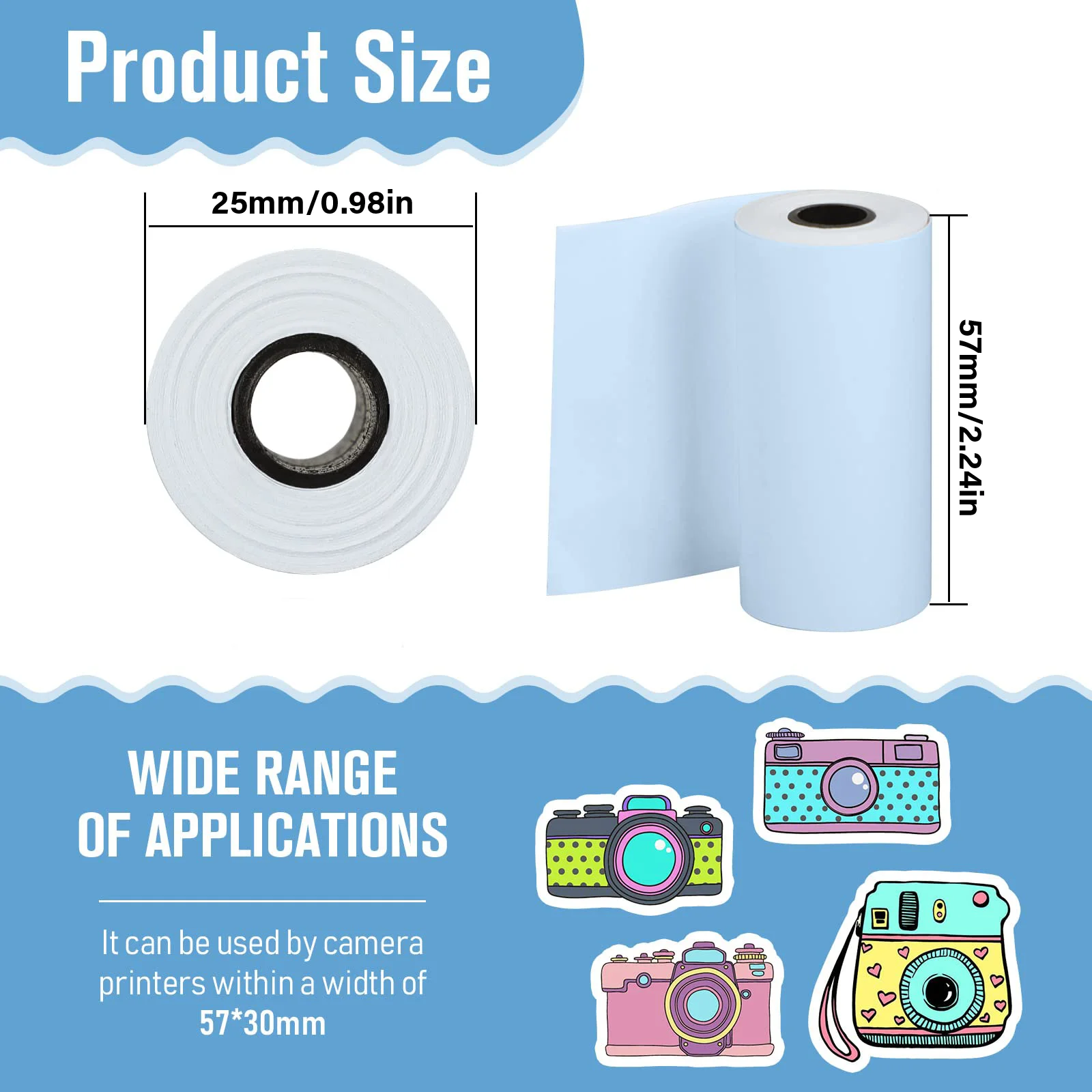
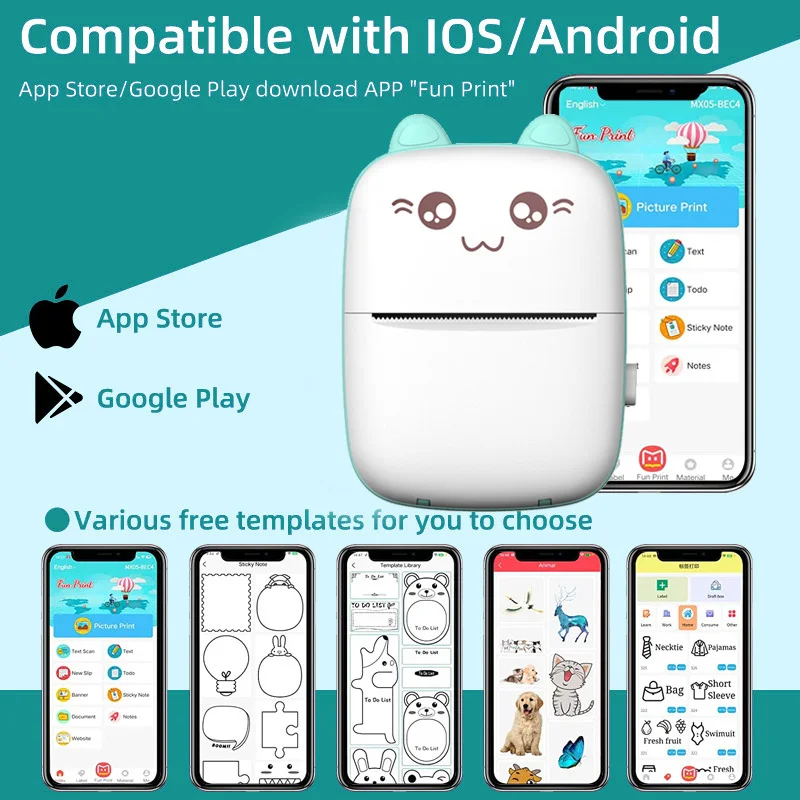
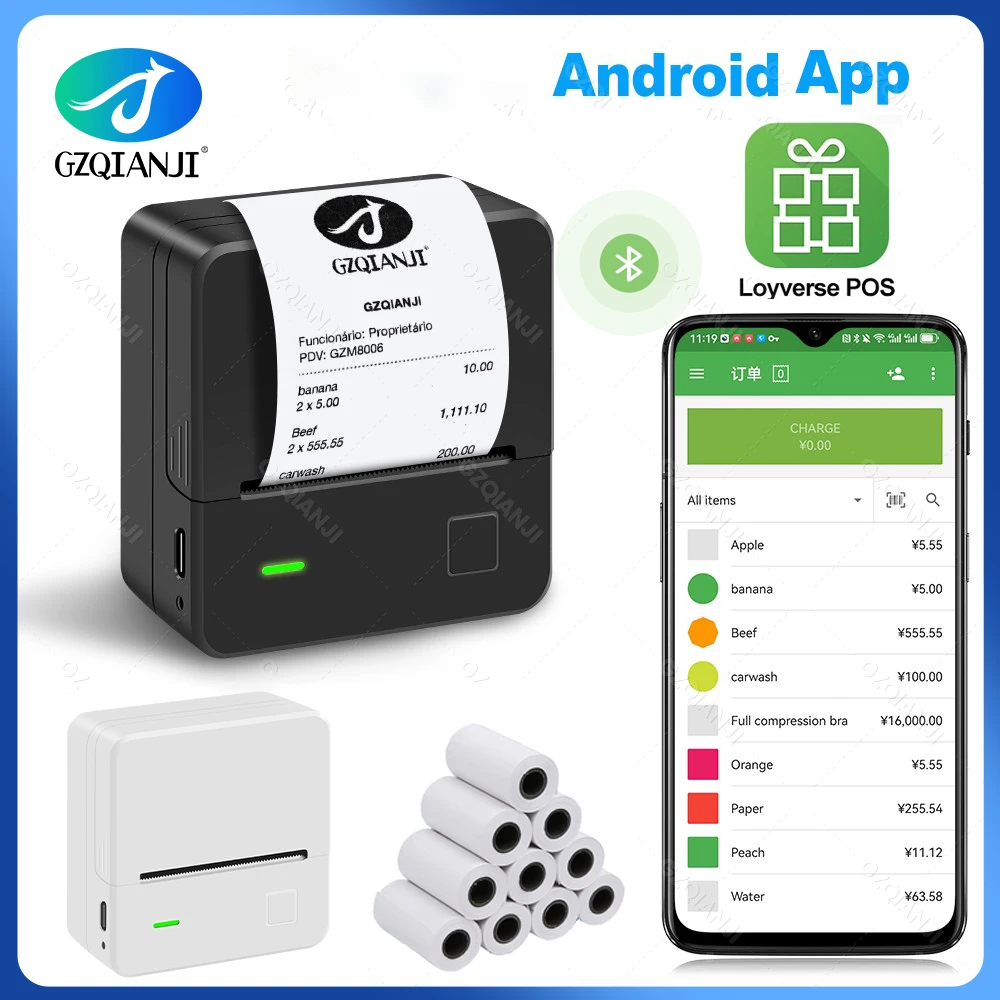
<div class="detailmodule_text"><p style="font-family:OpenSans;font-size:20px;font-weight:900;line-height:28px;white-space:pre-wrap;color:rgb(0, 0, 0);margin-bottom:12px" class="detail-desc-decorate-title">Performance parameter:</p><p style="font-family:OpenSans;font-size:14px;font-weight:300;line-height:20px;white-space:pre-wrap;color:rgb(0, 0, 0);margin-bottom:12px" class="detail-desc-decorate-content"><span style="font-size:16px">- Print method: thermal line printing<br/>- Interface: USB+Bluetooth 4.0<br/>- Paper width: 57-58mm<br/>- Print width: 48 mm<br/>- Rolling paper diameter: 30mm<br/>- Life cycle time: 50km ( printing density under 12.5 percent ) / 100 million pulses<br/>- Barcode type: UPC - A / E, EAN - 13 / 8, CODE39 / 93 / 128, TIF, CODABAR; 2D: QR code, PDF417<br/>- Internal characters: ASCII CH ( 8 x 16, 9 x 17, 9 x 24, 12 x 24 ); GB18030 ( 16 x 16, 24 x 24 )<br/>- Printing command: ESC / POS compatible with order sets</span></p></div><div class="detailmodule_image"></div><div class="detailmodule_text"><p style="font-size:24px;font-weight:bold;text-align:left;color:rgb(255, 17, 0);display:block;width:100%" align="left">Note:</p><p style="font-size:13px;text-align:left;color:rgb(0, 3, 6);display:block;width:100%" align="left"><span style="font-size:16px">1. When the printer is connected to the Android phone, first match with Bluetooth in the phone setting, password: 0000/1234, and then go to the APP to connect Bluetooth, thank you!<br/><br/>2. (Only for cell phone and Windows, not for MAC and iPad)<br/><br/>3. Bluetooth can not connect to computer directly, Bluetooth can only connect to cell phone.<br/><br/>4. USB connect with computer, you need to download and install the driver(driver: https://u.pcloud.link/publink/show?code=XZ53j10ZIA7s7xSCkMulh88EwODnh75Yqgmk).<br/><br/>Please make sure it is clear before purchasing, thank you.</span></p><div><br/></div></div><div class="detailmodule_text"><p style="font-family:OpenSans;font-size:20px;font-weight:900;line-height:28px;white-space:pre-wrap;color:rgb(0, 0, 0);margin-bottom:12px" class="detail-desc-decorate-title">Free App Installed Freely:</p><p style="font-family:OpenSans;font-size:14px;font-weight:300;line-height:20px;white-space:pre-wrap;color:rgb(0, 0, 0);margin-bottom:12px" class="detail-desc-decorate-content"><span style="font-size:16px">This receipt printer can use some apps<br/>1. LOYVERSE(Only support Android,Loyverse POS APP is not available in France.)<br/>2. IREAP<br/>3. SRS<br/>4. CAYSNPRINTER<br/>5. RECEIPT GENERATOR<br/>6. Thermos Pro<br/>7. ZywellPrinter<br/><br/>Languages setting tool & Driver:<br/>It is available for many, many languages. <br/>but the Default languages are only English and Chinese. <br/>If you want to change it to other languages or need the Driver, <br/>please kindly contact us. We will send you the 'setting tools. ' Thanks!</span></p></div><div class="detailmodule_image"></div><p><br/></p>
$39.8
$30.35
- Category : Computer & Office
- Brand : alisons_dropshipping_store Alison's Dropshipping Store
Colors
Sizes
-
+

<div class="detailmodule_text"><p style="font-family:OpenSans;font-size:20px;font-weight:900;line-height:28px;white-space:pre-wrap;color:rgb(0, 0, 0);margin-bottom:12px" class="detail-desc-decorate-title">Performance parameter:</p><p style="font-family:OpenSans;font-size:14px;font-weight:300;line-height:20px;white-space:pre-wrap;color:rgb(0, 0, 0);margin-bottom:12px" class="detail-desc-decorate-content"><span style="font-size:16px">- Print method: thermal line printing<br/>- Interface: USB+Bluetooth 4.0<br/>- Paper width: 57-58mm<br/>- Print width: 48 mm<br/>- Rolling paper diameter: 30mm<br/>- Life cycle time: 50km ( printing density under 12.5 percent ) / 100 million pulses<br/>- Barcode type: UPC - A / E, EAN - 13 / 8, CODE39 / 93 / 128, TIF, CODABAR; 2D: QR code, PDF417<br/>- Internal characters: ASCII CH ( 8 x 16, 9 x 17, 9 x 24, 12 x 24 ); GB18030 ( 16 x 16, 24 x 24 )<br/>- Printing command: ESC / POS compatible with order sets</span></p></div><div class="detailmodule_image"></div><div class="detailmodule_text"><p style="font-size:24px;font-weight:bold;text-align:left;color:rgb(255, 17, 0);display:block;width:100%" align="left">Note:</p><p style="font-size:13px;text-align:left;color:rgb(0, 3, 6);display:block;width:100%" align="left"><span style="font-size:16px">1. When the printer is connected to the Android phone, first match with Bluetooth in the phone setting, password: 0000/1234, and then go to the APP to connect Bluetooth, thank you!<br/><br/>2. (Only for cell phone and Windows, not for MAC and iPad)<br/><br/>3. Bluetooth can not connect to computer directly, Bluetooth can only connect to cell phone.<br/><br/>4. USB connect with computer, you need to download and install the driver(driver: https://u.pcloud.link/publink/show?code=XZ53j10ZIA7s7xSCkMulh88EwODnh75Yqgmk).<br/><br/>Please make sure it is clear before purchasing, thank you.</span></p><div><br/></div></div><div class="detailmodule_text"><p style="font-family:OpenSans;font-size:20px;font-weight:900;line-height:28px;white-space:pre-wrap;color:rgb(0, 0, 0);margin-bottom:12px" class="detail-desc-decorate-title">Free App Installed Freely:</p><p style="font-family:OpenSans;font-size:14px;font-weight:300;line-height:20px;white-space:pre-wrap;color:rgb(0, 0, 0);margin-bottom:12px" class="detail-desc-decorate-content"><span style="font-size:16px">This receipt printer can use some apps<br/>1. LOYVERSE(Only support Android,Loyverse POS APP is not available in France.)<br/>2. IREAP<br/>3. SRS<br/>4. CAYSNPRINTER<br/>5. RECEIPT GENERATOR<br/>6. Thermos Pro<br/>7. ZywellPrinter<br/><br/>Languages setting tool & Driver:<br/>It is available for many, many languages. <br/>but the Default languages are only English and Chinese. <br/>If you want to change it to other languages or need the Driver, <br/>please kindly contact us. We will send you the 'setting tools. ' Thanks!</span></p></div><div class="detailmodule_image"></div><p><br/></p>
Related Product
Browse The Collection of Top Products.