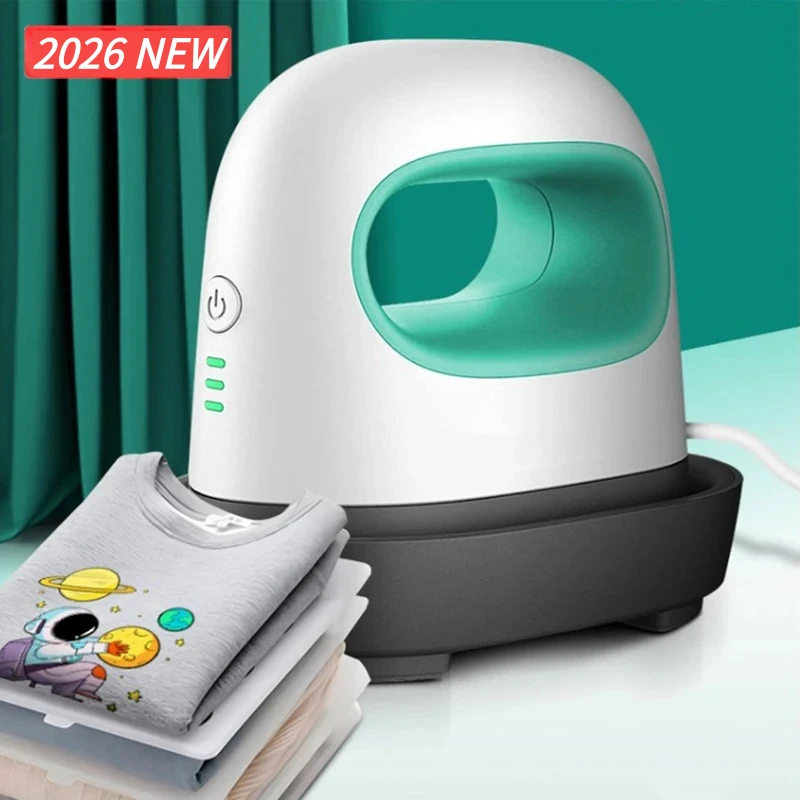
Mini Sticker Printer Bluetooth Smart Pocket Inkless Thermal Printer with Rolls Thermal Paper and Sticker for iOS&Android
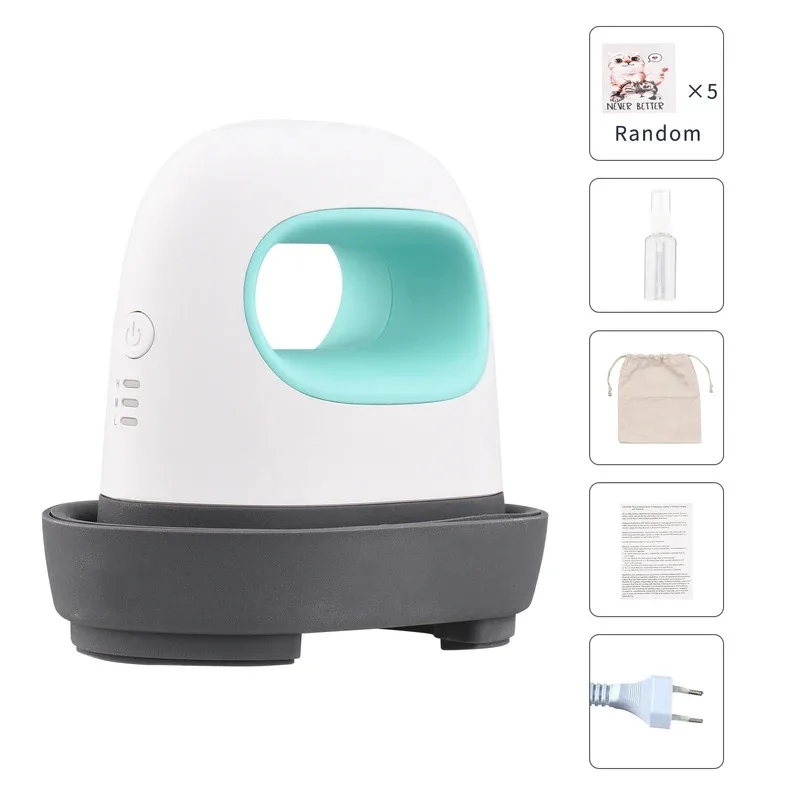
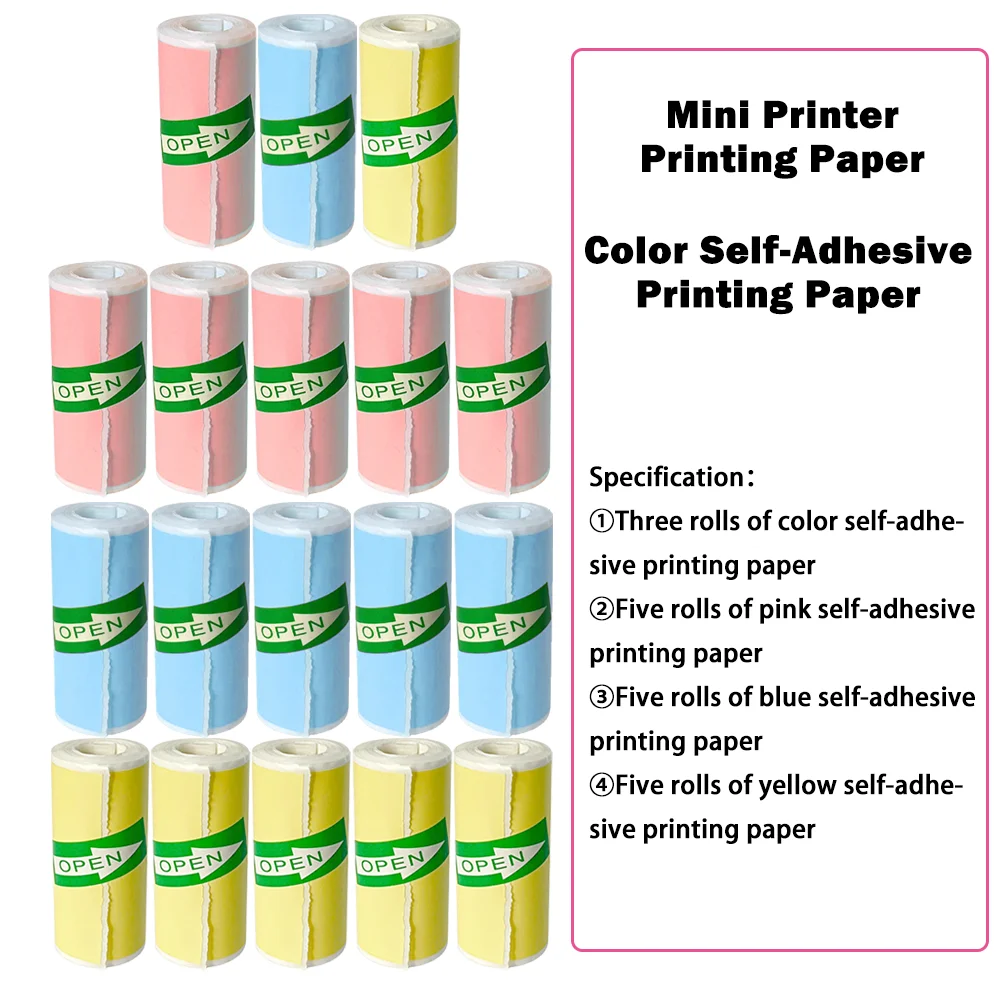
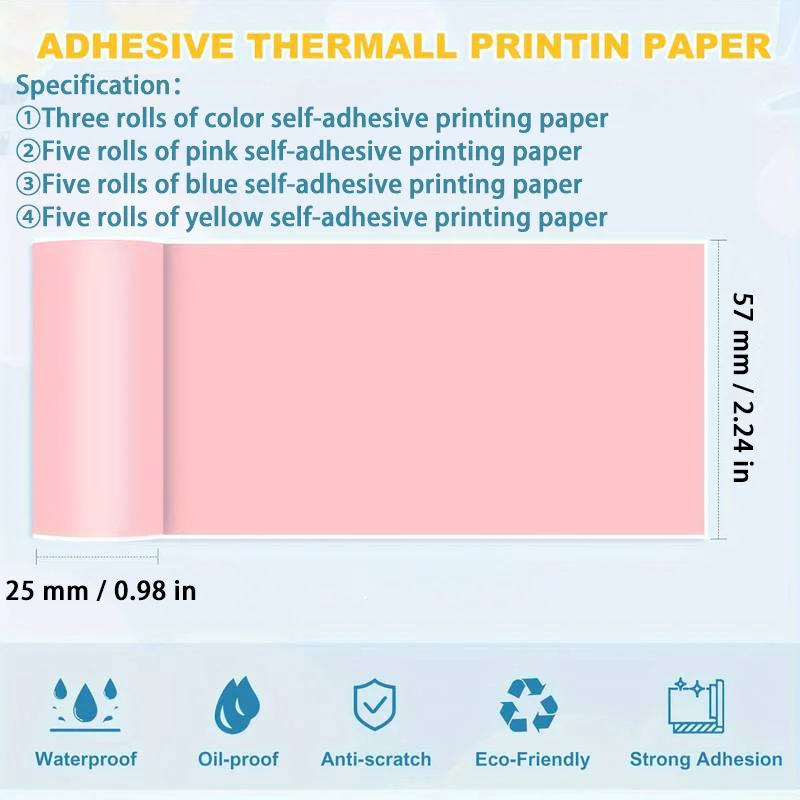
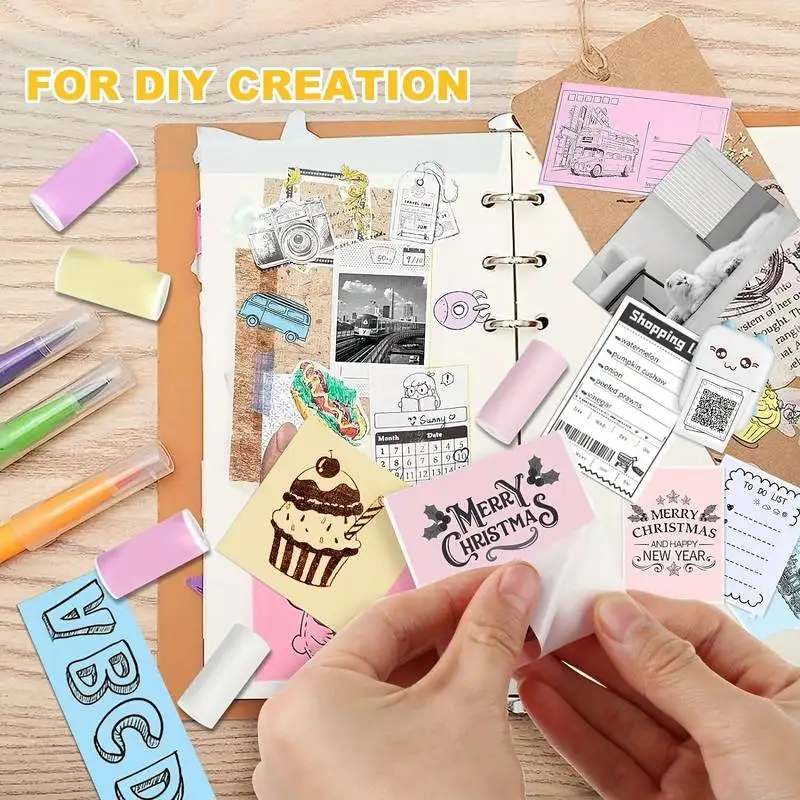
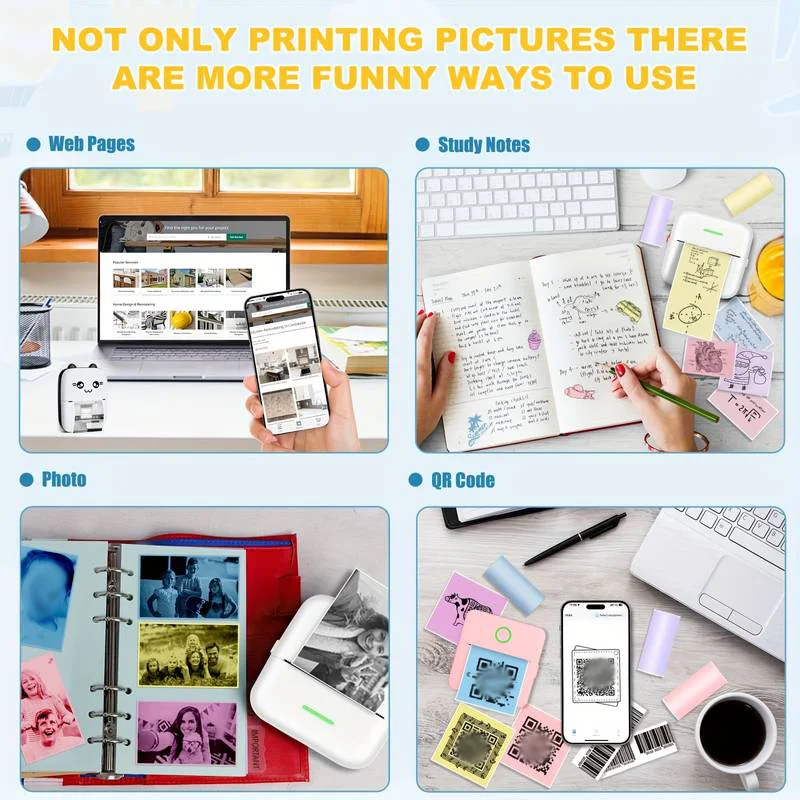
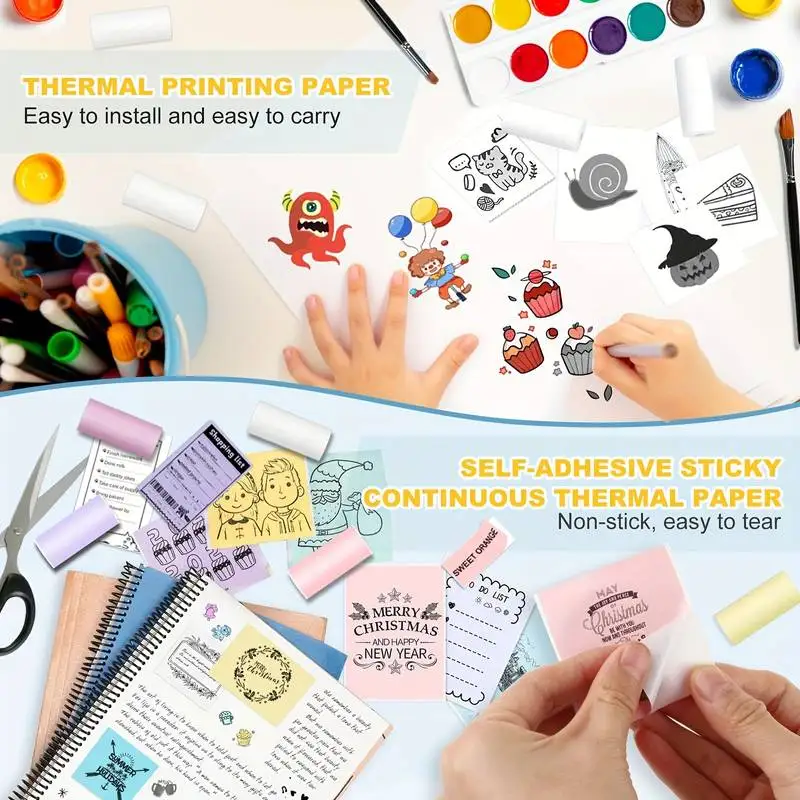
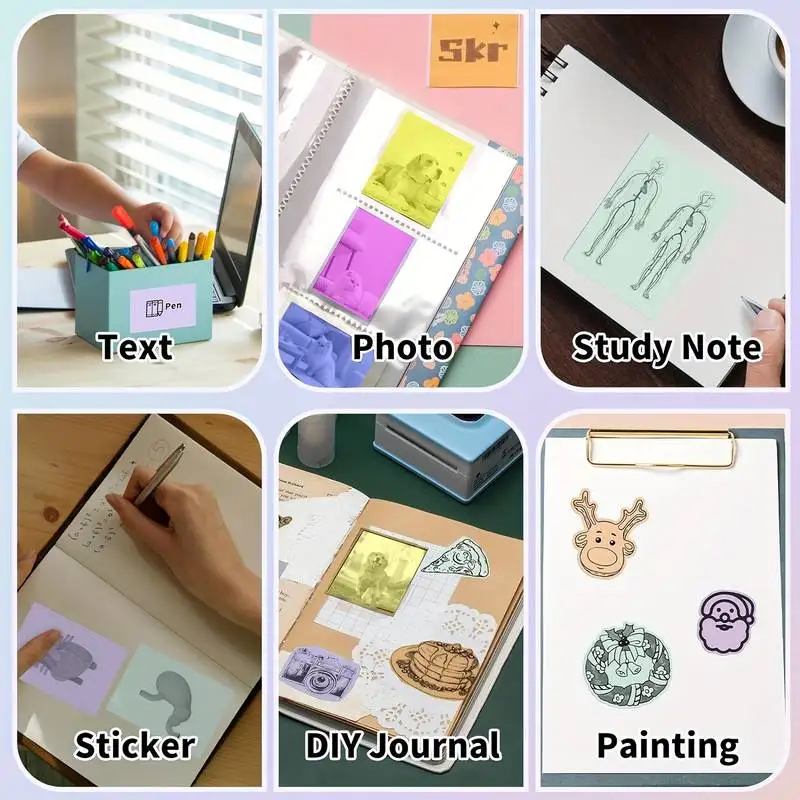
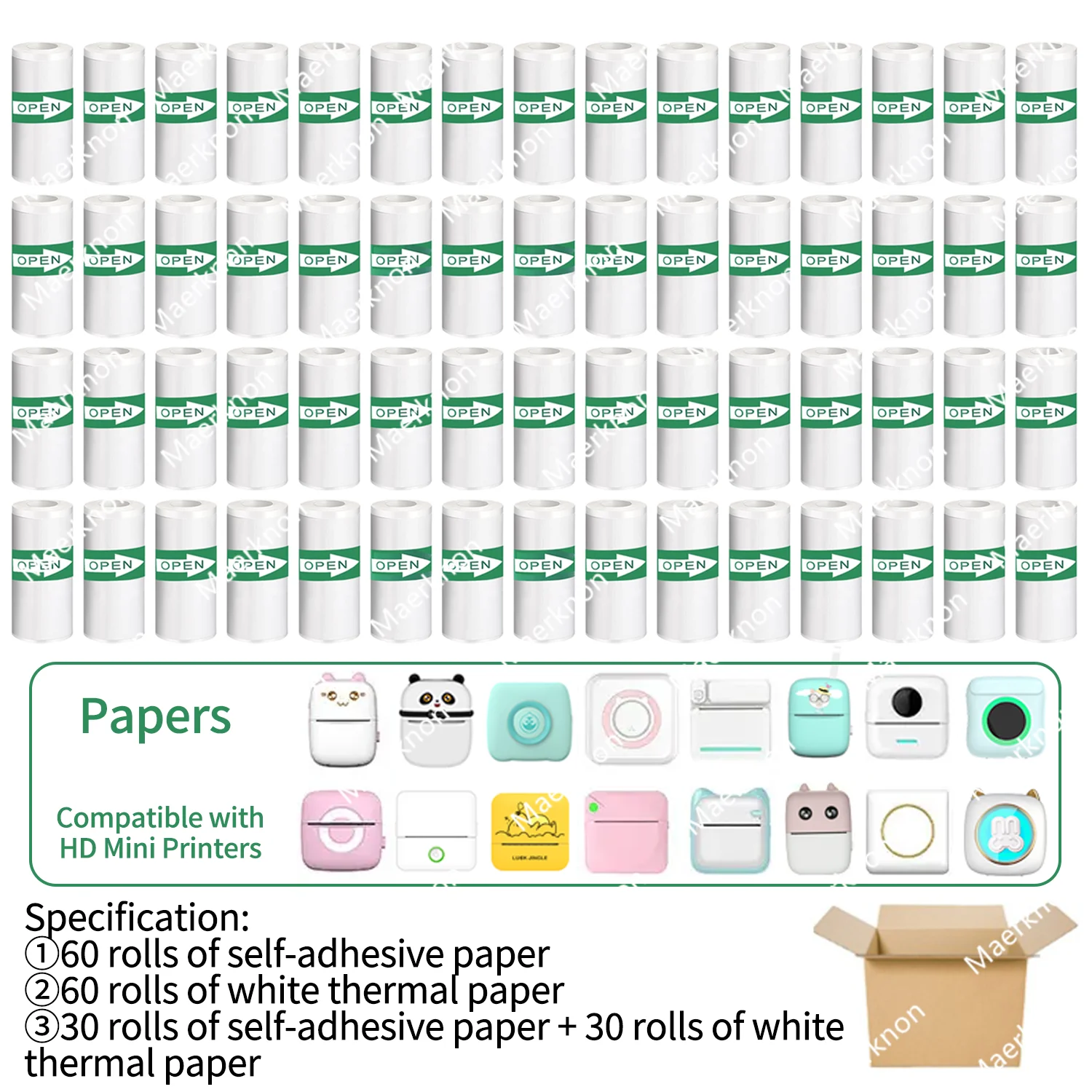
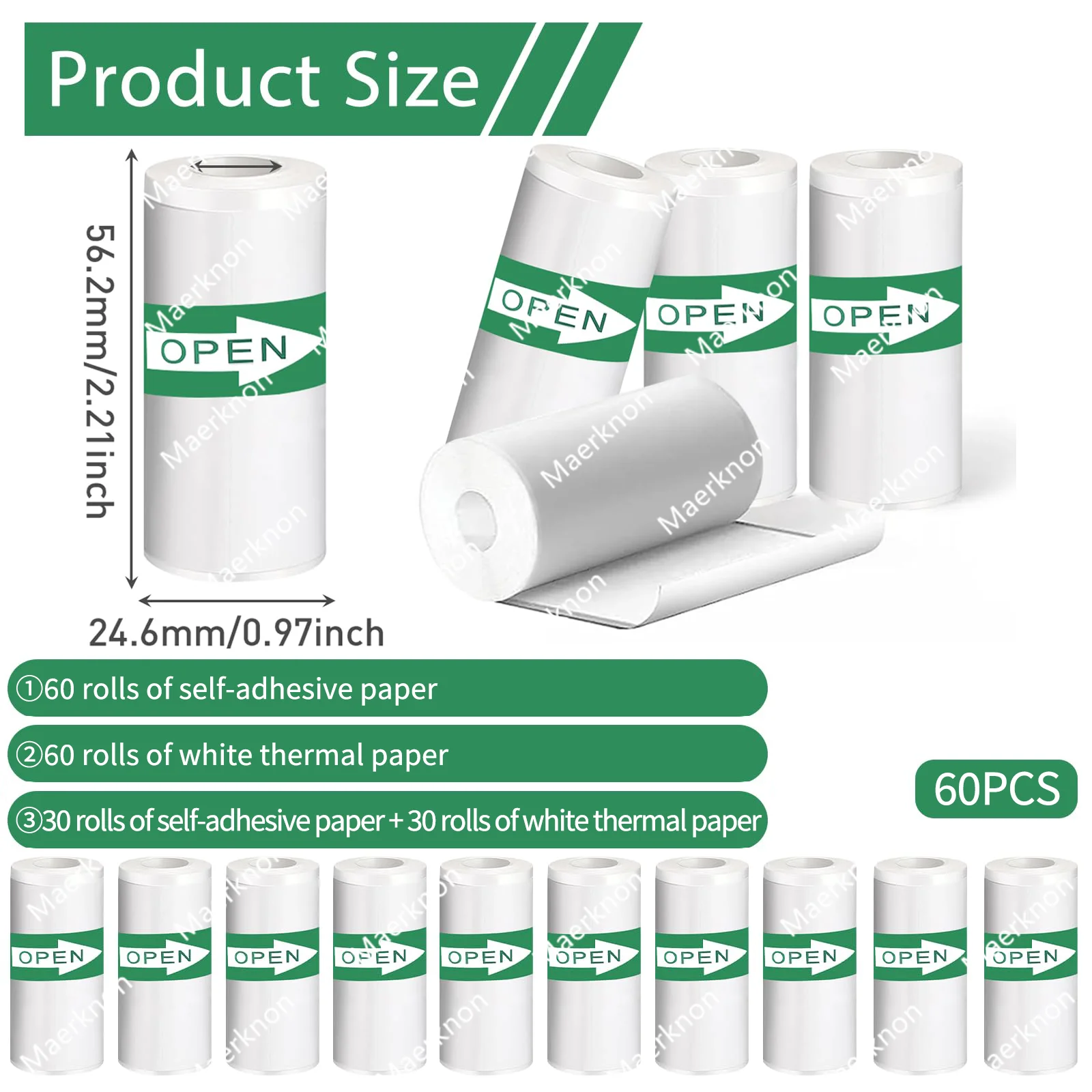
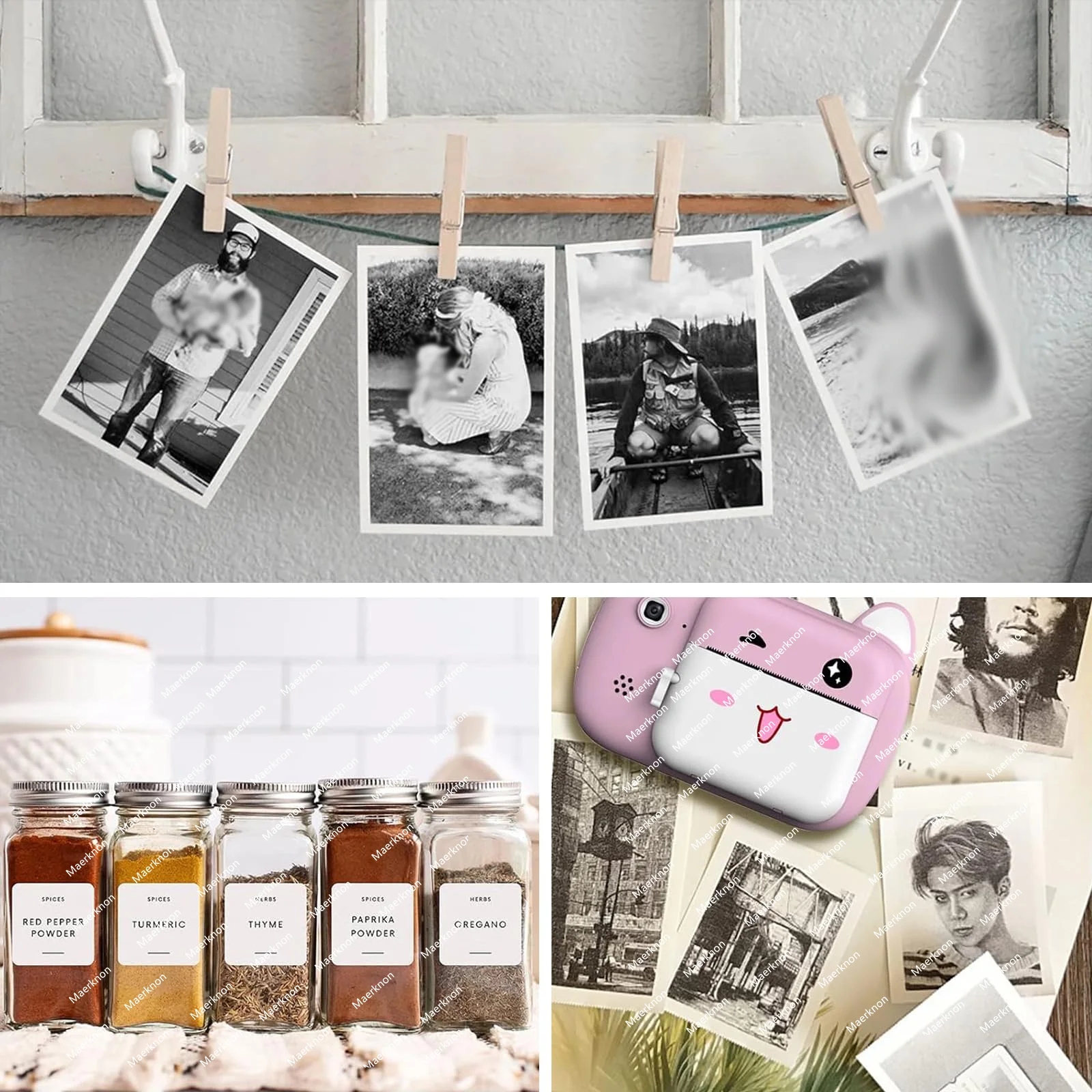
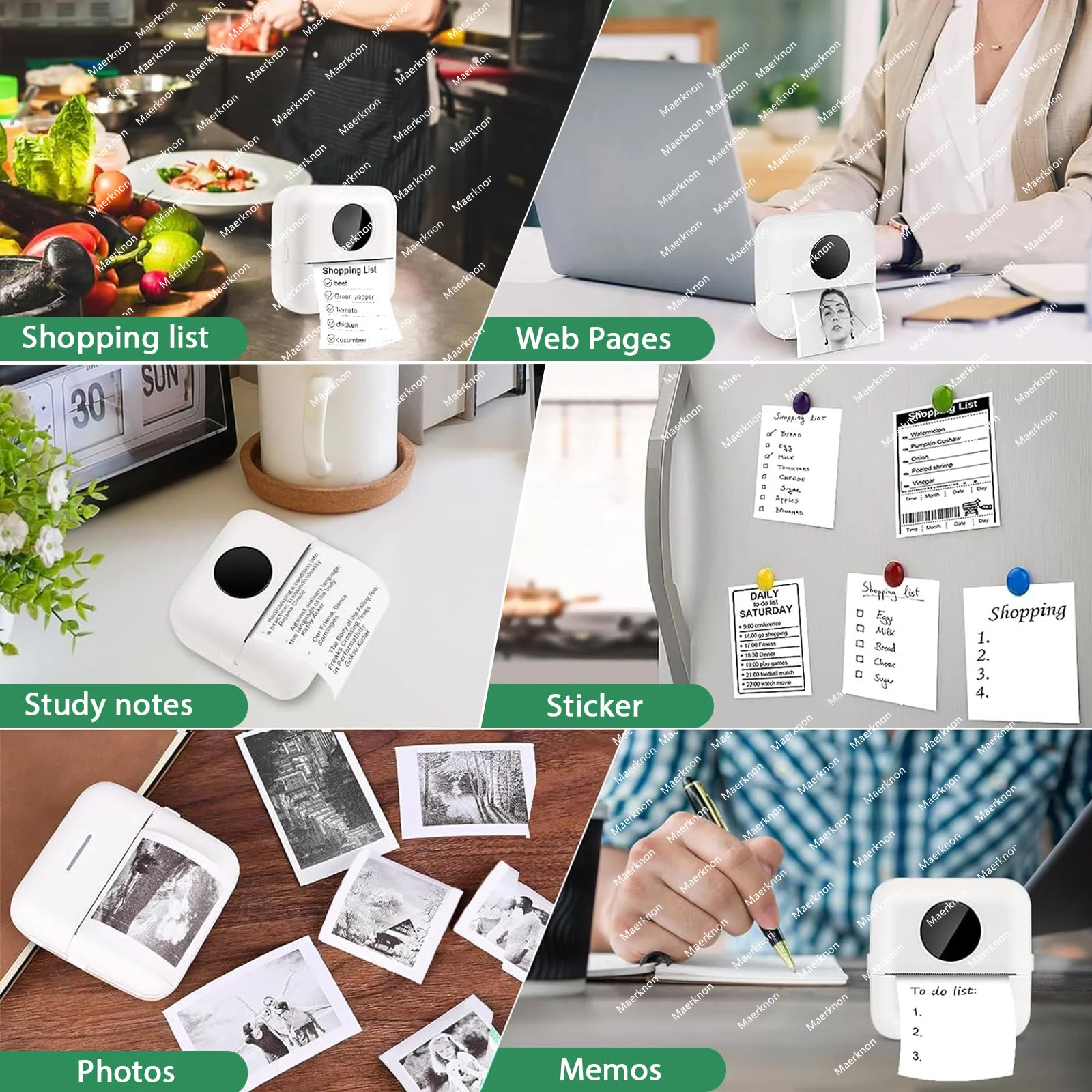
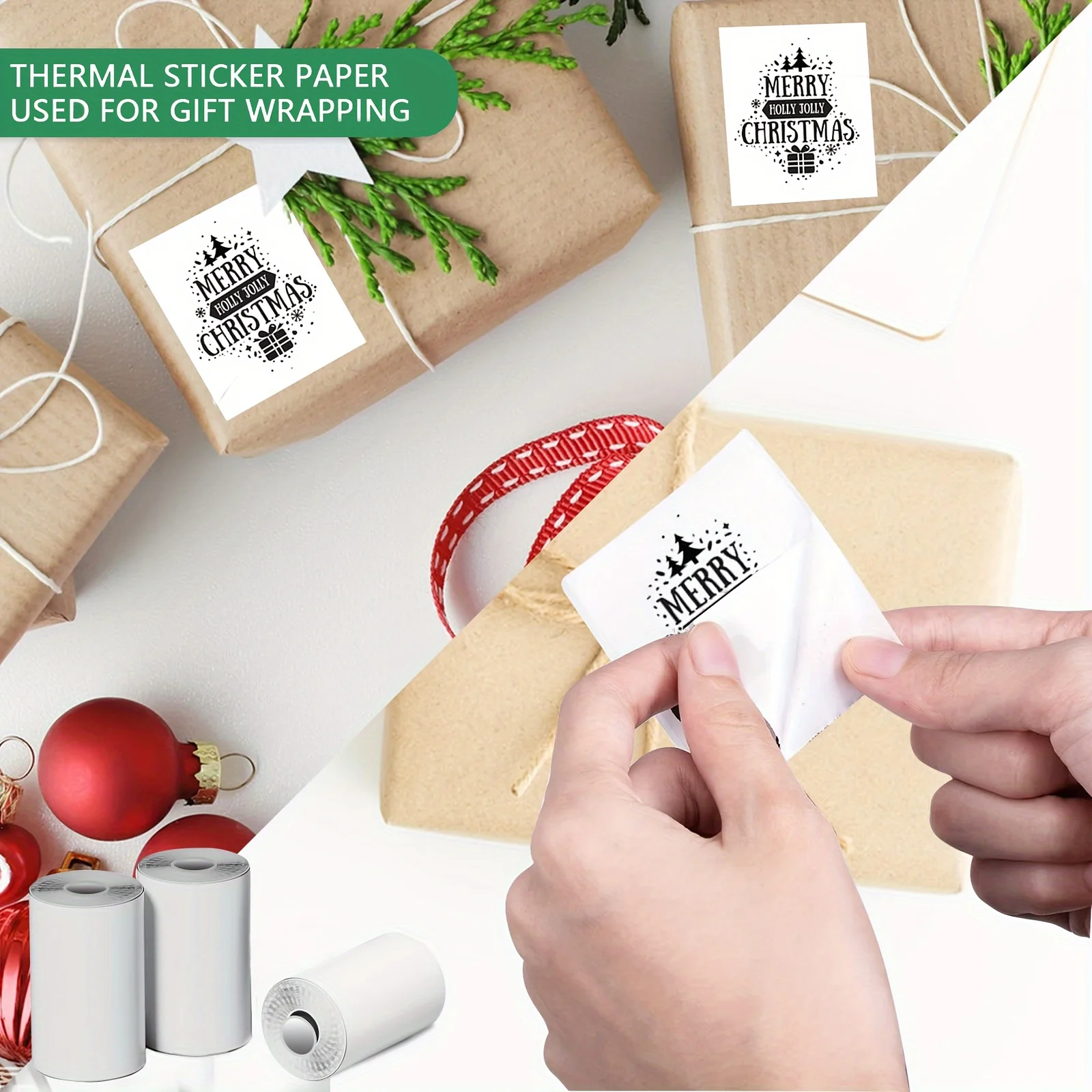
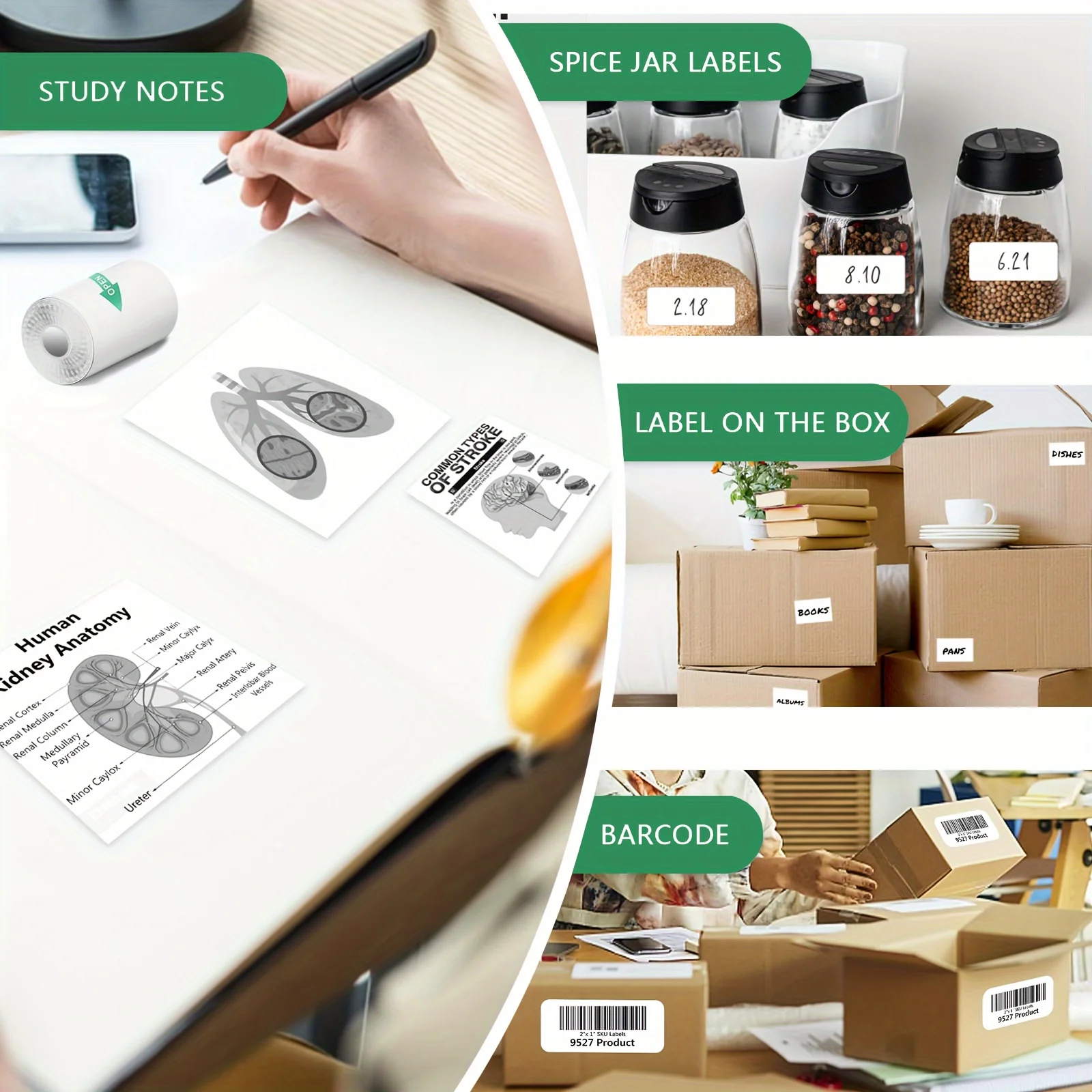
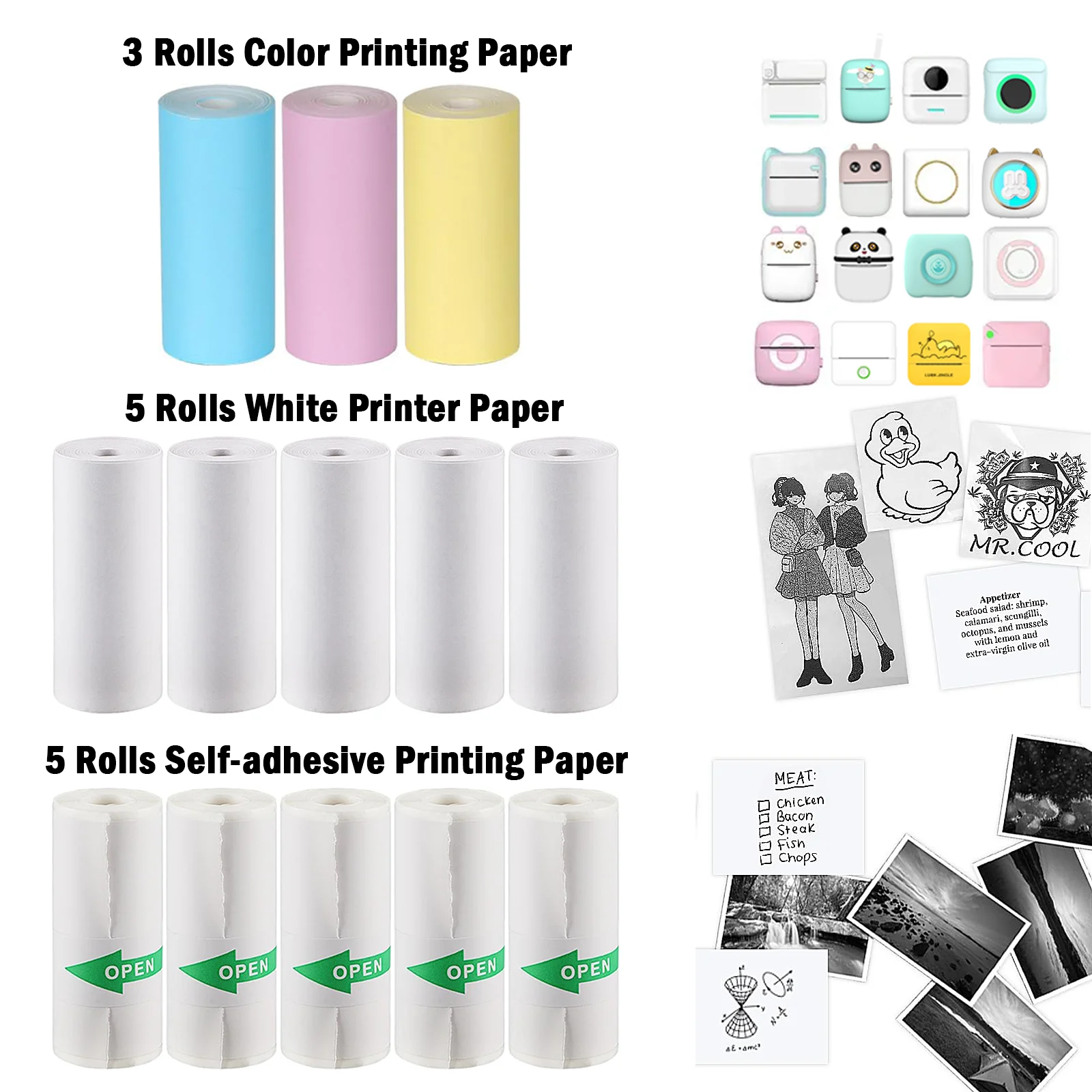
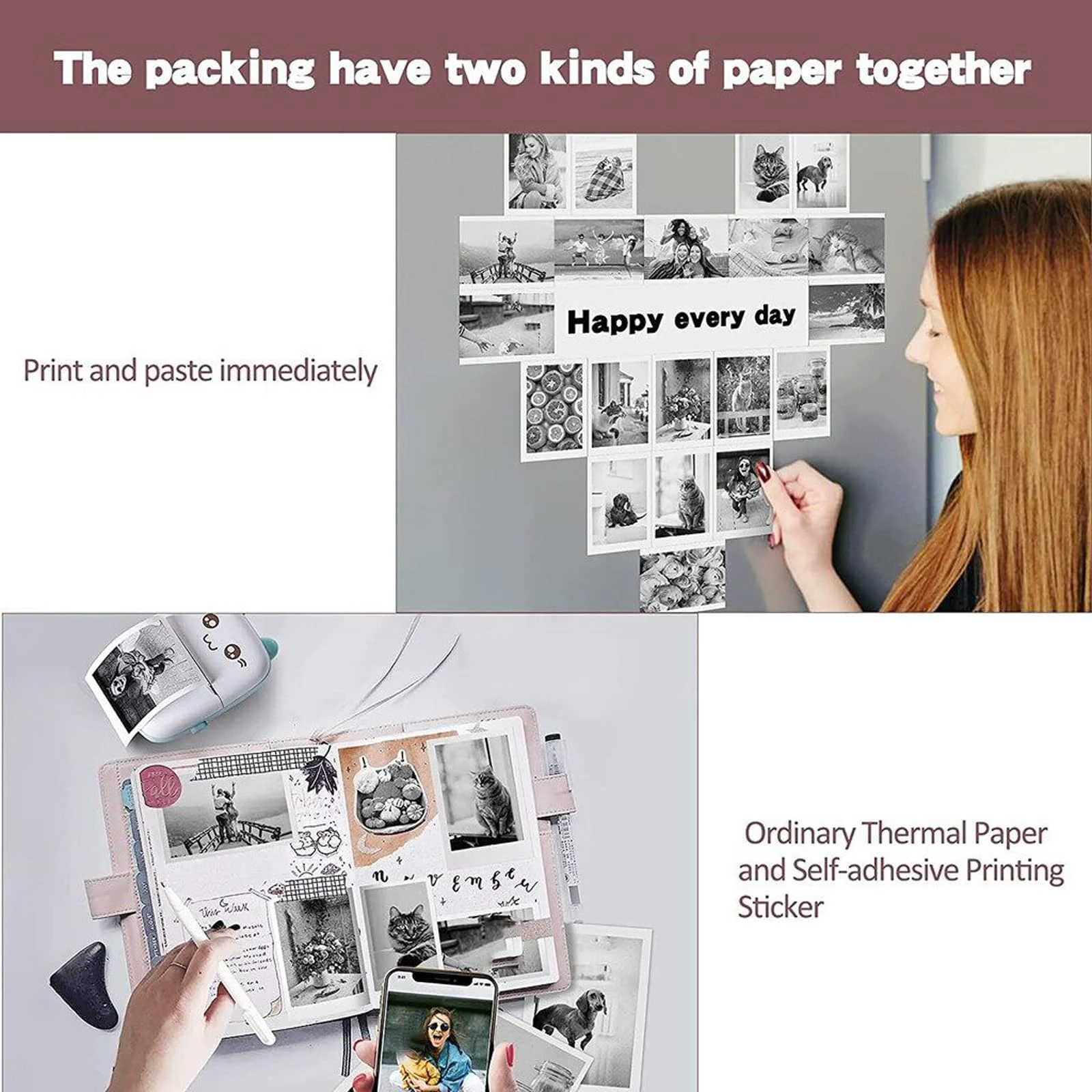
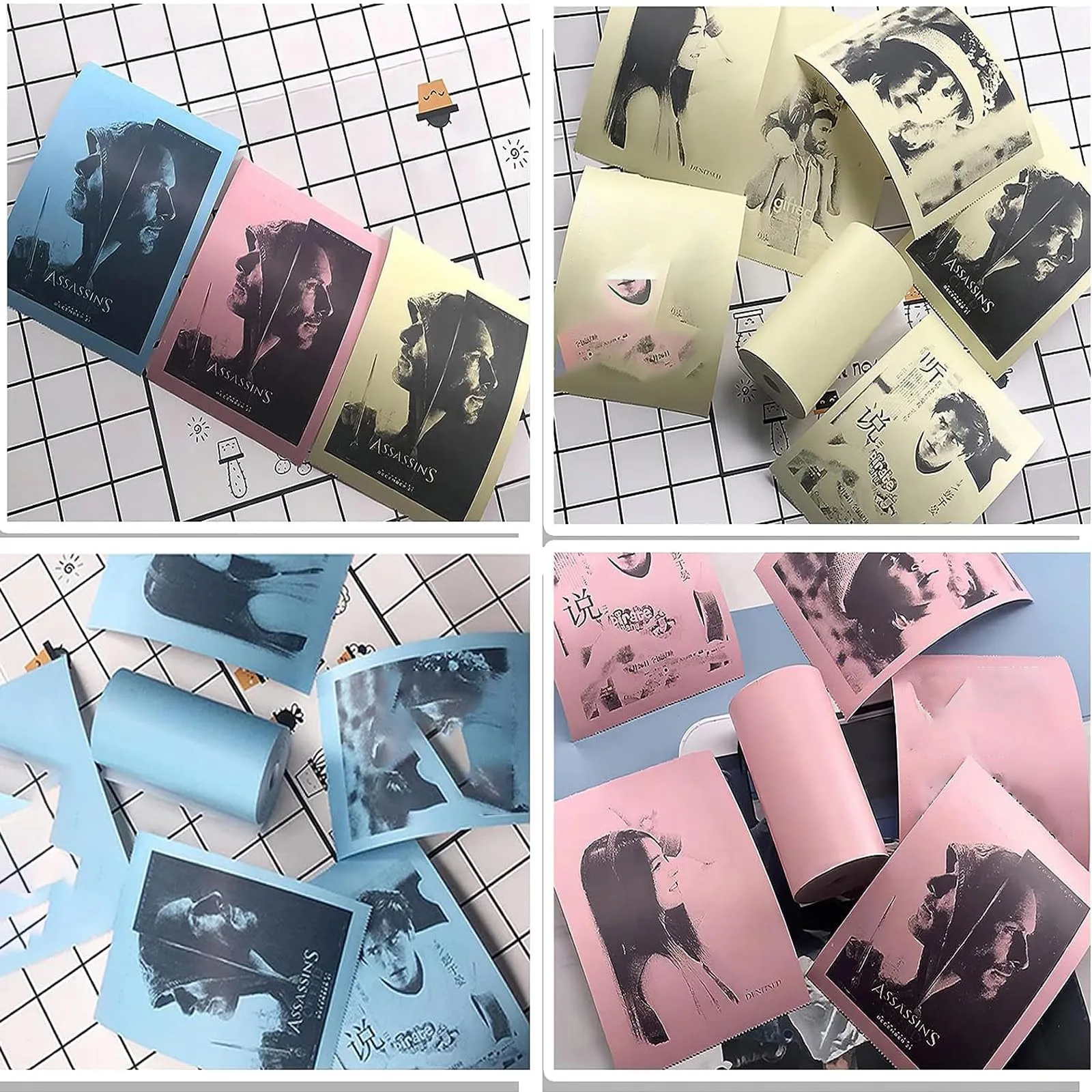
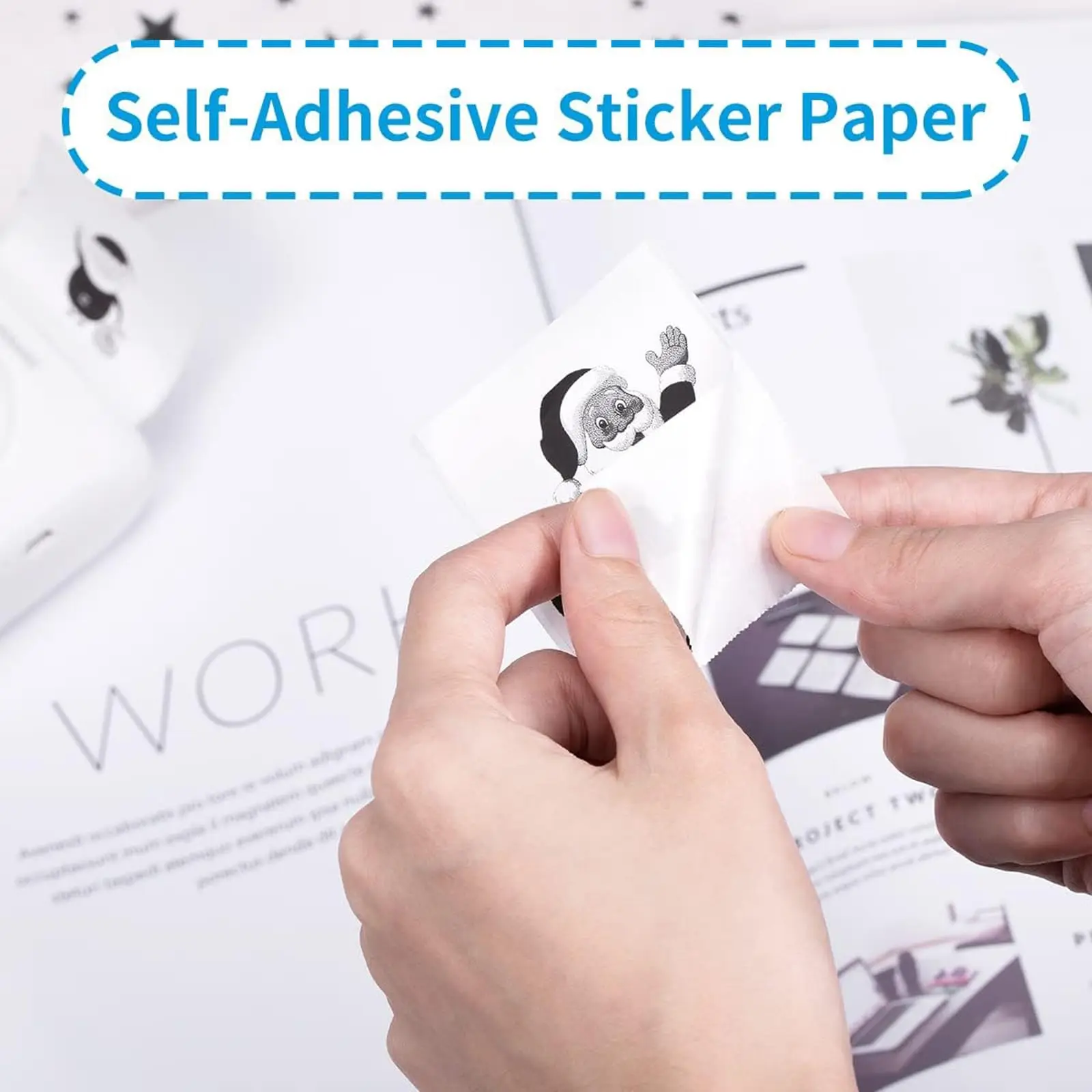
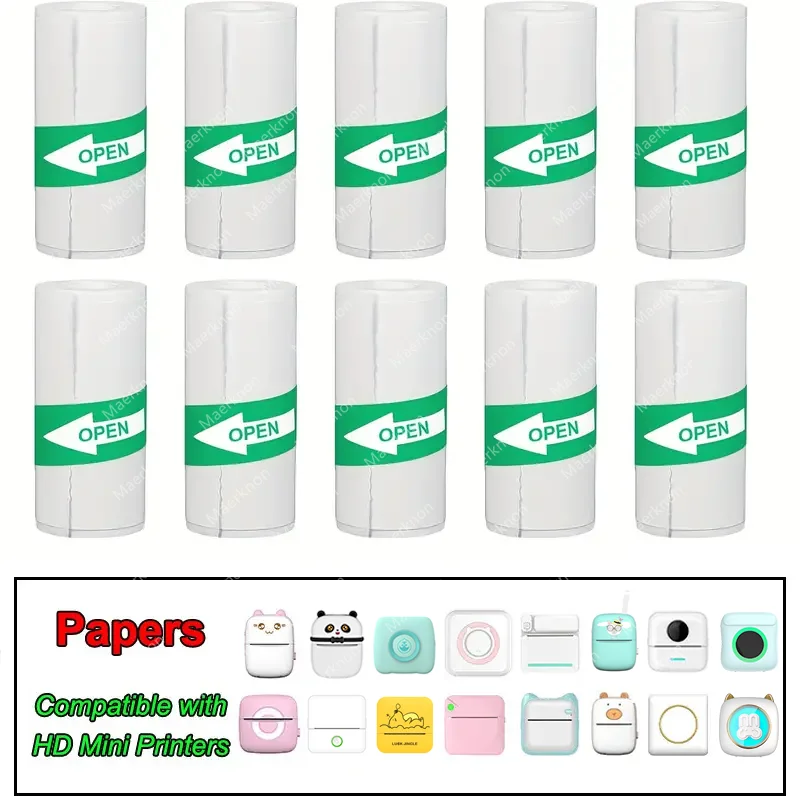
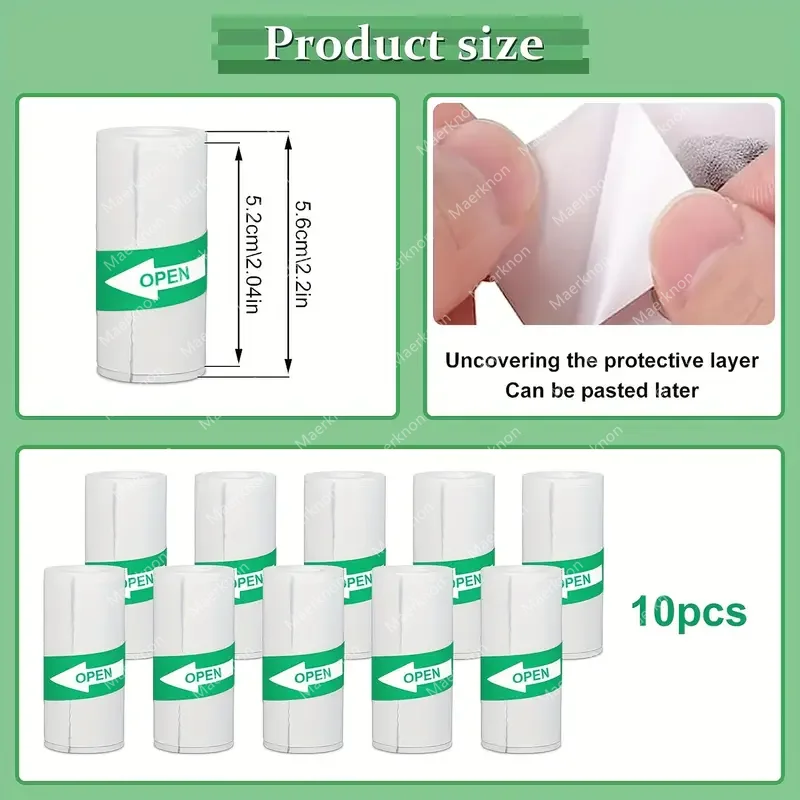
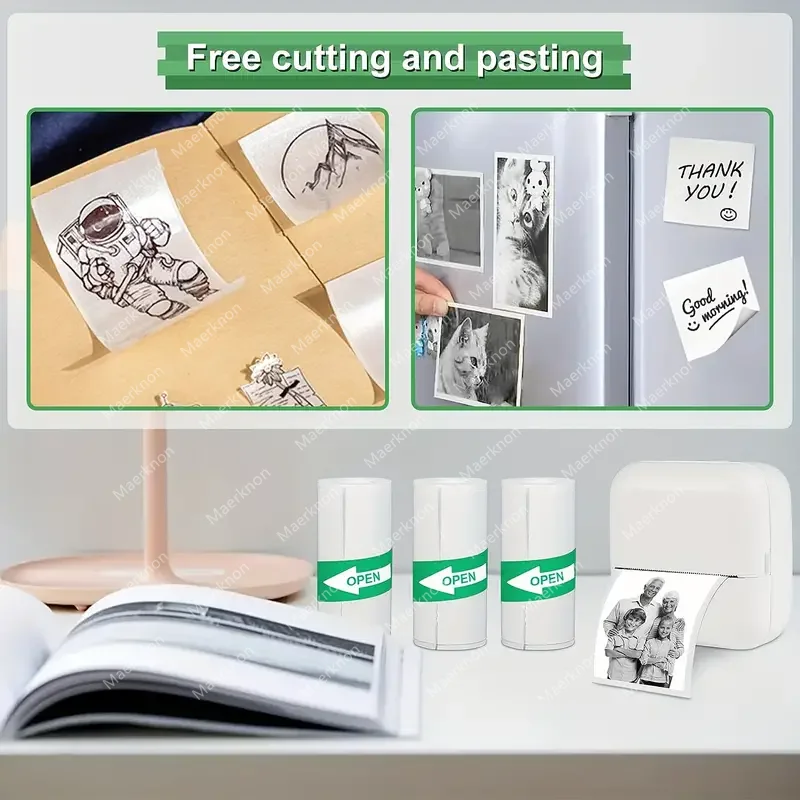
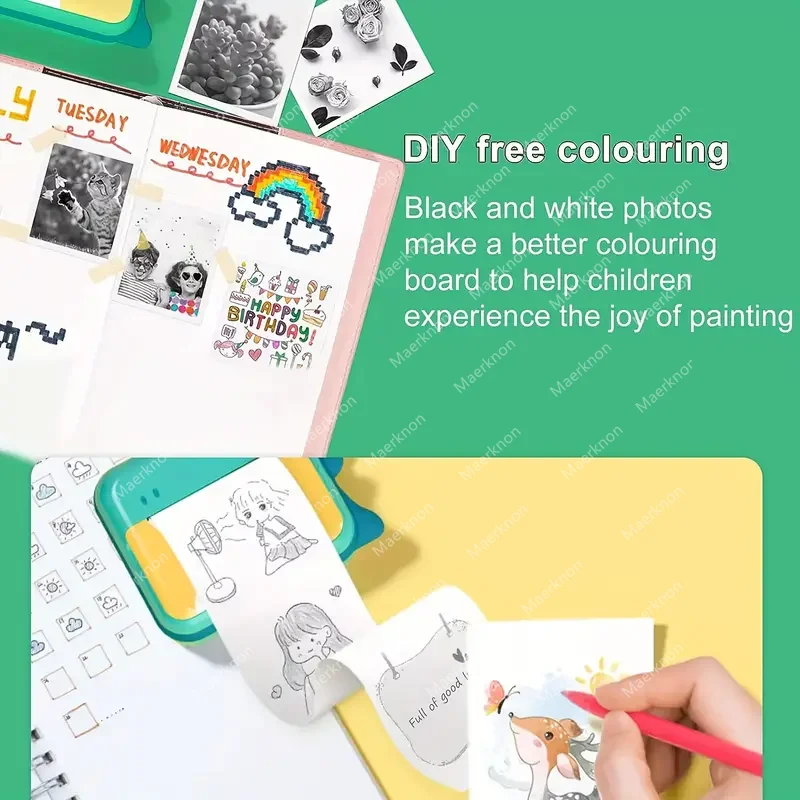
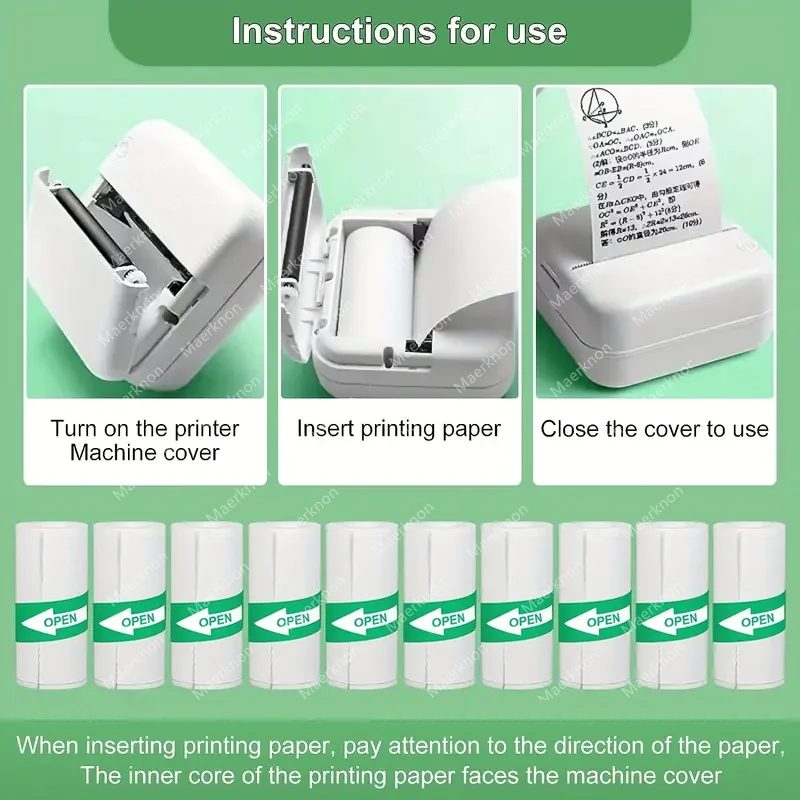
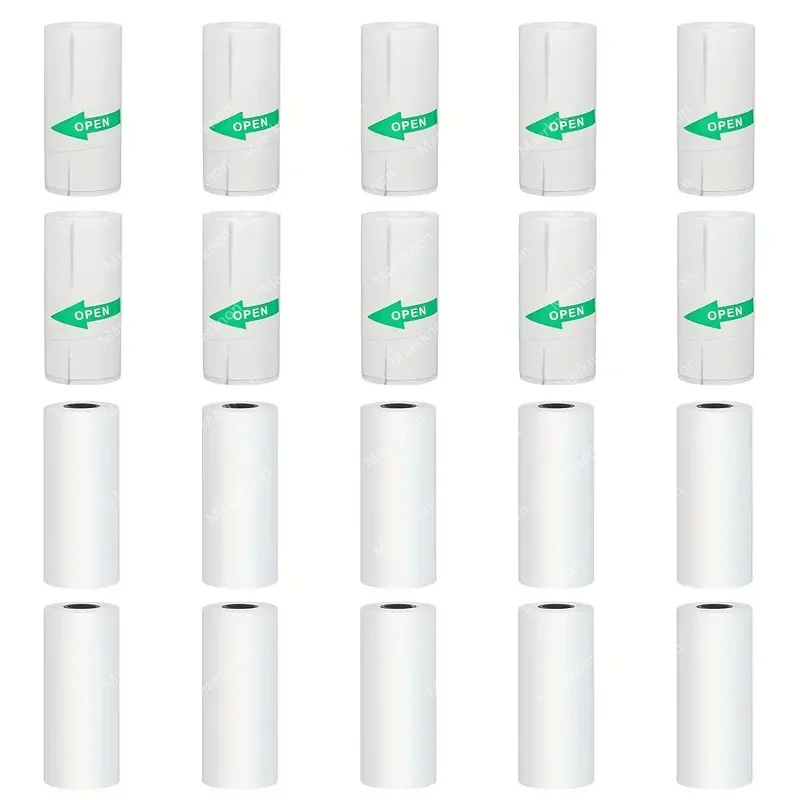
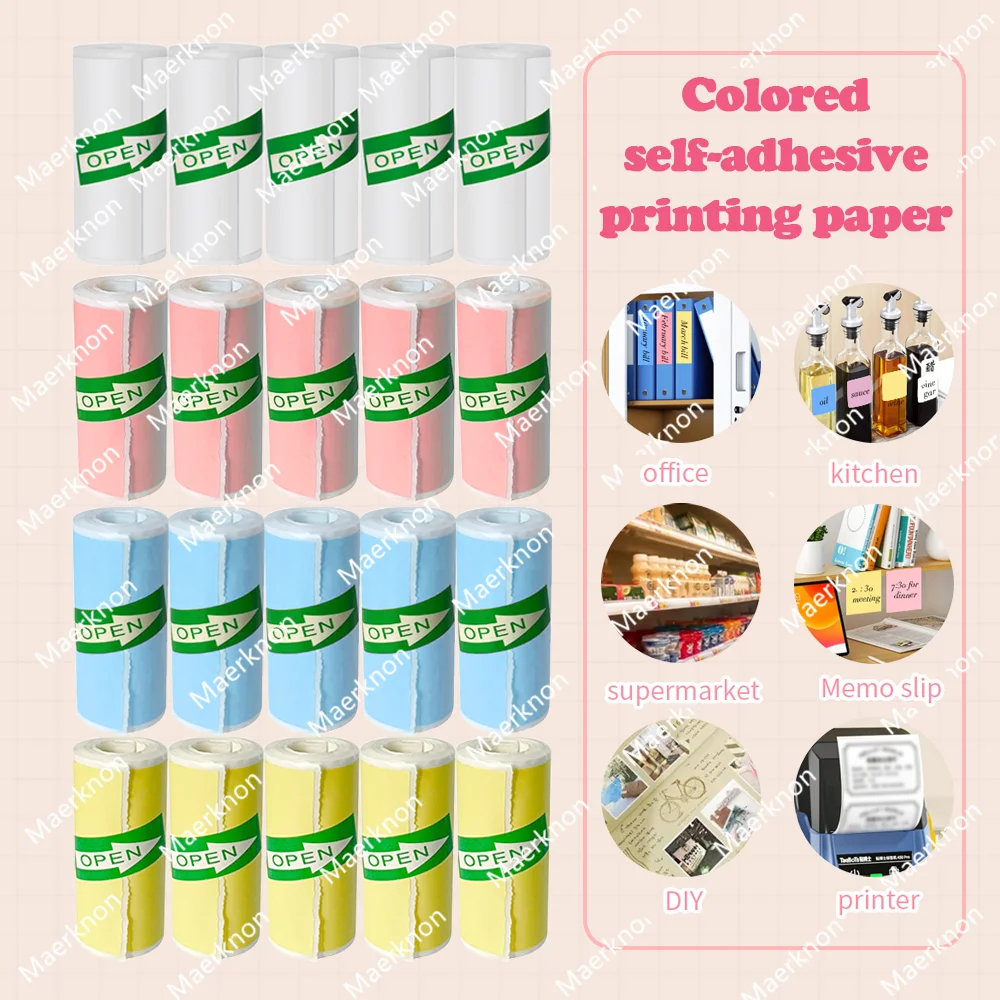
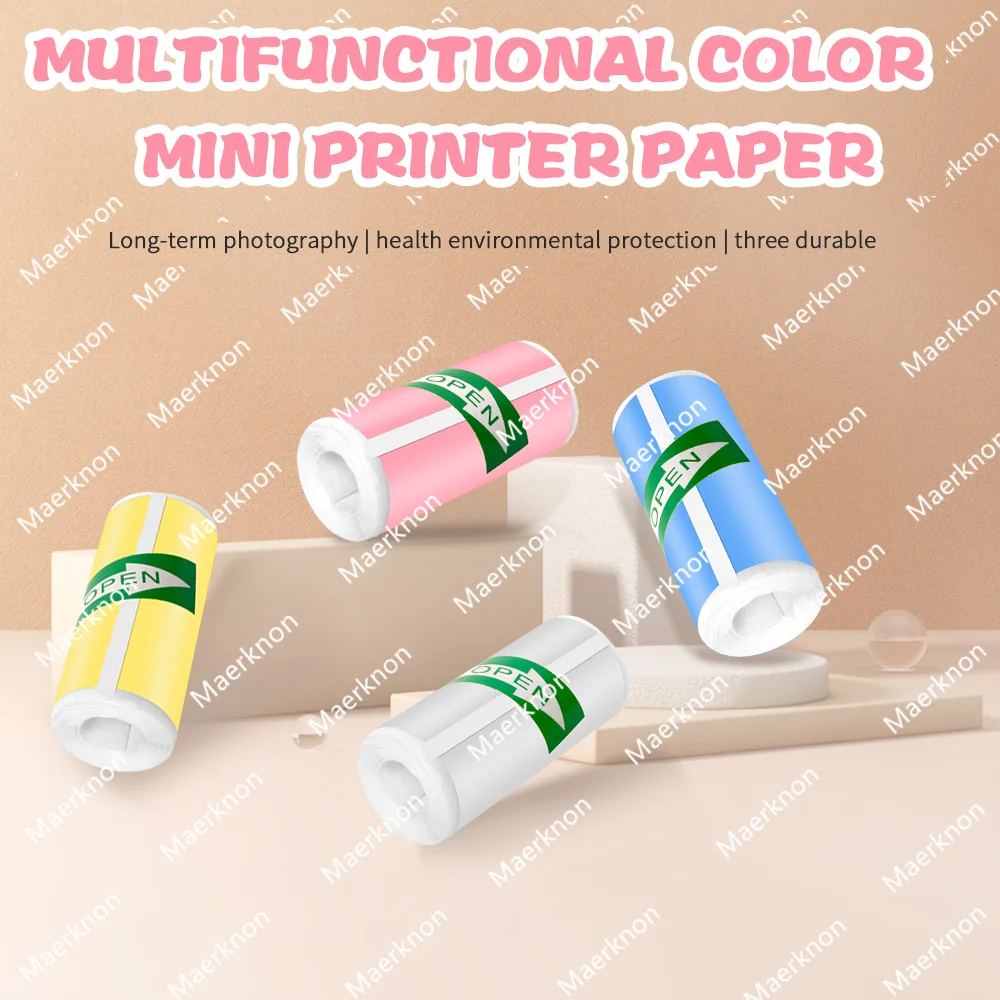
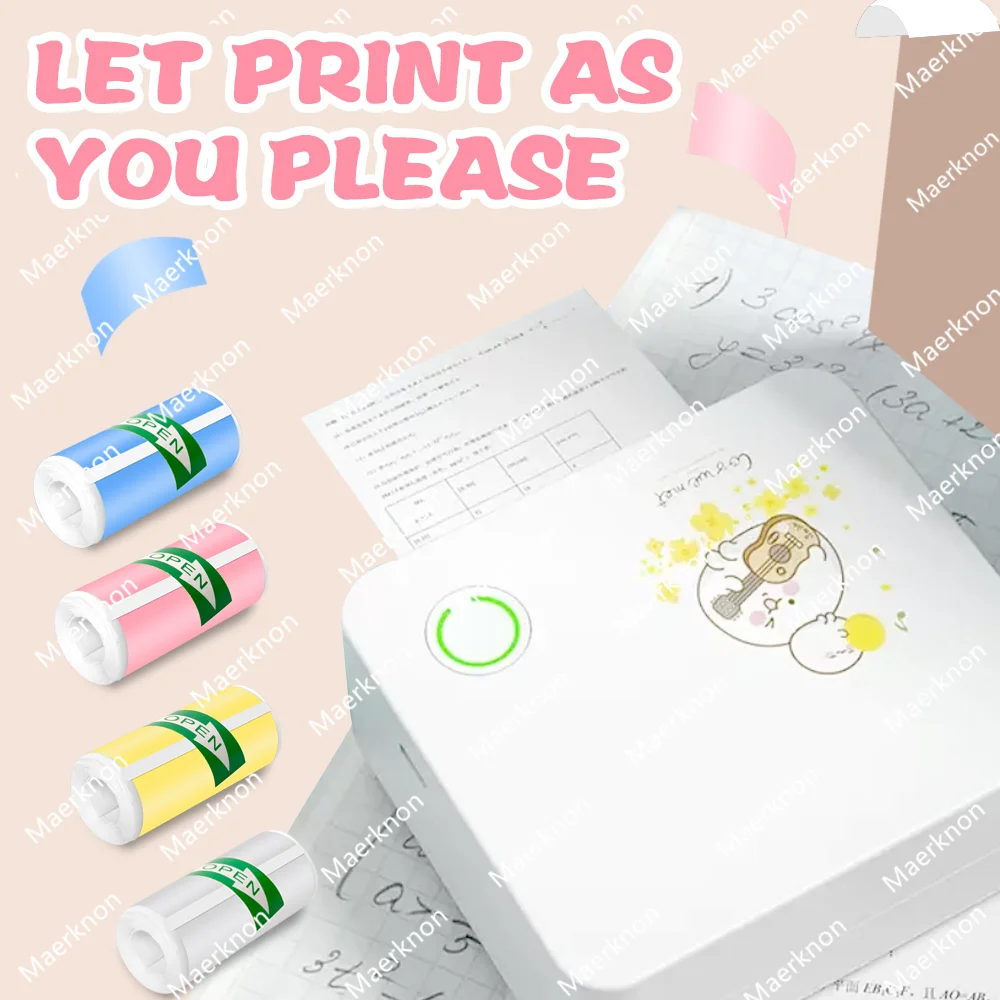
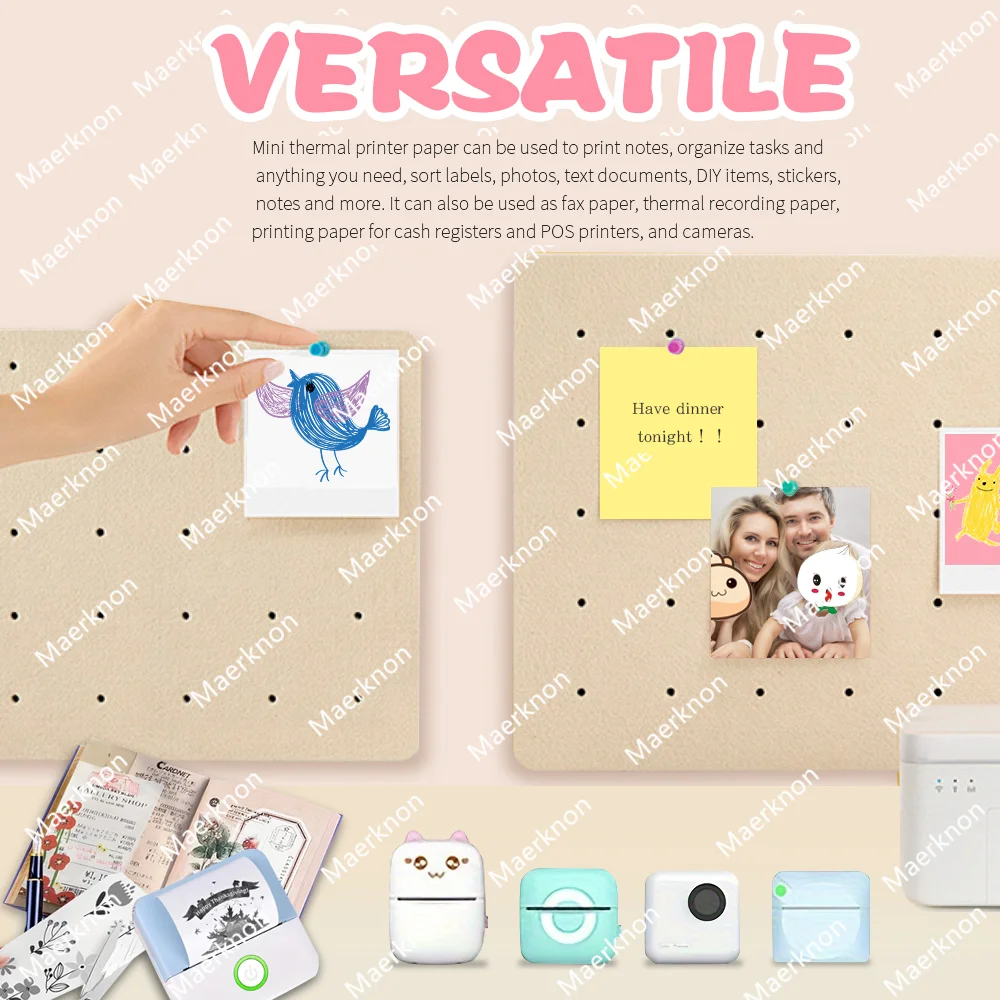
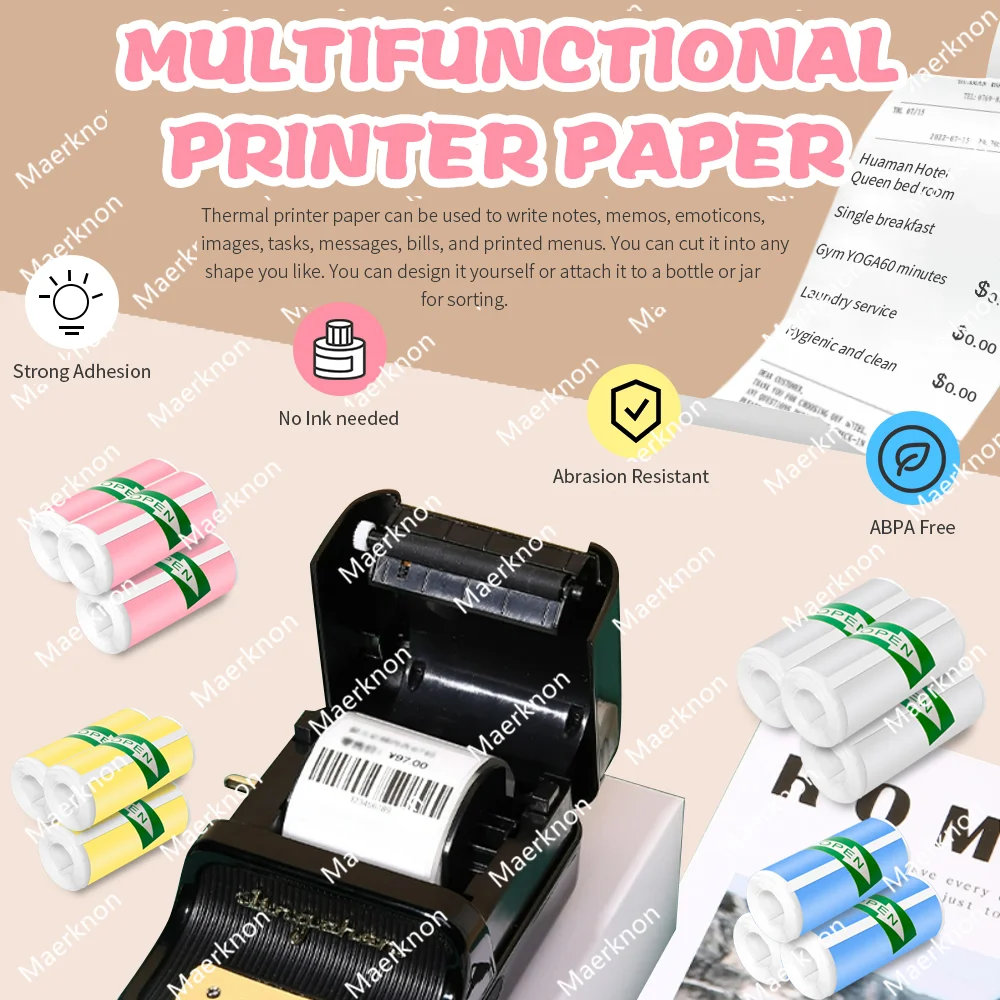
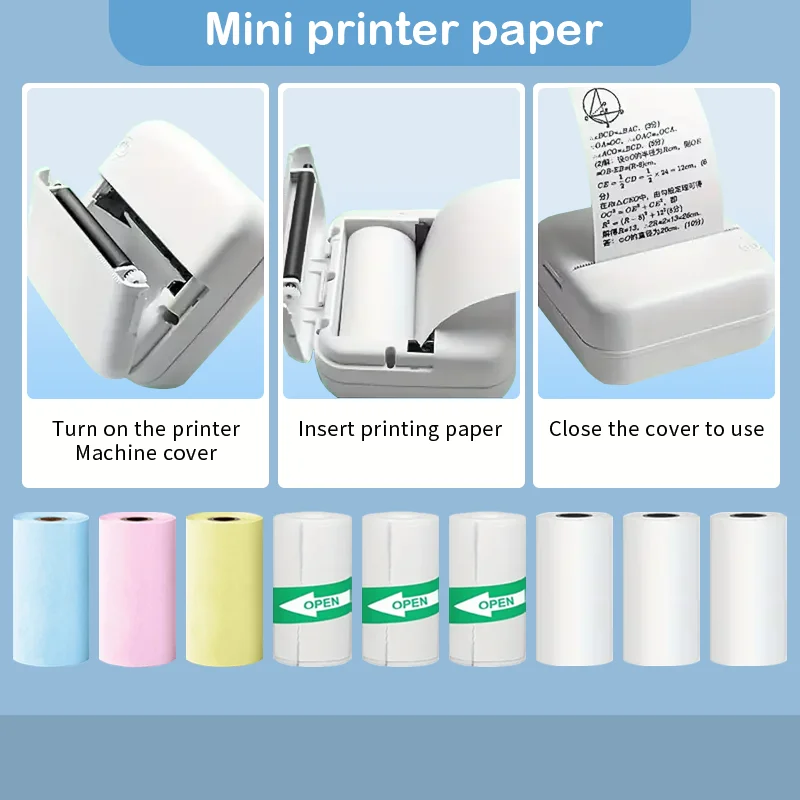
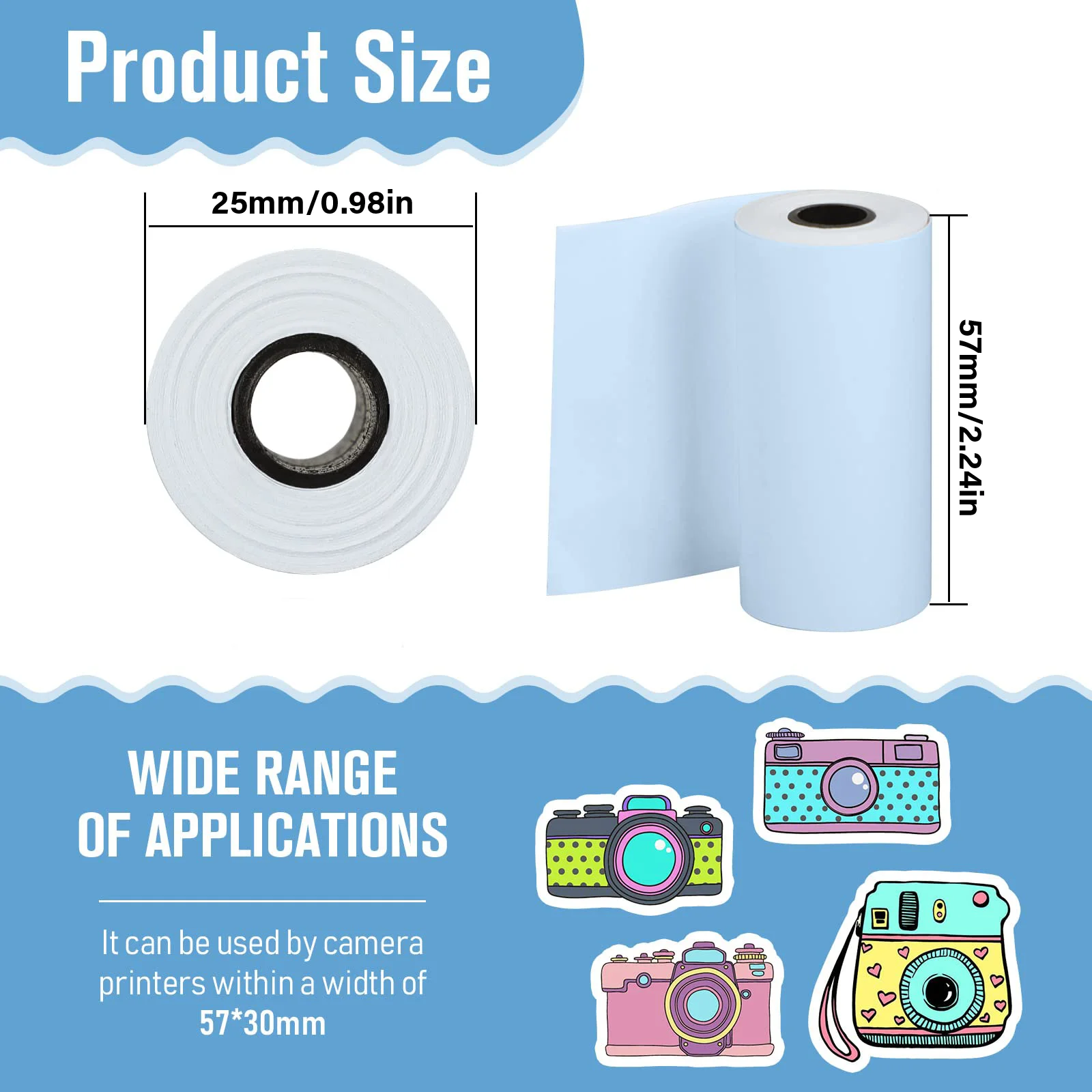
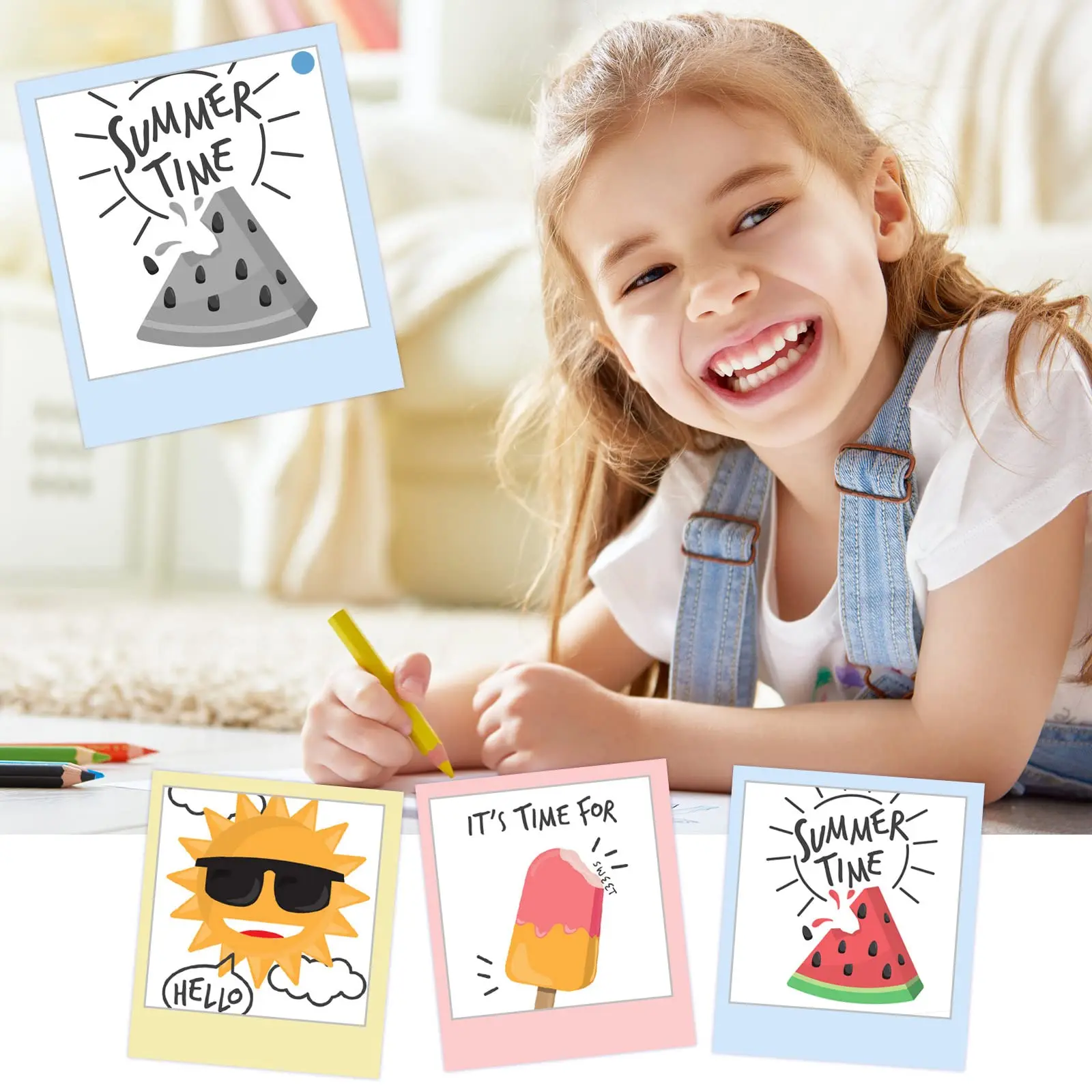
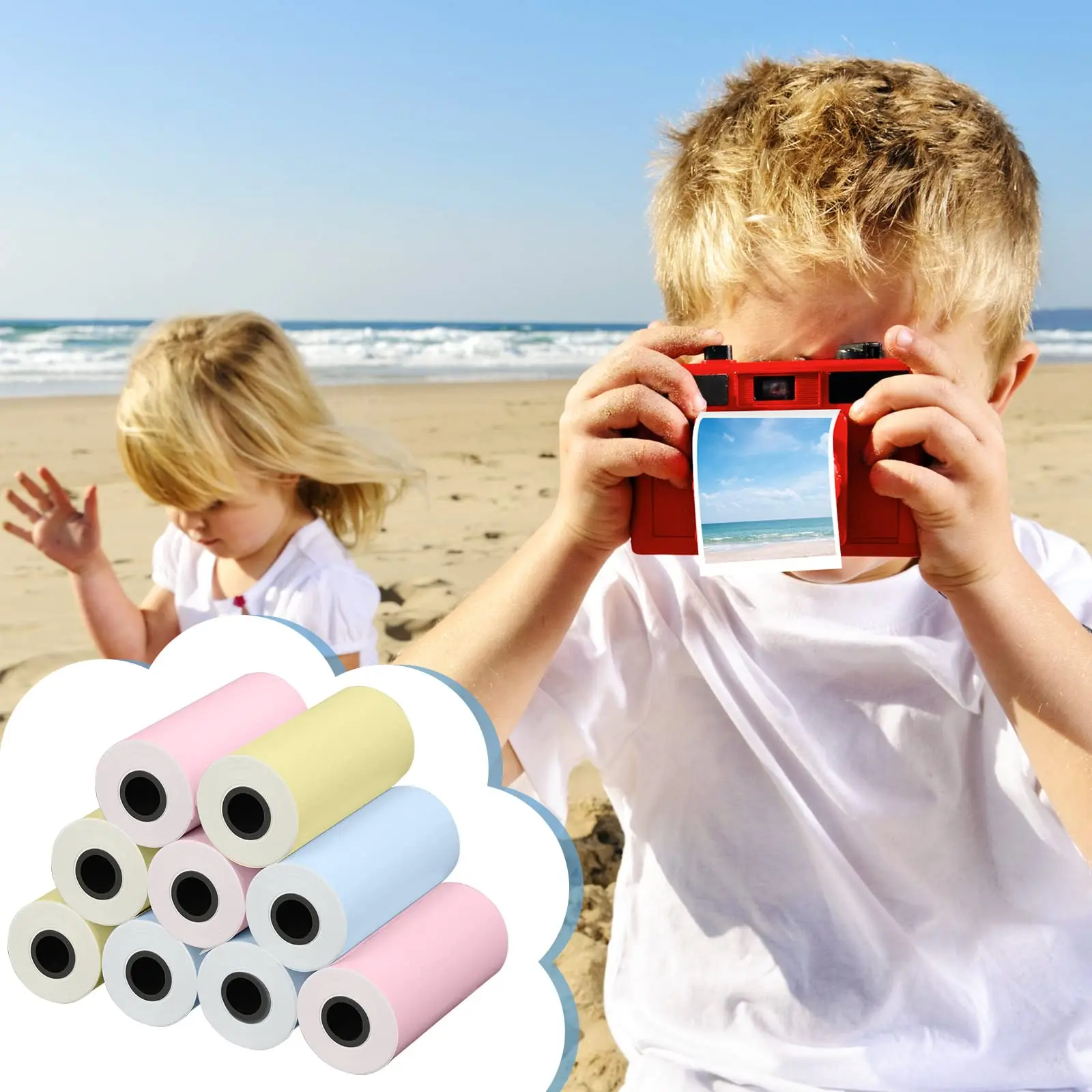
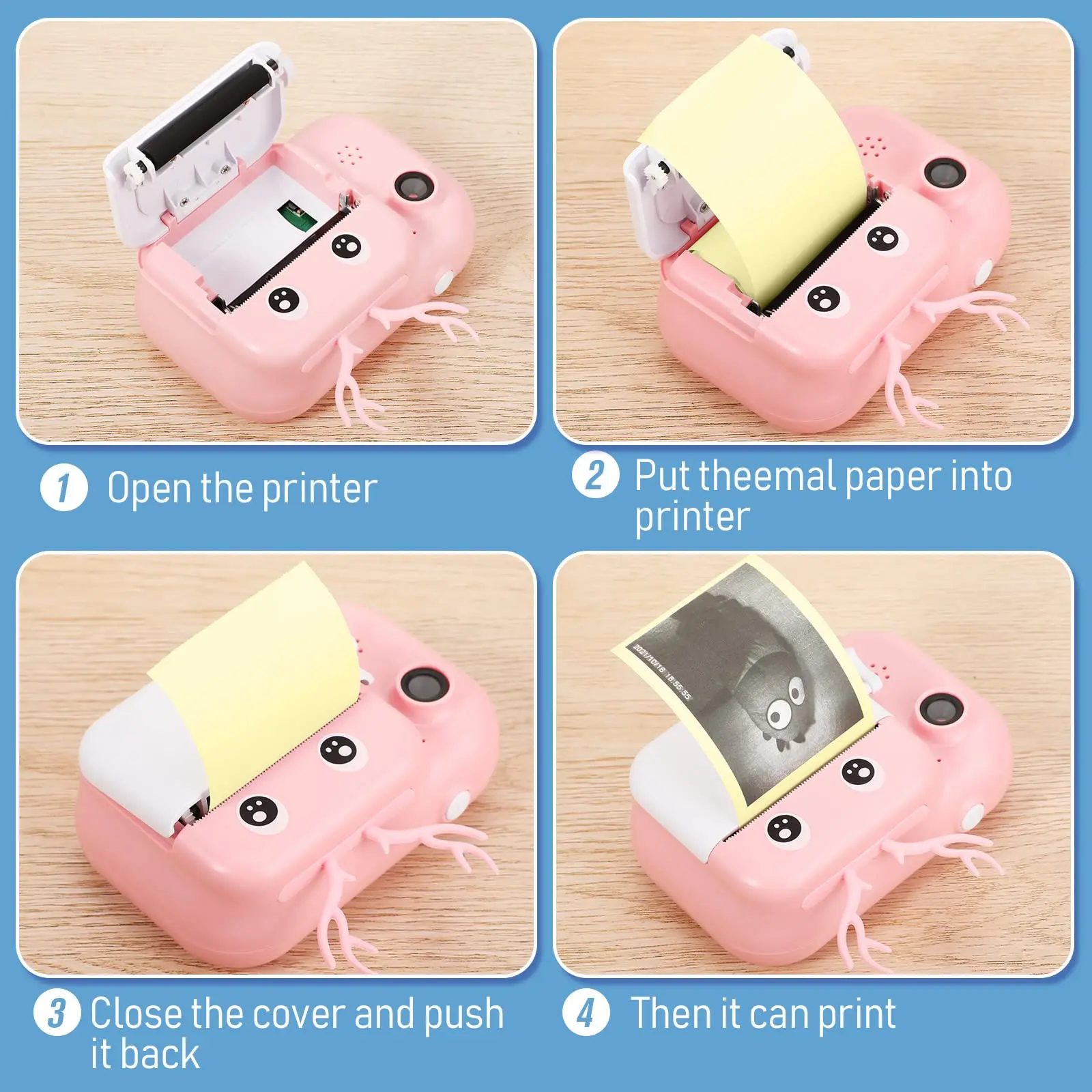
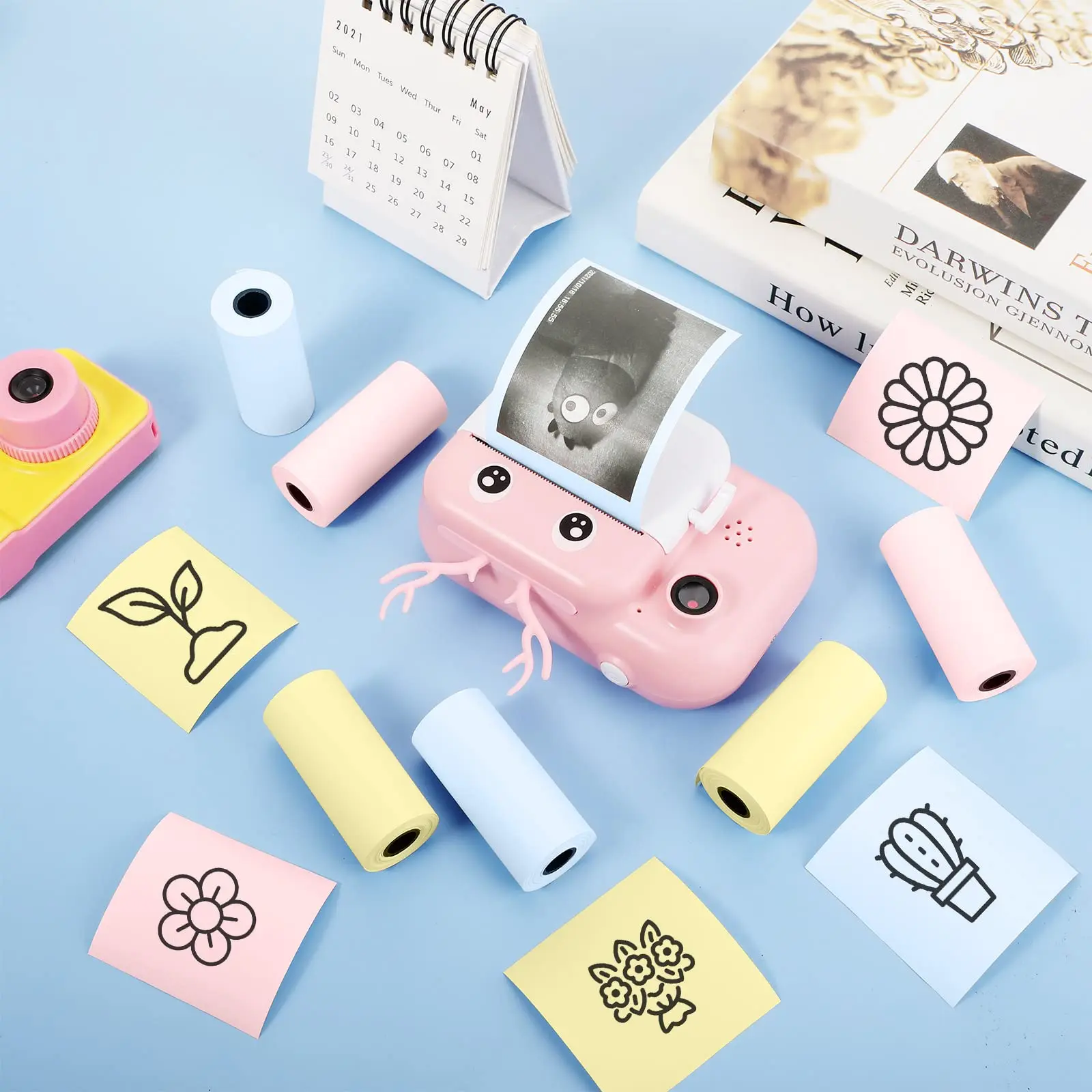
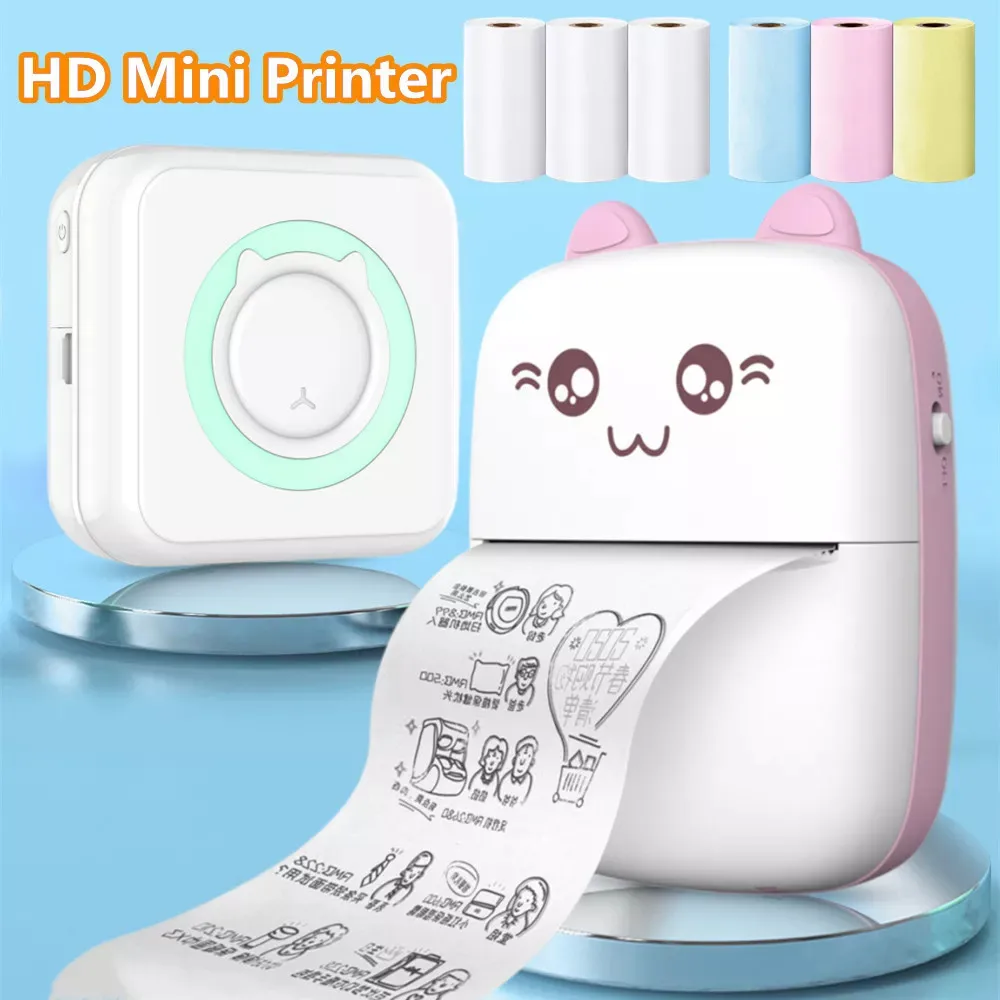
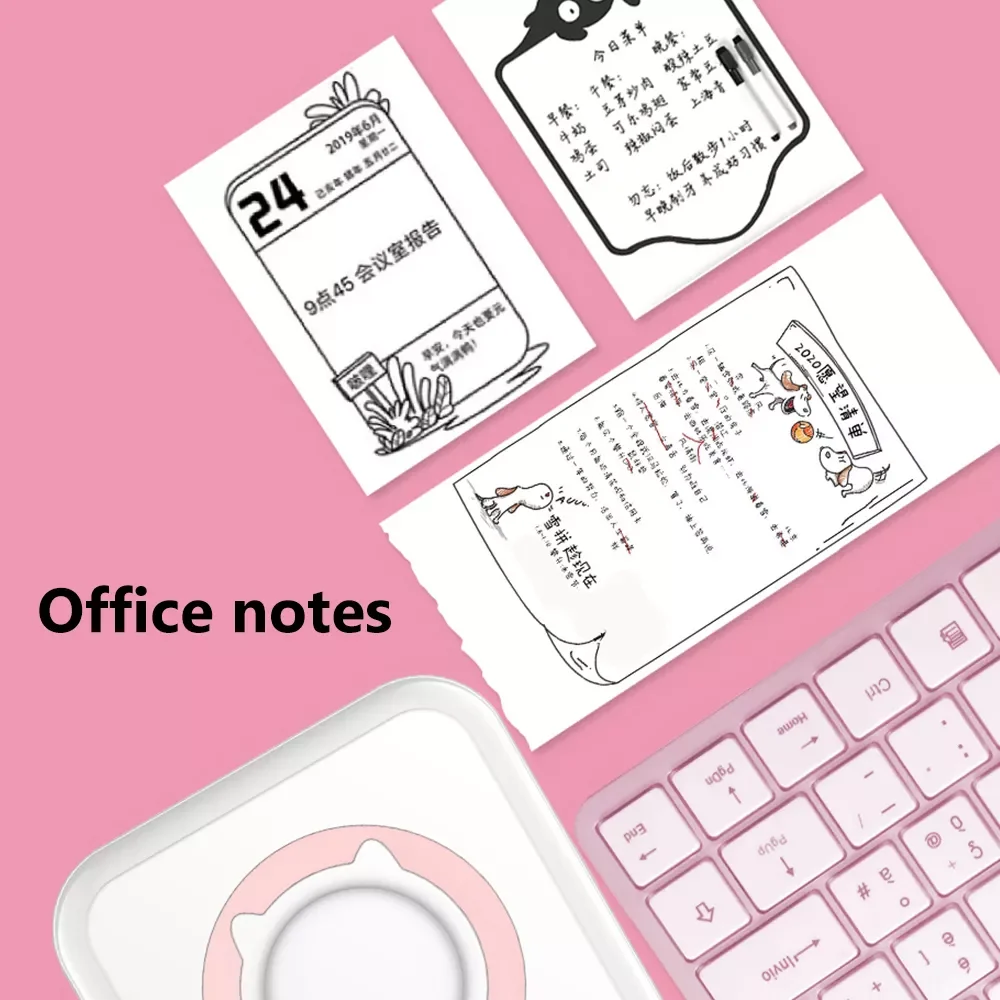
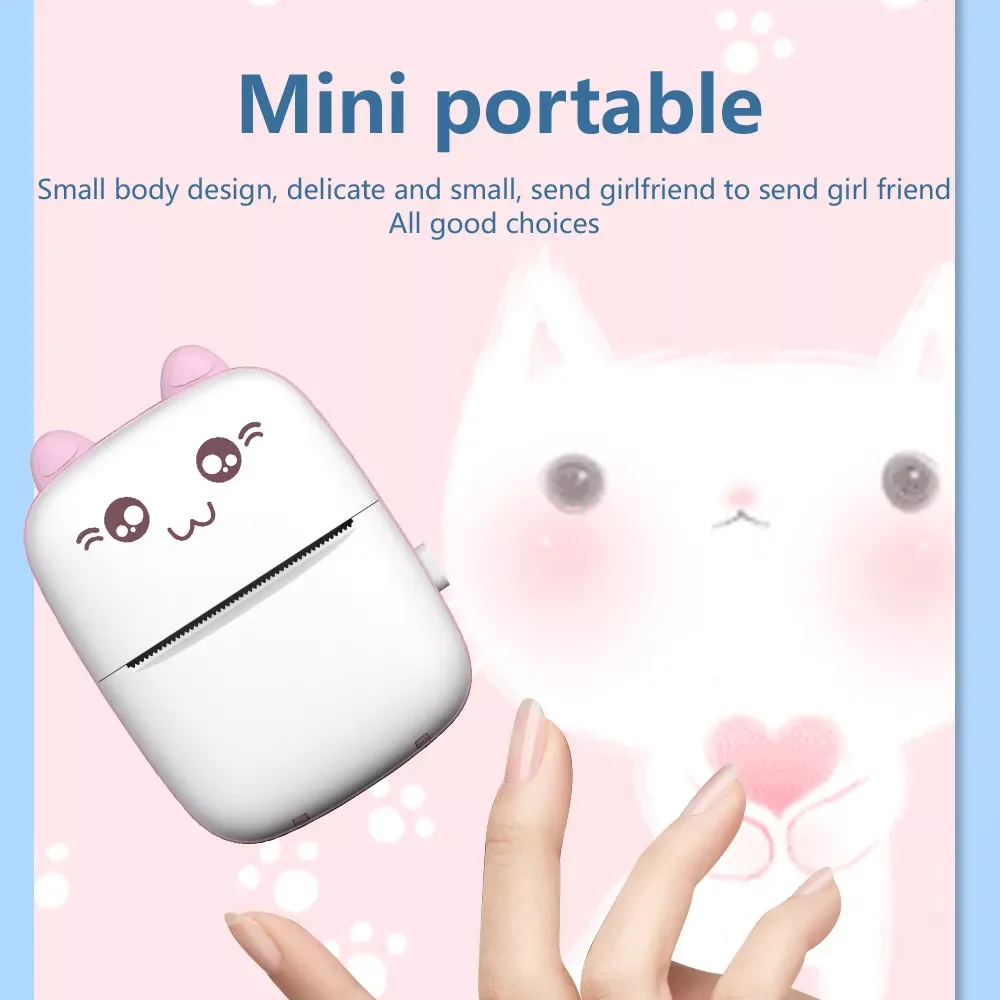
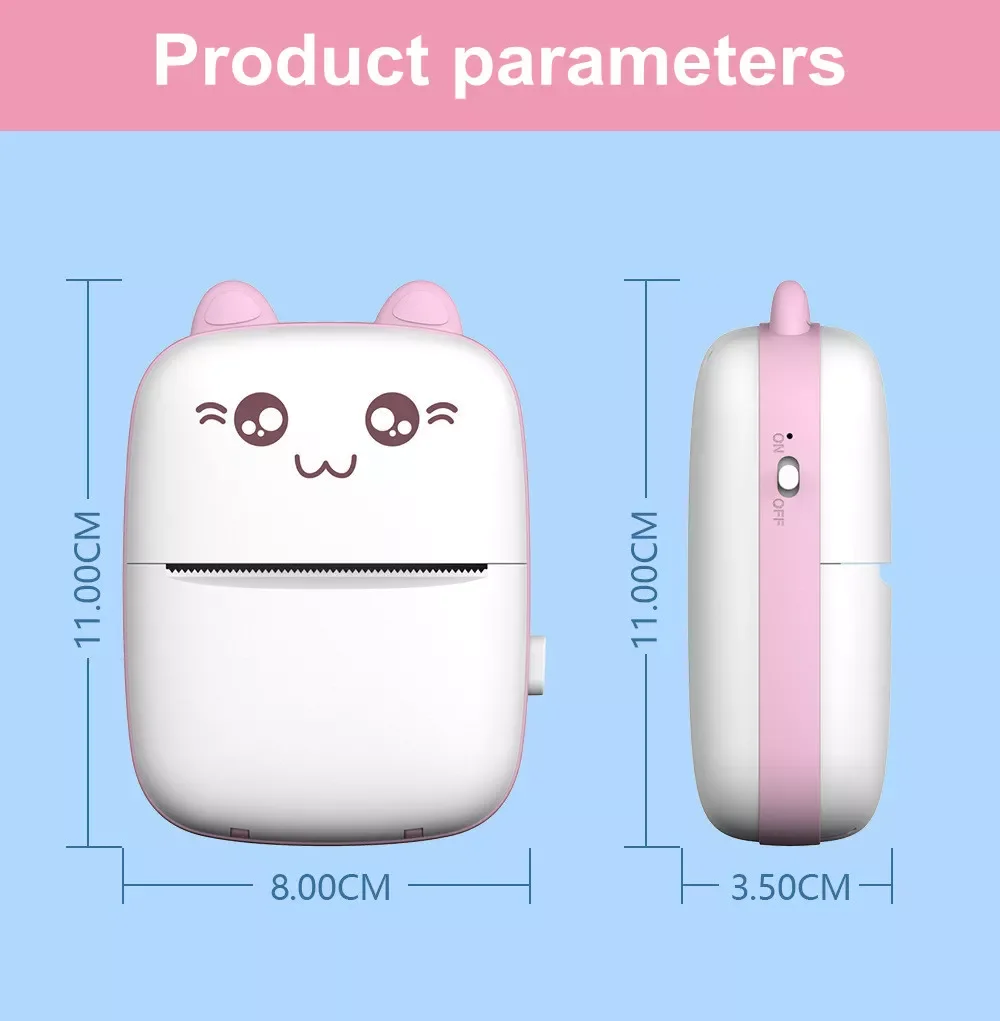
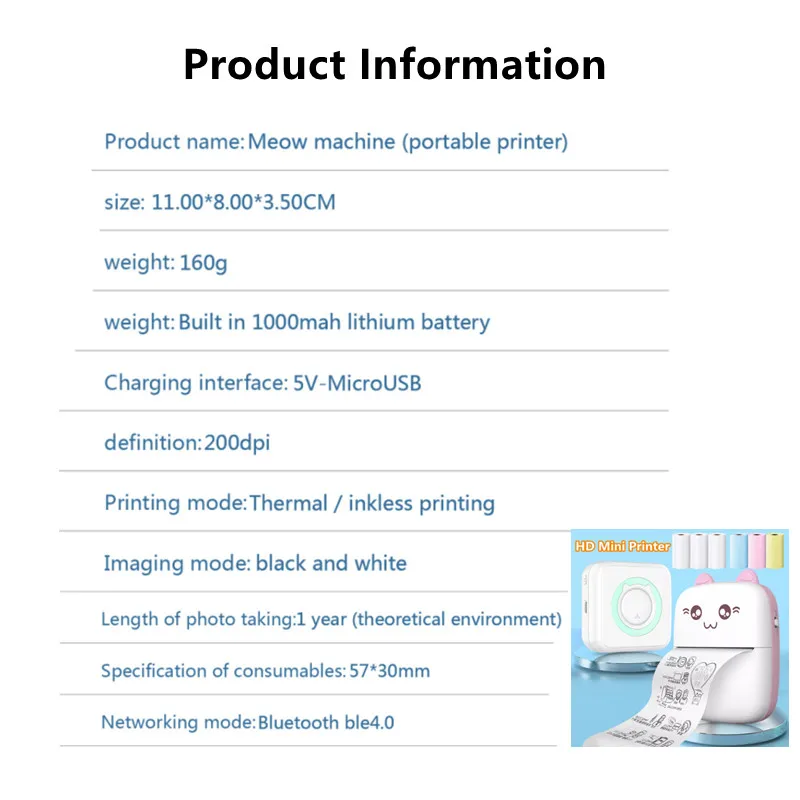
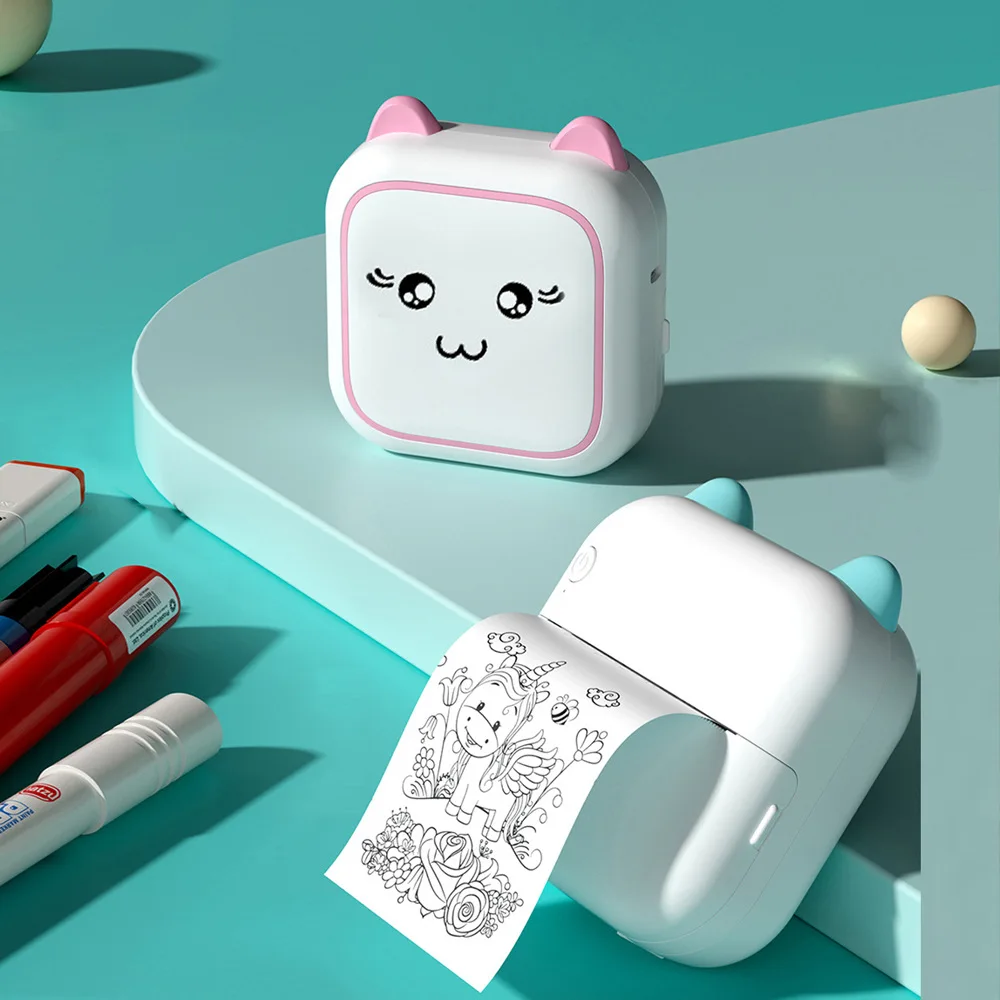
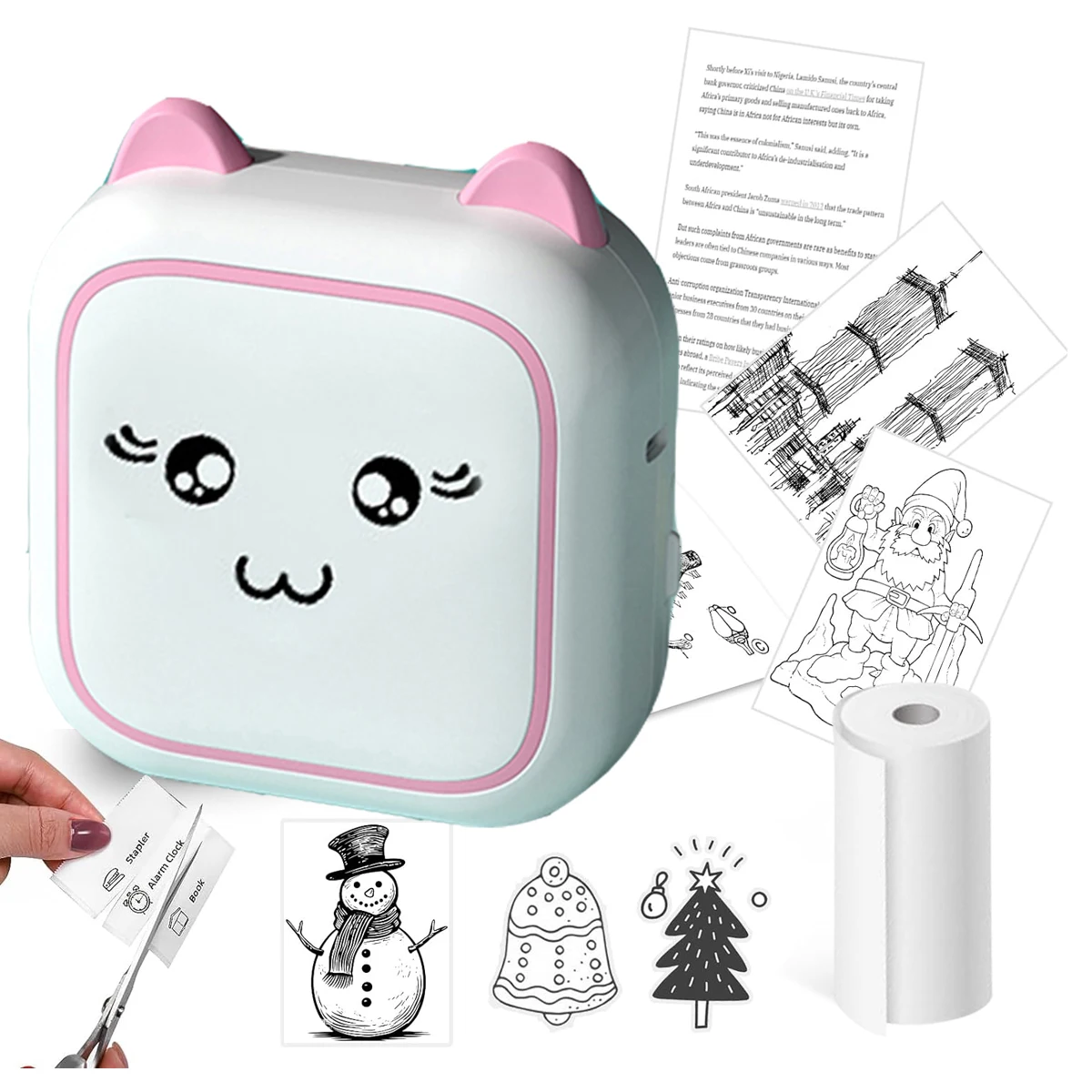
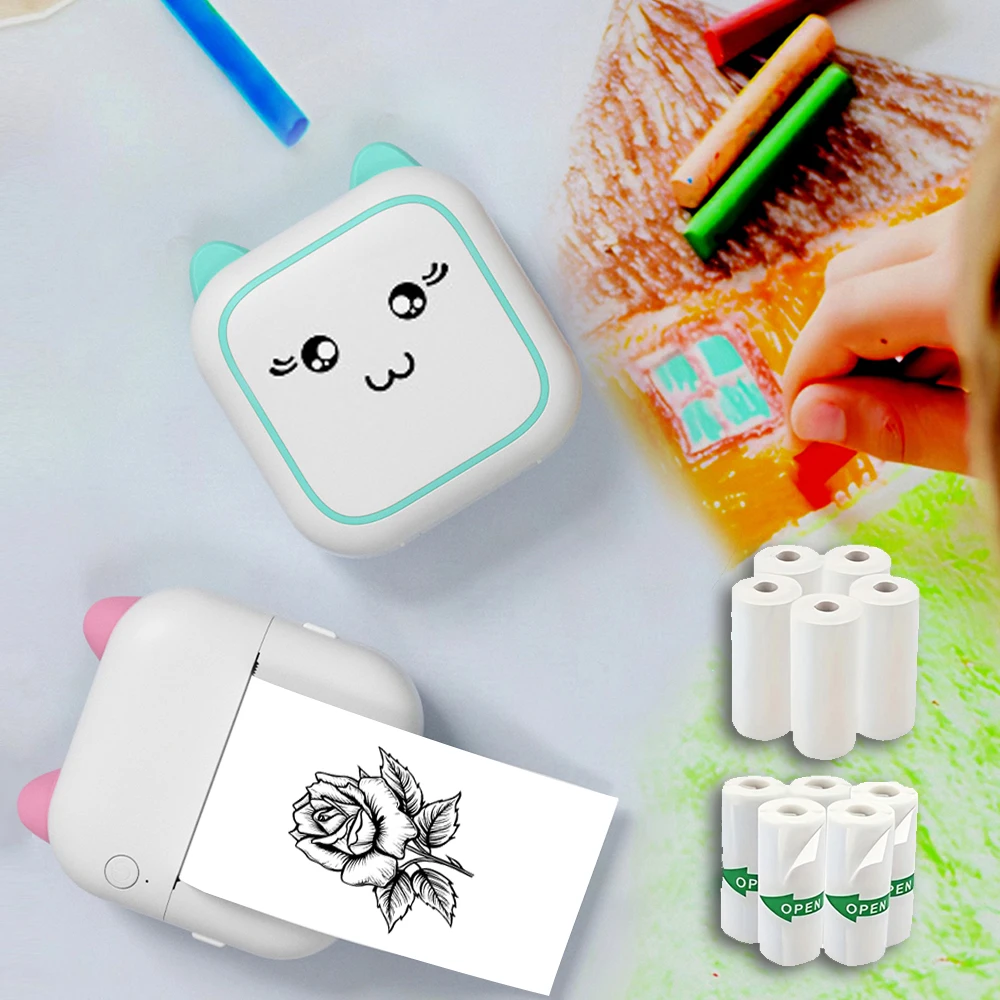
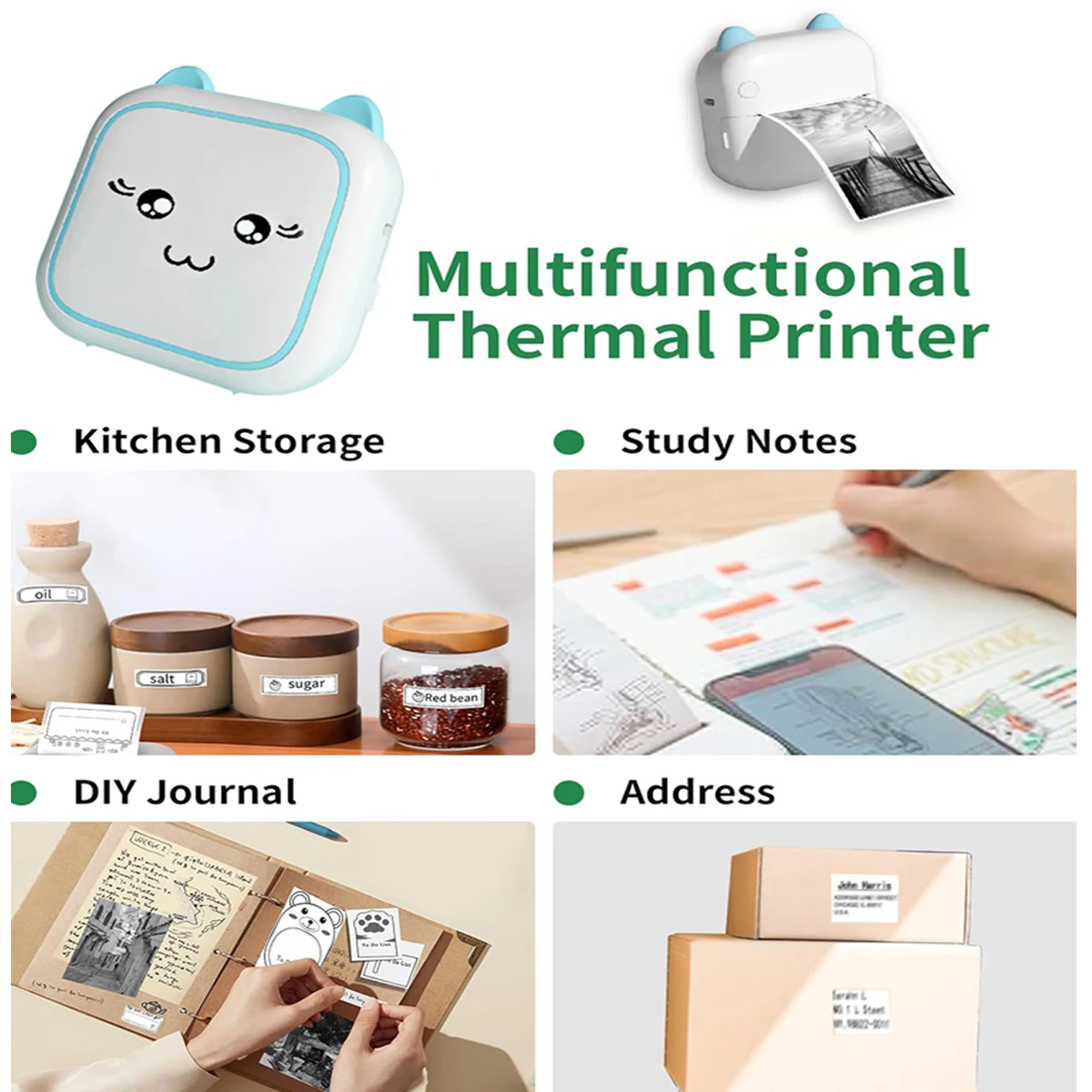
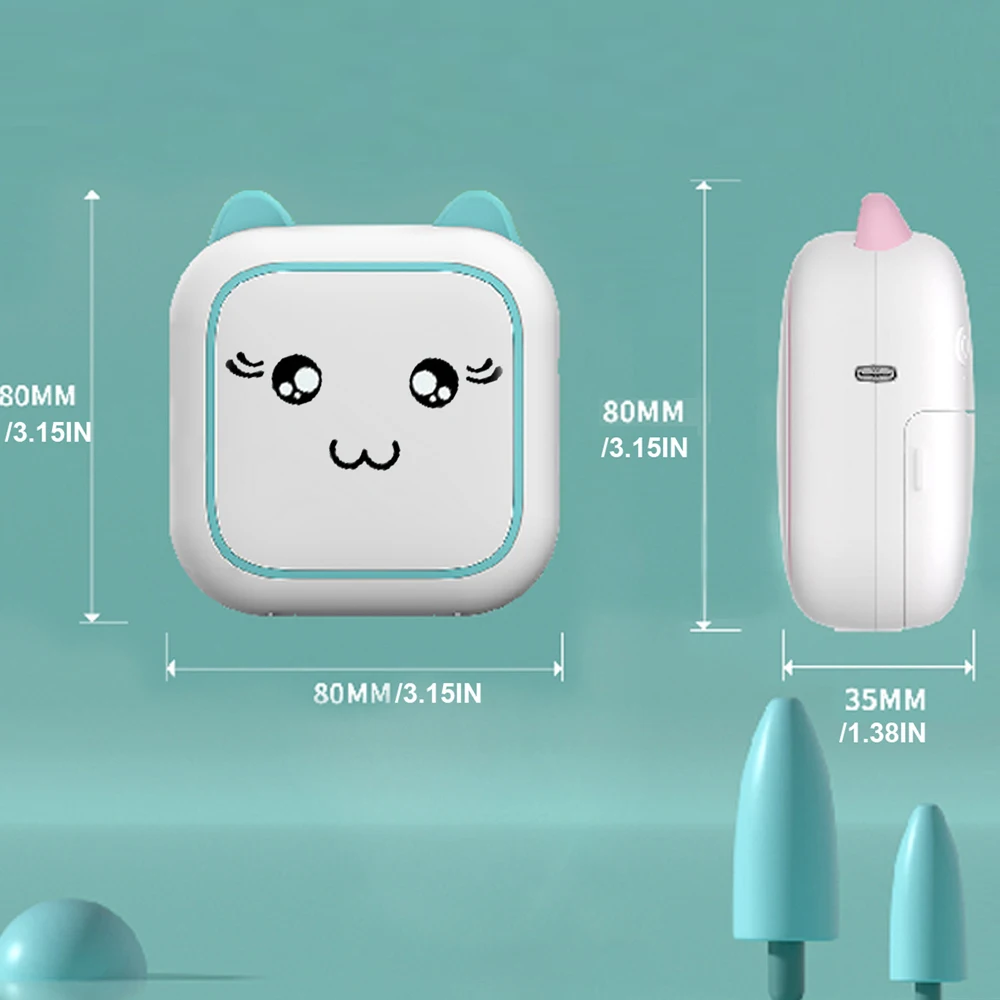
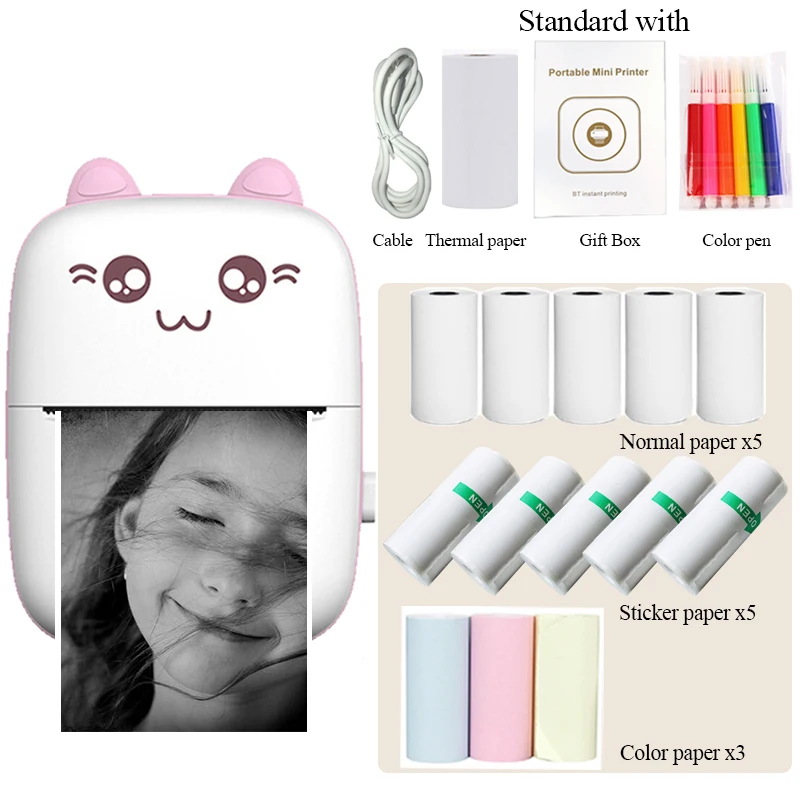
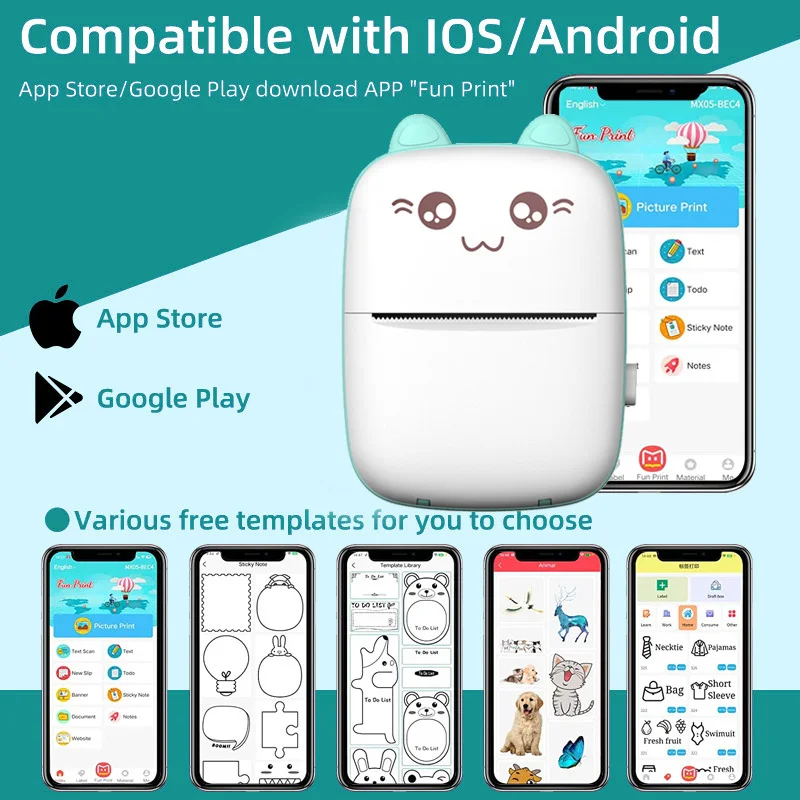
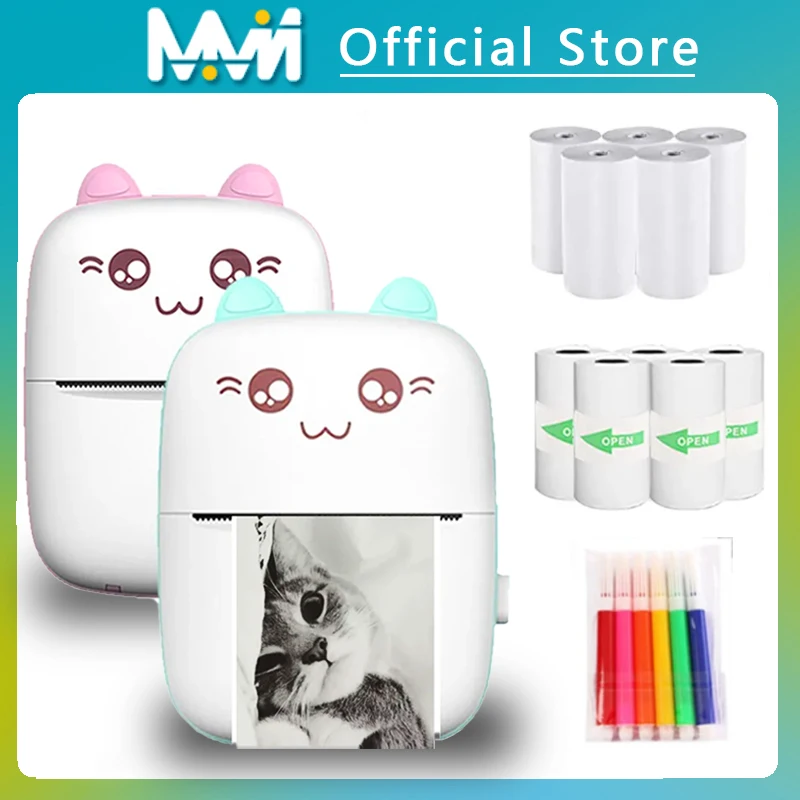
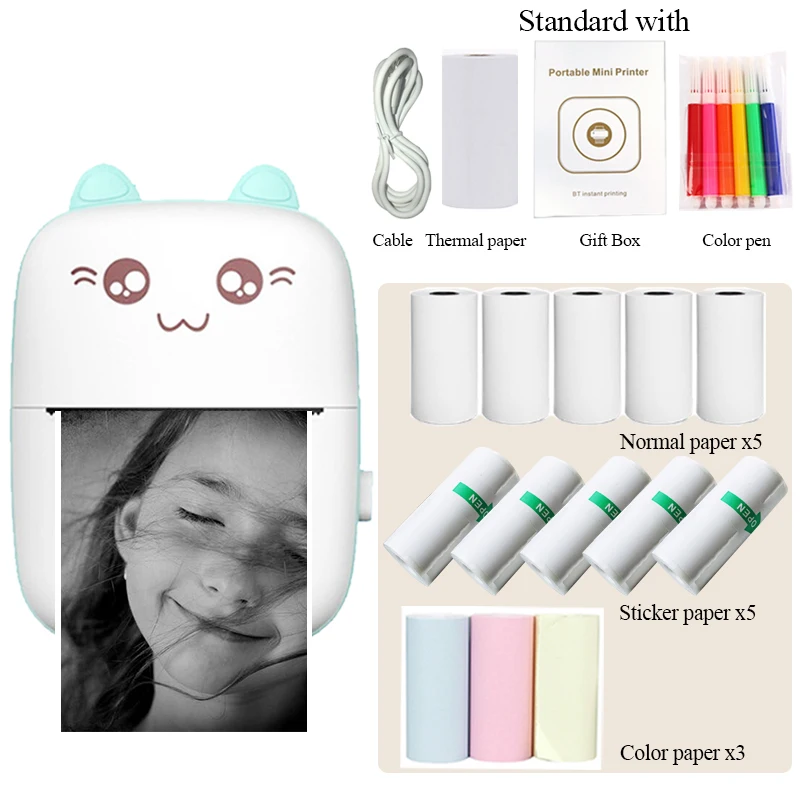
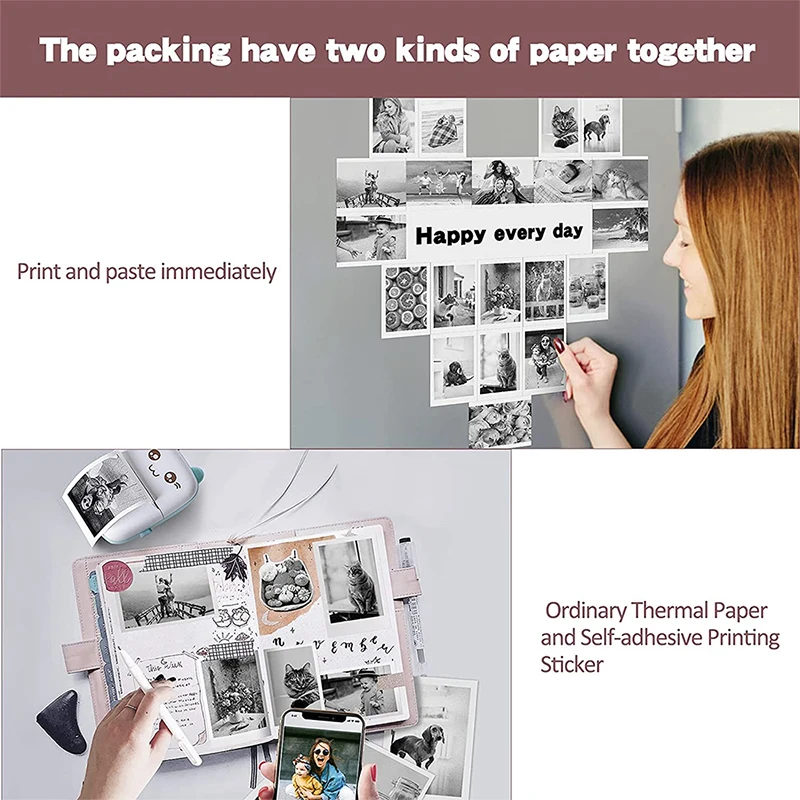
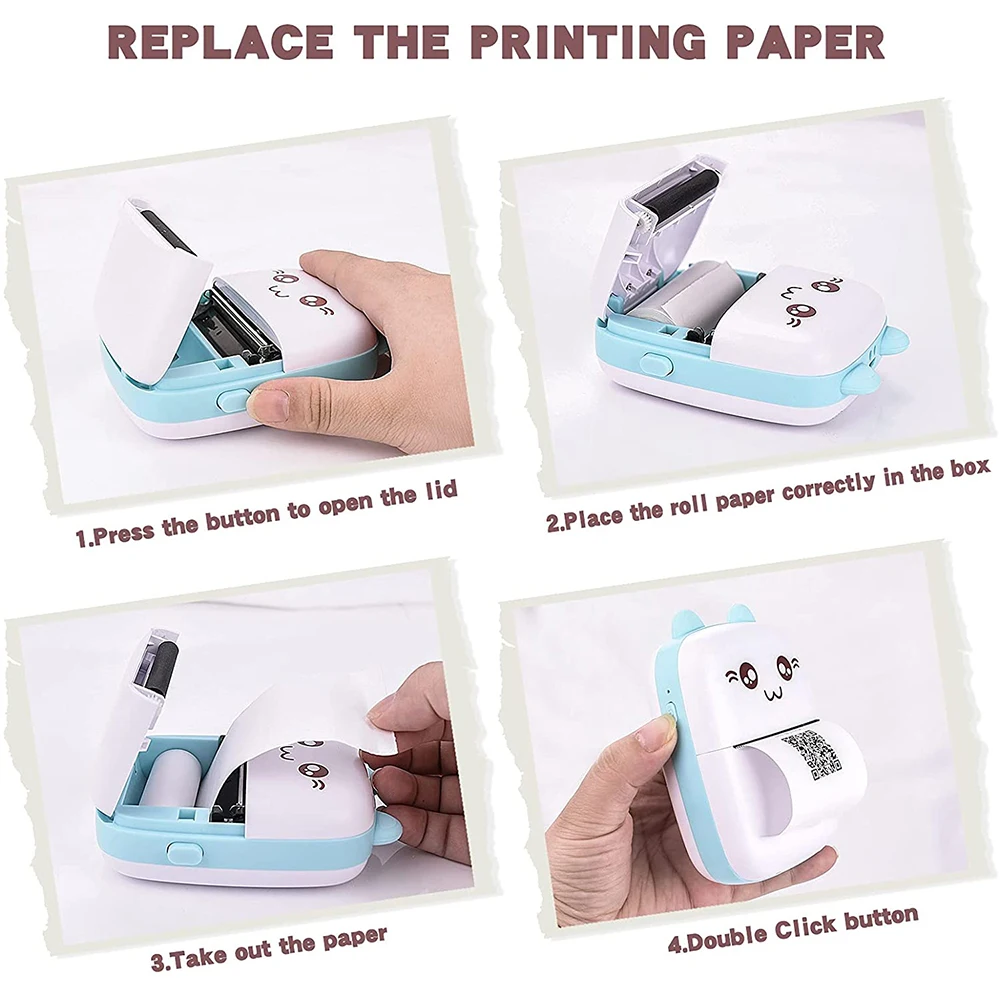
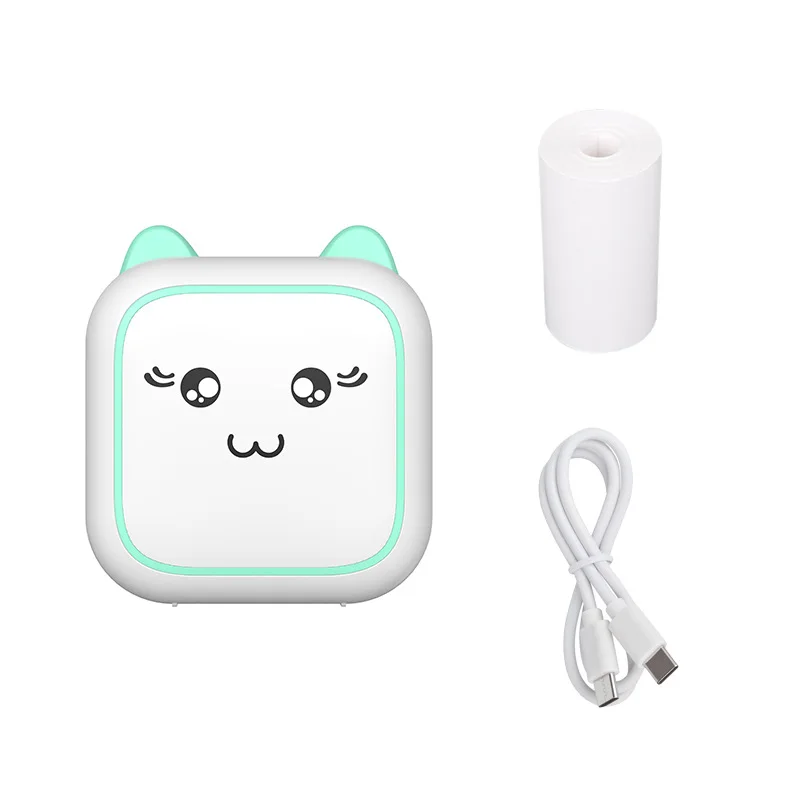
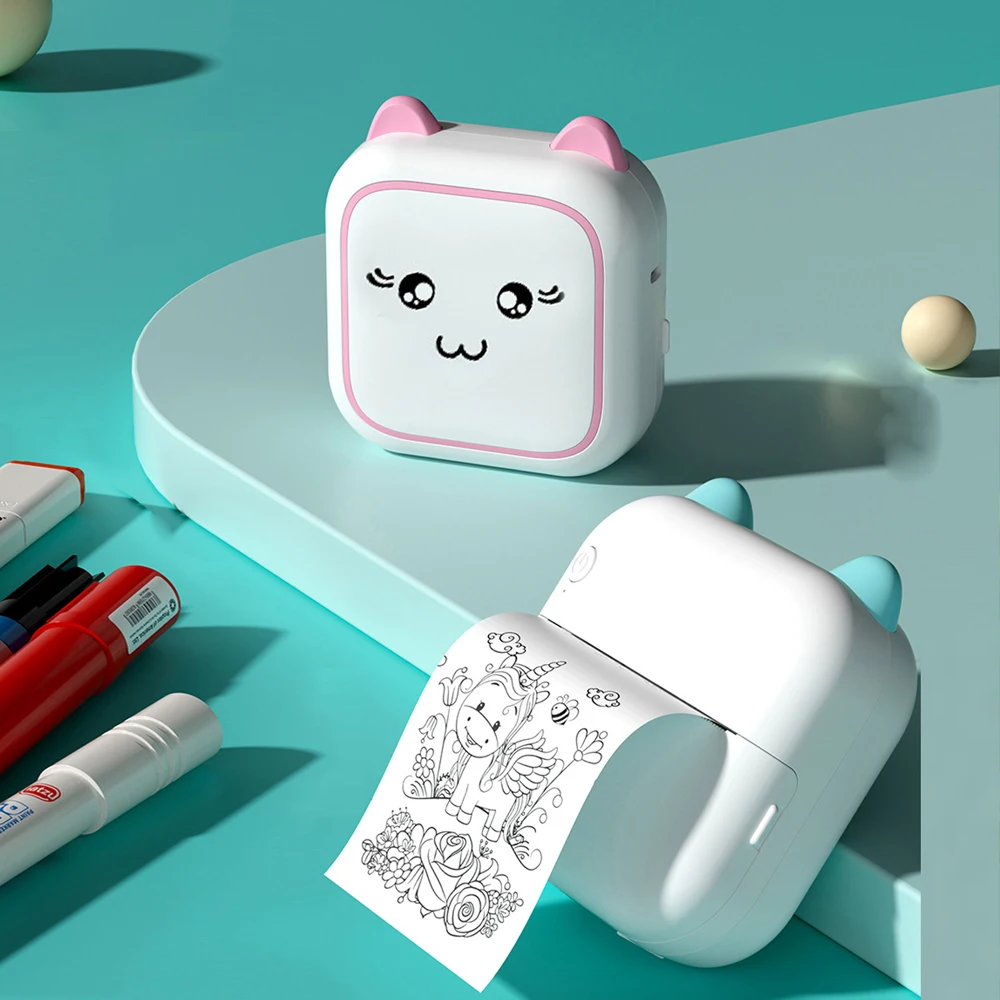
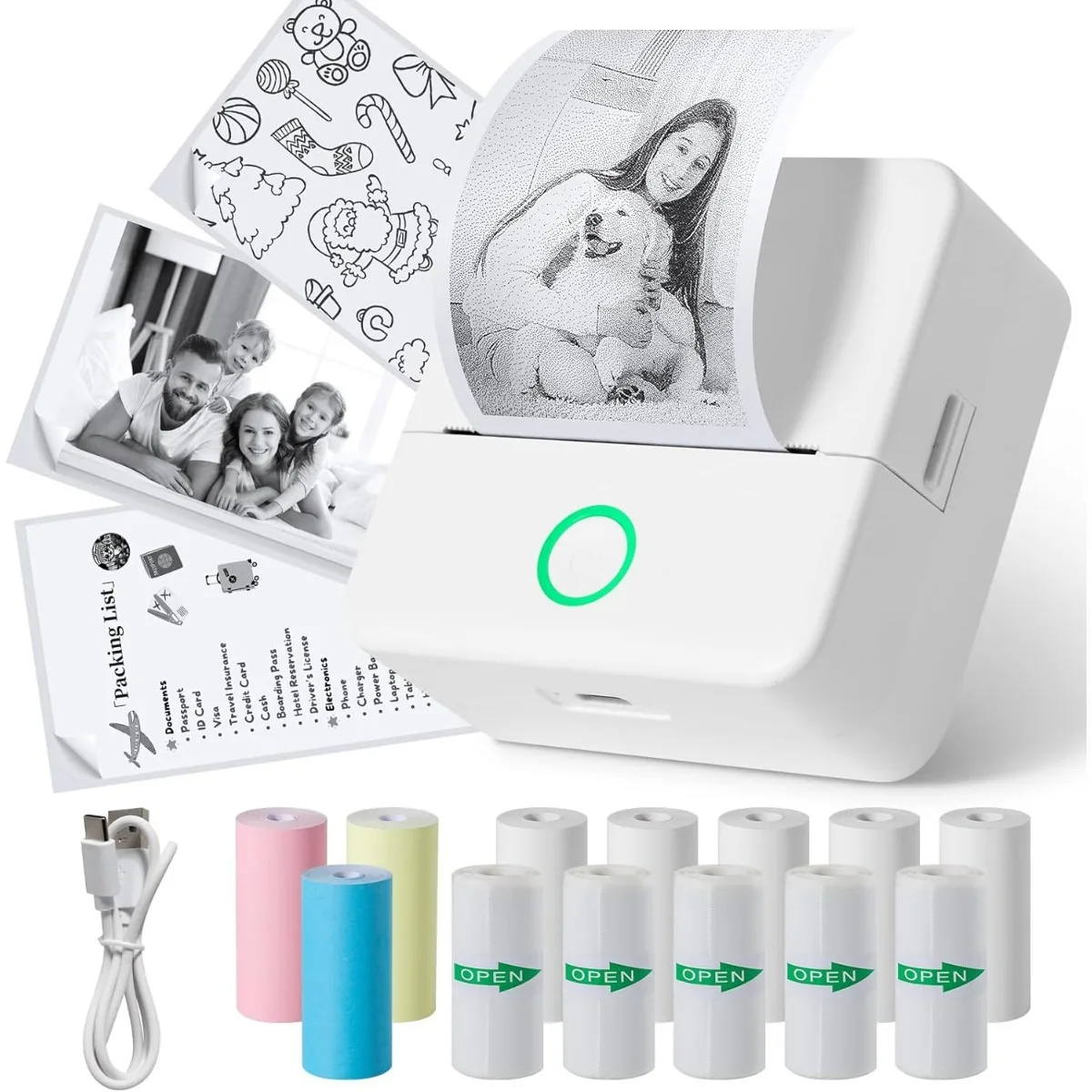
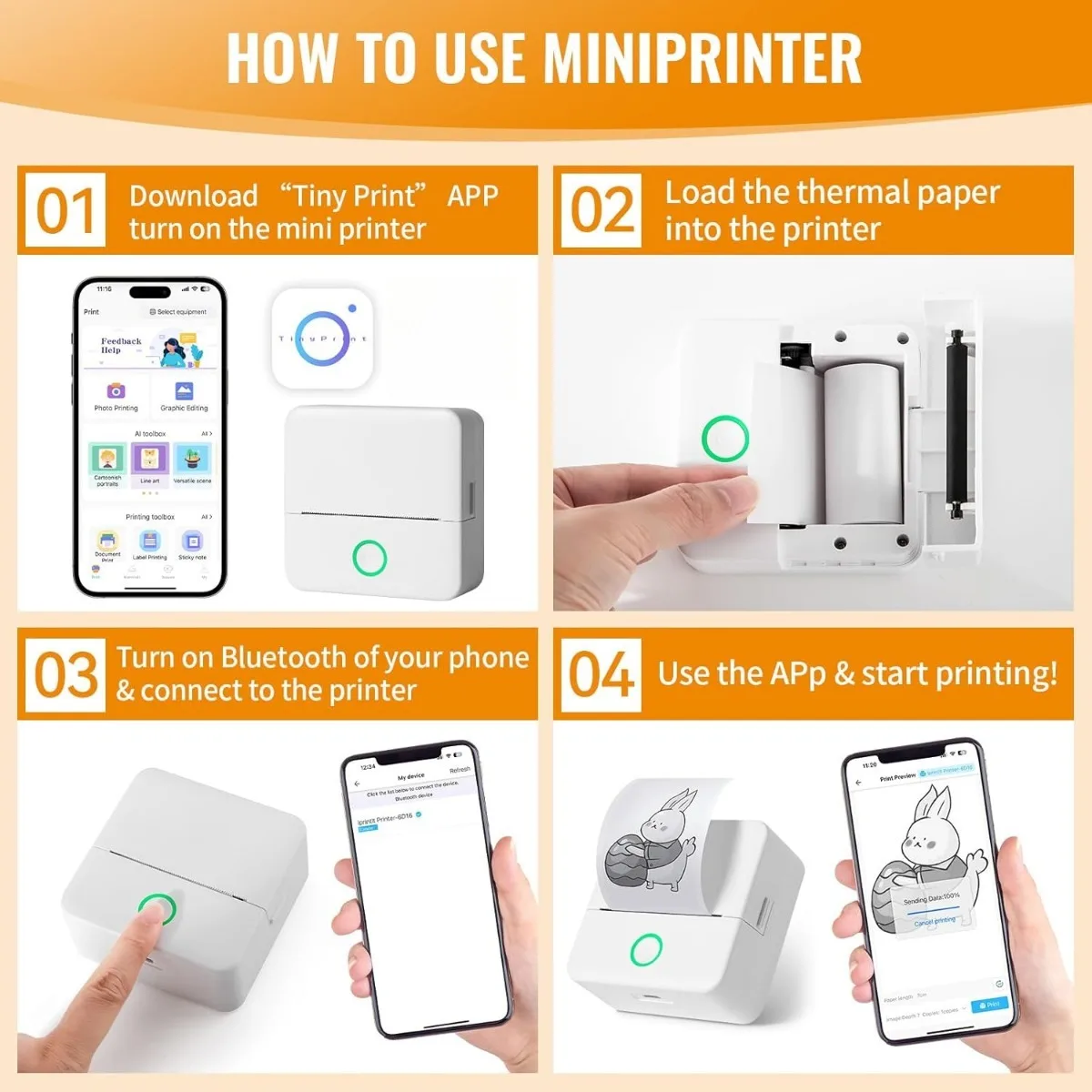
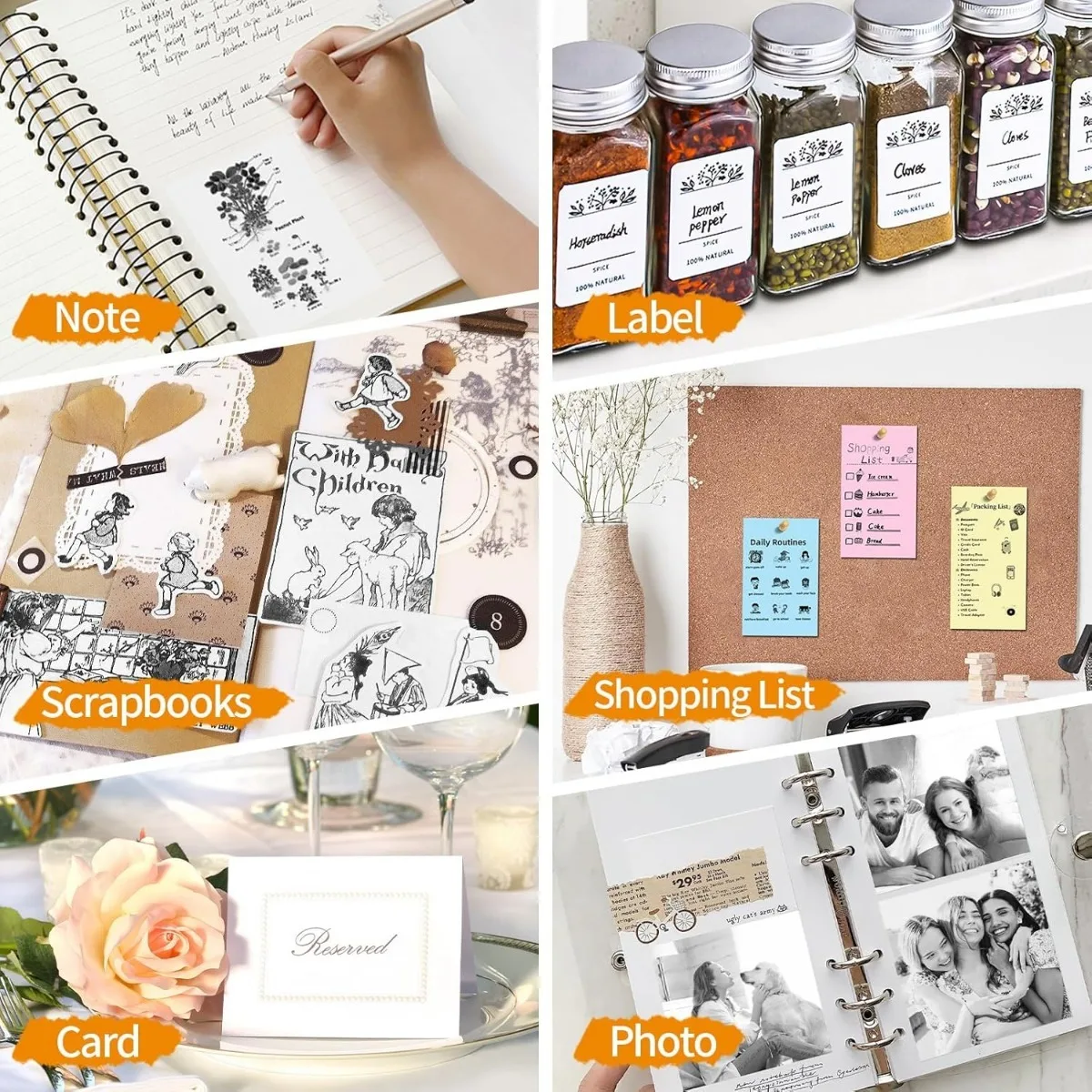
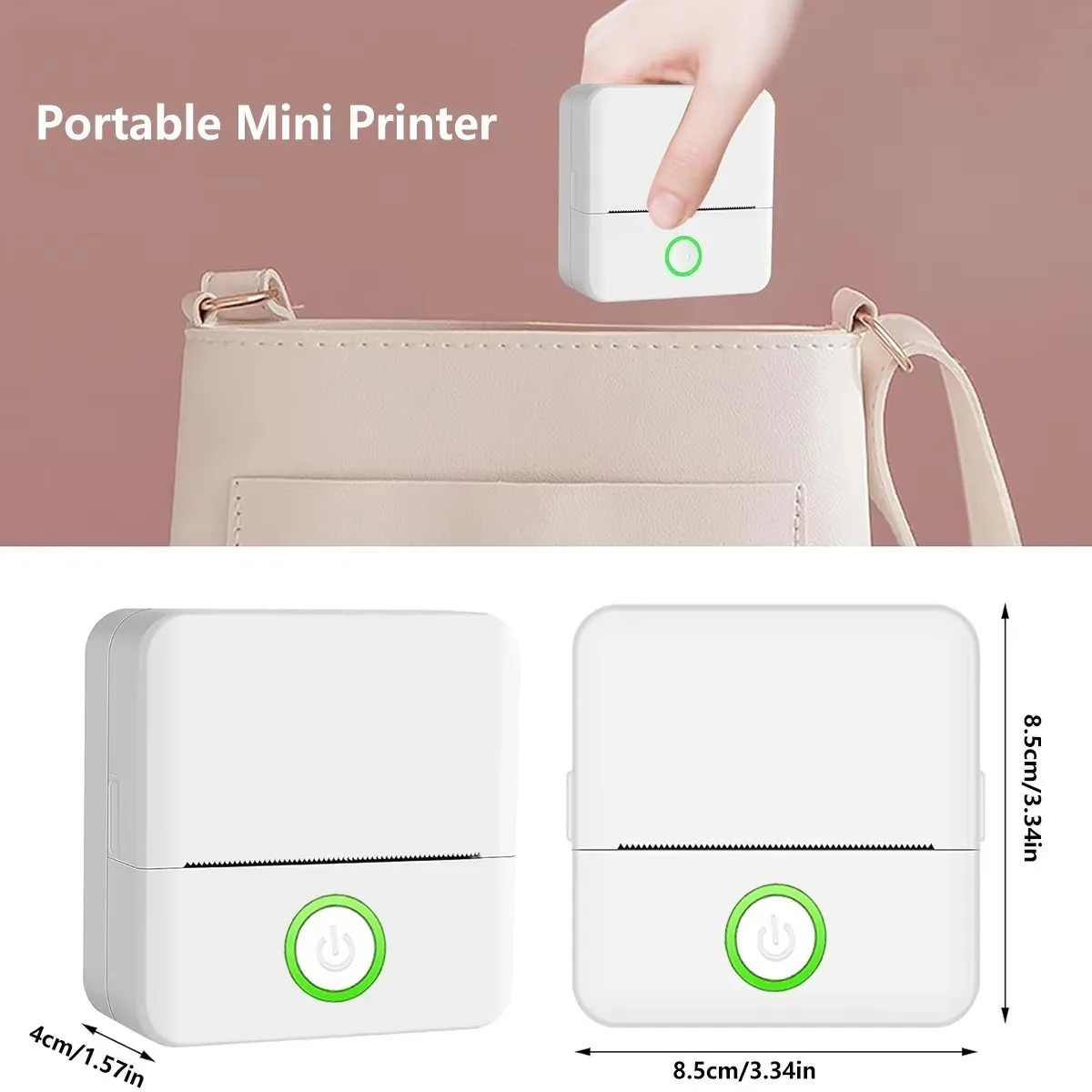
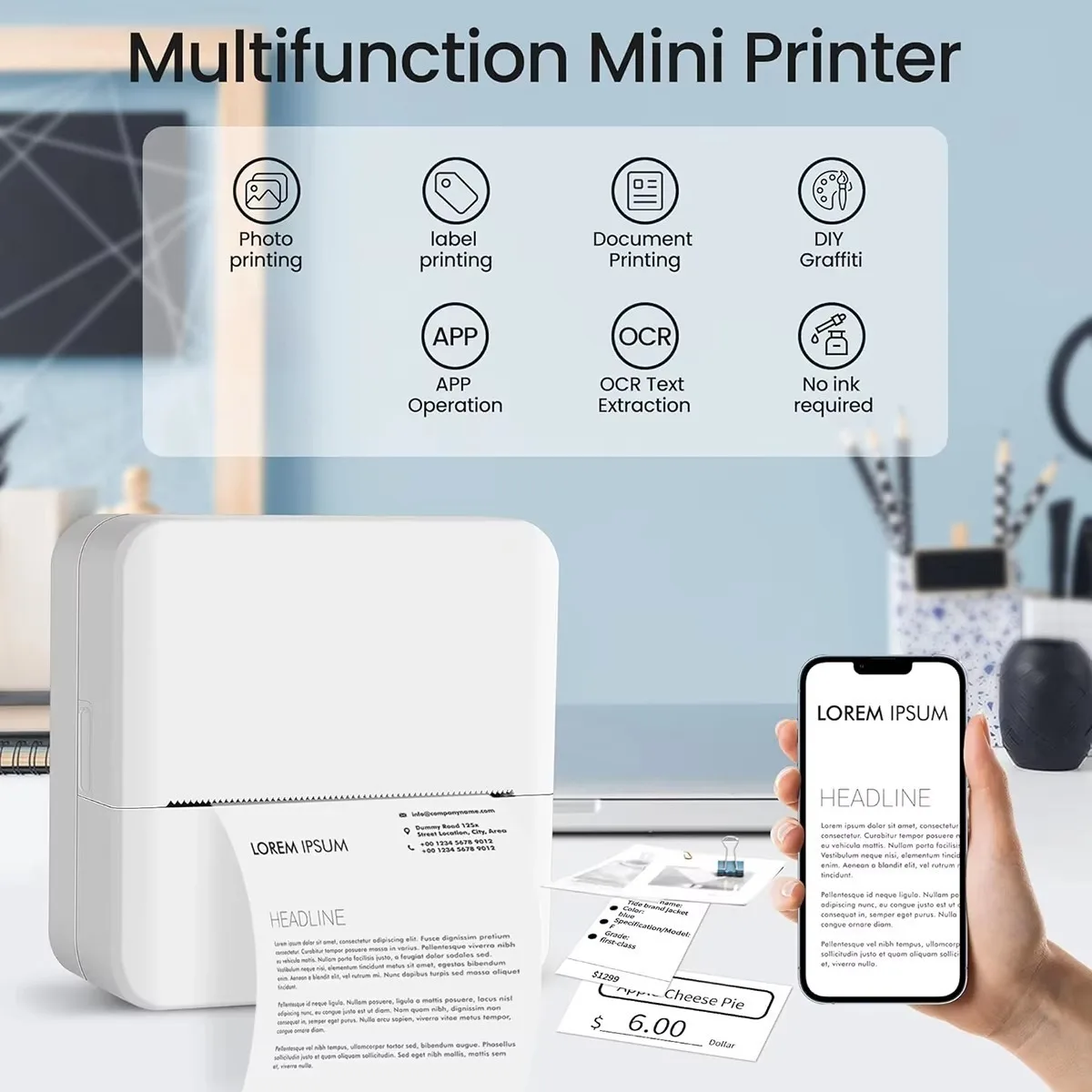
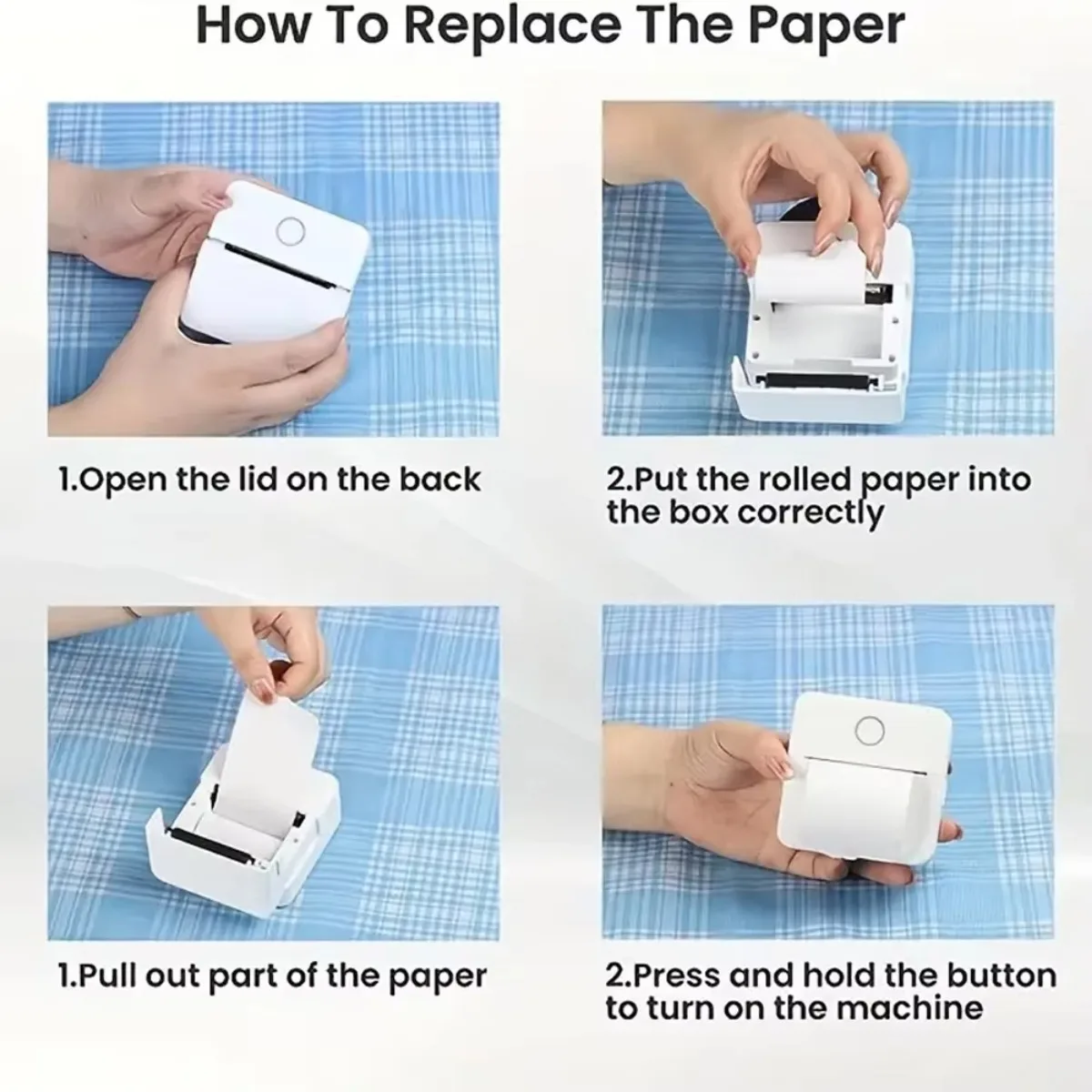
<p><br/></p><div id="featurebullets_feature_div" style="font-family:"Amazon Ember", Arial, sans-serif;font-size:14px;font-weight:400;letter-spacing:normal;text-align:start;white-space:normal;color:rgb(15, 17, 17);background-color:rgb(255, 255, 255);box-sizing:border-box" class="celwidget" align="start"><div id="feature-bullets" style="margin-bottom:0px;margin-top:8px;box-sizing:border-box" class="a-section a-spacing-medium a-spacing-top-small"><ul style="color:rgb(15, 17, 17);margin:0px 0px 0px 18px;margin-bottom:0px;margin-top:0px;margin-left:18px;margin-right:0px;padding:0px;padding-bottom:0px;padding-top:0px;padding-left:0px;padding-right:0px;box-sizing:border-box" class="a-unordered-list a-vertical a-spacing-mini"><li style="margin:0px;margin-bottom:0px;margin-top:0px;margin-left:0px;margin-right:0px;list-style:disc;box-sizing:border-box" class="a-spacing-mini"><p><span class="a-list-item" style="color:rgb(15, 17, 17)">2025 Newest Printer & Pocket Portable: The photo printer size is 82*82*45 mm, and it only weighs 210g, can be loaded with pockets, bags.It is easy to print anytime, anywhere, and can recognize text, pictures, tables, emoticons, QR codes, etc. Attention: Please follow the printer's user manual to search for "Tiny Print" in the App Store or Google to connect and use. Please search for a connection through the app instead of using the Bluetooth on your phone</span></p></li><li style="margin:0px;margin-bottom:0px;margin-top:0px;margin-left:0px;margin-right:0px;list-style:disc;box-sizing:border-box" class="a-spacing-mini"><p><span class="a-list-item" style="color:rgb(15, 17, 17)">Blue-tooth Connection: Our sticker printer is easy to operate. First, download and install the app "Tiny Print" in the App Store or search on Google, then long press the printer switch and the green light flashes, turn on the blue-tooth device of our mobile phone, open the"Tiny Print" app and click "connect", refresh and click "X5" and connect. To start printing, please refer to the instructions and follow the instructions.</span></p></li><li style="margin:0px;margin-bottom:0px;margin-top:0px;margin-left:0px;margin-right:0px;list-style:disc;box-sizing:border-box" class="a-spacing-mini"><p><span class="a-list-item" style="color:rgb(15, 17, 17)">Intelligent AI Mapping: "Tiny Print" APP printing has an AI treasure box module with six functions: graffiti practice, character cartoonization, line art, variable scenes, AI painting and creative painting. These functions can be used to create a variety of artistic creations such as autonomous drawing, line generation, character scene synthesis, etc., and can also automatically generate cartoons and comics according to your description, providing personalized and diversified printing options.</span></p></li><li style="margin:0px;margin-bottom:0px;margin-top:0px;margin-left:0px;margin-right:0px;list-style:disc;box-sizing:border-box" class="a-spacing-mini"><p><span class="a-list-item" style="color:rgb(15, 17, 17)">Multipurpose & Perfect Present: Our inkless printer for printing black and white photos, memos, labels, cute pet stickers, QR codes, etc. Information and images on the phone screen can be printed instantly. If you need a clearer print, please select the original image and darken the print. Improve efficiency by helping you organize and summarize work plans, shopping lists, and more. The ideal birthday, anniversary, Christmas present for anyone.</span></p></li><li style="margin:0px;margin-bottom:0px;margin-top:0px;margin-left:0px;margin-right:0px;list-style:disc;box-sizing:border-box" class="a-spacing-mini"><p><span class="a-list-item" style="color:rgb(15, 17, 17)">Packaged Included & After-sales Service:Including 1 mini thermal printer, 11 rolls of printing paper, 1 sticker, charge cable, lanyard and user manual. The portable printer built-in 1200mAh battery for long-lasting use. If you have any operational problems, Please feel free to ask any questions, we will provide assistance</span></p></li><li style="margin:0px;margin-bottom:0px;margin-top:0px;margin-left:0px;margin-right:0px;list-style:disc;box-sizing:border-box" class="a-spacing-mini"><p><span class="a-list-item" style="color:rgb(15, 17, 17)">Prints directly from android/ios devices.Please choose HuiJuKeJi thermal printer for more stable signal connection, clearer printing, and guaranteed quality. Note: Choosing deep printing is clearer. If printing is blank, check if the printing paper is loaded upside down.</span></p></li></ul></div></div><div id="provenanceCertifications_feature_div" style="font-family:"Amazon Ember", Arial, sans-serif;font-size:14px;font-weight:400;letter-spacing:normal;text-align:start;white-space:normal;color:rgb(15, 17, 17);background-color:rgb(255, 255, 255);box-sizing:border-box" class="celwidget" align="start"><div id="provenance-certifications" style="margin-bottom:22px;margin-top:0px;padding-top:4px;box-sizing:border-box" class="a-section a-spacing-medium a-spacing-top-micro"></div></div><p><br/></p>
$17.045
$8.915
- Category : Computer & Office
- Brand : hanstech_store HansTech Store
Colors
Sizes
-
+

<p><br/></p><div id="featurebullets_feature_div" style="font-family:"Amazon Ember", Arial, sans-serif;font-size:14px;font-weight:400;letter-spacing:normal;text-align:start;white-space:normal;color:rgb(15, 17, 17);background-color:rgb(255, 255, 255);box-sizing:border-box" class="celwidget" align="start"><div id="feature-bullets" style="margin-bottom:0px;margin-top:8px;box-sizing:border-box" class="a-section a-spacing-medium a-spacing-top-small"><ul style="color:rgb(15, 17, 17);margin:0px 0px 0px 18px;margin-bottom:0px;margin-top:0px;margin-left:18px;margin-right:0px;padding:0px;padding-bottom:0px;padding-top:0px;padding-left:0px;padding-right:0px;box-sizing:border-box" class="a-unordered-list a-vertical a-spacing-mini"><li style="margin:0px;margin-bottom:0px;margin-top:0px;margin-left:0px;margin-right:0px;list-style:disc;box-sizing:border-box" class="a-spacing-mini"><p><span class="a-list-item" style="color:rgb(15, 17, 17)">2025 Newest Printer & Pocket Portable: The photo printer size is 82*82*45 mm, and it only weighs 210g, can be loaded with pockets, bags.It is easy to print anytime, anywhere, and can recognize text, pictures, tables, emoticons, QR codes, etc. Attention: Please follow the printer's user manual to search for "Tiny Print" in the App Store or Google to connect and use. Please search for a connection through the app instead of using the Bluetooth on your phone</span></p></li><li style="margin:0px;margin-bottom:0px;margin-top:0px;margin-left:0px;margin-right:0px;list-style:disc;box-sizing:border-box" class="a-spacing-mini"><p><span class="a-list-item" style="color:rgb(15, 17, 17)">Blue-tooth Connection: Our sticker printer is easy to operate. First, download and install the app "Tiny Print" in the App Store or search on Google, then long press the printer switch and the green light flashes, turn on the blue-tooth device of our mobile phone, open the"Tiny Print" app and click "connect", refresh and click "X5" and connect. To start printing, please refer to the instructions and follow the instructions.</span></p></li><li style="margin:0px;margin-bottom:0px;margin-top:0px;margin-left:0px;margin-right:0px;list-style:disc;box-sizing:border-box" class="a-spacing-mini"><p><span class="a-list-item" style="color:rgb(15, 17, 17)">Intelligent AI Mapping: "Tiny Print" APP printing has an AI treasure box module with six functions: graffiti practice, character cartoonization, line art, variable scenes, AI painting and creative painting. These functions can be used to create a variety of artistic creations such as autonomous drawing, line generation, character scene synthesis, etc., and can also automatically generate cartoons and comics according to your description, providing personalized and diversified printing options.</span></p></li><li style="margin:0px;margin-bottom:0px;margin-top:0px;margin-left:0px;margin-right:0px;list-style:disc;box-sizing:border-box" class="a-spacing-mini"><p><span class="a-list-item" style="color:rgb(15, 17, 17)">Multipurpose & Perfect Present: Our inkless printer for printing black and white photos, memos, labels, cute pet stickers, QR codes, etc. Information and images on the phone screen can be printed instantly. If you need a clearer print, please select the original image and darken the print. Improve efficiency by helping you organize and summarize work plans, shopping lists, and more. The ideal birthday, anniversary, Christmas present for anyone.</span></p></li><li style="margin:0px;margin-bottom:0px;margin-top:0px;margin-left:0px;margin-right:0px;list-style:disc;box-sizing:border-box" class="a-spacing-mini"><p><span class="a-list-item" style="color:rgb(15, 17, 17)">Packaged Included & After-sales Service:Including 1 mini thermal printer, 11 rolls of printing paper, 1 sticker, charge cable, lanyard and user manual. The portable printer built-in 1200mAh battery for long-lasting use. If you have any operational problems, Please feel free to ask any questions, we will provide assistance</span></p></li><li style="margin:0px;margin-bottom:0px;margin-top:0px;margin-left:0px;margin-right:0px;list-style:disc;box-sizing:border-box" class="a-spacing-mini"><p><span class="a-list-item" style="color:rgb(15, 17, 17)">Prints directly from android/ios devices.Please choose HuiJuKeJi thermal printer for more stable signal connection, clearer printing, and guaranteed quality. Note: Choosing deep printing is clearer. If printing is blank, check if the printing paper is loaded upside down.</span></p></li></ul></div></div><div id="provenanceCertifications_feature_div" style="font-family:"Amazon Ember", Arial, sans-serif;font-size:14px;font-weight:400;letter-spacing:normal;text-align:start;white-space:normal;color:rgb(15, 17, 17);background-color:rgb(255, 255, 255);box-sizing:border-box" class="celwidget" align="start"><div id="provenance-certifications" style="margin-bottom:22px;margin-top:0px;padding-top:4px;box-sizing:border-box" class="a-section a-spacing-medium a-spacing-top-micro"></div></div><p><br/></p>
Related Product
Browse The Collection of Top Products.