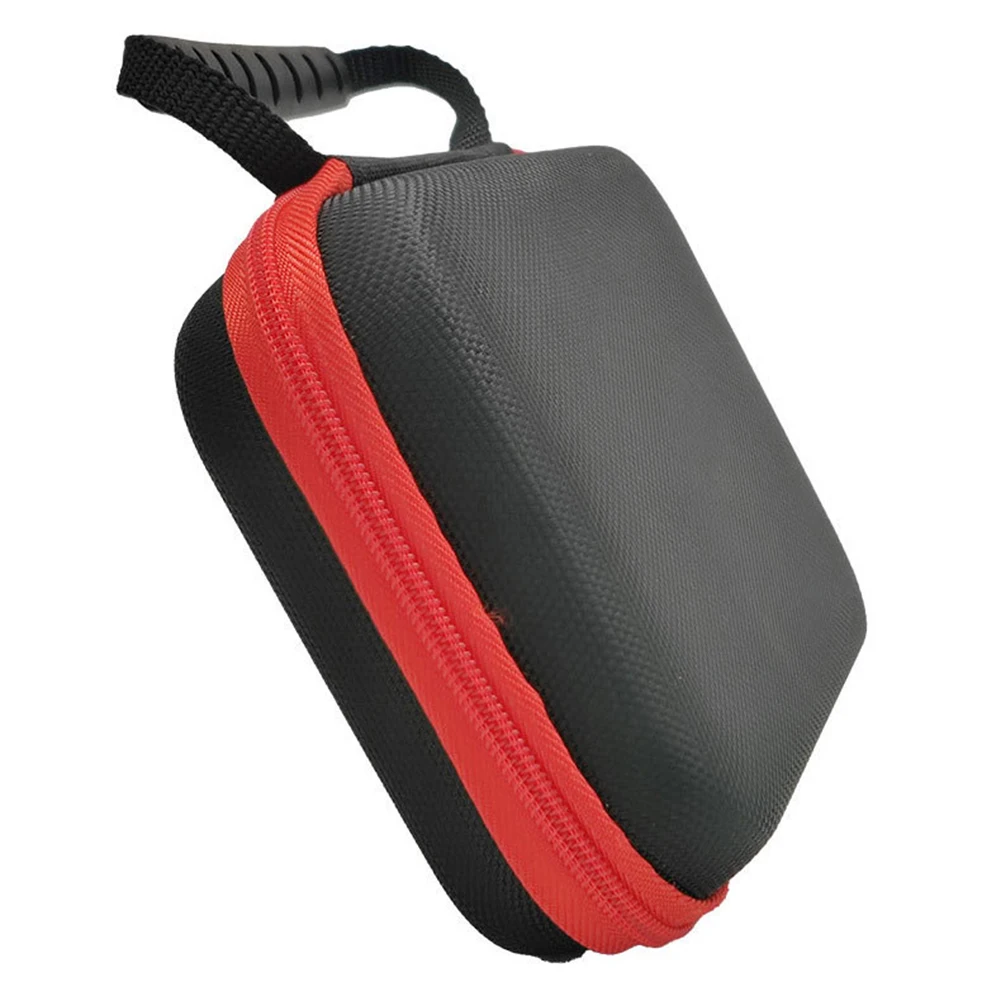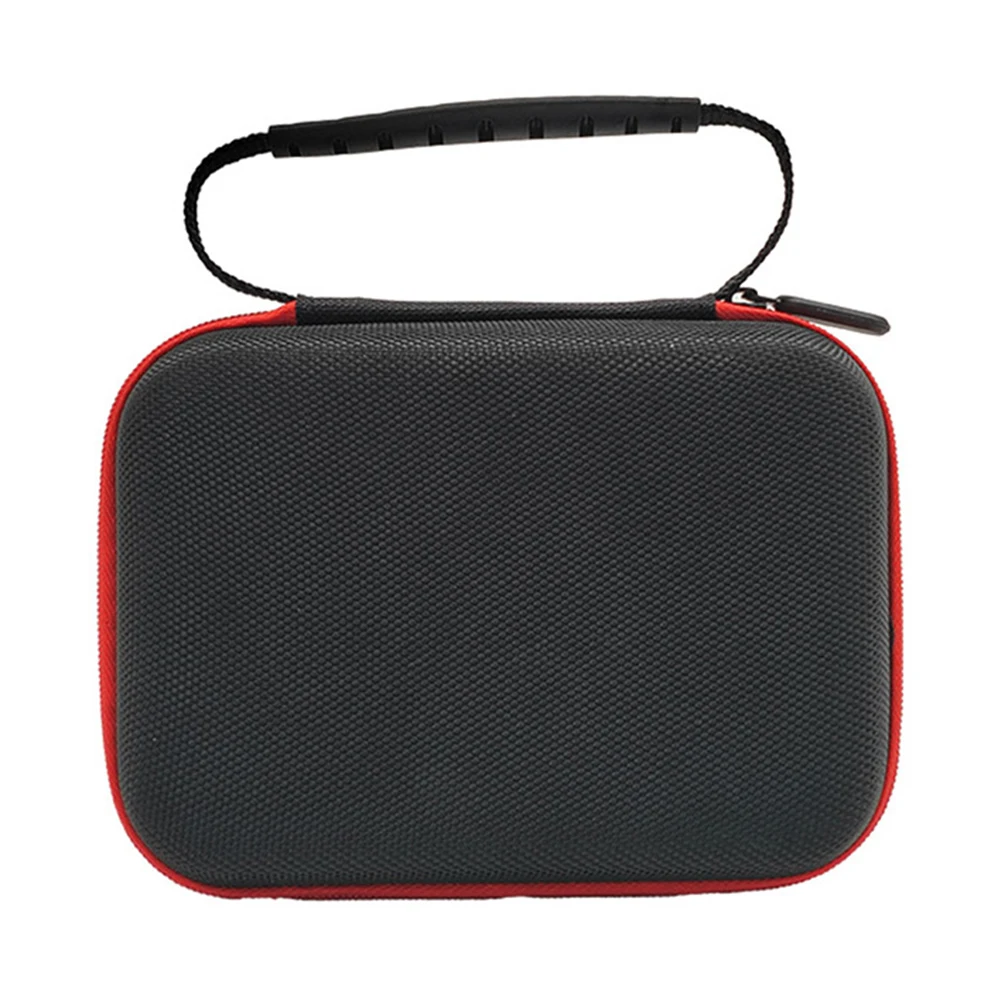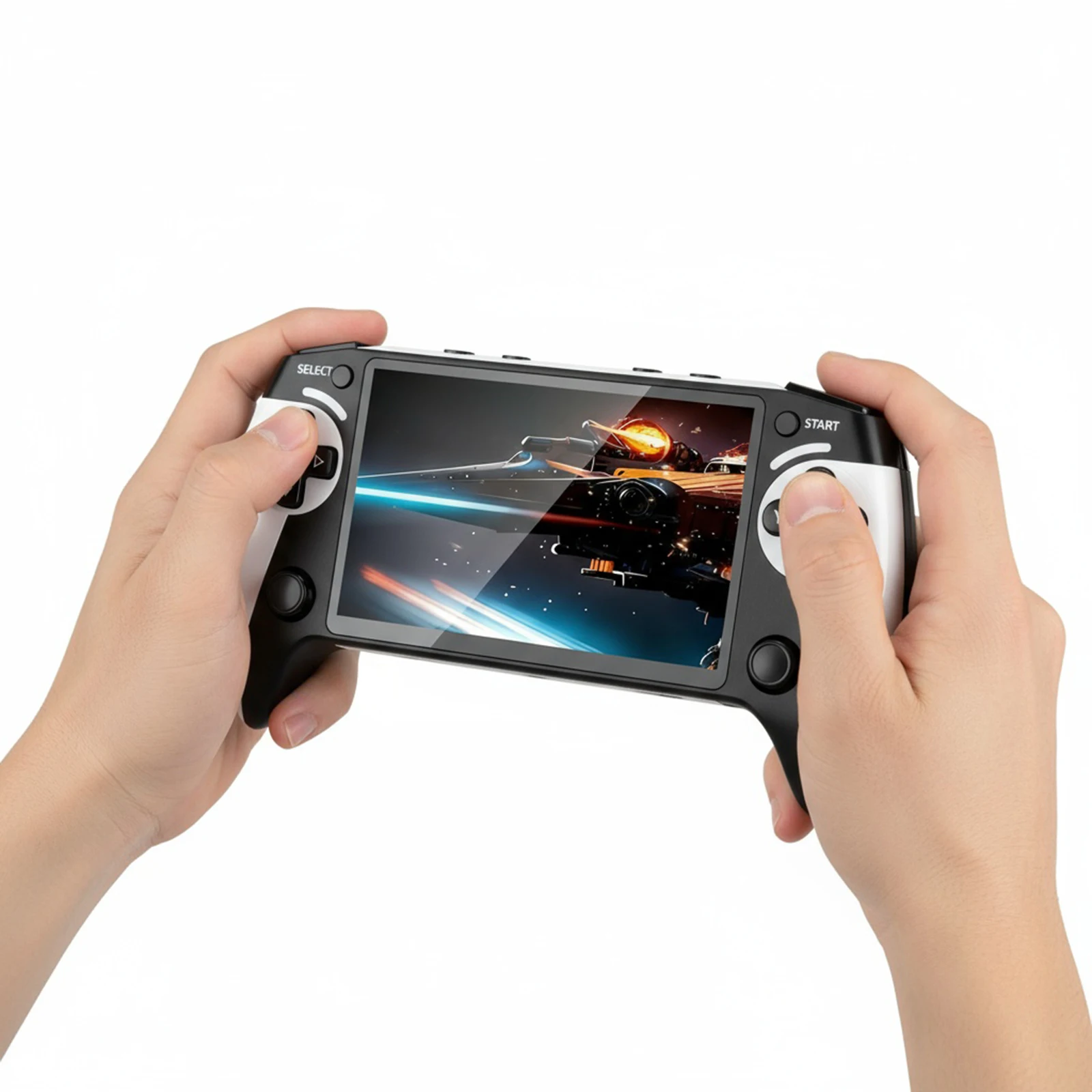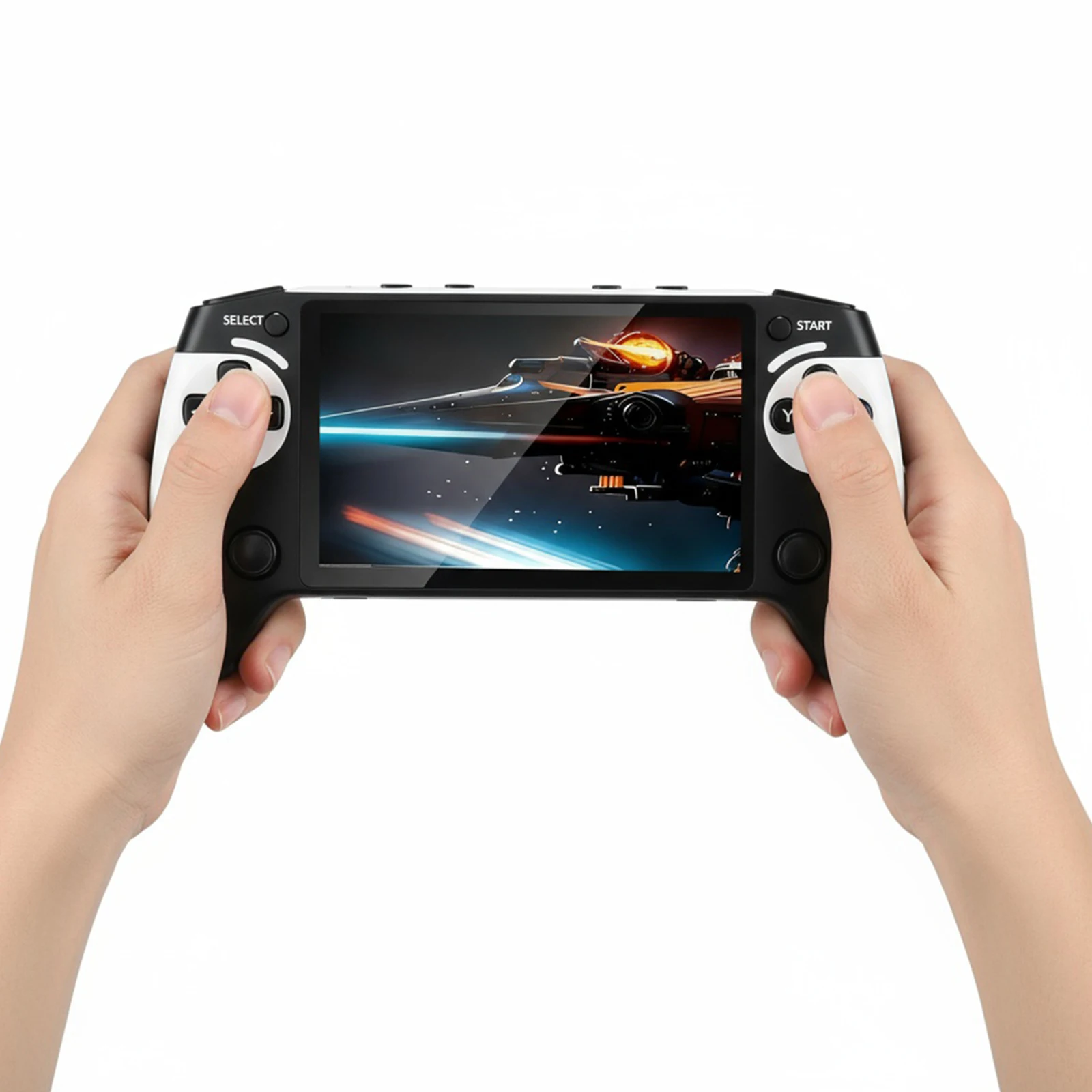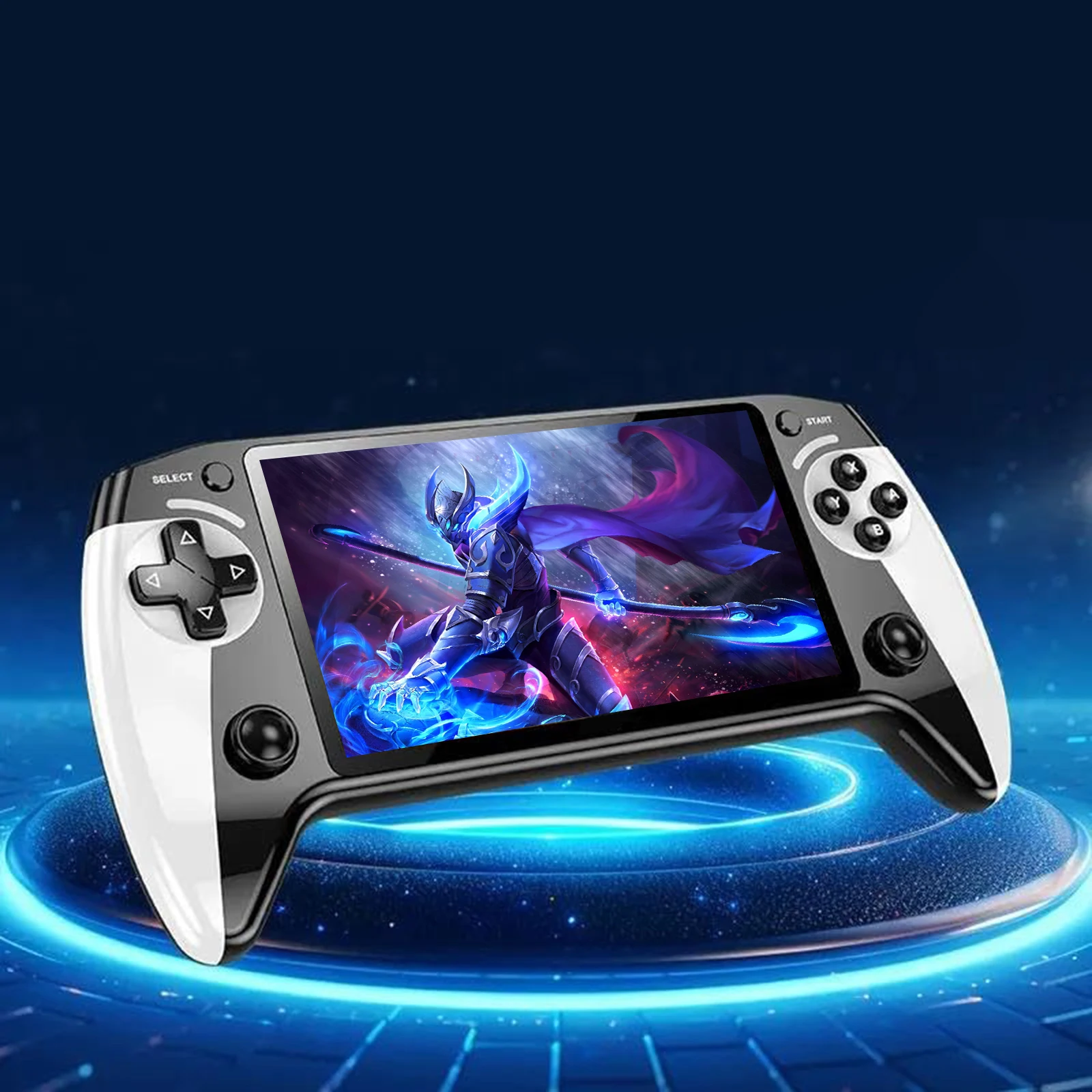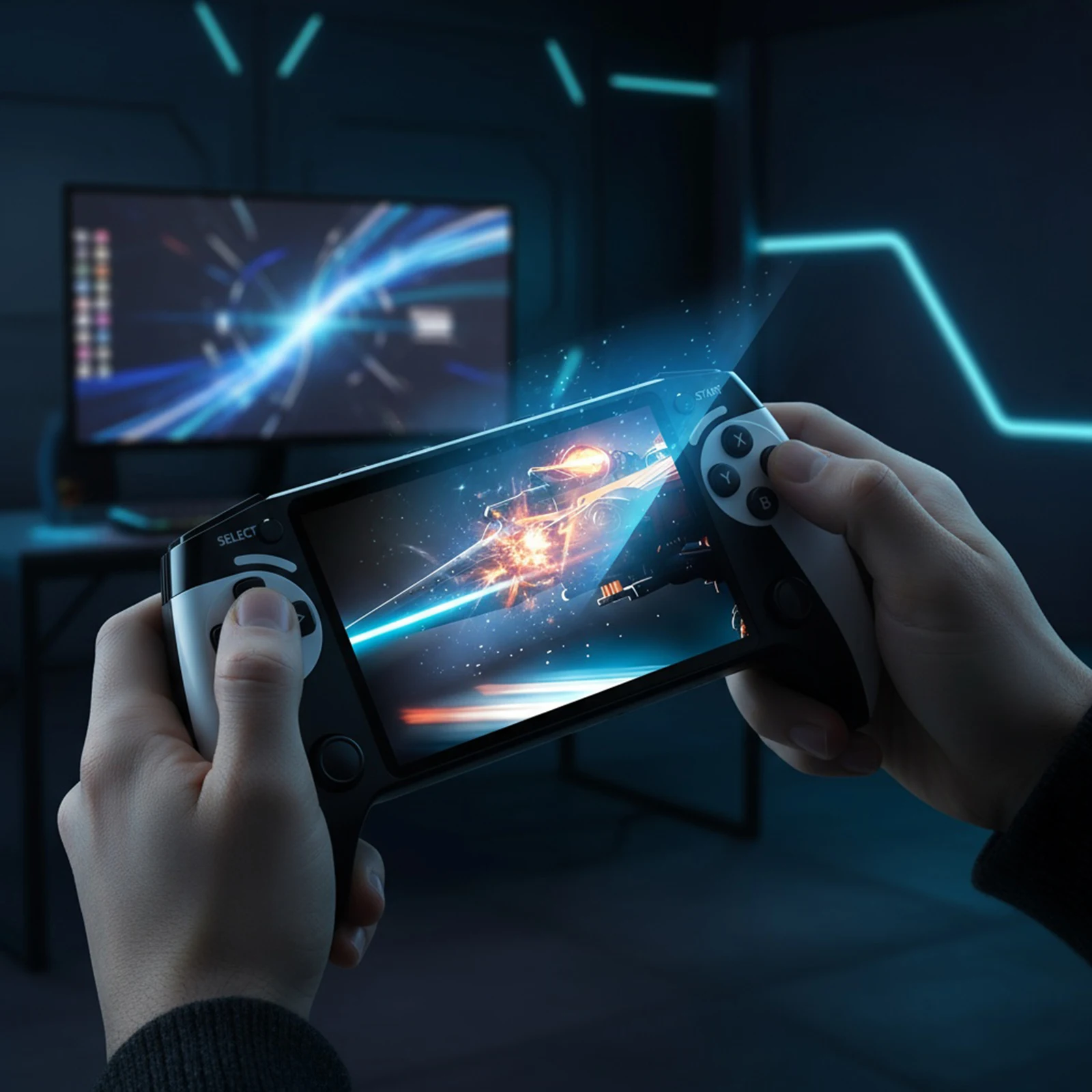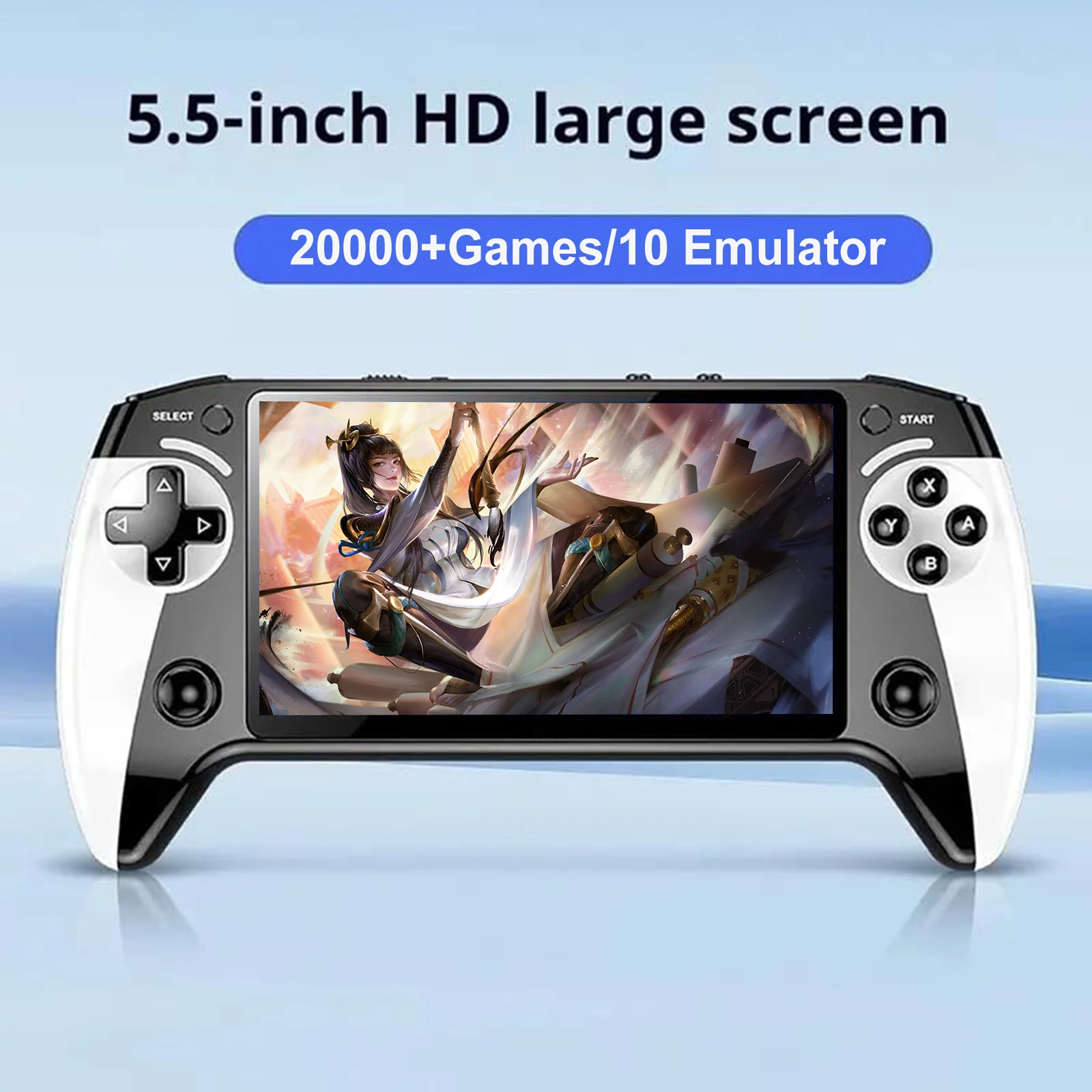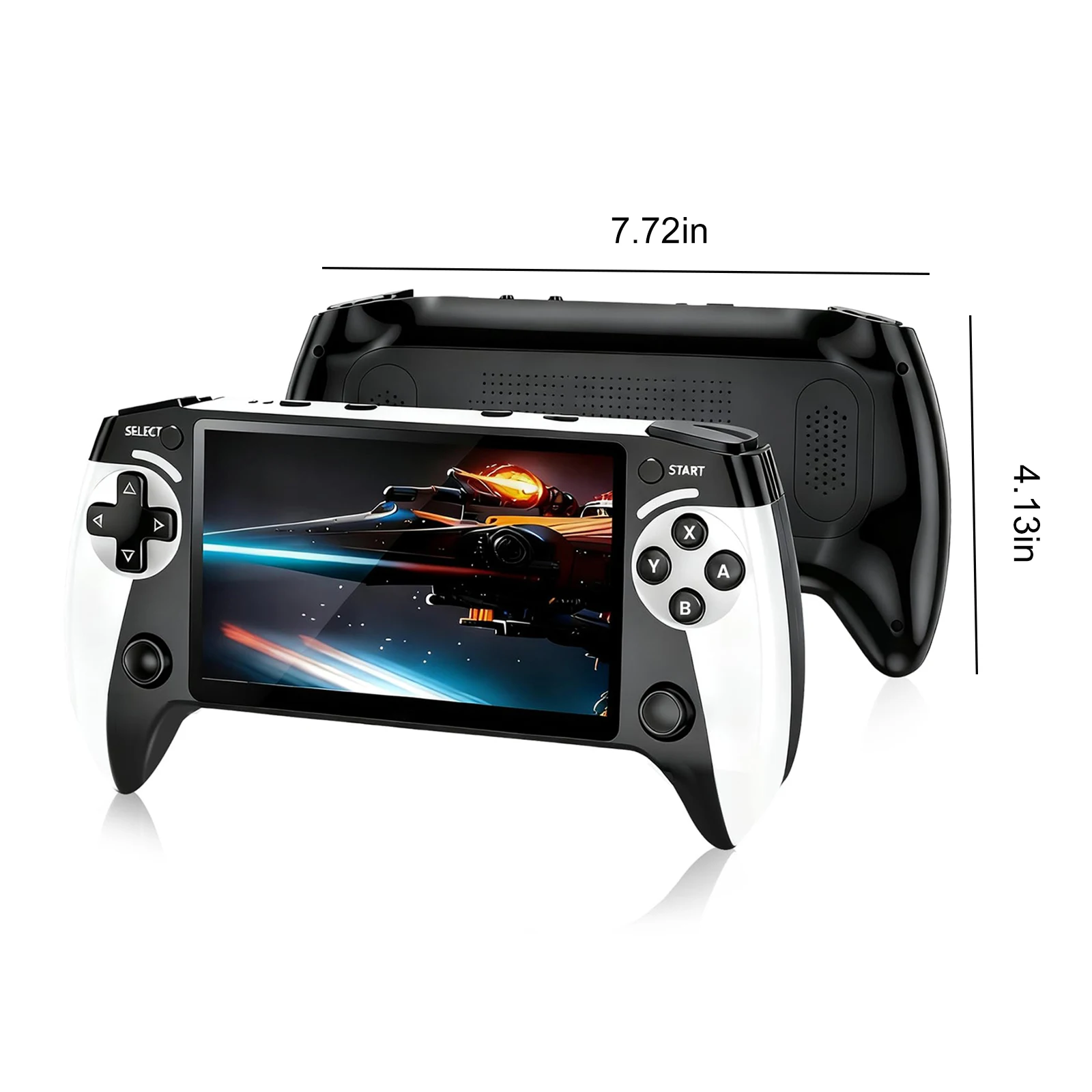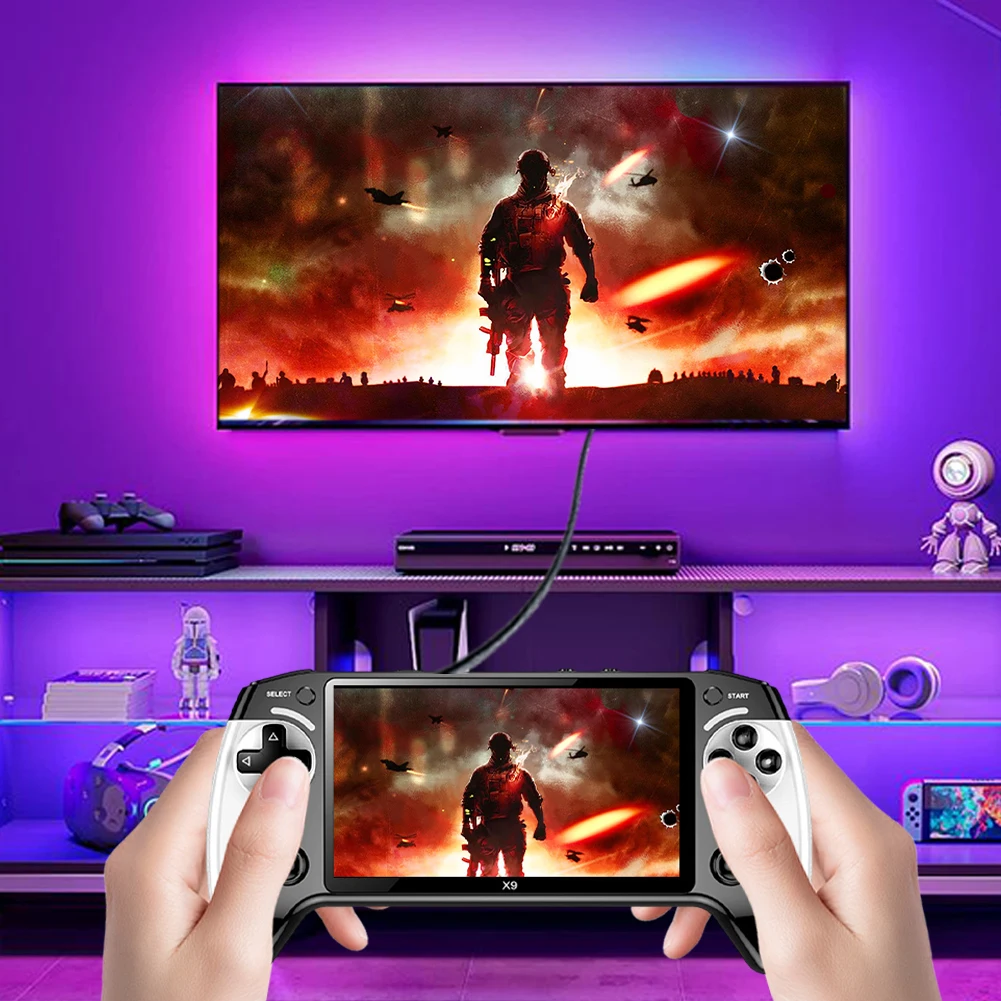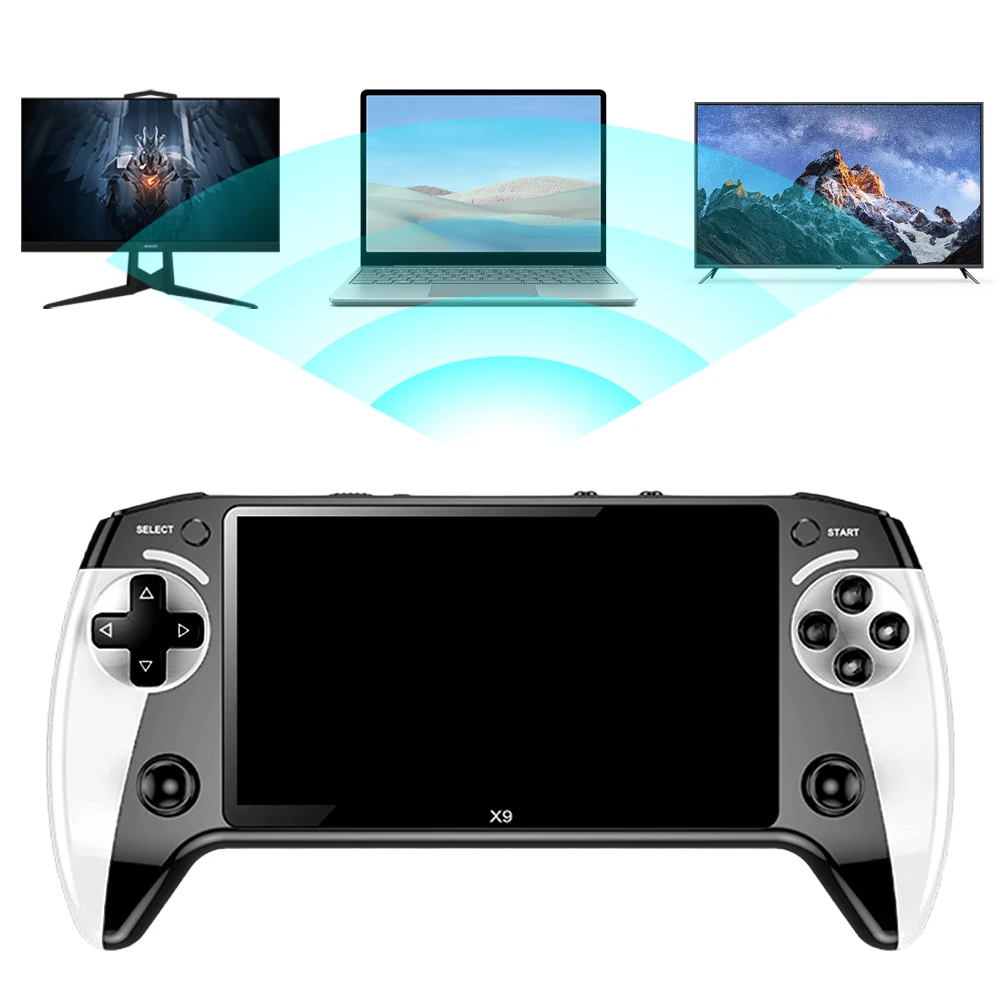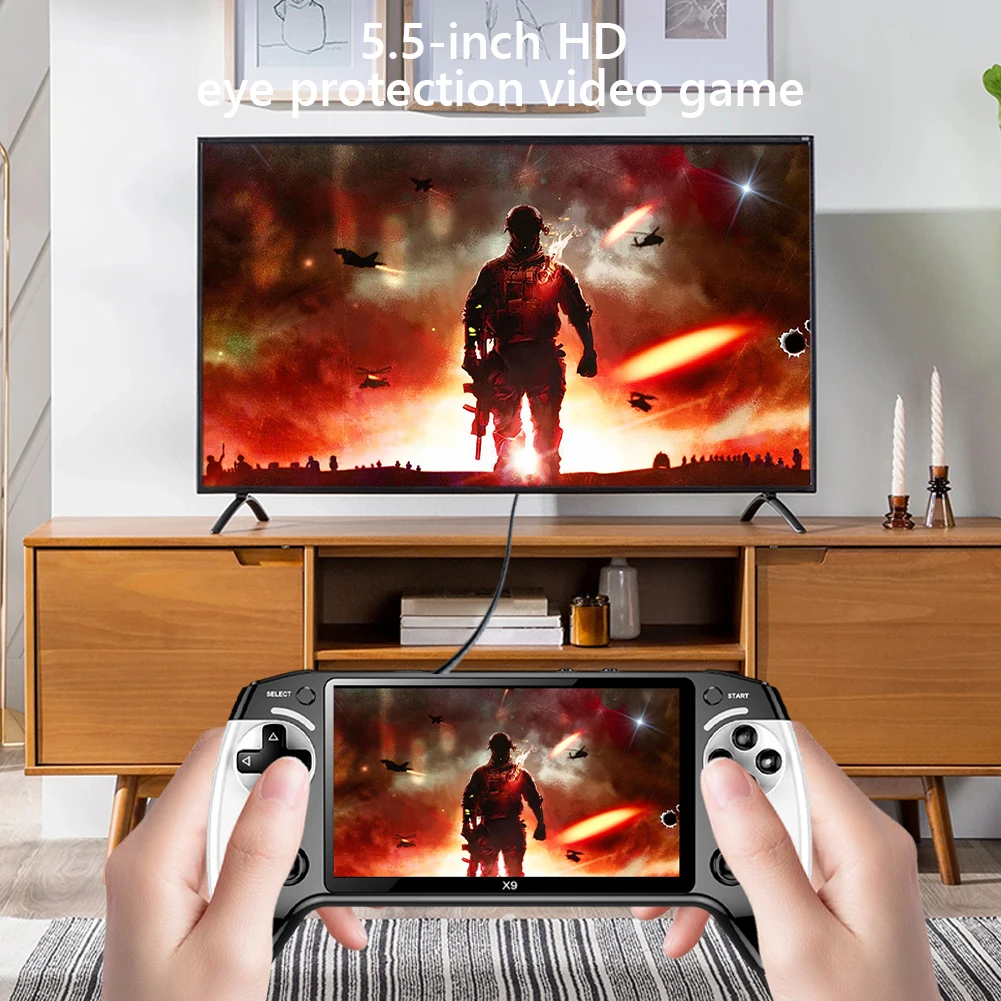


Miyoo Mini Plus Mini Game Console 3.5Inch IPS Screen WiFi Video Game Console 3000mAh Birthday Christmas Gifts with Bag
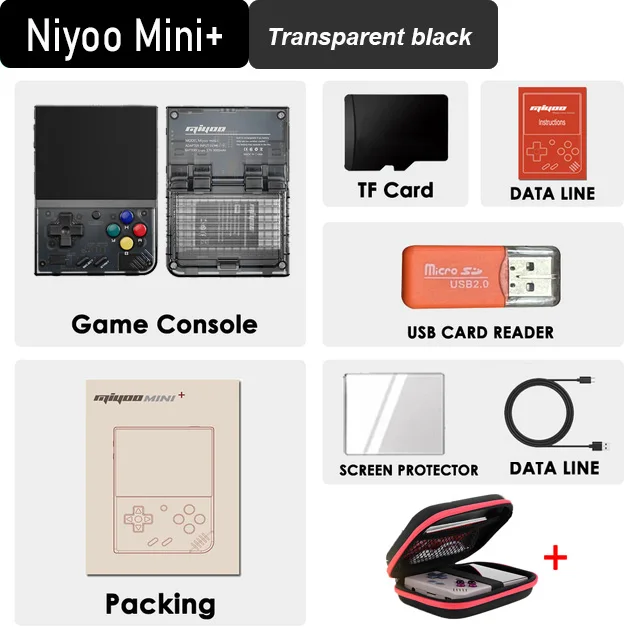
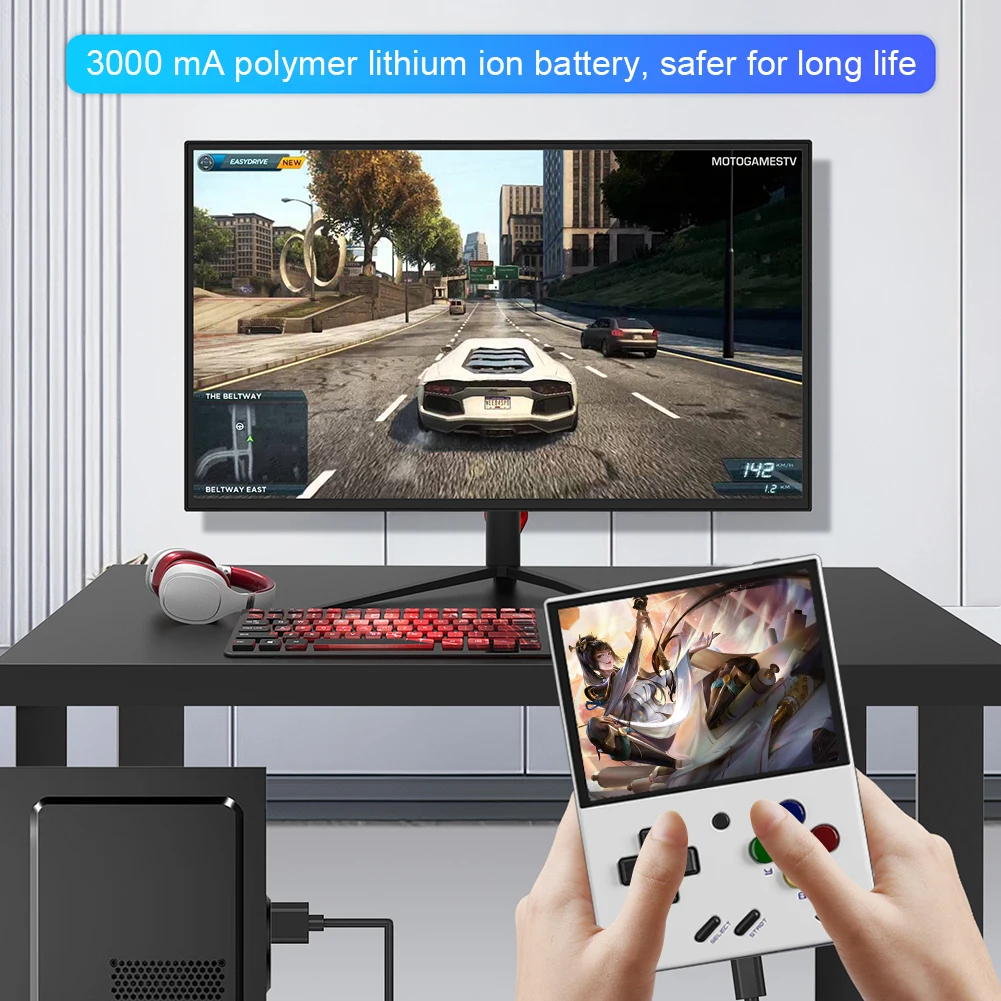
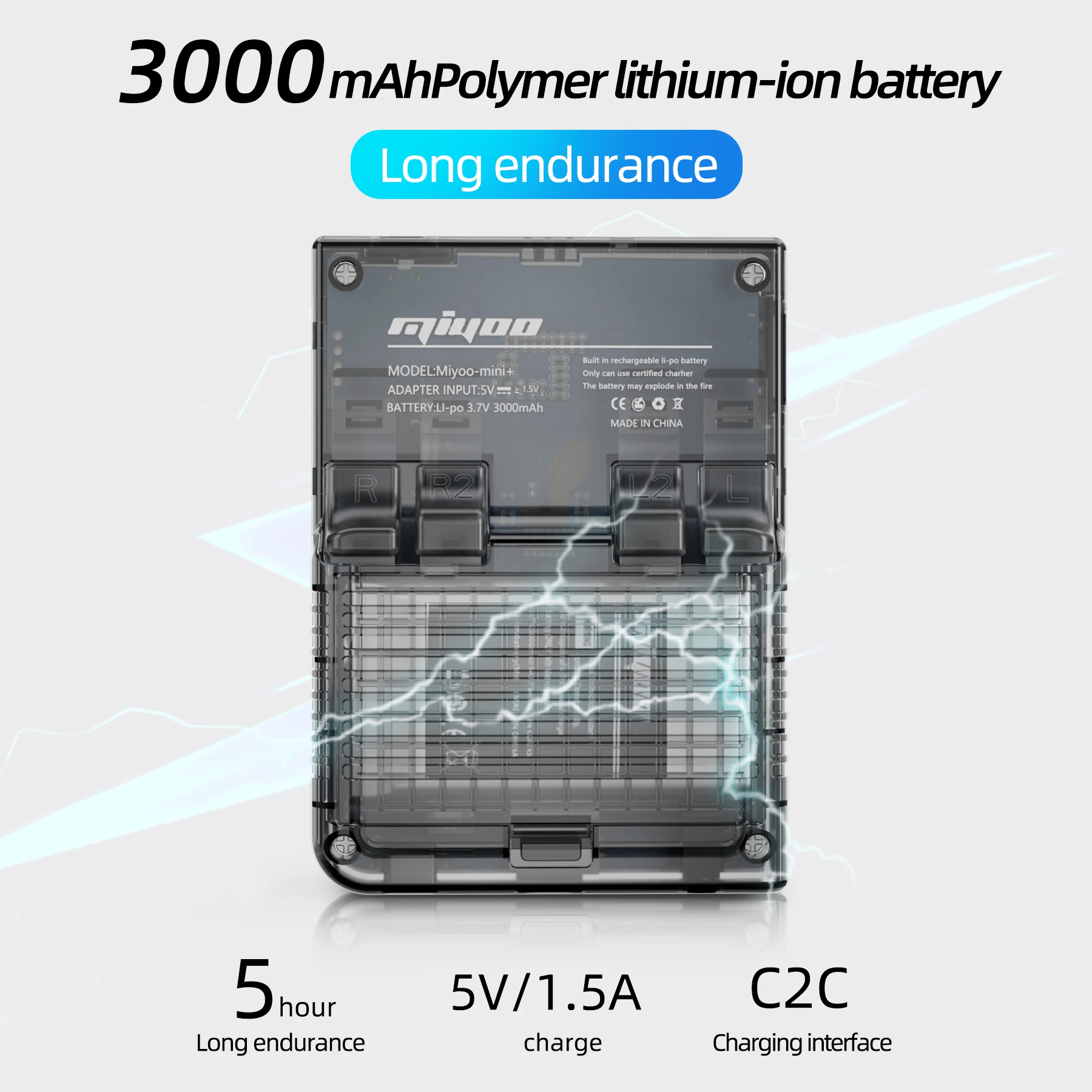
<div class="detailmodule_html"><div class="detail-desc-decorate-richtext"><p style="font-family:"Open Sans", Roboto, Arial, Helvetica, sans-serif, SimSun;font-size:14px;font-weight:400;letter-spacing:normal;line-height:inherit;text-align:start;white-space:normal;color:rgb(34, 34, 34);margin:0px;margin-bottom:0px;margin-top:0px;margin-left:0px;margin-right:0px;padding:0px;padding-bottom:0px;padding-top:0px;padding-left:0px;padding-right:0px;box-sizing:border-box" align="start"><span style="font-size:16px">Miyoo Mini Plus Handheld Game Console 3.5Inch IPS Screen Game Console Video Player 3000mAh WiFi with 64G Card 8000Games Birthday Christmas Gifts</span><br/><span style="font-size:16px"><strong>Feature:</strong></span><br/><span style="font-size:16px"><strong>1. Vintage Handheld:</strong></span><span style="font-size:16px">3.5-inch IPS full view, more comfortable visual effect, exquisite craftsmanship, restoring classic, equipped with ARM Cortex-A7 dual-core/1.2Ghz, running classic vintage games smoothly.</span><br/><span style="font-size:16px"><strong>2. Support for Download:</strong></span><span style="font-size:16px">Support for DC/PS/CPS1/CPS2/CPS3/FBA/WBA/NSC/NEOGEO/GBA/GBC/MIME and other simulator games, and support the download of relevant format games</span><br/><span style="font-size:16px"><strong>3. Portable:</strong></span><span style="font-size:16px">Light and compact, it can be easily put into your pocket, and you can play whenever you want. 2100 mA polymer lithium-ion battery. Long life is safer.</span><br/><span style="font-size:16px"><strong>4. Exquisite Gifts:</strong></span><span style="font-size:16px">This handheld game console not only brings children interesting game time, but also awakens the beautiful childhood memories of adults. Perfect gift for children and adults at Christmas or other occasions.</span><br/><span style="font-size:16px"><strong>5. Satisfaction Guarantee:</strong></span><span style="font-size:16px">We strive to provide each customer with the highest standard of customer service to ensure you have a pleasant shopping experience. If you have any issues, inquiries or need assistance, please feel free to contact us directly.</span><br/><br/><span style="font-size:16px"><span style="color:black;font-size:12px;font-family:inherit"><strong>Specification:</strong></span></span><br/><span style="font-size:16px"><span style="color:black;font-size:12px;font-family:inherit">Origin: Mainland China</span></span><br/><span style="font-size:16px"><span style="color:black;font-size:12px;font-family:inherit">Color: White, Black, Gray, Purple (optional)<br/>Operating system: for Linux<br/>Screen: 3.5-inch IPS screen, 640 * 480 resolution<br/>TF card: 64GB, supporting expansion from 16GB to 128GB<br/>Built-in game: 8000+<br/>Simulator: Support for DC/PS/CPS1/CPS2/CPS3/FBA/WSC/NEOGEO/GBA/GBC/MIME and other simulator games, and support downloading relevant format games<br/>CPU: ARM Cortex-A7 dual-core/1.2Ghz<br/>Memory: 128M<br/>Language: Support Chinese/Traditional Chinese/English/Korean/Japanese/Spanish<br/>Battery: Polymer 3000mA<br/>Wifi: Support<br/>Input power: 5V/1A<br/>Power consumption: 3.7V<br/>Battery life: About 6-7 hours<br/>Support Type-C charging<br/>Support earphone standard 3.5mm<br/>Product weight: 108g<br/>Gross weight: 300g<br/>Host size: About 108x78.5x22.3mm/4.25x3.09x0.87inch<br/>Package size: About 200x130x80mm/7.87x5.11x3.14inch</span></span><span style="font-size:16px"><br/>Indicator light:<br/>Green light always on: enabled<br/>Red light always on: charging<br/>The blue light is always on: charging is completed<br/><br/>Q&A:<br/>Getting started<br/>1. Insert the installed TF card into the TF card slot;<br/>2. Charge the equipment to ensure normal startup;<br/>3. Power on: press and hold the power button for 1 second.<br/><br/>How do I install the game?<br/>1. Remove the TF card from the machine, insert the card reader to connect the computer, and copy the "Game ROM" to the folder of the corresponding game type in the TF card;<br/>2. Insert the TF card into the TF card slot, press (MENU) to open MENU, and select "Refresh ROM".<br/><br/>circuit changer:<br/>Power on: press and hold the power for 1 second<br/>Shut down: press and hold the power for 3 seconds to open the shutdown menu, and press (A) to shut down.<br/><br/>Idle mode, sleep mode and wake-up:<br/>After 60 seconds of inactivity, enter the idle mode, and the screen darkens;<br/>In idle mode, press any key to wake up;<br/>5 minutes without operation or short press the power button to enter the sleep mode, turn off the screen and make a sound,<br/>And automatically shut down without operation 10 minutes after entering sleep mode,<br/>You can set the sleep time or disable sleep in the setting options;<br/>In sleep mode, press the power key to wake up.<br/><br/>Firmware update:<br/>1. Shutdown status.<br/>2. Place the image file in the root directory of the TF card,<br/>Insert the TF card slot, connect the charging cable to enter the charging mode, and automatically start and upgrade the charging. Do not power off during the upgrade.<br/><br/>Getting started:<br/>In the game directory, select a game, and then press (A) to start the game.<br/><br/>Exit the game:<br/>In the game, press (Menu) to open the menu, select the "Exit" option, and press (A) to exit the game.<br/><br/>Save or read game progress:<br/>In the game, press (Menu) to open the menu and select the "Save" or "Load" option,<br/>Press the direction key (LEFT, RIGHT) to select the recording position, and press the (A) key<br/>Save or read the current progress. A game can save up to 10 records.</span><br/></p><p style="font-family:inherit;font-size:12px;font-weight:400;letter-spacing:normal;line-height:inherit;text-align:start;white-space:normal;color:black;margin:0px;margin-bottom:0px;margin-top:0px;margin-left:0px;margin-right:0px;padding:0px;padding-bottom:0px;padding-top:0px;padding-left:0px;padding-right:0px;box-sizing:border-box" align="start"><span style="font-size:16px"><strong>Note:</strong></span><span style="font-size:16px"><br/>Due to the different monitor and light effect, the actual color of the item might be slightly different from the color showed on the pictures. Thank you!<br/>Please allow 1-2cm measuring deviation due to manual measurement.</span></p><div style="font-family:"Open Sans", Roboto, Arial, Helvetica, sans-serif, SimSun;font-size:14px;font-weight:400;letter-spacing:normal;text-align:start;white-space:normal;color:rgb(34, 34, 34);margin:0px;margin-bottom:0px;margin-top:0px;margin-left:0px;margin-right:0px;padding:0px;padding-bottom:0px;padding-top:0px;padding-left:0px;padding-right:0px;box-sizing:content-box" align="start"><br/><br/><span style="font-size:16px">Packages: </span><br/><span style="font-size:16px">1 x Game console<br/>1 x TF card(Optional)<br/>1 x Charging cable<br/>1 x Card reader<br/>1 x Transparent film<br/>1 x Instructions<br/>1 x Color box </span></div><div style="font-family:"Open Sans", Roboto, Arial, Helvetica, sans-serif, SimSun;font-size:14px;font-weight:400;letter-spacing:normal;text-align:start;white-space:normal;color:rgb(34, 34, 34);margin:0px;margin-bottom:0px;margin-top:0px;margin-left:0px;margin-right:0px;padding:0px;padding-bottom:0px;padding-top:0px;padding-left:0px;padding-right:0px;box-sizing:content-box" align="start"></div><div style="font-family:"Open Sans", Roboto, Arial, Helvetica, sans-serif, SimSun;font-size:14px;font-weight:400;letter-spacing:normal;text-align:start;white-space:normal;color:rgb(34, 34, 34);margin:0px;margin-bottom:0px;margin-top:0px;margin-left:0px;margin-right:0px;padding:0px;padding-bottom:0px;padding-top:0px;padding-left:0px;padding-right:0px;box-sizing:content-box" align="start"><br/><br/><br/><br/><br/><br/><br/><br/><br/><br/><br/><br/><br/><br/><br/><br/><br/><br/></div><p><br/></p></div></div>
$93.41
$86.09
- Category : Consumer Electronics
- Brand : game_01_store Game 01 Store
Colors
Sizes
-
+

<div class="detailmodule_html"><div class="detail-desc-decorate-richtext"><p style="font-family:"Open Sans", Roboto, Arial, Helvetica, sans-serif, SimSun;font-size:14px;font-weight:400;letter-spacing:normal;line-height:inherit;text-align:start;white-space:normal;color:rgb(34, 34, 34);margin:0px;margin-bottom:0px;margin-top:0px;margin-left:0px;margin-right:0px;padding:0px;padding-bottom:0px;padding-top:0px;padding-left:0px;padding-right:0px;box-sizing:border-box" align="start"><span style="font-size:16px">Miyoo Mini Plus Handheld Game Console 3.5Inch IPS Screen Game Console Video Player 3000mAh WiFi with 64G Card 8000Games Birthday Christmas Gifts</span><br/><span style="font-size:16px"><strong>Feature:</strong></span><br/><span style="font-size:16px"><strong>1. Vintage Handheld:</strong></span><span style="font-size:16px">3.5-inch IPS full view, more comfortable visual effect, exquisite craftsmanship, restoring classic, equipped with ARM Cortex-A7 dual-core/1.2Ghz, running classic vintage games smoothly.</span><br/><span style="font-size:16px"><strong>2. Support for Download:</strong></span><span style="font-size:16px">Support for DC/PS/CPS1/CPS2/CPS3/FBA/WBA/NSC/NEOGEO/GBA/GBC/MIME and other simulator games, and support the download of relevant format games</span><br/><span style="font-size:16px"><strong>3. Portable:</strong></span><span style="font-size:16px">Light and compact, it can be easily put into your pocket, and you can play whenever you want. 2100 mA polymer lithium-ion battery. Long life is safer.</span><br/><span style="font-size:16px"><strong>4. Exquisite Gifts:</strong></span><span style="font-size:16px">This handheld game console not only brings children interesting game time, but also awakens the beautiful childhood memories of adults. Perfect gift for children and adults at Christmas or other occasions.</span><br/><span style="font-size:16px"><strong>5. Satisfaction Guarantee:</strong></span><span style="font-size:16px">We strive to provide each customer with the highest standard of customer service to ensure you have a pleasant shopping experience. If you have any issues, inquiries or need assistance, please feel free to contact us directly.</span><br/><br/><span style="font-size:16px"><span style="color:black;font-size:12px;font-family:inherit"><strong>Specification:</strong></span></span><br/><span style="font-size:16px"><span style="color:black;font-size:12px;font-family:inherit">Origin: Mainland China</span></span><br/><span style="font-size:16px"><span style="color:black;font-size:12px;font-family:inherit">Color: White, Black, Gray, Purple (optional)<br/>Operating system: for Linux<br/>Screen: 3.5-inch IPS screen, 640 * 480 resolution<br/>TF card: 64GB, supporting expansion from 16GB to 128GB<br/>Built-in game: 8000+<br/>Simulator: Support for DC/PS/CPS1/CPS2/CPS3/FBA/WSC/NEOGEO/GBA/GBC/MIME and other simulator games, and support downloading relevant format games<br/>CPU: ARM Cortex-A7 dual-core/1.2Ghz<br/>Memory: 128M<br/>Language: Support Chinese/Traditional Chinese/English/Korean/Japanese/Spanish<br/>Battery: Polymer 3000mA<br/>Wifi: Support<br/>Input power: 5V/1A<br/>Power consumption: 3.7V<br/>Battery life: About 6-7 hours<br/>Support Type-C charging<br/>Support earphone standard 3.5mm<br/>Product weight: 108g<br/>Gross weight: 300g<br/>Host size: About 108x78.5x22.3mm/4.25x3.09x0.87inch<br/>Package size: About 200x130x80mm/7.87x5.11x3.14inch</span></span><span style="font-size:16px"><br/>Indicator light:<br/>Green light always on: enabled<br/>Red light always on: charging<br/>The blue light is always on: charging is completed<br/><br/>Q&A:<br/>Getting started<br/>1. Insert the installed TF card into the TF card slot;<br/>2. Charge the equipment to ensure normal startup;<br/>3. Power on: press and hold the power button for 1 second.<br/><br/>How do I install the game?<br/>1. Remove the TF card from the machine, insert the card reader to connect the computer, and copy the "Game ROM" to the folder of the corresponding game type in the TF card;<br/>2. Insert the TF card into the TF card slot, press (MENU) to open MENU, and select "Refresh ROM".<br/><br/>circuit changer:<br/>Power on: press and hold the power for 1 second<br/>Shut down: press and hold the power for 3 seconds to open the shutdown menu, and press (A) to shut down.<br/><br/>Idle mode, sleep mode and wake-up:<br/>After 60 seconds of inactivity, enter the idle mode, and the screen darkens;<br/>In idle mode, press any key to wake up;<br/>5 minutes without operation or short press the power button to enter the sleep mode, turn off the screen and make a sound,<br/>And automatically shut down without operation 10 minutes after entering sleep mode,<br/>You can set the sleep time or disable sleep in the setting options;<br/>In sleep mode, press the power key to wake up.<br/><br/>Firmware update:<br/>1. Shutdown status.<br/>2. Place the image file in the root directory of the TF card,<br/>Insert the TF card slot, connect the charging cable to enter the charging mode, and automatically start and upgrade the charging. Do not power off during the upgrade.<br/><br/>Getting started:<br/>In the game directory, select a game, and then press (A) to start the game.<br/><br/>Exit the game:<br/>In the game, press (Menu) to open the menu, select the "Exit" option, and press (A) to exit the game.<br/><br/>Save or read game progress:<br/>In the game, press (Menu) to open the menu and select the "Save" or "Load" option,<br/>Press the direction key (LEFT, RIGHT) to select the recording position, and press the (A) key<br/>Save or read the current progress. A game can save up to 10 records.</span><br/></p><p style="font-family:inherit;font-size:12px;font-weight:400;letter-spacing:normal;line-height:inherit;text-align:start;white-space:normal;color:black;margin:0px;margin-bottom:0px;margin-top:0px;margin-left:0px;margin-right:0px;padding:0px;padding-bottom:0px;padding-top:0px;padding-left:0px;padding-right:0px;box-sizing:border-box" align="start"><span style="font-size:16px"><strong>Note:</strong></span><span style="font-size:16px"><br/>Due to the different monitor and light effect, the actual color of the item might be slightly different from the color showed on the pictures. Thank you!<br/>Please allow 1-2cm measuring deviation due to manual measurement.</span></p><div style="font-family:"Open Sans", Roboto, Arial, Helvetica, sans-serif, SimSun;font-size:14px;font-weight:400;letter-spacing:normal;text-align:start;white-space:normal;color:rgb(34, 34, 34);margin:0px;margin-bottom:0px;margin-top:0px;margin-left:0px;margin-right:0px;padding:0px;padding-bottom:0px;padding-top:0px;padding-left:0px;padding-right:0px;box-sizing:content-box" align="start"><br/><br/><span style="font-size:16px">Packages: </span><br/><span style="font-size:16px">1 x Game console<br/>1 x TF card(Optional)<br/>1 x Charging cable<br/>1 x Card reader<br/>1 x Transparent film<br/>1 x Instructions<br/>1 x Color box </span></div><div style="font-family:"Open Sans", Roboto, Arial, Helvetica, sans-serif, SimSun;font-size:14px;font-weight:400;letter-spacing:normal;text-align:start;white-space:normal;color:rgb(34, 34, 34);margin:0px;margin-bottom:0px;margin-top:0px;margin-left:0px;margin-right:0px;padding:0px;padding-bottom:0px;padding-top:0px;padding-left:0px;padding-right:0px;box-sizing:content-box" align="start"></div><div style="font-family:"Open Sans", Roboto, Arial, Helvetica, sans-serif, SimSun;font-size:14px;font-weight:400;letter-spacing:normal;text-align:start;white-space:normal;color:rgb(34, 34, 34);margin:0px;margin-bottom:0px;margin-top:0px;margin-left:0px;margin-right:0px;padding:0px;padding-bottom:0px;padding-top:0px;padding-left:0px;padding-right:0px;box-sizing:content-box" align="start"><br/><br/><br/><br/><br/><br/><br/><br/><br/><br/><br/><br/><br/><br/><br/><br/><br/><br/></div><p><br/></p></div></div>
Related Product
Browse The Collection of Top Products.