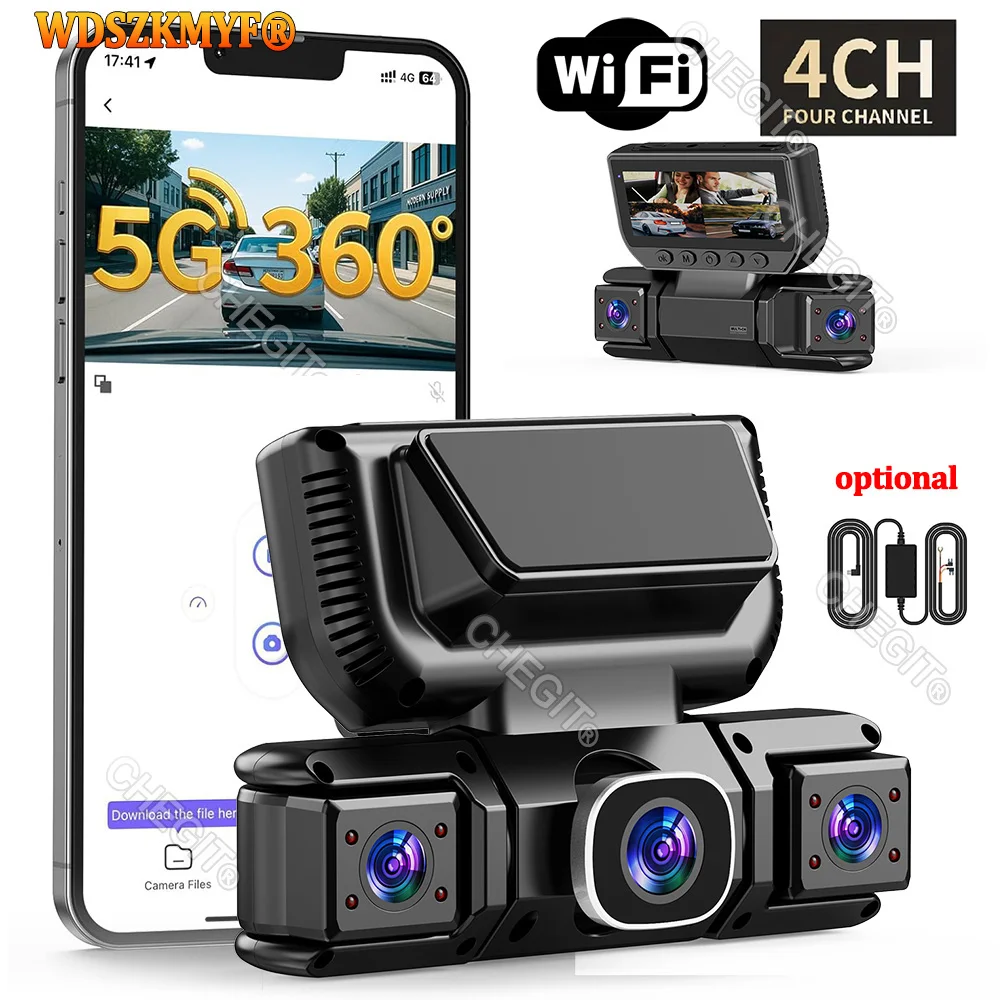
New WIFI 4Channel 360 Degree Car Dvr 1080P Video Recorder WiFi APP Dashcam 24h Parking Monitor Rear View Camera Car Recorder
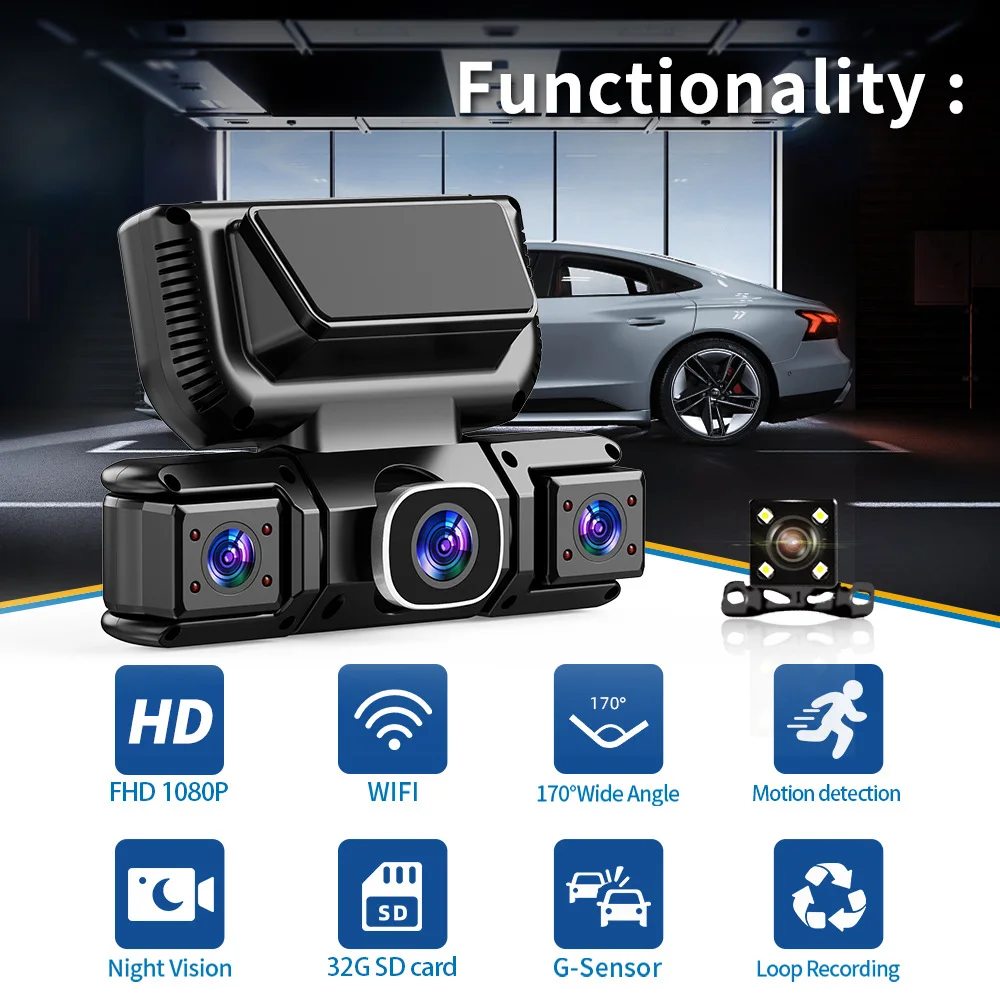
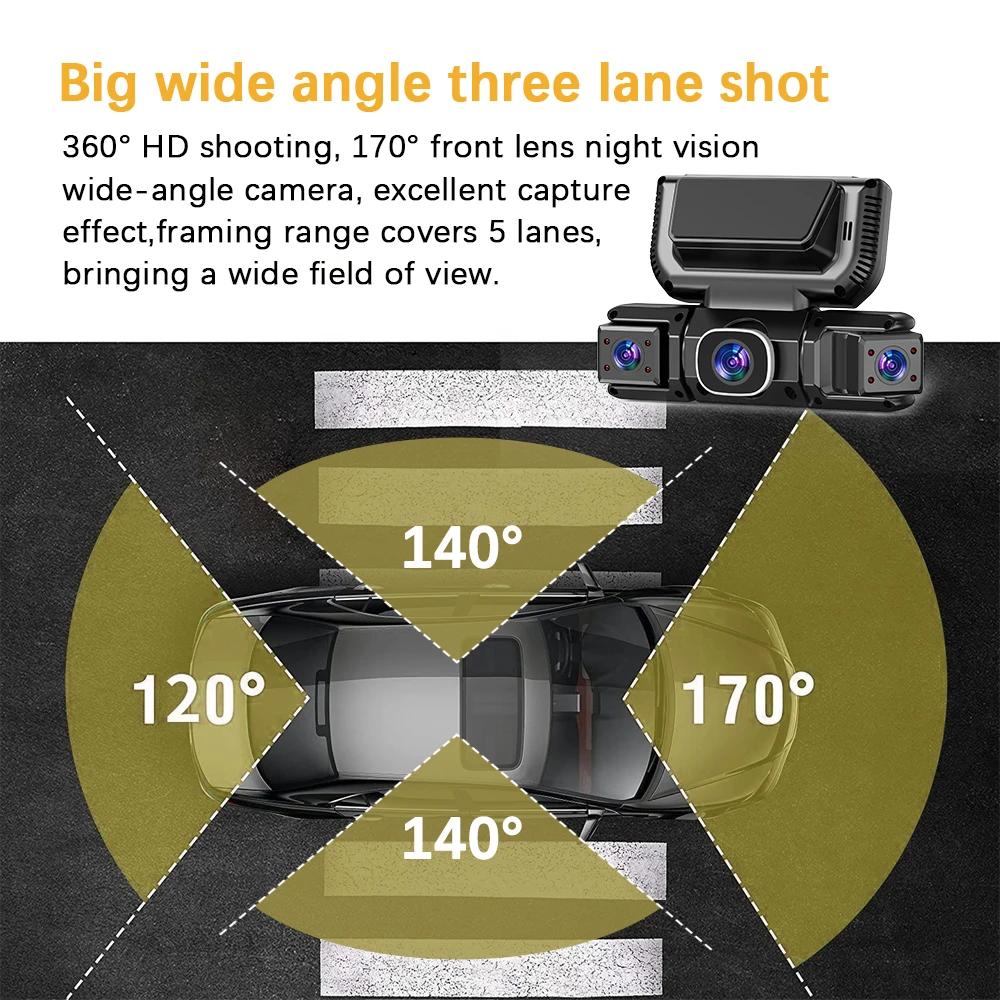
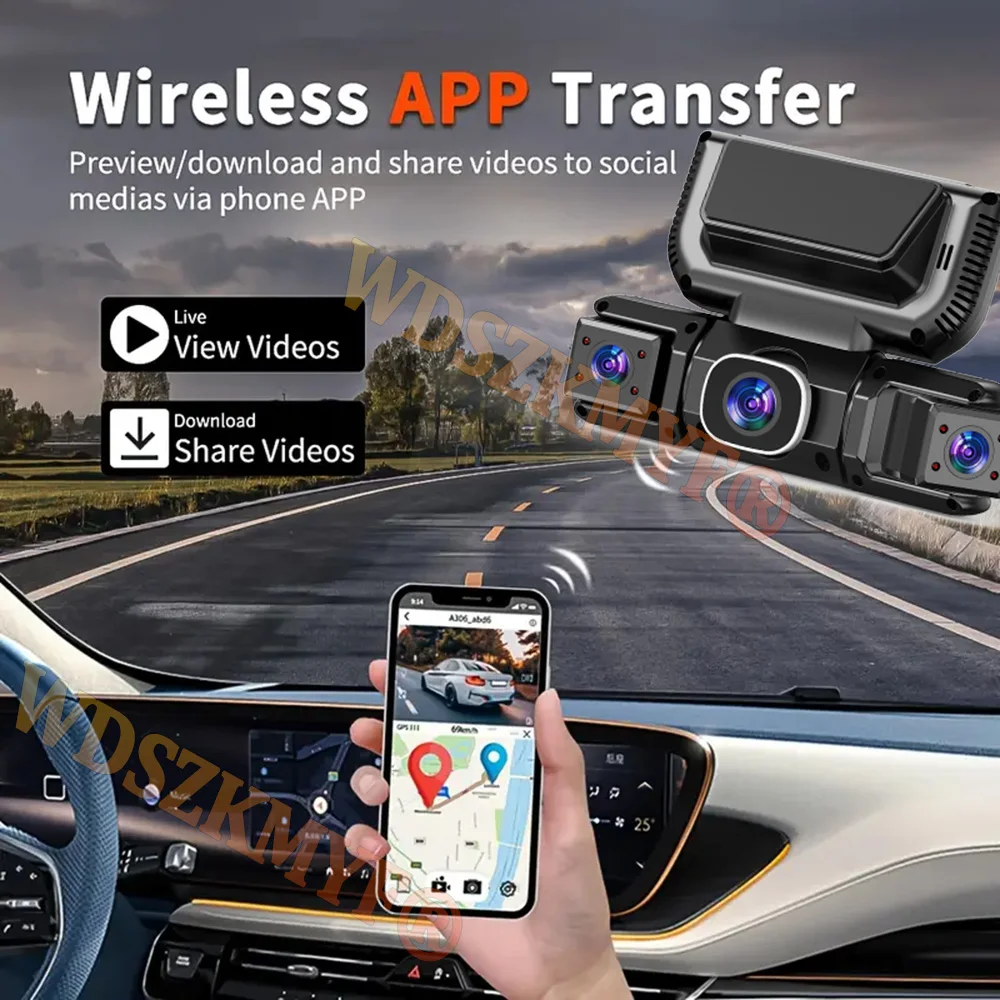
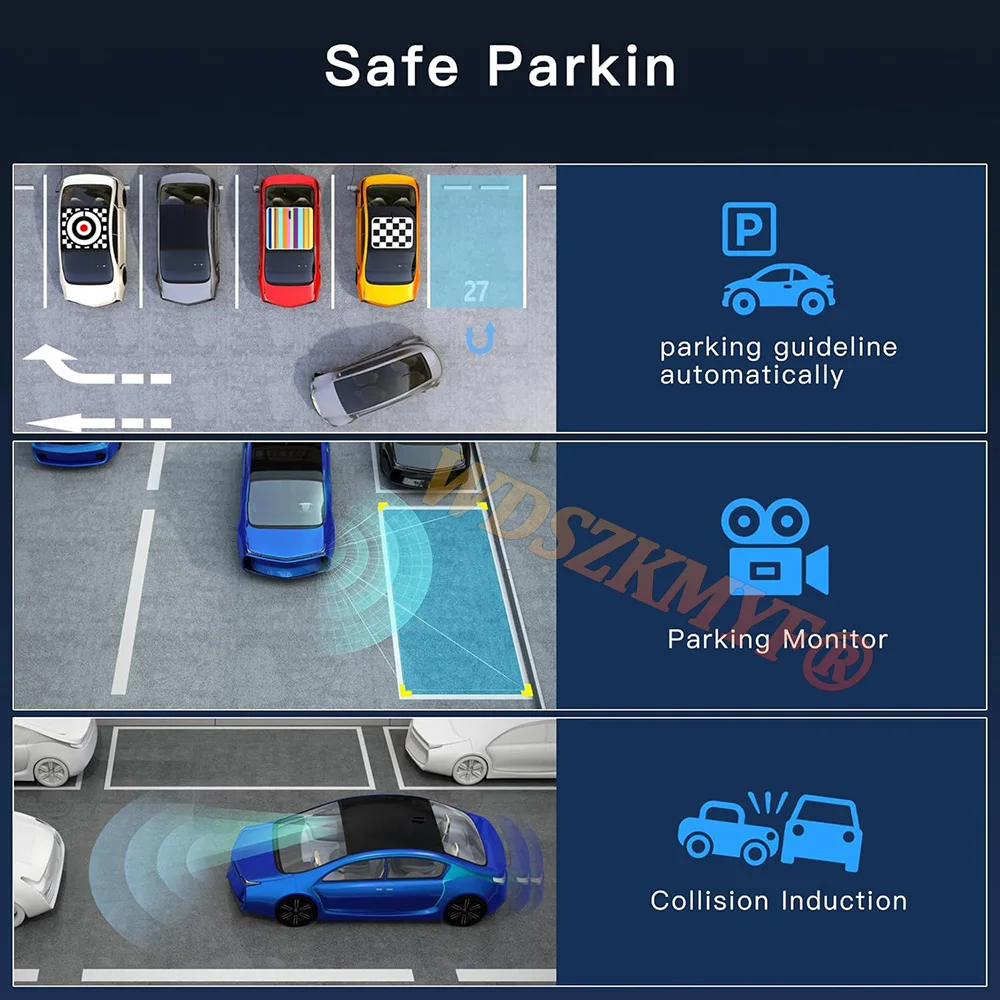
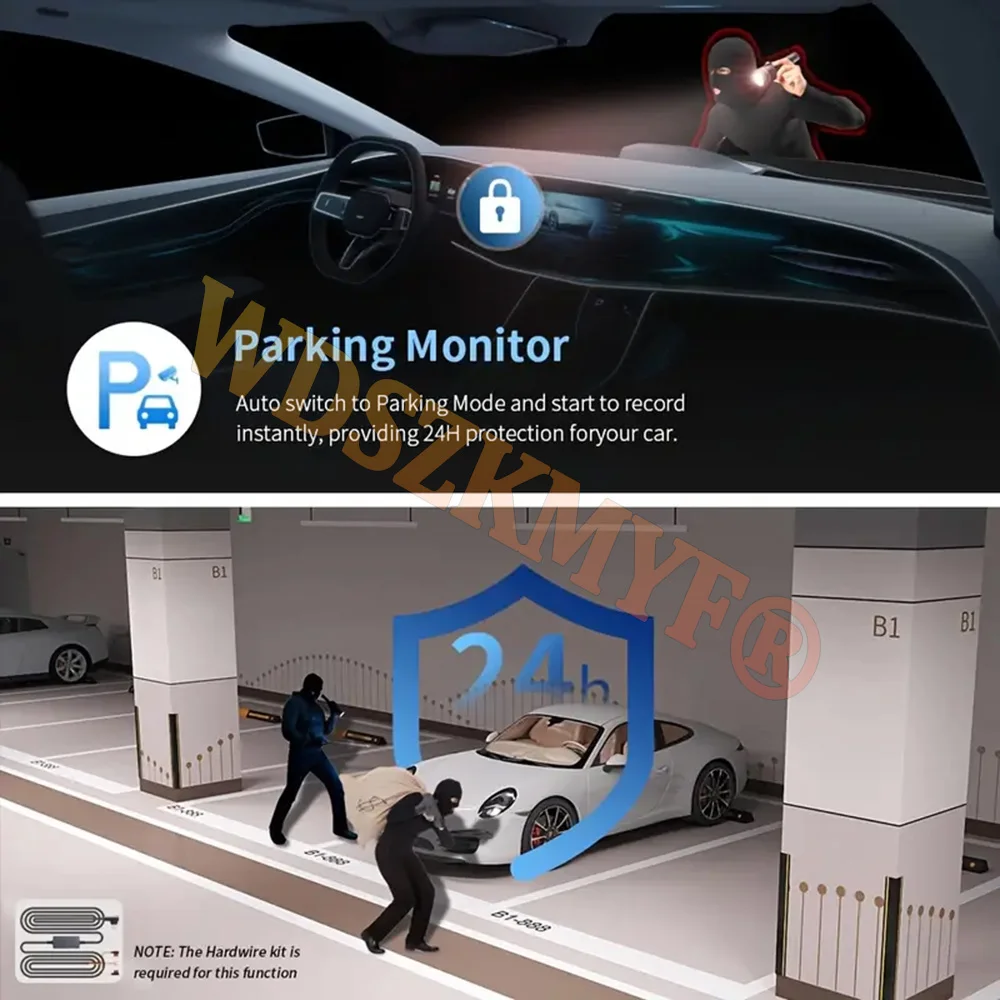
<div class="detailmodule_image"></div><div class="detailmodule_text"><p style="font-size:24px;font-weight:bold;color:rgb(255, 0, 0)">new square lens four channels Fhd 1080P cameras WIFI high-end recorder</p></div><div class="detailmodule_text"><p style="font-size:24px;font-weight:normal">● Display size: 3.16 '' IPS screen<br/><br/>● Video compression format: AVI/MOV<br/><br/>● Resolution: FHD 1080P @30fps<br/><br/>● 170 degree Ultra High-definition wide angle lens<br/><br/>● Loop recording: Supports seamless loop recording<br/><br/>● Front camera 1080P ,rear camera 720P,right/left cam 720P</p></div><div class="detailmodule_text"><p style="font-size:24px;font-weight:bold;color:rgb(255, 0, 0)">Function:</p><p style="font-size:20px">-------Wi-Fi and APP Control<br/><br/>WiFi function: point-to-point connection with mobile phone, and view video at any time.<br/><br/>Comes with Wifi function, you can watch, playand download videos via free APP.In addition,you can easily share recorded videos with friendsand family.<br/><br/>-------24-hour parking monitor-hardwire (optional): waiting 24 hours a day (to ensure that the car itself has electricity). When the car is started, it is recorded normally. After the car is turned off, if it is hit or vibrated, the machine will immediately wake up to record and keep the video as evidence. Don't worry about the situation that the car is turned off and you can't record the video.<br/><br/>-------Superior Night Vision<br/><br/>The recorder offer the latest built-in highly sensitive night vision image sensor, which will automatically compensates for light/dark spots and balances exposure, makes all scene details are recorded vividly.<br/><br/>-------Infrared function<br/><br/>Enhance the night vision function at night to make the night video clearer.Even in low-night conditions, it capture clear videos and photos in your driving or parking moment.<br/><br/>-------WDR, Wide Dynamic Range, and super wide dynamic make the particularly bright and dark parts in the scene can be seen clearly at the same time. (Wide dynamic range is the ratio of the brightest brightness signal value that an image can distinguish to the darkest brightness signal value that can be distinguished. )<br/><br/>-------170-degree wide angle, super-large lens angle, wider recording range, perfectly capturing every blind spot.<br/><br/>-------Loop recording,is a video recording technology, which can constantly overwrite the old video during the recording process, thus achieving the effect of loop recording.<br/><br/>-------G-sensor function, the machine will automatically save the video when the accident happens as an undeletable file.</p></div><div class="detailmodule_text"><p style="font-size:24px;font-weight:bold;color:rgb(255, 0, 0)">4 Channels Front & Rear & Inside Camera</p></div><div class="detailmodule_image"></div><div class="detailmodule_text"><p style="font-size:20px;color:rgb(255, 0, 0)">When all four lenses are turned on simultaneously, the image quality will be compressed to 2K+720P*3</p></div><div class="detailmodule_text"><p style="font-size:24px;font-weight:bold">Super Night Vision</p></div><div class="detailmodule_image"></div><div class="detailmodule_text"><p style="font-size:24px;font-weight:bold">Built-in Wi-Fi & APP Control</p></div><div class="detailmodule_text"><p style="font-size:24px">BUILT-IN WIFIFUNCTION : Smart dash cam built-in WiFi module, support APP control (Work with Android and iOS devices)</p></div><div class="detailmodule_image"></div><div class="detailmodule_text"><p style="font-size:24px;font-weight:bold">Reverse image</p><p style="font-size:24px">When hanging in the "R" gear, the screen will automatically switch Reverse image, and the accurate inverted auxiliary line provides you with better parking prediction.</p></div><div class="detailmodule_text-image"></div><div class="detailmodule_text"><p style="font-size:24px;font-weight:bold">24-Hour Parking Monitoring</p><p style="font-size:24px">Built-in G-sensor activates automatic recording when a sudden shake or collision is detected. When emergency video is recorded, a voice will alert you when you return to the car. In addition,supports time-lapse recording, which maximizes storage usage and ensures that no moments of evidence are missed.Friendly reminder: parking monitoring needs to be configured with a special buck cable for use, otherwise 24-hour monitoring is not possible</p></div><div class="detailmodule_image"></div><div class="detailmodule_text"><p style="font-size:24px;font-weight:bold">Built-in G-sensor</p><p style="font-size:24px">When your car is subjected to an impact or other emergency,the G sensor is triggered, so that the recorder immediately records and locks the video.</p></div><div class="detailmodule_image"></div><div class="detailmodule_text"><p style="font-size:24px;font-weight:bold">Loop- Cycle Recording</p><p style="font-size:24px">When the TF card is full,it will automatically delete former video and keep recording all the time</p></div><div class="detailmodule_image"></div><div class="detailmodule_text"><p style="font-size:20px;font-weight:bold">Installation Diagram</p><p style="font-size:24px">1.Secure the recorder to the windshield of the vehicle , recommended near the rearview mirror area2.Hide the power cord in the window gap along the red line in the figure above 3.Insert the car charge wire into the cigarette lighter, connect the power supply, and complete the installation<br/><br/>3.Rear camera if you need reverse camera function please connect the red wire, the red wire connects to the power supply of the reverse light behind the car.<br/><br/>4.All car recorders need to be connected to the power supply to use, please understand the small battery safety design of the recorder. The battery of electrical appliances in the car is not allowed to be installed too large.</p></div><div class="detailmodule_image"></div><div class="detailmodule_text"><p style="font-size:20px">To protect your privacy, the TF card needs to be formatted for the first time. There are two solutions:1. Insert the TF card correctly into the dash cam, open the camera settings, find the storage card format, confirm that the formatting is complete, and then restart the camera to use.2.Connect to the mobile application, search for settings in the mobile application, format the memory card, confirm formatting is complete, and then restart the camera to use it. Sincere wishes to you and your family.</p></div><div class="detailmodule_image"></div><p><br/></p>
$113.99
$55.76
- Category : Automobiles, Parts & Accessories
- Brand : global_car_accessories_factory_store Global Car Accessories Factory Store
Colors
Sizes
-
+

<div class="detailmodule_image"></div><div class="detailmodule_text"><p style="font-size:24px;font-weight:bold;color:rgb(255, 0, 0)">new square lens four channels Fhd 1080P cameras WIFI high-end recorder</p></div><div class="detailmodule_text"><p style="font-size:24px;font-weight:normal">● Display size: 3.16 '' IPS screen<br/><br/>● Video compression format: AVI/MOV<br/><br/>● Resolution: FHD 1080P @30fps<br/><br/>● 170 degree Ultra High-definition wide angle lens<br/><br/>● Loop recording: Supports seamless loop recording<br/><br/>● Front camera 1080P ,rear camera 720P,right/left cam 720P</p></div><div class="detailmodule_text"><p style="font-size:24px;font-weight:bold;color:rgb(255, 0, 0)">Function:</p><p style="font-size:20px">-------Wi-Fi and APP Control<br/><br/>WiFi function: point-to-point connection with mobile phone, and view video at any time.<br/><br/>Comes with Wifi function, you can watch, playand download videos via free APP.In addition,you can easily share recorded videos with friendsand family.<br/><br/>-------24-hour parking monitor-hardwire (optional): waiting 24 hours a day (to ensure that the car itself has electricity). When the car is started, it is recorded normally. After the car is turned off, if it is hit or vibrated, the machine will immediately wake up to record and keep the video as evidence. Don't worry about the situation that the car is turned off and you can't record the video.<br/><br/>-------Superior Night Vision<br/><br/>The recorder offer the latest built-in highly sensitive night vision image sensor, which will automatically compensates for light/dark spots and balances exposure, makes all scene details are recorded vividly.<br/><br/>-------Infrared function<br/><br/>Enhance the night vision function at night to make the night video clearer.Even in low-night conditions, it capture clear videos and photos in your driving or parking moment.<br/><br/>-------WDR, Wide Dynamic Range, and super wide dynamic make the particularly bright and dark parts in the scene can be seen clearly at the same time. (Wide dynamic range is the ratio of the brightest brightness signal value that an image can distinguish to the darkest brightness signal value that can be distinguished. )<br/><br/>-------170-degree wide angle, super-large lens angle, wider recording range, perfectly capturing every blind spot.<br/><br/>-------Loop recording,is a video recording technology, which can constantly overwrite the old video during the recording process, thus achieving the effect of loop recording.<br/><br/>-------G-sensor function, the machine will automatically save the video when the accident happens as an undeletable file.</p></div><div class="detailmodule_text"><p style="font-size:24px;font-weight:bold;color:rgb(255, 0, 0)">4 Channels Front & Rear & Inside Camera</p></div><div class="detailmodule_image"></div><div class="detailmodule_text"><p style="font-size:20px;color:rgb(255, 0, 0)">When all four lenses are turned on simultaneously, the image quality will be compressed to 2K+720P*3</p></div><div class="detailmodule_text"><p style="font-size:24px;font-weight:bold">Super Night Vision</p></div><div class="detailmodule_image"></div><div class="detailmodule_text"><p style="font-size:24px;font-weight:bold">Built-in Wi-Fi & APP Control</p></div><div class="detailmodule_text"><p style="font-size:24px">BUILT-IN WIFIFUNCTION : Smart dash cam built-in WiFi module, support APP control (Work with Android and iOS devices)</p></div><div class="detailmodule_image"></div><div class="detailmodule_text"><p style="font-size:24px;font-weight:bold">Reverse image</p><p style="font-size:24px">When hanging in the "R" gear, the screen will automatically switch Reverse image, and the accurate inverted auxiliary line provides you with better parking prediction.</p></div><div class="detailmodule_text-image"></div><div class="detailmodule_text"><p style="font-size:24px;font-weight:bold">24-Hour Parking Monitoring</p><p style="font-size:24px">Built-in G-sensor activates automatic recording when a sudden shake or collision is detected. When emergency video is recorded, a voice will alert you when you return to the car. In addition,supports time-lapse recording, which maximizes storage usage and ensures that no moments of evidence are missed.Friendly reminder: parking monitoring needs to be configured with a special buck cable for use, otherwise 24-hour monitoring is not possible</p></div><div class="detailmodule_image"></div><div class="detailmodule_text"><p style="font-size:24px;font-weight:bold">Built-in G-sensor</p><p style="font-size:24px">When your car is subjected to an impact or other emergency,the G sensor is triggered, so that the recorder immediately records and locks the video.</p></div><div class="detailmodule_image"></div><div class="detailmodule_text"><p style="font-size:24px;font-weight:bold">Loop- Cycle Recording</p><p style="font-size:24px">When the TF card is full,it will automatically delete former video and keep recording all the time</p></div><div class="detailmodule_image"></div><div class="detailmodule_text"><p style="font-size:20px;font-weight:bold">Installation Diagram</p><p style="font-size:24px">1.Secure the recorder to the windshield of the vehicle , recommended near the rearview mirror area2.Hide the power cord in the window gap along the red line in the figure above 3.Insert the car charge wire into the cigarette lighter, connect the power supply, and complete the installation<br/><br/>3.Rear camera if you need reverse camera function please connect the red wire, the red wire connects to the power supply of the reverse light behind the car.<br/><br/>4.All car recorders need to be connected to the power supply to use, please understand the small battery safety design of the recorder. The battery of electrical appliances in the car is not allowed to be installed too large.</p></div><div class="detailmodule_image"></div><div class="detailmodule_text"><p style="font-size:20px">To protect your privacy, the TF card needs to be formatted for the first time. There are two solutions:1. Insert the TF card correctly into the dash cam, open the camera settings, find the storage card format, confirm that the formatting is complete, and then restart the camera to use.2.Connect to the mobile application, search for settings in the mobile application, format the memory card, confirm formatting is complete, and then restart the camera to use it. Sincere wishes to you and your family.</p></div><div class="detailmodule_image"></div><p><br/></p>
Related Product
Browse The Collection of Top Products.