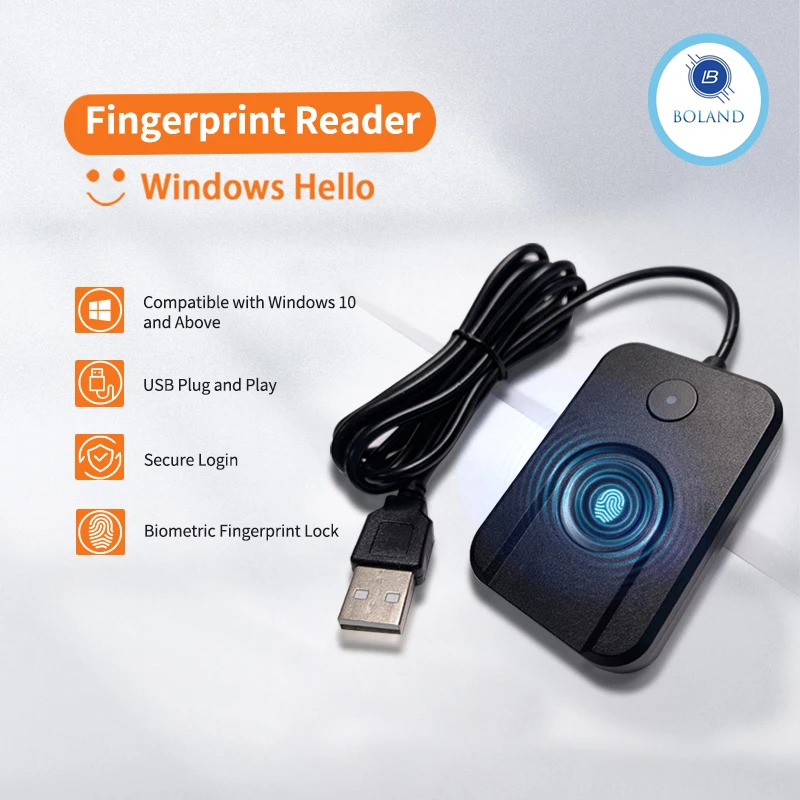
New Windows 10 11 Hello Biometric Fingerprint Login USB Reader Scanner Module Device Biometrics Security Key Safe Account Login
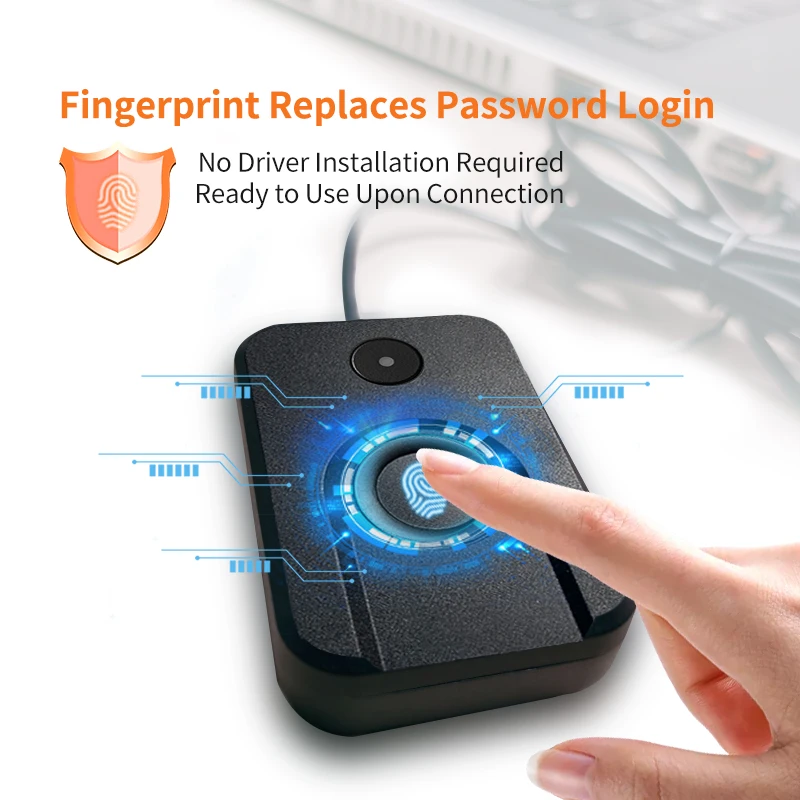
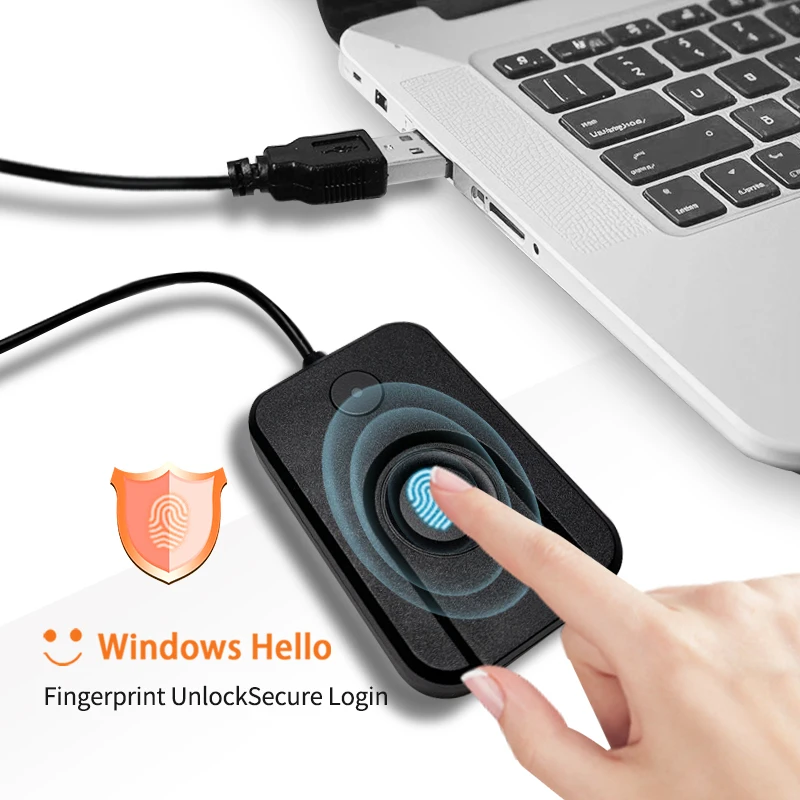
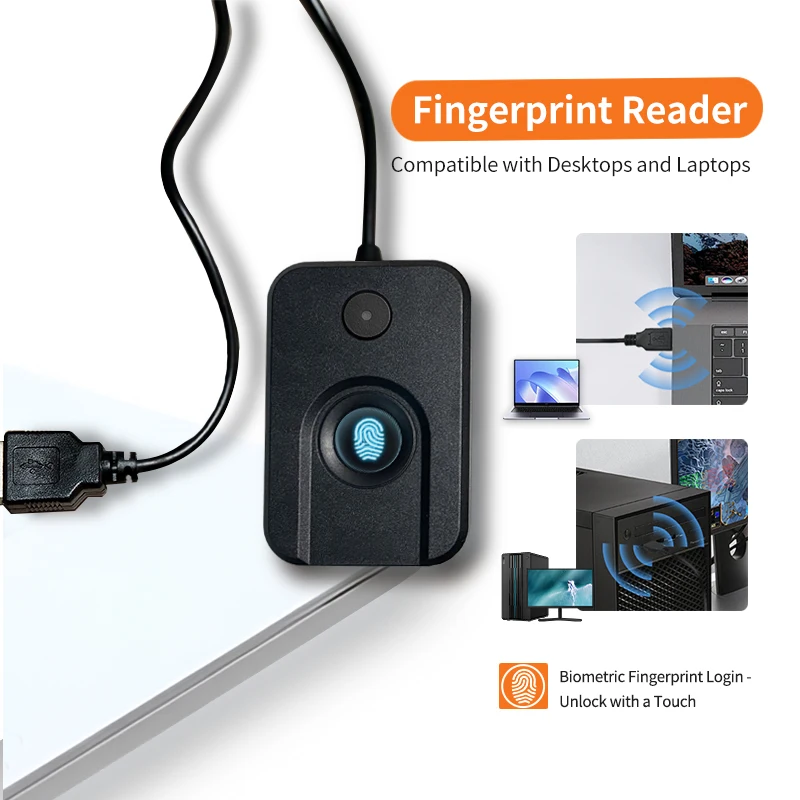
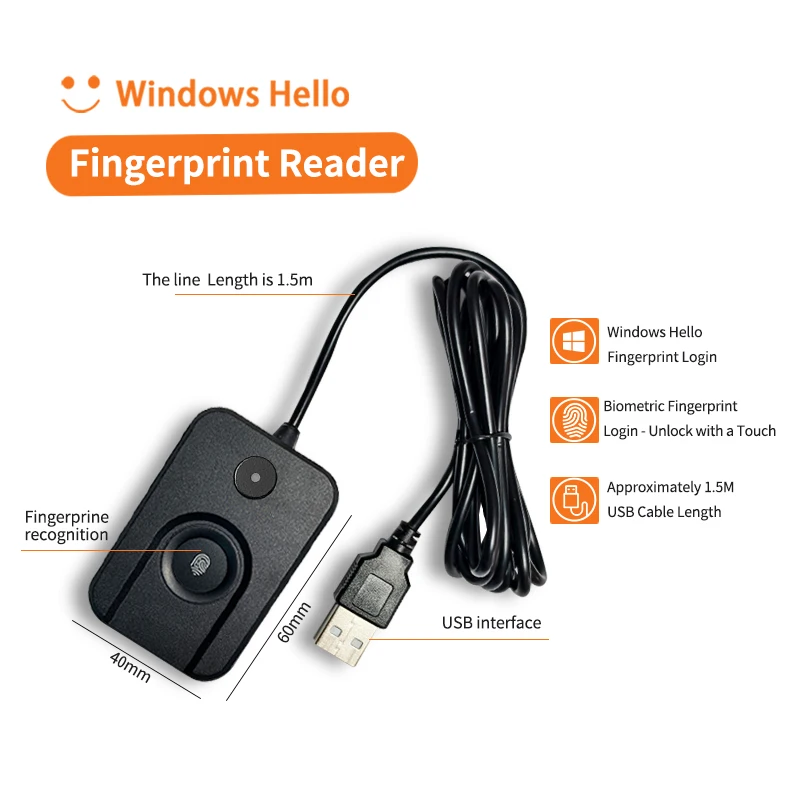
<p>Feature</p><p>1.No software installation, plug and play</p><p>2. Support window10 and above 32-bit or 64-bit system</p><p>3. In the networked state, the hardware driver is usually installed automatically after accessing the hardware USB to the PC</p><p>4. Biometric fingerprinting, with window hello, users can simply move their fingers and be immediately recognised by the new device running window10.</p><p>5.Equipped with a lock screen function, it can be locked with just one button</p><p><br/></p><br/><p>Frequently asked questions and answers:</p><p>Q:Can I still use my original password after using window hello?</p><p>A: Once you have installed your Window hello device and set your fingerprint, you can choose to use your original password, PIN and fingerprint that you have just registered.</p><p>Q:Do I need to set my fingerprint again after I have unplugged my Window hello and put it back on?</p><p>A:No, you don't.</p><p>Q:Why do I get an error when I press my finger when I register my fingerprint?</p><p>A:It is possible that you have used a system installed by ghost software, which usually uses the Administer user directly, and Microsoft forbids the use of such users.</p>
$66.155
$33.44
- Category : Home Improvement
- Brand : boland999_security_store Boland999 Security Store
Colors
Sizes
-
+

<p>Feature</p><p>1.No software installation, plug and play</p><p>2. Support window10 and above 32-bit or 64-bit system</p><p>3. In the networked state, the hardware driver is usually installed automatically after accessing the hardware USB to the PC</p><p>4. Biometric fingerprinting, with window hello, users can simply move their fingers and be immediately recognised by the new device running window10.</p><p>5.Equipped with a lock screen function, it can be locked with just one button</p><p><br/></p><br/><p>Frequently asked questions and answers:</p><p>Q:Can I still use my original password after using window hello?</p><p>A: Once you have installed your Window hello device and set your fingerprint, you can choose to use your original password, PIN and fingerprint that you have just registered.</p><p>Q:Do I need to set my fingerprint again after I have unplugged my Window hello and put it back on?</p><p>A:No, you don't.</p><p>Q:Why do I get an error when I press my finger when I register my fingerprint?</p><p>A:It is possible that you have used a system installed by ghost software, which usually uses the Administer user directly, and Microsoft forbids the use of such users.</p>
Related Product
Browse The Collection of Top Products.