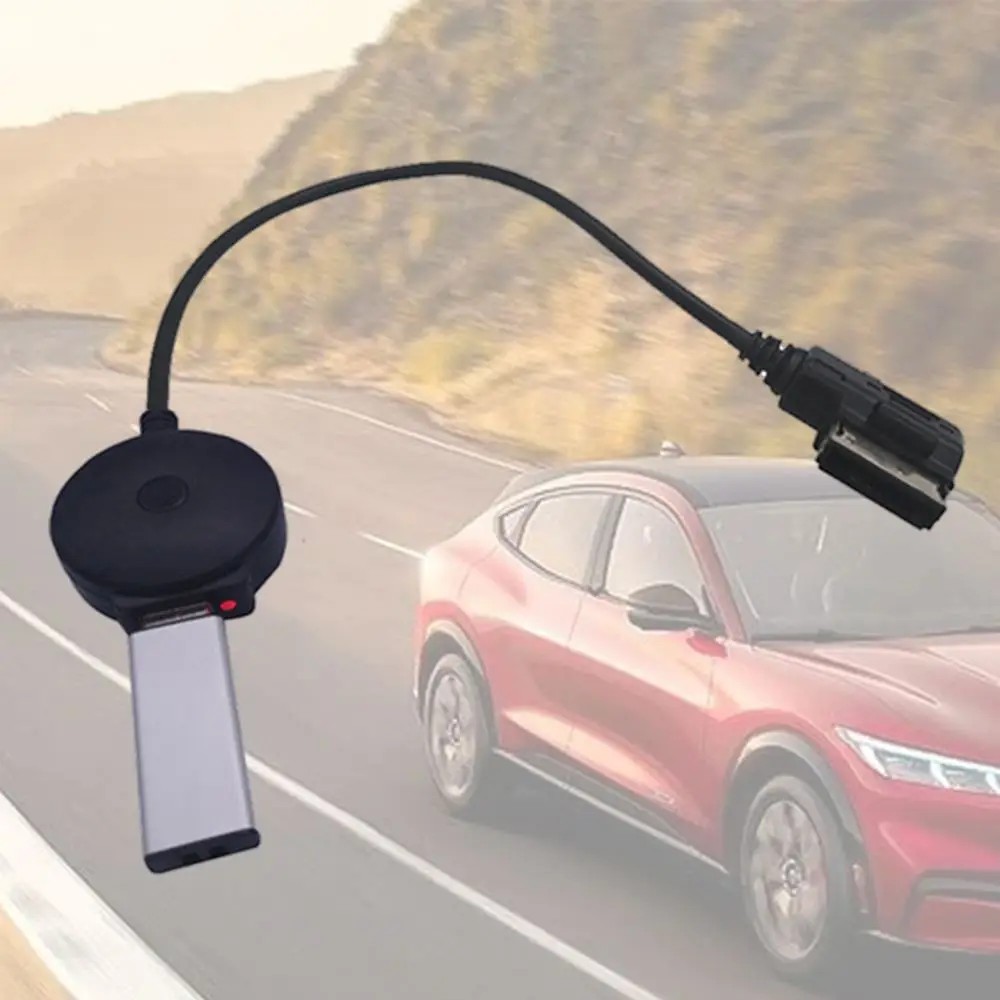
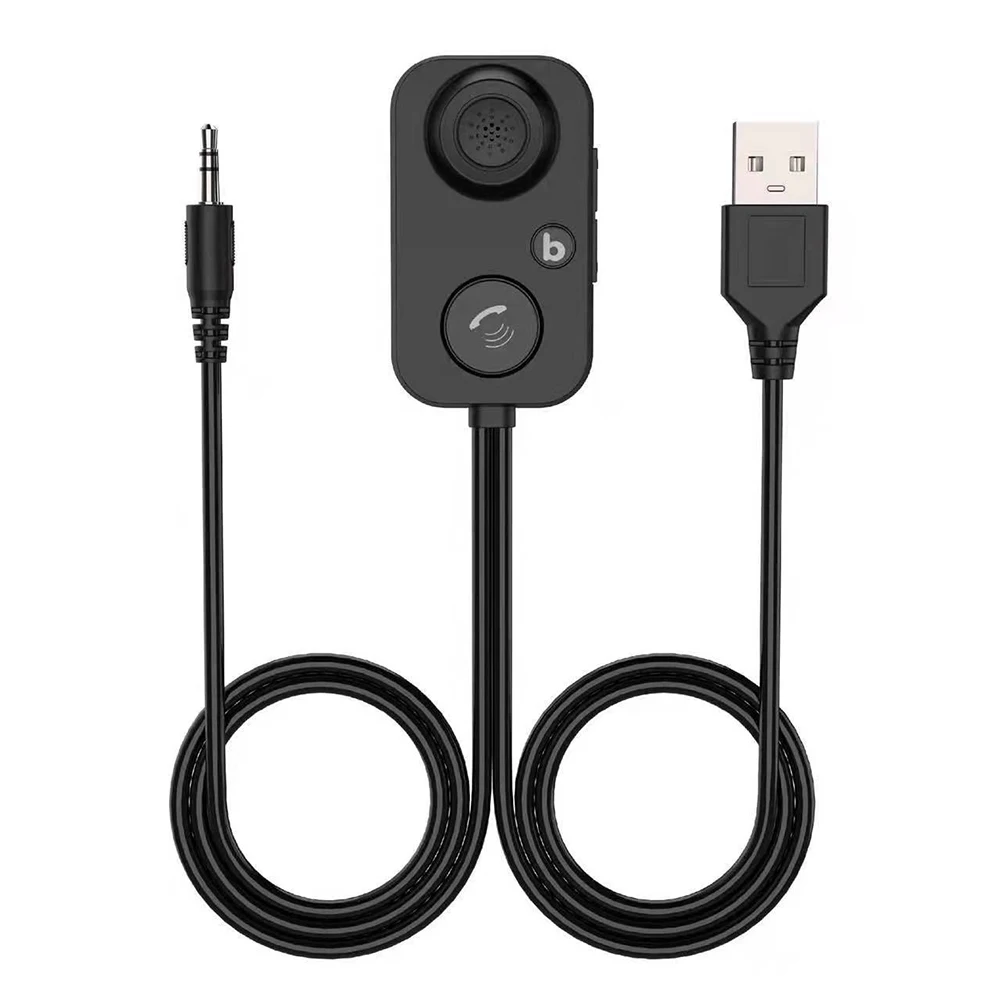
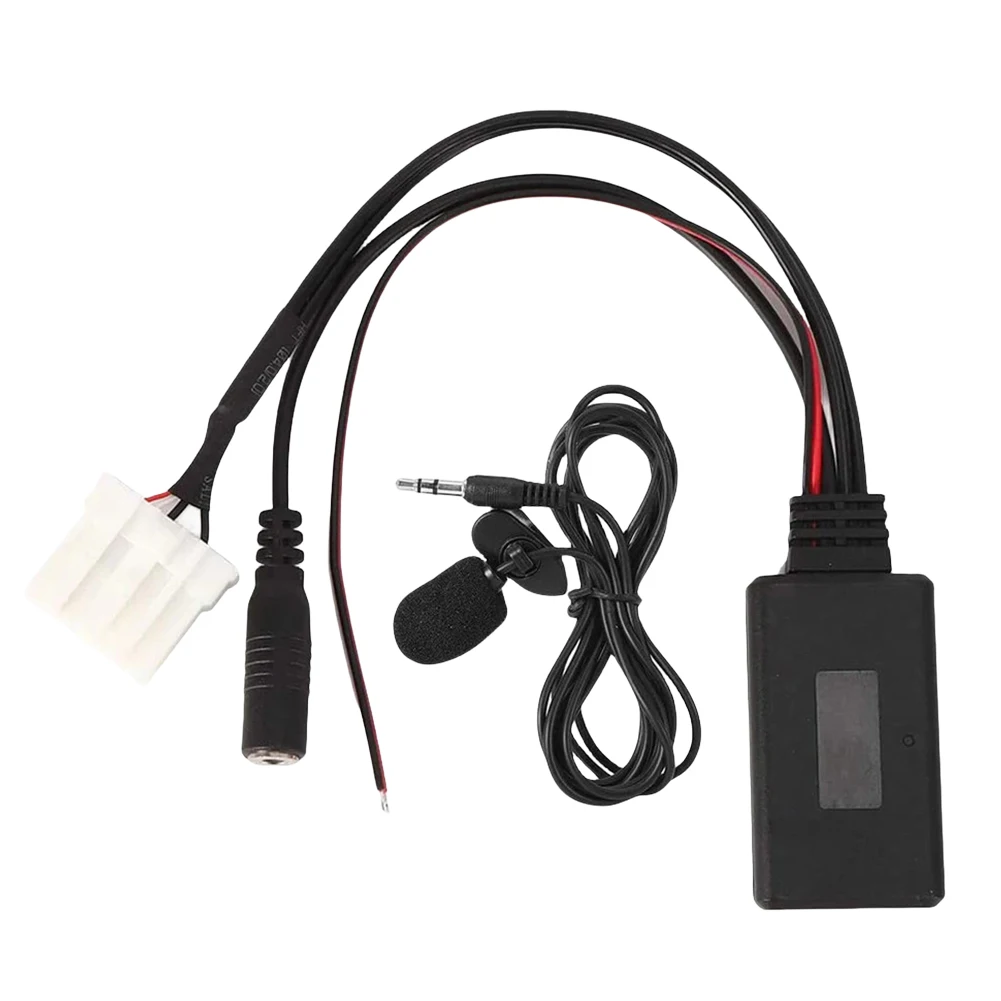
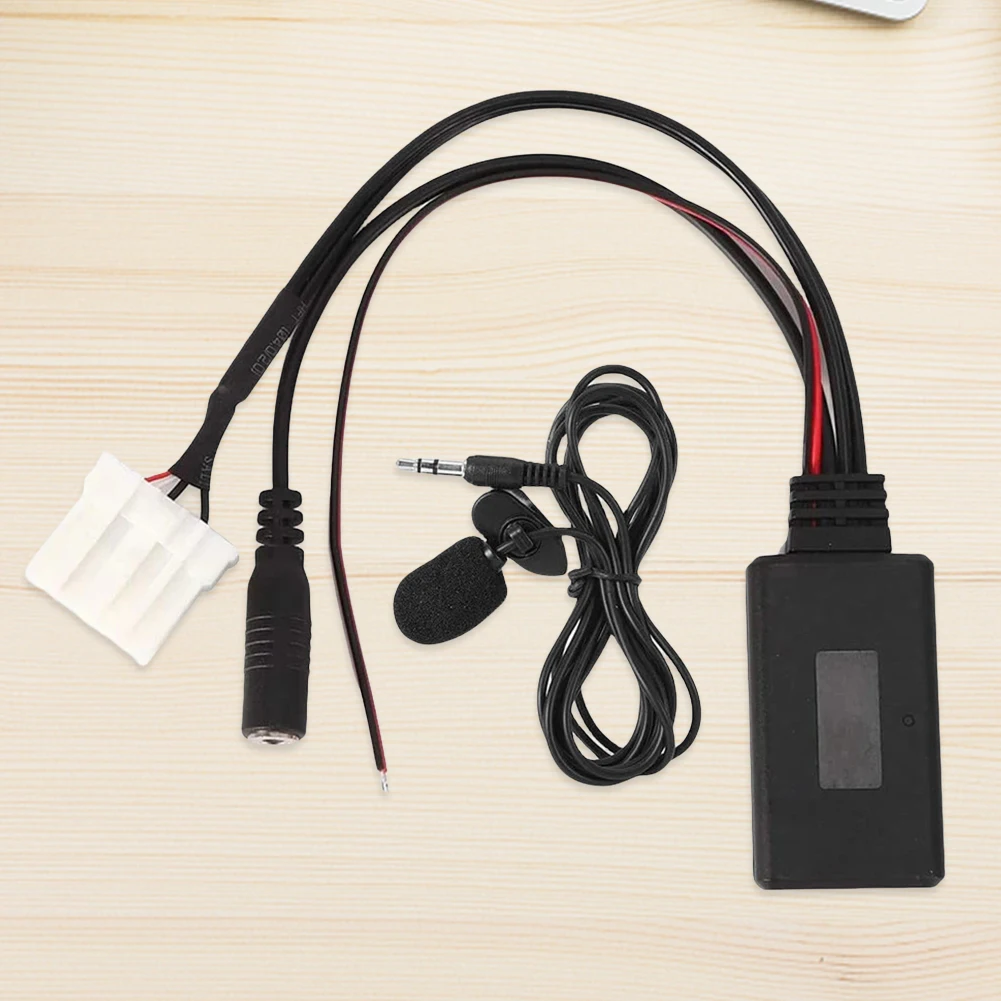
New Wireless CarPlay Dongle Wireless Android Auto Adapter 2in1 Car Intelligent Systems AI Smart Box For Car With Wired CarPlay
<div class="detailmodule_html"><div class="detail-desc-decorate-richtext"><p><span style="font-family: OpenSans; font-size: 14px; white-space-collapse: preserve; background-color: #ffffff;"><strong><span style="font-size: 18pt;">Note:</span></strong><br>The function of this product is to convert the original wired Carplay/Android Auto into wireless Carplay/Android Auto.</span><br style="font-family: OpenSans; font-size: 14px; white-space-collapse: preserve; background-color: #ffffff;"><span style="font-family: OpenSans; font-size: 14px; white-space-collapse: preserve; background-color: #ffffff;">Please read before buying!</span><br style="font-family: OpenSans; font-size: 14px; white-space-collapse: preserve; background-color: #ffffff;"><span style="font-family: OpenSans; font-size: 14px; white-space-collapse: preserve; background-color: #ffffff;">1. Please make sure your original car has OEM CarPlay.This product is suitable for 98% of cars with original wired Carplay. BMW, Tesla and some models are not compatible. If you are not sure. You can contact customer service to inquire.</span><br style="font-family: OpenSans; font-size: 14px; white-space-collapse: preserve; background-color: #ffffff;"><span style="font-family: OpenSans; font-size: 14px; white-space-collapse: preserve; background-color: #ffffff;">2. For Carplay, it supports iPhone 6 and above models, and the software version is iOS 10 or above.</span><br style="font-family: OpenSans; font-size: 14px; white-space-collapse: preserve; background-color: #ffffff;"><span style="font-family: OpenSans; font-size: 14px; white-space-collapse: preserve; background-color: #ffffff;">3. For Android Auto, it supports Android 11 and above models. Note that Huawei mobile phones are special. Huawei devices have their own mobile operating system - EMUI. Unfortunately, Android auto wireless does not support EMUI.</span><br style="font-family: OpenSans; font-size: 14px; white-space-collapse: preserve; background-color: #ffffff;"><span style="font-size: 18pt;"><strong><span style="font-family: OpenSans; white-space-collapse: preserve; background-color: #ffffff;">Features:</span></strong></span><br style="font-family: OpenSans; font-size: 14px; white-space-collapse: preserve; background-color: #ffffff;"><span style="font-family: OpenSans; font-size: 14px; white-space-collapse: preserve; background-color: #ffffff;">1. Wired to wireless CarPlay adapter, say Goodbye to wires. USB plug-and-play installation, stable and fast, No need to remove OEM radio.</span><br style="font-family: OpenSans; font-size: 14px; white-space-collapse: preserve; background-color: #ffffff;"><span style="font-family: OpenSans; font-size: 14px; white-space-collapse: preserve; background-color: #ffffff;">2. Certified 5Ghz WiFi module, providing a faster and better wireless experience.</span><br style="font-family: OpenSans; font-size: 14px; white-space-collapse: preserve; background-color: #ffffff;"><span style="font-family: OpenSans; font-size: 14px; white-space-collapse: preserve; background-color: #ffffff;">3. It can be connected automatically after the first successful connection.</span><br style="font-family: OpenSans; font-size: 14px; white-space-collapse: preserve; background-color: #ffffff;"><span style="font-family: OpenSans; font-size: 14px; white-space-collapse: preserve; background-color: #ffffff;">4. OTA online software update.</span><br style="font-family: OpenSans; font-size: 14px; white-space-collapse: preserve; background-color: #ffffff;"><span style="font-family: OpenSans; font-size: 14px; white-space-collapse: preserve; background-color: #ffffff;">About Bluetooth connection: </span><br style="font-family: OpenSans; font-size: 14px; white-space-collapse: preserve; background-color: #ffffff;"><span style="font-family: OpenSans; font-size: 14px; white-space-collapse: preserve; background-color: #ffffff;">Apple Carplay: If you cannot connect, please go to the phone settings-general-carplay, delete all the devices in it and then connect again.</span><br style="font-family: OpenSans; font-size: 14px; white-space-collapse: preserve; background-color: #ffffff;"><span style="font-family: OpenSans; font-size: 14px; white-space-collapse: preserve; background-color: #ffffff;">Android auto: If you cannot connect, please enter the phone settings-APPs-Google play service-Storage and cache-clear cache-Total-clear all data</span></p>
<p></p>
<p></p>
<p></p>
<p></p>
<p></p>
<p></p>
<p></p>
<p></p>
<p></p>
<p></p>
<p></p>
<p></p>
<p></p></div></div>
$65
$33.5
- Category : Automobiles, Parts & Accessories
- Brand : dropshipping_wombeau_store Dropshipping Wombeau Store
Colors
Sizes
-
+

<div class="detailmodule_html"><div class="detail-desc-decorate-richtext"><p><span style="font-family: OpenSans; font-size: 14px; white-space-collapse: preserve; background-color: #ffffff;"><strong><span style="font-size: 18pt;">Note:</span></strong><br>The function of this product is to convert the original wired Carplay/Android Auto into wireless Carplay/Android Auto.</span><br style="font-family: OpenSans; font-size: 14px; white-space-collapse: preserve; background-color: #ffffff;"><span style="font-family: OpenSans; font-size: 14px; white-space-collapse: preserve; background-color: #ffffff;">Please read before buying!</span><br style="font-family: OpenSans; font-size: 14px; white-space-collapse: preserve; background-color: #ffffff;"><span style="font-family: OpenSans; font-size: 14px; white-space-collapse: preserve; background-color: #ffffff;">1. Please make sure your original car has OEM CarPlay.This product is suitable for 98% of cars with original wired Carplay. BMW, Tesla and some models are not compatible. If you are not sure. You can contact customer service to inquire.</span><br style="font-family: OpenSans; font-size: 14px; white-space-collapse: preserve; background-color: #ffffff;"><span style="font-family: OpenSans; font-size: 14px; white-space-collapse: preserve; background-color: #ffffff;">2. For Carplay, it supports iPhone 6 and above models, and the software version is iOS 10 or above.</span><br style="font-family: OpenSans; font-size: 14px; white-space-collapse: preserve; background-color: #ffffff;"><span style="font-family: OpenSans; font-size: 14px; white-space-collapse: preserve; background-color: #ffffff;">3. For Android Auto, it supports Android 11 and above models. Note that Huawei mobile phones are special. Huawei devices have their own mobile operating system - EMUI. Unfortunately, Android auto wireless does not support EMUI.</span><br style="font-family: OpenSans; font-size: 14px; white-space-collapse: preserve; background-color: #ffffff;"><span style="font-size: 18pt;"><strong><span style="font-family: OpenSans; white-space-collapse: preserve; background-color: #ffffff;">Features:</span></strong></span><br style="font-family: OpenSans; font-size: 14px; white-space-collapse: preserve; background-color: #ffffff;"><span style="font-family: OpenSans; font-size: 14px; white-space-collapse: preserve; background-color: #ffffff;">1. Wired to wireless CarPlay adapter, say Goodbye to wires. USB plug-and-play installation, stable and fast, No need to remove OEM radio.</span><br style="font-family: OpenSans; font-size: 14px; white-space-collapse: preserve; background-color: #ffffff;"><span style="font-family: OpenSans; font-size: 14px; white-space-collapse: preserve; background-color: #ffffff;">2. Certified 5Ghz WiFi module, providing a faster and better wireless experience.</span><br style="font-family: OpenSans; font-size: 14px; white-space-collapse: preserve; background-color: #ffffff;"><span style="font-family: OpenSans; font-size: 14px; white-space-collapse: preserve; background-color: #ffffff;">3. It can be connected automatically after the first successful connection.</span><br style="font-family: OpenSans; font-size: 14px; white-space-collapse: preserve; background-color: #ffffff;"><span style="font-family: OpenSans; font-size: 14px; white-space-collapse: preserve; background-color: #ffffff;">4. OTA online software update.</span><br style="font-family: OpenSans; font-size: 14px; white-space-collapse: preserve; background-color: #ffffff;"><span style="font-family: OpenSans; font-size: 14px; white-space-collapse: preserve; background-color: #ffffff;">About Bluetooth connection: </span><br style="font-family: OpenSans; font-size: 14px; white-space-collapse: preserve; background-color: #ffffff;"><span style="font-family: OpenSans; font-size: 14px; white-space-collapse: preserve; background-color: #ffffff;">Apple Carplay: If you cannot connect, please go to the phone settings-general-carplay, delete all the devices in it and then connect again.</span><br style="font-family: OpenSans; font-size: 14px; white-space-collapse: preserve; background-color: #ffffff;"><span style="font-family: OpenSans; font-size: 14px; white-space-collapse: preserve; background-color: #ffffff;">Android auto: If you cannot connect, please enter the phone settings-APPs-Google play service-Storage and cache-clear cache-Total-clear all data</span></p>
<p></p>
<p></p>
<p></p>
<p></p>
<p></p>
<p></p>
<p></p>
<p></p>
<p></p>
<p></p>
<p></p>
<p></p>
<p></p></div></div>
Related Product
Browse The Collection of Top Products.