


Omnidirectional Condenser Lavalier Microphone for Camera Smartphone Recording
<h1><strong>Description</strong></h1><h3>Suitable for a variety of device and scenarios, Such as Camera,Car Audio,Subwoofer,Power Amplifier,Speaker and so on</h3><h3></h3><h3>Intelligent noise reduction, human voice is clearer and more delicate, Built-in noise reduction chip, with Ai noise reduction algorithm, strong anti-interference ability, can effectively identify the original sound and still record clearly in a noisy environment</h3><h3></h3><h3>Small, portable and comfortable to wear, The body is compact, flexible and changeable, and the shape is simple. It can be easily put into your pocket and does not take up space.</h3><h3></h3><h3>Plug and play, automatic pairing, Plug it in and use it, no complicated operations required;Support any model with 3.5mm plug, no need to purchase additional adapters</h3><h3></h3><h3>Note: For OPPO/VIVO/IQOO/REALME brand mobile phones, you need to search for "OTG" in the settings and turn on the OTG power supply to use them normally.</h3><h3></h3><h1><strong>Instructions:</strong></h1><h3>1. First, press and hold for 3 seconds to turn on the device, and insert the audio head of the receiver into the audio hole of the mobile phone or stereo, and the green light flashes to indicate that it is in the state to be connected;</h3><h3></h3><h3>2. Press and hold the power button of the microphone to turn it on, and the red and green lights flash to indicate that it is in the waiting state;</h3><h3></h3><h3>3. The green light of the receiver is always on, and the green light of the transmitter is always on, indicating that the pairing is successful;</h3><h3></h3><h3>It is recommended to charge it directly after use to facilitate the next use, and cannot be charged while using.</h3><p></p><p><br/></p>
$9.92
$6.59
- Category : Consumer Electronics
- Brand : wt_global_online_store WT Global Online Store
Colors
-
+

<h1><strong>Description</strong></h1><h3>Suitable for a variety of device and scenarios, Such as Camera,Car Audio,Subwoofer,Power Amplifier,Speaker and so on</h3><h3></h3><h3>Intelligent noise reduction, human voice is clearer and more delicate, Built-in noise reduction chip, with Ai noise reduction algorithm, strong anti-interference ability, can effectively identify the original sound and still record clearly in a noisy environment</h3><h3></h3><h3>Small, portable and comfortable to wear, The body is compact, flexible and changeable, and the shape is simple. It can be easily put into your pocket and does not take up space.</h3><h3></h3><h3>Plug and play, automatic pairing, Plug it in and use it, no complicated operations required;Support any model with 3.5mm plug, no need to purchase additional adapters</h3><h3></h3><h3>Note: For OPPO/VIVO/IQOO/REALME brand mobile phones, you need to search for "OTG" in the settings and turn on the OTG power supply to use them normally.</h3><h3></h3><h1><strong>Instructions:</strong></h1><h3>1. First, press and hold for 3 seconds to turn on the device, and insert the audio head of the receiver into the audio hole of the mobile phone or stereo, and the green light flashes to indicate that it is in the state to be connected;</h3><h3></h3><h3>2. Press and hold the power button of the microphone to turn it on, and the red and green lights flash to indicate that it is in the waiting state;</h3><h3></h3><h3>3. The green light of the receiver is always on, and the green light of the transmitter is always on, indicating that the pairing is successful;</h3><h3></h3><h3>It is recommended to charge it directly after use to facilitate the next use, and cannot be charged while using.</h3><p></p><p><br/></p>
Related Product
Browse The Collection of Top Products.


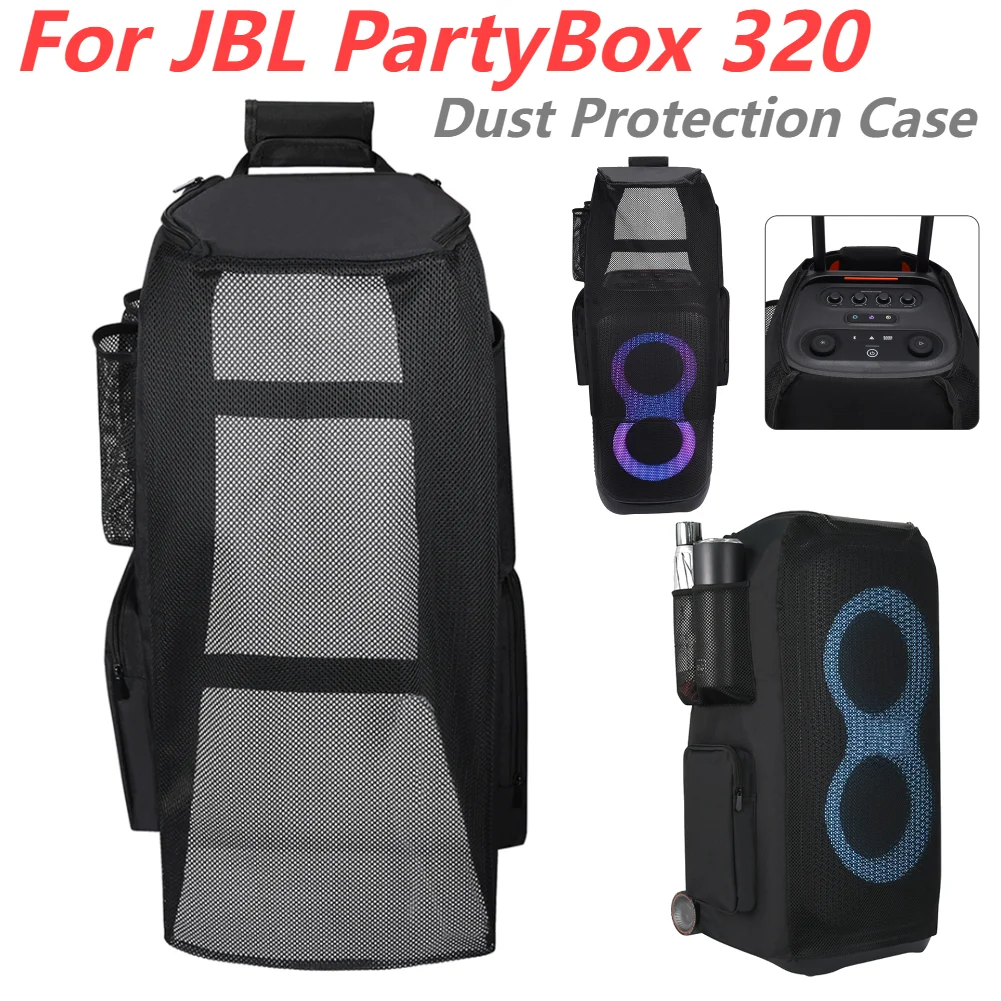
Waterproof EVA Portable Speaker Case for Travel
$74.71
$147.41


Wireless Music Hat Headphone with Mic for Running
$30.44
$62.53


4G Wireless Router 300Mbps Broadband WiFi Router
$99.29
$196.59
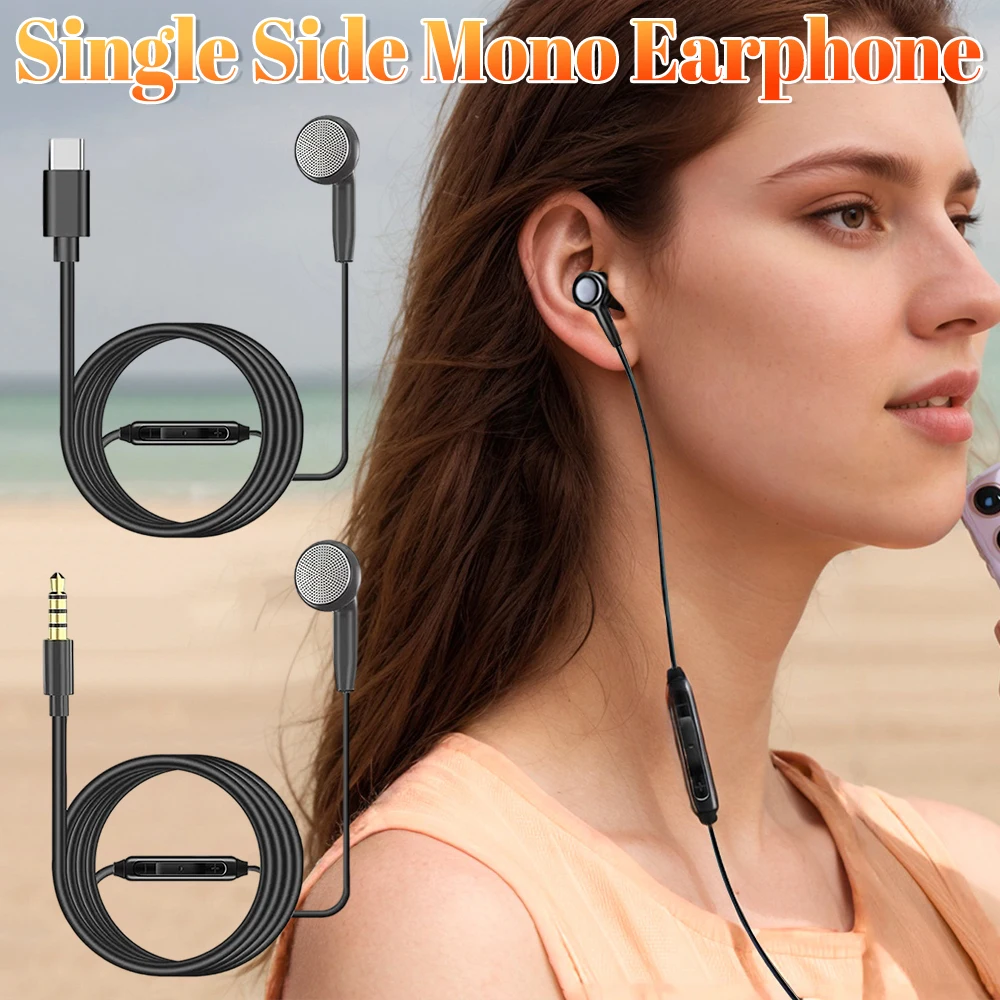
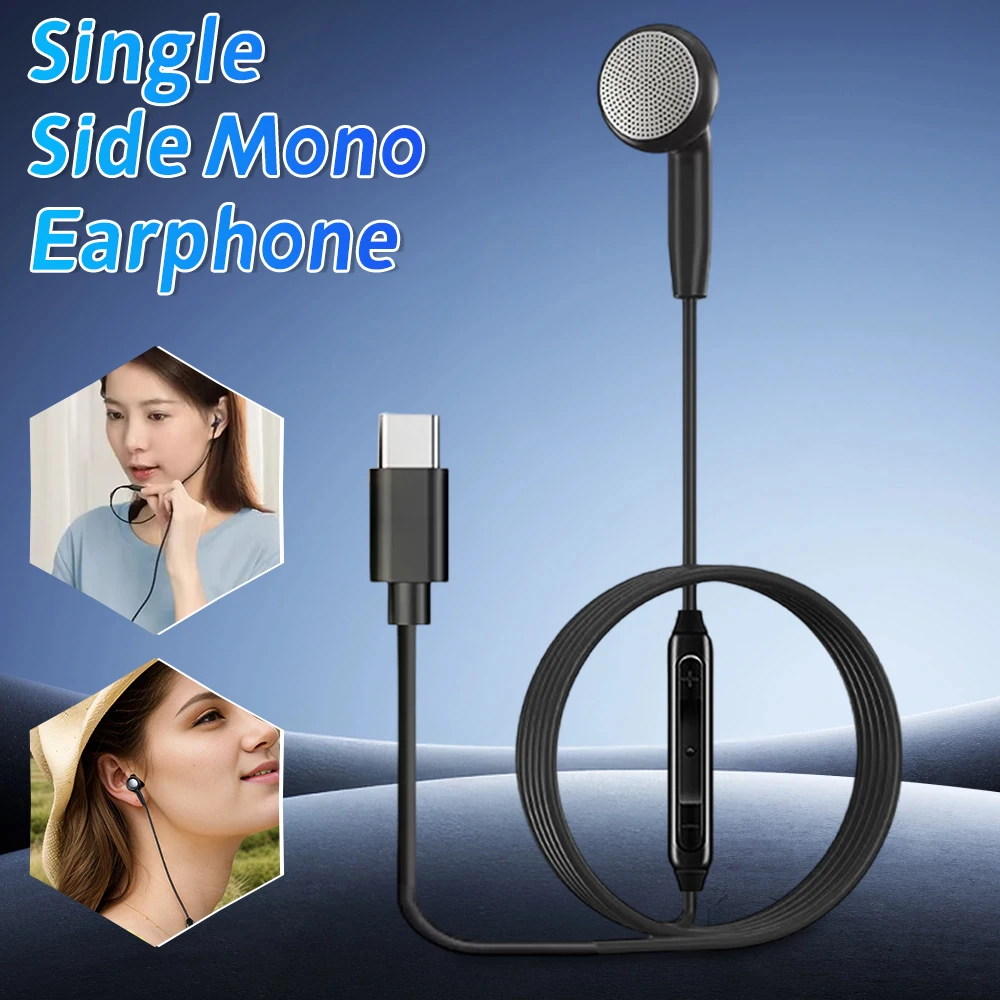
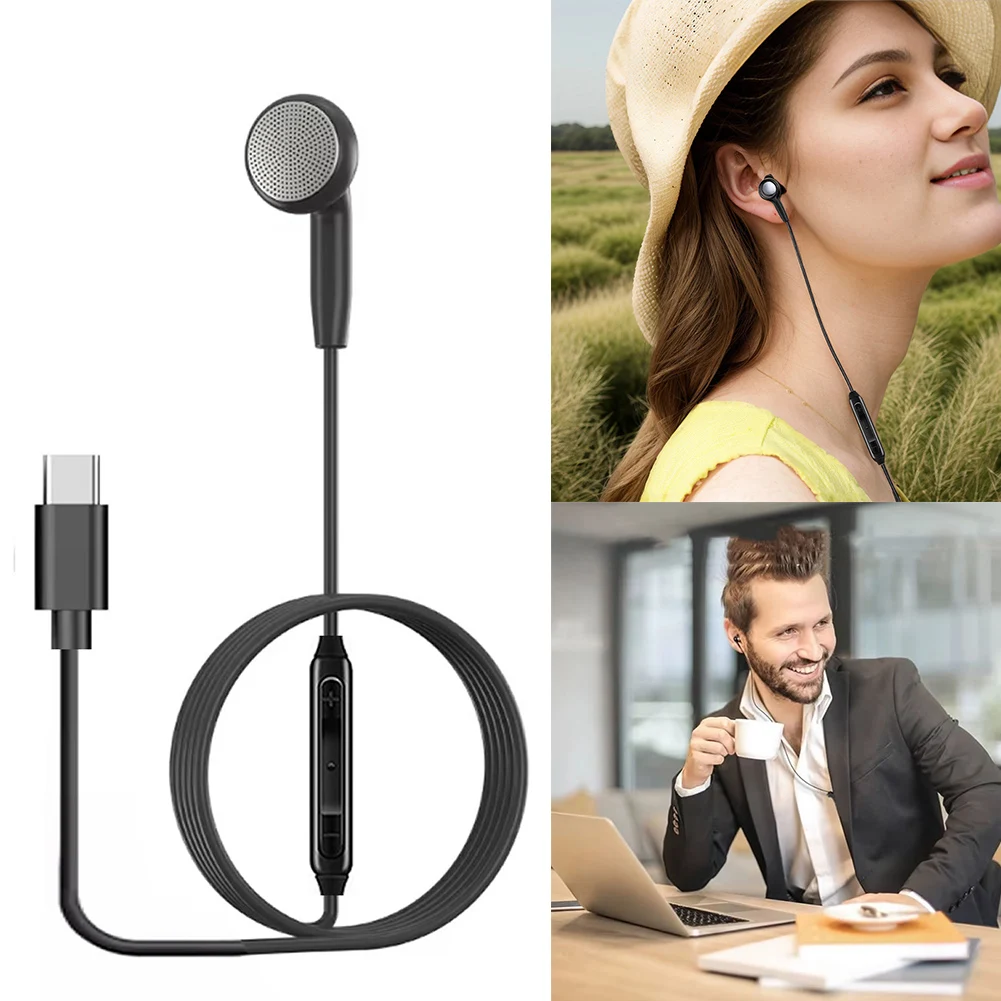



Wireless Carplay Android Auto Adapter Black Mini Dongle
$26.35
$52.72

Portable Rechargeable Radio with HD Display for Elder
$13.51
$25.03




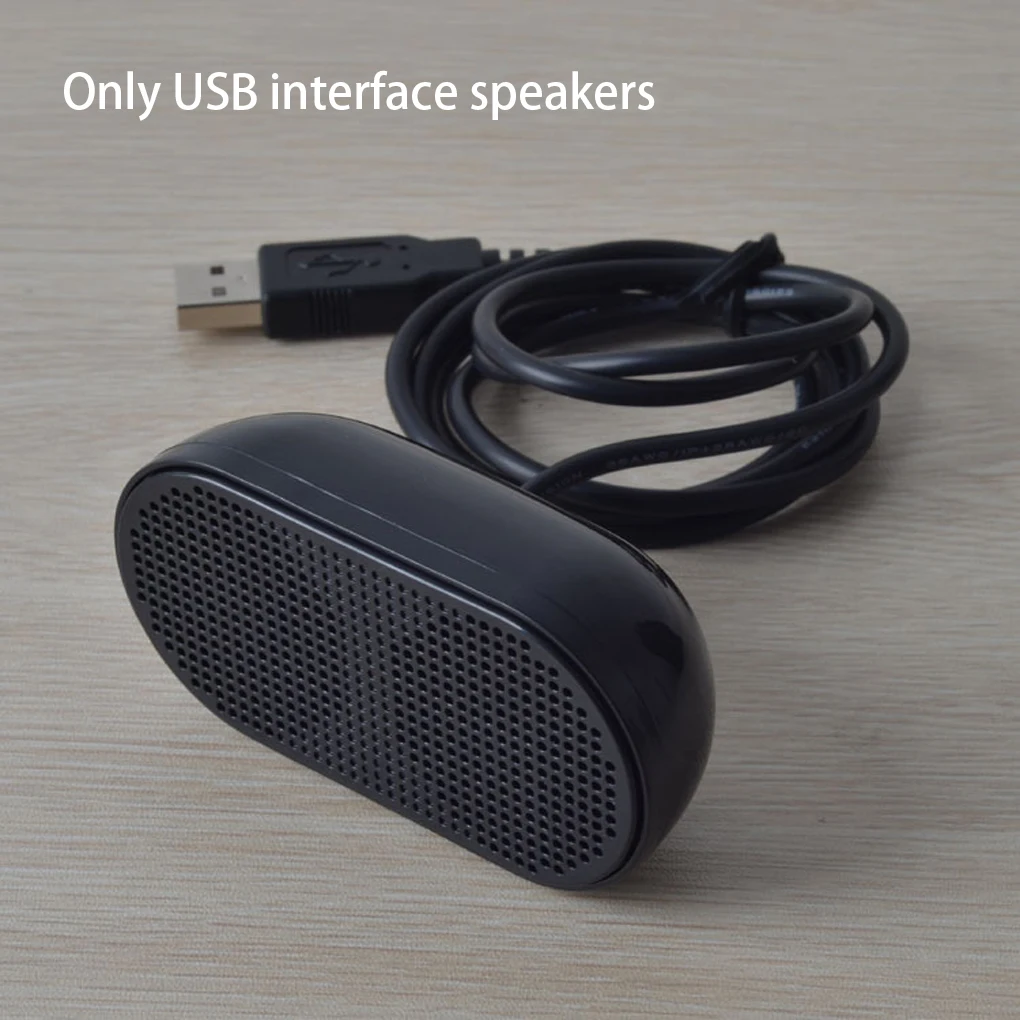


Portable Plastic USB Laptop Speaker Black
$14.26
$27.02
Black Plastic USB Mini Speaker for Computers
$15.4
$31.13


Portable Smart Scanner Translator Pen for 142 Languages
$67.66
$133.3


Rechargeable Digital Voice Recorder Aluminum Alloy Black
$78.26
$154.52


