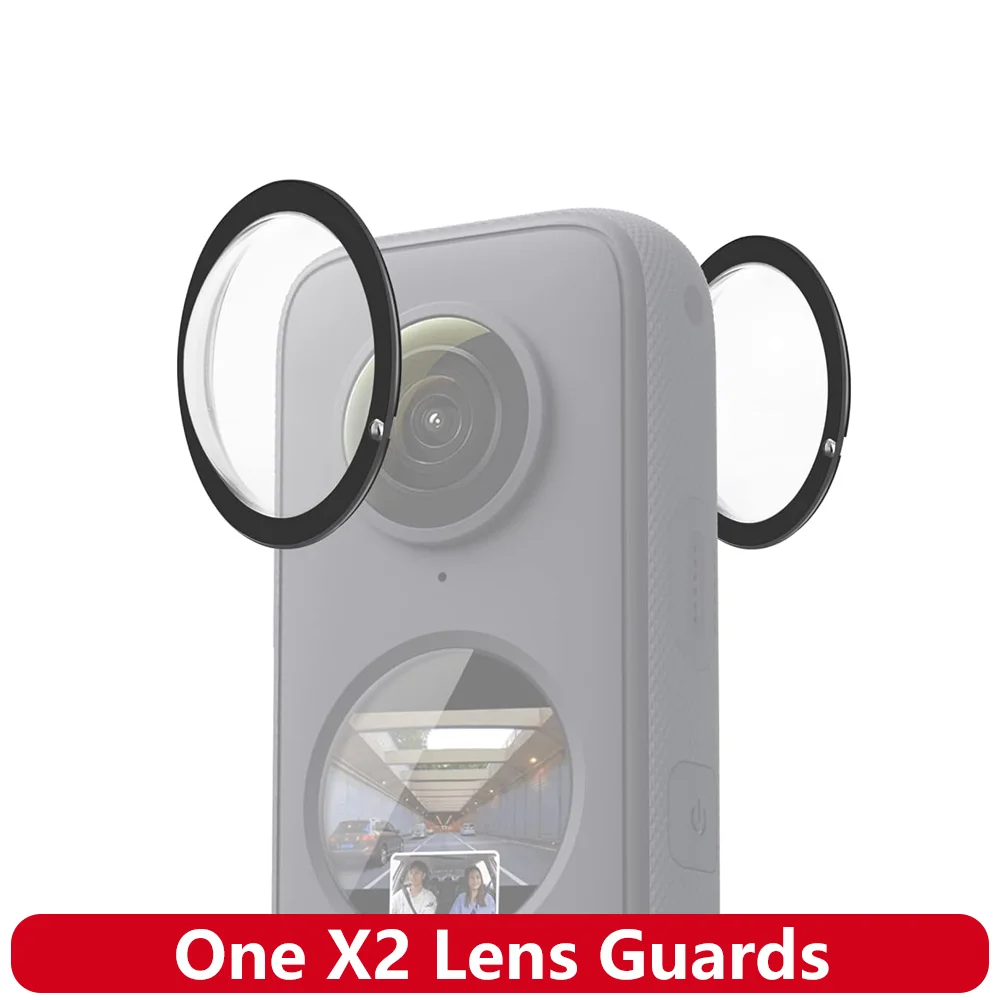
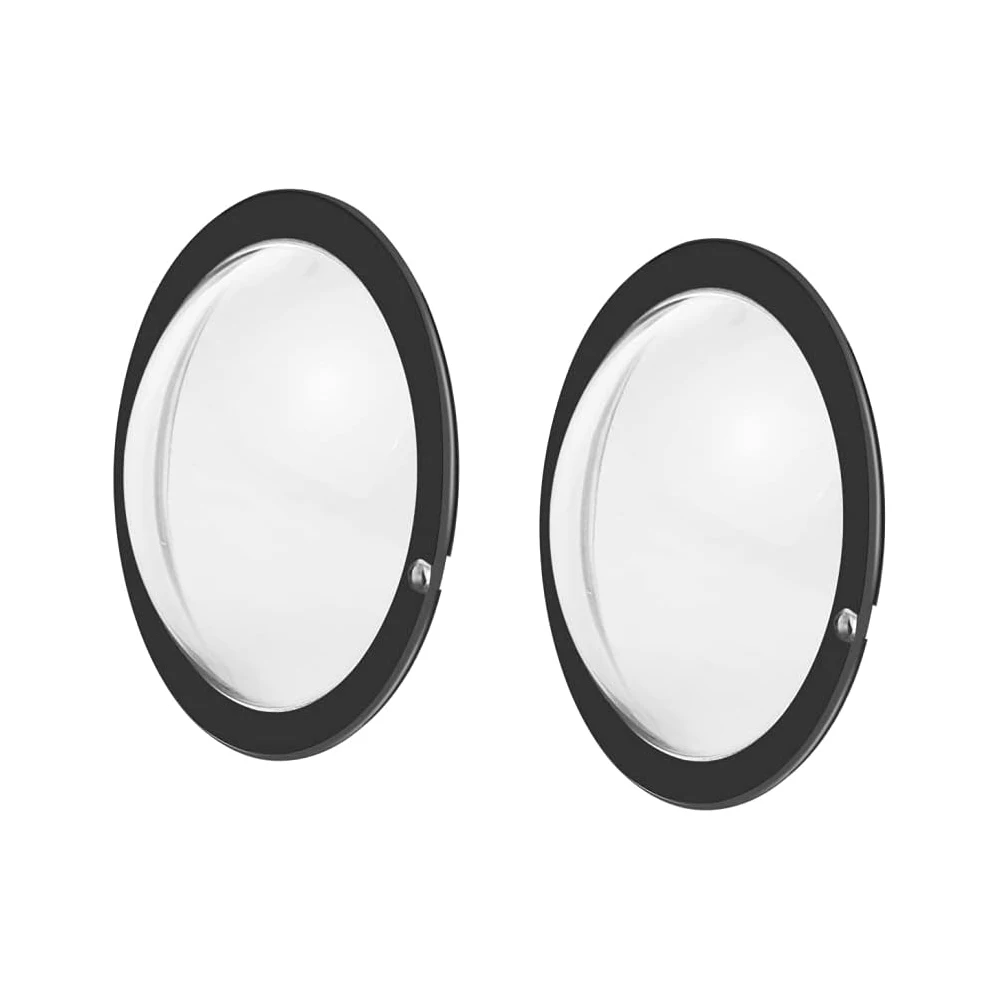
One X2 Lens Guards PC Protective Cover Lens Cap Protector Case for Insta360 One X2 Action Camera Accessories
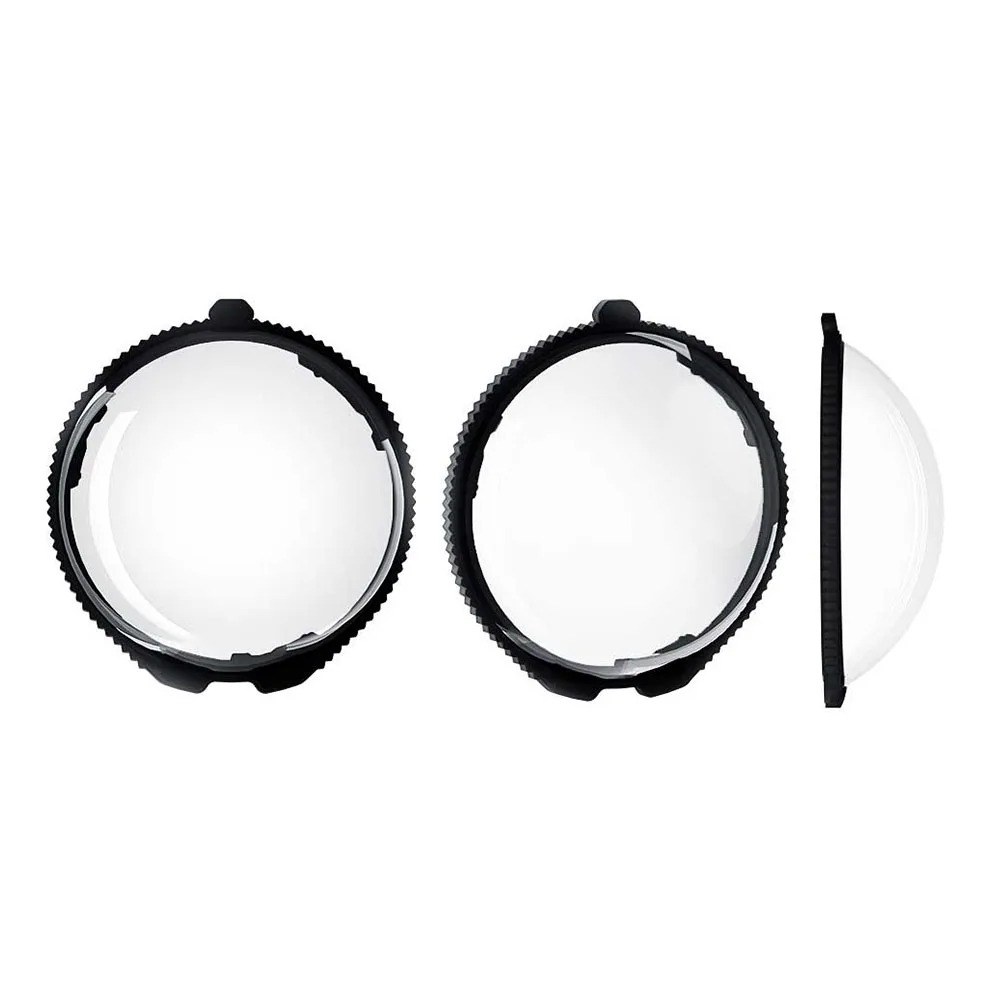
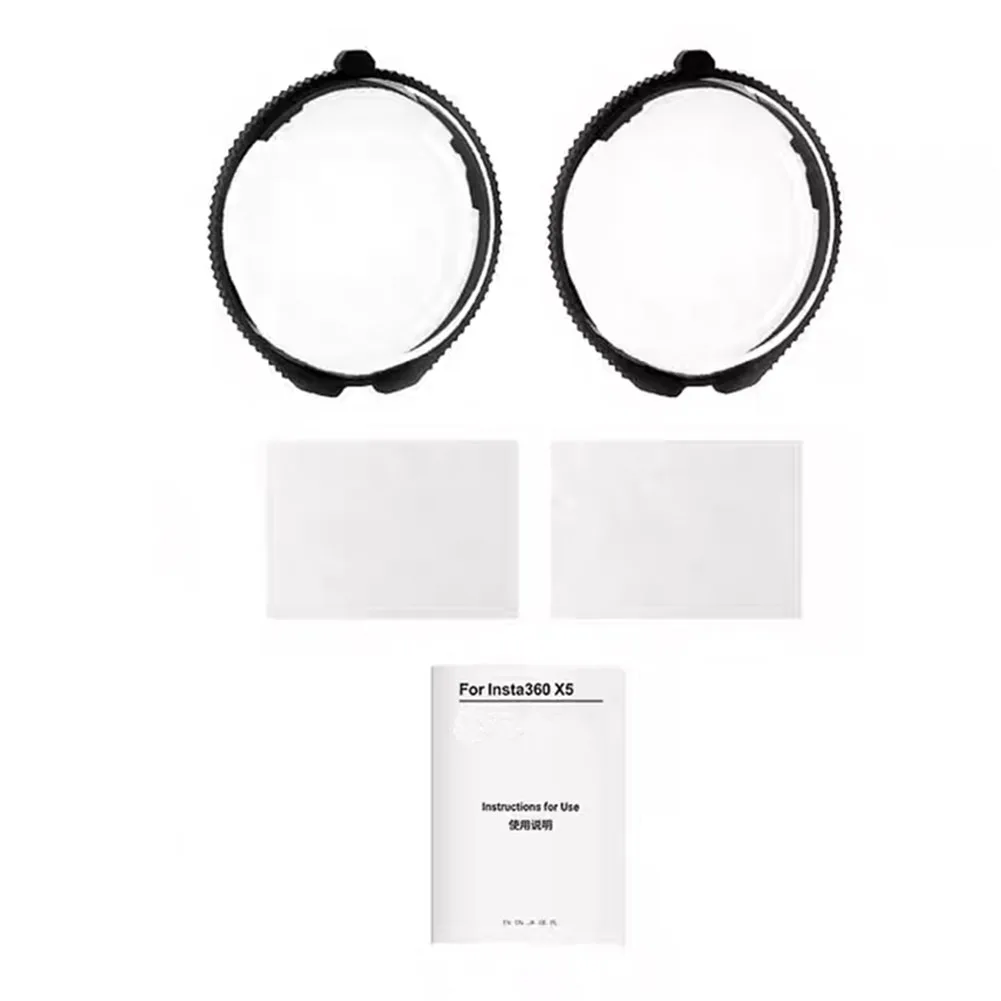
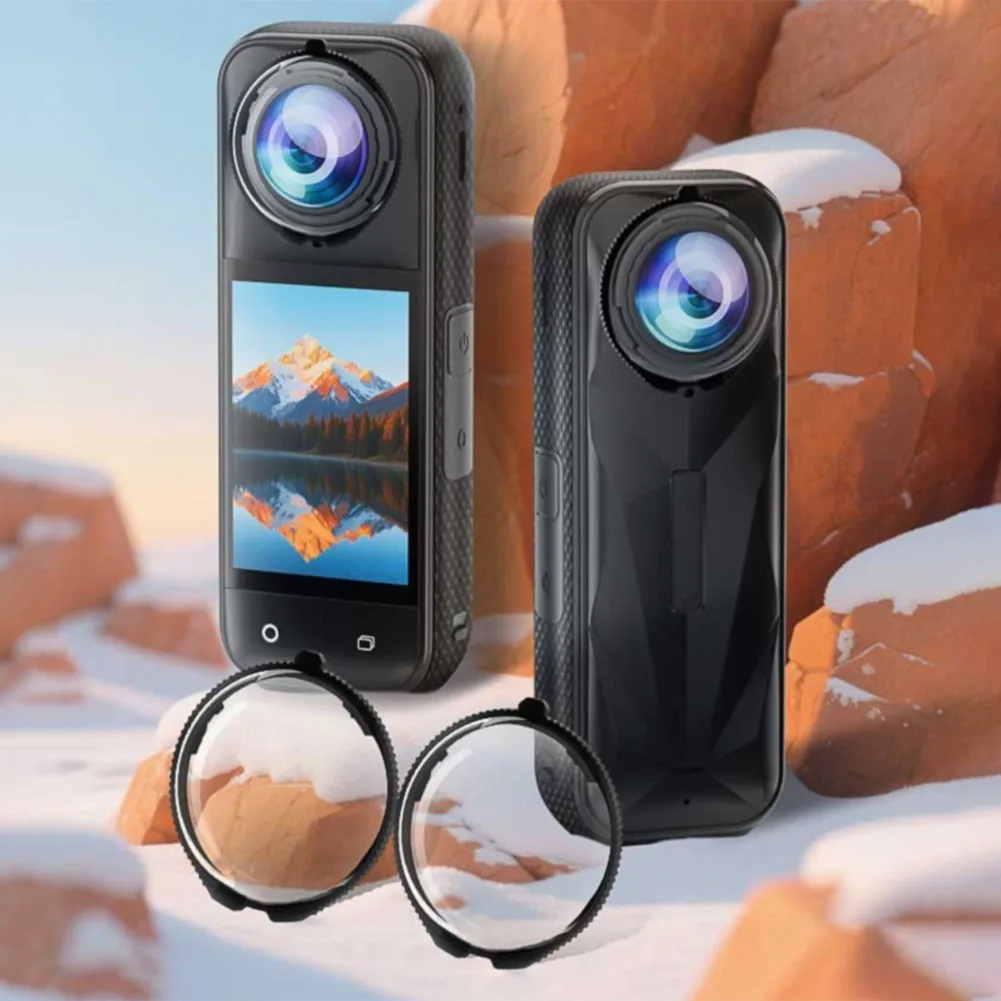
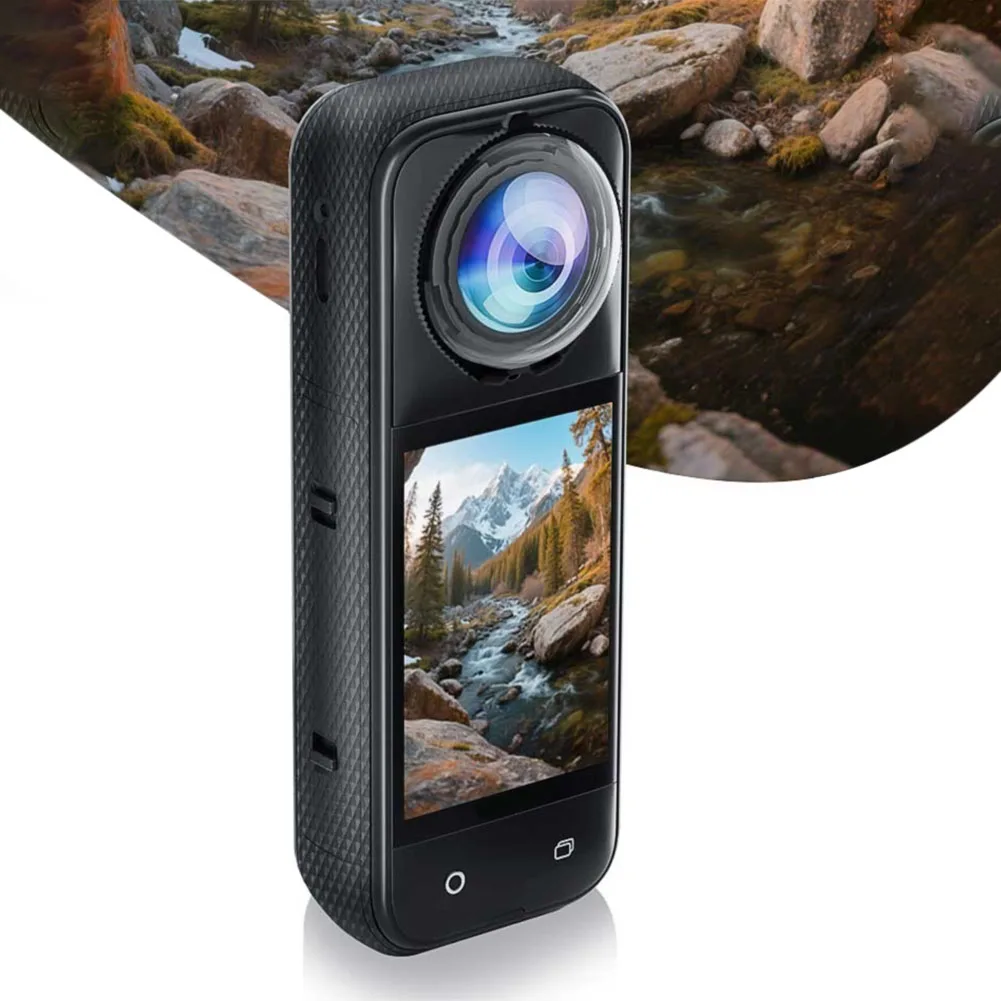
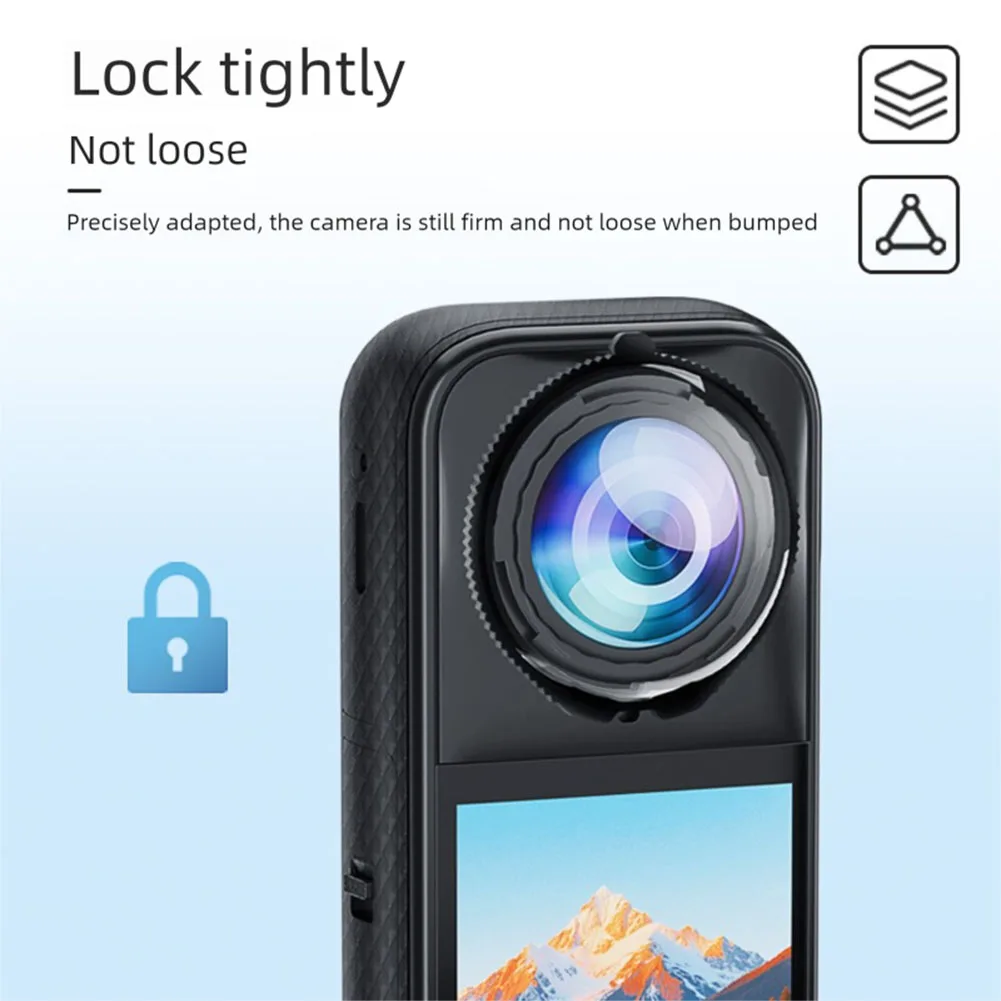
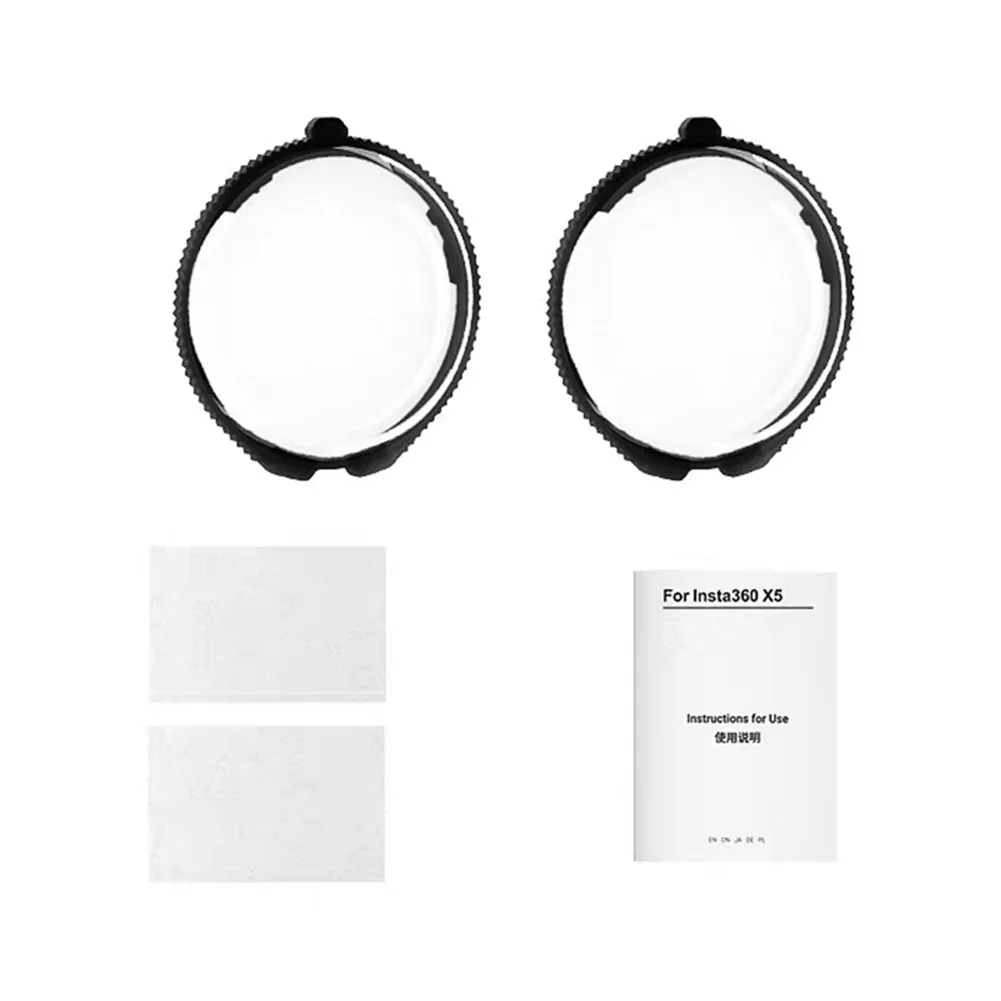
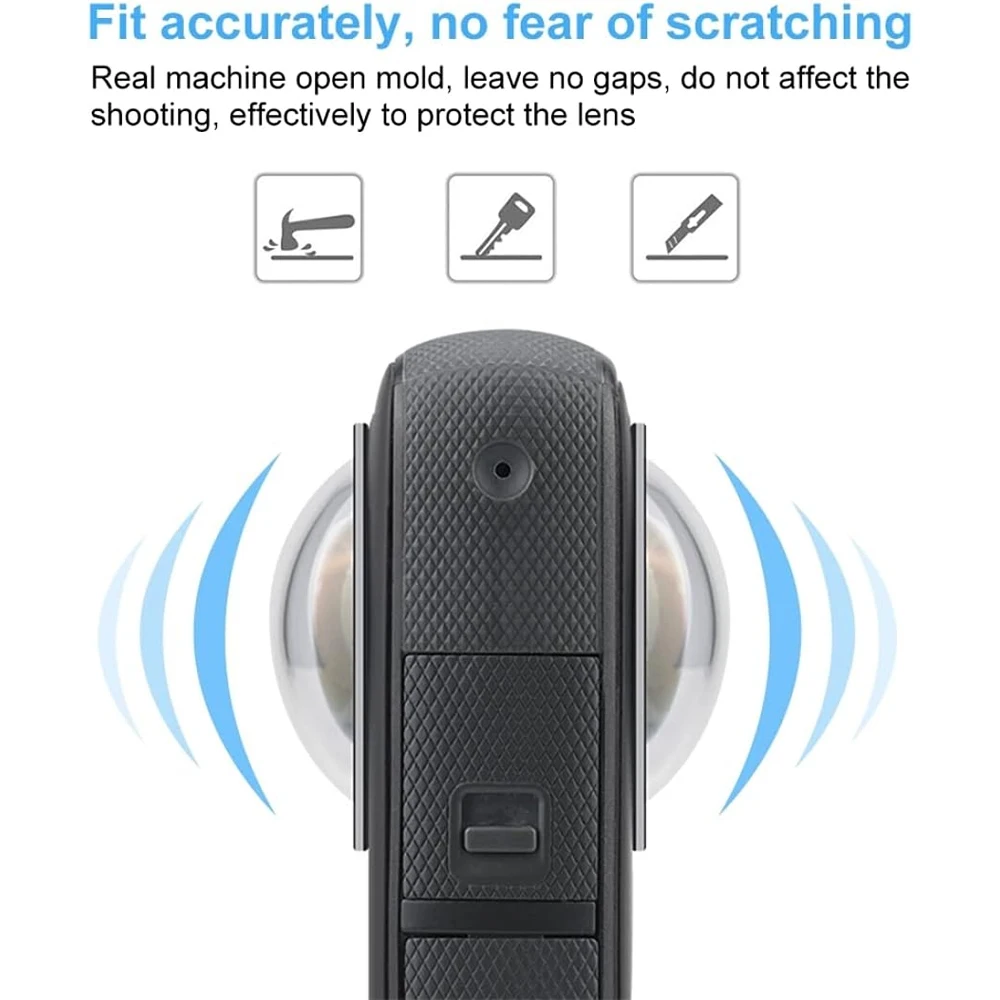
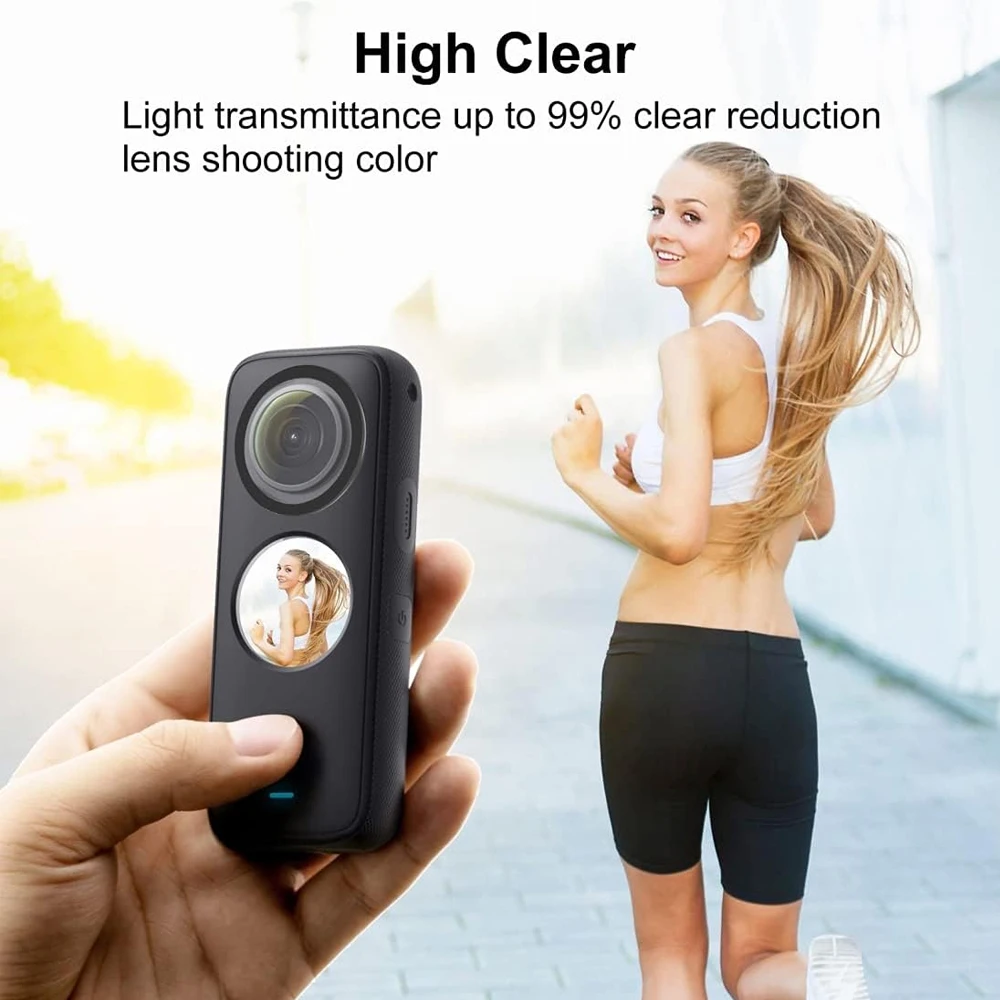
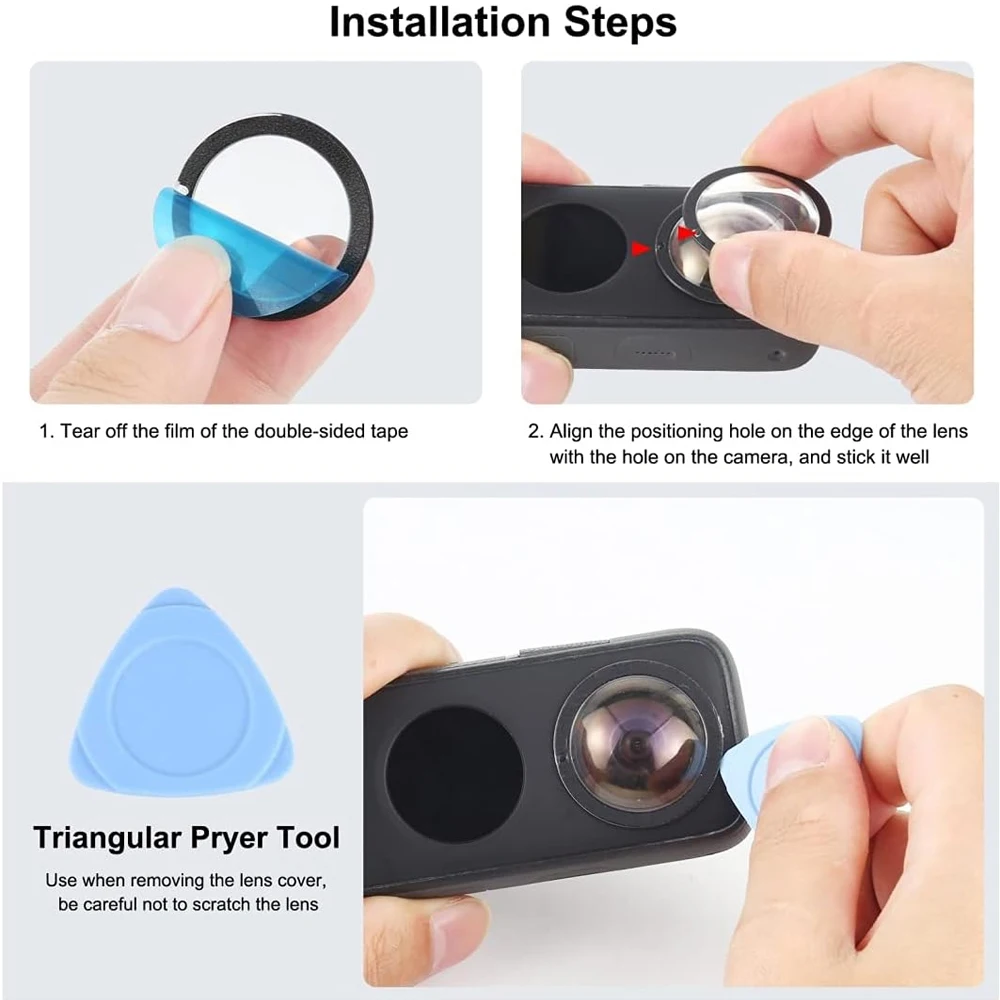
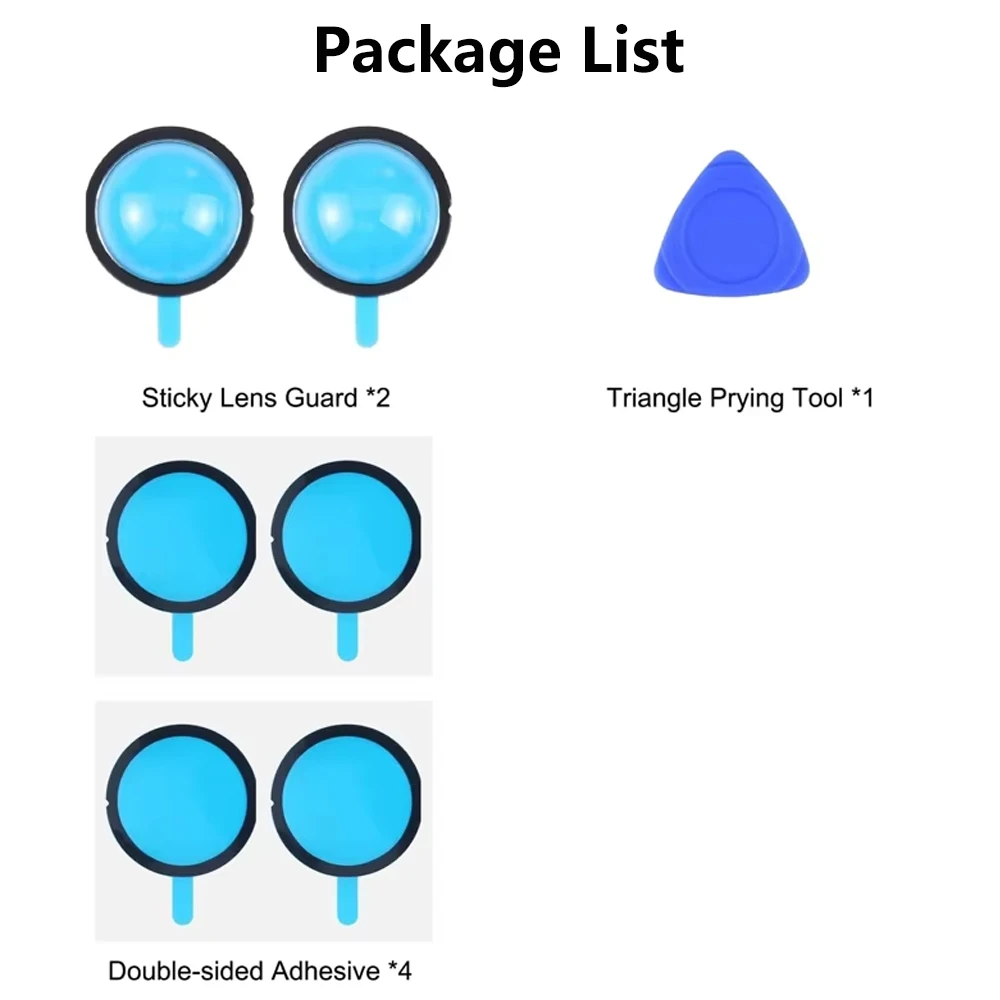
<div class="detailmodule_text"><p style="font-family:OpenSans;font-size:20px;font-weight:900;line-height:28px;white-space:pre-wrap;color:rgb(0, 0, 0);margin-bottom:12px" class="detail-desc-decorate-title">One X2 Lens Guards PC Protective Cover Lens Cap Protector Case for Insta360 One X2 Action Camera Accessories</p></div><div class="detailmodule_text"><p style="font-family:OpenSans;font-size:20px;font-weight:900;line-height:28px;white-space:pre-wrap;color:rgb(0, 0, 0);margin-bottom:12px" class="detail-desc-decorate-title">Features:</p><p style="font-family:OpenSans;font-size:14px;font-weight:300;line-height:20px;white-space:pre-wrap;color:rgb(0, 0, 0);margin-bottom:12px" class="detail-desc-decorate-content">Professional Lens Protective Cover: Water proof; anti-oil; anti-dust and anti-collision; it prevents your action camera lens from scratches and shocks.<br/><br/>High Light Transmittance: Made of high light transmission and corrosion resistance PC; High light transmittance; it does not impact the shooting effect; lightweight and compact design adds minimal burden to your action camera.<br/><br/>Not for Underwater Shooting: The lens guards for Insta360 ONE X2 are splash-proof; but are not designed for underwater use; Use the Dive Case for underwater shooting instead.</p></div><div class="detailmodule_text"><p style="font-family:OpenSans;font-size:20px;font-weight:900;line-height:28px;white-space:pre-wrap;color:rgb(0, 0, 0);margin-bottom:12px" class="detail-desc-decorate-title">Note:</p><p style="font-family:OpenSans;font-size:14px;font-weight:300;line-height:20px;white-space:pre-wrap;color:rgb(0, 0, 0);margin-bottom:12px" class="detail-desc-decorate-content">Note 1: Before use; make sure lenses for Insta360 ONE X2 are clean and dry; Upon removing the lens guards for Insta360 ONE X2; apply new adhesives before placing back on your ONE X2.<br/><br/>Note 2: As the protective lens accessories are convex; there is a common problem of stitching seams in the middle of the video; you can try to download the official APP and try to use the pigment elimination function inside to deal with this problem.</p></div><div class="detailmodule_text"><p style="font-family:OpenSans;font-size:20px;font-weight:900;line-height:28px;white-space:pre-wrap;color:rgb(0, 0, 0);margin-bottom:12px" class="detail-desc-decorate-title">Compatible with:</p><p style="font-family:OpenSans;font-size:14px;font-weight:300;line-height:20px;white-space:pre-wrap;color:rgb(0, 0, 0);margin-bottom:12px" class="detail-desc-decorate-content">* Insta360 one X2<br/><br/>Note: This camera is not included.</p></div><div class="detailmodule_image"></div><p><br/></p>
$14.69
$8.345
- Category : Consumer Electronics
- Brand : exskof_store EXSKOF Store
Colors
Sizes
-
+

<div class="detailmodule_text"><p style="font-family:OpenSans;font-size:20px;font-weight:900;line-height:28px;white-space:pre-wrap;color:rgb(0, 0, 0);margin-bottom:12px" class="detail-desc-decorate-title">One X2 Lens Guards PC Protective Cover Lens Cap Protector Case for Insta360 One X2 Action Camera Accessories</p></div><div class="detailmodule_text"><p style="font-family:OpenSans;font-size:20px;font-weight:900;line-height:28px;white-space:pre-wrap;color:rgb(0, 0, 0);margin-bottom:12px" class="detail-desc-decorate-title">Features:</p><p style="font-family:OpenSans;font-size:14px;font-weight:300;line-height:20px;white-space:pre-wrap;color:rgb(0, 0, 0);margin-bottom:12px" class="detail-desc-decorate-content">Professional Lens Protective Cover: Water proof; anti-oil; anti-dust and anti-collision; it prevents your action camera lens from scratches and shocks.<br/><br/>High Light Transmittance: Made of high light transmission and corrosion resistance PC; High light transmittance; it does not impact the shooting effect; lightweight and compact design adds minimal burden to your action camera.<br/><br/>Not for Underwater Shooting: The lens guards for Insta360 ONE X2 are splash-proof; but are not designed for underwater use; Use the Dive Case for underwater shooting instead.</p></div><div class="detailmodule_text"><p style="font-family:OpenSans;font-size:20px;font-weight:900;line-height:28px;white-space:pre-wrap;color:rgb(0, 0, 0);margin-bottom:12px" class="detail-desc-decorate-title">Note:</p><p style="font-family:OpenSans;font-size:14px;font-weight:300;line-height:20px;white-space:pre-wrap;color:rgb(0, 0, 0);margin-bottom:12px" class="detail-desc-decorate-content">Note 1: Before use; make sure lenses for Insta360 ONE X2 are clean and dry; Upon removing the lens guards for Insta360 ONE X2; apply new adhesives before placing back on your ONE X2.<br/><br/>Note 2: As the protective lens accessories are convex; there is a common problem of stitching seams in the middle of the video; you can try to download the official APP and try to use the pigment elimination function inside to deal with this problem.</p></div><div class="detailmodule_text"><p style="font-family:OpenSans;font-size:20px;font-weight:900;line-height:28px;white-space:pre-wrap;color:rgb(0, 0, 0);margin-bottom:12px" class="detail-desc-decorate-title">Compatible with:</p><p style="font-family:OpenSans;font-size:14px;font-weight:300;line-height:20px;white-space:pre-wrap;color:rgb(0, 0, 0);margin-bottom:12px" class="detail-desc-decorate-content">* Insta360 one X2<br/><br/>Note: This camera is not included.</p></div><div class="detailmodule_image"></div><p><br/></p>
Related Product
Browse The Collection of Top Products.