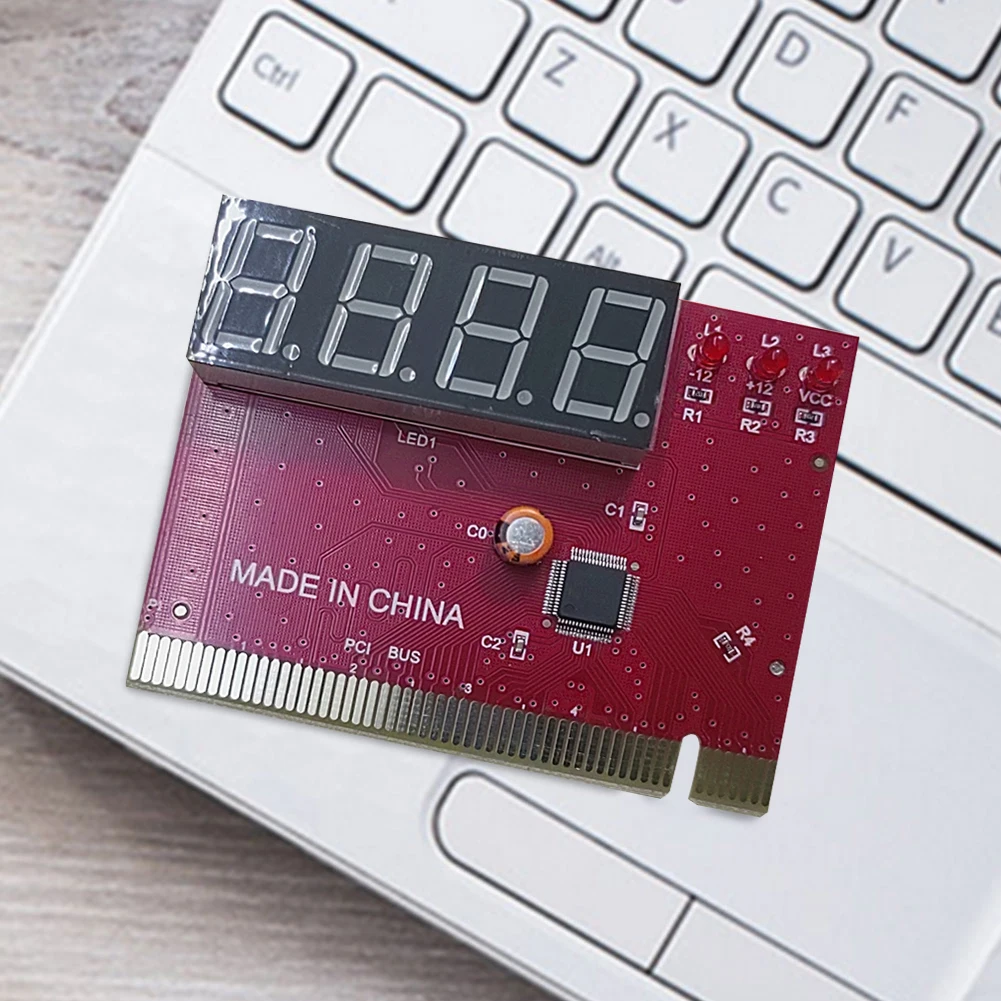
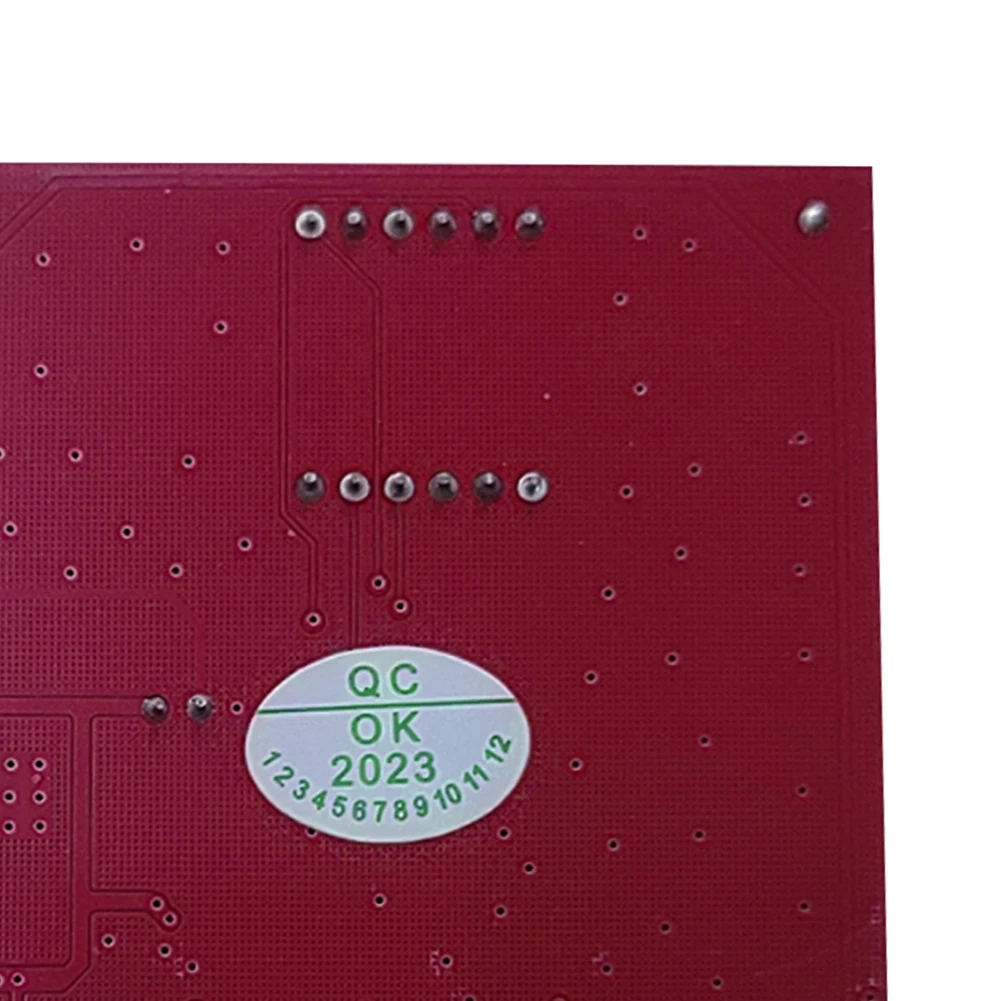
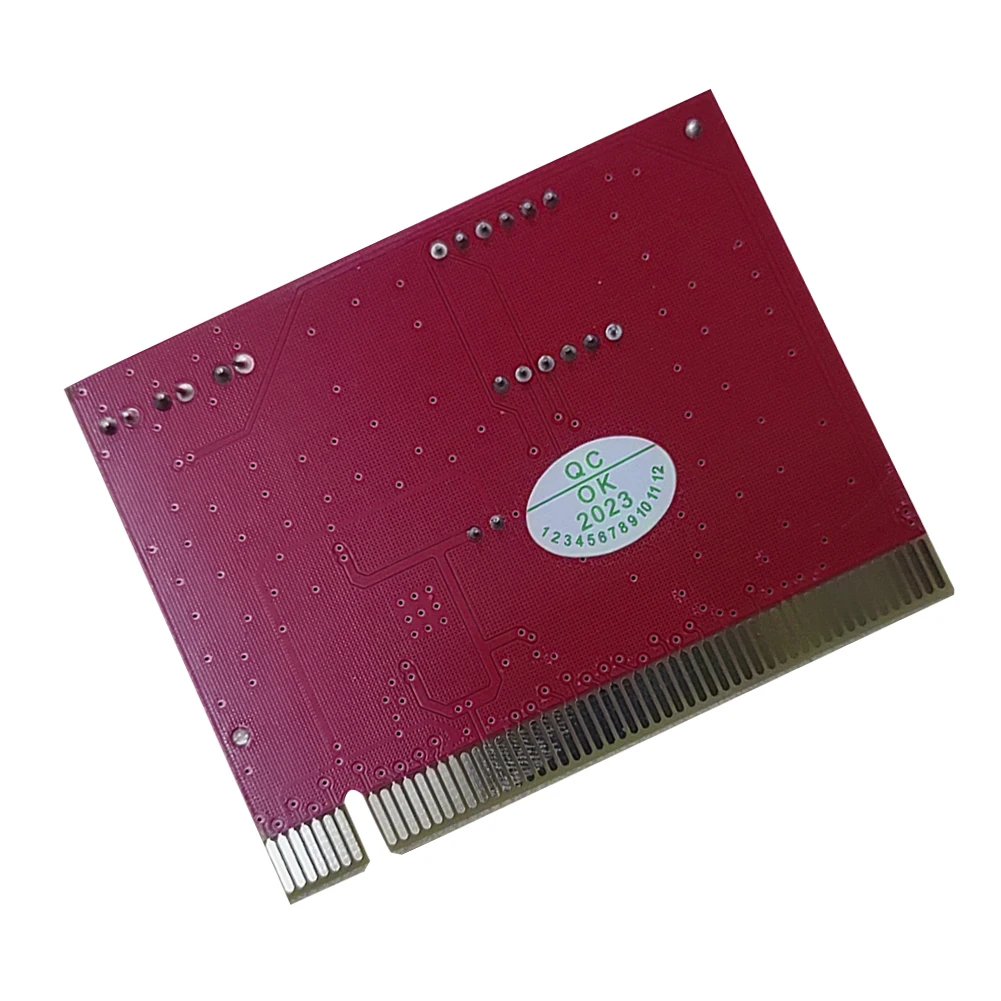
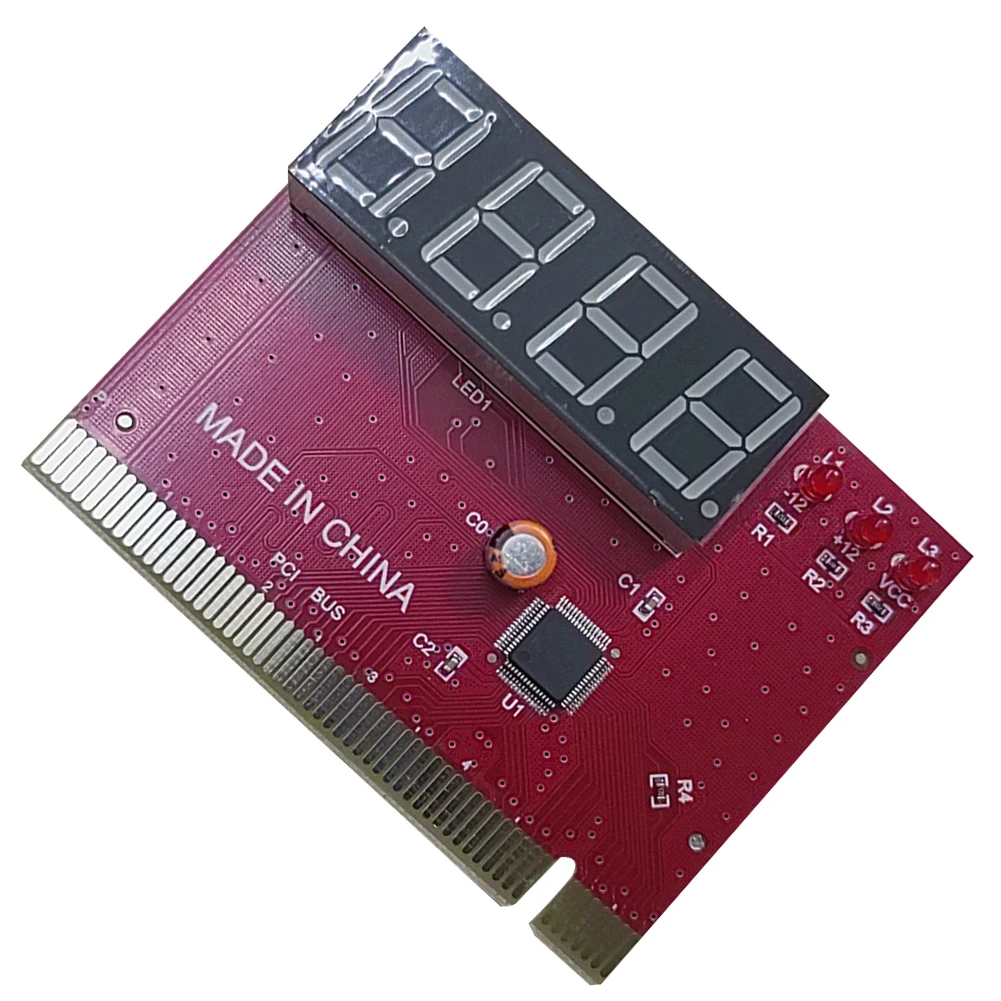
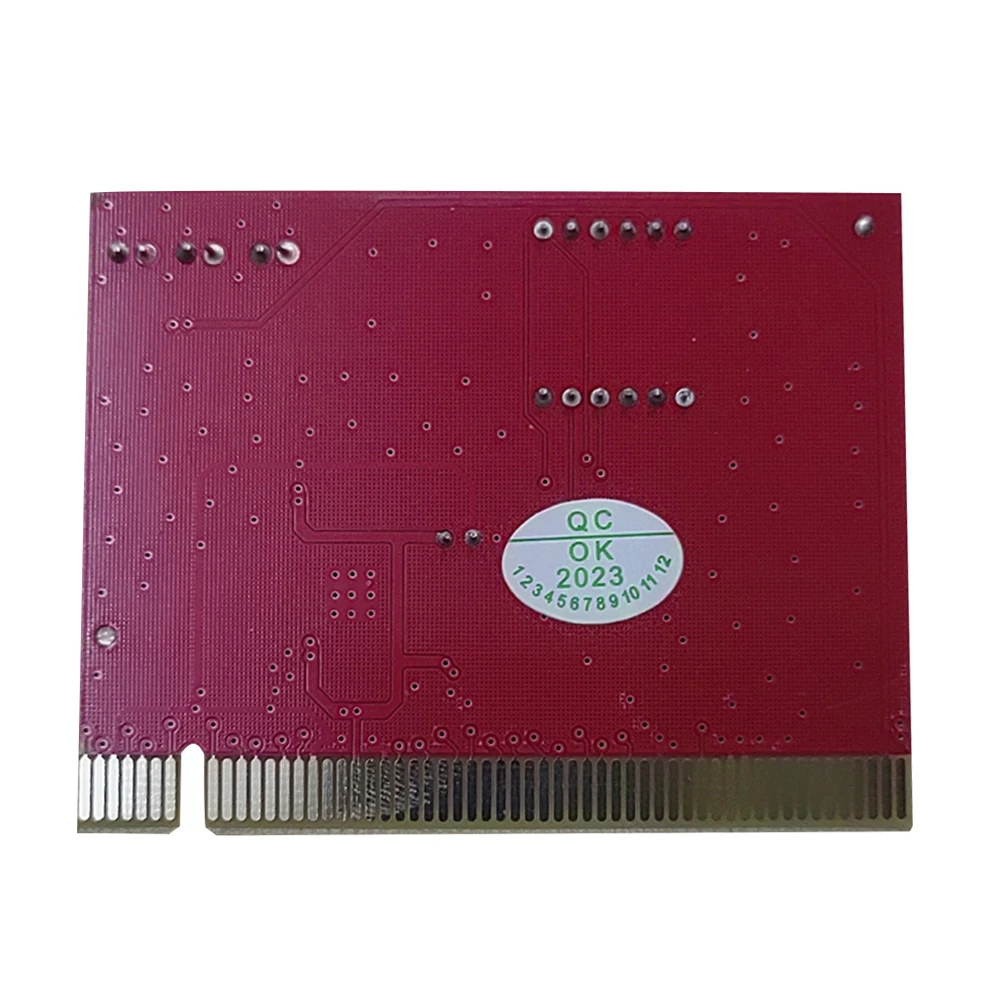
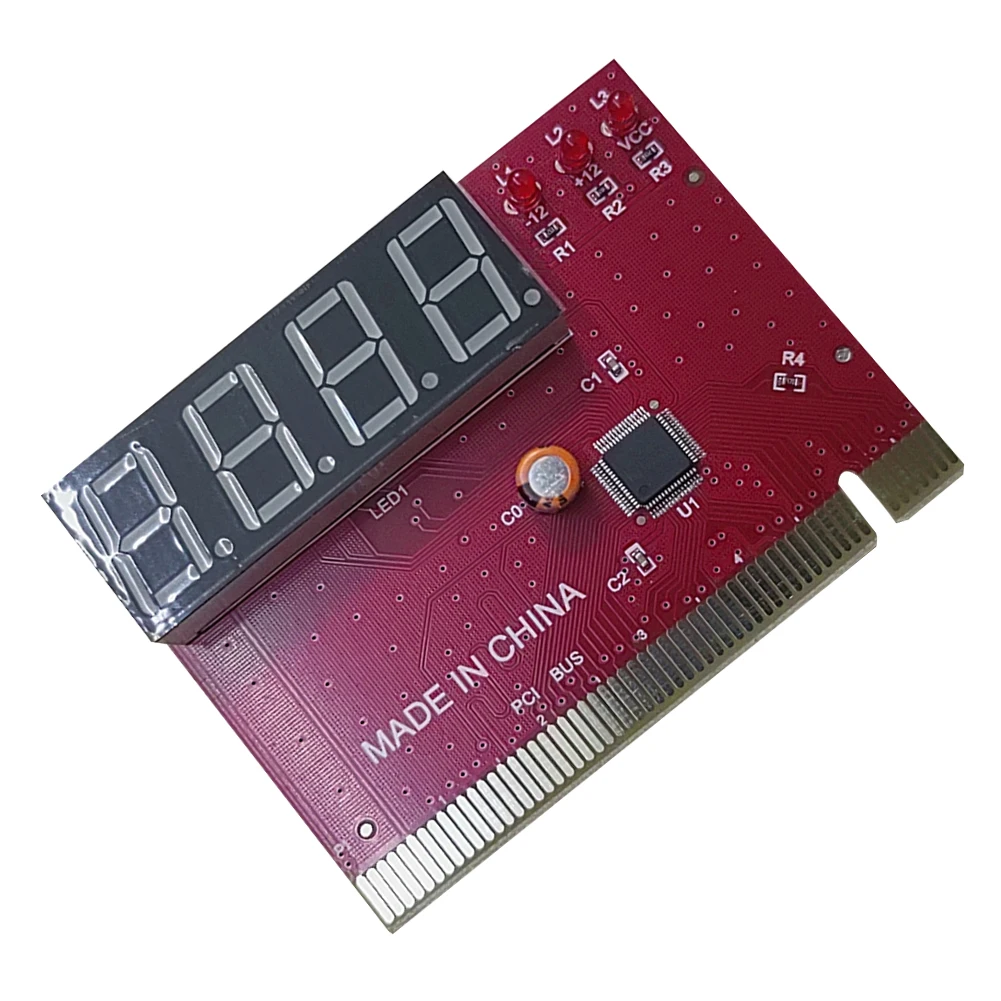
PC 4-digit Code Mainboard Motherboard Diagnostic Analyzer Tester PCI Card
<div class="detailmodule_html"><div class="detail-desc-decorate-richtext"><p>
<span style="font-family:"background-color:#FFFFFF;"> <span style="font-family:"background-color:#FFFFFF;"><div style="font-size: 28px; font-family: tahoma, geneva, sans-serif; font-weight: bold; padding: 2px 2px;">
<kse:widget data-widget-type="customText" id="1005000018941212" title="双十一" type="custom"></kse:widget>
</div></span>
<table class="ke-zeroborder" width="100%" cellspacing="0" cellpadding="0" border="0">
<tbody>
<tr>
<td>
<table class="ke-zeroborder" width="100%" cellspacing="0" cellpadding="0" border="0" style="font-family:"">
<tbody>
<tr>
<td>
<p>
<br />
</p>
<p>
<br />
</p>
</td>
</tr>
</tbody>
</table>
</td>
</tr>
</tbody>
</table>
<table class="ke-zeroborder" width="100%" cellspacing="0" cellpadding="0" border="0">
<tbody>
<tr>
<td>
<table class="ke-zeroborder" width="100%" cellspacing="0" cellpadding="0" border="0" style="font-family:"">
<tbody>
<tr>
<td>
<p>
<br />
</p>
</td>
</tr>
</tbody>
</table>
</td>
</tr>
</tbody>
</table>
</span>
</p>
<p>
</p>
<div>
<div style="padding:15px;border:1px solid #AEAEAE;">
100% Brand new and high quality<br />
Be used to test motherboard problems <br />
8 LEDs indication, easy to read LED Display on the Display, LED displays show diagnosis result of motherboard. Especially helpful to pinpoint the problem when power on the computer and find no display or machine hangs up <br />
Diagnosis the motherboard signal which show the problem of CPU, Memory, video card, etc <br />
The POST code display is made up of a dual, dot matrix hexadecimal read-out that display's Power On Self Test (POST) status codes <br />
Support the power source working indicator -- +5V, +12V, +3.3V and -12V (When indicator LED is on to indicate its respective power is fine, otherwise to indicate its respective power is failure.) <br />
Fully compatible with any kind motherboards which has the PCI and ISA bus slot <br />
Self checking remote display function <br />
Dual POST code display - User can readout the POST at PCB component and solder side. <br />
It is easy to view the POST code when user plugs the POST card in computer system <br />
Recall previous post codes at the touch of a button <br />
Drastically reduce troubleshooting time <br />
Quick and easy to install into an open PCI or ISA slot of PC motherboard<br />
Product Name: PC Mainboard Analyzer <br />
Interface: PCI <br />
Style: 4 Digits <br />
Color: Red<br />
Overall Dimension: Approx. 7.9cm x 5.8cm x 1cm (L*W*T) <br />
<br />
Packages: <br />
1 x PC Analyzer Card <br />
1 x User Manual <br />
</div>
<br />
<div>
<p>
</p>
</div>
<br />
<div style="text-align:center;">
</div>
<br />
<div style="text-align:center;">
<br />
</div>
<div>
<div style="margin:0px;padding:0px;border:0px;font-family:arial, verdana, sans-serif;vertical-align:baseline;text-align:justify;color:#333333;">
<p>
<strong></strong>
</p>
<p>
<br />
</p>
</div>
</div>
</div></div></div>
$18.86
$9.92
- Category : Computer & Office
- Brand : u_consumer_store U Consumer Store
Colors
Sizes
-
+

<div class="detailmodule_html"><div class="detail-desc-decorate-richtext"><p>
<span style="font-family:"background-color:#FFFFFF;"> <span style="font-family:"background-color:#FFFFFF;"><div style="font-size: 28px; font-family: tahoma, geneva, sans-serif; font-weight: bold; padding: 2px 2px;">
<kse:widget data-widget-type="customText" id="1005000018941212" title="双十一" type="custom"></kse:widget>
</div></span>
<table class="ke-zeroborder" width="100%" cellspacing="0" cellpadding="0" border="0">
<tbody>
<tr>
<td>
<table class="ke-zeroborder" width="100%" cellspacing="0" cellpadding="0" border="0" style="font-family:"">
<tbody>
<tr>
<td>
<p>
<br />
</p>
<p>
<br />
</p>
</td>
</tr>
</tbody>
</table>
</td>
</tr>
</tbody>
</table>
<table class="ke-zeroborder" width="100%" cellspacing="0" cellpadding="0" border="0">
<tbody>
<tr>
<td>
<table class="ke-zeroborder" width="100%" cellspacing="0" cellpadding="0" border="0" style="font-family:"">
<tbody>
<tr>
<td>
<p>
<br />
</p>
</td>
</tr>
</tbody>
</table>
</td>
</tr>
</tbody>
</table>
</span>
</p>
<p>
</p>
<div>
<div style="padding:15px;border:1px solid #AEAEAE;">
100% Brand new and high quality<br />
Be used to test motherboard problems <br />
8 LEDs indication, easy to read LED Display on the Display, LED displays show diagnosis result of motherboard. Especially helpful to pinpoint the problem when power on the computer and find no display or machine hangs up <br />
Diagnosis the motherboard signal which show the problem of CPU, Memory, video card, etc <br />
The POST code display is made up of a dual, dot matrix hexadecimal read-out that display's Power On Self Test (POST) status codes <br />
Support the power source working indicator -- +5V, +12V, +3.3V and -12V (When indicator LED is on to indicate its respective power is fine, otherwise to indicate its respective power is failure.) <br />
Fully compatible with any kind motherboards which has the PCI and ISA bus slot <br />
Self checking remote display function <br />
Dual POST code display - User can readout the POST at PCB component and solder side. <br />
It is easy to view the POST code when user plugs the POST card in computer system <br />
Recall previous post codes at the touch of a button <br />
Drastically reduce troubleshooting time <br />
Quick and easy to install into an open PCI or ISA slot of PC motherboard<br />
Product Name: PC Mainboard Analyzer <br />
Interface: PCI <br />
Style: 4 Digits <br />
Color: Red<br />
Overall Dimension: Approx. 7.9cm x 5.8cm x 1cm (L*W*T) <br />
<br />
Packages: <br />
1 x PC Analyzer Card <br />
1 x User Manual <br />
</div>
<br />
<div>
<p>
</p>
</div>
<br />
<div style="text-align:center;">
</div>
<br />
<div style="text-align:center;">
<br />
</div>
<div>
<div style="margin:0px;padding:0px;border:0px;font-family:arial, verdana, sans-serif;vertical-align:baseline;text-align:justify;color:#333333;">
<p>
<strong></strong>
</p>
<p>
<br />
</p>
</div>
</div>
</div></div></div>
Related Product
Browse The Collection of Top Products.